AI Halloween Video Generator
Turn a photo or idea into a Halloween costume reveal, a cheerful greeting, or a spooky party invitation video to share. Start with a clear photo or a prompt. Generation options and credits vary by account; add exact invitation details during final editing.
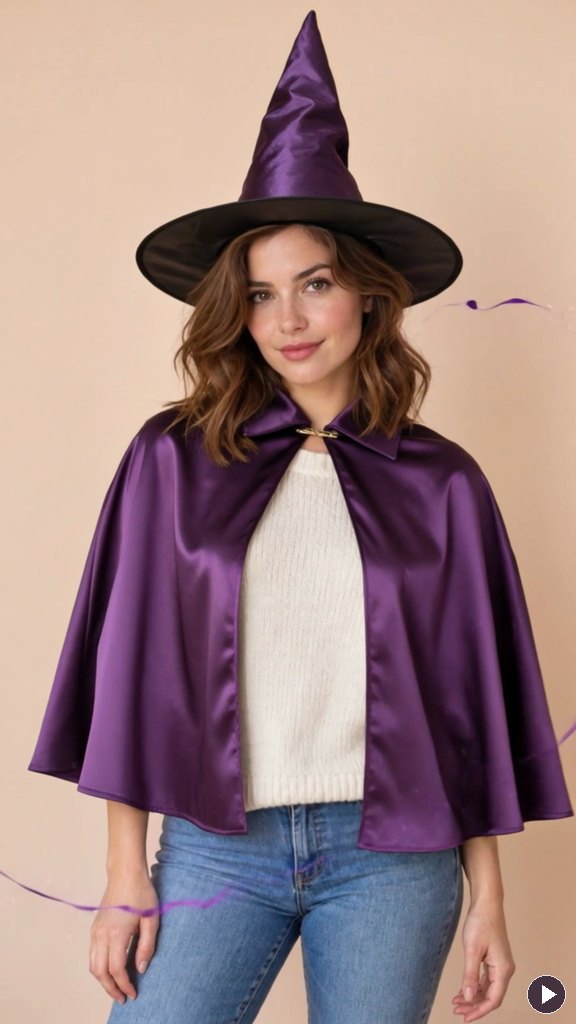
Turn Your Photo into a Halloween Transformation
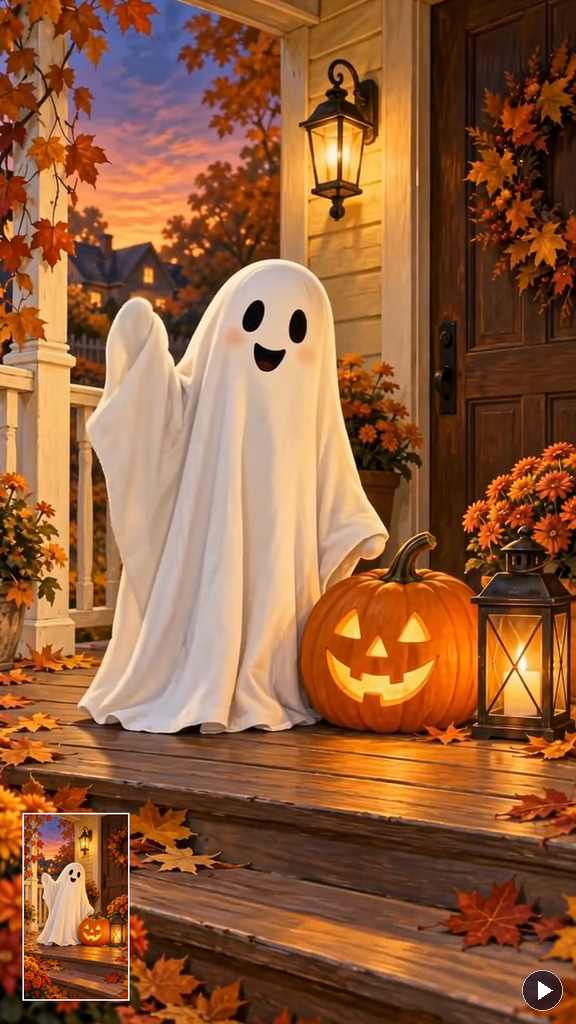
Send a Halloween Greeting That Moves
How to Make a Halloween Video from a Photo or Idea
Step 1: Start with Your Photo or Idea
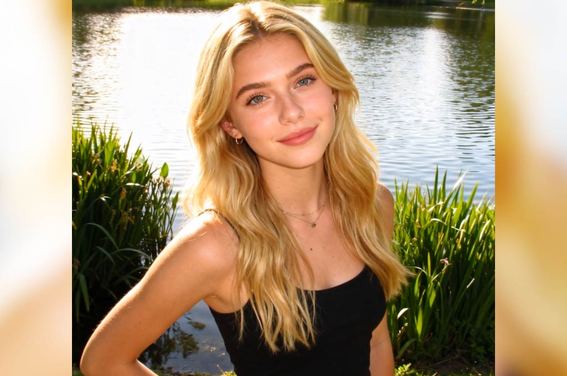
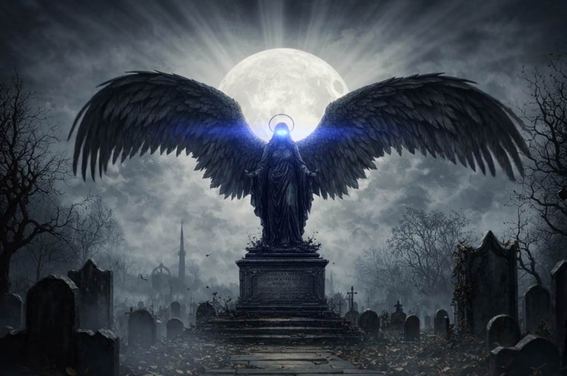
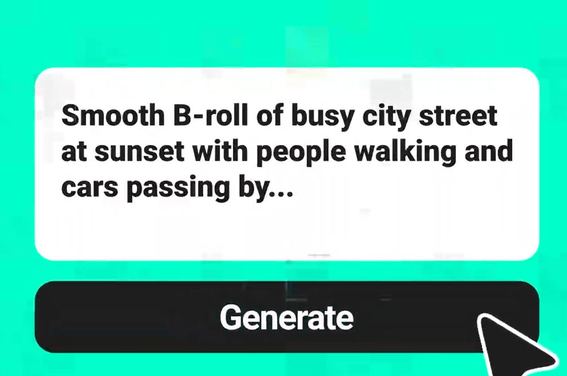
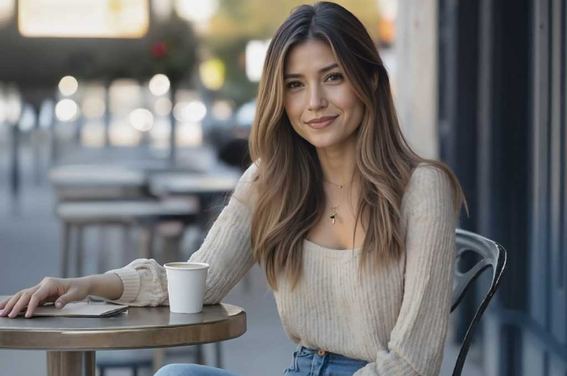
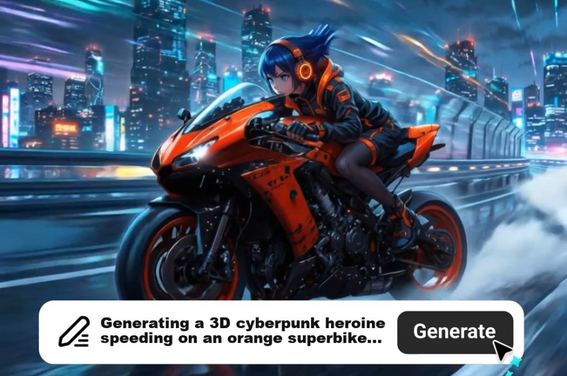
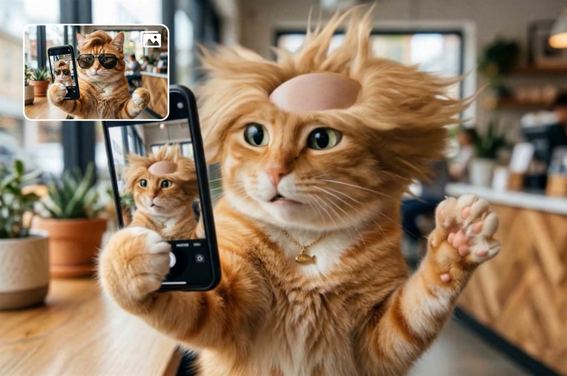
Upload a clear portrait for a costume reveal, a character image for a greeting, or a decorated scene for an invitation. You can also describe a new scene. The four presets above provide editable starting prompts.
Step 2: Describe the Halloween Moment
Choose one main action: a costume appears, a ghost waves, or mist drifts past a party doorway. Describe the mood, camera movement, and sound you want. For a ready-made transformation, use a card in the effect collection.
Step 3: Generate and Review Your Video
Check the available settings and credit requirements, then generate your clip. Review the face, costume, motion, and audio. If something looks wrong, simplify the action or adjust the prompt before trying another version.
Step 4: Personalize and Share
Download your preferred clip, then add a greeting, captions, or exact party details in a video editor. Check names, dates, locations, and sound before sending the finished video to friends or posting it on social media.
What Will You Make for Halloween?
Make a photo reveal, a personal greeting, a party invitation, or a short clip for your October feed.

Your Own Halloween Costume Reveal

Happy Halloween Videos for Friends and Family

Party Invitations Guests Can Play

Costume Reels and TikTok Clips
Why Create Halloween Video Effects with insMind?

Costume Transformations Without a Costume Shoot

Creative Freedom with Photos or Text

An Easier Start with Ready-Made Presets

More Ways to Make Halloween Personal

Halloween Styles Beyond Horror

Browser-Based Creation, No Installation
FAQs About insMind Halloween Video Generator
How do I make a Halloween video from my photo?


Can I turn myself into a Halloween character?
Can I make a personalized Happy Halloween video?
How do I create a Halloween party invitation video?
Can I make a Halloween video without uploading a photo?
Can my Halloween video include music or sound effects?
Can I use the generator for Reels or a Halloween promotion?
Is the Halloween video generator free to use?