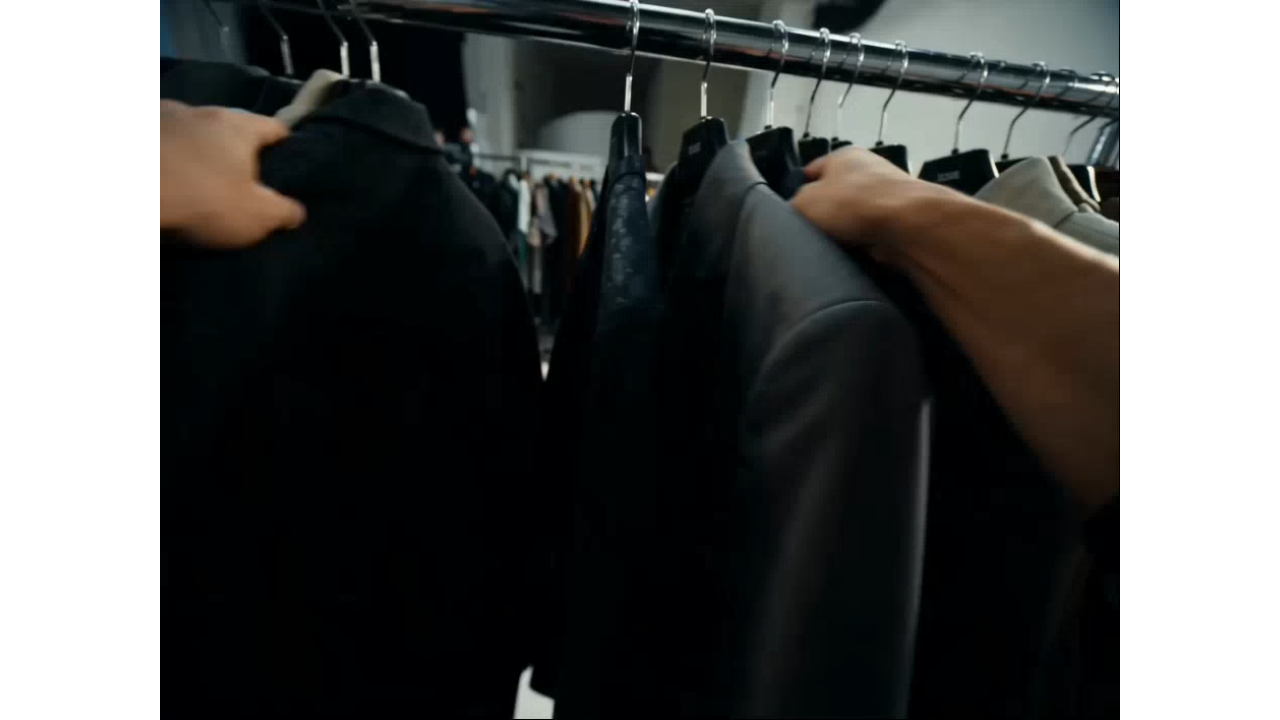
A great fashion video does not always start with a full shoot. Sometimes it starts with one strong outfit photo: a blazer on a model, a dress on a hanger, or a creator's mirror selfie. With insMind, you can turn that static image into a polished try-on clip, walking shot, or fabric-focused reel. If you are still shaping the look, build the visual idea first with the AI clothing generator. Then upload your product image or styled outfit photo and guide the motion with clear notes on the angle, pacing, and fashion story you want to show.

AI Fashion Video Generator
Create fashion AI videos, try-on clips, outfit reels, and product motion videos from prompts or images.
00:00
00:00
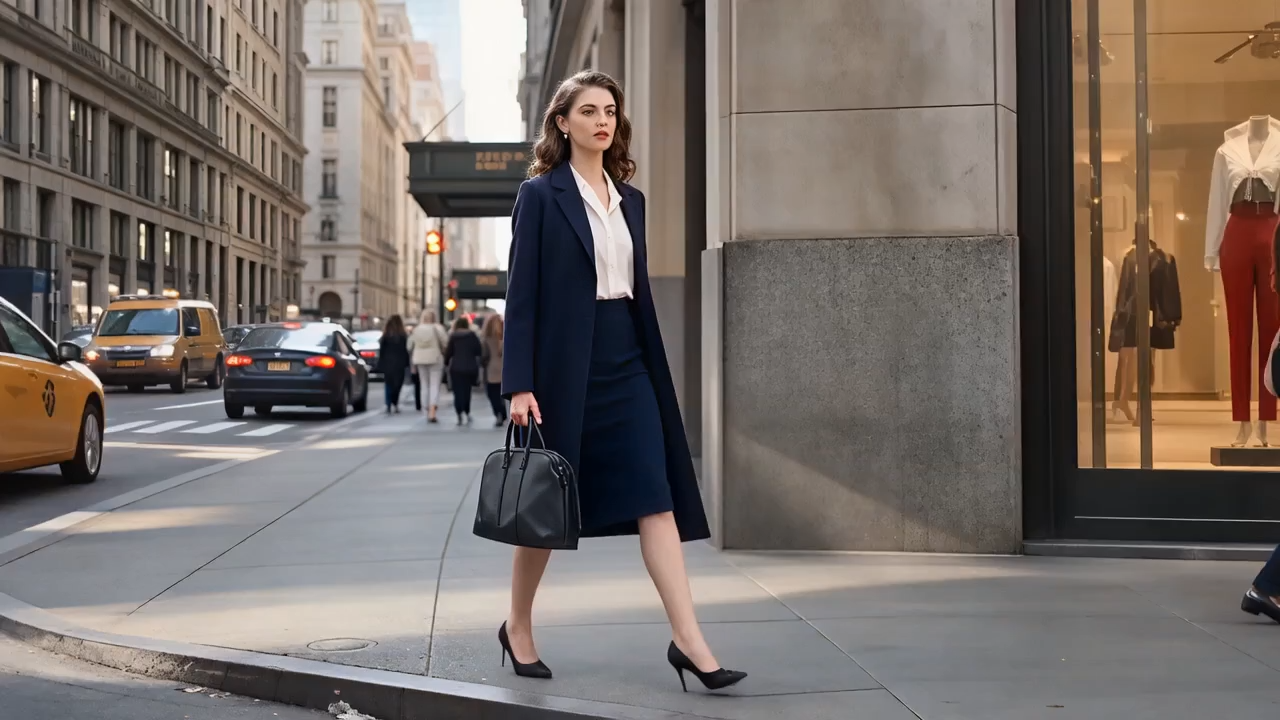
Turn Outfit Photos into Scroll-Stopping Fashion Motion
00:00
00:00
Create Fashion Product Videos from Catalog Shots
A fashion catalog should do more than display a garment. It should help shoppers imagine the whole look: how a blazer works with denim, how a skirt fits into a summer edit, or how one accessory changes the mood of an outfit. With insMind, sellers can upload a product photo, model image, or styled flat lay and turn it into a short fashion video for new drops, lookbook updates, styling posts, and boutique campaigns. If you need a consistent model look across the collection, prepare the catalog image first with the AI Fashion Model generator. Add notes about the collection theme, target customer, color story, camera angle, and outfit moment you want to show, then create motion assets that feel closer to a fashion story than a static product grid.
How to Generate an AI Fashion Video with insMind
Step 1: Set the Video Direction
Open the insMind generation workspace and choose Agent, Image, or Video mode based on your fashion goal. Pick a model that fits the result you want, whether it is a try-on reel, product motion clip, or capsule wardrobe video.
Step 2: Upload a Fashion Image
Upload a product photo, model shot, or styled flat lay as the visual base. Then add a short prompt with the garment type, collection mood, camera angle, and motion you want, such as a slow turn, outfit reveal, or boutique-style product close-up.
Step 3: Bring the Outfit to Life
Set the video length and aspect ratio, then click the generate button in the lower-right corner. insMind will create the fashion video, usually after a short wait.
Step 4: Polish the Final Look
Review the result carefully. Download the video if it is ready, or keep refining in the chat box with details like "make the walk slower," "show more fabric texture," or "switch to a TikTok-style vertical shot."
Why Choose insMind for AI Fashion Videos

Prompt-to-Video Freedom
Create fashion videos from simple ideas, not only uploaded photos. Start with a garment concept, then turn that style direction into motion.

Fashion-First Details
Guide outfit style, fabric movement, accessories, poses, and close-ups while keeping catalog visuals consistent.

Short-Form Ready
Generate vertical clips suited for TikTok, Instagram Reels, and YouTube Shorts when a look needs a short social cut.

Fast Creative Refinement
Keep editing through prompts until the motion, mood, and styling feel right.

Easy Export
Download polished videos for ads, product pages, social posts, or campaign testing.

More Variations
Turn one product or outfit into multiple creative directions.
FAQs About AI Fashion Video Generator
What is an AI fashion video generator?


It is a tool that turns fashion prompts, outfit images, or product photos into short videos showing clothing, styling, motion, and model movement.
Can I use insMind for TikTok Shop or Shopify product videos?
Yes. You can create vertical product clips, try-on videos, fabric-motion shots, and social ads for ecommerce and marketplace use.
Do I need a model photo to start?
No. You can start from a text prompt, or upload an existing outfit, model, or product image for image-to-video generation.
What fashion videos can I create?
Try-on clips, outfit transitions, lookbook videos, product close-ups, fabric motion showcases, capsule wardrobe reels, and short-form campaign videos.
Can I refine the generated video?
Yes. After generation, you can adjust the result by adding more prompt instructions, changing motion, or refining style details.
Can I create fashion AI videos for social media?
Yes. Use a vertical ratio and describe the opening hook, outfit movement, camera style, and final pose for TikTok, Reels, and Shorts.
Can I make videos from ecommerce product photos?
Yes. Upload a clean product or model image, then describe how the garment should move, turn, or reveal details in the final video.
Is it useful for small fashion brands?
Yes. It helps small teams test video ideas, create product motion, and prepare launch content before arranging a full shoot.
Explore More AI Video Tools
00:00
00:00
AI Video Generator
Create high-quality videos from text and images with AI tools.
00:00
00:00
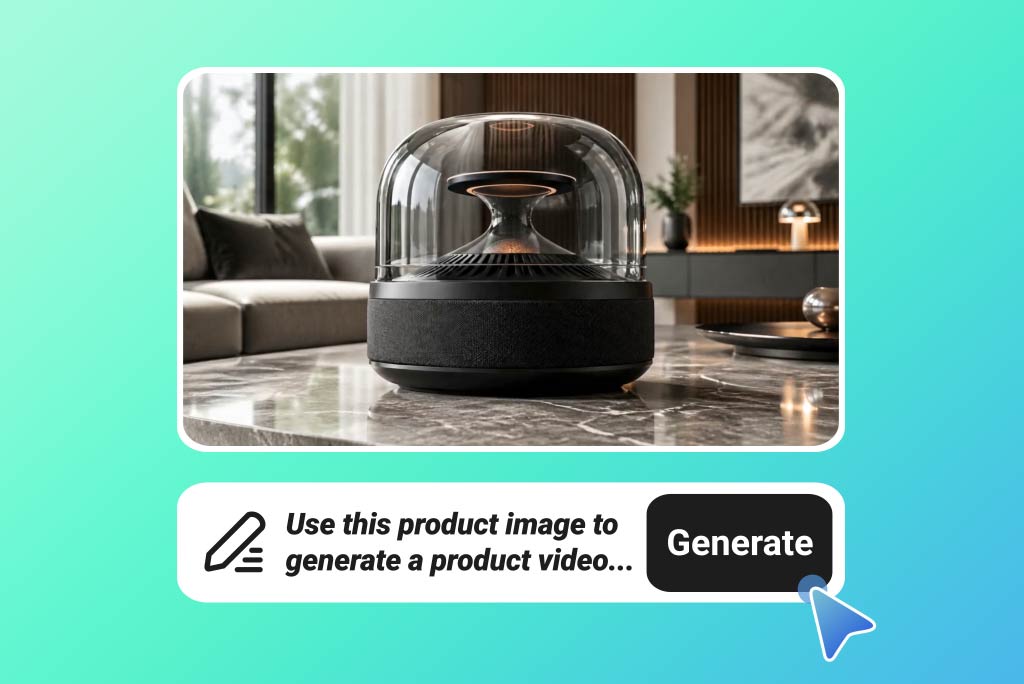
Image to Video
Turn photos and product images into moving video clips.
00:00
00:00
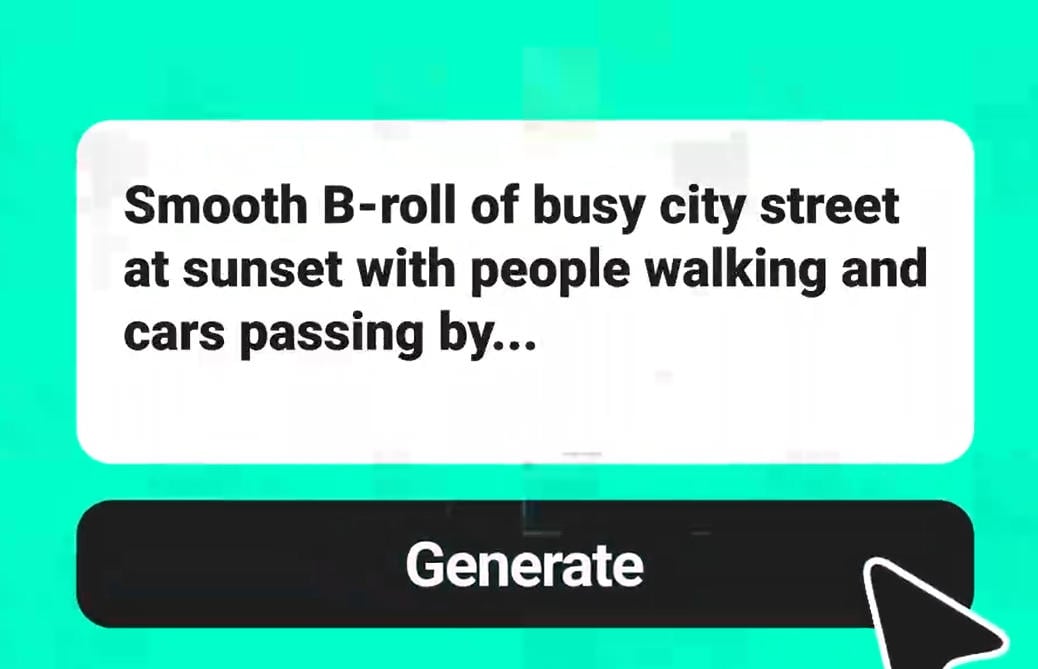
Text to Video
Generate videos directly from prompts and written ideas.
00:00
00:00
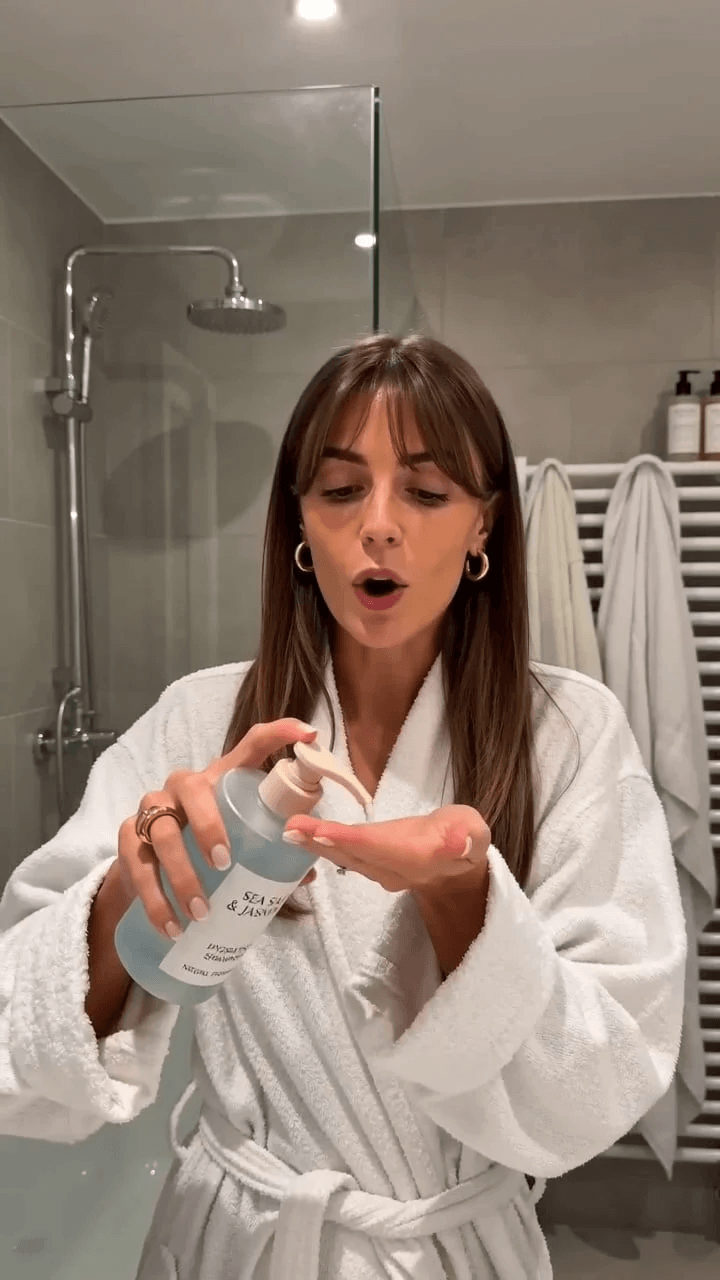
AI Product Video Generator
Create product videos for ecommerce, ads, and product showcases.
00:00
00:00
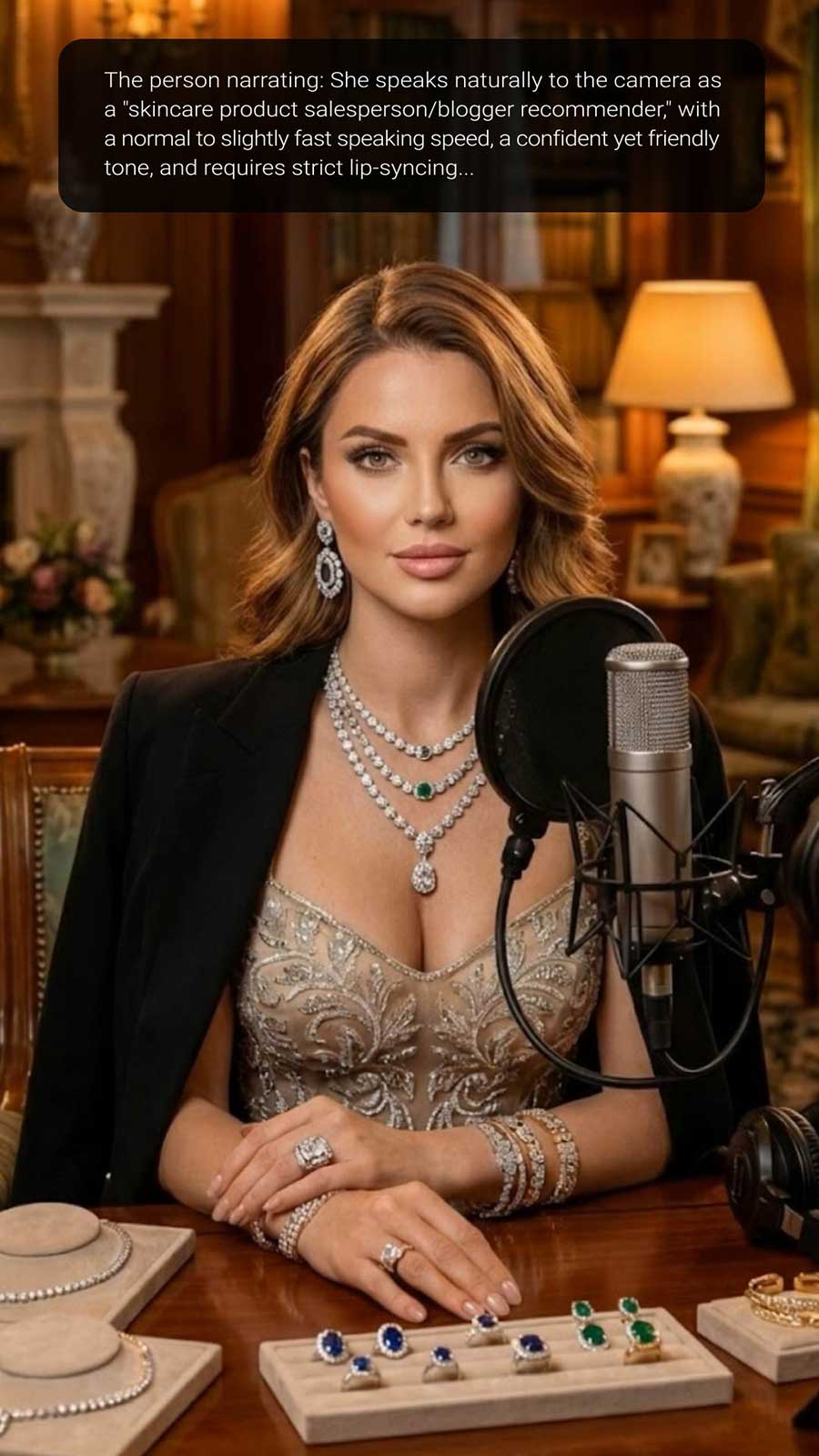
AI UGC Video Generator
Create product-style UGC videos with AI for ads and social media.
00:00
00:00
AI Influencer Video Generator
Generate influencer-style videos for social content and campaigns.
00:00
00:00
AI YouTube Shorts Generator
Create vertical short videos for YouTube Shorts and social feeds.
"One outfit photo can become a try-on reel, a trend edit, or a shopping post without setting up another shoot."
Renee Park, Fashion Creator