
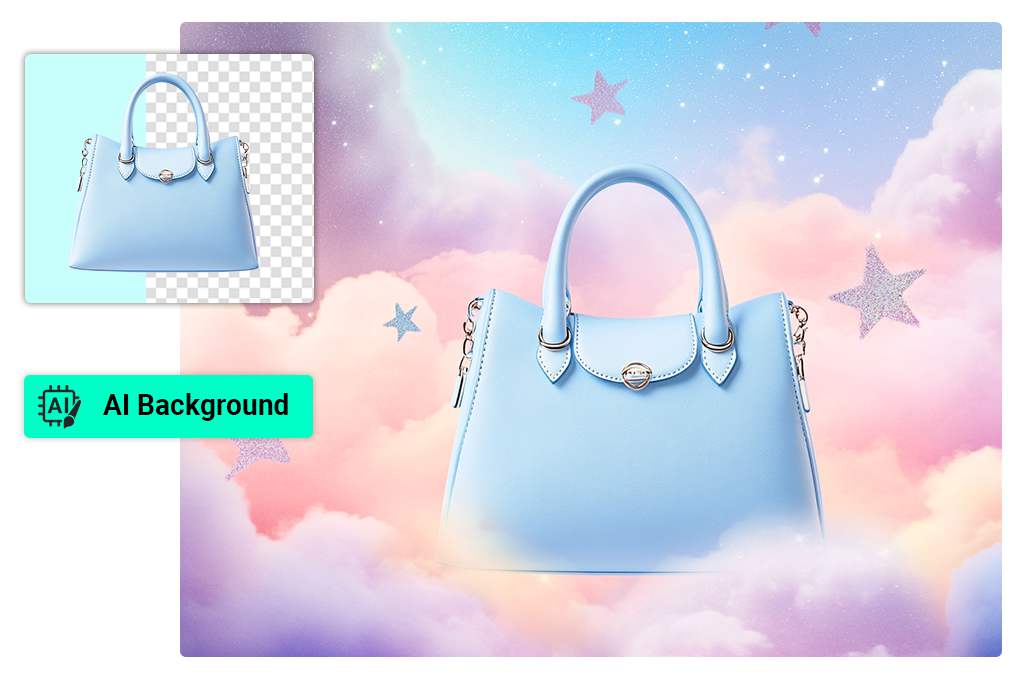
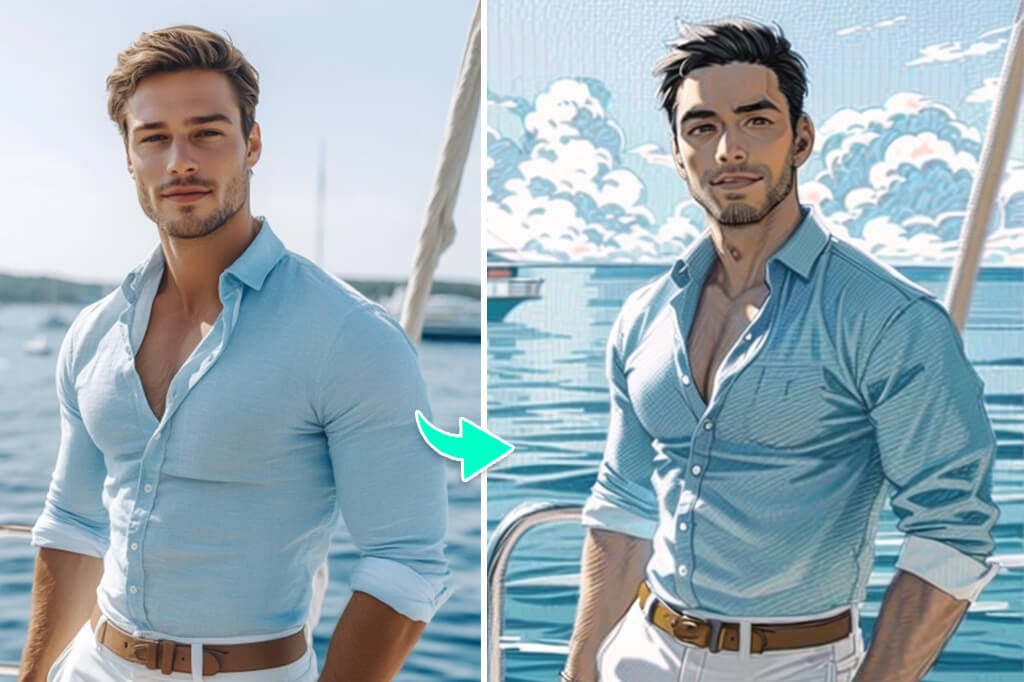
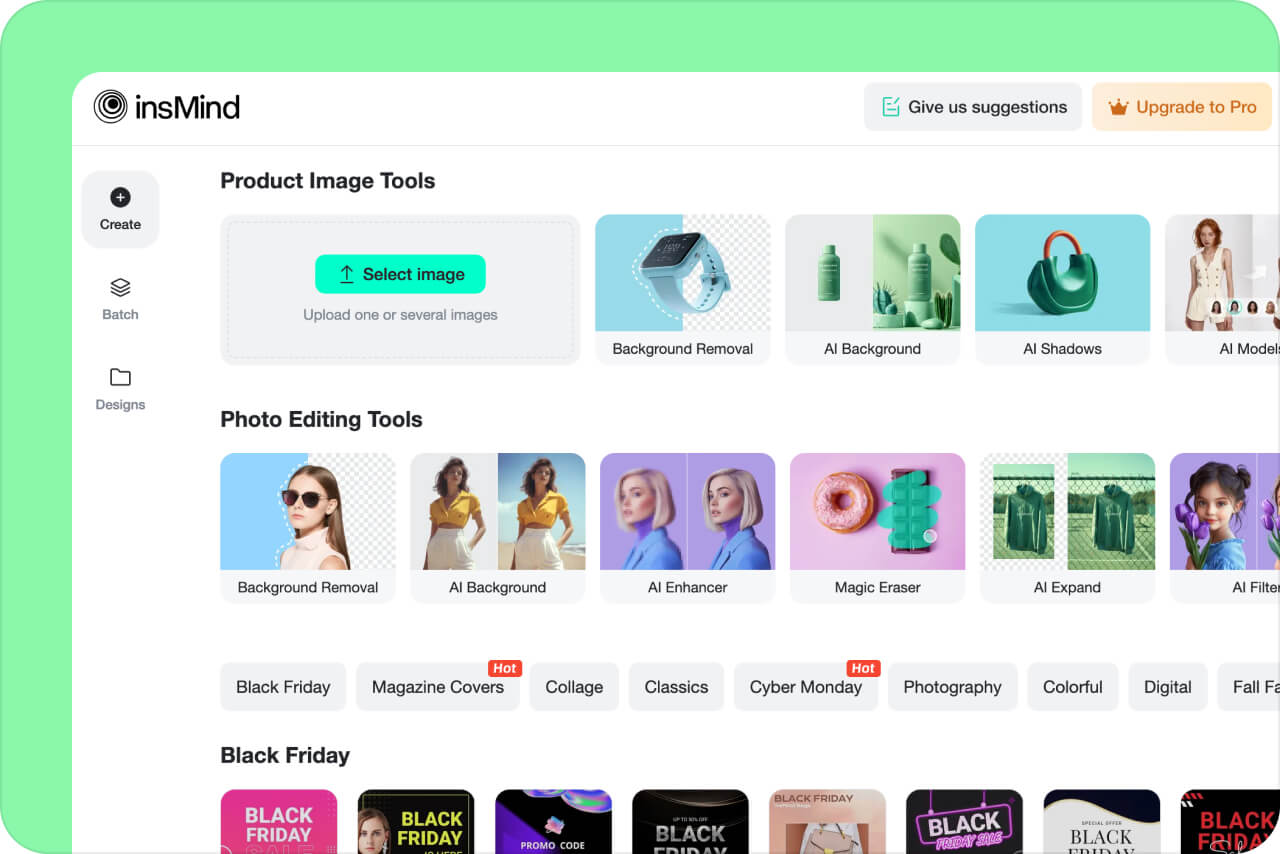
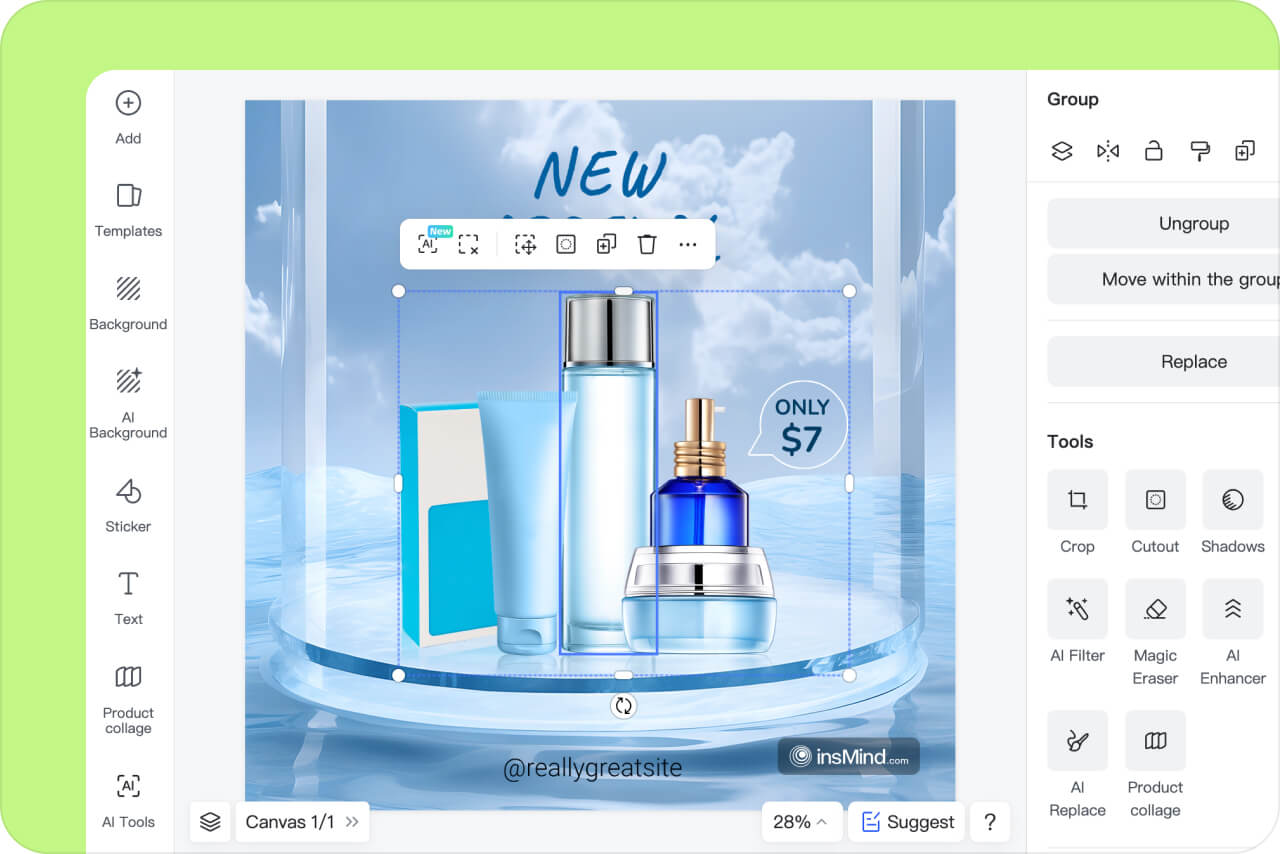
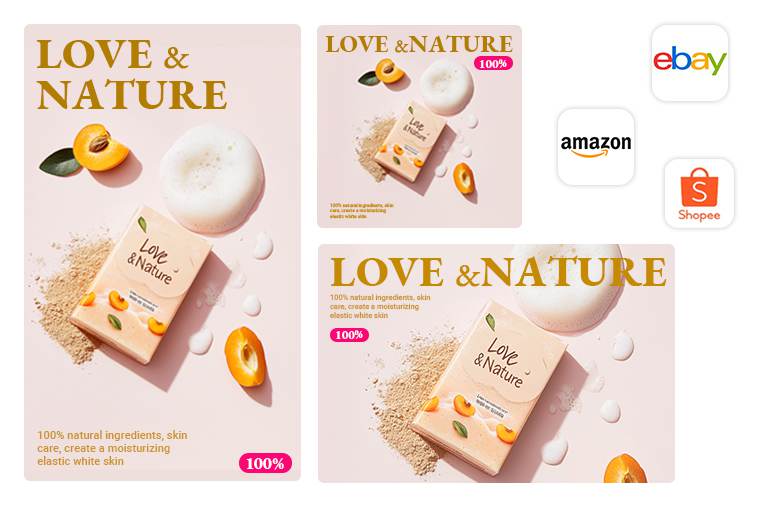
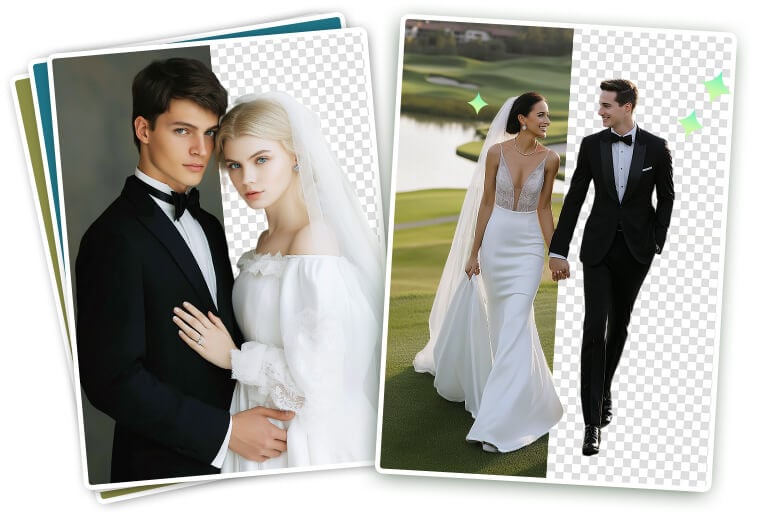
Start with the background when a product shot, portrait, or social post needs a cleaner setting. Use the AI background remover to cut out the subject, then keep a transparent background or place the subject on a new one.
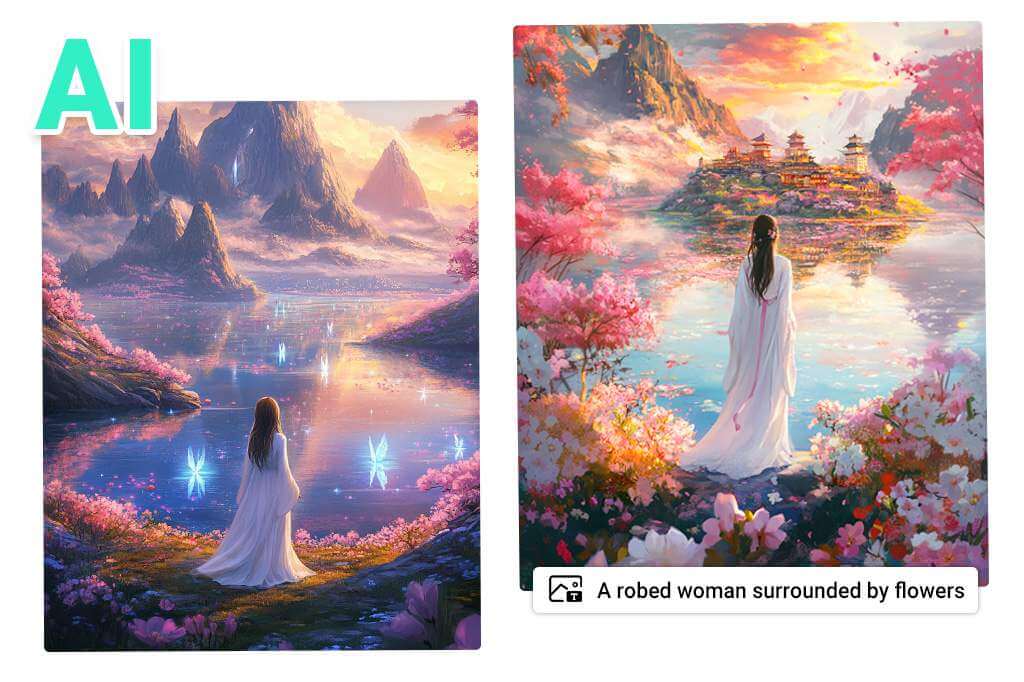
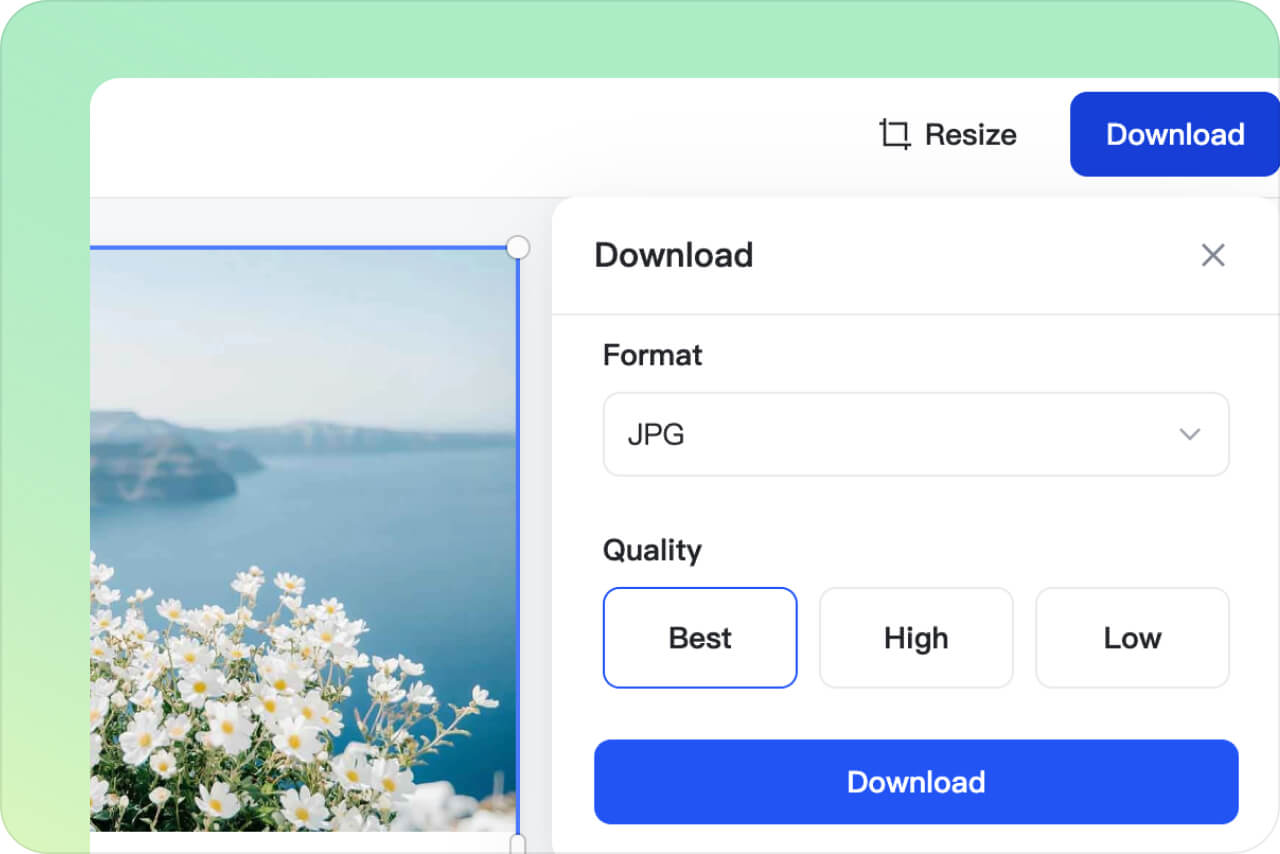
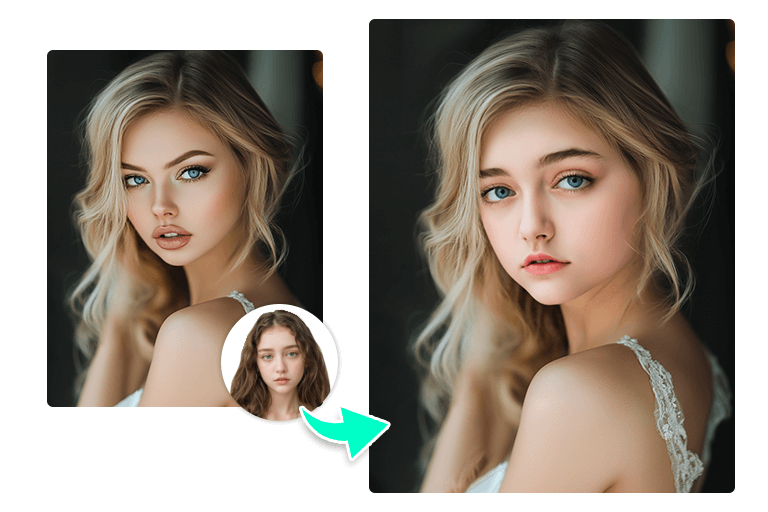
For a newly generated scene, open AI Background. Check fine edges around hair, fabric, and transparent objects before you download.







"I've just switched from my usual AI editor to insMind, and I couldn't be happier. It has completely wowed me! The smart AI recognizes objects with impressive precision and accuracy, and you can even change backgrounds using AI. Truly impressive!"
@Juan Kimmy, Designer