
AI Sketch Generator: Turn Text Prompts or Photos into Stunning Pencil Sketches
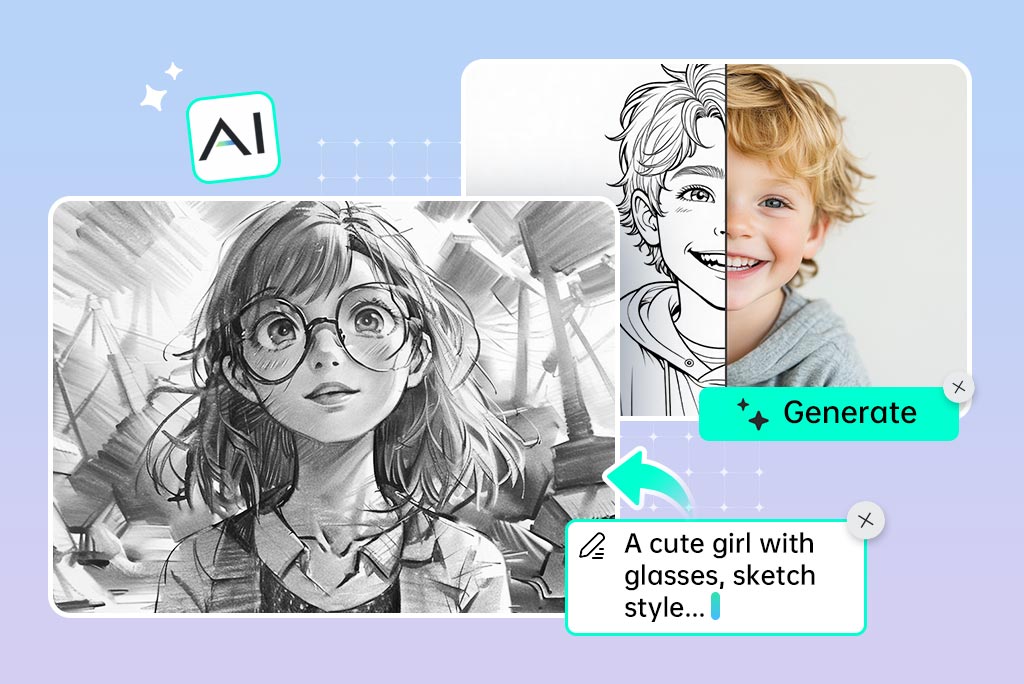
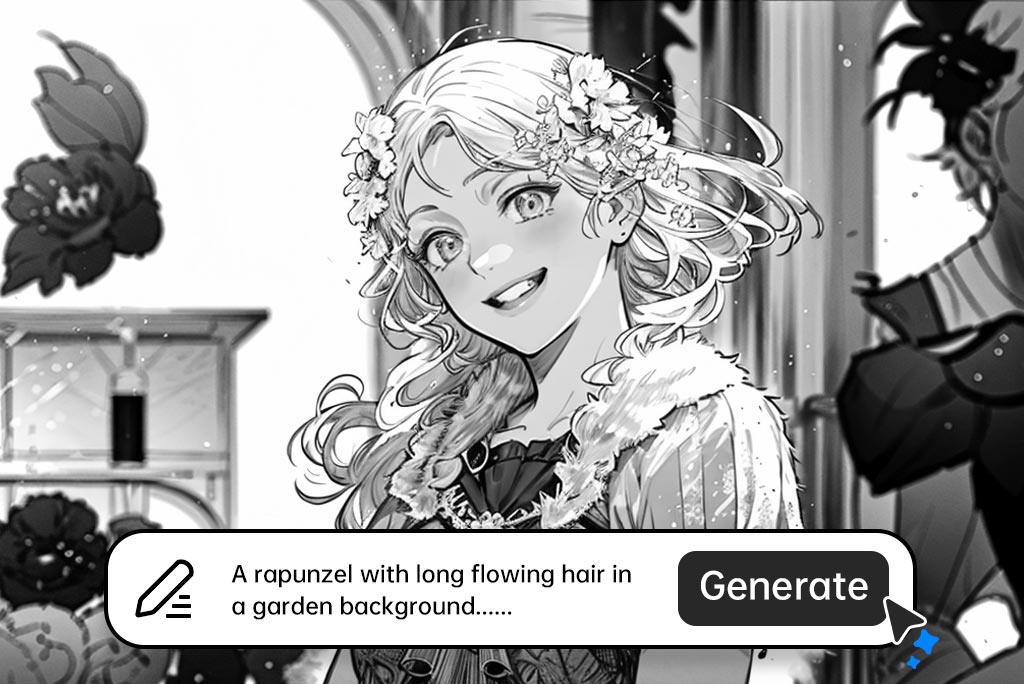
Generate Sketches from Text Prompts with AI
You can use insMind to make your ideas real without being an artist. Simply tell the AI sketch generator what you would like to see and the AI will generate a special pencil drawing, based on your descriptions.
You can choose whether you need something beautiful, whimsical, or stylized, and this AI sketching tool will conform to your will. Moreover, it is ideal when you want to brainstorm on tattoos, come up with a storyboard, or create printable line art. Meanwhile, It is also possible to use text and optional images to provide better guidance to the AI and enhance the style.
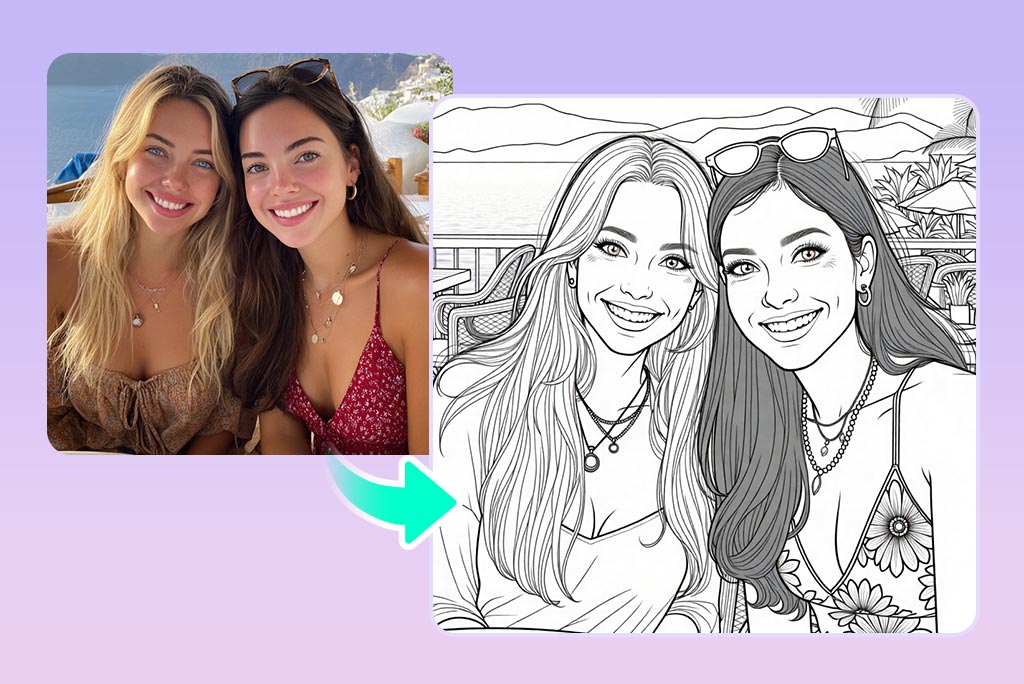
Turn Photos into Pencil Sketches in Seconds
Put an artistic spin on your pictures no Photoshop is required. Do you have one portrait, landscape or a picture of your pet that you would love in pencil sketch sketching style? All you need to do is simply upload it to our photo to sketch generator, and our tool will then automatically transform it into a high-resolution and detailed sketch drawing.
The sketching process (the AI image to sketch) preserves the facial features and lines and adds depth, shadow, and depth to get the realistic quality of the hand-drawn image. This attribute is perfect to use as gift prints, profile pictures, or artistic inspiration. Moreover, you do not need any design skills, the AI is the one that draws or sketches for you, in an instant and without a hustle.
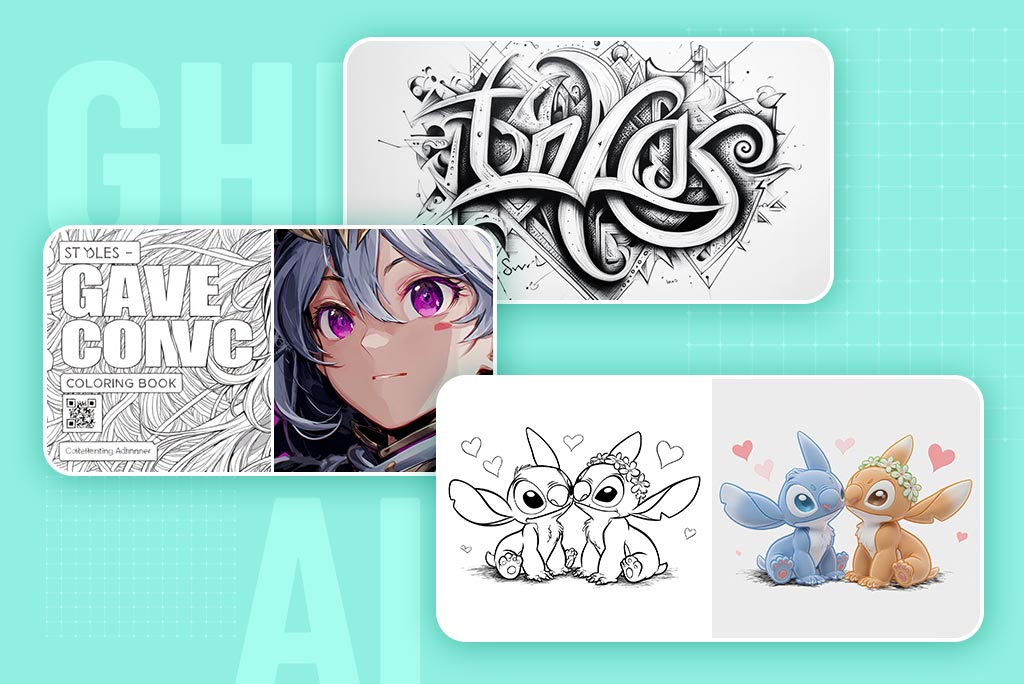
Create Printable Sketches—Posters, Coloring Pages, Tattoos
The high-resolution sketch outputs that insMind makes are ideal in many printable formats. Are you In the mood to create a minimalistic poster in your living room? Do you want to design a personal AI sketch generator tattoo? Or what about printing out coloring books for children and adults?
It happens with the help of our generator. It will have very good results when you print it on regular paper, canvas, or merchandise because of the clean linework and monochromatic palette. Meanwhile, your art remains crisp at all sizes with predictable detail because it is produced with consistent detail and scalable resolution.
Discover More AI Sketch Generator Features
How to Generate a Sketch in 4 Easy Steps
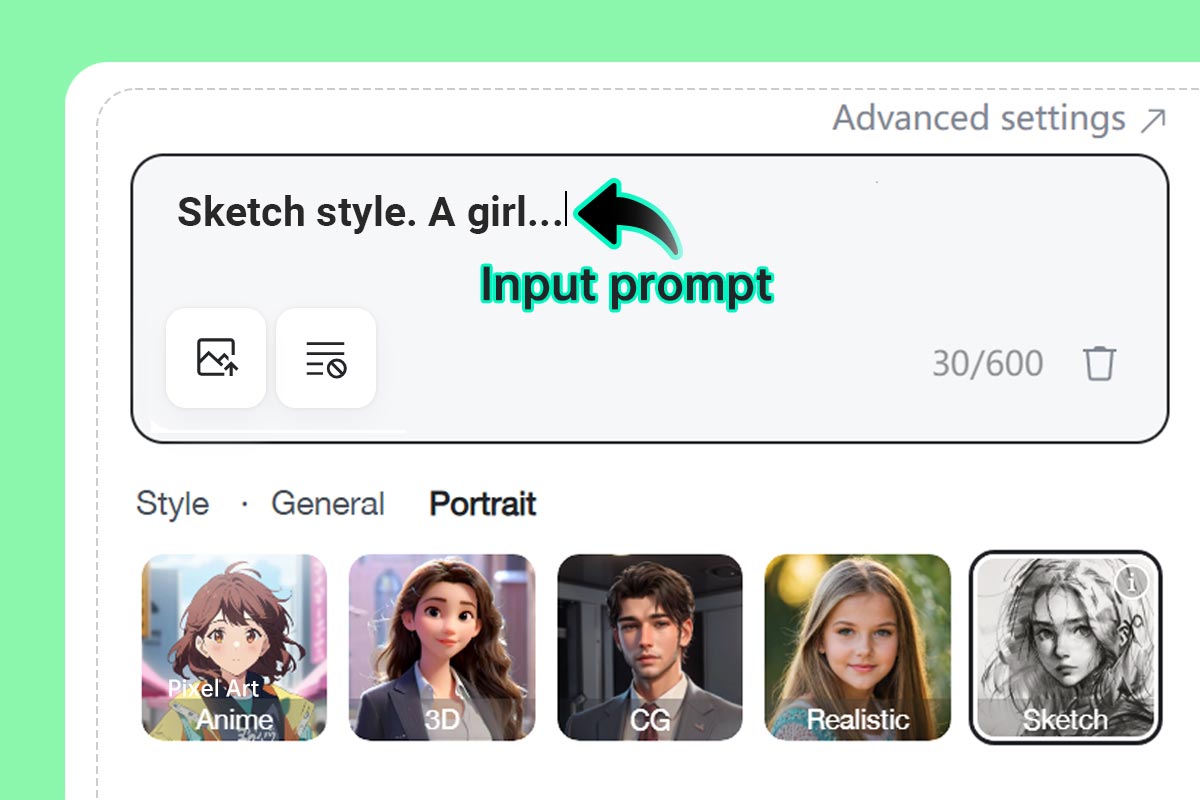
1 Step 1: Enter a prompt
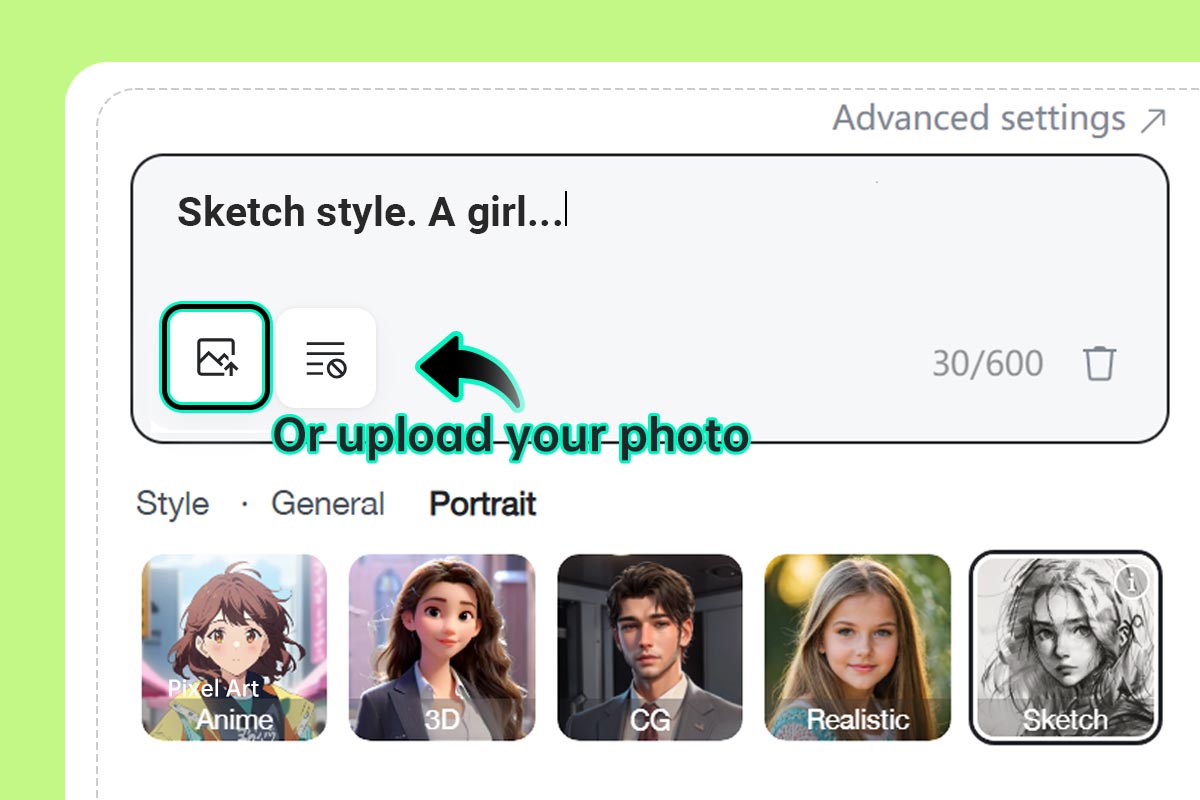
2 Step 2: (Optional) Upload an additional image for reference or style transfer
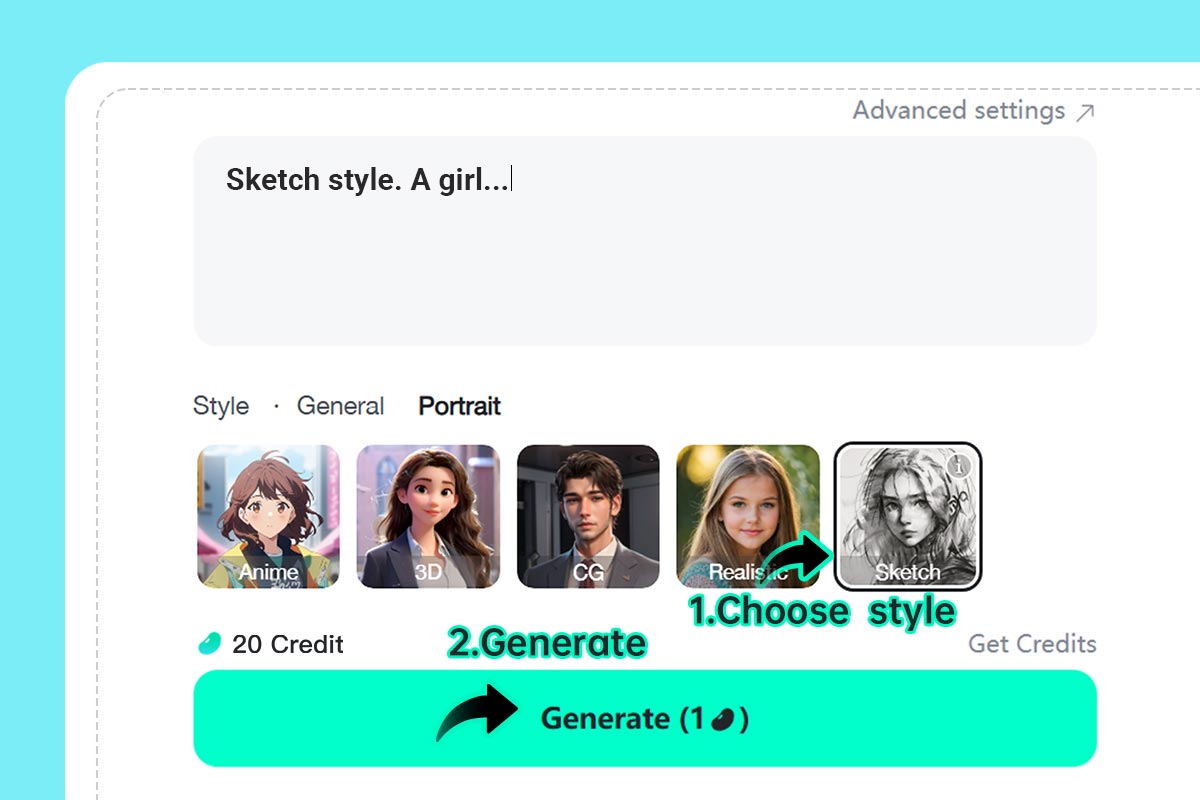
3 Step 3: Select the "Sketch" filter and click Generate
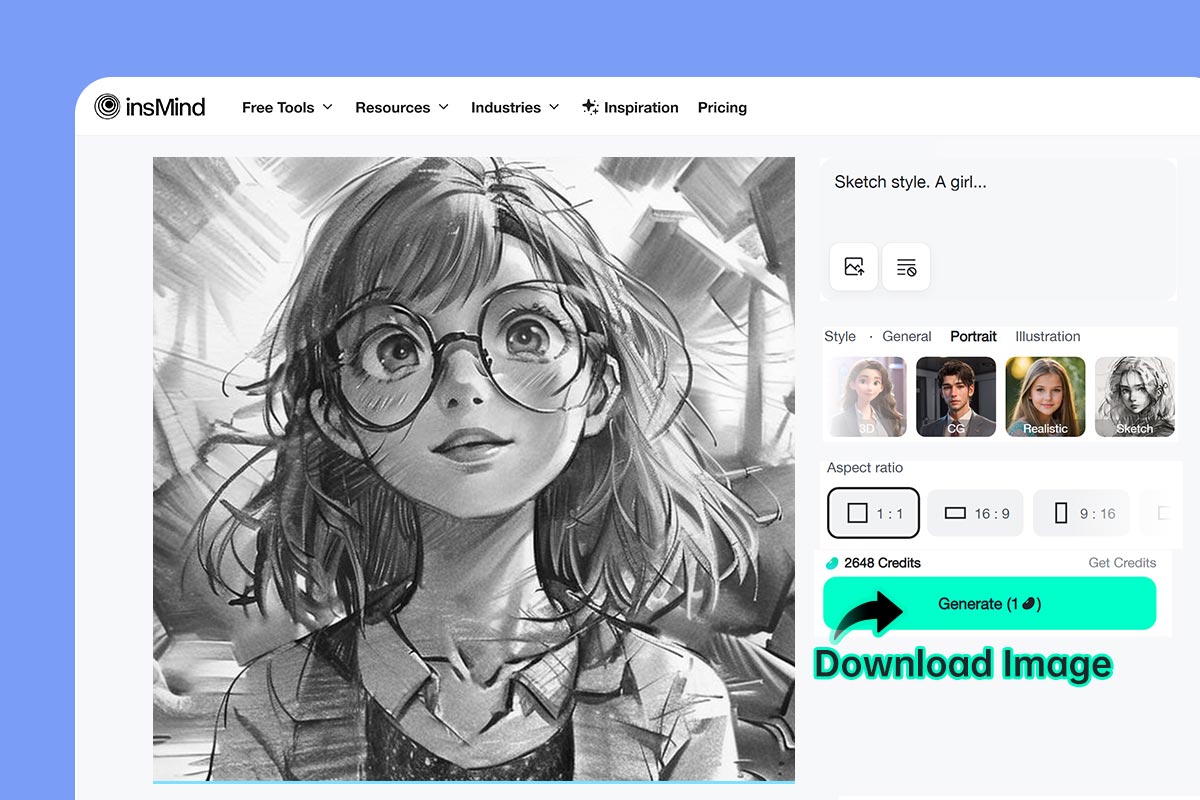
4 Step 4: Download
Professional AI Sketch Generator for Everyone
From tattoos to art and personal projects, the insMind AI sketch generator satisfies all your requirements.
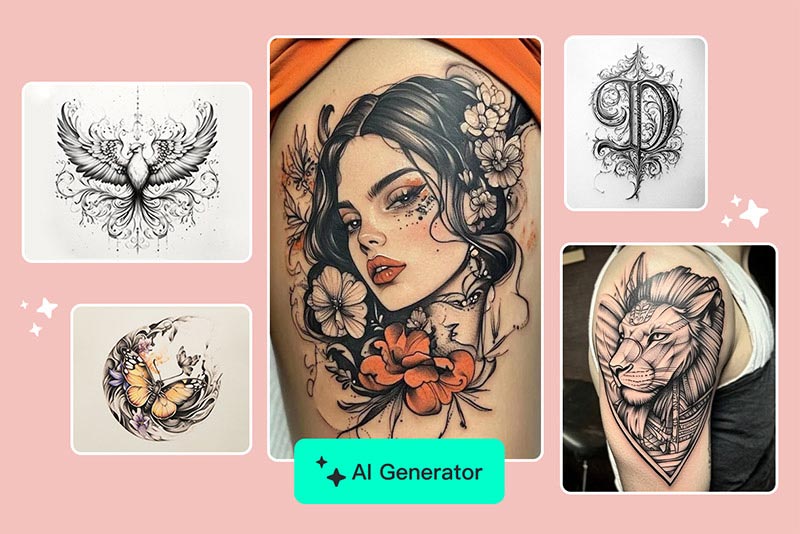
Tattoo Design
Create original tattoos according to your idea or using your favorite images. AI enables one to see linework without meeting an artist.
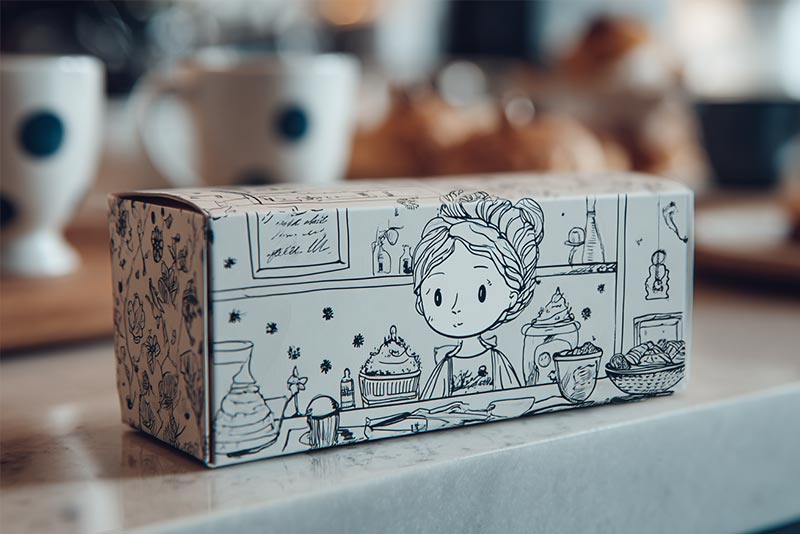
Turn Portraits into Elegant Pencil Gifts
Make sketches from family, pet, or couple portraits into a classical, artistic style portrait. It will be a unique and ideal print-quality gift.
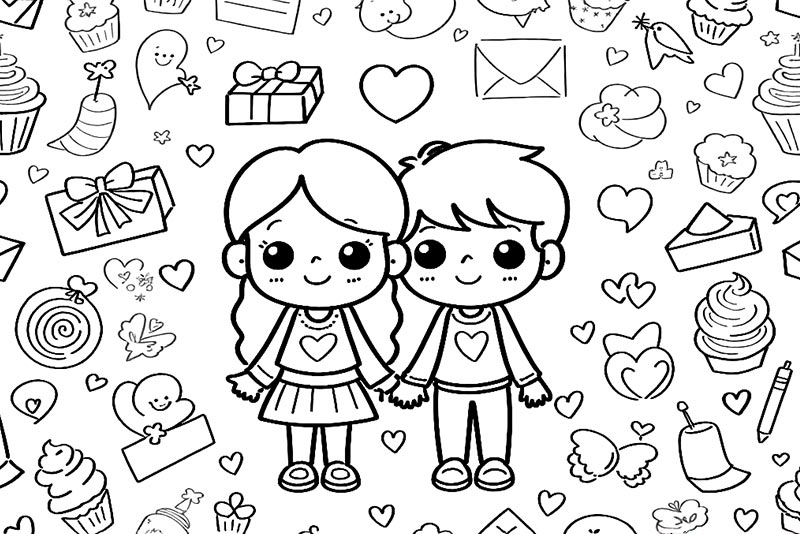
Coloring Pages
Use sketches to create print coloring books that children and adults can use. Best suited to teachers, parents, and creators.
Why Use insMind's AI Sketch Generator?

Text or Photo Input
Create sketches with your words or pictures or a mixture of them to give you maximum control.

High-Resolution Output
Every sketch comes out in high-quality resolution. So, you can save and frame, print, or edit it.

Beginner-Friendly
No design or drawing is required. With the simple interface, anyone can begin drawing with AI.
FAQs About insMind AI Sketch Generator
Is the AI sketch generator really free to use?


How does AI turn a photo into a sketch?
Can I generate a sketch from just a text description?
What file formats can I upload and download?
Does the AI handle group photos or complex scenes?
What makes insMind the best AI sketch generator free online?
You might be interested in
Make your pictures pop with creative AI tools you can explore during a free trial.
Photo to Pixel Art

Text to Ghibli AI Generator

AI VTuber Maker
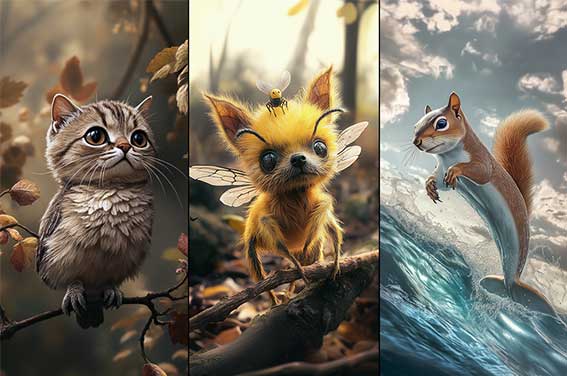
AI Animal Hybrid Generator
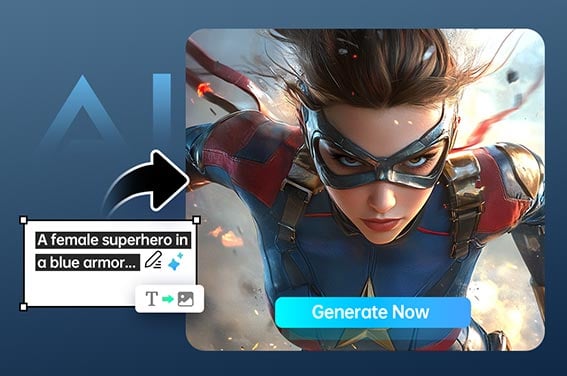
AI Superhero Generator
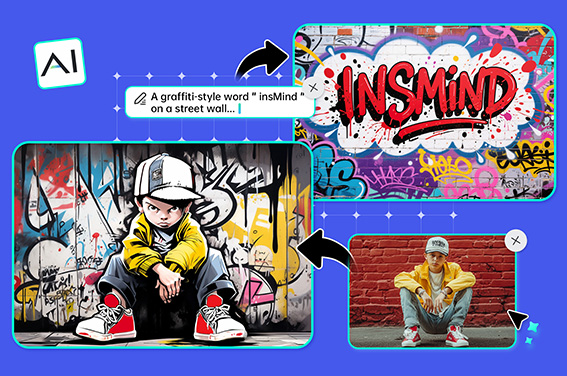
AI Graffiti Generator
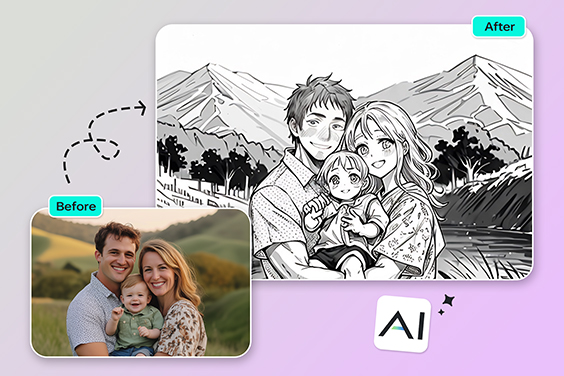
Photo to Outline
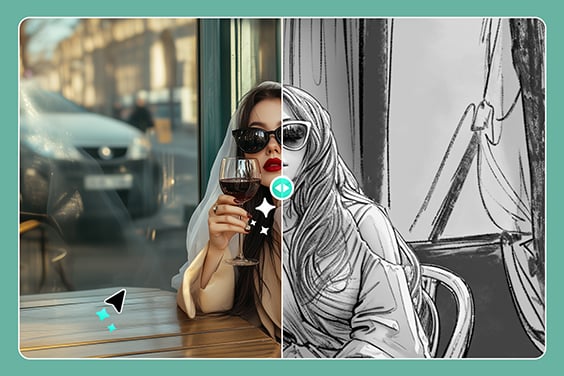
Photo to Pencil Drawing
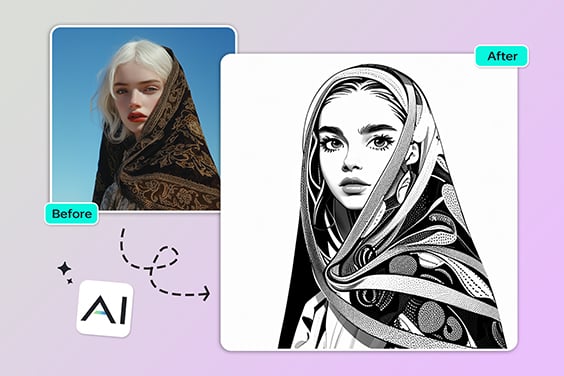
Comic Book Filter
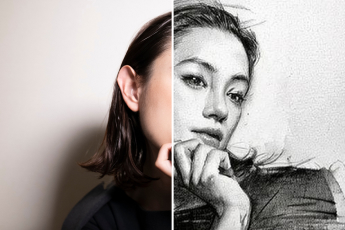
Photo to Sketch
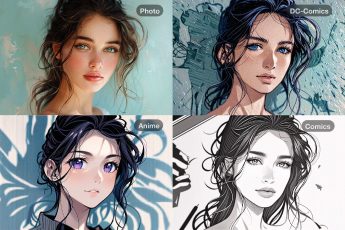
Photo to Cartoon
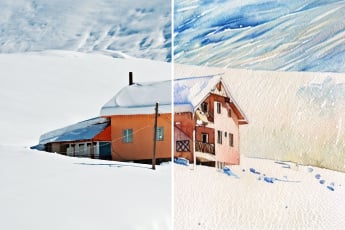
Photo to Watercolor
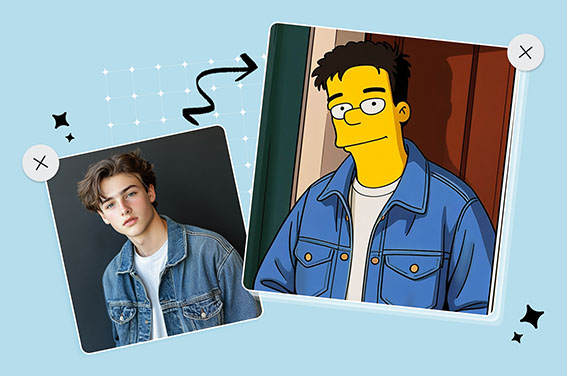
Simpsons Character Creator
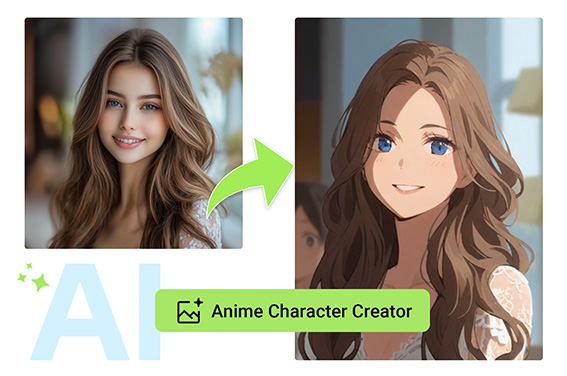
Anime Character Creator
“I made an entire coloring book for my students—an amazing tool!”
@Bruce