AI Age Filter Online: See Your Older or Younger Self

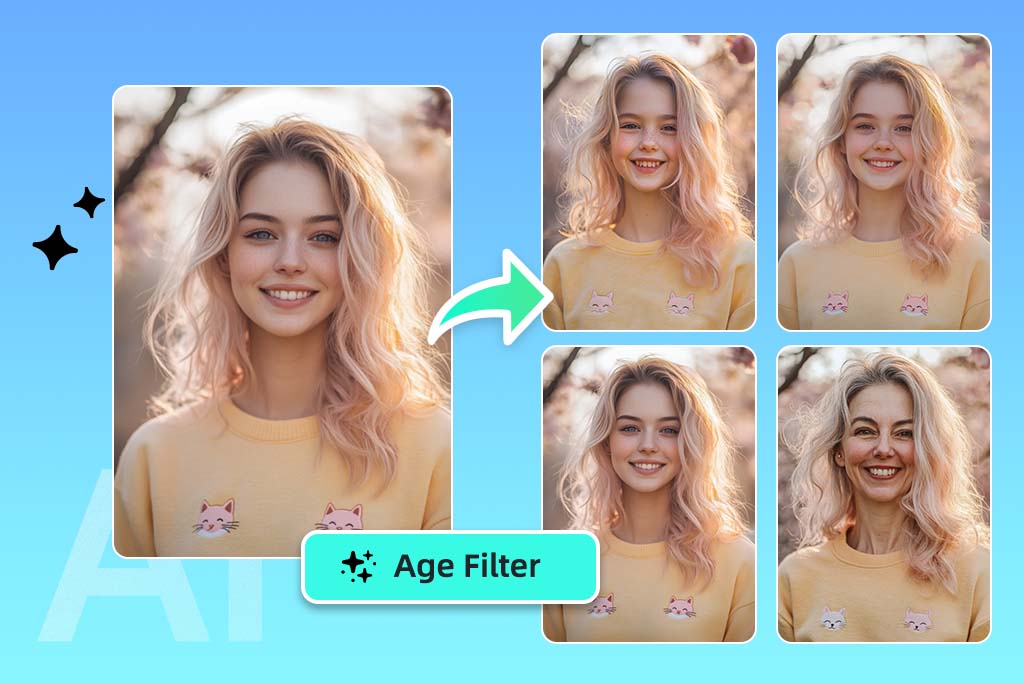
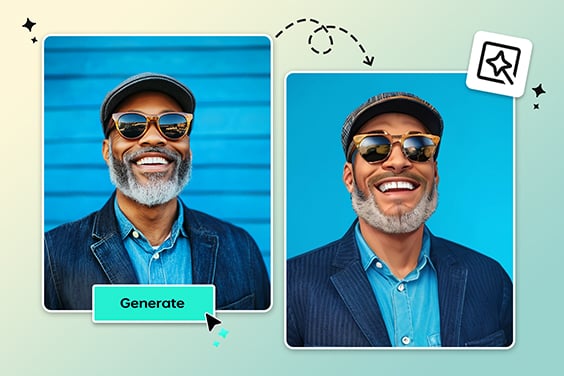
Upload a face photo and preview different ages in a few clicks. Use insMind's AI age filter to try an older look, a younger version, or a playful age progression photo online.

AI Age Filter Online: See Your Older or Younger Self
Or drop image here, paste image or URL
Try with one of these
AI Age Filter 1
AI Age Filter 2
AI Age Filter 3
AI Age Filter 4
AI Age Filter 5
AI Age Filter Online: See Your Older or Younger Self
See Your Future Self with an AI Age Filter

See Your Future Self with an AI Age Filter

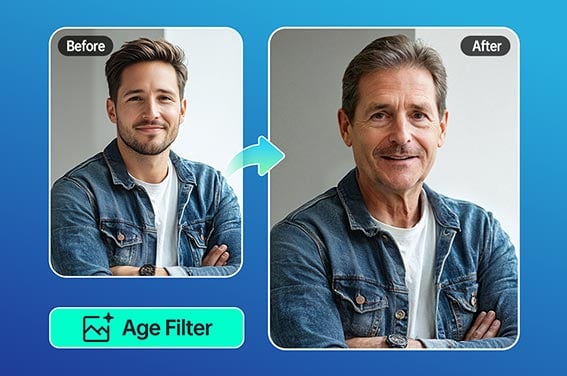
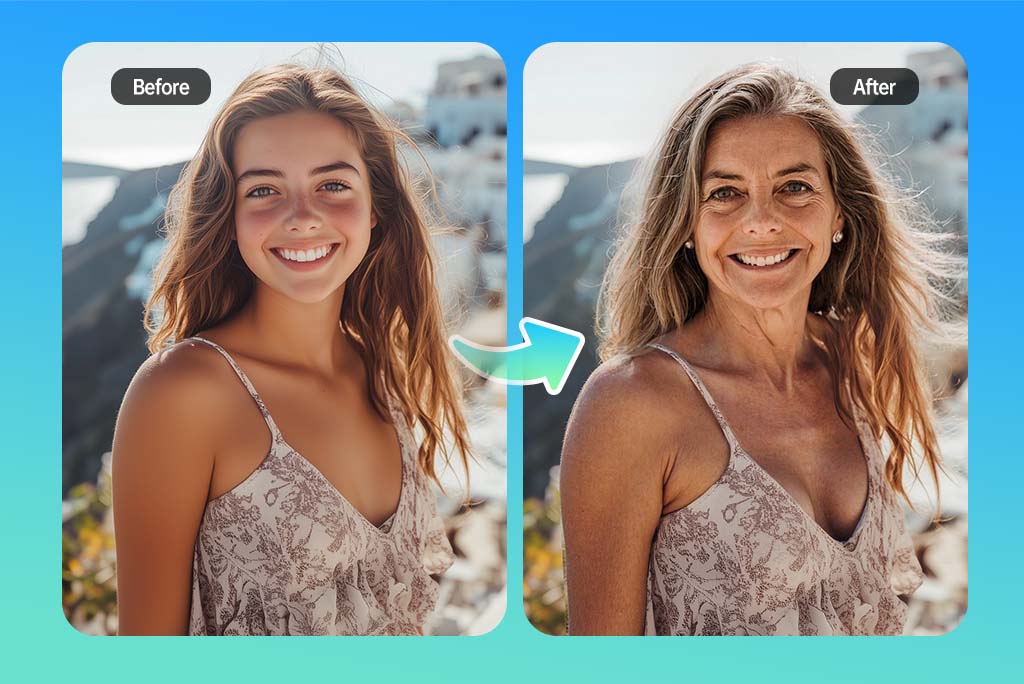
Wondering what you might look like years from now? Upload a portrait and use the AI age filter to create an older or younger version of the same face. It is useful for social posts, profile ideas, creative projects, or simply satisfying the question: what will I look like when I'm older?

The result is a visual age effect, not a real prediction. For the best face aging result, start with a front-facing photo where the eyes, mouth, and hairline are easy to see.
Try On AI Age Filter Now
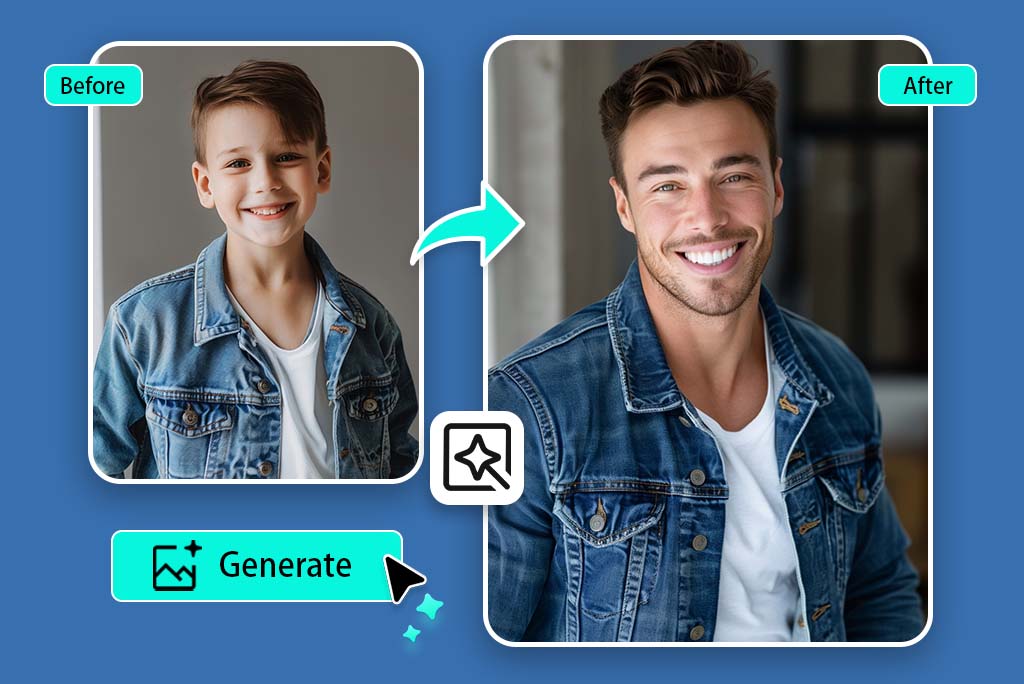
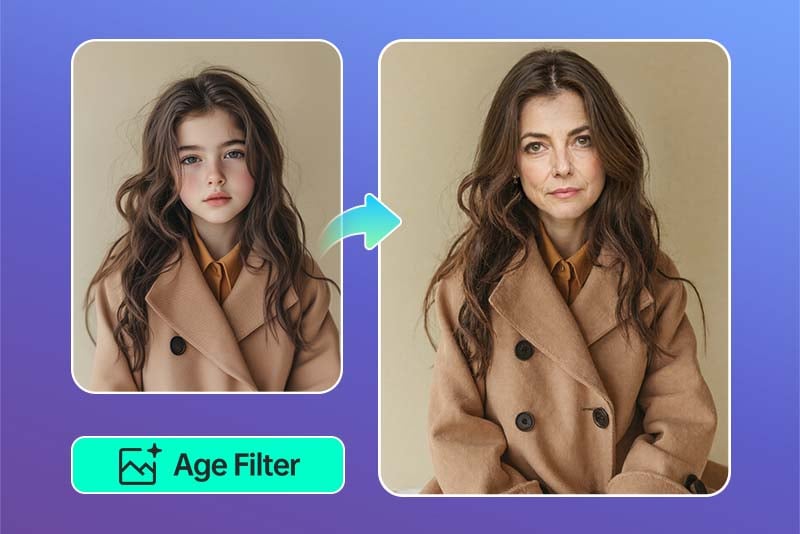
Preview Age Progression from Child to Adult

Preview Age Progression from Child to Adult

Age progression works best when the face is clear and not covered by sunglasses, heavy shadows, or large accessories. If you only want an elderly look, try the focused old age filter. For broader age progression, choose an age stage, generate a preview, and compare how the face shape, skin texture, and hair details change.

Use it for a quick future-self preview, a family comparison, or a creative portrait idea. The clearer the original photo is, the easier it is for the age progression effect to keep the person recognizable.

Try On AI Age Filter Now
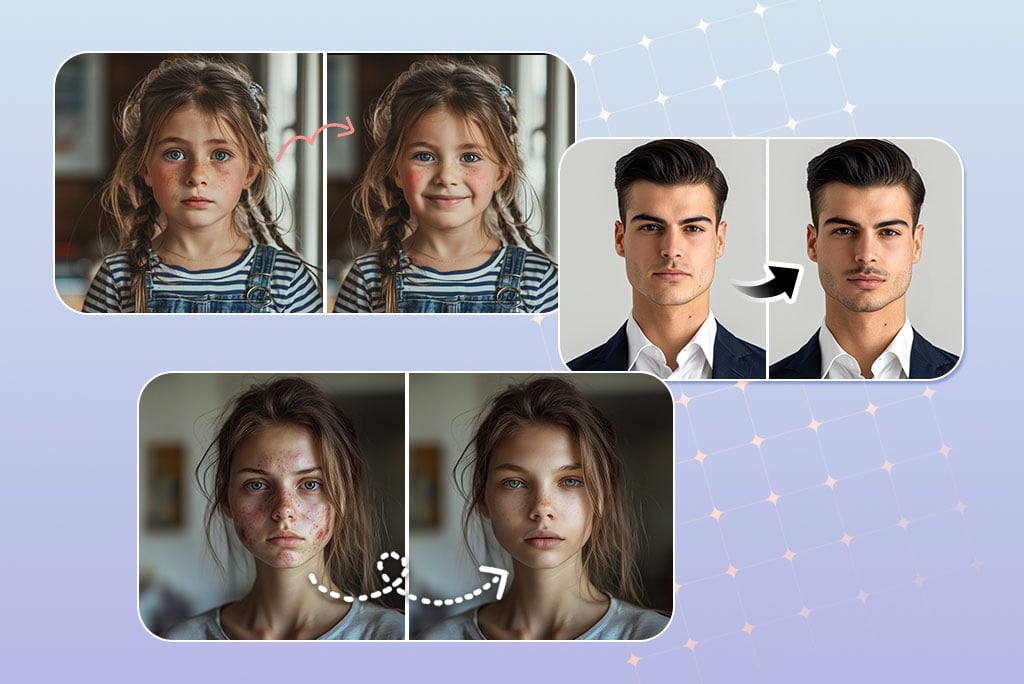
Try an Aging Filter for Fun Face Edits

Try an Aging Filter for Fun Face Edits

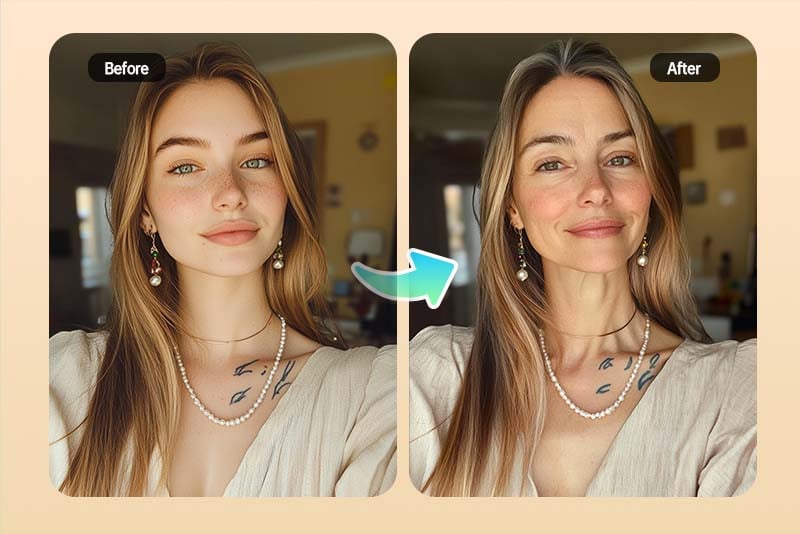
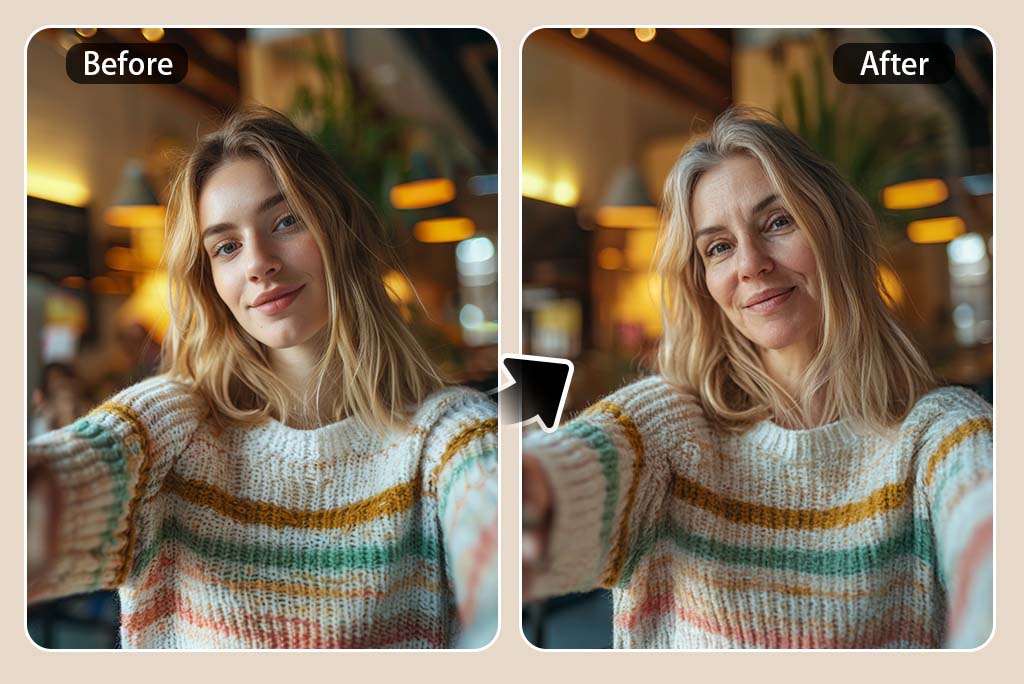
Use the aging filter when you want a quick old-age look for a joke, a trend, or a before-and-after post. You can age a photo without opening a complex editor, then download the image and decide whether it needs extra retouching.

It also works as a simple face ager or photo ager when you want to test an older look from one portrait. Start with a natural expression and good lighting for a cleaner result.

Try On AI Age Filter Now
Age My Child Photo Free Online

Age My Child Photo Free Online

Parents often search this page because they want to see a playful child-to-adult preview. Upload a child photo, choose an older age style, and generate a version that imagines how the face could look later.

Keep the wording careful: this is an AI photo effect for fun, not a scientific forecast of how a child will actually grow up.

Try On AI Age Filter Now
Use insMind for More Than Just AI Age Filter

Use insMind for More Than Just AI Age Filter

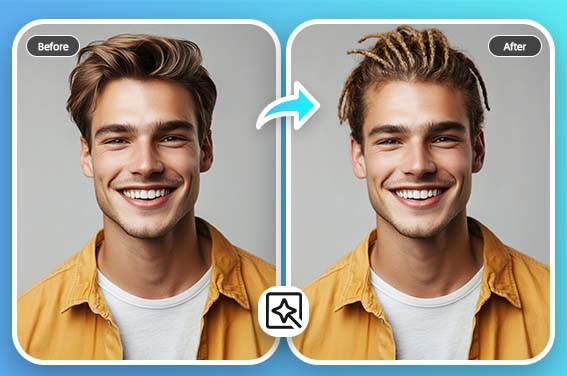
After trying the age filter, you can keep editing the portrait with related face tools. Add a smile, test a beard, or try another AI filter for a different style.

Try On AI Age Filter Now

Explore More Age Filter Features

How to Use the AI Age Filter Online

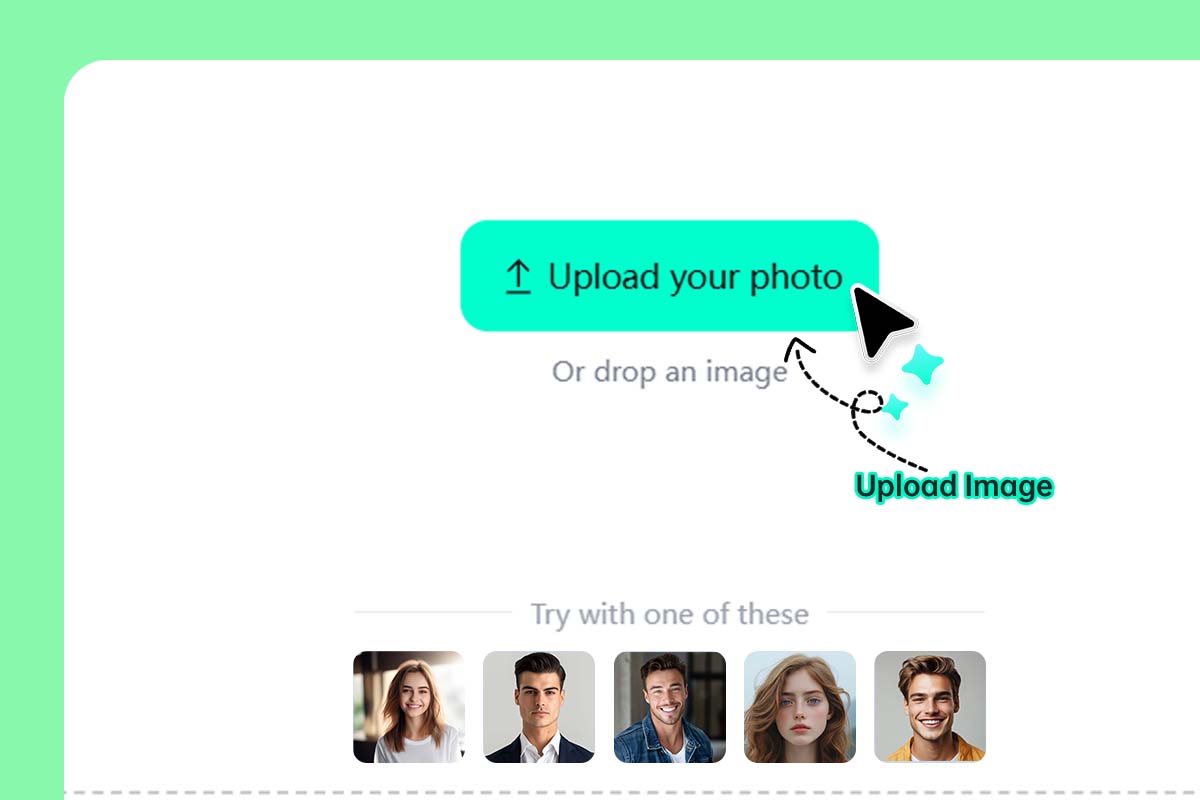
Upload a clear face photo
1

1 Upload a clear face photo

Click Upload your image and choose a portrait where the face is easy to see. A front-facing photo with good light usually works better than a blurry group shot or a face hidden by glasses, hair, or strong shadows.
Choose an age style
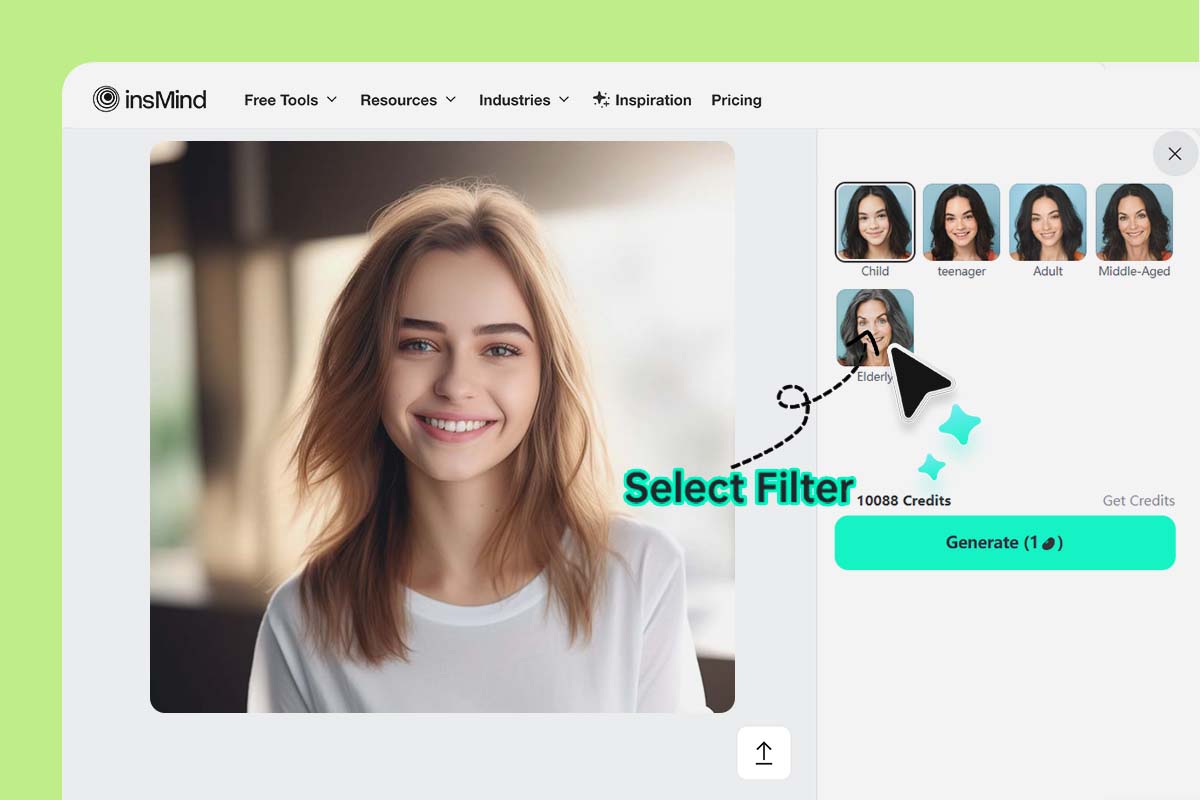
2

2 Choose an age style

Select the age option you want to preview, such as Child, Adult, Middle-Aged, or Elderly. If the first result looks too strong, try a closer age stage before generating a more dramatic change.
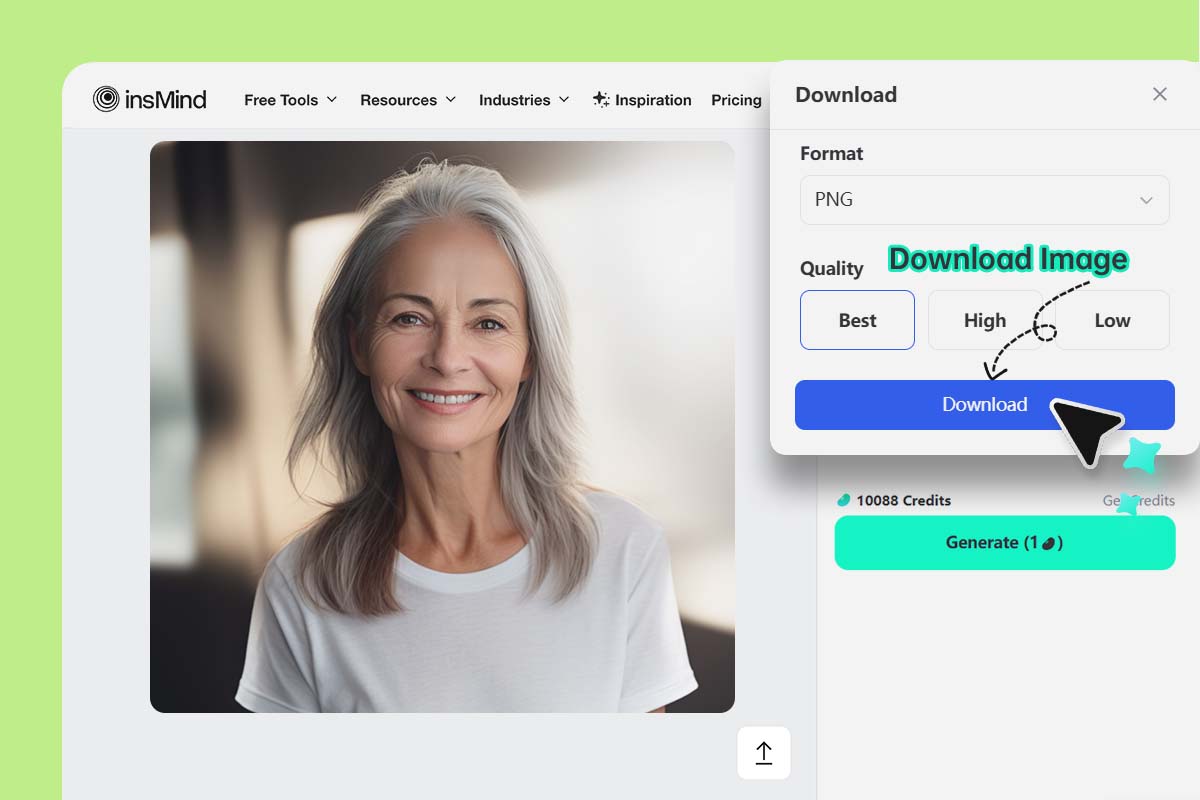
Generate, preview, and download
3

3 Generate, preview, and download

Click Generate and check the face after the preview loads. Look at the eyes, mouth, hairline, and skin texture. If the age effect feels off, adjust the age option and generate again. When the photo looks right, click Download.

Free Online AI Age Filter

Try older, younger, and age progression looks from one uploaded photo.

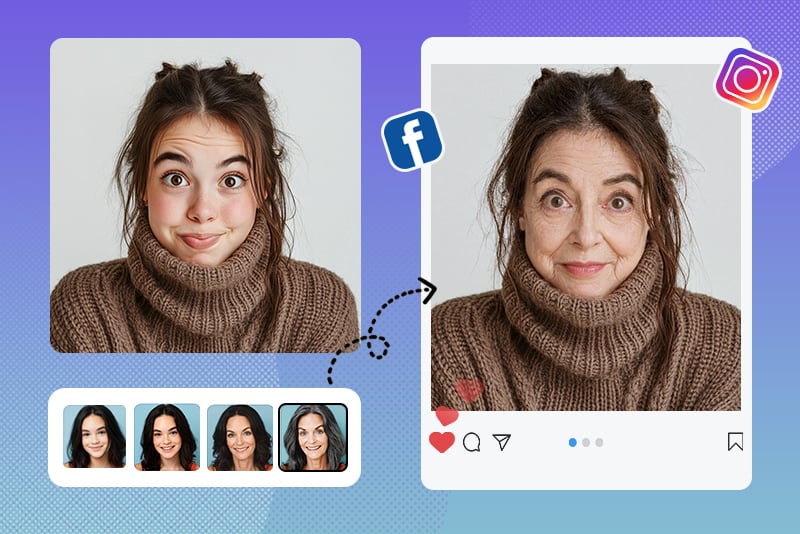
Aging Filter for Social Media Fun

Aging Filter for Social Media Fun

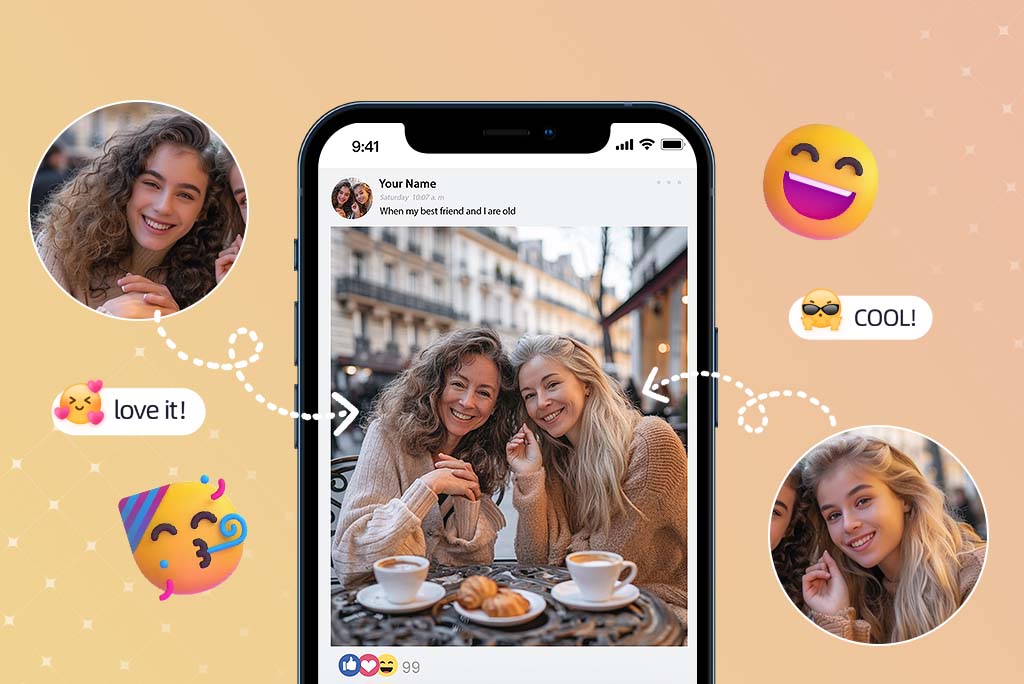
Create an older or younger version of your face for a trend, a birthday post, or a quick comparison with friends. The image should still look like you, just shifted into another age range.

What Will I Look Like When I'm Older

What Will I Look Like When I'm Older?

Use the age progression AI tool when you want a quick visual answer to that question. Upload a current portrait, choose an older age option, and compare the preview with your original photo.

Age My Child Photo Online

Age My Child Photo Online

Use the child age progression option for a fun future-look preview. This is best for playful family edits, not for serious prediction. A clear solo portrait gives the AI more useful face detail to work with.

Rate this tool:
4.7(613 votes)

Why Choose insMind AI Age Filter?

Realistic Face Aging Effects

Realistic Face Aging Effects

insMind changes age-related details such as skin texture, face shape, and hair tone while keeping the person recognizable. The goal is not to make a random old face, but to keep the original portrait's main features.

Simple Online Workflow

Simple Online Workflow

You do not need to mask the face by hand. Upload a portrait, choose an age style, generate the preview, and download the version you like.

Multiple Age Options

Multiple Age Options

Try younger, adult, middle-aged, or elderly looks from the same photo. This makes the tool useful for old age filters, age progression ideas, and quick creative face edits.

FAQs About AI Age Filter

How do I use an AI age filter online?

insmind expand icon
Upload a clear face photo, choose the age style you want to preview, and click Generate. After the preview loads, check whether the face still looks recognizable, then download the result or try another age option.

What will I look like when I'm older?

insmind expand icon
An AI age filter can create a possible older version of your face based on the photo you upload. Treat it as a creative preview, not an exact prediction of your future appearance.

Can I age my child photo free online?

insmind expand icon
You can use insMind to create a playful child-to-adult age progression photo online. Use a clear solo portrait and remember that the result is an AI effect for fun, not a real forecast.

Is this the same as an old age filter?

insmind expand icon
It overlaps with an old age filter, but the page also supports other age stages. If you only want an elderly look, the related Old Filter page can be a more focused next step.

Can I make my face look younger too?

insmind expand icon
Yes. Choose a younger age style to create a younger-looking version of the photo. Clear lighting and a direct face angle usually give the cleanest result.

You might be interested in

Make your pictures pop with features that are completely free.