
Create a Realistic Male to Female AI Transformation Video in One Smooth Shot

00:00
00:00
00:00
00:00
00:00
00:00
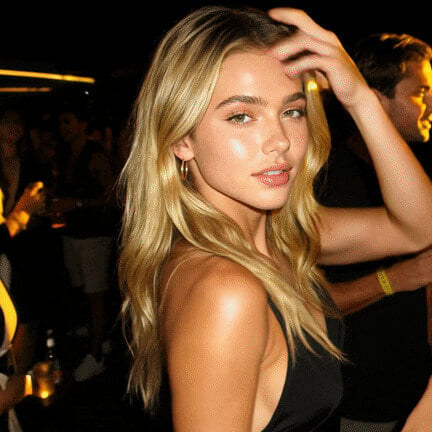
Become Male
Turn a female photo into a realistic male transformation video.

00:00
00:00
Earth Zoom In AI
Create cinematic space to Earth zoom in videos instantly.

00:00
00:00
Earth Zoom Out AI
Turn one photo into an epic Earth-to-space zoom out video.
00:00
00:00
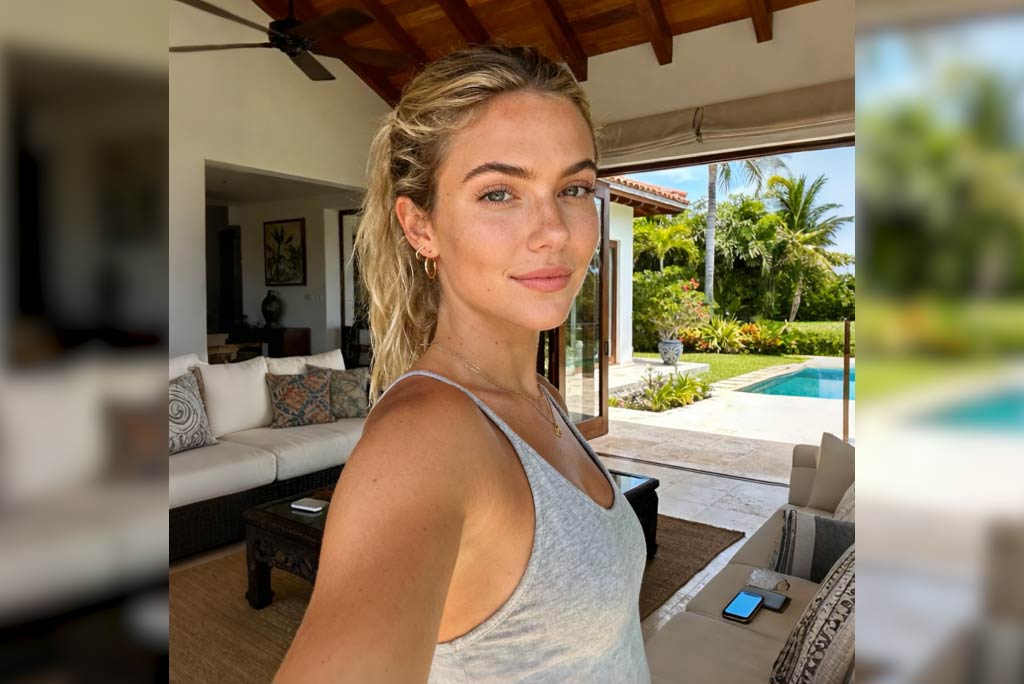
Meet My Kid AI
See a realistic, AI-generated version of your future child.
00:00
00:00
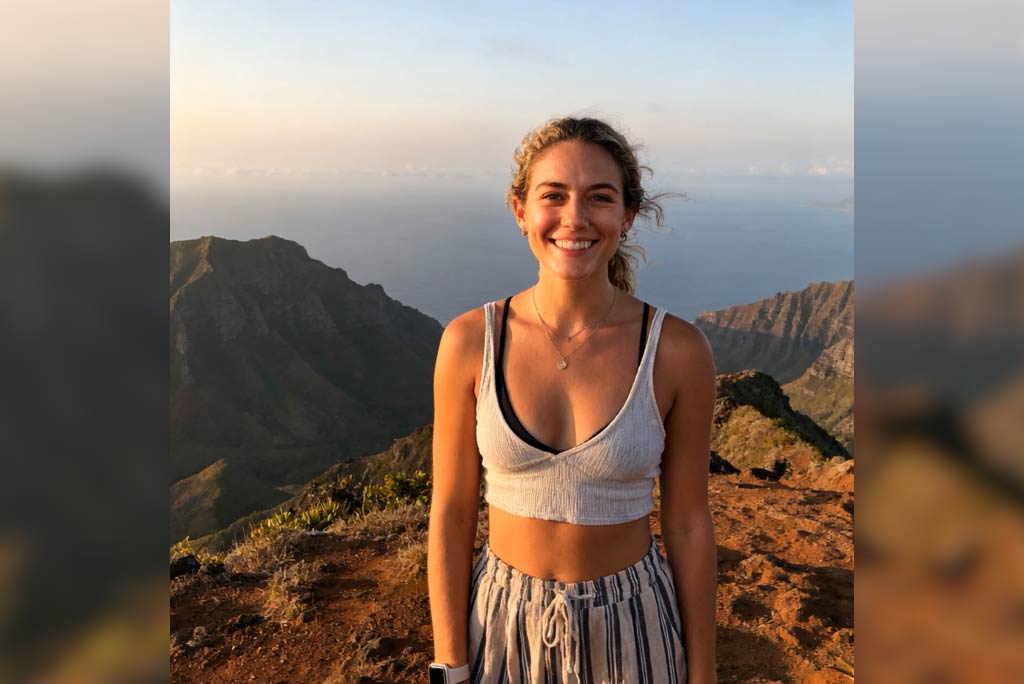
Meet Older Me AI
See a realistic older version of yourself with AI.
00:00
00:00
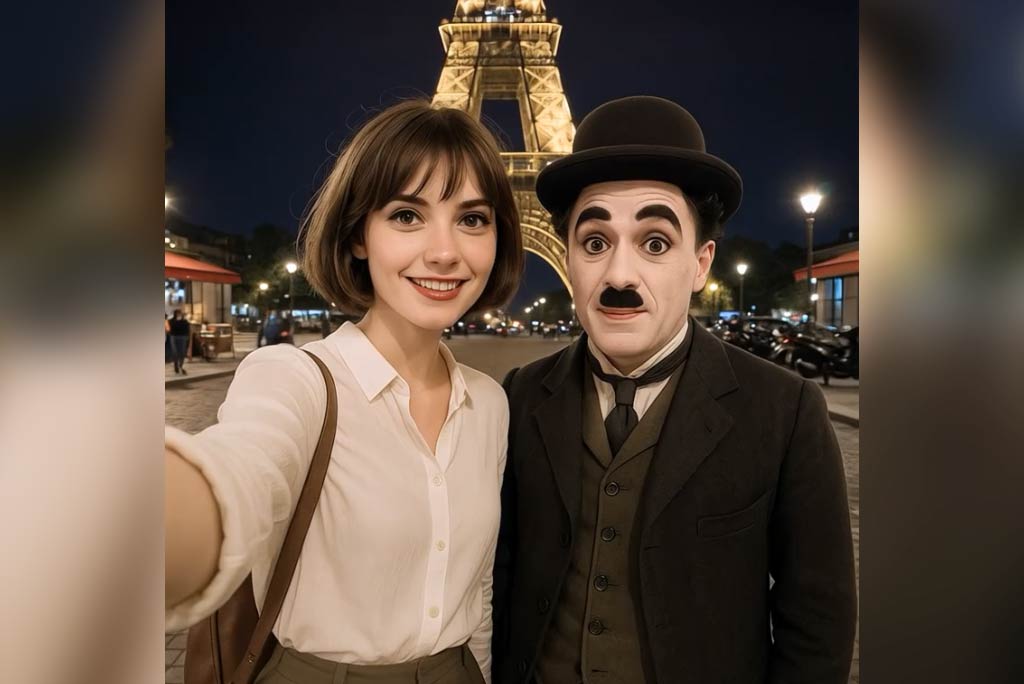
Take a Selfie Video with Celebrities
Create lifelike selfie videos with your favorite celebrities using AI.
How to Generate a Become Female Video with AI?
Step 1: Upload a Male Photo
Upload one clear, front-facing photo of a male subject. For best results, make sure the face, shoulders, and upper body are clearly visible with good lighting.
Step 2: Choose the “Become Female” Video Effect
Select the Become Female AI video effect. This template is designed for a fixed camera and continuous motion, ensuring a smooth and realistic male to female transformation without cuts.
Step 3: Generate the Female Transformation Video
The AI performs a seamless one-shot transition. As the subject raises their hands, facial features soften, long hair grows naturally, the outfit changes, and body proportions shift into a feminine silhouette.
Step 4: Preview, Download, and Share
Preview your completed become female video. Download it in high quality and share it on TikTok, Instagram Reels, or YouTube Shorts.
FAQs About insMind Become Female AI?
What is the Become Female AI video effect?


The Become Female effect is an AI-powered video transformation that turns a male photo into a realistic female appearance using smooth facial morphing and body adjustments in a single continuous shot.
How realistic is the male to female AI transformation?
The transformation is designed to look natural, with gradual facial changes, realistic hair growth, and subtle body movement. The camera stays fixed to maintain realism throughout the process.
Do I need video editing experience to use this tool?
No. insMind is built for beginners. You only upload a photo, select the Become Female effect, and let the AI generate the video automatically.
Can I change the outfit or hairstyle?
The default Become Female video effect uses a preset outfit and hairstyle. For full customization, you can switch to image-to-video mode and use text prompts to define clothing or appearance changes.
What type of photo works best?
A clear, front-facing photo with visible shoulders and upper body works best. Avoid heavy shadows, extreme angles, or blocked facial features.