
AI Out-of-Frame Video Generator: Create Cinematic Out-of-Frame Videos from Any Photo

00:00
00:00
00:00
00:00
How to Create an Out-of-Frame Video with AI?
Step 1: Upload Your Image
Upload a clear 2D image featuring a single subject, such as a portrait, pet, illustration, or object. The AI analyzes the subject's edges, pose, and spatial layout to prepare it for animation.
Step 2: Apply the Out-of-Frame Effect
Select the Out-of-Frame Effect. The AI converts the flat image into a pseudo-3D scene by adding depth, perspective layers, and foreground separation—while preserving the original visual style.
Step 3: Generate the Out-of-Frame Animation
Click Generate, and the AI creates a smooth animation where the subject appears to step, reach, or move outside the frame, delivering a striking 2D-to-3D illusion.
Step 4: Download and Share
Download your out-of-frame video and use it for social posts, creative projects, presentations, or digital storytelling—ready to share instantly.
Why Choose insMind's AI Out-of-Frame Generator

True Out-of-Frame Illusion
The AI simulates depth and spatial layering so subjects appear to genuinely break the frame, not just scale or zoom forward.

2D to 3D Without Modeling
Create a convincing 2D-to-3D effect without 3D software, manual masking, or animation skills—everything is handled automatically.

Smooth, Cinematic Motion
Motion feels controlled and lifelike, avoiding jitter or distortion, making the out-of-frame animation visually polished and professional.

Preserves Original Art Style
The AI enhances depth while keeping colors, textures, and artistic style consistent with the original image.

Works for People, Pets, and Art
From portraits and pets to illustrations and creative visuals, the effect adapts naturally to different subjects.

Fast, Online Workflow
No downloads or complex setups. Generate an out-of-frame video online in seconds and export instantly.
FAQs About insMind AI Out-of-Frame Effect
What is the out-of-frame effect?


The out-of-frame effect is a visual animation where a 2D subject appears to move beyond the boundaries of the image, creating a 3D-like illusion.
How does the AI out-of-frame generator work?
The AI analyzes your photo, adds depth and spatial layers, and animates the subject so it appears to step out of the frame.
Can I use this with portraits and pets?
Yes. It works well for people, animals, and even illustrated characters.
Can I share these videos on social media?
Yes. The videos are optimized for TikTok, Instagram Reels, YouTube Shorts, and other platforms.
Will the background stay intact?
Yes. The AI separates the main subject while keeping the background stable and visually consistent.
Can I use this for marketing visuals?
Absolutely. Out-of-frame videos are great for ads, product highlights, and creative campaigns.
Find More Popular Video Effects on insMind
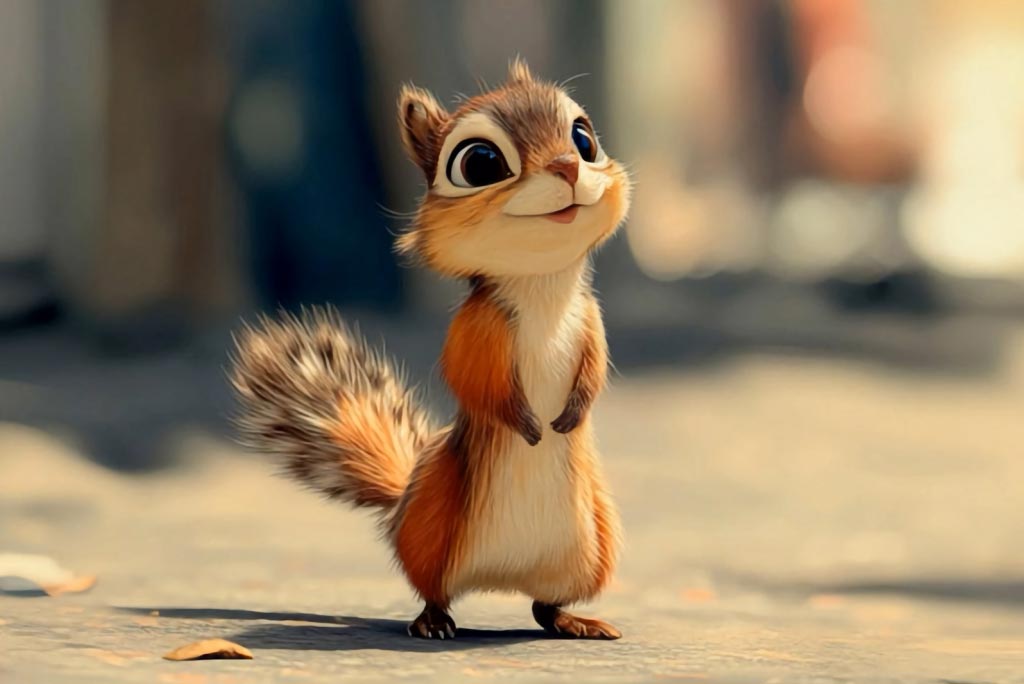
00:00
00:00
Pet Billboard
Turn your pet photo into a cinematic 3D billboard instantly.
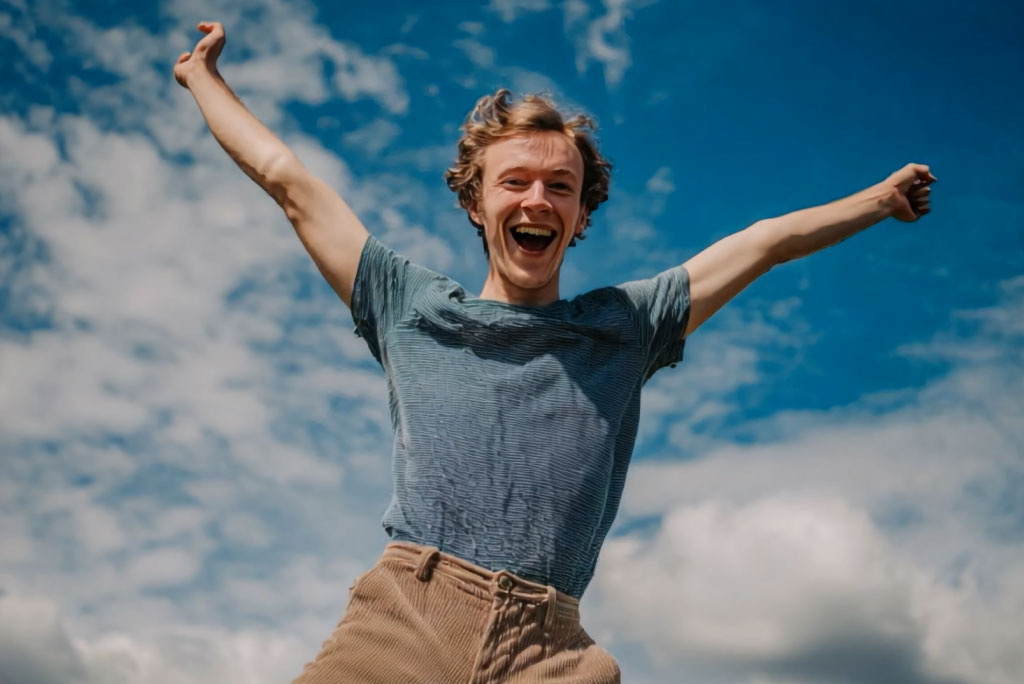
00:00
00:00
Me With My Billboard
Turn your selfie into a cinematic billboard video instantly.

00:00
00:00
Cheek Pinch AI
Create playful, realistic cheek pinch videos from photos with AI.

00:00
00:00
AI Toy Figure
Transform photos into adorable toy figure videos with AI.
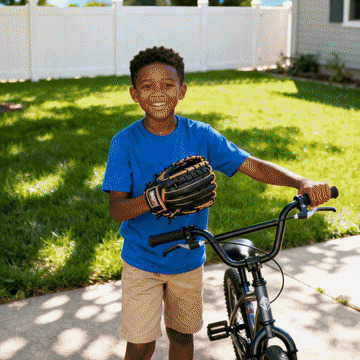
00:00
00:00
AI Fairy Video Effect
Turn a photo into a magical fairy transformation video.