AI Bridal Carry Video Effect: Create Romantic Princess Carry Animations

Turn any static photo into a cinematic AI bridal carry video in seconds. Upload your couple photo and watch AI generate a tender bridal lift scene that captures emotion, movement, and storytelling. Perfect for weddings, anniversaries, reels, and heartfelt social sharing.

00:00
00:00

How to Create a Bridal Carry Video Online with AI

Step 1. Upload Your Photo

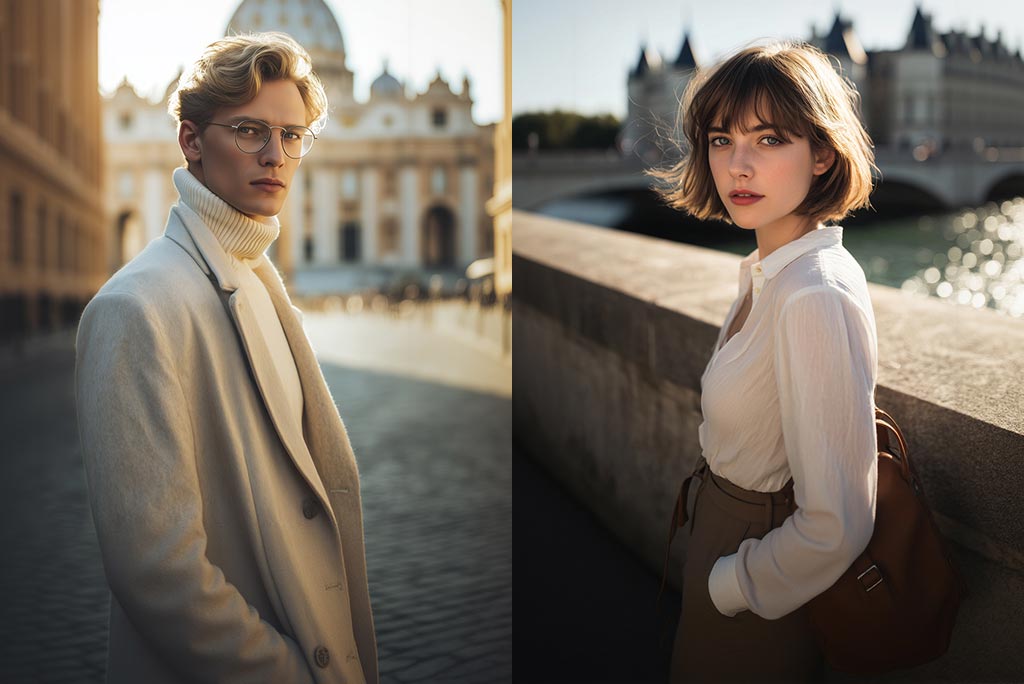
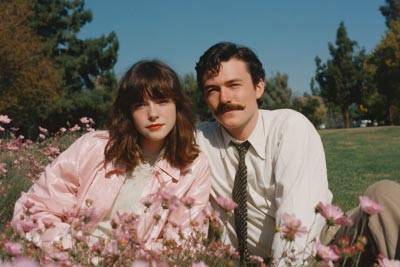
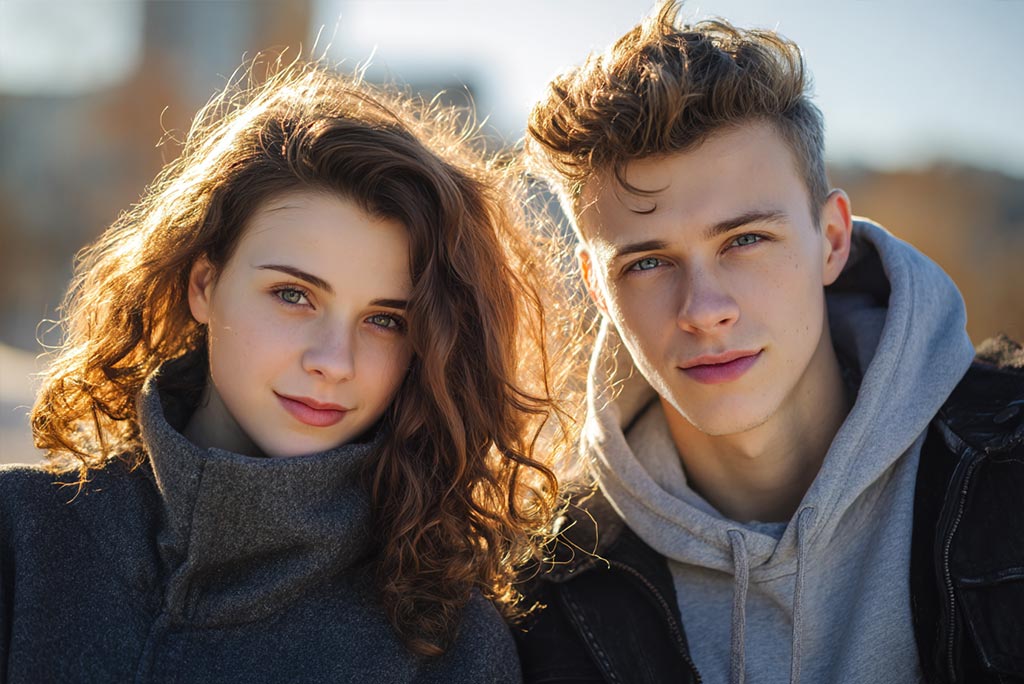
Start by uploading a photo featuring two people. Clear, well-lit images work best. The AI instantly analyzes the subjects and prepares the scene for animation.

Step 2. Choose the Bridal Carry Effect

Select the "AI Bridal Carry" effect among all the video effects. The AI then calculates body positions and motion paths to create a smooth, natural Princess Carry animation scene.

Step 3. Click Generate

When you're ready, click "Generate." The AI bridal carry video maker processes your image using advanced motion synthesis to animate the lift smoothly and beautifully.

Step 4. Download Your Video

Once processing is done, preview and download the finished AI bridal carry video. You'll get a high-quality MP4 perfect for sharing, gifting, or saving as a cherished dynamic memory.

Why Use an AI Bridal Carry Video Effect?

Celebrate Your Love Story

AI bridal carry video effects bring your romantic moments to life. Whether it's a wedding photo or an engagement snapshot, the princess carry animation transforms still memories into animated scenes that resonate emotionally with audiences.

Perfect for Social Sharing

Create scroll-stopping content tailored for TikTok, Instagram Reels, YouTube Shorts, or Facebook posts. Romantic lift videos perform strongly in engagement, helping couples and creators share joy and connection with wide audiences.

Ideal for Special Occasions

From save-the-date teasers to anniversary surprises and wedding invitations, the AI bridal carry video maker adds a magical touch to milestone celebrations without expensive production or editing skills.

Fun for Friends & Creators

Not just for couples. Friends, families, and fans use the bridal carry video generator to animate adorable, humorous, or fan-made scenes—turn friendships, celebrity photos, or fictional characters into lively princess carry clips.
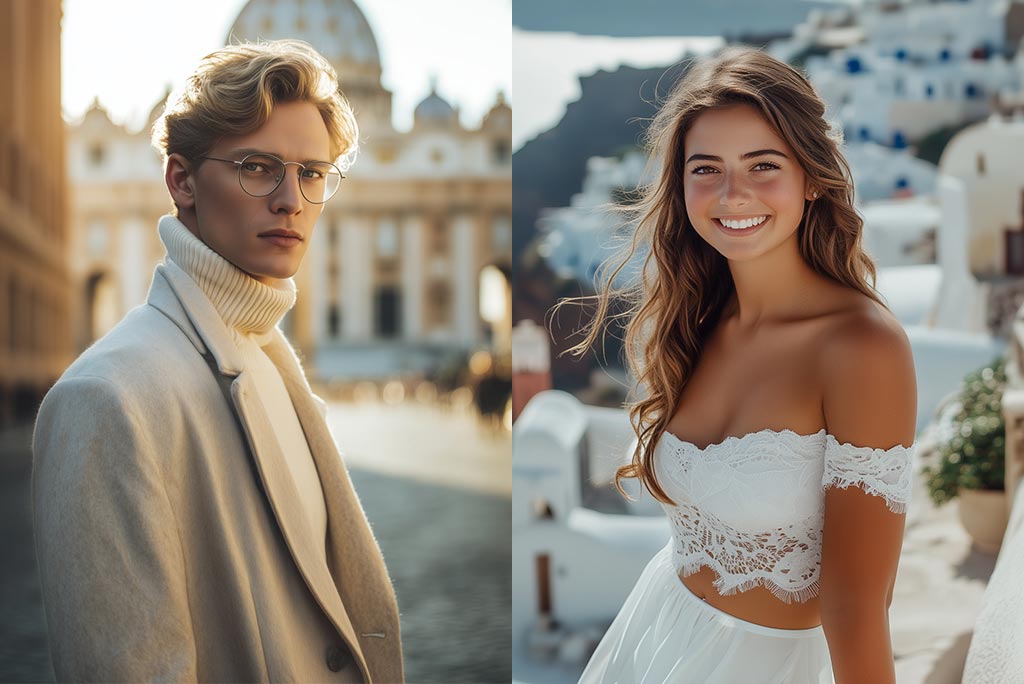
Why Use insMind AI Bridal Carry Video Generator?

One-Click Princess Carry Creation

One-Click Princess Carry Creation

Upload your couple photo and let the AI automatically detect both subjects and generate a cinematic bridal carry video instantly. No editing or design skills required.
High-Quality Romantic Animations

High-Quality Romantic Animations

insMind leverages advanced video models like Sora 2, Veo 3.1, and Kling 3, producing smooth motion, lifelike movements, and rich detail that make your bridal carry clips realistic and captivating.
Social Media-Ready Output

Social Media-Ready Output

Download your bridal carry video in high resolution, optimized for platforms like TikTok, Instagram Reels, or YouTube Shorts. Share instantly and engage your audience with a beautiful love story animation.

FAQs about AI Bridal Carry Filter

What is an AI bridal carry video?

insmind expand icon
An AI bridal carry video uses artificial intelligence to animate a static photo of two people into a romantic lifting animation, creating a dynamic princess carry scene from your original image.

What kinds of photos work best?

insmind expand icon
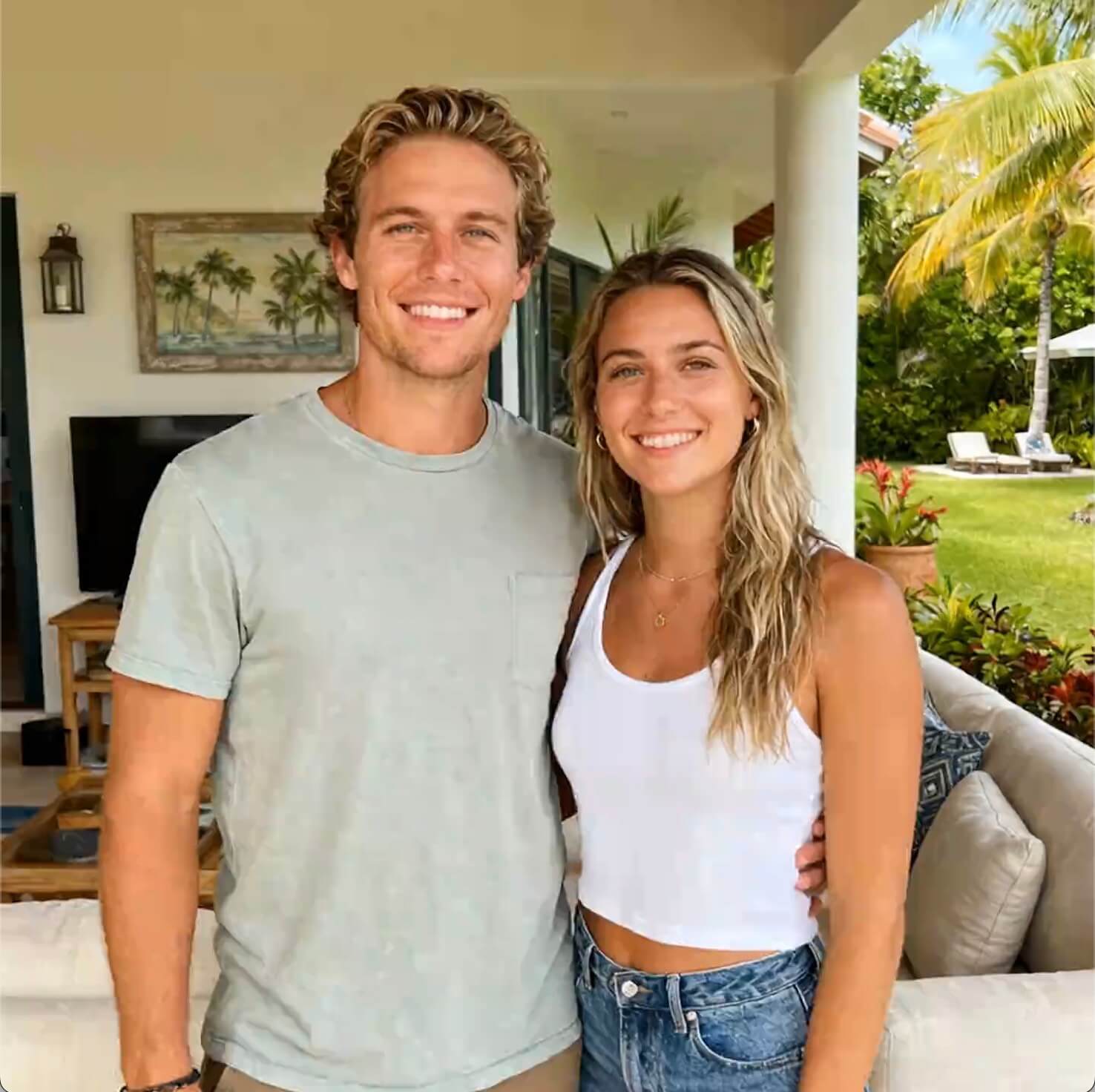
Photos showing two people clearly and fully are ideal. Good lighting, minimal clutter, and visible body poses help the AI create smoother and more natural movement.

How long does it take to generate a bridal carry video?

insmind expand icon
insMind generates your AI bridal carry video effect within seconds to a few minutes, creating smooth and lifelike animation from your uploaded photo. Enjoy fast processing without complicated editing or long waiting times.

Can I use these videos for social media?

insmind expand icon
Yes. Bridal carry videos are optimized for TikTok, Instagram Reels, Facebook, and YouTube platforms. High quality makes them great for engagement and sharing.

Do I need two people in the photo?

insmind expand icon
Yes. AI bridal carry effects work best when the image contains two subjects you want animated into a lifting pose.

Can I use photos of friends or pets?

insmind expand icon
Absolutely! Friends, pets, or even fictional characters can be placed in princess carry animations as long as two subjects are clearly visible.

Will the background change?

insmind expand icon
No. The original background is preserved, while the characters are animated into a smooth bridal carry scene.