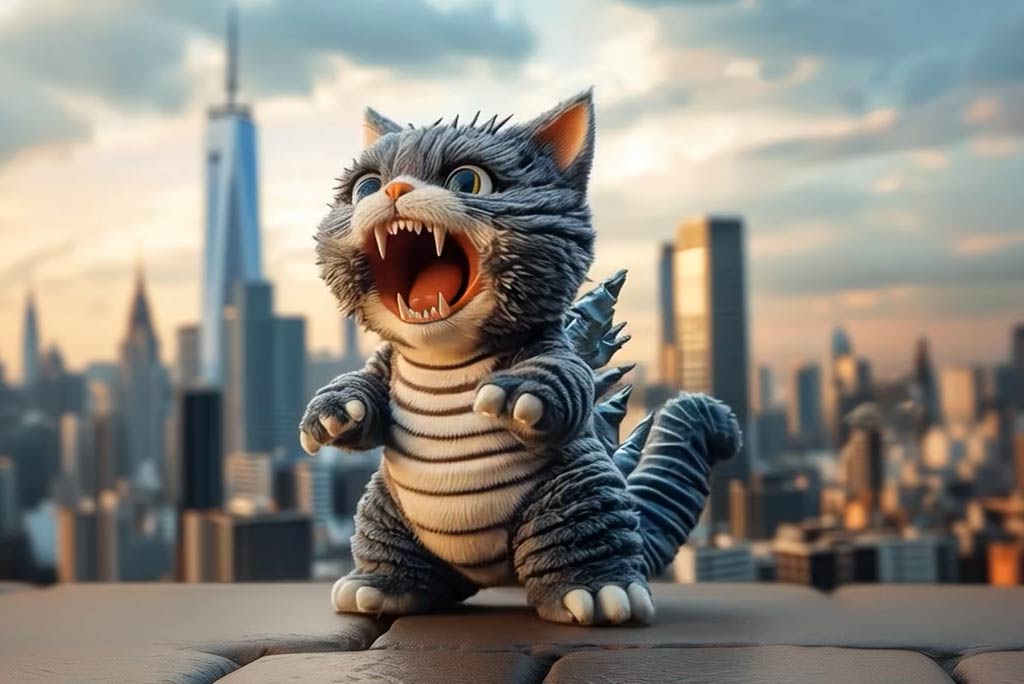
3D Render AI: Transform Photos into Stunning 3D Renders Online

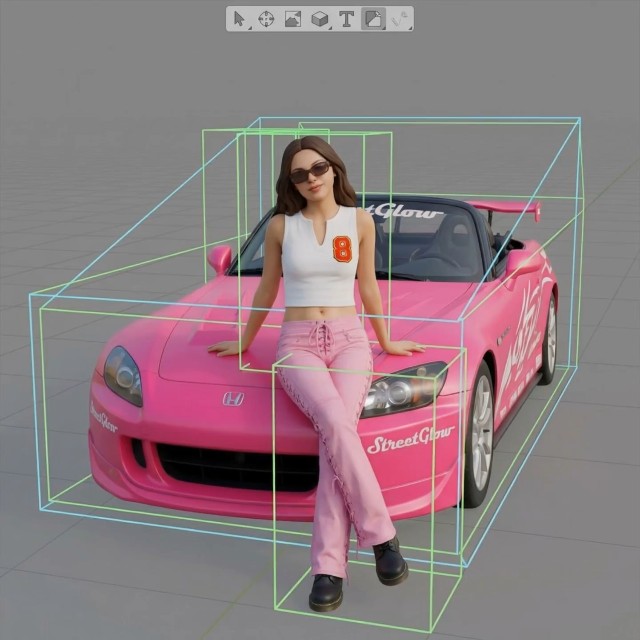
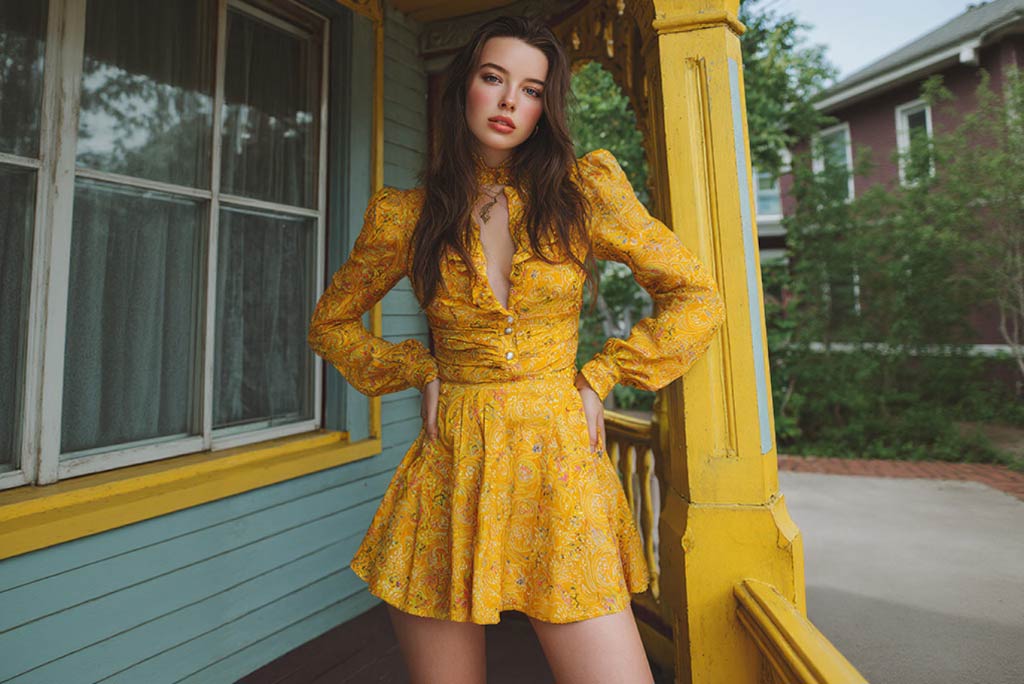
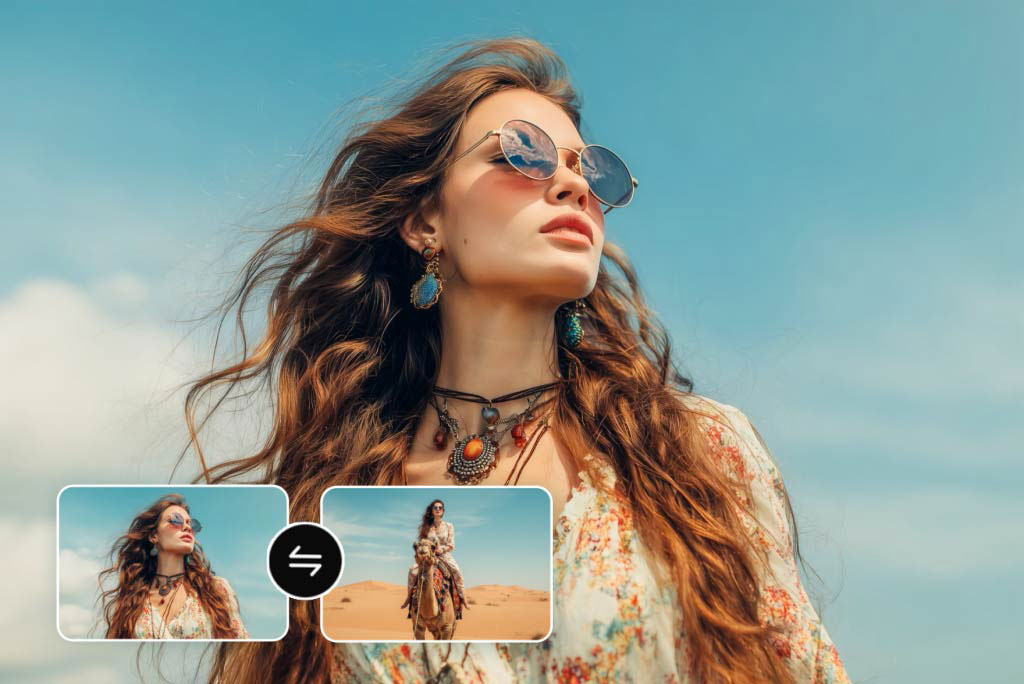
Turn your images into impressive 3D visuals in seconds. With insMind AI 3D Render, you can create stylish 3D render results and transform static images into immersive content.

00:00
00:00

How to Create 3D Renderings from Photos with AI

Step 1. Upload Your Image

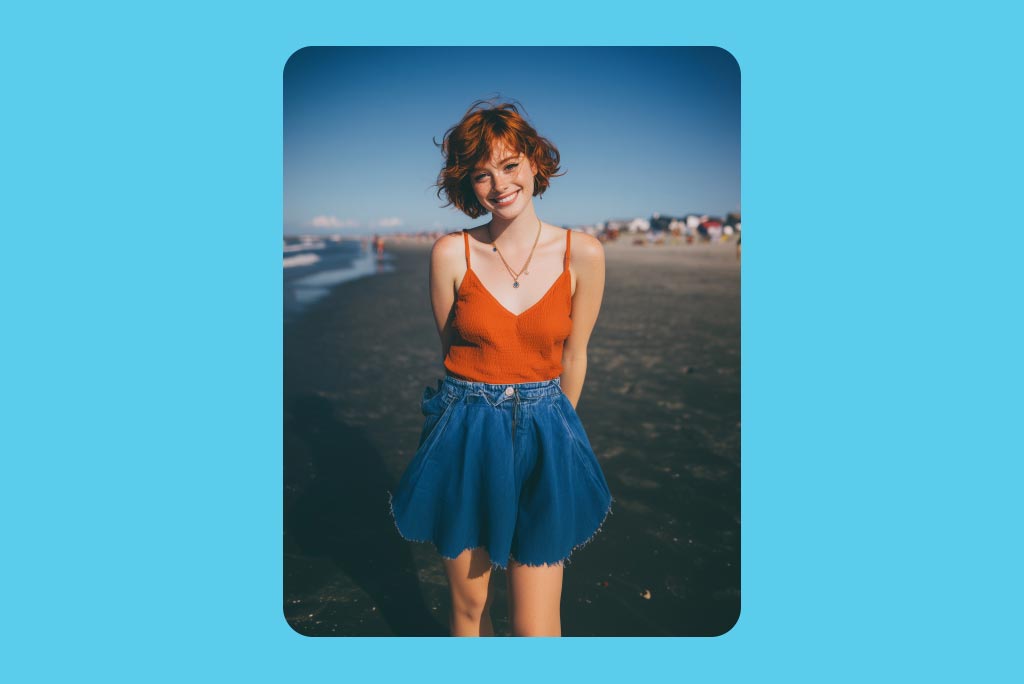
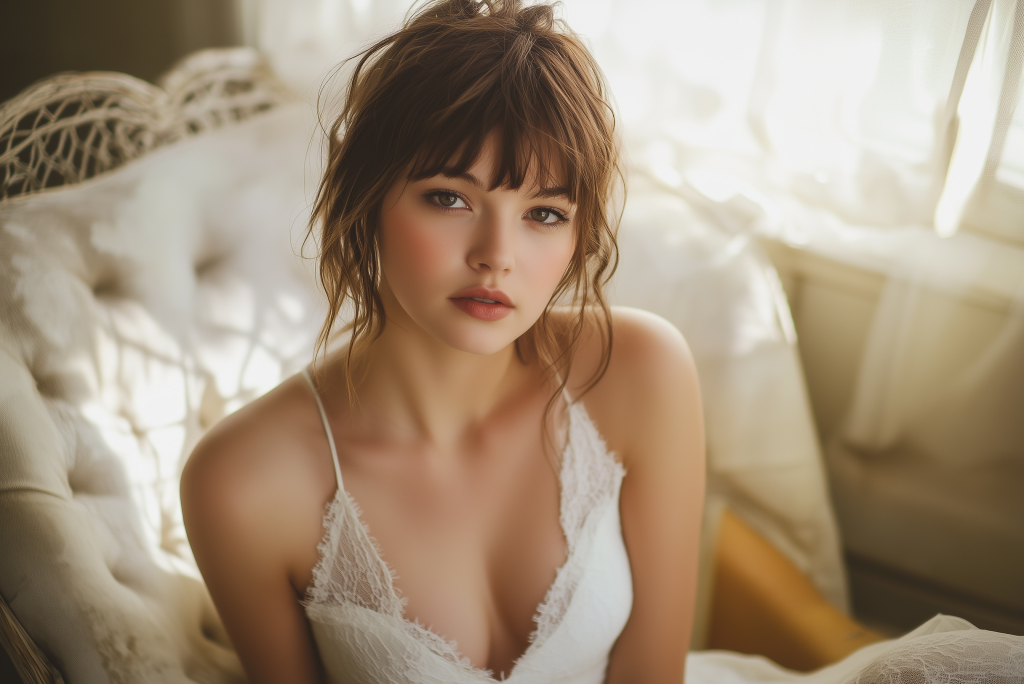
Upload a portrait, product photo, object image, or design reference to start. Clear photos with visible details work best for 3D rendering from photos and help the AI generate a more polished 3D render result.

Step 2. Choose the 3D Render Effect

Select the 3D Render AI Effect you want to apply. Our AI 3D Render Generator adds depth, lighting, texture, and a strong 3D filter look to transform flat images into more dimensional visuals.

Step 3. Click Generate

Click "Generate" and let the AI 3D Renderer process your image. In seconds, it creates an AI 3D rendering result that looks modern, detailed, and visually striking for creative or commercial use.

Step 4. Download and Preview

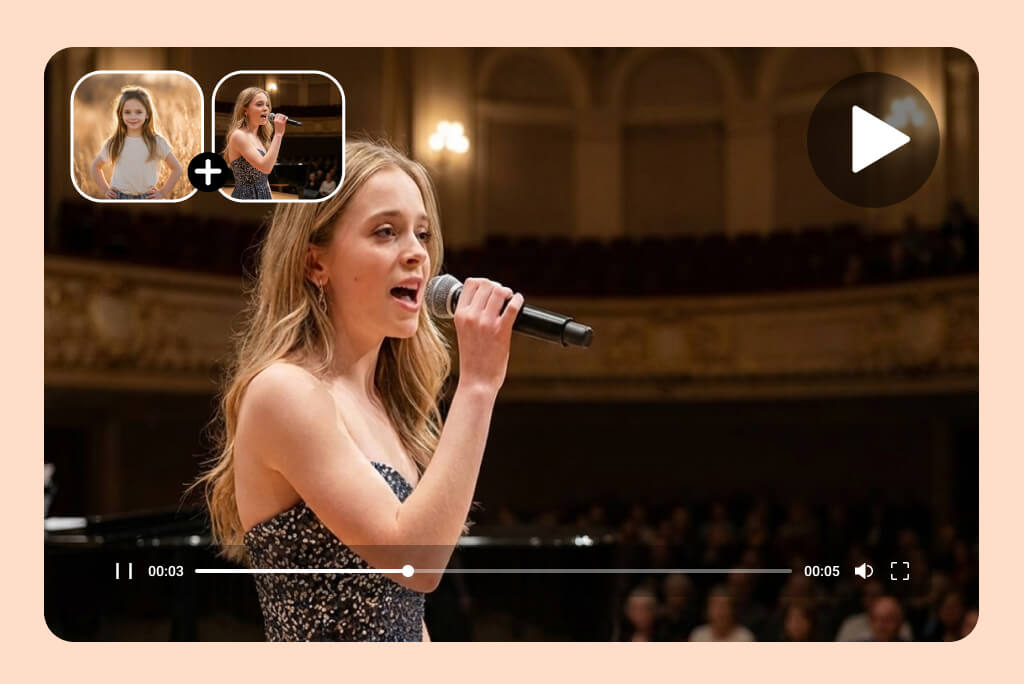
Preview your final 3D image render and download it instantly. You can use the result as a standalone visual, a 3D model render reference, or as a powerful asset for image to video content and dynamic short-form video creation.

Why Use a 3D Image Render Effect?

Turn Flat Images into Dimensional Visuals

A standard image can feel static and ordinary. With 3D Render AI, you can add depth, lighting, and texture to create a stronger visual impact that feels more immersive and professional.

Add a More Artistic Render Finish

Instead of looking like a standard photo, your image takes on a more designed and artistic render style that feels unique and visually elevated.

Upgrade Social and Marketing Visuals

A high-quality 3D image render can stand out more easily on social media, landing pages, and ad creatives. It helps brands and creators produce visuals that look more premium and scroll-stopping.

Save Time on Creative Production

Instead of manually editing shadows, lighting, and dimensional effects, you can use AI to generate the 3D render much faster and keep your workflow more efficient.

Why Use insMind's 3D Model Render?

Fast and Easy AI 3D Rendering

Fast and Easy AI 3D Rendering

Create high-impact AI 3D rendering results in just a few clicks. You do not need advanced design skills, complicated 3D software, or manual rendering experience to get started.

Stylish Depth, Lighting, and Texture

Stylish Depth, Lighting, and Texture

Our AI 3D renderer enhances your image with realistic dimension, cleaner lighting, and a strong 3D filter effect. The result feels sharper, more modern, and more visually compelling.

No Watermark Output

No Watermark Output

Export your 3D render images without watermarks for a cleaner and more professional final result.

FAQs about AI 3D Render Generator

What is 3D Render AI?

insmind expand icon
3D Render AI is a tool that transforms a regular image into a more dimensional and visually enhanced render. It uses AI to add depth, lighting, texture, and a stylized 3D look automatically.

How does AI 3D rendering work?

insmind expand icon
The AI analyzes your uploaded image and applies rendering effects that simulate depth, structure, and visual detail. This helps create an AI 3D rendering result without manual modeling or complex editing.

Can I use this as an AI 3D renderer for portraits and products?

insmind expand icon
Yes. You can use it on portraits, product photos, objects, and other visual assets. It is designed to create flexible 3D render results for a wide range of creative needs.

Do I need 3D design skills to use this tool?

insmind expand icon
No. Our AI 3D render generator is beginner-friendly. Just upload your image, apply the effect, and let the AI create the render for you.

What kinds of images work best with 3D Render AI?

insmind expand icon
Clear photos with visible subjects, clean composition, and strong details usually work best. Portraits, product shots, and object images often produce the most striking render 3D results.

What makes AI 3D rendering different from normal photo editing?

insmind expand icon
Normal photo editing usually adjusts color, contrast, or sharpness. AI 3D rendering goes further by adding depth, lighting, and a more dimensional look that changes the overall visual feel.

What can I do with a generated 3D render?

insmind expand icon
You can use your 3D render for social posts, ad creatives, posters, thumbnAIls, landing pages, branding materials, or as a stronger source image for photo to video creation.

Will the rendered image look realistic or stylized?

insmind expand icon
That depends on the source image and effect style, but in most cases the result combines realistic depth with a stylized 3D visual finish for a clean and modern look.