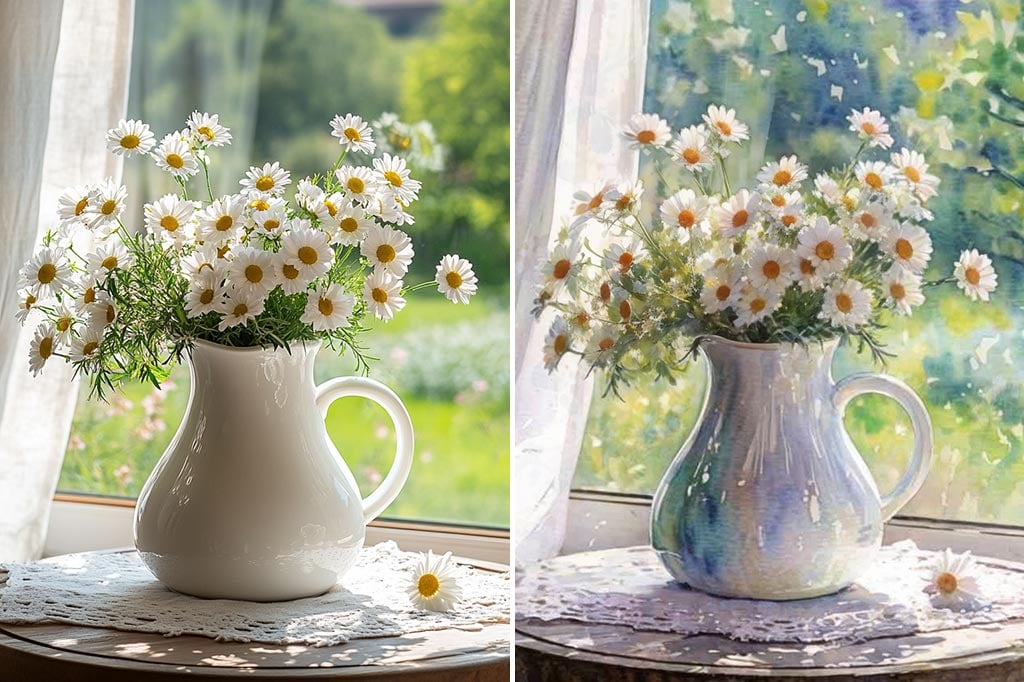
Convert Your Photo to a Watercolor Painting Online in Seconds

Upload a photo and apply a watercolor filter in your browser. Turn any photo into watercolor art for portraits, landscapes, gifts, or social posts without installing an app.

Convert Your Photo to a Watercolor Painting Online in Seconds
After
Before
Or drop image here, paste image or URL
Try with one of these
Photo to Watercolor 1
Photo to Watercolor 2
Photo to Watercolor 3
Photo to Watercolor 4
Photo to Watercolor 5
Convert Your Photo to a Watercolor Painting Online in Seconds
After
Before
Convert Photos to Watercolor Art Online

Convert Photos to Watercolor Art Online

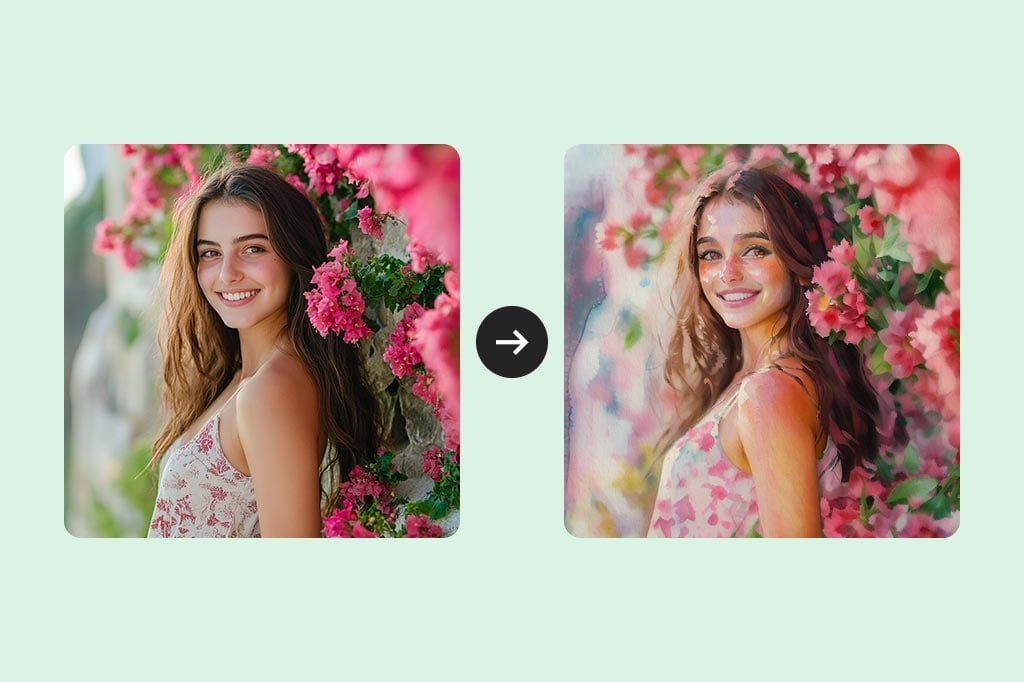
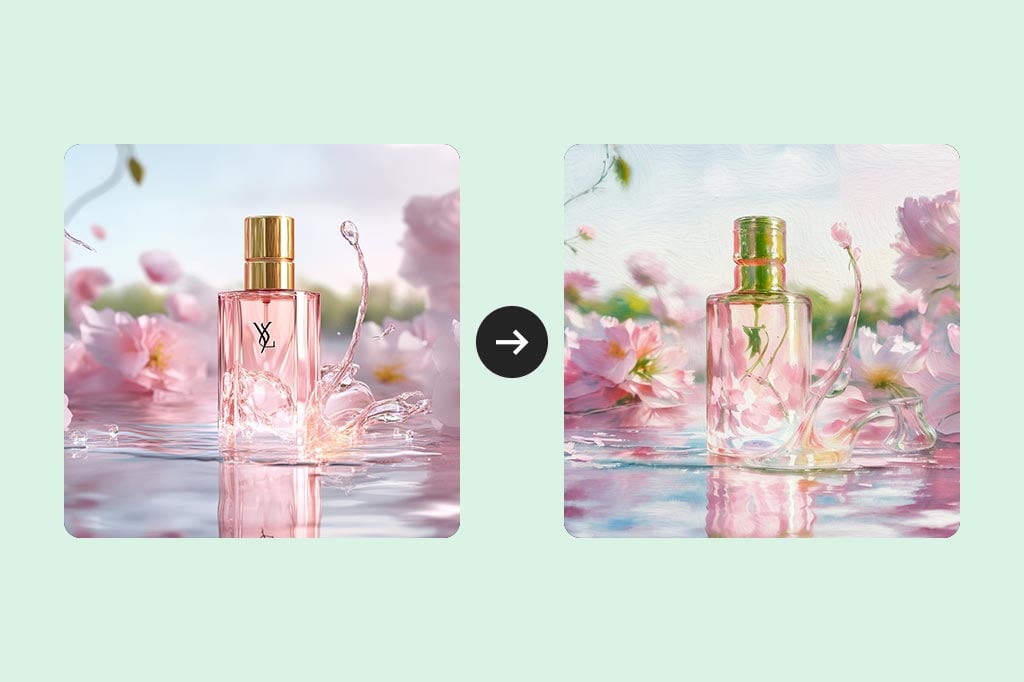
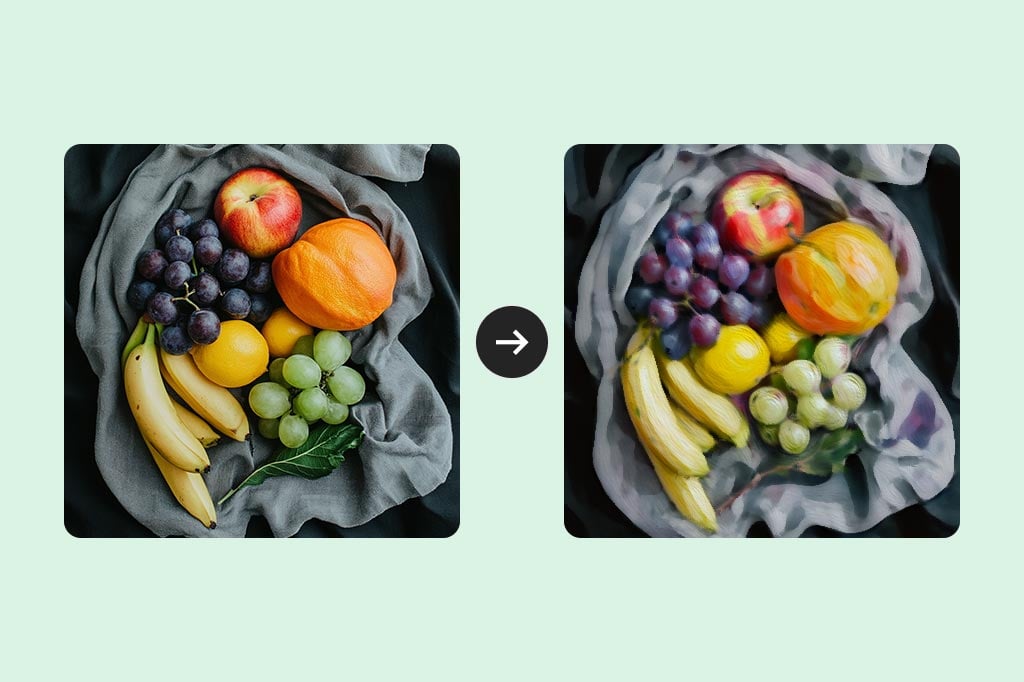
Upload a portrait, pet photo, product shot, or landscape and apply the watercolor photo effect in your browser. The filter softens hard edges, blends colors, and adds a painted look while keeping the subject recognizable.

Start with a clear image and preview the result before downloading. If you want to compare watercolor with other styles, try the AI photo filter gallery after this pass.

Upload a Photo
Make Watercolor Portraits from Photos

Make Watercolor Portraits from Photos

Portraits usually need the face and expression to stay readable. Use a sharp, front-facing image with good light; the watercolor filter works best when eyes, hair, and skin tone are not hidden by blur or harsh shadows.

For a softer portrait, keep the original crop simple. If the background has too many details, crop closer to the person before applying the filter.

Create a Watercolor Portrait
Turn Landscapes and Travel Photos into Watercolor Paintings

Turn Landscapes and Travel Photos into Watercolor Paintings

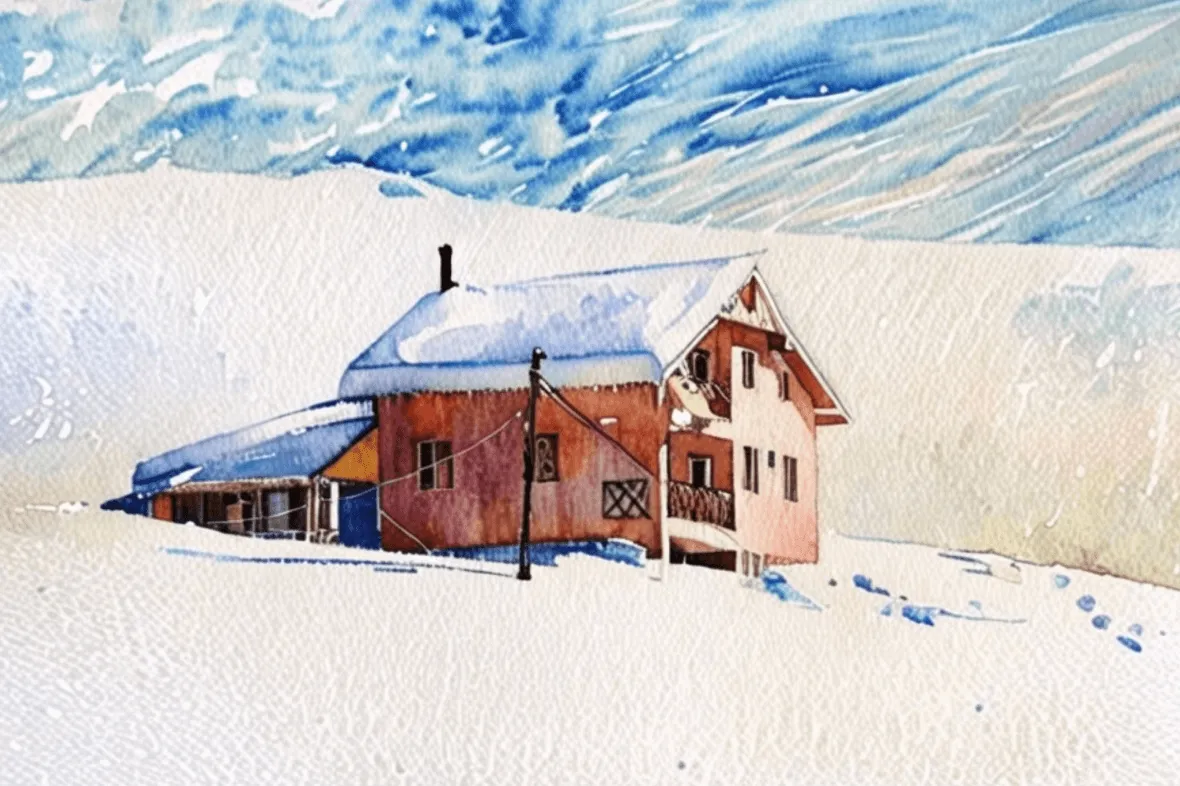
Scenery, flowers, beaches, city views, and travel photos are strong candidates for watercolor because the effect can smooth clouds, foliage, and reflections. Keep one clear focal point so the final painting does not become too busy.

If the first result looks crowded, crop the photo tighter and run the filter again. Simple compositions usually produce cleaner watercolor washes.

Try the Watercolor Effect
Create Watercolor Prints, Cards, and Gifts

Create Watercolor Prints, Cards, and Gifts

Use the watercolor converter to make invitation art, greeting cards, framed prints, scrapbook pages, or a softer version of a family photo. The result is useful when you want a handmade mood without commissioning a painting first.

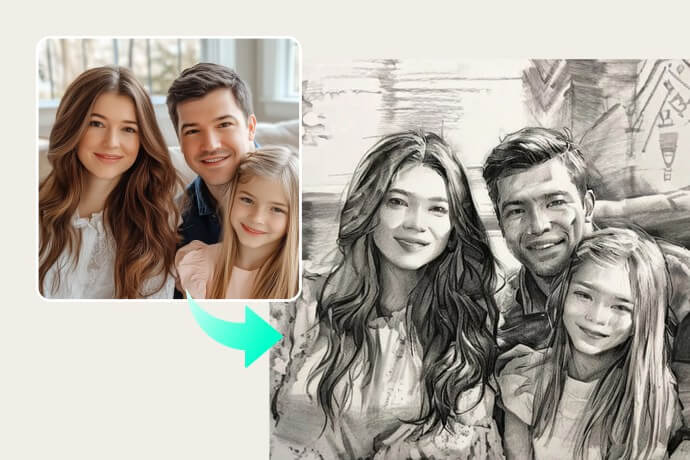
For a heavier brush look, compare the result with photo to painting; for a lighter drawn look, try photo to sketch.

Make Watercolor Art
Explore Watercolor and Other AI Art Filters

Explore Watercolor and Other AI Art Filters

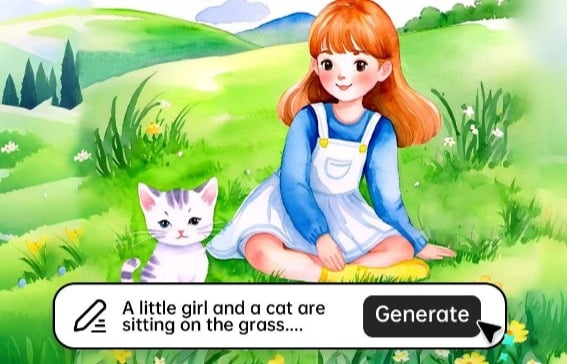
Watercolor is best for soft washes and gentle color texture. If the image needs stronger outlines, use a sketch or line drawing filter; if you want a fully invented scene, start from a prompt in the AI watercolor generator.

This keeps each tool focused: use this page to convert an existing photo, and use generator pages when you want to create new artwork from text.

Explore AI Filters

Explore More Photo Art and Watercolor Tools

How to Turn a Photo Into a Watercolor Painting Online

Upload Your Photo
1

1 Upload Your Photo

Click Upload a photo and choose a clear portrait, landscape, pet, product, or travel image. A simple composition with one main subject usually gives the cleanest watercolor result.
Apply the Watercolor Filter
2

2 Apply the Watercolor Filter

The tool applies the watercolor photo effect to your image. Use the preview to check how the filter handles edges, colors, faces, and background details before saving.
Review the Watercolor Result
3

3 Review the Watercolor Result

Look at the face, outlines, and most detailed areas. If the result feels too busy, try a closer crop or a brighter source photo and generate the watercolor version again.
Download or Keep Editing
4

4 Download or Keep Editing

Download the finished watercolor painting for social posts, gifts, moodboards, or design drafts. You can also continue editing in insMind if the image needs resizing, expanding, or enhancement.

Where to Use a Watercolor Photo Effect

Use the watercolor converter when a normal photo feels too literal and a hand-painted mood fits the project. It works best for photos that already have a clear subject, balanced light, and colors you want to soften.

Social Media Posts and Profile Art

Social Media Posts and Profile Art

Turn profile portraits, pet photos, or travel shots into softer visuals for posts, stories, thumbnails, and banners. Watercolor works well when you want a creative look without making the image feel like a full cartoon.

Personal Gifts, Cards, and Wall Art

Personal Gifts, Cards, and Wall Art

Create birthday cards, wedding stationery, framed prints, scrapbook pages, or keepsakes from family and landscape photos. Preview small face details before printing or sending the final version.

Creative References for Designers and Artists

Creative References for Designers and Artists

Use photo-to-watercolor results as moodboard pieces, illustration references, cover concepts, or rough directions for client feedback. If you need clean outlines instead, route the image to photo to line drawing.

Why Choose insMind as Your Watercolor Photo Editor?

Fast Browser-Based Conversion

Fast Browser-Based Conversion

Upload one image, apply the watercolor filter, preview the result, and download from your browser. You do not need painting software or a separate watercolor photo app to start.

Watercolor Results That Keep the Photo Recognizable

Watercolor Results That Keep the Photo Recognizable

The effect is designed for photo conversion, so the original subject, pose, and composition stay visible while colors and edges take on a softer painted look.

Easy Next-Step Editing

Easy Next-Step Editing

After creating the watercolor effect, you can keep working in insMind for enhancement, resizing, background changes, or canvas expansion when the final image needs a different format.

FAQs About Photo to Watercolor Effects

What is a watercolor filter for photos?

insmind expand icon
A watercolor filter changes a photo into a softer painted image by blending colors, reducing hard edges, and adding a brush-like look. It is useful when you want an artistic result while keeping the original subject recognizable.

How do I turn a photo into watercolor online?

insmind expand icon
Upload your photo, apply the watercolor filter, preview the result, and download the finished image. For best results, start with a clear photo that has good lighting and one main subject.

What kind of photo works best for a watercolor effect?

insmind expand icon
Portraits, pets, landscapes, flowers, travel photos, and simple product shots usually work well. Very dark photos, tiny faces, heavy blur, and crowded backgrounds can make the watercolor result less clear.

Can I use this photo to watercolor converter for free without an app?

insmind expand icon
You can start online from your browser without installing an app. Some advanced editing, higher usage, or premium downloads may depend on your account plan, but the basic workflow is built for quick online conversion.

More Tools for Watercolor and Photo Art

Try these related tools when you want a different art style, a prompt-generated watercolor image, or a cleaner source photo before applying the effect.