
Convert Images to Custom Stencil with Online Picture Stencil Maker
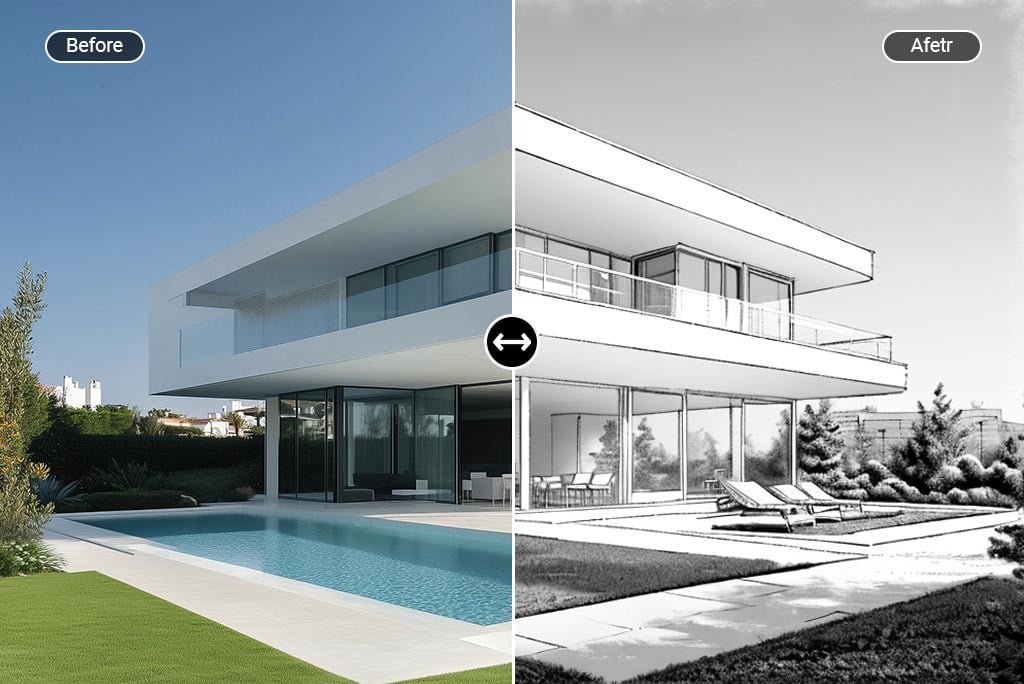
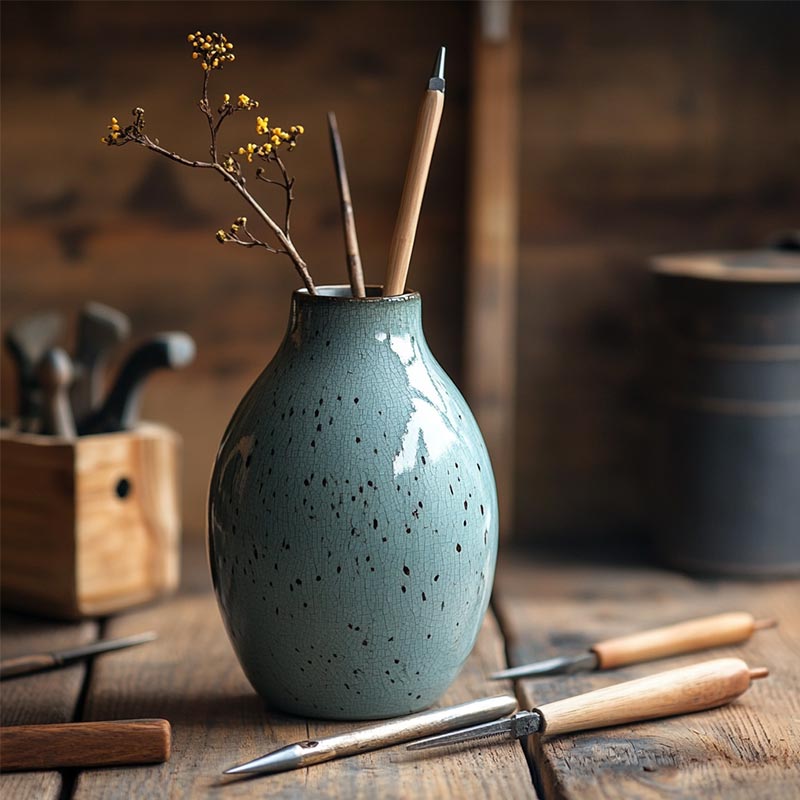



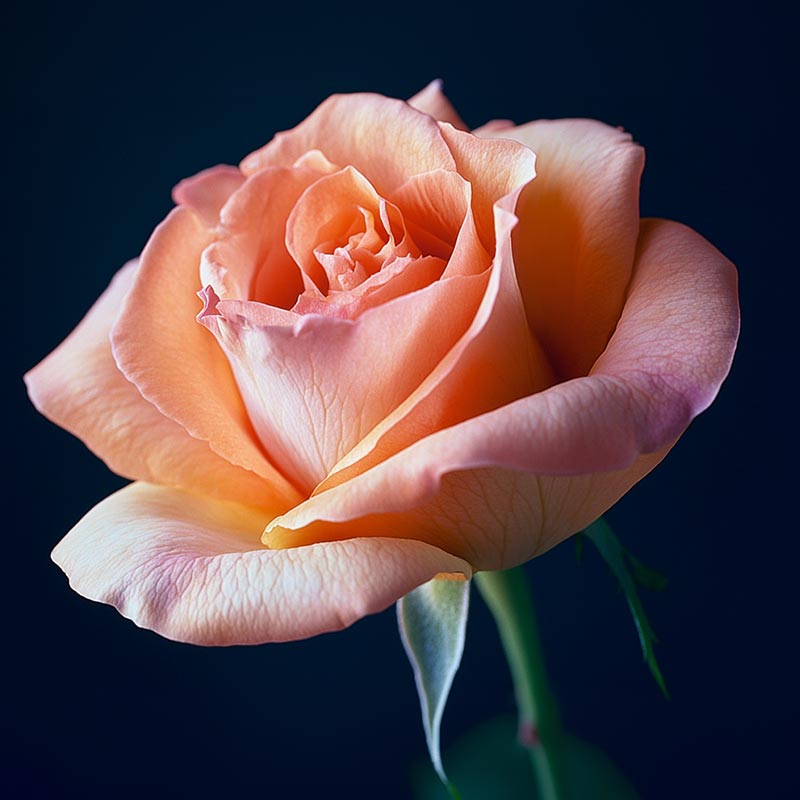
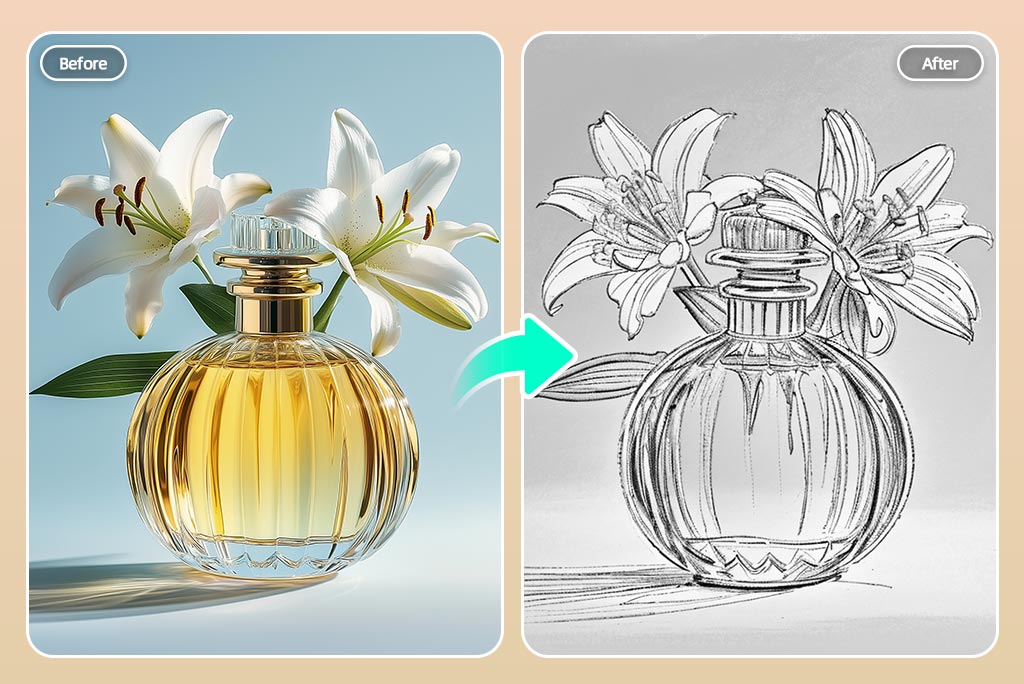
Turn Picture into Stencil with One Click
insMind photo to stencil converter allows you to change images to art in only a second. After you give it your image, the tool prepares a ready-made stencil with the outline of your design. Anyone, including artists or hobbyists, unable to use difficult software, may create stencils easily here. Upload your photo to our convert picture to stencil tool and use the stencil filter to see how it looks.
If your background is full of details, use our tool to remove the background from the photo first before creating the stencil. Then, the AI boosts contrast and wipes out image noise to produce a stencil that's perfect for any printing, transferring, or painting process.
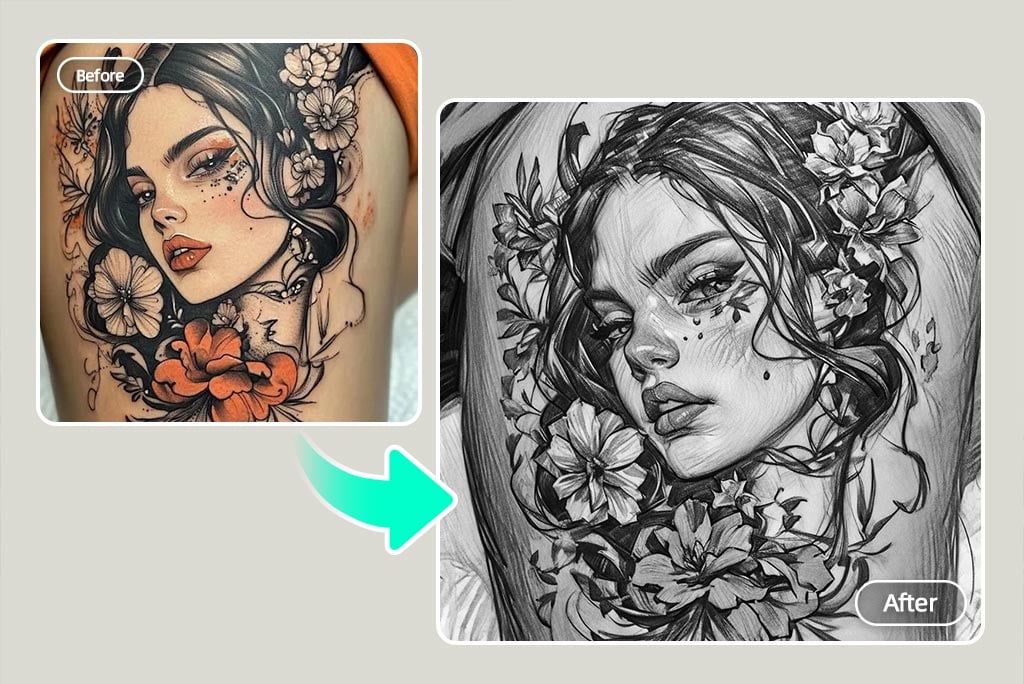
Tattoo Stencil Maker for Artists & Beginners
It is now simple to convert photo to tattoo stencil online with a free trial. You can use this tool to create a stencil from a photo whether you're a trained artist or trying it out for the first time for free. Choose a portrait, symbol, or concept, upload it and the AI tattoo stencil maker will turn it into a bold and ink-ready outline.
Rather than having to guess with manual techniques, this tool does the work automatically. It shows prominent features of the face or object, resulting in clean lines and perfect tattoo shape. You can also use our ai tattoo generator to see various tattoo ideas and where to place them before you begin stenciling. With insMind, turning your tattoo ideas into pictures is simple, efficient and costs nothing.
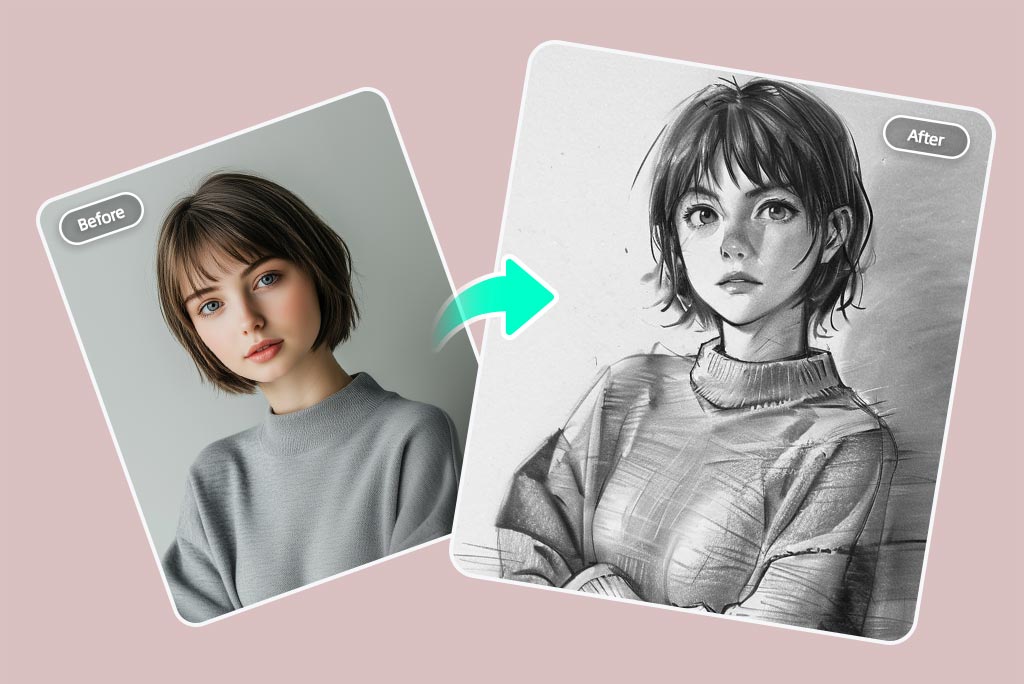
Turn Portraits, Pets, and Objects into Custom Stencils
You can turn your loved one's face, your pet's image, a bike, or a picture of a landscape into a stencil using our image stencil maker. Every tiny detail is studied by the AI to shape edges and make the printed texture simple, turning your stencil into something you can use for arts and crafts.
It comes in handy when you prefer your drawing to resemble a sketch. Begin by stenciling your image; alternatively, take it to the next level by using the photo to sketch option. You can turn almost any image into a black and white outline by using our picture stencil creator in different ways, including with custom cards and stencils.
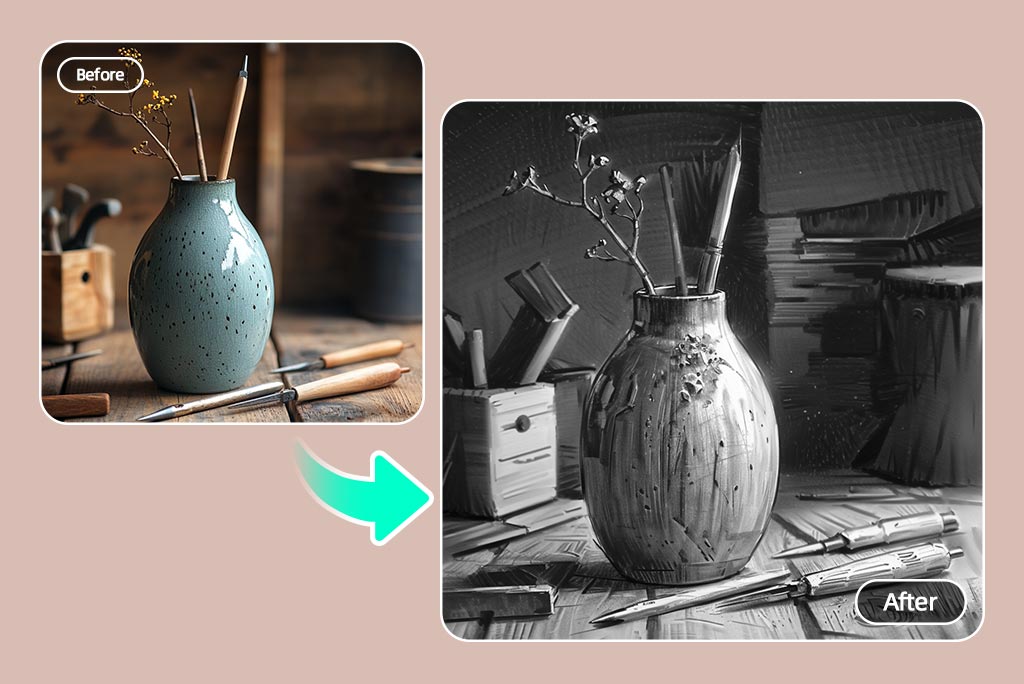
Make Printable Stencils for DIY Crafts
Anyone who likes crafts will love our tool to make picture into stencil that are great for tracing, cutting, and decorating. You can use printable stencils for holidays, home decor or schoolwork because it stays sharp and fits well on paper, wood, fabric or canvas.
Feel like making the design stand out before printing it out? Use our Image Enhancerprior to applying the stencil effect so you get sharp and clear lines. Whether you want to make visuals, stickers or start a spray-painting project, it's essential to have the stencil picture maker you can try for free.
Discover More Picture Stencil Maker Features
How to Turn a Picture into a Stencil?
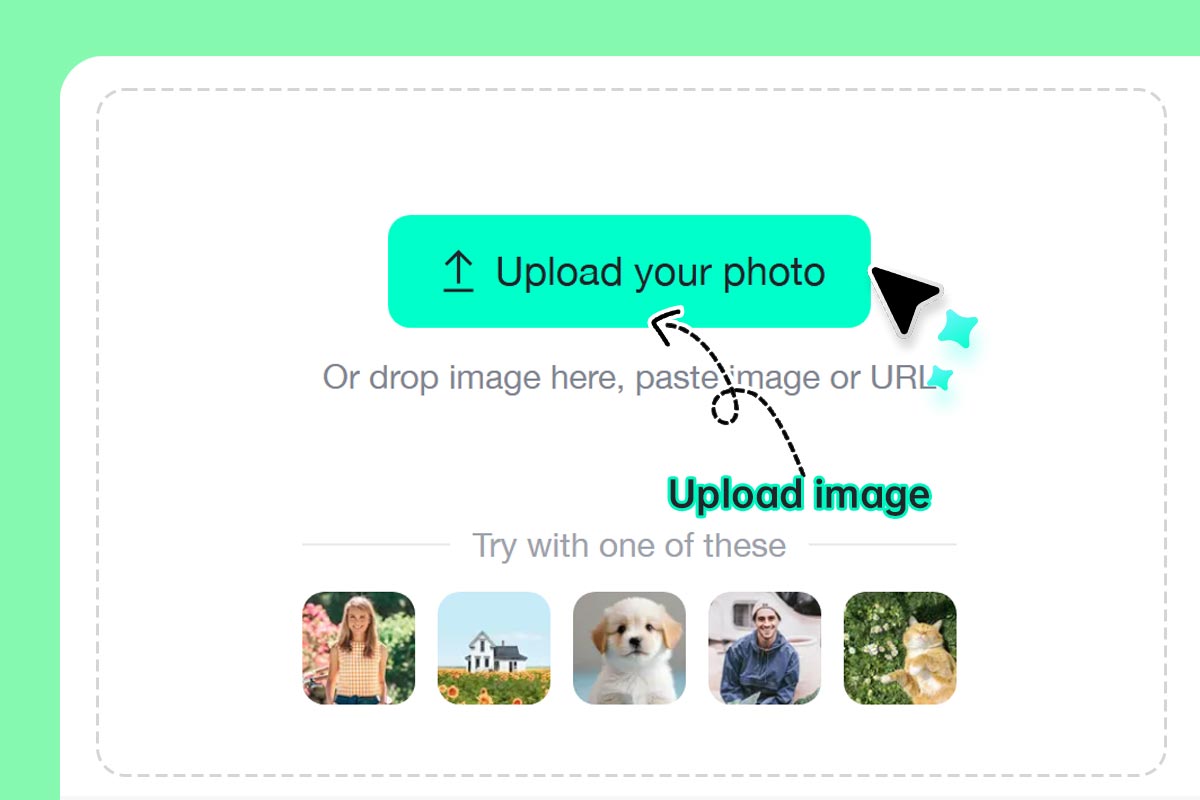
1 Step 1: Upload your photo
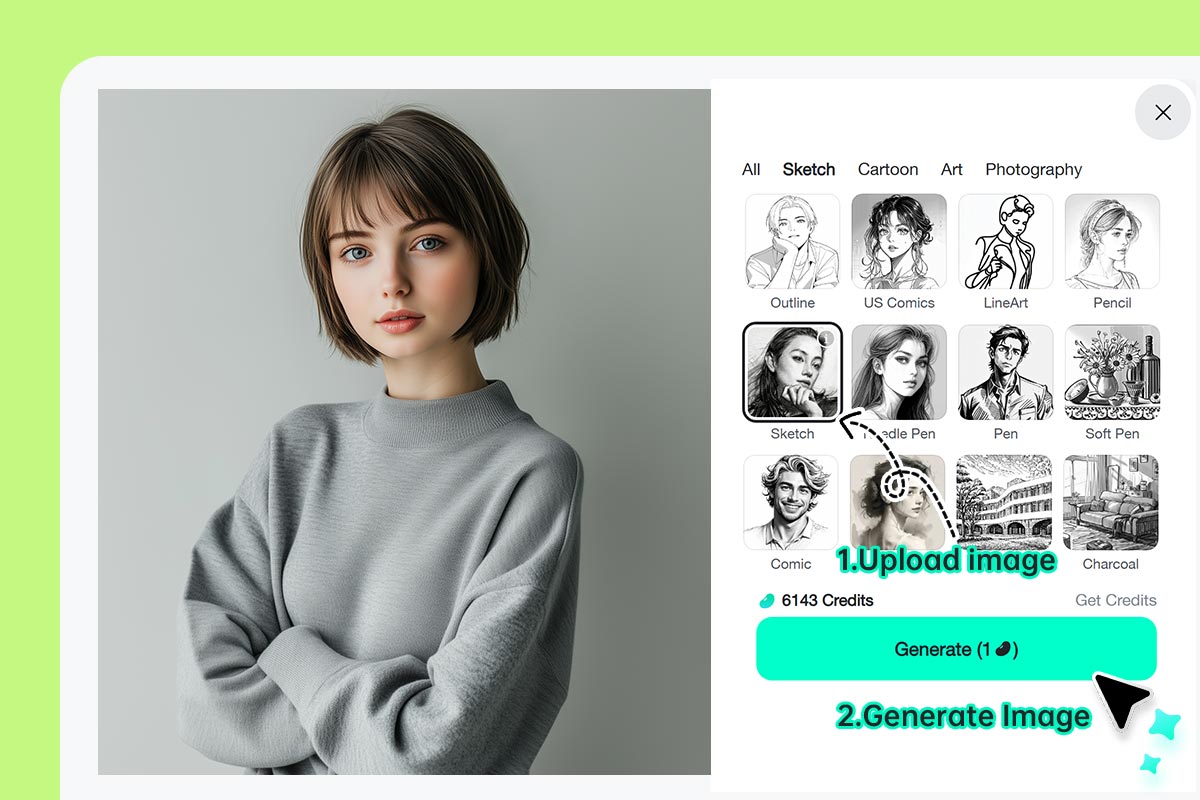
2 Step 2: Apply the "Sketch” effect and Generate
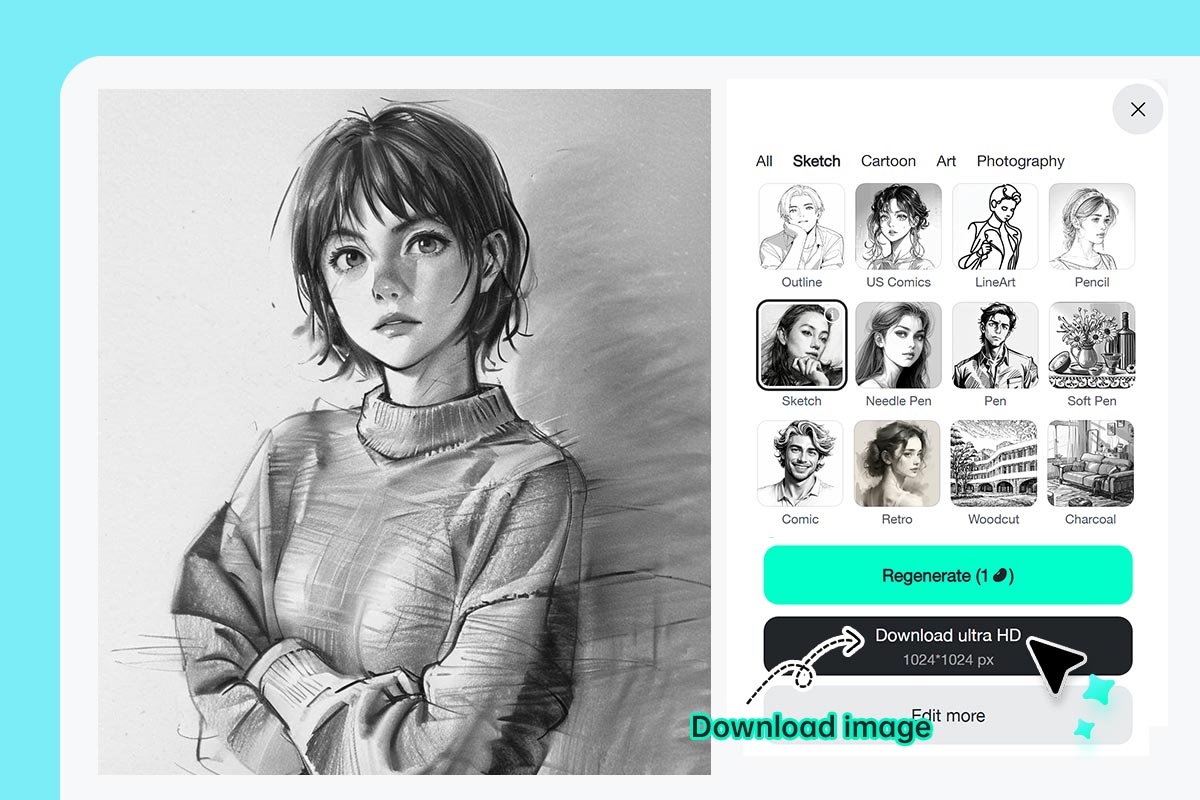
3 Step 3: Download your custom stencil
AI Image to Stencil Maker for Art, School, and Projects
Do you want to create stencil from something that you captured with your smartphone's camera or downloaded online? insMind AI is the solution to all your questions.
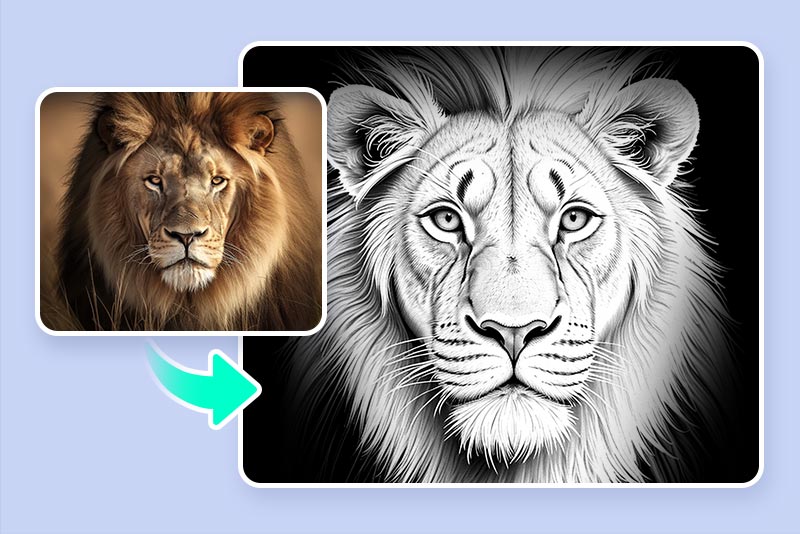
Tattoo Stencil Outlines
Take any idea or image and make a skin template using the tattoo stencil maker. The tool helps you make stencils for every tattoo design from minimal sketch to an intricate face piece.
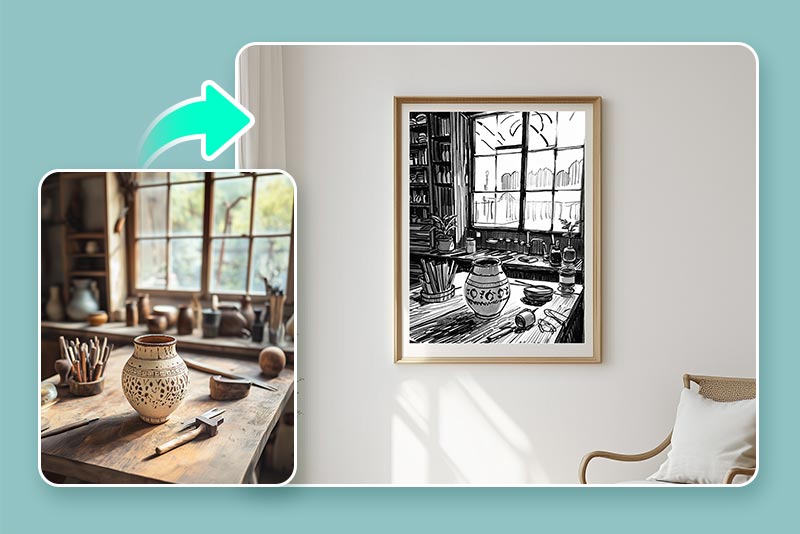
Wall Decor
With the online stencil maker, you can set up your own wall mural, encouraging phrase or symbol to trace and paint on your wall.
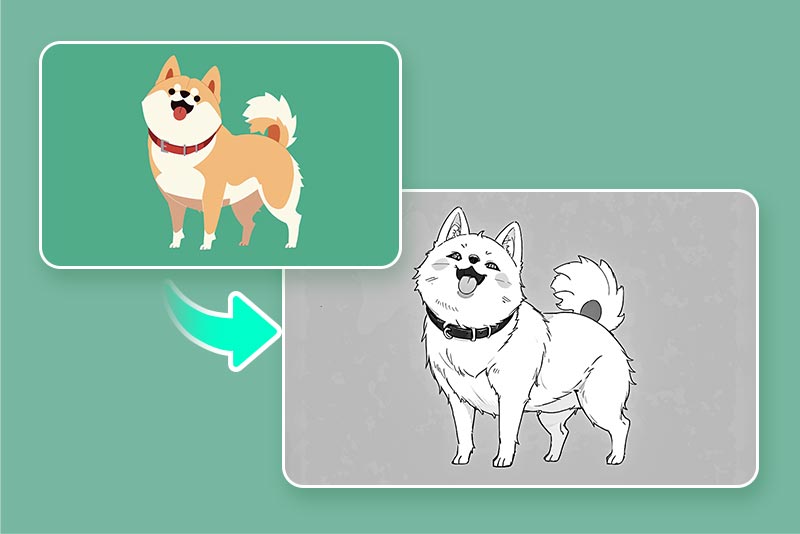
Sticker Stencil
Turn your company or character logos, icons, and images into stencil shapes for stickers. CNC cutters and handmade sticker businesses will find this ideal.
Why Use insMind Picture Stencil Maker?

Fast AI Conversion
You can immediately see results thanks to fast edge detection and basic details.

Perfect for Printing
All of our stencils are set up to make your prints look neat and your cutting simple.

Works on Any Device
There's no need for an app or special skills; try it out from any device on your browser.
FAQs About insMind Photo to Stencil Converter
Is the photo to stencil converter free to use?


Can I make tattoo stencils?
Do I need any graphic design experience?
Can I use an image stencil maker on my phone?
Can I convert a photo of a person into a stencil?
Try More Creative AI Filters & Drawing Features
Make your pictures pop with creative AI tools you can explore during a free trial.
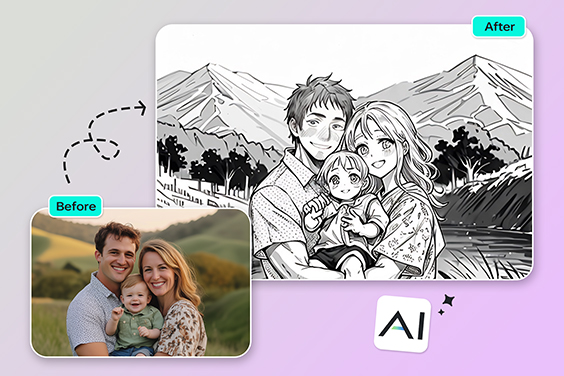
Photo to Outline
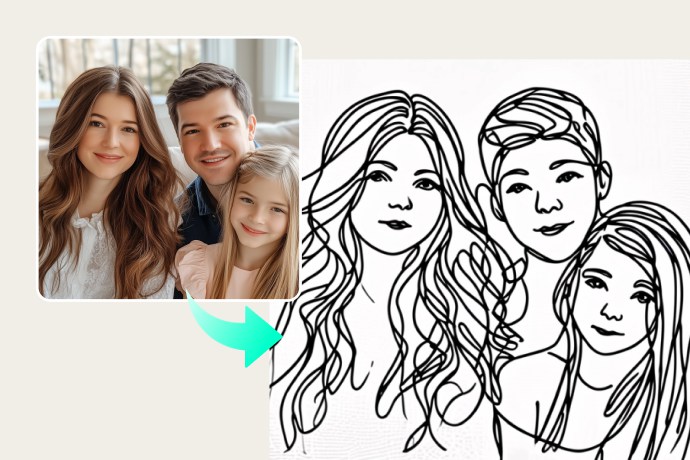
Photo to Line Drawing
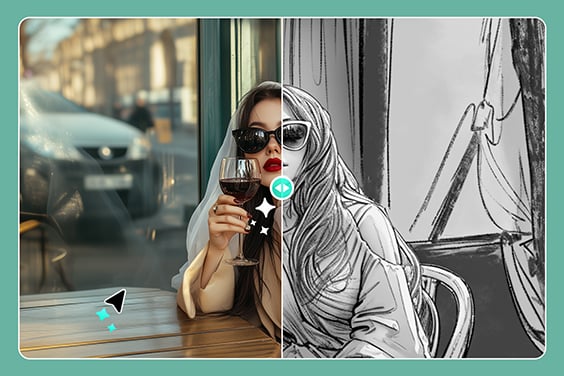
Photo to Pencil Drawing

AI Filter
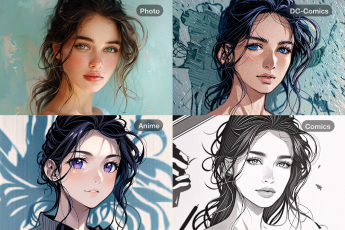
Photo to Cartoon
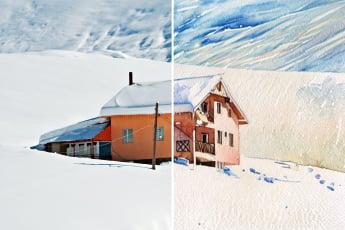
Photo to Watercolor
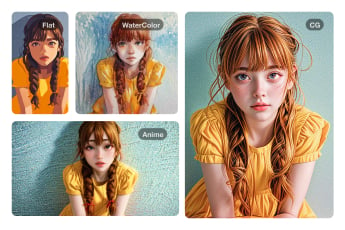
Photo to Oil Painting
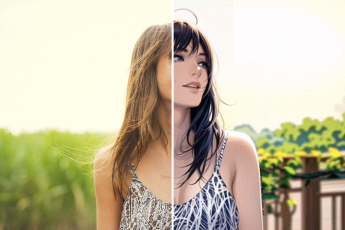
Photo to Anime
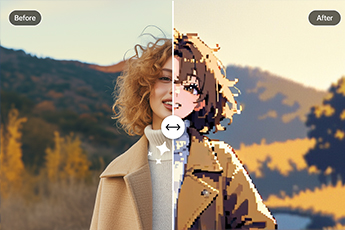
Photo to Pixel Art
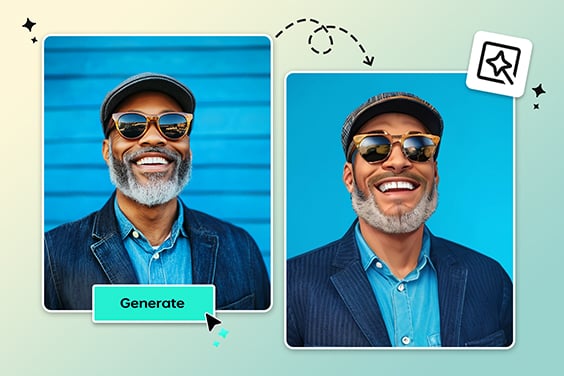
AI PS2 Filter
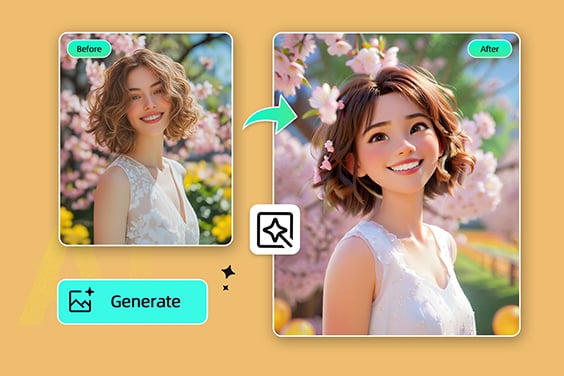
Disney Filter
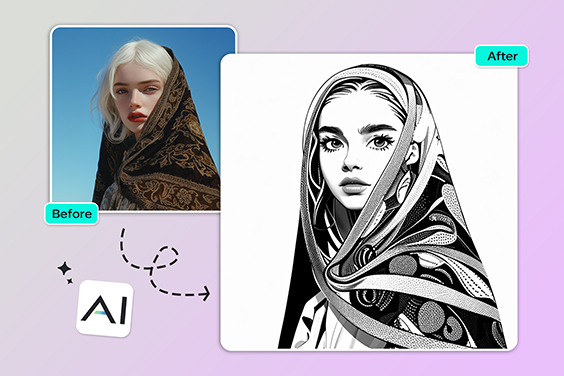
Comic Book Filter
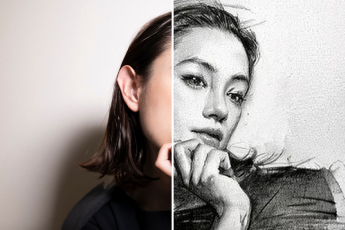
Photo to Sketch
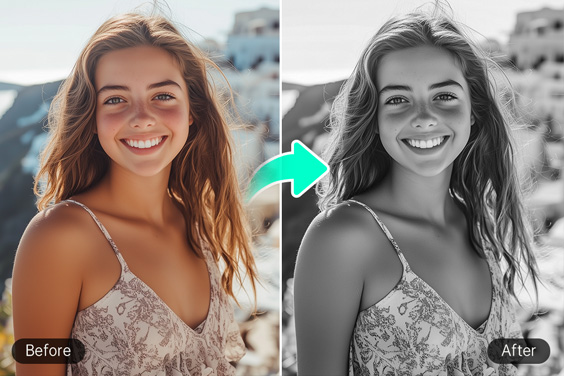
Black and White Filter
"DIY t-shirt projects are easy with this tool. I just had to trim and paint the pieces using the stencils."
@Bruce