
Add Glitch Effect to Your Image Online
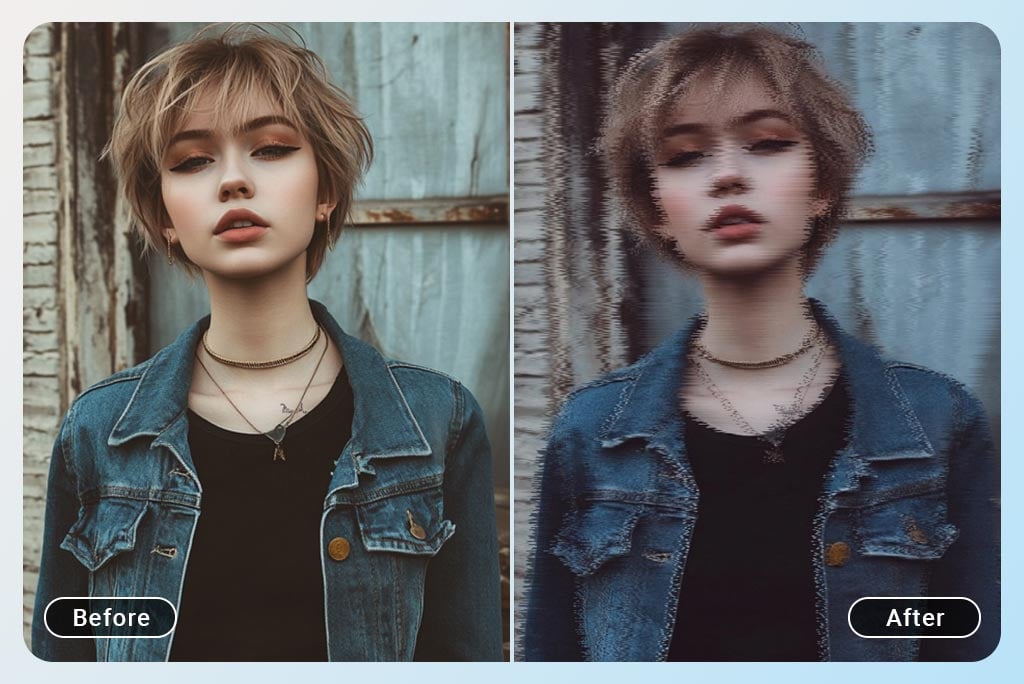
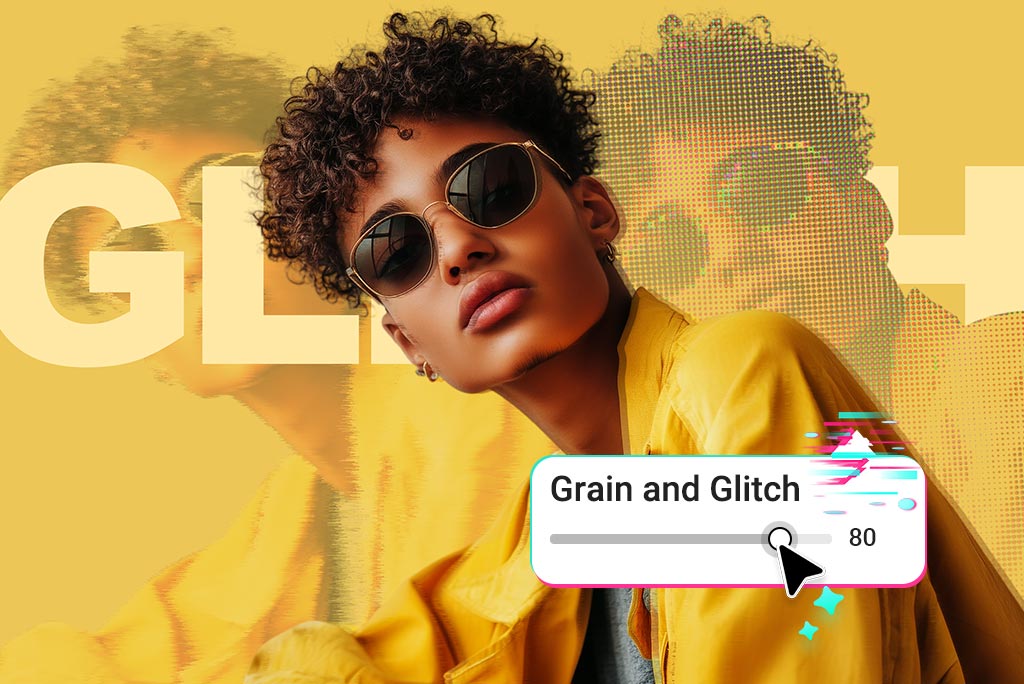
One-Click to Apply a Glitch Filter to Your Picture
Want to create an eye-catching glitch photo? The glitch filter has become a top trend across TikTok and other platforms. insMind makes it incredibly simple to recreate.
Just upload your image, pick your favorite glitch style, and see the edgy digital errors transformation of your image in real time. Add a glitch effect to get a vintage and bold vibe to any image. Add the iconic TV scanline look and reimagine your photo with a cinematic twist.
Choose from Diverse Glitch Effects and Styles
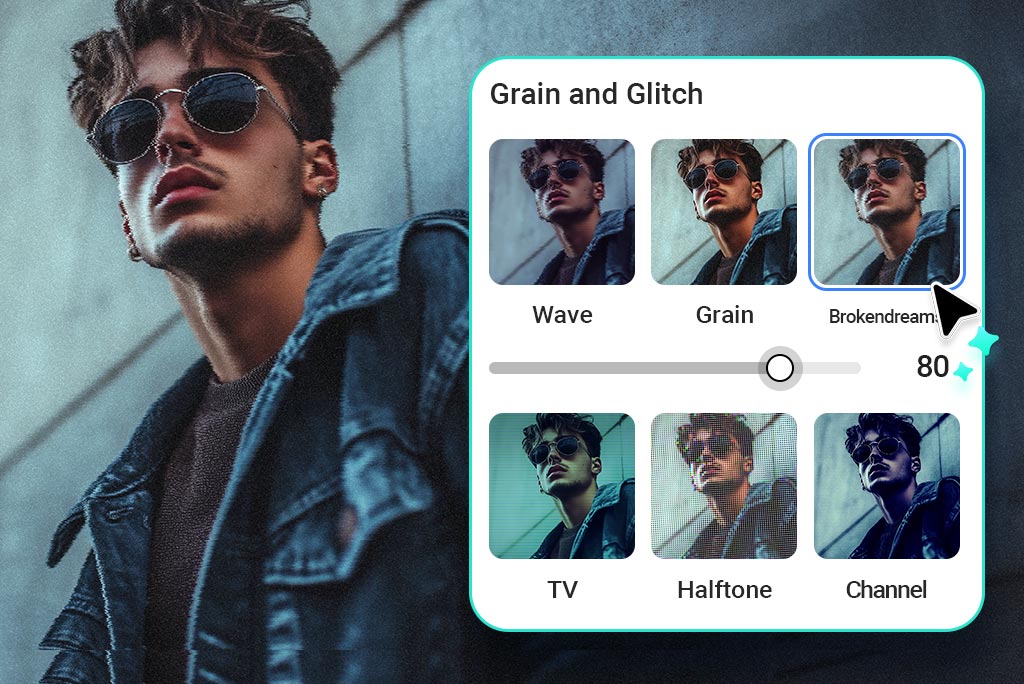
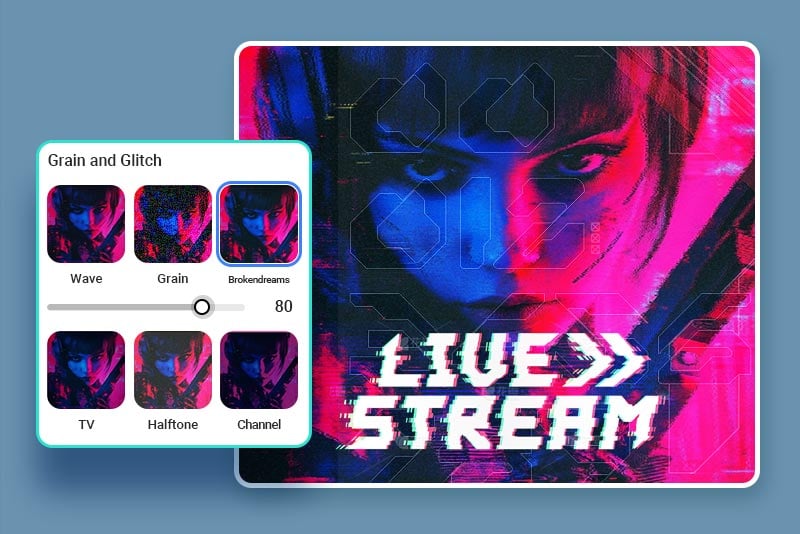
Get creative with a wide range of glitch styles, including Wave, Grain, Broken Dreams, TV, Halftone, and Channel effects. Each style captures a different visual tone.
The TV glitch filter brings in distorted scanlines and gives old-school video vibes. The Channel glitch effect replicates a broken RGB display effect for dramatic compositions. Mix and match until your photo delivers the exact edge you are looking for. Explore the full glitch gallery and see which effect transforms your photo best.
Boost the Visual Appeal of Your Design with Glitch Effect
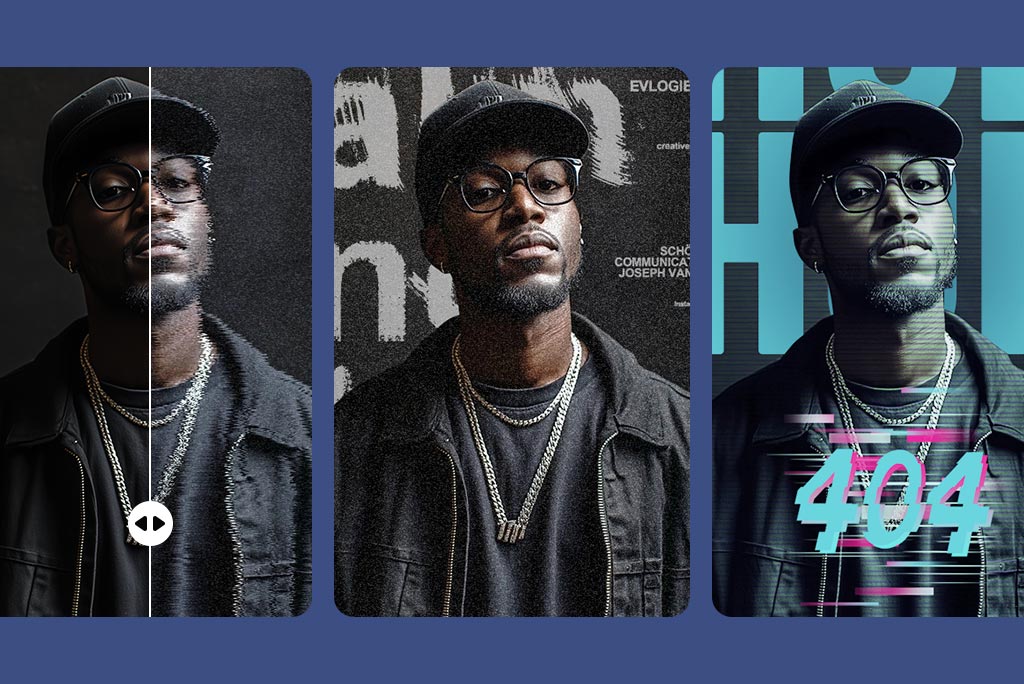
Want to make your design stand out? The glitch effect gives your design a retro aesthetic to elevate the visual appeal. It is an ideal choice for digital artwork, campaign visuals, album covers, websites, and social content.
Turn ordinary pictures into unique visual pieces that grab attention fast. Create a glitch design for any marketing or fun activity and catch the viewer's eye instantly. Start creating today and make your visuals impossible to scroll past.
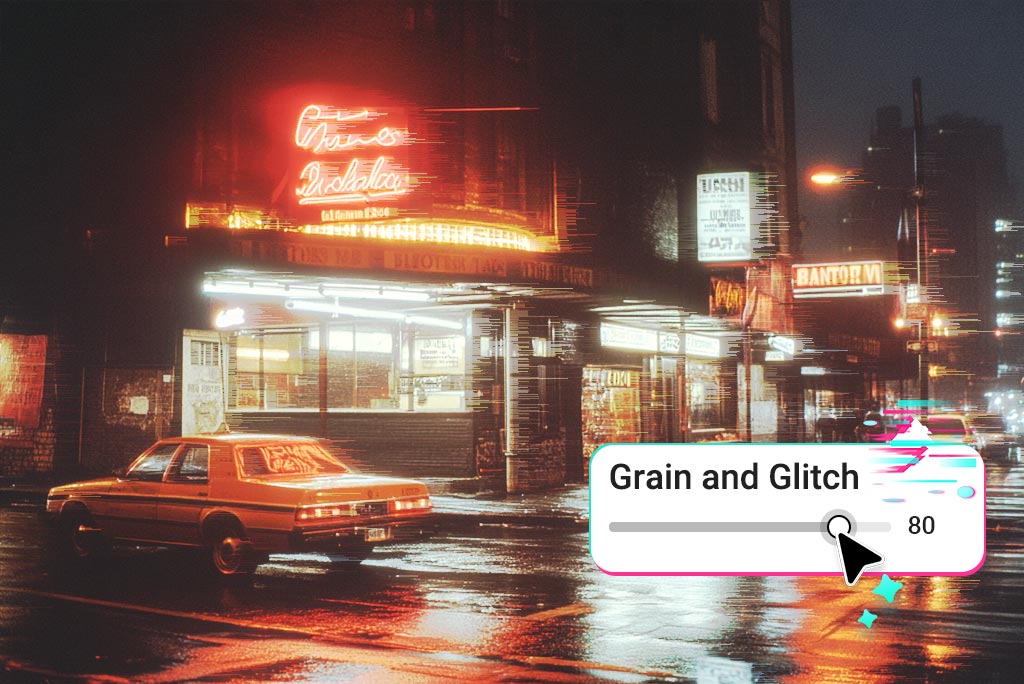
Add Glitch Effect to Go Back to 80s and 90s
Take your image back in time with our vintage glitch filter. Inspired by VHS tapes and CRT displays, these filters recreate the gritty charm of the 80s and 90s visuals. Add flickers, static overlays, and distorted hues to channel a classic retro aesthetic.
Great for posters, party invites, or nostalgic social media edits, these effects give your visuals instant throwback energy. Recreate the analog world with a digital twist all in one click.

Transform Your Photo into Glitch Art
With our glitch effect, you can easily turn your design into art. Whether you want to create a text glitch design or add creative elements, shapes, or street and city scenery, our tool can help you.
You can even further customize your glitch design with various tools. Combine glitch text with products like bags, add stickers and stamps, or blur the background to make it truly unique. Start creating with the glitch effect now!
Explore More Grain Filter Features
How to Add a Glitch Effect to a Photo
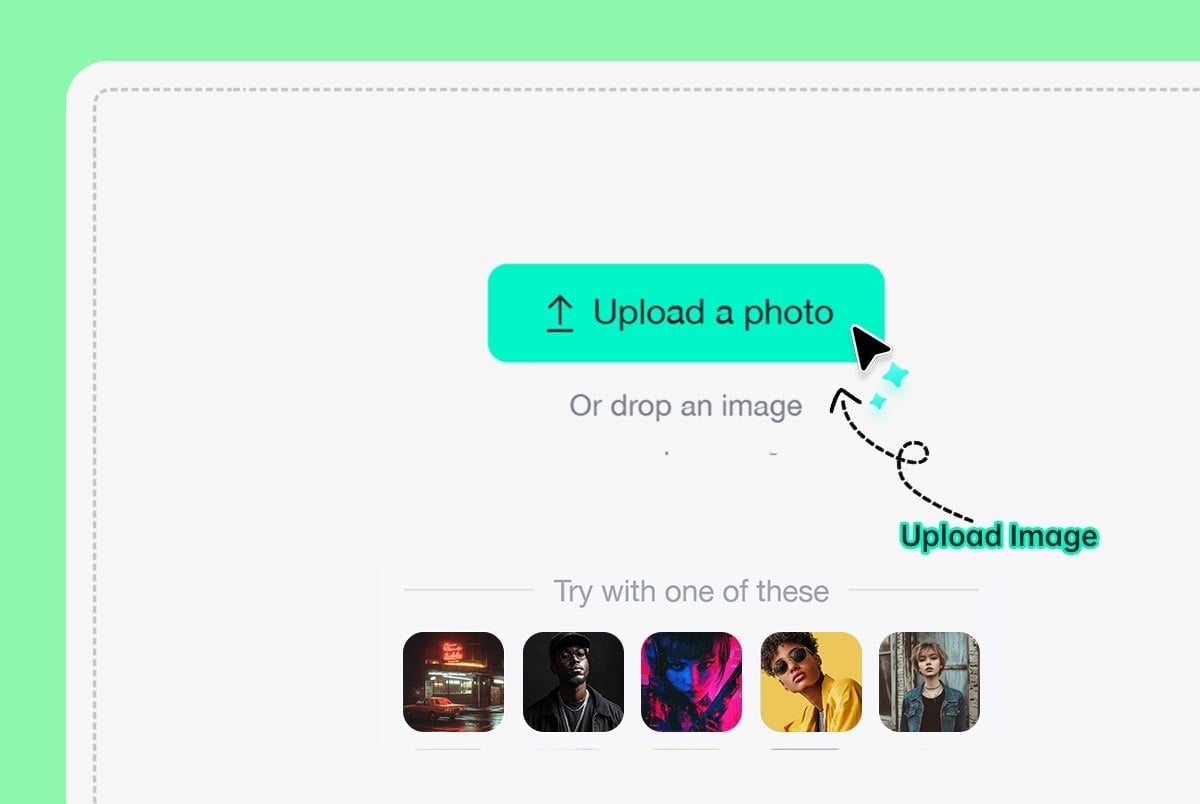
1 Step 1: Upload Your Photo
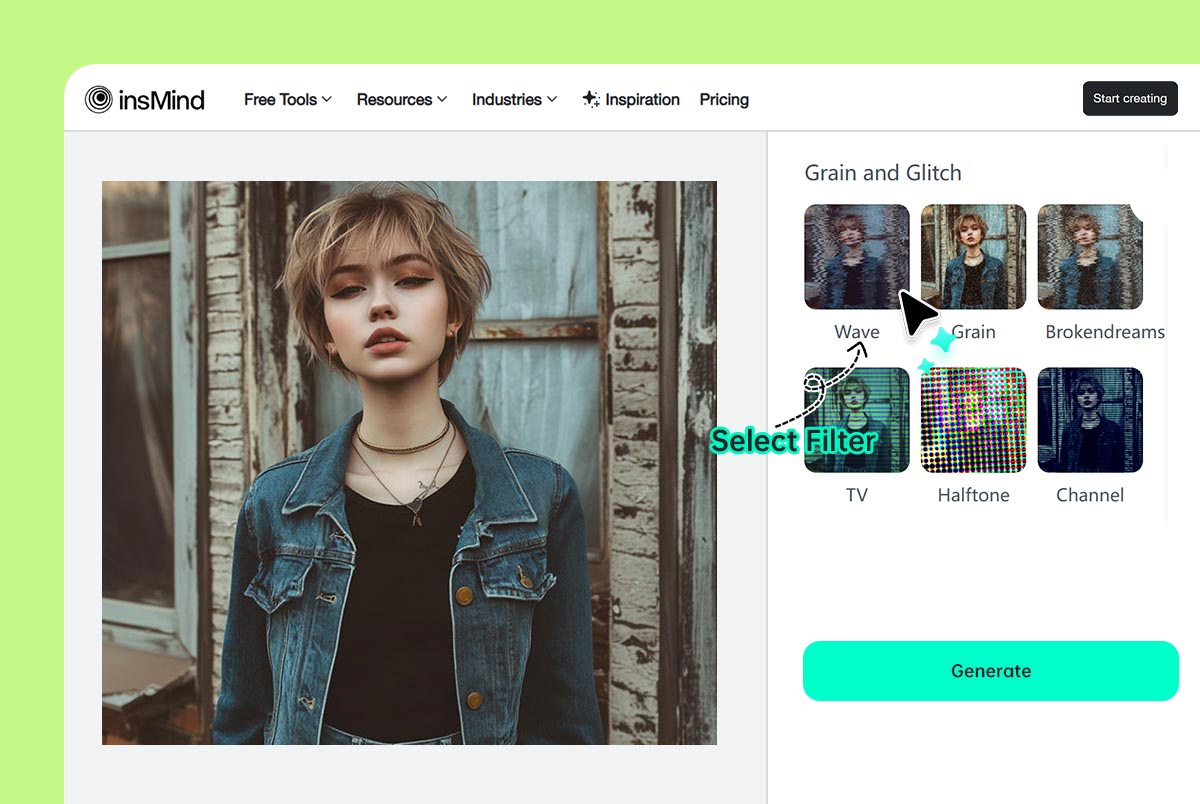
2 Step 2. Choose a Glitch Filter
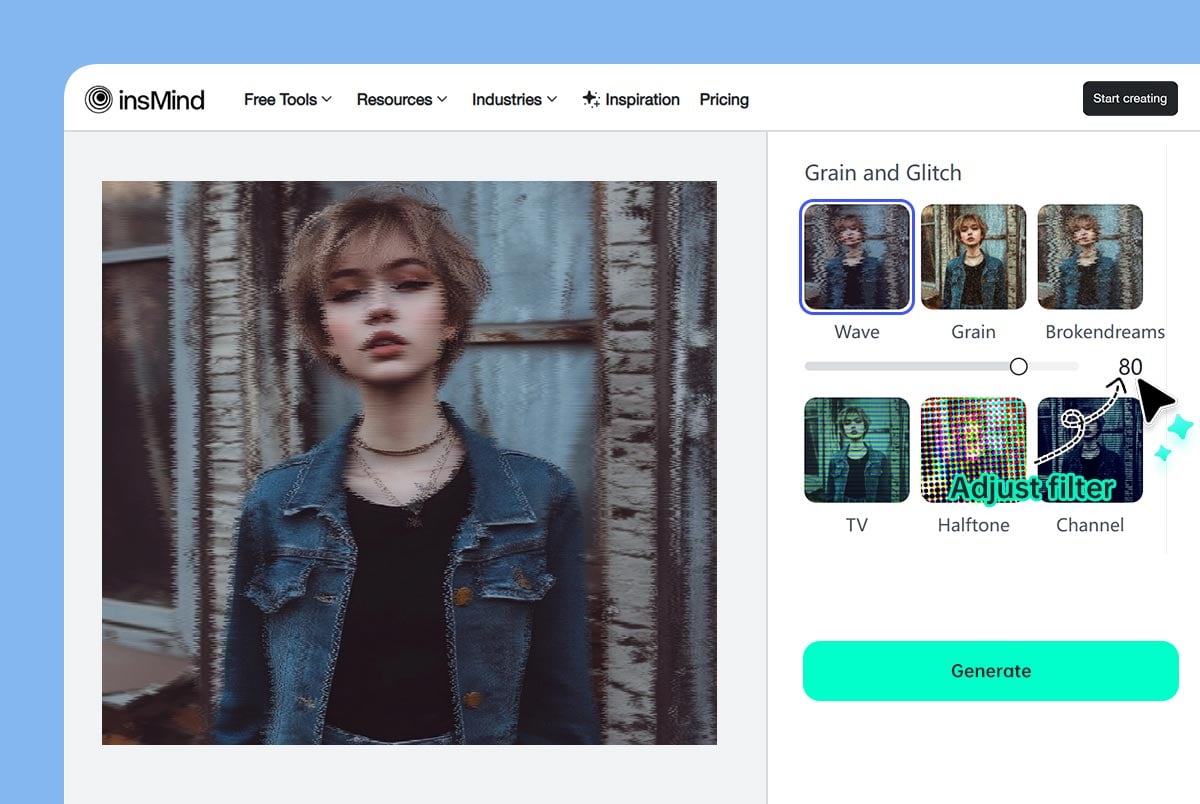
3 Step 3. Adjust the Glitch Extent
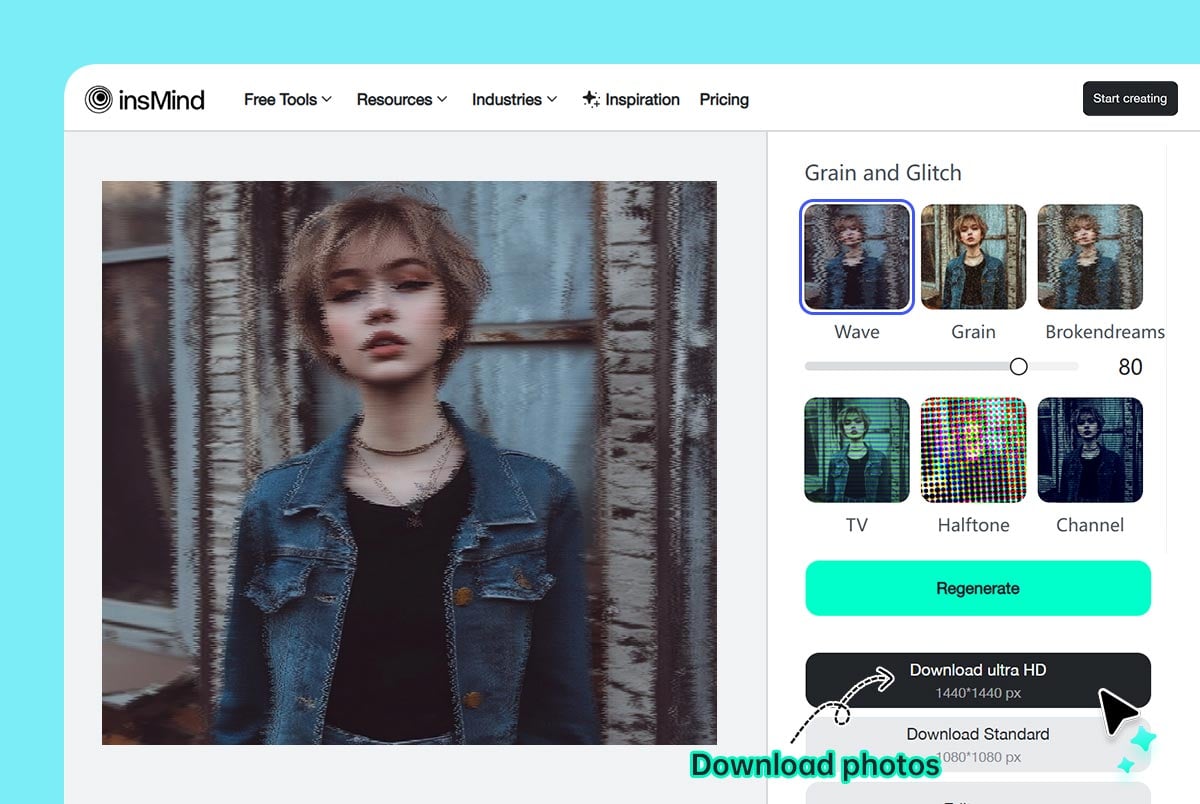
4 Step 4. Download Your Photo
Glitch Effect for Every Use Case
The glitch effect is in demand for various use cases. You can create a glitch avatar, an appealing magazine cover, a social media post, and more. Use glitch filters for branding, digital art, or to give a project a retro vibe.
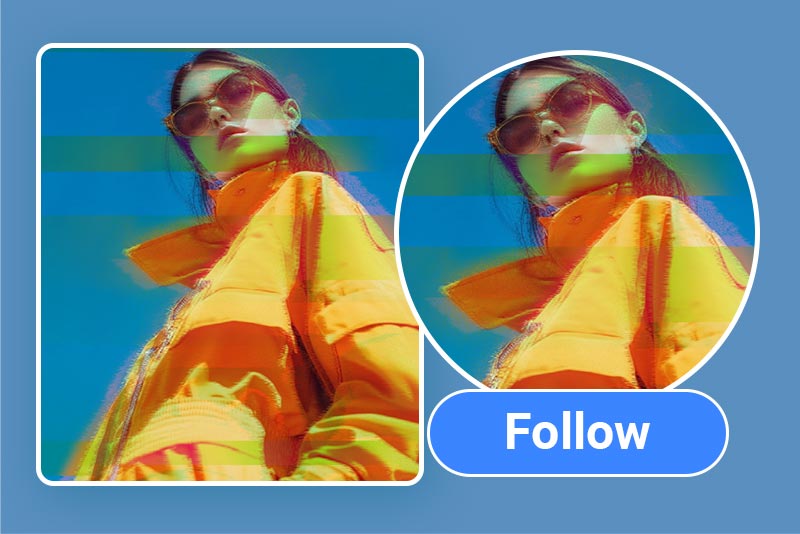
Create a Cool Glitch Avatar
Transform your portrait into a cyberpunk-style glitch avatar in seconds. The distortion and RGB shift will make your new profile pic give off futuristic digital vibes that stand out anywhere.
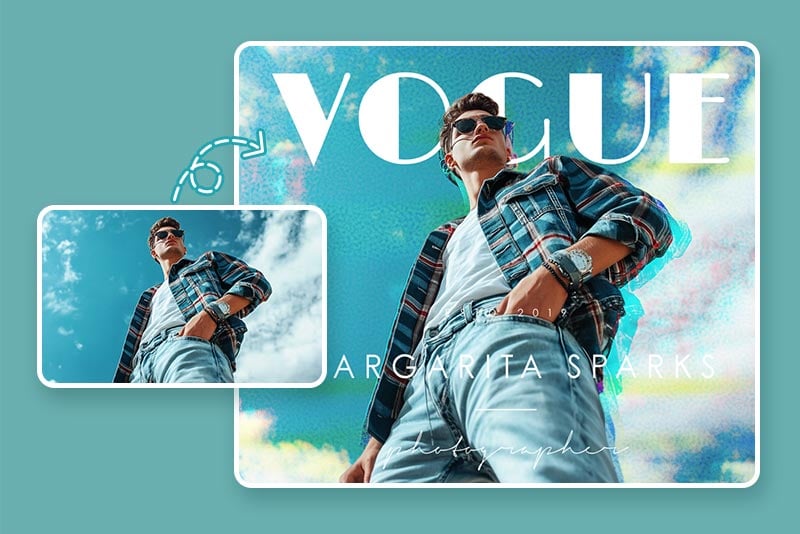
Elevate Magazine Cover Design
Add glitch effects to your cover design and break visual expectations. Use split-color effects, broken overlays, or static textures to draw attention and narrate a bold visual story.
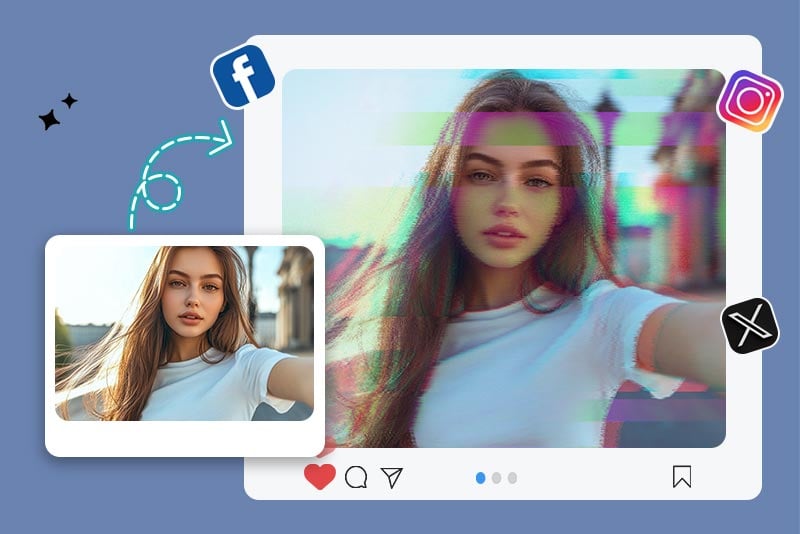
Boost Social Media Post
Glitch filters create visual intrigue that gets noticed. Apply them to selfies or text graphics to drive more engagement, reactions, and shares across Instagram, TikTok, and beyond.
Create Creative Visual Art
Uncover your creativity with glitch art. Use the effect to manipulate cityscapes, objects, or human figures and create bold, modern visual narratives in just a few clicks.
Why insMind Glitch Effect Stand Out?

Instant Apply Glitch Filter
Get a click-based experience when adding image glitch effects. No manual adjustments or editing required. Simply upload, click, and get results instantly.
Diverse Glitch Effects
Choose from multiple glitch styles to create the right visual distortion. Select Wave, Grain, Broken Dreams, TV, Halftone, or Channel effect and get started.

Easily Customizable
Adjust the intensity and layer effects, and combine other tools to fully personalize your image. Get the best use of glitch filters to match your creative direction or project theme.
FAQs about Glitch Effect
What is the glitch effect?


What are the benefits of adding glitch effects to photos?
Can I preview the glitch effect in real time?
Can I customize the glitch effect on photos?
Is the glitch filter free to use?
You might be interested in
Make your pictures pop with creative AI tools you can explore during a free trial.
Photo to Sketch
Photo to Cartoon
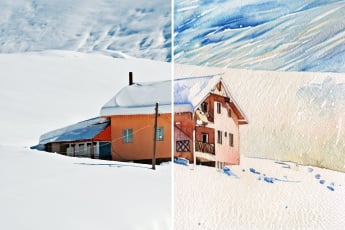
Photo to Watercolor
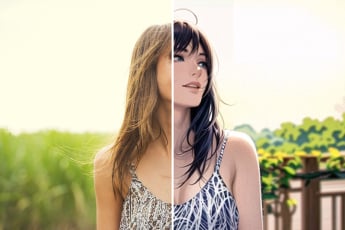
Photo to Anime

AI Filter
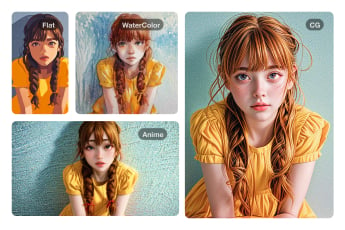
Photo to Painting
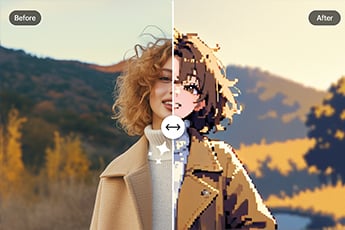
Photo to Pixel Art
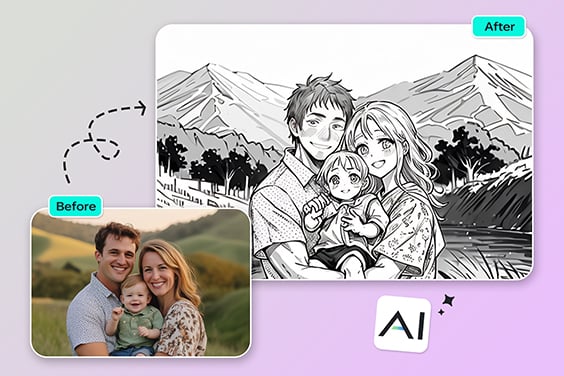
Photo to Outline
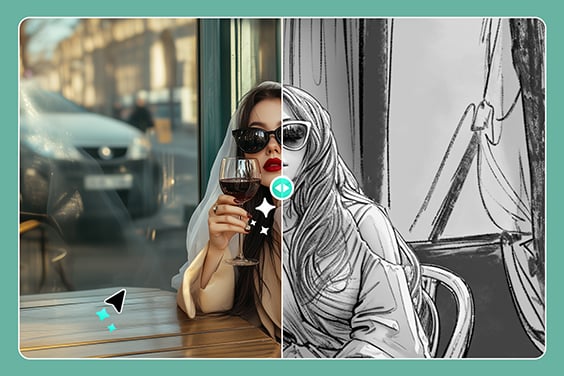
Photo to Pencil Drawing
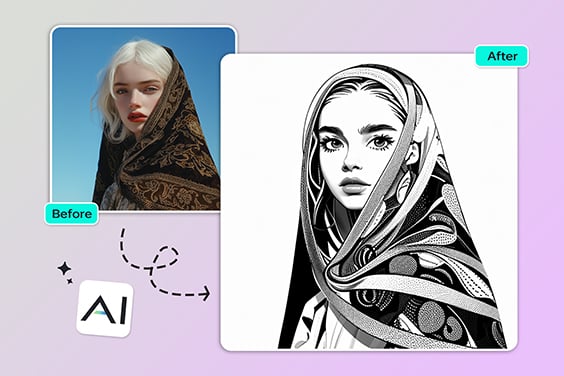
Comic Book Filter
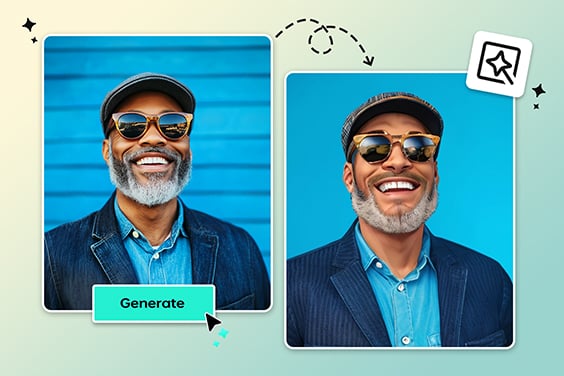
AI PS2 Filter

"It's super easy to use. I can apply a glitch filter with one click and switch between effects easily."
@harry