
AI Couple Photo Prompts for Gemini
How to Create Gemini AI Couple Photos With Prompts
Step 1: Upload Clear Couple Photos
Upload one photo with both people visible, or separate portraits for each person. Choose images with clear faces, even lighting, and minimal obstructions.
Step 2: Choose a Couple Photo Prompt
Pick a ready-to-use prompt for a romantic, wedding, vintage, or travel look. Edit only the scene details you want to change.
Step 4: Generate and Refine
Generate the image, then adjust one detail at a time, such as the lighting, location, outfit, or pose, until the portrait feels right.
Step 3: Preserve Your Identity
Keep the identity-preservation line in the prompt so the result retains both faces, hairstyles, skin tones, and natural proportions.
FAQs About Gemini AI Couple Photo Prompts
What are Gemini AI couple photo prompts?


Gemini AI couple photo prompts are detailed instructions that describe the couple, pose, setting, lighting, photo style, and composition you want. Add a clear photo when likeness matters, then use the prompt to turn it into a romantic portrait, wedding look, travel scene, or vintage-style image.
How do I use a Gemini couple photo prompt?
Choose a prompt that fits your idea, upload a clear photo of the couple when you want to preserve their likeness, and paste the prompt into the image generator. Generate once, then refine one detail at a time, such as the background, lighting, or outfit, for more predictable results.
How can I keep both faces recognizable in an AI couple photo?
Use a clear reference photo with both faces visible and well lit. Include a direct instruction to preserve facial features, hairstyles, skin tones, and natural proportions. Avoid changing too many details at once, and use separate clear portraits when one person is partly hidden in the original photo.
What makes a couple photo prompt look realistic?
Realistic prompts describe a believable source of light, a natural pose, camera treatment, and specific setting details. Add phrases such as realistic skin texture, natural fabric wrinkles, shallow depth of field, or subtle film grain. Keep the direction focused so the image is not overloaded with conflicting styles.
Can I create wedding-style couple photos with AI?
Yes. Start with one or two clear reference photos and describe the wedding setting, outfits, lighting, and pose you want. Ask the AI to preserve both identities while adding formal clothing, floral details, and a realistic backdrop. Review the result carefully before using it for an important announcement or print.
Can I customize the outfits, pose, and location?
Yes. Include the outfit style, pose, location, time of day, and mood in your prompt. For the most natural result, change only a few elements per generation. When using a reference photo, keep the identity-preservation instruction so the new scene changes without losing the couple's recognizable features.
How do I change only the background without changing faces?
Upload a clear couple photo and state that both faces, hairstyles, skin tones, clothing, and pose should remain unchanged. Then describe only the replacement background and ask the AI to match its lighting to the original photo. Start with a simple setting to reduce unexpected changes.
Can I create a couple photo for social media?
Yes. Describe the platform-ready format in the prompt, such as a 4:5 portrait for a feed post, 9:16 for Stories, or 1:1 for a square post. Add a clear scene, natural pose, and lighting direction, then leave enough space around the couple for a clean composition.
How detailed should a Gemini couple photo prompt be?
Include the essentials: the couple's pose, outfits, location, lighting, mood, camera style, and intended aspect ratio. A focused prompt usually works better than an extremely long one. For reference-photo edits, add instructions to preserve both people's identities and change only the visual details you actually need.
Can I use these prompts for anniversary or engagement posts?
Yes. These prompts work well for anniversary posts, engagement announcements, save-the-date ideas, and social-media portraits. Choose an aspect ratio that suits your destination, such as 4:5 for an Instagram feed post or 9:16 for a Story, and keep your final image personal and authentic.
Are Gemini AI couple photo prompts free to try?
You can try insMind's core image-generation features for free. Available credits, generation limits, and premium options can vary by account and promotion. Use the ready-to-use prompts as a starting point, then refine your favorite results through the editor or additional generations.
More AI Photo Effects for Your Couple Portraits
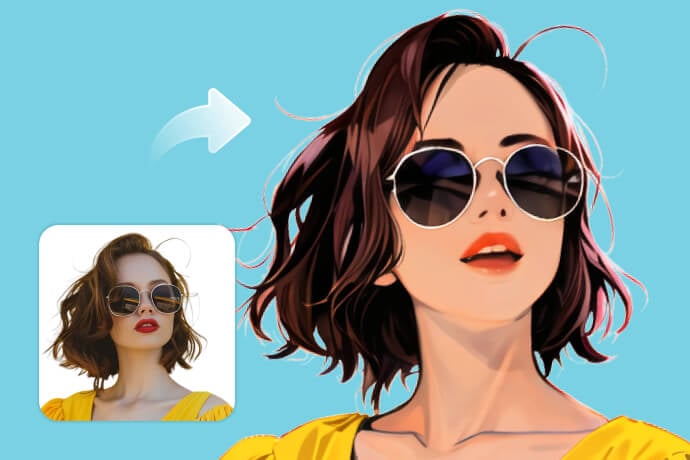
AI Filter
Explore AI-powered photo styles.
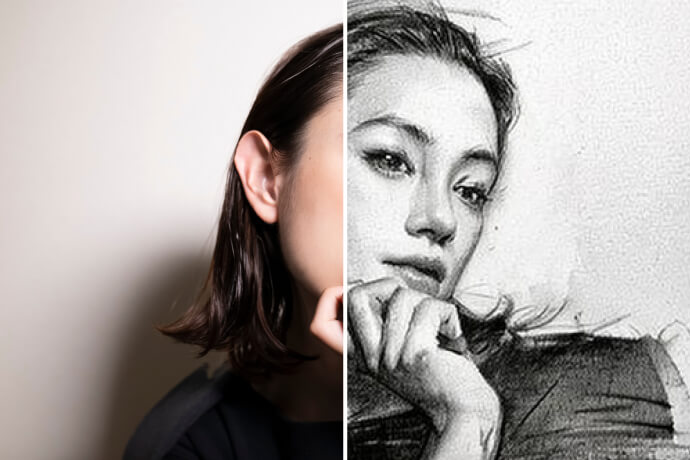
Photo to Sketch
Turn photos into hand-drawn sketches.
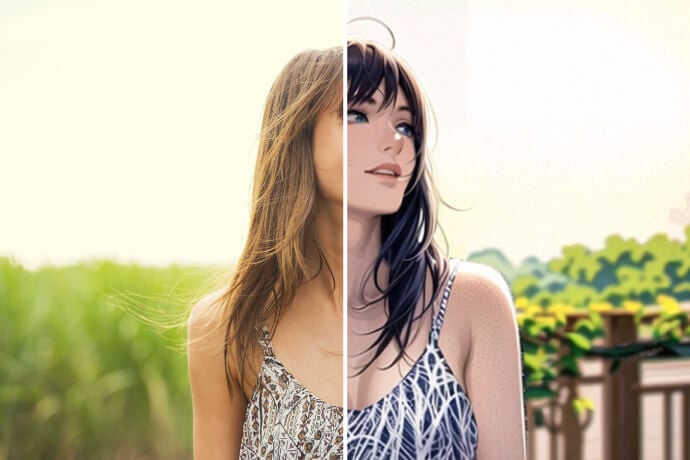
Photo to Cartoon
Create a cartoon-inspired photo look.
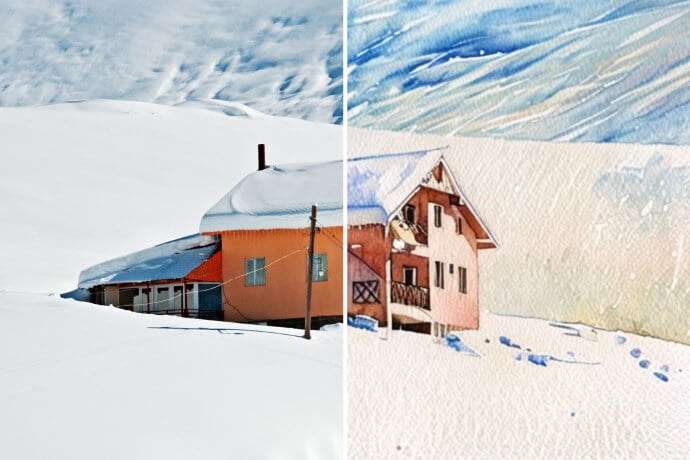
Photo to Watercolor
Apply a soft watercolor effect.
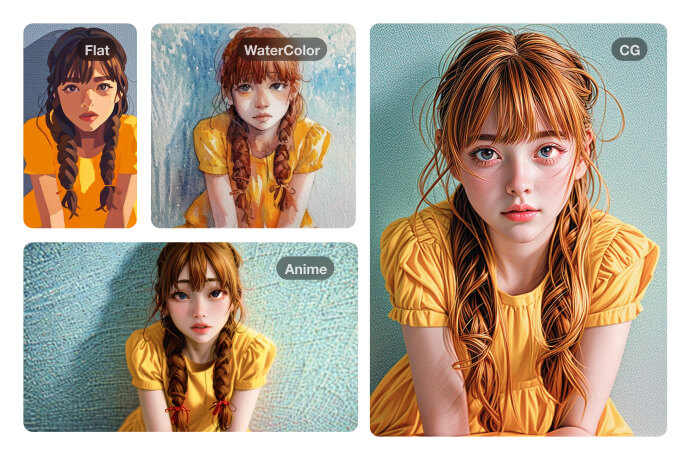
Photo to Painting
Give photos a painterly finish.
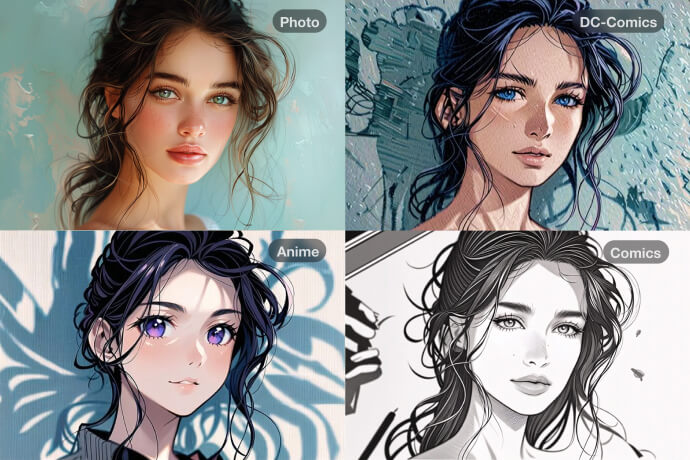
Photo to Anime
Create an anime-style portrait.
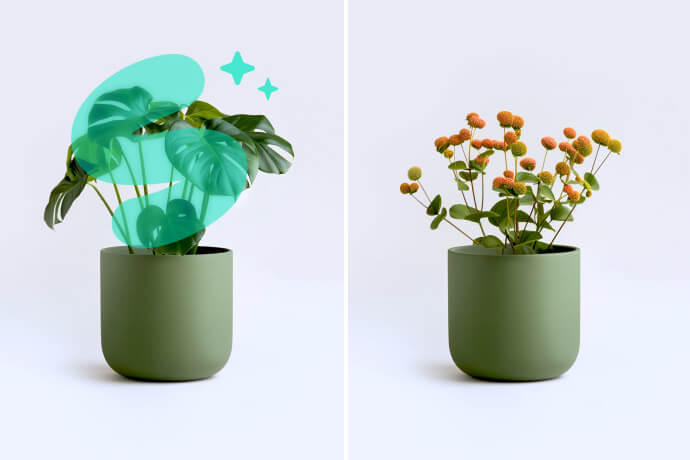
AI Replace
Replace parts of a photo with AI.
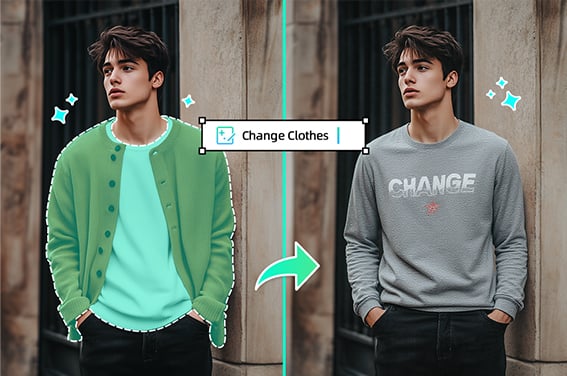
Virtual Try-On Clothes
Try new outfits with AI.