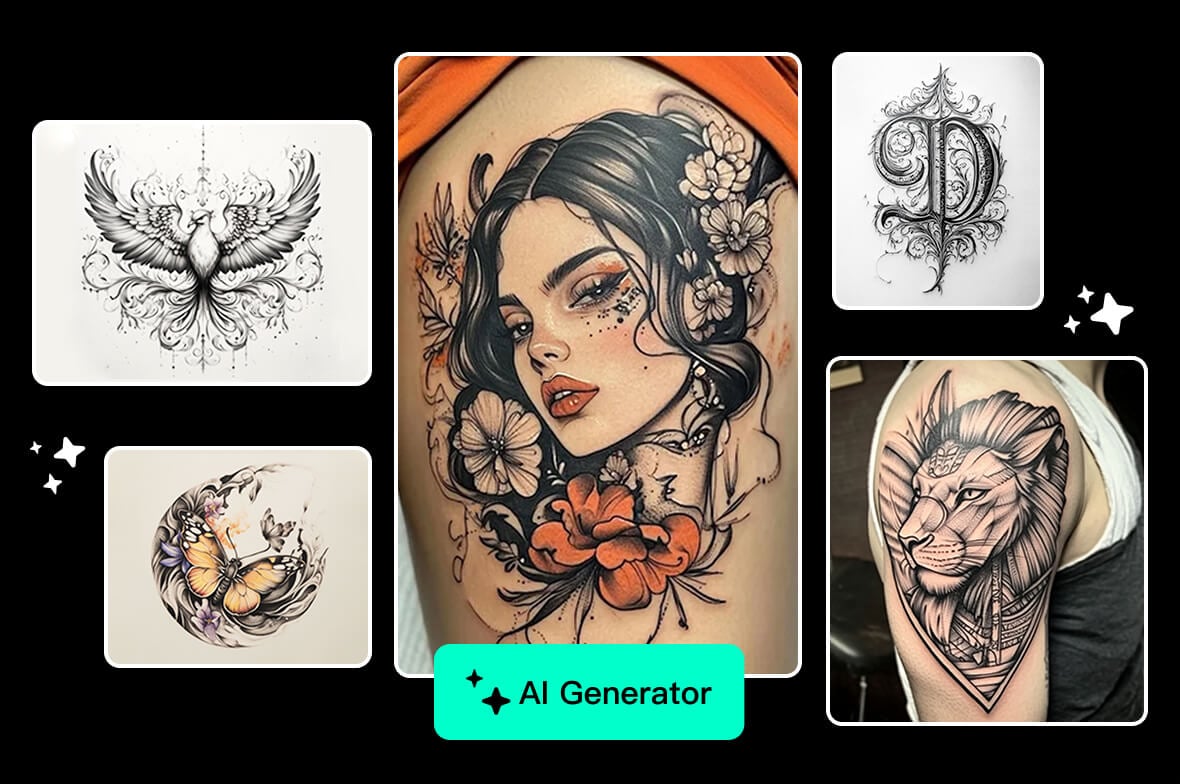
AI Tattoo Generator Free Online

Enter a prompt to create tattoo art, or upload an arm photo and let AI place the tattoo design on your image.

AI Tattoo Generator Free Online
Create Tattoo Art from a Text Prompt

Create Tattoo Art from a Text Prompt

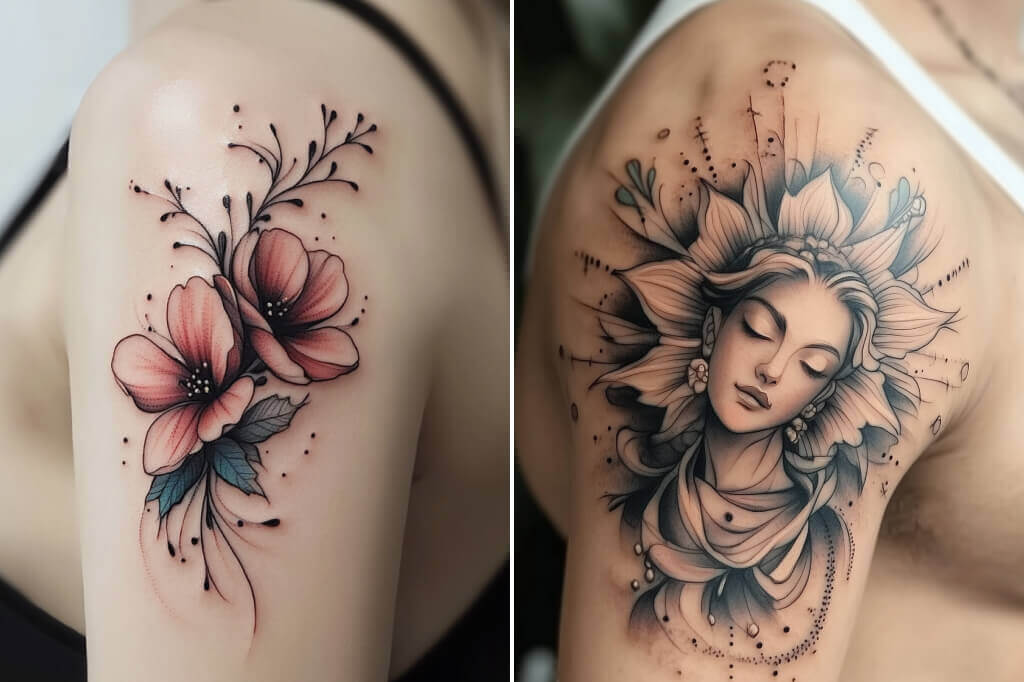
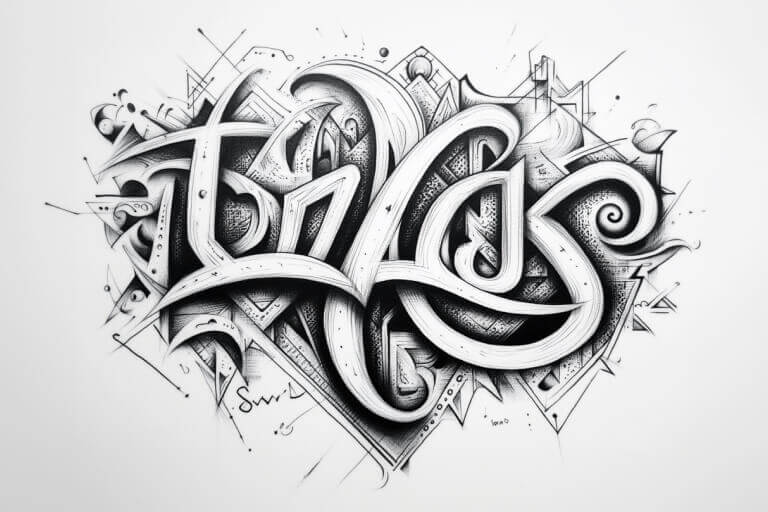
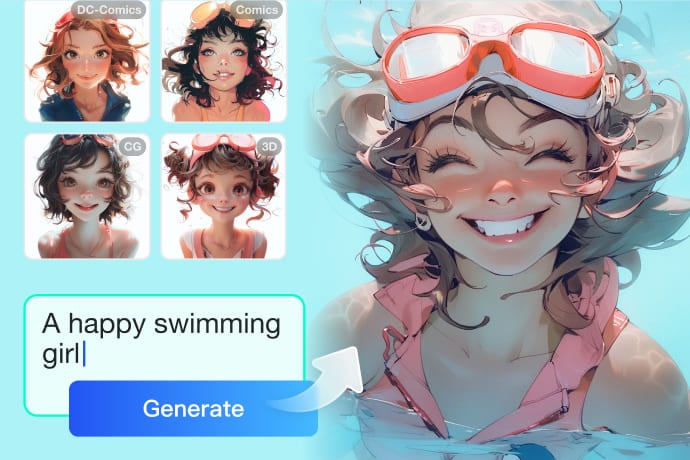
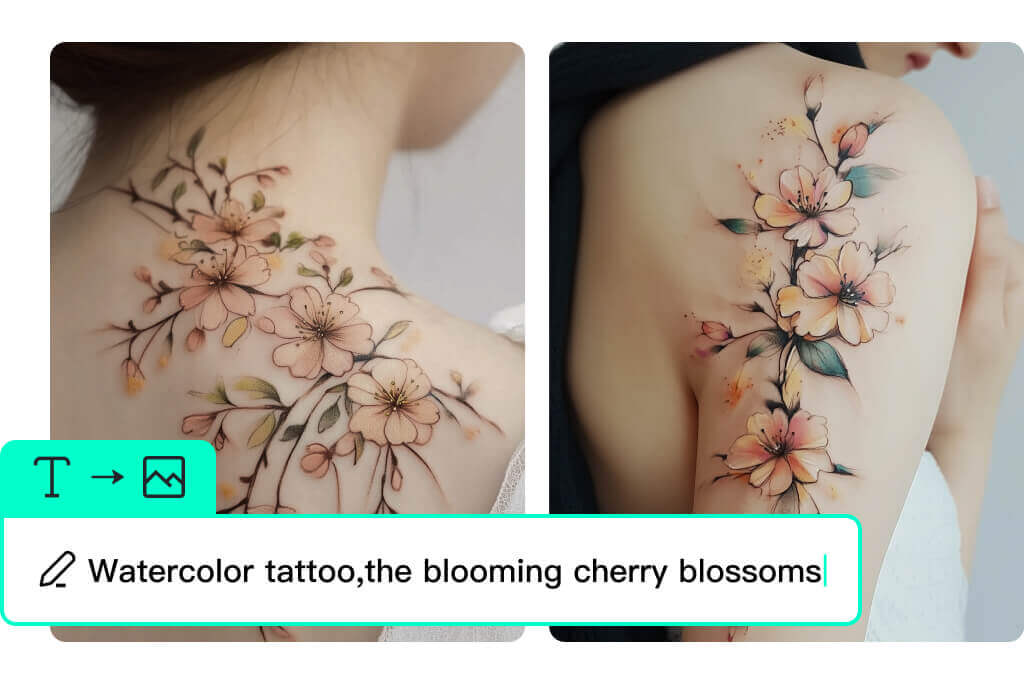
Use the AI tattoo generator when you want a new tattoo pattern from words. Describe the subject, look, line weight, color, and details you want, such as fine-line moon tattoo, black ink dragon, floral shoulder concept, or minimalist wrist symbol.


The tool generates tattoo artwork from your prompt, so clear wording matters. Add the visual details you care about directly in the prompt.
Upload an Arm Photo and Add a Tattoo with AI

Upload an Arm Photo and Add a Tattoo with AI

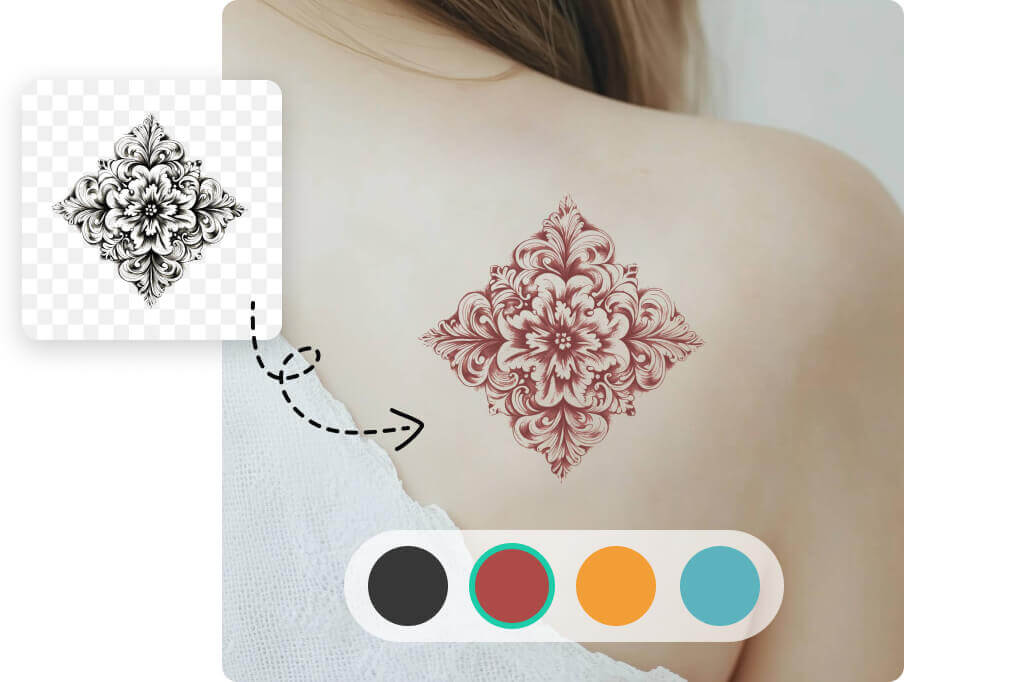
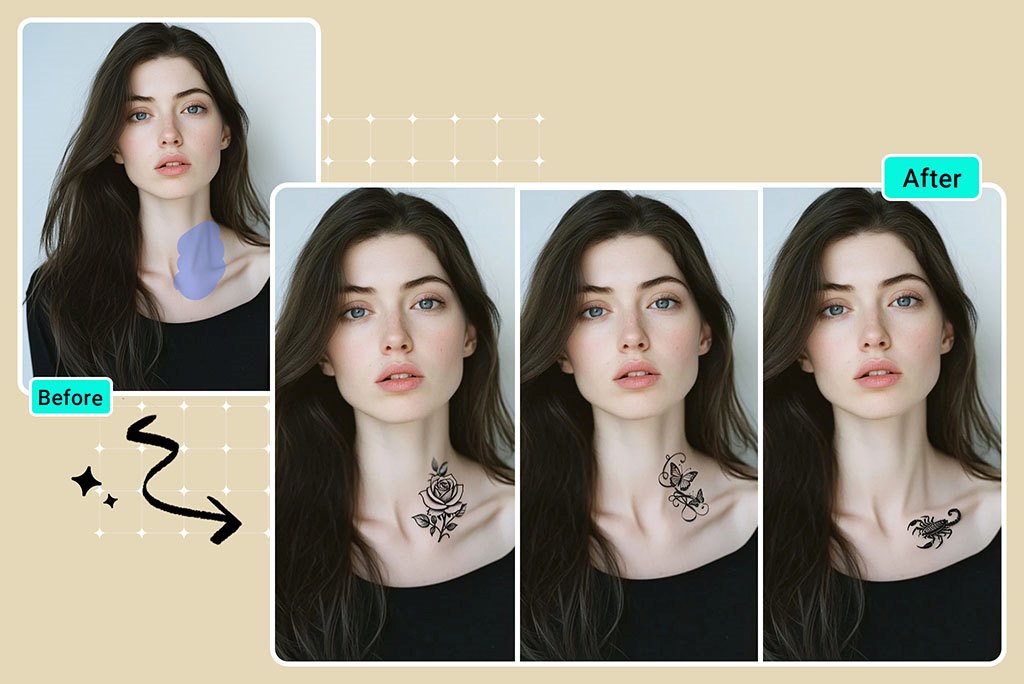
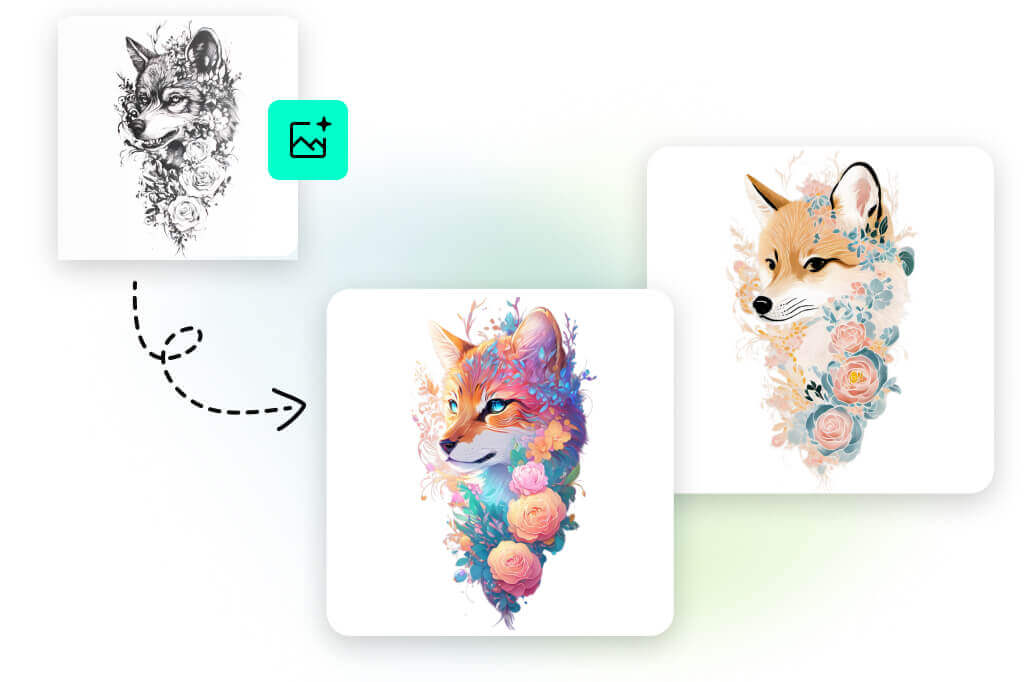
For image-to-image creation, upload a photo such as an arm, shoulder, hand, back, or chest image, then describe the tattoo pattern you want AI to add. This is useful when you want to preview how a tattoo idea could look on a real photo.


If your main goal is trying a tattoo on a body photo, the dedicated tattoo simulator is the better next step for previewing size and position.


Check the result carefully before using it as a reference. Skin shape, lighting, text, faces, and small details may need another prompt or manual review.

Generate Fine-Line, Tribal, Floral, Blackwork, and Minimal Tattoo Ideas

Generate Fine-Line, Tribal, Floral, Blackwork, and Minimal Tattoo Ideas

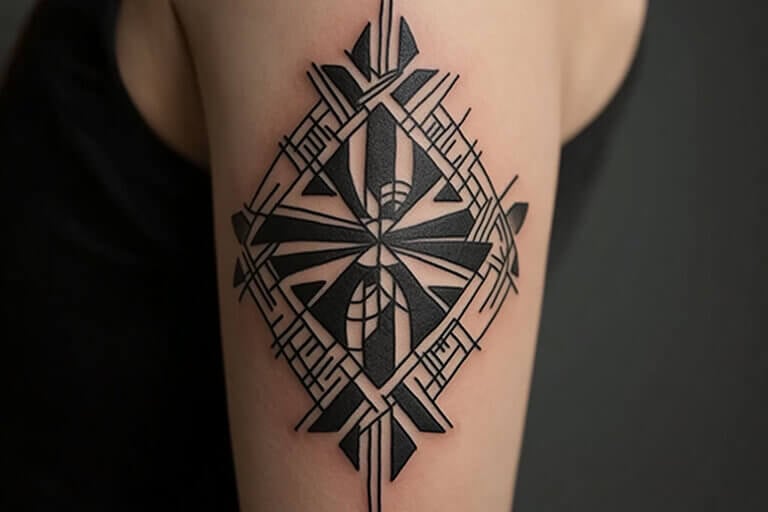
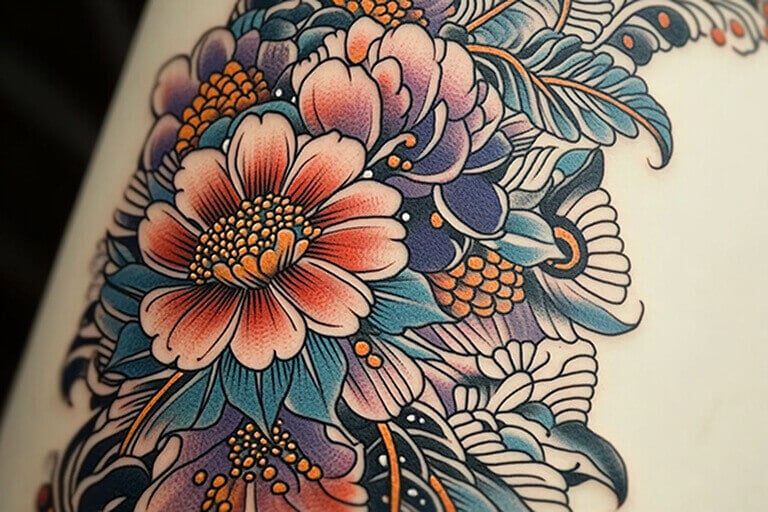
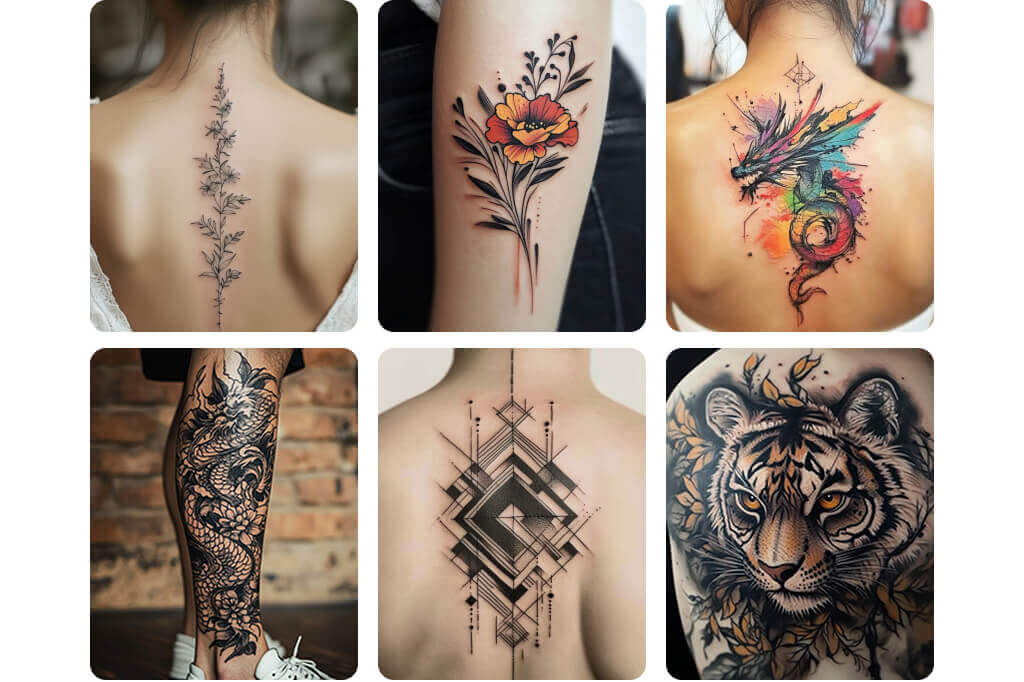
You can ask for different tattoo looks directly in the prompt: fine-line, tribal, floral, blackwork, geometric, Japanese-inspired, watercolor, lettering, or minimalist. Treat these as words you type, not buttons you select.


For cleaner results, keep each prompt focused. If one image tries to combine too many motifs, colors, and line styles, the tattoo design can become hard to read.

Preview Tattoo Ideas on Forearm, Sleeve, Chest, Hand, Wrist, or Back Photos

Preview Tattoo Ideas on Forearm, Sleeve, Chest, Hand, Wrist, or Back Photos

If you want to see a tattoo on your own image, upload a clear photo and describe where the tattoo should appear. For example, upload an arm photo and prompt for a blackwork lion tattoo on the outer forearm.


This works for forearm, sleeve, chest, hand, wrist, back, and leg tattoo ideas because the uploaded photo gives AI the visual context.

Prepare a Tattoo Reference Before the Studio Visit

Prepare a Tattoo Reference Before the Studio Visit

Use the generated tattoo image as a planning reference. Save several versions, clean the background, resize the image, or build a broader moodboard with the AI image generator when you want matching reference art.


A final tattoo still needs human judgment. Bring the concept to a professional artist so they can adjust line spacing, stencil readability, skin fit, and long-term aging.

How to Create a Tattoo with AI

Enter Your Prompt or Upload Your Photo
1

1 Enter Your Prompt or Upload Your Photo

Start with a text prompt for a standalone tattoo design, or upload a photo when you want AI to place a tattoo idea on your image. A clear prompt or photo gives the model better context before generation.
Select an AI Model and Resolution
2

2 Select an AI Model and Resolution

Open the model menu and choose an available AI image model, such as GPT Image 2, Nano Banana 2, Midjourney, or another option shown in the product. Then choose the output resolution, such as 1K, 2K, or 4K when available.
Generate the Tattoo
3

3 Generate the Tattoo

Click Generate to start creating the tattoo image. The AI will use your prompt, uploaded photo, selected model, and resolution settings to produce the tattoo result.
Preview and Download
4

4 Preview and Download

Preview the generated tattoo image, then download the version you like. If the result needs changes, adjust the prompt, reprompt, or regenerate before saving the final reference.

AI Tattoo Ideas from Prompts and Uploaded Photos

Create standalone tattoo artwork from text, or upload a body photo and ask AI to add a tattoo design to the image.

Prompt-to-Tattoo Ideas

Prompt-to-Tattoo Ideas

Turn a written idea into tattoo artwork before you book a session. Prompt for the subject, mood, line weight, and visual look you want, then compare several generated versions.

Tattoo Preview on Arm or Body Photos

Tattoo Preview on Arm or Body Photos

Upload an arm, hand, shoulder, chest, back, or leg photo and describe the tattoo you want AI to add. This helps you see a rough visual direction on your own image instead of only looking at a design on a blank background.

Artist and Client Reference Boards

Artist and Client Reference Boards

Tattoo artists, illustrators, and clients can use AI concepts to agree on a direction faster. Keep the output as a visual reference, then redraw or adapt it for stencil quality, anatomy, line spacing, and skin fit.

More Tools for Tattoo Concepts and Line Art

Why Use insMind as Your AI Tattoo Maker?

Text-to-Image Tattoo Creation

Text-to-Image Tattoo Creation

Type a prompt and generate tattoo artwork directly. You can describe the motif, linework, color, mood, and visual references in your own words.

Image-to-Image Tattoo Preview

Image-to-Image Tattoo Preview

Upload a photo and ask AI to add a tattoo to it. This works well when you want to preview a design on an arm or another body photo instead of generating only a standalone pattern.

Useful Reference Before Permanent Ink

Useful Reference Before Permanent Ink

Generate multiple directions and compare them before committing. Usage limits, download quality, and advanced options depend on the plan shown in your account, but the workflow is useful for fast concept exploration.

FAQs About the Free AI Tattoo Generator

What is an AI tattoo generator?

insmind expand icon
An AI tattoo generator creates tattoo images from text prompts or uploaded reference photos. With insMind, you can generate a standalone tattoo pattern or upload a body photo and ask AI to add the tattoo design to the image.

Is insMind a free AI tattoo generator?

insmind expand icon
You can start creating tattoo ideas online with insMind. Some advanced options, higher usage, export quality, or downloads may depend on the account plan shown in the product.

Can I upload an arm photo and add a tattoo to it?

insmind expand icon
Yes. Upload an arm, hand, shoulder, chest, back, or leg photo, then describe the tattoo design you want AI to add. A clearer photo and a specific prompt usually give a better preview.

How do I write a good AI tattoo design prompt?

insmind expand icon
Describe the motif, visual look, line weight, color, and where it should appear if you uploaded a body photo. For example: black ink wolf tattoo on outer forearm, bold linework, minimal shading.

Can I create forearm, sleeve, chest, or hand tattoo ideas?

insmind expand icon
Yes. For a standalone design, mention the target area in the prompt. For a preview, upload a photo of that area and tell AI what tattoo pattern to add.

Can I take an AI tattoo design directly to a tattoo artist?

insmind expand icon
Use the image as a concept or moodboard. A professional artist should redraw or adjust it for stencil readability, skin fit, line spacing, and long-term aging.

What tattoo looks can I generate?

insmind expand icon
You can prompt for fine-line, minimalist, tribal, floral, blackwork, Japanese-inspired, geometric, watercolor, lettering, or symbolic tattoo looks. Put the look you want directly into the prompt.

More Ways to Develop a Tattoo Concept

Use these tools when your tattoo idea needs reference art, line work, cleaner presentation, or more editing before you share it with an artist.