AI Outfit Generator Online: Create Outfit Ideas from Text or Photo

Describe a look, upload a photo, or brush over clothing to preview a new outfit style. Use insMind to test formal wear, streetwear, costumes, seasonal looks, or early fashion concepts before you edit, shop, or share.

AI Outfit Generator Online: Create Outfit Ideas from Text or Photo
Or drop image here, paste image or URL
Try with one of these
AI Outfit Generator 1
AI Outfit Generator 2
AI Outfit Generator 3
AI Outfit Generator 4
AI Outfit Generator 5
AI Outfit Generator Online: Create Outfit Ideas from Text or Photo
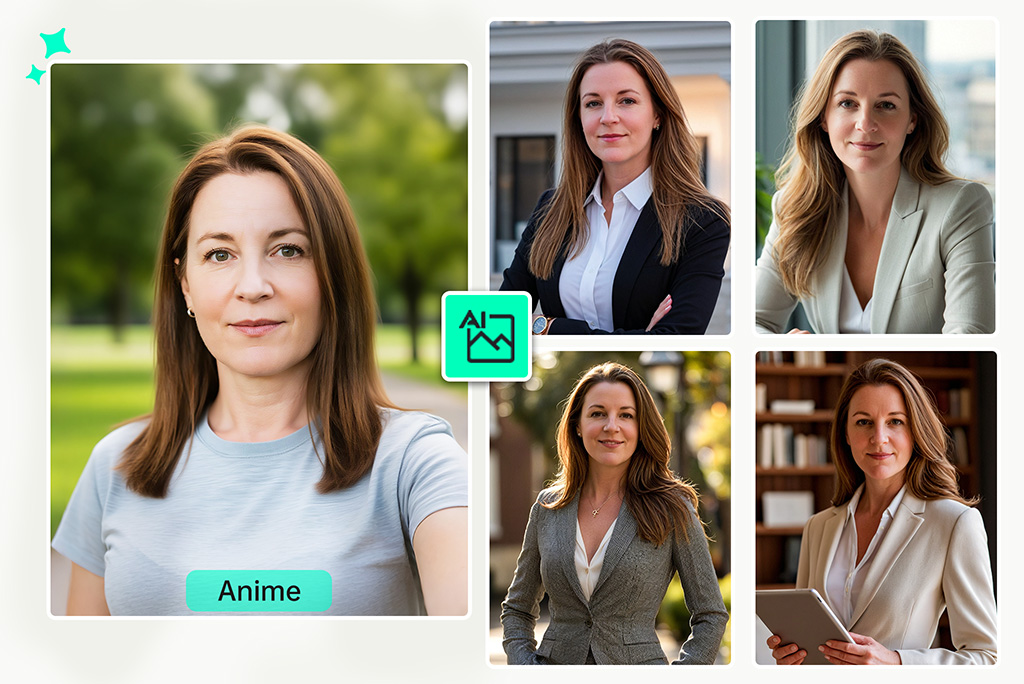
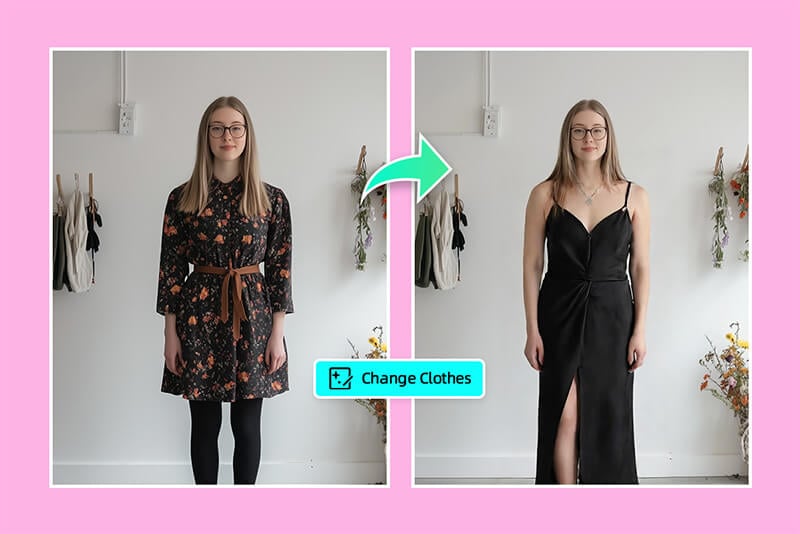
Generate a New Outfit Look from Your Photo

Generate a New Outfit Look from Your Photo

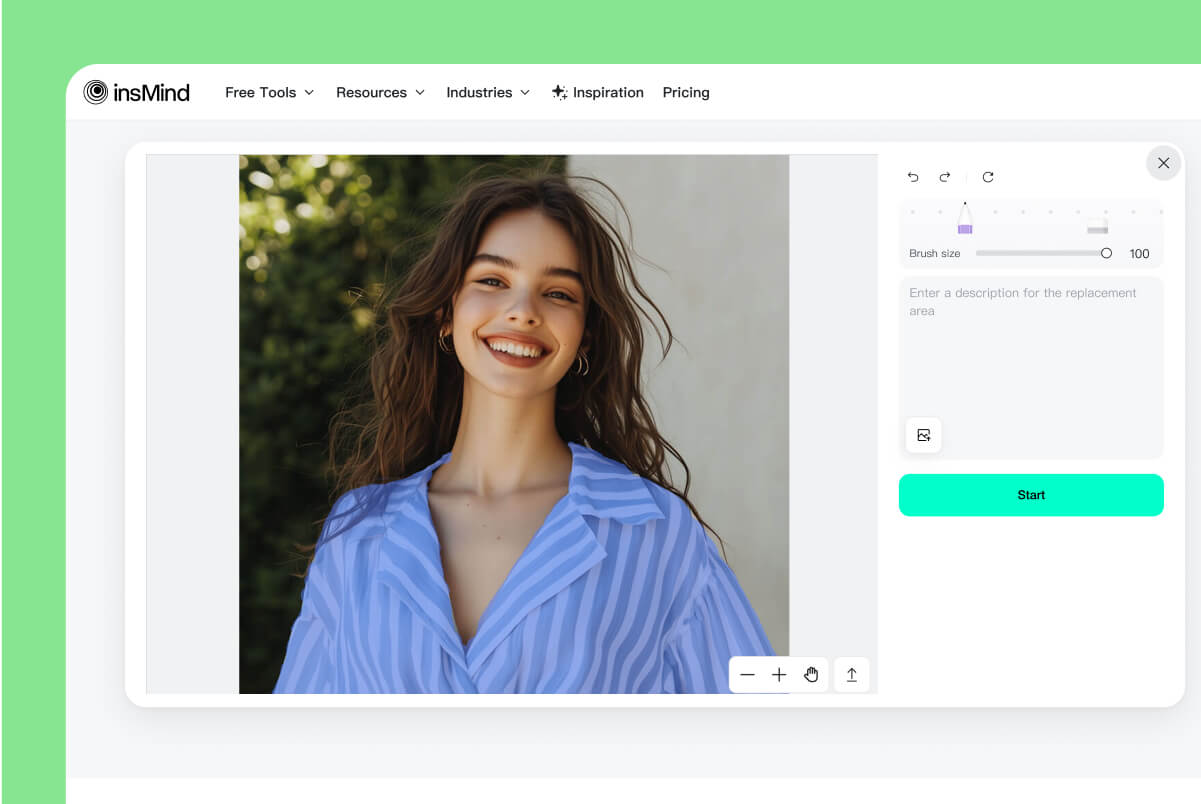
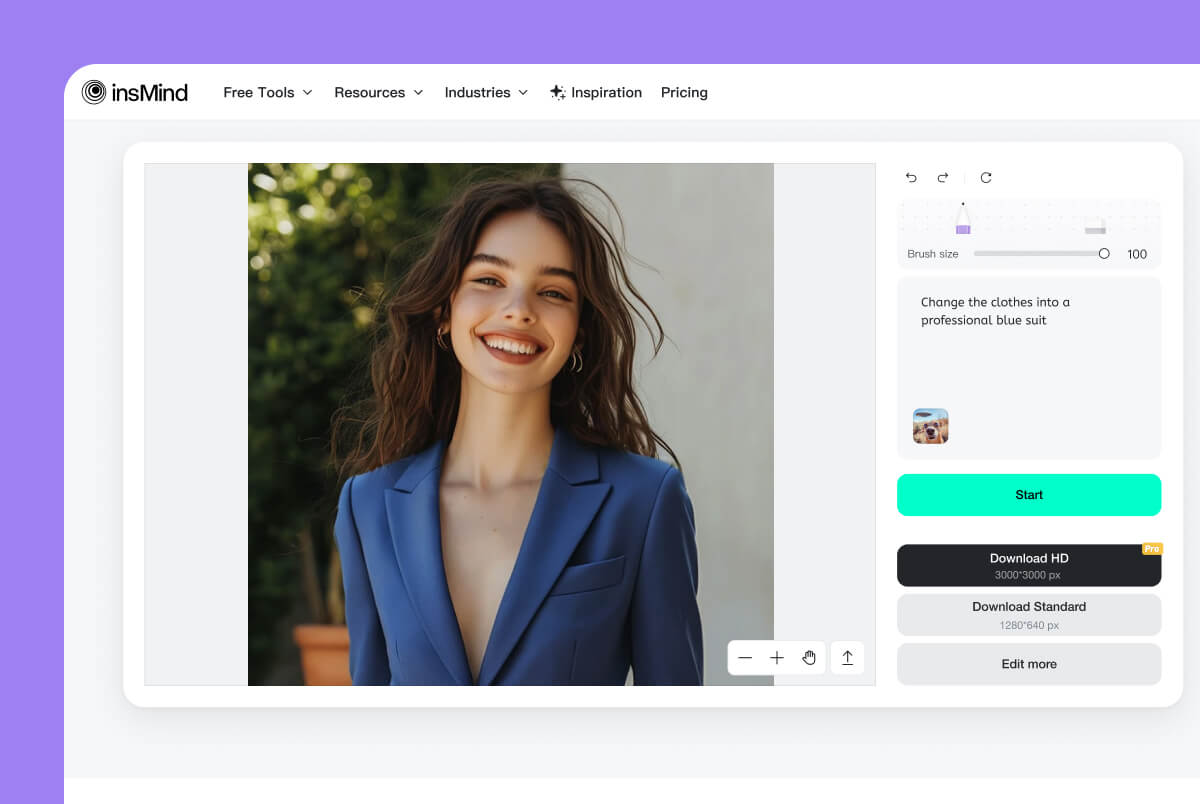
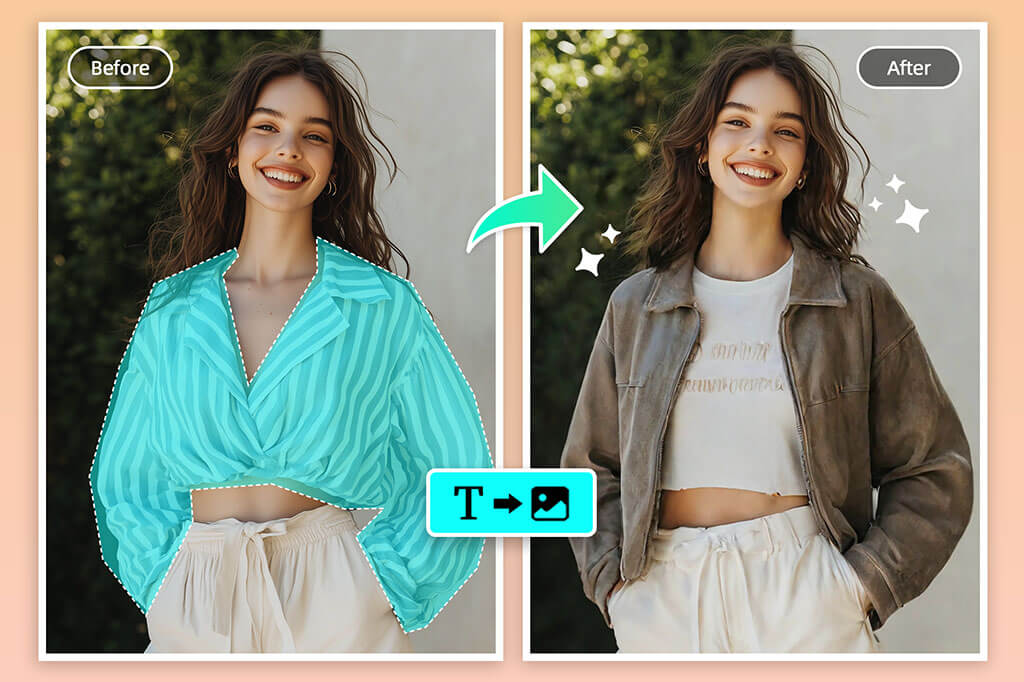
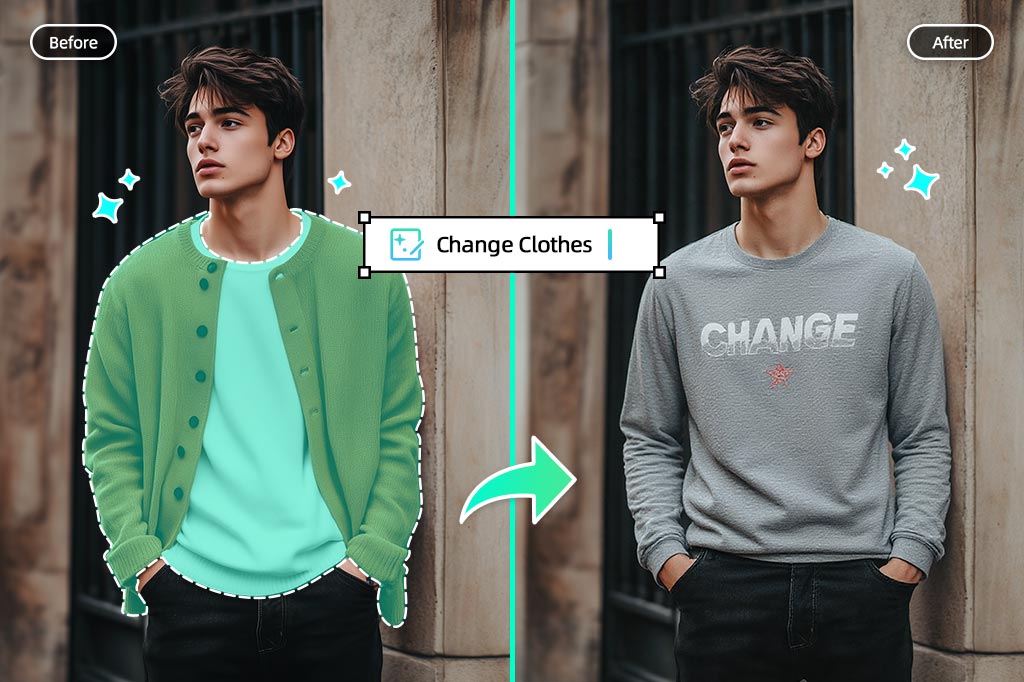
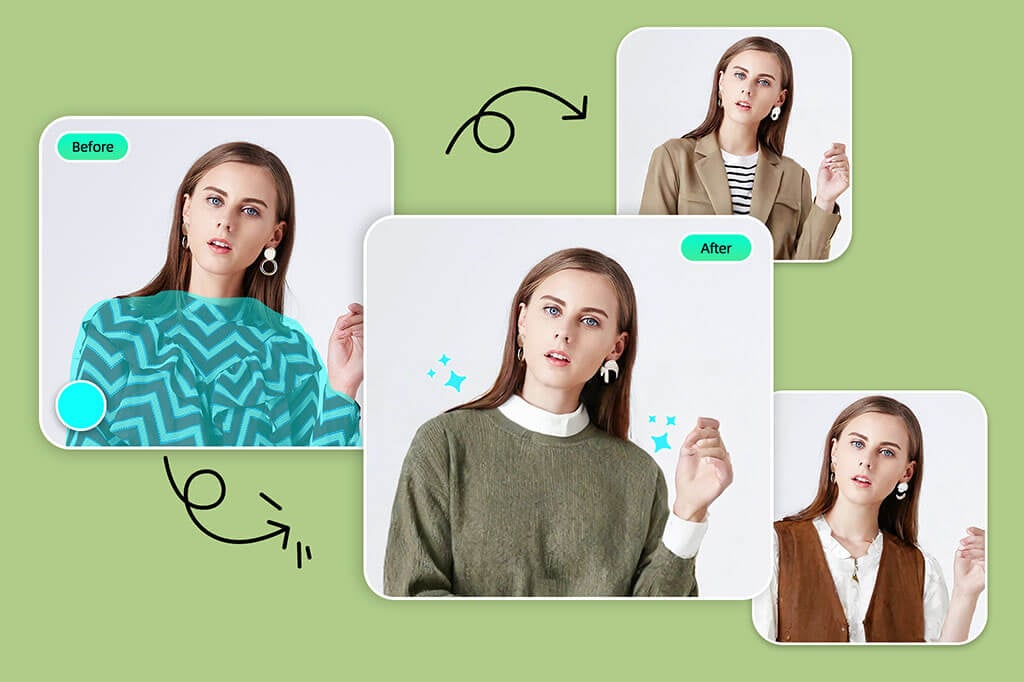
Upload a portrait or full-body photo, brush over the clothes, and describe the look you want. Mention the garment, color, fit, occasion, and fabric so the AI has enough direction to replace the outfit cleanly.


Use this page when you want a complete outfit idea on your own photo. If your goal is only to swap clothing in an existing picture, the dedicated AI clothes changer is the tighter next step.
Explore Outfit Styles Before You Commit

Explore Outfit Styles Before You Commit

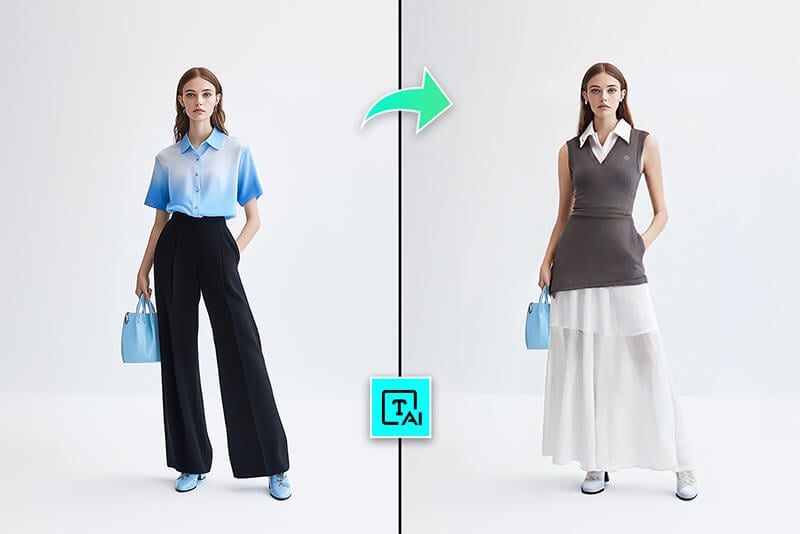
Compare casual, business, streetwear, vintage, party, fitness, or costume looks without buying clothes first. A clear front-facing photo usually gives the most useful preview; busy poses and covered clothing can make the result harder to judge.


For shopping-style previews with specific garments, route the task to virtual try-on clothes. This outfit generator is better for testing style direction and prompt-based fashion ideas.

Turn Text Prompts into Outfit Concepts

Turn Text Prompts into Outfit Concepts

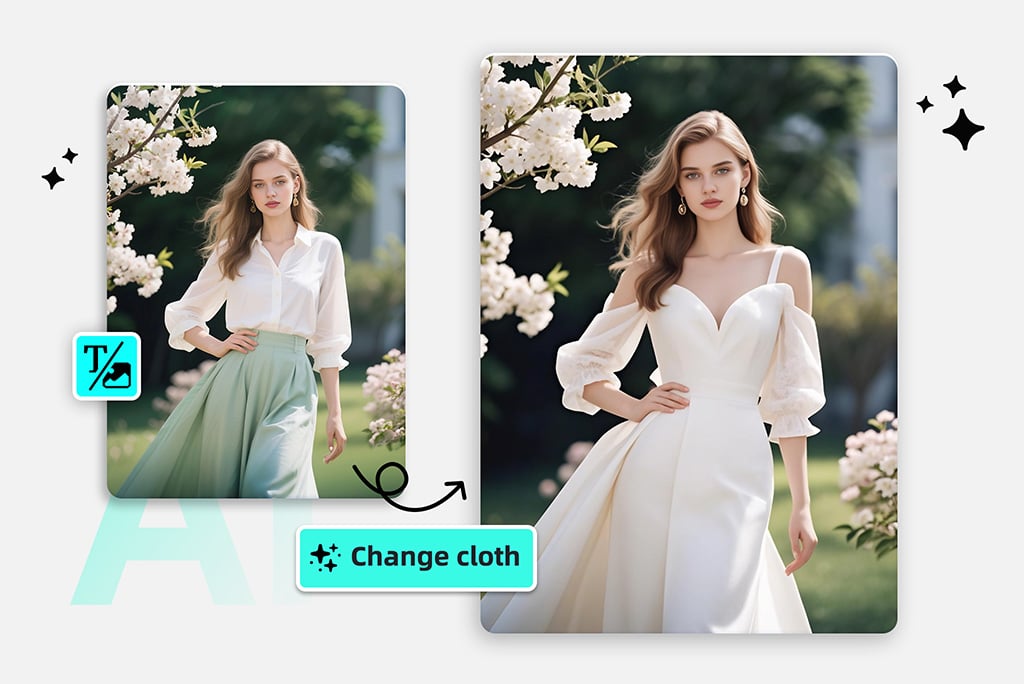
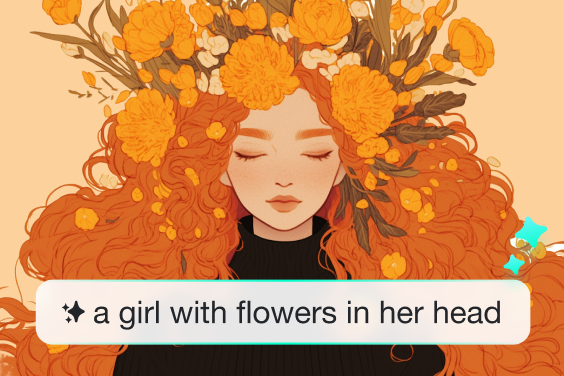
Start from a prompt when you do not have a reference image yet. Write the clothing type, silhouette, material, color palette, season, and setting, such as “oversized denim jacket, white tee, black cargo pants, rainy city street.”


This works well for fashion mood boards, character styling, content planning, and early design exploration. Keep one idea per prompt; mixing too many garments, eras, and textures can make the output less coherent.

Create Formal, Suit, and Profile Outfit Ideas

Create Formal, Suit, and Profile Outfit Ideas

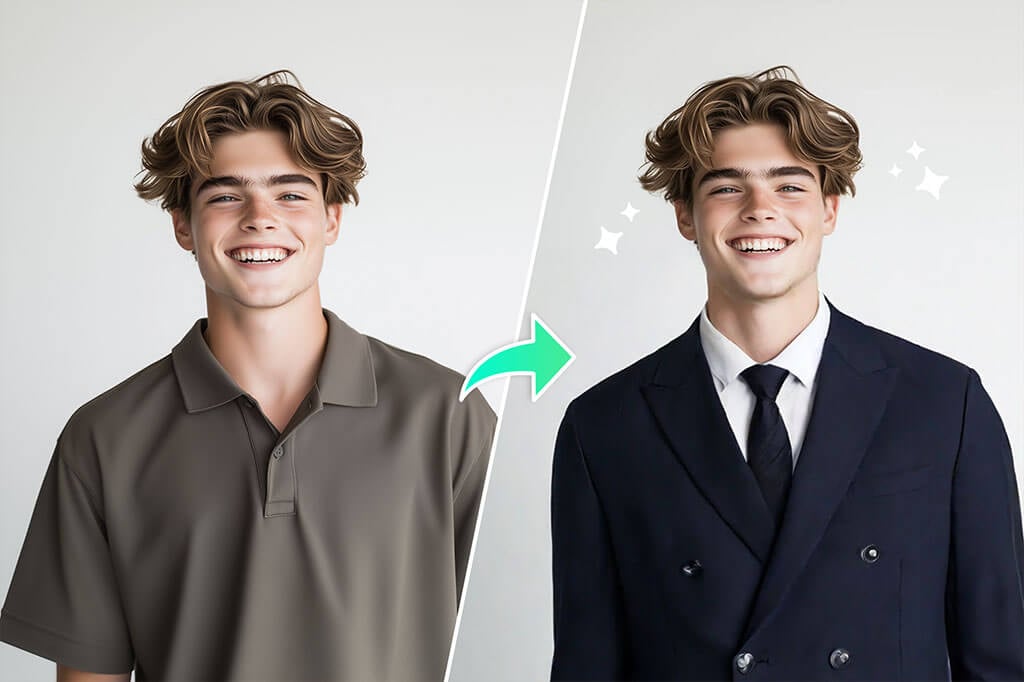
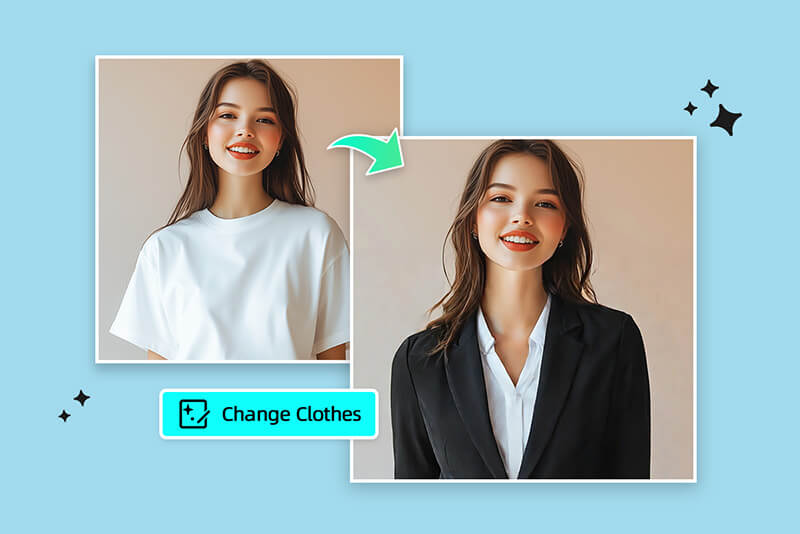
Need a sharper look for a profile photo, resume image, event invite, or work presentation? Try prompts such as “navy blazer with white shirt,” “black suit for a professional headshot,” or “minimal business casual outfit.”


If the task is specifically to place a blazer or suit onto a portrait, use Add Suit to Photo for a more focused workflow.

Develop Sketches and Fashion References Faster

Develop Sketches and Fashion References Faster

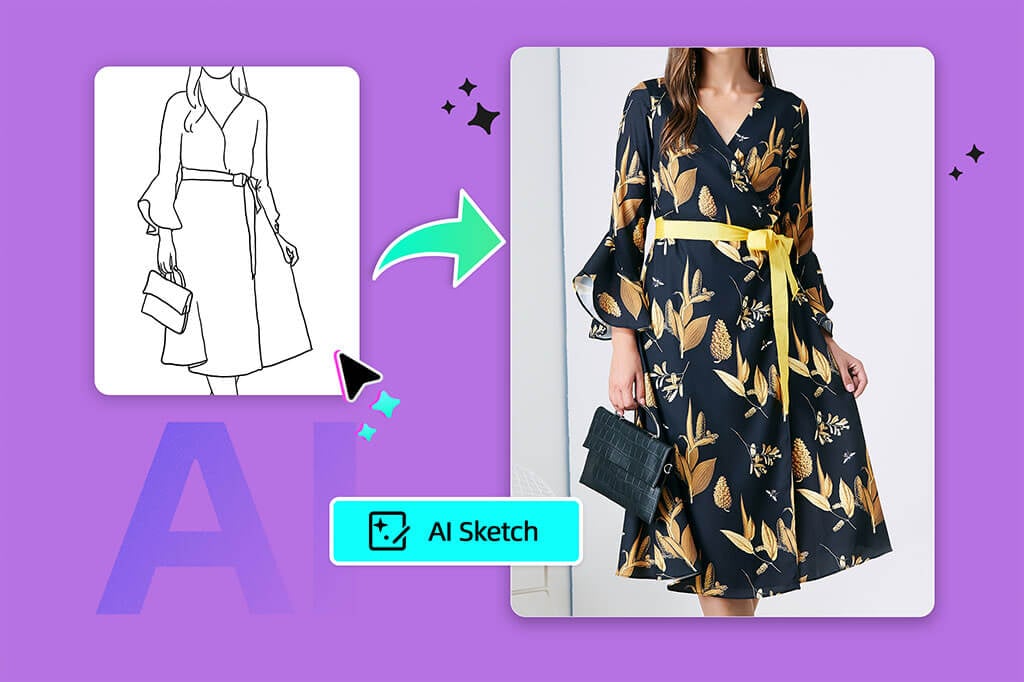
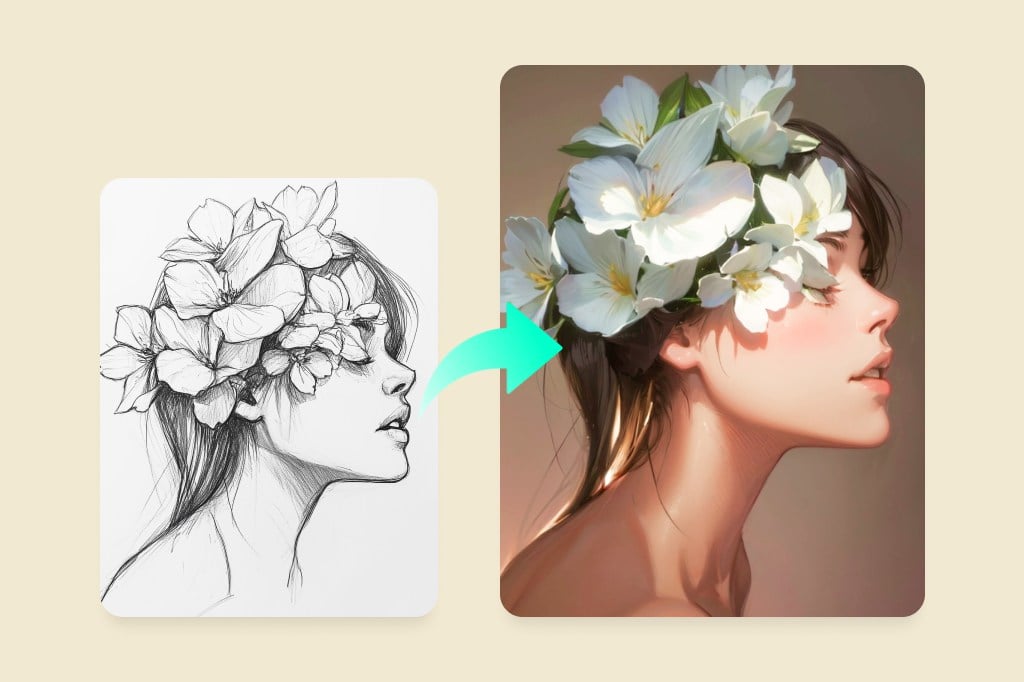
Use the outfit generator as a quick design sandbox: turn a rough clothing idea into a visual reference, compare colorways, or test how a silhouette might read on a model-style image.


For a hand-drawn starting point, send the idea through Sketch to Image. For broader concept art, the AI image generator can expand the scene around the outfit.

How to Create an Outfit with AI

Upload a Clear Photo
1

1 Upload a Clear Photo

Choose a portrait or full-body image where the outfit area is visible. Front-facing photos with simple backgrounds are easier to edit than crossed arms, heavy shadows, or clothing hidden by bags and hair.
Brush Over the Clothes
2

2 Brush Over the Clothes

Mark only the clothing area you want to change. Keep the brush inside the garment edge when possible, and avoid selecting the face, hands, or background unless they should change too.
Write a Specific Outfit Prompt
3

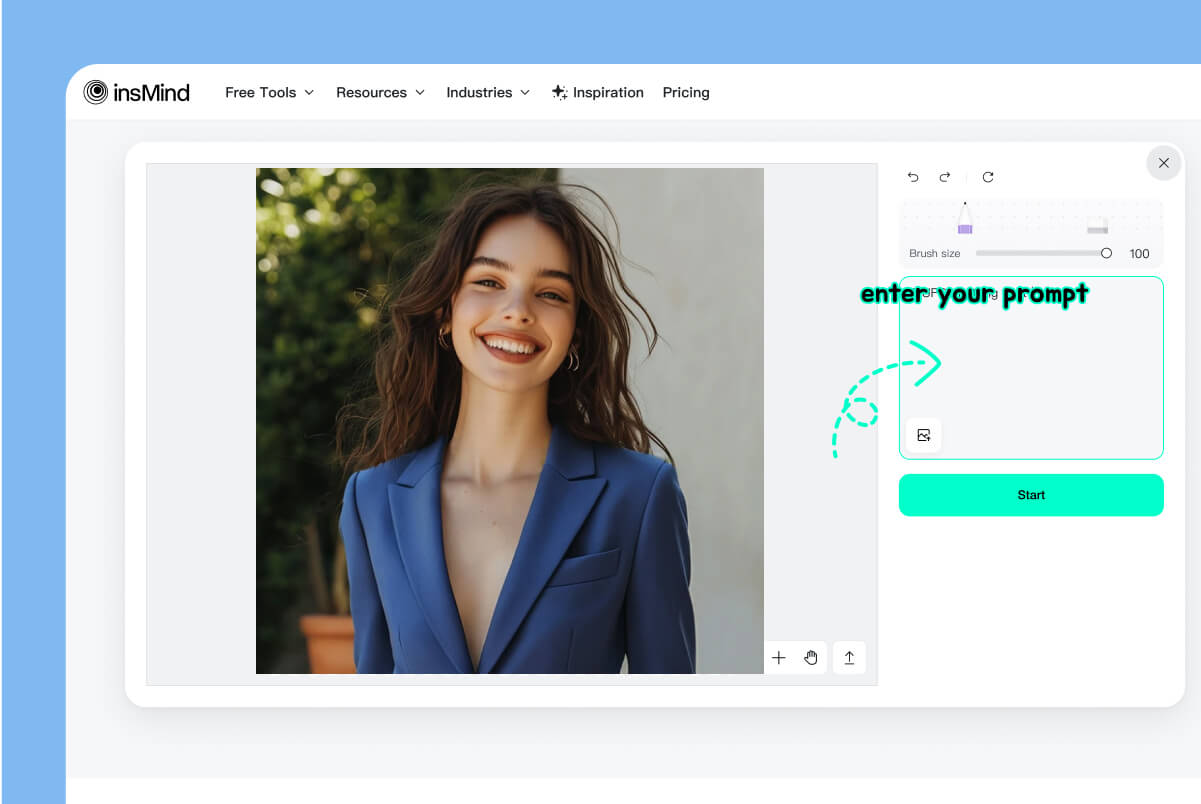
3 Write a Specific Outfit Prompt

Describe the garment, color, fabric, fit, and occasion. For example: “tailored navy suit, white shirt, subtle texture, professional LinkedIn portrait” or “oversized cream sweater with wide-leg jeans, soft daylight.”
Generate, Check, and Download
4

4 Generate, Check, and Download

Click Start, review the outfit edge, hands, neckline, and fabric texture, then adjust the prompt if needed. When the result fits the photo and occasion, apply the edit and download it.

Outfit Ideas for Photos, Design, and Social Content

Use one page for quick style exploration: personal looks, profile photos, creative costumes, and early fashion concepts.

Event Outfit Generator

Event Outfit Generator

Preview outfits for weddings, parties, holidays, concerts, or themed events before you choose a real look. Add the event, season, dress code, and color preference in the prompt so the result feels intentional instead of random.

Formal Outfit Generator

Formal Outfit Generator

Turn a casual portrait into a more polished formal look for a profile, resume, announcement, or presentation. For the cleanest result, use a photo with visible shoulders and avoid covering the clothing area with props.

Trend and Character Outfit Creator

Trend and Character Outfit Creator

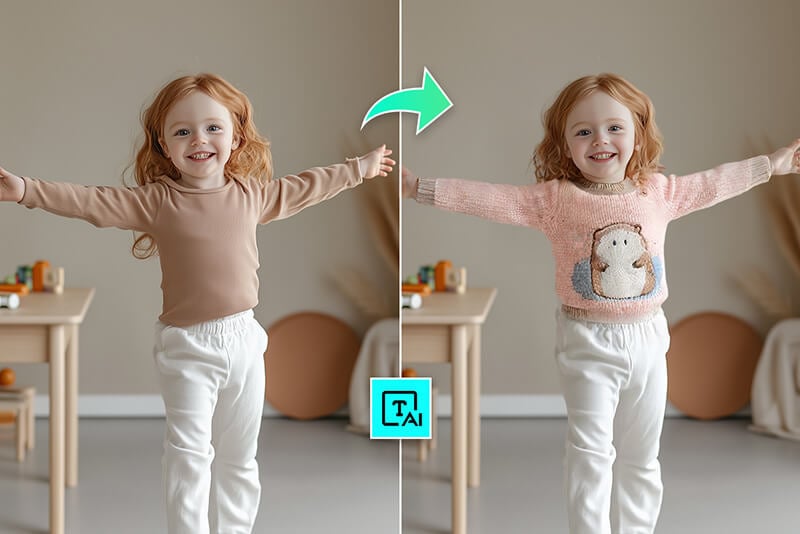
Test streetwear, vintage, fantasy, cosplay, seasonal, or character-inspired outfit ideas from a short prompt. This is useful when you need visual direction for social posts, mood boards, or creative references.

Why Use insMind as an AI Outfit Creator?

Prompt and Photo Workflows

Prompt and Photo Workflows

Start with text when you want a fresh outfit concept, or upload a photo when you want to preview the look on a person. That makes the page useful for both styling ideas and image editing.

Specific Style Control

Specific Style Control

Guide the result with clothing type, fabric, color, occasion, and fit. The more specific the prompt, the easier it is to compare outputs instead of sorting through random fashion images.

Useful Next-Step Editing

Useful Next-Step Editing

After you choose a look, keep editing in insMind: swap clothing more precisely, add a suit, improve image clarity, or build a full AI image scene around the outfit concept.

Explore More AI Fashion and Image Tools

FAQs About AI Outfit Generator

What is an AI outfit generator?

insmind expand icon
An AI outfit generator creates outfit ideas from a text prompt, a reference image, or an uploaded photo. You can use it to preview fashion styles, test a formal look, build a character outfit, or turn an early design idea into a visual reference.

What should I include in an outfit prompt?

insmind expand icon
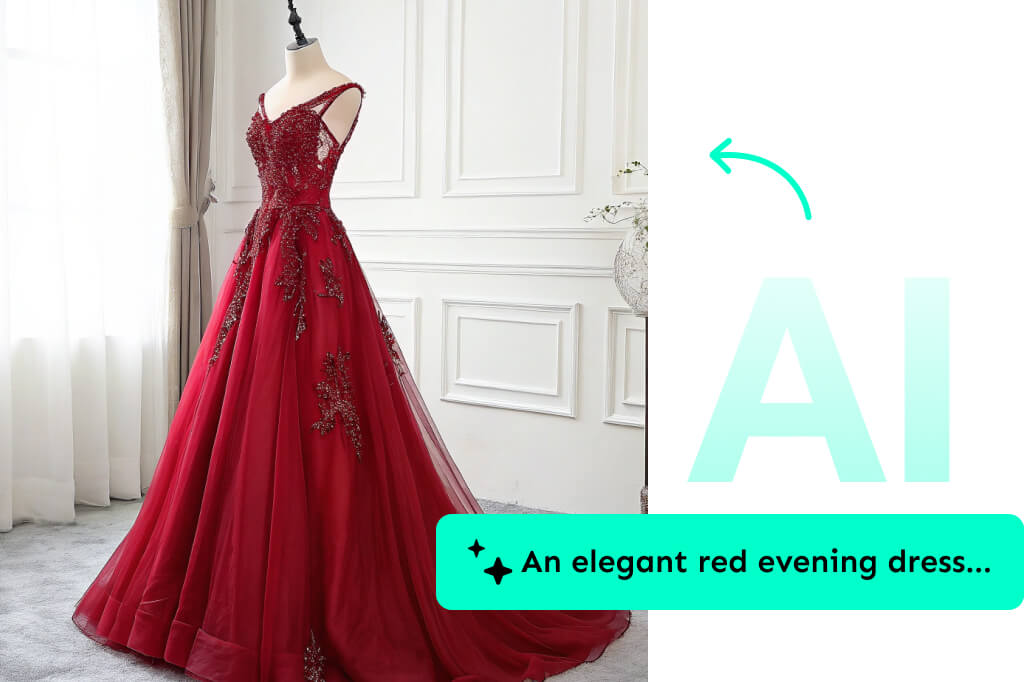
Include the garment type, color, fabric, fit, occasion, season, and visual style. A prompt like “black satin evening dress, fitted waist, silver accessories, studio portrait lighting” gives the AI more direction than “nice dress.”

Can I use it to create a suit or formal outfit?

insmind expand icon
Yes. Upload a clear portrait, brush over the clothing, and describe the suit or formal style you want. For example, mention “navy blazer,” “white dress shirt,” “black tie,” or “business casual.” Check the neckline, shoulders, and hands before downloading.

Is insMind AI outfit generator free?

insmind expand icon
You can start creating outfit ideas online for free. Some download quality, export, or advanced editing options may depend on the current insMind plan, so check the export screen before using a result for a final project.

Try More AI Fashion and Photo Tools

Use these next when you need a more specific outfit edit, try-on preview, suit look, or final photo polish.