
AI Yearbook Generator: Create Retro 90s Yearbook Photos

How to Use an AI Yearbook Generator
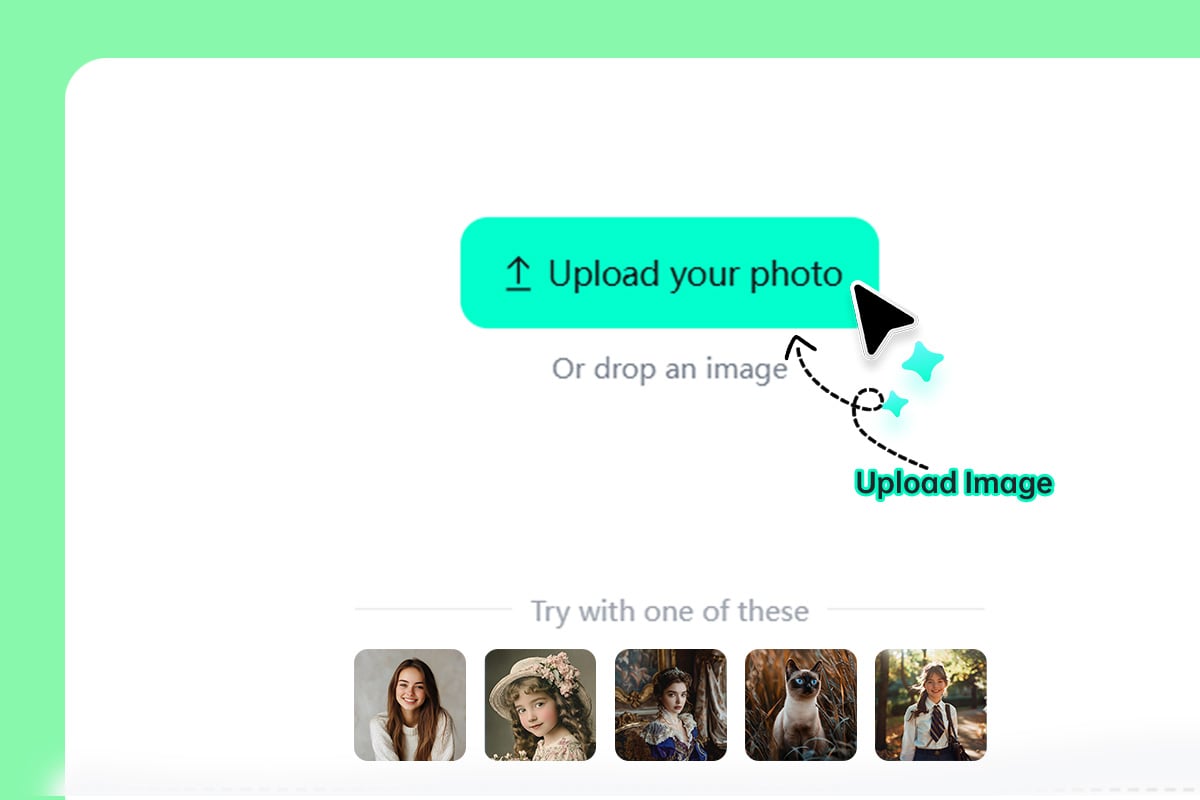
1 Step 1: Upload Your Photo
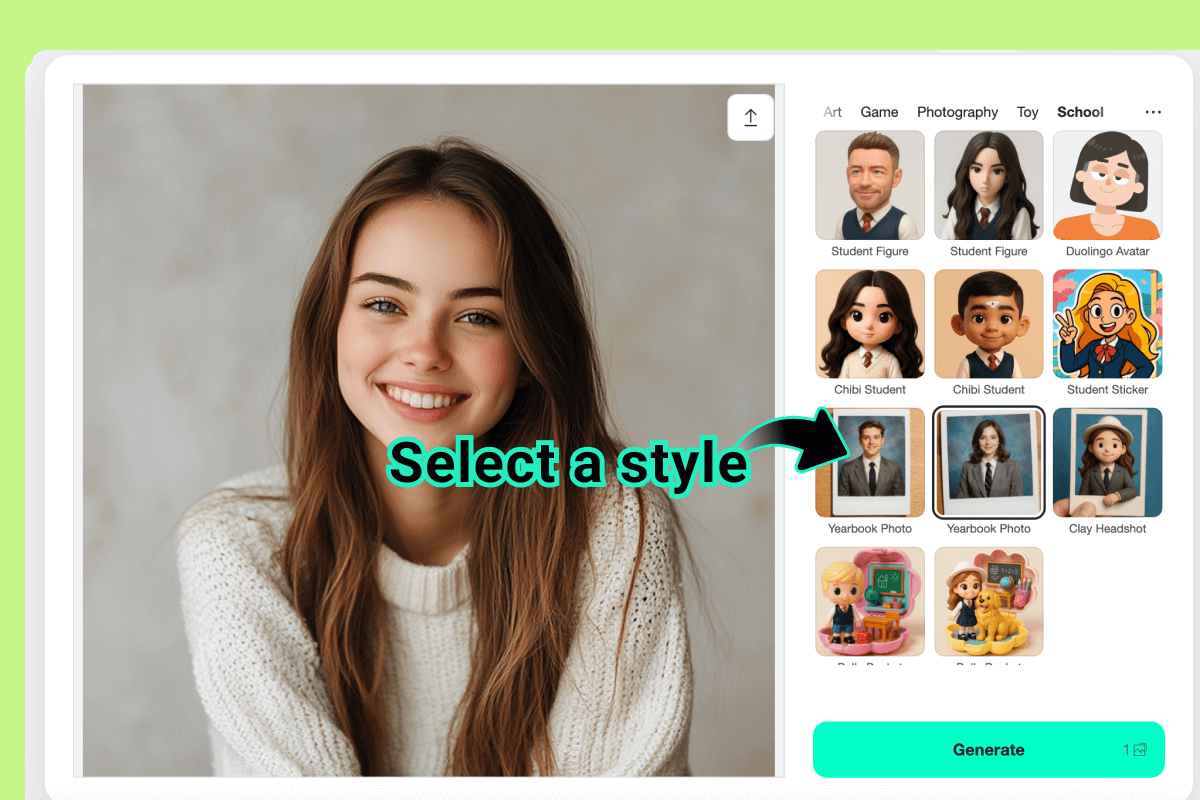
2 Step 2: Select the AI Yearbook Filter
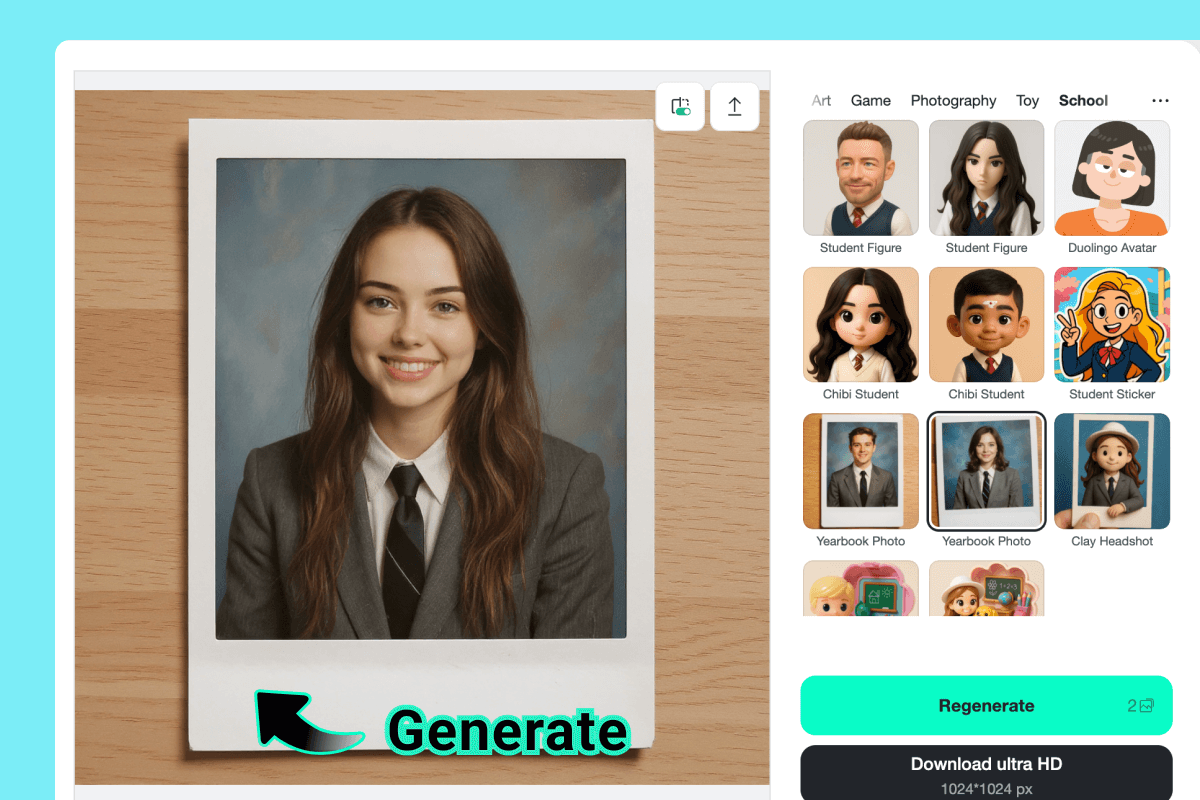
3 Step 3: Generate AI Yearbook Photo
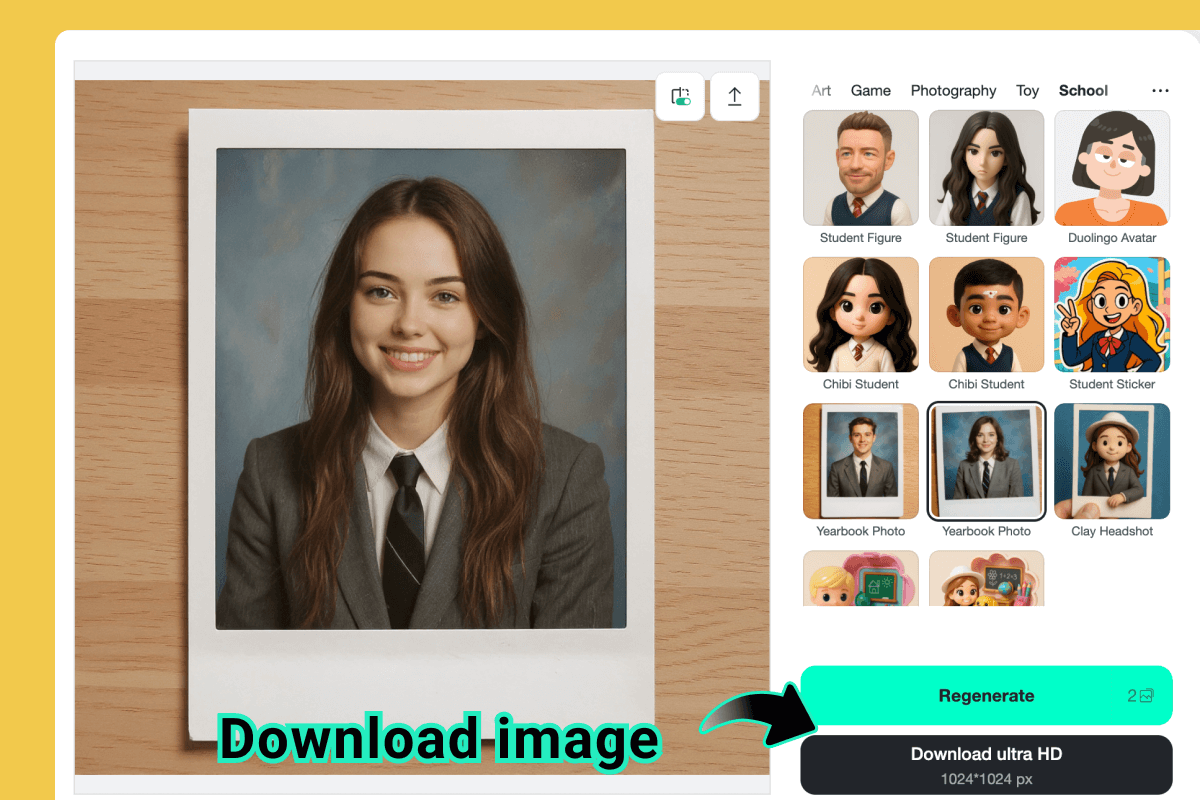
4 Step 4: Download the Photo
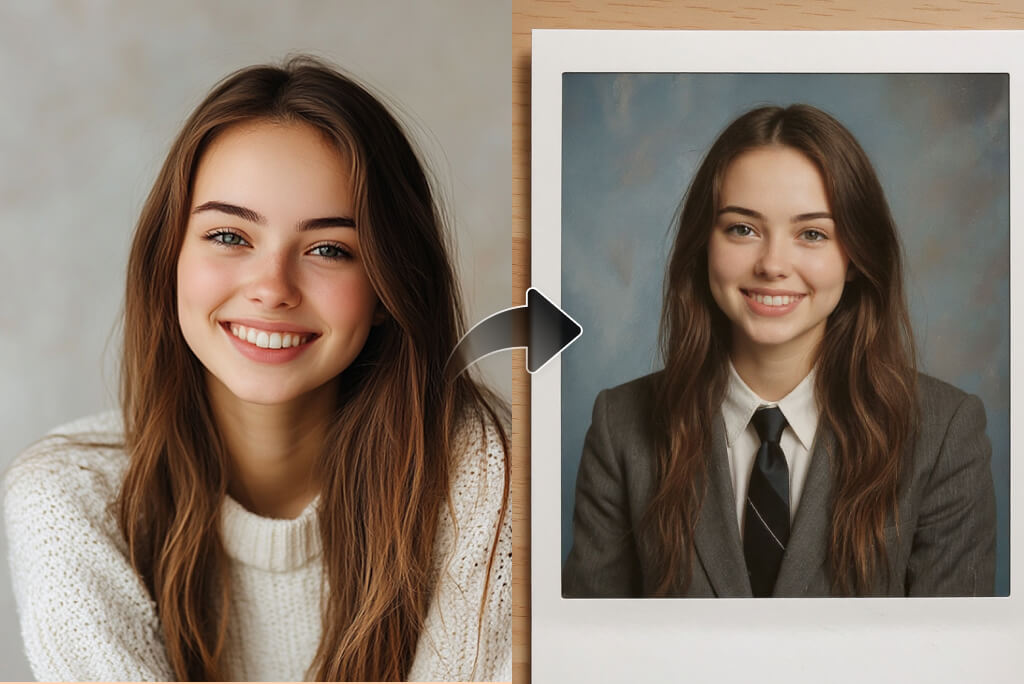
Create Realistic 90s AI Yearbook Photos with AI
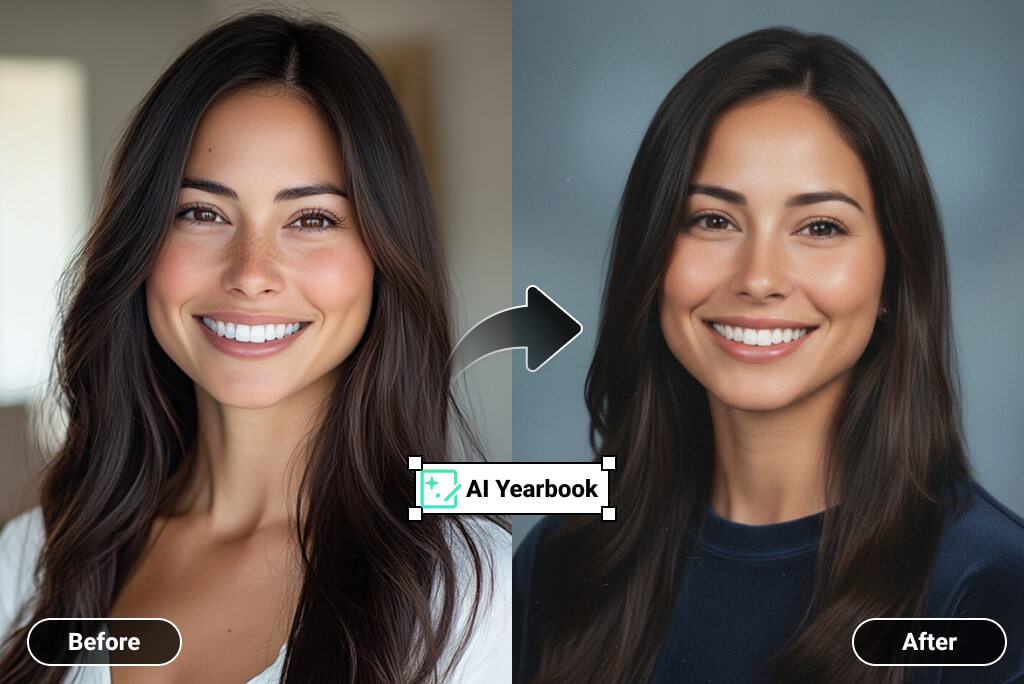
Turn any photo into authentic AI yearbook photos instantly. Upload your image and get a true 90s yearbook photo effect with classic lighting, poses, and tones. You can also explore 80s yearbook photos for a different retro look. No editing skills needed.
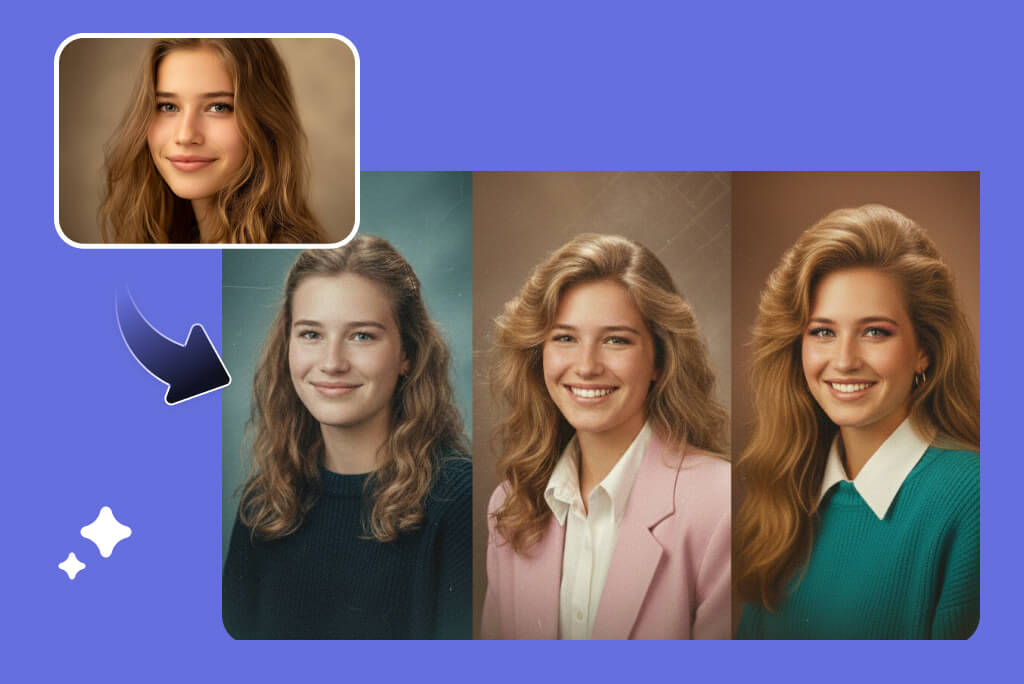
Multiple AI Yearbook Filters and Effects to Choose
Powered by Nano Banana Pro, this AI yearbook filter offers multiple retro styles. Transform your image into different yearbook looks, from soft-focus 90s portraits to bold 80s styles. Switch filters easily and preview results until you find the perfect yearbook vibe.

Join the AI Yearbook Trend on Social Media
Create AI yearbook photos made for sharing. These retro portraits are perfect for social media posts, stories, and profile pictures. Join the AI yearbook trend, get more engagement, and surprise followers with nostalgic yearbook-style avatars.
Why Use an AI Yearbook Photo Generator?
Create AI Yearbook Social Media Posts
Make a Retro Profile Picture
Try the 80s and 90s Look for Fun
Create Content for Trends and Challenges
Explore More AI Photo Effects
Join the AI Yearbook Trend with Ease
Design Nostalgic Digital Art
Share Fun Memories with Friends
Create Unique Gifts and Keepsakes
Experiment Without Risk
Frequently Asked Questions
What is an AI yearbook generator?


What are AI yearbook photos?
Can I create 90s yearbook photos online?
Does it also support 80s yearbook photos?
Do I need photo editing skills?
Can I use the AI yearbook filter for social media?
What type of photos work best?
What makes insMind different from other tools?