Instead of starting from a blank canvas, describe the card you need: employee badge, student ID, visitor pass, staff card, or membership card. Add the required fields first, then refine the design so the card is easy to read.

ID Card Maker for Employee, Student, and Visitor Badges
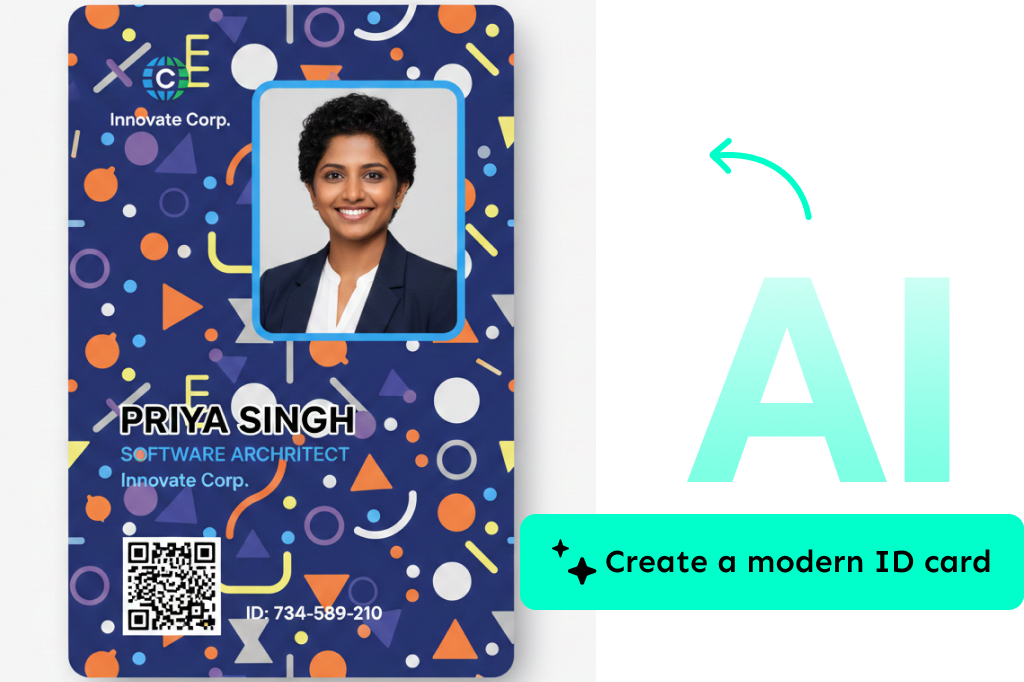
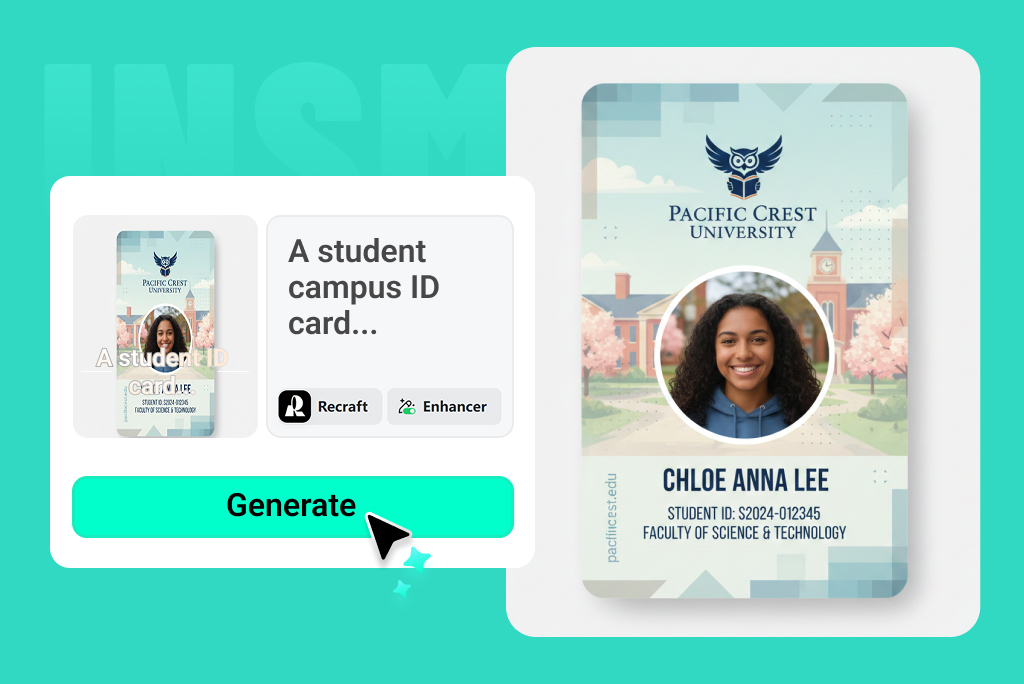
Generate a Structured ID Card Layout from a Short Brief
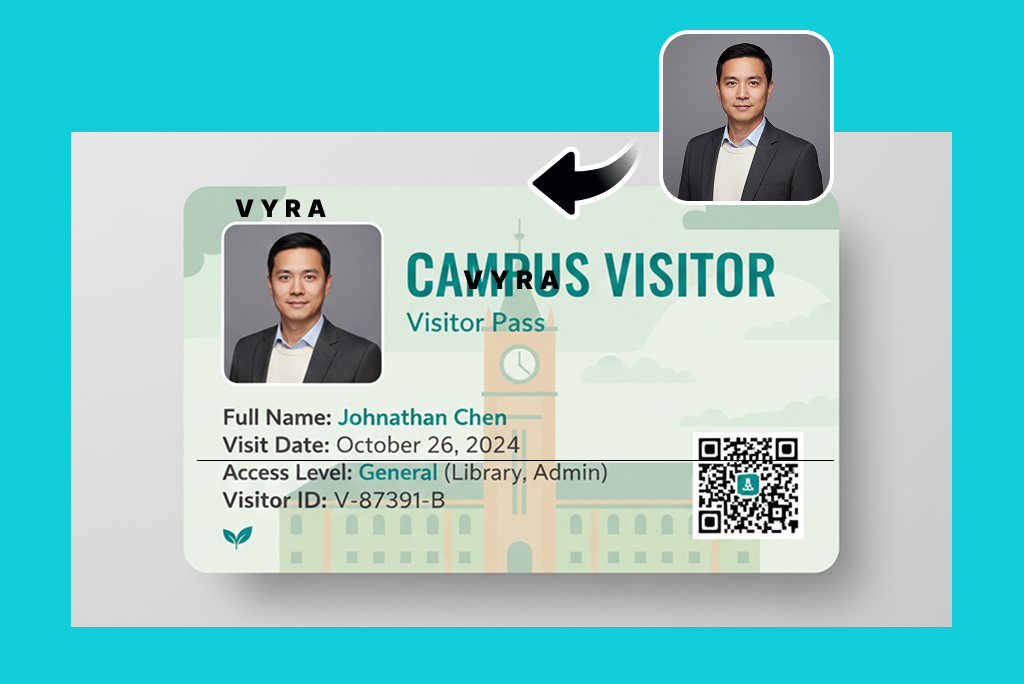
Edit the ID Photo, Logo, Colors, and Text Fields
A good ID card is not only decorative. Make sure the name, role, organization, and photo area stay readable. If the card will be printed, check margins, contrast, and image resolution before sending it to production.
How to Make an ID Card Online
1
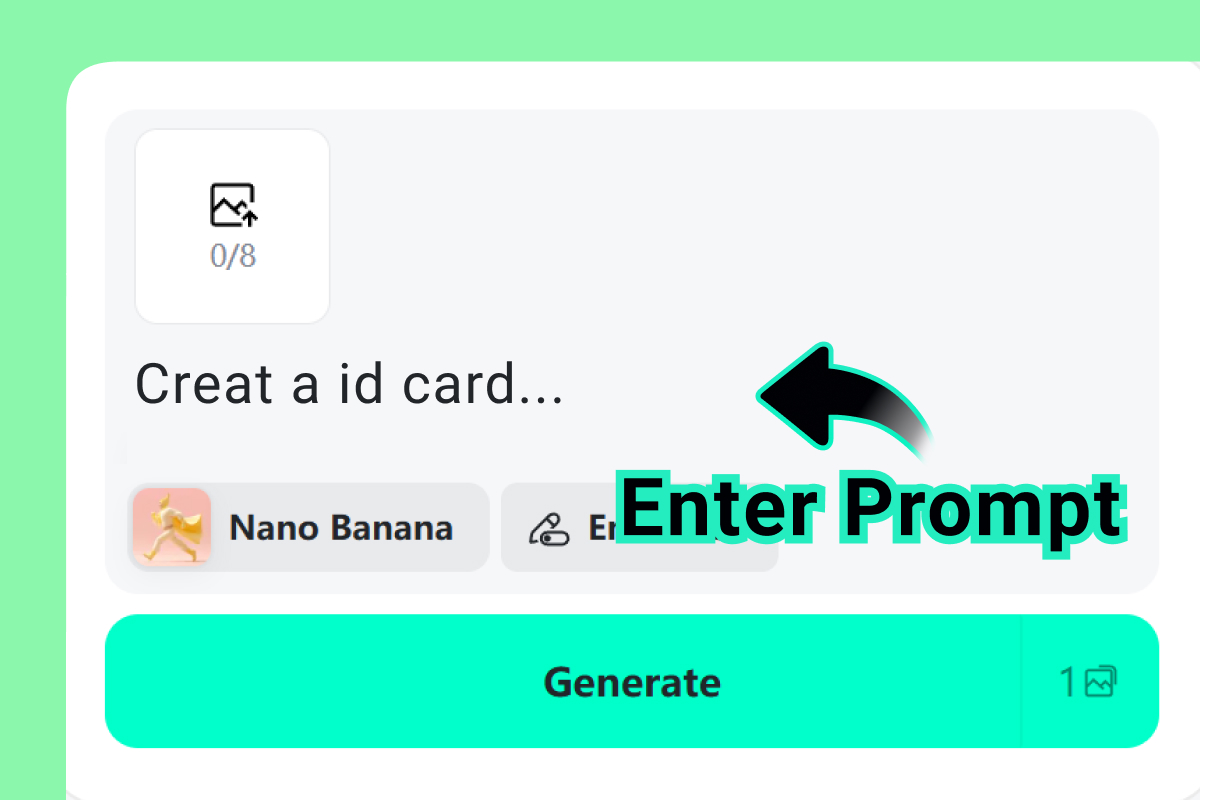
1 Enter the card details
Enter the card type, person’s name, role, organization, ID number, and any design notes. Keep the information accurate and use only photos or logos you have permission to use.
2
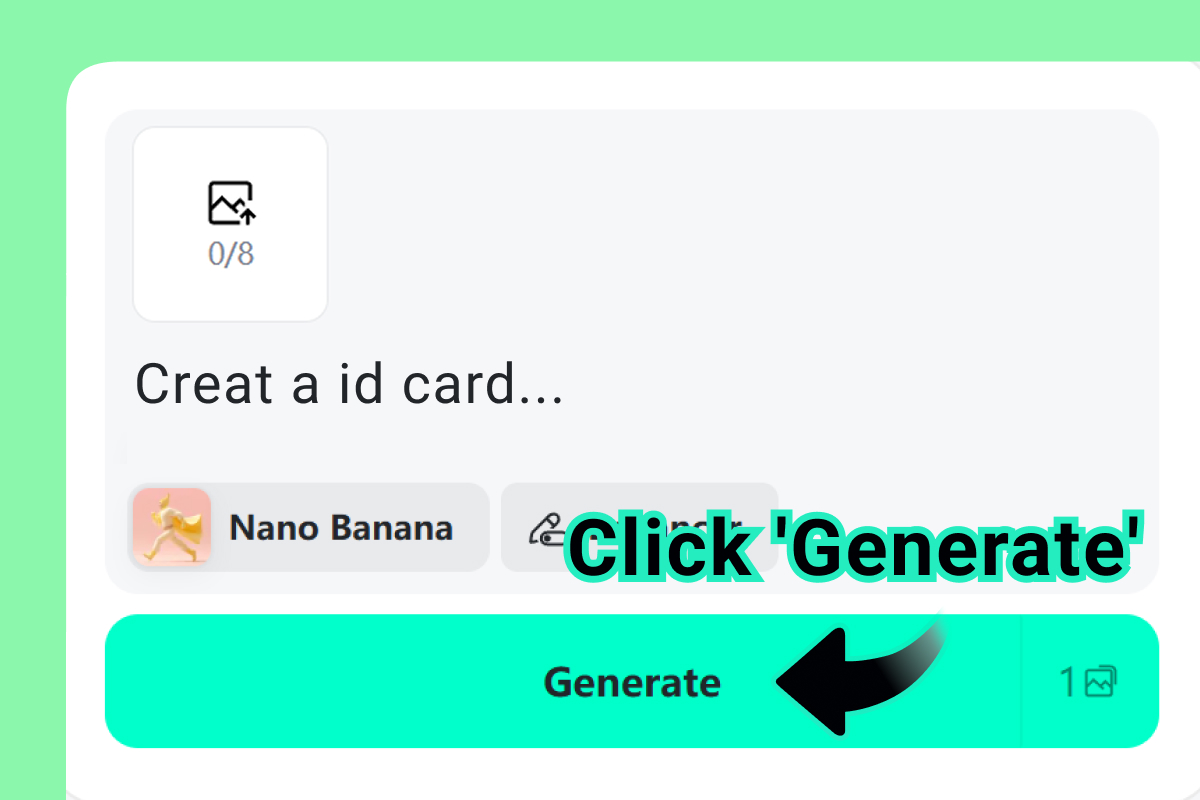
2 Generate a badge layout
Generate a badge layout and check the structure: photo area, name, role, organization, and optional ID number should be easy to find at a glance.
3
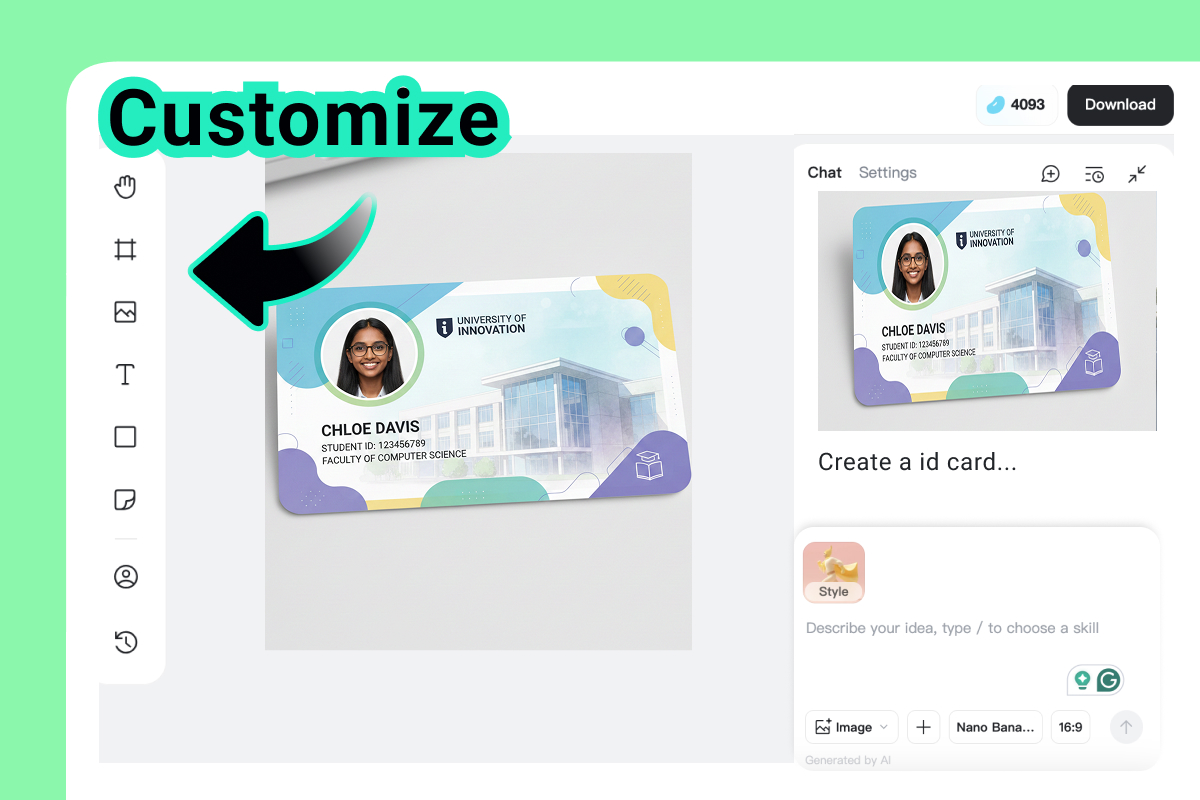
3 Edit text, logo, and colors
Replace placeholder text, add a logo, adjust colors, and clean up spacing. For teams or schools, keep the design consistent across every card.
4
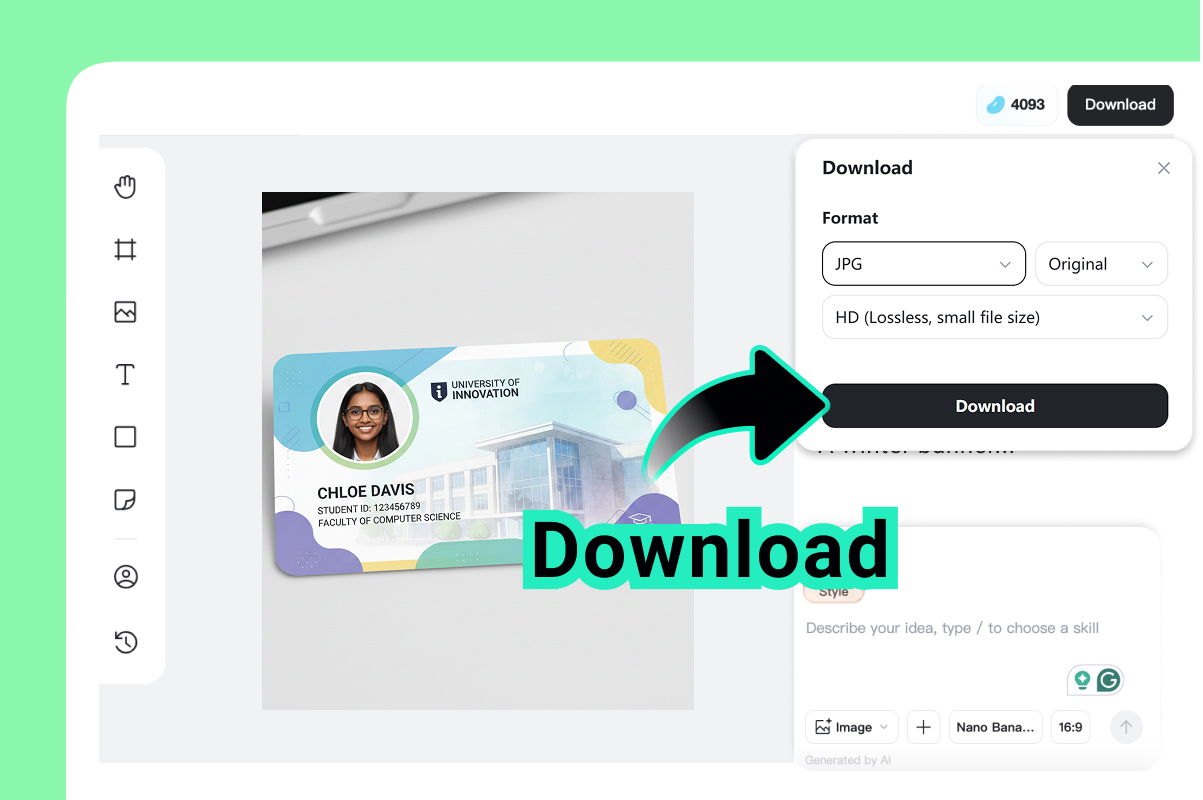
4 Download for review or printing
Download the design for internal approval, event use, school projects, or print preparation. This tool is not for creating forged, government, or misleading identity documents.
ID Card Designs for Teams, Schools, Visitors, and Events
Match the card to the job it has to do: identify employees, organize students, label visitors, support events, or manage memberships.

Employee ID Cards
Create staff badges with a clear photo area, name, role, department, company logo, and optional ID number. Use one layout across the team so front desk, HR, and managers can check details quickly.

Student ID Cards
Make school, course, club, or training cards with student names, photos, class details, and institution branding. Keep the name and student number readable before you duplicate the design.

Visitor and Guest Badges
Prepare temporary badges for guests, contractors, workshops, or event check-in. Put the visitor label, host, access note, and valid date where staff can see them at a glance.

Event Staff and Volunteer Badges
Design badges for organizers, speakers, crew, media, and volunteers. Use role labels such as Staff, Speaker, Volunteer, or Media so teams can coordinate on-site without confusion.
Try More AI Tools for ID Photos and Branding
Frequently Asked Questions About ID Card Maker
What is an online ID card maker?


An online ID card maker helps you design custom badges with names, photos, roles, logos, and organization details. It is useful for employee cards, student IDs, visitor passes, event badges, membership cards, and internal facility cards.
How do I make an ID card online?
Start with the card type, add the person’s name, role, photo, organization, and logo, then generate a layout. Edit the text, colors, spacing, and image placement before downloading the design.
Can I make an employee ID card online?
Yes. You can create employee badges with staff names, job titles, departments, photos, and company branding. For access control, QR codes, barcodes, or security rules, confirm the final requirements with your organization.
Can I make student ID cards?
Yes. You can design student ID cards for schools, training centers, clubs, or classroom projects. Use approved student photos and verify any required fields before printing.
Can I use this tool to make a government ID or fake ID?
No. This ID card maker is for custom badges, school cards, employee IDs, visitor passes, event cards, and creative layouts. Do not use it to create fake, forged, official, or misleading identity documents.
What should I include on an ID card?
Most ID cards include a name, photo, organization, role or department, and ID number. Depending on the use case, you may also add a logo, visitor type, event name, expiration date, or internal note.
Can I add my own logo and photo?
Yes. Add your own photo, logo, colors, and text details. Use a clear headshot and a high-resolution logo if the design will be printed.
Can I make my own ID card from scratch?
You can start from a generated layout or a simple design direction, then edit the fields, colors, and spacing. For strict brand or security needs, have the final card reviewed by your organization.
Is the downloaded card ready to print?
The downloaded design can be used for review or print preparation. Final print quality depends on file resolution, card size, printer settings, material, and your organization’s requirements.