The strongest results usually come from concrete character direction: “short black hair, denim jacket, soft window light, city background, realistic portrait, 1:1.” Start with the character, then add style, setting, mood, and framing.

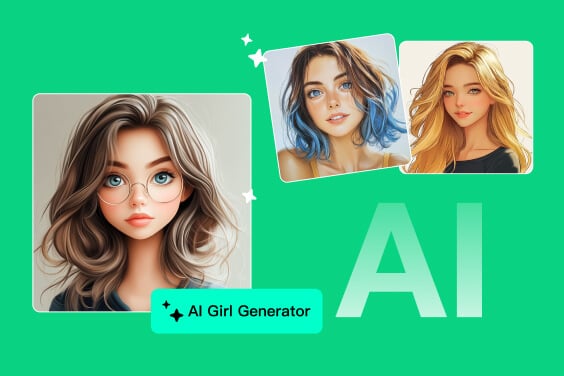
AI Girl Image Generator for Original Characters
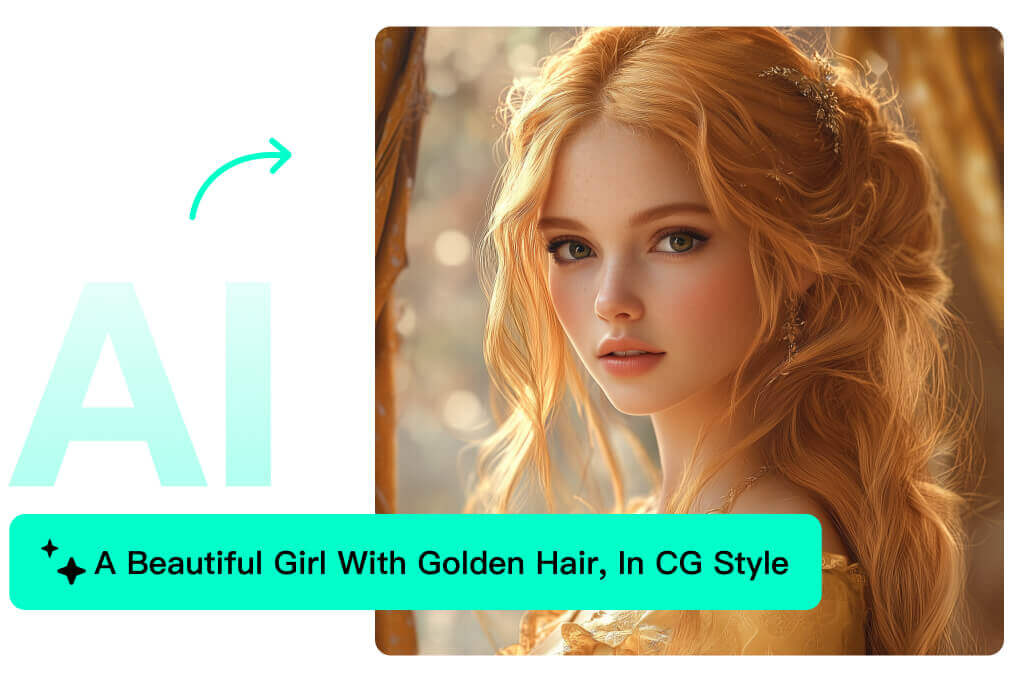
Write Prompts That Create a Specific AI Girl Image
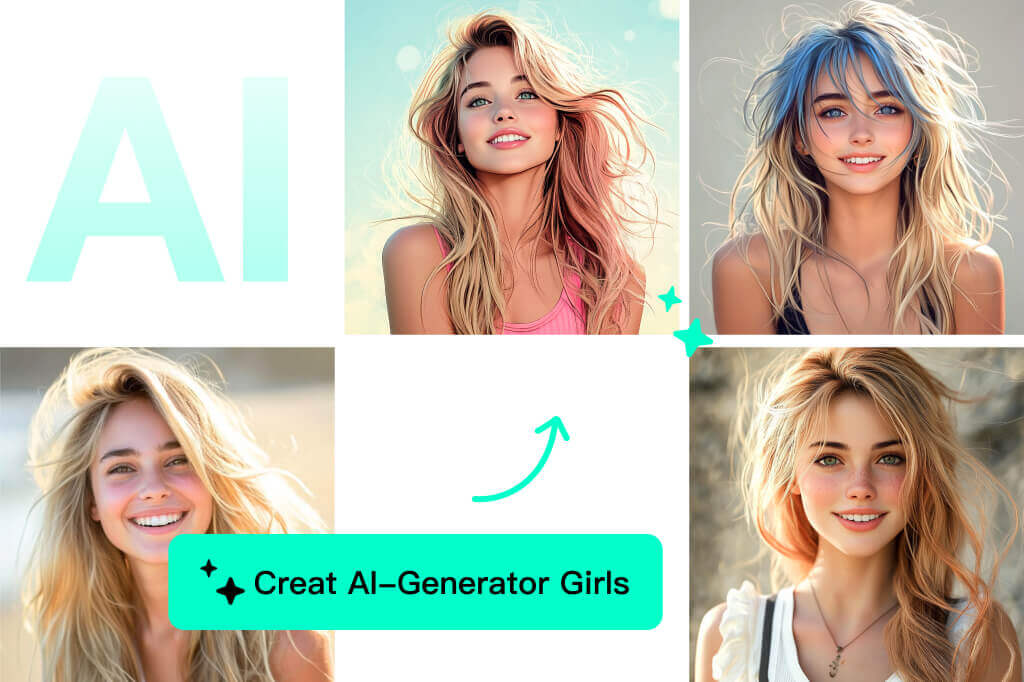
Create Anime Girl Portraits Without Drawing from Scratch
Use anime, cartoon, and illustration styles for profile images, story characters, manga-style concepts, or wallpapers. Keep the character original and use only reference images you have permission to edit.
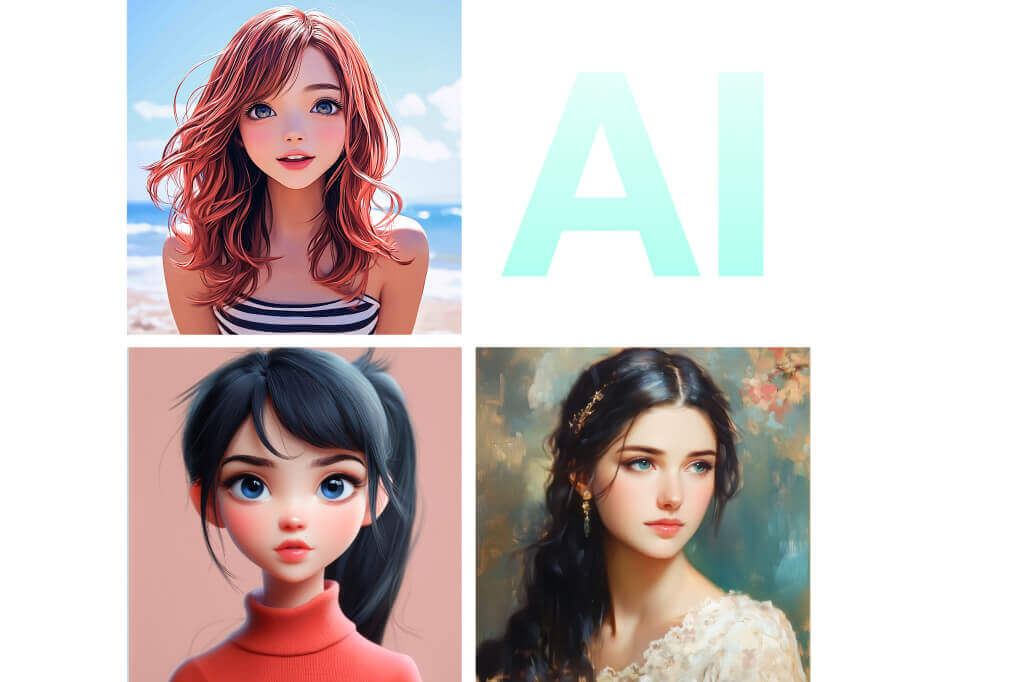
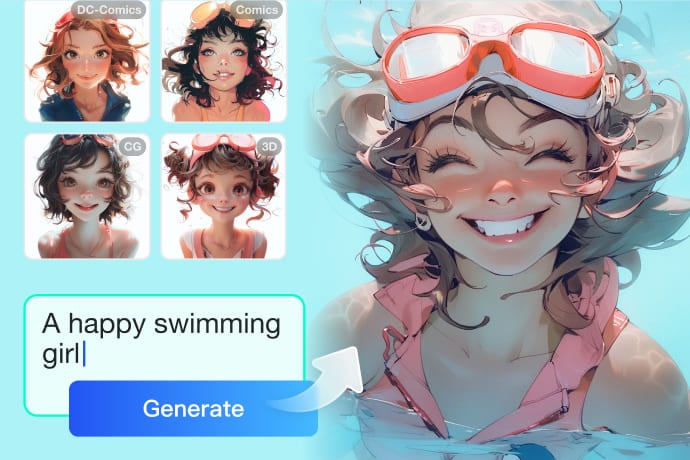
Compare Realistic, Anime, 3D, and Illustrated Styles
One character idea can look very different depending on the style. Try a realistic portrait for profile concepts, anime for character art, 3D for polished avatars, or sketch/painting styles for mood boards.
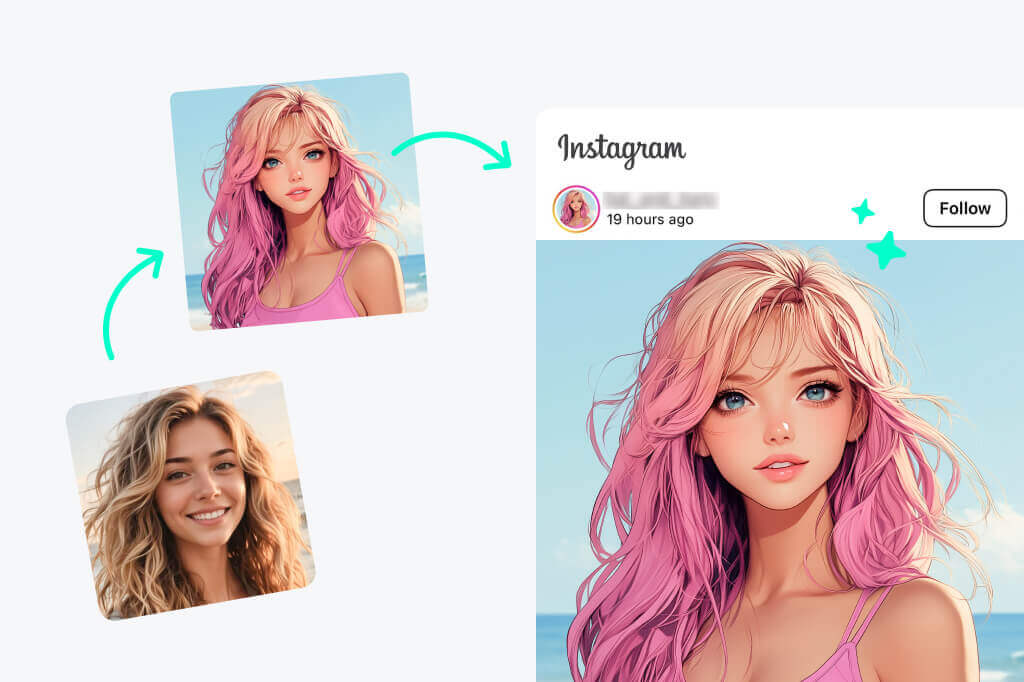
Make Character Visuals for Profiles, Stories, and Concept Boards
Use generated AI girl images for fictional avatars, thumbnails, story characters, role concepts, and creative direction. Keep prompts age-appropriate and avoid real-person impersonation or sexualized minor-coded characters.
More AI Tools for Character and Image Creation
How to Generate an AI Girl Image from a Prompt
1
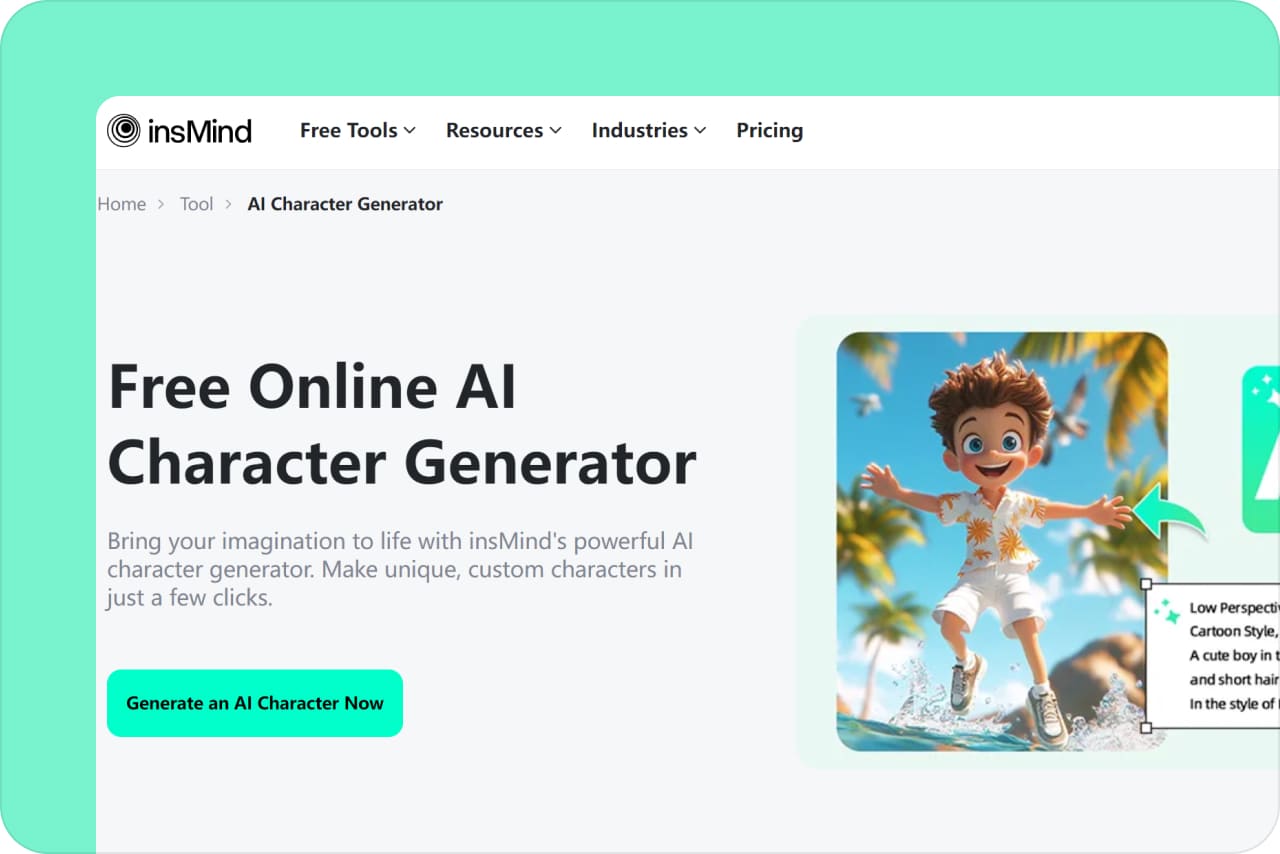
1 Open the AI Girl Generator
Open the generator from the page CTA. Decide whether you want a text-only character prompt or a permitted reference image workflow if that option is available.
2
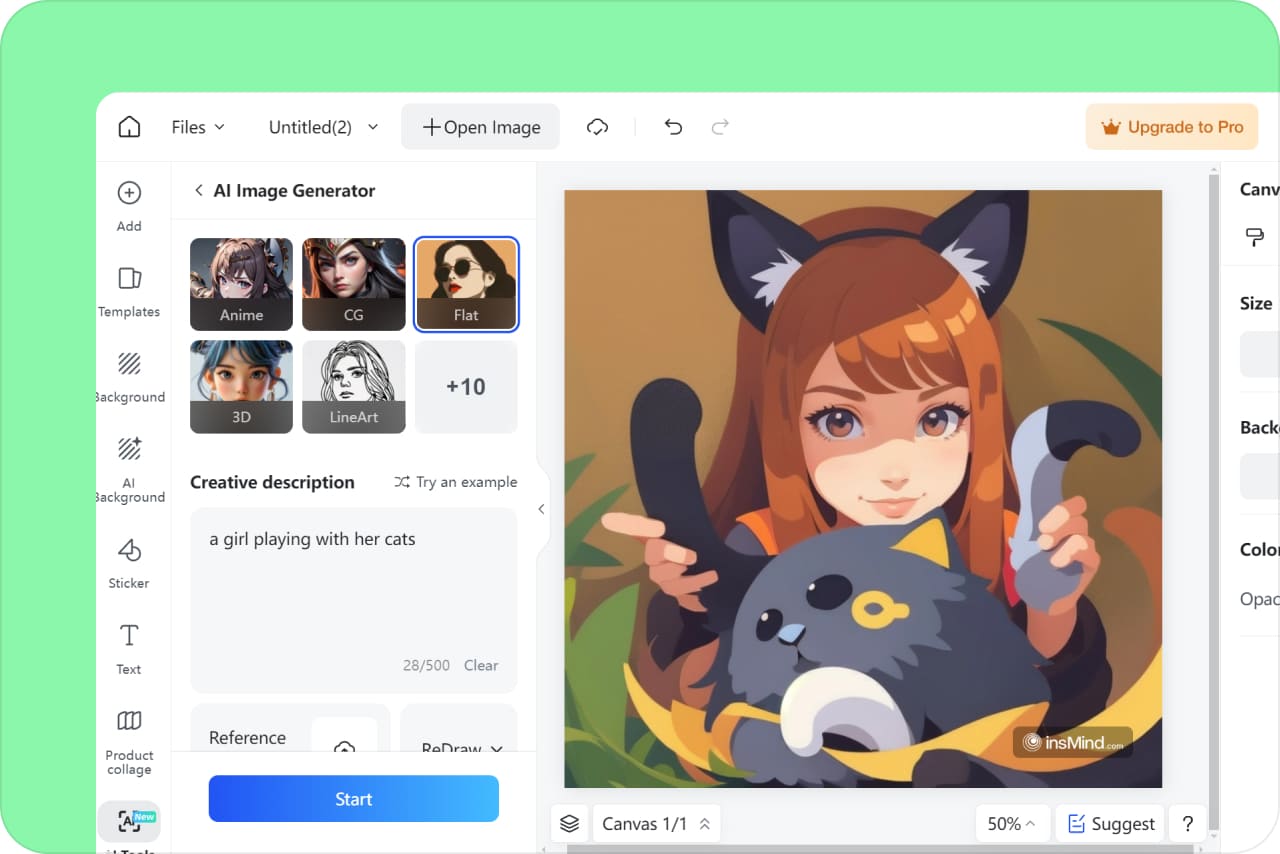
2 Write a clear character prompt
Describe the character, hairstyle, outfit, expression, scene, lighting, camera angle, and art style. Avoid vague prompts and keep the subject fictional, safe, and age-appropriate.
3
3 Choose a style and ratio
Choose realistic, anime, 3D, cartoon, sketch, painting, or another available style. Then select a ratio for the final use: avatar, wallpaper, story visual, post, or thumbnail.

4
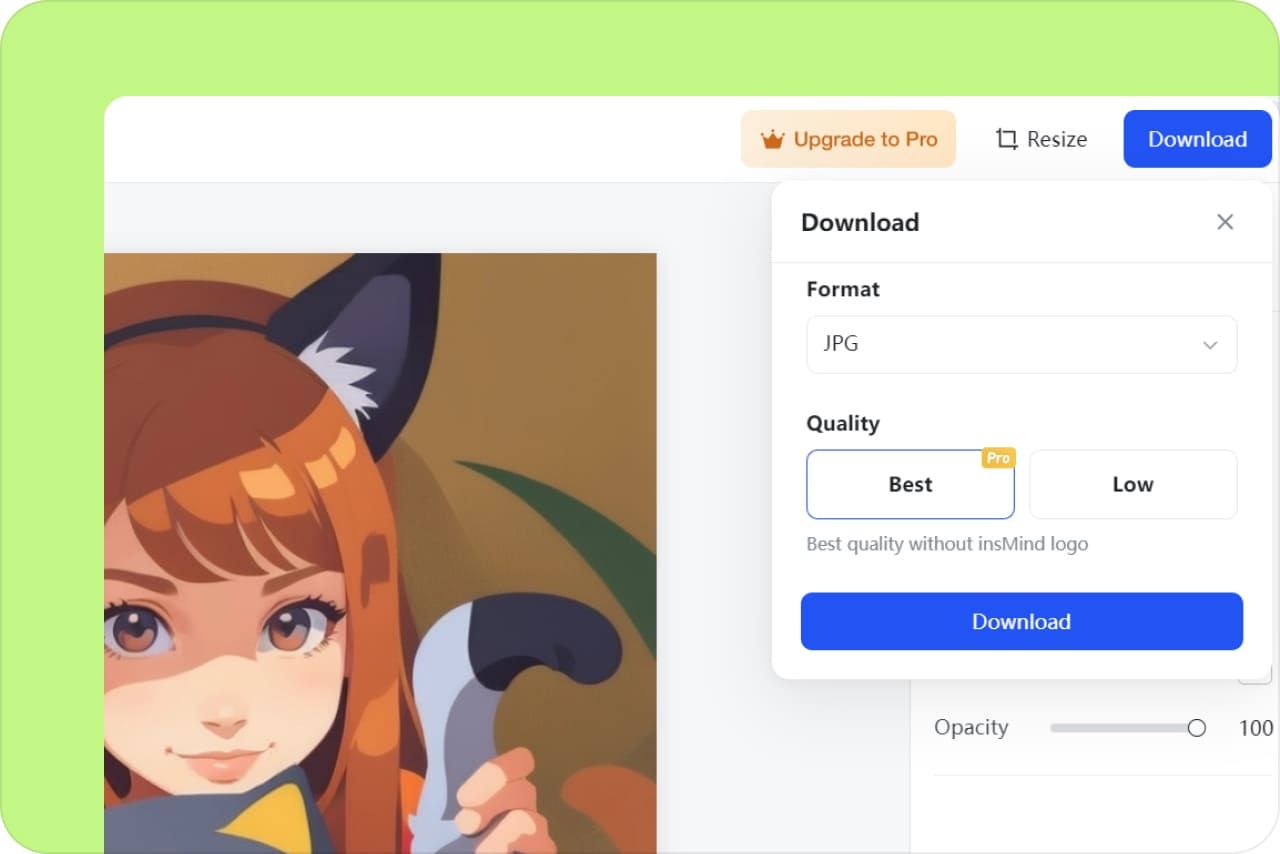
4 Generate, review, and download
Review the face, hands, outfit, background, and overall style. If the result misses the idea, change the prompt instead of only regenerating the same request.

What Can You Create with an AI Girl Image Generator?
Build original female characters for avatars, stories, mood boards, profile concepts, and social visuals. The page should serve character creation, not adult content or real-person impersonation.
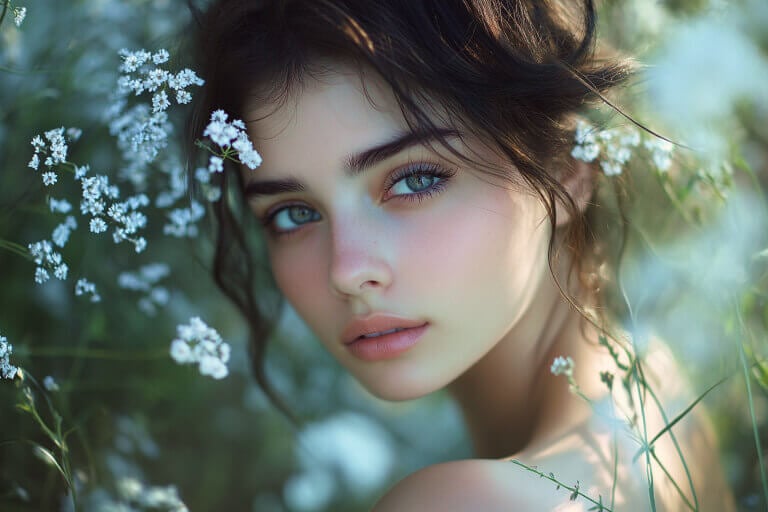
Realistic AI Girl Portraits
Generate fictional portraits with clear details such as lighting, pose, hair, clothing, and background. This works well for profile concepts, creator avatars, and story mood boards.
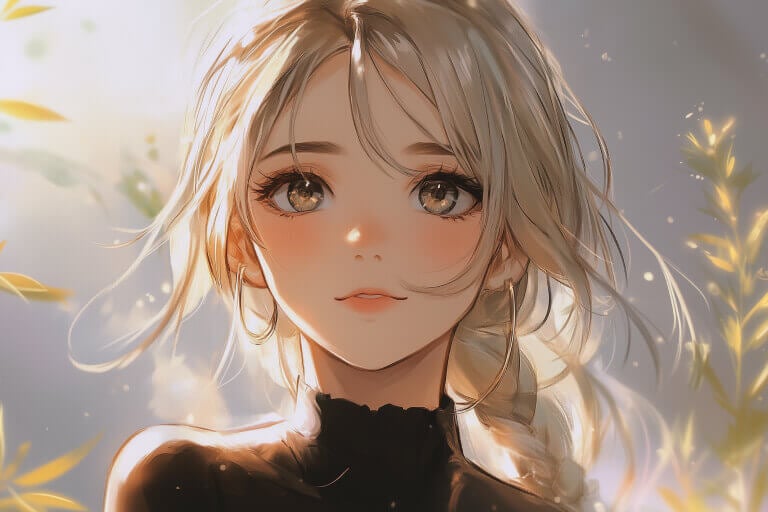
AI Anime Girl Characters
Create anime-style characters for wallpapers, manga concepts, profile images, or fictional story casts. Include outfit, expression, and scene details so the result has a stronger identity.
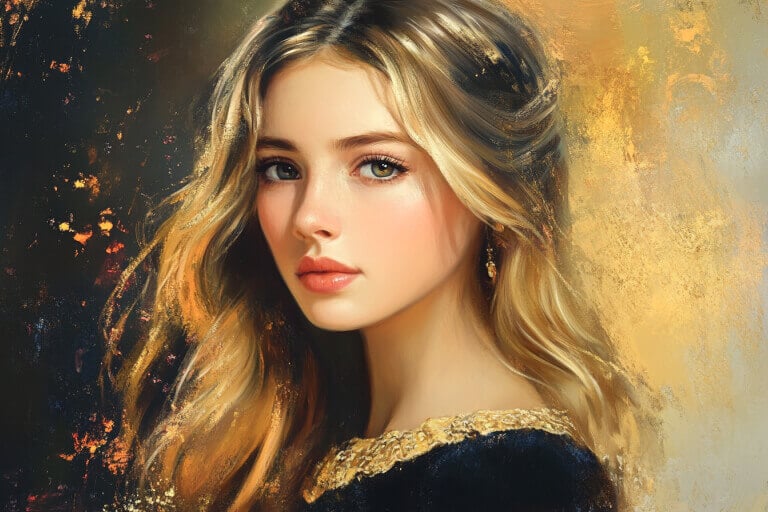
AI Art Girl Concepts
Use painting, sketch, fantasy, 3D, or flat illustration styles to explore art direction before committing to one character look.
Why Use insMind AI Girl Generator?

Better Prompt Control
Guide the image with character details instead of relying on a generic “pretty girl” prompt. Hair, outfit, pose, background, mood, style, and ratio all shape the result.

Style Range for Character Design
Generate realistic, anime, 3D, cartoon, sketch, or painted versions of a character idea. Comparing styles helps you find the direction that fits your project.

Safer Original-Character Creation
Use the tool for fictional avatars, portraits, and creative concepts. Do not use it to sexualize minors, imitate real people without consent, or create misleading identity images.
FAQs About AI Girl Generator
What is an AI girl generator?


An AI girl generator creates fictional female character images from text prompts or supported reference workflows. You can describe the style, outfit, hair, pose, expression, background, mood, and image ratio.
What should I write in an AI girl prompt?
Include the character type, hairstyle, outfit, expression, background, lighting, camera angle, and art style. Example: “original anime girl, short black hair, blue jacket, city night background, soft lighting, portrait, 1:1.”
Can I generate NSFW, minor, or real-person AI girl images?
No. Keep prompts safe, original, and age-appropriate. Do not create sexualized minors, non-consensual real-person likenesses, or misleading identity images.
More Ways to Create Characters and Refine AI Images
After generating a character, use related tools to create cartoons, backgrounds, resized profile images, or targeted edits.
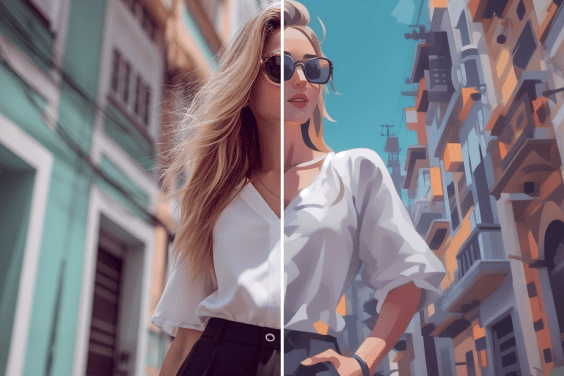
AI Cartoon Generator
Create cartoon characters from text when a playful style fits better than a realistic portrait.
AI Image Generator
Generate broader image ideas from text, including scenes, objects, characters, and creative concepts.

AI Background Generator
Design a background for character portraits, profile images, or concept visuals.

Smart Resize
Resize character images for social posts, avatars, thumbnails, or different layout needs.

AI Expand
Expand an image when the character needs more background or a different canvas size.

AI Image Enhancer
Improve resolution and clarity after generating or editing an image.

AI Filter
Apply a different AI style to photos or generated images.

AI Shadows
Add shadow or studio-style depth when placing a generated subject into product or design scenes.

AI Replace
Replace details in an image when one part of the generated result needs a targeted edit.
“The insMind AI girl generator lets me quickly create detailed, custom AI girls, which is perfect for enhancing my digital art with unique, diverse characters.”
@Lewis Gordon