AI Image
AI Video
Photo Editor
Resources
InspirationsPricing

Convert Your Images into Art with insMind's AI Photo Filters

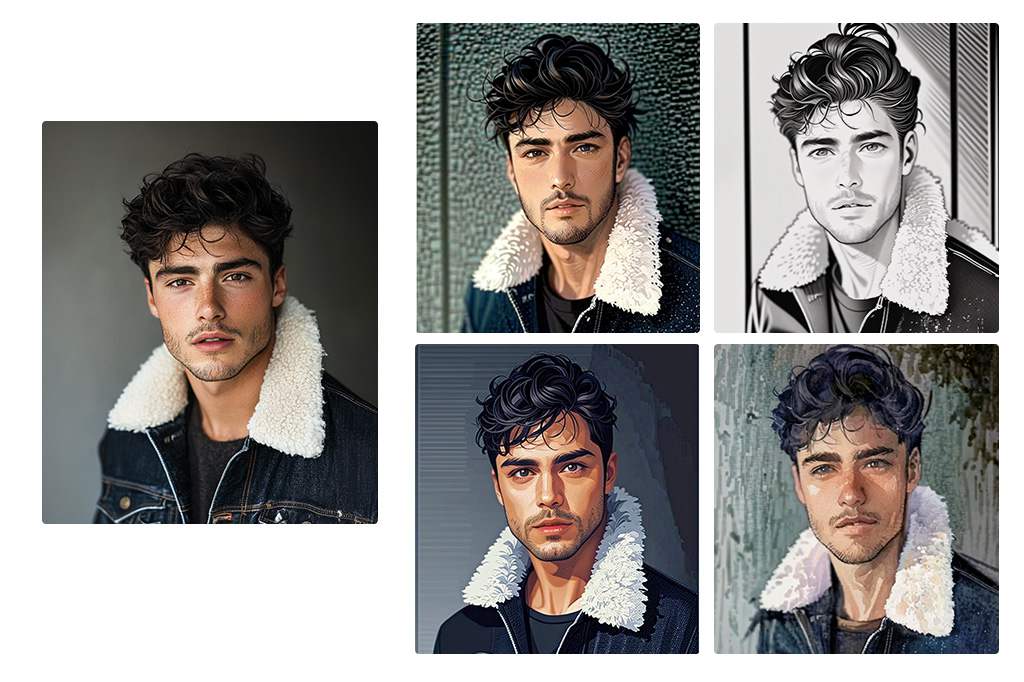
Turn your photos into sketch, cartoon, watercolor, ghibli, disney, pixel art, comic, anime and more with insMind's online AI Photo Filters. Upload a selfie, pet shot, or landscape, pick a style and generate in seconds.

00:00
00:00
Or drop image here, paste image or URL
Try with one of these
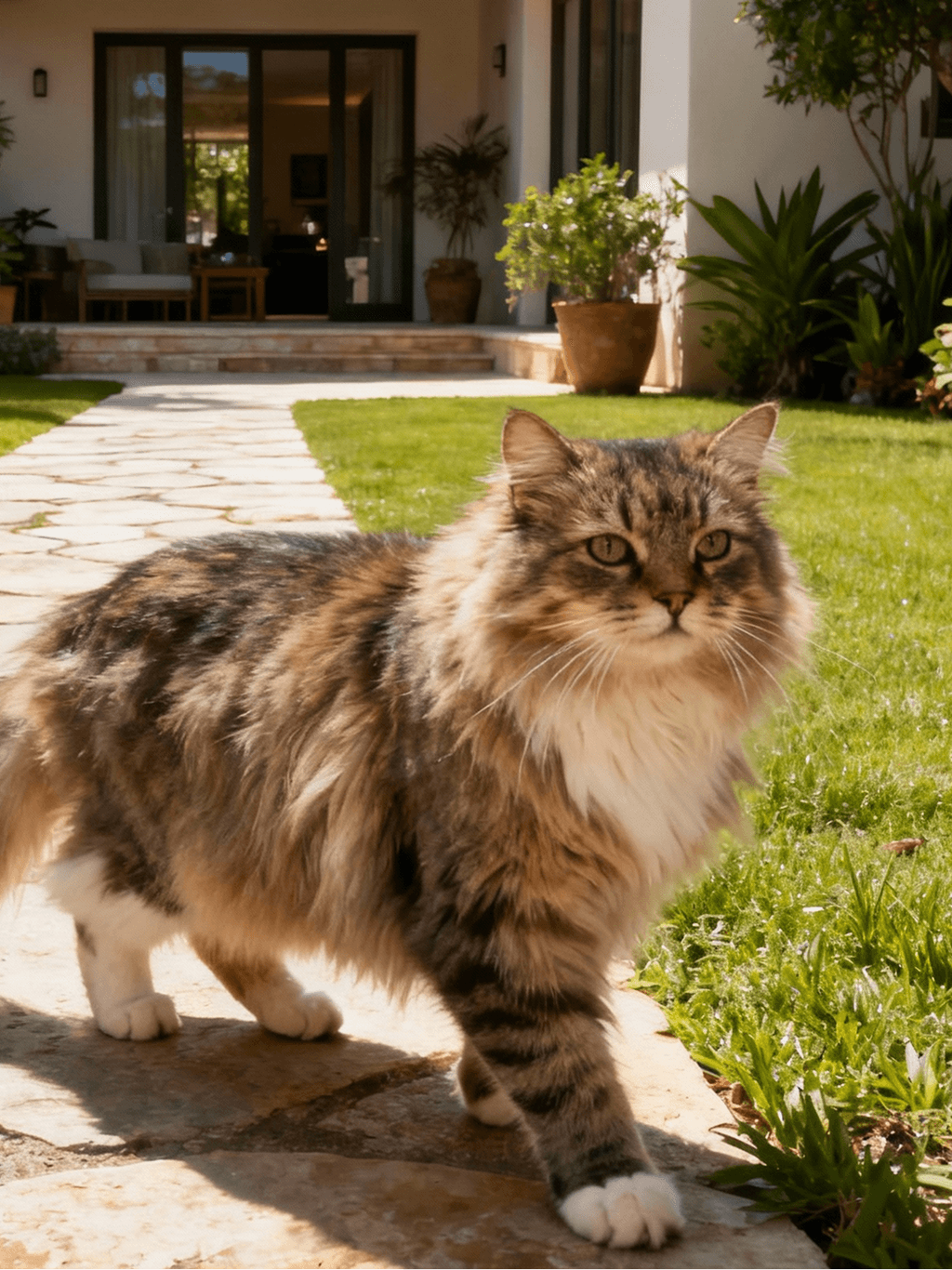
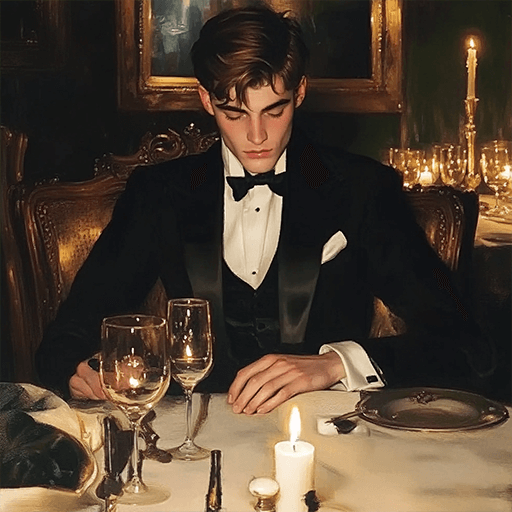
insMind AI Crying Filter Sample 1
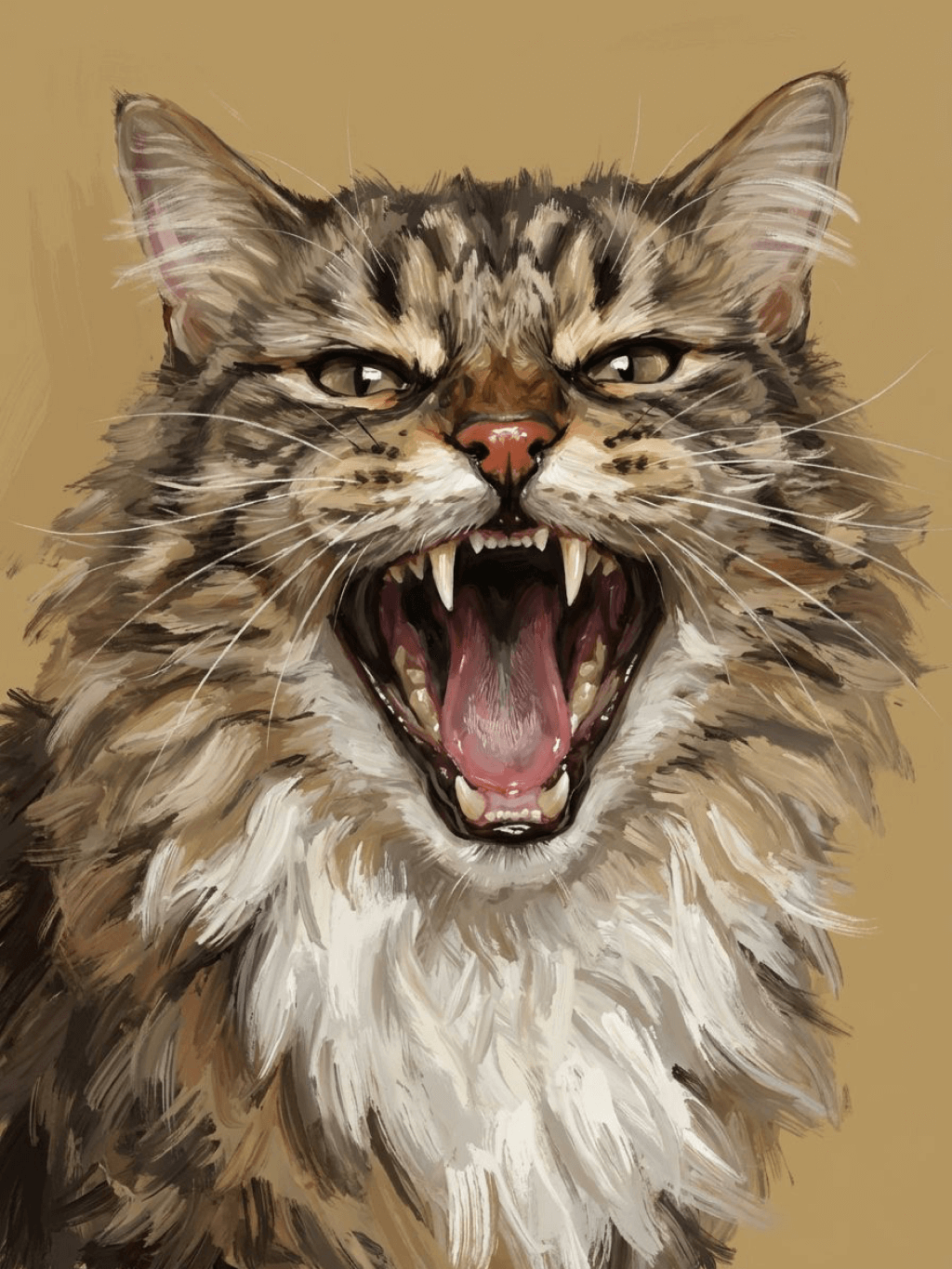
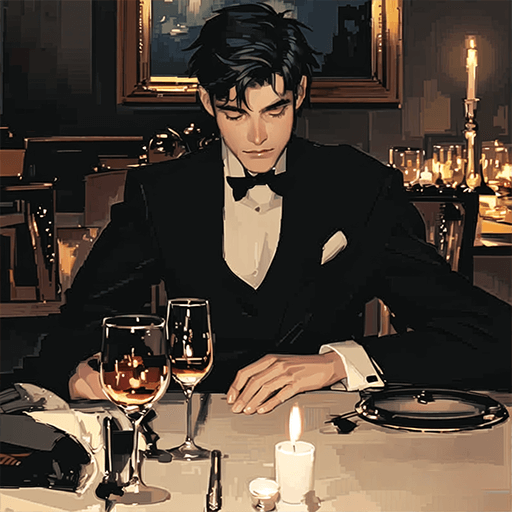
insMind AI Crying Filter Sample 2
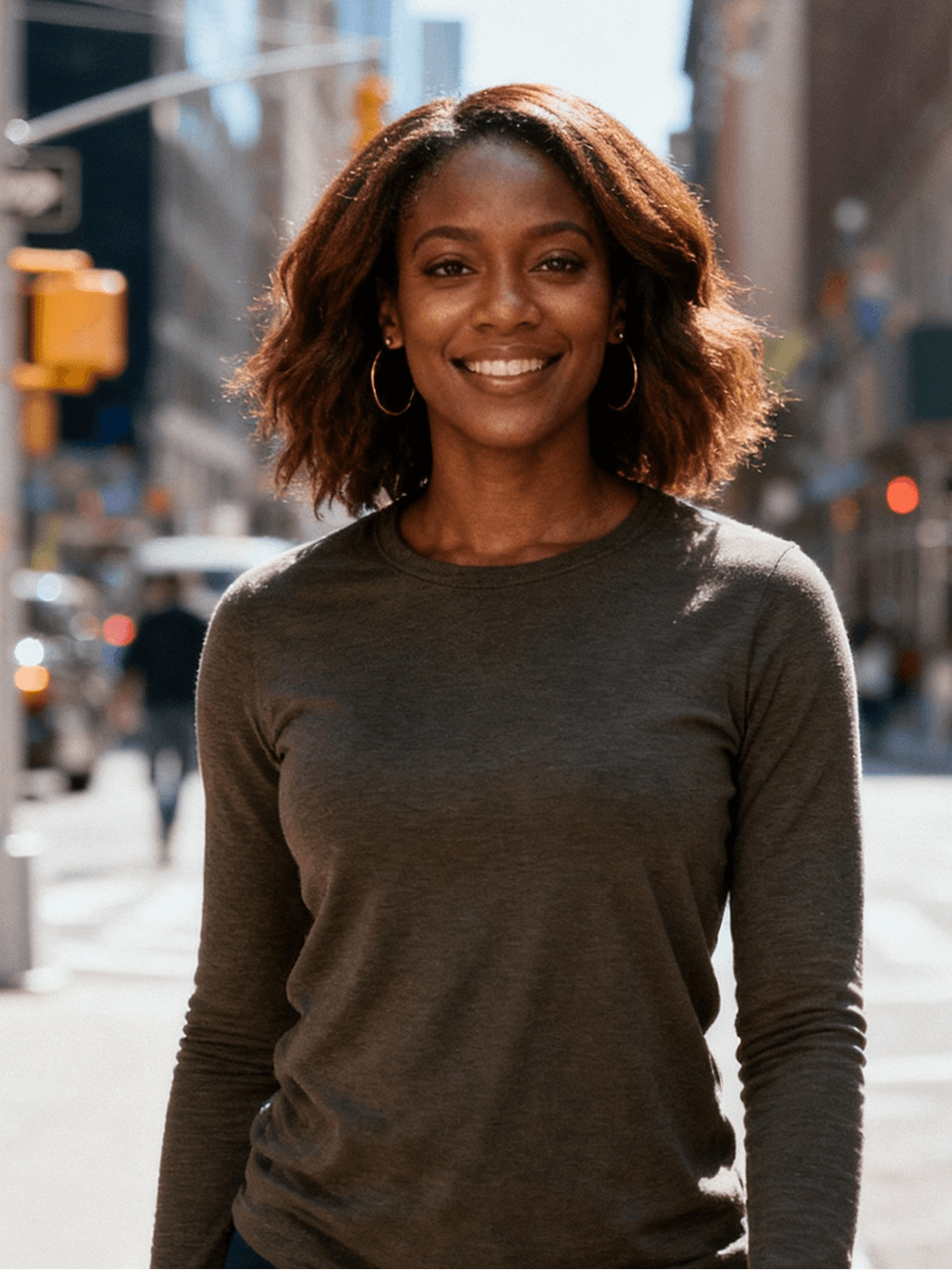
insMind AI Crying Filter Sample 3
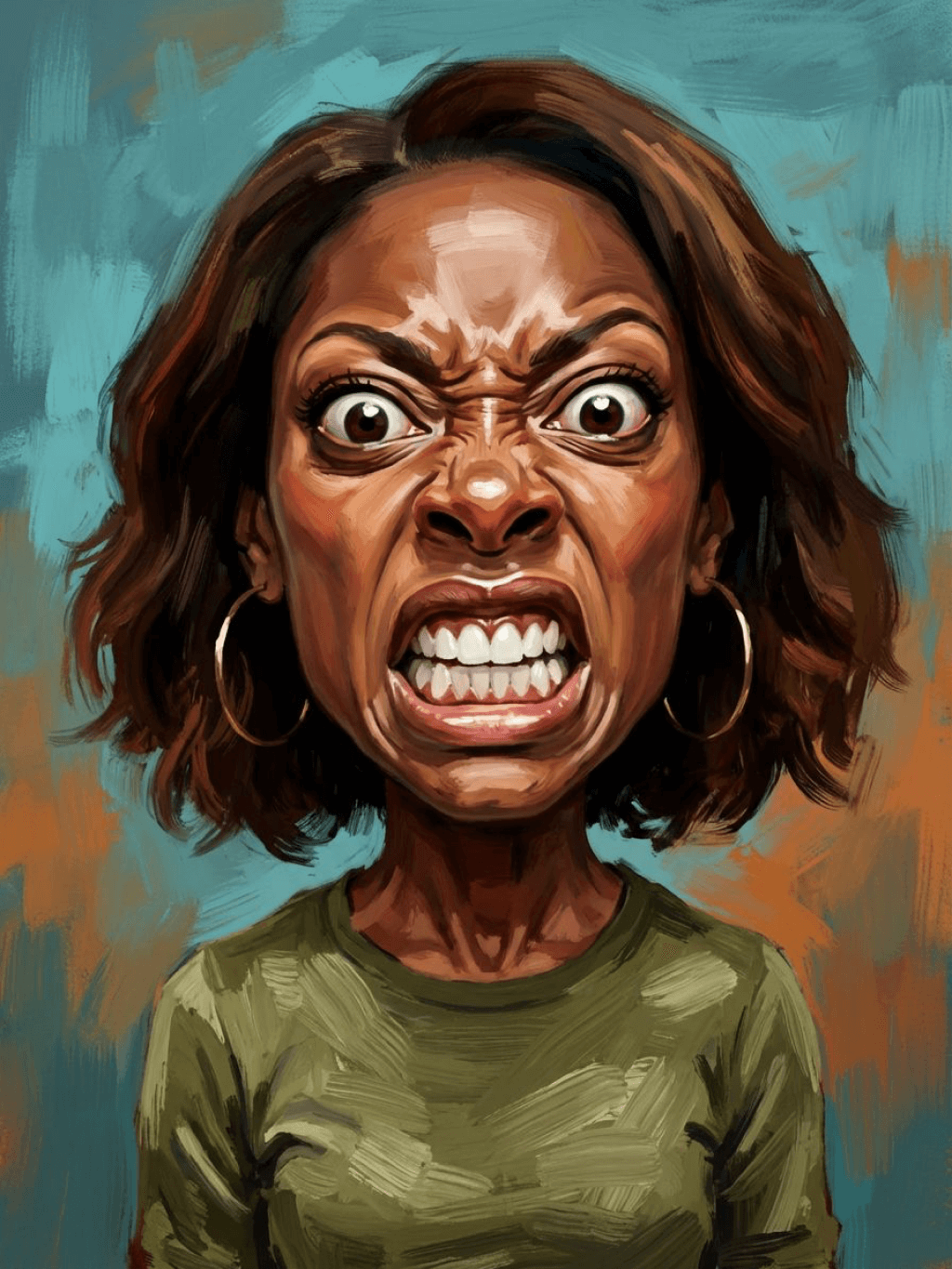
insMind AI Crying Filter Sample 4
insMind AI Crying Filter Sample 5

Create Similar

Retain all the details of the image and convert it to color.
Use the character from the uploaded image exactly as it appears — keep all features, colors, proportions, and style unchanged. Create a four-panel comic/storyboard with each panel showing a different scene of the character. Maintain the same cartoon art style as the reference image. Add speech bubbles/dialogues for the character in each panel, appropriate to the story. Ensure visual continuity: same background style, color palette, and lighting consistent across all panels. Focus on clear composition, expressive poses, and readable dialogue. Output: four distinct panels forming a coherent story.
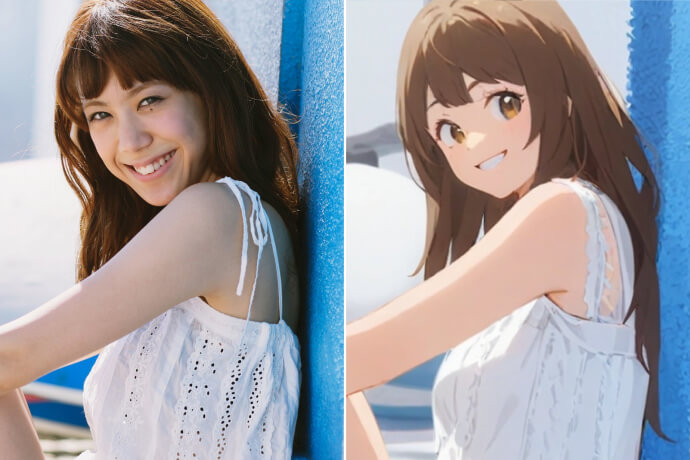
Refer to Figure 2 and convert the style of Figure 1
Generate a set of powerful 3-panel Japanese anime storyboards by referring to the image
Polaroid 2:3 photo: IMG1 person and IMG2 cartoon character hugging like friends, smiling and laughing, heads close together, looking at the camera, hips-up; original clothes; white-curtain background; cartoon character’s arms naturally around person, proportions adjusted for natural interaction; subtle shadowing for depth; strong flash, slight overall blur, soft light vignette, no omissions; no face-swap, no distortion; classic white-border Polaroid, flat on white table, back flush, 90° top-down, zero tilt, no extras.
Optimize the line drawing, transform it into a Japanese anime style and color it to add a campus background
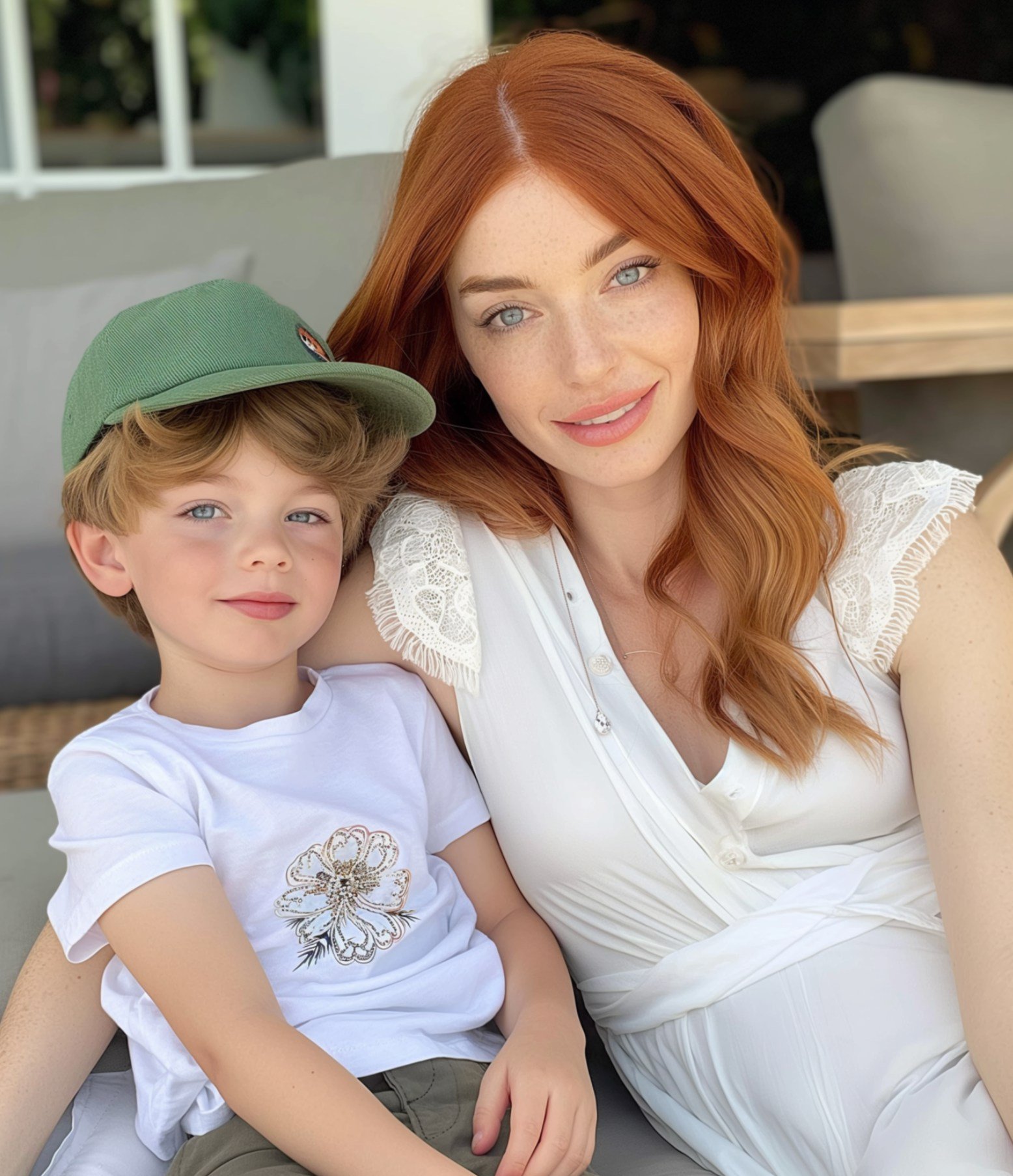
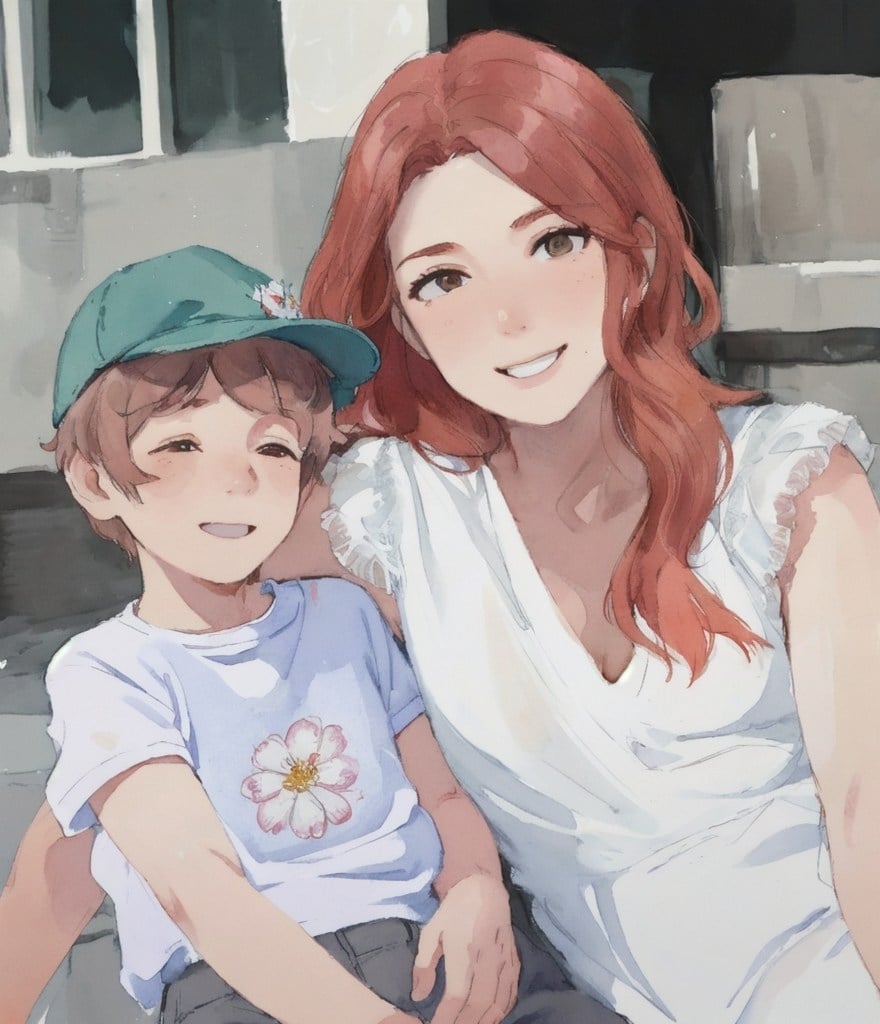
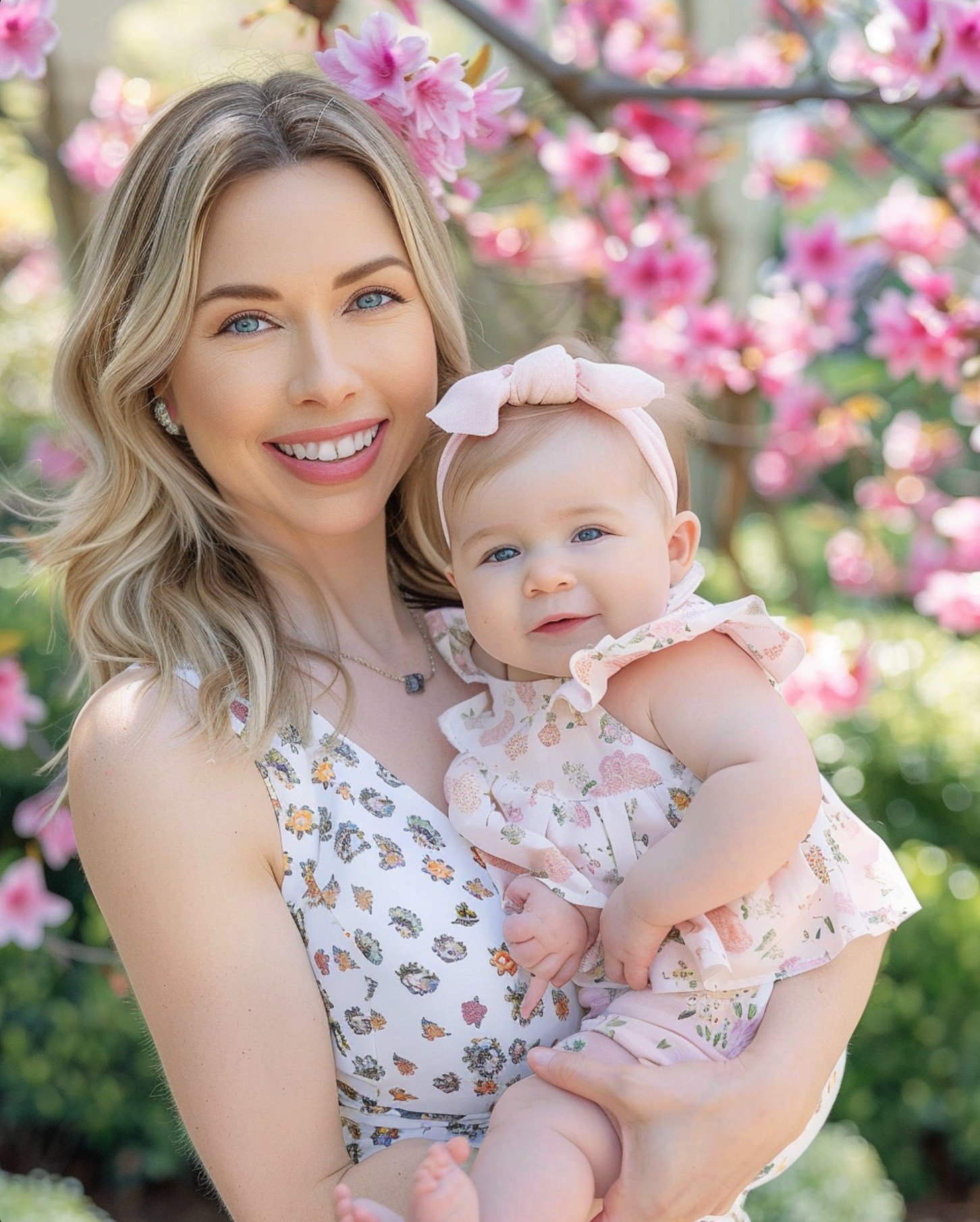
Mother's Day Photo to Watercolor
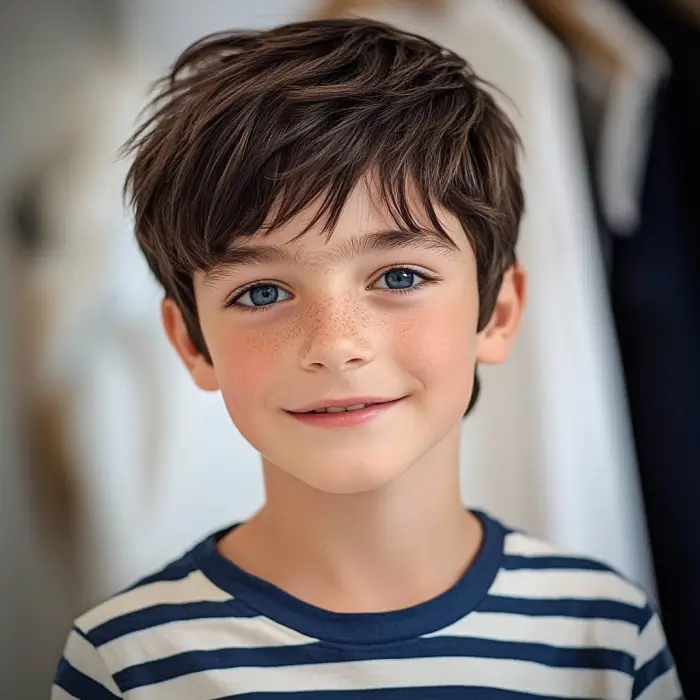
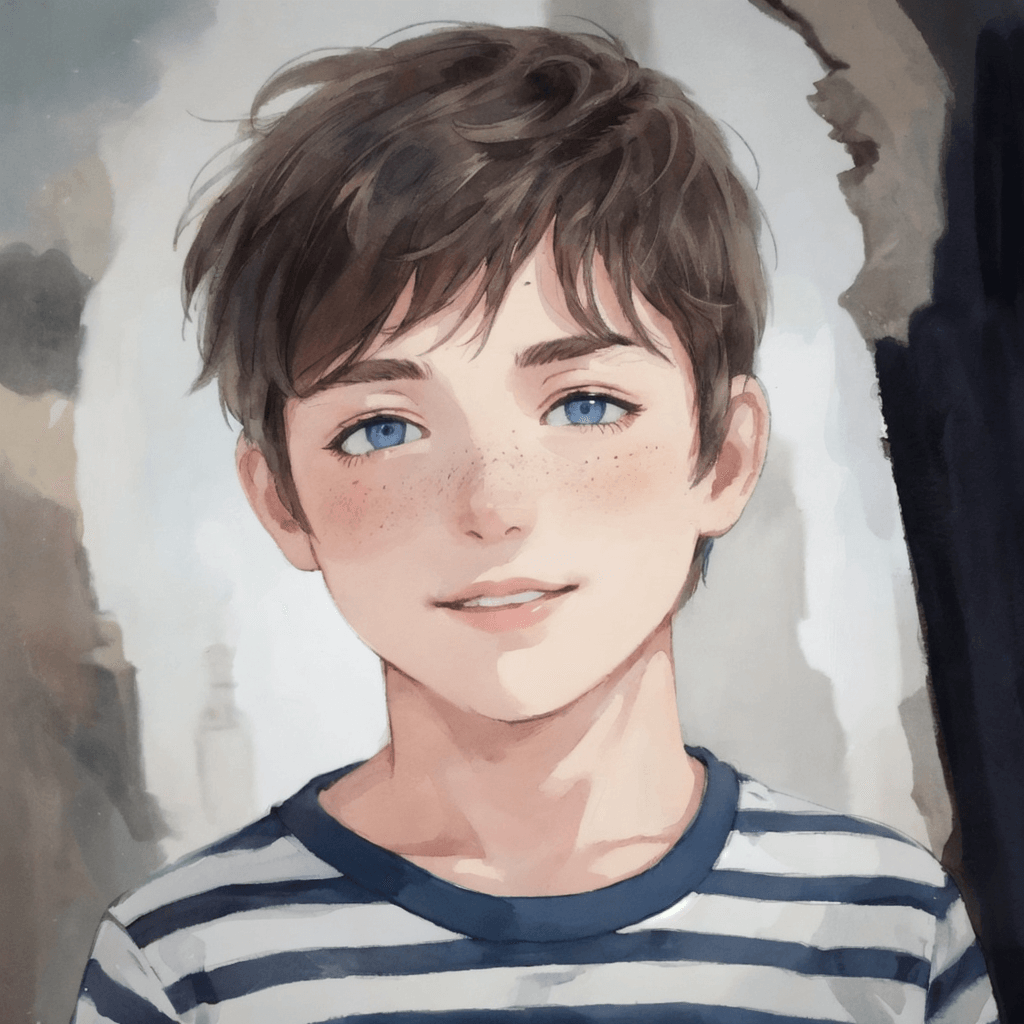
Boy Photo to Watercolor
Young Millionaire Photo to Anime Cartoon
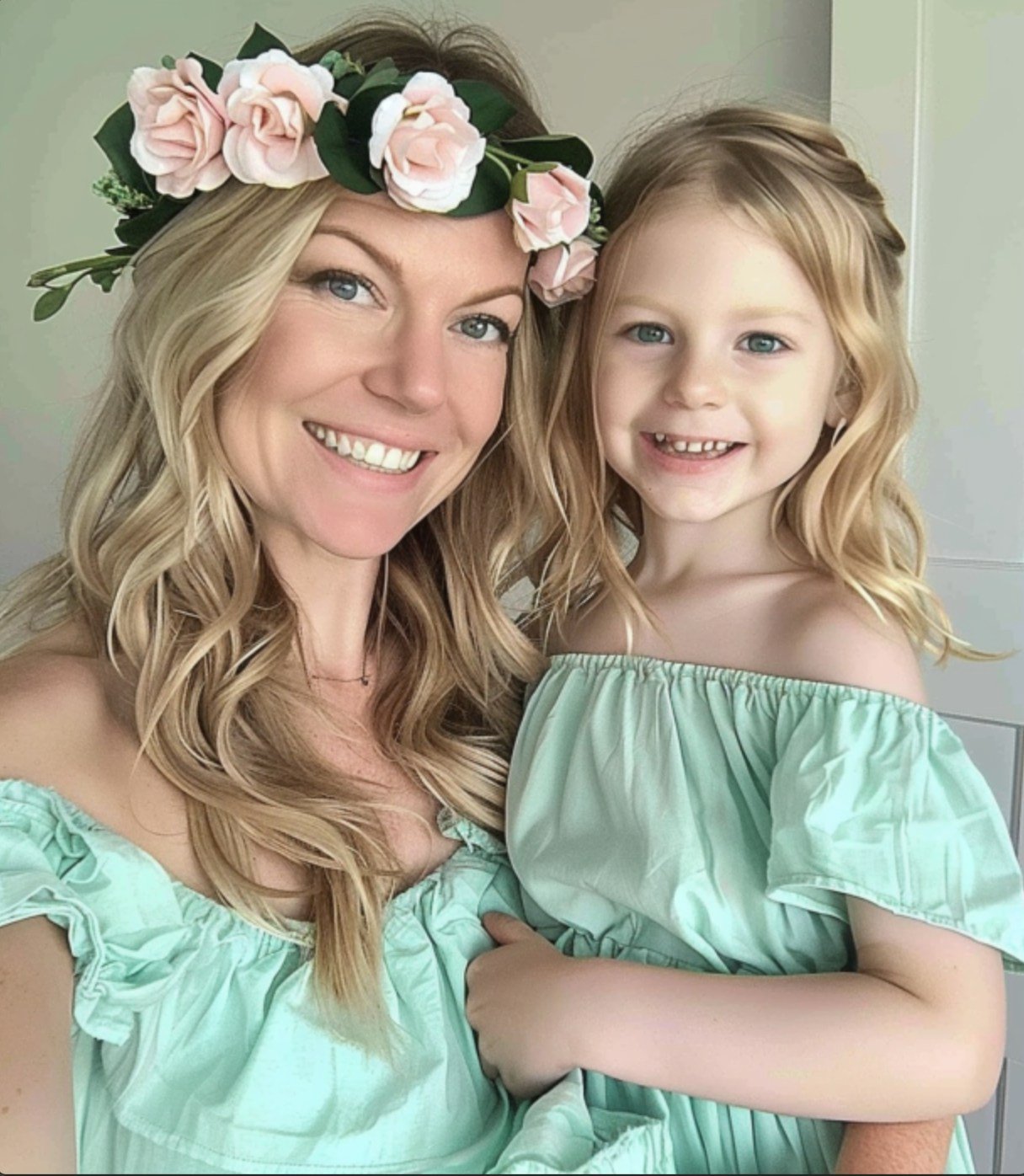
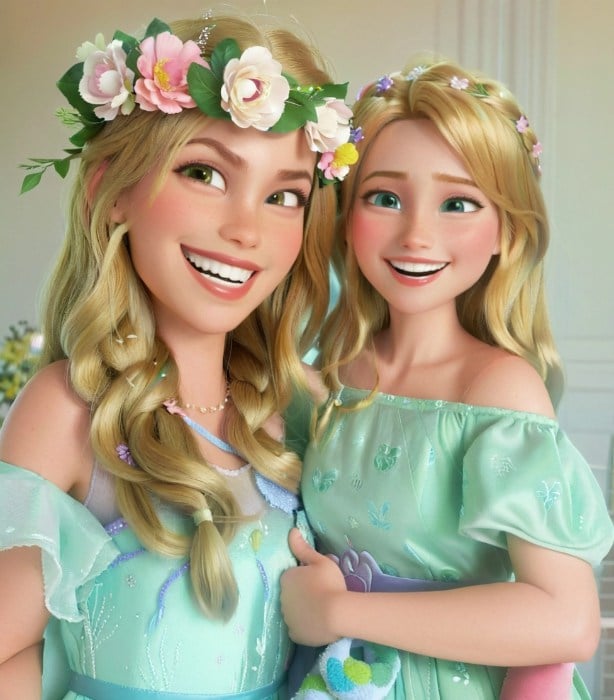
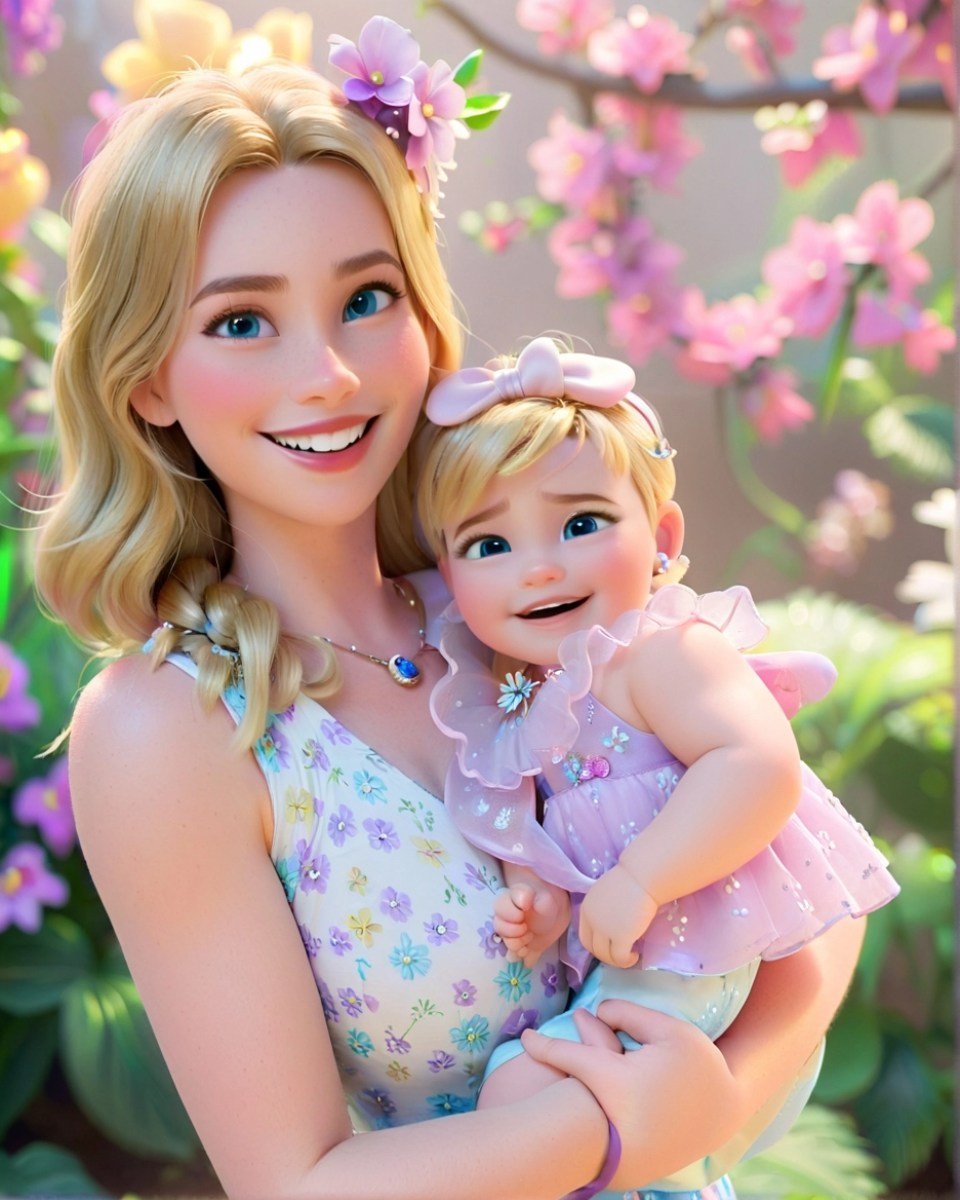
Mother's Day Disney Filter
Disney Style Mother Holding Baby
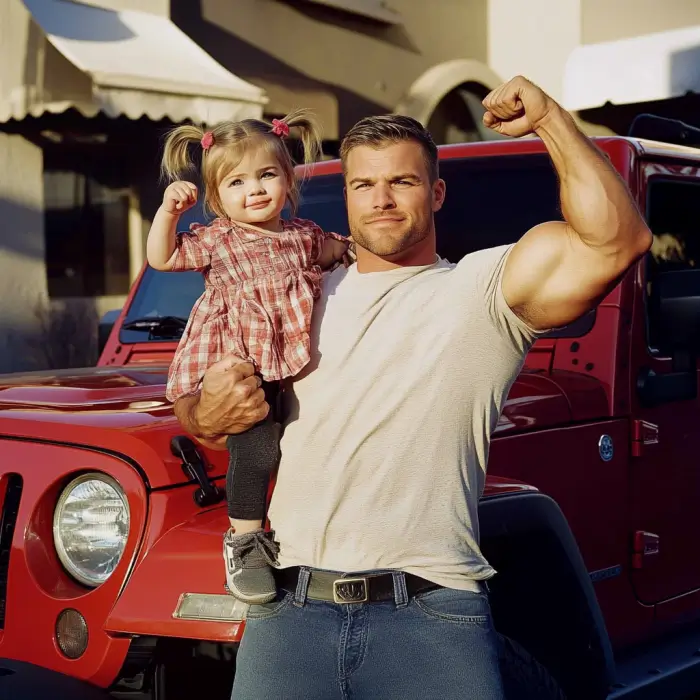
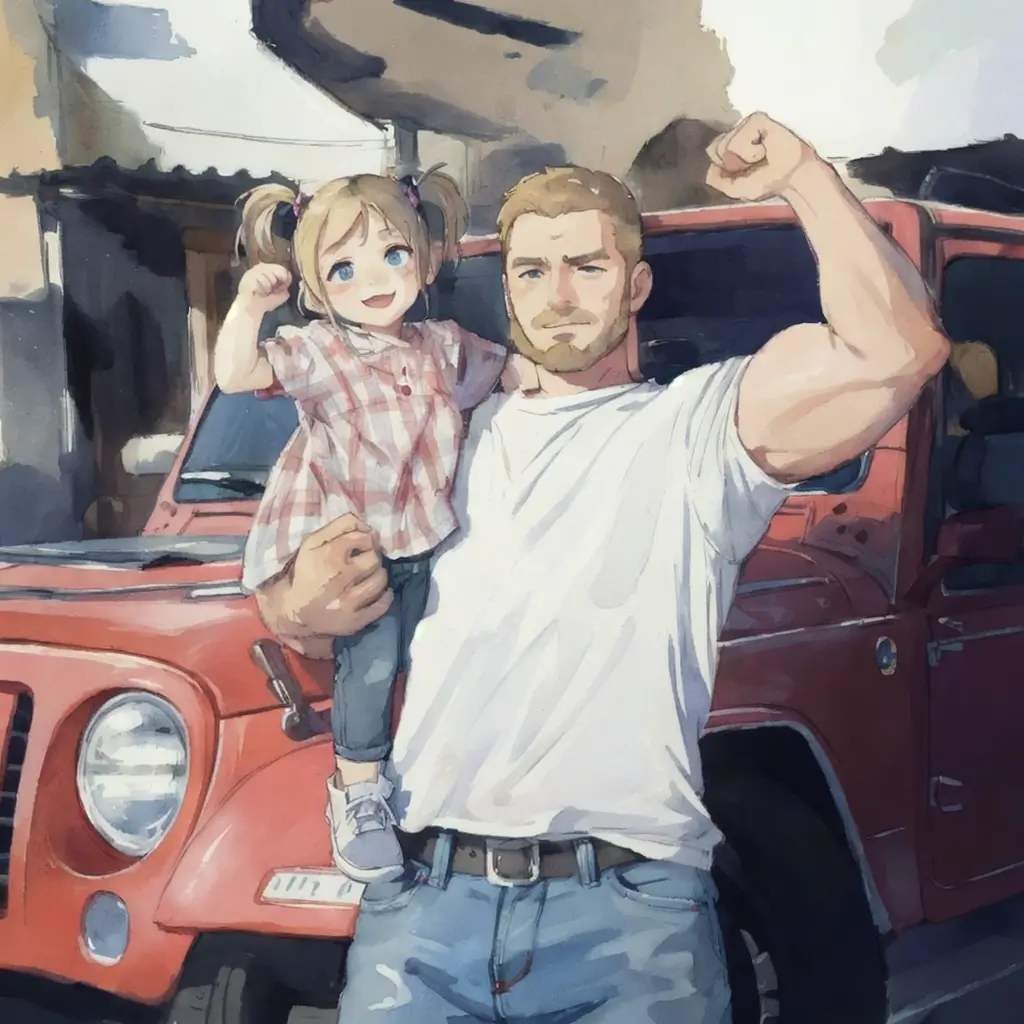
Father and Daughter in Watercolor
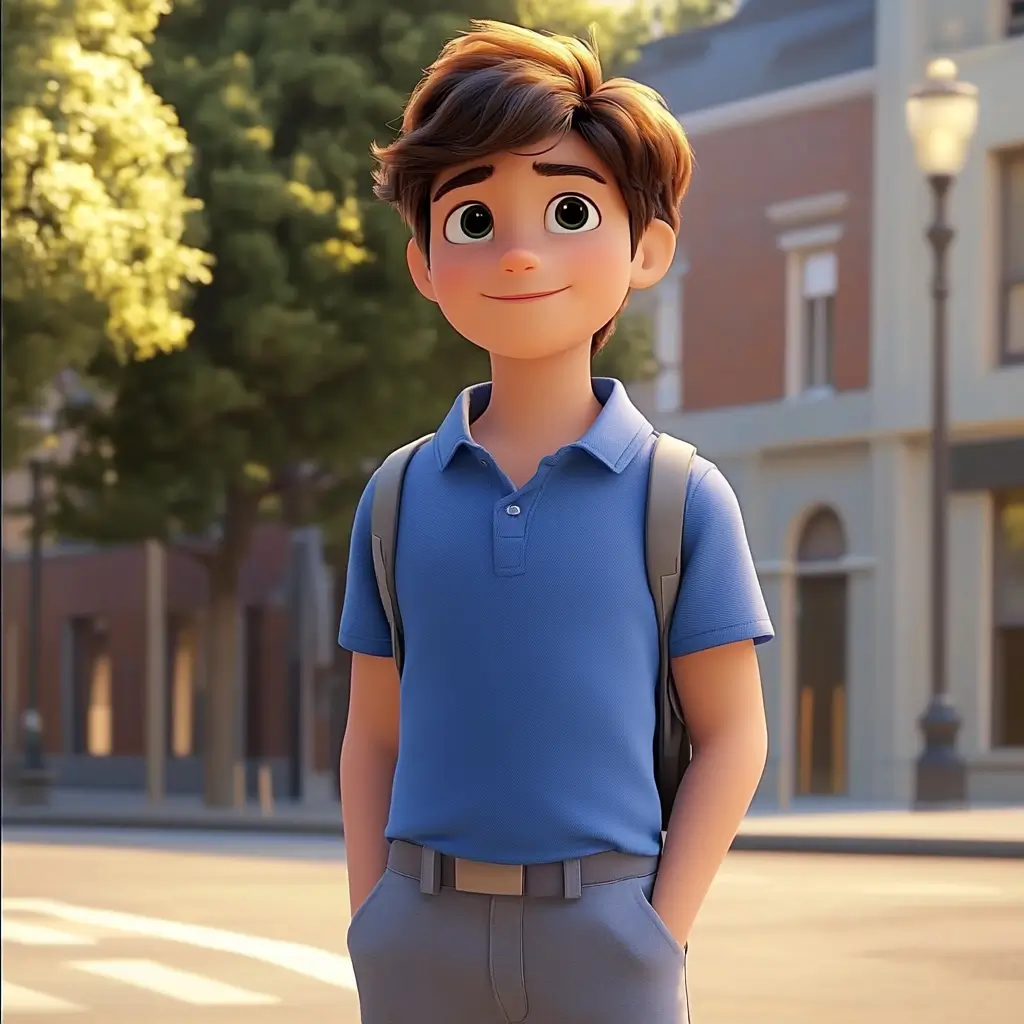
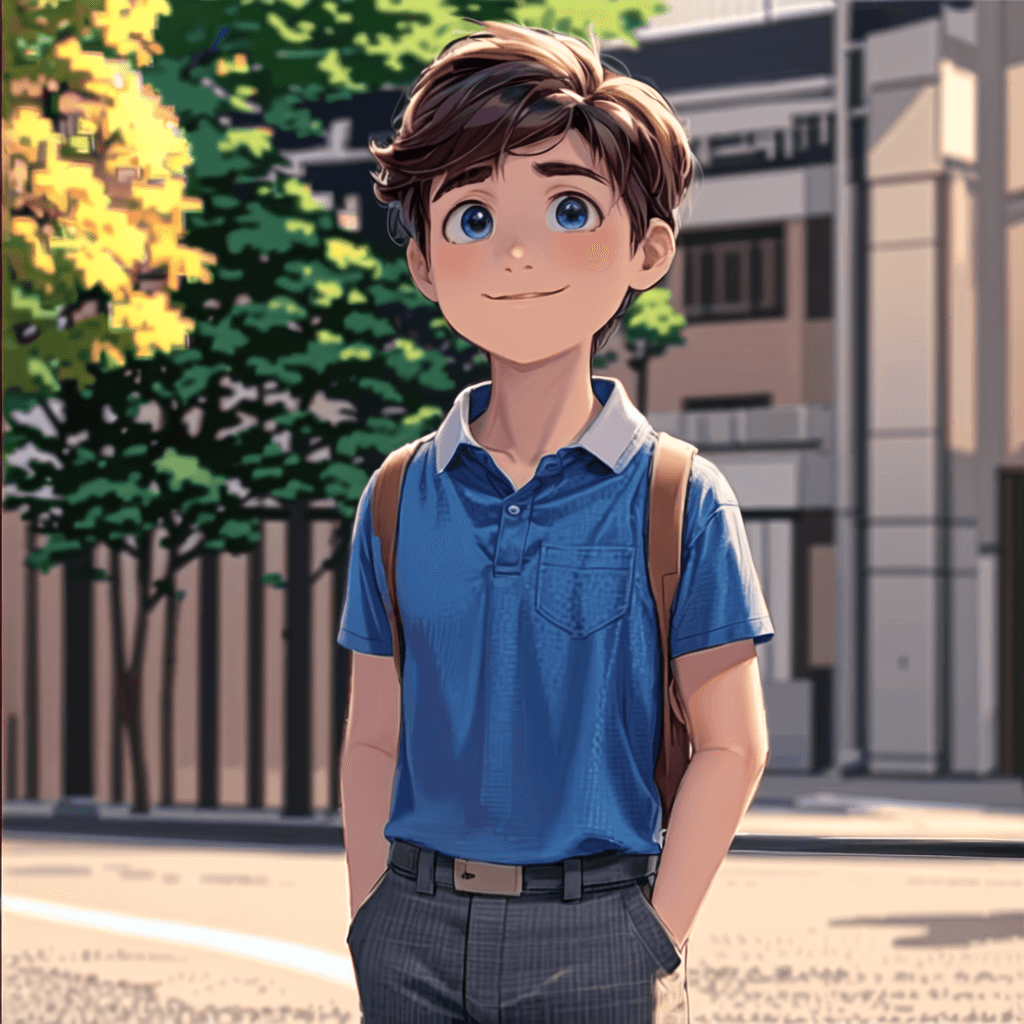
Cute Cartoon Boy
Cute Cartoon Boy
Cute Cartoon Boy
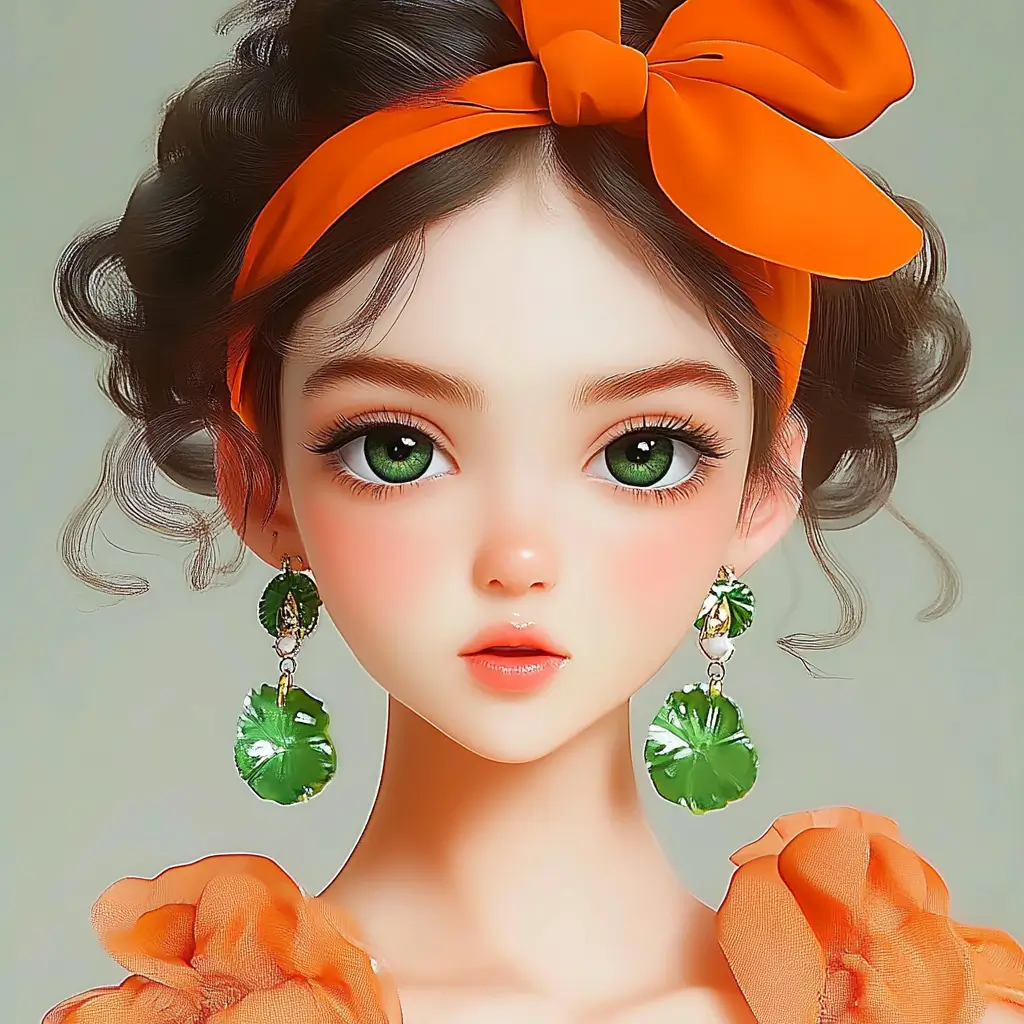
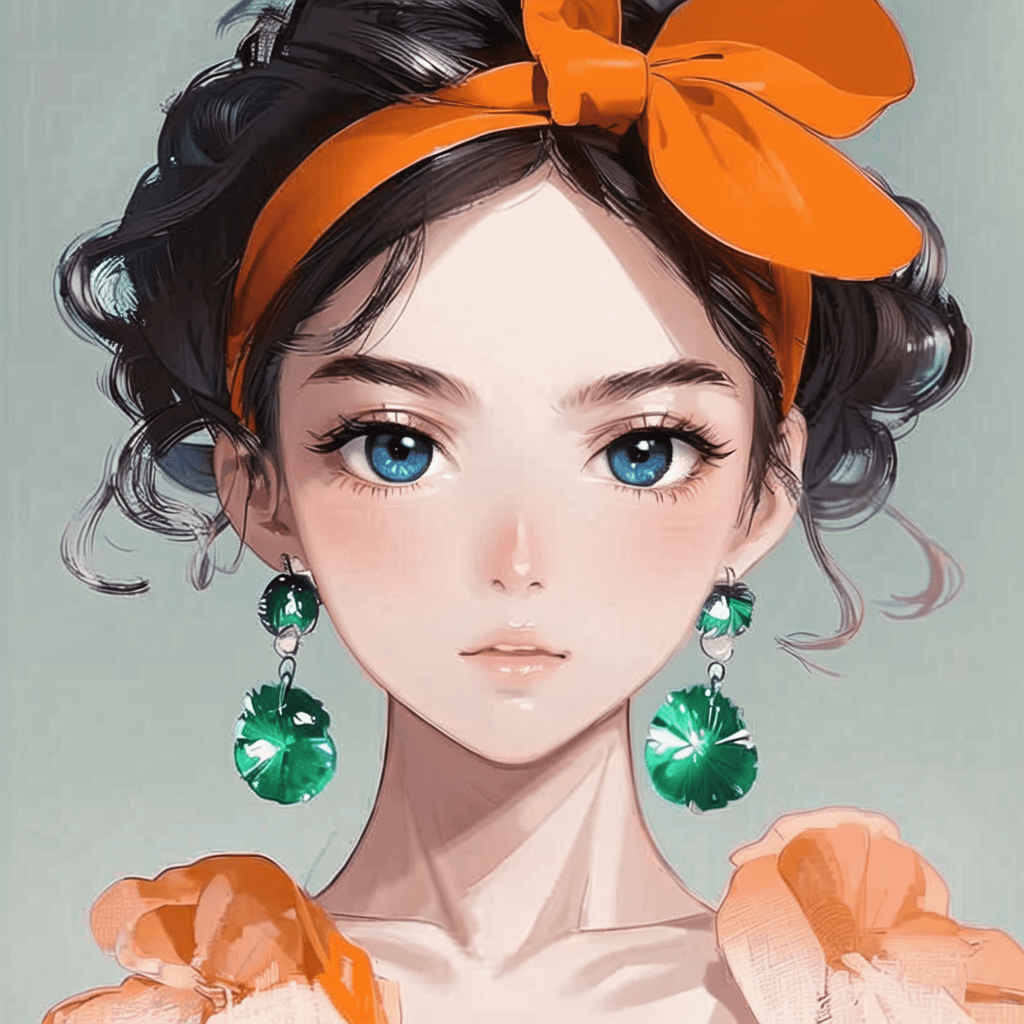
Attractive Anime Girl Filter
A girl in a blue shirt and black jacket sitting at a table with coffee and drinks, A steampunk-style background featuring intricate gears, brass pipes and glowing lights illuminating the scene. A desk with mechanical tools is in sharp focus while surrounding walls display vintage timepieces and cogs.
depicting futuristic cities with towering skyscrapers made from metallic gold and green hues. Include flying cars and high-tech elements to create a sense of wonder in space and cyberpunk aesthetics.
Beautiful Anime Girl
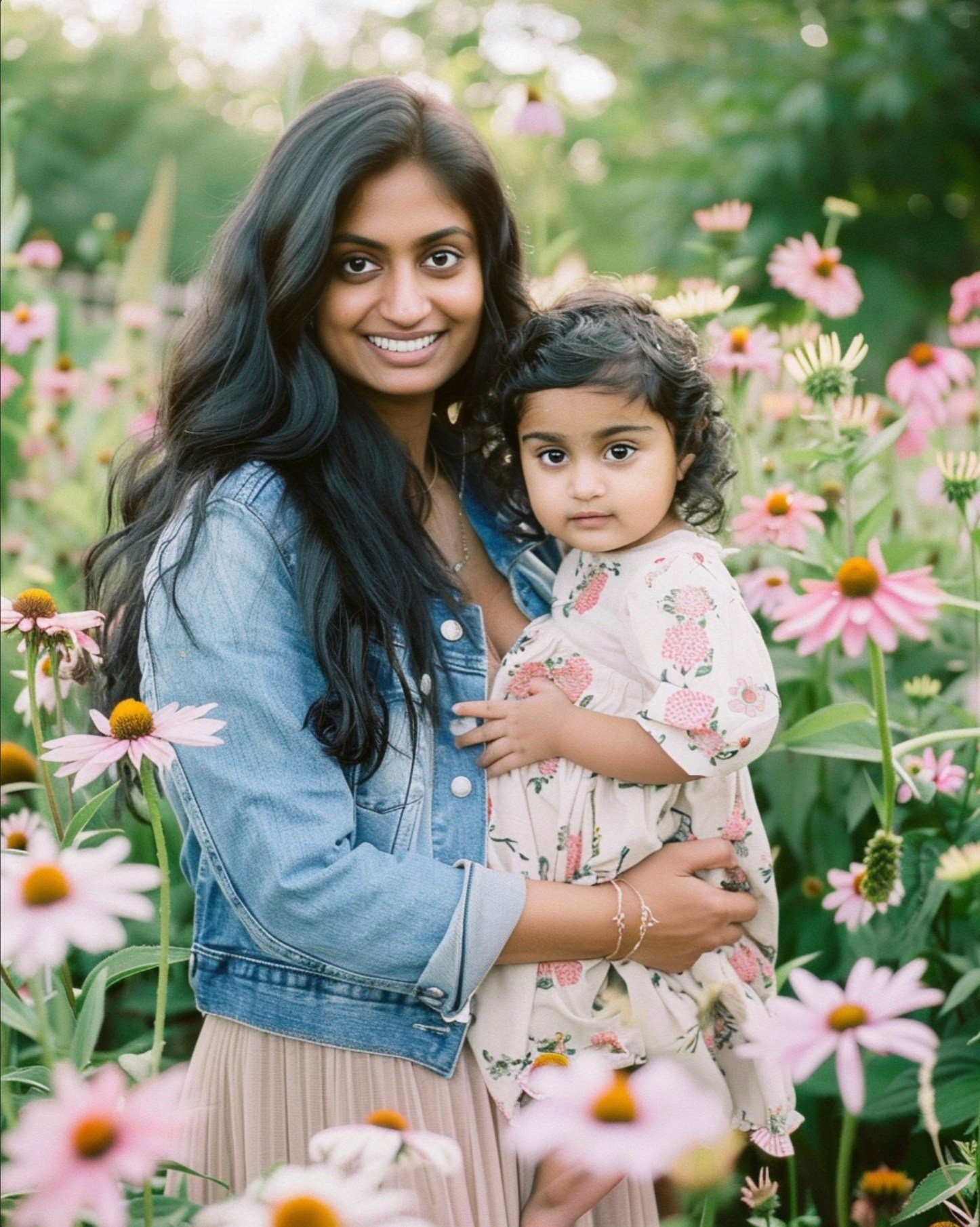
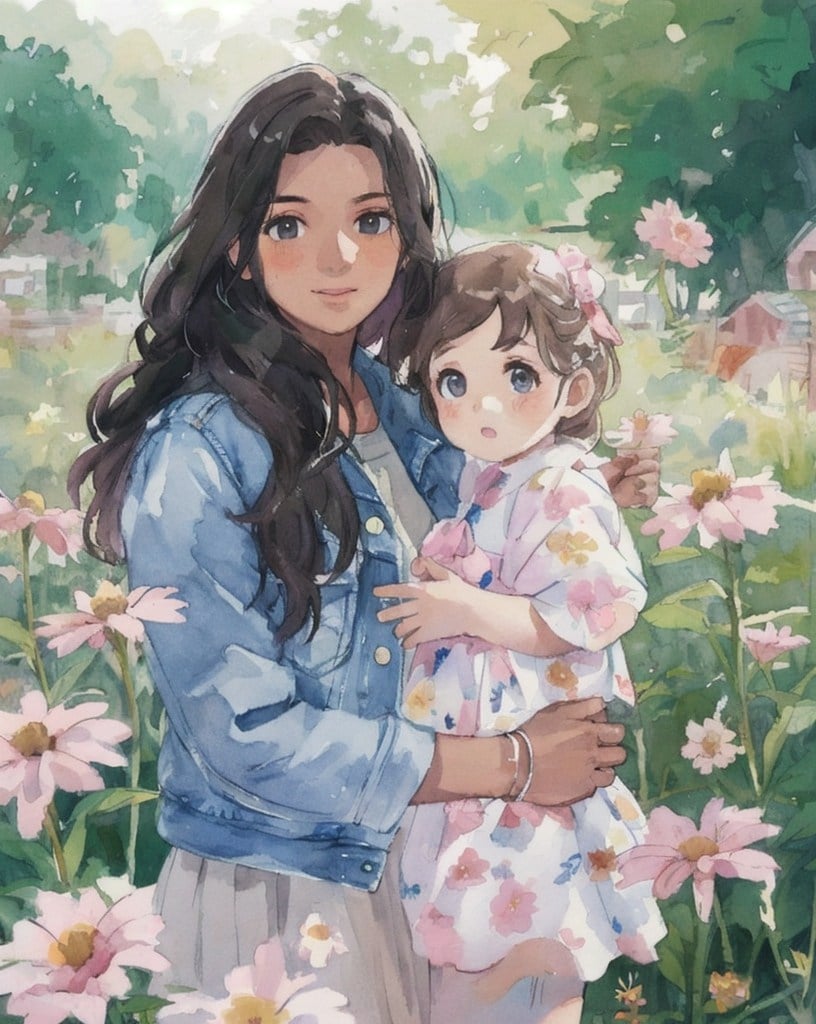
Watercolor Mother Holding Daughter
A cute cartoon black cat is lying in the box, yellow eyes, pink ears
A cute white cat drinking boba tea, set against a pastel pink background, in a chibi style characteristic of the kawaiicore aesthetic.
Cartoon drawing of an adorable Siamese cat, white background
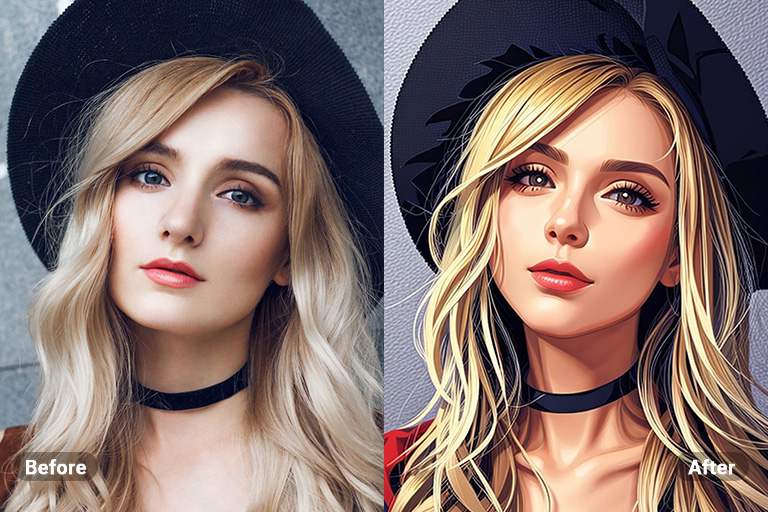
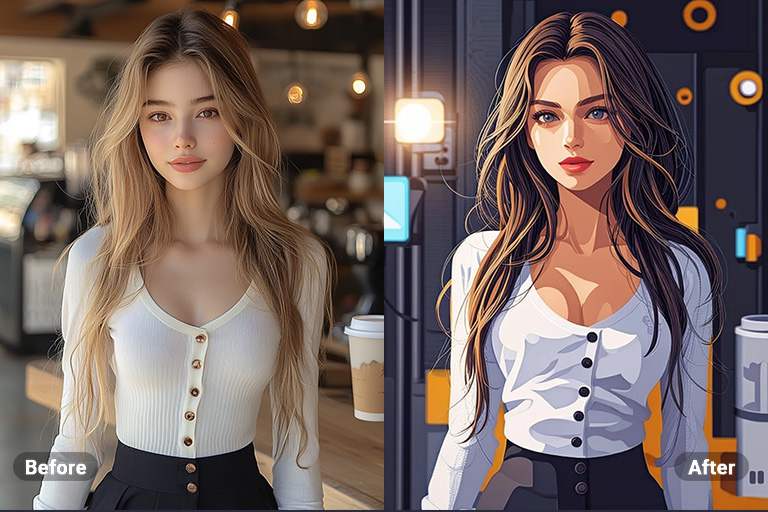
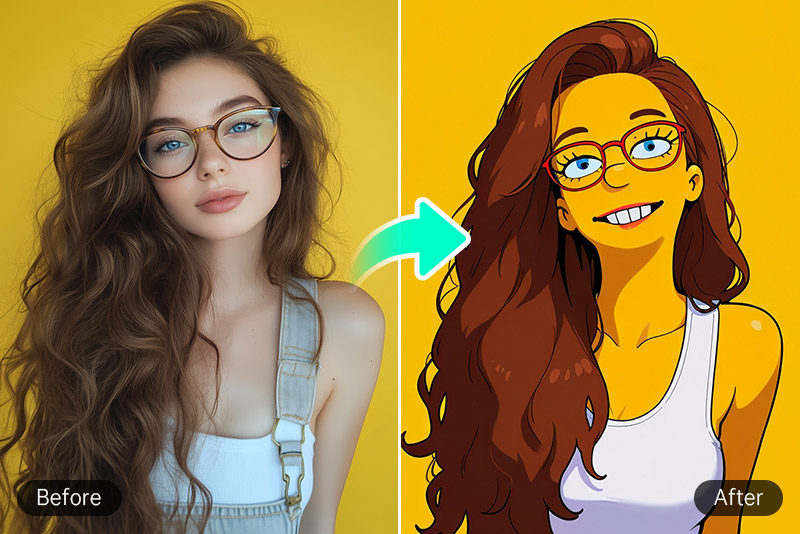
Transform Your Images into Cartoons Using AI Filter

Transform Your Images into Cartoons Using AI Filter

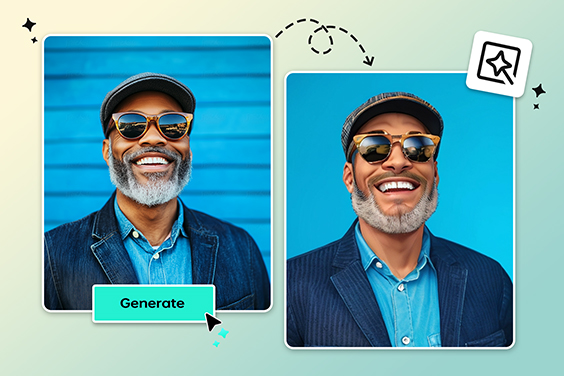
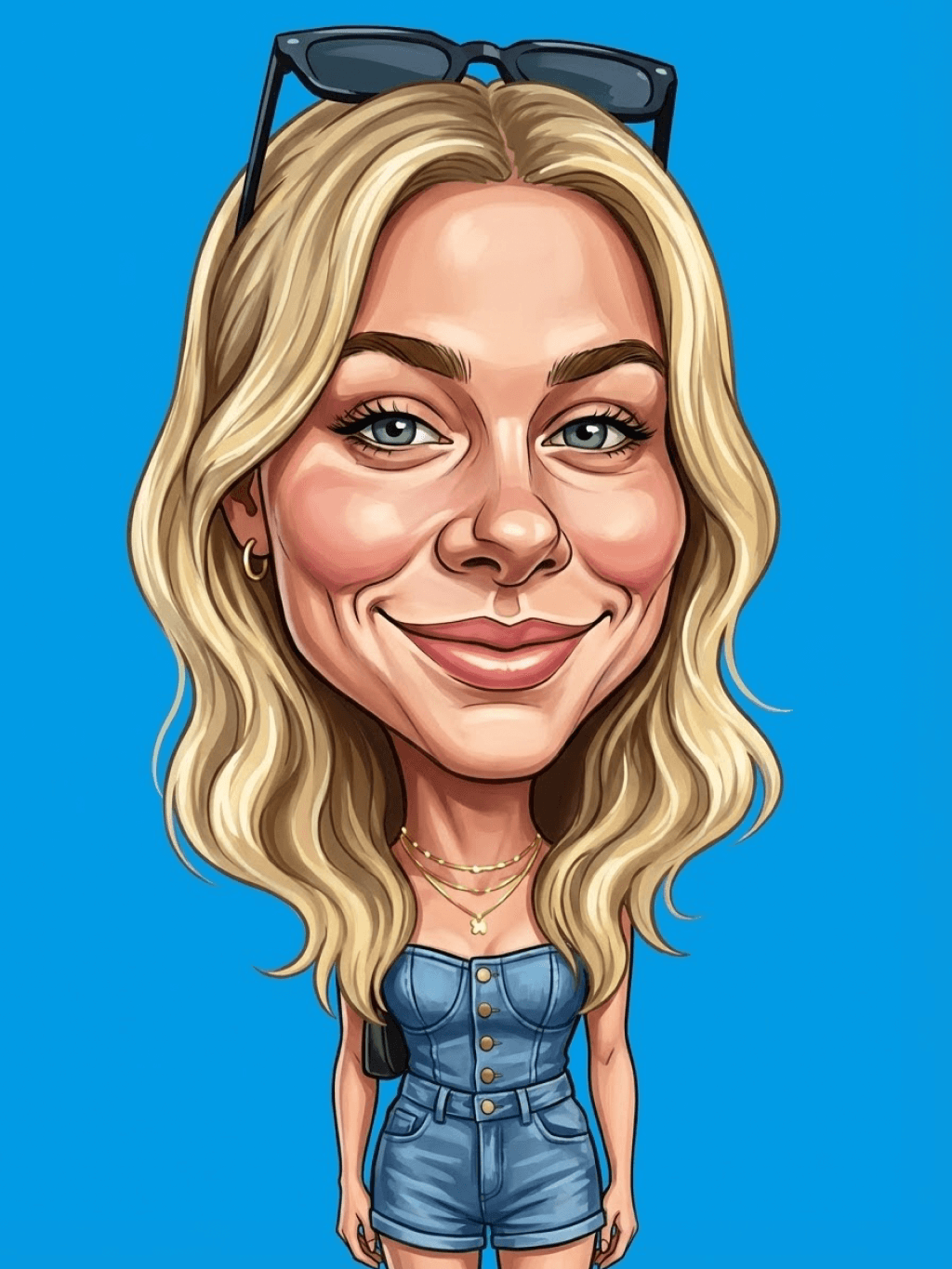
The AI Cartoon Filter helps in transforming your photos into comical and artistic works. This professionally enhanced filter rejuvenates any image and introduces professional cartoon effects in an instant. It is quite versatile for creating a unique project or improving posts on social media. It can even add humor to the pictures using an AI Cartoon Filter.


Whether you're creating content for entertainment, social media, or personal enjoyment, our filters make it easy to achieve a distinct, cartoon look that stands out.

Turn Photo into Cartoon
Make Anime or Manga with insMind's AI Filter

Make Anime or Manga with insMind's AI Filter

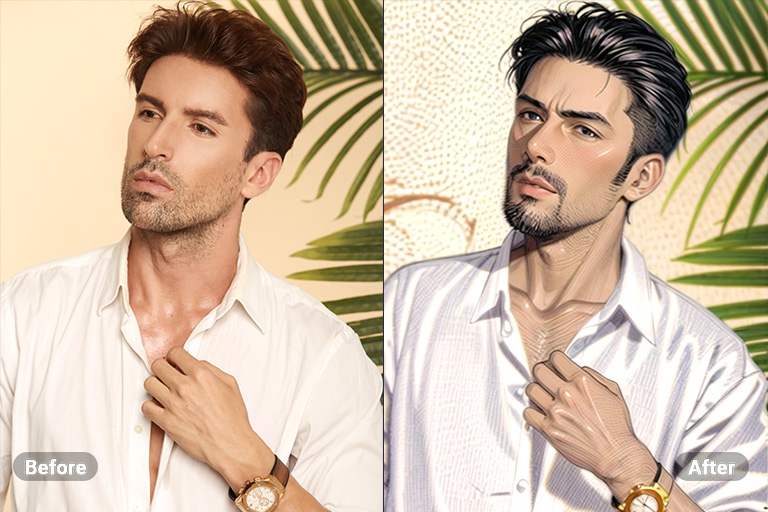
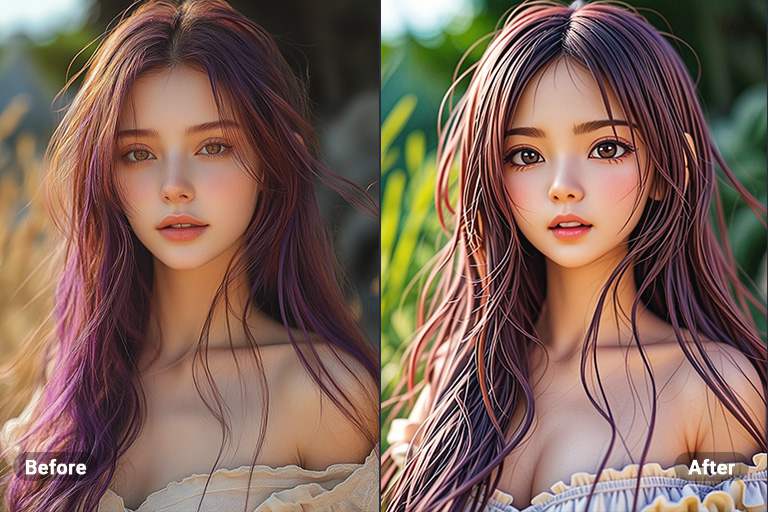
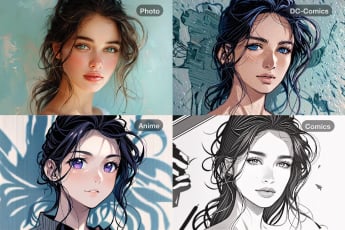
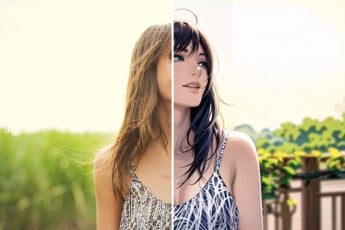
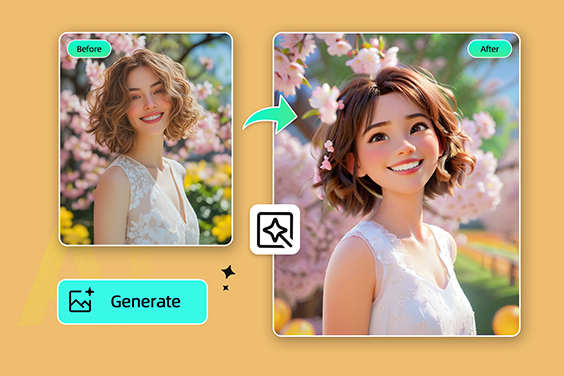
For fans of Japanese art styles, AI Anime filters and AI Manga filters are highly useful. These filters enable the conversion of portrait photos into anime or even drawing artworks of manga sketches with only one click. Are you looking for something fun to do in your photographs or are you an anime lover? These AI filters will come in handy to enhance your selfies.

Turn Photo into Anime
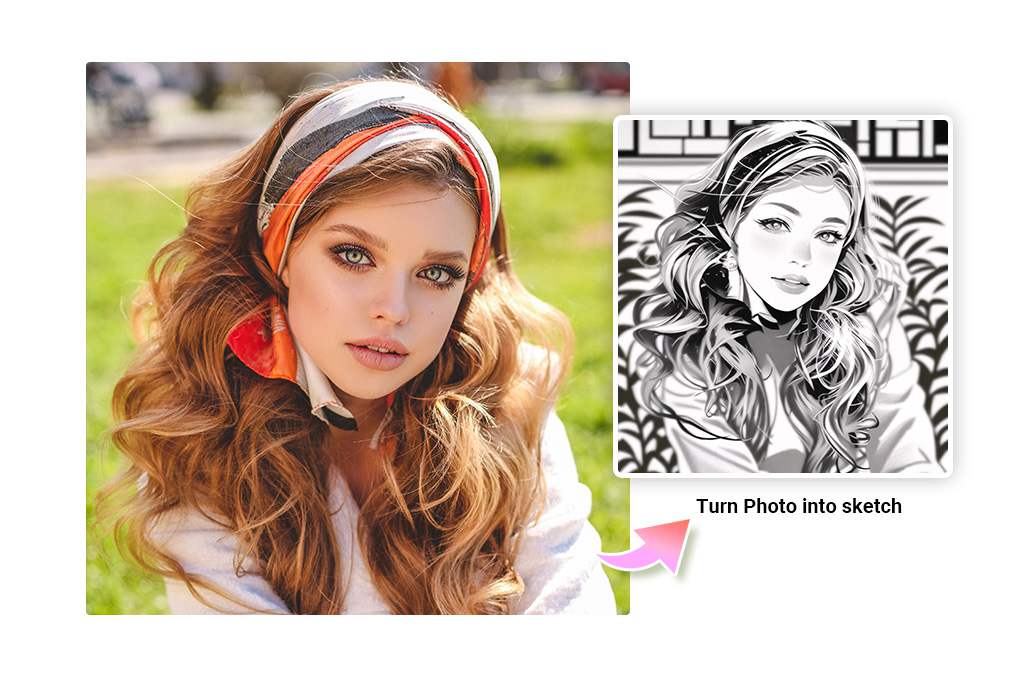
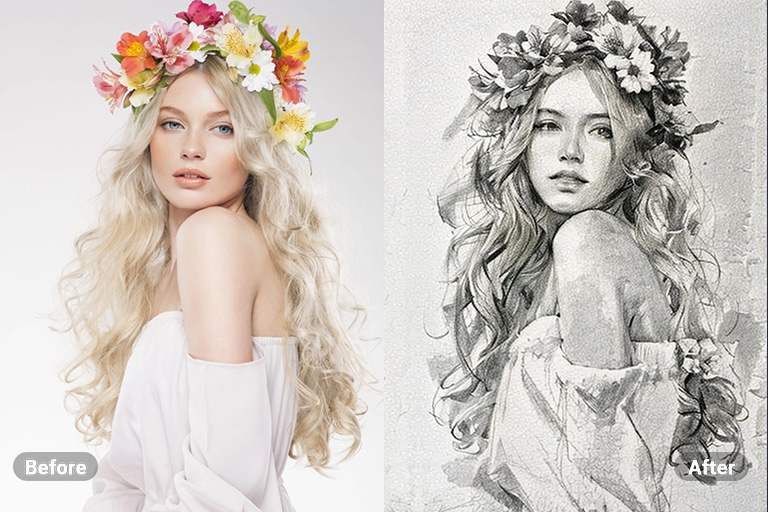
Convert Photos into Sketches, Line Art, or Outlines

Convert Photos into Sketches, Line Art, or Outlines

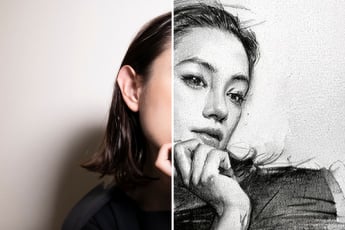
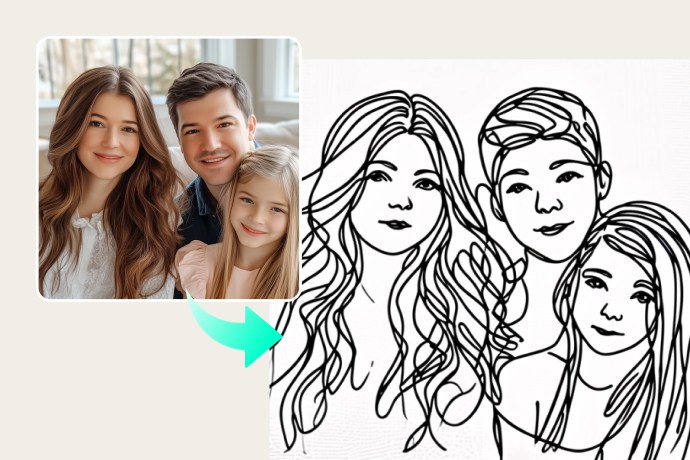
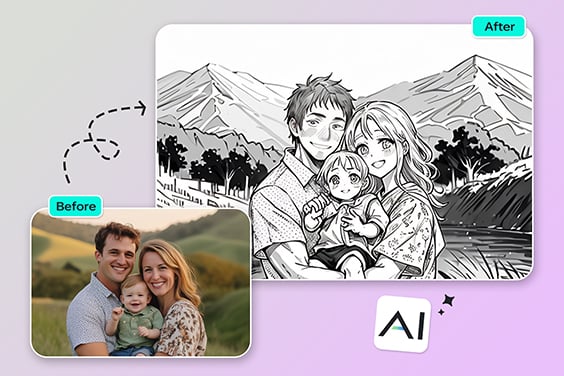
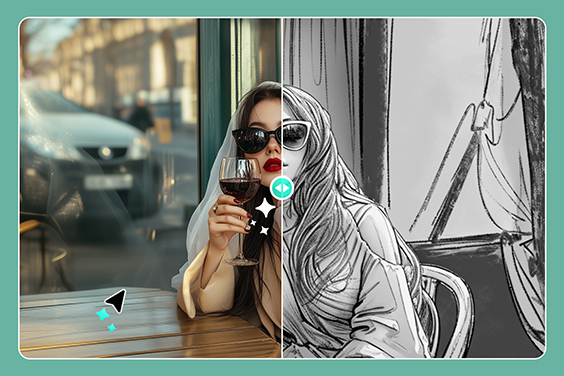
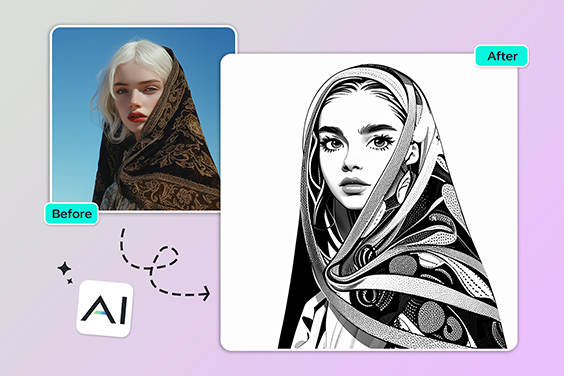
Want to go hand-drawn? These filters include Sketch, Pencil, Line Art, or Outline, to add that sketchy and illustrated touch to your photos. Our AI sketch generator uses advanced edge detection to transform images into pencil-drawn artwork with a variety of styles.


Moreover, the AI image filter can simplify your photo into contour lines for tattoos, art filters for photos, and concept illustrations. Whether you're preparing a design layout or just exploring creativity, our AI photo filters make it easy.

Try Sketch Filters
Convert Photo to Watercolor Online with AI Filter

Convert Photo to Watercolor Online with AI Filter

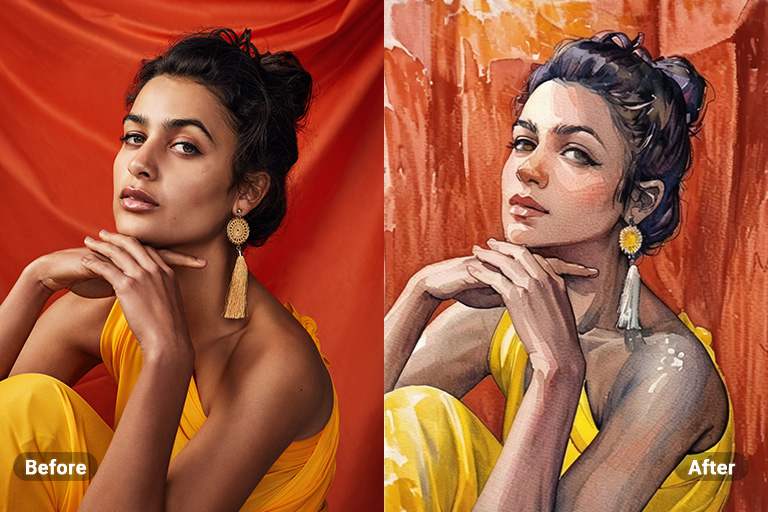
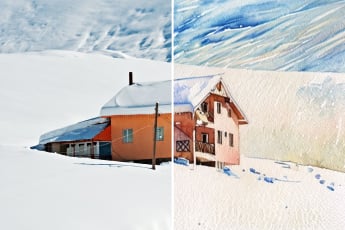
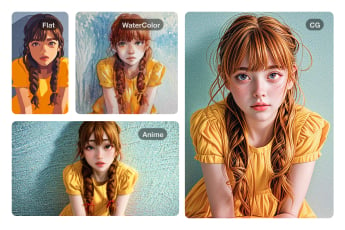
Convert your photos into beautiful watercolor paintings with our AI Watercolor Filter. Just upload your image, click once, and watch as our AI transforms it into a piece of watercolor art. This feature is perfect for artists and enthusiasts who wish to add a soft, fluid artistic touch to their images without the need for actual watercolor supplies.

Turn Photo into Watercolor
Transform Your Photos with CG AI Filters for a Cinematic Vibe

Transform Your Photos with CG AI Filters for a Cinematic Vibe

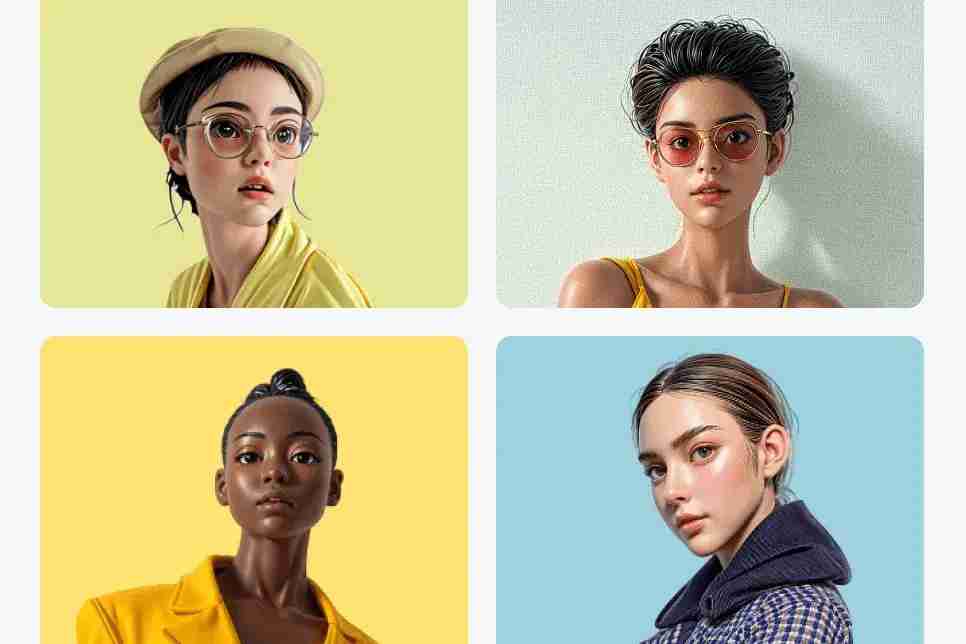
Switch your photos into motion pictures or digitized elements through the powerful AI-finished filters. These filters enhance your pictures with these cinematic elements of glamour and motion pictures with depth, color balance, and even the real feel of the movie.


With the AI CG Filter, you get to enhance your photos with a professional-looking artistic flair. It helps get great photos that people are sure to remember.

Turn Photo into CG
Pixel Art & PS2 Character Filters—Retro Gaming Nostalgia

Pixel Art & PS2 Character Filters—Retro Gaming Nostalgia

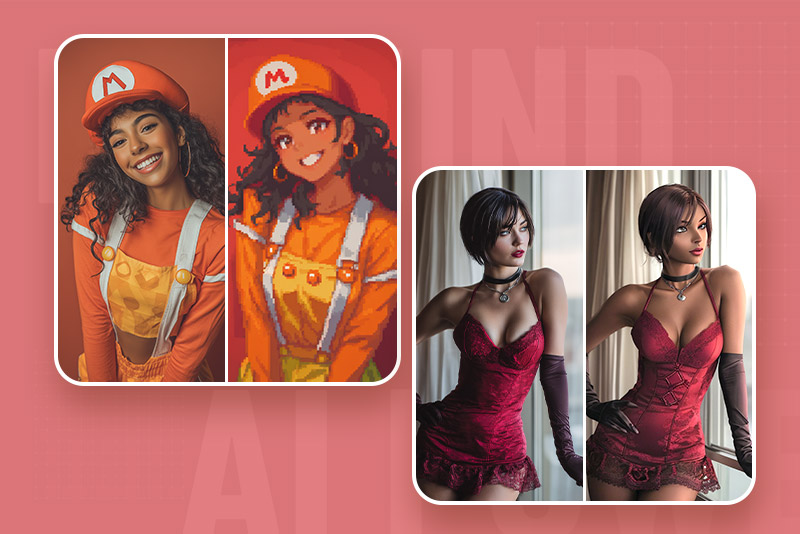
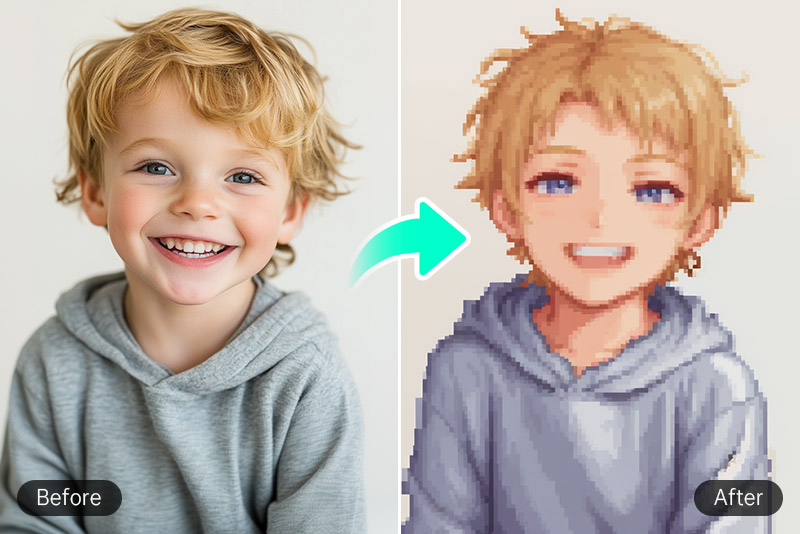
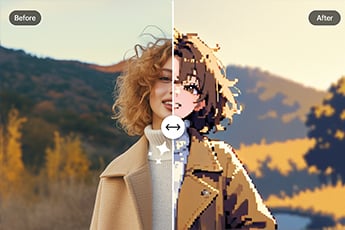
Exploit your inner gamer with vintage-treat filters. Our pixel art filter and PS2 character filter turn modern images into nostalgic visuals. Meanwhile, these AI photo effects simulate the blocky charm of early video game consoles and low-poly character design.


Perfect for fan art, avatars, or themed content, the AI picture filter delivers consistent, retro-style results without needing manual edits. Convert simple pictures into entertaining, game-like representations in a single default.

Try Retro Filters Now
Discover Various AI Photo Filters for the Artistic Transformation of your Images

Discover Various AI Photo Filters for the Artistic Transformation of your Images

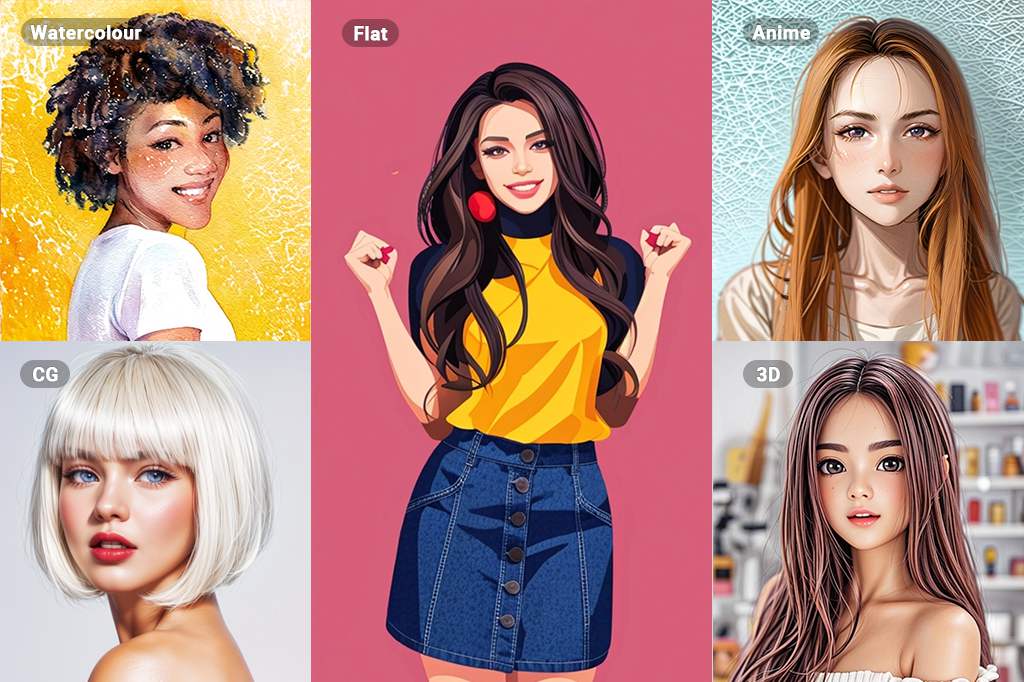
The broad collection of AI Photo Filters at insMind includes Ghibli, Sketch, PS2, Disney, 3D, Watercolor, Oil Painting, CG and more styles. This collection enables you to turn your images into different forms of art.


Each one of them imbues your images with detailed, high-quality effects and hence, you can never run out of options. These filters are created specifically to help you produce high-quality results in minimal time for getting excellent results in minimal time and effort.

Apply Filters Now

Explore More AI Photo Filter Features

How to Add AI Photo Filters with insMind?

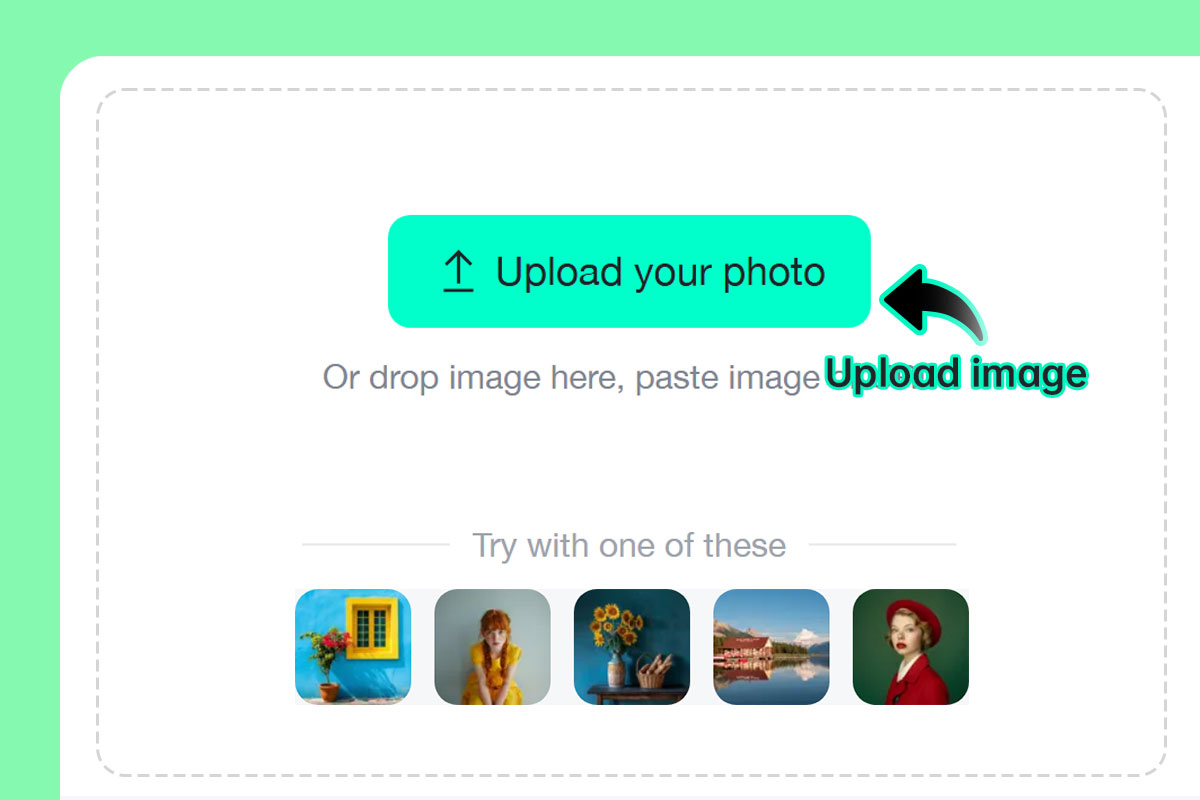
Step 1: Upload your photo
1

1 Step 1: Upload your photo

Select any portrait, landscape, or object shot. We have an AI system that supports a wide range of images.
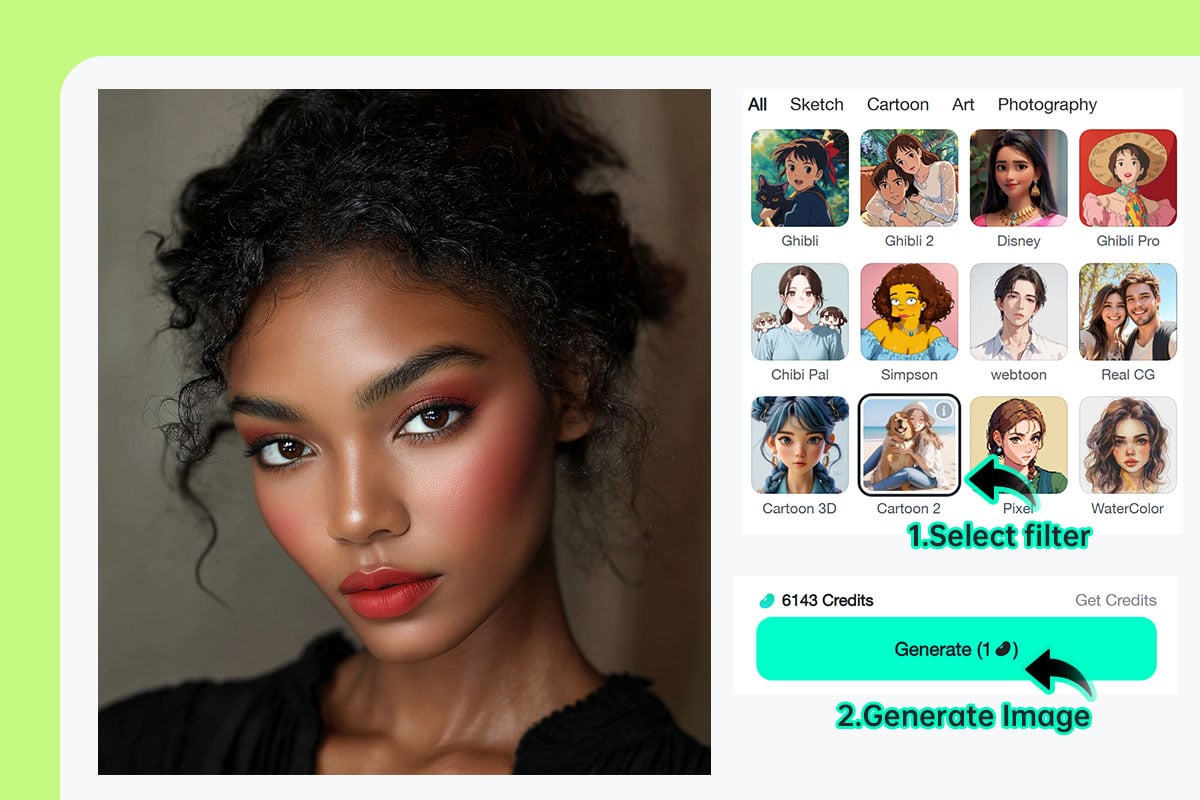
Step 2: Choose your favorite AI filter and click "Generate"
2

2 Step 2: Choose your favorite AI filter and click "Generate"

Select from the cartoon, line art, sketch, watercolor, or AI anime filter options and click "Generate" to begin the conversion.
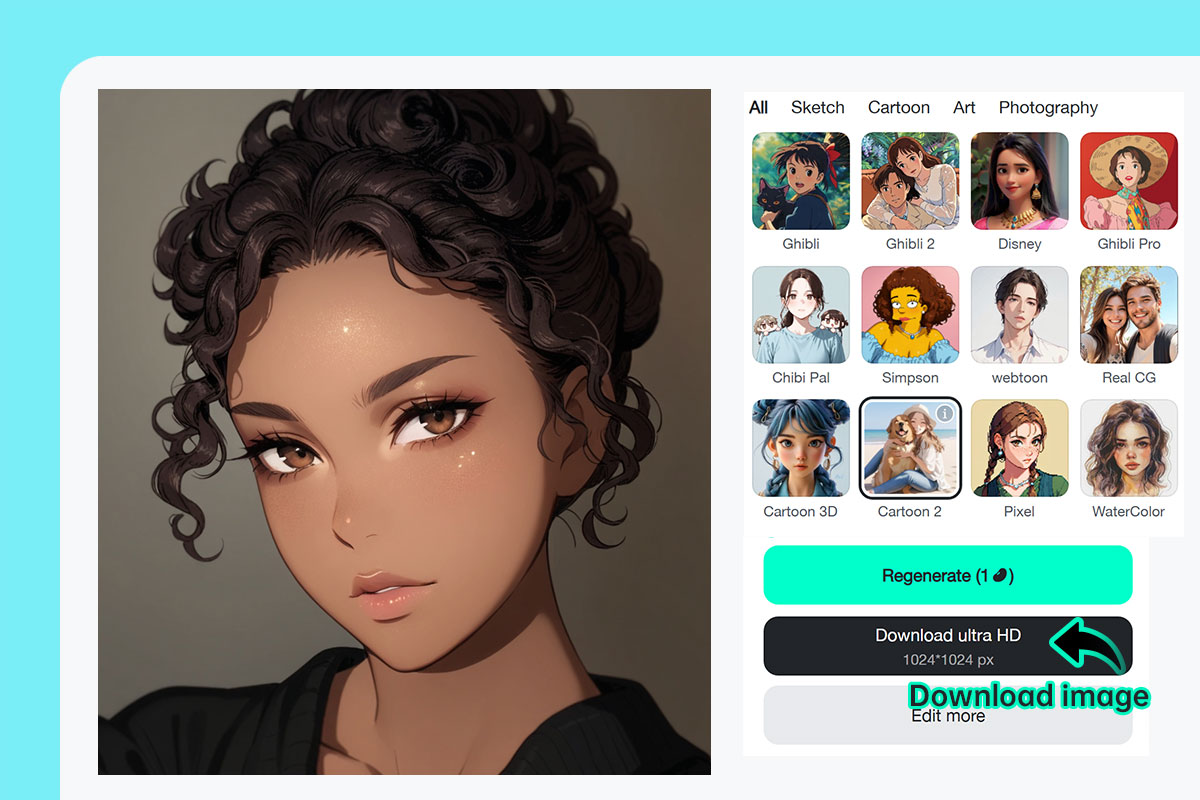
Step 3: Download or share your filtered image instantly
3

3 Step 3: Download or share your filtered image instantly

Click"Download"to save the converted image to your offline storage. You can distribute your new creation on social media, in print, or as a digital project.

Free Online AI Photo Filter for Everyone

insMind brings all the AI photo filters you need from your projects to social media profiles and even professional usage.

Photo to Cartoon

Photo to Cartoon

Show your creativity with insMind and convert your images into cartoon effects. It gives fun and artistic personal photos, pets, and other social media photos.

Photo to Sketch

Photo to Sketch

Give a subtle touch to your images by converting them into sketches. This conversion gives detailed and realistic results just like a hand-drawn sketch.

Photo to Watercolor

Photo to Watercolor

Convert your images into watercolor paintings with natural brushstrokes. Hence, nobody can tell if this is a real watercolor painting or created with AI.

Photo to Anime

Photo to Anime

Unleash your imagination by transforming your images into vibrant anime-style art. This conversion adds a dynamic and whimsical flair to your personal photos, making them perfect for sharing on social media.

Photo to Oil Painting

Photo to Oil Painting

Turn your images into oil paintings that capture the essence of traditional artistry. This conversion brings a unique texture and depth to your photos, allowing them to shine as if they were painted by a skilled artist.

Photo to 3D

Photo to 3D

Turn your images into 3D cartoon, giving them life and dimension. This conversion creates a striking visual experience, making your photos stand out with captivating depth and perspective.

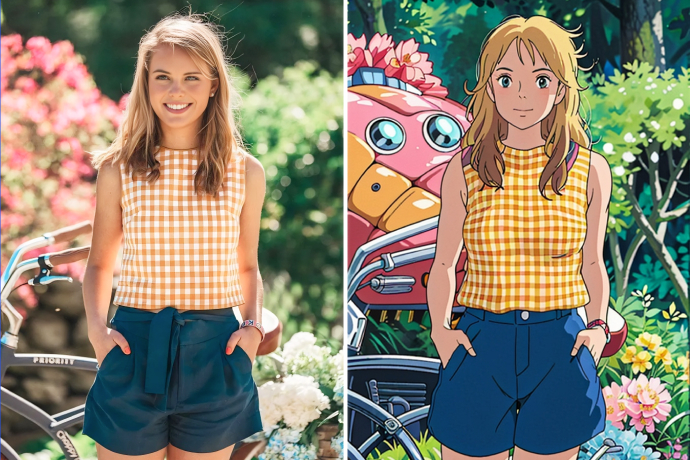
Studio Ghibli Filter

Studio Ghibli Filter

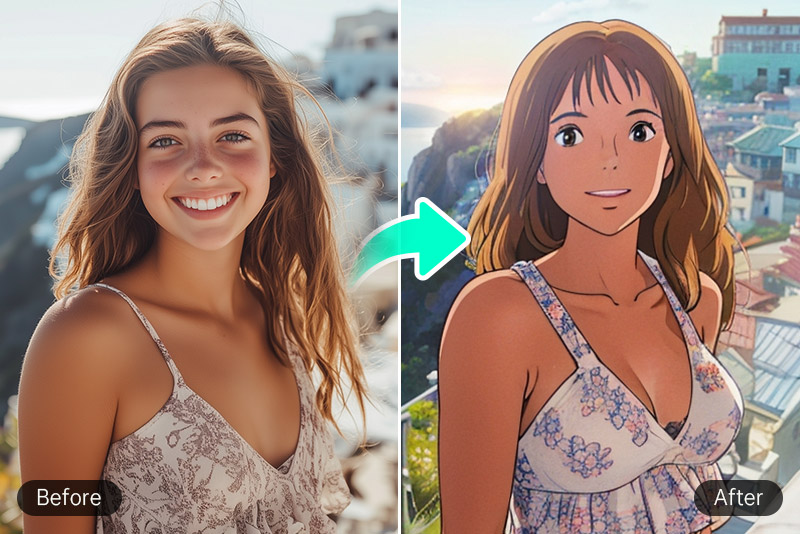
insMind provides dreamy visuals using soft, watercolor textured visuals like Ghibli productions.

Pixel Art Filter

Pixel Art Filter

Adds the retro-style 2D grid to your image to feel nostalgic about the past game.

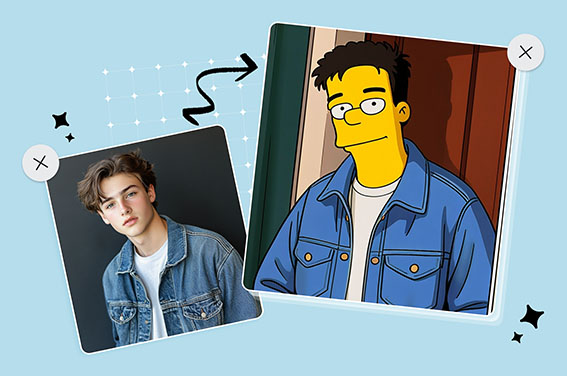
Simpsons Filter

Simpsons Filter

Uses Daring colors and drawings to give it a fun and cartoonish effect. insMind's simpsons filter takes you back to the world of the Simpsons.

Why Choose insMind AI Photo Filter?

AI-Powered Photo Filters

AI-Powered Photo Filters

With insMind, everything is taken care of by AI which means that there is no manual editing required. Hence, saving your time and energy by offering efficient results.
Use Anywhere Any Time

Use Anywhere Any Time

The insMind AI Filters are a part of this online tool that can be accessed on any device with a browser.

Effortless Editing for Everyone

Effortless Editing for Everyone

With no manual editing, insMind provides the easiest experience you could ask for. It is perfect for beginners and professionals.

FAQs About AI Image Filter

What is an AI filter?

insmind expand icon
An AI filter is an image filter that uses artificial intelligence algorithms to apply certain effects to images.

How do AI filters change the look of my images?

insmind expand icon
AI photo filters can change the way images look in multiple ways. These can change the color, texture, and other details to create sketches, paintings, or anime images.

Are AI-filtered images high-resolution?

insmind expand icon
Yes, with insMind, one can retain the sharpness and quality of the image after filtering it using AI processing.

What types of cartoon styles can I choose from?

insmind expand icon
We offer Ghibli, Anime, Disney, Chibi, 3D, Clay, Simpsons, and more styles using our AI filter for photos with customizable results.

Can the insMind AI Filter be used to create anime-style images?

insmind expand icon
Yes, you can use the insMind Anime filter to convert any image into an anime-style image.

Are the AI Image Filters on insMind free to use?

insmind expand icon
insMind AI Image Filters are free to use that do not require purchases unless you need pro features.

Does it work on mobile phones?

insmind expand icon
Yes. The AI filter online free tool is optimized for both desktop and mobile browsers.

Can I use the filters on drawings or illustrations?

insmind expand icon
Absolutely! The AI filter on drawing feature supports both hand-drawn and digital artwork uploads for stylized enhancement.

You might be interested in

Make your pictures pop with features that are completely free.