








AI Image
AI Video
Photo Editor
Resources
InspirationsPricing

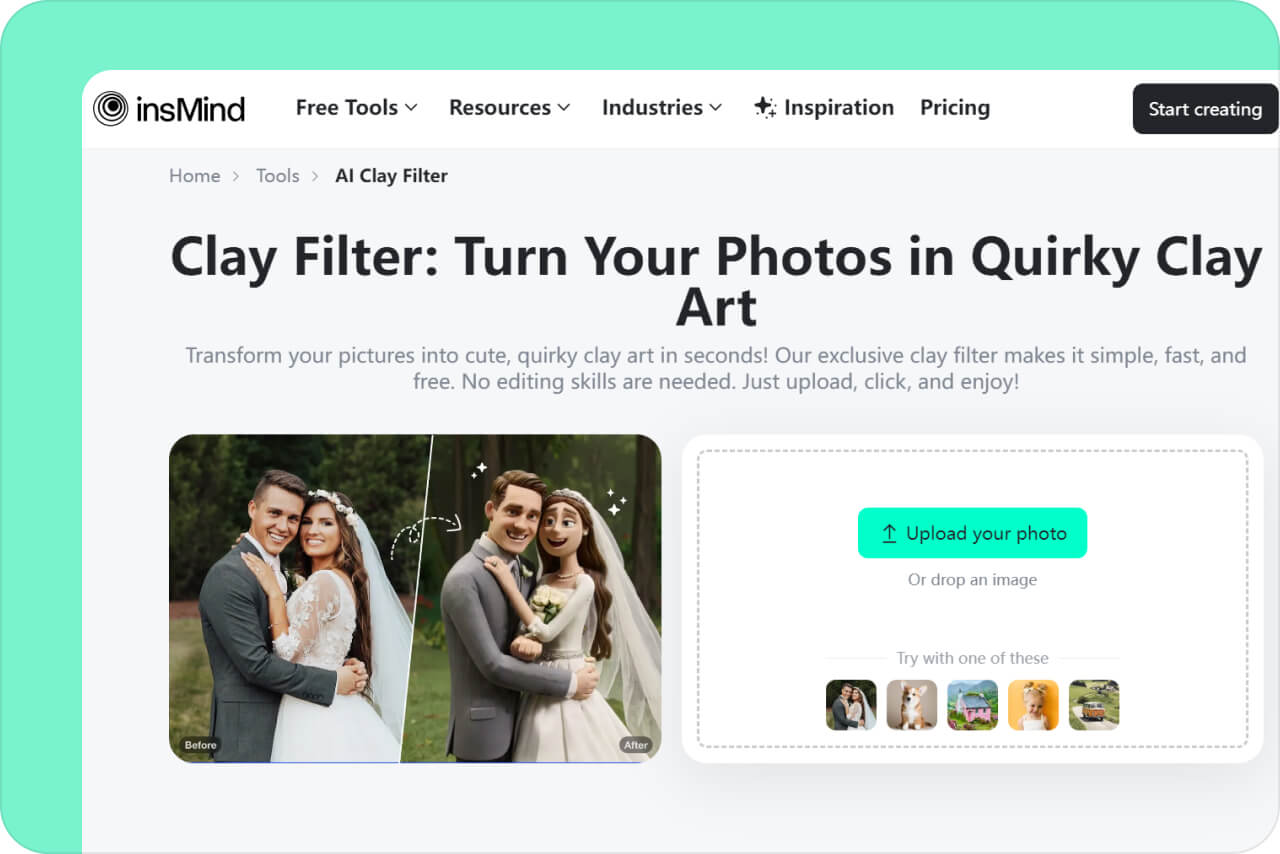
Clay Filter: Turn Your Photos in Quirky Clay Art

Transform your pictures into cute, quirky clay art in seconds! Our exclusive clay filter makes it simple, fast, and free. No editing skills are needed. Just upload, click, and enjoy!

Clay Filter: Turn Your Photos in Quirky Clay Art
Or drop image here, paste image or URL
Try with one of these
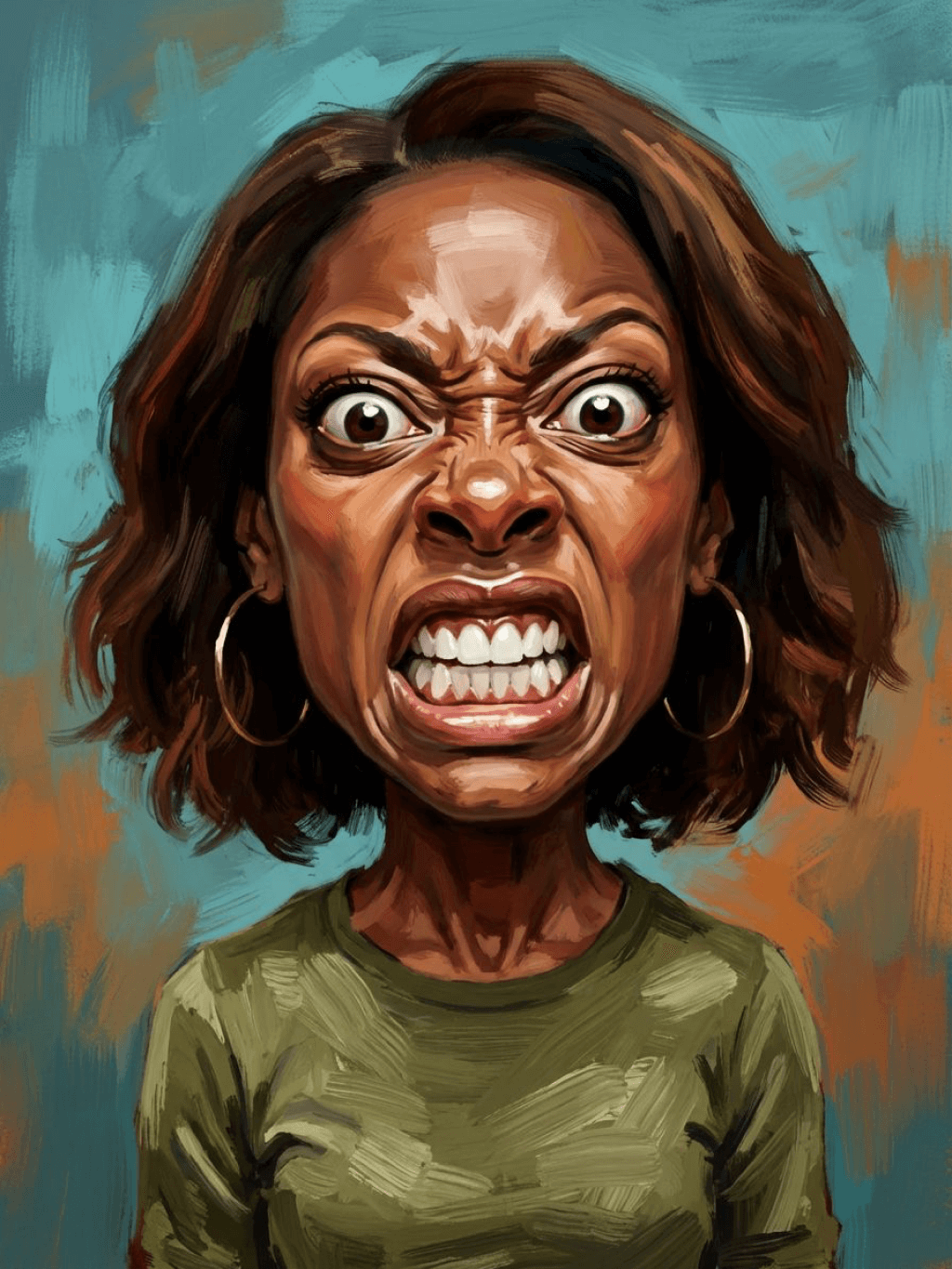
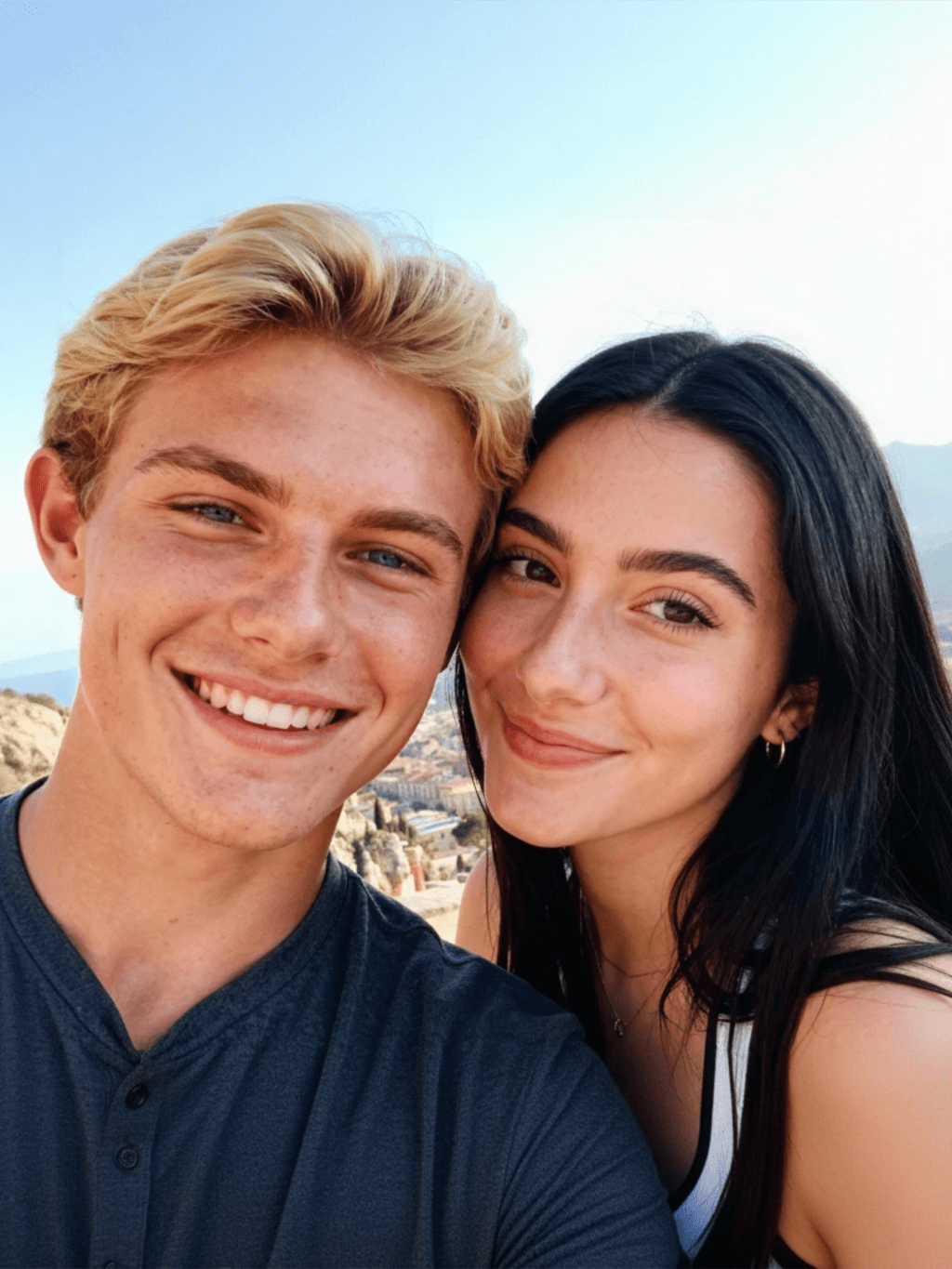
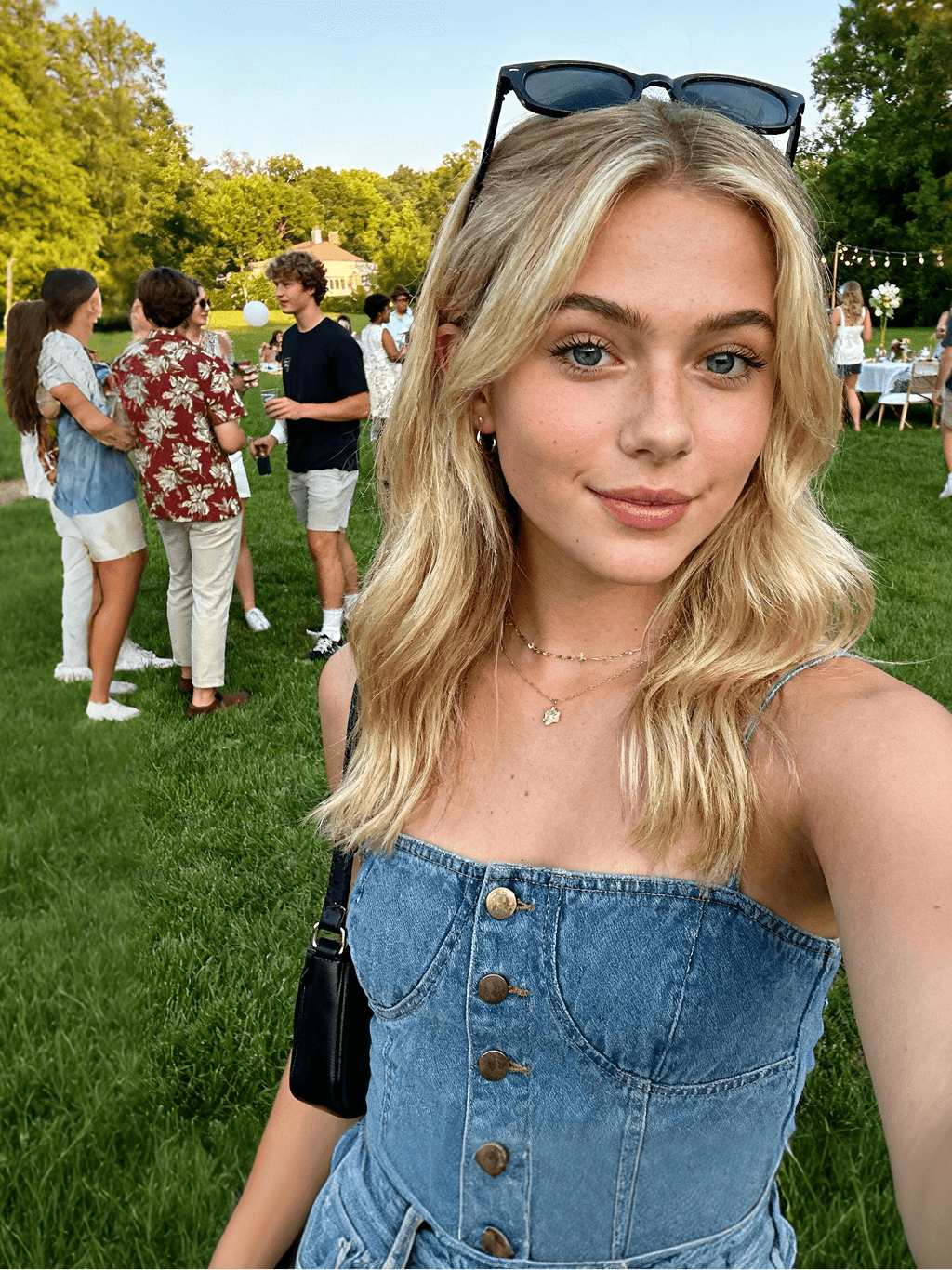
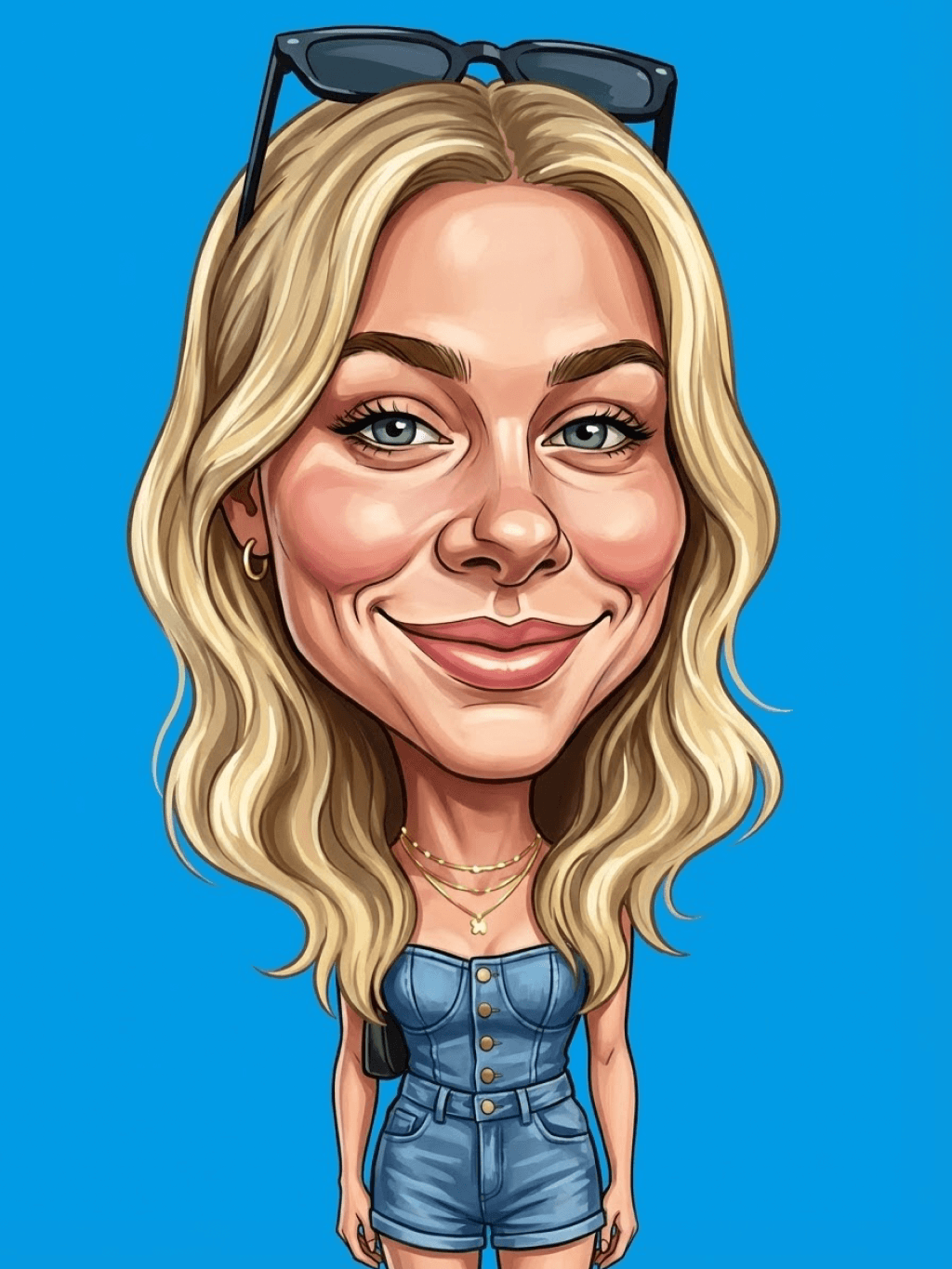
insMind AI Crying Filter Sample 1
insMind AI Crying Filter Sample 2
insMind AI Crying Filter Sample 3
insMind AI Crying Filter Sample 4
insMind AI Crying Filter Sample 5

Create Similar

Retain all the details of the image and convert it to color.
Use the character from the uploaded image exactly as it appears — keep all features, colors, proportions, and style unchanged. Create a four-panel comic/storyboard with each panel showing a different scene of the character. Maintain the same cartoon art style as the reference image. Add speech bubbles/dialogues for the character in each panel, appropriate to the story. Ensure visual continuity: same background style, color palette, and lighting consistent across all panels. Focus on clear composition, expressive poses, and readable dialogue. Output: four distinct panels forming a coherent story.
Refer to Figure 2 and convert the style of Figure 1
Generate a set of powerful 3-panel Japanese anime storyboards by referring to the image
Polaroid 2:3 photo: IMG1 person and IMG2 cartoon character hugging like friends, smiling and laughing, heads close together, looking at the camera, hips-up; original clothes; white-curtain background; cartoon character’s arms naturally around person, proportions adjusted for natural interaction; subtle shadowing for depth; strong flash, slight overall blur, soft light vignette, no omissions; no face-swap, no distortion; classic white-border Polaroid, flat on white table, back flush, 90° top-down, zero tilt, no extras.
Optimize the line drawing, transform it into a Japanese anime style and color it to add a campus background
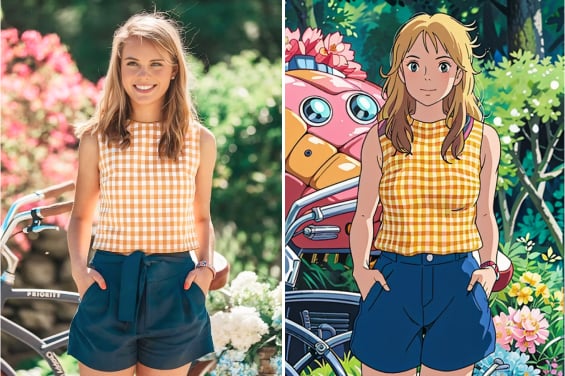
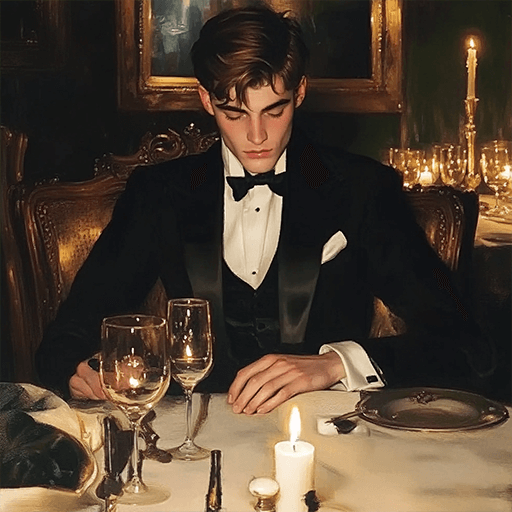
Young Millionaire Photo to Anime Cartoon
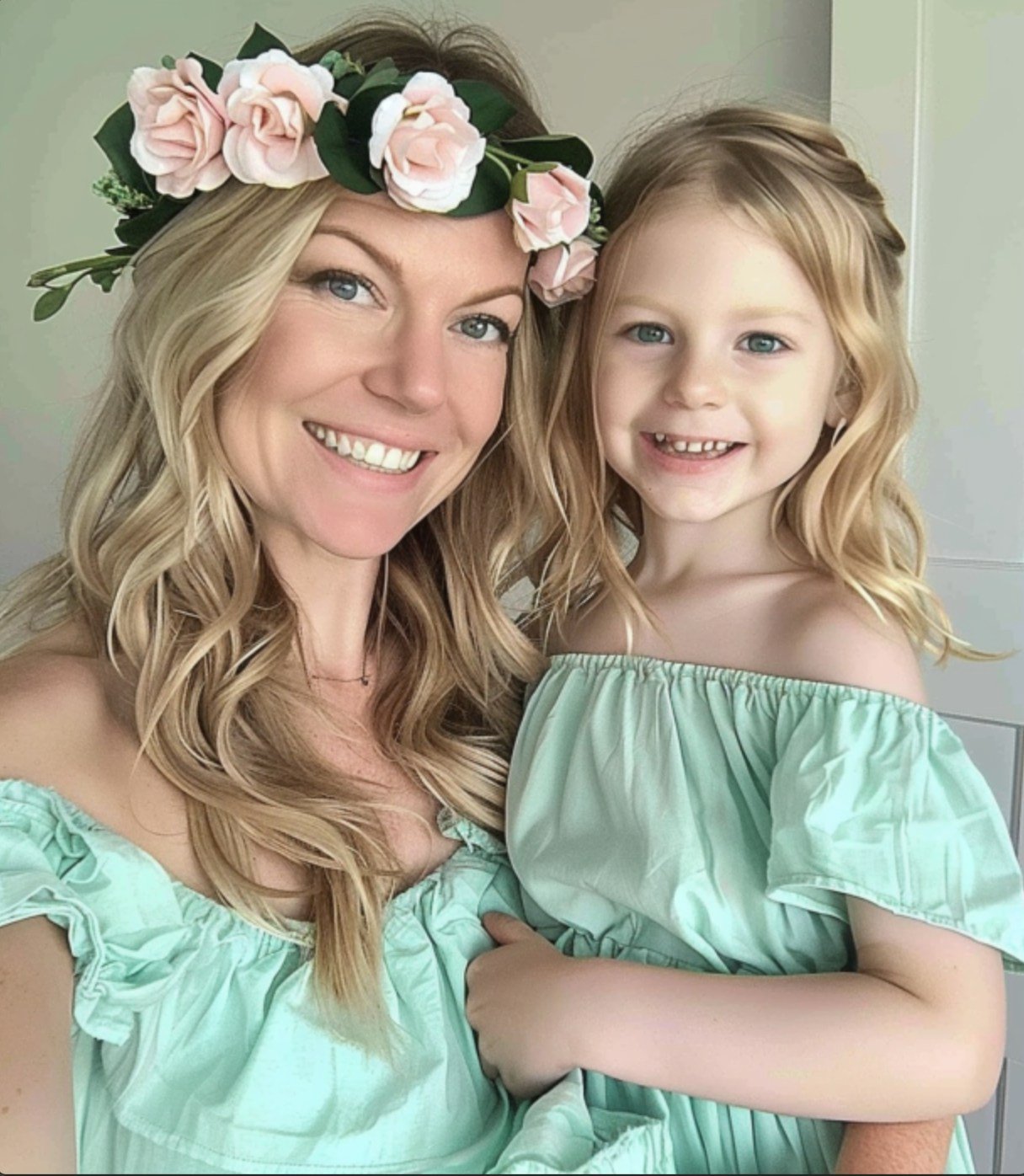
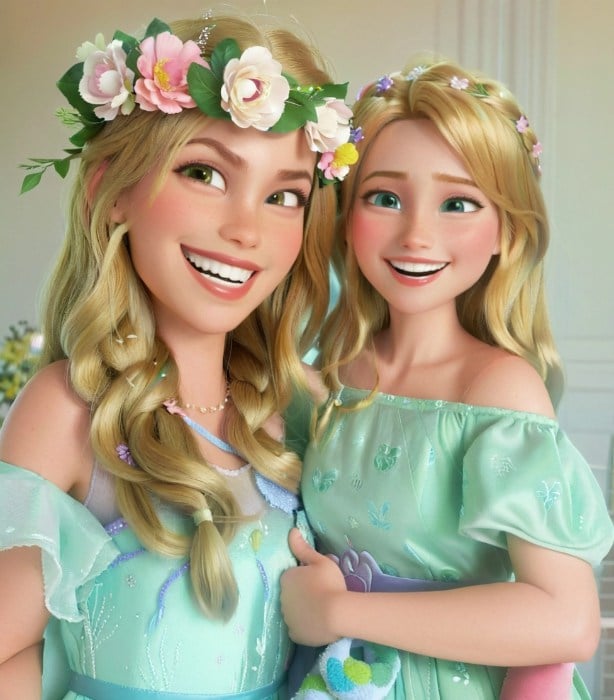
Mother's Day Disney Filter
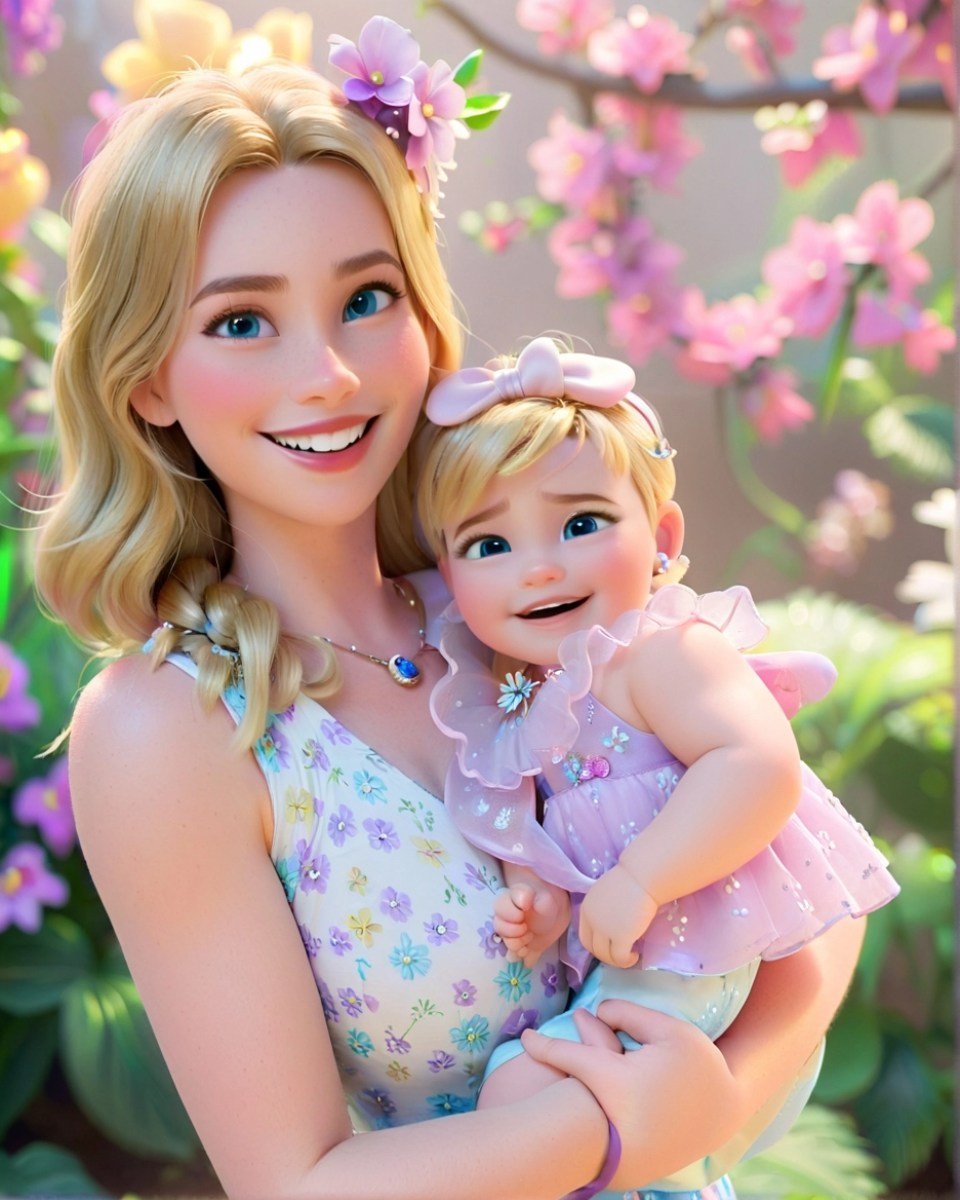
Disney Style Mother Holding Baby
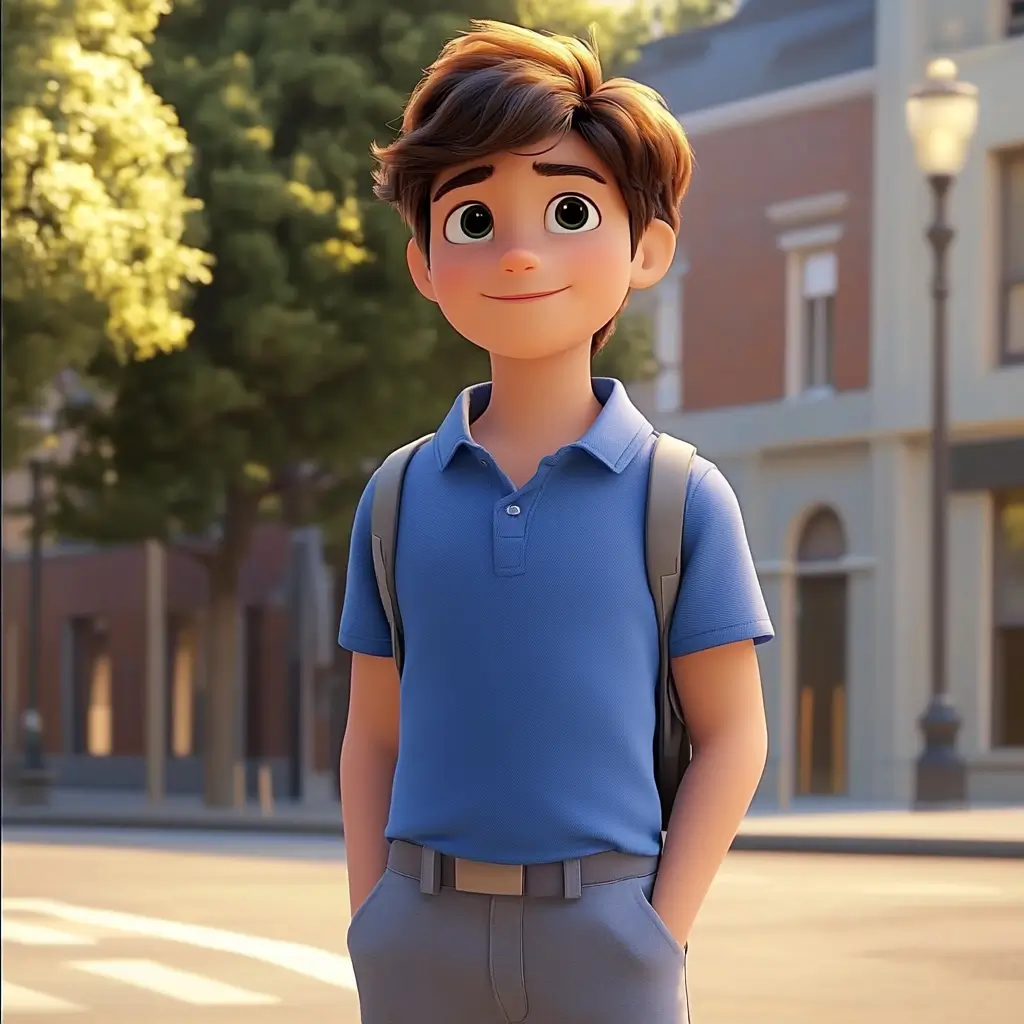
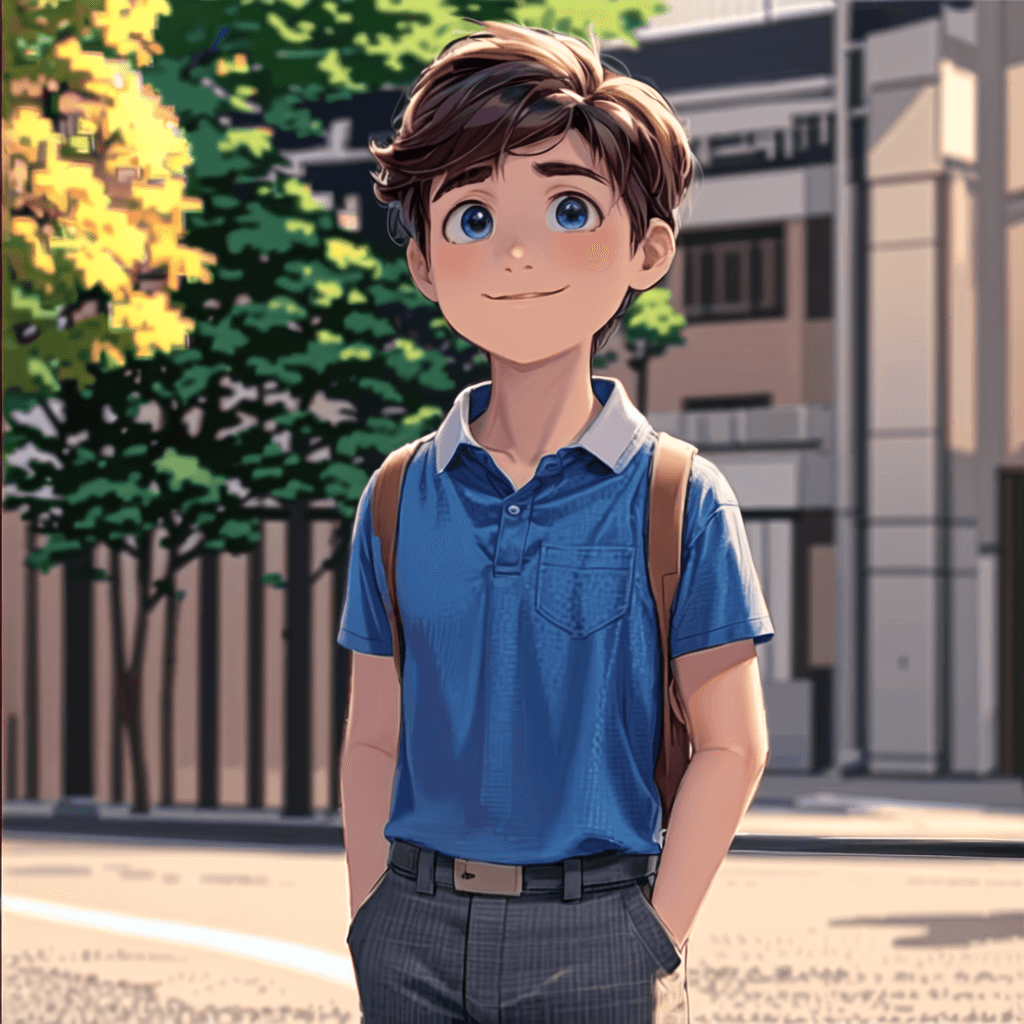
Cute Cartoon Boy
Cute Cartoon Boy
Cute Cartoon Boy
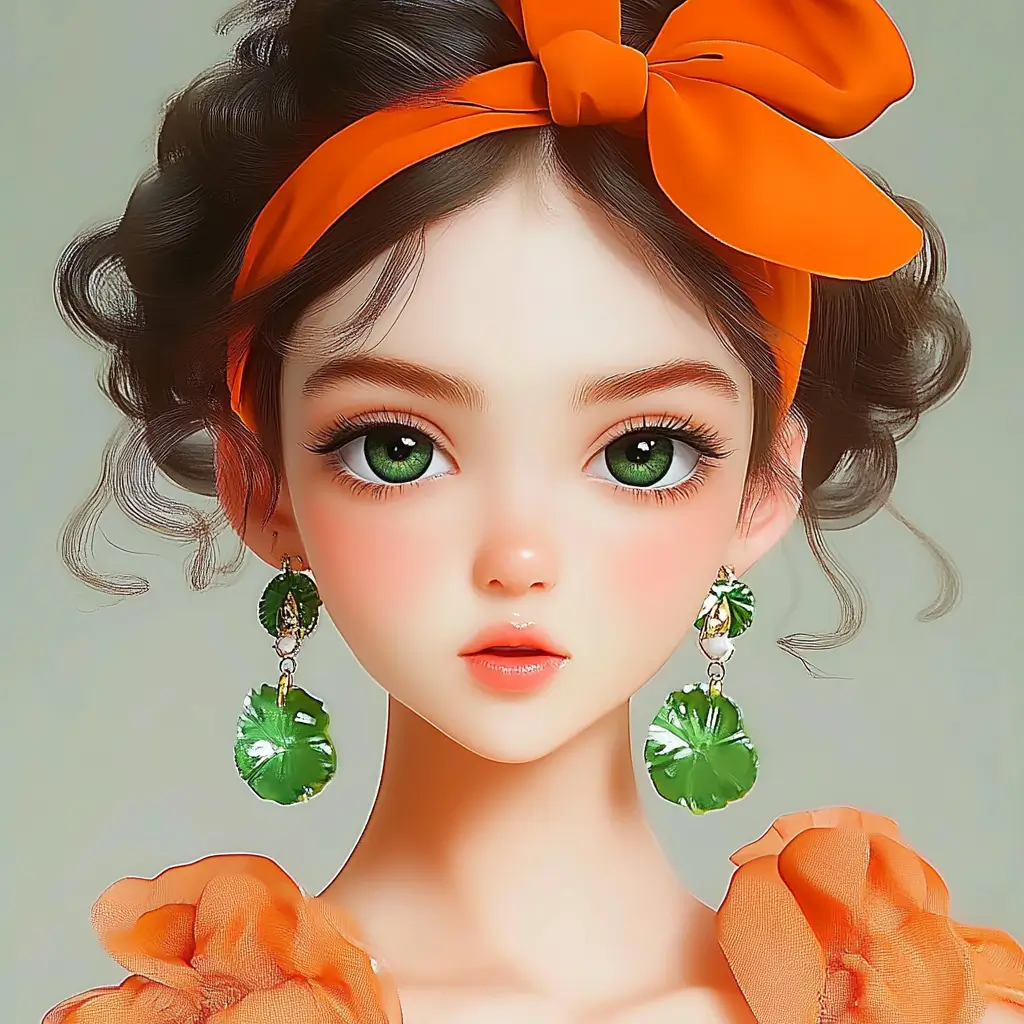
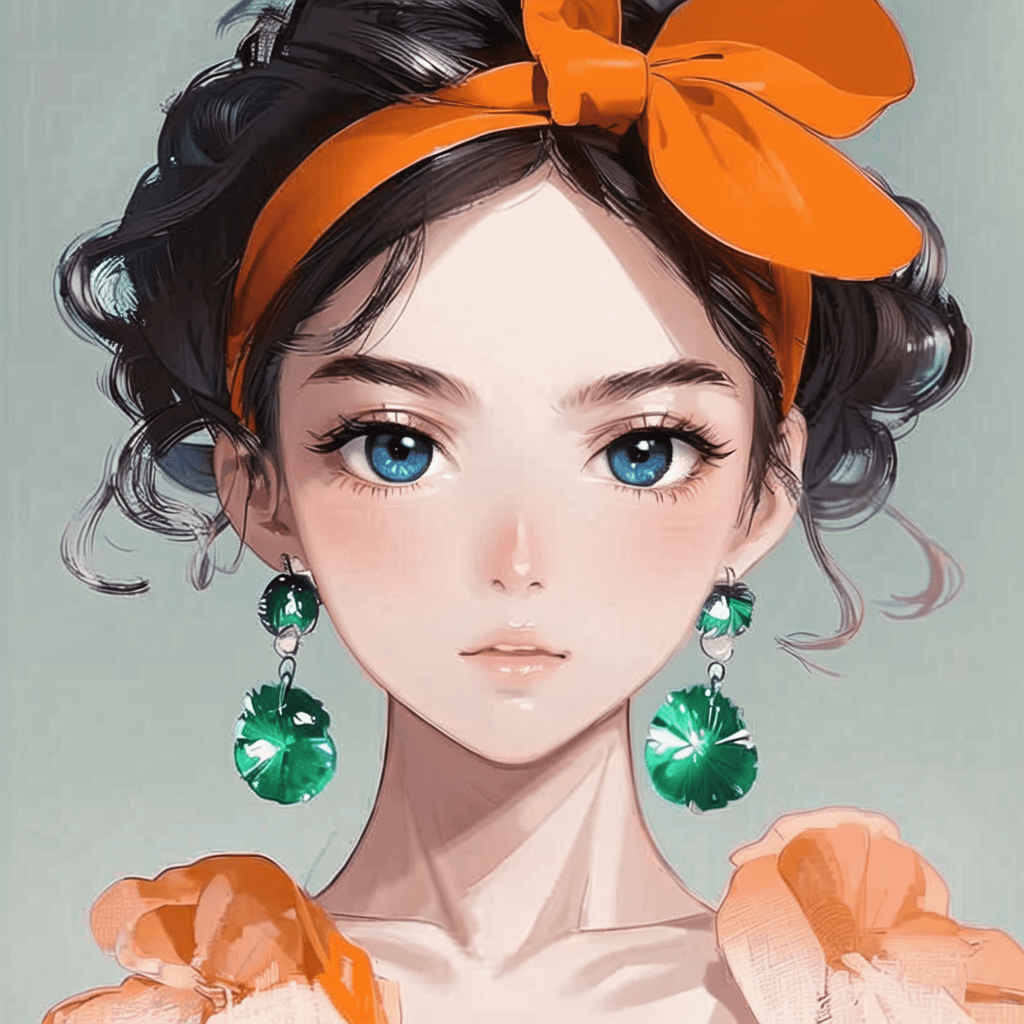
Attractive Anime Girl Filter
A girl in a blue shirt and black jacket sitting at a table with coffee and drinks, A steampunk-style background featuring intricate gears, brass pipes and glowing lights illuminating the scene. A desk with mechanical tools is in sharp focus while surrounding walls display vintage timepieces and cogs.
depicting futuristic cities with towering skyscrapers made from metallic gold and green hues. Include flying cars and high-tech elements to create a sense of wonder in space and cyberpunk aesthetics.
Beautiful Anime Girl
A cute cartoon black cat is lying in the box, yellow eyes, pink ears
A cute white cat drinking boba tea, set against a pastel pink background, in a chibi style characteristic of the kawaiicore aesthetic.
Cartoon drawing of an adorable Siamese cat, white background
cute chibi anime character,a boy with white hair and black eyes, wearing an open coat with gray sleeves underneath and beige pants, The background is pure bule
Cute blonde girl with blue eyes, wearing a white dress and hat, holding strawberries in her hands, surrounded by cute black cats and strawberry leaves. She has long braided hair tied back,
Add a Clay Filter to Your Photo with One Click

Add a Clay Filter to Your Photo with One Click

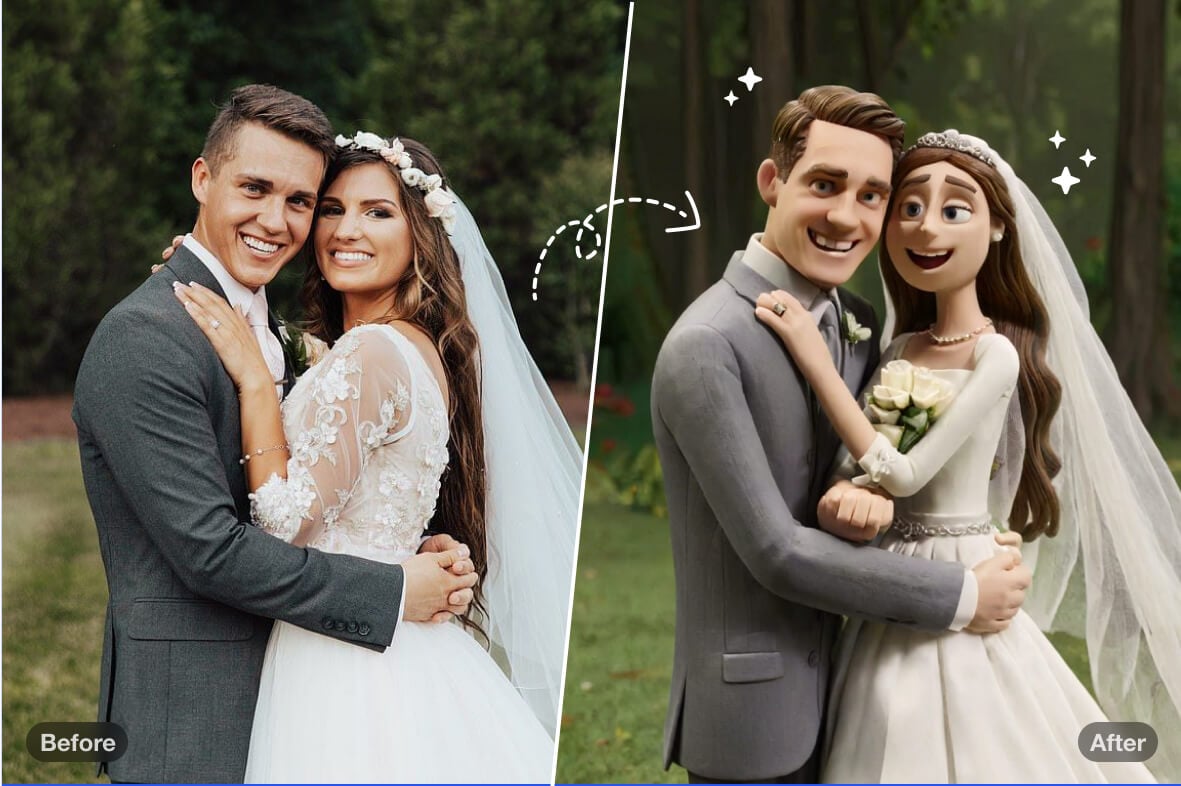
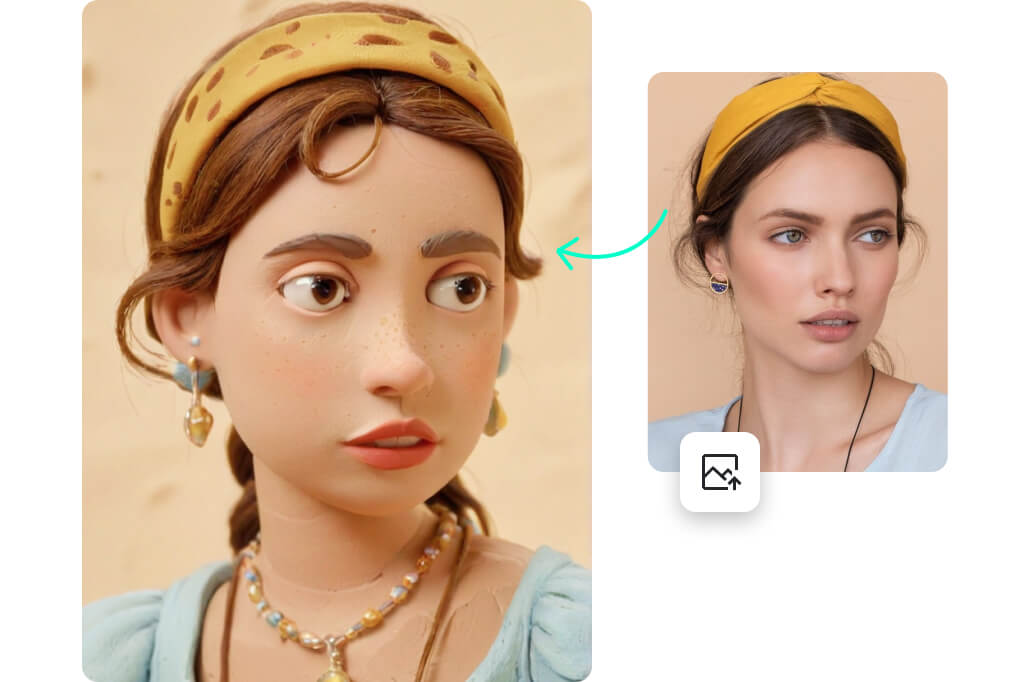
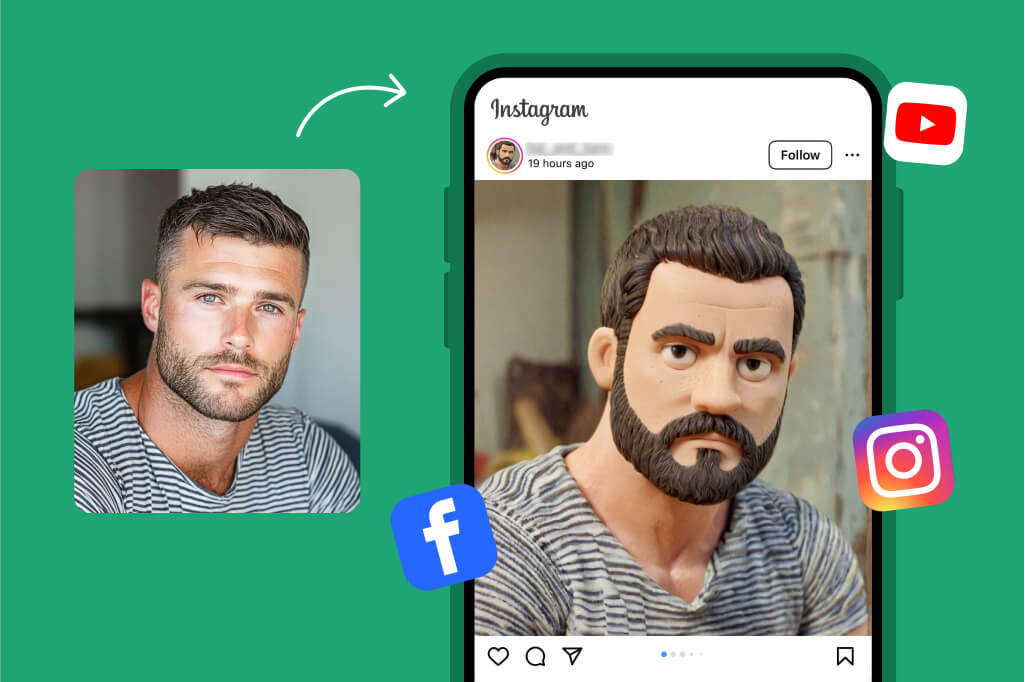
Want to see yourself as a funky clay character? With insMind, you can easily add a clay effect to your photos in seconds. Whether it's your selfie, a cherished group photo, or even a picture of your pet, transform them into standout clay art in no time.


All you have to do is upload your image, select the clay filter, and watch the magic unfold. No complicated steps required! Try it today and give a playful twist to your favorite memories!
Turn Your Photo into Clay Art
Turn Your Photo into Unique Clay Illustrations with Ease

Turn Your Photo into Unique Clay Illustrations with Ease

Searching for ideas for art creation? Transforming your photo into a stunning clay illustration is a great way to start. Our insMind clay filter is ideal for artists and creators looking to add a unique touch to their work.


Whether you're crafting a digital masterpiece or experimenting with new styles, the clay effect stands out for producing captivating illustrations. You can use the images for professional projects, personal keepsakes, or sharing on social media. Explore the endless possibilities with the insMind clay filter today!

Convert Your Photo into Clay Art
Trend on Social Media with Clay Pictures

Trend on Social Media with Clay Pictures

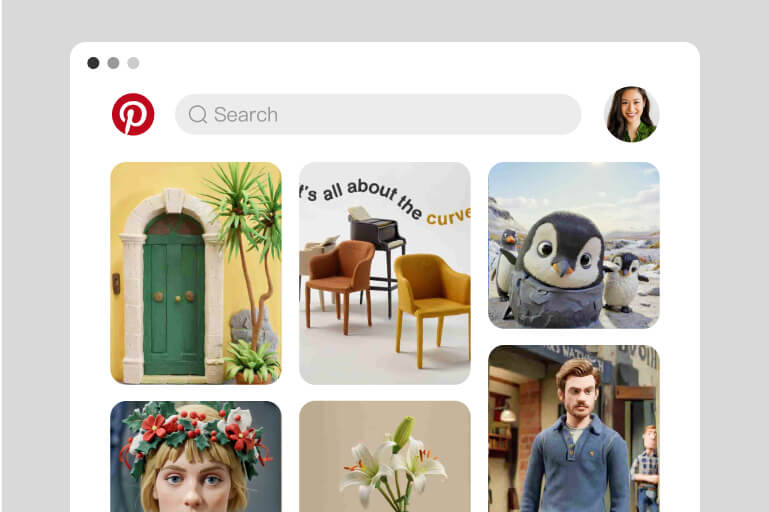
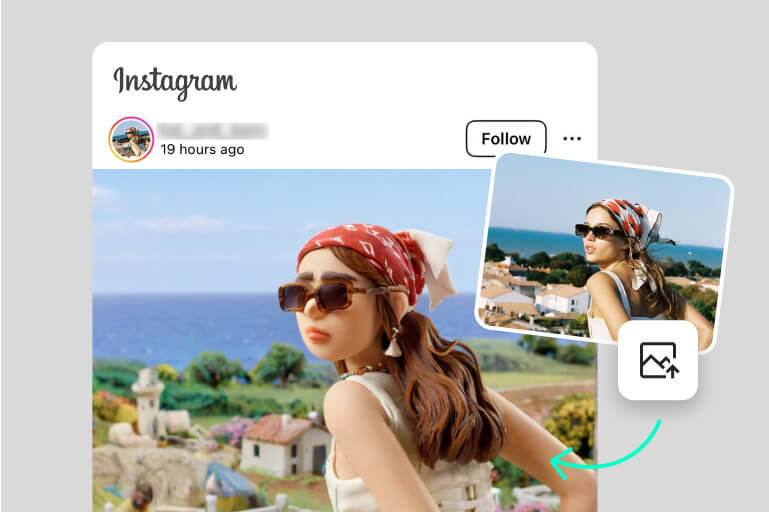
Ready to catch the clay filter buzz on social platforms? With the insMind AI filter, you can easily transform your photos into eye-catching clay art in seconds. Post them on Instagram, TikTok, and Pinterest to gain views like never before.


Stand out from the crowd, boost your engagement, and leave a lasting impression on your followers. Whether for fun, creativity, or advertising, clay art grabs attention like no other. Join the clay filter craze today and watch your likes and comments soar!

Add Clay Effect to Your Photo
Transform Any Kind of Photo into a Clay Effect Instantly

Transform Any Kind of Photo into a Clay Effect Instantly

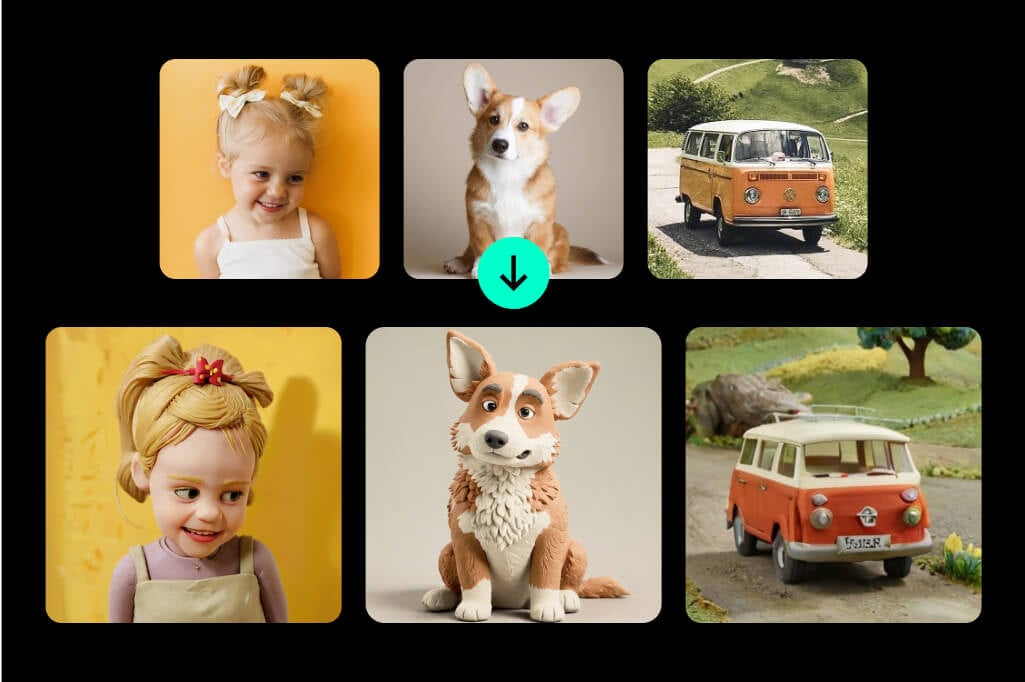
Why stop at selfies when our AI clay filter can work wonders on any kind of image? You can turn your pet's cutest moments, vibrant plants, delicious meals, sleek cars, or even home snapshots into quirky, clay-inspired art.


The results are always eye-catching, whether you use them for social media or art projects. Our tool is fast, easy, and adaptable to your creative needs. Don't limit your creativity—unlock the full potential of your photos today!

Add Clay Filter to Your Photo
Clay Art at Your Fingertips: Anytime, Anywhere

Clay Art at Your Fingertips: Anytime, Anywhere

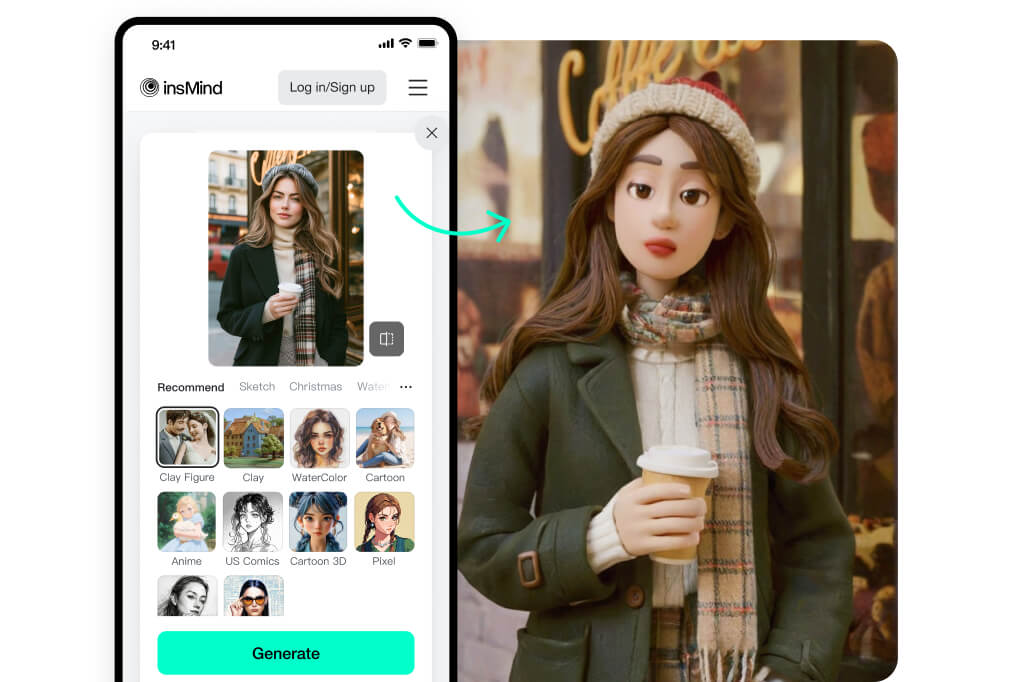
Want to turn your photo into clay art on mobile devices? With our insMind clay filter, creativity is always at your fingertips. Whether you're at home, on the go, or traveling, creating trendy clay art is just a tap away.


Simply visit insMind on your mobile browser, upload your photo, choose the clay filter, and let the AI work its magic. The process is fast, convenient, and designed to deliver instant results.

Apply Clay Filter to Your Photo

Explore More AI Photo Filter Features

How to Turn Your Raw Photos into Clay Art

Upload Your Photo
1

1 Upload Your Photo

Click the "Upload a photo" button and select the image you want to transform. Whether it's a portrait, a scenic landscape, or even your pet's picture, any photo or format works.
Select the Clay Filter
2

2 Select the Clay Filter

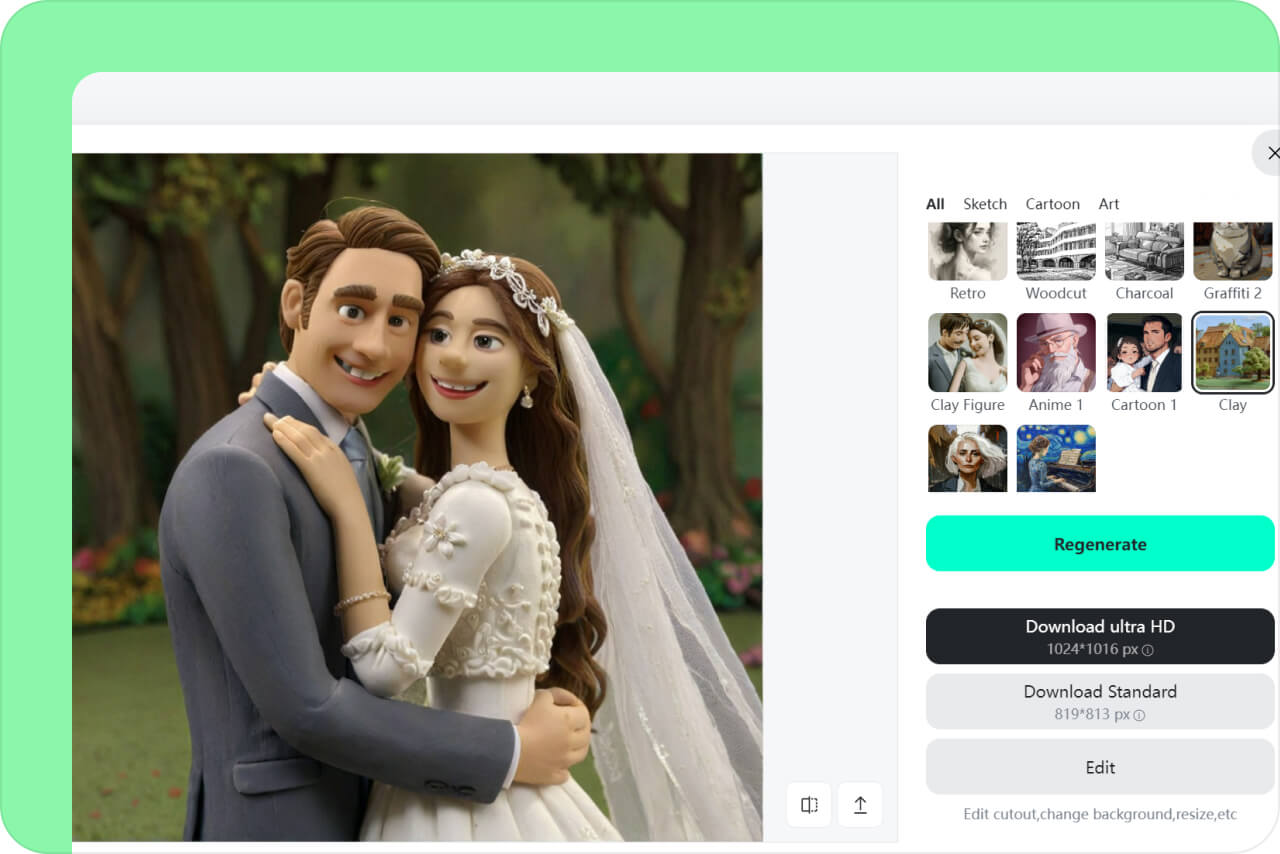
After uploading your picture, browse through the filter options. The "Clay Figure" filter works best on portraits, adding unique character to faces. For other types of images, like landscapes, objects, or pets, the "Clay" filter gives them a creative clay makeover. Select the correct filter you need.
Generate and Save It
3

3 Generate and Save It

Now, just click the "Generate" button and wait for the magic to happen. Once the clay photo is generated, you can download and save it for future use.

AI Clay Filter: Perfect for Every Creative Project

Turn Portraits into Quirky Art

Turn Portraits into Quirky Art

Give your selfies and portraits a unique twist by turning them into lovely clay-inspired masterpieces. Whether for a profile picture, a creative project, or just for fun, your portrait will never look the same again!

Give Landscapes a Clay Makeover

Give Landscapes a Clay Makeover

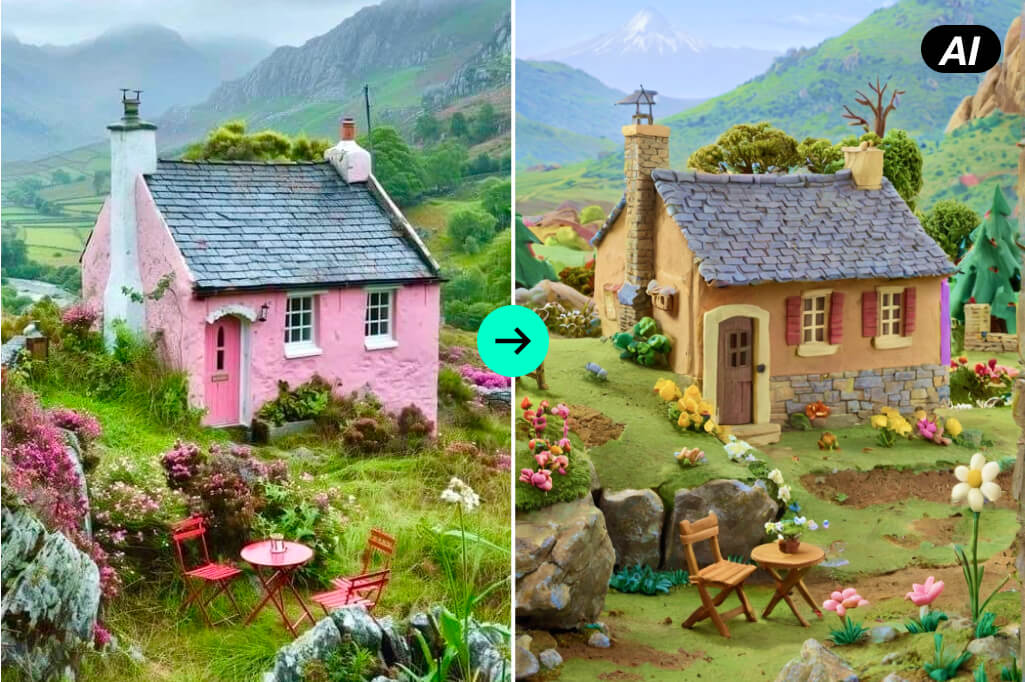
Make your scenic photos pop with a whimsical clay effect. From nature shots to urban skylines or dreamy mountains, the clay filter transforms them into playful works of art. Perfect for making travel photos stand out!

Capture Group Moments in Clay Style

Capture Group Moments in Clay Style

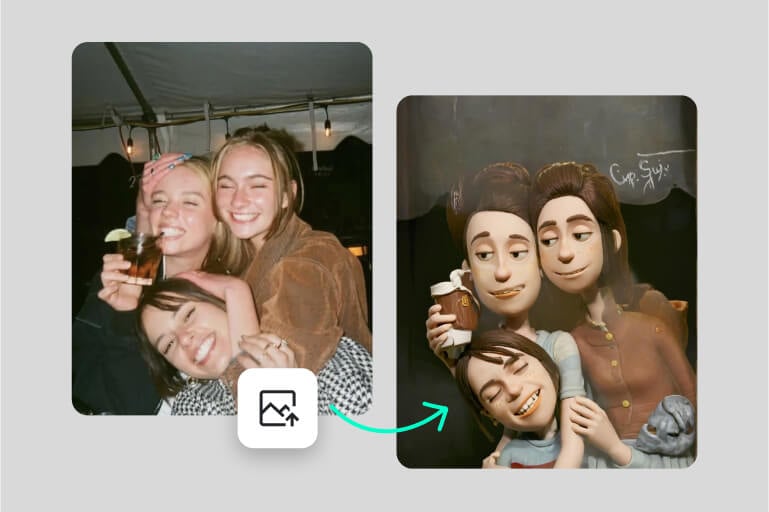
Celebrate group moments by converting family photos, team events, or friend gatherings into clay-style masterpieces. The vibrant and artistic twist makes them ideal for gifting or creating unique keepsakes.

Why Pick insMind for Clay Art Transformations?

One-Click Generation

One-Click Generation

Turn any photo into clay art with a single click. Upload your image, choose the filter, and let our AI do the rest in seconds.

Advanced AI With Precision

Advanced AI With Precision

insMind clay filter delivers precise and artistic results every time. The image enhancement is professional, trendy, and effortless.

Multiple Creative Filters

Multiple Creative Filters

Beyond the clay filter, you can experiment with sketch, Ghibli, cartoon, and watercolor filters to give your photos a fresh and distinctive look.

Frequently Asked Questions About the AI Clay Filter for Photos

What is a clay filter?

insmind expand icon
A clay filter is a creative AI tool that turns your photos into charming clay art. It mimics the look of handcrafted clay illustrations and adds a quirky and trendy vibe to your images. By using it, you can stand out on social media and bring artistic flair to personal and professional images.

Who can benefit from the clay filter?

insmind expand icon
Clay filters are suitable for anyone who loves creativity. They are an absolute favorite among content creators and graphic designers who want to gain more reach on social media. Artists can also use them to explore new styles and find inspiration. Anyone in the creative arts field can utilize them to add a playful touch to their projects. The possibilities are endless!

How long does adding a clay filter to the photo take?

insmind expand icon
Our AI works instantly, and transforming your photo takes only a few seconds. The exact time may depend on your network speed and the complexity of your photo, but rest assured, you'll have your clay art ready in no time.

What if I am not satisfied with the results?

insmind expand icon
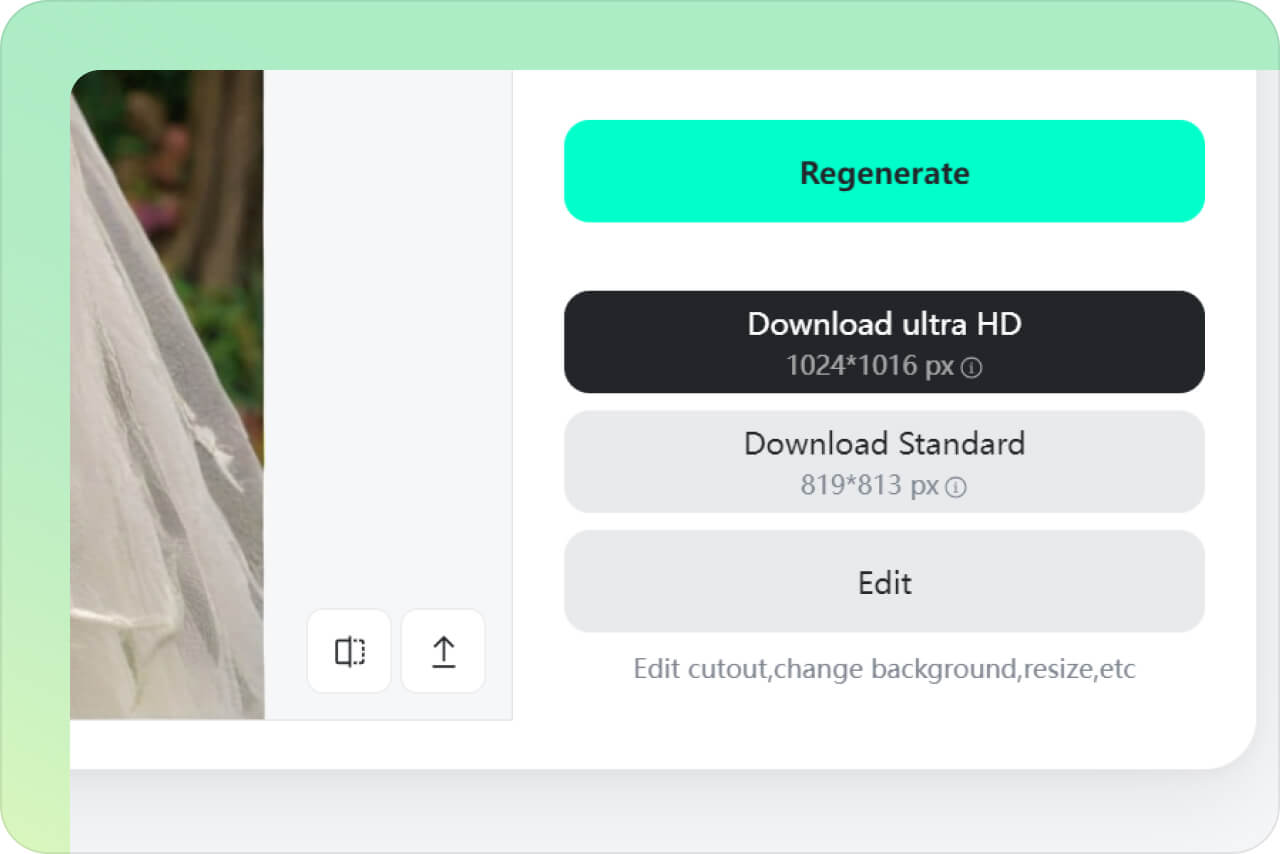
If the photos don't meet your expectations, you can always regenerate new variations until you're satisfied with the results.

Is insMind AI clay filter free to use?

insmind expand icon
Yes, the clay filter is free to use. However, there are some limitations in the free version, such as the ability to only download low-quality images. If you want to download high-quality photos without watermarks, please upgrade to the Pro version, which is very affordable.

You might be interested in

Make your pictures pop with features that are completely free.