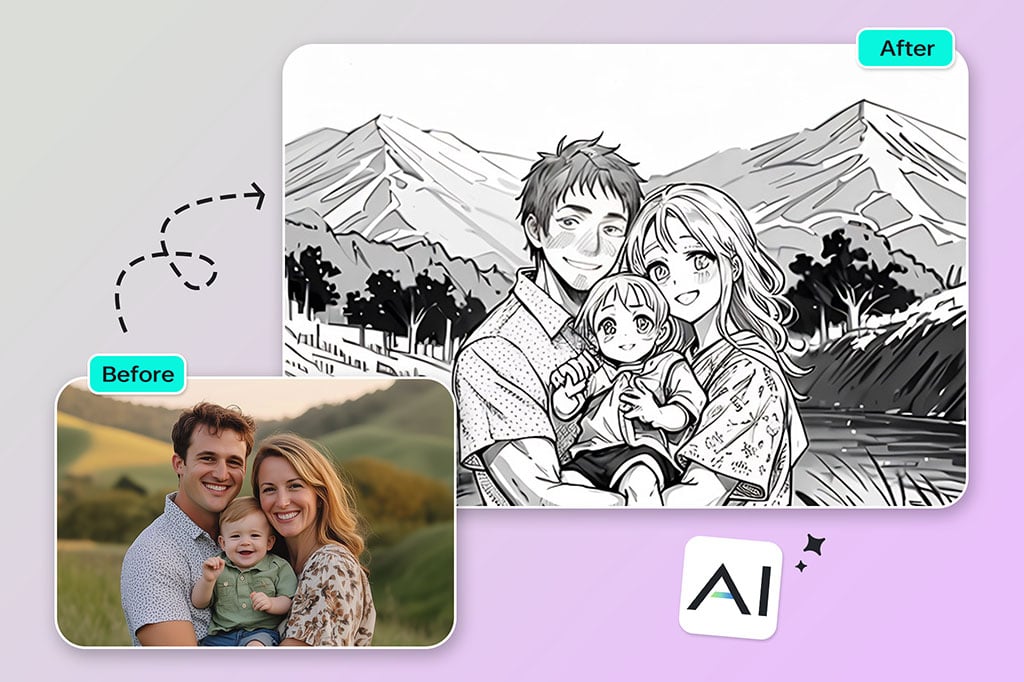
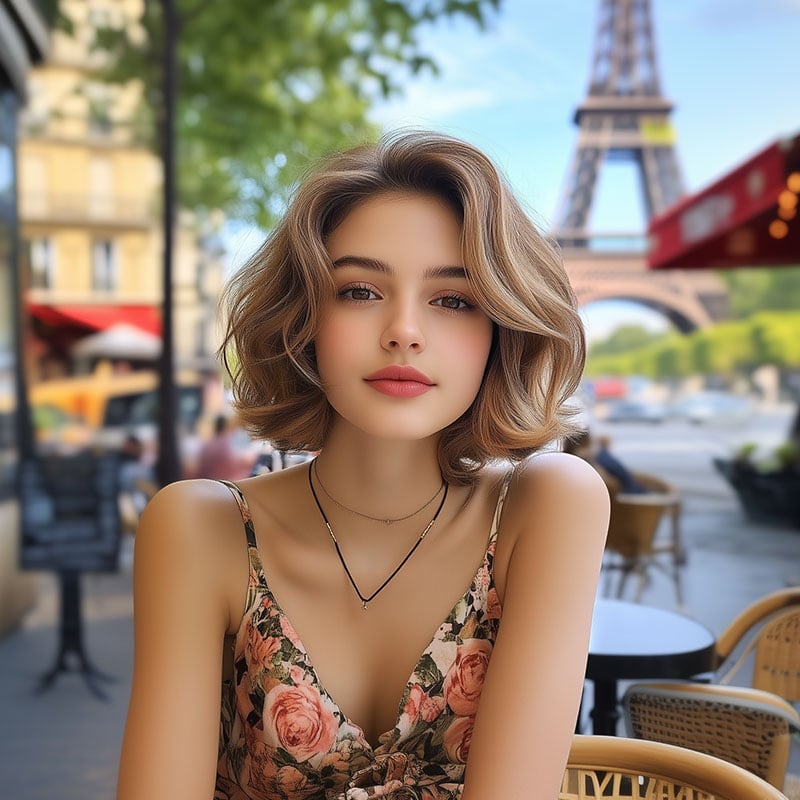
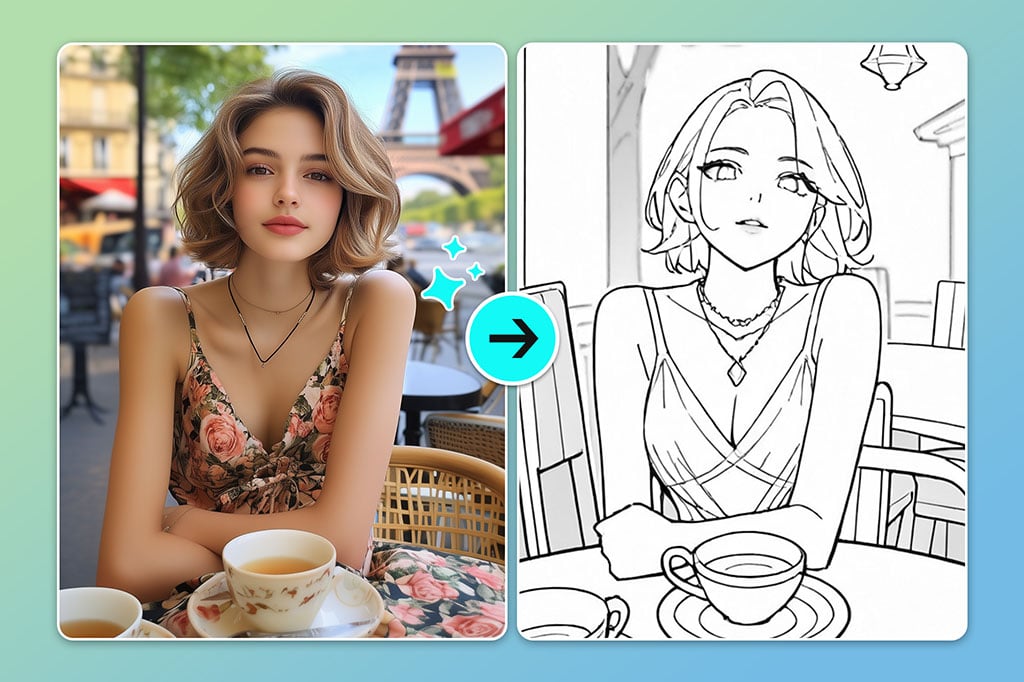
Use the photo to outline converter when you want a simple portrait drawing without tracing by hand. Upload a clear face photo, apply the outline filter, then adjust the result so key details such as eyes, hair, glasses, and jawline stay readable.

Photo to Line Drawing and Outline Converter Online
Or drop image here, paste image or URL
Try with one of these

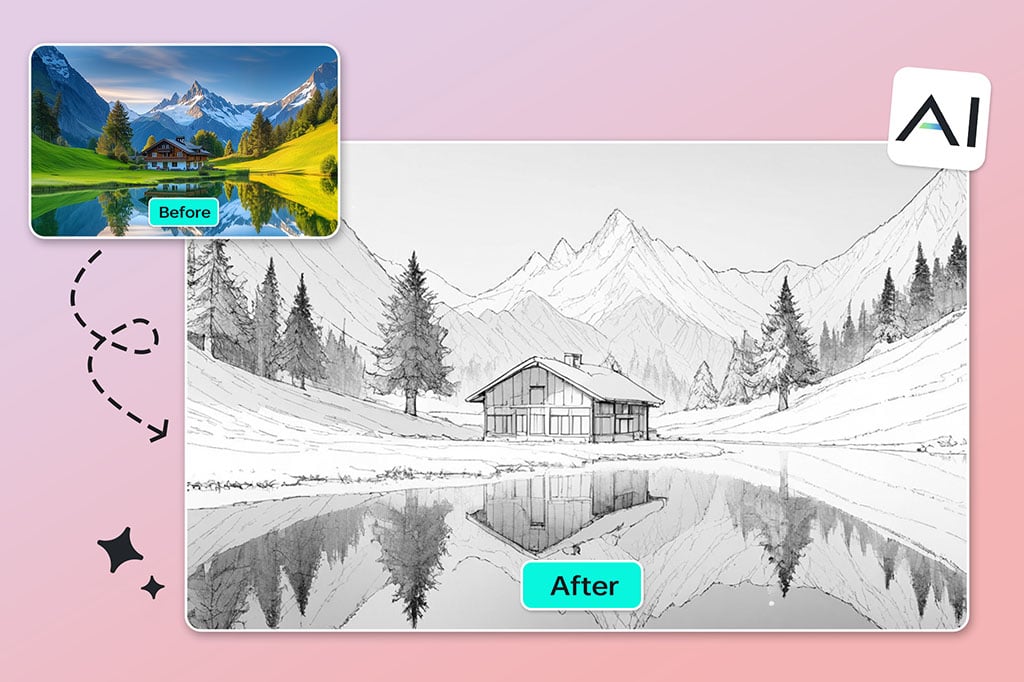
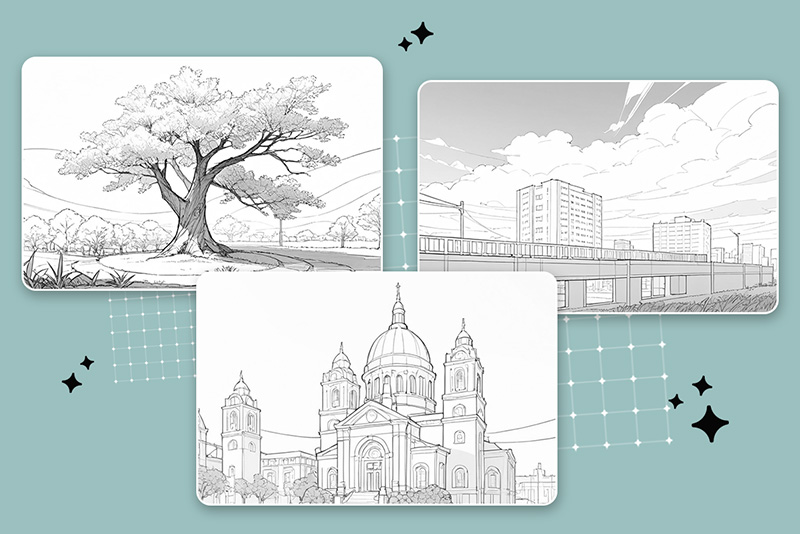
Convert Landscapes into Simple Outline Drawings
For travel photos, buildings, streets, and outdoor scenes, outline conversion helps separate the main shapes from busy color. It works best when the original image has clear contrast and a visible subject.
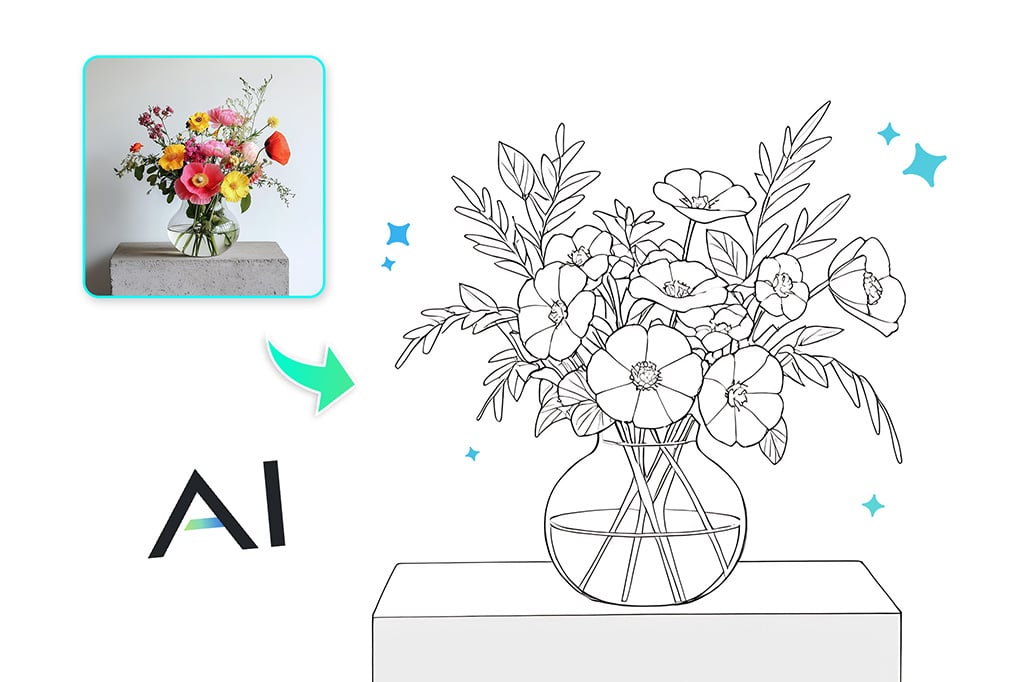
Make Product and Object Outlines for Design Drafts
A product photo can become a line drawing for labeling, instruction sheets, packaging mockups, craft templates, or simple visual notes. Keep the object centered and use a plain background when possible.
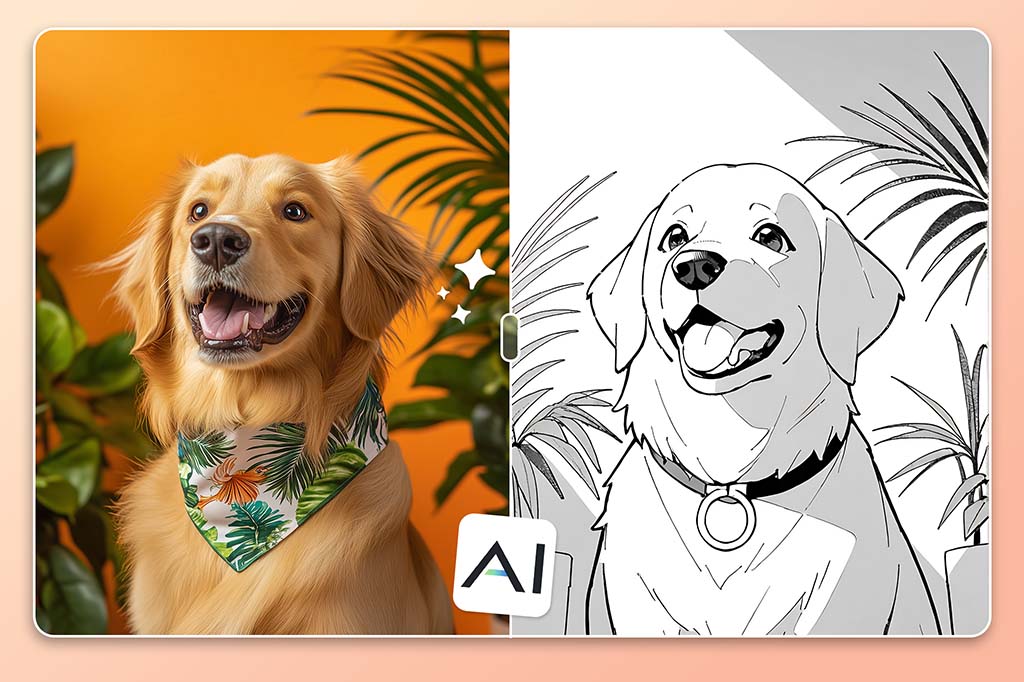
Create Pet, Tattoo, and Coloring Page Outlines
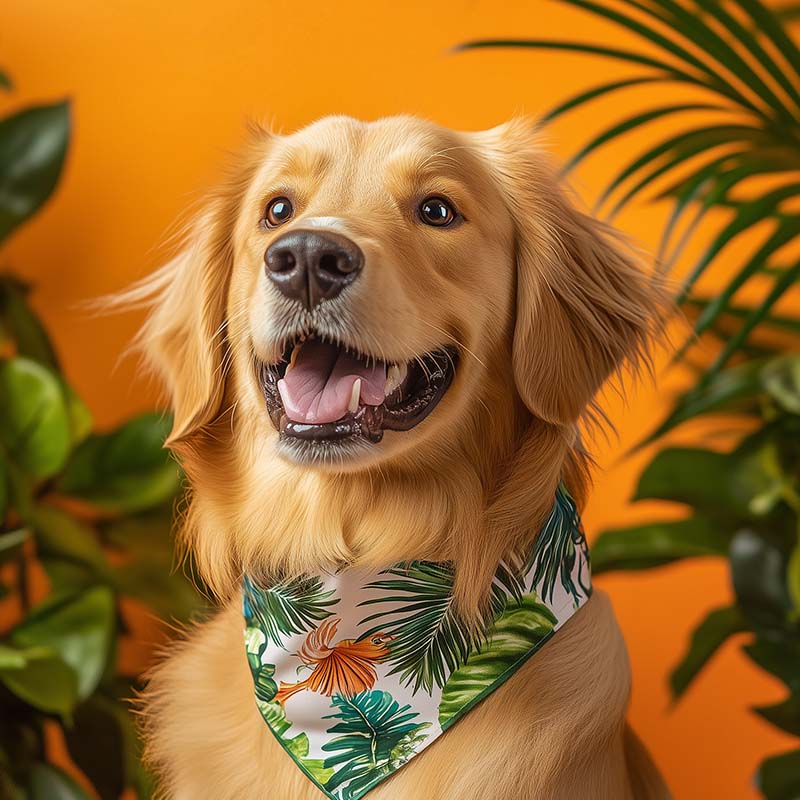
Use the tool for pet portraits, tattoo references, coloring pages, stickers, or printable art. If the first result feels too detailed, start with a brighter photo or crop closer to the subject.
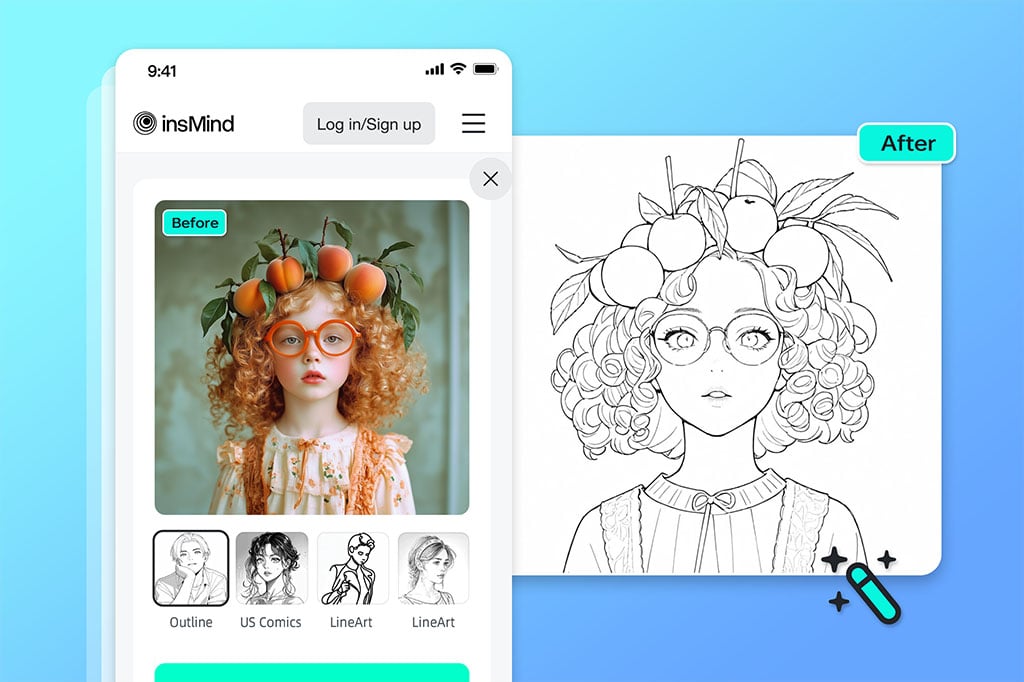
Use Photo to Outline on Desktop or Mobile
No drawing software is required. Upload an image from your browser, preview the outline effect, and download the result when the lines are clean enough for your project.
Related Photo-to-Art and Line Drawing Tools
How to Turn a Photo into an Outline Drawing
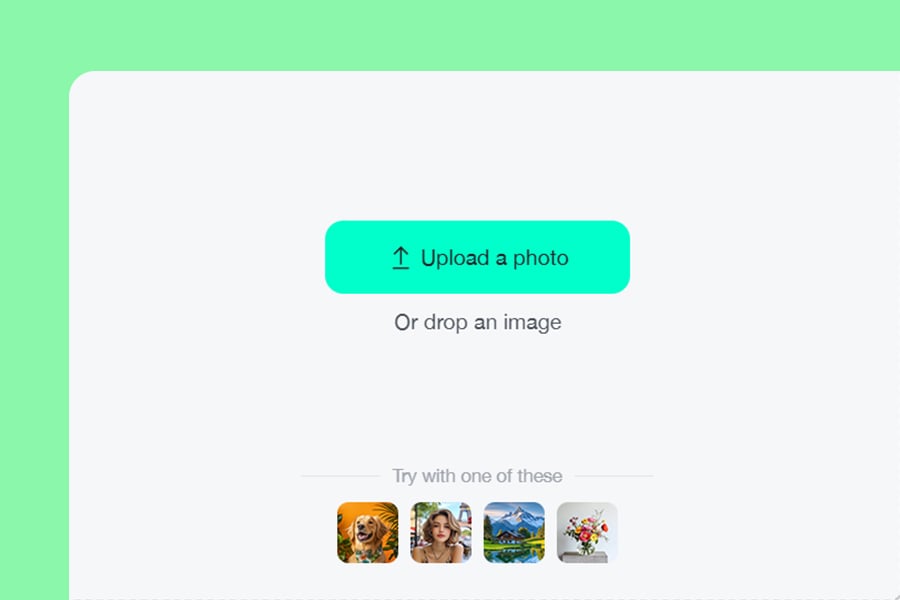
1
1 Upload a clear photo
Choose a portrait, product, pet, landscape, or object photo. A clear subject and good contrast help the outline look cleaner.
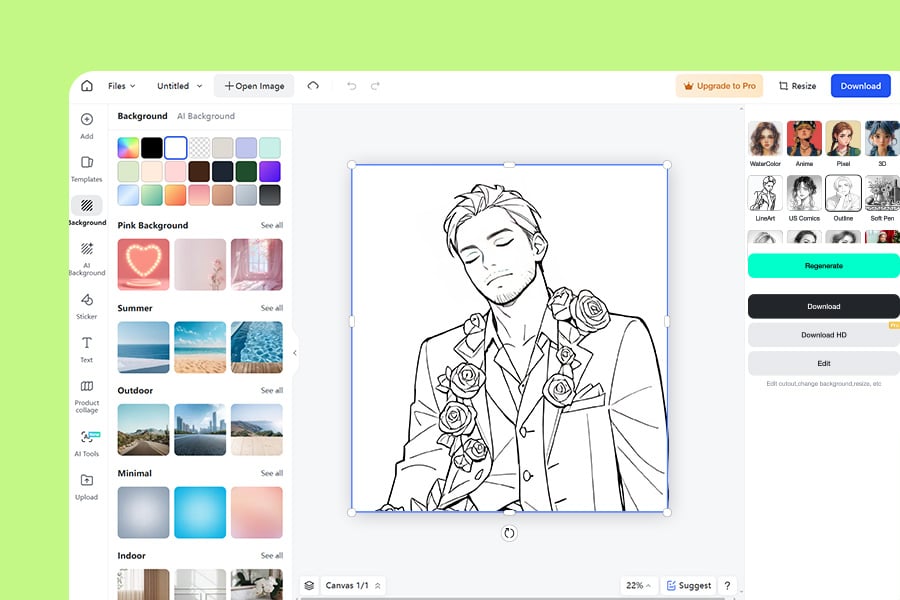
2
2 Apply the outline filter
Select the Outline filter and preview the line drawing. If the image has too much background detail, crop it first or try a simpler photo.
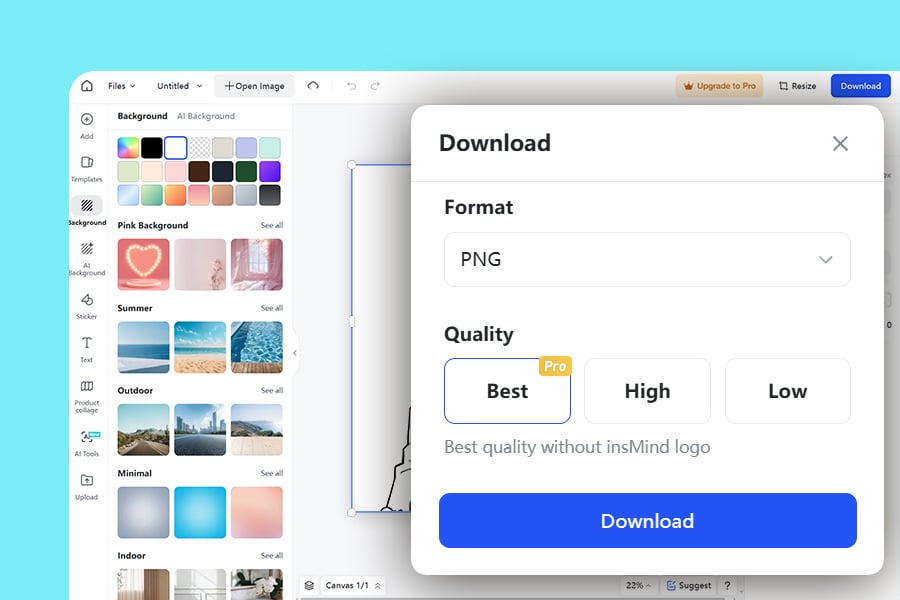
3
3 Download the line drawing
Save the outline image for coloring, tracing, design drafts, stickers, tattoos, or social posts. Check small details before using it for print.
What Can You Use a Photo Outline For?
A good outline keeps the important shapes while removing color and visual noise. Use the result as a starting point for drawing, craft, print, or design work.
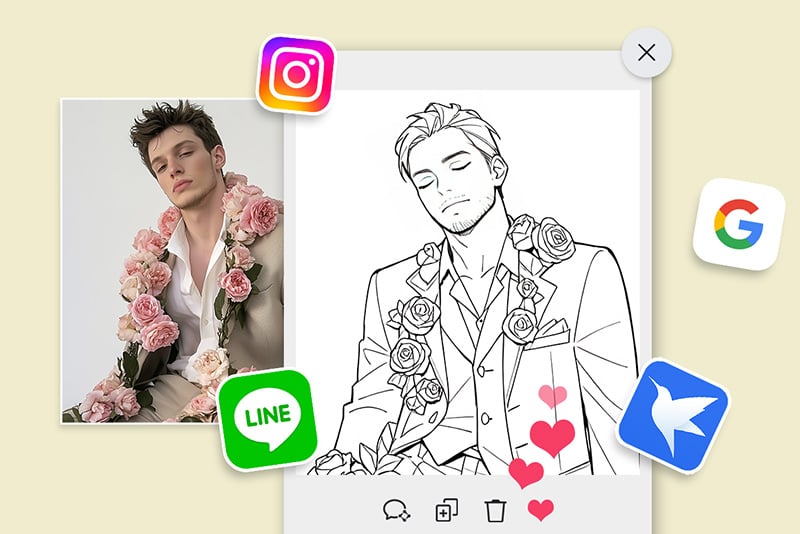
Coloring Pages and Printables
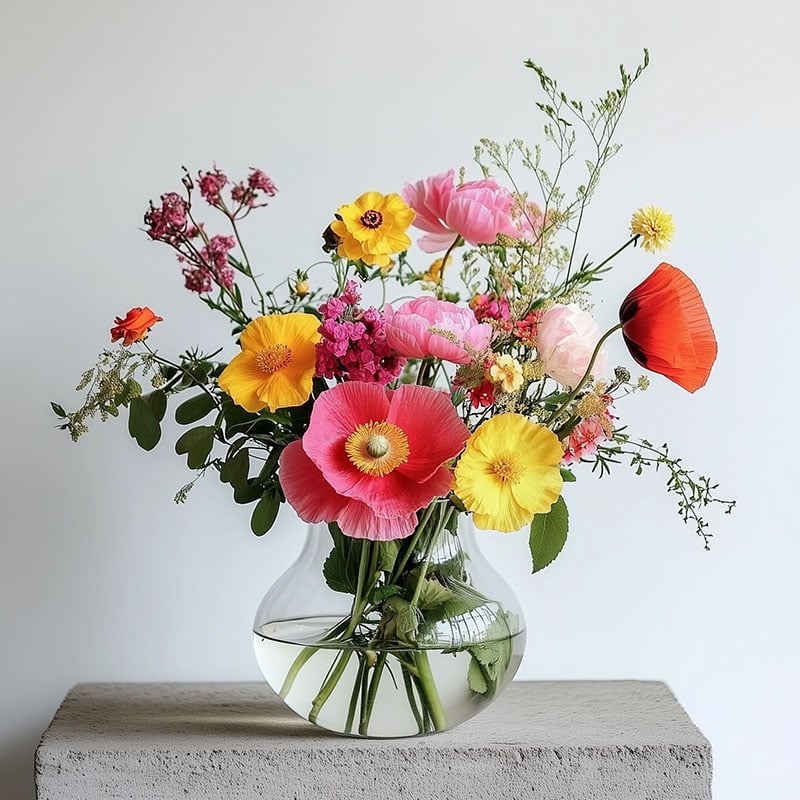
Turn family photos, pets, flowers, or simple objects into printable outline drawings for coloring pages, classroom activities, or personal craft projects.
Tattoo and Sticker References
Create a clean line drawing from a photo before refining it into a tattoo concept, sticker design, decal, or icon.

Product Labels and Instruction Graphics
Use object outlines to show shape, parts, or steps without the distraction of full-color photos. It is useful for guides, packaging notes, and quick mockups.
Why Use insMind as Your Photo to Outline Converter?

No Manual Tracing
Create a usable outline in seconds instead of drawing over every edge by hand.

Works in Your Browser
Upload, preview, and download online without installing illustration software.

Useful for More Than Portraits
Try it on people, products, pets, buildings, flowers, and simple objects depending on the project.
FAQs About Photo to Outline Converter
How do I turn a photo into an outline?


Upload your photo to insMind, apply the Outline filter, preview the line drawing, and download the result. A clear subject and strong contrast usually produce cleaner lines.
Can I convert a photo to a line drawing online for free?
Yes, you can try the photo to outline converter online. Upload an image, generate the outline, and download the result based on the available free options.
What photos work best for outline drawings?
Portraits, pets, products, flowers, buildings, and simple objects work well when the subject is clear. Very dark, blurry, or crowded images may create messy outlines.
Can I use the outline for coloring pages or tattoos?
Yes. The generated outline can be used as a starting point for coloring pages, tattoo references, stickers, craft patterns, or design drafts. Review the details before printing or sharing.
More Ways to Turn Photos into Art
Try sketch, cartoon, anime, pixel art, and painting effects when a plain outline is not the final style you need.
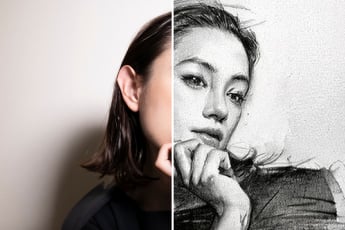
Photo to Sketch
Turn photos into sketch-style drawings with softer shading and pencil-like detail.
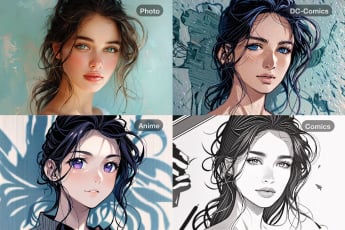
Photo to Line Drawing
Create a line drawing from a photo when you need clean strokes and simple shapes.
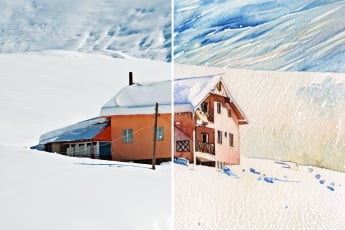
Photo to Watercolor
Convert photos into a soft watercolor style for portraits, landscapes, and creative posts.
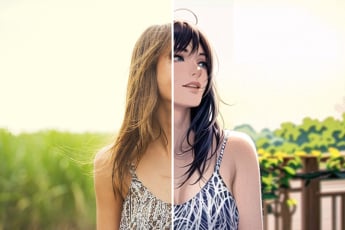
Photo to Anime
Turn a selfie or portrait into an anime-style image with AI.

AI Filter
Explore more AI photo filters when you want a different artistic style.
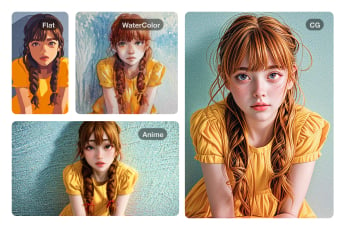
Photo to Painting
Transform photos into painting-style artwork for a richer, more finished look.
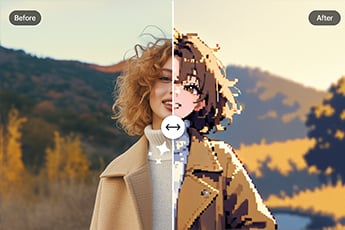
Photo to Pixel Art
Convert a photo into pixel art for retro avatars, icons, or game-inspired visuals.
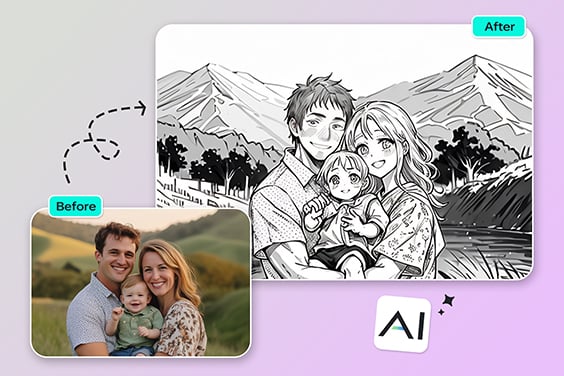
Photo to Pencil Drawing
Create a pencil drawing effect with shading when an outline alone feels too simple.
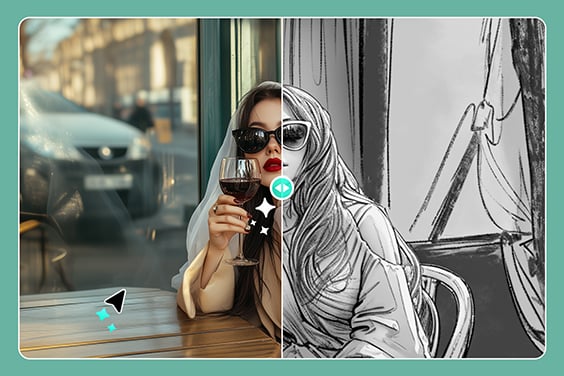
Photo to Pencil Drawing
Transform photos into realistic pencil drawings with detailed shading for an artistic touch.
“Perfect for making social media content. I also think it provides a nice creative touch to your posts!”
@Amara