Turn a Photo into a 3D Cartoon Online

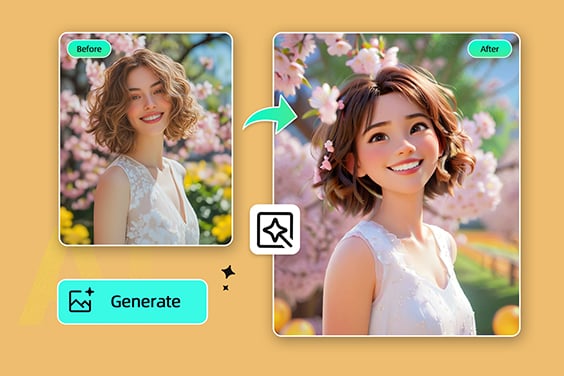
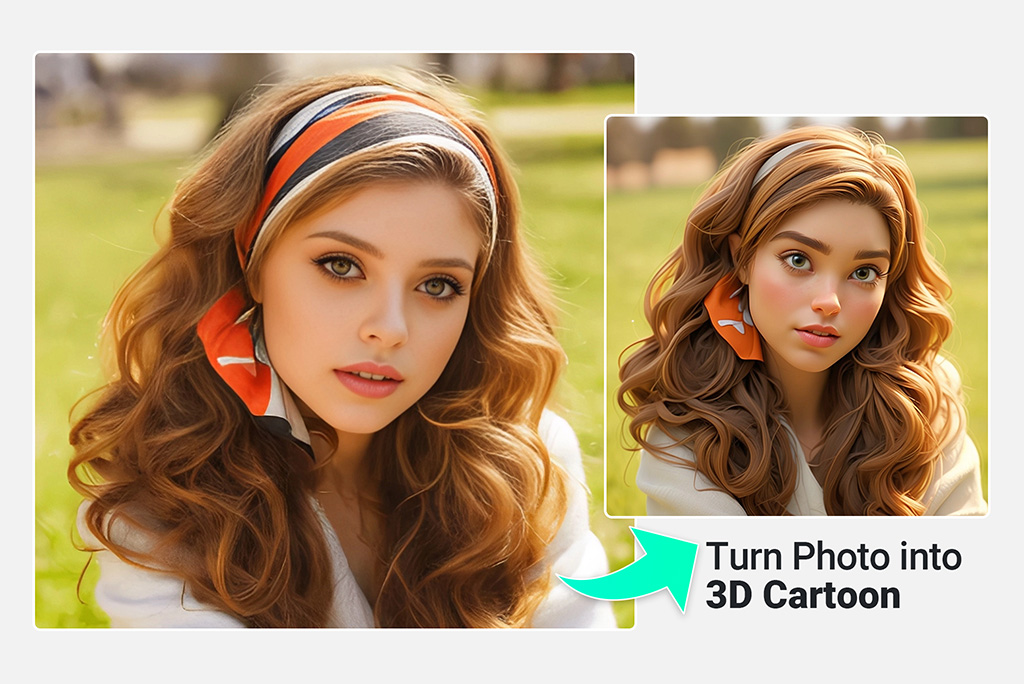
Upload a portrait, pet photo, or character sketch and choose a 3D cartoon style. insMind keeps the workflow short: upload, pick a look, preview the result, then download.

Turn a Photo into a 3D Cartoon Online
Or drop image here, paste image or URL
Try with one of these
Photo to 3D Cartoon 1
Photo to 3D Cartoon 2
Photo to 3D Cartoon 3
Photo to 3D Cartoon 4
Photo to 3D Cartoon 5
Turn a Photo into a 3D Cartoon Online
Create a 3D Cartoon from One Photo

Create a 3D Cartoon from One Photo

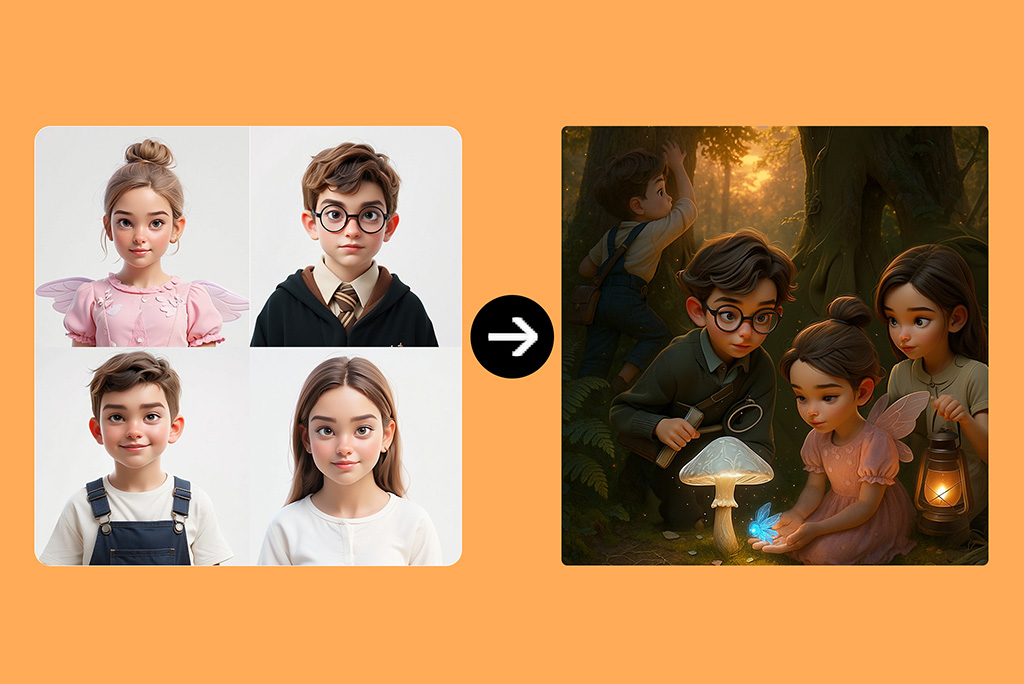
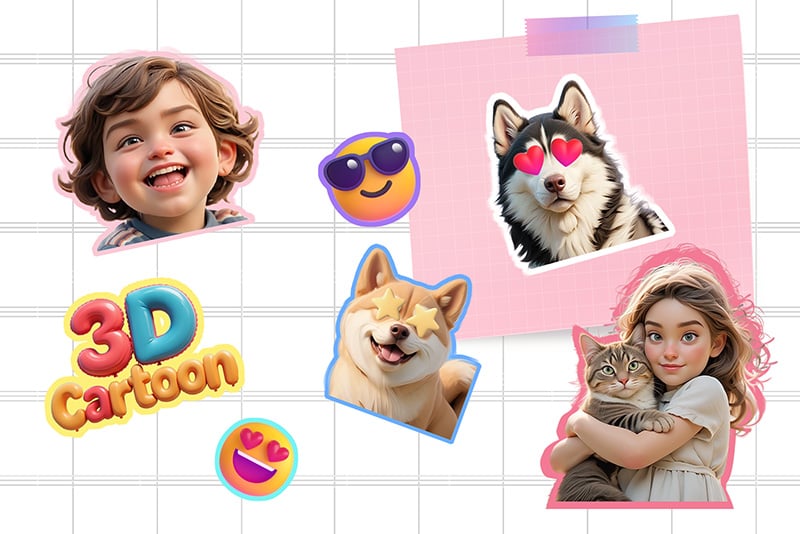
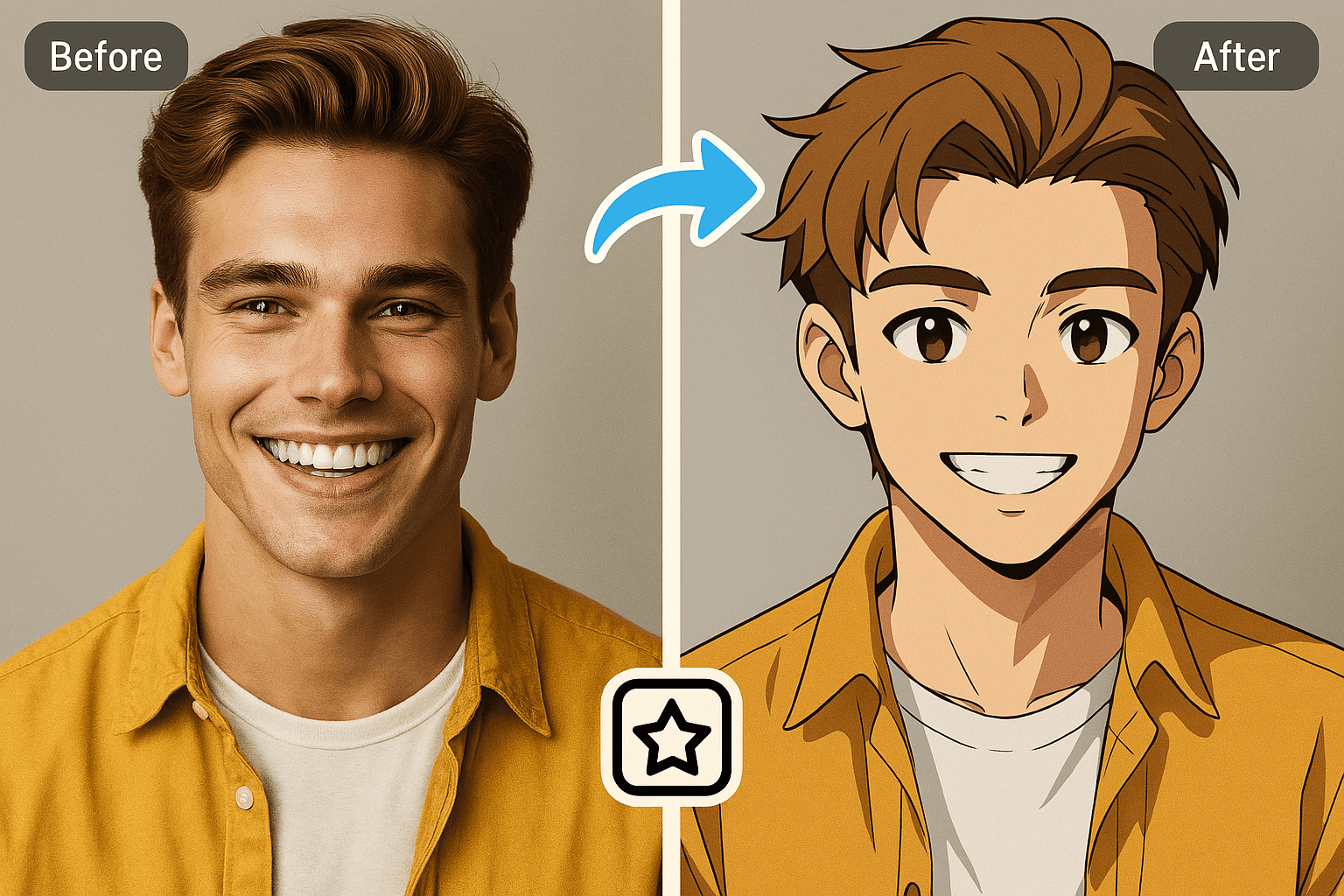
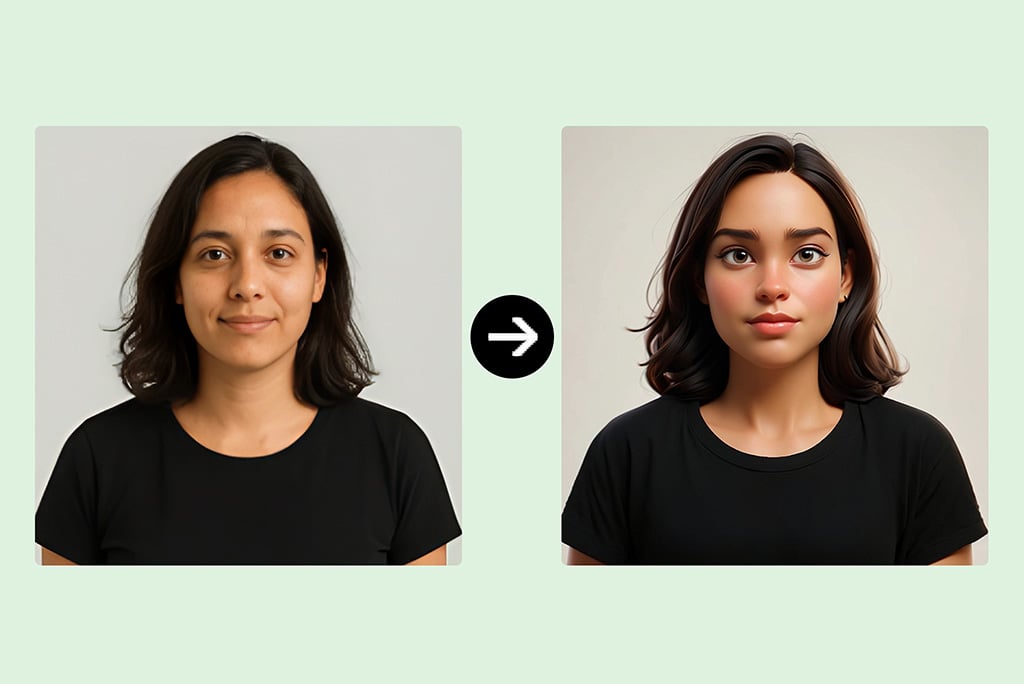
Start with a clear selfie, product shot, pet picture, or simple character image. The 3D cartoon photo editor keeps the subject recognizable while giving it a rounded, animated look.


If you want a flatter illustrated style instead, send users to the photo to cartoon tool rather than forcing both styles onto this page.
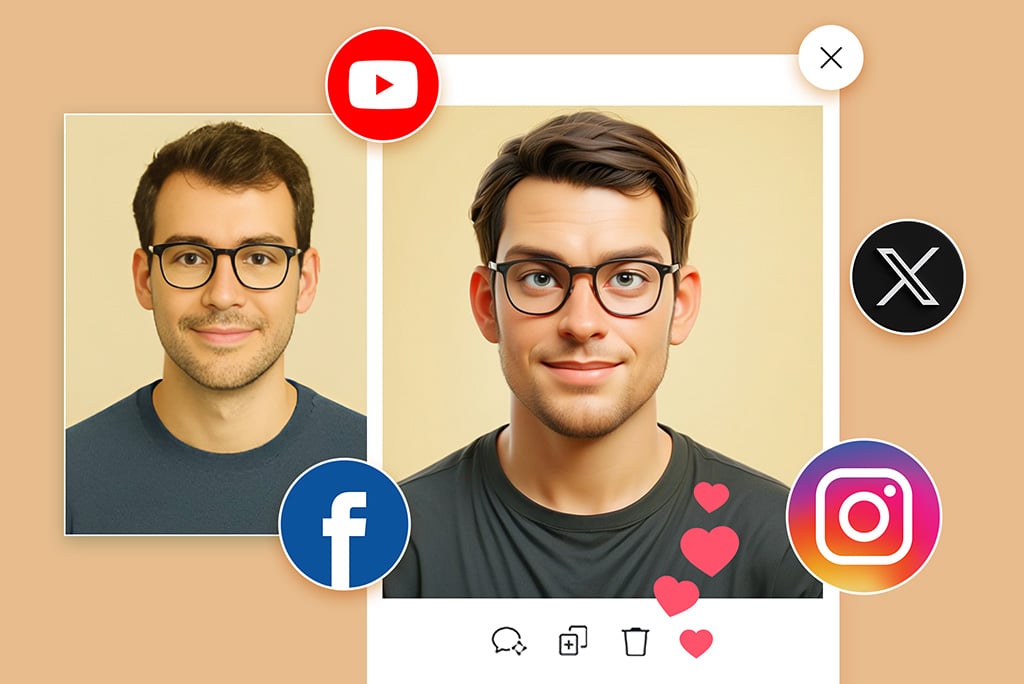
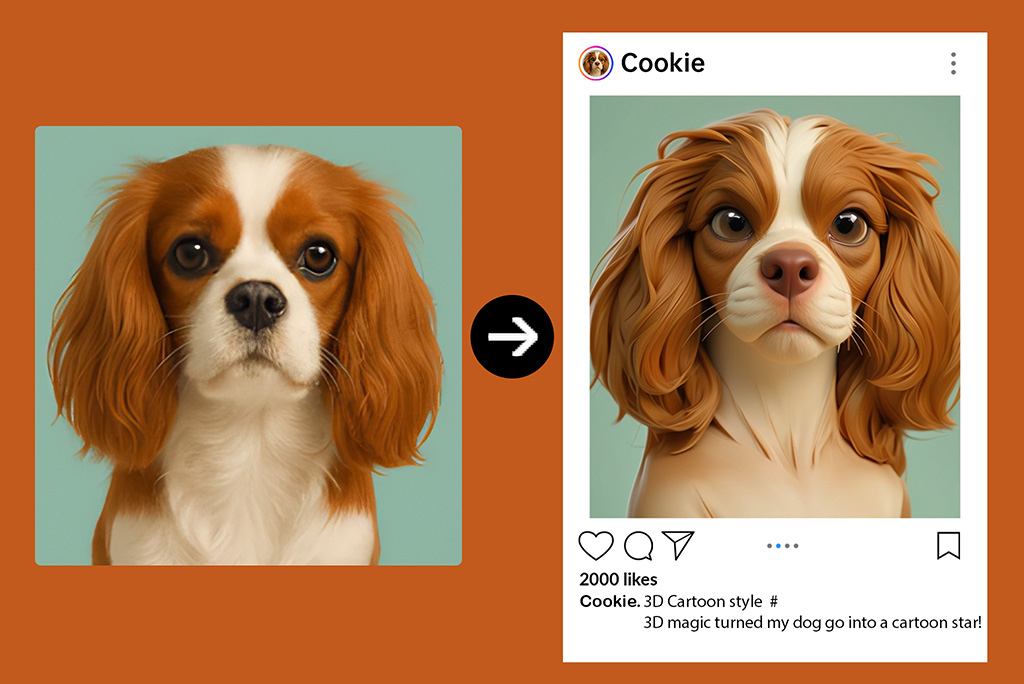
Turn Your Photo into 3D Cartoon
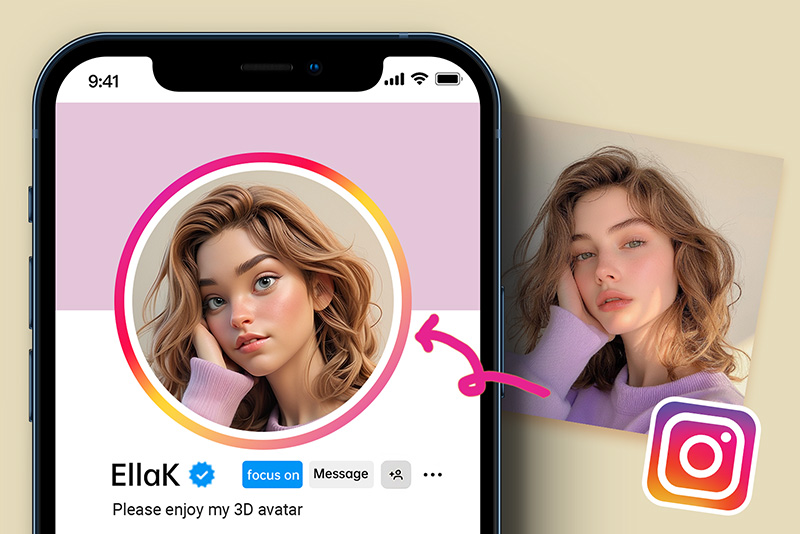
Make 3D Cartoon Avatars for Profiles

Make 3D Cartoon Avatars for Profiles

Create a profile image that still feels like you: face shape, pose, and expression stay useful, while the output gets a polished 3D avatar style for social bios, creator pages, or gaming accounts.

Create My 3D Avatar
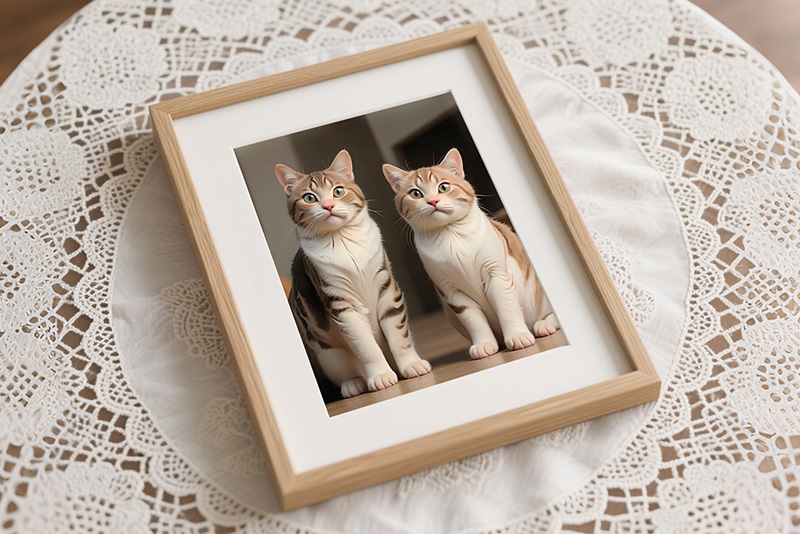
Cartoon Pets, Gifts, and Stickers

Cartoon Pets, Gifts, and Stickers

Pet photos work best when the face is visible and the background is not too busy. Use the 3D cartoon result for gifts, stickers, or a playful profile image.

Cartoonize My Pet
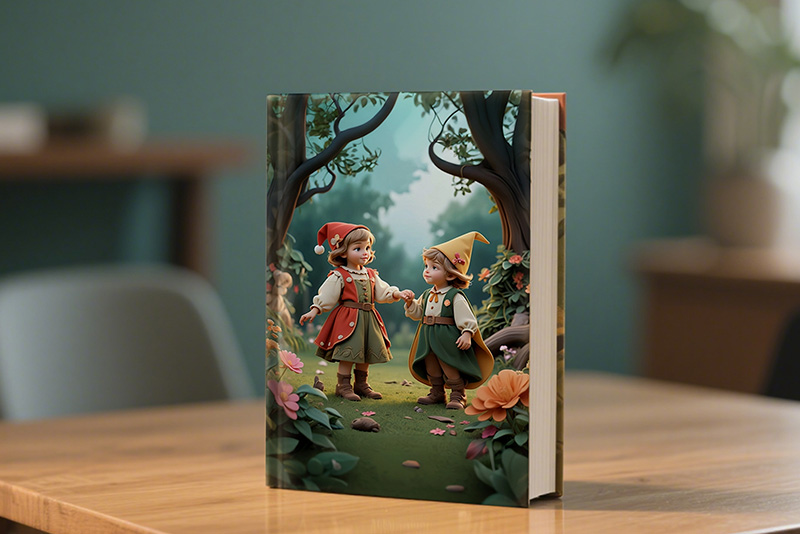
Draft Characters for Stories and Posts

Draft Characters for Stories and Posts

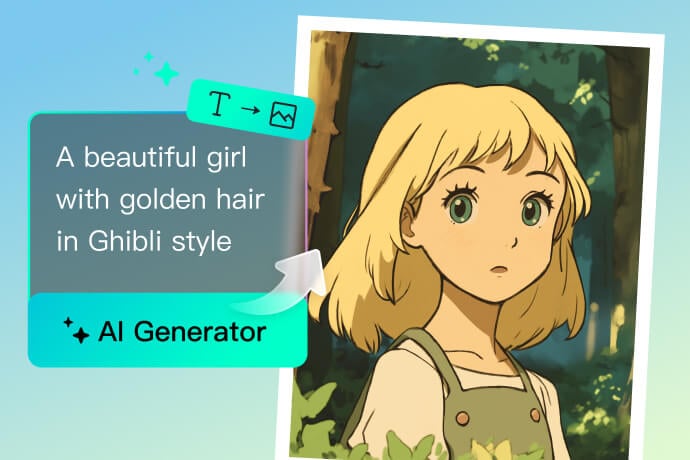
Use the generator to explore a character look before you commit to a full illustration. For character-focused work, the cartoon character maker is the better next step.

Turn Your Photo into 3D Cartoon

More Cartoon and Character Tools

How to Turn a Photo into a 3D Cartoon

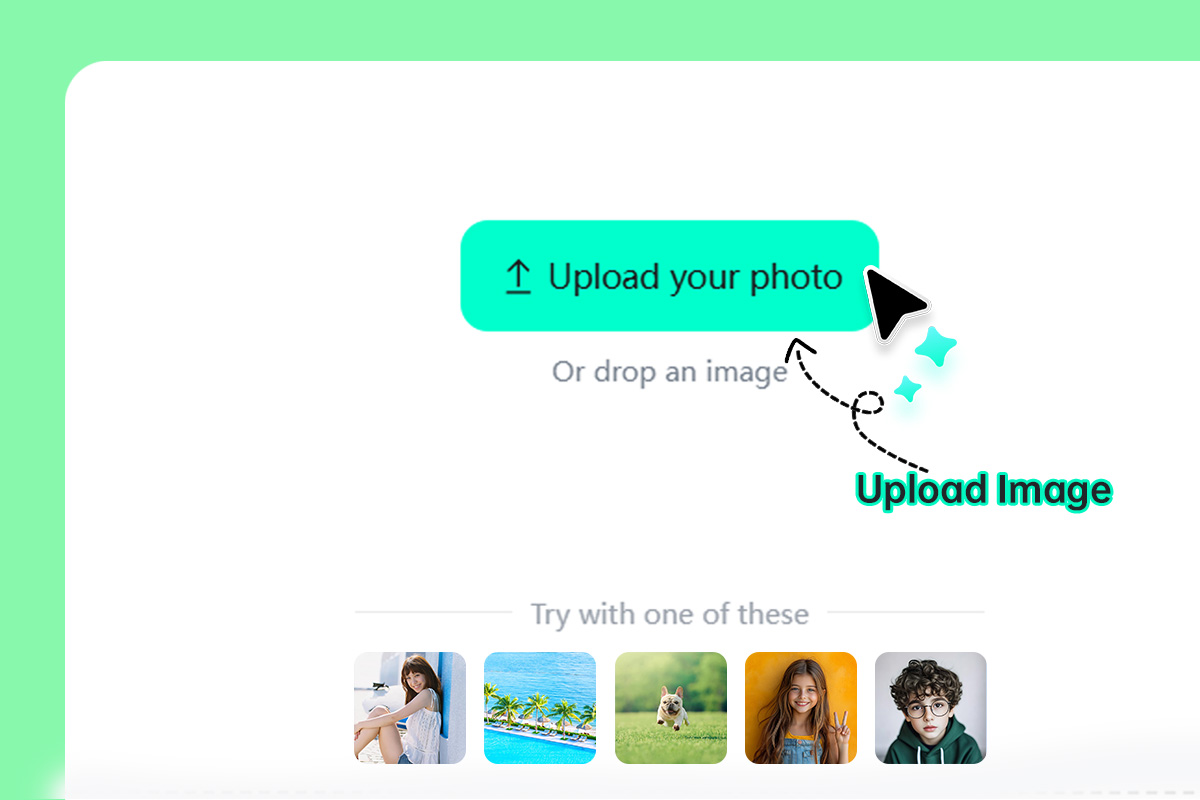
Upload a clear photo
1

1 Upload a clear photo

Choose a portrait, pet, product, or character image with the subject visible. A simple background usually gives the model a cleaner shape to work with.
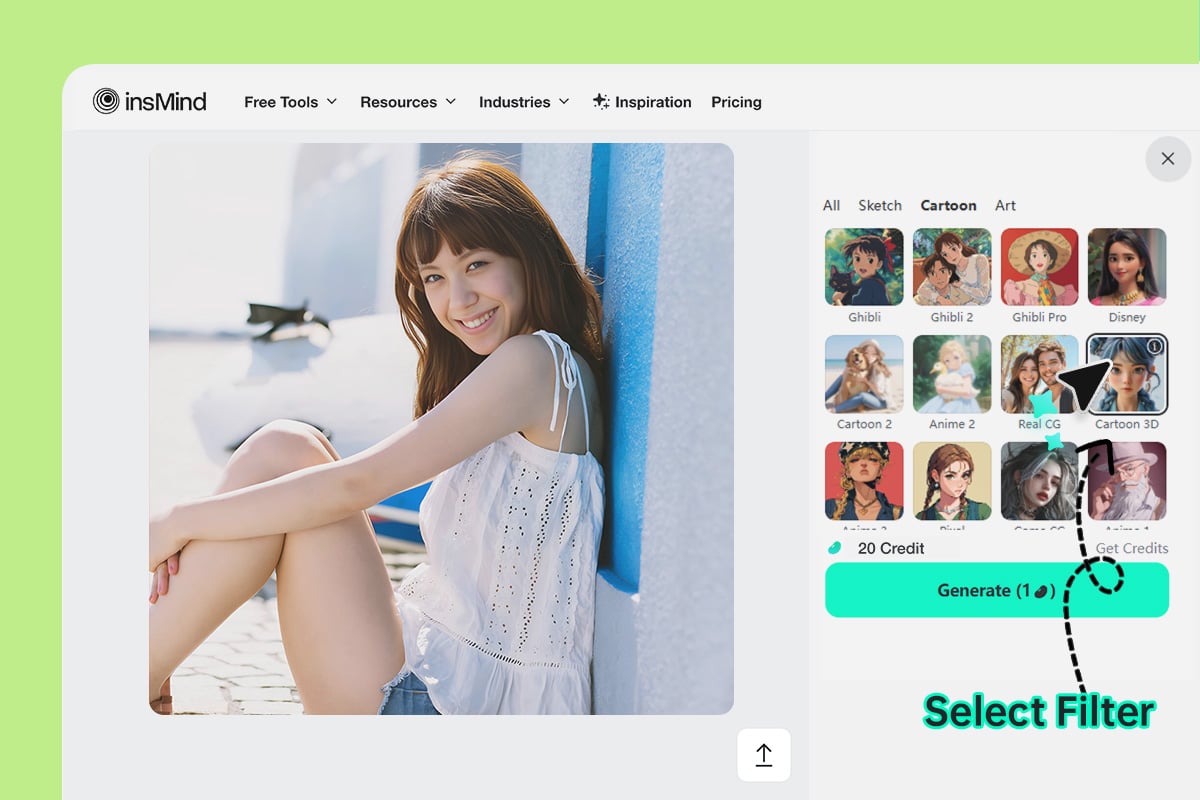
Choose a 3D cartoon style
2

2 Choose a 3D cartoon style

Pick the cartoon look that fits your goal, such as a soft avatar, clay-like character, or animated portrait. Avoid stacking too many style ideas in one attempt.
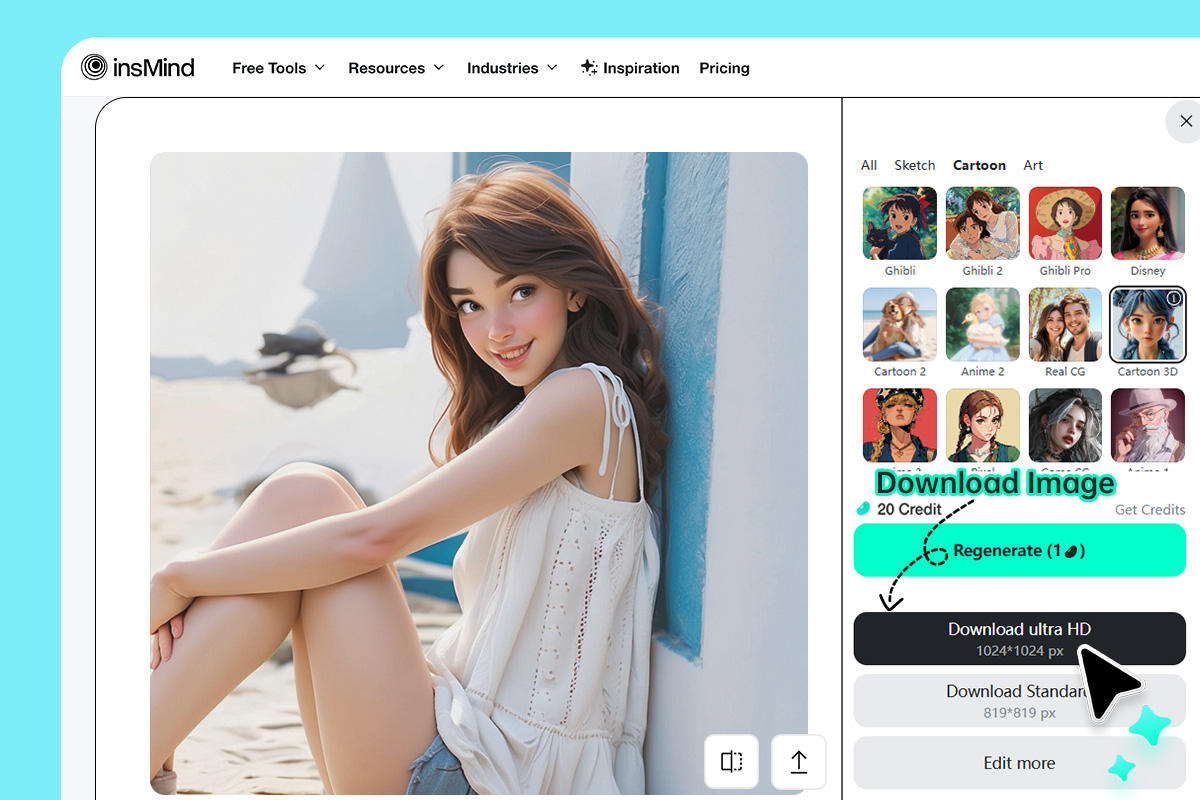
Preview, adjust, and download
3

3 Preview, adjust, and download

Generate the result, check the face and edges, try another style if needed, then download the finished 3D cartoon image.

Practical Ways to Use a 3D Cartoon Photo

From social media images to gaming avatars, insMind AI enables you to effortlessly create your 3D cartoons and use them wherever you want.

Social Profile Images

Social Profile Images

Turn a clear selfie into a rounded 3D avatar for creator profiles, bios, and casual social posts. Keep the face visible in the source photo so the result still feels recognizable.

Story and Character Drafts

Story and Character Drafts

Use a 3D cartoon result as an early character direction for a story, post, or presentation. For full character creation from text, move to the cartoon character maker after testing the look here.

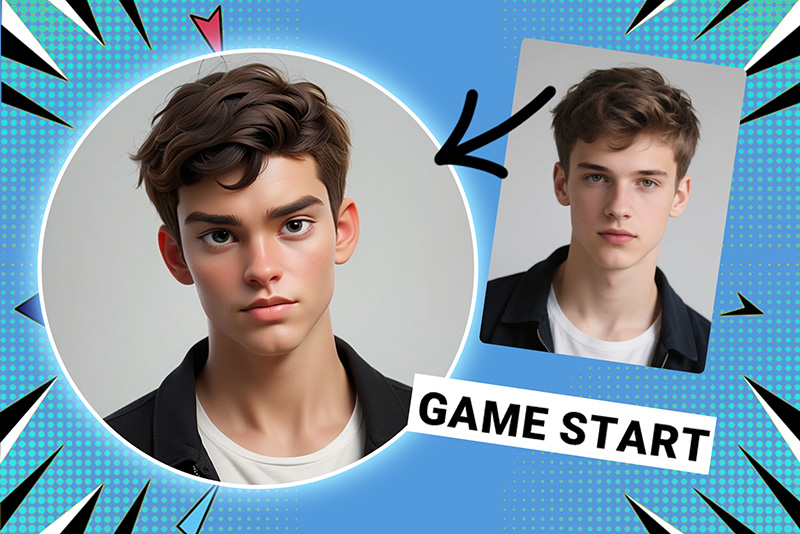
Gaming and Community Avatars

Gaming and Community Avatars

Create a playful avatar for game profiles or community spaces. Avoid source images with heavy shadows or covered faces, because those details can distort the cartoon shape.

Pet Cartoon Gifts

Pet Cartoon Gifts

Pet photos work best when the eyes and face are sharp. Generate a 3D cartoon version for stickers, cards, or small gifts, then check fur edges before downloading.

Sticker-Style Graphics

Sticker-Style Graphics

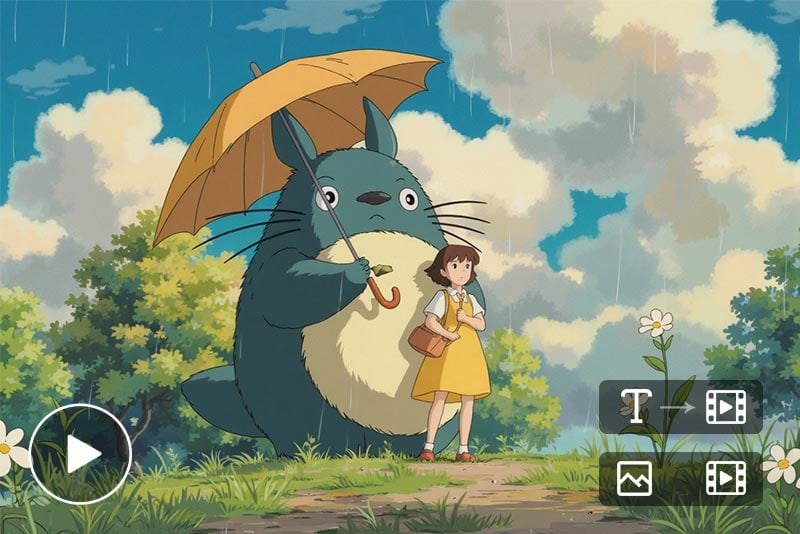
Use the output as a static sticker-style image for chats, thumbnails, or small design accents. If you need animation, route the finished image into a video or animation workflow.

Why Use insMind's 3D Cartoon Photo Generator?

One-Click Cartoonizing

One-Click Cartoonizing

The system requires no difficult editing because users can simply upload their files then pick their choice and instantly receive an outstanding 3D cartoon image.

Multiple 3D Styles Available

Multiple 3D Styles Available

The 3D generator provides different animation styles for you to develop the best possible visual content.

High-Quality 3D Effects

High-Quality 3D Effects

Besides regular filters, the AI-enabled 3D cartoon maker builds authentic textures with accurate shading and precise details.

FAQs About Photo to 3D Cartoon Generator

What is a 3D cartoon photo editor?

insmind expand icon
It is an online tool that turns an uploaded image into a 3D cartoon-style result. It is useful for avatars, pet portraits, stickers, and quick character drafts.

Can I make a 3D cartoon online for free?

insmind expand icon
Yes. You can upload a photo and try the 3D cartoon workflow online. Some export or advanced editing options may depend on your account plan.

What photos work best for 3D cartoon results?

insmind expand icon
Use a clear photo where the subject is visible and not heavily covered by shadows, blur, or busy objects. Portraits and pet photos with simple backgrounds usually work better.

Can I choose a cartoon style?

insmind expand icon
Yes. Choose the style that matches the result you want, then regenerate if the first version is too soft, too dramatic, or not close enough to the original.

Should I use this page or Photo to Cartoon?

insmind expand icon
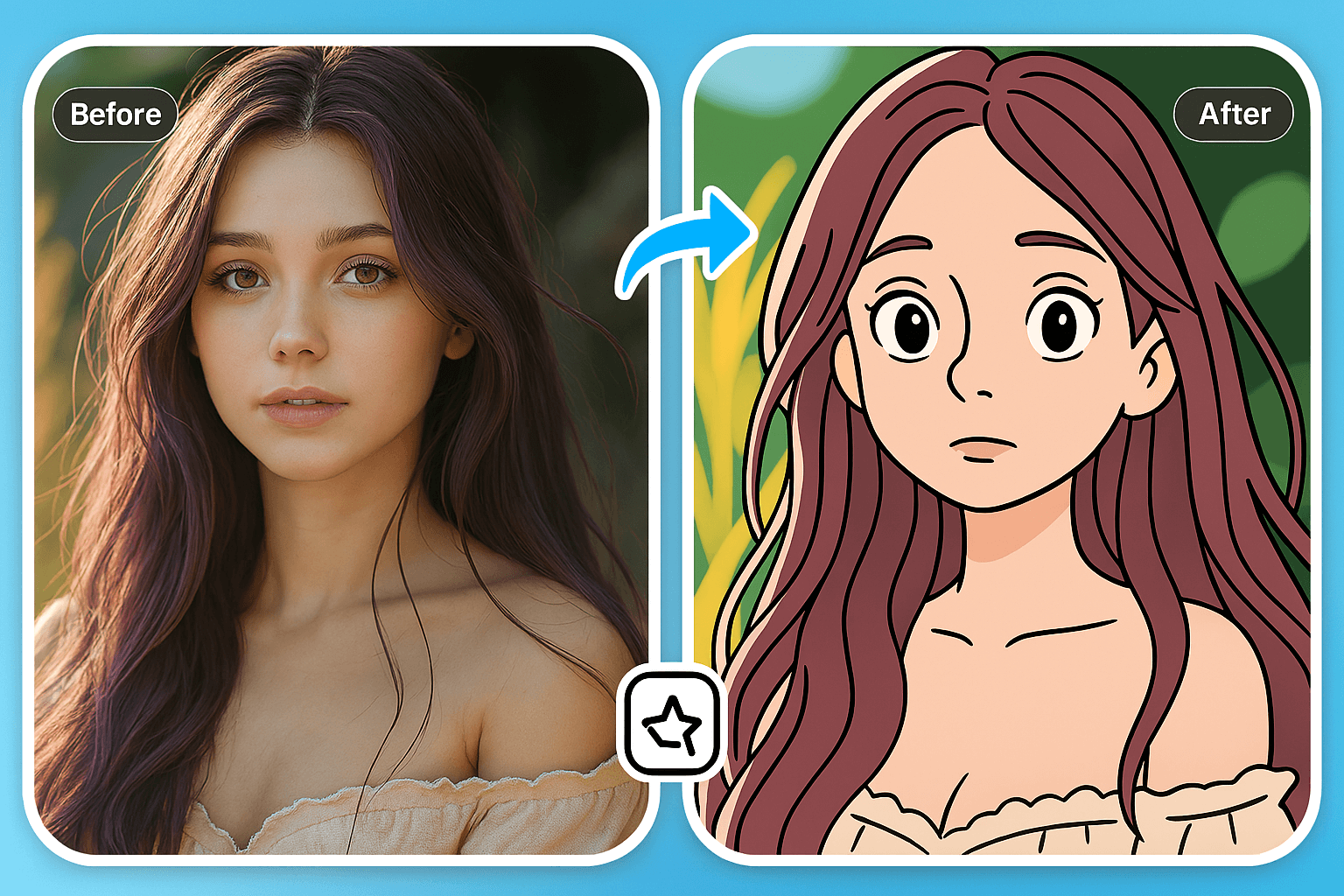
Use this page for a rounded 3D cartoon look. Use the Photo to Cartoon tool when you want a flatter illustrated or classic cartoon effect.

Keep Creating with Related Cartoon Tools

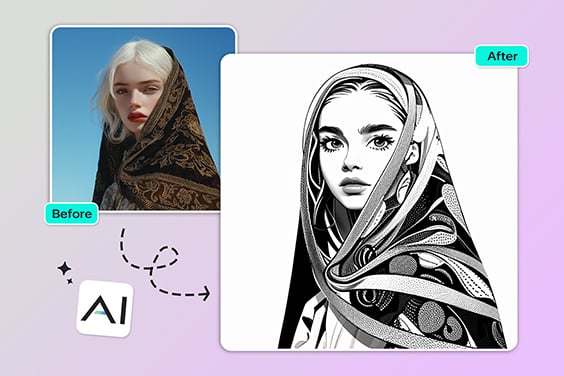
Use these tools when you need a flatter cartoon, anime portrait, character design, or another stylized result after the 3D version.