


While you have that long urge to get a haircut, you remain indecisive about whether you need to go for a short style or not. The growing popularity of the Pixie Cut for women is surely tempting; however, you are not ready to lose your long hair without getting an idea.
If this is the scenario, you can always visualize your haircut before the actual cut using insMind's Image-to-Image functionality. In this article, while you get a new try-on with the pixie cut filter, we will discuss the ongoing trends of this infamous haircut.
Table of Contents
Key Takeaways
Discover what makes pixie cuts a timeless and bold hairstyle choice that continues to captivate women in 2025.
- Learn about the versatile benefits of pixie cuts, including low maintenance, chic aesthetics, and suitability.
- Explore how insMind's Image-to-Image tool enables you to virtually try on a pixie cut before committing to a bold transformation.
- Get inspiration from the top trendy pixie cut styles, ranging from classic and choppy to asymmetric and wolf pixies.
- Understand practical styling tips and product recommendations to keep your pixie cut fresh.
Part 1. What is a Pixie Cut?
If you are wondering what a Pixie Cut is, it is a short-length hairstyle with cropped sides and a slightly longer hair length from the top. This hairdo has a very high-brow appearance, which dates back to the late 1950s. However, it has long since begun to shake the water once again. The general appearance of this cut is classy and represents youth and aggression.
Benefits of Getting a Pixie Cut
- Low Maintenance: The hairstyle has a low time of styling and requires a few hair products in comparison to long hair.
- Chic and Fresh: Its general appearance is chic and fresh, has an easy appearance to it, and gives a brash but nonchalant impression.
- Multiple Face Shapes: It fits a large variety of face shapes, from oval to heart-shaped, to accentuate the features of the face by framing it.
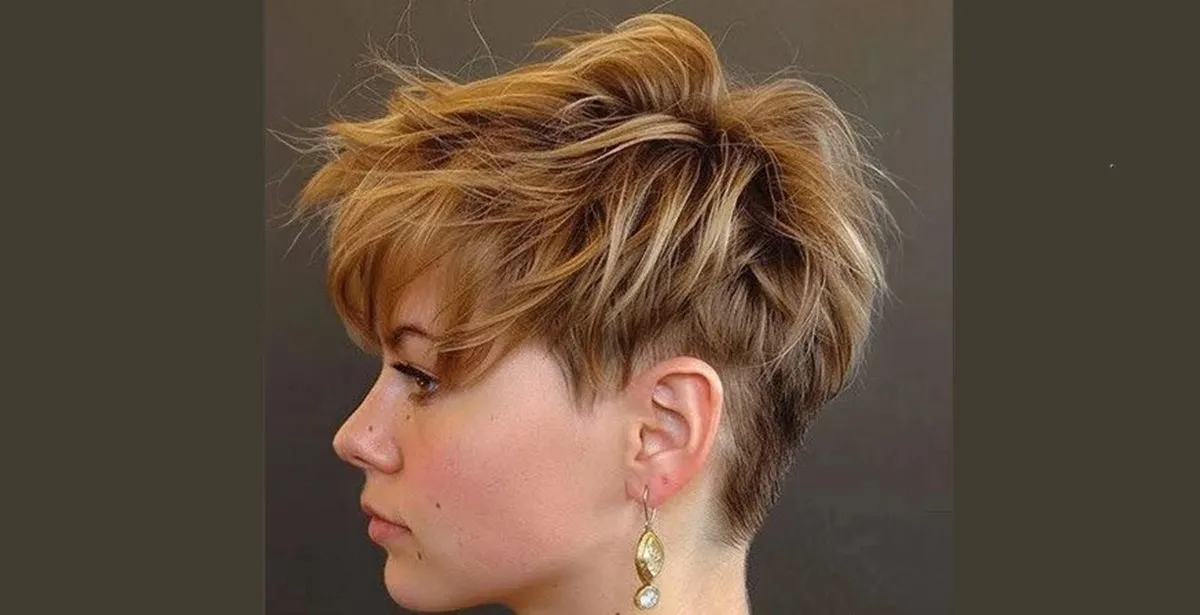
Part 2. Transform Your Look: Try Pixie Cuts with AI Magic
For users who are hesitant to get a Pixie Cut, they can try insMind's Image-to-Image feature to picture themselves with a haircut. The tool takes your image as input and transforms it according to your text requirements. You can upload up to 8 photos at once and change the visuals according to your preferences via simple prompts.
If you feel that your text prompt is not efficient, you can ask the AI to enhance it using its dedicated optimization option. insMind offers multiple image processing models to generate user-centric results. If you do not like the generated results, you can also ask the tool to regenerate them. To learn how to use this incredible tool to give yourself a Pixie Cut, read the steps mentioned below:
Step 1. Upload Image for Transformation Across insMind
After accessing the tool on your browser, access the Image-to-Image function of insMind and upload the picture using the "Image" icon. You can add at least 8 images for a single result to influence realistic outputs across insMind.
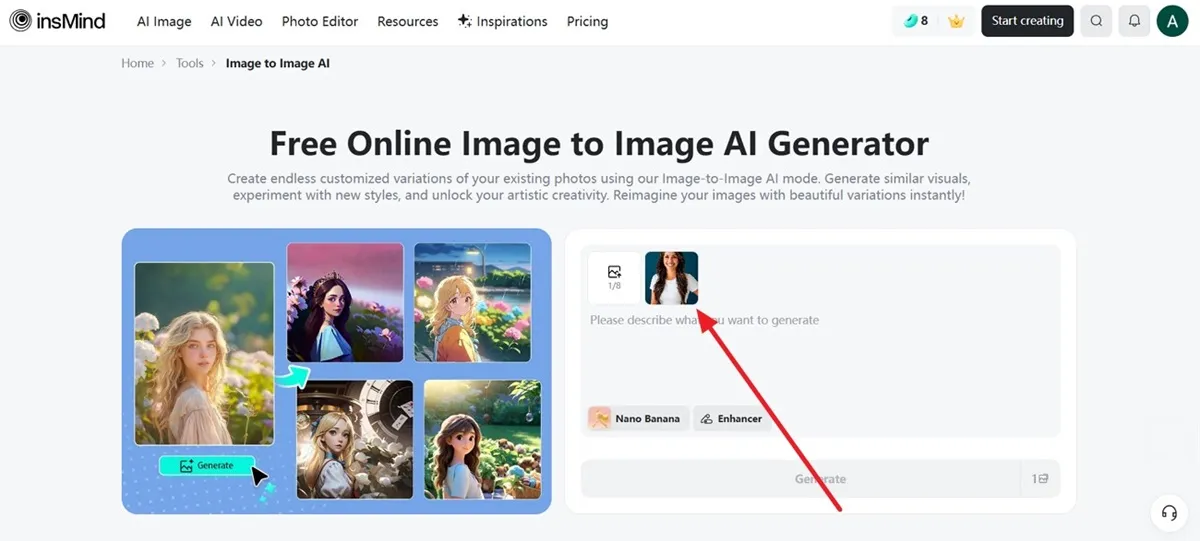
Step 2. Insert Text Prompt and Generate
Next, input your “what is Pixie Cut” requirement in the form of text and choose the AI model from the options provided. Upon selecting "Nano Banana," a pop-up menu appears showing other AI models that can be put to use across insMind. To get refined results, it is preferred to enable the "Enhancer" button before you hit the “Generate” button to execute the process.

Step 3. Download Results After Previewing
Once the results are generated, review them within the interface and use the two download options available across the screen. If you wish to make further edits to your edited image, use the “Edit more” button available adjacent to the downloading buttons. However, for those who are still not satisfied with the results, they can opt for the “Regenerate” option accordingly.
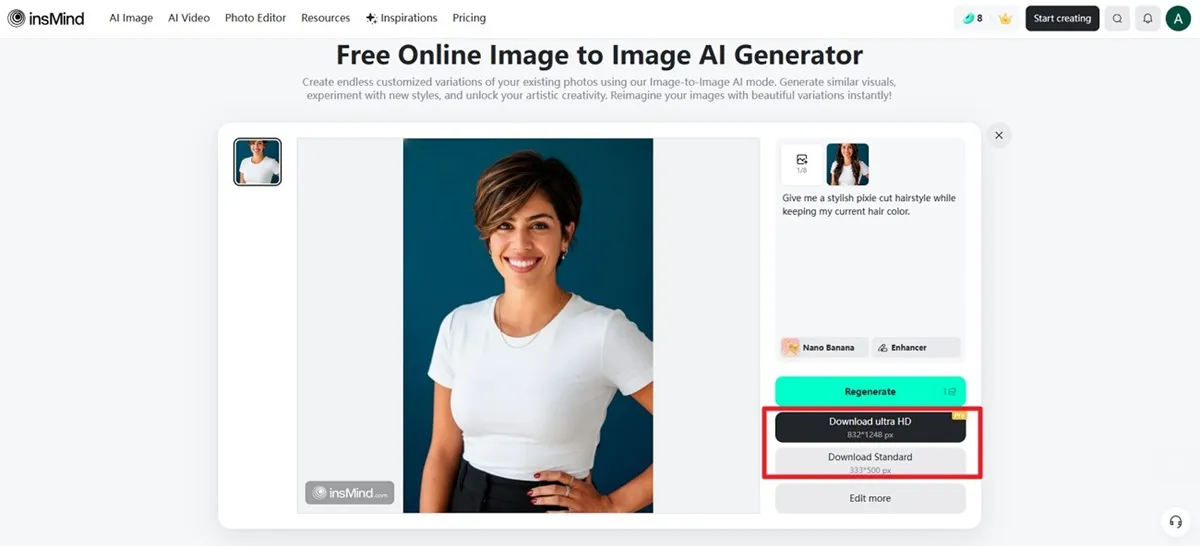
insMind intends to make your hairdo experience simple and comprehensive with its dedicated AI abilities. With a simple prompt, you are able to obtain the right results, which can help you make a quick decision. Try insMind today before getting a hair makeover to know how you would actually look with the cut.
Sample Prompts for Trying Pixie Cut
If you do not know what prompt will add a cool Pixie haircut to your picture, read some of the example prompts mentioned below and generate your own:
1. “Transform my hair into a short pixie cut with soft layers and natural texture.”

2. “Add a chic pixie haircut that frames my face nicely, keeping it realistic and natural.”
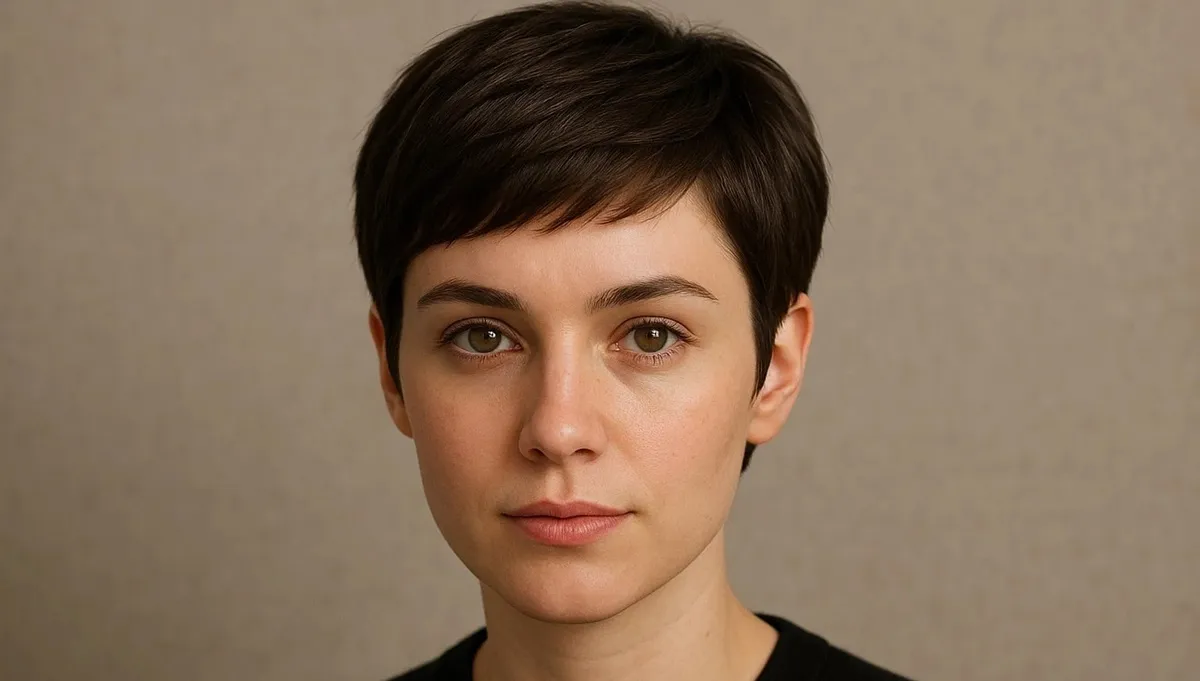
3. “Change my hairstyle to a modern pixie cut with side-swept bangs.”
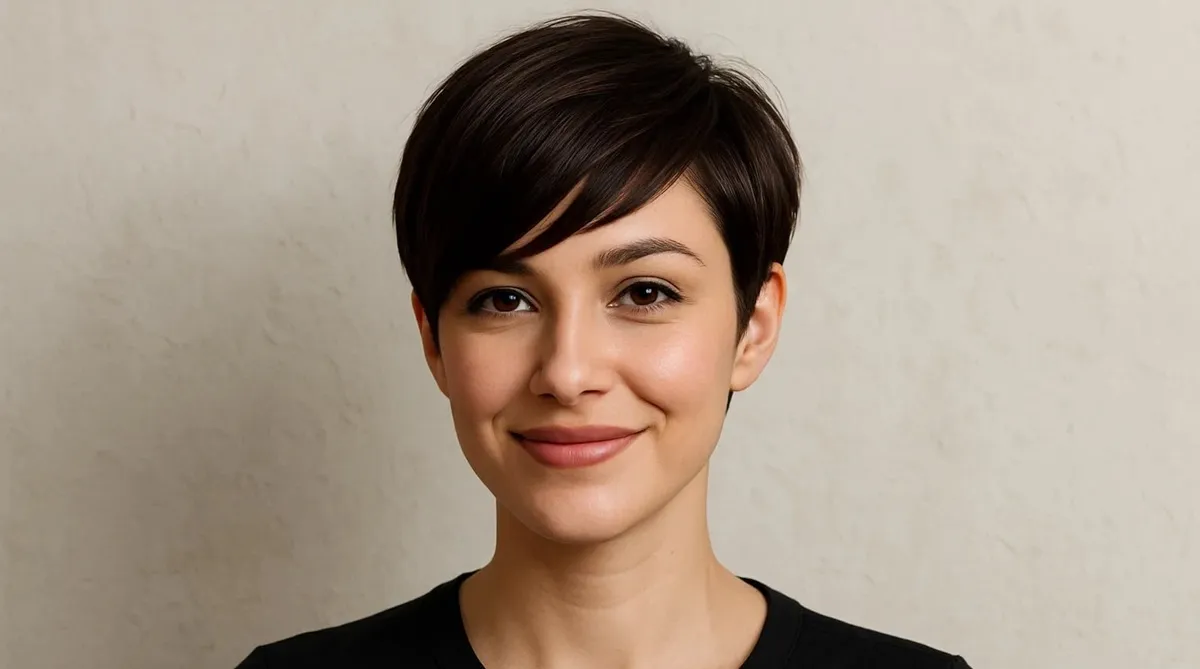
4. “Edit this photo to show me with a short pixie cut, similar to Audrey Tautou’s style.”
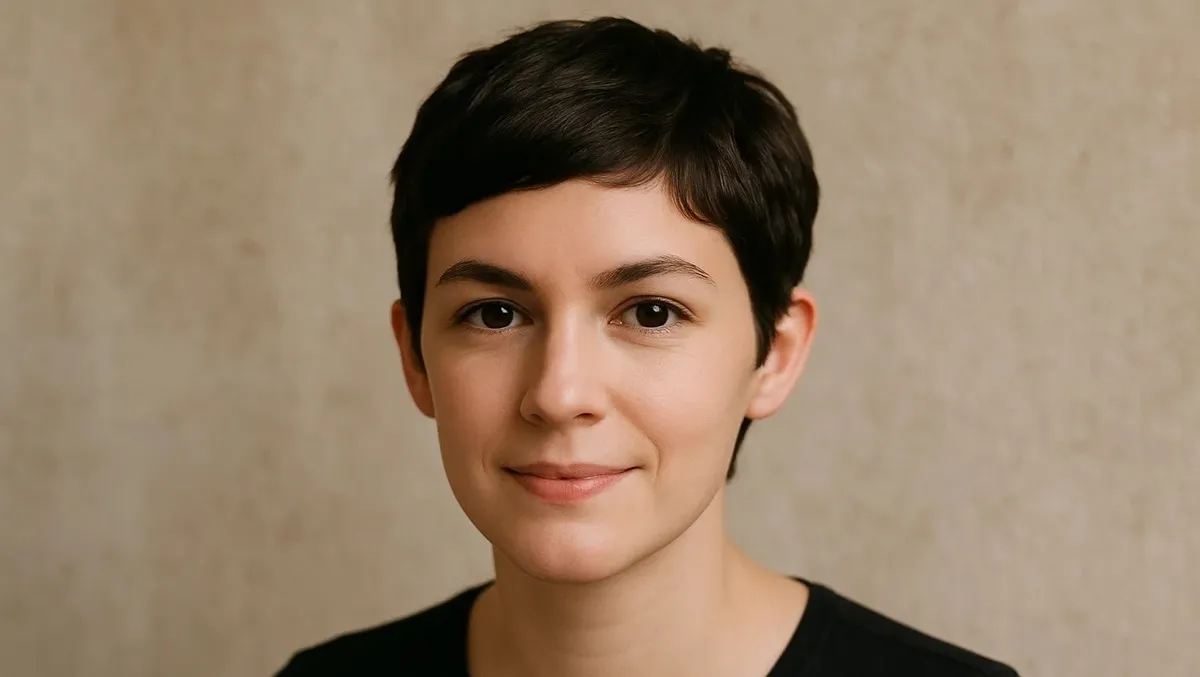
5. “Apply a feminine pixie haircut makeover with neat sides and volume on top.”
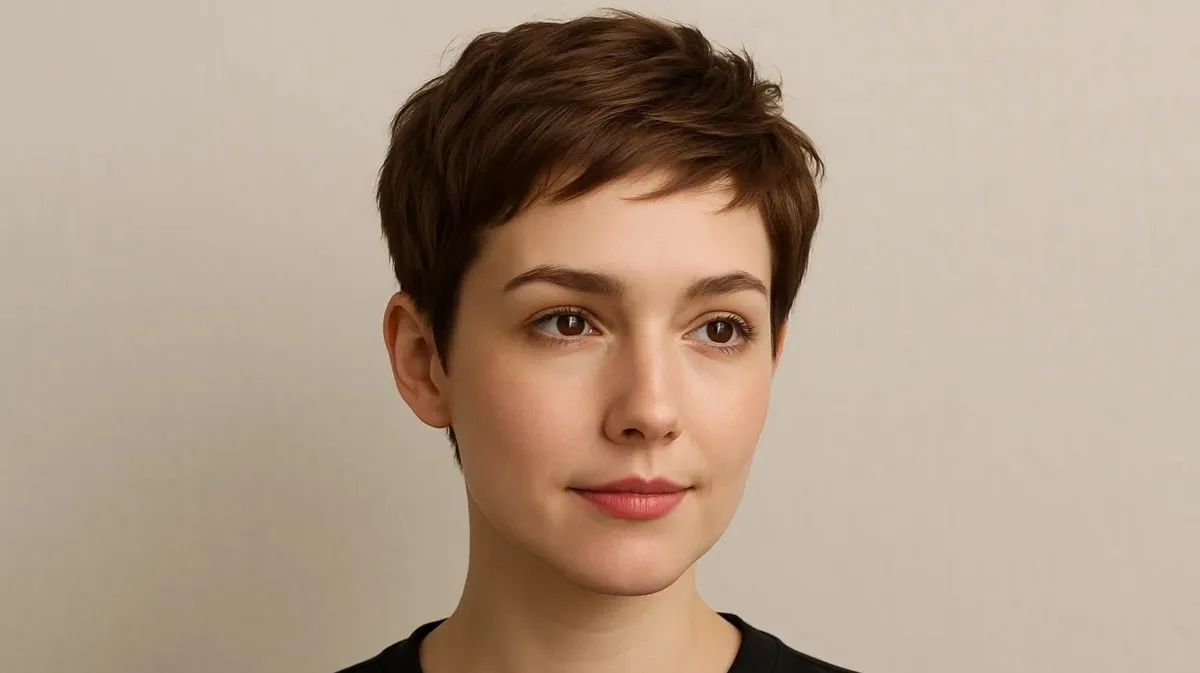
Part 3. Top 10 Trendy Pixie Cuts for Women in 2025
If you do not know which Pixie Cut for women you should go for, refer to the following section to learn about different forms of this cute haircut:
1. Classic Pixie
It is an archetypal short haircut with neat edges and natural volume on the top. This hairstyle is perfect for those who are looking for a fresh yet timeless look.
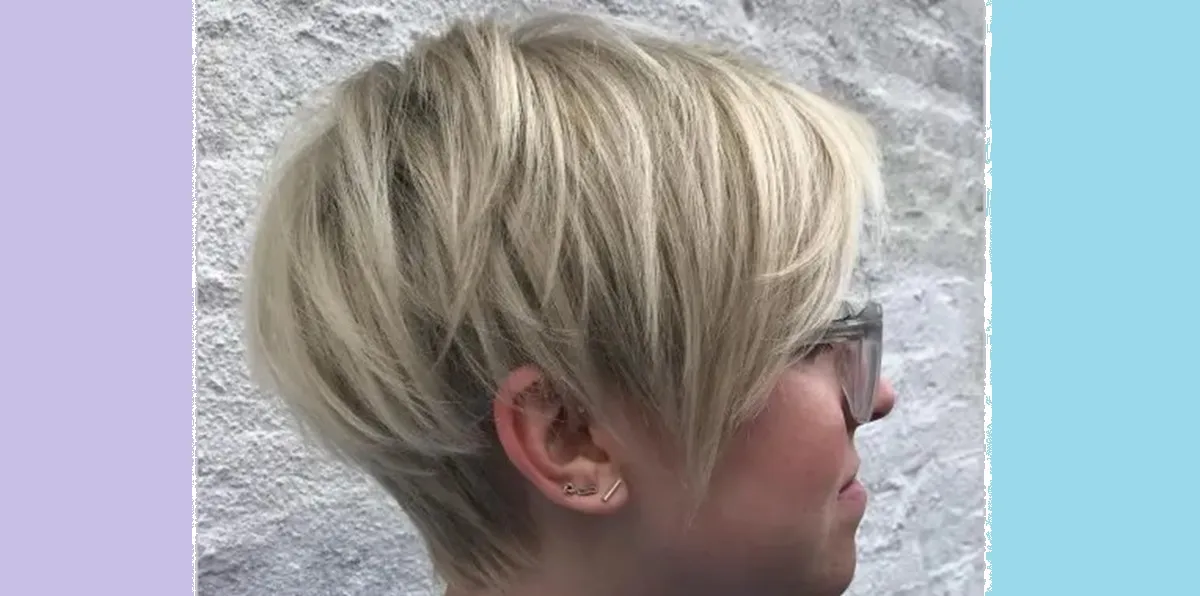
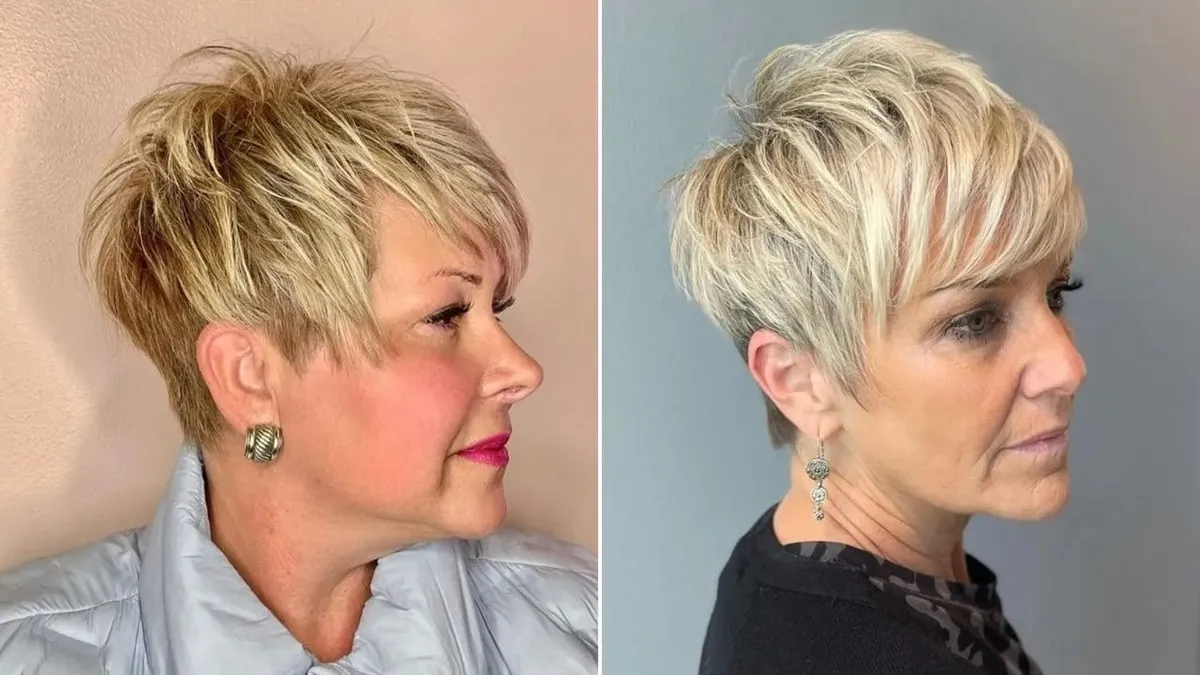
2. Choppy Pixie
Choppy Pixies have irregular and textured layers that add movement and edge to your hair. People looking for a playful and modern vibe should go for this type of Pixie Cut.
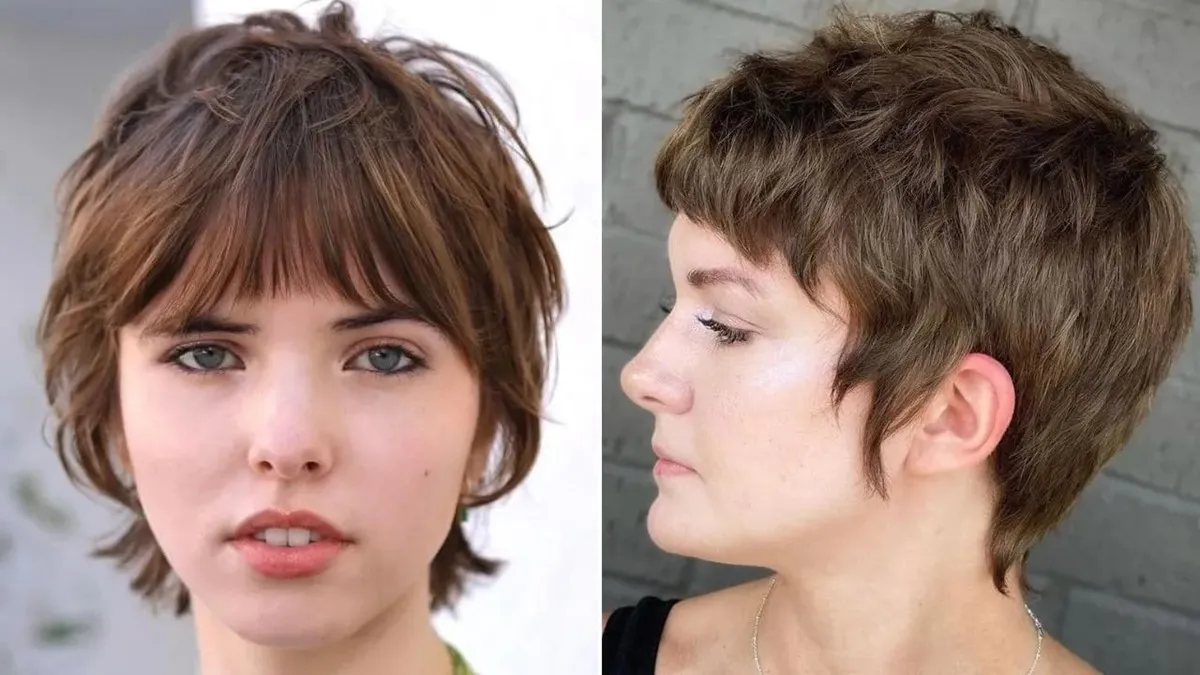
3. Shaggy Pixie
For those who do not know what a Pixie Cut is, the Shaggy Pixie has slightly long and loose strands with uneven layers. The cut gives an effortless look with a more relaxed and composed vibe.
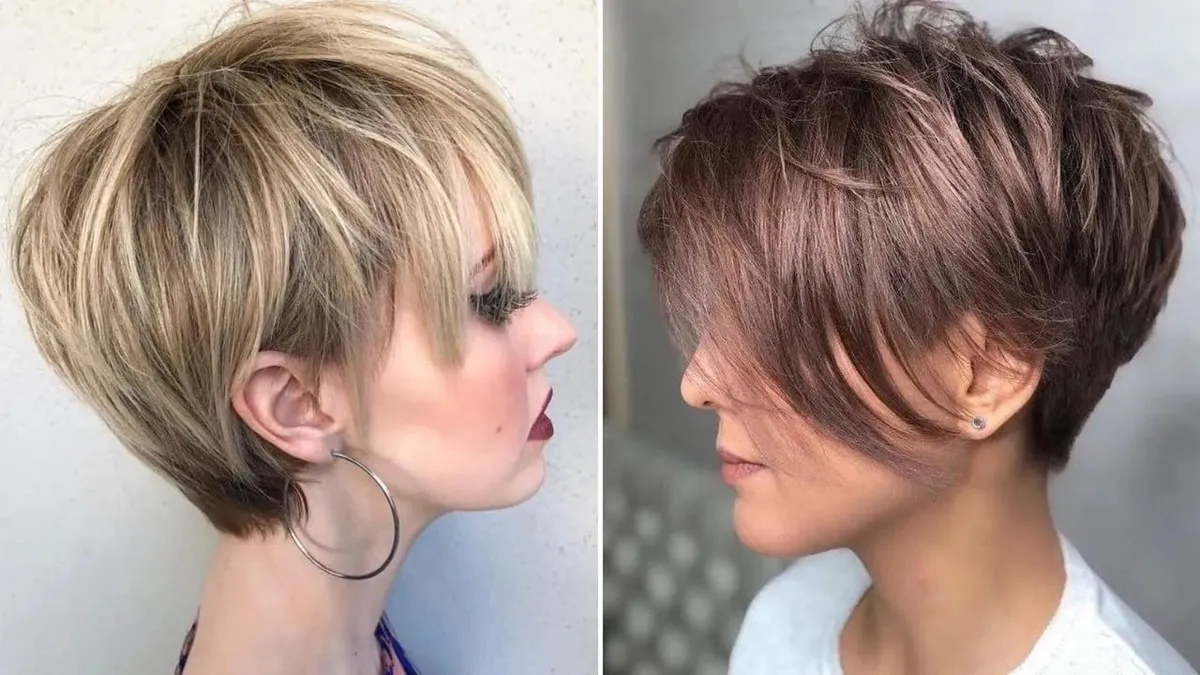
4. Long Pixie (Bixie)
This is the mix of Long Bob and Pixie Cut with more versatile styling. Most working women opt for this type of hairstyle as it is easy to manage and gives elegance to their appearance.
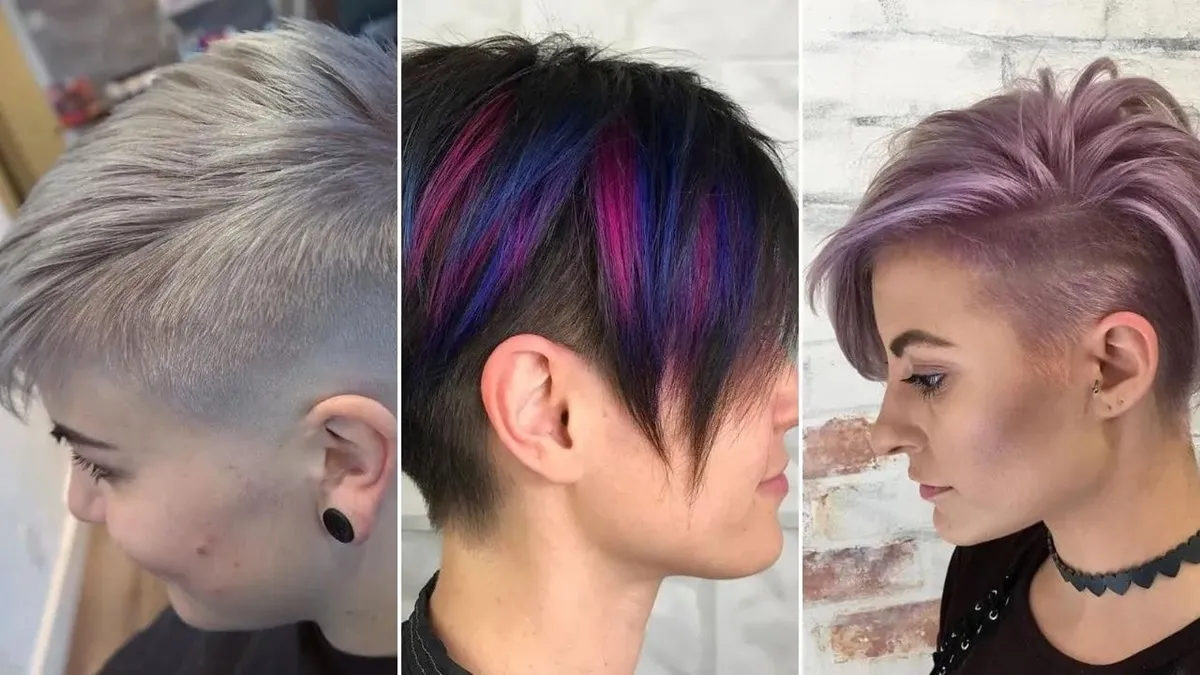
5. Undercut Pixie
It includes shaved or finely dropped sides beneath the long, top-hair chunk. If you want to give your personality a contemporary and bold flair, go for this amazing haircut.
6. Asymmetric Pixie
Just like its name, the edges and strands are uneven, giving a rougher and natural look. The cut is often longer on one side and gives the person a bold and unique look.
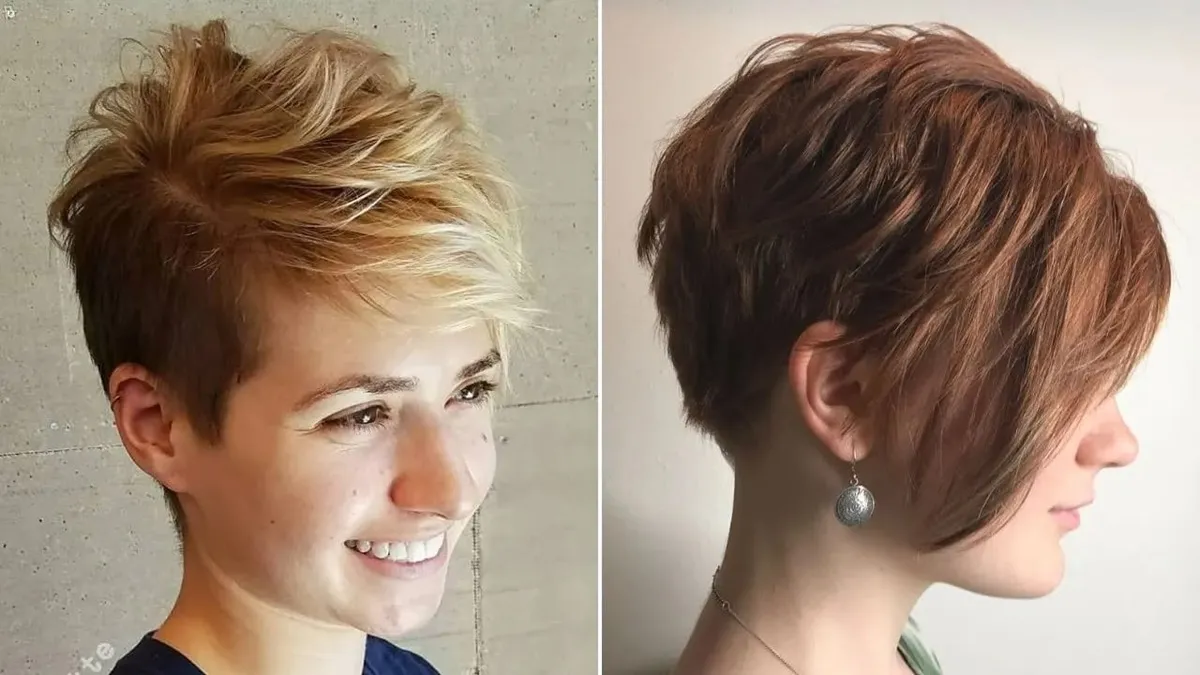
7. Curly Pixie
If you have natural curls, embrace them using this Pixie Cut for women. This adds more volume to your curls and maximizes the texture of your hair.
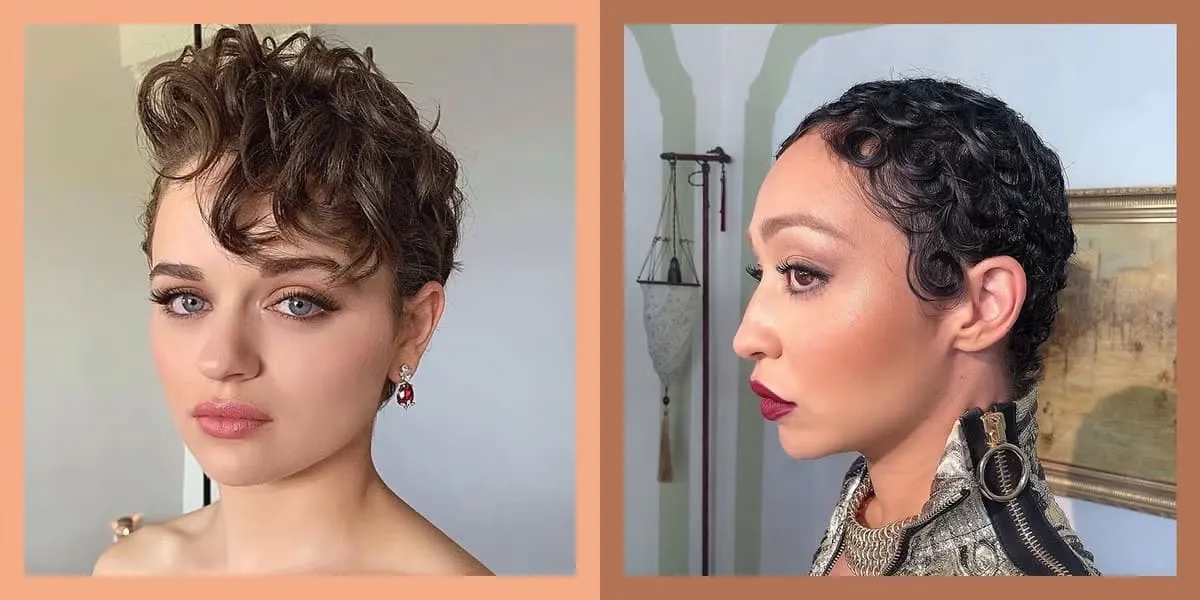
8. Wolf Pixie
The cut is inspired by the wolf style, giving you a wild and shaggy look. The cut is a combination of a messy look, Pixie style, with sharp and bold edges.
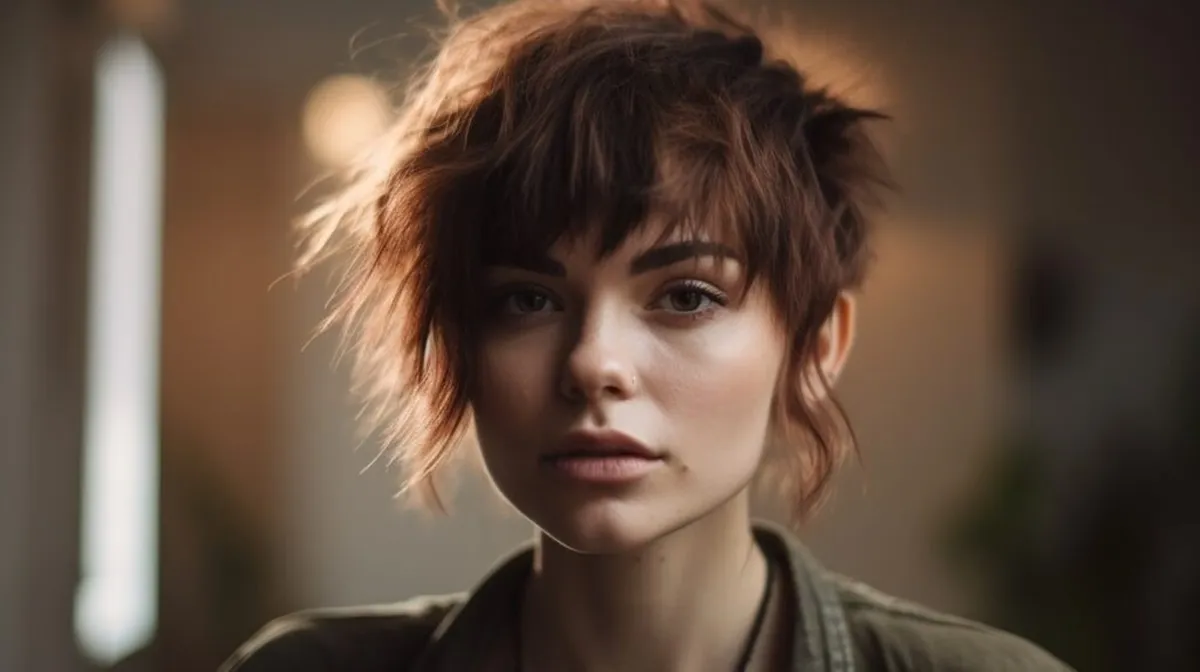
9. Layered Pixie
One of the most popular Pixie Cuts is the layered Pixie Cut that adds a lot of volume and texture to your hair. Unlike a uniform pixie cut, the layered version incorporates varied lengths throughout the hair.
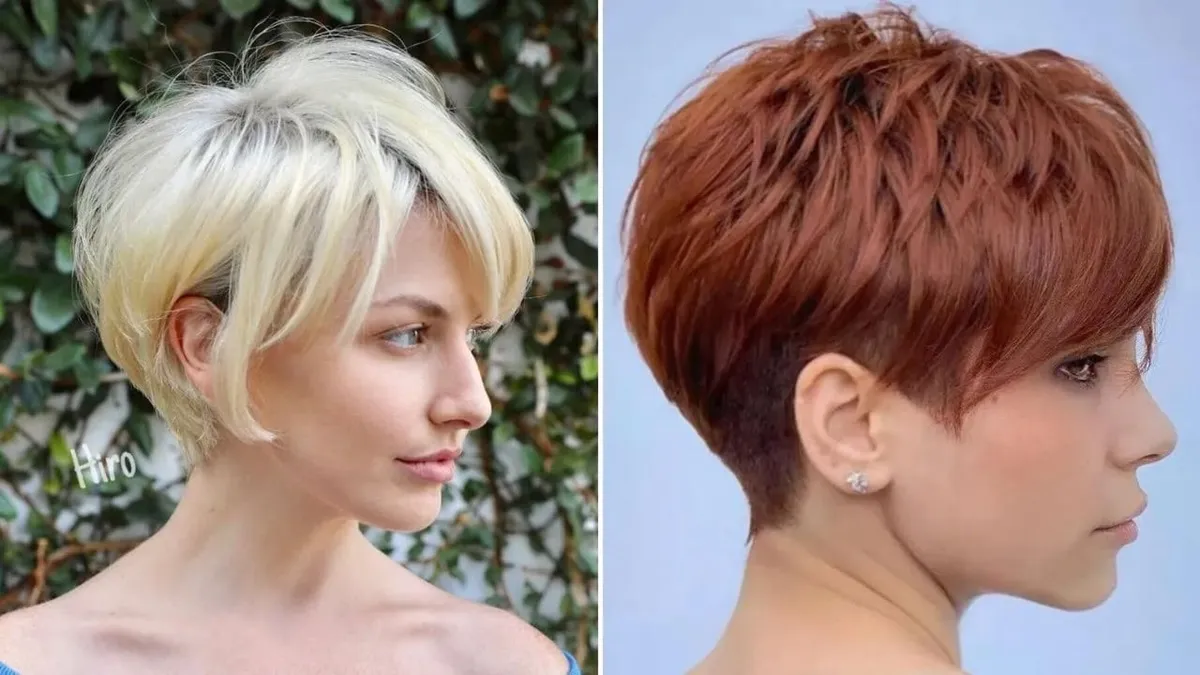
10. Retro Pixie
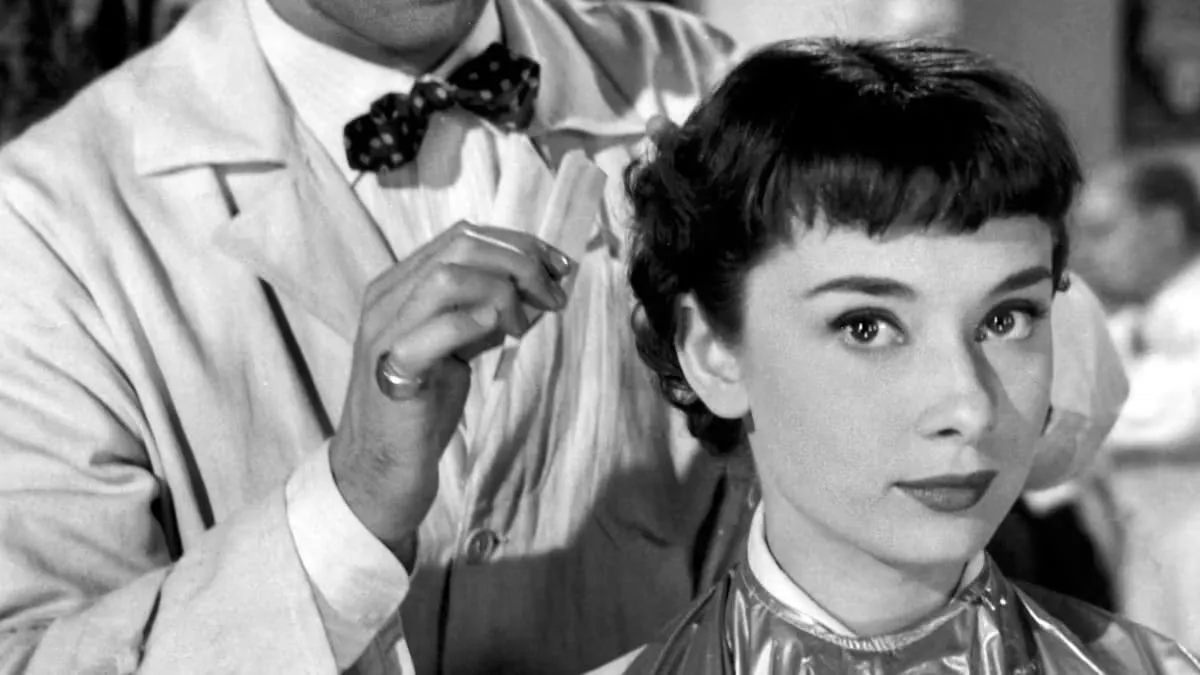
The retro pixie cut is a nostalgic hairstyle inspired by the iconic short cuts of the 1950s, worn by style icons like Audrey Hepburn. Often styled sleek or with subtle waves, it emphasizes clean lines and a polished finish.
Part 4. How to Style a Pixie Cut - 4 Helpful Tips & Tricks
Styling a cool Pixie Cut is not much of a hassle, but you do need to pull out your best look. For this, the following are some of the tips to style this haircut effortlessly.
- You can use products like mousses and hair spray to add volume and definition to the overall cut.
- Try to style using your fingers rather than going for a comb or hairbrush. This will give a more natural look to the cut.
- Maintain sharp lines and overall shape by getting regular trims every 4 to 6 months.
- Use styling tools like a curling iron to make the sides and edges more prominent.
Conclusion
To wrap it up, this article discussed various trends and types of the famous Pixie Cuts for women. The article also discussed some useful tips for styling this bold and chic hairstyle. However, if you want to picture yourself how you would look with this cut before going for it, you can use insMind’s Image-to-Image feature. The tool transforms your images into visuals as per your requirements through text prompts.

Sarah Michelle
I'm a freelance writer with a passion for editing and designing photos. Here at insMind, I strive to educate users on image creativity, photography, and enhancing product photos to help grow their businesses.


