صورة الذكاء الاصطناعي
فيديو الذكاء الاصطناعي
محرر الصور
موارد
إلهاماتالتسعير

حوّل صورتك إلى كرتون مجانًا باستخدام فلتر كرتوني بالذكاء الاصطناعي

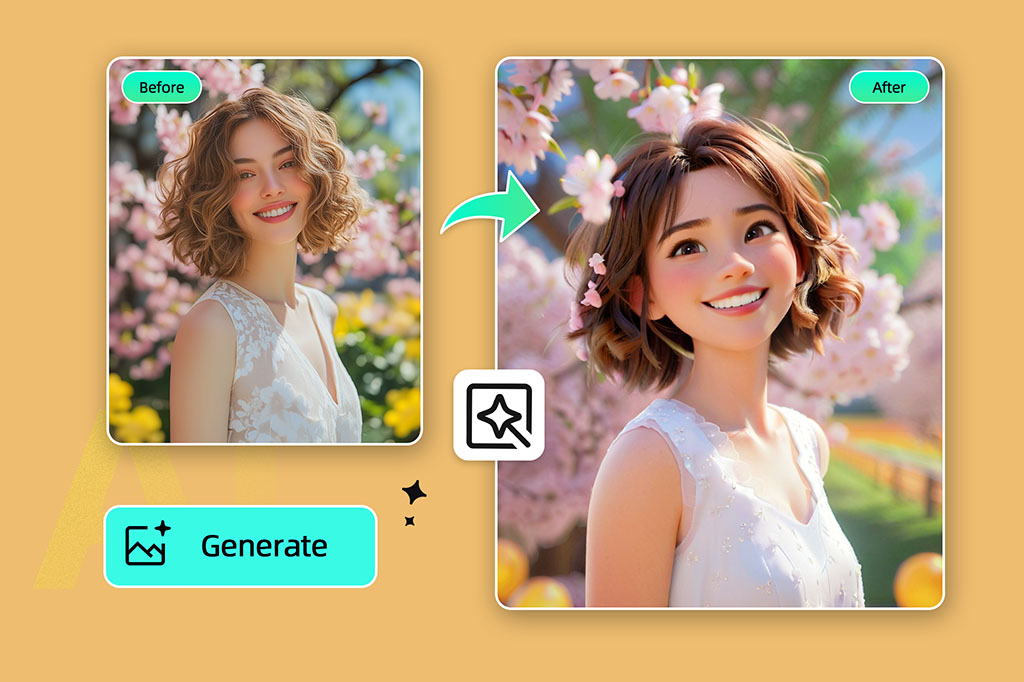
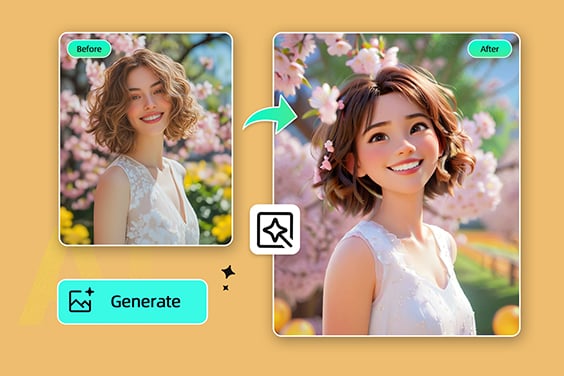
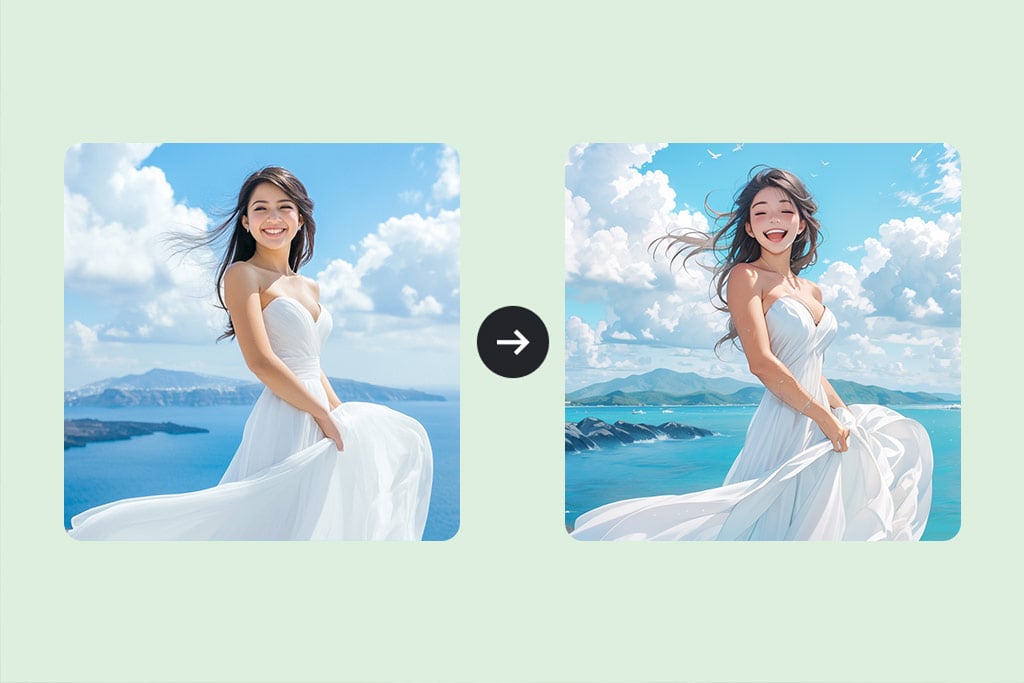
حوّل صورتك إلى رسمة كرتونية في ثوانٍ! استخدم أداة تحويل الصور إلى كرتون المجانية عبر الإنترنت — فقط ارفع صورتك وسنحوّلها فورًا.

حوّل صورتك إلى كرتون مجانًا باستخدام فلتر كرتوني بالذكاء الاصطناعي
أو قم بإسقاط الصورة هنا، ثم لصق الصورة أو عنوان URL
جرب مع أحد هذه
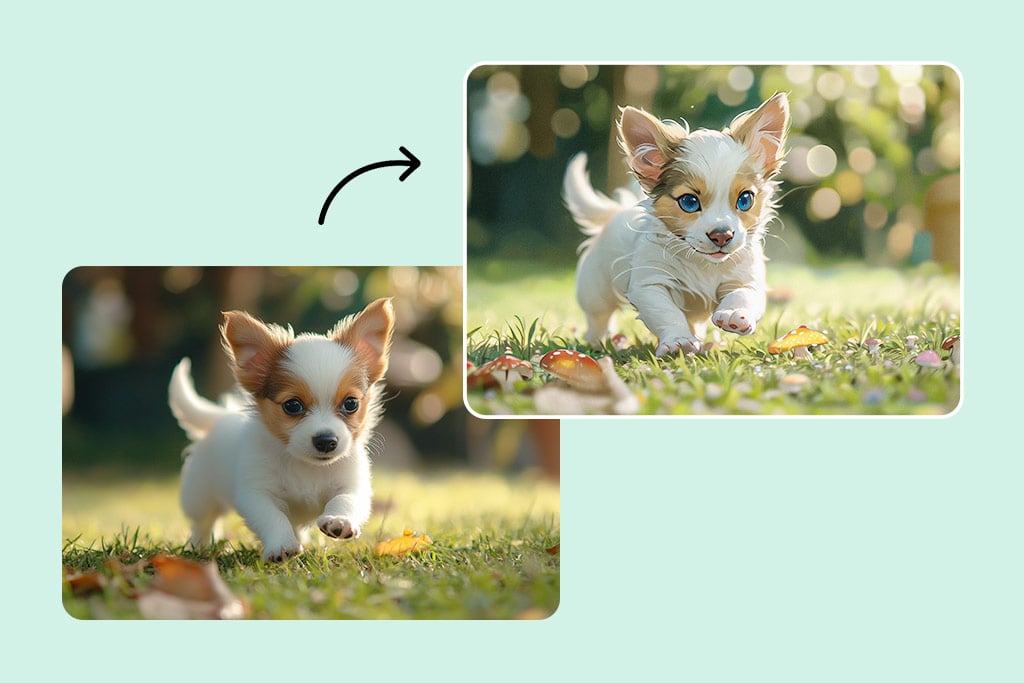
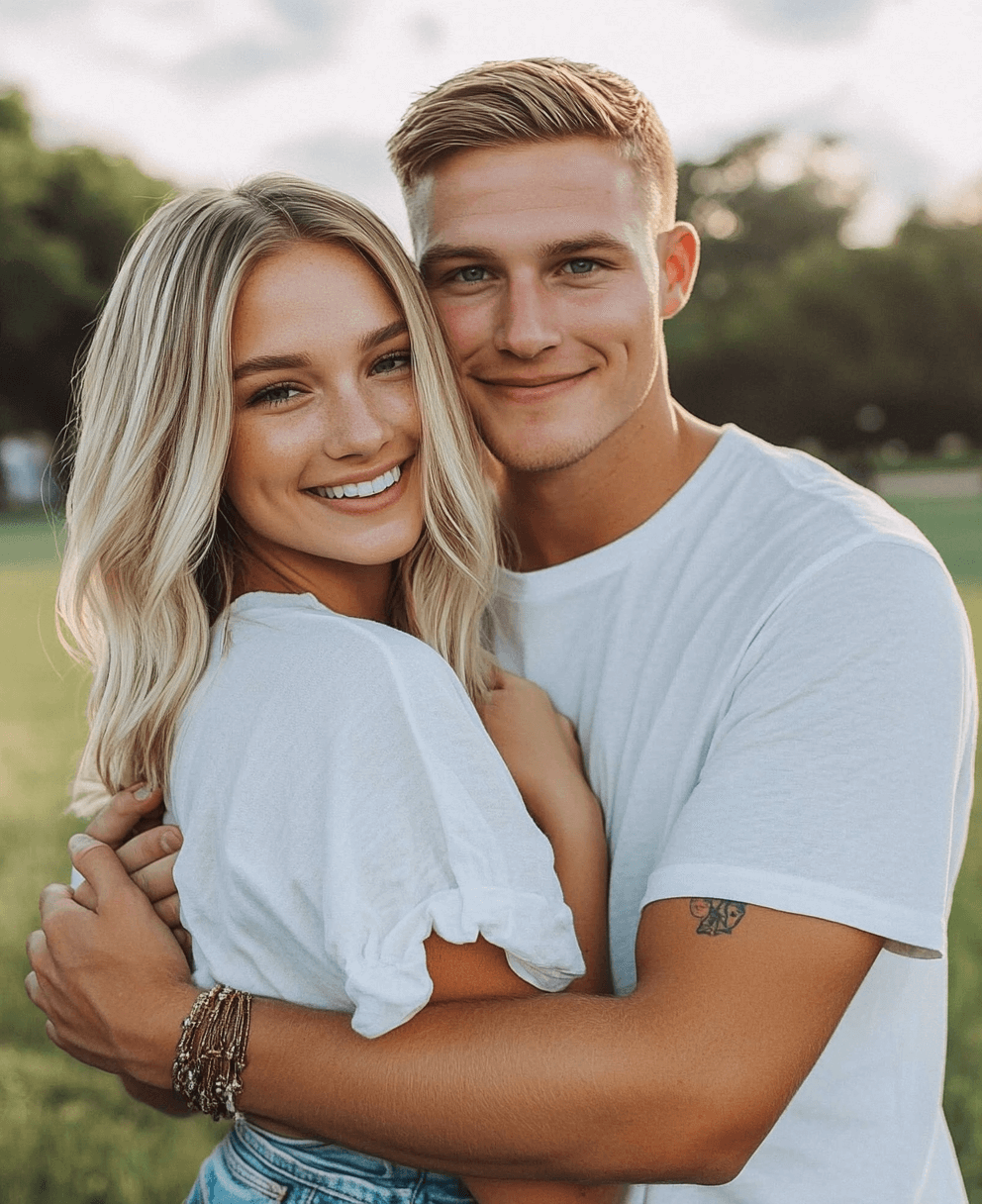
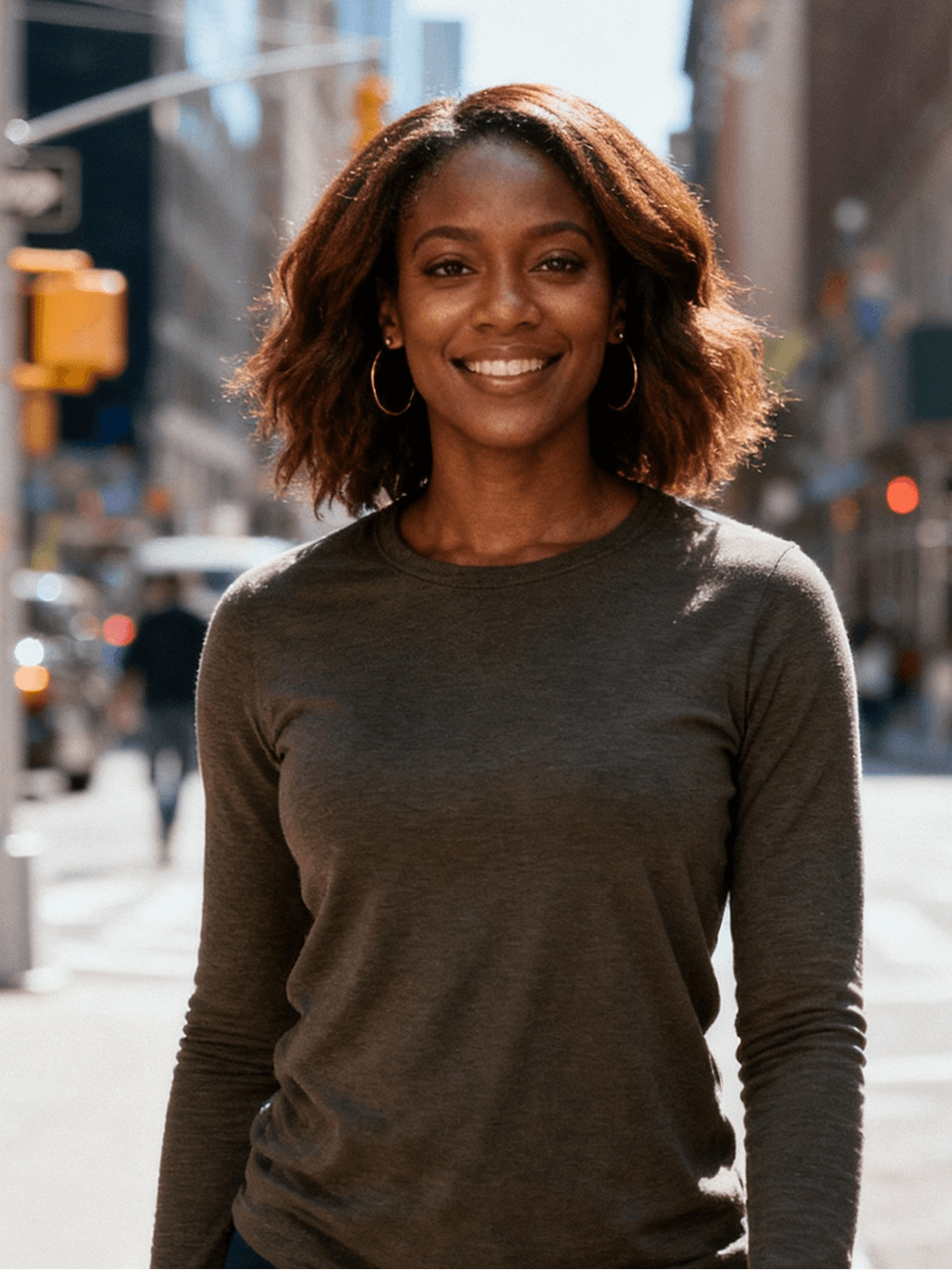
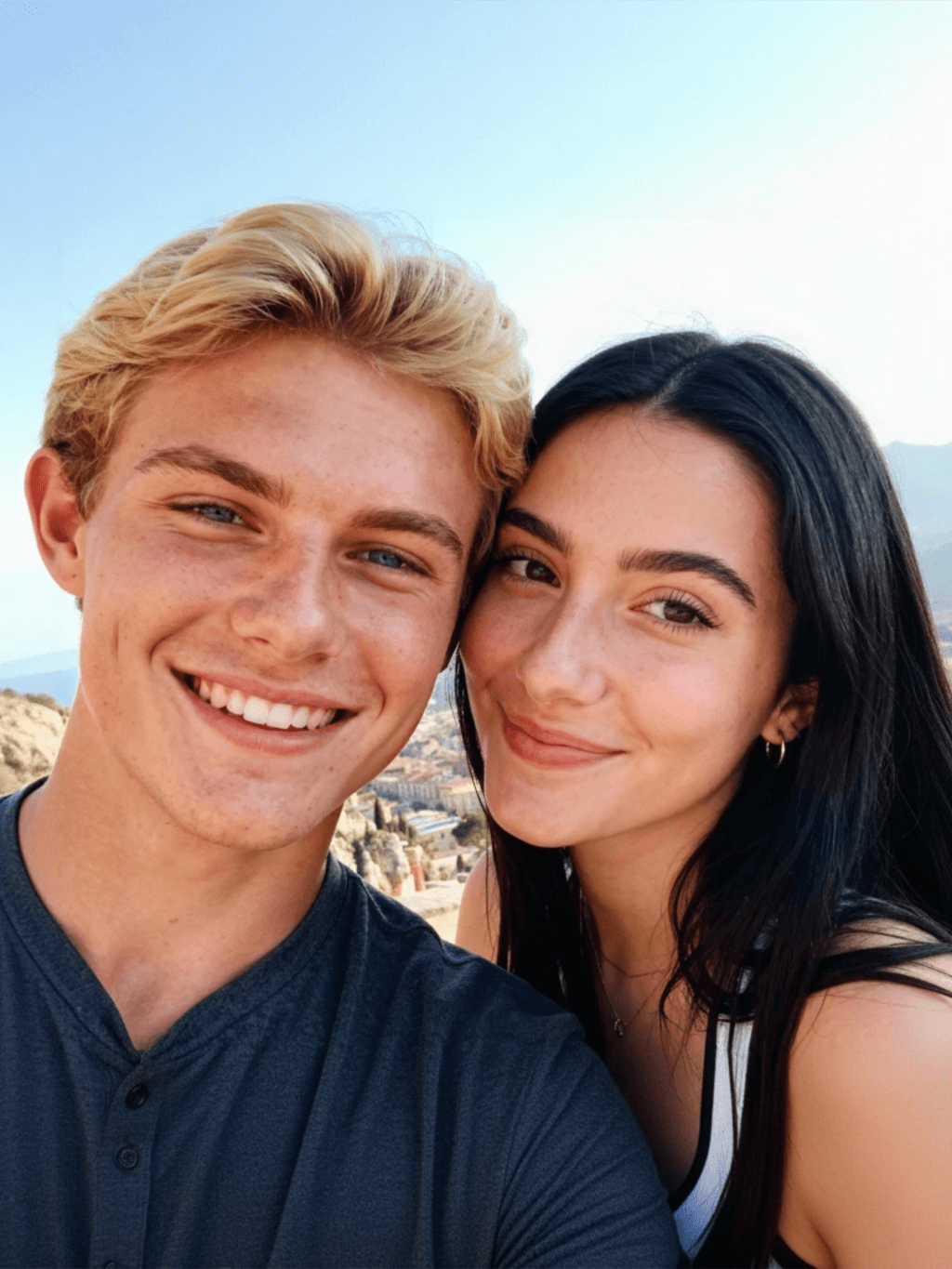
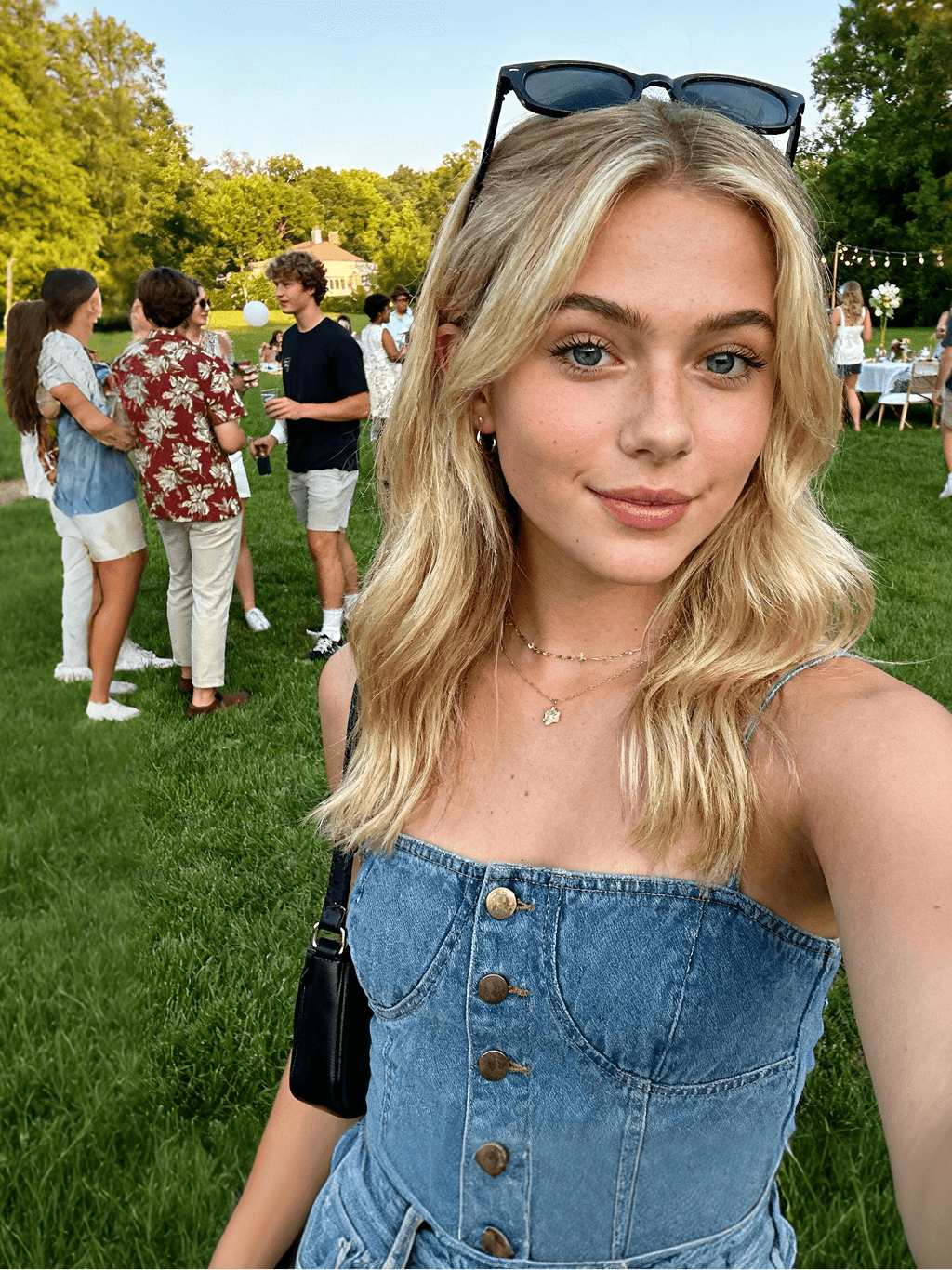
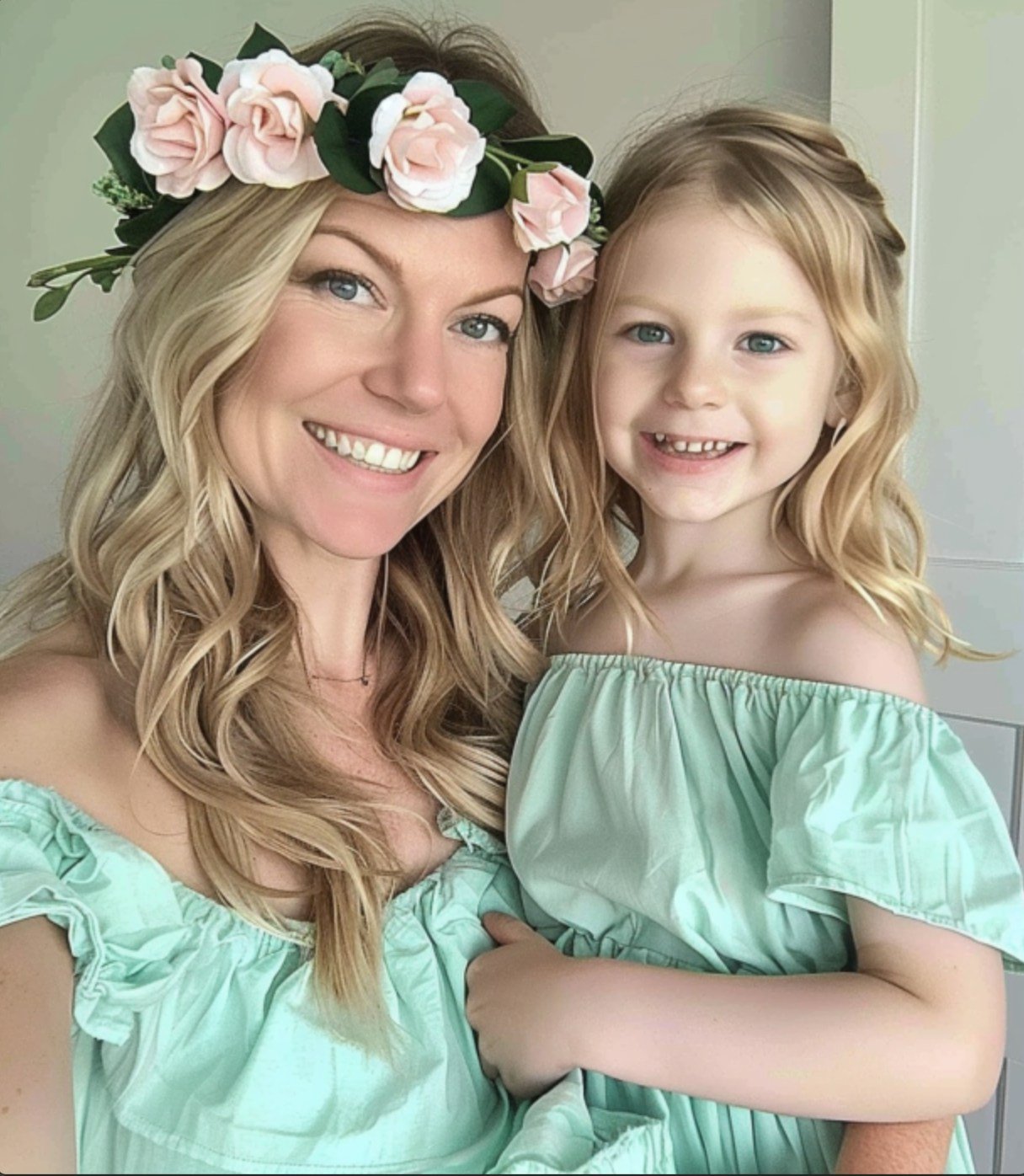
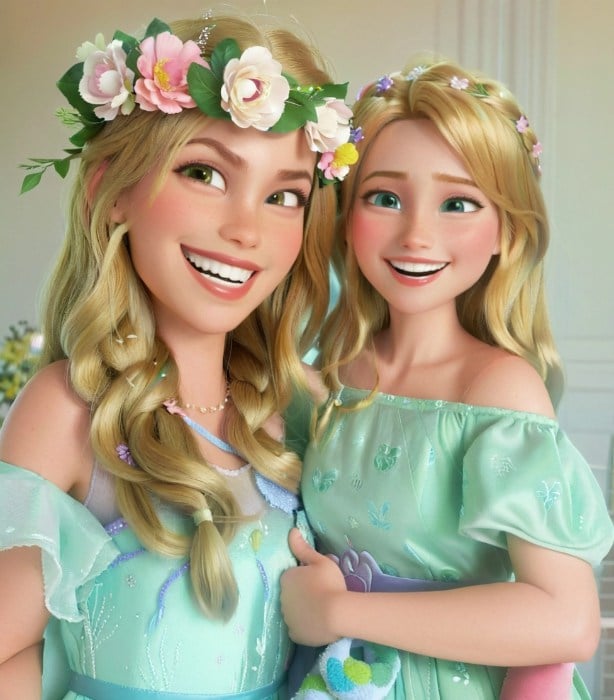
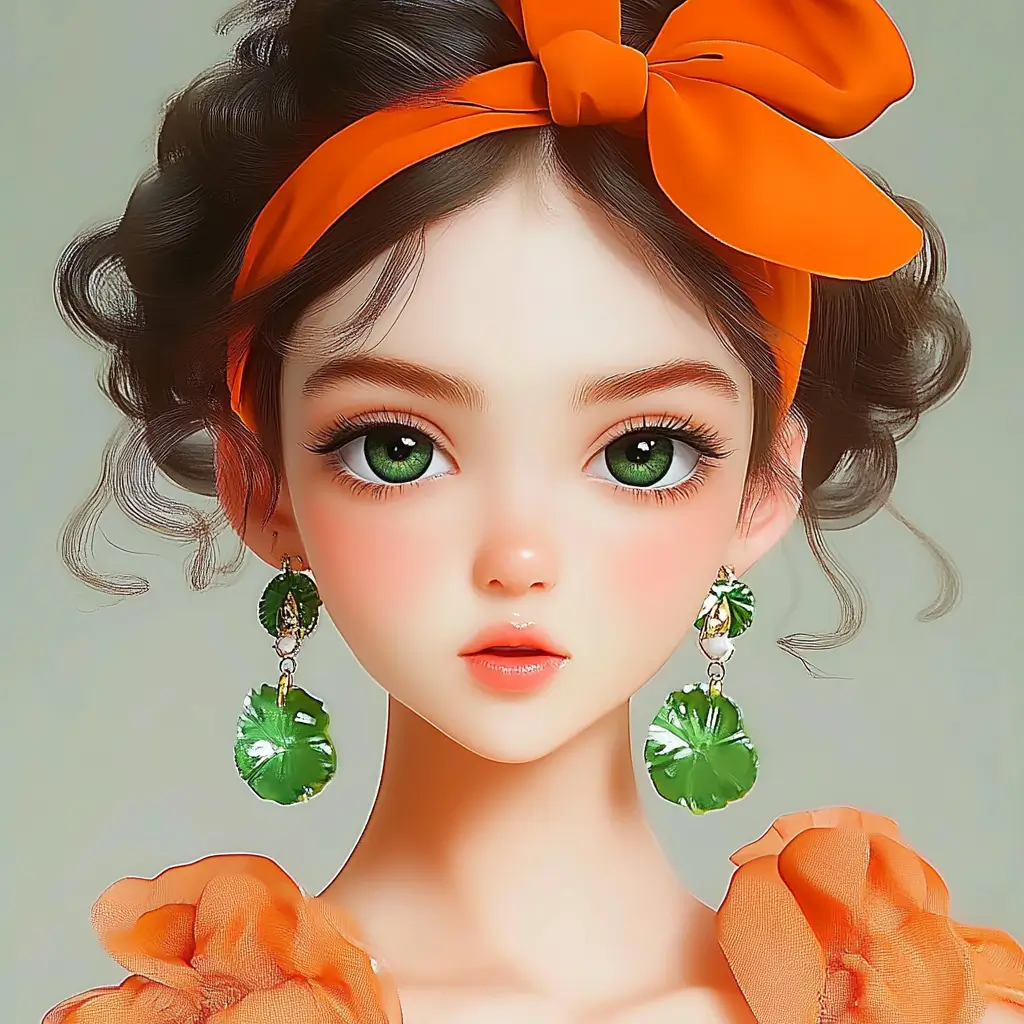
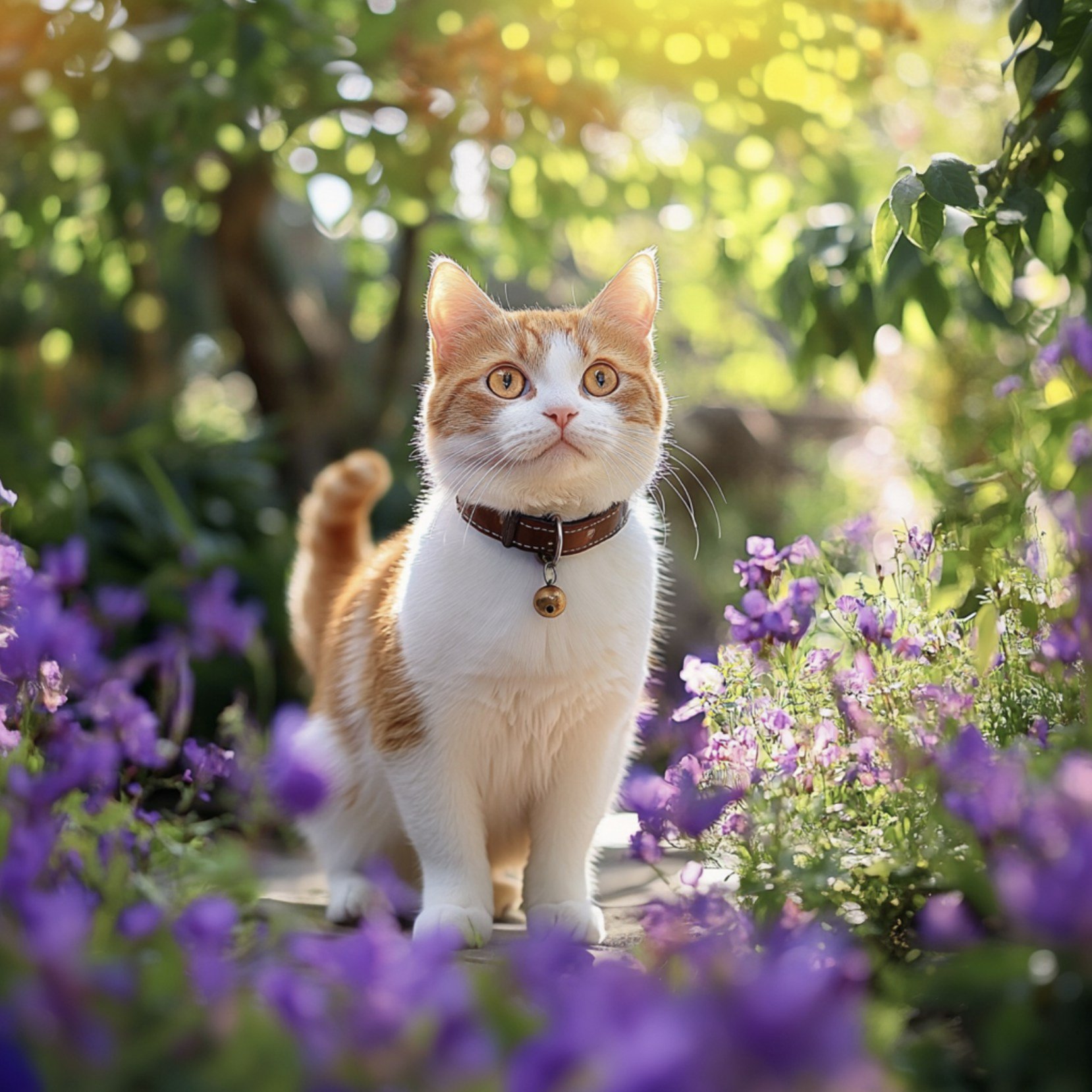
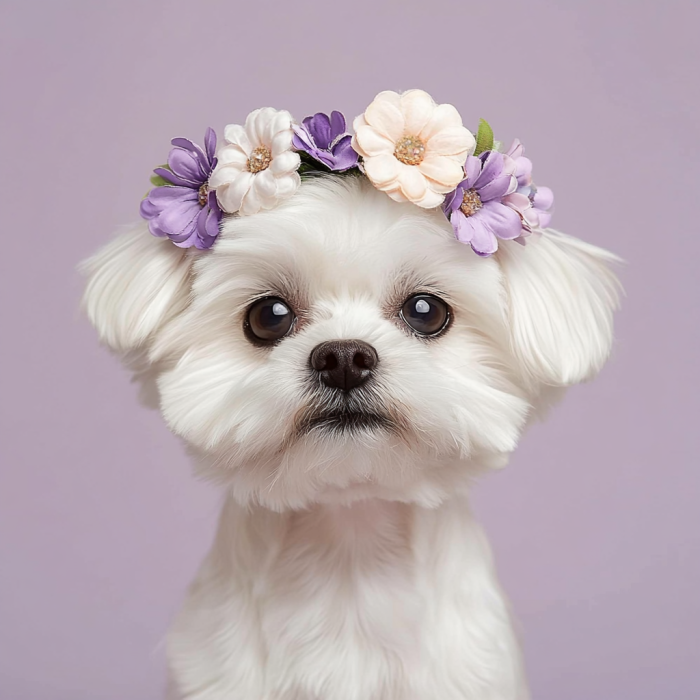
عينة من مرشح البكاء insMind AI 1
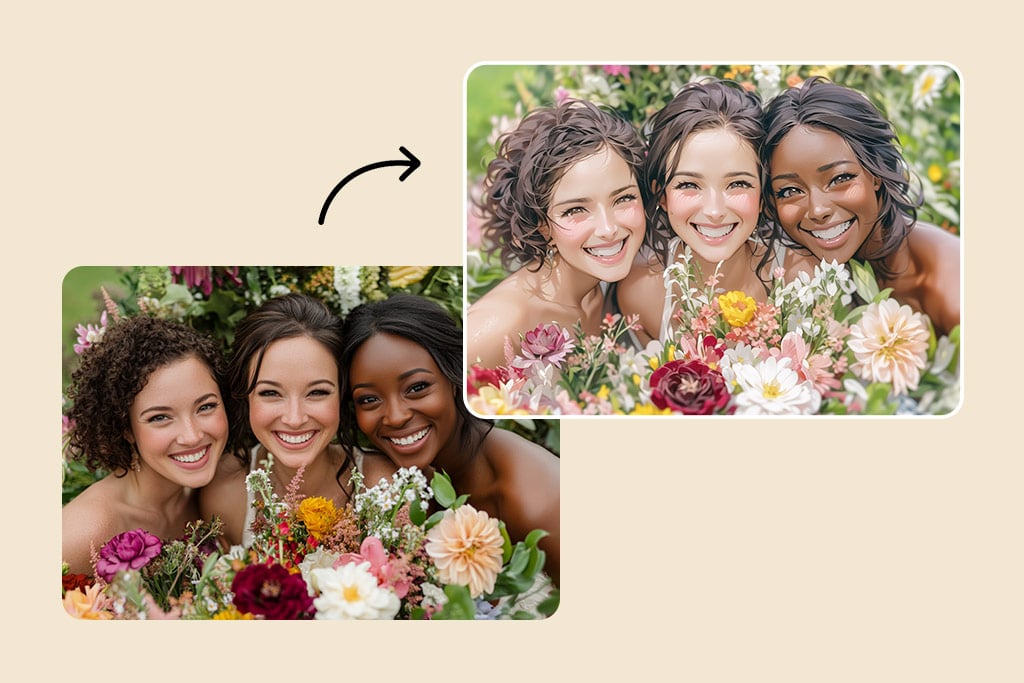
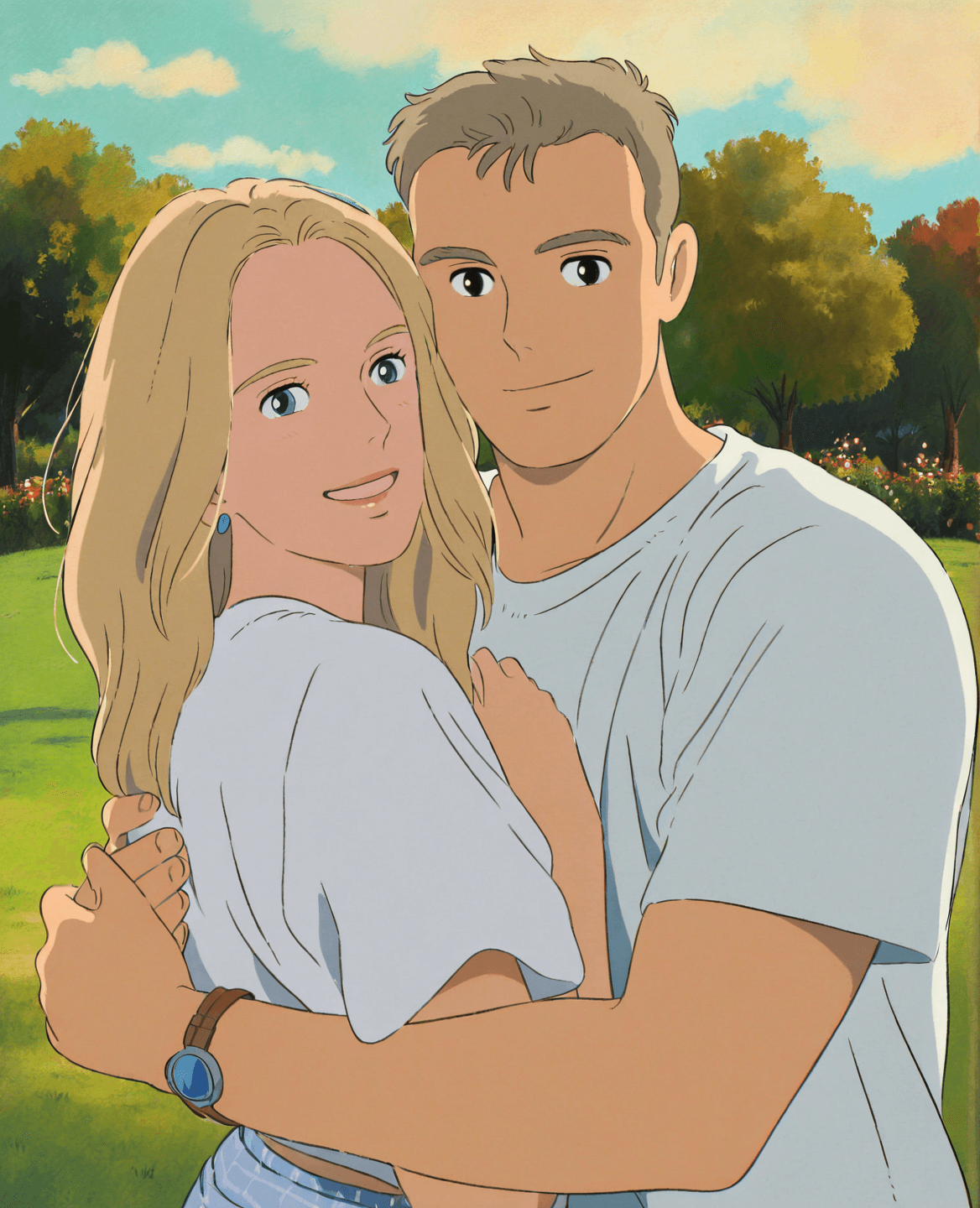
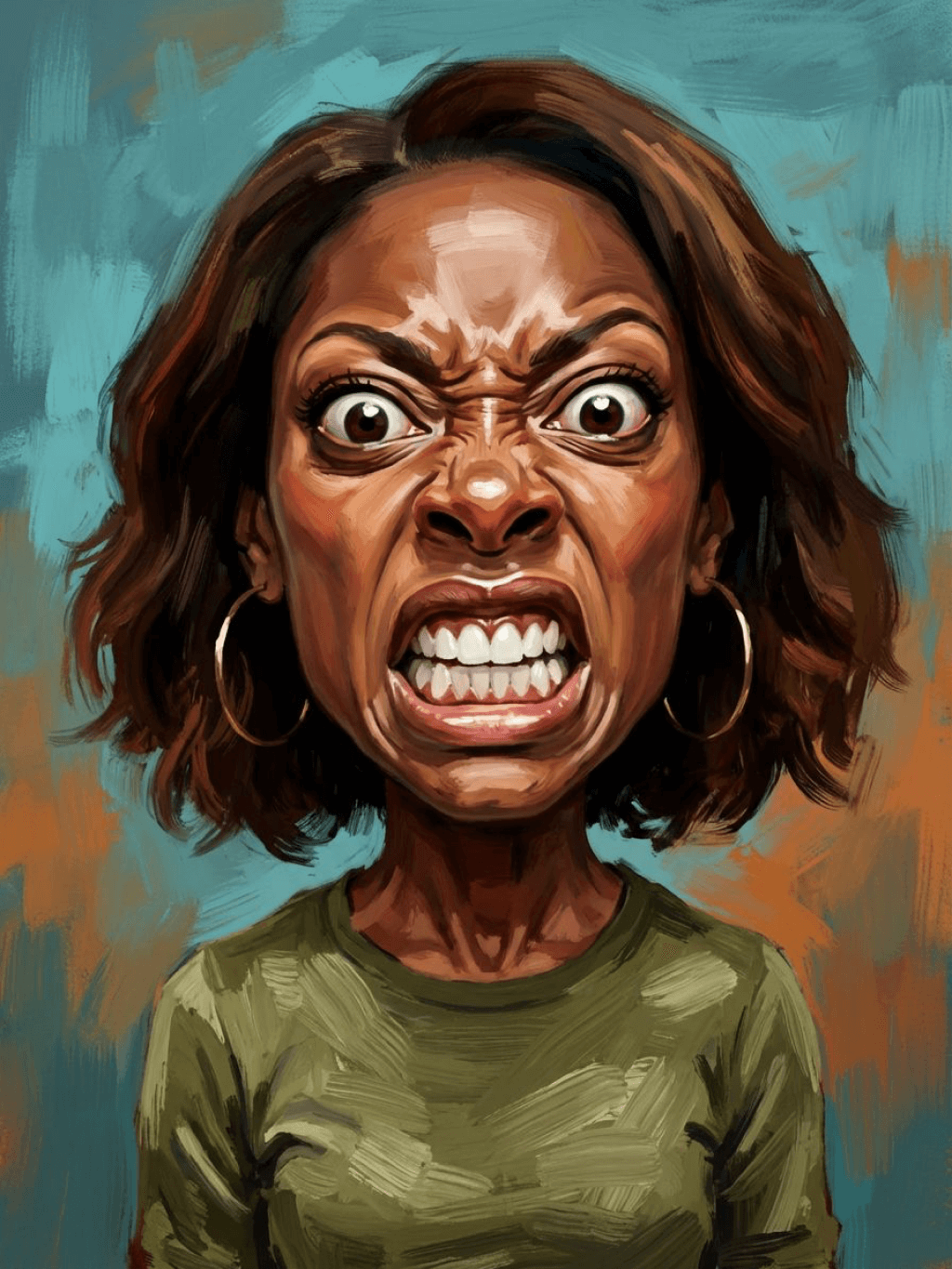
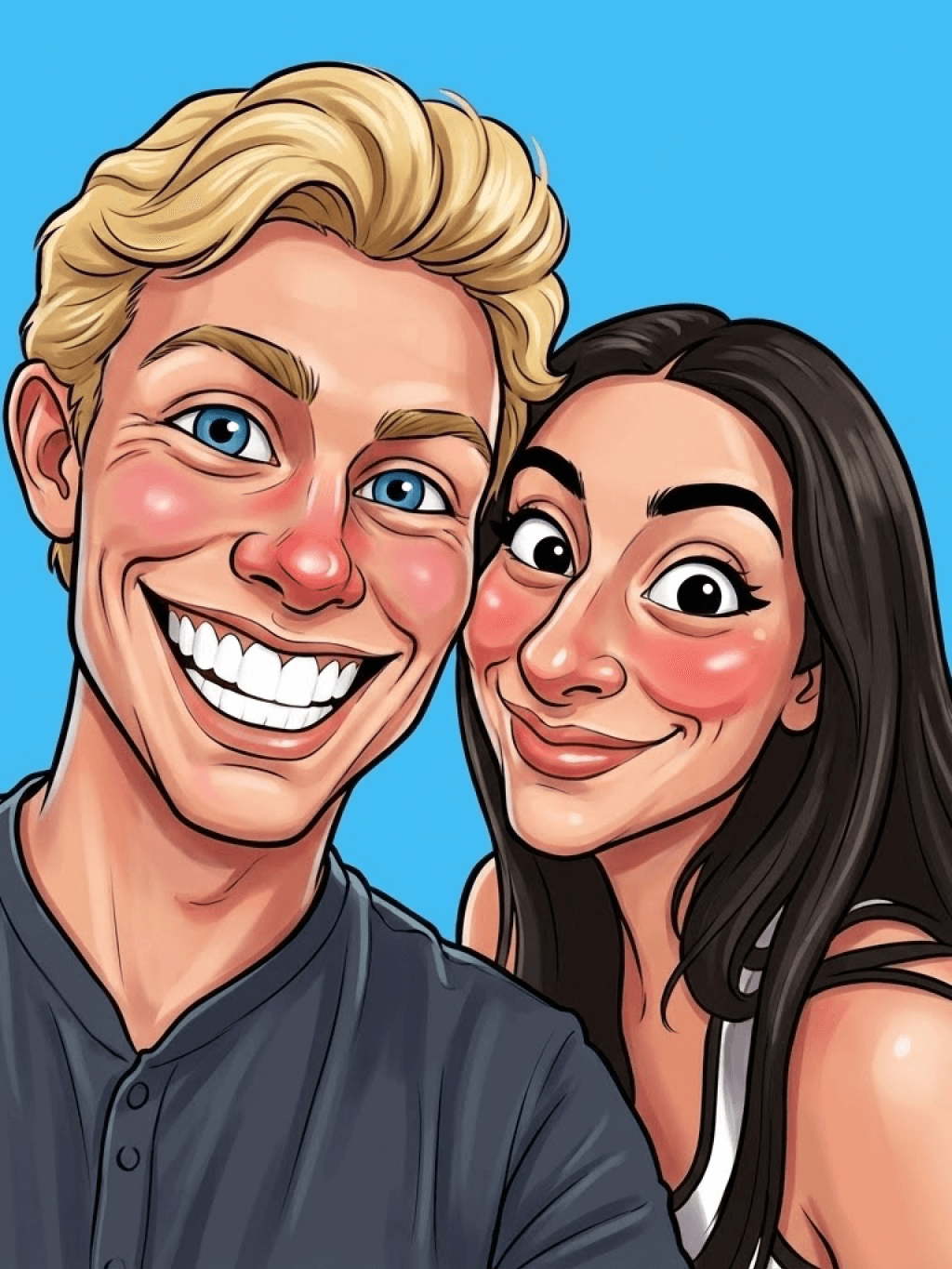
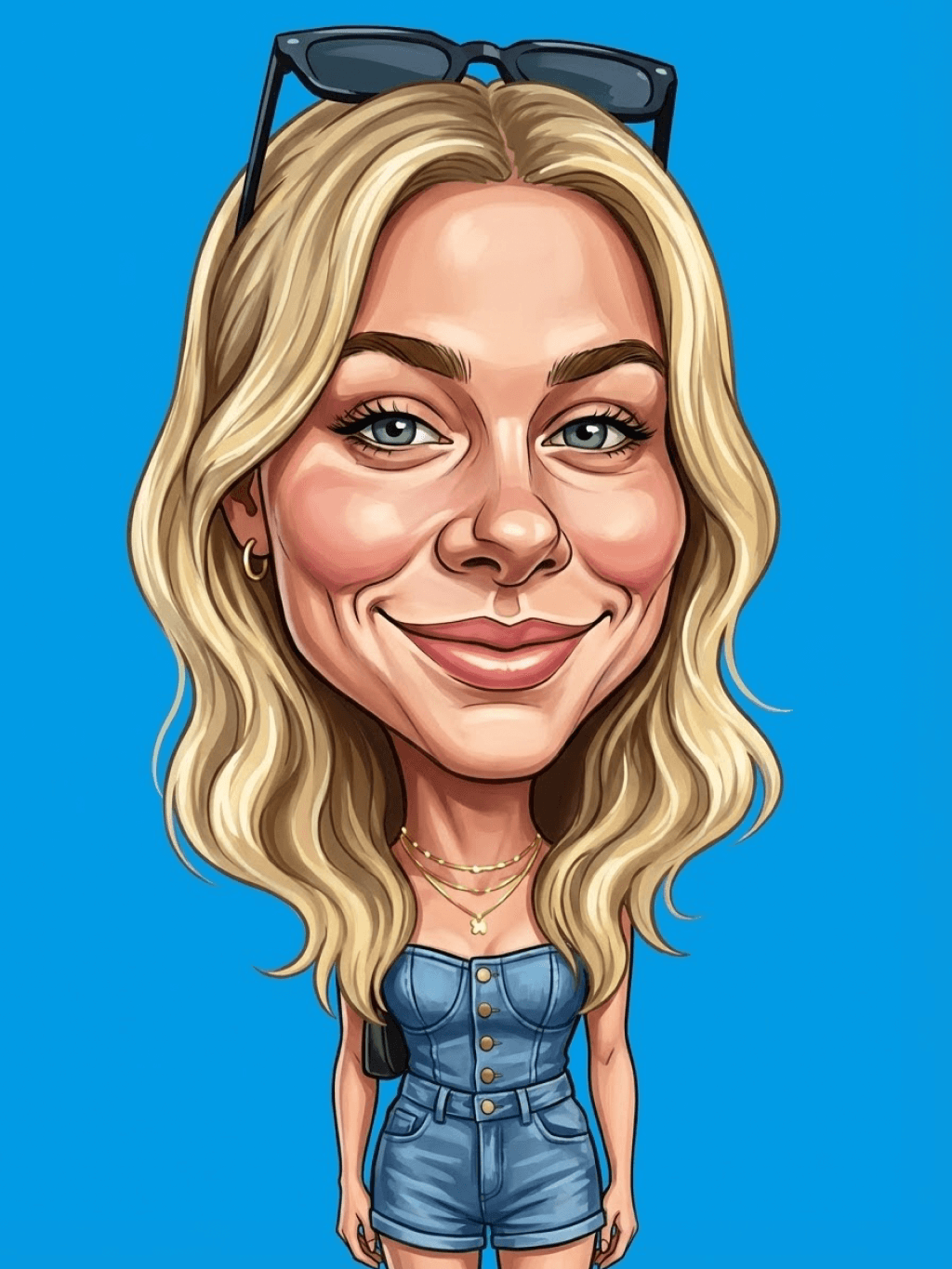
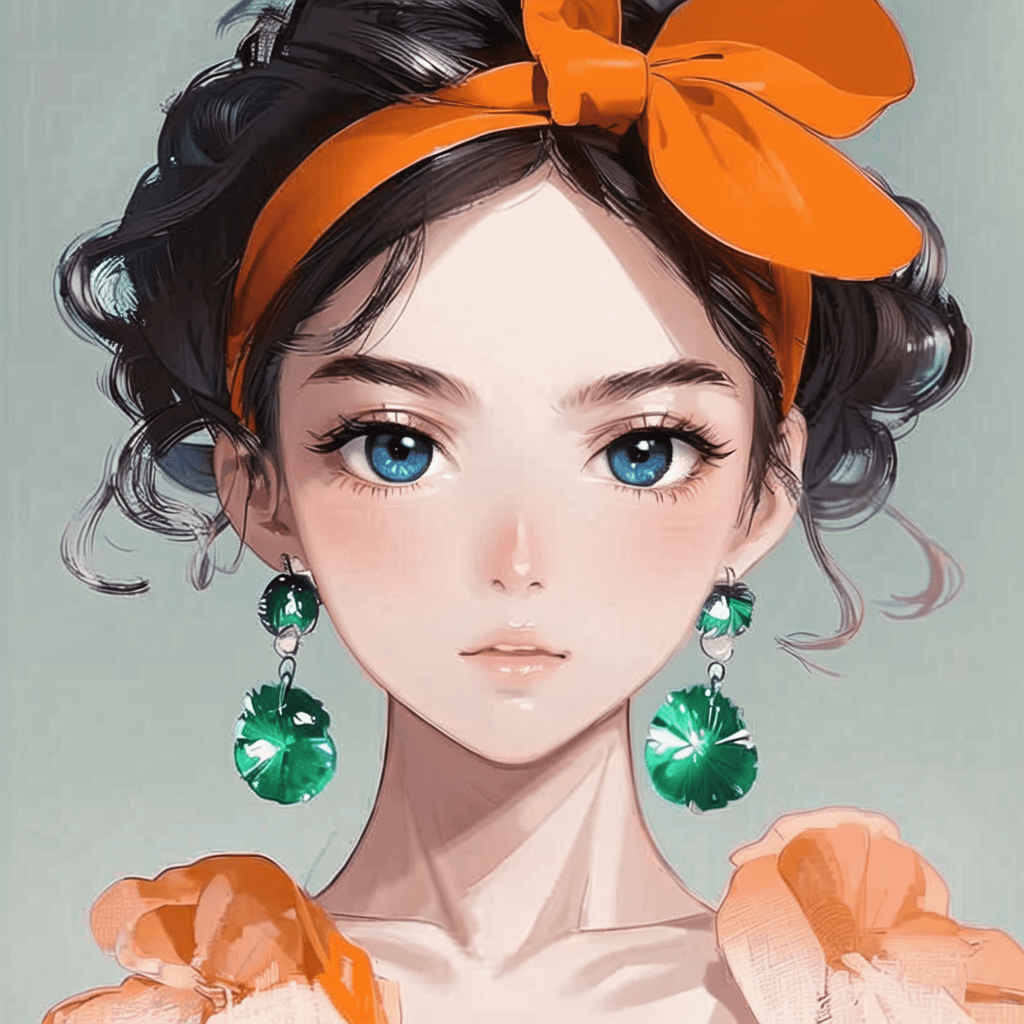
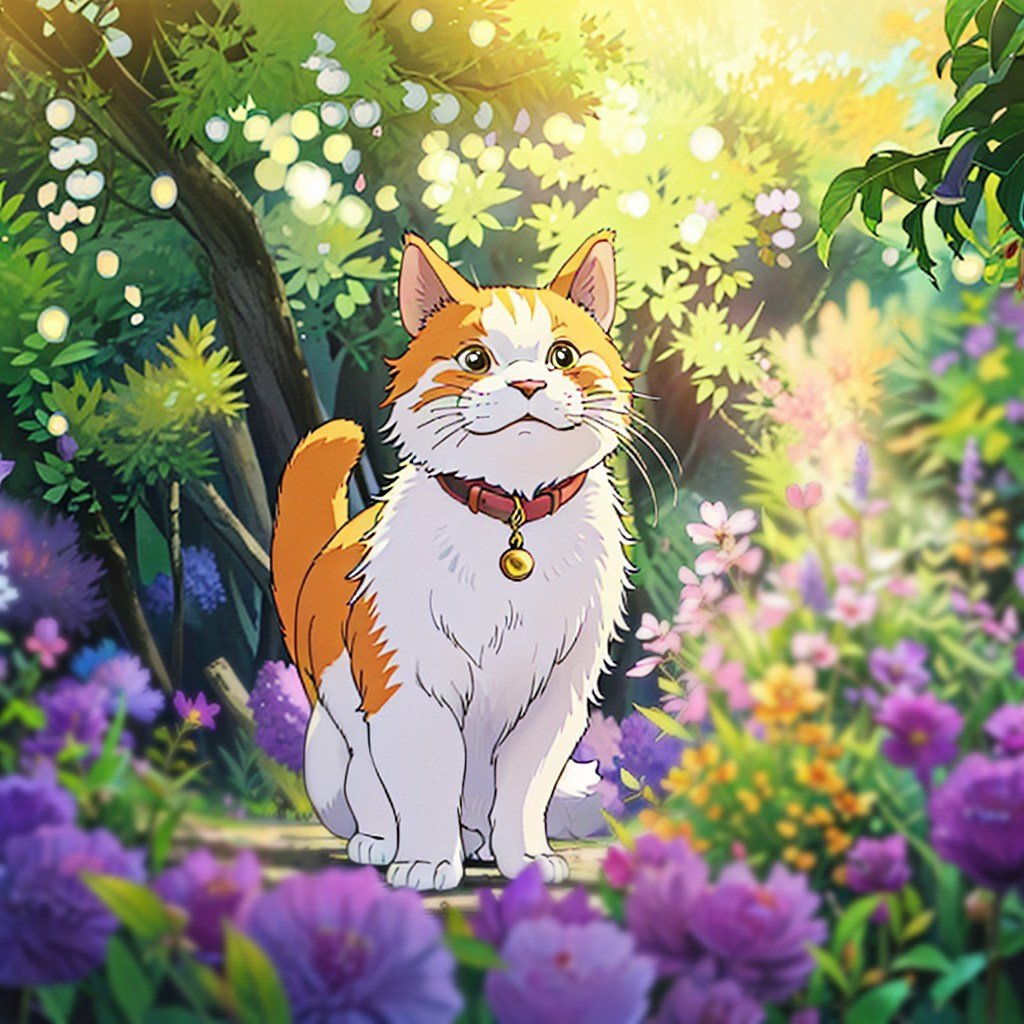
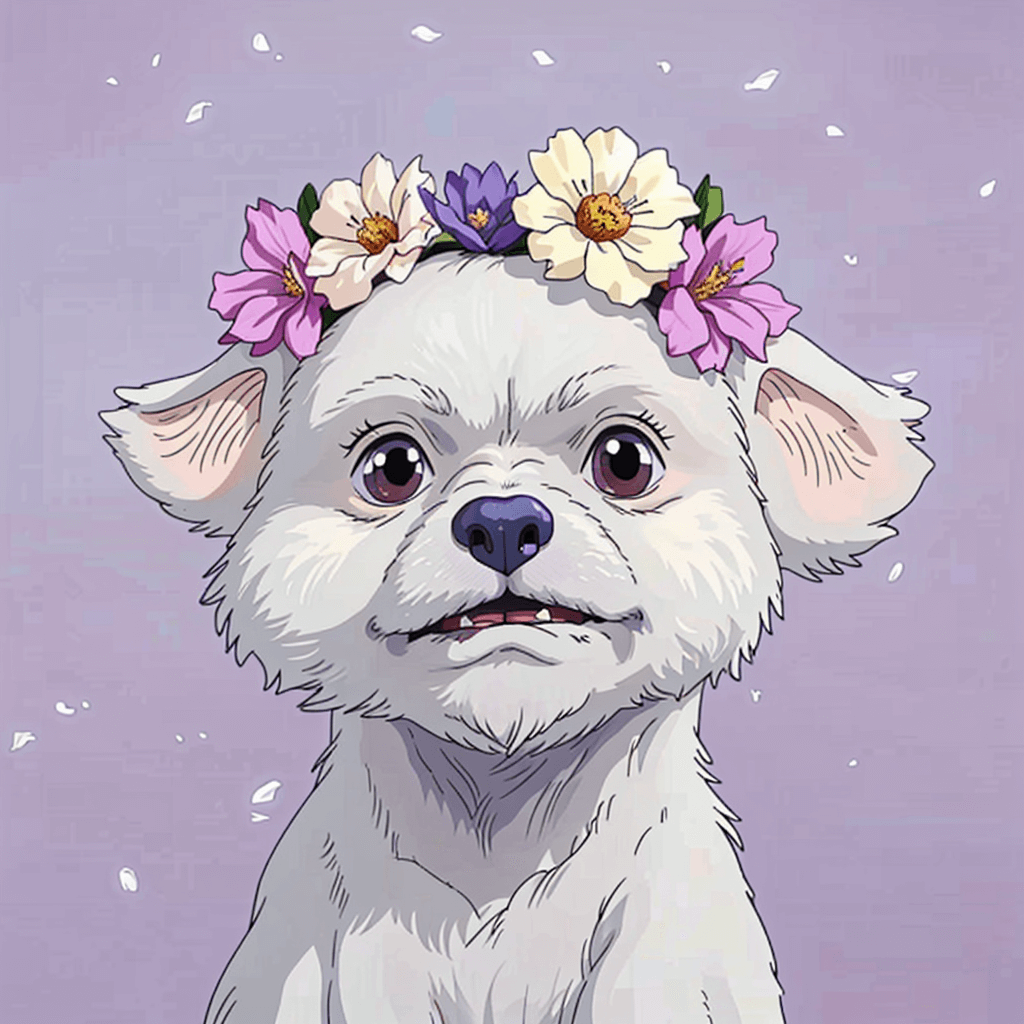
عينة من مرشح البكاء insMind AI 2
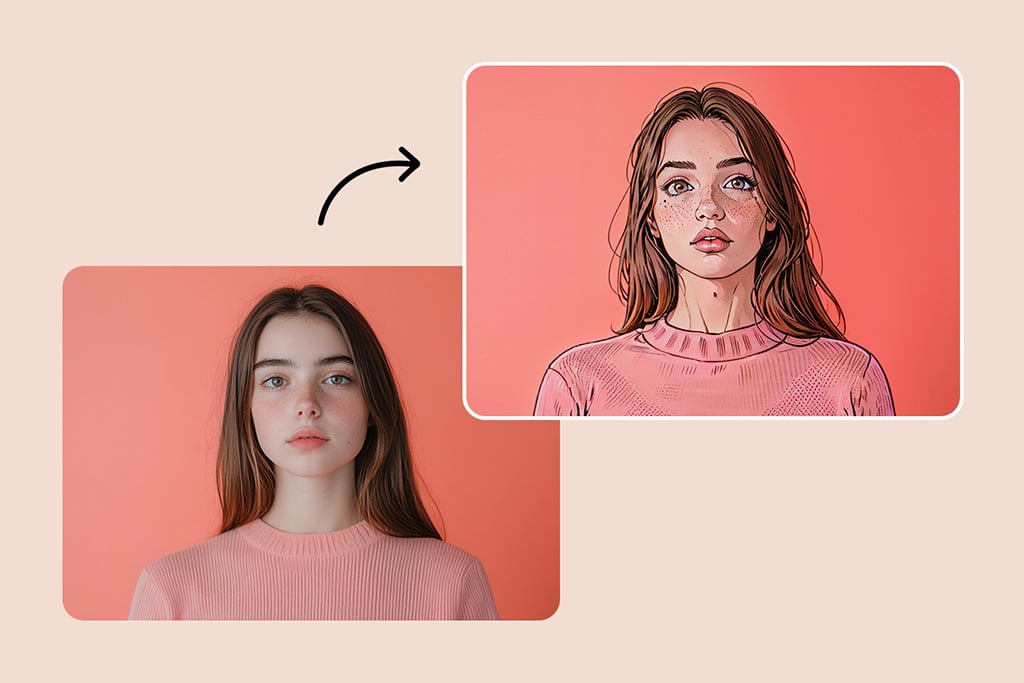
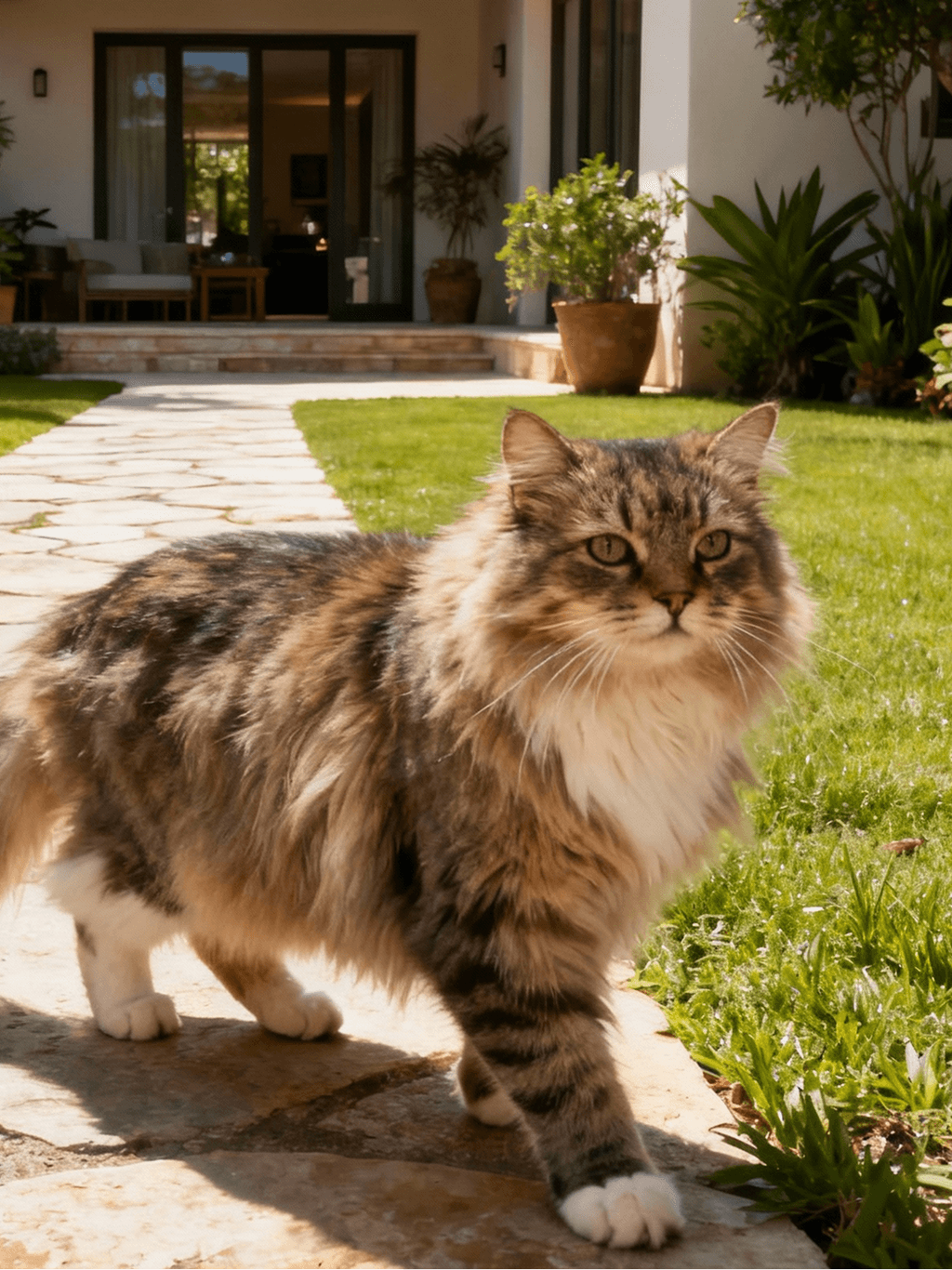
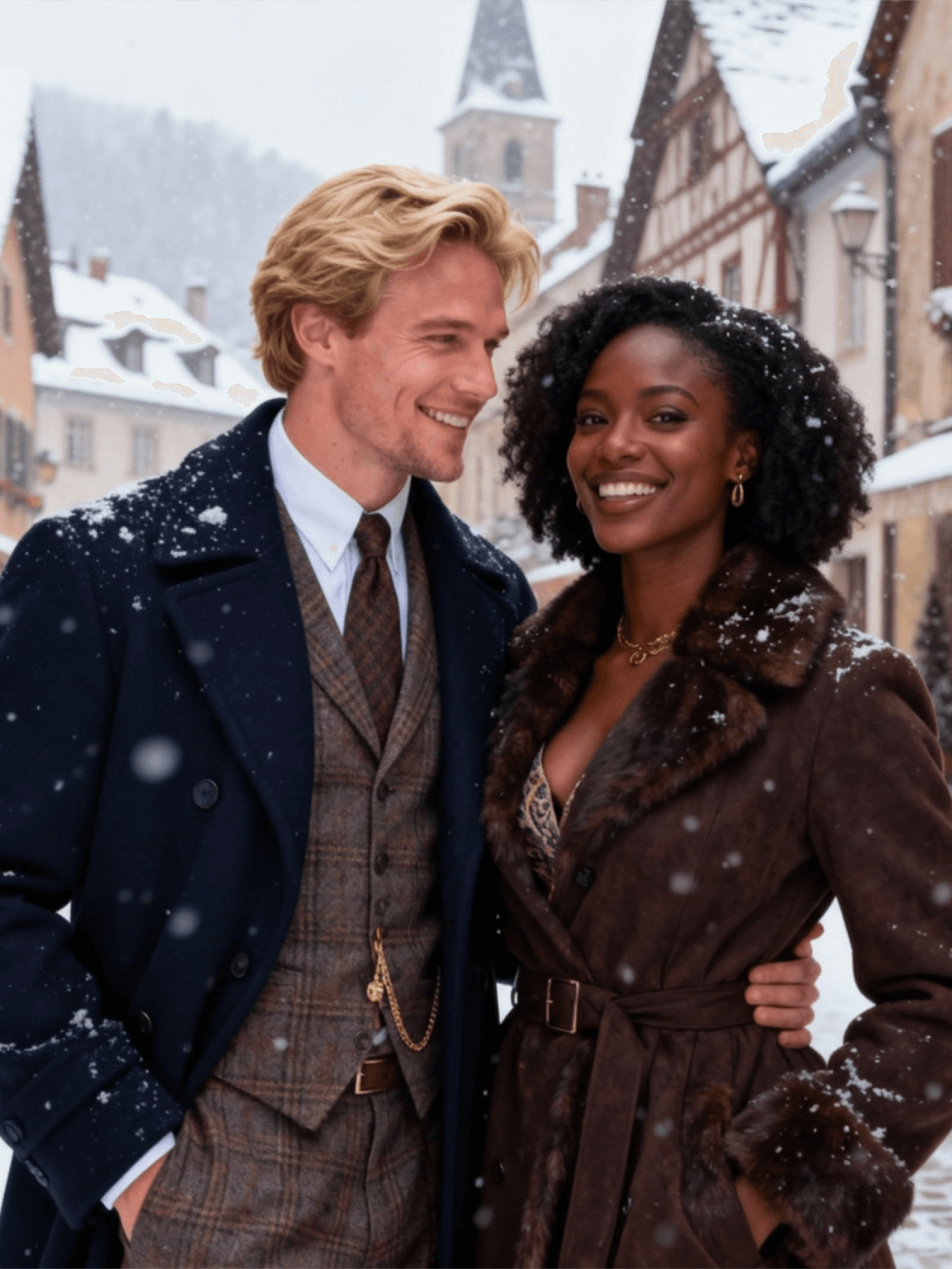
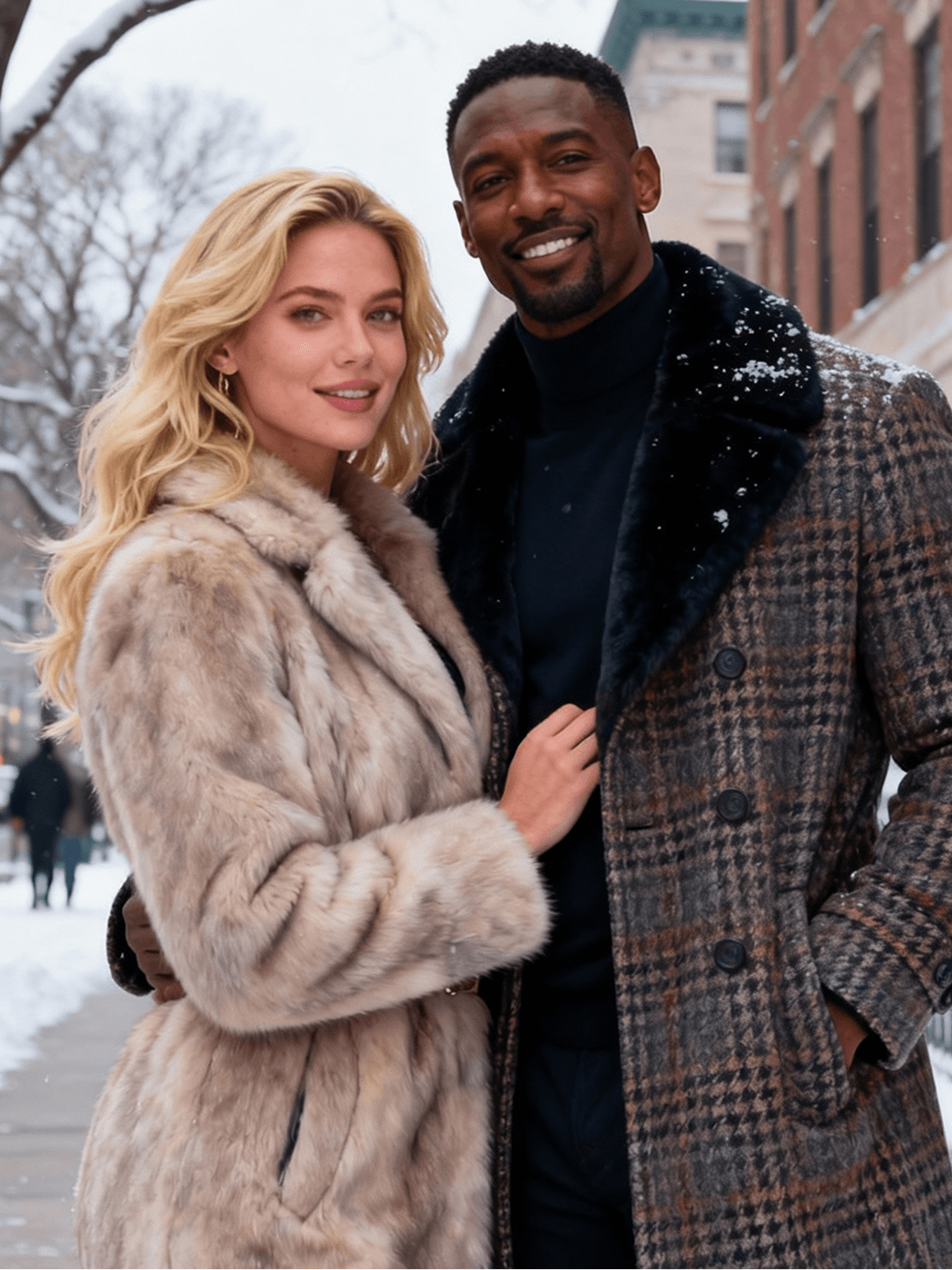
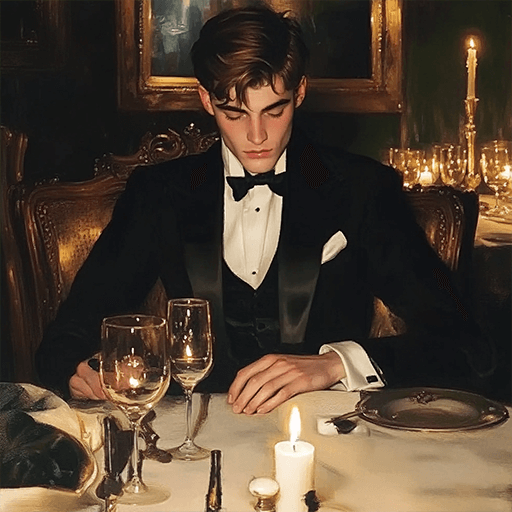
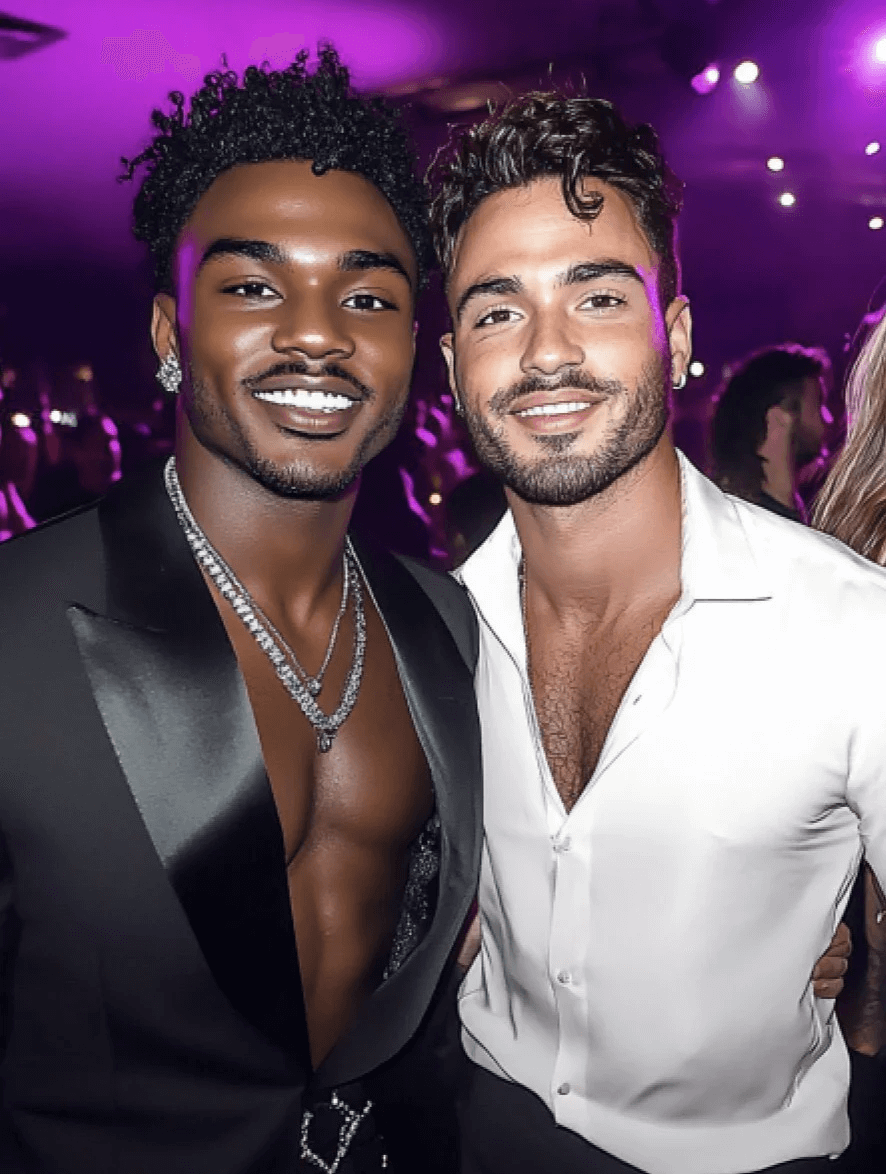
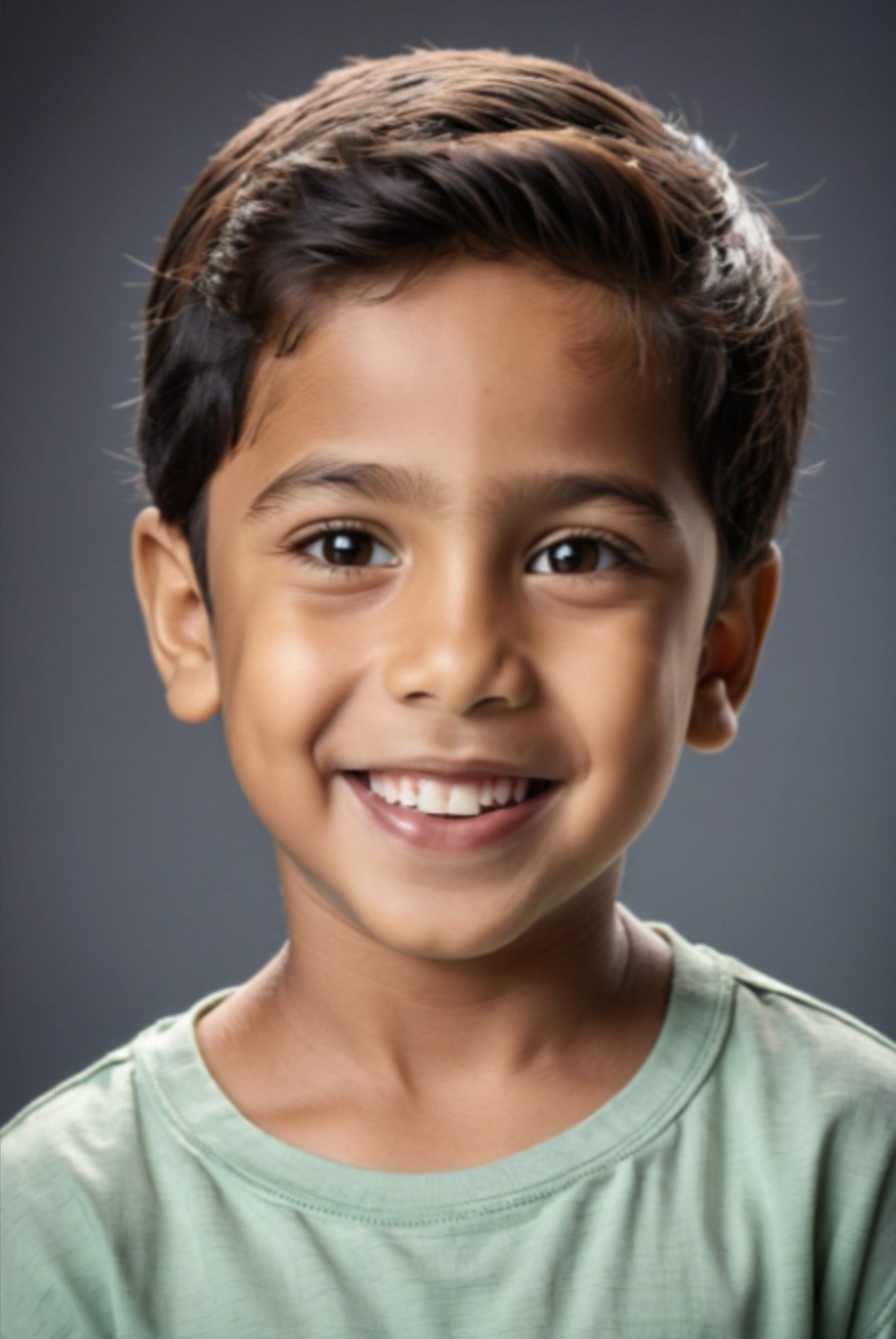
عينة من مرشح البكاء insMind AI 3
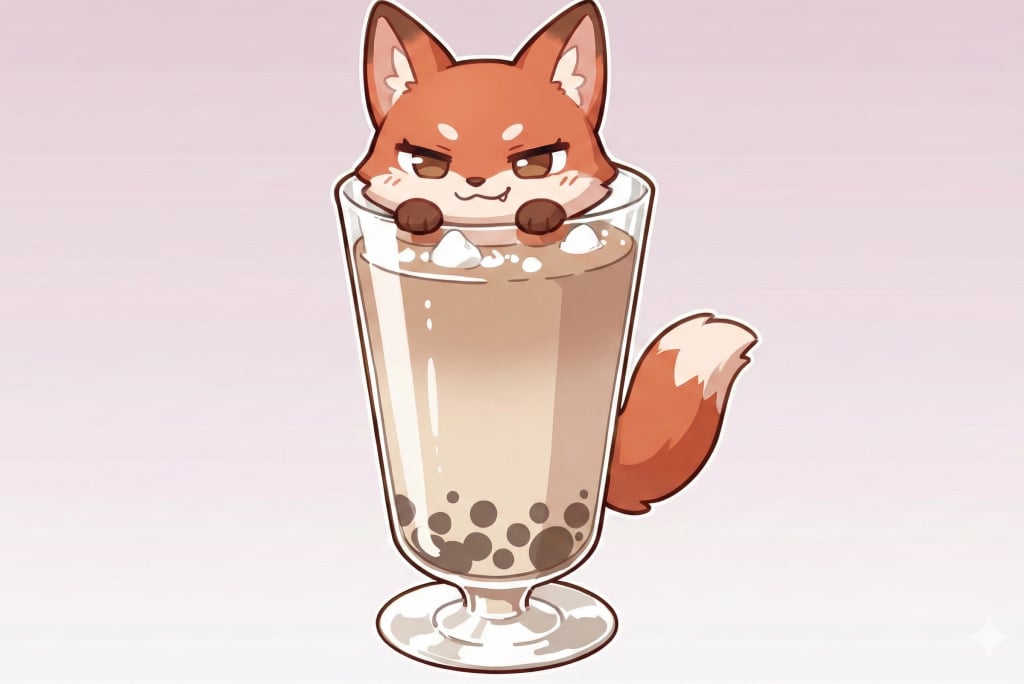
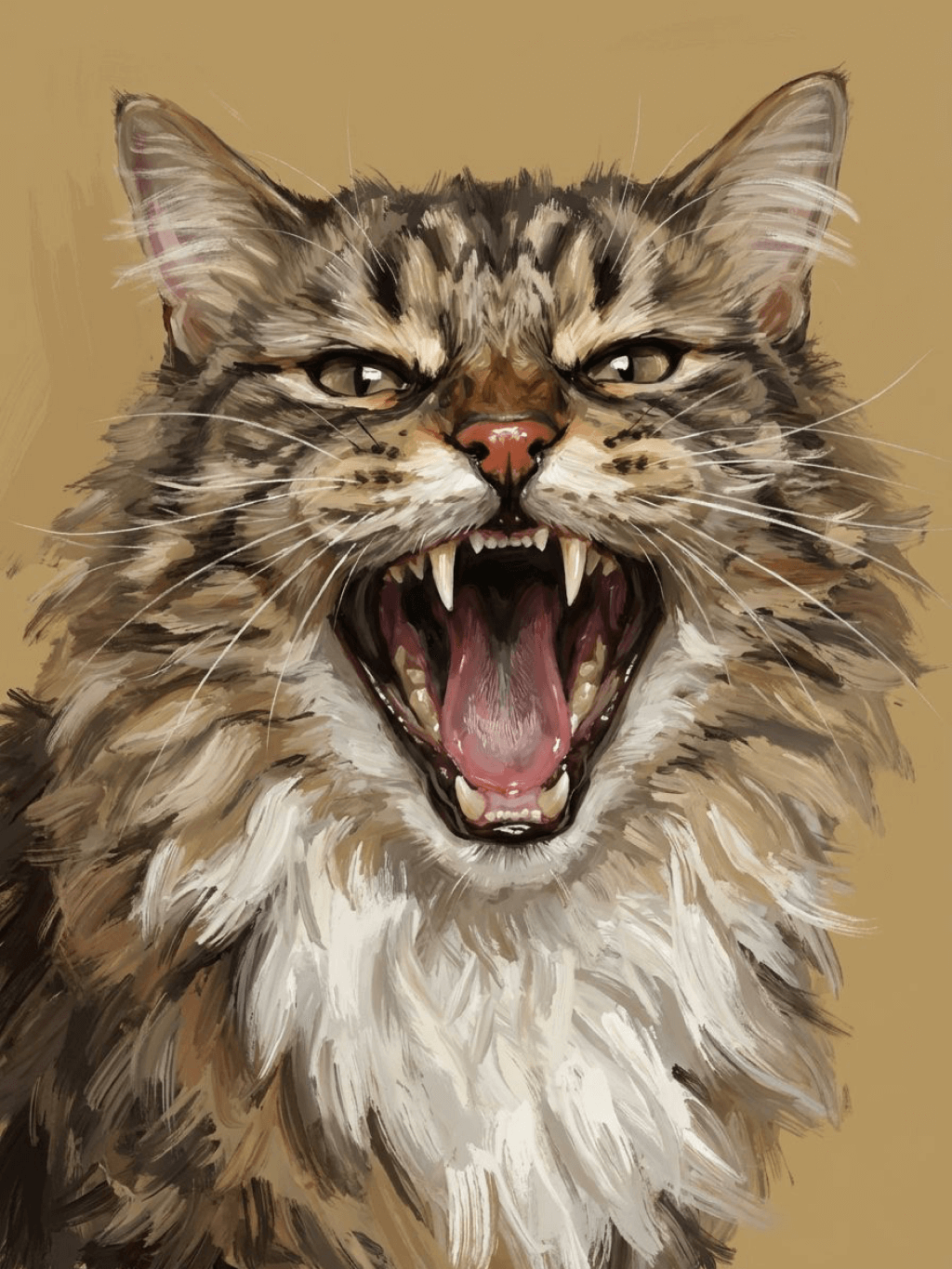
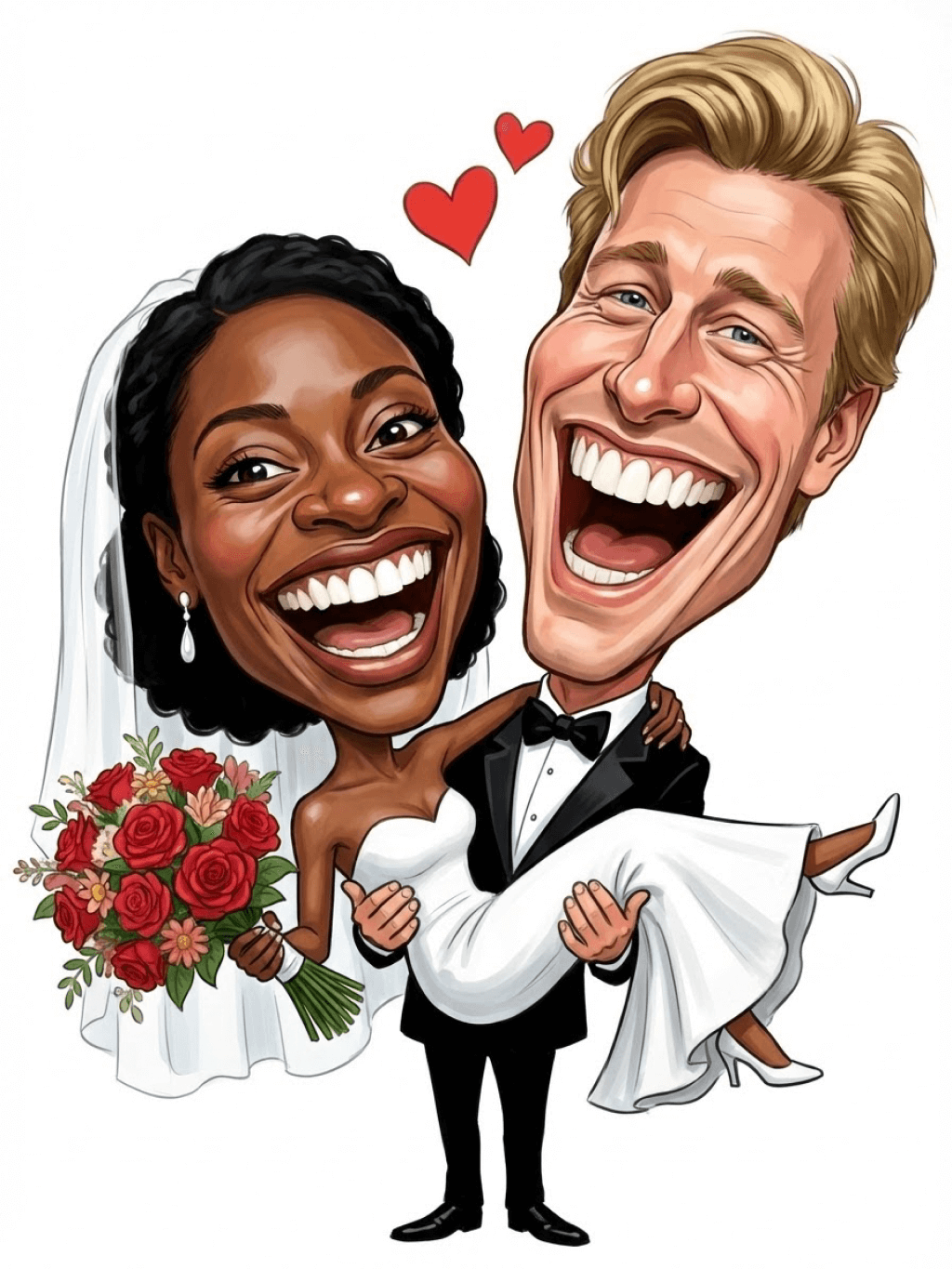
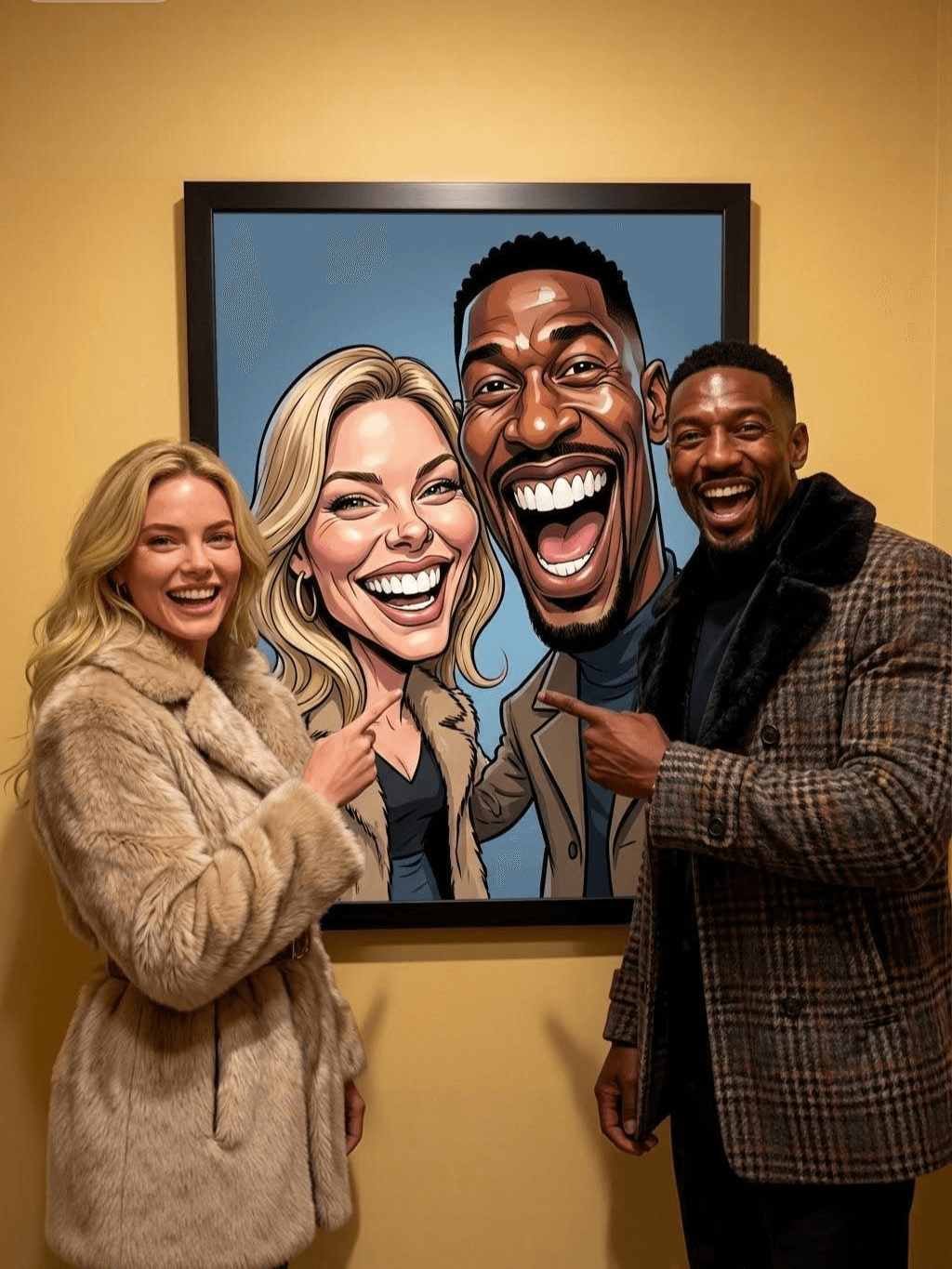
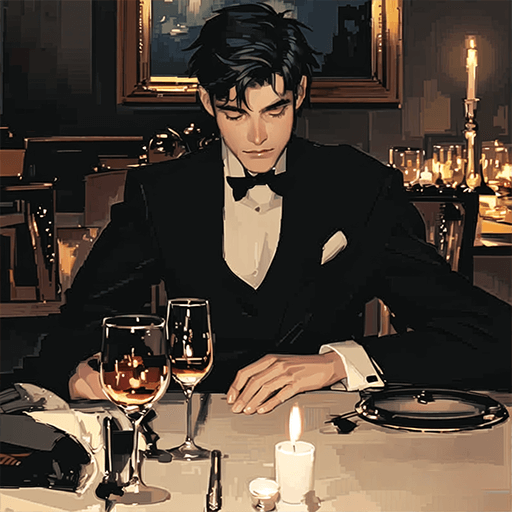
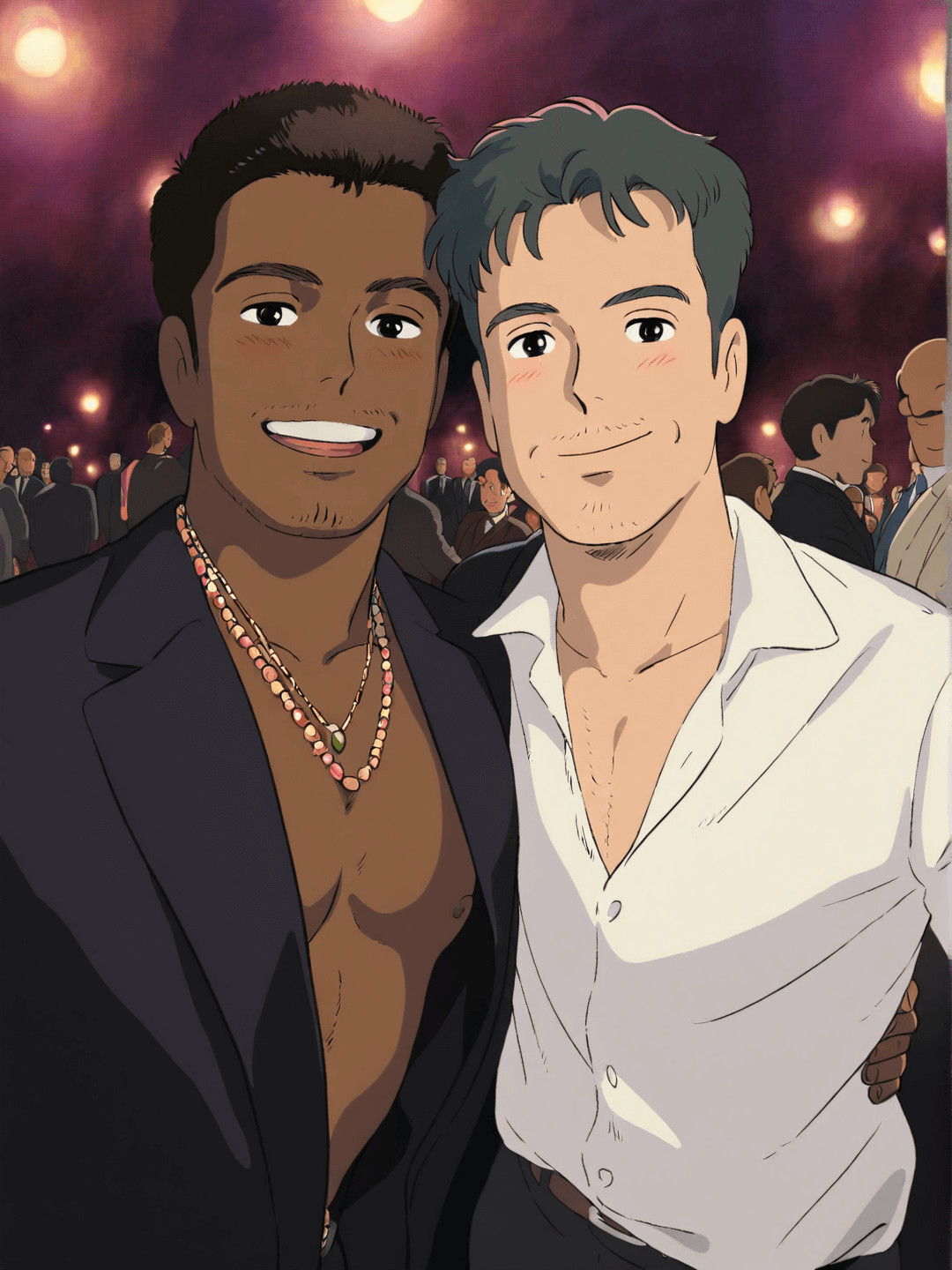
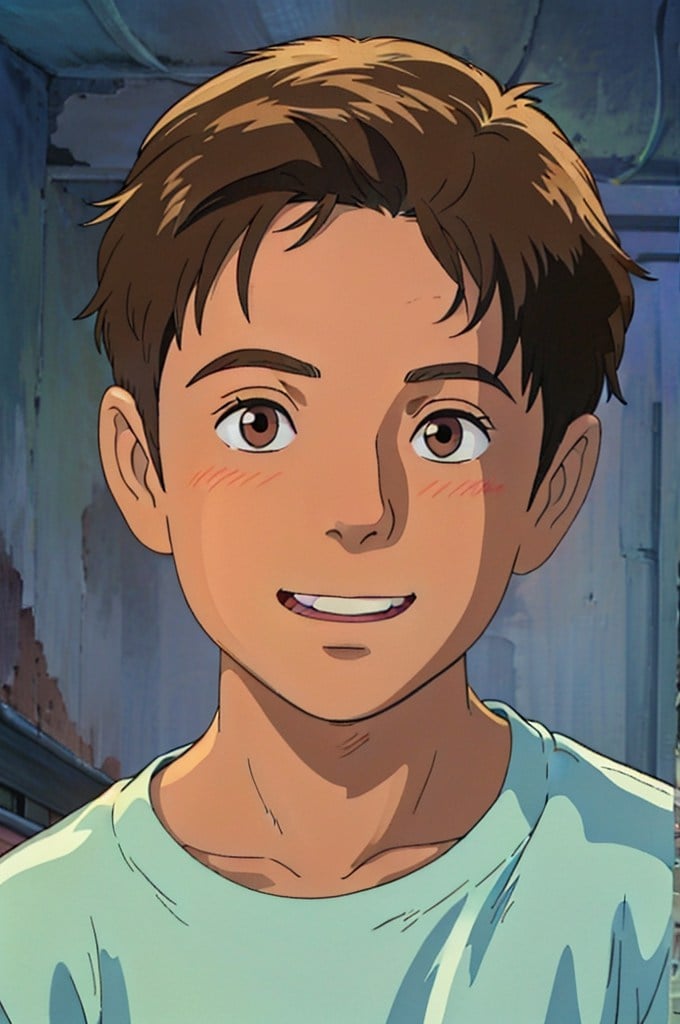
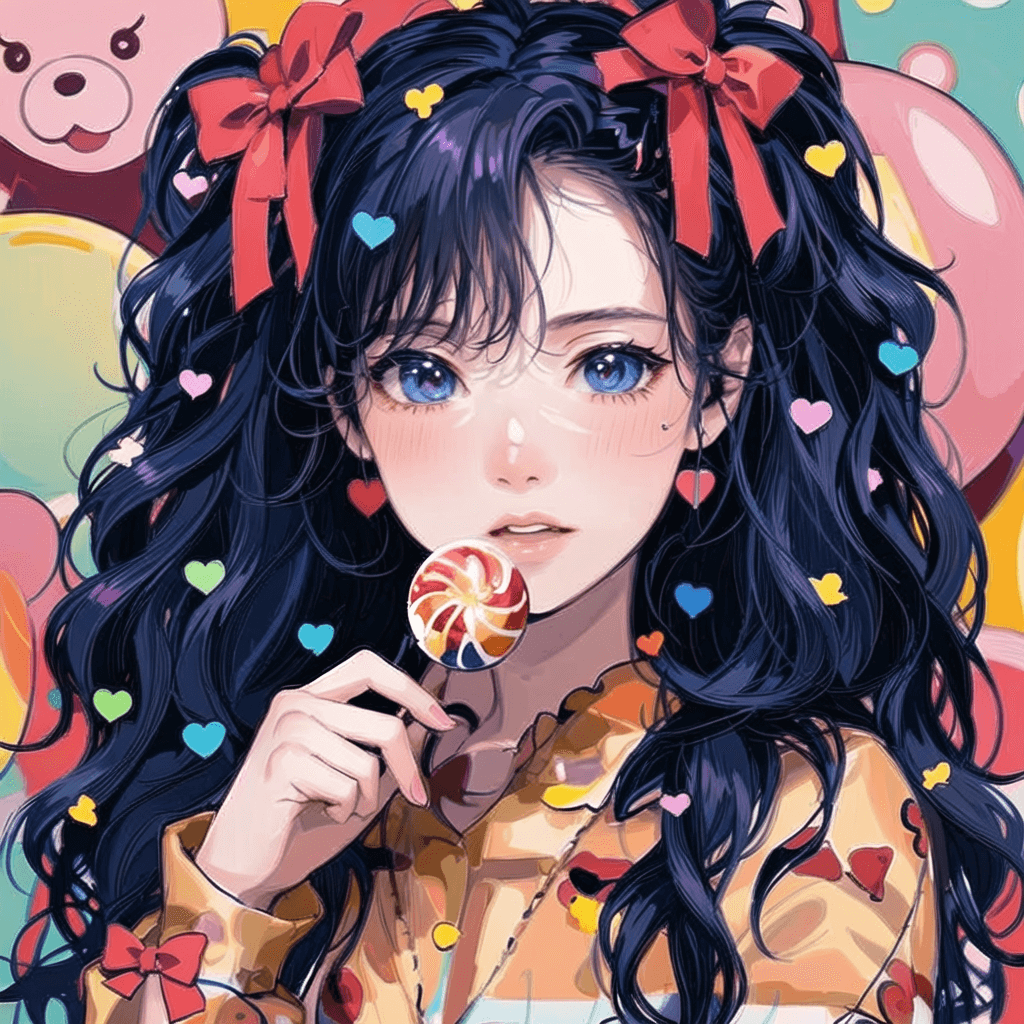
عينة من مرشح البكاء insMind AI 4

إنشاء تصميم مشابه

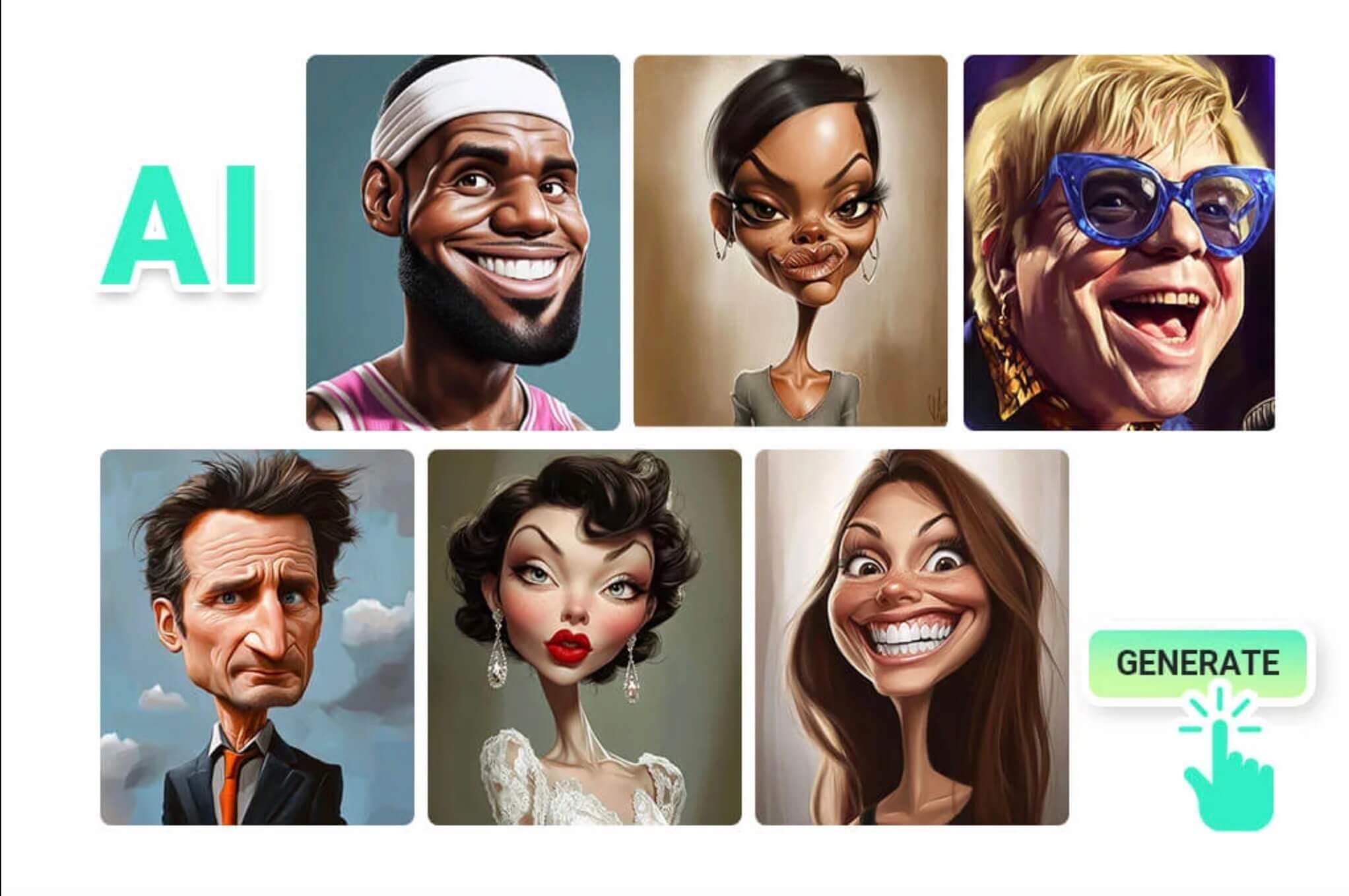
Subject: The main character in the picture. Expression: An anthropomorphic expression, with the mouth wide open, revealing teeth, canine teeth and tongue. The eyes are narrowed, looking disdainfully at the camera. Style: An exaggerated portrait painting in a digital painting style, combining expressionist brushstrokes. Texture: Has distinct brushstroke textures, as if it was quickly applied with rough oil paints or acrylic brushes. Detail depiction: The details are very realistic, such as hair, teeth, a moist nose and the inside of the mouth, but the overall structure and expression are highly exaggerated to achieve a humorous effect. Posture: Frontal shot, profile view Background: Solid color background
Subject: The main character in the picture. Expression: Extremely angry / Exaggerated anger. Furrowed brows, wrinkled forehead, dilated nostrils, mouth wide open and revealing clenched teeth, facial muscles completely contracted. Looking at the camera. Pose: One-to-one replication of the main character in the picture. Costume: One-to-one replication of the character's costume. Style: Exaggerated portrait painting in a digital painting style, combining expressionist brushstrokes. Texture: Has distinct brushstroke textures, as if it was quickly applied with rough oil painting or acrylic brushes, especially the background and clothing parts. Character style: Satirical caricature style, extremely exaggerated features (big mouth, big teeth, big eyes, big nose), funny expression, proportion: The head is significantly enlarged, the proportion is distorted, while the body is relatively smaller. Facial features: The facial muscles are extremely exaggerated, there are deep expressive lines around the eyes and mouth. Detail depiction: Skin texture, pores, teeth and other details are depicted very realistically, but the overall proportion and expression are exaggerated to a great extent. Lighting: Uses dramatic and intense contrast of light and shadow, highlighting the three-dimensionality of the character's face and the tension of the emotions. Posture: Frontal, portrait Background: Abstract and rough blue-green and orange/brown brushstrokes form the background, without specific environmental depiction, completely focusing on the character.
Character: The main figure in the picture. Core: An exaggerated comic with a wedding photo theme. Style: A highly exaggerated cartoon comic style, presented through digital painting. Head: Both of their heads are significantly enlarged, with distorted proportions, while the bodies are relatively smaller. Facial features: The facial muscles are extremely exaggerated, with deep expressive lines around the eyes and mouth, a very large and prominent nose, and very large teeth. Expression: An extremely exaggerated and joyful wide-open mouth laugh, with bulging eyes, fully matching the joyful mood in the reference image. Both are looking directly at the camera. Light and details: Sharp highlights on the forehead, nose, and cheekbones, contrasting with deep, smooth shadows to emphasize the exaggerated contours. Clean, smooth digital brush strokes. Background: A pure white background, with two red hearts decorating the gap between the two heads. Appearance: A one-to-one replica of the main character in the picture. Costume: The bride is wearing a white strapless wedding dress with a veil, and the groom is wearing a black tuxedo with a bow tie. Posture: Full body, both looking at the camera, the groom holding the bride like a princess, and the bride holding a red rose bouquet of flowers.
Main character: The person in the picture Art style: Exaggerated cartoon style. Bright colors, bold outlines. Character blush. Proportion: The heads are significantly enlarged and the proportions are distorted. Facial features: Exaggerated processing based on the facial features of the reference figure, exaggerated facial muscles, extremely exaggerated facial features (big mouth, big teeth, big eyes, big nose), funny expressions. Expression: Reproduce the main character's expression in the picture and exaggerate it. Facing the camera. Hair: Reproduce the hairstyle of the main character in the picture. Clothing: Exactly the same as the main character's clothing in the picture. Background: Solid color background. Light and details: Styled highlights and shadows, highlighting the facial contours, with the typical smooth texture of digital painting. Posture: Affectionate action, head touching head, looking at the camera, half-length portrait
Subject: The main figure in the picture. Core: A high-resolution real photo showing a couple standing beside a framed painting hanging on the wall. The center of the picture features a large black-framed portrait. The content is an exaggerated caricature style of the main character: extremely exaggerated facial features (big mouth, big teeth, big eyes, big nose), with a funny expression. Portrait: Black simple border (no white border), style: highly exaggerated cartoon comic style, presented by digital painting. Head: Both people's heads are significantly enlarged, with distorted proportions, while the body is relatively smaller. Facial features: Facial muscles are extremely exaggerated, there are deep expressive lines around the eyes and mouth, the nose is very large and prominent, and the teeth are also very big. Comic expression: Extremely exaggerated, joyful mouth wide open laughter, eyes bulging, fully matching the joyful mood in the reference image. Both are looking directly at the camera. Light and details: Sharp highlights on the forehead, nose, and cheekbones, contrasting with the deep, smooth shadows to emphasize the exaggerated contours. Clean, smooth digital brushstroke texture. Low saturation blue as the background of the portrait. Style: One-to-one replication of the main figure in the picture Clothing: One-to-one replication of the main character's clothing Photo scene: Indoor, with warm decoration, warm yellow background wall Posture: The main figure stands in front of the portrait, looking at the camera, with one hand raised in front of the chest pointing at the portrait on the wall. Warm lighting, natural integration of light and shadow, clear image quality, 8K
Subject: The main character in the picture. Art style: Exaggerated cartoon style. Head: The head is enlarged while the body is relatively small. Facial features: Exaggerated facial muscles, exaggerated facial lines, and a large nose. Expression: Reproduce the expression of the main character in the picture and exaggerate it. Looking at the camera. Family name: Exactly the same as the appearance of the main character in the picture. Attire: One-to-one reproduction of the main character's outfit in the picture. Background: Solid color background. Lighting and details: Stylized highlights and shadows, highlighting the facial contours, with a smooth feel typical of digital painting. Pose: Frontal half-length portrait
Retain all the details of the image and convert it to color.
Use the character from the uploaded image exactly as it appears — keep all features, colors, proportions, and style unchanged. Create a four-panel comic/storyboard with each panel showing a different scene of the character. Maintain the same cartoon art style as the reference image. Add speech bubbles/dialogues for the character in each panel, appropriate to the story. Ensure visual continuity: same background style, color palette, and lighting consistent across all panels. Focus on clear composition, expressive poses, and readable dialogue. Output: four distinct panels forming a coherent story.
Refer to Figure 2 and convert the style of Figure 1
Generate a set of powerful 3-panel Japanese anime storyboards by referring to the image
Polaroid 2:3 photo: IMG1 person and IMG2 cartoon character hugging like friends, smiling and laughing, heads close together, looking at the camera, hips-up; original clothes; white-curtain background; cartoon character’s arms naturally around person, proportions adjusted for natural interaction; subtle shadowing for depth; strong flash, slight overall blur, soft light vignette, no omissions; no face-swap, no distortion; classic white-border Polaroid, flat on white table, back flush, 90° top-down, zero tilt, no extras.
Optimize the line drawing, transform it into a Japanese anime style and color it to add a campus background
Young Millionaire Photo to Anime Cartoon
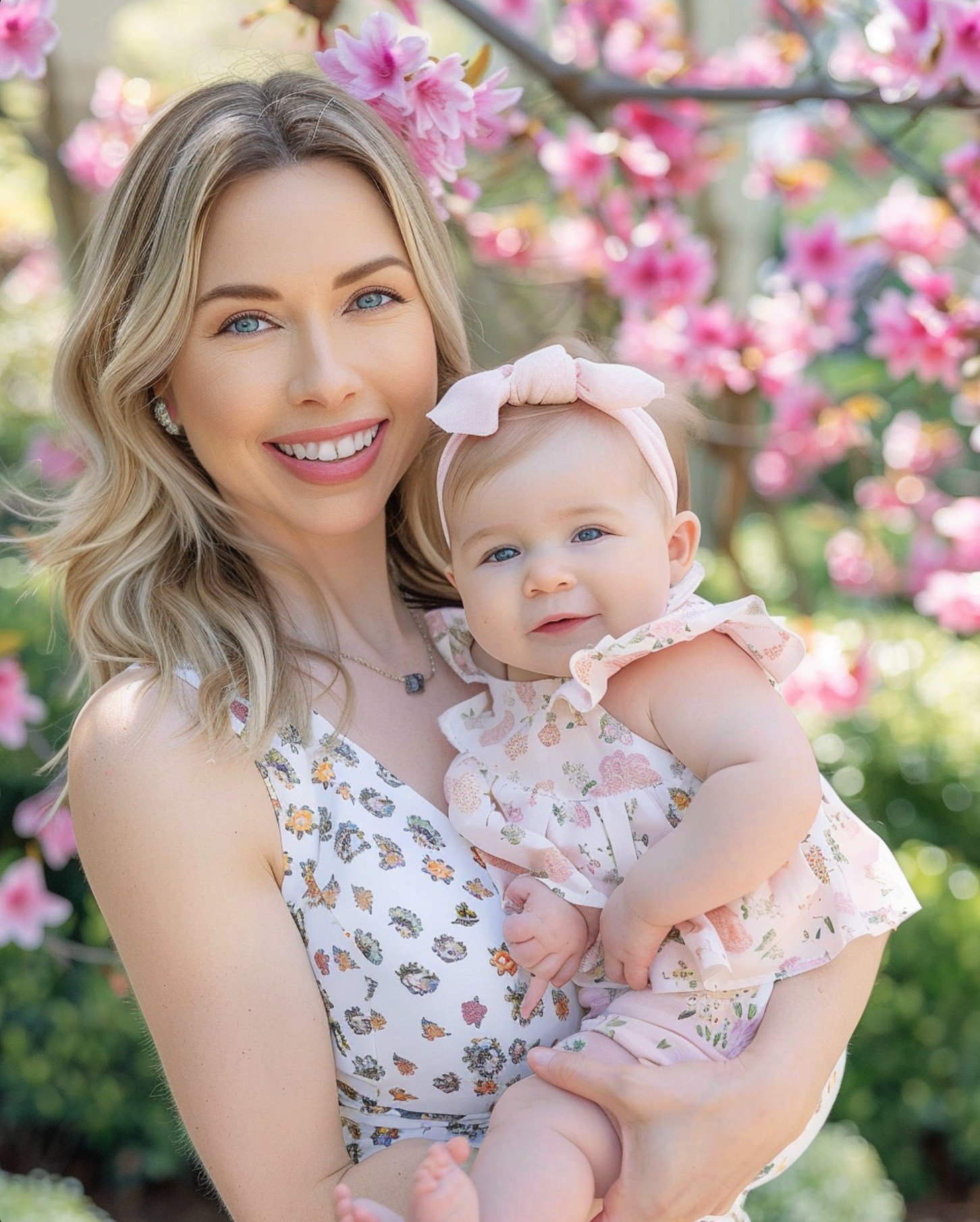
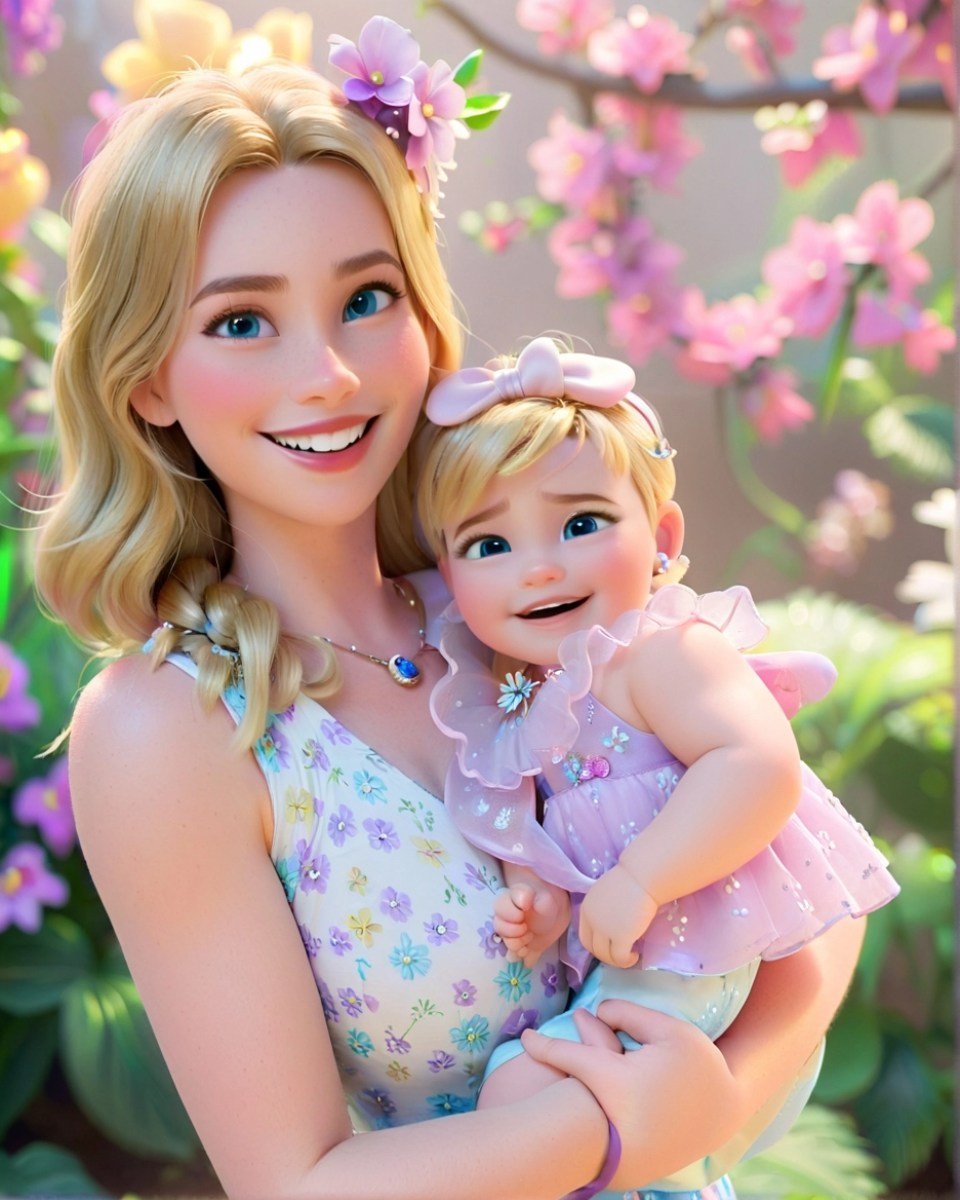
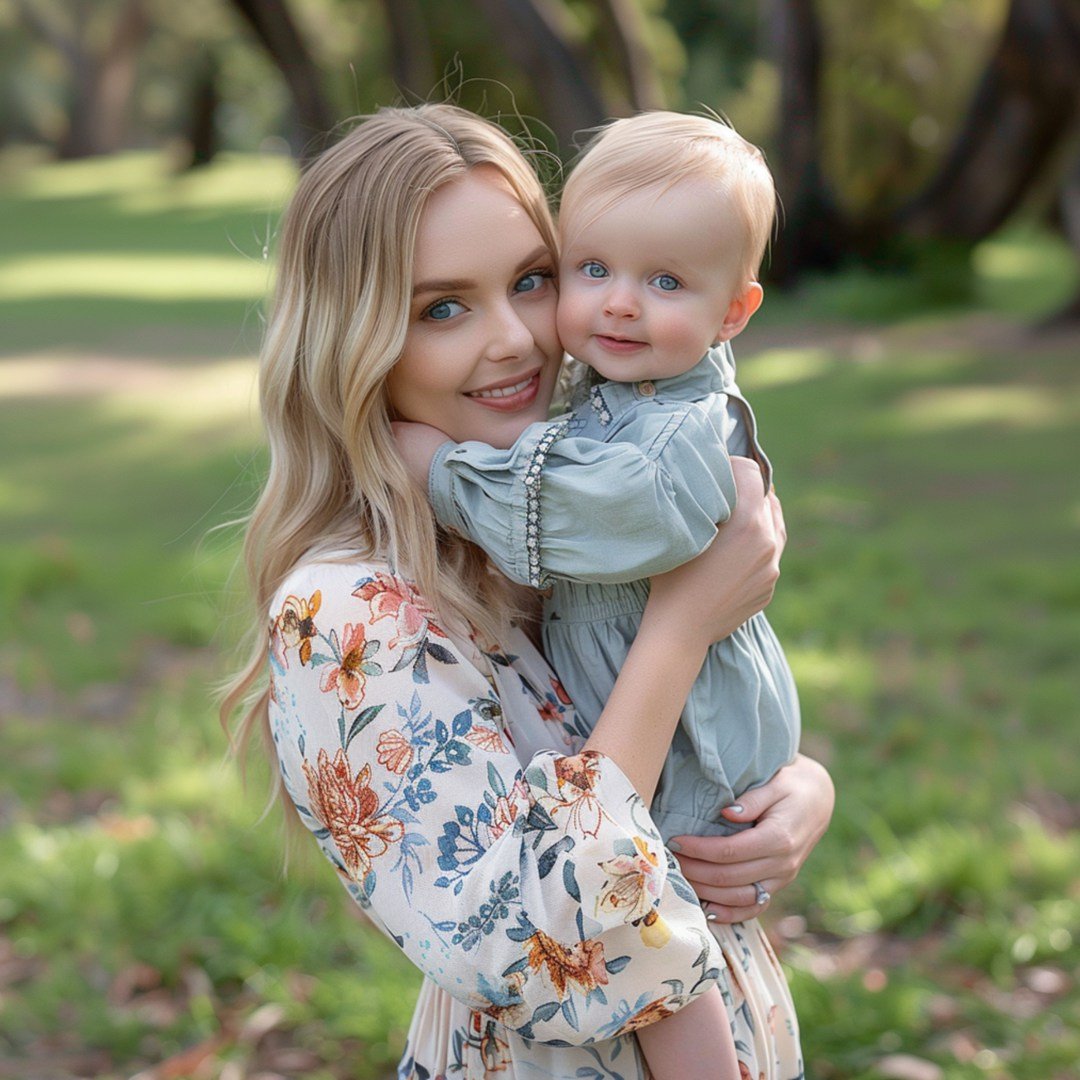
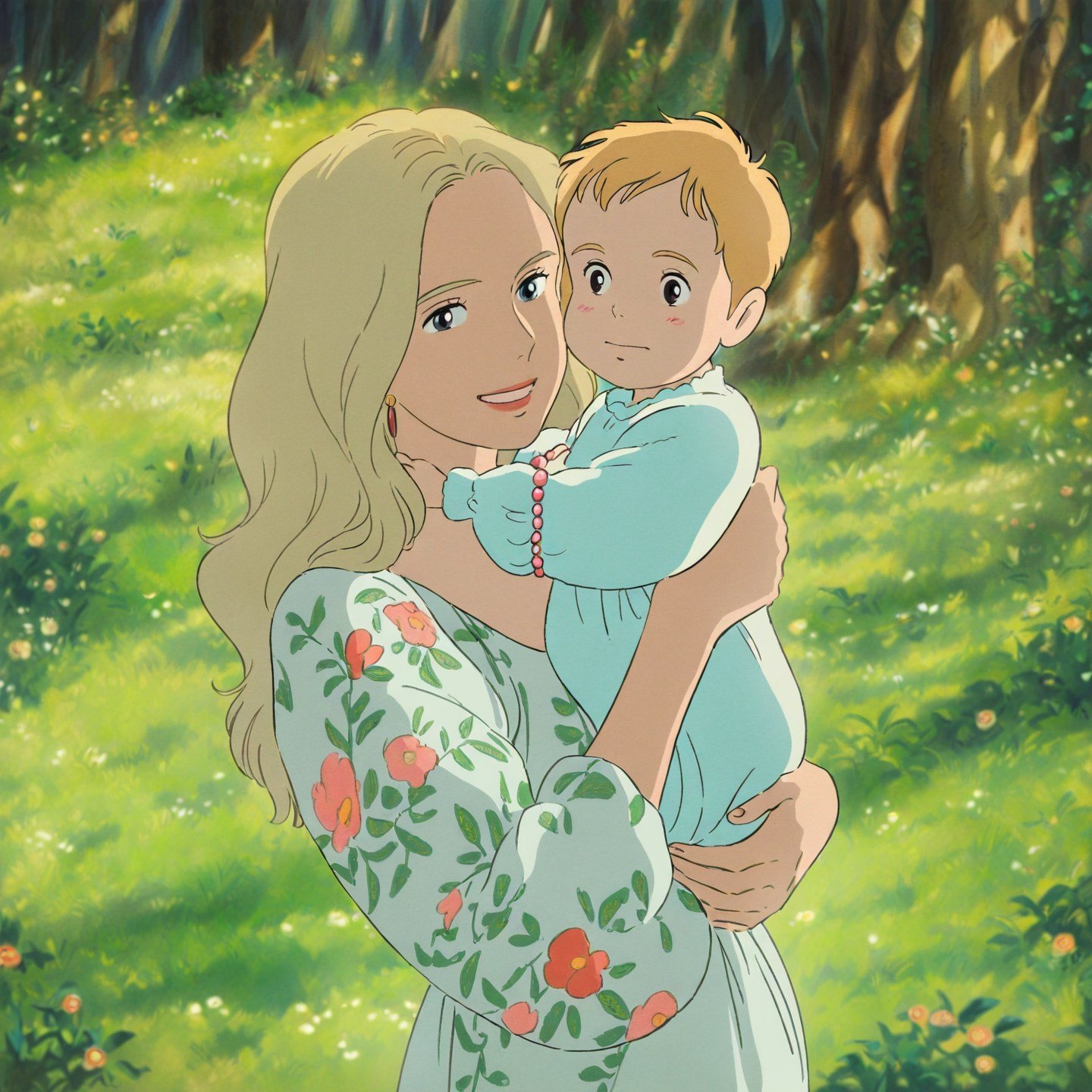
Mother's Day Disney Filter
Disney Style Mother Holding Baby
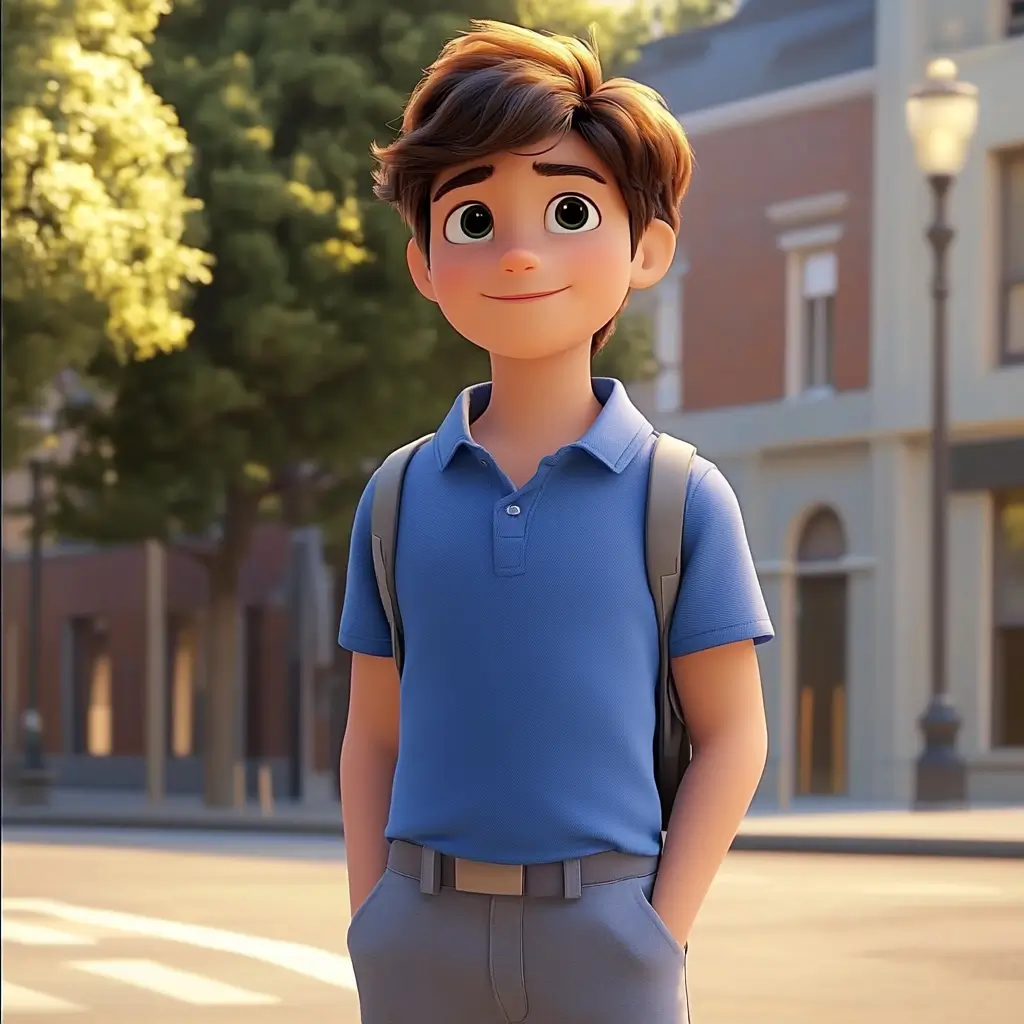
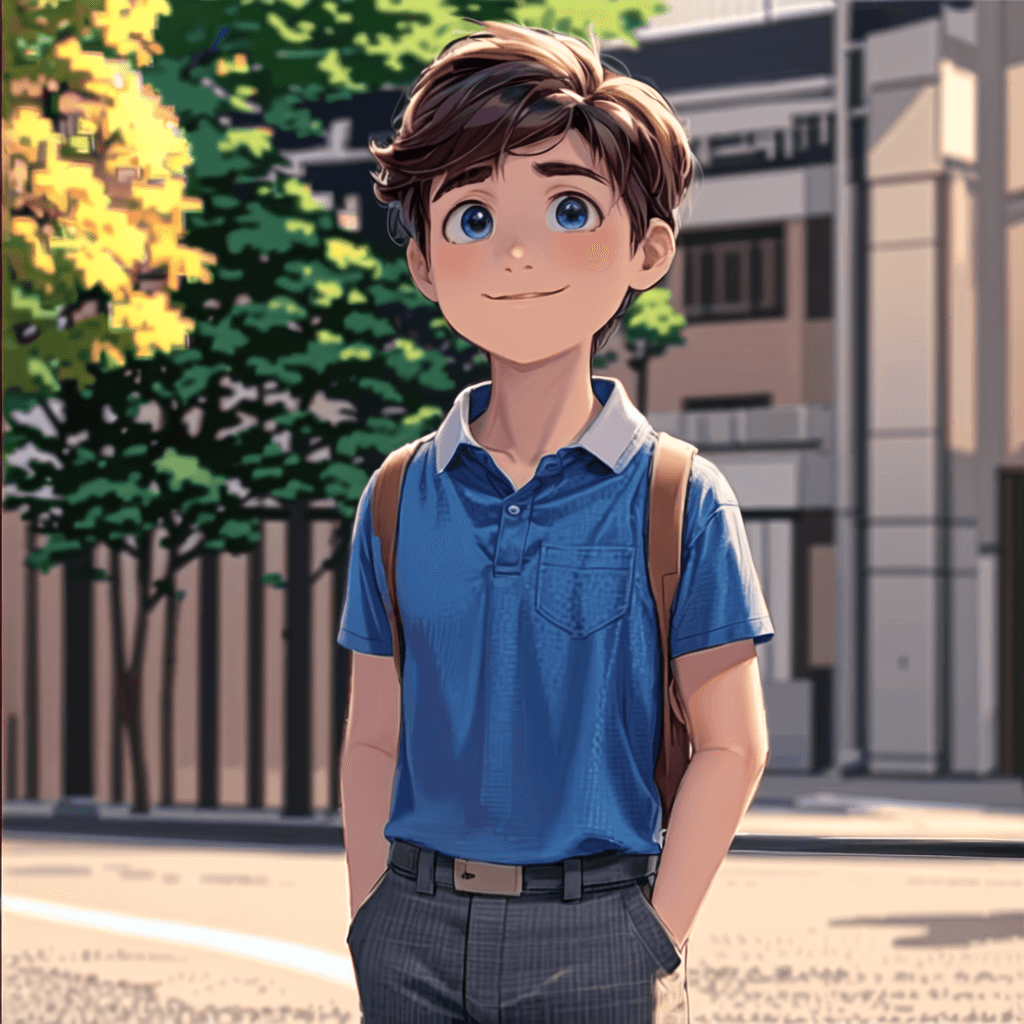
Cute Cartoon Boy
Cute Cartoon Boy
Cute Cartoon Boy
Attractive Anime Girl Filter
A girl in a blue shirt and black jacket sitting at a table with coffee and drinks, A steampunk-style background featuring intricate gears, brass pipes and glowing lights illuminating the scene. A desk with mechanical tools is in sharp focus while surrounding walls display vintage timepieces and cogs.
depicting futuristic cities with towering skyscrapers made from metallic gold and green hues. Include flying cars and high-tech elements to create a sense of wonder in space and cyberpunk aesthetics.
Beautiful Anime Girl
A cute cartoon black cat is lying in the box, yellow eyes, pink ears
أضف لمسة مرحة بتحويل صورك إلى رسومات كرتونية

أضف لمسة مرحة بتحويل صورك إلى رسومات كرتونية

استخدم فلاتر الكرتون الخاصة بنا لتحويل صورتك إلى كرتون بسهولة! لا حاجة لتعديلات معقدة — فقط ارفع صورتك، وشاهد التحوّل الرائع إلى عالم الرسوم. أداتنا البديهية تمنحك فرصة لإضافة لمسة مرحة وشخصية إلى ذكرياتك. شارك الصور الكرتونية مع العائلة والأصدقاء، أو أضف طابعًا فكاهيًا لمنشوراتك على السوشيال ميديا. أطلق العنان لإبداعك وابدأ في تحويل الصور إلى كرتون يعبّر عنك.
حوّل صورتك إلى كرتون
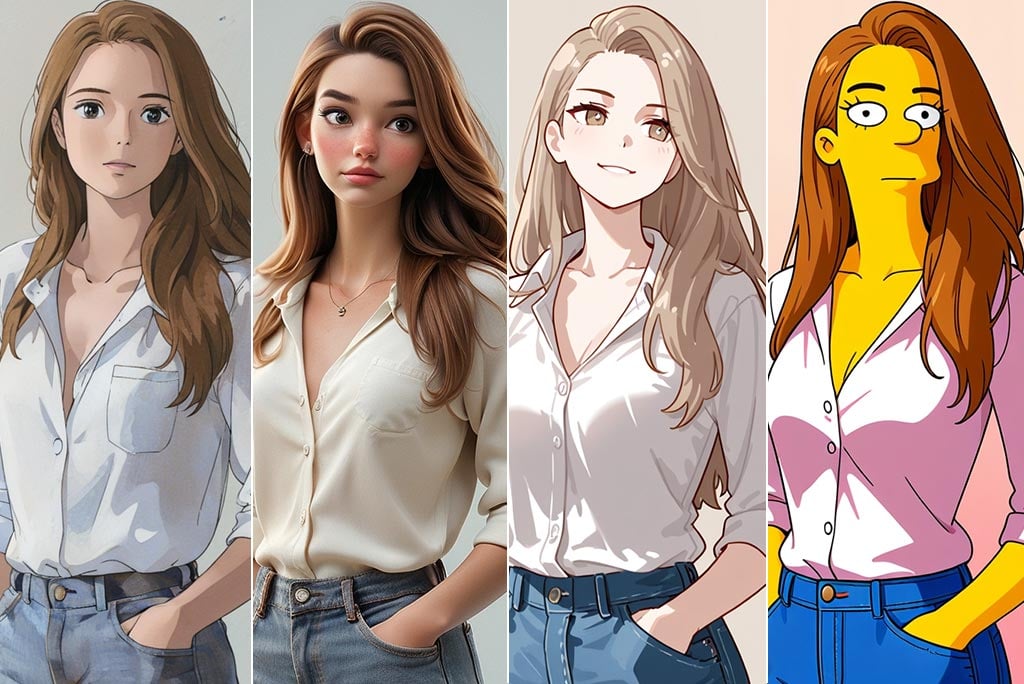
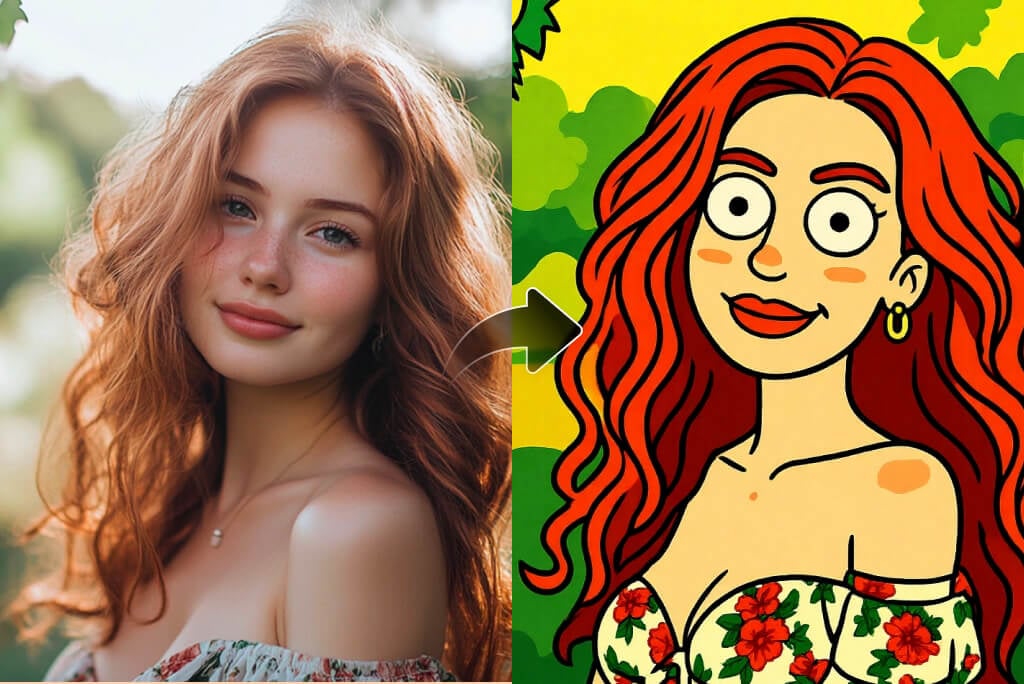
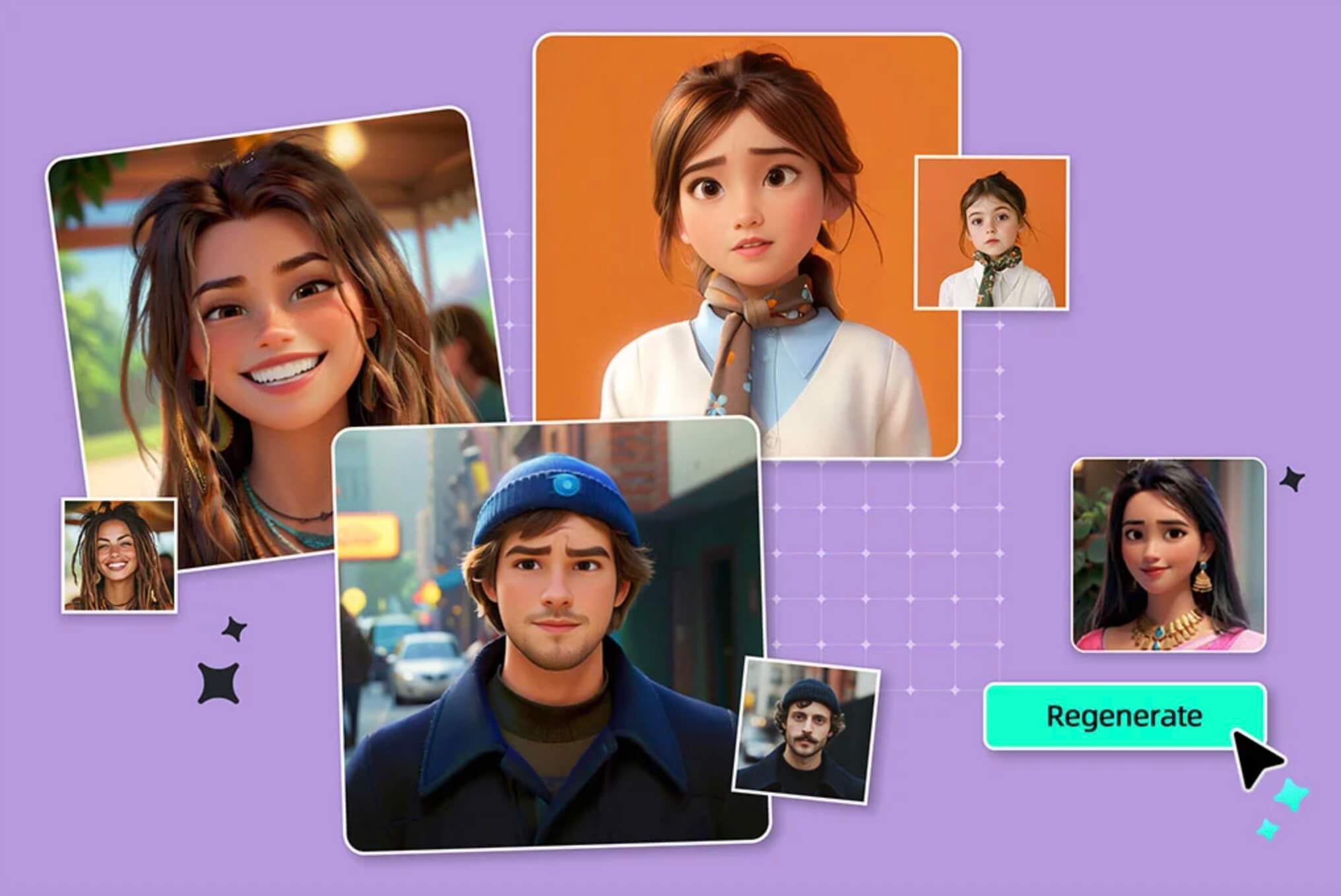
فلاتر كرتونية: ديزني، جيبلي، عائلة سمبسون، أنمي والمزيد

فلاتر كرتونية: ديزني، جيبلي، عائلة سمبسون، أنمي والمزيد

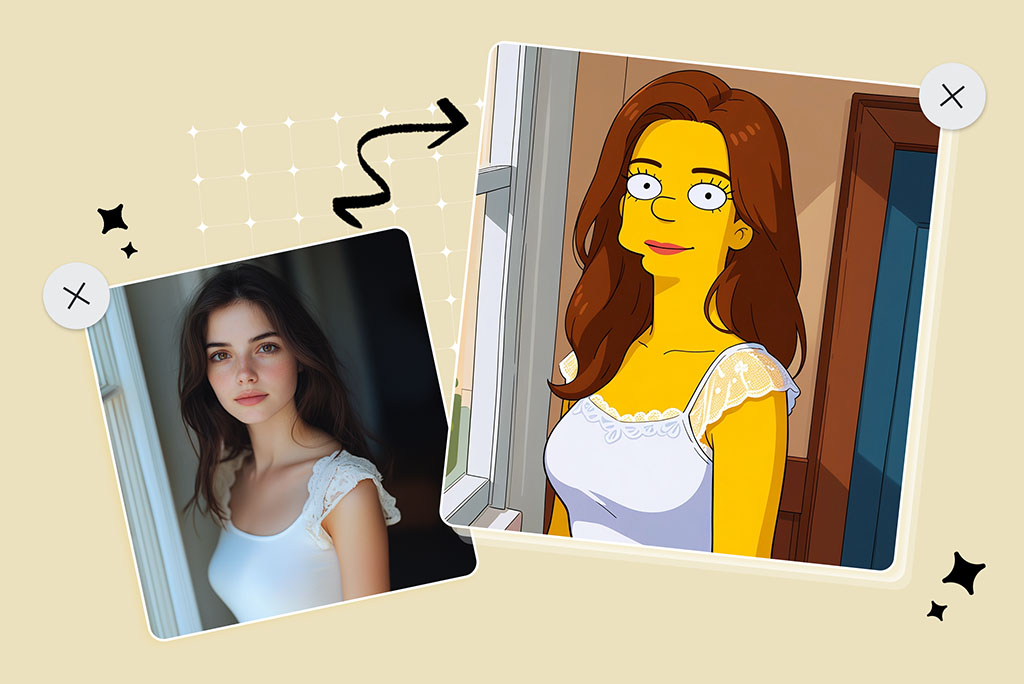
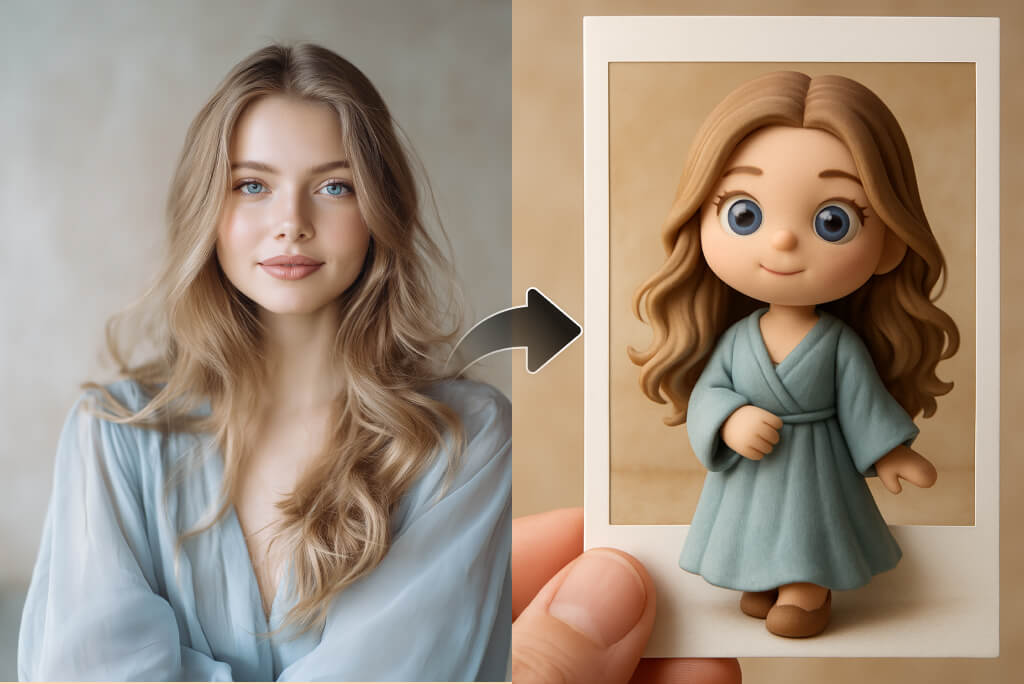
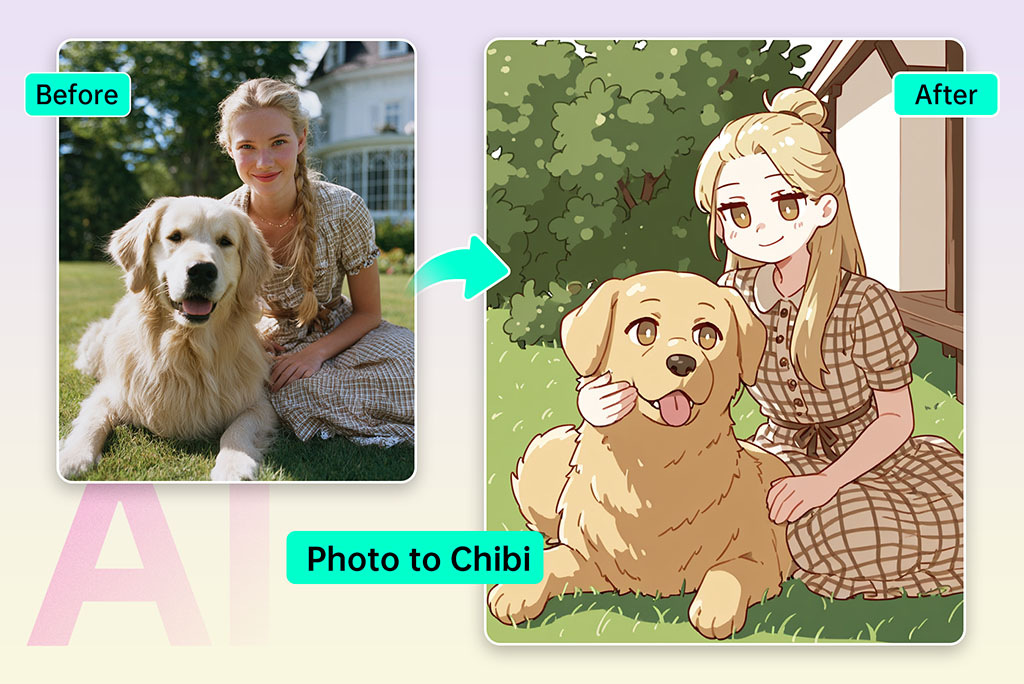
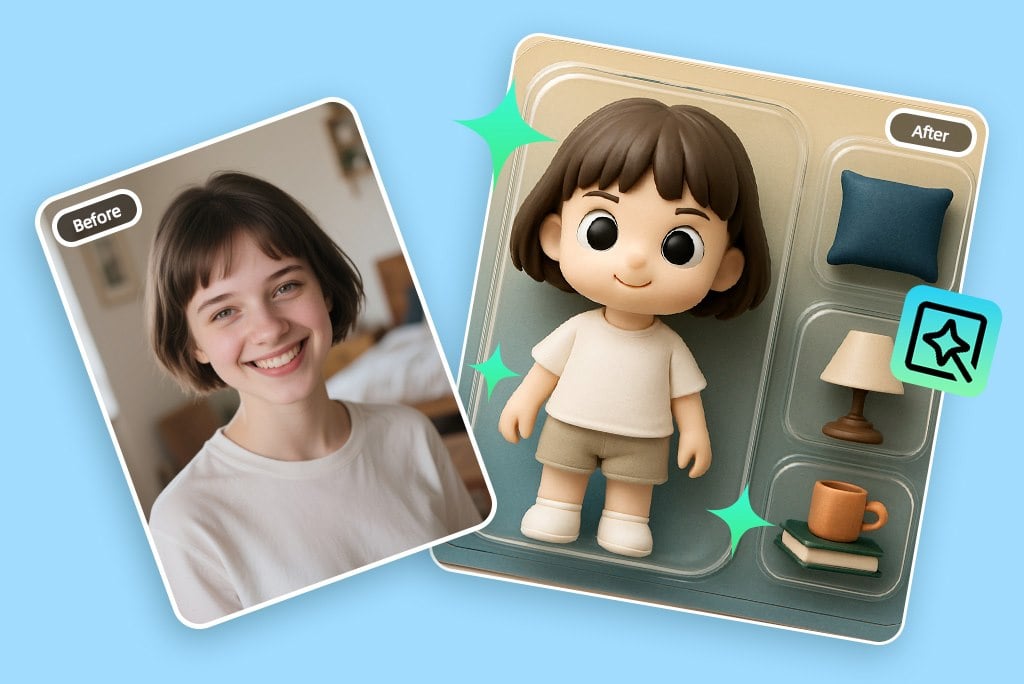
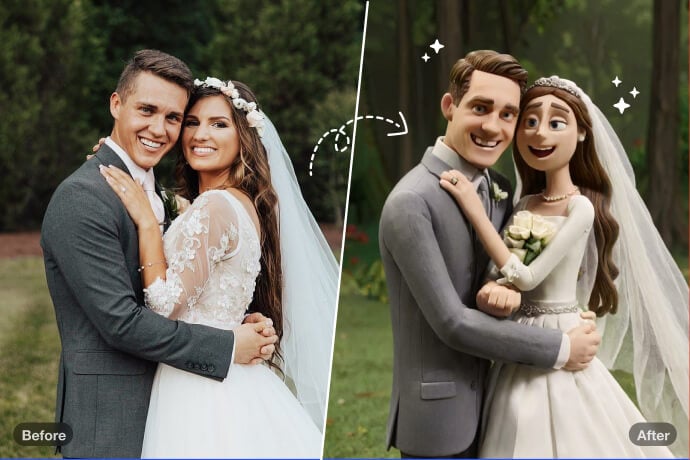
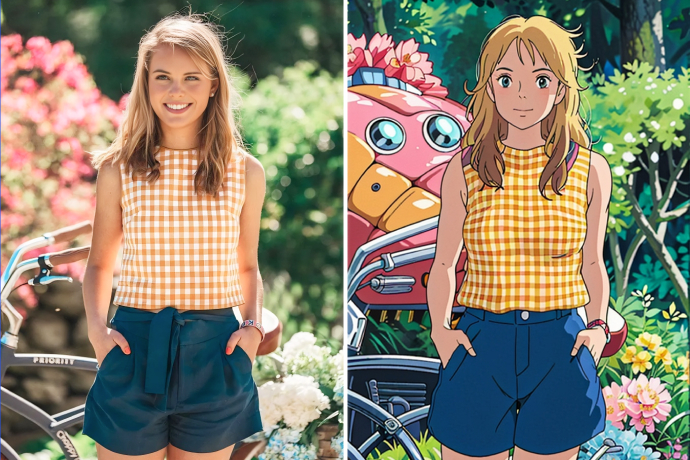
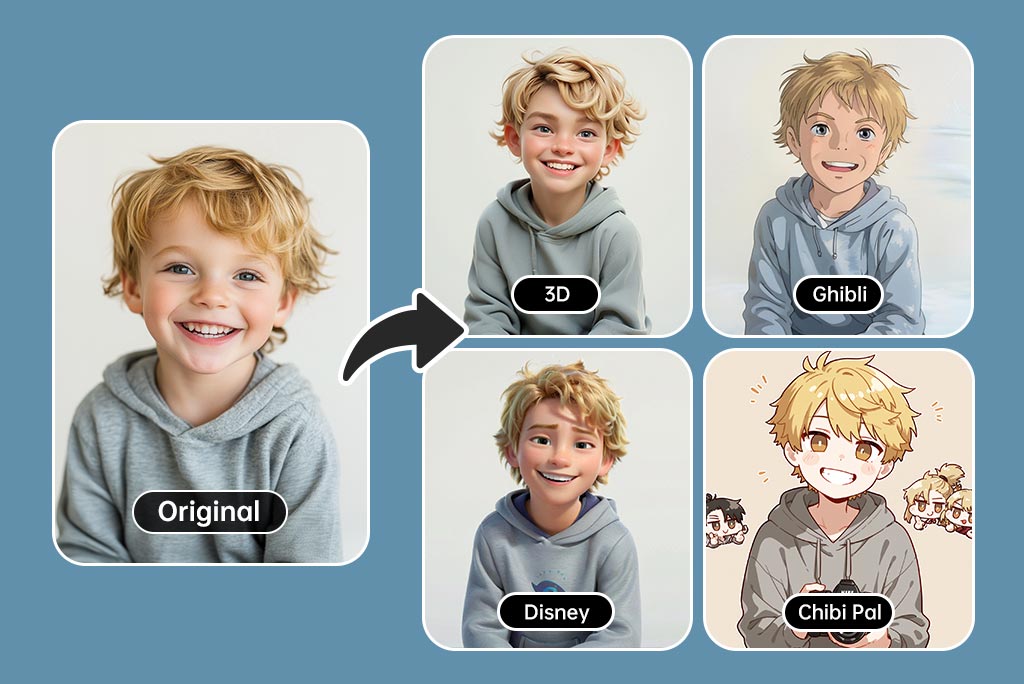
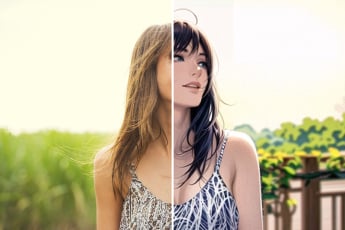
هل ترغب في تجربة أكثر من مجرد تأثير كرتوني بسيط؟ باستخدام أداة تحويل الصور إلى كرتون من insMind، يمكنك تجربة أنماط فنية متنوعة. اختر من بين فلاتر مميزة مثل ديزني، أنمي، جيبلي، شيبي، عائلة سمبسون، الصلصال، وحتى أسلوب بلاي ستيشن 2. تُنشئ هذه الفلاتر باستخدام ذكاء اصطناعي متطور يمنح صورتك طابعًا فنيًا فريدًا. سواء كنت تستخدم المحرر الكرتوني للمرح أو لطباعة مخصصة، فهذه الفلاتر تناسب الجميع من الهواة إلى صناع المحتوى. كل ما عليك هو رفع صورتك، واختيار النمط الذي تحبه، واحصل على نسخة كرتونية عالية الجودة، لافتة ومذهلة.
جرّب الفلتر الكرتوني الآن
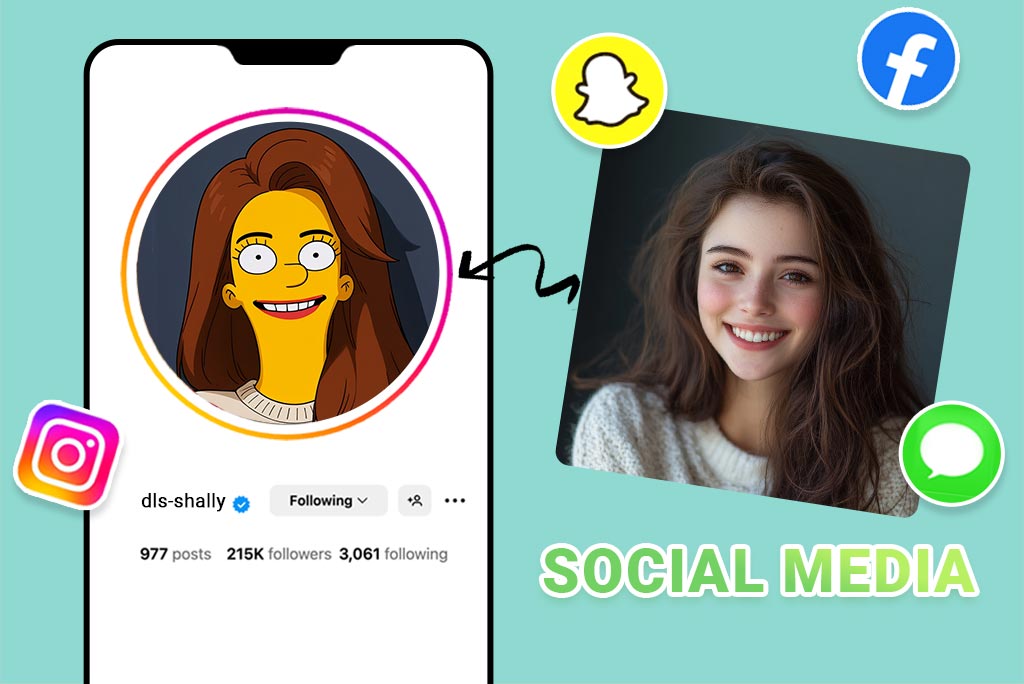
صانع أفاتار كرتوني — مثالي لوسائل التواصل

صانع أفاتار كرتوني — مثالي لوسائل التواصل

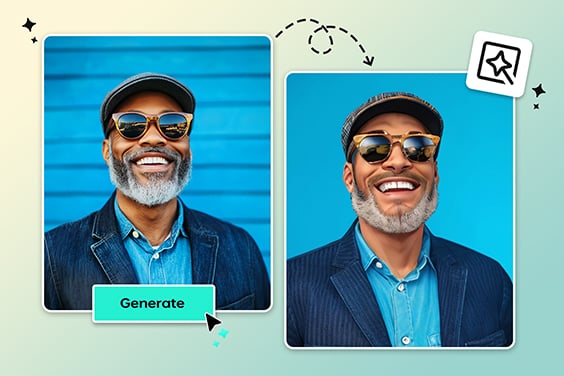
هل تبحث عن لمسة جديدة لحساباتك الاجتماعية؟ مع صانع الأفاتار الكرتوني من insMind، يمكنك تحويل صورتك الشخصية إلى شخصية مرسومة خلال ثوانٍ. هذه الأداة ليست مجرد مولّد وجه كرتوني، بل تصنع أفاتار عالي الدقة ومميز، مثالي لمنصات مثل TikTok وInstagram وTwitch. تعتمد على تحسين تلقائي للإضاءة والتعابير لتُظهر ملامحك برسمة حيوية — دون أي خبرة تصميم. فقط ارفع صورتك وشاركها فورًا.
أنشئ أفاتارك الكرتوني
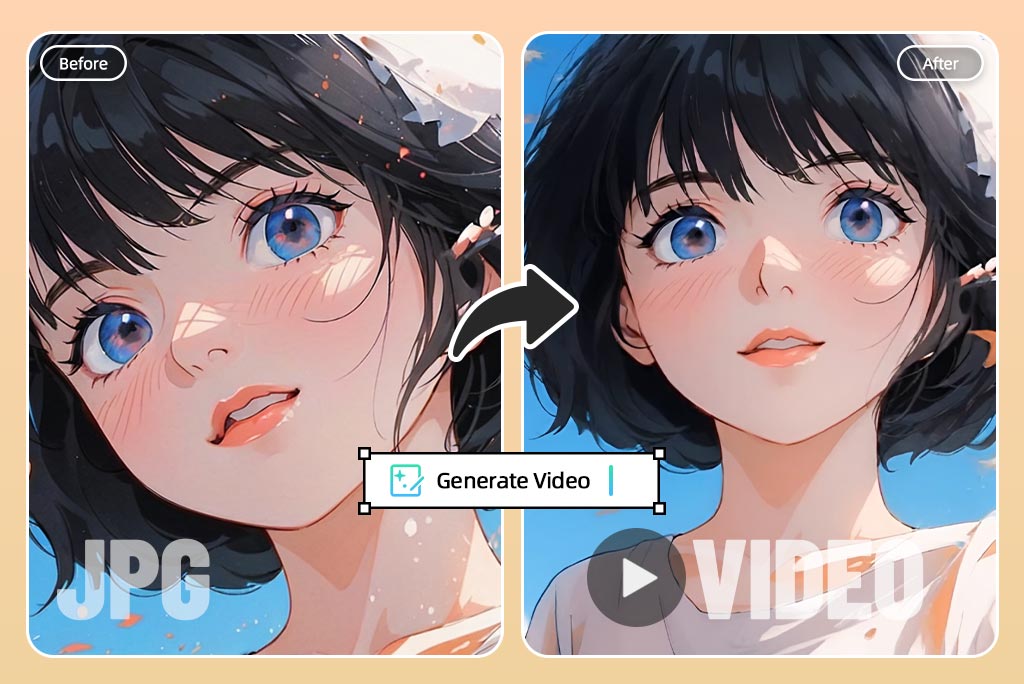
حوّل صورك إلى رسوم كرتونية متحركة في ثوانٍ

حوّل صورك إلى رسوم كرتونية متحركة في ثوانٍ

لماذا تكتفي بالصور الثابتة بينما يمكنك تحريك صورتك الكرتونية بأسلوب أنمي؟ ميزة تحريك الوجه بالذكاء الاصطناعي من insMind تُضيف حركات ممتعة مثل رمش العين أو الابتسامة. سواء كنت تنشئ GIF أو مقطعًا قصيرًا، هذه الأداة تضيف تفاعلًا فريدًا. فقط حوّل صورتك إلى كرتون ثم أضف الحركة، والذكاء الاصطناعي يتولى الباقي لتحصل على نتيجة سلسة وممتعة.
حوّل صورتك إلى كرتون متحرك
حوّل صور المناظر الطبيعية باستخدام فلاتر الكرتون بالذكاء الاصطناعي

حوّل صور المناظر الطبيعية باستخدام فلاتر الكرتون بالذكاء الاصطناعي

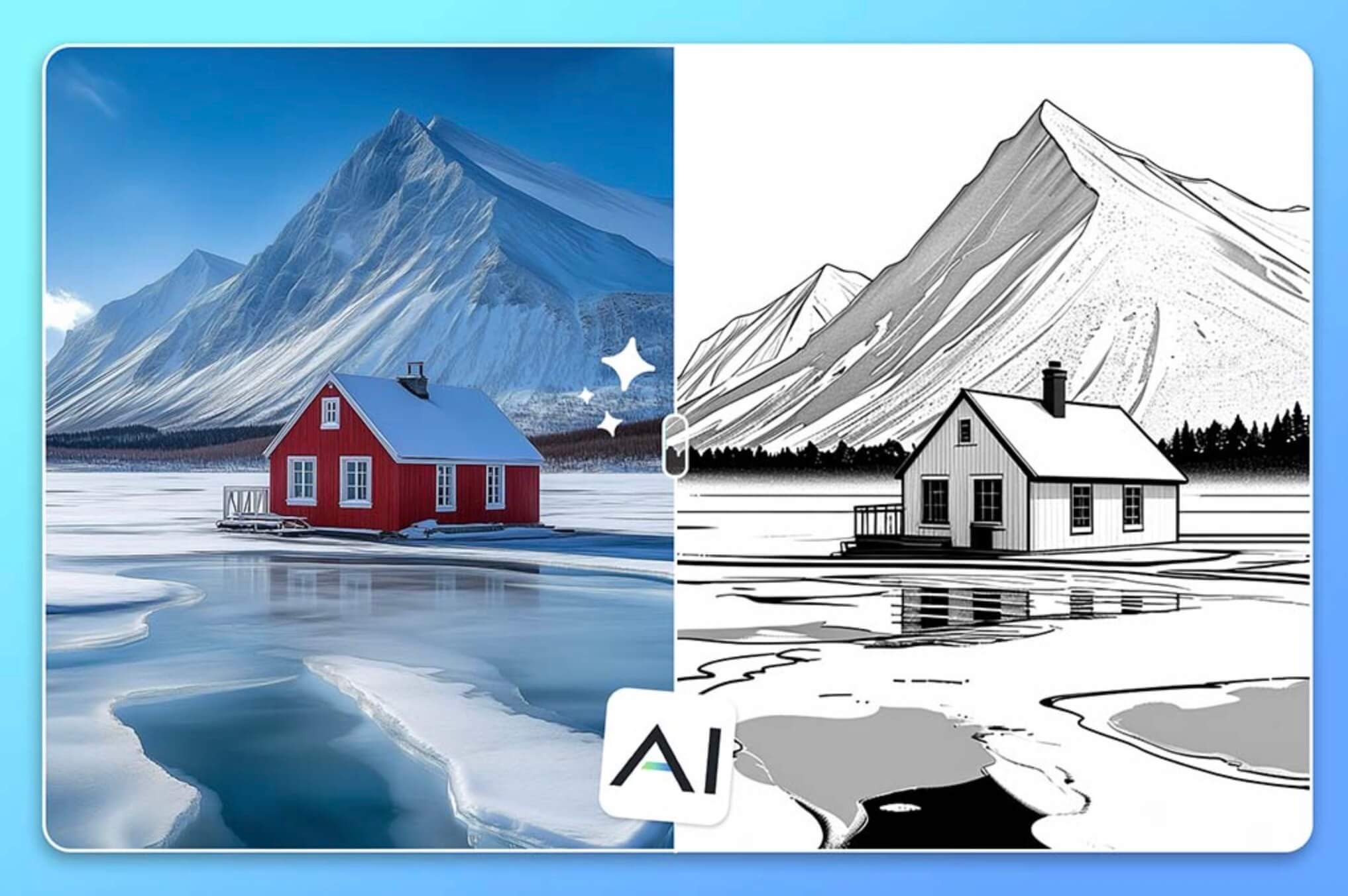
بفضل فلاتر الكرتون المعتمدة على الذكاء الاصطناعي، يمكنك تحويل صور الطبيعة إلى رسومات ساحرة. باستخدام تقنيتنا الذكية، تطبّق التأثيرات فورًا مع الحفاظ على تفاصيل الصورة الأصلية. سواء كنت تلتقط صورًا للجبال أو الشواطئ أو المدن، فهذه الفلاتر تضيف لمسة فنية ساحرة إلى صورك. لا تحتاج إلى خبرة تصميم — فقط اختر صورتك وشاهدها تتحول إلى كرتون خلال ثوانٍ.
حوّل صورتك إلى كرتون
حوّل صورة حيوانك الأليف إلى رسم كرتوني رائع

حوّل صورة حيوانك الأليف إلى رسم كرتوني رائع

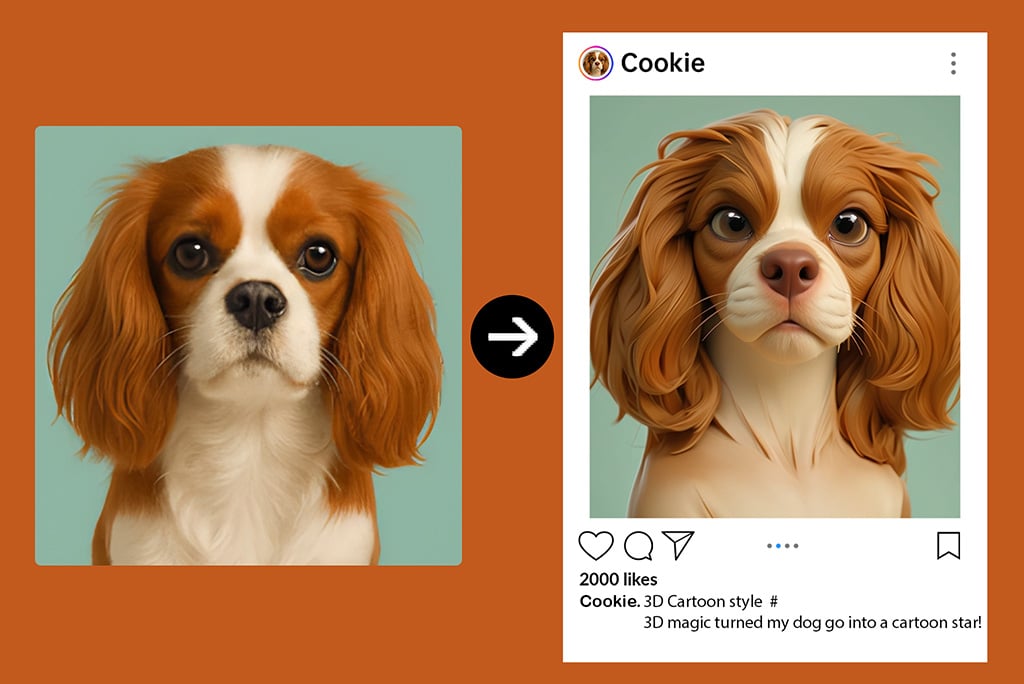
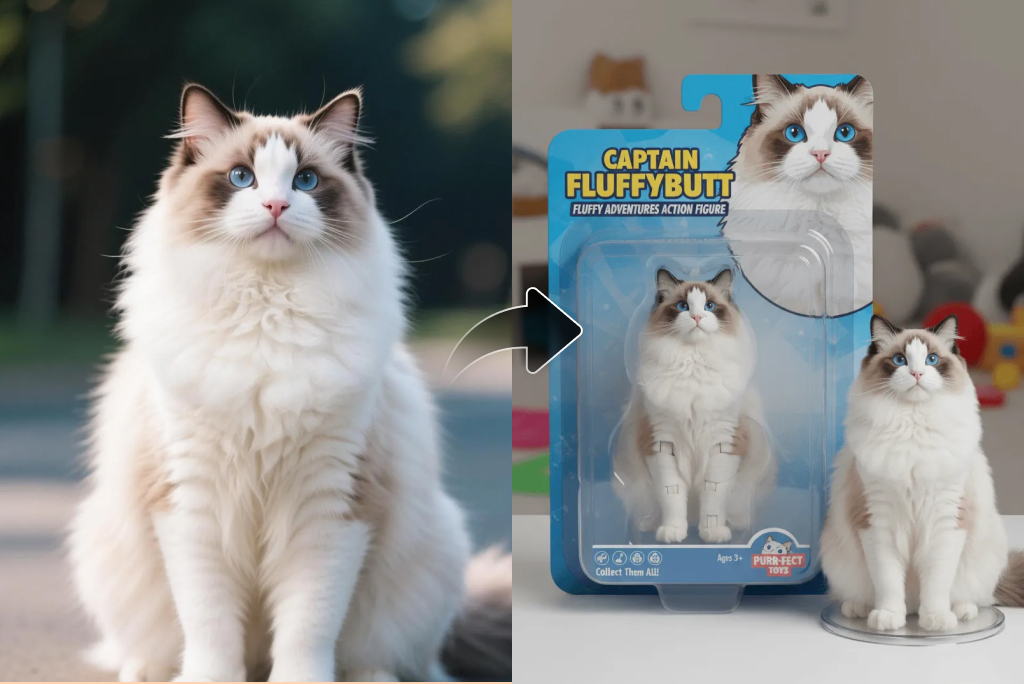
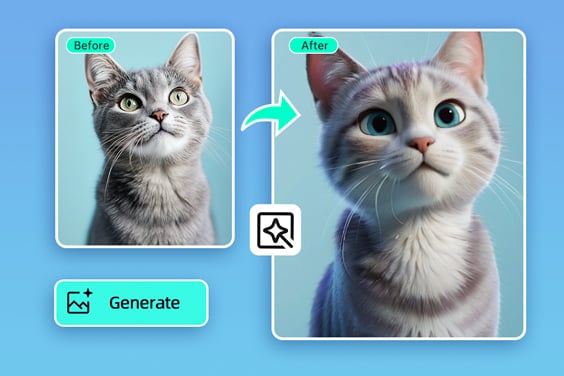
هل ترغب في تحويل صورة حيوانك الأليف إلى صورة كرتونية لطيفة؟ باستخدام أداة الكرتون الخاصة بنا، يمكنك تحويل صور حيوانك إلى رسم كرتوني ممتع خلال ثوانٍ. تحتفظ التقنية الذكية بجميع ملامح الحيوان الأصلية، مما يضمن نتيجة واقعية وشخصية. اختر النمط المناسب، وأضف لمساتك الخاصة مثل نص أو ملحقات، واجعلها صورة لا تُنسى.
حوّل صورتك إلى كرتون
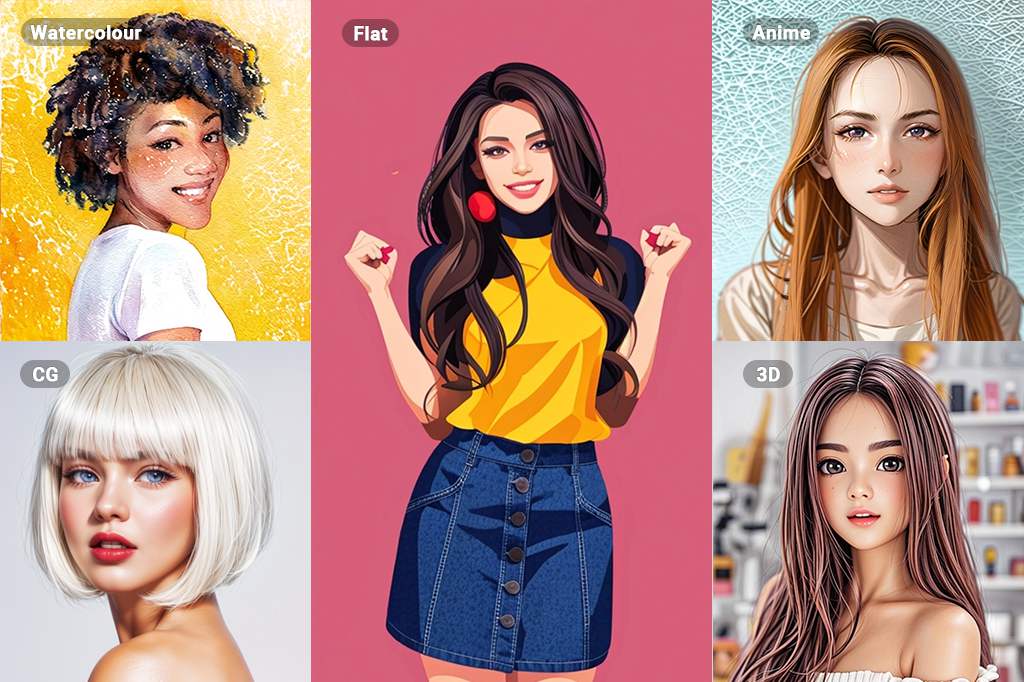
استكشِف المزيد من فلاتر الصور الكرتونية

استكشِف المزيد من فلاتر الصور الكرتونية

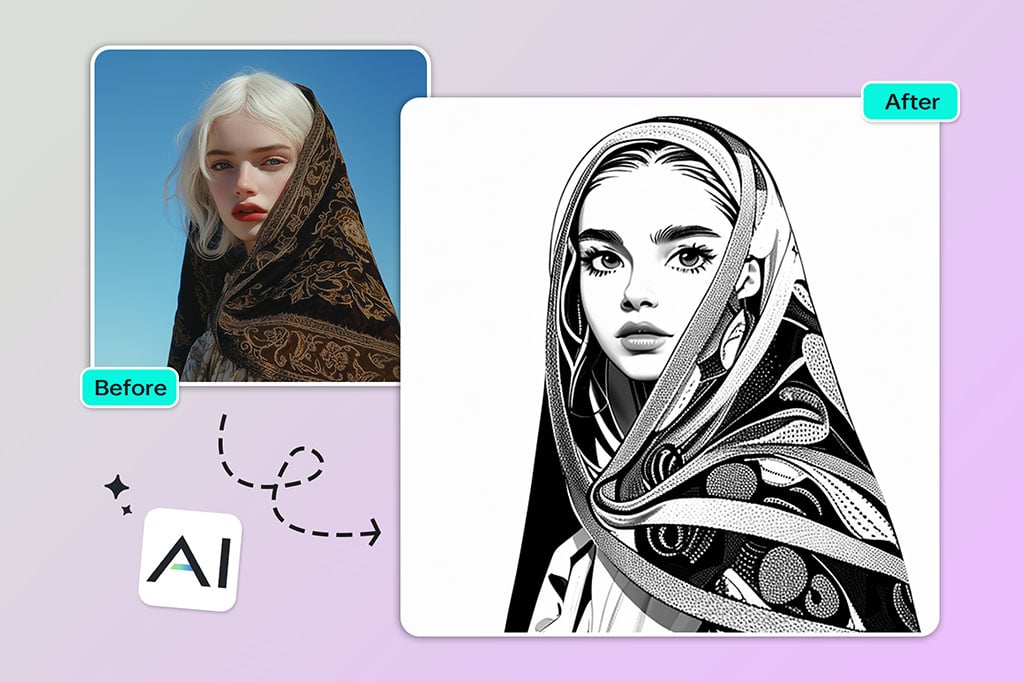
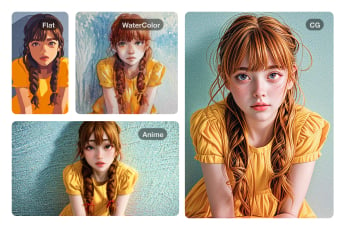
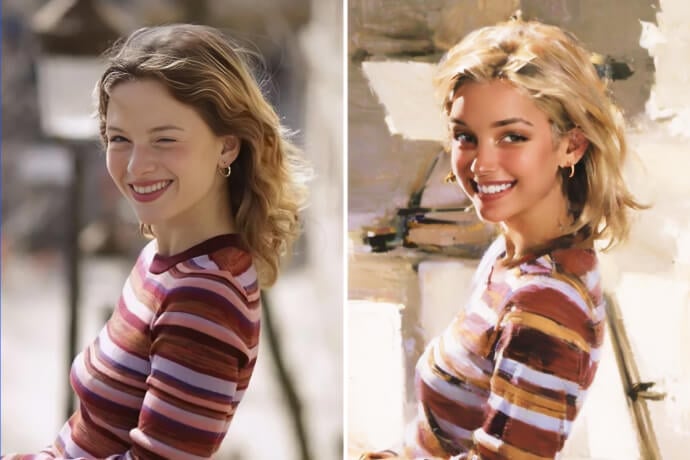
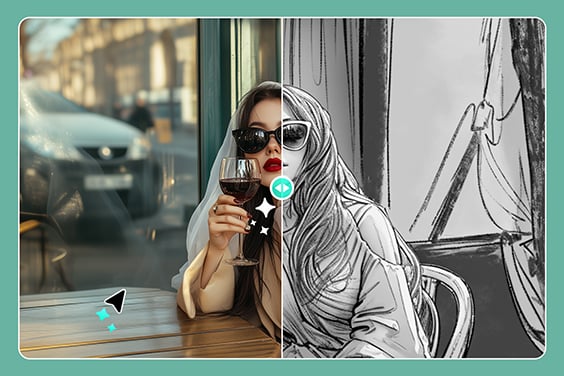
استكشِف مجموعة واسعة من فلاتر الصور بالذكاء الاصطناعي لتحويل نفسك إلى كرتون، أو تطبيق تأثيرات الرسم اليدوي والفلاتر الفنية. من لمسات الألوان المائية الناعمة إلى الخطوط الجريئة للرسم الزيتي، نوفر لك إمكانيات لا محدودة للإبداع. استخدم الرسم الخطي للتعبير عن البساطة، أو الرسم اليدوي لنقل المشاعر، أو اختر أنماطًا ممتعة مثل الأنمي، 3D، وPS2 لتجربة فريدة. كن مبدعًا وابتكر صورًا فنية تعكس شخصيتك.
حوّل صورتك إلى كرتون

استكشِف المزيد من ميزات تحويل الصور إلى كرتون

كيفية تحويل الصورة إلى كرتون؟

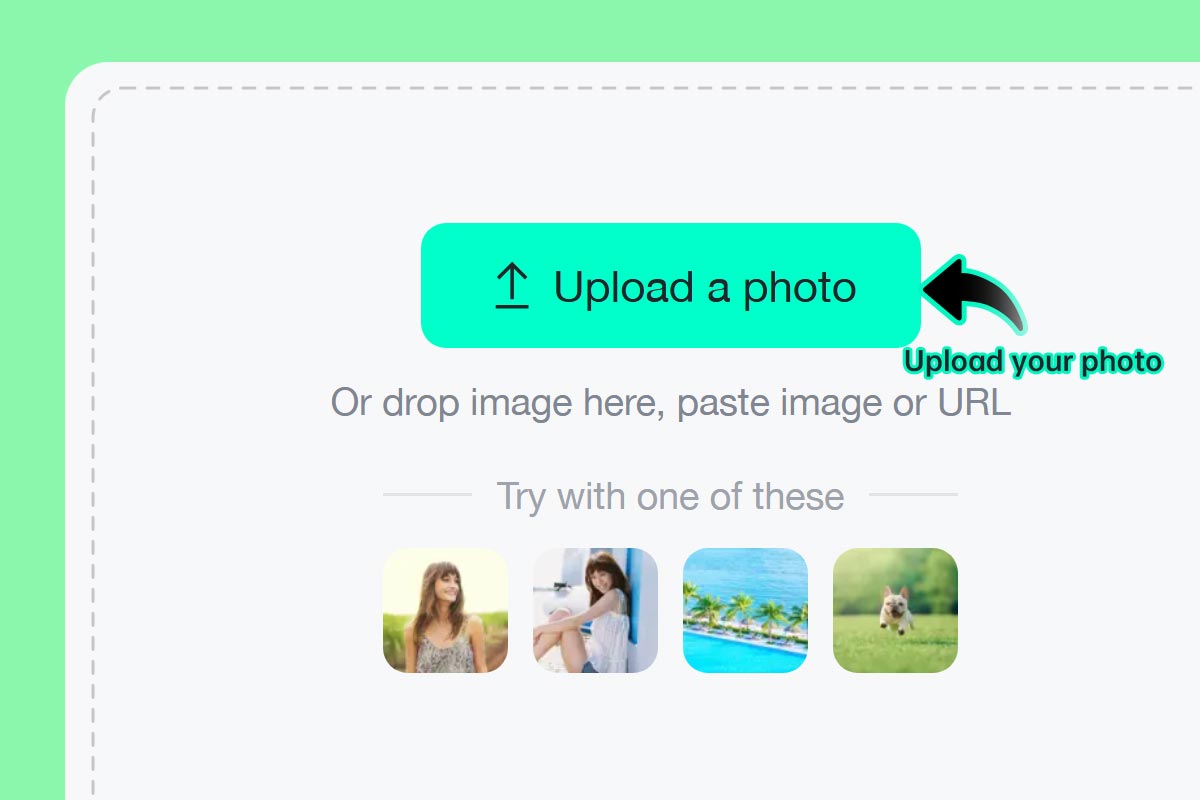
الخطوة 1: ارفع صورة
1

1 الخطوة 1: ارفع صورة

اختر صورتك المفضلة أو صورة سيلفي وقم برفعها على insMind. يمكنك ذلك من الكمبيوتر أو الهاتف. أدواتنا تعمل بالكامل عبر الإنترنت دون الحاجة لتنزيل أي تطبيق.
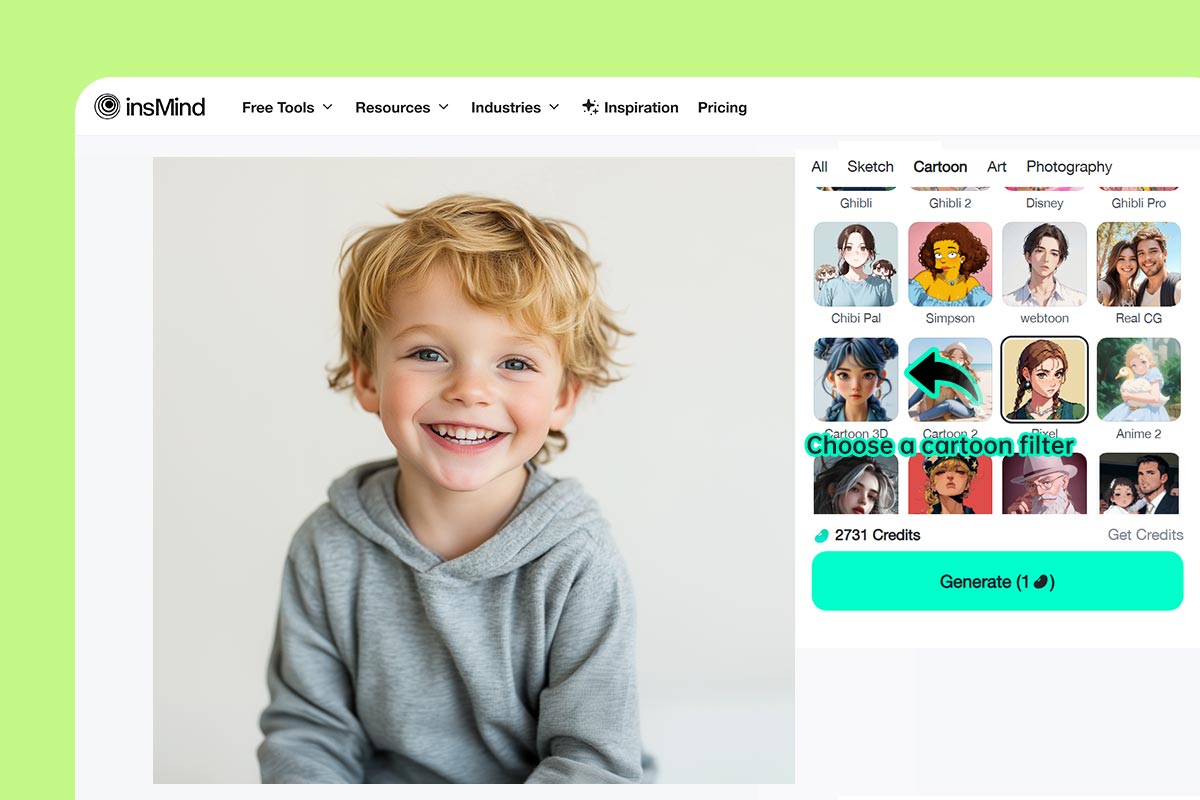
الخطوة 2: اختر الفلتر الكرتوني الذي تفضّله
2

2 الخطوة 2: اختر الفلتر الكرتوني الذي تفضّله

اختر من بين فلاتر مثل عائلة سمبسون، الأنمي، جيبلي وغيرها، بما يناسب ذوقك وحالتك المزاجية.
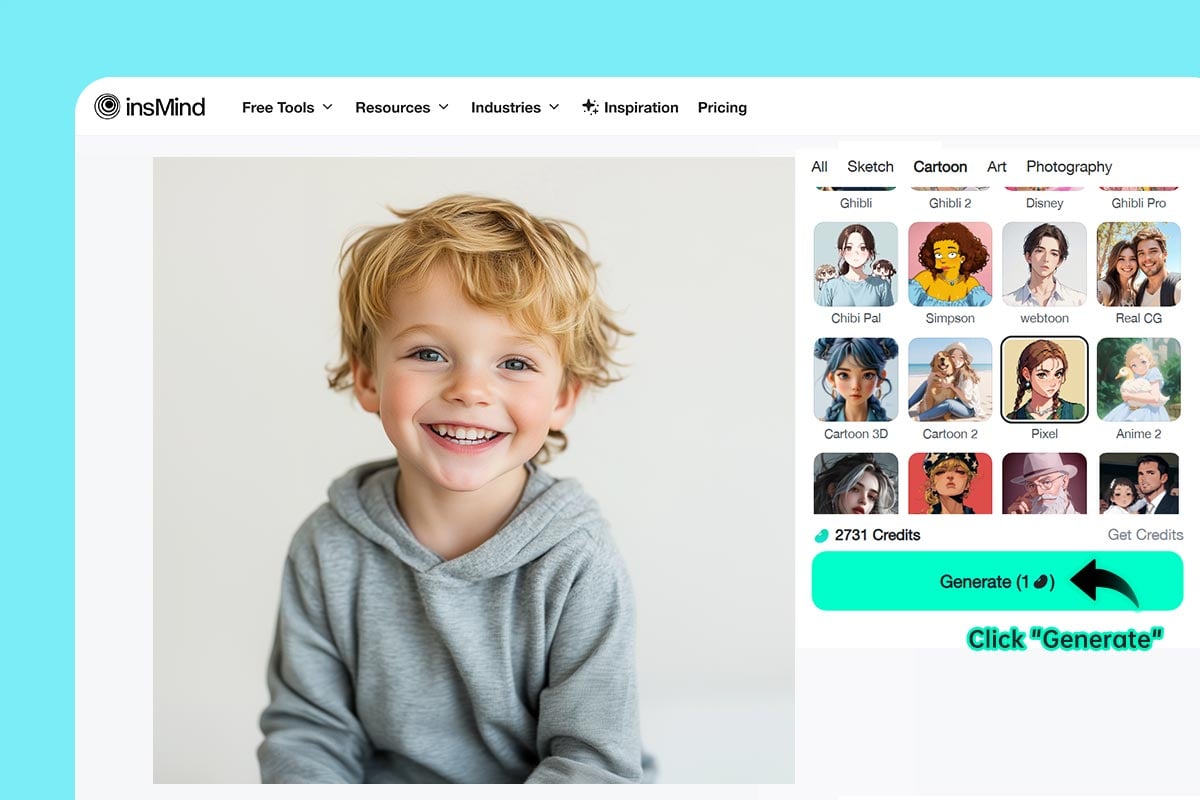
الخطوة 3: انقر "توليد"
3

3 الخطوة 3: انقر "توليد"

اضغط على "توليد" ليقوم الذكاء الاصطناعي بتحويل صورتك إلى كرتون بتفاصيل فنية دقيقة وخيال إبداعي.
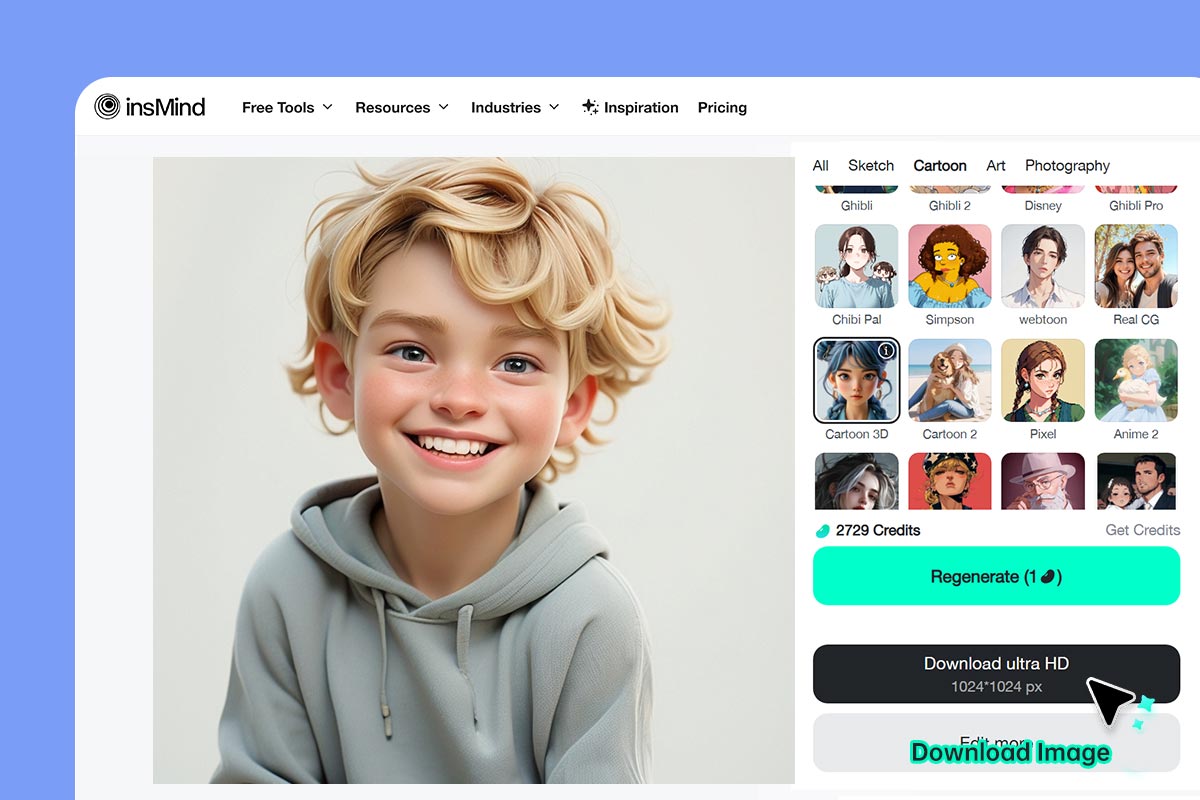
الخطوة 4: حمّل وشارك
4

4 الخطوة 4: حمّل وشارك

انقر على "تحميل"، وخلال ثوانٍ ستحصل على صورة كرتونية رائعة يمكنك مشاركتها على السوشيال ميديا أو طباعتها.

حوّل صورك إلى رسومات كرتونية باستخدام فلاتر الذكاء الاصطناعي

الآن يمكنك تحويل الصور الى كرتون بسهولة، سواء للمتعة الشخصية أو للمشاريع الإبداعية والمهنية.

الاستخدام 1: تحويل صورة حيوانك الأليف إلى كرتون

الاستخدام 1: تحويل صورة حيوانك الأليف إلى كرتون

الذكاء الاصطناعي الذكي يحافظ على ملامحه ويقدّم رسمة مخصصة تجعل الجميع يبتسم.
الاستخدام 2: حوّل صورتك إلى قصة مصورة

الاستخدام 2: حوّل صورتك إلى قصة مصورة

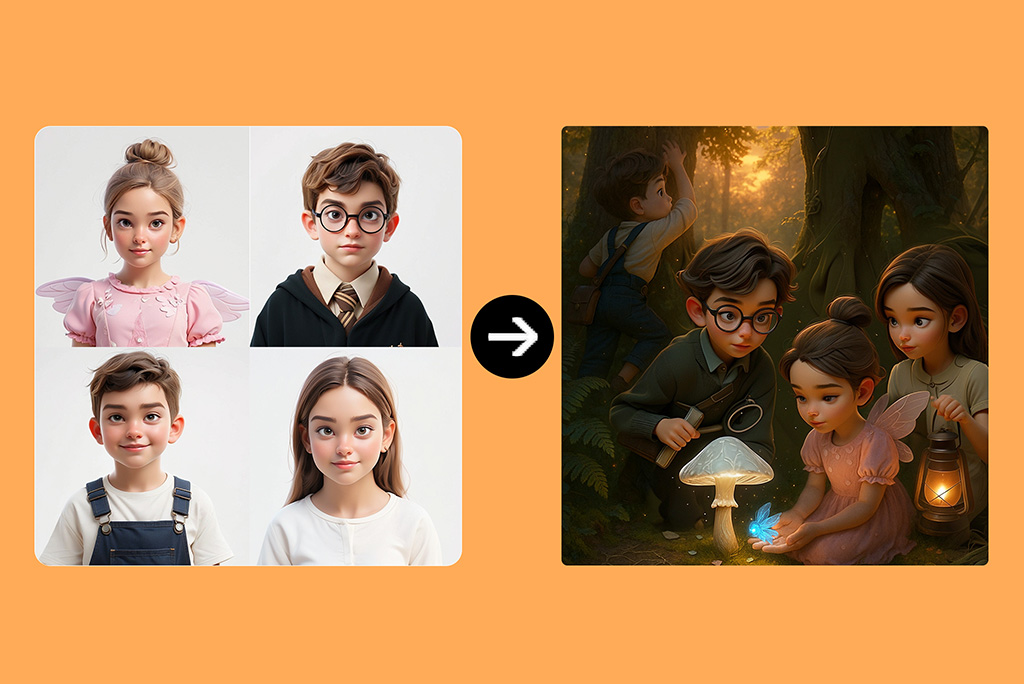
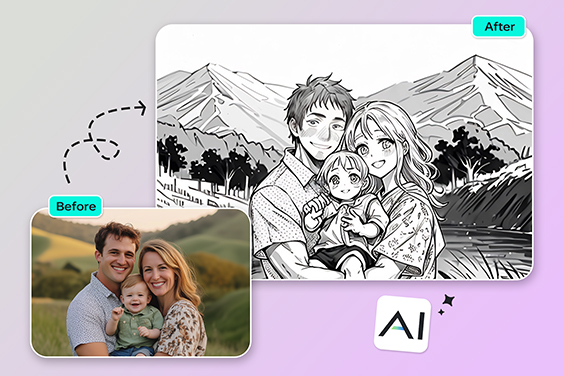
حوّل صورك إلى جزء من عالم الأبطال والقصص المصورة. الفلاتر الذكية تتيح لك إنشاء صفحاتك الخاصة وإضافة خلفيات، وفقاعات حوار، ومشاهد حركة مبهرة.
الاستخدام 3: حوّل نفسك إلى شخصية كرتونية

الاستخدام 3: حوّل نفسك إلى شخصية كرتونية

اصنع نسخة كرتونية متحركة من نفسك وادخل عالم الرسوم! يمكنك أن تصبح شخصية أنمي لا يمكن التنبؤ بها، بطل مانجا مبدع، أو بطل خارق عصري — بلمسة واحدة وبكل سهولة.

لماذا تختار أداة تحويل الصور إلى كرتون من insMind؟

تأثيرات كرتونية سريعة وسهلة

تأثيرات كرتونية سريعة وسهلة

حوّل صورك إلى صور كرتون مذهلة بنقرة واحدة فقط. يتميز موقع insMind بسهولة الاستخدام، والأهم من ذلك أنه يعتمد على ذكاء اصطناعي لا يتطلب أي معرفة مسبقة بتعديل الصور.
إخراج عالي الدقة

إخراج عالي الدقة

احصل على رسومات كرتونية عالية الجودة باستخدام أداة تحويل الصور إلى كرتون من insMind. الصور النهائية تكون واضحة وجذابة على جميع الشاشات والأجهزة.
أنماط كرتونية متنوعة وفريدة

أنماط كرتونية متنوعة وفريدة

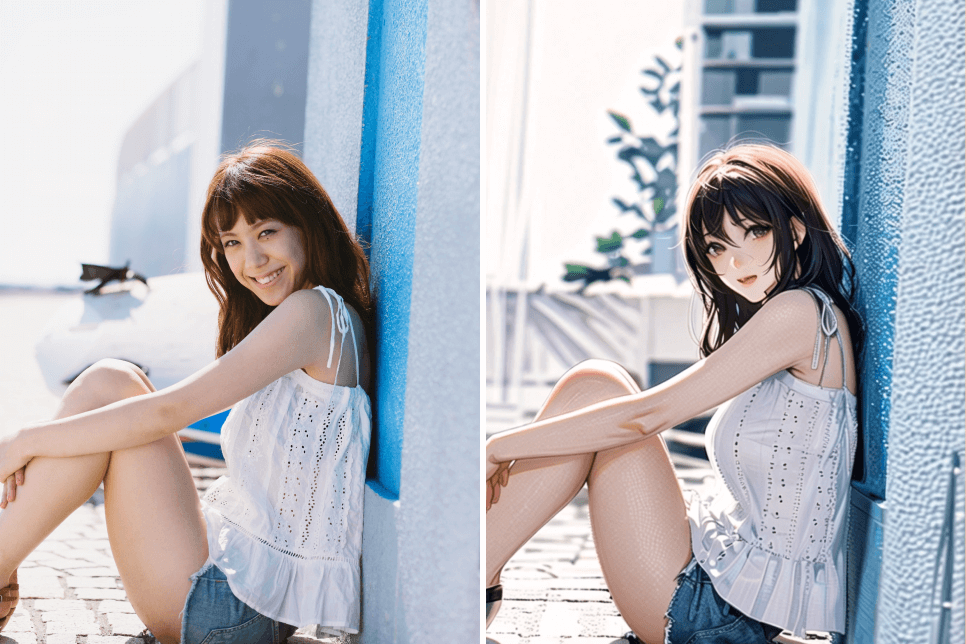
استمتع باختيار مجموعة من الأنماط الفنية، من الأنمي التقليدي إلى المانجا المرحة وفلاتر صانع أفاتار. تم تصميم الفلاتر داخل insMind لتناسب شخصيتك ولمستك الإبداعية.

الأسئلة الشائعة حول أداة تحويل الصور إلى كرتون

ما أنواع الأنماط الكرتونية المتوفرة؟

insmind expand icon
يمكنك الاختيار من بين مجموعة واسعة من الأنماط باستخدام أداة تحويل الصور إلى كرتون، بما في ذلك أنماط مثل أنمي، جيبلي، ديزني، ثلاثي الأبعاد، شيبي، صلصال، PS2، عائلة سمبسون وغيرها الكثير.

هل يمكنني تصدير صور كرتونية بدقة عالية؟

insmind expand icon
نعم، جميع الصور التي يتم معالجتها باستخدام محرر الصور الكرتوني من insMind تكون بدقة عالية ومثالية للطباعة أو المشاركة.

هل يمكنني تحويل صور بالأبيض والأسود إلى كرتون؟

insmind expand icon
بالتأكيد. يمكن لأداة الصور المتحركة من insMind تلوين الصور بالأبيض والأسود وتطبيق الفلتر الكرتوني عليها لتصبح حيوية ومليئة بالألوان.

كيف يمكنني تحويل صورة إلى كرتون؟

insmind expand icon
كل ما عليك هو رفع صورتك على أداة الكرتون من insMind، واختيار النمط الذي تريده، وسيقوم الذكاء الاصطناعي بتحويلها تلقائيًا إلى صورة كرتونية ممتعة.

هل أداة تحويل الصور إلى كرتون من insMind مجانية؟

insmind expand icon
نعم! طالما لا تحتاج إلى تحميل الصور بجودة فائقة، فإن استخدام الأداة مجاني بالكامل، دون اشتراكات أو تكاليف خفية.

ما صيغ الصور المتاحة عند التحويل إلى كرتون؟

insmind expand icon
يمكنك حفظ الصورة النهائية بصيغة JPEG أو PNG عالية الجودة.

هل يمكنني تحويل صور المناظر الطبيعية إلى كرتون؟

insmind expand icon
بالطبع! أداة الكرتون الذكية من insMind يمكنها تحويل أي نوع من الصور، بما في ذلك مناظر طبيعية، بورتريه، أو حتى فنون تجريدية.

هل يمكنني تحويل صورة حيواني الأليف إلى كرتون؟

insmind expand icon
نعم! تحويل صورة حيوانك الأليف إلى كرتون طريقة رائعة لإظهار شخصيته المميزة. فقط ارفع الصورة، وسيقوم الذكاء الاصطناعي بالباقي.

قد يهمك أيضًا

اجعل صورك أكثر جاذبية مع ميزات مجانية بالكامل

تحويل الصور إلى رسم

تحويل الصور إلى رسم

حوّل صورك إلى رسومات يدوية مذهلة باستخدام أداة سهلة للحصول على نتائج فنية رائعة.
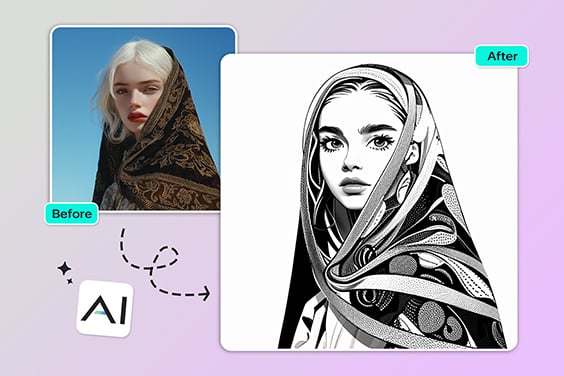
تحويل الصور إلى خطوط

تحويل الصور إلى خطوط

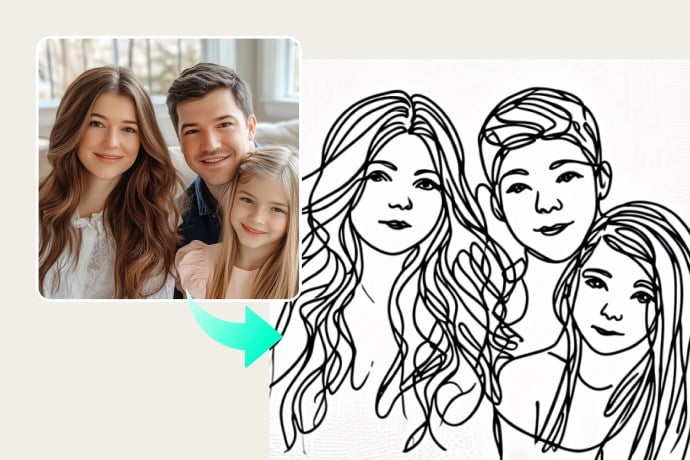
حوّل الصور إلى رسومات خطية بسيطة، مثالية للاستخدام الإبداعي أو المهني.
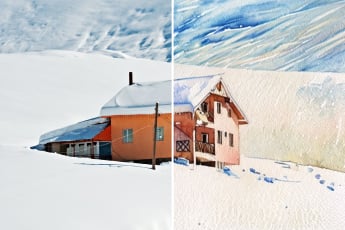
تحويل الصور إلى رسمة ألوان مائية

تحويل الصور إلى رسمة ألوان مائية

حوّل صورك إلى لوحات بألوان مائية رائعة باستخدام أداة التحويل الذكية.
تحويل الصور إلى عمل فني

تحويل الصور إلى عمل فني

حوّل صورك إلى أعمال فنية فريدة برسوم زيتية أو مرسومة يدويًا.
فلتر الذكاء الاصطناعي

فلتر الذكاء الاصطناعي

استخدم مجموعة ضخمة من الفلاتر الفنية لتحويل أي صورة إلى لوحة ساحرة بسهولة.
تحويل الصور إلى أنمي

تحويل الصور إلى أنمي

حوّل صورتك إلى نمط أنمي ممتع بنقرة واحدة.
تحويل الصور إلى بيكسل آرت

تحويل الصور إلى بيكسل آرت

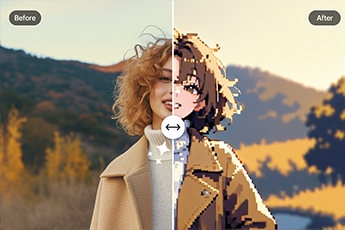
حوّل صورك إلى رسومات بيكسل بتأثيرات بصرية فريدة عبر الإنترنت.
فلتر الكتاب الهزلي

فلتر الكتاب الهزلي

أضف لمسة كرتونية بأسلوب القصص المصورة لصورك بطريقة مرحة وجذابة.
فلتر PS2 بالذكاء الاصطناعي

فلتر PS2 بالذكاء الاصطناعي

حوّل صورك إلى نمط ألعاب بلاي ستيشن 2 القديم باستخدام فلتر ذكي.
فلتر ديزني

فلتر ديزني

حوّل صورك إلى شخصيات بأسلوب ديزني الساحر باستخدام تقنية الذكاء الاصطناعي.
فلتر بيكسار بأسلوب ديزني

فلتر بيكسار بأسلوب ديزني

حوّل الصور إلى شخصيات لطيفة بأسلوب بيكسار الكرتوني، لتبدو وكأنها من فيلم أنيميشن.
تحويل الصور إلى حدود خارجية

تحويل الصور إلى حدود خارجية

حوّل الصور إلى خطوط خارجية نظيفة، مثالية للتصميمات أو المشاريع الفنية.
فلتر الطابع القديم

فلتر الطابع القديم

حوّل صورك اليومية إلى صور فنية كلاسيكية بنقرة واحدة فقط.
تحويل الصور إلى رسمة بالقلم الرصاص

تحويل الصور إلى رسمة بالقلم الرصاص

Transform photos into realistic pencil drawings with detailed shading for an artistic touch.
AI Clay Filter

AI Clay Filter

Turn your photo into clay art with AI in just seconds!
Studio Ghibli Filter

Studio Ghibli Filter

Transform your photo into Studio Ghibli-style art with one click.