What is the Cartoon AI Video Generator?


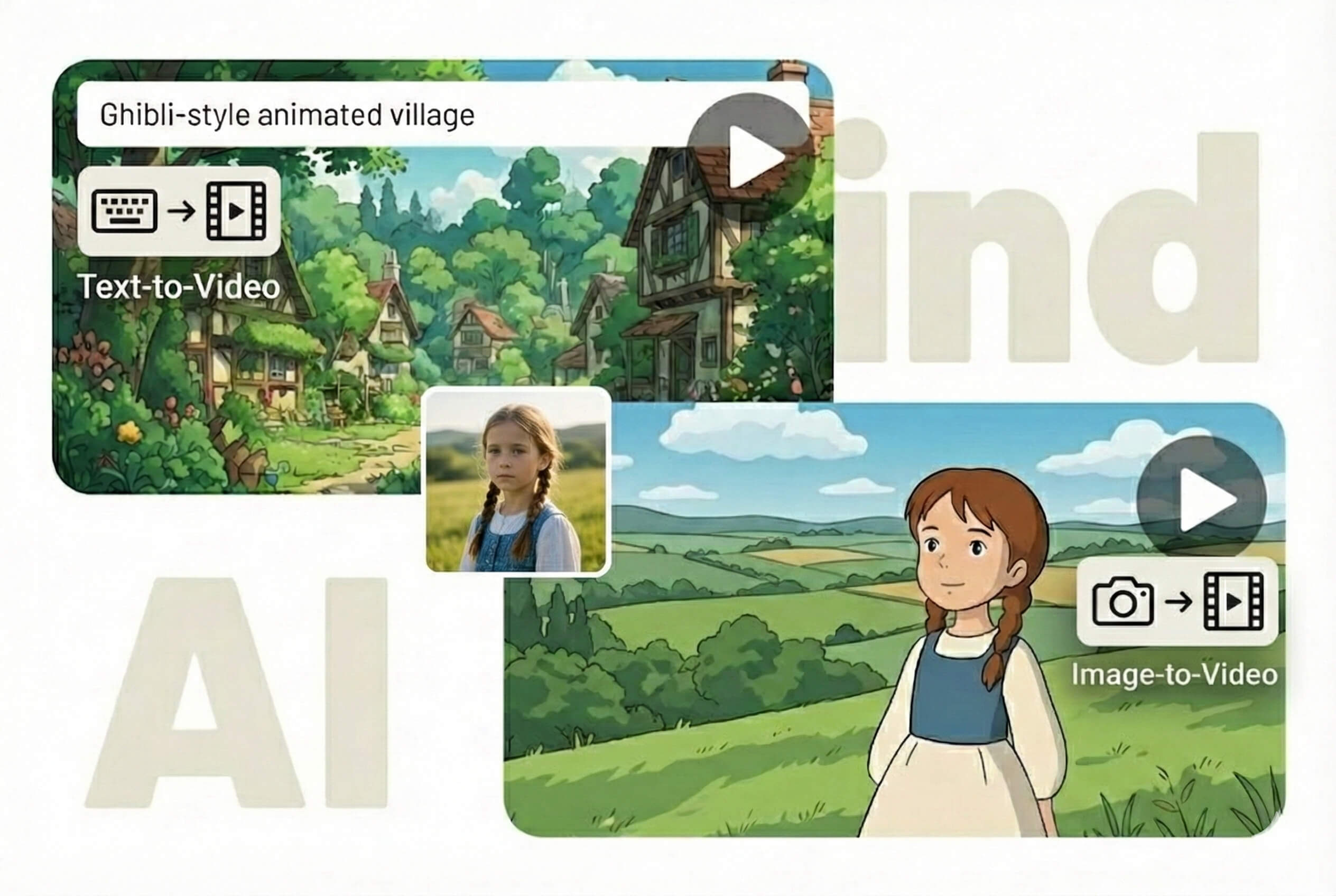
It is a tool that creates animated cartoon videos from text prompts, scripts and uploaded images. The system reads your idea and builds a moving cartoon scene. You can make stories without drawing skills.
How can I create a cartoon video using text?
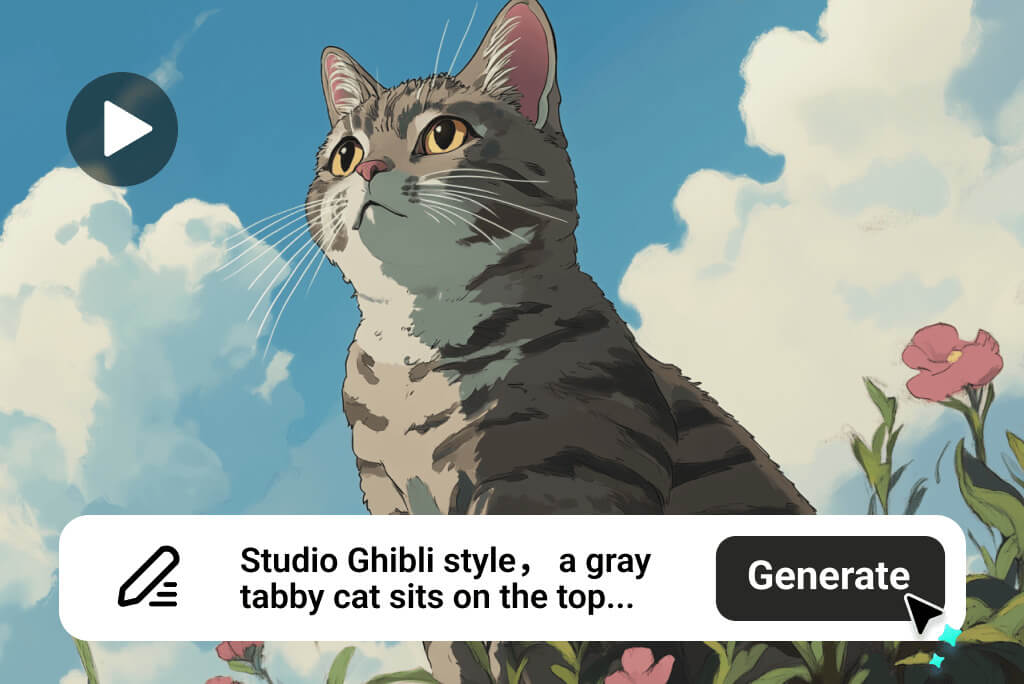
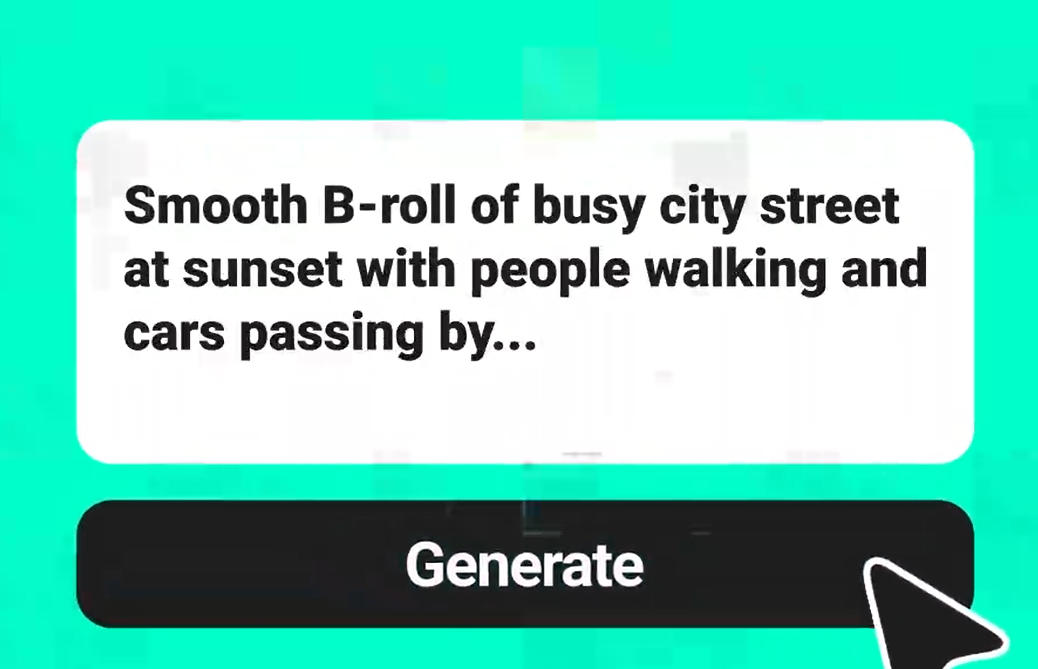
Write a prompt or paste your script and pick a cartoon style. The system turns your words into animation. It follows your description closely, helping you build full scenes easily and quickly.
What animation styles can I choose from?
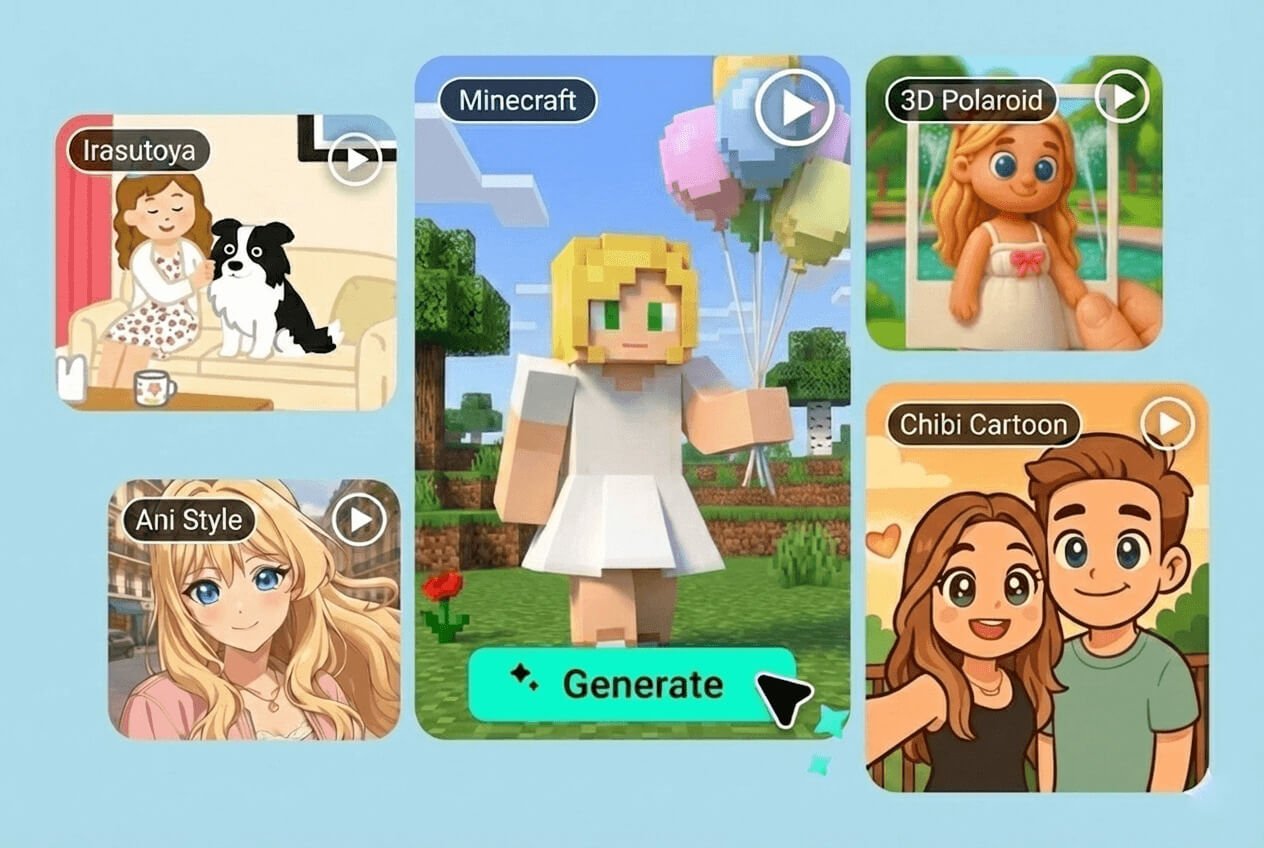
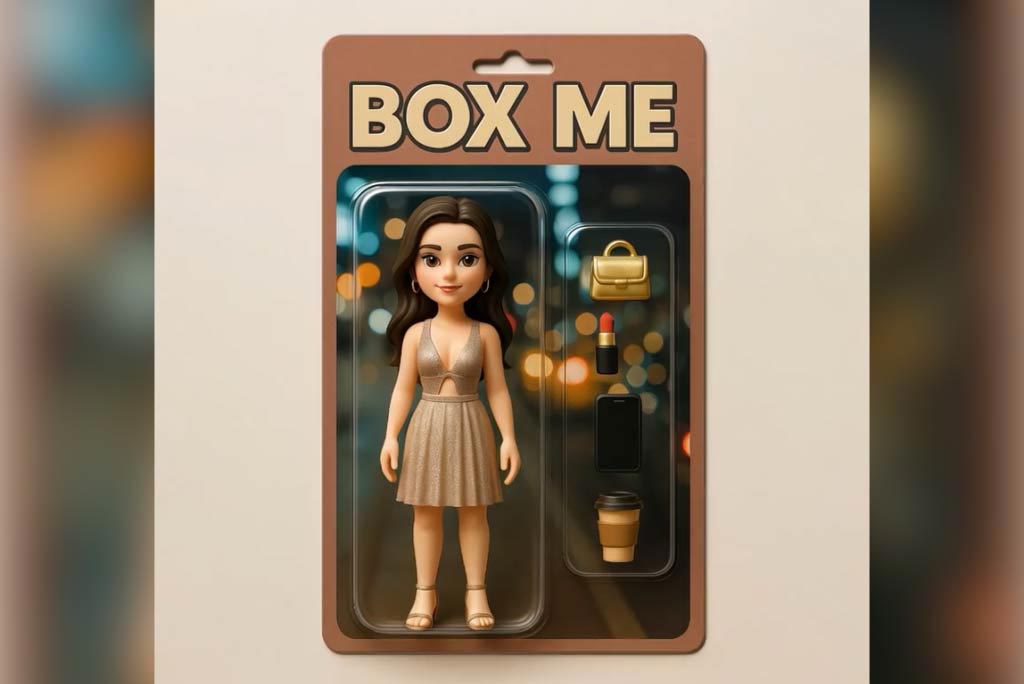
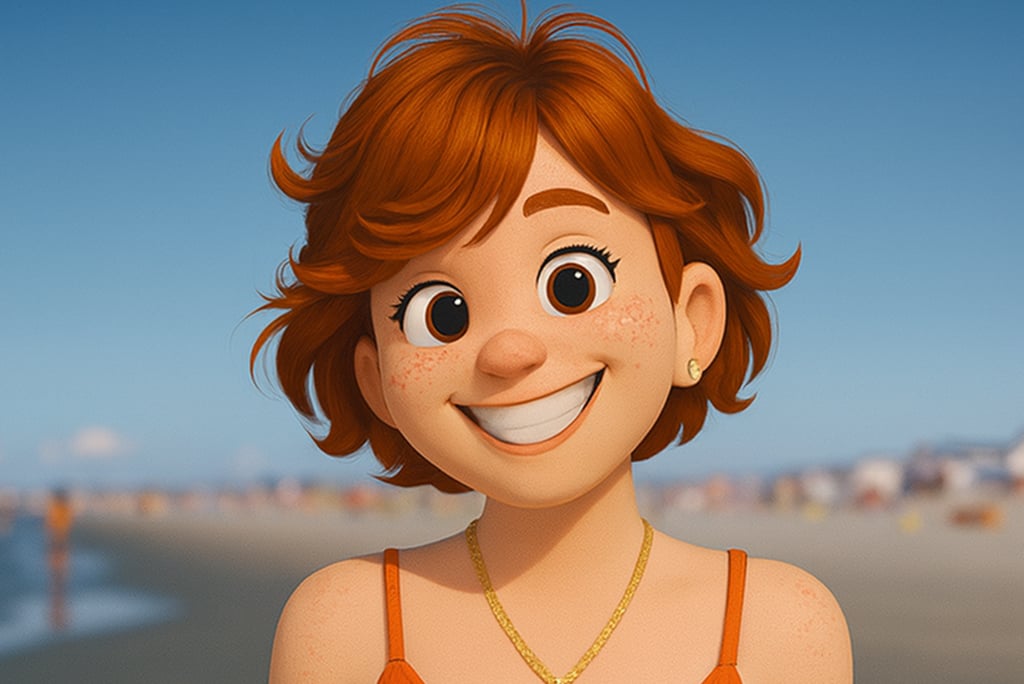
You can choose Anime, Ghibli style, Pixar-like looks, Chibi, Irasutoya, and more. Each style gives your video a different mood, letting you match the tone of your idea naturally.
Can I use images for my cartoon videos?
Yes, you can upload one or several photos to turn them into animated scenes. The tool adds motion, expressions, and style to your images. It ultimately helps in turning still shots into lively cartoon clips.
What AI models are available for video generation?
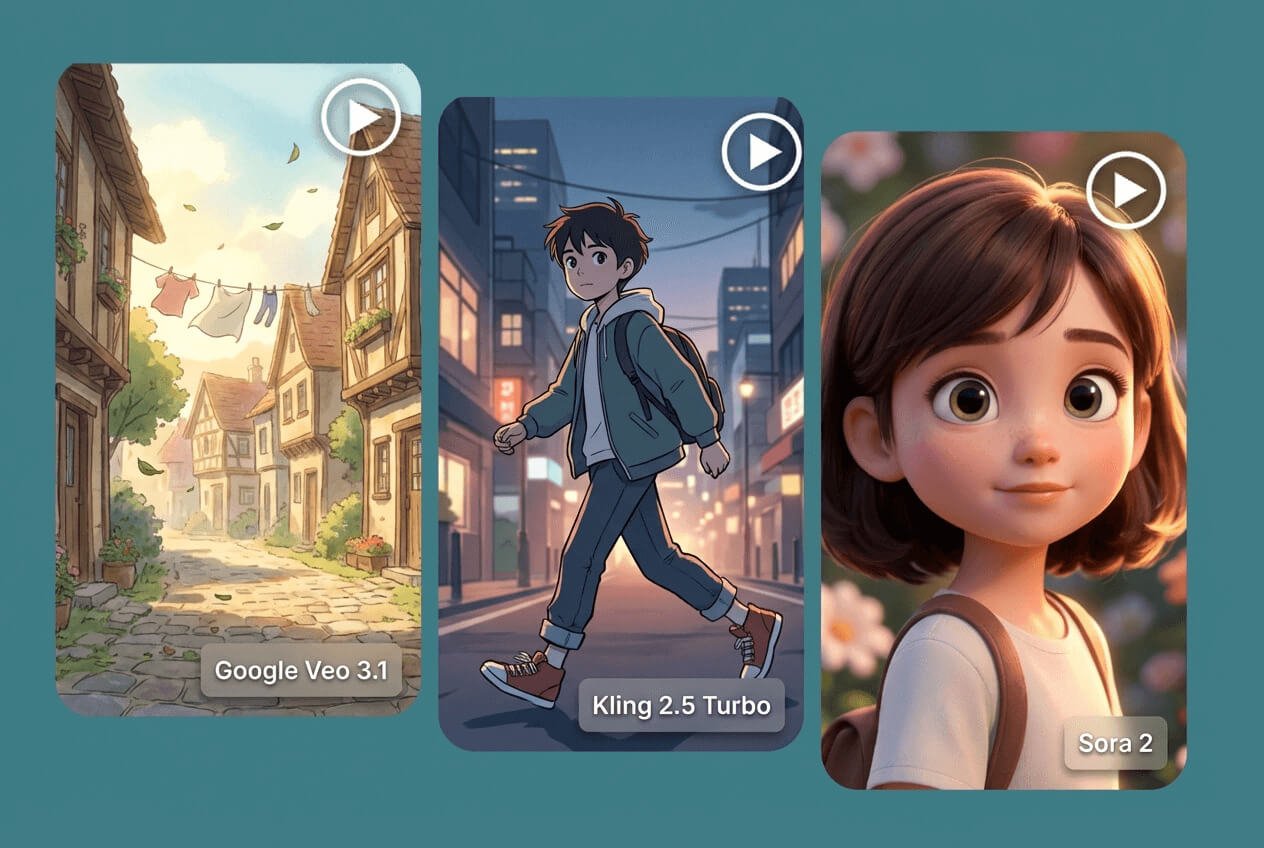
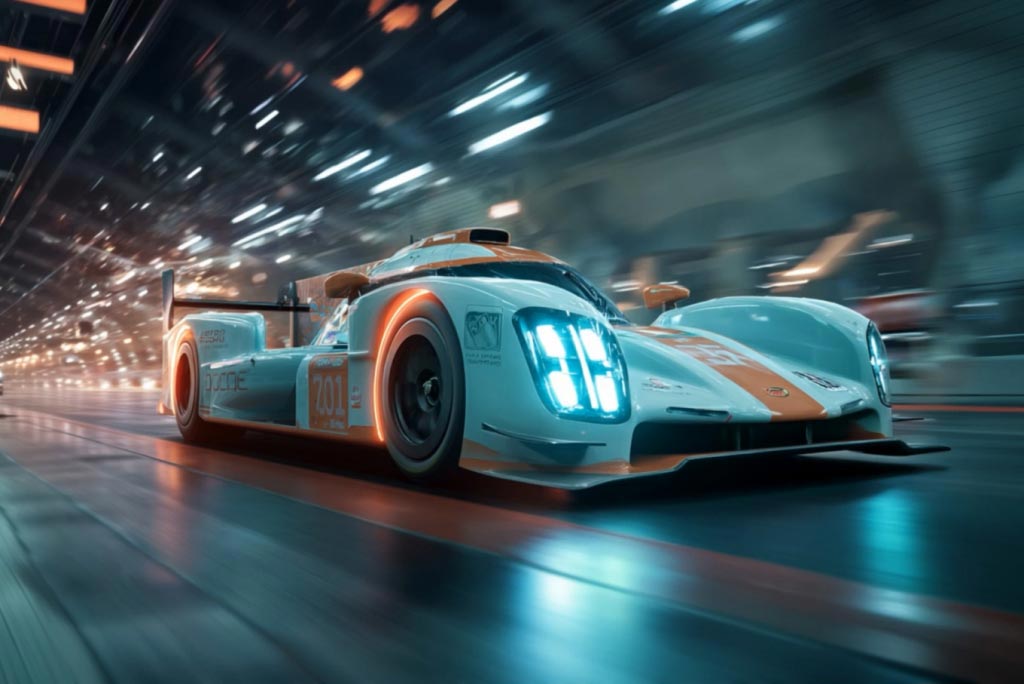
You can pick from Kling O1, Google Veo 3.1, Sora 2, Kling 2.5 Turbo, and other engines. Each model creates its own animation style, giving you different motion quality and visual results.
Is the AI Cartoon Video Generator free to use?
A free trial is available, letting you test the tool before choosing a plan. You can try different styles, models, and features to see how the system fits your projects.










"I use insMind cartoon video generator to make fun videos for my lessons. My students really enjoy the cute Chibi animations."
@Laura Stevens: Elementary Teacher