AI Princess Video Effect: Turn Your Photo into a Stunning Princess Video

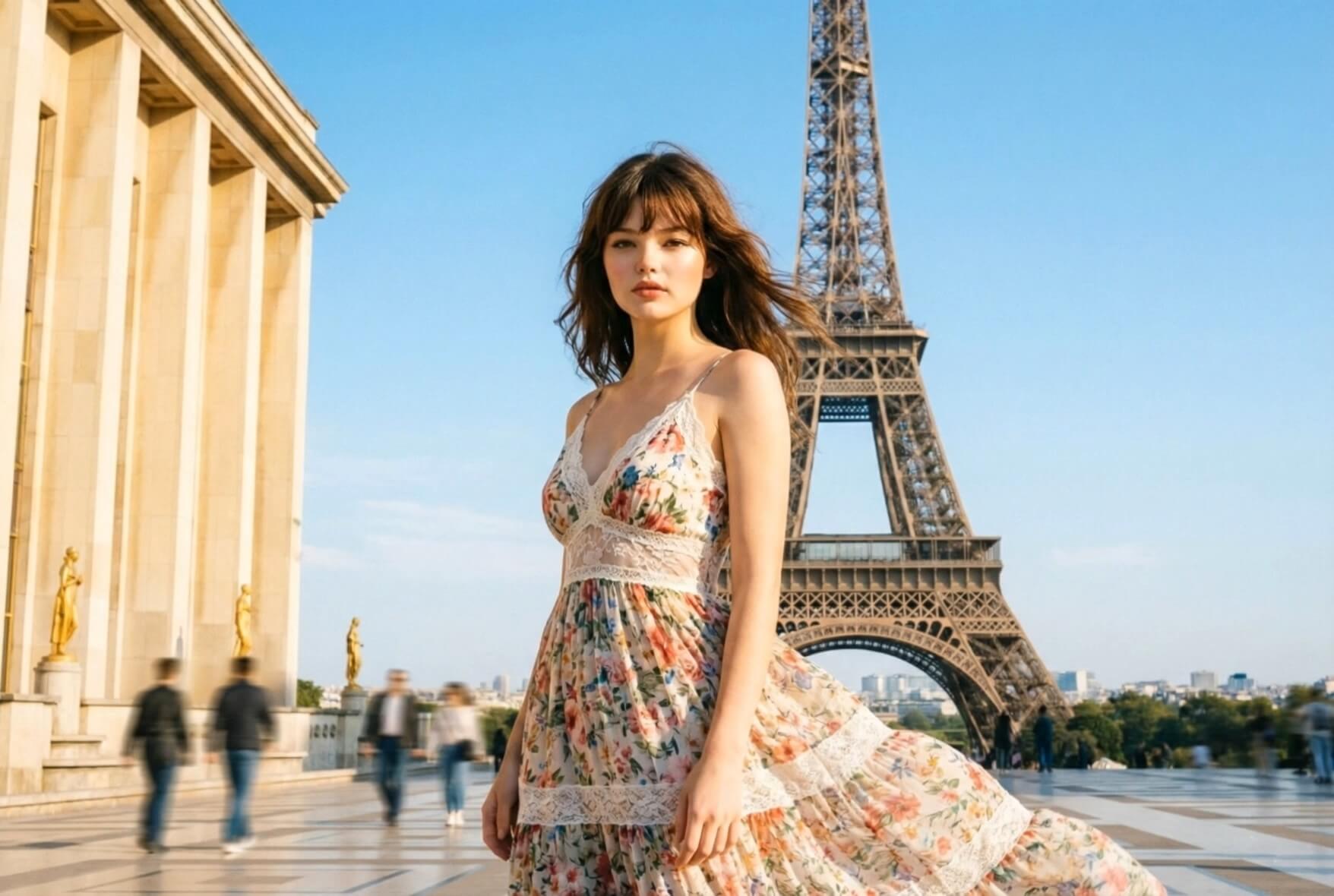
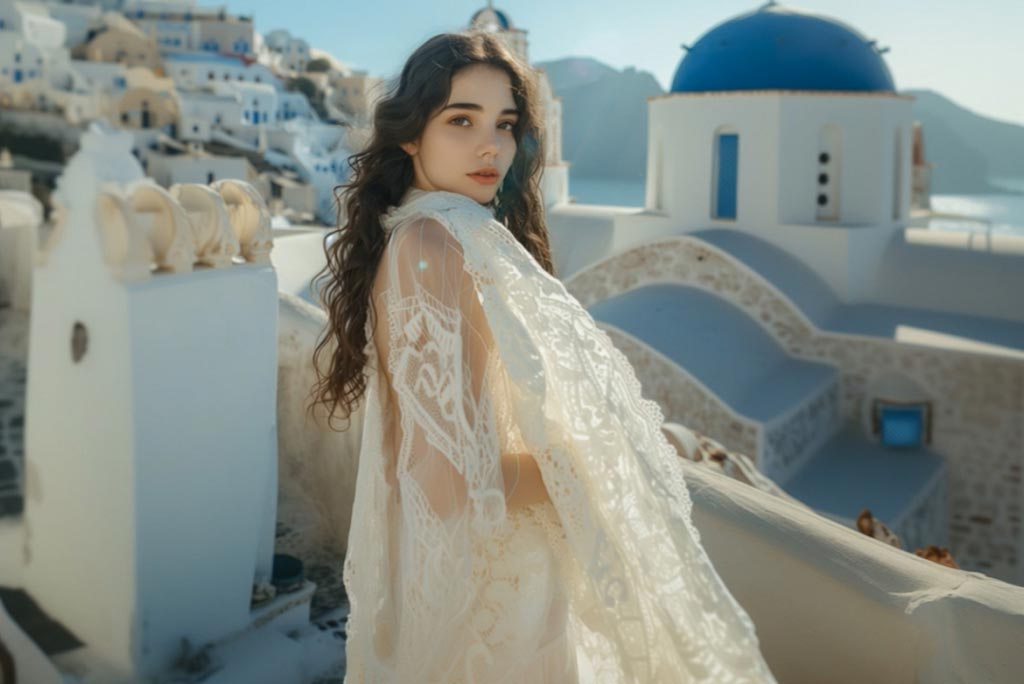
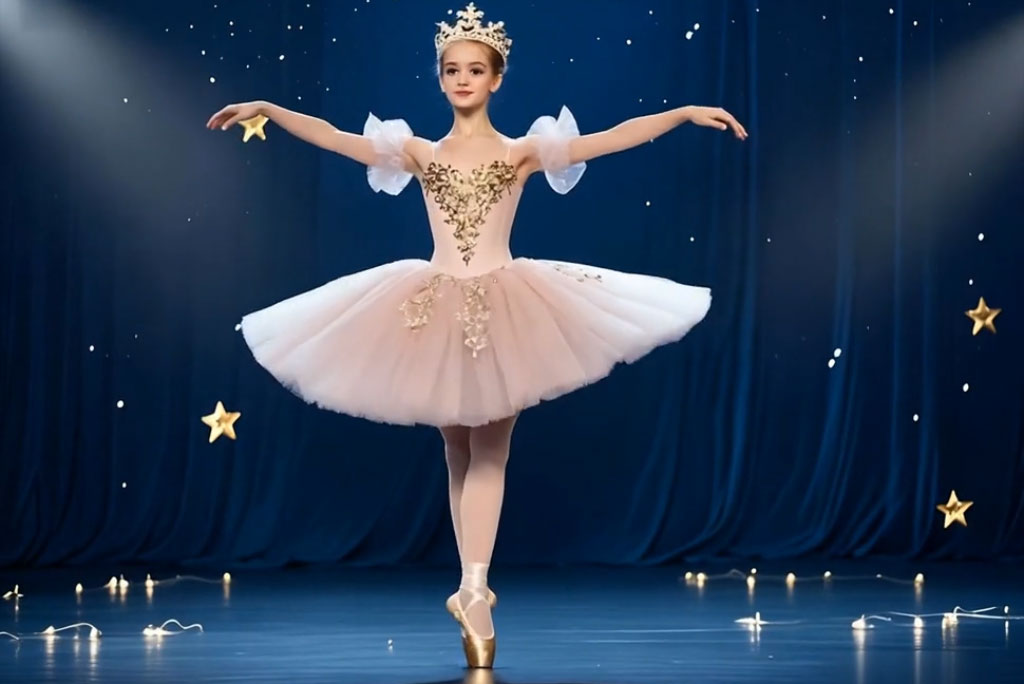
Create a beautiful princess video from your photo in just seconds. Use the AI princess video generator to turn your portrait into a glamorous fantasy scene with soft animation, radiant lighting, and magical visual effects.

00:00
00:00

How to Create a Princess Video Online with AI

Step 1. Upload Your Photo

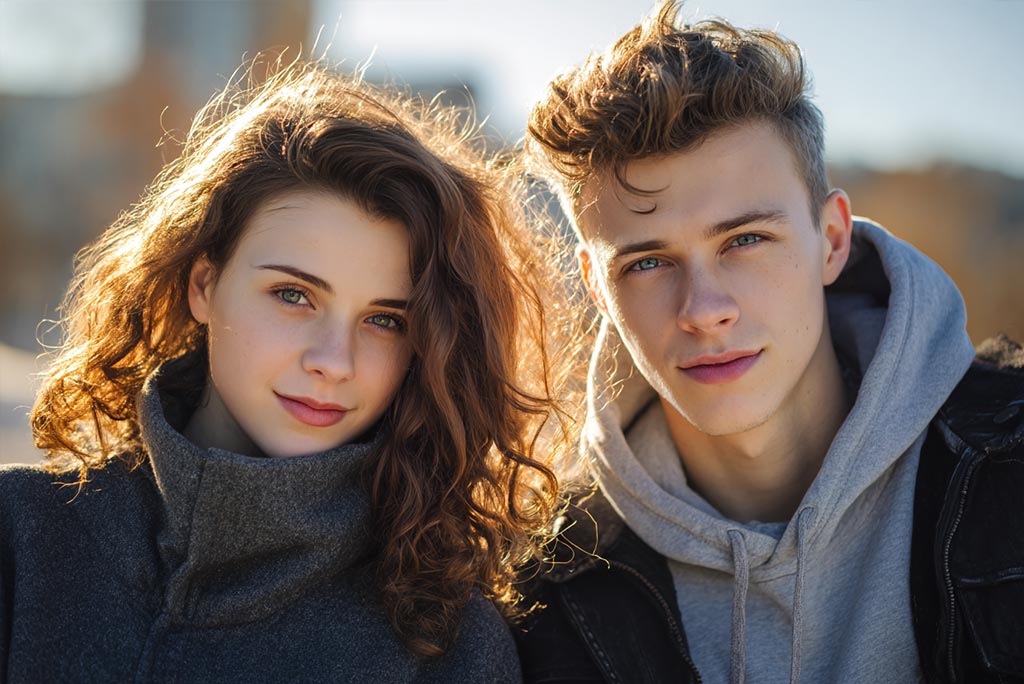
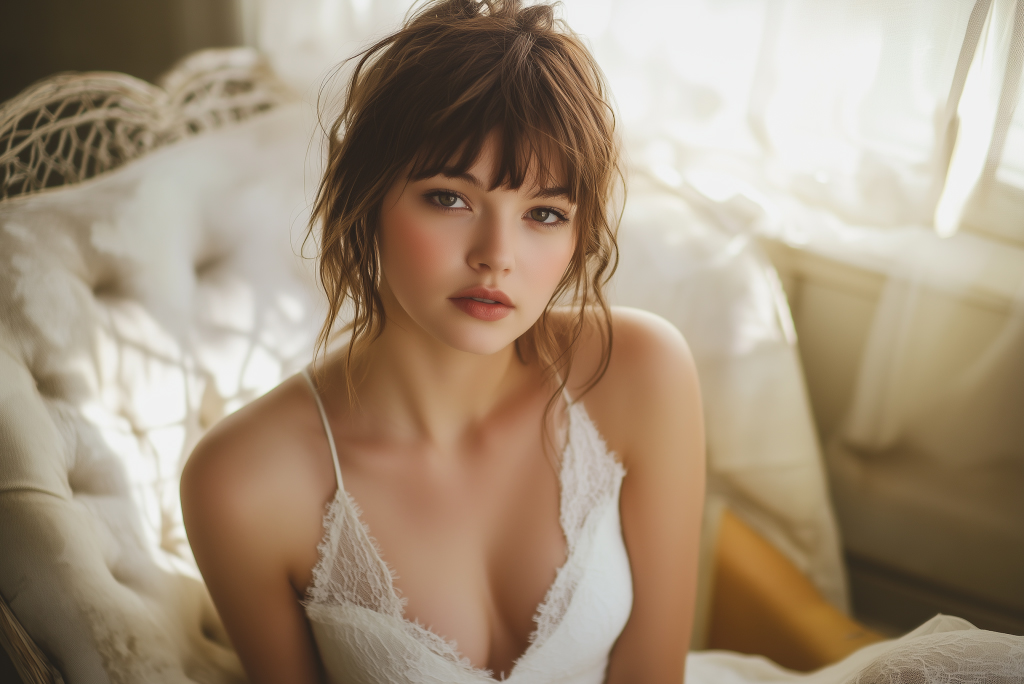
Start by uploading a clear portrait photo. Well-lit images with visible facial features work best. The AI instantly analyzes the subject and prepares it for the princess transformation.

Step 2. Choose the Princess Video Effect

Select the Princess AI video effect among all the available video effects. The system applies royal styling, magical lighting, and fantasy scene elements to your image.

Step 3. Click Generate

Click "Generate" to start the AI princess video generator. The AI processes your photo and transforms it into a cinematic princess animation within seconds.

Step 4. Download Your Video

Preview the final princess video and download it in high resolution. The video is ready to share on social media or use in creative projects.

Why Use a Princess AI Video Effect?

Create Magical Social Media Videos

Turn your selfies into stunning princess animations that instantly stand out on TikTok, Instagram Reels, and YouTube Shorts. The dreamy aesthetic makes your content eye-catching and highly shareable.

Bring Fantasy Characters to Life

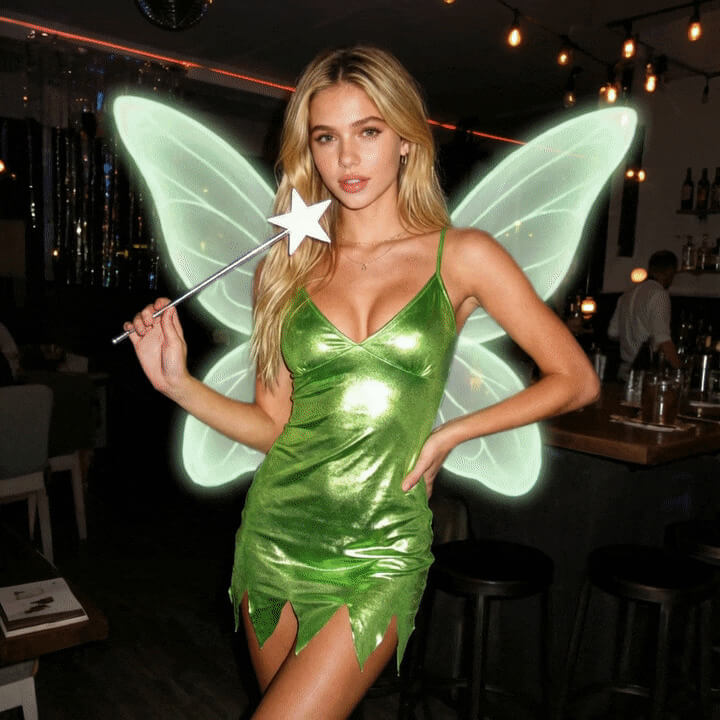
The hot princess video effect and fairy princess video effect transform ordinary portraits into enchanting royal characters. Whether you want a glamorous princess or a magical storybook vibe, the AI generates elegant fantasy visuals automatically.

Perfect for Creative Edits & Gifts

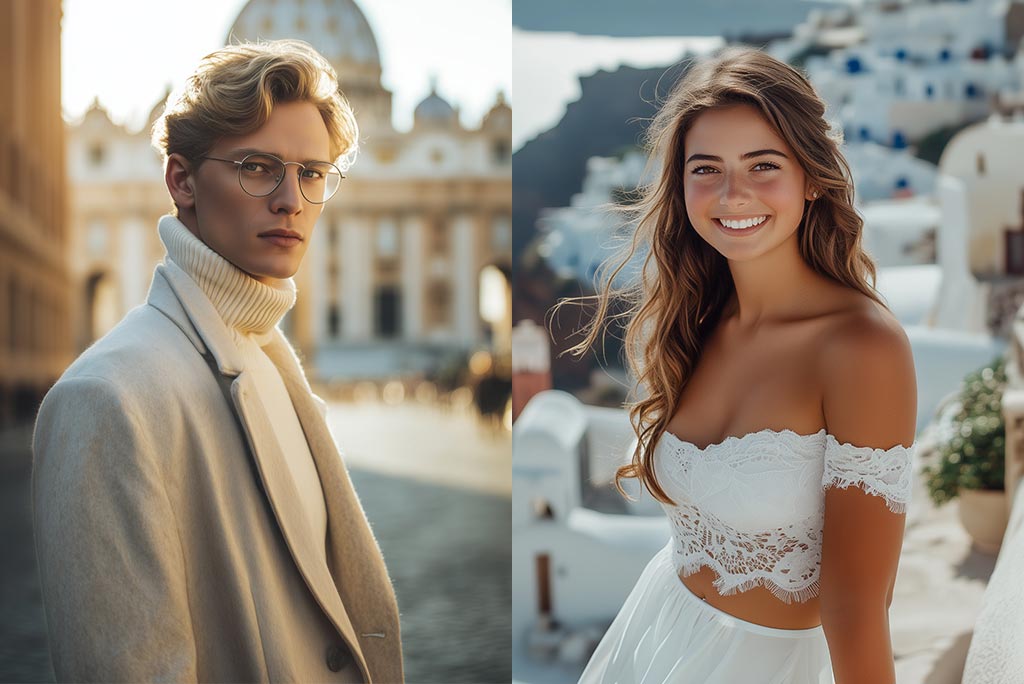
Turn your friends, partner, or family members into magical princess characters. The AI princess video generator creates memorable clips perfect for birthday surprises, edits, or fun social posts.

Make Storytelling Content Easily

Creators can use the princess video effect to generate fantasy-style intros, storytelling scenes, or character transformations without complicated video editing.

Why Use insMind Princess AI Video Generator?

One-Click Princess Transformation

One-Click Princess Transformation

Upload your portrait and instantly turn it into a magical princess video. The AI automatically applies royal styling and animation without requiring editing skills.

Smooth Fantasy Animation

Smooth Fantasy Animation

The insMind leverages advanced AI video models such as Seedance 2.0 and Kling 3.0 to create gentle motion, glowing lighting effects, and cinematic fantasy visuals that feel immersive and captivating.

Social Media-Ready Video Output

Social Media-Ready Video Output

Download your princess video in high resolution optimized for TikTok, Instagram Reels, and YouTube Shorts. Share instantly and bring fantasy magic to your content.

FAQs about AI Princess Video Effect

What is an AI Princess video effect?

insmind expand icon
An AI Princess video effect transforms your portrait into a fantasy-style animated princess scene using AI. It adds cinematic lighting, elegant styling, and smooth motion to create a magical transformation from your photo.

How does the AI princess video generator work?

insmind expand icon
The AI analyzes your uploaded image, detects facial features, and applies a princess-style transformation with animated motion and enhanced lighting to create a complete fantasy video.

Can I turn any photo into a hot or fairy princess video?

insmind expand icon
Yes. You can upload a clear portrait and use the hot princess video effect and fairy princess video effect to generate a glamorous princess-style animation while keeping your identity recognizable.

Does the princess video effect look realistic?

insmind expand icon
The AI keeps your facial structure intact while enhancing the scene with fantasy-inspired visuals, creating a balance between realism and magical aesthetics.

Is this suitable for social media content?

insmind expand icon
Absolutely. The Princess AI video generator creates short, visually engaging clips that work perfectly for TikTok, Instagram Reels, and YouTube Shorts.

What kind of photo works best for the princess effect?

insmind expand icon
Front-facing portraits with good lighting and minimal background clutter typically produce the best results for the princess transformation.

Can I use this effect for creative projects or edits?

insmind expand icon
Yes. Many users create fantasy intros, character edits, birthday surprises, and themed content using the Princess AI video effect.

Do I need editing skills to use the AI princess generator?

insmind expand icon
No. The process is fully automated. Simply upload your photo, choose the princess effect, and generate the video.