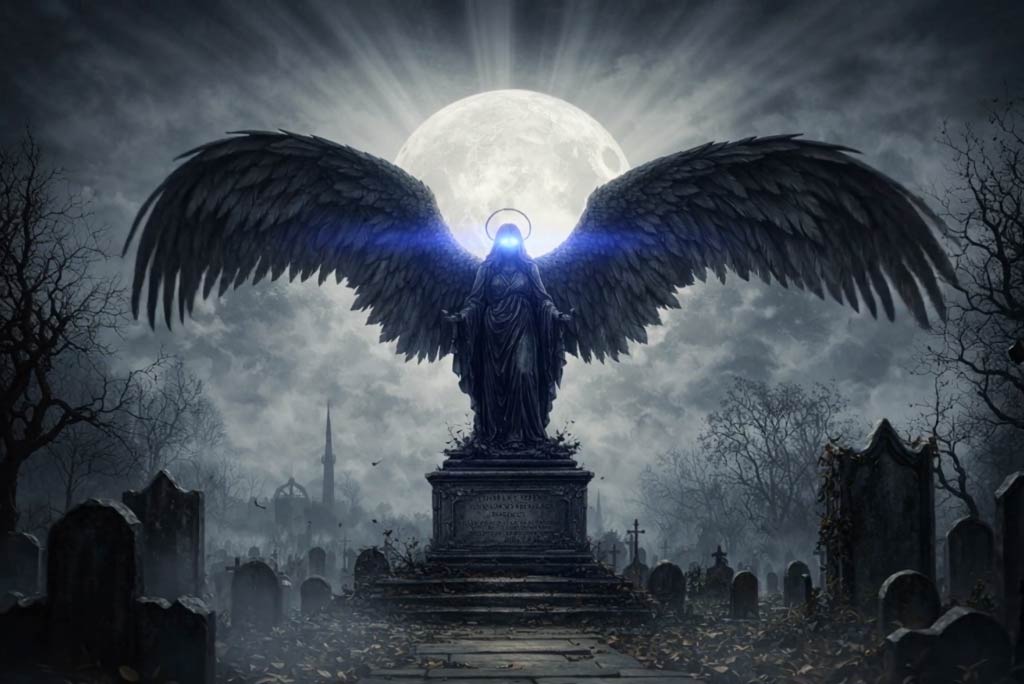
Start with nothing but an idea. Describe a dark fantasy scene in your own words, and let insMind turn it into a cinematic AI video. With dark fantasy text to video AI, you control the story—setting, mood, and visual tone—simply by writing a prompt.
Imagine cursed kingdoms, ruined castles, shadowed forests, or forbidden rituals. The AI interprets your description and generates motion, lighting, and atmosphere automatically, transforming written concepts into immersive dark fantasy animation without filming or editing.

Create Cinematic Dark Fantasy Videos from Text or Images
00:00
00:00
00:00
00:00

Generate Dark Fantasy Videos from Text Prompts

Upload an Image and Animate a Dark Fantasy Character
Have a portrait or artwork you want to bring to life? Upload a single image and convert it into a dark fantasy AI video from photo. insMind preserves the characters appearance while adding subtle motion, gothic lighting, and cinematic depth.
This dark fantasy image to video workflow is ideal for character showcases, AI art remixes, and social content. A still image becomes a living dark fantasy moment—characters breathe, glance, or move naturally within a dark, atmospheric world.

Shape Gothic Atmosphere with AI Style Control
Customize your dark fantasy animation AI by guiding scene, mood, and action through prompts. Control environments like forests, ruins, or hellscapes, set foggy or shadow-heavy lighting, and define character movement.
The AI interprets these instructions to create consistent gothic fantasy AI videos with a strong cinematic tone.
How to Create a Dark Fantasy AI Video with insMind?

1
1 Step 1: Choose Your Creation Mode
Select text-to-video to start from a written idea, or image-to-video to animate a portrait or artwork.

2
2 Step 2: Customize Dark Fantasy Style with Prompts
Describe the scene, atmosphere, lighting, and actions—such as castles, fog, magic effects, or slow character movement.

3
3 Step 3: Generate the Dark Fantasy Video
insMind AI creates a cinematic dark fantasy animation with smooth motion, dramatic lighting, and gothic visual effects.

4
4 Step 4: Preview and Download
Preview your result and download the video for social media or creative use.


What Users Say About Our Dark Fantasy AI Video Generator
Why Choose insMind Dark Fantasy AI Video Generator

Text and Image Input Support
Create dark fantasy videos from prompts or photos, depending on your creative workflow and starting point.

Cinematic Gothic Fantasy Aesthetic
Designed specifically for dark and gothic fantasy visuals, including lighting, mood, and atmosphere.

Advanced AI Motion Generation
Characters and environments move naturally, avoiding stiff or static animation common in basic tools.

Consistent Character Appearance
The AI preserves facial features, outfits, and proportions when generating dark fantasy videos from images.

Fast, Browser-Based Workflow
No software installation or rendering setup—everything runs online for quick creative output.

Ideal for Creators and Storytellers
Built for writers, artists, marketers, and creators who need visual fantasy storytelling without production overhead.
FAQs About insMind Dark Fantasy AI Video Generator
What is a Dark Fantasy AI Video Generator?


A dark fantasy AI video generator creates cinematic fantasy videos with gothic aesthetics from text prompts or images. It uses AI to add motion, lighting, atmosphere, and visual effects automatically.
Can I create dark fantasy videos from text only?
Yes. With dark fantasy text to video AI, you can generate full scenes using written descriptions without uploading any images.
How does dark fantasy image to video work?
You upload a portrait or artwork, and the AI animates it with motion, lighting, and dark fantasy atmosphere while preserving the original characters appearance.
Do I need video editing or animation skills?
No. insMind handles motion, camera movement, and effects automatically, making it accessible for beginners and professionals alike.
What styles does the dark fantasy video maker support?
It supports gothic fantasy, cursed worlds, dark magic scenes, foggy environments, cinematic lighting, and atmospheric effects.
How long does it take to generate a video?
Most dark fantasy AI videos are generated within minutes, depending on scene complexity and prompt detail.
Can I use the videos on social media?
Yes. The videos are suitable for TikTok, Instagram Reels, YouTube Shorts, and other social platforms.
00:00
00:00
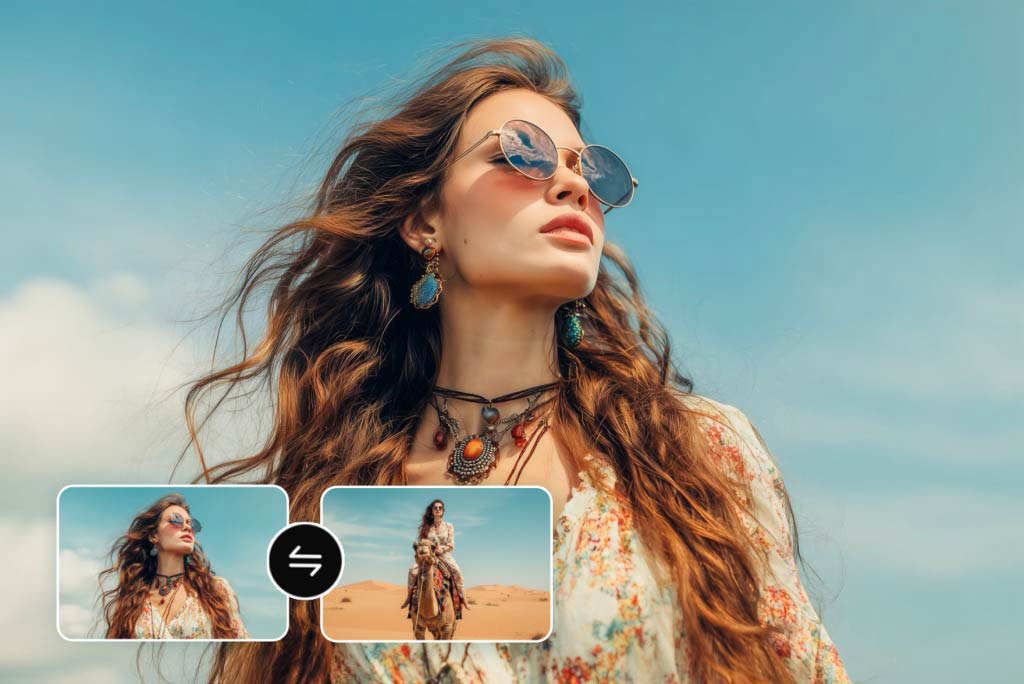
Video Start-End Frame Generator
Transform your images into seamless videos with AI start and end frame generation.
00:00
00:00
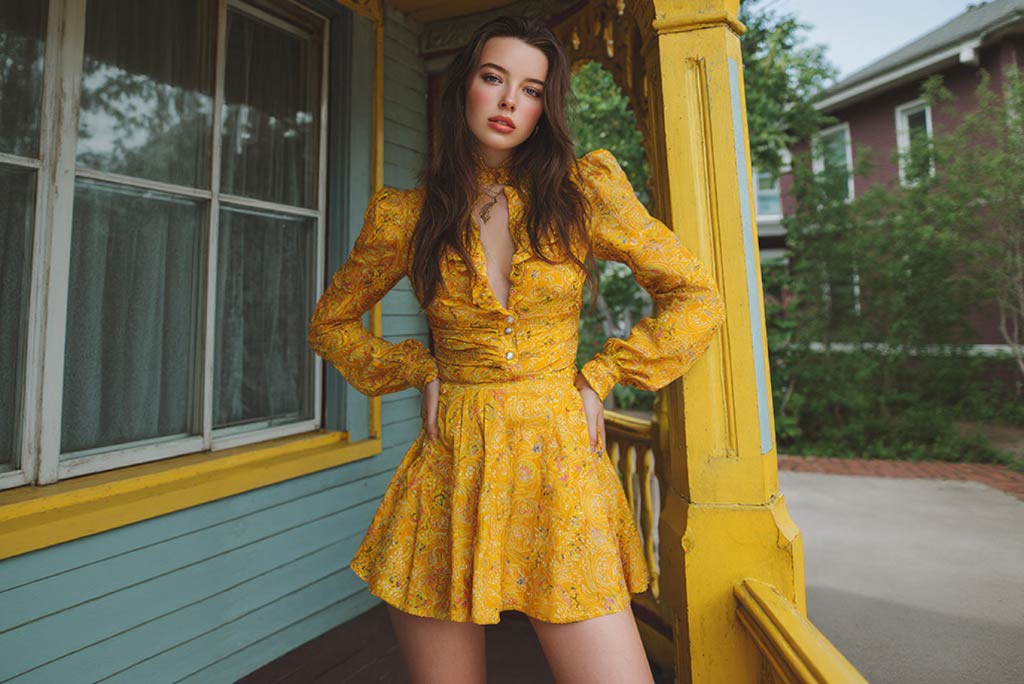
AI Character Animation
Transform any photo into a moving AI character video.
00:00
00:00
Birthday Video Maker
Turn any photo into a joyful birthday celebration with music instantly.
00:00
00:00
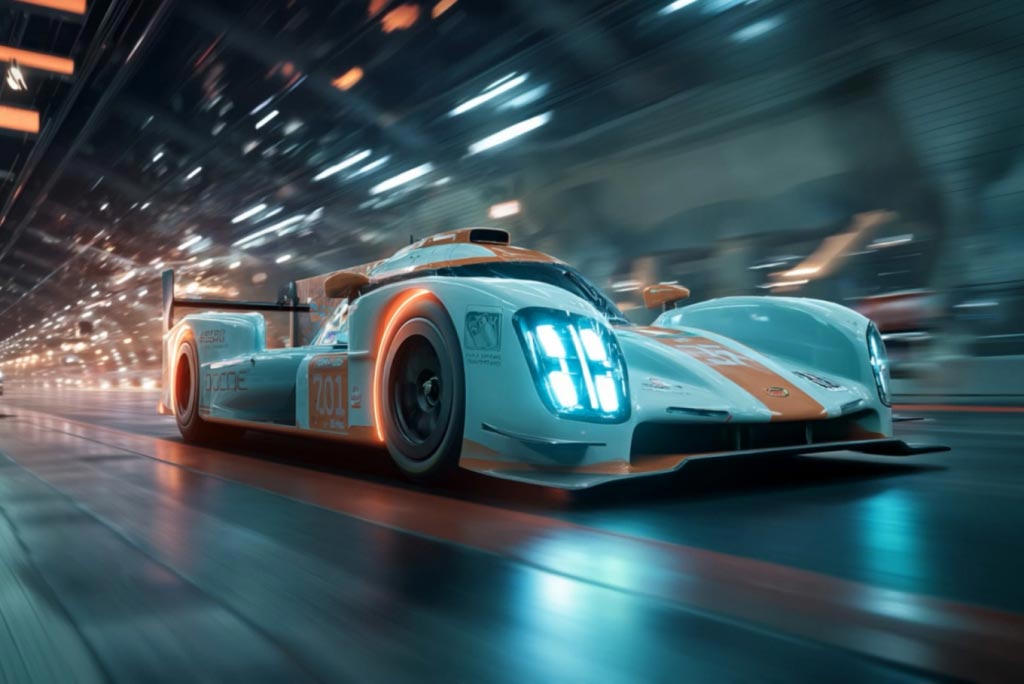
AI Video Generator
Create high-quality videos from text and images with AI tools.
00:00
00:00
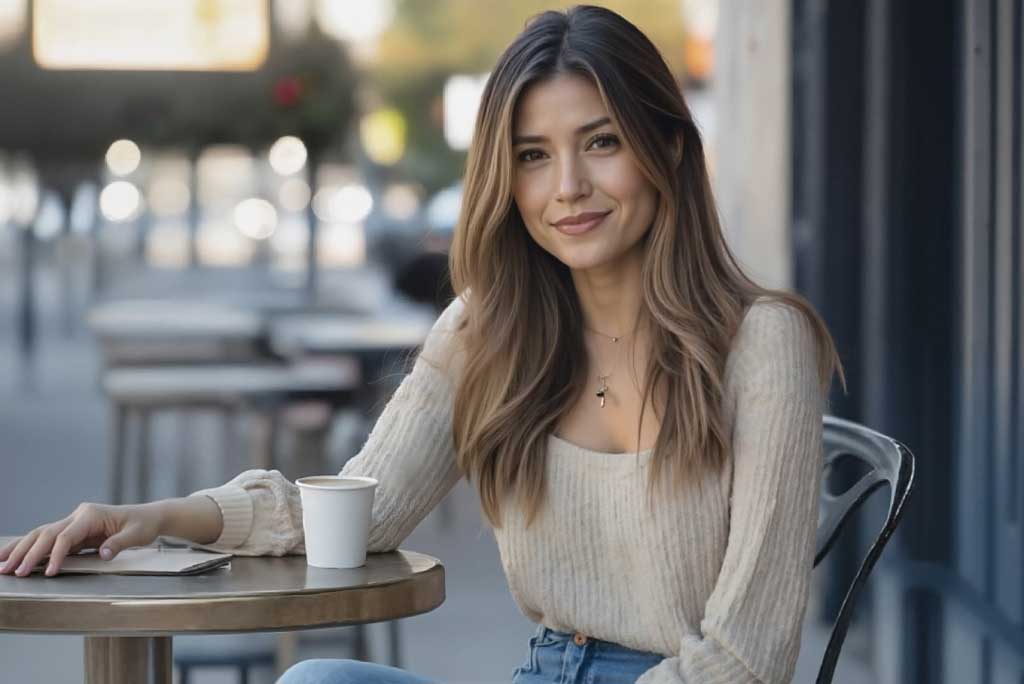
Image to Video
Create custom videos from your photos with AI.
00:00
00:00
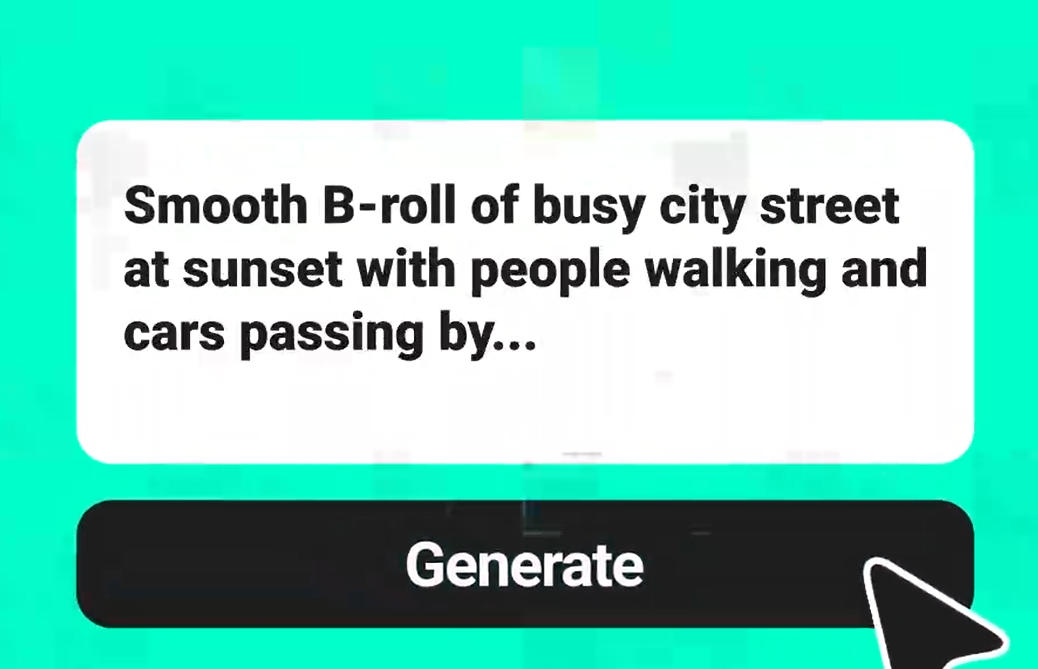
Text to Video
Turn any text prompt into high-quality videos in minutes.
00:00
00:00
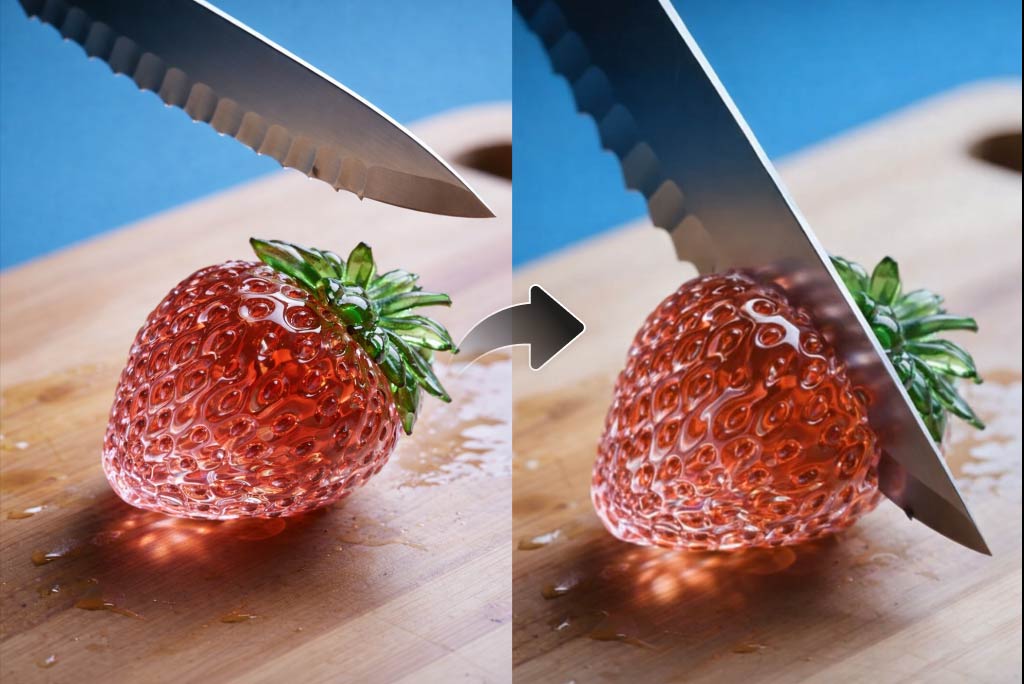
AI ASMR Generator
Create calming AI ASMR videos with perfectly synced sound.
00:00
00:00
AI YouTube Shorts Generator
Create viral YouTube Shorts instantly with smart, easy-to-use AI tools.
“Its incredibly useful for animating dark fantasy characters from a single image.”
@Andrew Collins, Concept Artist