Powered by Nano Banana Pro, this AI image pixelator helps you pixelate image content instantly. No Photoshop skills are needed. Simply upload your photo, describe your needs, and let AI handle the pixelation with high speed and consistent quality, saving time while improving editing efficiency.

Pixelate Image Online Instantly with AI Image Pixelator
Convert Photos into Trendy Pixel Art
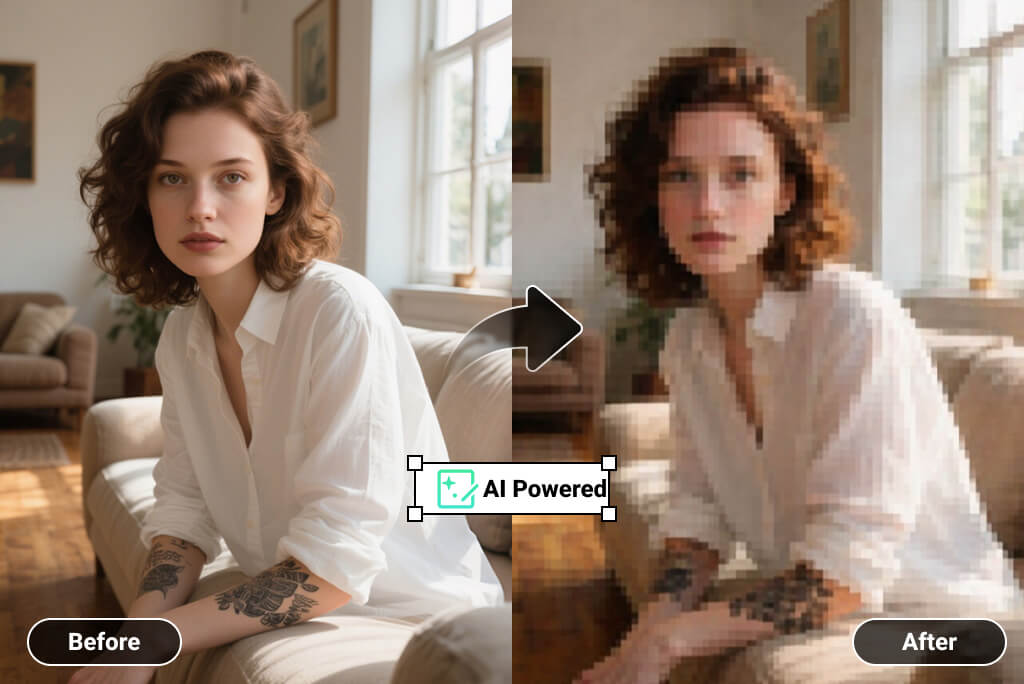
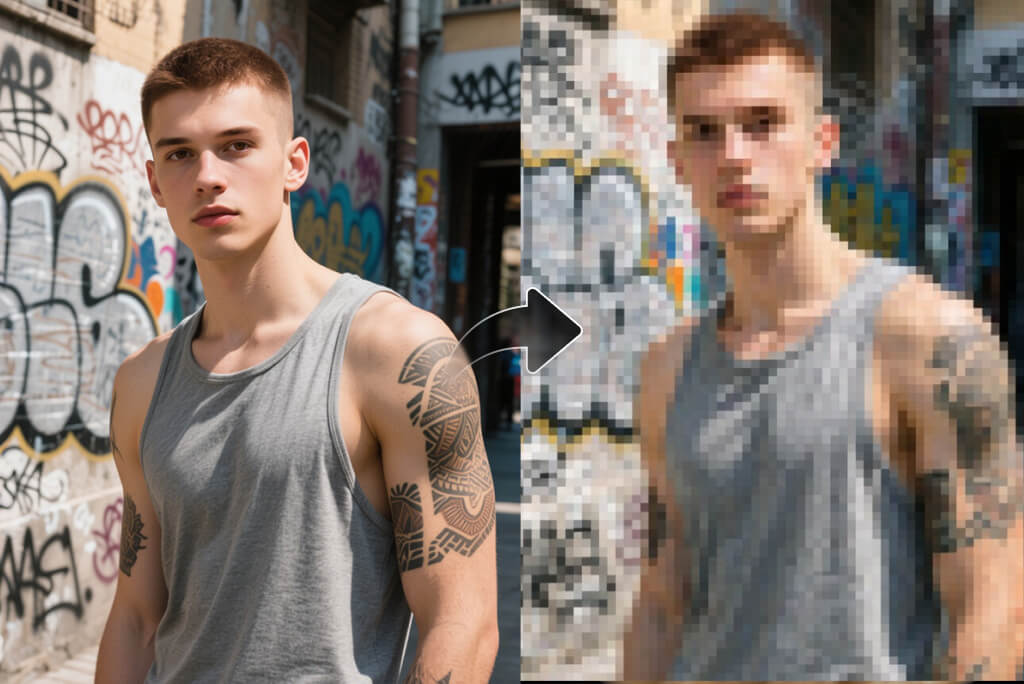
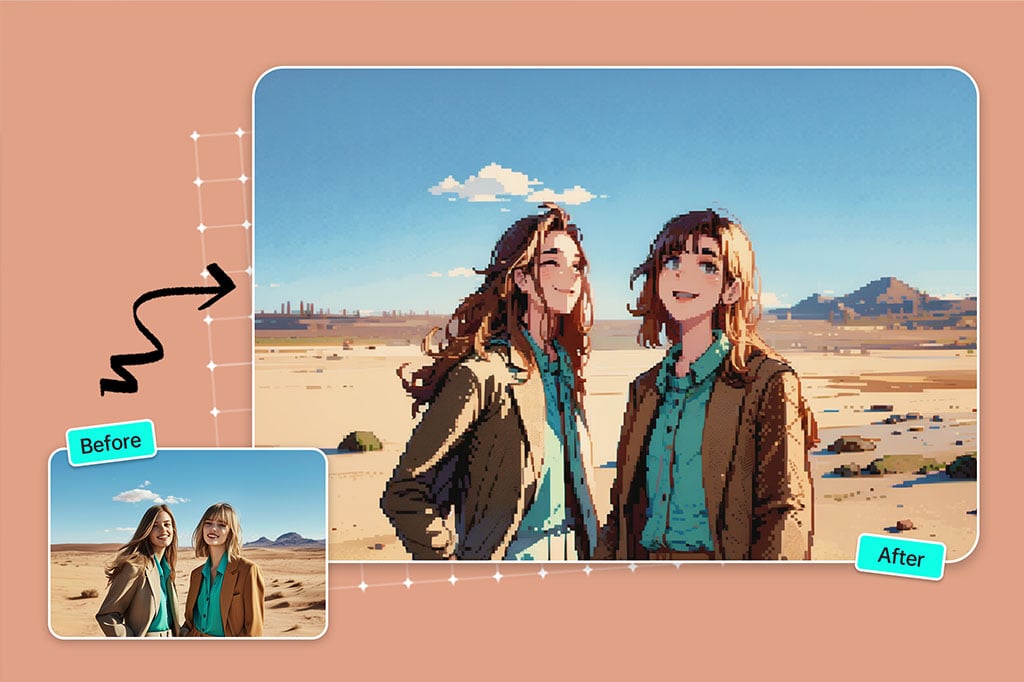
Pixel art has become a viral visual style across social platforms. With our picture pixelator, you can pixelate photo content into eye-catching pixel art. Transform selfies, portraits, or scenes into creative visuals that boost engagement and help you join the pixelated image trend effortlessly.
Pixelate a Picture to Protect Privacy
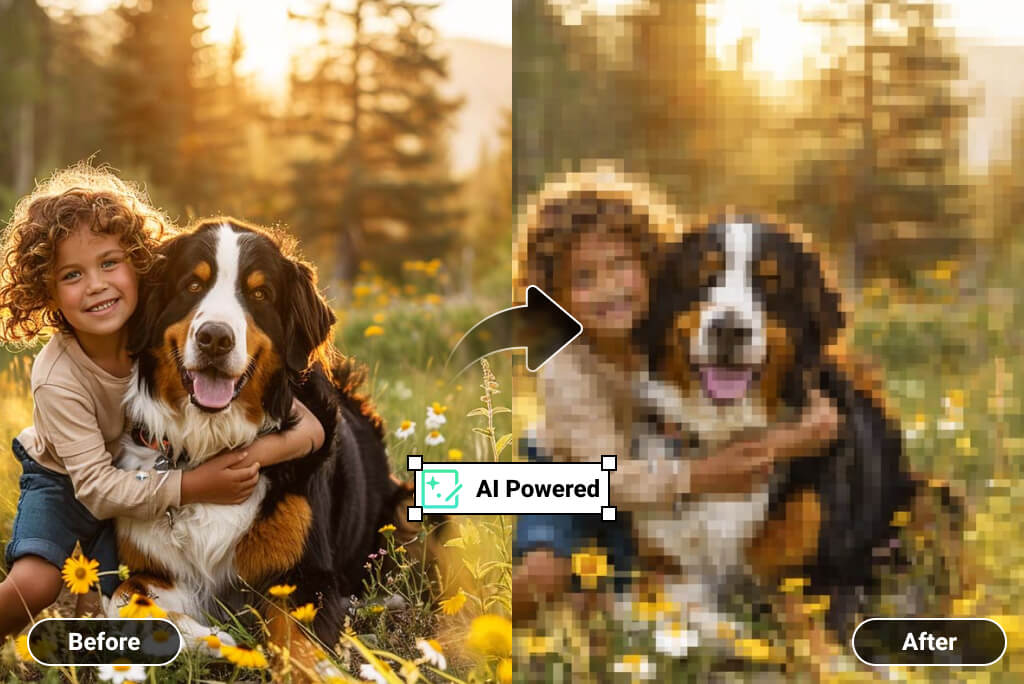
Pixelate an image to hide faces, backgrounds, or sensitive details. Our pixelated photo editor lets you pixelate the entire image or specific areas by describing them in your prompt. The AI automatically applies precise pixelation, giving you flexible privacy control without complex manual masking.
How to Pixelate an Image Online
Step 1: Upload your photo
Upload a clear photo you want to pixelate. The tool supports portraits, screenshots, and everyday images, preparing them instantly for AI-based pixelation.
Step 2: Enter your prompt
Describe what you want, such as "pixelate the uploaded image," "convert the photo into pixel art," or "pixelate the background only." Clear prompts help the AI deliver more accurate results.
Step 3: Pixelate the image
Click the "Generate" button. Your request is sent to the AI image generator, which pixelates your image automatically within seconds.
Step 4: Download the photo
Preview the pixelated image and download it once you are satisfied. The output is ready for sharing, posting, or further use.
Why Use an Image Pixelator Online?
Create Stylish Pixel Art Visuals
Use a pixelated image generator to turn photos into retro-style pixel art. This effect is popular in creative design, gaming aesthetics, and social media visuals that stand out from regular photos.
Protect Personal Privacy in Photos
Pixelate pictures to hide faces, license plates, or private information. It is a simple way to share images online while keeping sensitive details anonymous and secure.
Draw Attention to the Main Subject
By pixelating backgrounds or secondary areas, you can guide viewers’ focus to the most important part of the image, such as a product, face, or message.
Prepare Content for Social Media Trends
Pixelated photos often perform well on platforms like Instagram and TikTok. A pixelated image maker helps creators quickly adapt their images to trending visual styles.
Blur Sensitive Areas in Screenshots
When sharing app screenshots or documents, pixelate image sections that contain private data. This keeps information safe while maintaining overall image clarity.
Create Visual Effects for Design Projects
Designers can use pixelated images to add texture, abstraction, or retro effects to posters, thumbnails, and digital artwork without manual editing.
Simplify Image Editing for Beginners
A free image pixelator removes the learning curve of complex tools. Anyone can pixelate an image with clear prompts and instant results.
Experiment with Creative Image Styles
Pixelate photos to explore new visual styles, test artistic ideas, or generate unique assets for personal or professional projects.
Explore More AI Photo Editing Tools
Frequently Asked Questions
What is an image pixelator?


An image pixelator is a tool that converts images into a pixelated style. insMind’s AI-based pixelator automatically applies pixelation effects based on your prompt, without manual editing.
How to pixelate an image online for free?
You can pixelate image content online by uploading a photo to insMind and entering a simple prompt. The tool offers a pixelate image free option for quick edits.
Can I pixelate only part of an image?
Yes. You can specify areas like faces or backgrounds in your prompt, and the AI will pixelate those parts while keeping the rest of the image clear.
Does pixelating reduce image quality?
Pixelation is an intentional effect. insMind ensures the output image remains clear and usable while applying clean, controlled pixel blocks.
Do I need design skills to pixelate images?
No. The online image pixelator is designed for beginners. Upload, describe, and generate without any technical or design experience.
What formats can I download after pixelation?
You can download the pixelated image in common image formats like PNG, JPG, ready for sharing or further use.
How is AI pixelation different from manual tools?
AI pixelation saves time and removes manual steps. It understands prompts and applies pixelation automatically, unlike traditional tools that require manual selection and adjustment.