


Voice cloning used to sound like something reserved for studios, voice actors, and big production teams. Now, creators can build a consistent AI voice from a reference recording and use it for fresh scripts, quick edits, product messages, lessons, podcasts, and video narration.
But if you are searching for how to clone your voice with AI, you probably have two questions at once: how does the process work, and how do you do it responsibly? This guide walks through both. You will learn what voice cloning is, what kind of recording works best, where AI voice cloning helps, and how to use insMind's AI voice cloning tool to turn a permitted recording into new spoken audio.
What Is AI Voice Cloning?
Ever wondered why some AI voiceovers sound like a real speaker instead of a stock narrator? That is the basic idea behind AI voice cloning. The AI studies a voice sample, then uses that voice profile to read a new script.
In a traditional recording workflow, every script change requires a new take. If a price changes, a sponsor line expires, or a lesson needs one updated sentence, you go back to the microphone. With a voice clone, you can edit the script and generate a new version while keeping the same voice.
This is different from choosing a ready-made voice in an AI voice generator. A voice generator gives you preset voices. Voice cloning starts with your recording, so the output keeps a more personal and consistent sound.
How to Clone Your Voice with AI Safely
AI voice cloning creates new audio that sounds like a reference voice. You upload a sample, write the words you want that voice to say, and the AI generates a new voiceover. The result is not just text-to-speech with a generic narrator. It is a reusable voice style based on the recording you provide.
That power comes with a serious rule: permission comes first. If you clone your own voice, you are in control of the source recording and the new output. If you are thinking about how to copy someone voice using AI, only do it when that person has clearly agreed and when your use is honest. Voice cloning should not be used to impersonate, deceive, or put words in someone's mouth.
For legitimate creative work, though, the workflow can save a lot of time. A YouTuber can replace one line after editing. A course creator can update a lesson without booking another recording session. A brand can keep product demos consistent across campaigns. A podcaster can generate a new intro in the same familiar voice.
Use voice cloning like a production shortcut, not a disguise. The best projects start with permission, a clean recording, and a script the speaker has approved.
Can AI Copy Someone's Voice?
Yes, AI can copy vocal qualities from a reference recording, but "can" is not the same as "should." If your question is can AI copy someone's voice, the practical answer is yes. The ethical answer is that you need clear consent, a legitimate purpose, and transparency where the context requires it.
Use voice cloning for your own narration, approved team voices, internal training, creator workflows, podcast updates, and marketing lines where the speaker has authorized the use. Avoid cloning celebrities, coworkers, customers, family members, or public figures without permission. Also avoid any use that could mislead listeners into believing someone personally said something they did not approve.
Good voice cloning is a production tool, not a disguise. Treat the cloned voice like a licensed asset: document who owns the recording, what it may be used for, and where the generated audio will appear.
Best Uses for AI Voice Cloning
Voice cloning is most useful when you need consistent narration without recording from scratch every time. It is especially helpful when the speaker's voice is part of the brand or experience.
YouTube and Social Videos
Generate hooks, intros, corrections, or calls to action in the same recognizable creator voice.
Podcasts
Create intros, recurring segments, sponsor lines, and quick fixes without rebuilding the episode.
Online Courses
Update a lesson paragraph when a product screen, policy, or example changes.
Product Demos
Test benefit statements, offers, and campaign angles in a consistent brand voice.
Announcements
Make welcome messages, reminders, customer updates, or internal notices easier to refresh.
Storytelling
Draft narration for stories, audiobooks, articles, or visual content in a familiar voice.
If your audio will become part of a larger visual piece, you can also explore an AI story video generator for script-driven visuals.
How to Use Voice Cloning AI with insMind
Want the practical version? insMind keeps the process simple: upload a permitted voice recording, enter the script, generate the result, then preview and download the audio. Here is how to create AI voice clone content step by step.
Step 1: Choose Clone and Upload a Voice Recording
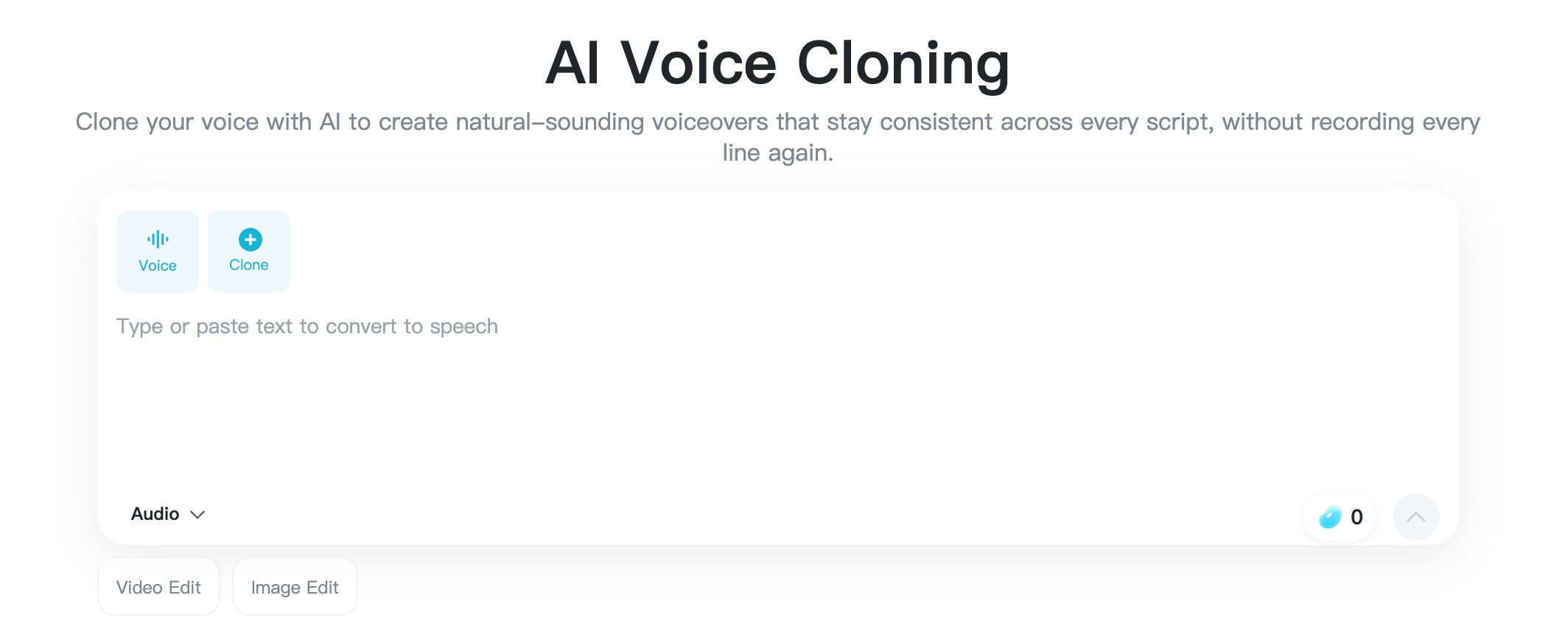
Open the insMind AI voice cloning page and choose the Clone option. Upload a clear MP3 or MP4 voice recording. Use your own voice or a recording you have explicit permission to clone.
A clean input gives the AI a better reference. Choose audio with one speaker, steady volume, minimal echo, and little background music. If the sample has overlapping voices or heavy noise, the generated voiceover may sound less natural.
Step 2: Enter the Script You Want the Voice to Read
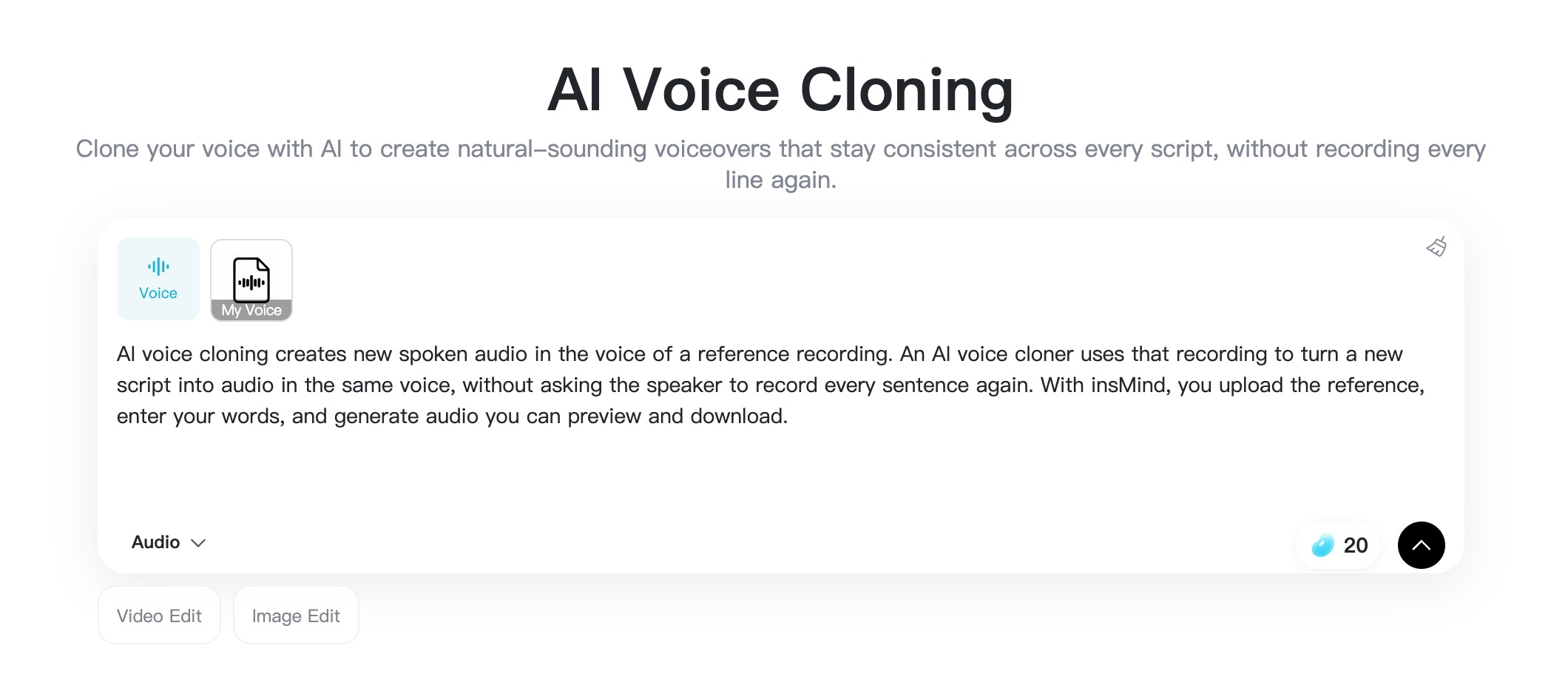
Next, type or paste the new script. This can be a YouTube hook, product intro, podcast sponsor line, lesson update, announcement, or short narration. If you are learning how to use AI to use someone's voice for an approved project, this is where you write only the message that person has authorized.
Check names, numbers, brand terms, acronyms, and punctuation before generating. Small script details matter because the AI reads what you give it. Shorter sentences often sound more natural than long, overloaded lines.
Step 3: Generate the Cloned Voice Audio
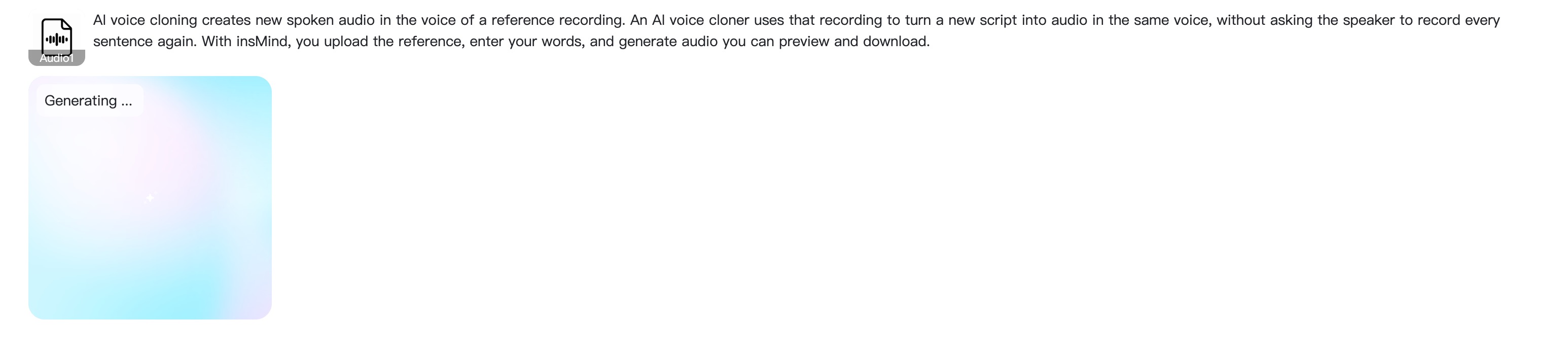
Once your voice sample and script are ready, click the arrow button in the lower-right corner to generate the audio. insMind will process the reference recording and create a new spoken track in the cloned voice.
This is the core of how to clone a voice AI workflow: the uploaded recording gives the voice identity, while the script gives the new message. You do not need to record every line again when your copy changes.
Step 4: Preview and Download the Voiceover
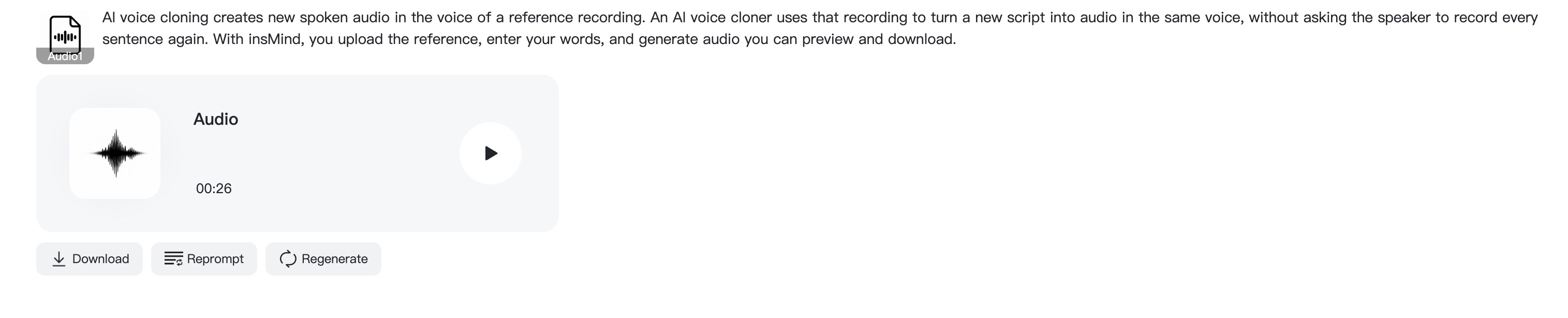
Listen to the full generated track before downloading. Pay attention to pronunciation, pacing, emphasis, and whether the message sounds natural for your use case. If a word sounds off, revise the script and generate a new version.
When the audio is ready, download the voiceover and add it to your project. You can use it in videos, podcasts, e-learning lessons, ads, internal announcements, and other approved content. If the voiceover is going into a video workflow, pair it with an AI video editor to assemble footage, captions, and audio together.
Tips for Better Voice Clone Results
Not getting the result you expected? The source audio and script style usually make the biggest difference.
- Use one speaker only. Do not upload a clip where people talk over each other.
- Record in a quiet room. Echo, fan noise, street sounds, and music can weaken the voice reference.
- Keep the voice natural. A sample with normal pacing and emotion is often better than an overly dramatic read.
- Write for speech. Use short sentences, clear punctuation, and conversational wording.
- Spell tricky words phonetically when needed. Brand names and names may need extra guidance.
- Preview before exporting. Always listen from start to finish before using the audio publicly.
If you want a completely different narrator instead of your own voice, use text-to-speech or a preset voice tool. If you want your own voice to say new words, voice cloning is the better fit.
FAQs About How to Clone a Voice AI
What recording format should I upload?
insMind's page supports MP3 and MP4 uploads for voice cloning. Choose a clear recording with one speaker and minimal background noise for the best result.
How do I clone my own voice with AI?
Open insMind's voice cloning tool, click Clone, upload your voice recording, enter a script, generate the result, preview it, and download the final voiceover.
Can I clone another person's voice?
Only if you have clear permission and the right to use the generated audio. Do not use AI voice cloning to impersonate someone, mislead listeners, or create unauthorized statements.
How do I make the cloned voice sound more natural?
Start with clean audio and write a script that sounds spoken, not stiff. Use short sentences, natural punctuation, and revise any line that sounds awkward after previewing.
Is voice cloning useful for video creators?
Yes. Video creators can update narration, create new hooks, test calls to action, or keep a consistent voice across Shorts, Reels, tutorials, and product demos.
Start Cloning Your Voice with insMind
Voice cloning is at its best when it removes production friction while respecting the person behind the voice. Use your own recording or an approved source, write a clean script, generate the audio, and preview carefully before publishing.
If you want to learn how to clone your voice with AI without a complex studio setup, insMind gives you a direct workflow from reference recording to downloadable voiceover. Start with a short, clear sample and turn your next script into consistent spoken audio.


![How to Add Logo to Photos Online for Free [The Simplest Method]](https://static.xsbapp.com/market-operations/market/side/1718795949162.jpg?x-oss-process=image/resize,w_690,h_460,type_6/interlace,1,image/format,webp "How to Add Logo to Photos Online for Free [The Simplest Method]")
![How to Remove Tattoos from Photos [Ultimate Guide 2025]](https://static.xsbapp.com/market-operations/market/side/1718787534476.jpg?x-oss-process=image/resize,w_690,h_460,type_6/interlace,1,image/format,webp "How to Remove Tattoos from Photos [Ultimate Guide 2025]")


