


Have a story, lesson, article, or chapter draft that would be easier to hear than read? That is where audiobooks become powerful. They let people listen while commuting, exercising, studying, cooking, or taking a break from screens.
If you want to learn how to make an audiobook, you no longer need a recording booth, a professional narrator, and hours of audio editing before you can hear a first version. With insMind, you can type or paste text, choose a voice, generate natural narration, preview the result, and download the audio. This guide walks you through the full process, including planning, script formatting, voice selection, quality checks, and how to make an audiobook for free as a test before you commit to a longer project.
Table of Contents
What Is an Audiobook?
An audiobook is a spoken version of written content. It can be a full novel, a nonfiction book, a children's story, a course lesson, a guided meditation, a podcast-style chapter preview, or even a short article turned into listenable audio. The key is simple: the listener gets the message through narration instead of reading the text on a page.
Traditional audiobook production usually involves a narrator, microphone setup, quiet room, audio editor, mastering process, and distribution plan. That still matters for large commercial releases. But if you want to test a chapter, create learning material, make a sample for your audience, or convert shorter writing into speech, an audiobook generator can help you move much faster.
How to Make an Audiobook: The Complete Workflow
Before you open any tool, make one important decision: what kind of listening experience are you creating? A novel chapter needs emotion and pacing. A business guide needs clarity. A children's story needs warmth. A learning module needs steady pronunciation and clean pauses.
Use this quick planning table before you generate audio:
| Stage | What to Decide | Why It Matters |
|---|---|---|
| Content | Book chapter, article, script, lesson, or sample | Different formats need different pacing and voice styles. |
| Audience | Readers, students, customers, subscribers, or internal teams | The audience changes how formal, warm, or energetic the narration should be. |
| Voice | Calm, dramatic, friendly, professional, youthful, or character-like | The narrator voice sets the mood before the listener notices the words. |
| Length | One short sample or a longer multi-section recording | Short tests are easier to revise before creating a full audiobook. |
| Review | Listen for names, rhythm, pronunciation, and awkward sentences | Audiobook quality depends on how natural the text sounds when spoken. |
Wondering how to create an audiobook without getting buried in production details? Start small. Generate a one-page sample first. Listen to it on headphones. Then revise the text before turning an entire manuscript into audio. This saves time and gives you a better feel for the narrator style.
Audiobook Script Tips for Better AI Narration
AI narration works best when the text is written for the ear. A paragraph that looks elegant on a page may sound heavy when spoken. If you want to know how to make audiobook narration feel more natural, focus on rhythm before polish.
Use Shorter Sentences
Long sentences can make narration feel breathless. Break complex ideas into two clean lines.
Add Natural Pauses
Commas, periods, and paragraph breaks help the voice slow down at the right moments.
Simplify Difficult Names
If a name or term sounds wrong, add phonetic hints or replace it in the sample draft.
Test Emotional Scenes
For fiction, generate important scenes first to see if the voice carries the right mood.
Here is a simple before-and-after example:
Before: The city, which had been quiet for many years despite the rumors that passed from one market stall to another, suddenly woke to the sound of bells.
After: For years, the city had been quiet. Rumors moved from one market stall to another. Then, one morning, the bells began to ring.
The second version is easier to hear. It gives the narrator room to breathe, and it gives the listener time to imagine the scene.
How to Create an Audiobook with insMind
insMind's AI Audiobook Generator follows a practical text-to-audio workflow. You bring the text, choose the voice, generate narration, and then edit or download when the result sounds right. Here is how to make an audiobook with AI in four steps.
Step 1: Enter the Text You Want to Narrate
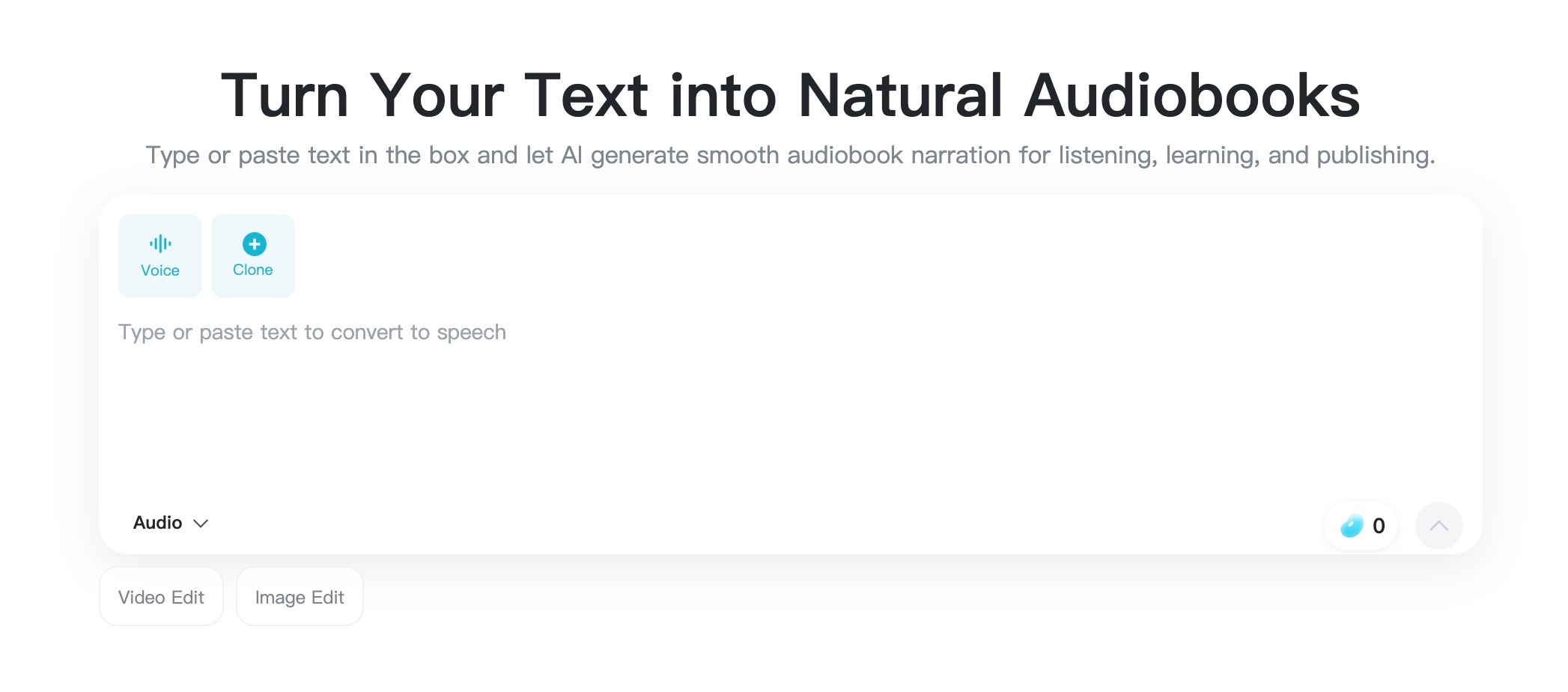
Open the AI audiobook generator and type or paste the text you want to turn into spoken narration. This can be a story scene, a nonfiction chapter excerpt, a lesson script, a guided audio passage, or a short sample you want listeners to preview.
For the first test, use a clean section of text rather than an entire book. One to three paragraphs is enough to check the voice, rhythm, and clarity before you generate a longer piece.
Step 2: Choose a Voice for the Mood and Audience
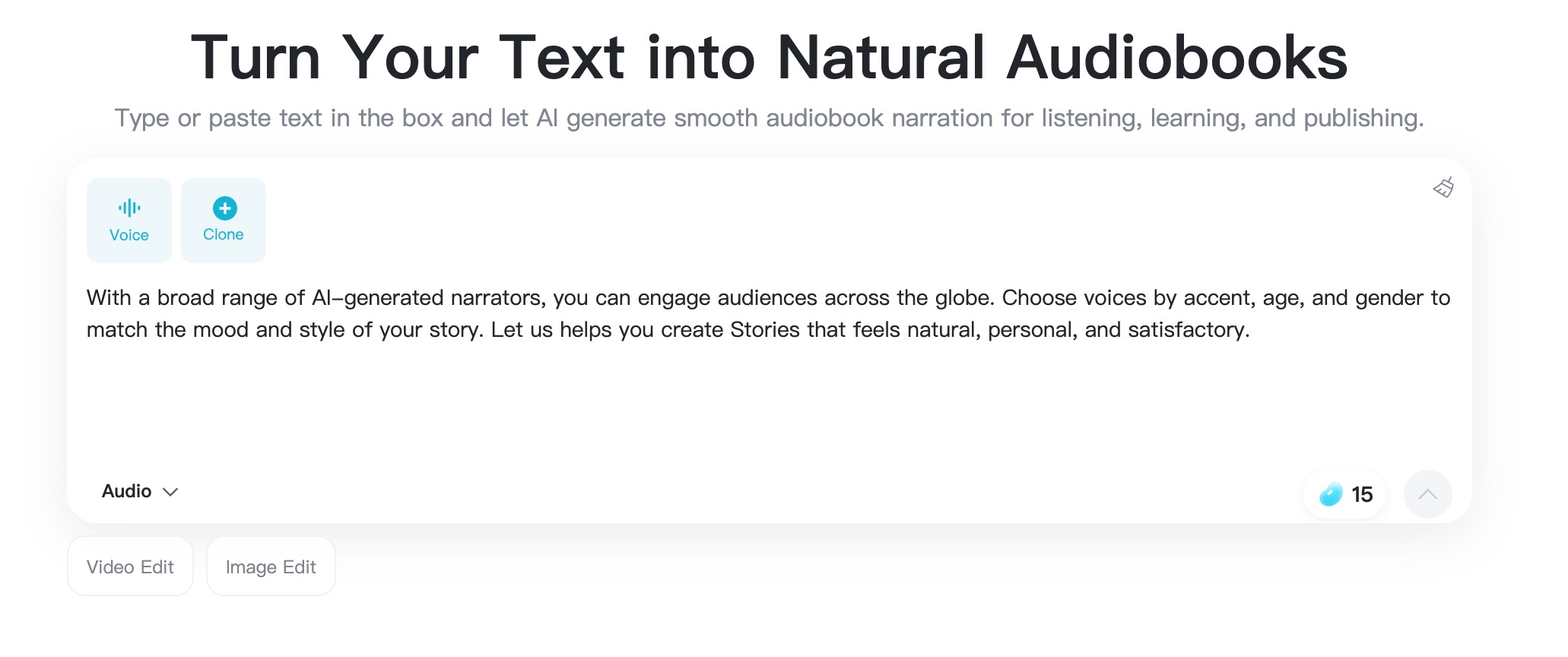
Next, open the voice selector and pick a narrator that fits your content. A warm voice works well for bedtime stories and personal essays. A clear, steady voice is better for lessons, explainers, and business writing. A more expressive voice can help fiction, fantasy, and dramatic scenes feel alive.
Do not choose a voice only because it sounds impressive in isolation. Ask whether it helps your target listener stay comfortable for the full length of the audio.
Step 3: Generate the AI Audiobook Audio
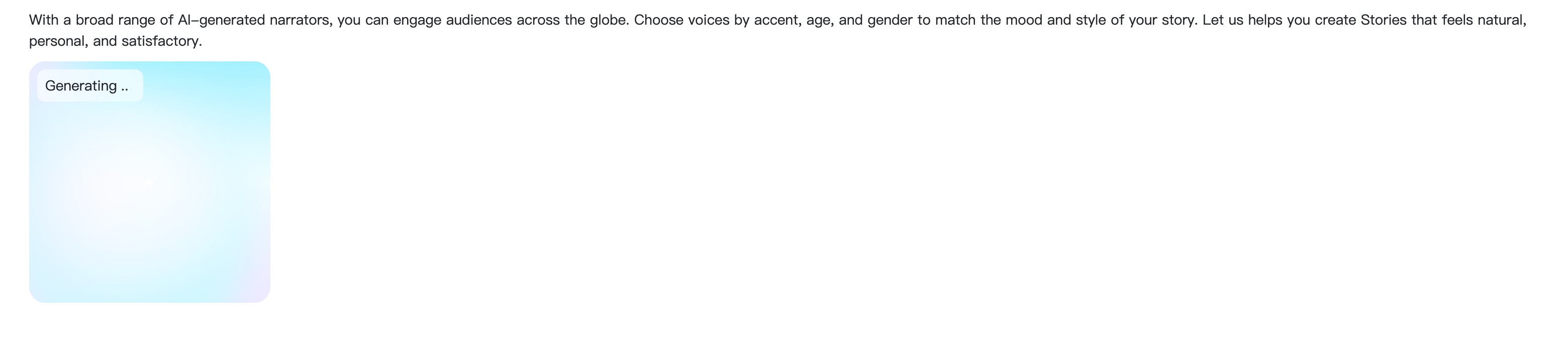
When the text and voice are ready, click the generation button. insMind turns your written passage into spoken audio, so punctuation, paragraph breaks, and sentence length now become part of the listening experience.
If the audio sounds rushed, split long sentences. If it sounds flat, add cleaner sentence rhythm or more natural transitions. This is the easiest way to improve an AI narration without rewriting the whole chapter.
Step 4: Edit, Preview, and Download the Audiobook

Listen to the generated audio before downloading. Check the opening line, hard-to-pronounce names, emotional moments, and the final sentence. If something feels off, adjust the text or voice and generate again.
Once the result sounds right, download the audio and use it as a chapter preview, study file, story sample, publishing draft, or listening version for your audience.
FAQs About How to Make an Audiobook
Can I make an audiobook from pasted text?
Yes. Paste your script, chapter excerpt, lesson text, or story passage into insMind, choose a voice, and generate spoken audio. Starting with a short sample is the easiest way to test quality.
How do I make an audiobook with AI?
Use a text-to-audio tool like insMind. Enter your text, select a narrator voice, generate the audio, preview the result, make small edits, and download the finished narration.
What text works best for an AI audiobook?
Clear, well-punctuated text works best. Shorter sentences, clean paragraph breaks, and natural spoken phrasing help AI narration sound smoother and easier to follow.
Can I create a full audiobook with insMind?
You can use insMind to generate audiobook-style narration from text passages. For a full book, work section by section so you can review pronunciation, pacing, and consistency before combining the audio.
Is AI audiobook generation useful for authors?
Yes. Authors can create chapter samples, narration drafts, promotional previews, and listening copies before investing in a studio recording or final publishing workflow.
Can I use AI-generated audiobooks commercially?
Usage depends on the platform terms, your content rights, and where you plan to publish. Use your own text or properly licensed material, and review the tool's commercial-use policy before releasing paid work.
Start Making Audiobooks with AI
Ready to hear your writing out loud? Start with one polished passage, choose a narrator, and generate a sample. Once you like the voice and pacing, you can expand the workflow into chapters, lessons, previews, or complete listening drafts.
The fastest way to learn how to make an audiobook with AI is to create one small version today, listen carefully, and improve the script from what you hear.

Jayson Harrington
I am the Chief Editor of insMind. I provide tips and skills to help users design better photos with insMind, whether for e-commerce, social media, or any other use.


![How to Add Logo to Photos Online for Free [The Simplest Method]](https://static.xsbapp.com/market-operations/market/side/1718795949162.jpg?x-oss-process=image/resize,w_690,h_460,type_6/interlace,1,image/format,webp "How to Add Logo to Photos Online for Free [The Simplest Method]")
![How to Remove Tattoos from Photos [Ultimate Guide 2025]](https://static.xsbapp.com/market-operations/market/side/1718787534476.jpg?x-oss-process=image/resize,w_690,h_460,type_6/interlace,1,image/format,webp "How to Remove Tattoos from Photos [Ultimate Guide 2025]")


