


Want to hear your book instead of staring at another manuscript page? Whether you are an indie author, educator, coach, storyteller, or content creator, learning how to convert a book into audiobook can help you repurpose written work into a format people can listen to while commuting, studying, exercising, or relaxing.
This guide shows the full workflow: how to prepare your book text, how to make audiobook-style narration with insMind, what to check before publishing, and what to know if your next question is how to get a book into Audible.
Table of Contents
How to Convert a Book into Audiobook: Start with Rights and Text
Before you generate any audio, answer one question clearly: do you have the right to turn this book into audio? If it is your own manuscript, course material, newsletter collection, public-domain text, or licensed content, you can move forward according to those rights. If it is a modern book written by someone else, do not convert and publish it unless you have permission from the copyright holder.
So, can you turn any book into an audiobook? Technically, many books can be narrated. Legally and ethically, no. You should only convert books you own, books you are authorized to adapt, or texts that are truly available for your intended use. This matters even if the audiobook is AI-generated and even if you only plan to share it privately with a team or class.
Once rights are clear, prepare clean text. AI narration works best when your input is easy to read aloud. Remove page numbers, repeated headers, footnotes that interrupt the sentence, broken line breaks, and image captions that do not belong in the spoken version.
What Type of Book Works Best as Audio?
Almost any writing can become listenable, but some texts need more preparation than others. A memoir chapter may read naturally with minimal edits. A business book might need charts rewritten into spoken explanations. A textbook may require section labels, summaries, and examples so the listener does not get lost.
| Book Type | Best Audio Approach | Editing Tip |
|---|---|---|
| Fiction | Use expressive narration and clear scene breaks. | Check dialogue tags and character names. |
| Memoir | Choose a warm, personal narrator style. | Keep emotional pauses and chapter endings. |
| Business | Use a clear explainer voice. | Convert charts into short spoken summaries. |
| Education | Use steady pacing and section labels. | Add recap lines after dense concepts. |
| Children's stories | Choose a gentle, story-friendly voice. | Shorten long sentences for easier listening. |
If your book has illustrations, diagrams, recipes, tables, or exercises, decide what the listener needs to hear. You do not have to read every visual detail word for word. Instead, rewrite visual content into audio-friendly language. For example, "See table 3" can become "Here are the three main differences to remember."
How to Make the AI Audiobook Sound Better
A strong audiobook is not just text read aloud. It has rhythm, clarity, and listener-friendly structure. Want better results? Edit the manuscript as an audio script before generating.
Audio-friendly rule: if a sentence is hard to say in one breath, it may be hard to hear in one pass.
Use these practical fixes:
- Break long paragraphs into shorter listening moments.
- Replace visual phrases like "as shown above" with spoken context.
- Spell unusual names consistently, and test them early.
- Add chapter openings and closing lines so listeners feel progress.
- Keep terminology consistent across every generated section.
- Review the first minute of each chapter before converting more text.
If you need separate narration for a video, product demo, or explainer after making your audiobook draft, an AI voice generator can help you create short voiceover clips from text. For video projects that combine narration, footage, and captions, an AI video editor can help you assemble the final piece.
How to Convert a Book into an Audiobook with insMind
insMind keeps the process simple: enter your text, pick a narrator voice, generate the audio, then review and download it. For long books, work chapter by chapter instead of pasting the entire manuscript at once. This gives you more control over pacing, voice consistency, and revisions.
Step 1: Enter or Paste Your Book Text
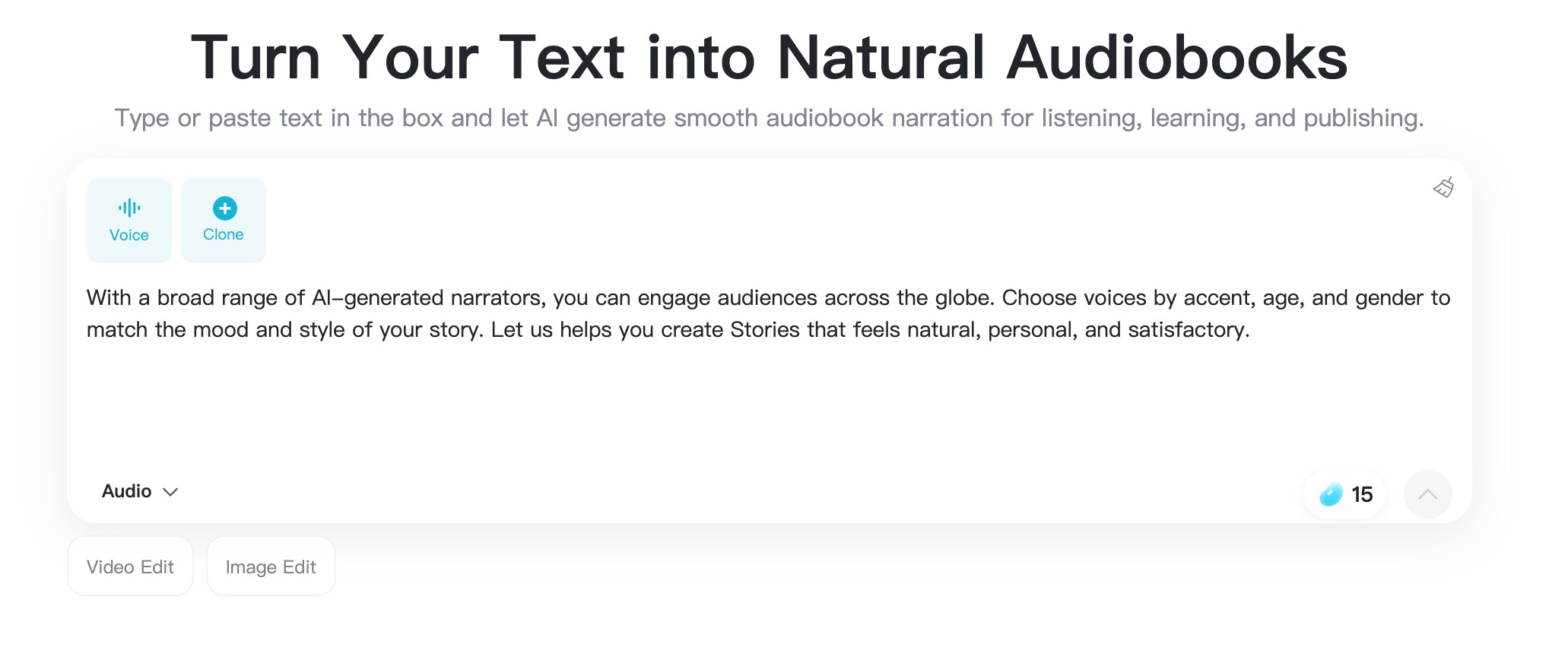
Open the insMind audiobook generator and paste the passage you want to narrate. Start with one chapter, section, lesson, or scene. If this is your first test, choose 500 to 1,500 words so you can review the result quickly before converting more.
Clean formatting helps. Use chapter titles, paragraph breaks, and punctuation that supports natural pauses. If your manuscript has stage directions, image notes, or editing comments, remove them before generation.
Step 2: Choose the Right Narrator Voice
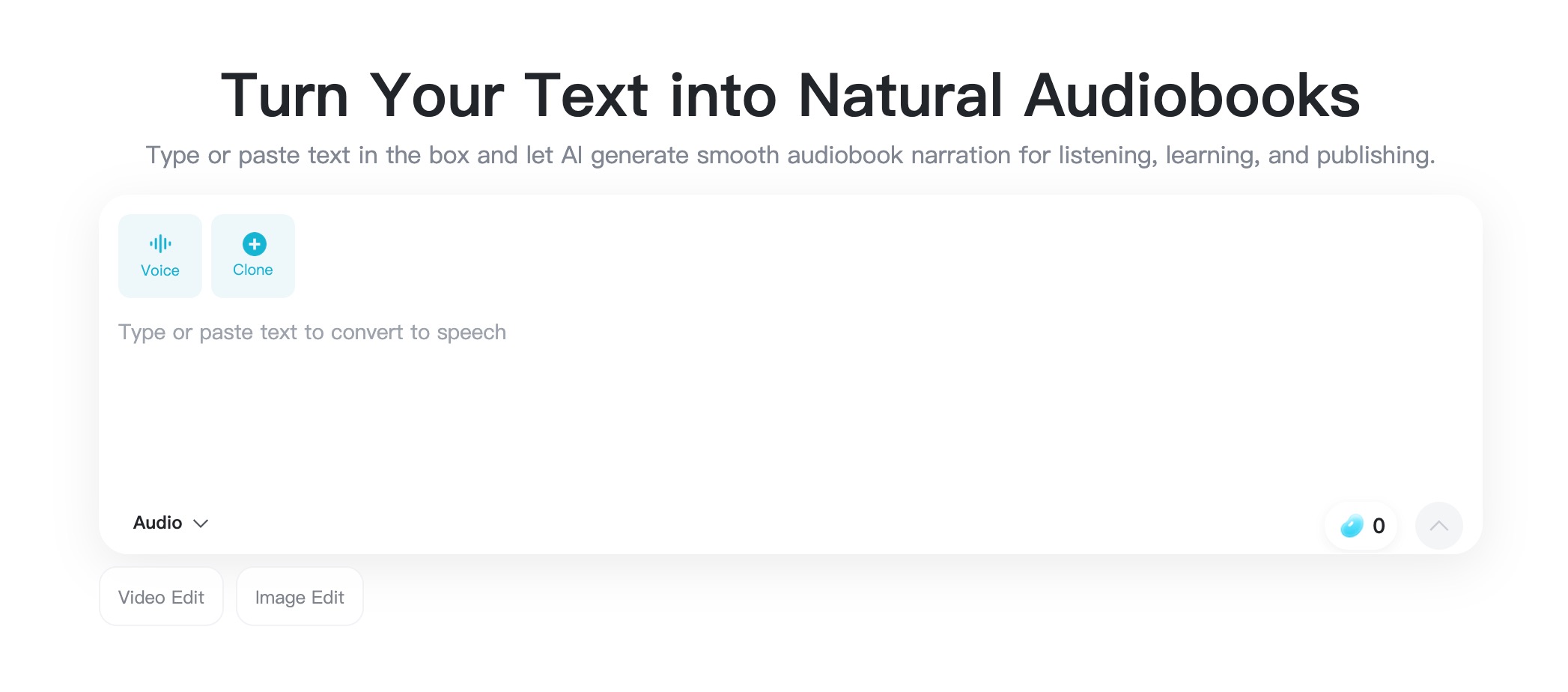
Next, choose a voice that fits your content. A calm voice may work for learning material. A warm voice may suit memoir and bedtime stories. A more energetic voice may fit adventure, business motivation, or promotional excerpts.
Think about the listener. Should the book feel intimate, authoritative, cinematic, gentle, or instructional? The voice should match that promise. If you are converting several chapters, keep the same voice across the whole audiobook unless you intentionally want different voices for sections or characters.
Step 3: Generate the Audiobook Audio
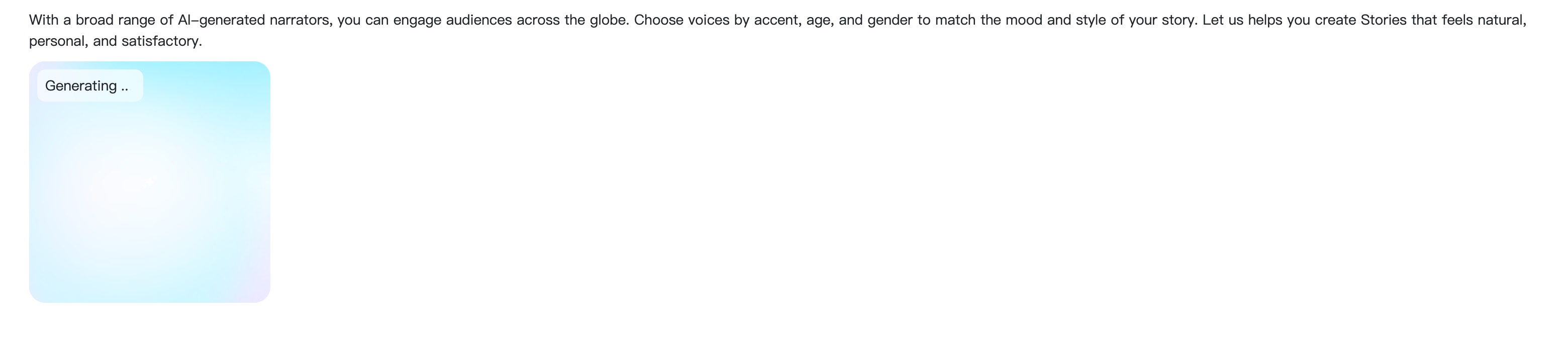
When the text and voice are ready, click the generate button. insMind turns your written passage into spoken narration. Shorter passages are usually easier to review and revise, so do not rush into a full-book batch before you know the voice and pacing are right.
If the output sounds too fast, too flat, or too intense, revise the text first. Add shorter sentences, clearer punctuation, or section breaks. AI narration often improves when the script is written for the ear, not only for the page.
Step 4: Preview, Edit, and Download

Listen to the generated audio from beginning to end. Check pronunciation, pacing, emotional tone, and whether the chapter is easy to follow without seeing the page. If a name or term sounds wrong, adjust the spelling or rewrite the line.
When the audio sounds right, download the finished file. Repeat the workflow for the next chapter or section, then organize your files in order.
FAQs About Turning Books into Audiobooks
Can you turn any book into an audiobook?
You can convert many kinds of books into audiobook-style narration, but you should only do it with content you own, content you have permission to adapt, or content that is available for your intended use. Do not publish or distribute someone else's copyrighted book without rights.
How do I convert a book into an audiobook with AI?
Prepare clean text, paste a chapter or passage into insMind, choose a narrator voice, generate the audio, preview it, make edits if needed, and download the final narration. Repeat the process chapter by chapter for longer books.
Can I use insMind for a full audiobook?
Yes, you can use it to generate narration from book text. For long manuscripts, create the audiobook in sections so you can control quality, pacing, and revisions more easily.
How do I get a book into Audible?
Authors typically prepare complete audio files, confirm audiobook rights, create suitable cover art, and submit through a distribution path such as ACX when eligible. Always review current Audible or ACX requirements before uploading.
Is AI narration good enough for publishing?
It depends on your project, audience, rights, and distributor rules. AI narration is excellent for drafts, previews, learning copies, and many creator workflows. For commercial publishing, review quality carefully and check platform policies.


![How to Add Logo to Photos Online for Free [The Simplest Method]](https://static.xsbapp.com/market-operations/market/side/1718795949162.jpg?x-oss-process=image/resize,w_690,h_460,type_6/interlace,1,image/format,webp "How to Add Logo to Photos Online for Free [The Simplest Method]")
![How to Remove Tattoos from Photos [Ultimate Guide 2025]](https://static.xsbapp.com/market-operations/market/side/1718787534476.jpg?x-oss-process=image/resize,w_690,h_460,type_6/interlace,1,image/format,webp "How to Remove Tattoos from Photos [Ultimate Guide 2025]")


