


Making videos used to be a time-consuming and skill-requiring task with very expensive software. Today, the tools of AI animation make video creation much easier for everyone. Using them, content creators create fun videos for social media. Marketers employ them to sell products and services. Animated videos are used by teachers and educators to explain lessons in an understandable manner. Small businesses use these kinds of tools to make ads without having to hire an entire video team.
In the past, animation software was difficult to learn and sluggish to use. Now, a video-generating AI can transform text or images, or even two images, to create a short video in a matter of minutes. No drawing skills or editing experience are needed to get started.
In this guide, you will learn about the best 10 AI animation tools that are available today. You will also see below a simple and step-by-step guide on how to create animated videos using insMind, even if you are a beginner.
Table of Contents
Top 10 AI Animation Tools Overview
insMind AI Video Generator
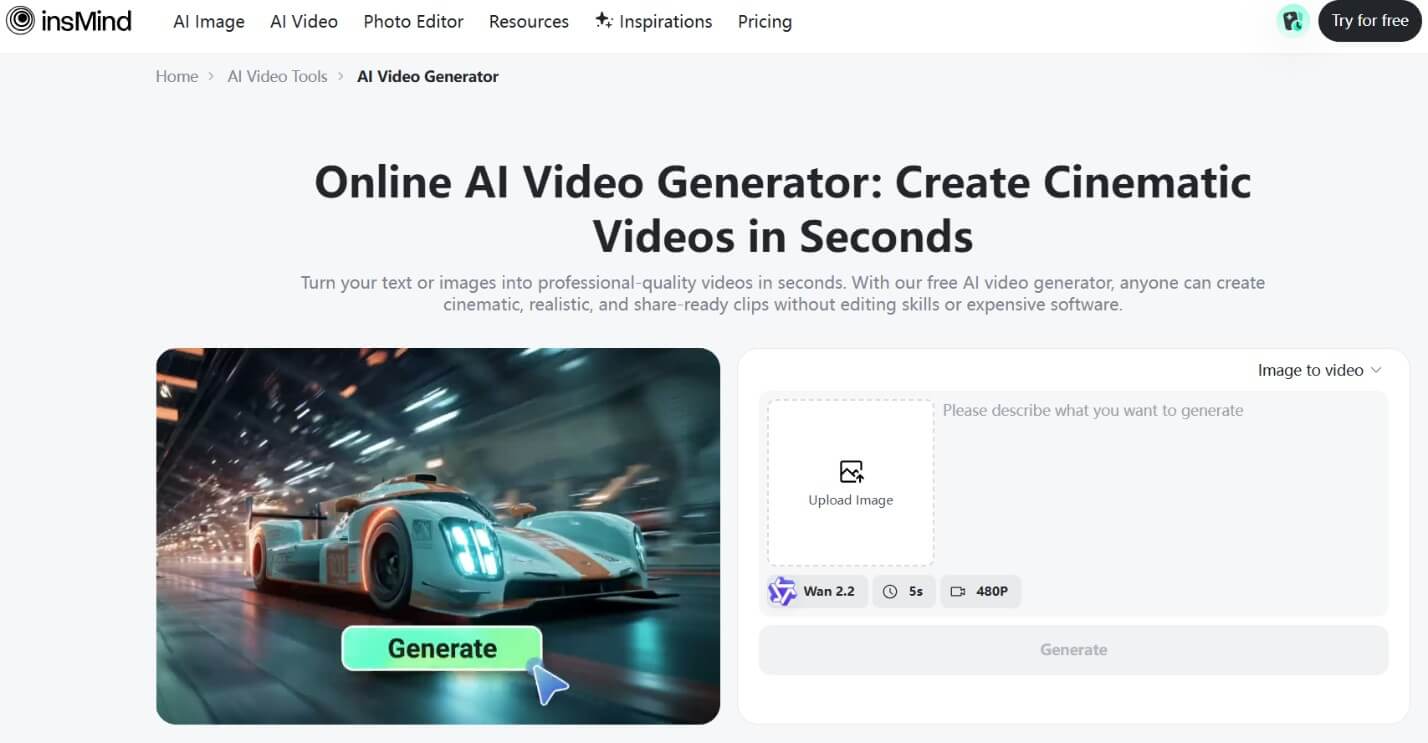
Best for: All-in-one animation creation
No special skills are required to create animated videos using insMind. Users can use insMind AI video generator to make smooth videos out of text, images, or two pictures in a matter of steps. This works fine for social media posts, ads, stories, and product videos.
Features:
· Takes text and turns it into animated videos
· Animates a single or multiple images
· Creates videos using beginning and ending images
· Supports different styles of videos
· Beginner-friendly design
Runway
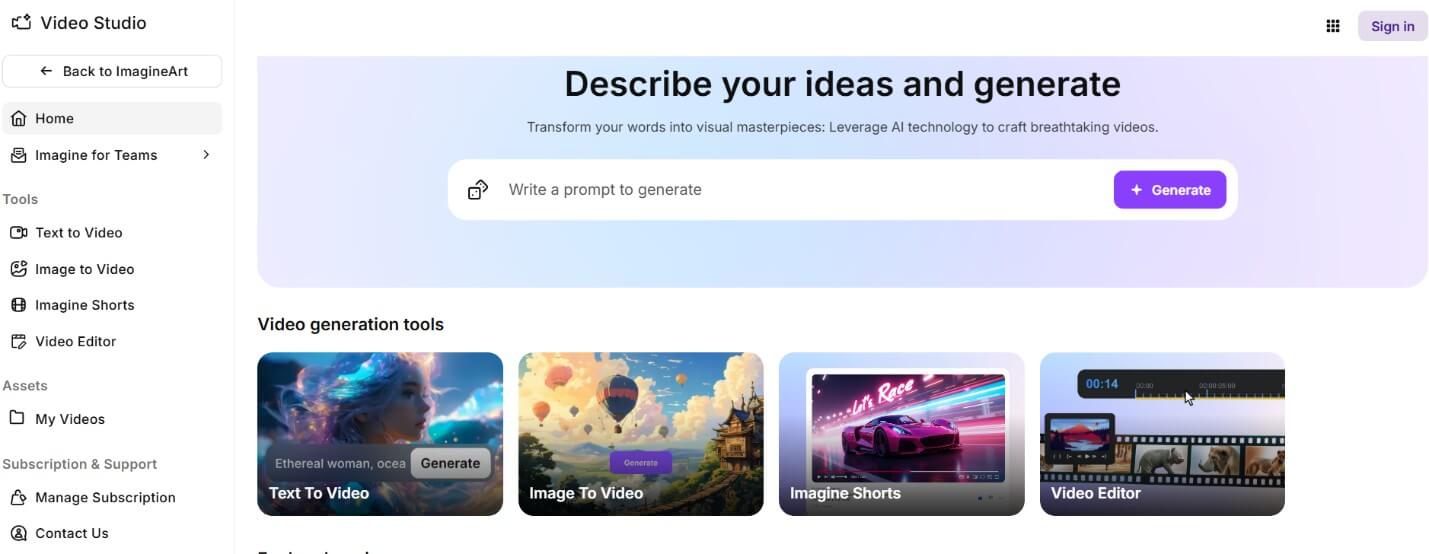
Runway is for individuals who love to be creative with video editing. It can help users add motion and effects to short videos. It is frequently used for reels, ads, and visual experiments.
Features:
· Video editing tools and enhancement tools
· Smooth motion effects
· Works well for short videos
· Creative visual styles
· Used by designers
Pika
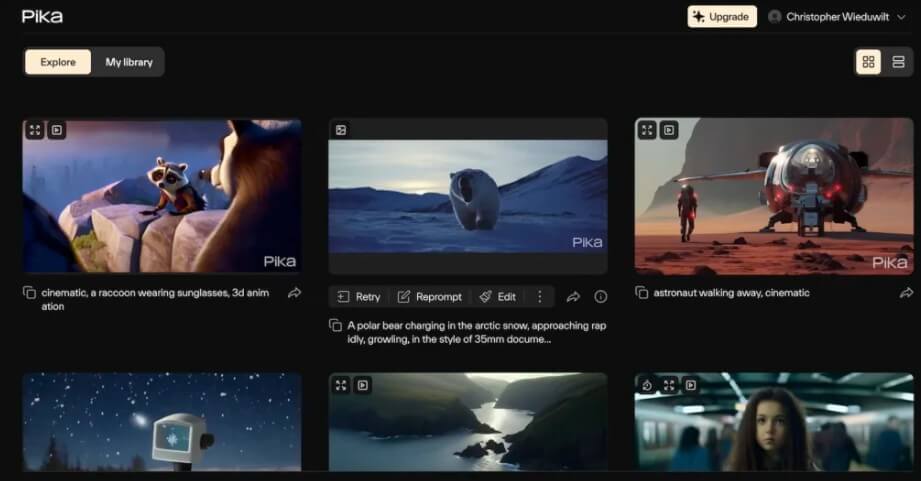
Pika is designed for video creation to be quick and easy. It is a good choice for people who want quick videos for social media. The tool is simple to use and does not require much experience.
Features:
· Produces short animated videos
· Simple and clean layout
· Fast video generation
· Good for social platforms
· Easy text input
Synthesia
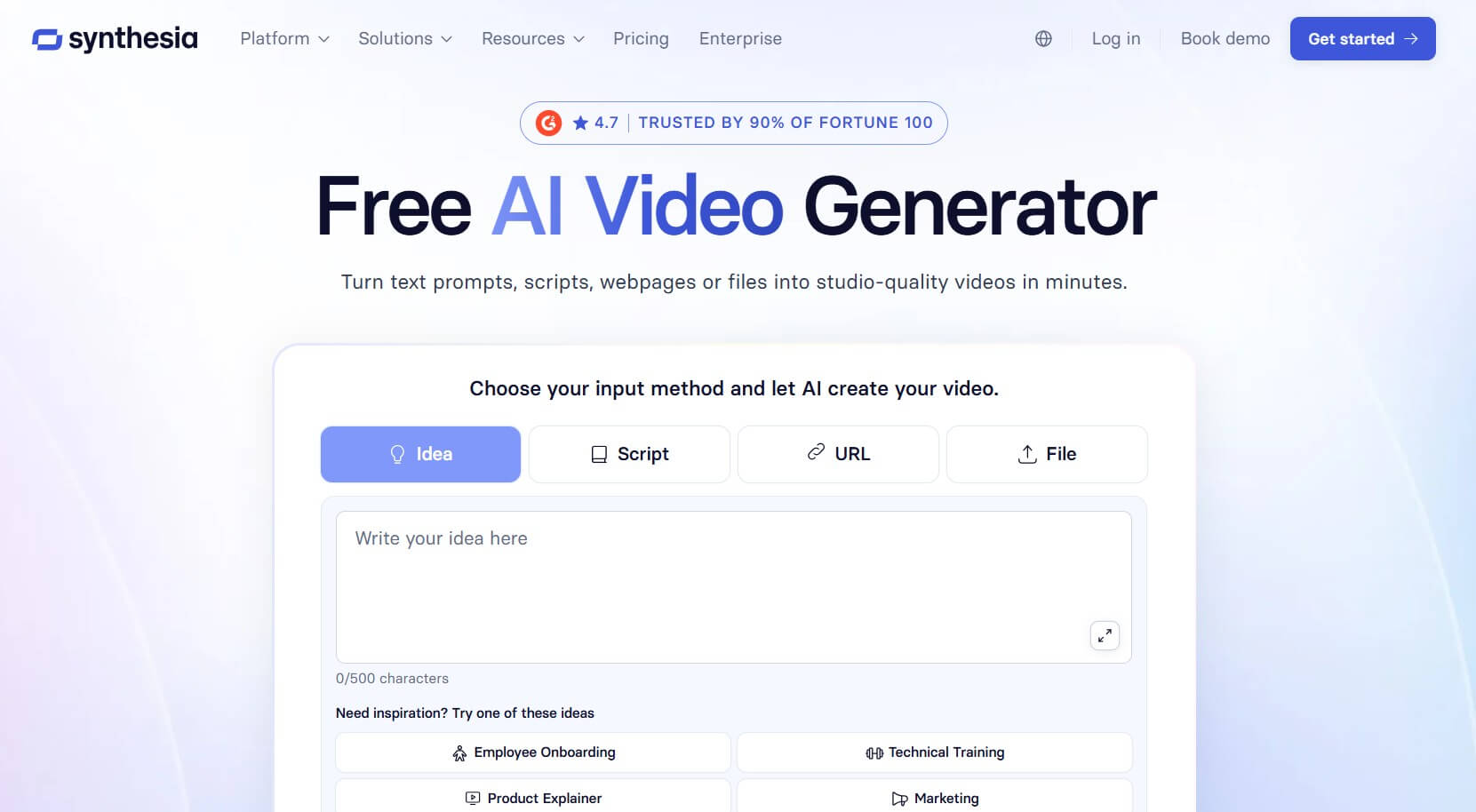
Synthesia consists of users who can create videos that feature talking characters. It is frequently employed for lessons, training, and explanation. No camera or filming is required to make videos.
Features:
· Talking characters on the screen
· Voice narration included
· Good for learning videos
· Professional appearance
· No filming required
Kaiber
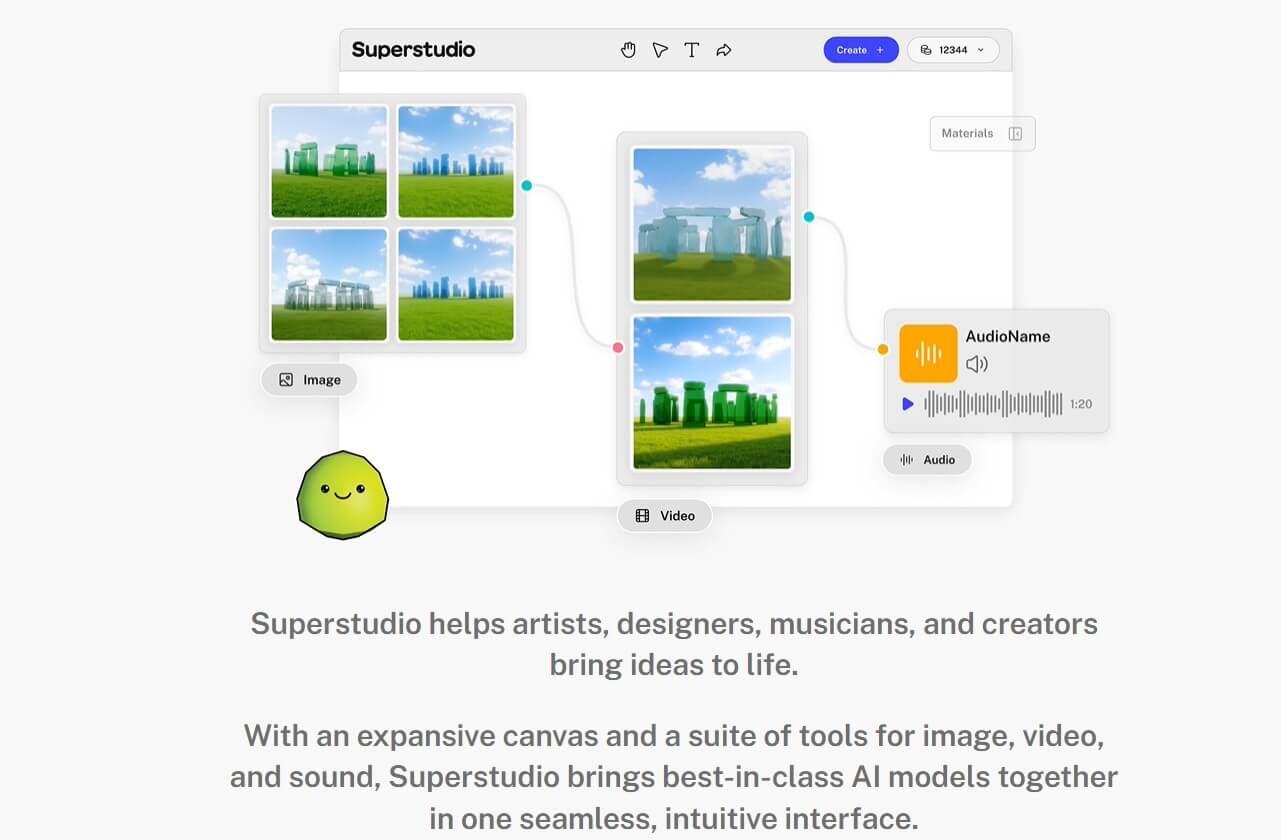
Kaiber is known for music and art videos. It produces moving visuals that are compatible with the sound and rhythm. Many artists use it for creative projects.
Features:
· Music-based animations
· Colorful visual styles
· Works with songs
· Popular with musicians
· Good for background visuals
Luma AI
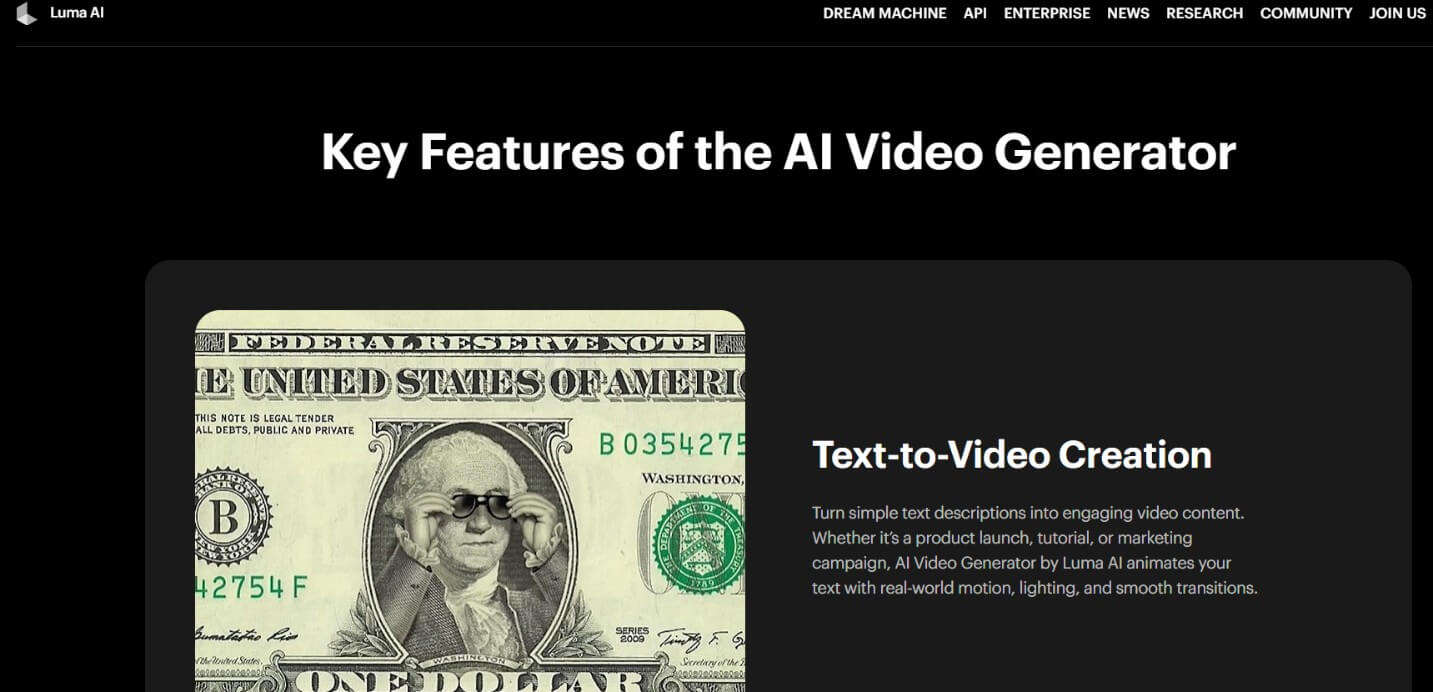
Luma AI is focused on smooth and realistic video scenes. It helps create the videos with depth and natural movement. The results appear clean and polished with
Features:
· Smooth camera movement
· Real-looking scenes
· Adds depth to videos
· Good for storytelling
· Sharp video quality
DeepMotion
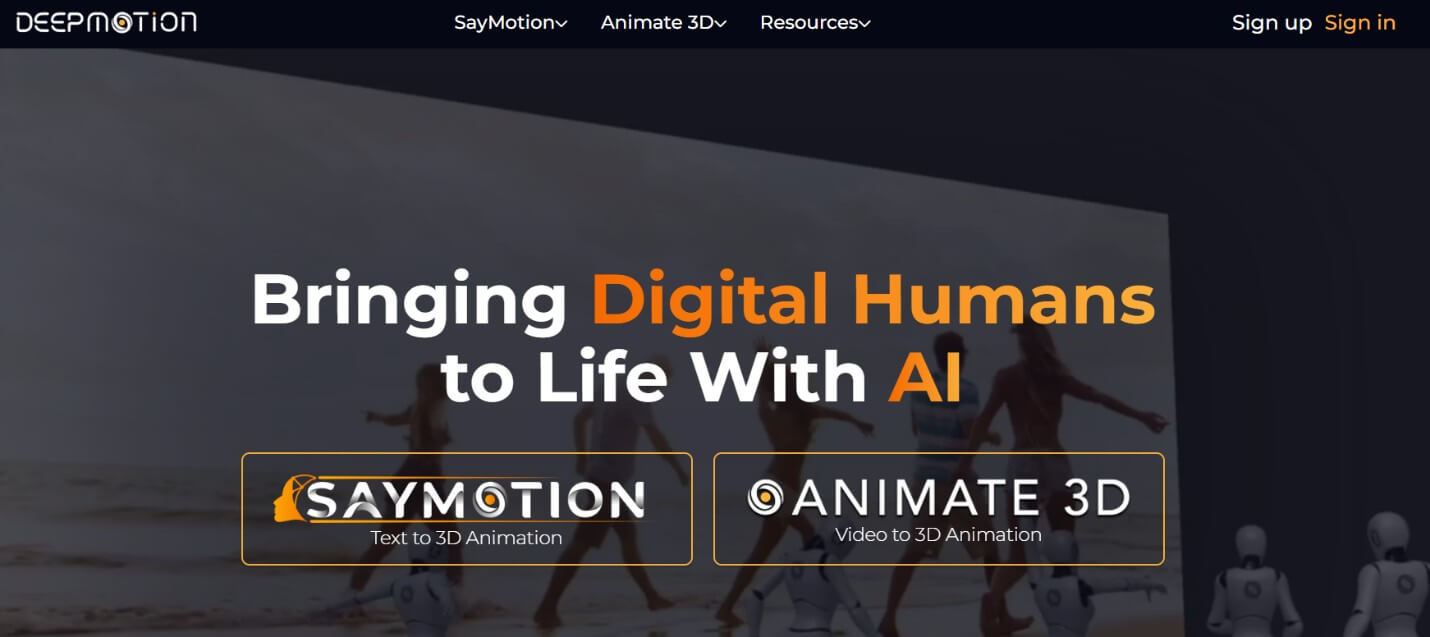
DeepMotion is applied to animated people and characters. It is the tool that makes actual movement into animation. This is a useful tool for stories and character videos.
Features:
· Animates body movement
· Good for character videos
· Uses movement from the video
· Saves animation time
· Useful for games and stories
Animaker
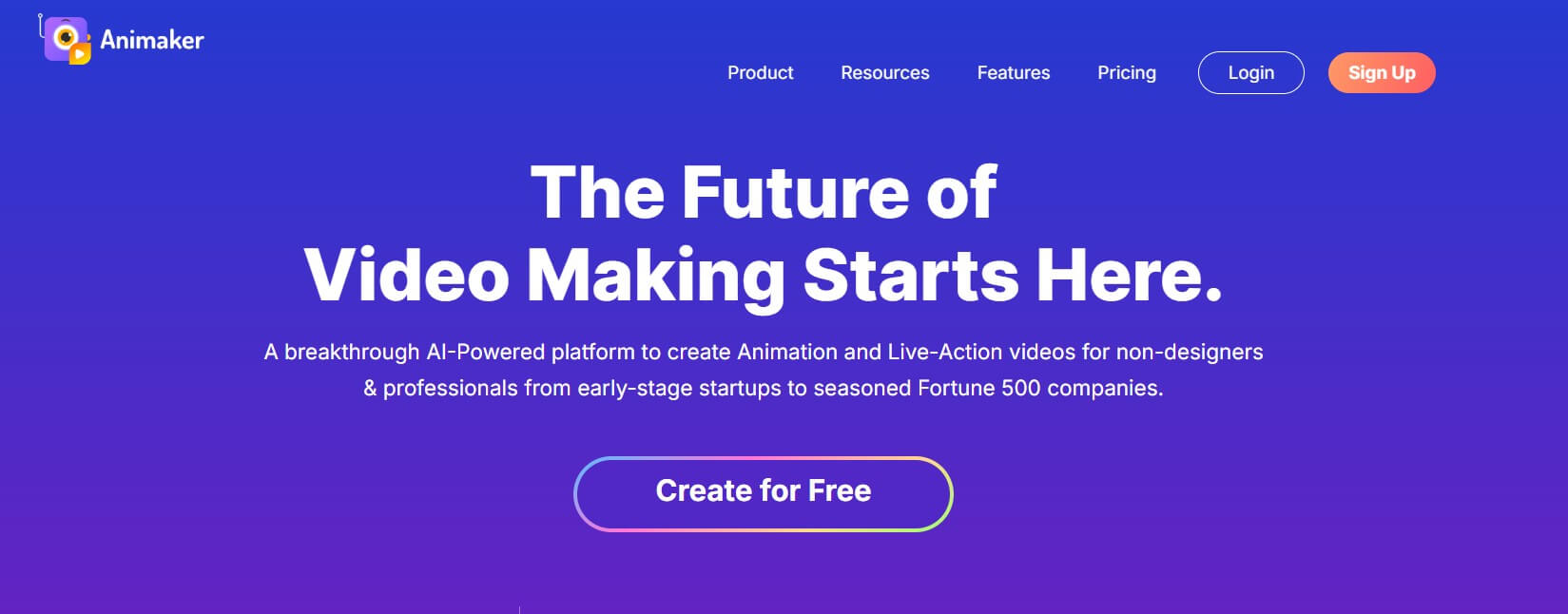
Animaker is a tool for beginners. It helps users create simple animated videos, which are made with the use of ready-made items. It is in use in many schools and businesses.
Features:
· Drag-and-drop editor
· Ready-made templates
· Simple characters
· Easy for beginners
· Good for explainers
Vyond
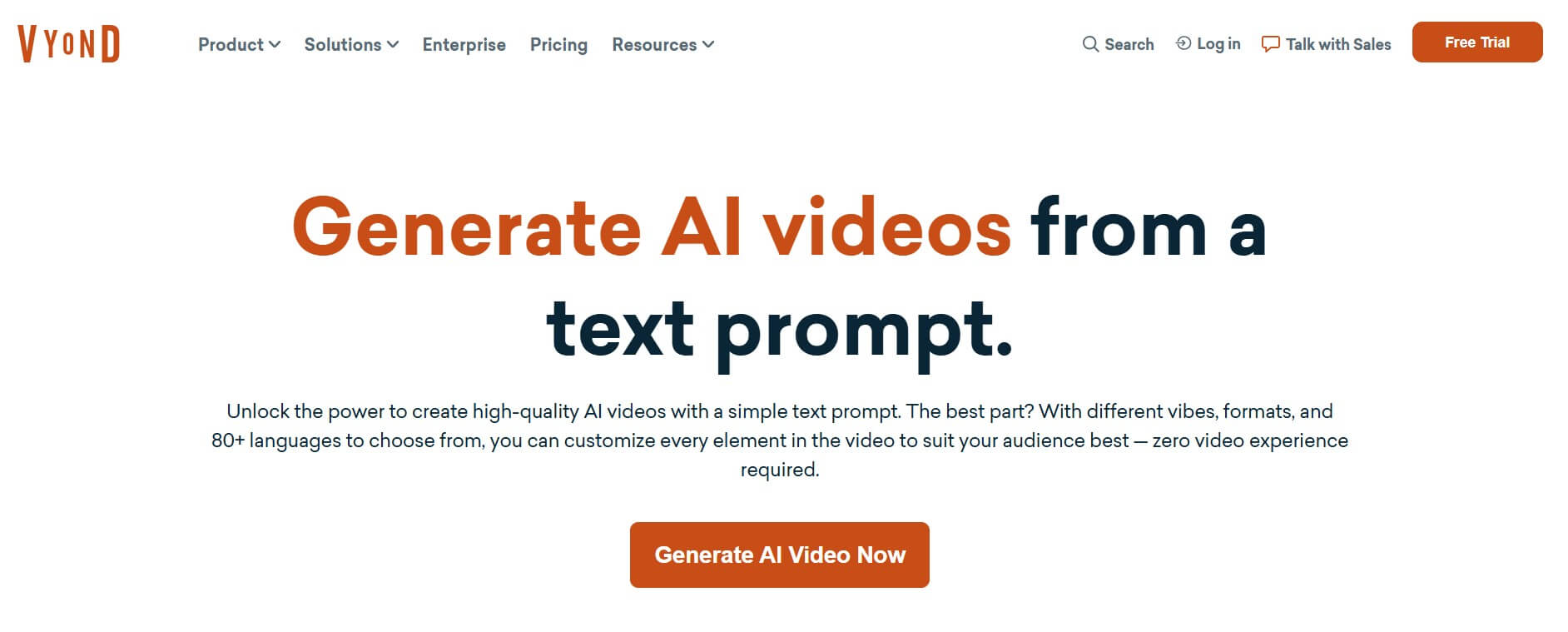
Vyond is made for work and office videos. It is used by companies for training and messaging. The videos are clean and professional-looking.
Features:
· Business-style animations
· Clear explainer videos
· Used for training
· Simple storytelling tools
· Professional design
Powtoon
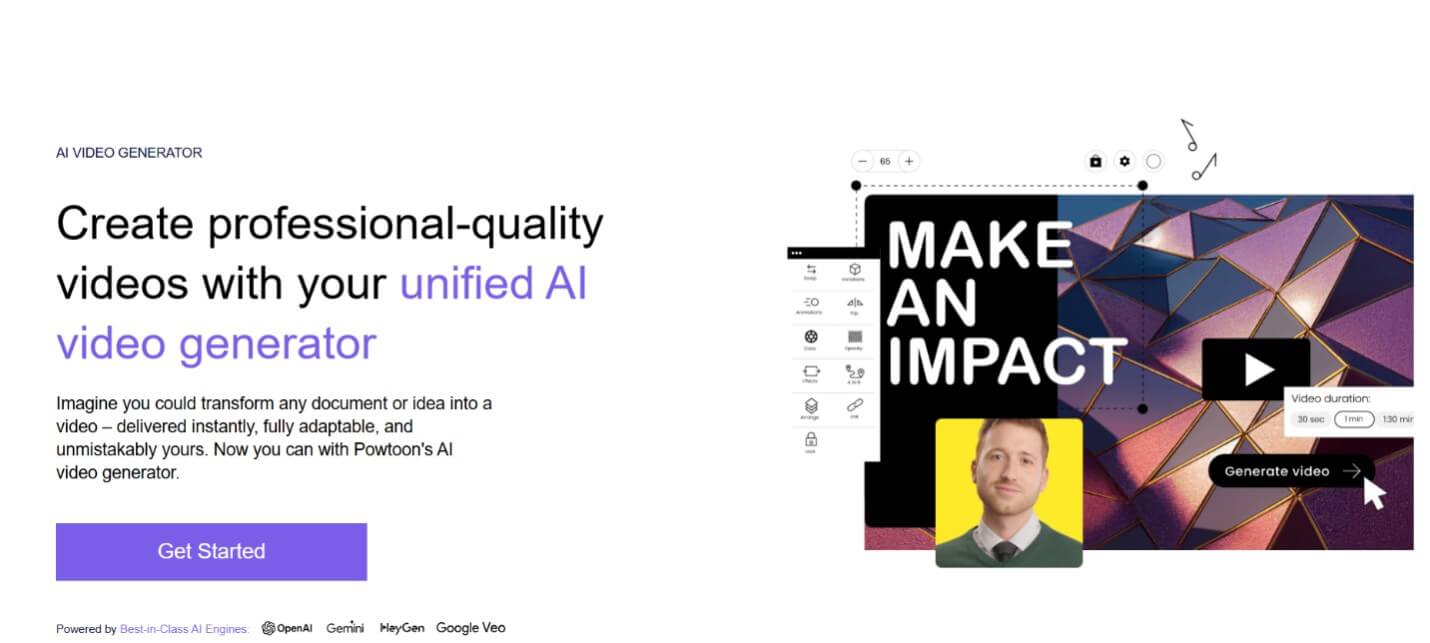
Powtoon is best for animated presentations. It assists users in converting slides to videos. No design skills are needed.
Features:
· Animated presentations
· Easy text and image use
· Fun visual style
· Good for schools and offices
· Fast setup
Create Stunning AI Animation Videos on insMind
Step 1: Launch inMind AI Video Generator
To get started, go to the insMind platform using your browser. From the main page, select AI Video Generator to get started on your project. Next, select AI Animation Generator mode, which is designed to make it simple to create animated videos.
Step 2: Give Your Source Material
Now it is time to decide how you would like to create your video.
· For Text-to-Video, just type in a clear description of your scene, what is happening, and how the scene should be felt.
· For the Image-to-Video, pile up one or more images to add movement or life to a scene.
· For Start-End Frame Video - upload two images that describe how the video should start and finish.
Tip: You can achieve a combination of text and images for better control of movement and style.
Step 3: Set Up Video Settings
Next, select a video model, such as Sora 2, Google Veo 3.1, or Kling 2.5. Then establish your preferences, such as the length of the video, the movement of the camera, and the visual style. You can also add some simple sound or narration instructions if necessary.
Step 4: Generate, Preview & Download
Click on Generate and wait until the video is generated. Preview the animation and edit it if needed. When you are ready, download your video and post it anywhere you like.
Comparing AI Video Models on insMind
Below is a basic comparison table to help you understand the differences between the video models that you have on insMind and which one to use in which scenarios.
|
AI Model |
Best For |
Strengths |
Ideal Use Case |
|
Sora 2 |
Fast video creation |
Smooth motion, fun visual style |
Short animated clips, cartoons |
|
Google Veo 3.1 |
Real-looking videos |
Clean scenes, smooth transitions |
Ads, stories, product videos |
|
Kling 2.5 |
Character-focused videos |
Clear mouth movement, facial detail |
Talking scenes, storytelling |
Key Points
Sora 2 is best when you need to get results quickly with a playful and animated look. Google Veo 3.1 is good for videos that have to be more real and polished. Kling 2.5 is a good choice for videos with characters, when facial movement and clarity of expression are important.
Conclusion
Choosing the right animation tool is important, as it saves time and helps create videos easily. The right tool helps you to turn ideas into videos without stress or special skills. insMind is unique since it enables you to create videos using text, images, or start and end pictures. It also provides access to different styles of videos while remaining easy for beginners. Whether you are creating videos for marketing, social media, lessons, or storytelling, it can be fun to try some animation tools to share your message in a fun and clear way.

Jayson Harrington
I am the Chief Editor of insMind. I provide tips and skills to help users design better photos with insMind, whether for e-commerce, social media, or any other use.


![5 Best AI Kissing Video Generators of 2025 [Tested]](https://images.insmind.com/market-operations/market/side/8b445afb685e4957b11238f3ebad2b2b/1756093193517.jpg?x-oss-process=image/resize,w_690,h_460,type_6/interlace,1,image/format,webp "5 Best AI Kissing Video Generators of 2025 [Tested]")


![Top 5 AI Baby Podcast Generators in 2025 [Reviewed & Tested]](https://images.insmind.com/market-operations/market/side/9ed5a89e85ab457a9e8faace7bb25258/1750317475287.jpg?x-oss-process=image/resize,w_690,h_460,type_6/interlace,1,image/format,webp "Top 5 AI Baby Podcast Generators in 2025 [Reviewed & Tested]")


![Exploring the 10 Best AI Photo Editors for Your Needs [2025]](https://images.insmind.com/market-operations/market/side/05ccfa0da4d64b43ba07065f731cf586/1724393978325.jpg?x-oss-process=image/resize,w_690,h_460,type_6/interlace,1,image/format,webp "Exploring the 10 Best AI Photo Editors for Your Needs [2025]")


![Top 10 Face Swap Apps to Enhance Your Photo [Online, iOS, Android, Windows, Mac]](https://images.insmind.com/market-operations/market/side/e604368a99ee4a0fbf045e5dd42dca41/1723095740207.jpg?x-oss-process=image/resize,w_690,h_460,type_6/interlace,1,image/format,webp "Top 10 Face Swap Apps to Enhance Your Photo [Online, iOS, Android, Windows, Mac]")


