Image IA
Vidéo IA
Éditeur de photos
Ressources
InspirationsTarifs

Outil de Filtre Photo AI Gratuit

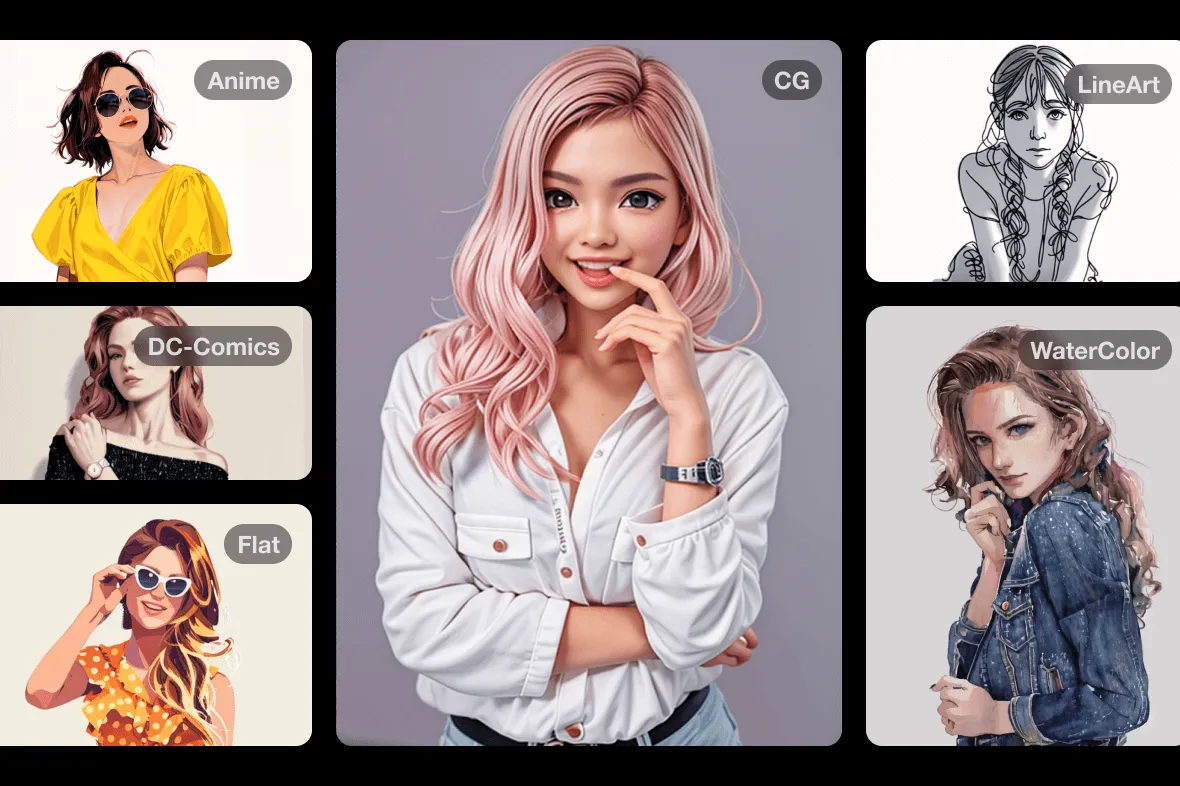
Déverrouillez une multitude de filtres AI qui transforment instantanément n'importe quelle photo en une œuvre d'art captivante avec insMind. Appliquez instantanément des effets dynamiques pour transformer vos images. Découvrez l'amélioration artistique des photos avec notre outil de filtre AI gratuit.

Outil de Filtre Photo AI Gratuit
Après
Avant
Ou déposez l'image ici, collez l'image ou l'URL
Essayez avec l'un de ceux-ci
Exemple de filtre de pleurs insMind AI 1
Exemple de filtre de pleurs insMind AI 2
Exemple de filtre de pleurs insMind AI 3
Exemple de filtre de pleurs insMind AI 4
Exemple de filtre de pleurs insMind AI 5

Créer similaire

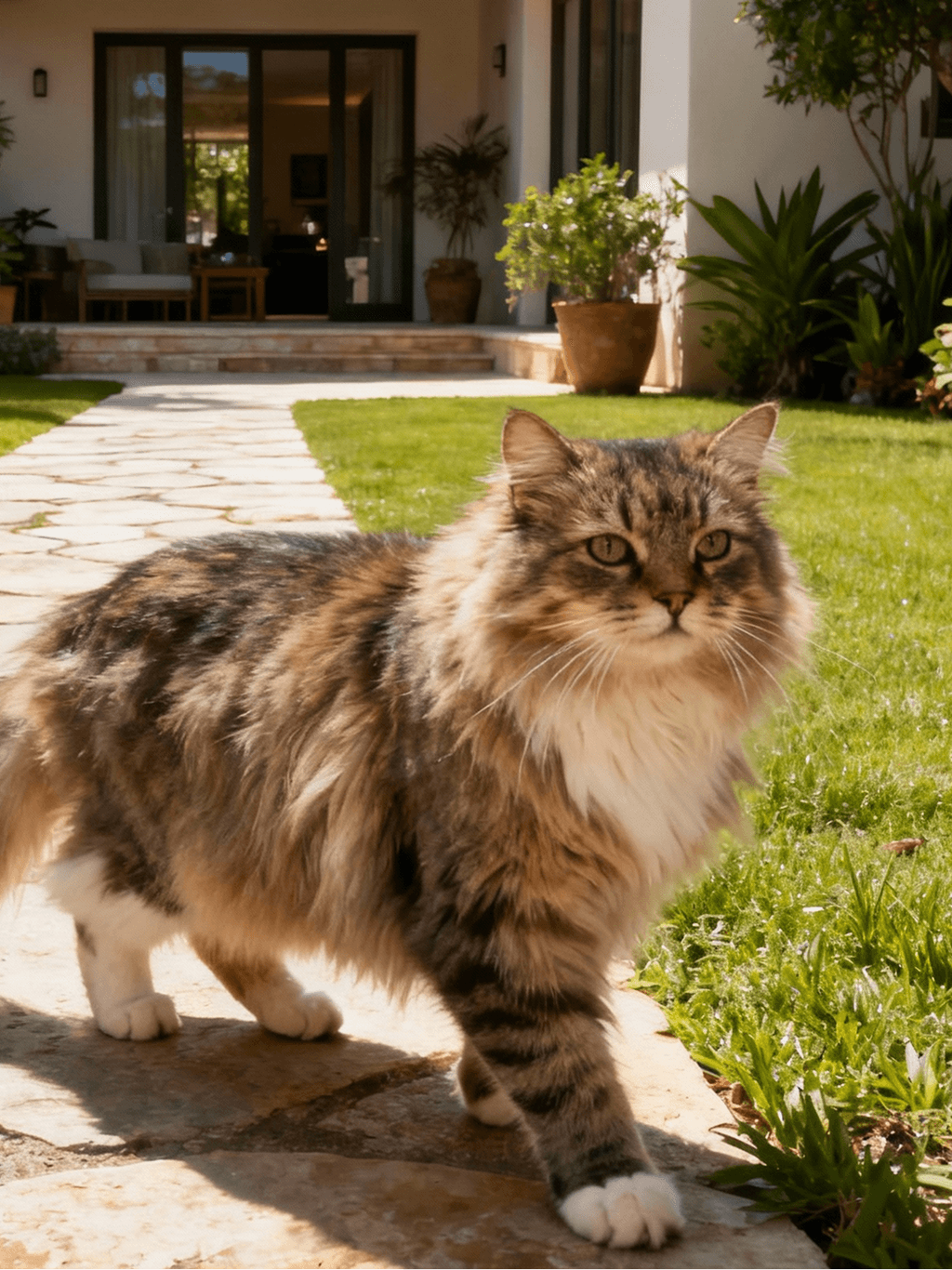
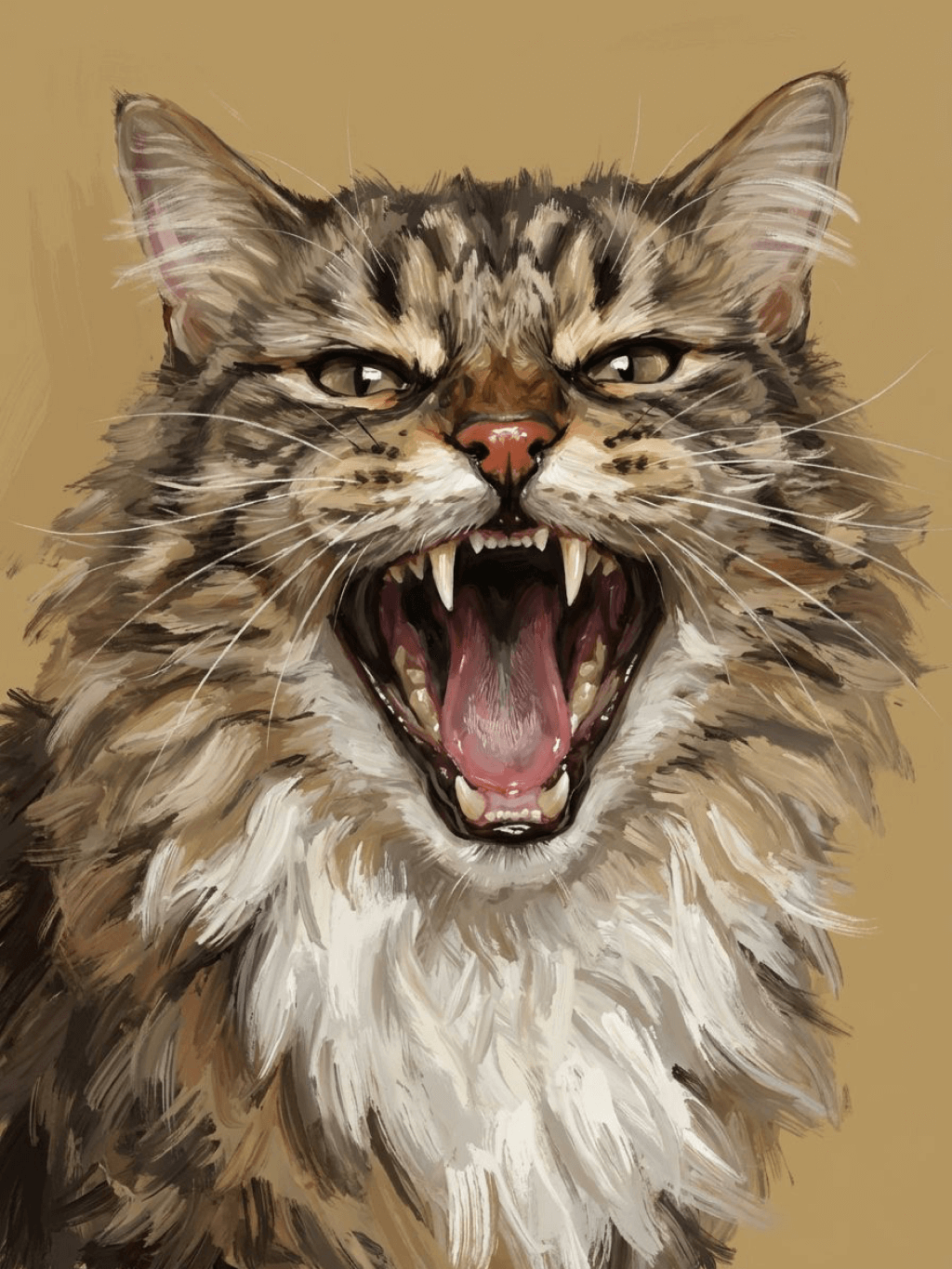
Subject: The main character in the picture. Expression: An anthropomorphic expression, with the mouth wide open, revealing teeth, canine teeth and tongue. The eyes are narrowed, looking disdainfully at the camera. Style: An exaggerated portrait painting in a digital painting style, combining expressionist brushstrokes. Texture: Has distinct brushstroke textures, as if it was quickly applied with rough oil paints or acrylic brushes. Detail depiction: The details are very realistic, such as hair, teeth, a moist nose and the inside of the mouth, but the overall structure and expression are highly exaggerated to achieve a humorous effect. Posture: Frontal shot, profile view Background: Solid color background
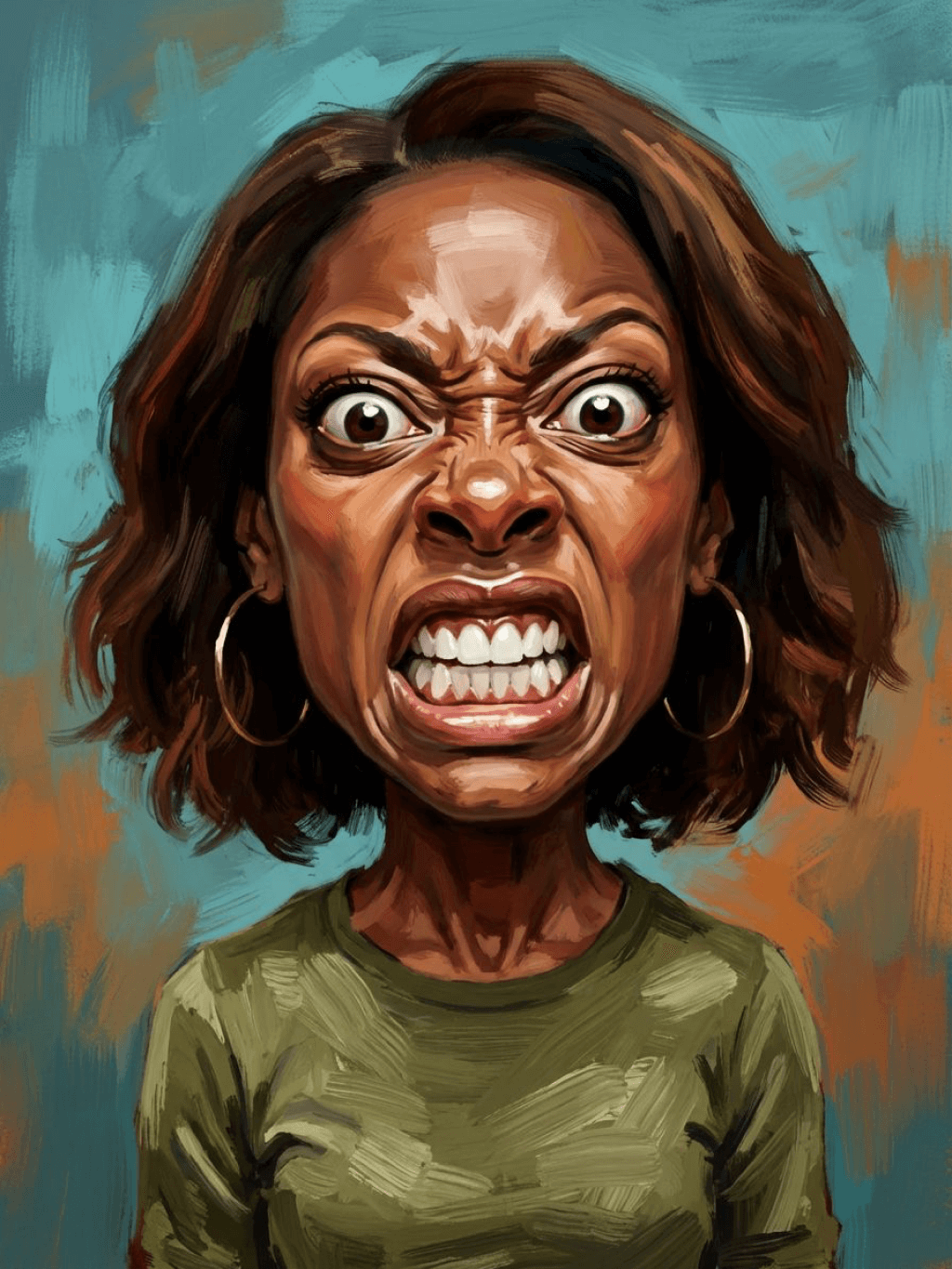
Subject: The main character in the picture. Expression: Extremely angry / Exaggerated anger. Furrowed brows, wrinkled forehead, dilated nostrils, mouth wide open and revealing clenched teeth, facial muscles completely contracted. Looking at the camera. Pose: One-to-one replication of the main character in the picture. Costume: One-to-one replication of the character's costume. Style: Exaggerated portrait painting in a digital painting style, combining expressionist brushstrokes. Texture: Has distinct brushstroke textures, as if it was quickly applied with rough oil painting or acrylic brushes, especially the background and clothing parts. Character style: Satirical caricature style, extremely exaggerated features (big mouth, big teeth, big eyes, big nose), funny expression, proportion: The head is significantly enlarged, the proportion is distorted, while the body is relatively smaller. Facial features: The facial muscles are extremely exaggerated, there are deep expressive lines around the eyes and mouth. Detail depiction: Skin texture, pores, teeth and other details are depicted very realistically, but the overall proportion and expression are exaggerated to a great extent. Lighting: Uses dramatic and intense contrast of light and shadow, highlighting the three-dimensionality of the character's face and the tension of the emotions. Posture: Frontal, portrait Background: Abstract and rough blue-green and orange/brown brushstrokes form the background, without specific environmental depiction, completely focusing on the character.
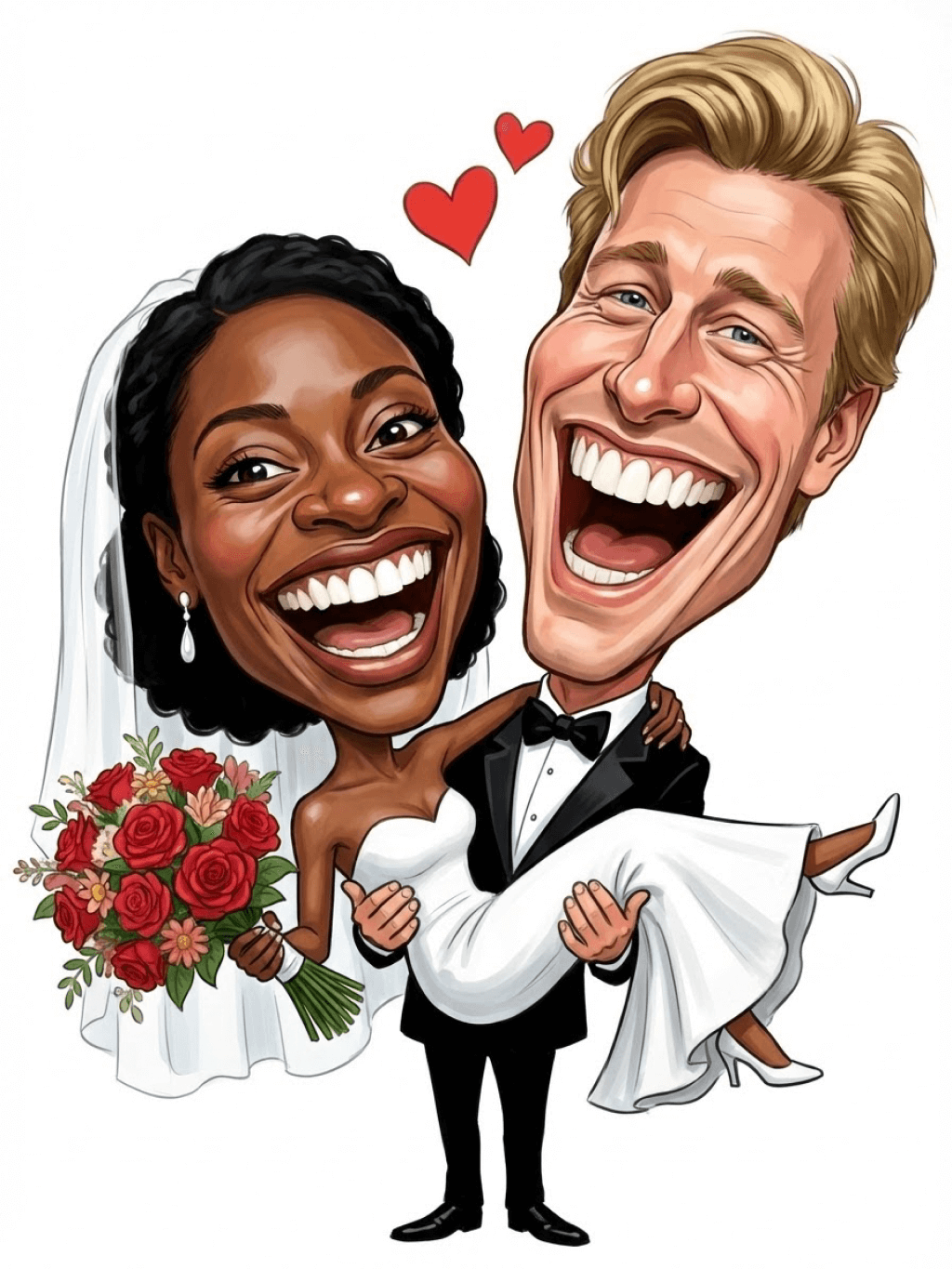
Character: The main figure in the picture. Core: An exaggerated comic with a wedding photo theme. Style: A highly exaggerated cartoon comic style, presented through digital painting. Head: Both of their heads are significantly enlarged, with distorted proportions, while the bodies are relatively smaller. Facial features: The facial muscles are extremely exaggerated, with deep expressive lines around the eyes and mouth, a very large and prominent nose, and very large teeth. Expression: An extremely exaggerated and joyful wide-open mouth laugh, with bulging eyes, fully matching the joyful mood in the reference image. Both are looking directly at the camera. Light and details: Sharp highlights on the forehead, nose, and cheekbones, contrasting with deep, smooth shadows to emphasize the exaggerated contours. Clean, smooth digital brush strokes. Background: A pure white background, with two red hearts decorating the gap between the two heads. Appearance: A one-to-one replica of the main character in the picture. Costume: The bride is wearing a white strapless wedding dress with a veil, and the groom is wearing a black tuxedo with a bow tie. Posture: Full body, both looking at the camera, the groom holding the bride like a princess, and the bride holding a red rose bouquet of flowers.
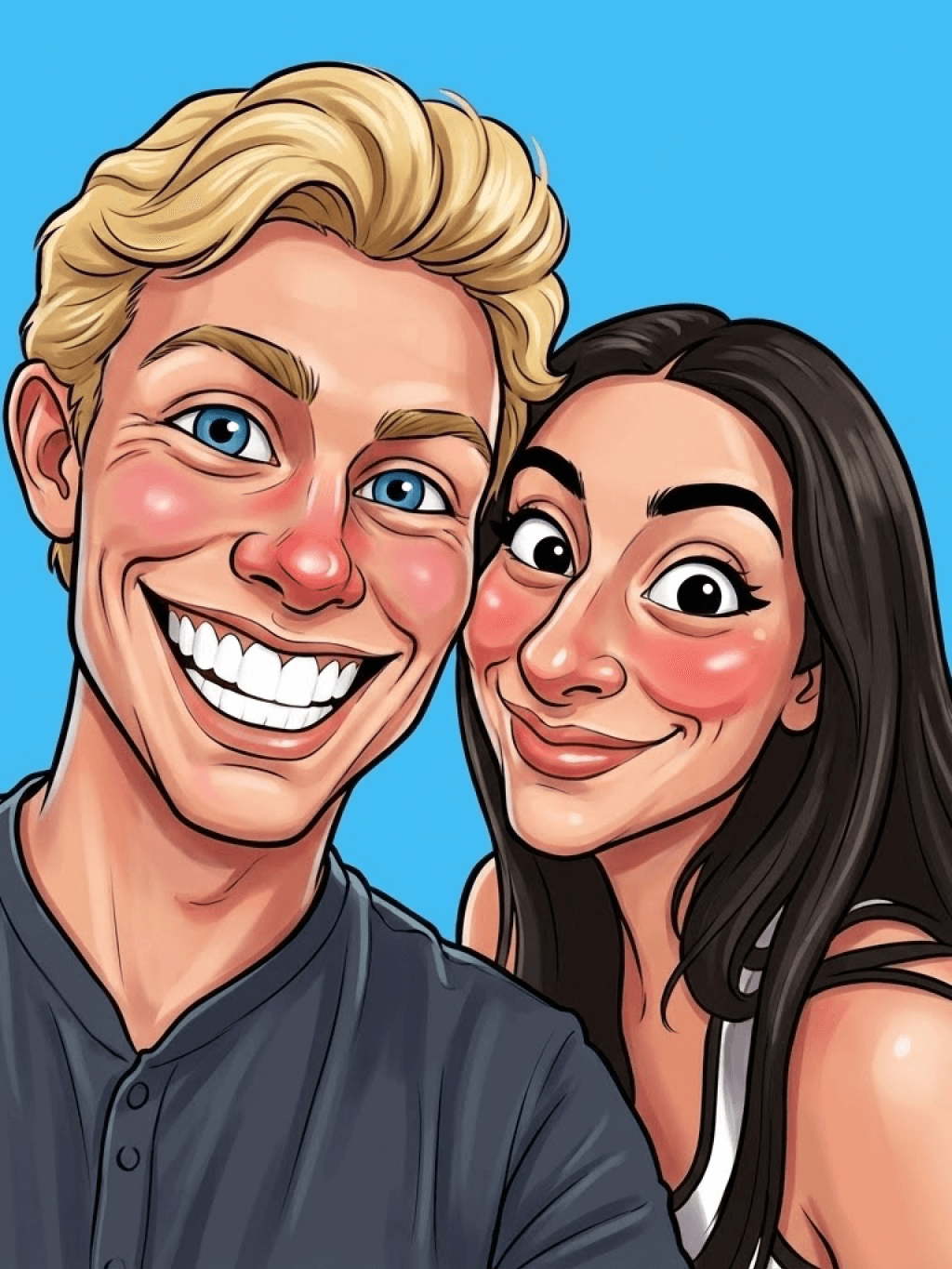
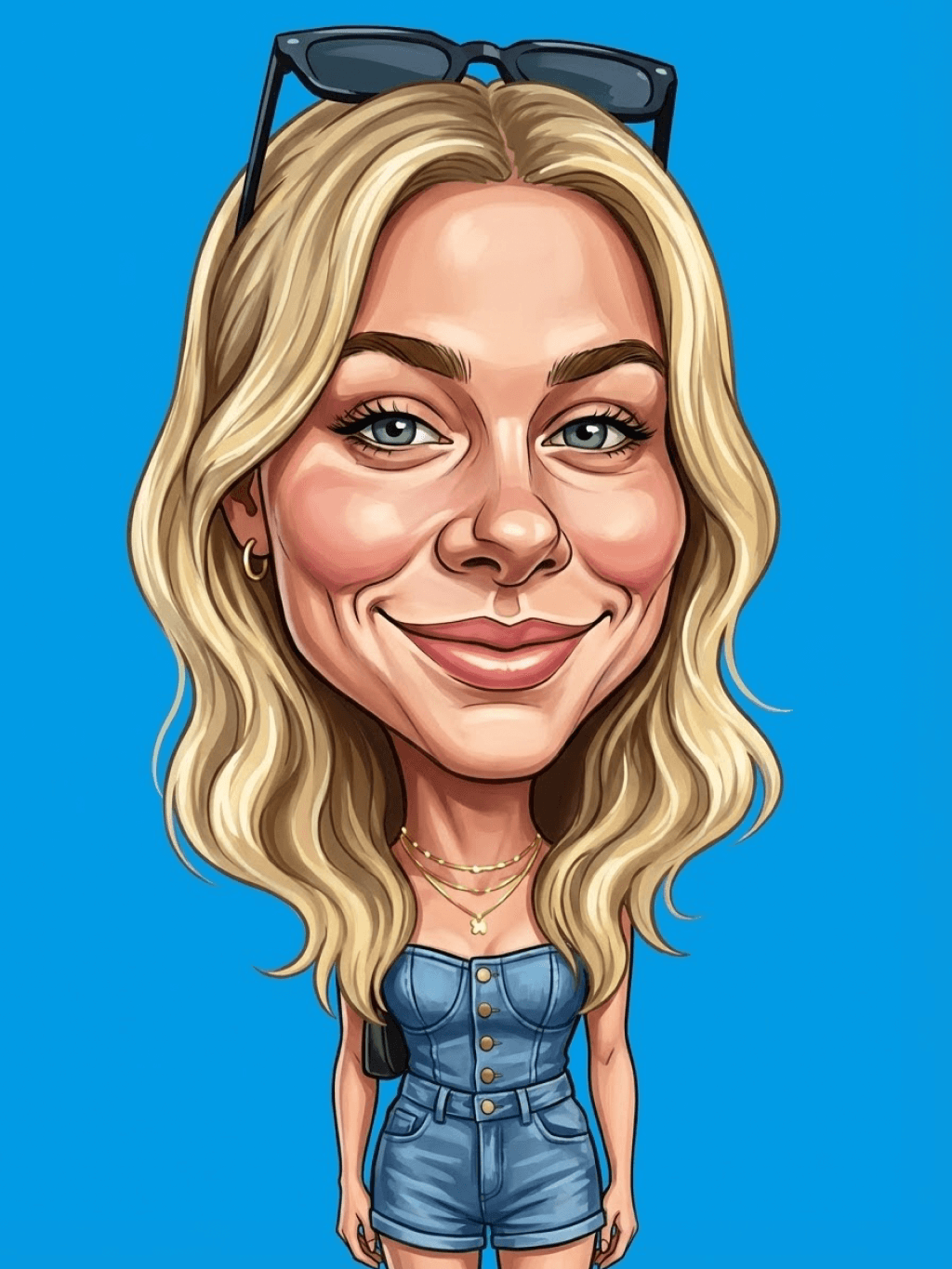
Main character: The person in the picture Art style: Exaggerated cartoon style. Bright colors, bold outlines. Character blush. Proportion: The heads are significantly enlarged and the proportions are distorted. Facial features: Exaggerated processing based on the facial features of the reference figure, exaggerated facial muscles, extremely exaggerated facial features (big mouth, big teeth, big eyes, big nose), funny expressions. Expression: Reproduce the main character's expression in the picture and exaggerate it. Facing the camera. Hair: Reproduce the hairstyle of the main character in the picture. Clothing: Exactly the same as the main character's clothing in the picture. Background: Solid color background. Light and details: Styled highlights and shadows, highlighting the facial contours, with the typical smooth texture of digital painting. Posture: Affectionate action, head touching head, looking at the camera, half-length portrait
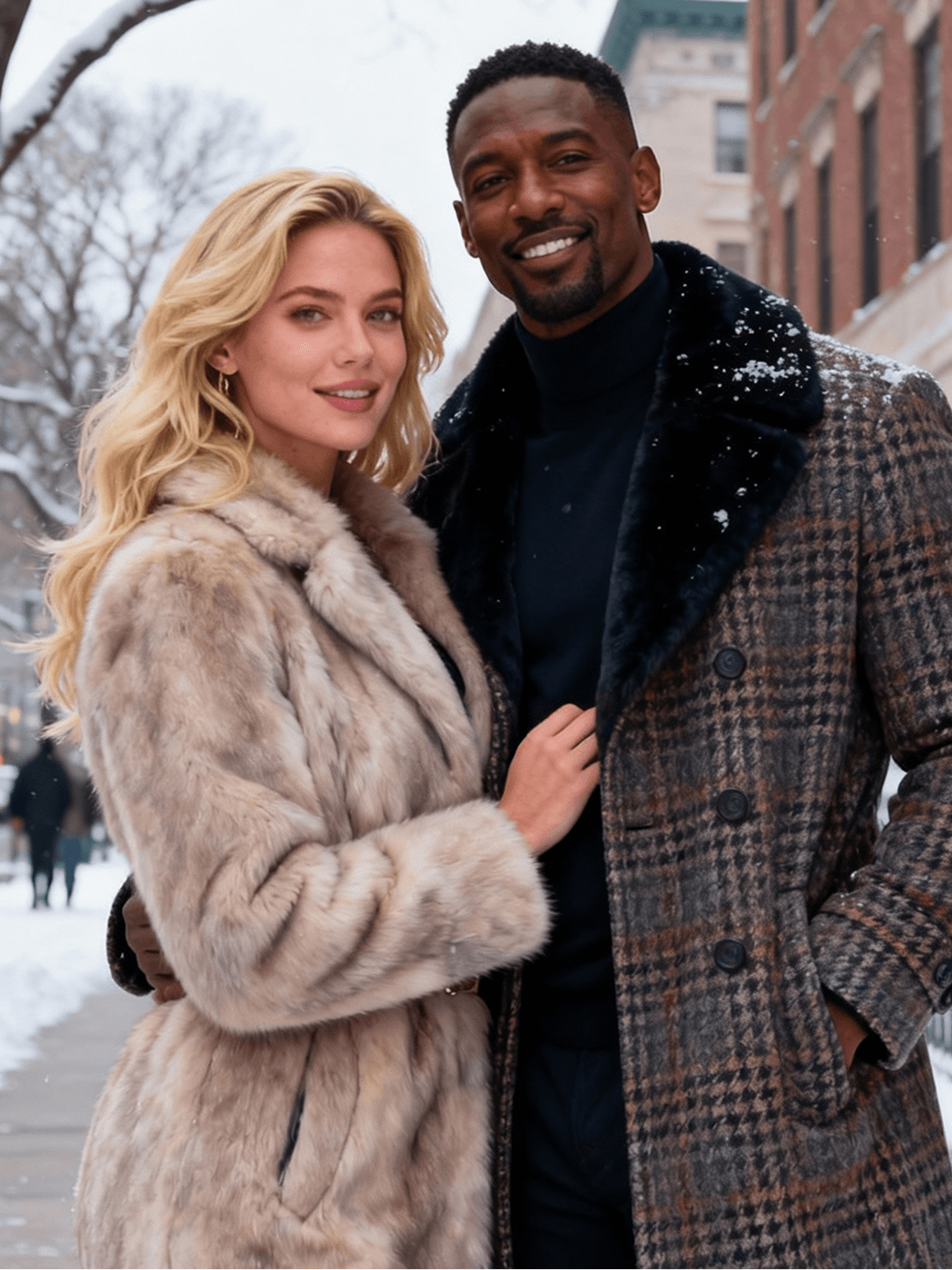
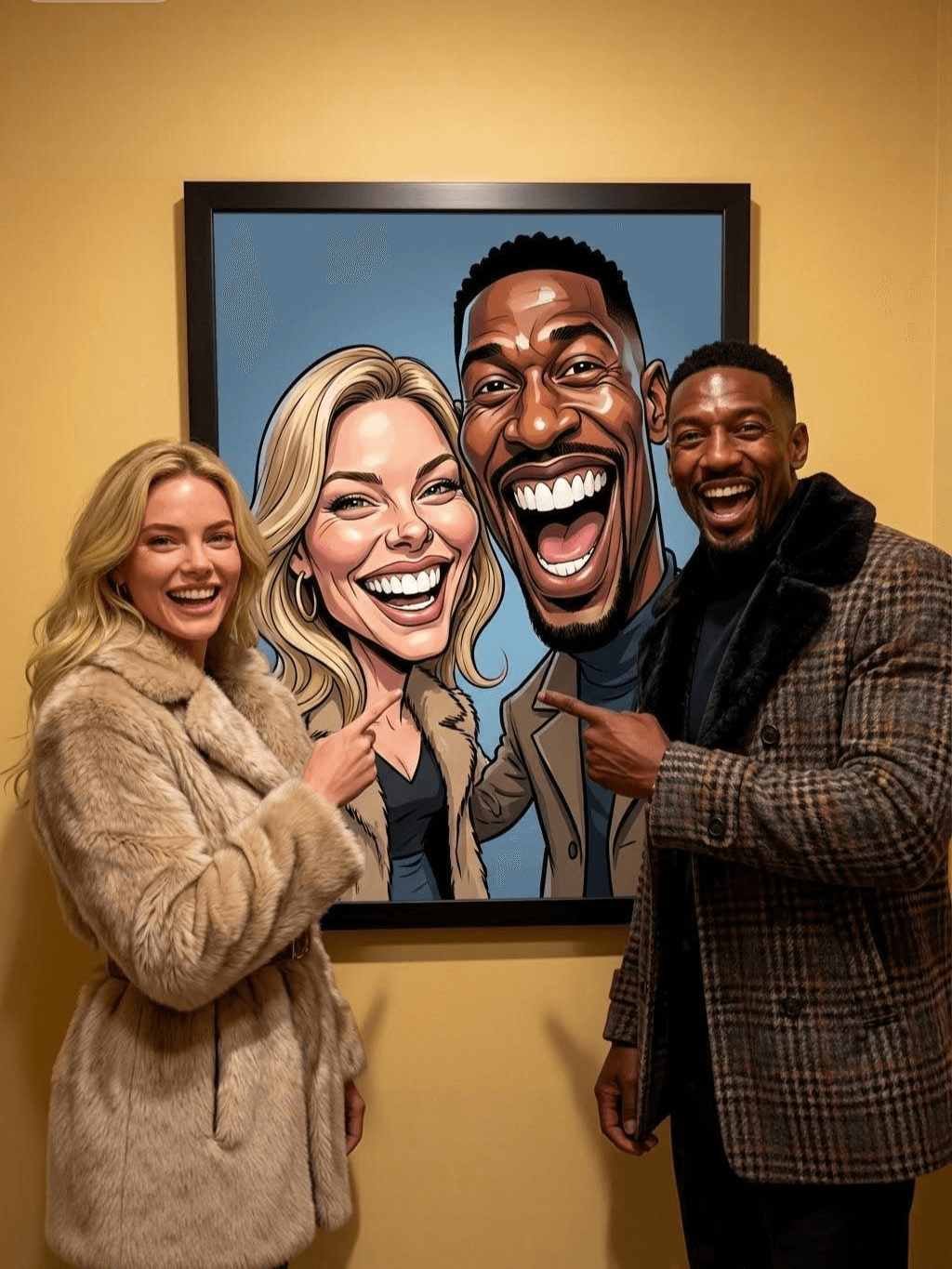
Subject: The main figure in the picture. Core: A high-resolution real photo showing a couple standing beside a framed painting hanging on the wall. The center of the picture features a large black-framed portrait. The content is an exaggerated caricature style of the main character: extremely exaggerated facial features (big mouth, big teeth, big eyes, big nose), with a funny expression. Portrait: Black simple border (no white border), style: highly exaggerated cartoon comic style, presented by digital painting. Head: Both people's heads are significantly enlarged, with distorted proportions, while the body is relatively smaller. Facial features: Facial muscles are extremely exaggerated, there are deep expressive lines around the eyes and mouth, the nose is very large and prominent, and the teeth are also very big. Comic expression: Extremely exaggerated, joyful mouth wide open laughter, eyes bulging, fully matching the joyful mood in the reference image. Both are looking directly at the camera. Light and details: Sharp highlights on the forehead, nose, and cheekbones, contrasting with the deep, smooth shadows to emphasize the exaggerated contours. Clean, smooth digital brushstroke texture. Low saturation blue as the background of the portrait. Style: One-to-one replication of the main figure in the picture Clothing: One-to-one replication of the main character's clothing Photo scene: Indoor, with warm decoration, warm yellow background wall Posture: The main figure stands in front of the portrait, looking at the camera, with one hand raised in front of the chest pointing at the portrait on the wall. Warm lighting, natural integration of light and shadow, clear image quality, 8K
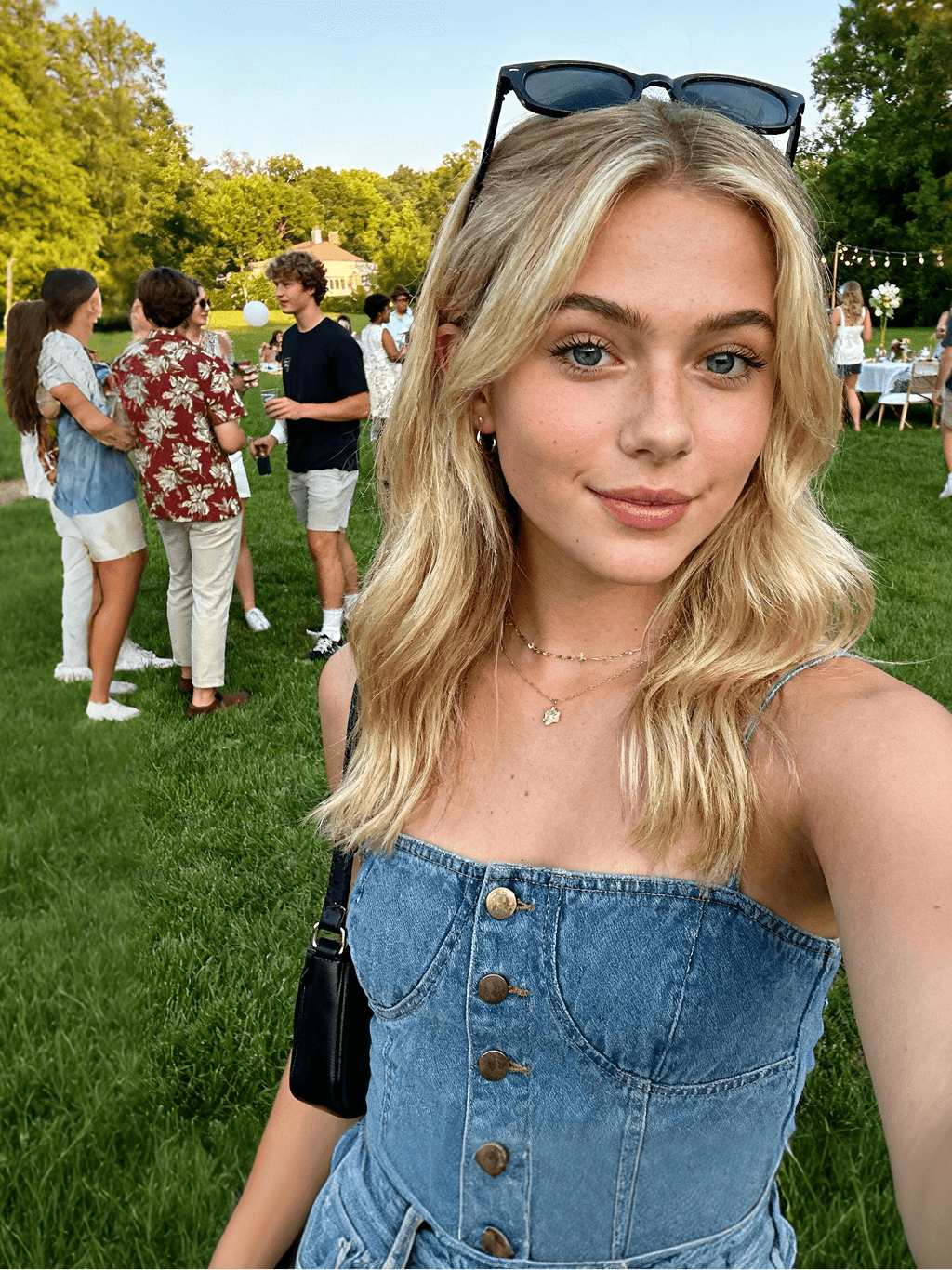
Subject: The main character in the picture. Art style: Exaggerated cartoon style. Head: The head is enlarged while the body is relatively small. Facial features: Exaggerated facial muscles, exaggerated facial lines, and a large nose. Expression: Reproduce the expression of the main character in the picture and exaggerate it. Looking at the camera. Family name: Exactly the same as the appearance of the main character in the picture. Attire: One-to-one reproduction of the main character's outfit in the picture. Background: Solid color background. Lighting and details: Stylized highlights and shadows, highlighting the facial contours, with a smooth feel typical of digital painting. Pose: Frontal half-length portrait
Retain all the details of the image and convert it to color.
Use the character from the uploaded image exactly as it appears — keep all features, colors, proportions, and style unchanged. Create a four-panel comic/storyboard with each panel showing a different scene of the character. Maintain the same cartoon art style as the reference image. Add speech bubbles/dialogues for the character in each panel, appropriate to the story. Ensure visual continuity: same background style, color palette, and lighting consistent across all panels. Focus on clear composition, expressive poses, and readable dialogue. Output: four distinct panels forming a coherent story.
Refer to Figure 2 and convert the style of Figure 1
Generate a set of powerful 3-panel Japanese anime storyboards by referring to the image
Polaroid 2:3 photo: IMG1 person and IMG2 cartoon character hugging like friends, smiling and laughing, heads close together, looking at the camera, hips-up; original clothes; white-curtain background; cartoon character’s arms naturally around person, proportions adjusted for natural interaction; subtle shadowing for depth; strong flash, slight overall blur, soft light vignette, no omissions; no face-swap, no distortion; classic white-border Polaroid, flat on white table, back flush, 90° top-down, zero tilt, no extras.
Optimize the line drawing, transform it into a Japanese anime style and color it to add a campus background
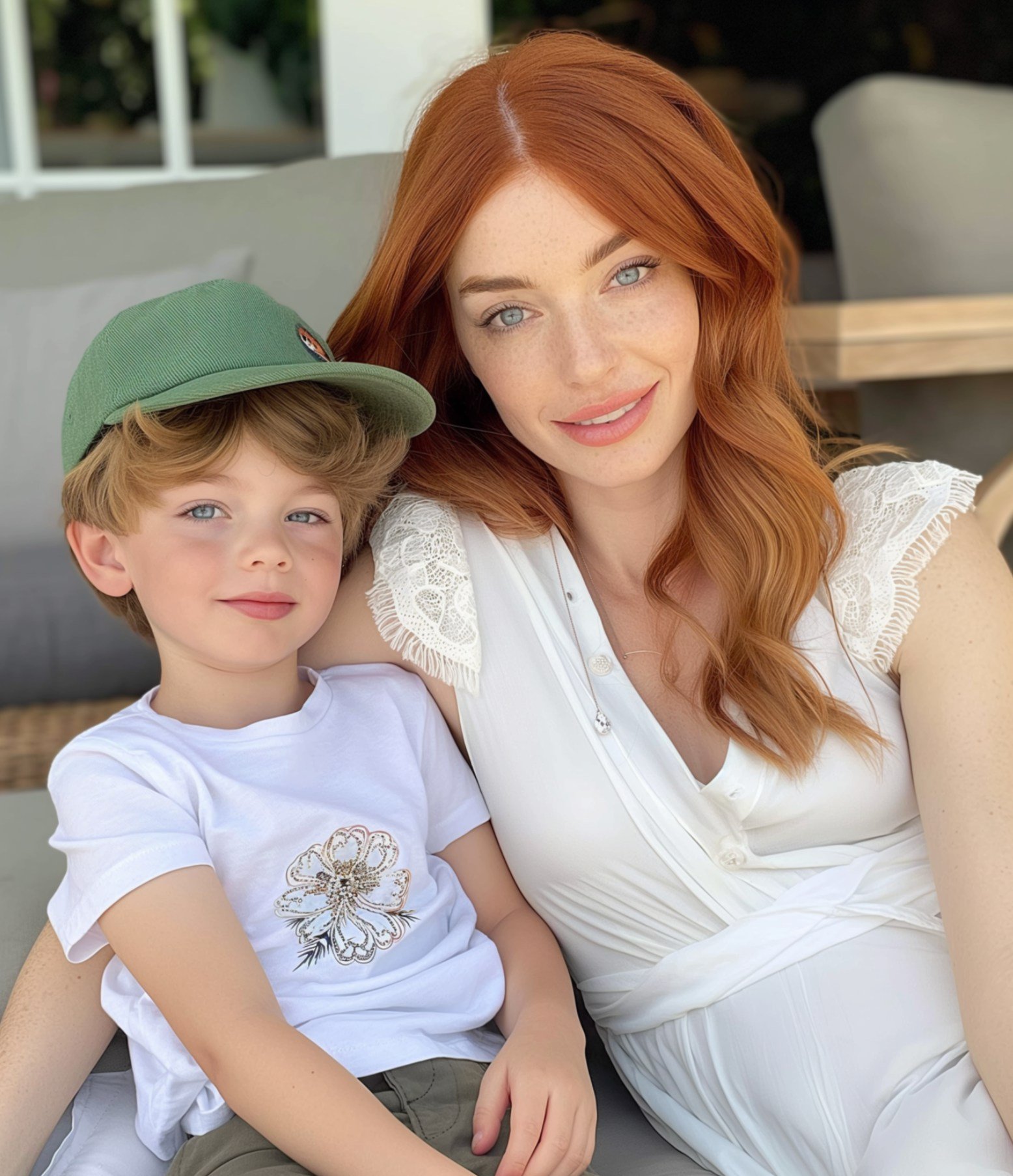
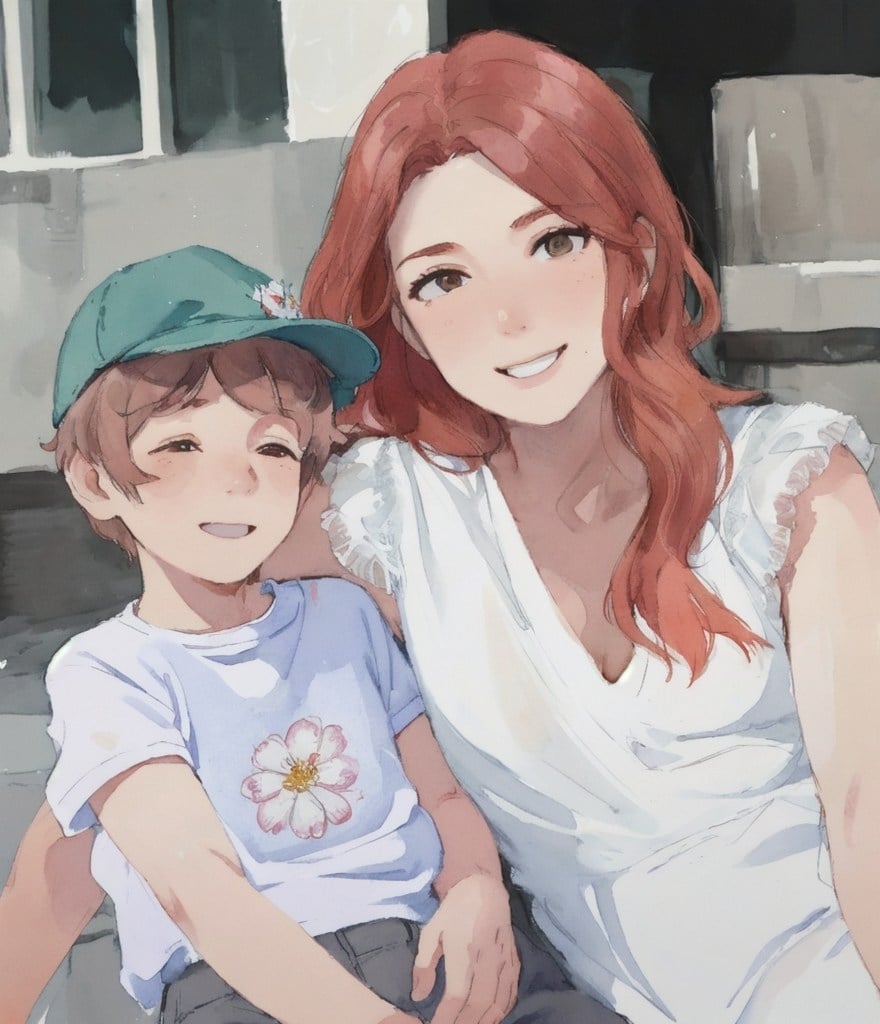
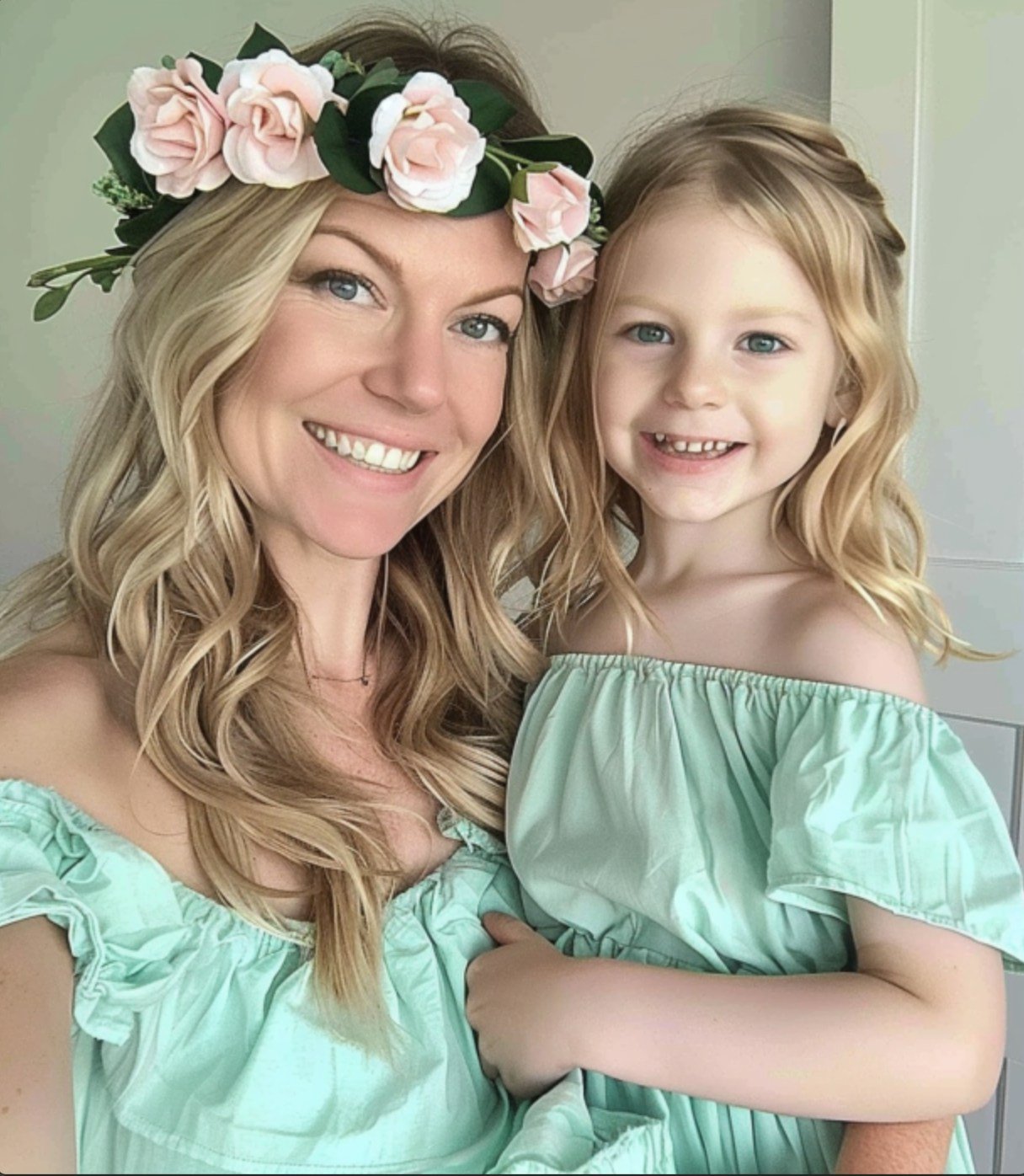
Mother's Day Photo to Watercolor
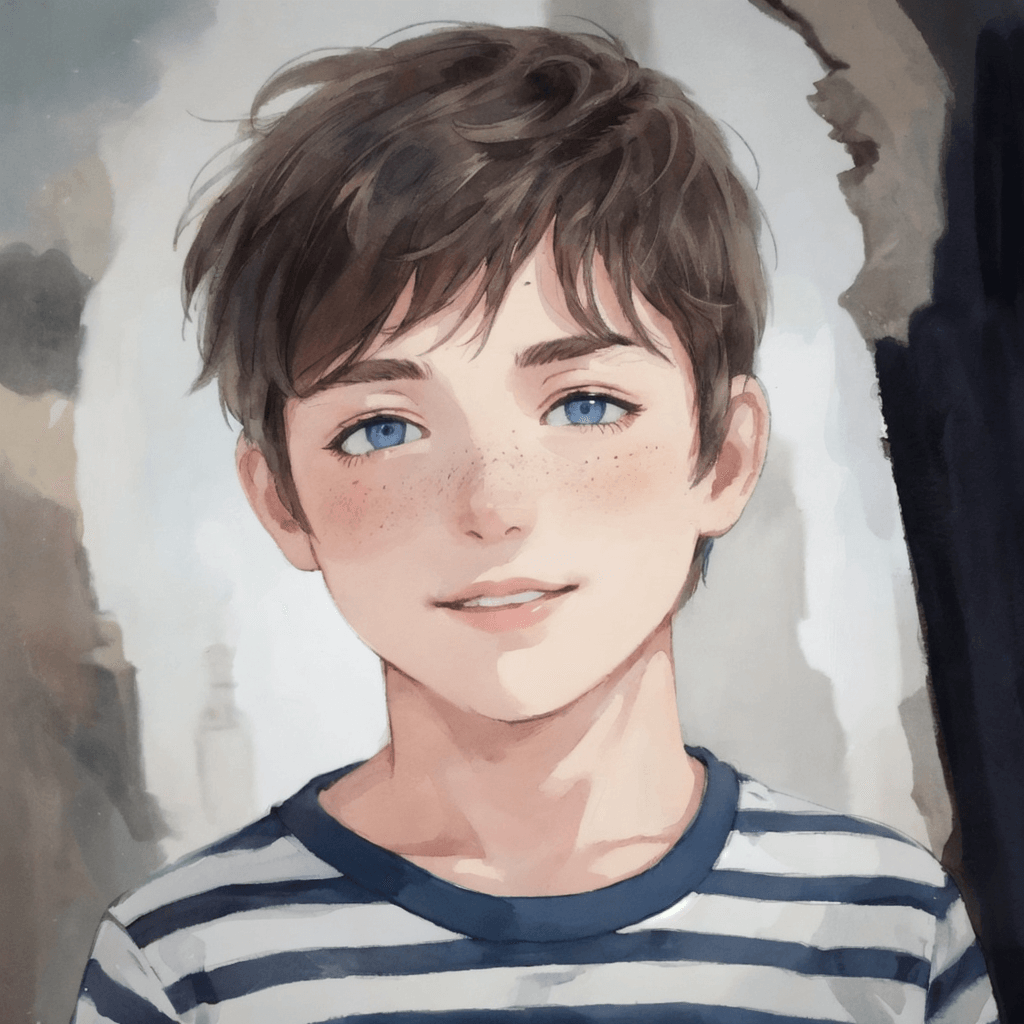
Boy Photo to Watercolor
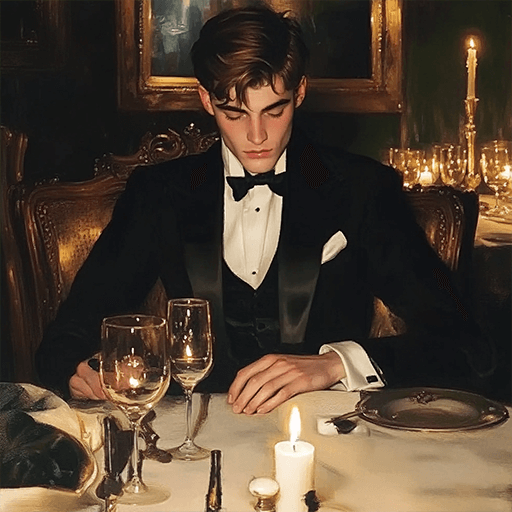
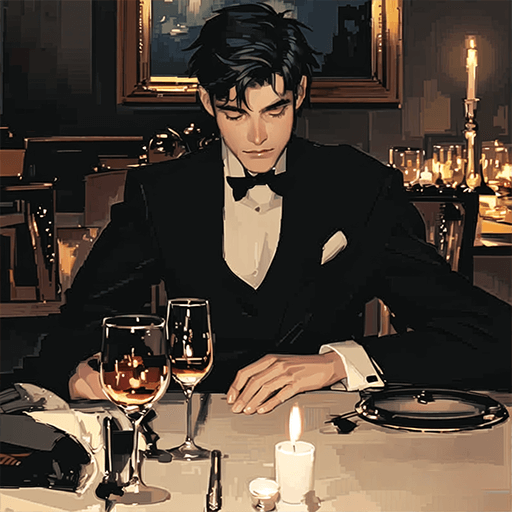
Young Millionaire Photo to Anime Cartoon
Mother's Day Disney Filter
Disney Style Mother Holding Baby
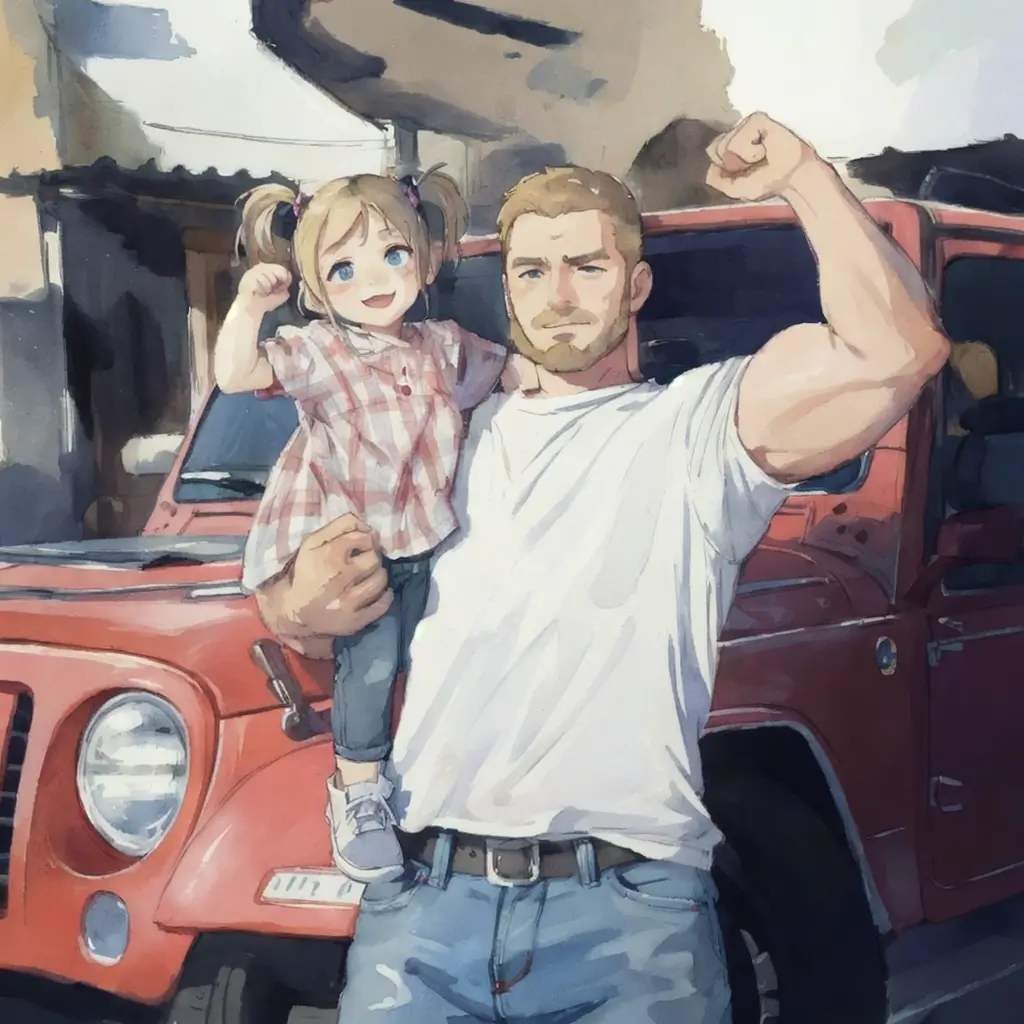
Father and Daughter in Watercolor
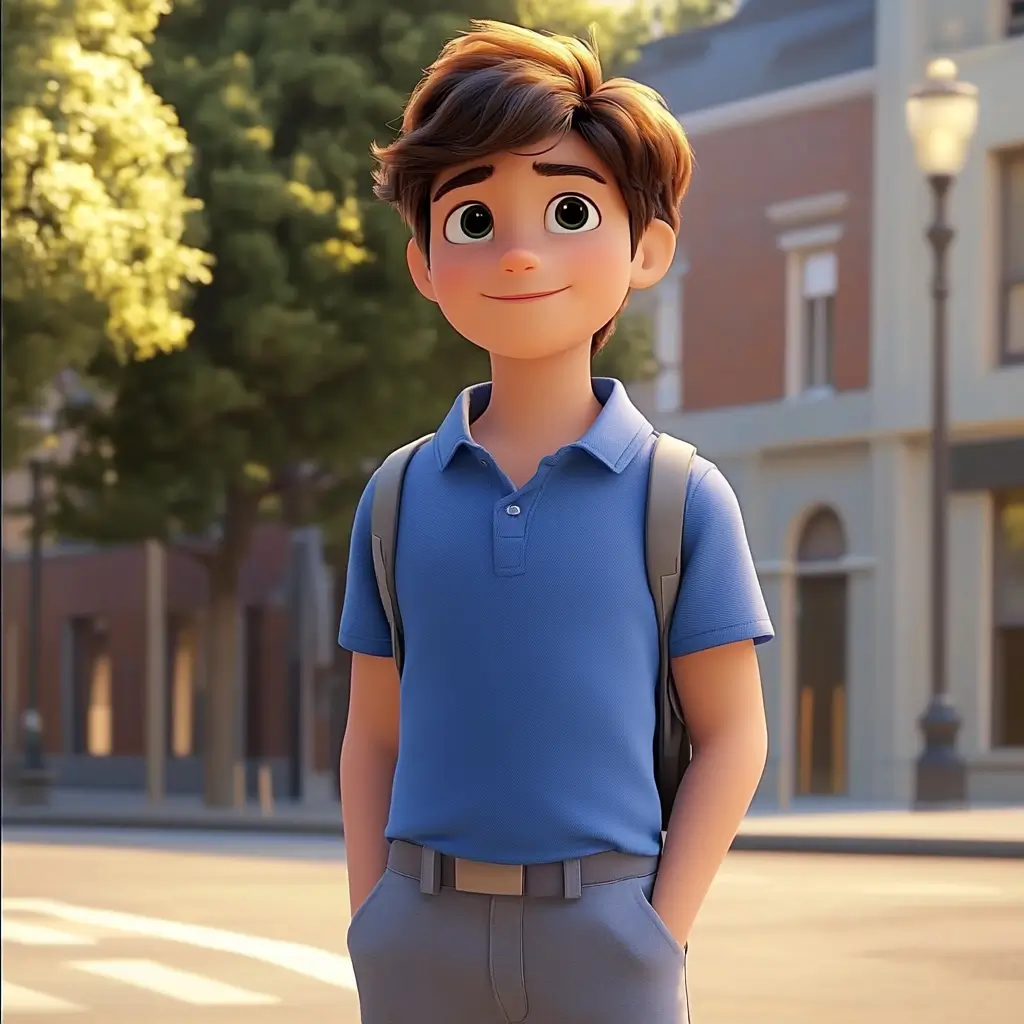
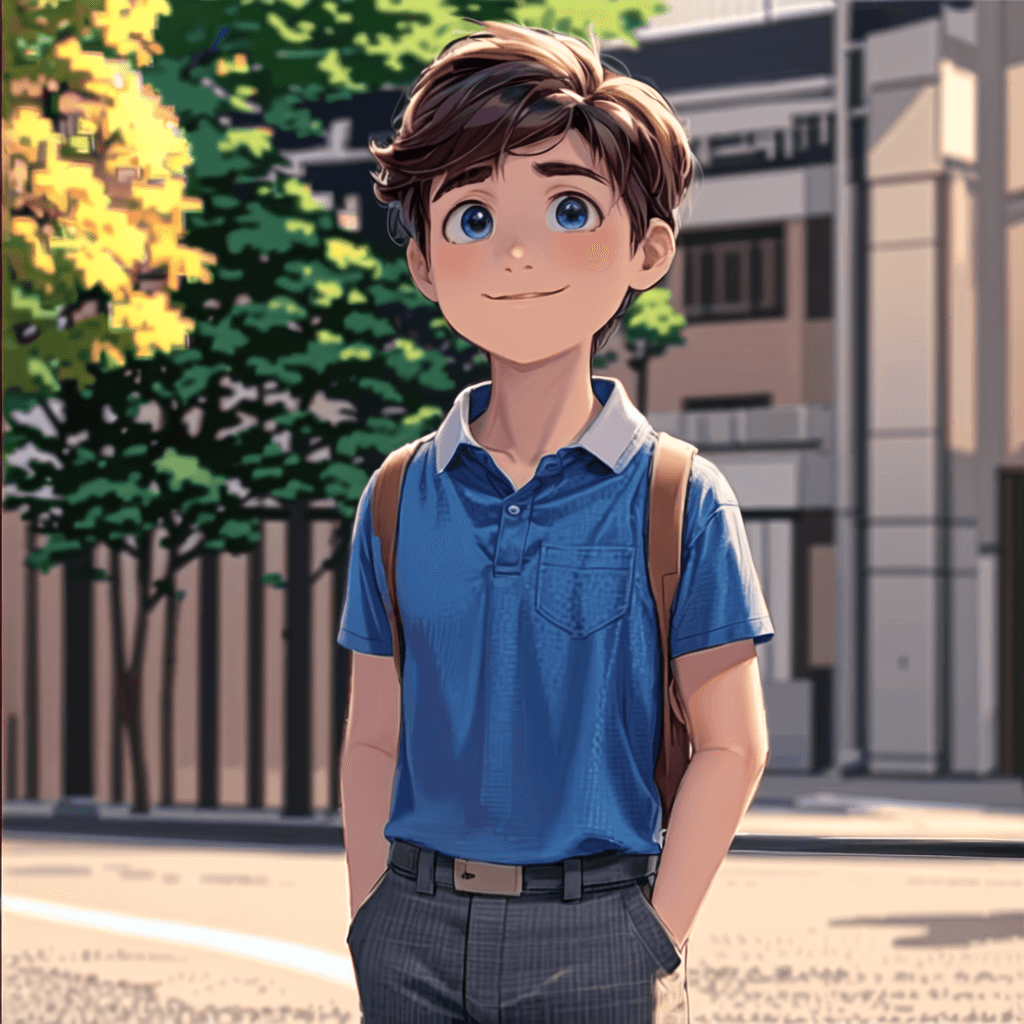
Cute Cartoon Boy
Cute Cartoon Boy
Cute Cartoon Boy
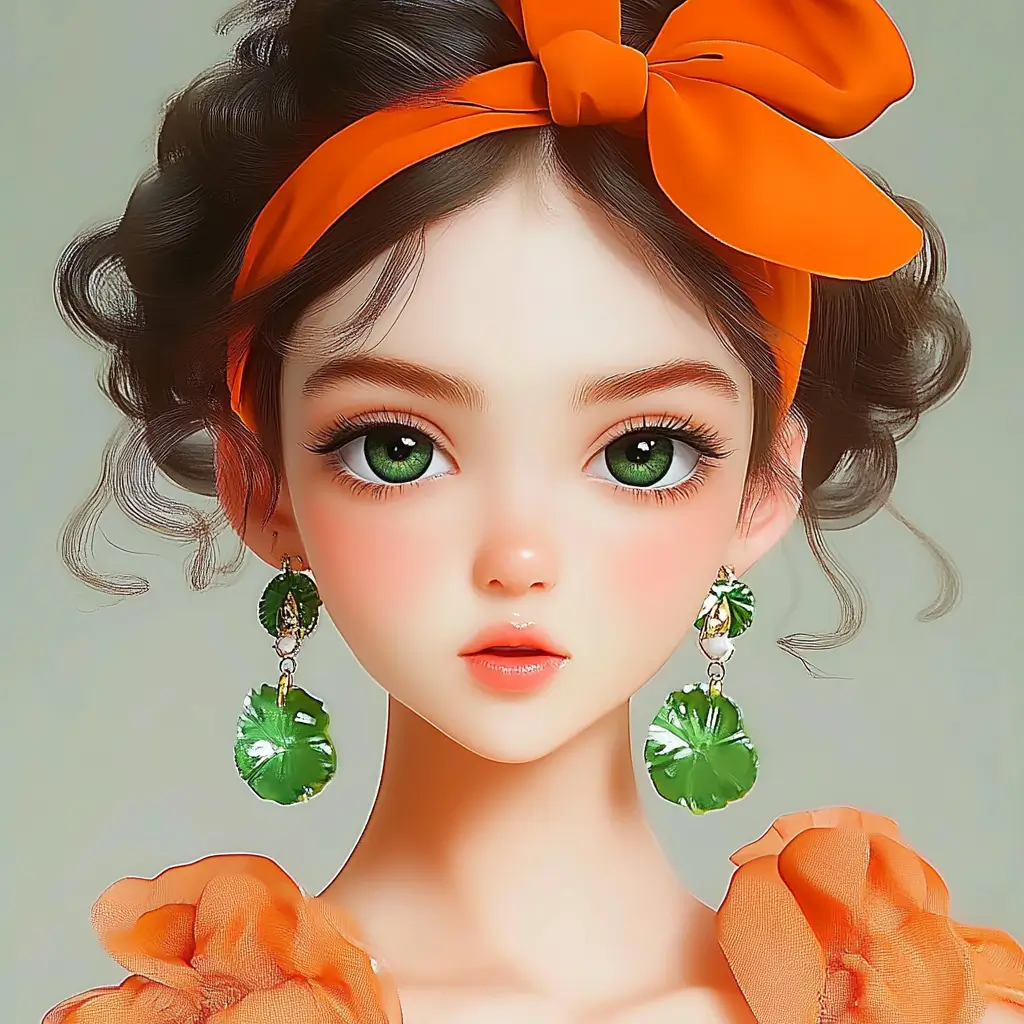
Attractive Anime Girl Filter
A girl in a blue shirt and black jacket sitting at a table with coffee and drinks, A steampunk-style background featuring intricate gears, brass pipes and glowing lights illuminating the scene. A desk with mechanical tools is in sharp focus while surrounding walls display vintage timepieces and cogs.
depicting futuristic cities with towering skyscrapers made from metallic gold and green hues. Include flying cars and high-tech elements to create a sense of wonder in space and cyberpunk aesthetics.
Beautiful Anime Girl
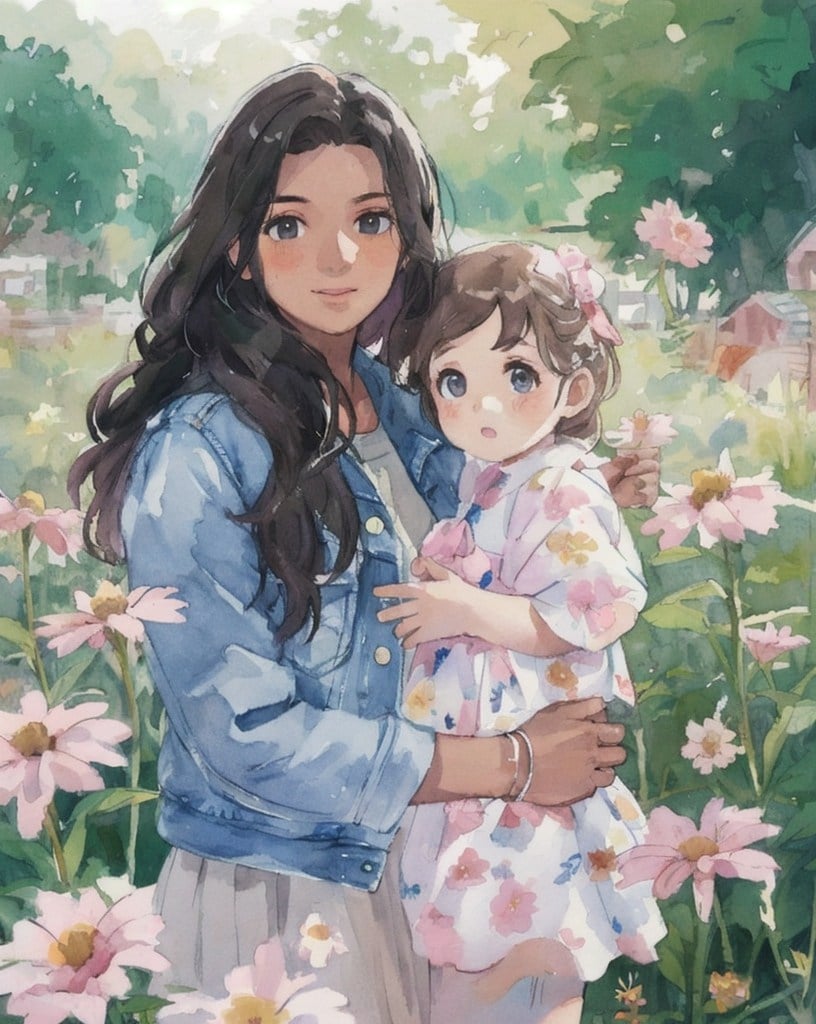
Watercolor Mother Holding Daughter
Transformez vos photos avec des filtres CG

Transformez vos photos avec des filtres CG

Élevez vos images avec notre filtre artistique AI de pointe, spécialement conçu pour les améliorations CG (graphismes par ordinateur). Cet outil vous permet de transformer des photos ordinaires en œuvres d'art extraordinaires en quelques clics. Que vous soyez un artiste professionnel ou un amateur, notre filtre AI vous fournit les outils nécessaires pour libérer votre créativité et obtenir des visuels époustouflants sans effort.

Téléchargez votre image
Transformez une photo en dessin au trait en ligne

Transformez une photo en dessin au trait en ligne

Transformez des photos en dessins au trait facilement avec le convertisseur AI de croquis d'insMind. Téléchargez, convertissez et créez instantanément des œuvres d'art remarquables.

Téléchargez votre image
Photo en illustrations/générateur d'illustrations AI

Photo en illustrations/générateur d'illustrations AI

Transformez vos photographies en illustrations frappantes avec notre filtre d'image AI. En un seul clic, notre outil convertit vos images en illustrations de design plat, offrant une apparence moderne et stylisée. Cette fonctionnalité est parfaite pour ceux qui cherchent à créer des visuels accrocheurs pour les réseaux sociaux, les supports marketing ou des projets personnels, offrant une perspective nouvelle sur les photos traditionnelles.

Téléchargez votre image
Convertissez une photo en aquarelle en ligne avec le filtre AI

Convertissez une photo en aquarelle en ligne avec le filtre AI

Convertissez vos photos en magnifiques peintures aquarelles avec notre filtre AI d'aquarelle. Téléchargez simplement votre image, cliquez une fois, et regardez notre AI la transformer en une œuvre d'art aquarelle. Cette fonctionnalité est idéale pour les artistes et les passionnés qui souhaitent ajouter une touche artistique douce et fluide à leurs images sans avoir besoin de fournitures d'aquarelle réelles.

Téléchargez votre image
Explorez la gamme de filtres photo AI de style dessin animé et anime

Explorez la gamme de filtres photo AI de style dessin animé et anime

Apportez un look amusant et animé à vos photos avec notre filtre AI d'anime ou de dessin animé, qui transforme vos photos en images de style anime ou dessin animé, ajoutant une touche ludique et imaginative. Que vous créiez du contenu pour le divertissement, les réseaux sociaux ou le plaisir personnel, nos filtres facilitent l'obtention d'un look distinct et animé qui se démarque.

Téléchargez votre image

Comment transformer des photos en art avec les filtres AI d'insMind

Ouvrez insMind
1

1 Ouvrez insMind

Lancez l'application insMind et accédez à l'outil de filtre AI.
Téléchargez une photo
2

2 Téléchargez une photo

Téléchargez la photo que vous souhaitez transformer.
Sélectionnez un filtre
3

3 Sélectionnez un filtre

Parcourez la large gamme de filtres AI, y compris les options pour convertir des photos en aquarelle, illustrations, dessin animé, anime et autres styles. Choisissez le filtre qui convient le mieux à votre photo.
Appliquez et téléchargez
4

4 Appliquez et téléchargez

Cliquez pour appliquer le filtre choisi, puis téléchargez votre image nouvellement stylisée en cliquant sur le bouton de téléchargement.

Questions fréquentes

Qu'est-ce qu'un filtre AI et comment améliore-t-il mes photos ?

insmind expand icon
Un filtre AI utilise une technologie avancée d'intelligence artificielle pour améliorer et transformer automatiquement les photos. En appliquant des filtres photo AI, vous pouvez ajuster l'éclairage, la couleur et les détails ou même styliser vos images selon divers thèmes artistiques, tels que l'anime ou l'art classique, le tout en quelques clics.

Comment puis-je utiliser les filtres photo AI en ligne avec insMind ?

insmind expand icon
Utiliser les filtres photo AI en ligne est simple avec insMind. Il vous suffit de visiter notre site web, de télécharger votre photo et de choisir parmi notre large gamme de filtres pilotés par l'AI. Vous pouvez prévisualiser les modifications en temps réel et ajuster les paramètres pour obtenir le look parfait pour vos images.

Les filtres d'image AI sur insMind sont-ils gratuits ?

insmind expand icon
Beaucoup de nos filtres d'image AI sont disponibles gratuitement, vous permettant d'expérimenter différents looks et améliorations sans aucun coût. Pour accéder à des filtres premium, vous pouvez explorer nos options d'abonnement, qui offrent des fonctionnalités avancées supplémentaires.

Le filtre AI d'insMind peut-il être utilisé pour créer des images de style anime ?

insmind expand icon
Oui, notre filtre AI d'anime est spécifiquement conçu pour transformer vos photos en œuvres d'art de style anime. Ce filtre ajuste les traits du visage, les couleurs et les arrière-plans pour imiter les esthétiques populaires de l'anime, offrant une façon amusante et créative de réimaginer vos images.

Vous pourriez être intéressé par

Faites ressortir vos photos avec des fonctionnalités entièrement gratuites.