
Image IA
Vidéo IA
Éditeur de photos
Ressources
InspirationsTarifs

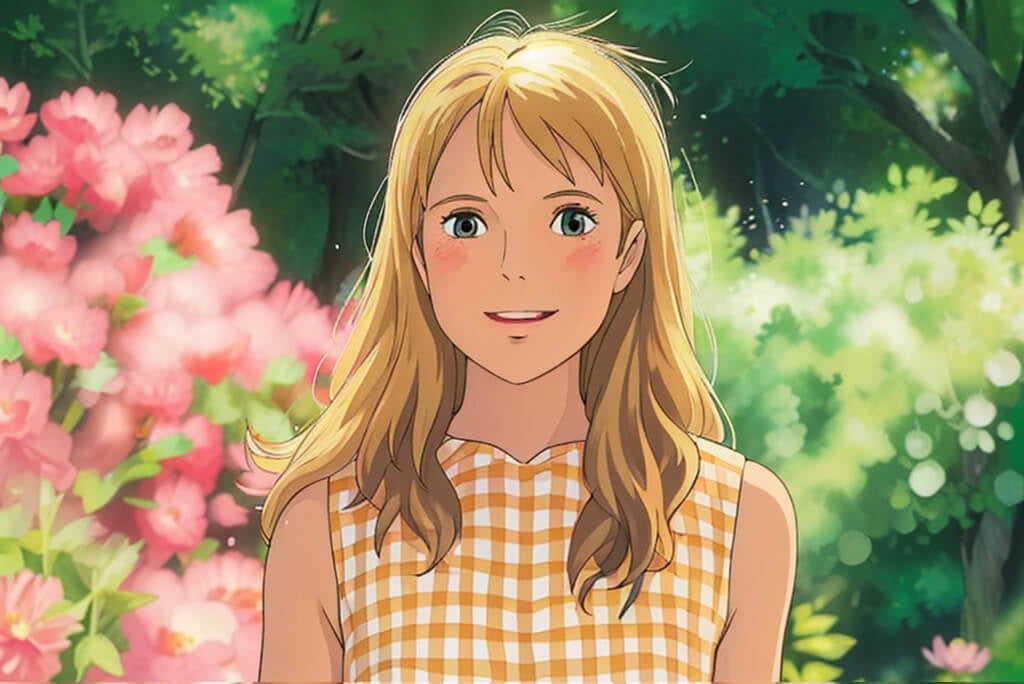
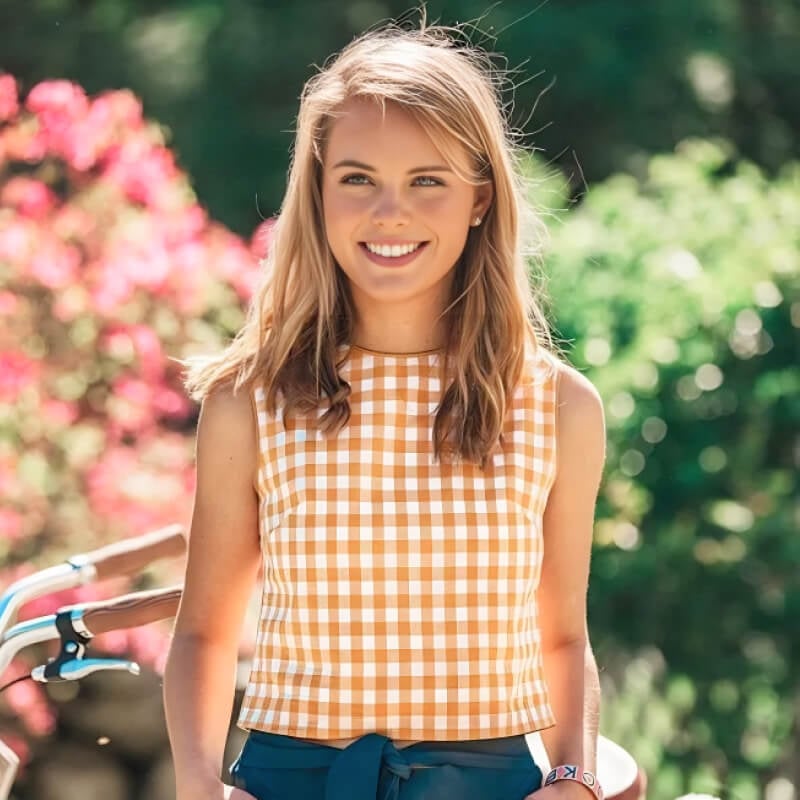
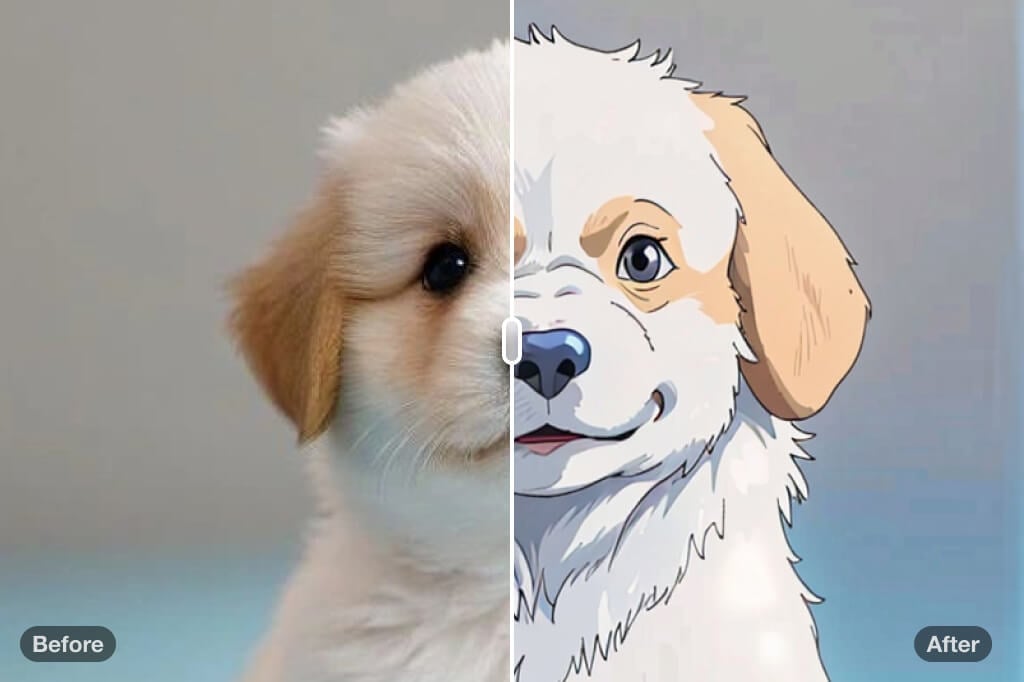
Filtre Studio Ghibli : Transformez vos photos en art de style Ghibli

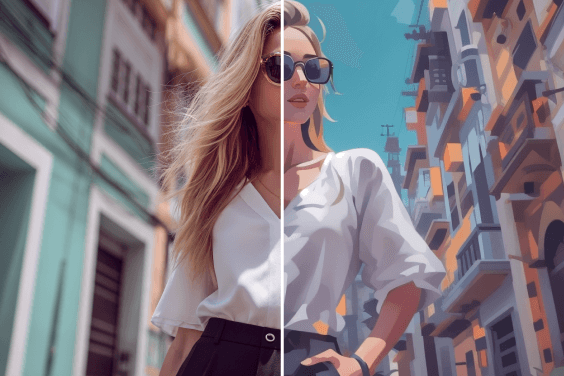
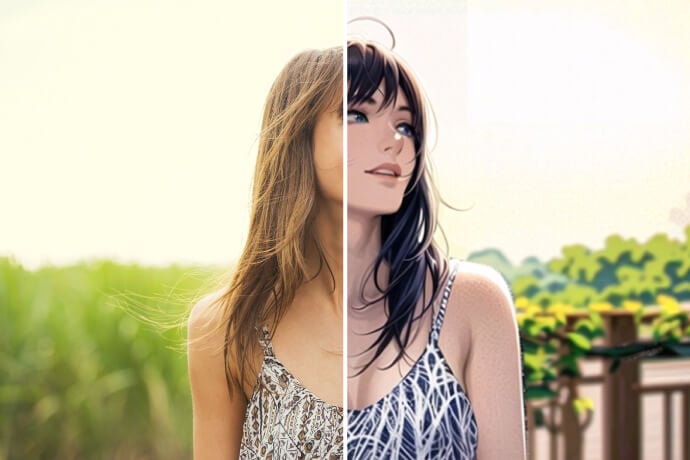
Apportez la magie du Studio Ghibli à vos photos ! Grâce au filtre Studio Ghibli d'insMind, transformez vos images du quotidien en véritables chefs-d'œuvre, empreints de poésie et de charme. Gratuit, amusant, et inoubliable.

Filtre Studio Ghibli : Transformez vos photos en art de style Ghibli
Après
Avant
Ou déposez l'image ici, collez l'image ou l'URL
Essayez avec l'un de ceux-ci
Exemple de filtre de pleurs insMind AI 1
Exemple de filtre de pleurs insMind AI 2
Exemple de filtre de pleurs insMind AI 3
Exemple de filtre de pleurs insMind AI 4
Exemple de filtre de pleurs insMind AI 5

Créer Similaire

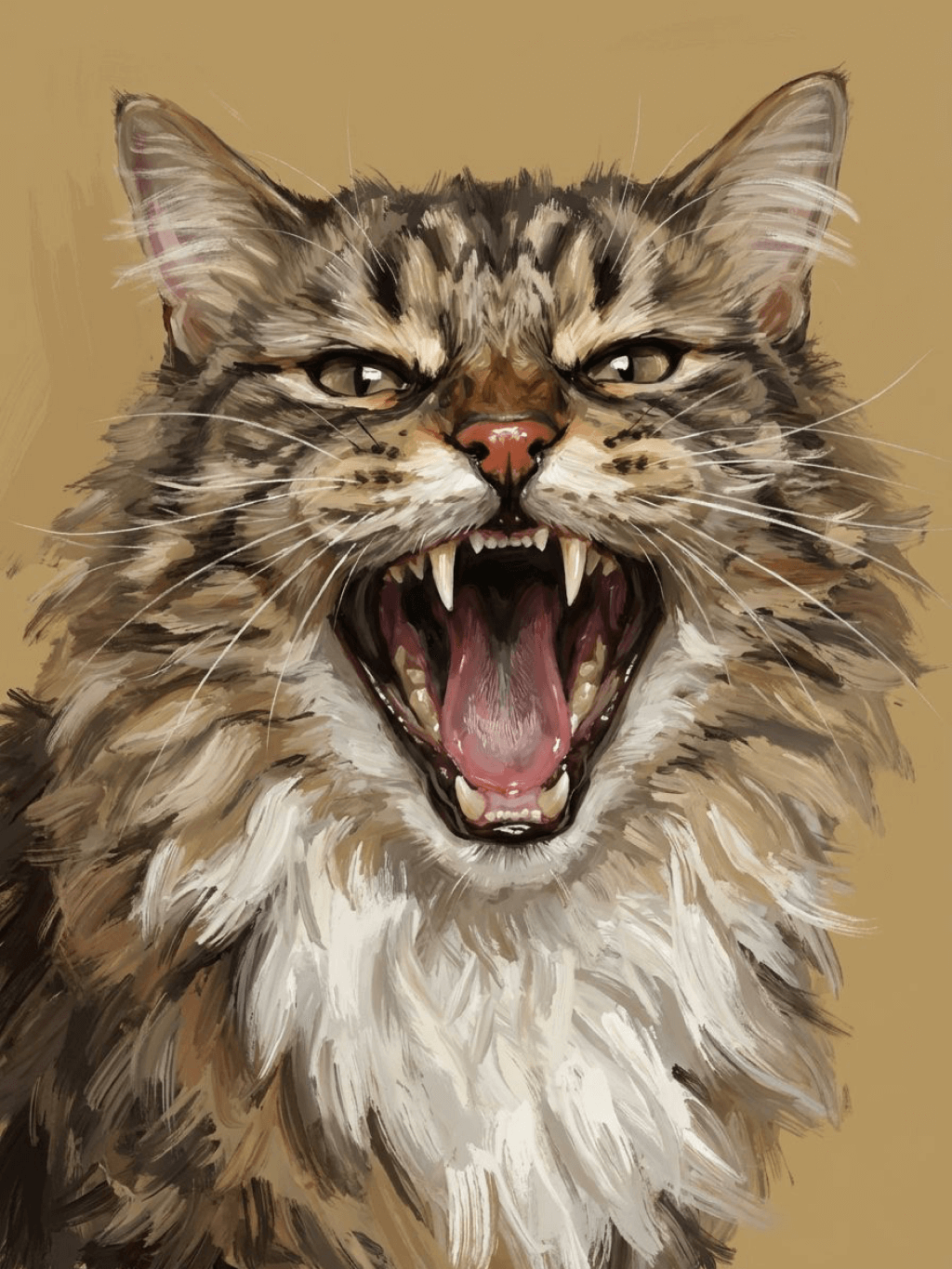
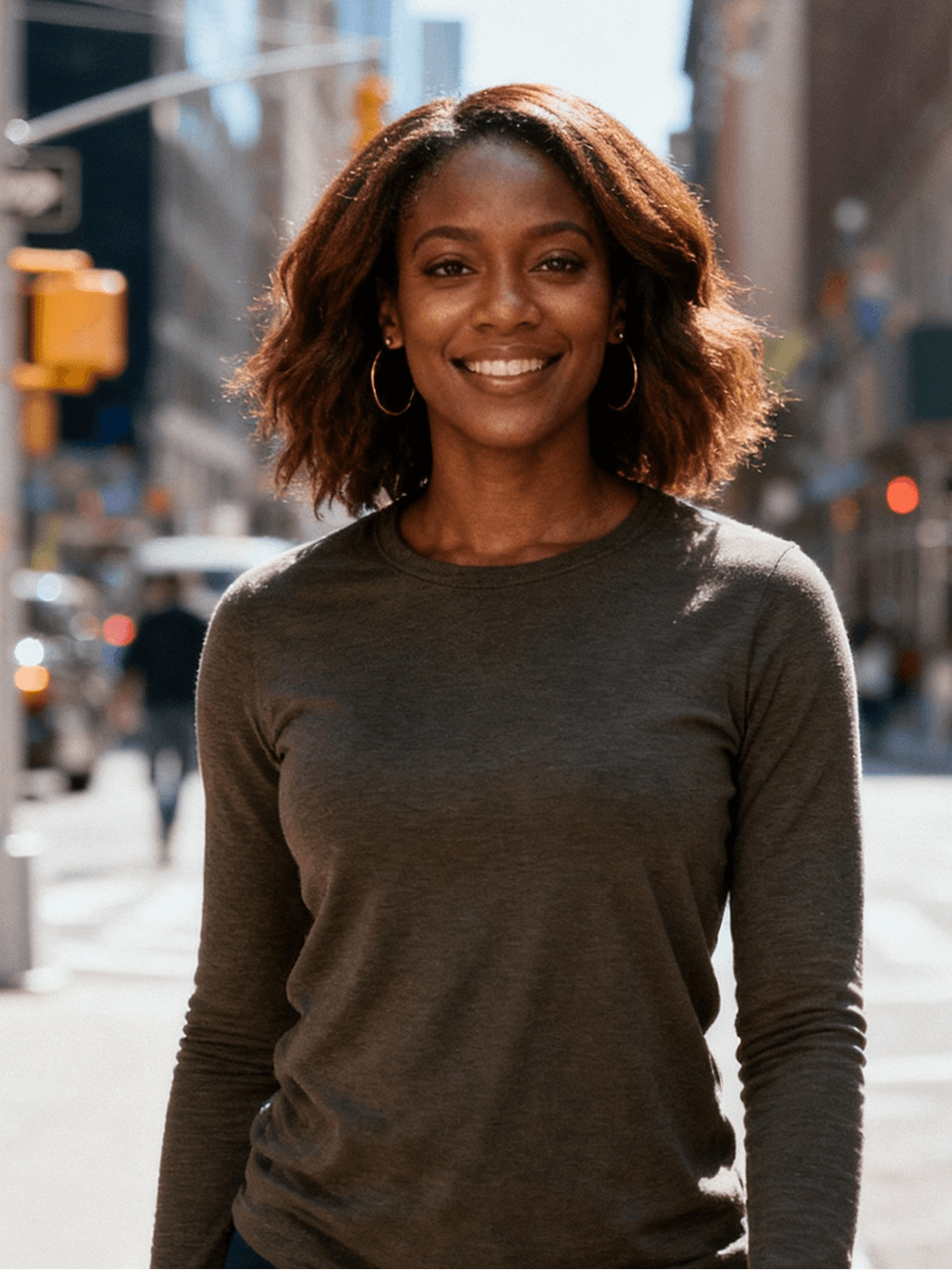
Subject: The main character in the picture. Expression: An anthropomorphic expression, with the mouth wide open, revealing teeth, canine teeth and tongue. The eyes are narrowed, looking disdainfully at the camera. Style: An exaggerated portrait painting in a digital painting style, combining expressionist brushstrokes. Texture: Has distinct brushstroke textures, as if it was quickly applied with rough oil paints or acrylic brushes. Detail depiction: The details are very realistic, such as hair, teeth, a moist nose and the inside of the mouth, but the overall structure and expression are highly exaggerated to achieve a humorous effect. Posture: Frontal shot, profile view Background: Solid color background
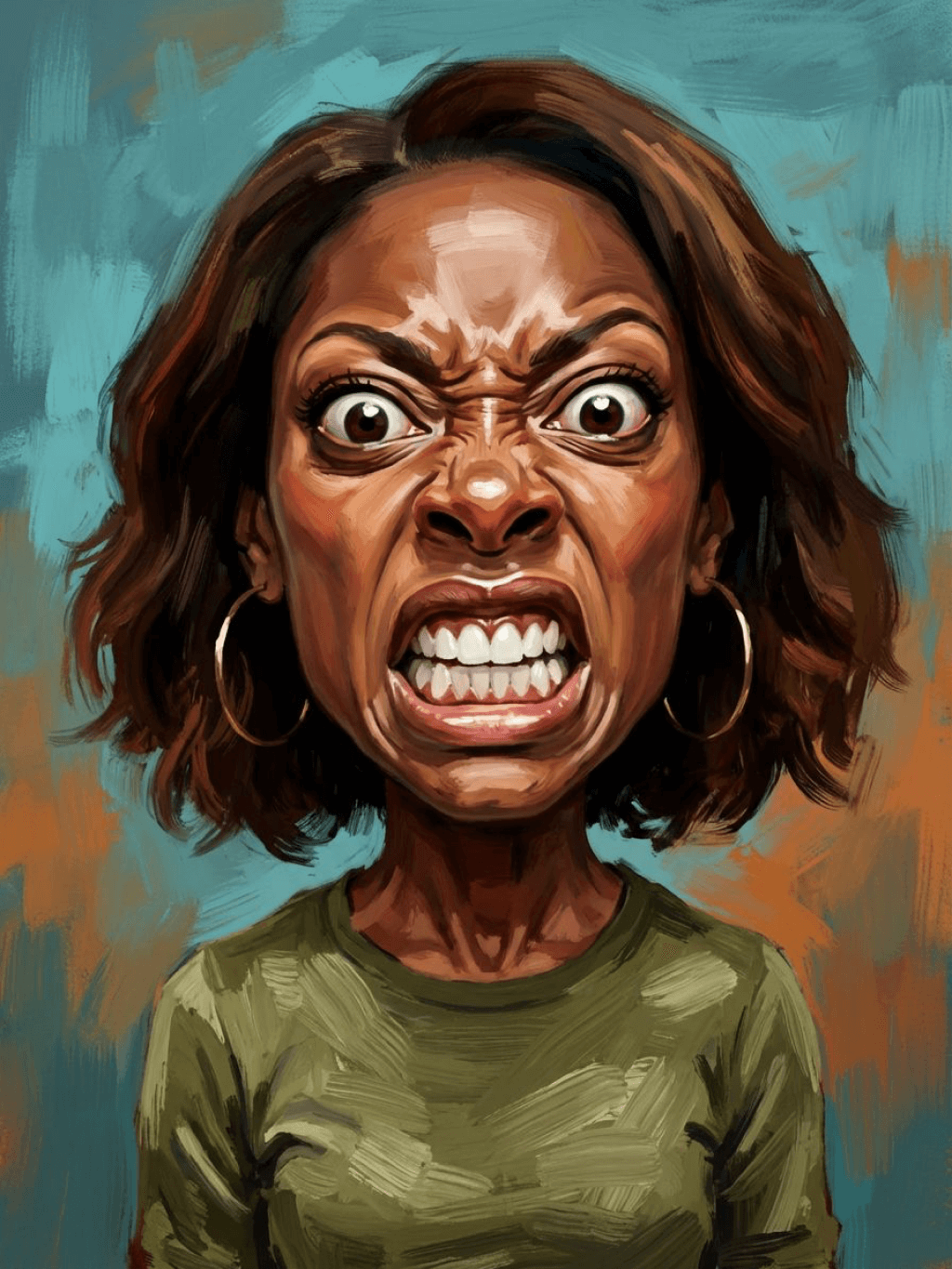
Subject: The main character in the picture. Expression: Extremely angry / Exaggerated anger. Furrowed brows, wrinkled forehead, dilated nostrils, mouth wide open and revealing clenched teeth, facial muscles completely contracted. Looking at the camera. Pose: One-to-one replication of the main character in the picture. Costume: One-to-one replication of the character's costume. Style: Exaggerated portrait painting in a digital painting style, combining expressionist brushstrokes. Texture: Has distinct brushstroke textures, as if it was quickly applied with rough oil painting or acrylic brushes, especially the background and clothing parts. Character style: Satirical caricature style, extremely exaggerated features (big mouth, big teeth, big eyes, big nose), funny expression, proportion: The head is significantly enlarged, the proportion is distorted, while the body is relatively smaller. Facial features: The facial muscles are extremely exaggerated, there are deep expressive lines around the eyes and mouth. Detail depiction: Skin texture, pores, teeth and other details are depicted very realistically, but the overall proportion and expression are exaggerated to a great extent. Lighting: Uses dramatic and intense contrast of light and shadow, highlighting the three-dimensionality of the character's face and the tension of the emotions. Posture: Frontal, portrait Background: Abstract and rough blue-green and orange/brown brushstrokes form the background, without specific environmental depiction, completely focusing on the character.
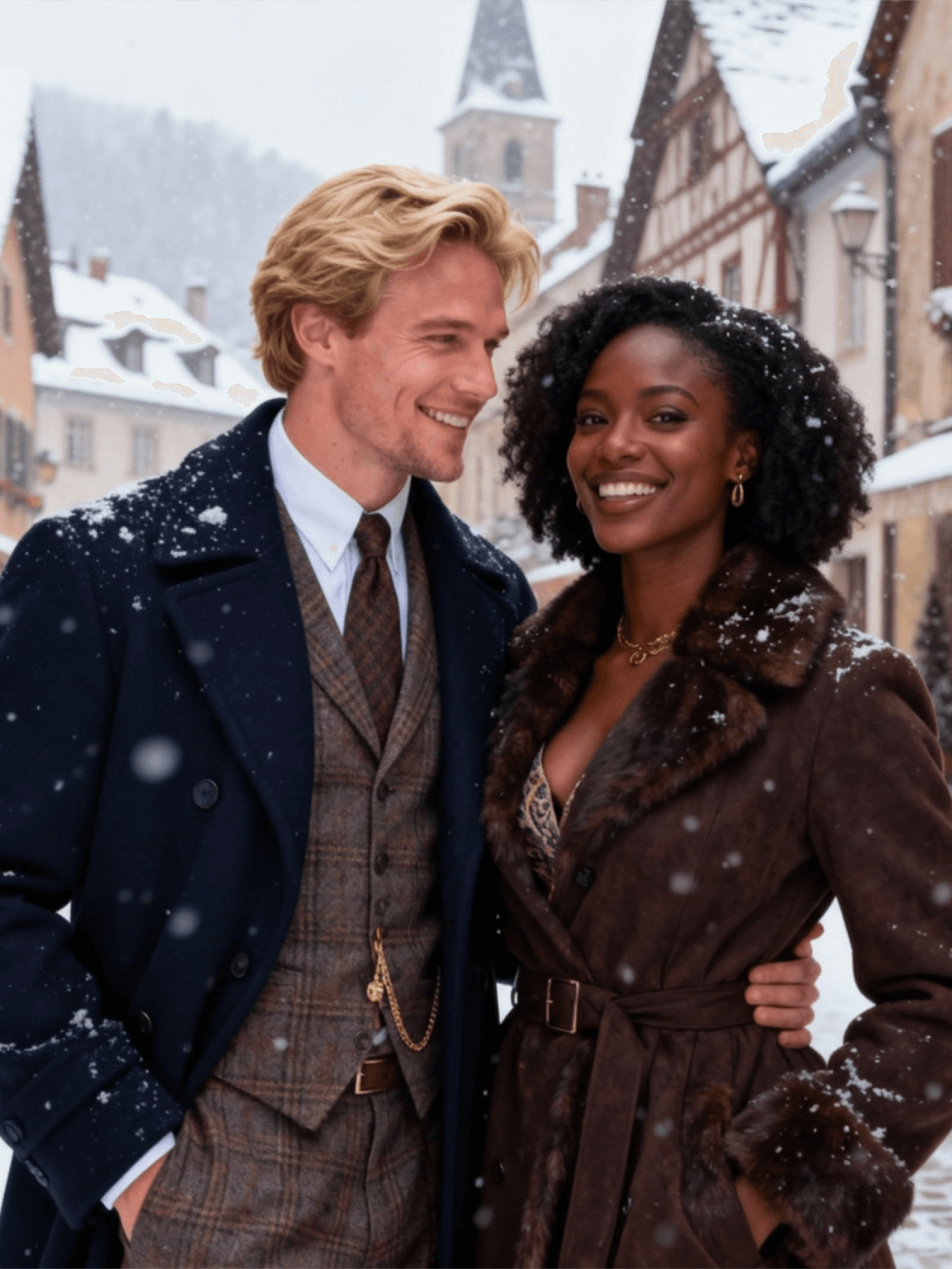
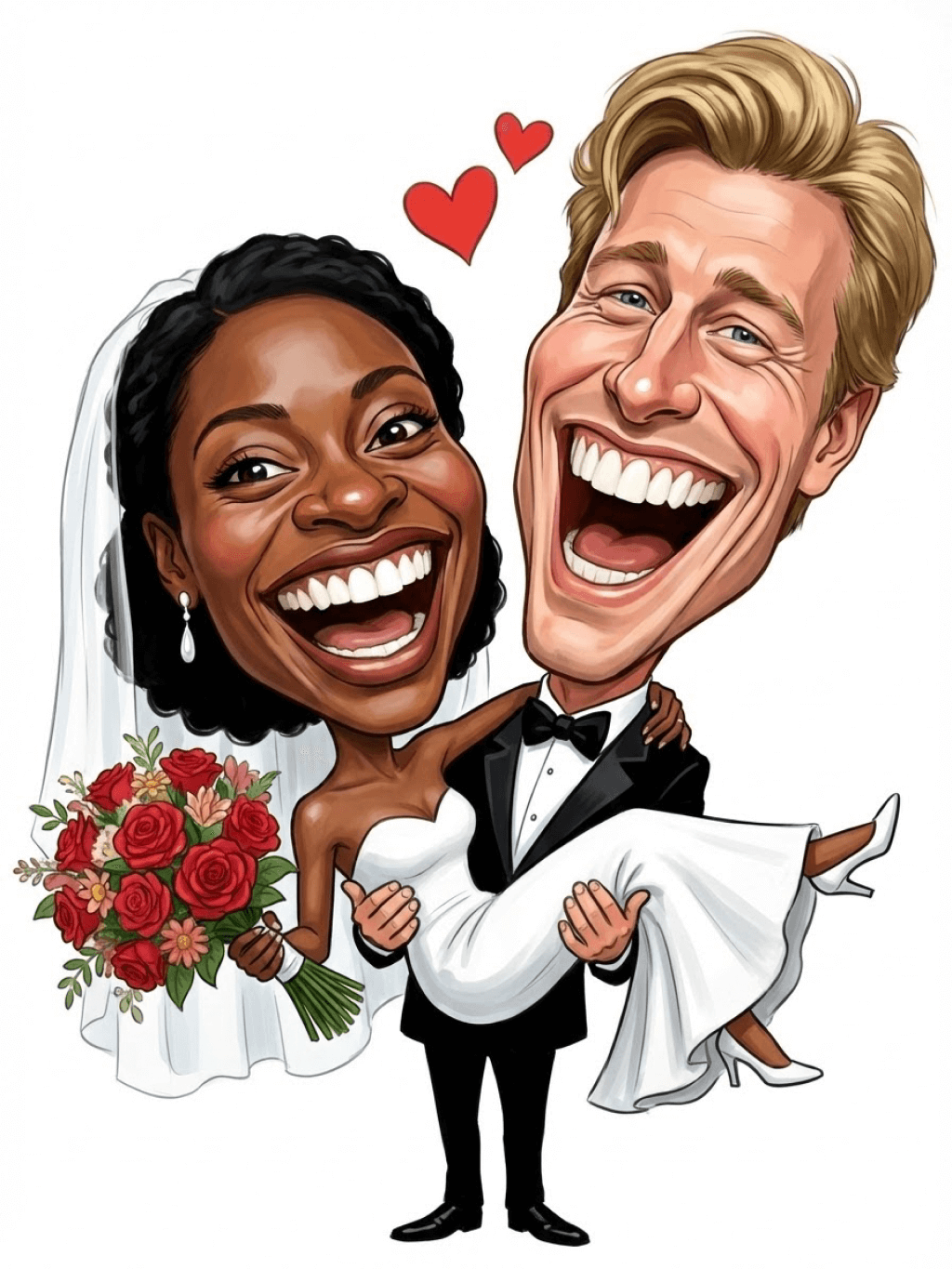
Character: The main figure in the picture. Core: An exaggerated comic with a wedding photo theme. Style: A highly exaggerated cartoon comic style, presented through digital painting. Head: Both of their heads are significantly enlarged, with distorted proportions, while the bodies are relatively smaller. Facial features: The facial muscles are extremely exaggerated, with deep expressive lines around the eyes and mouth, a very large and prominent nose, and very large teeth. Expression: An extremely exaggerated and joyful wide-open mouth laugh, with bulging eyes, fully matching the joyful mood in the reference image. Both are looking directly at the camera. Light and details: Sharp highlights on the forehead, nose, and cheekbones, contrasting with deep, smooth shadows to emphasize the exaggerated contours. Clean, smooth digital brush strokes. Background: A pure white background, with two red hearts decorating the gap between the two heads. Appearance: A one-to-one replica of the main character in the picture. Costume: The bride is wearing a white strapless wedding dress with a veil, and the groom is wearing a black tuxedo with a bow tie. Posture: Full body, both looking at the camera, the groom holding the bride like a princess, and the bride holding a red rose bouquet of flowers.
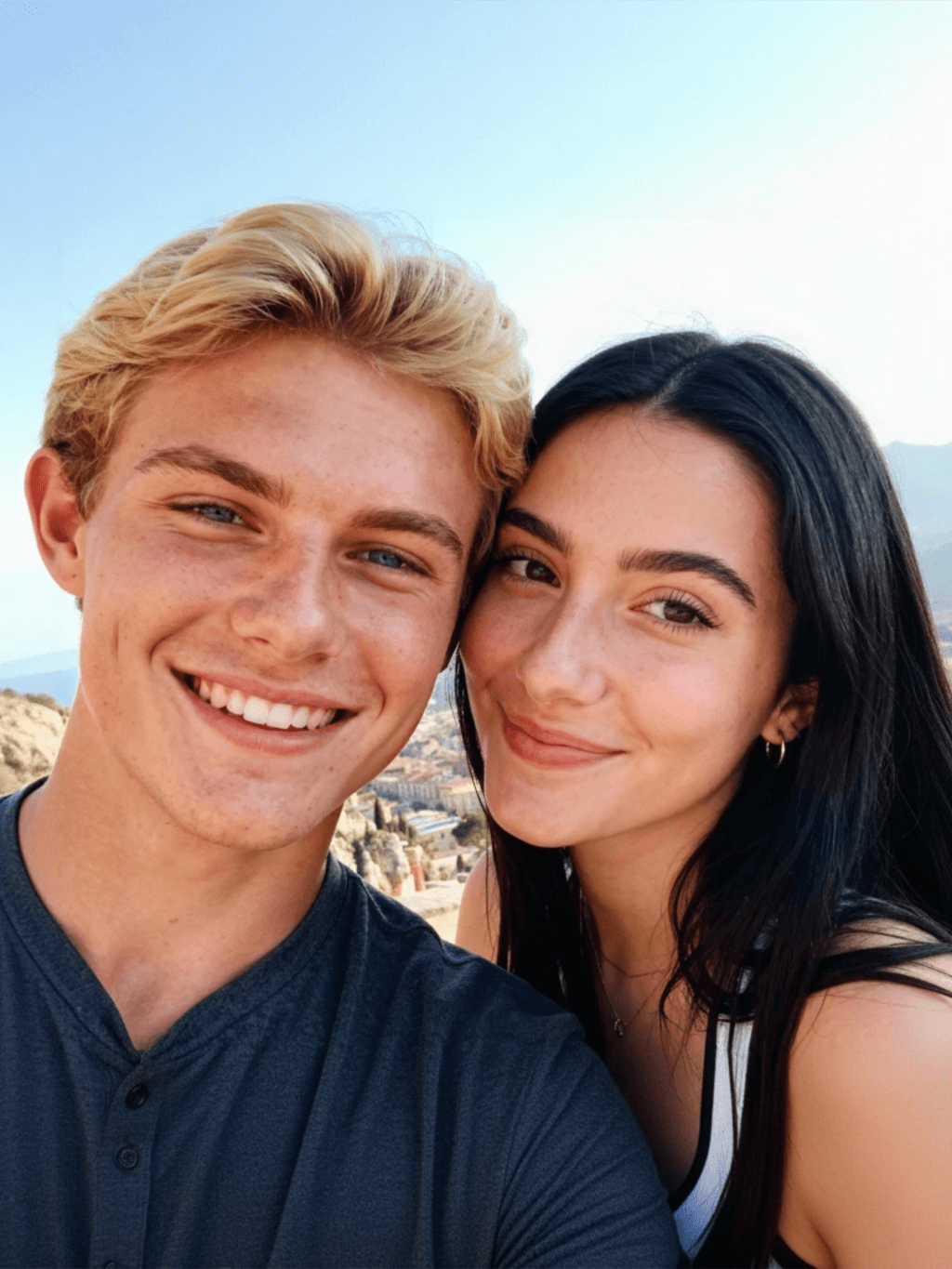
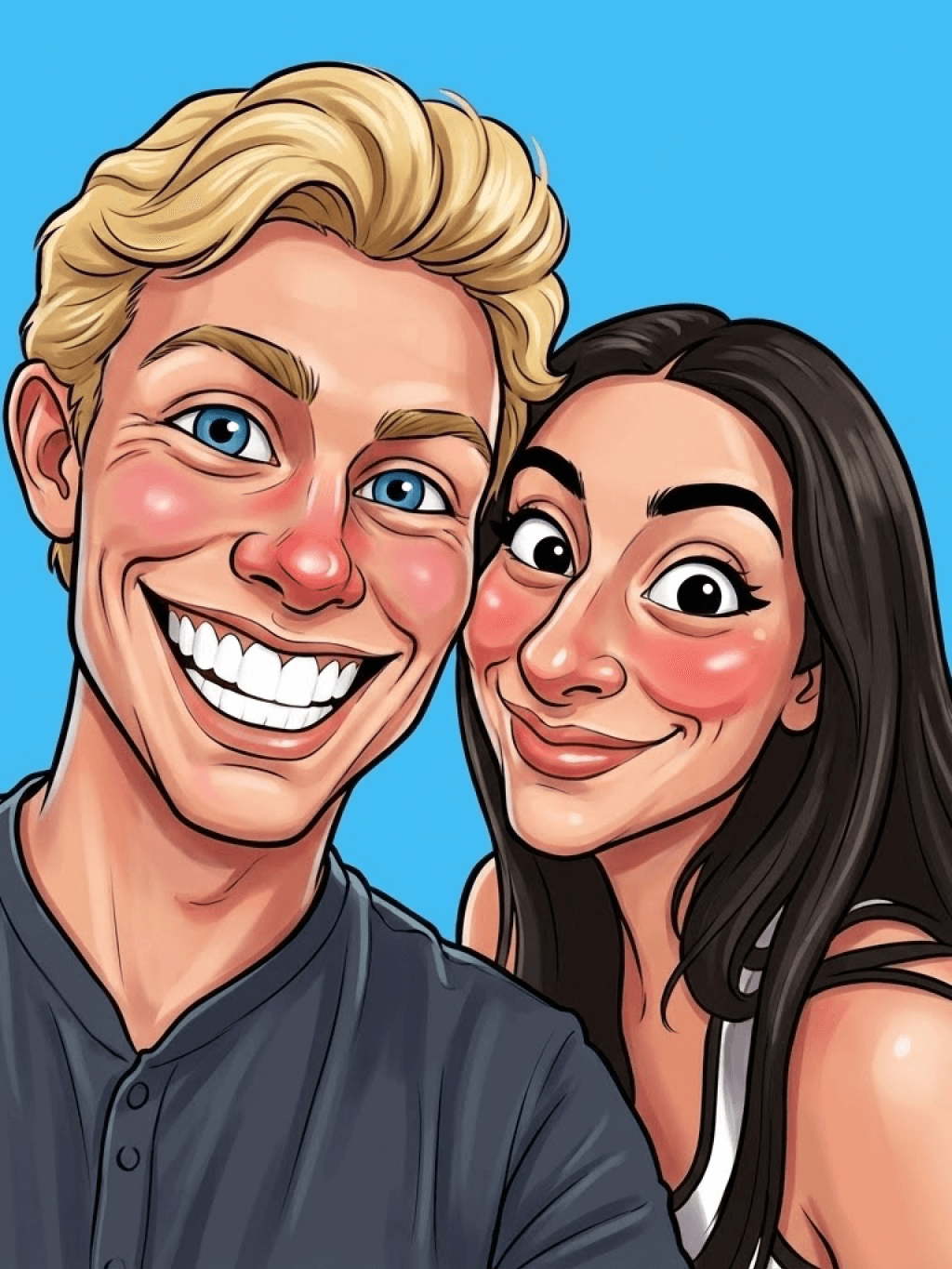
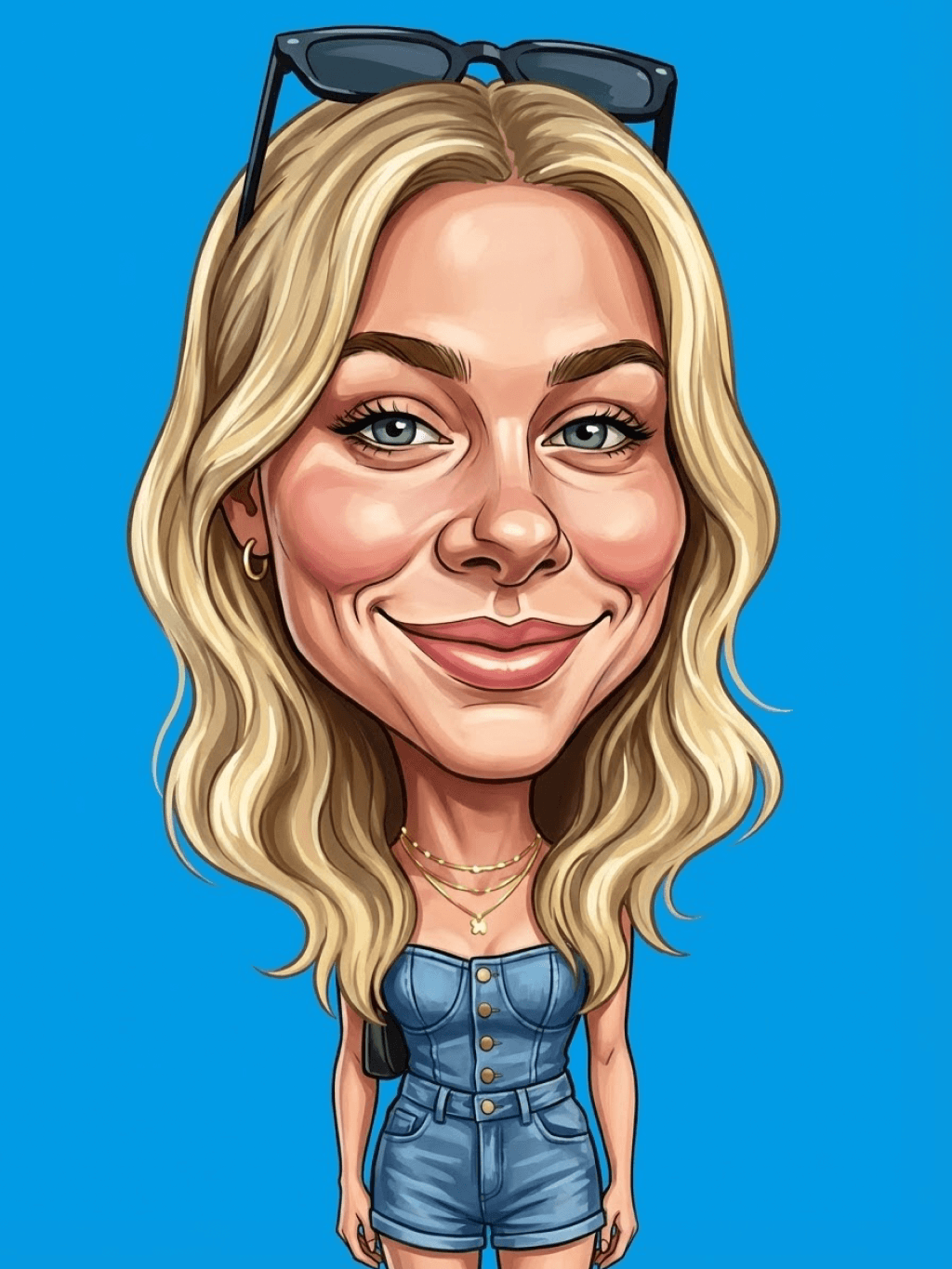
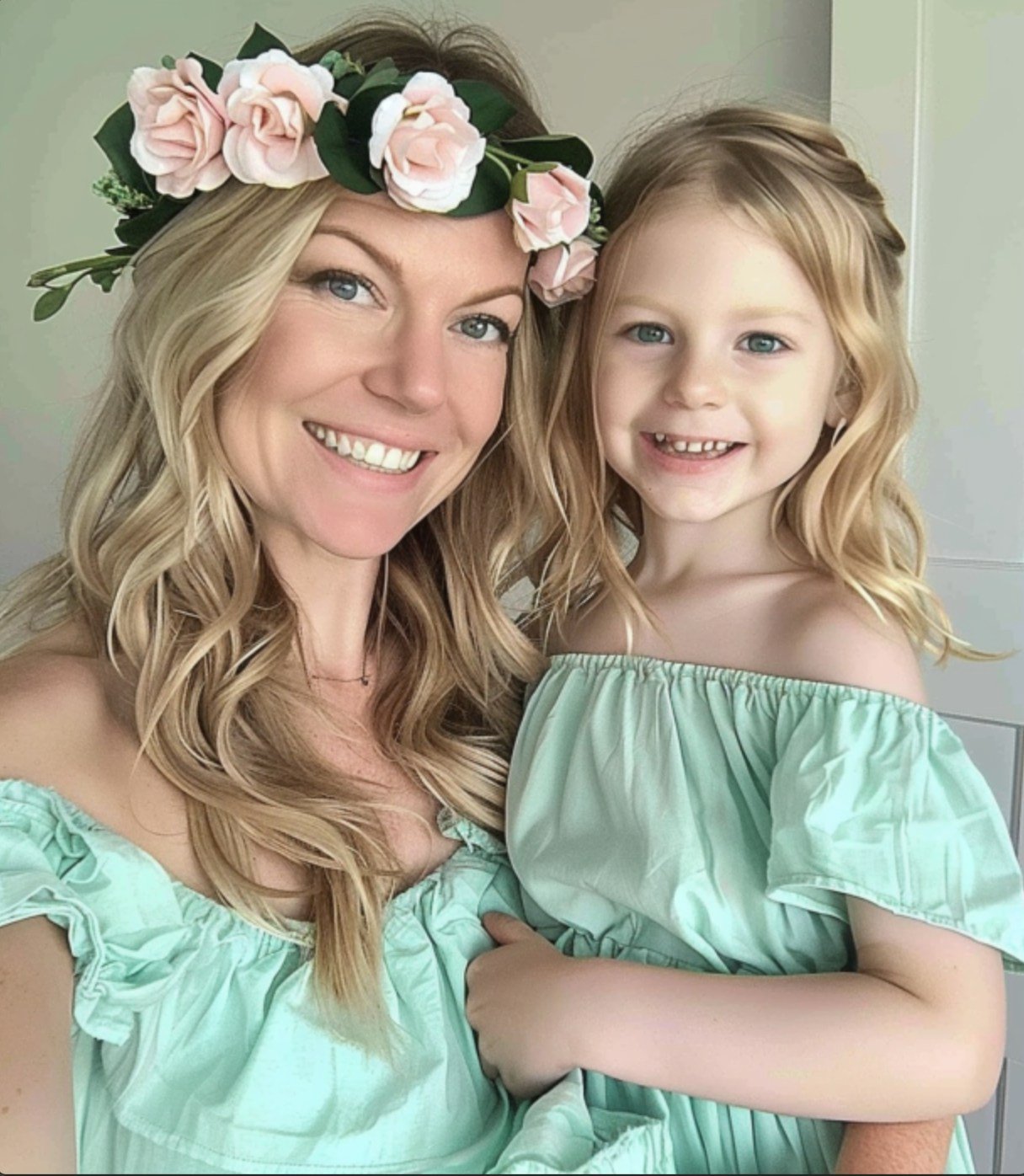
Main character: The person in the picture Art style: Exaggerated cartoon style. Bright colors, bold outlines. Character blush. Proportion: The heads are significantly enlarged and the proportions are distorted. Facial features: Exaggerated processing based on the facial features of the reference figure, exaggerated facial muscles, extremely exaggerated facial features (big mouth, big teeth, big eyes, big nose), funny expressions. Expression: Reproduce the main character's expression in the picture and exaggerate it. Facing the camera. Hair: Reproduce the hairstyle of the main character in the picture. Clothing: Exactly the same as the main character's clothing in the picture. Background: Solid color background. Light and details: Styled highlights and shadows, highlighting the facial contours, with the typical smooth texture of digital painting. Posture: Affectionate action, head touching head, looking at the camera, half-length portrait
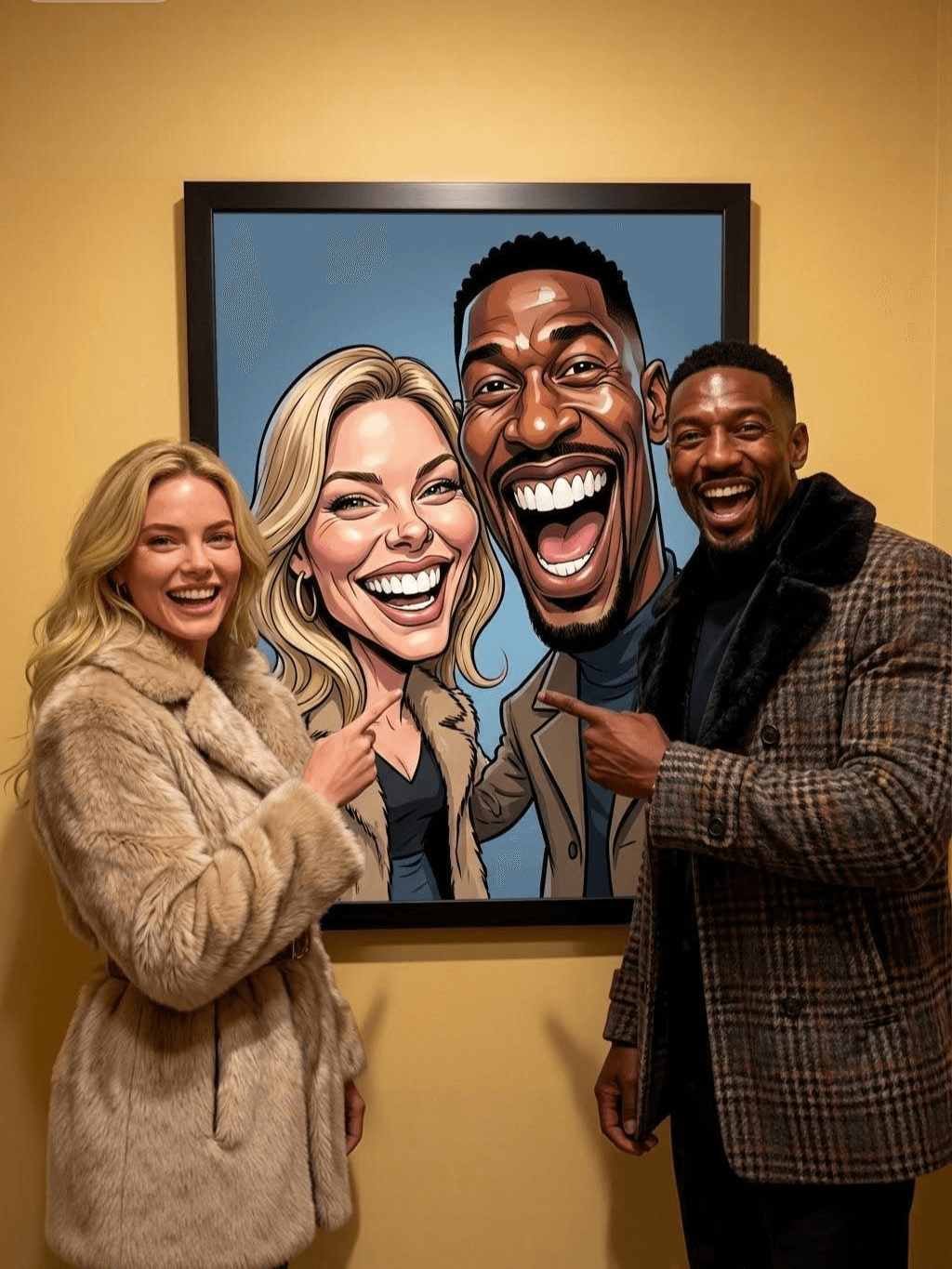
Subject: The main figure in the picture. Core: A high-resolution real photo showing a couple standing beside a framed painting hanging on the wall. The center of the picture features a large black-framed portrait. The content is an exaggerated caricature style of the main character: extremely exaggerated facial features (big mouth, big teeth, big eyes, big nose), with a funny expression. Portrait: Black simple border (no white border), style: highly exaggerated cartoon comic style, presented by digital painting. Head: Both people's heads are significantly enlarged, with distorted proportions, while the body is relatively smaller. Facial features: Facial muscles are extremely exaggerated, there are deep expressive lines around the eyes and mouth, the nose is very large and prominent, and the teeth are also very big. Comic expression: Extremely exaggerated, joyful mouth wide open laughter, eyes bulging, fully matching the joyful mood in the reference image. Both are looking directly at the camera. Light and details: Sharp highlights on the forehead, nose, and cheekbones, contrasting with the deep, smooth shadows to emphasize the exaggerated contours. Clean, smooth digital brushstroke texture. Low saturation blue as the background of the portrait. Style: One-to-one replication of the main figure in the picture Clothing: One-to-one replication of the main character's clothing Photo scene: Indoor, with warm decoration, warm yellow background wall Posture: The main figure stands in front of the portrait, looking at the camera, with one hand raised in front of the chest pointing at the portrait on the wall. Warm lighting, natural integration of light and shadow, clear image quality, 8K
Subject: The main character in the picture. Art style: Exaggerated cartoon style. Head: The head is enlarged while the body is relatively small. Facial features: Exaggerated facial muscles, exaggerated facial lines, and a large nose. Expression: Reproduce the expression of the main character in the picture and exaggerate it. Looking at the camera. Family name: Exactly the same as the appearance of the main character in the picture. Attire: One-to-one reproduction of the main character's outfit in the picture. Background: Solid color background. Lighting and details: Stylized highlights and shadows, highlighting the facial contours, with a smooth feel typical of digital painting. Pose: Frontal half-length portrait
Retain all the details of the image and convert it to color.
Use the character from the uploaded image exactly as it appears — keep all features, colors, proportions, and style unchanged. Create a four-panel comic/storyboard with each panel showing a different scene of the character. Maintain the same cartoon art style as the reference image. Add speech bubbles/dialogues for the character in each panel, appropriate to the story. Ensure visual continuity: same background style, color palette, and lighting consistent across all panels. Focus on clear composition, expressive poses, and readable dialogue. Output: four distinct panels forming a coherent story.
Refer to Figure 2 and convert the style of Figure 1
Generate a set of powerful 3-panel Japanese anime storyboards by referring to the image
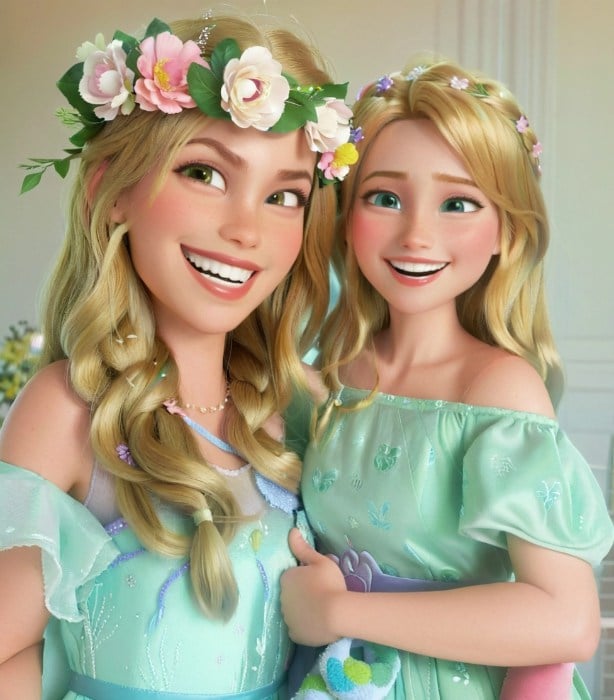
Polaroid 2:3 photo: IMG1 person and IMG2 cartoon character hugging like friends, smiling and laughing, heads close together, looking at the camera, hips-up; original clothes; white-curtain background; cartoon character’s arms naturally around person, proportions adjusted for natural interaction; subtle shadowing for depth; strong flash, slight overall blur, soft light vignette, no omissions; no face-swap, no distortion; classic white-border Polaroid, flat on white table, back flush, 90° top-down, zero tilt, no extras.
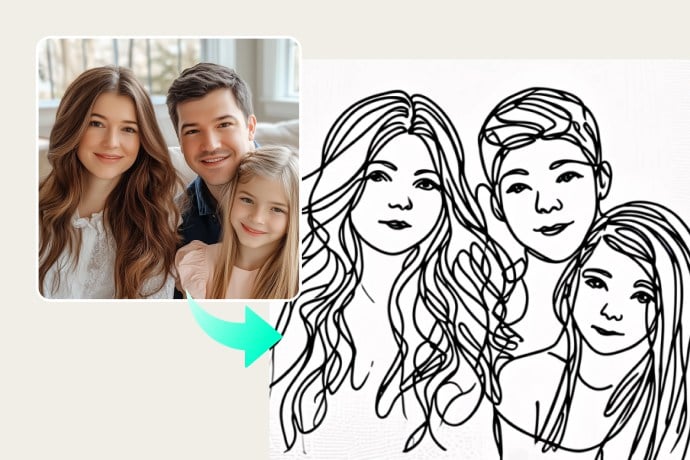
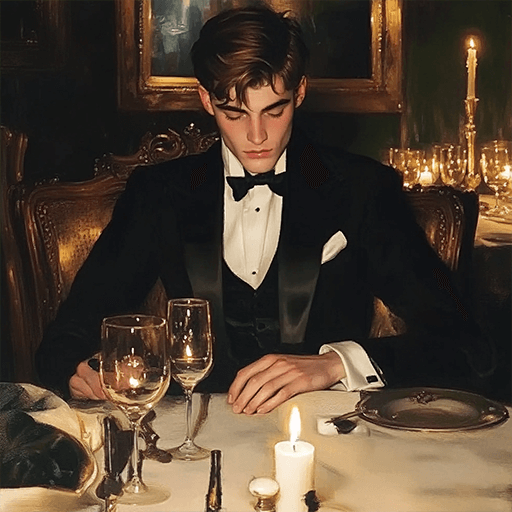
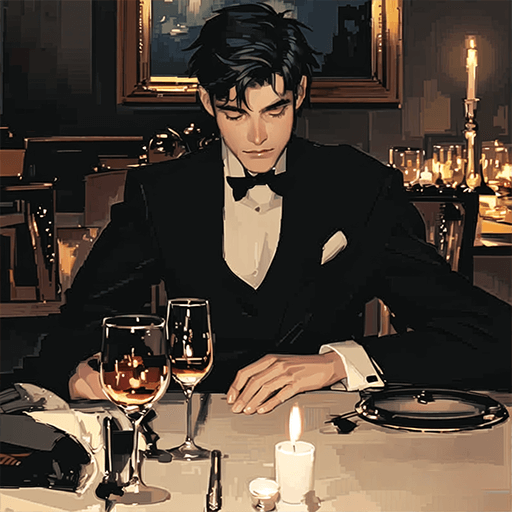
Optimize the line drawing, transform it into a Japanese anime style and color it to add a campus background
Young Millionaire Photo to Anime Cartoon
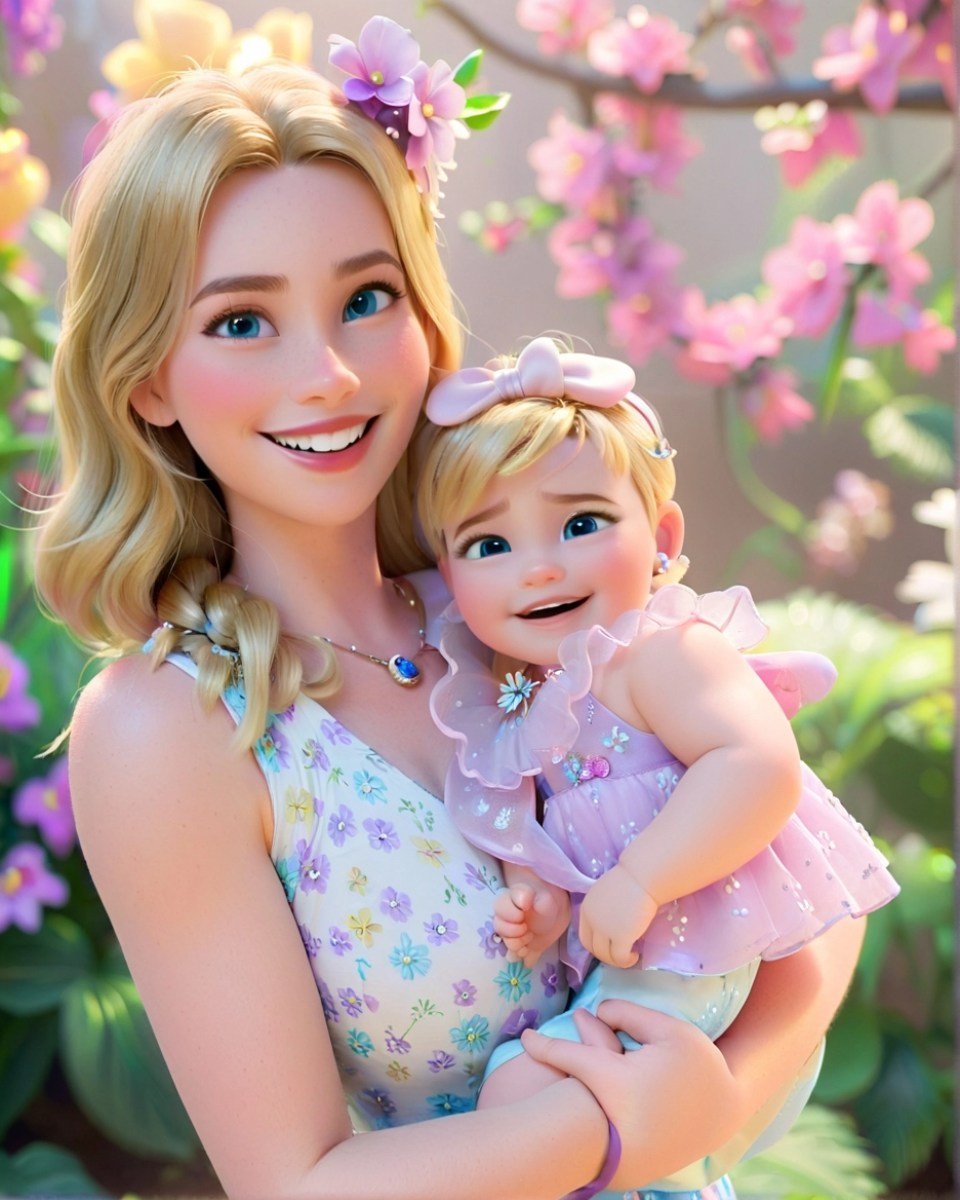
Mother's Day Disney Filter
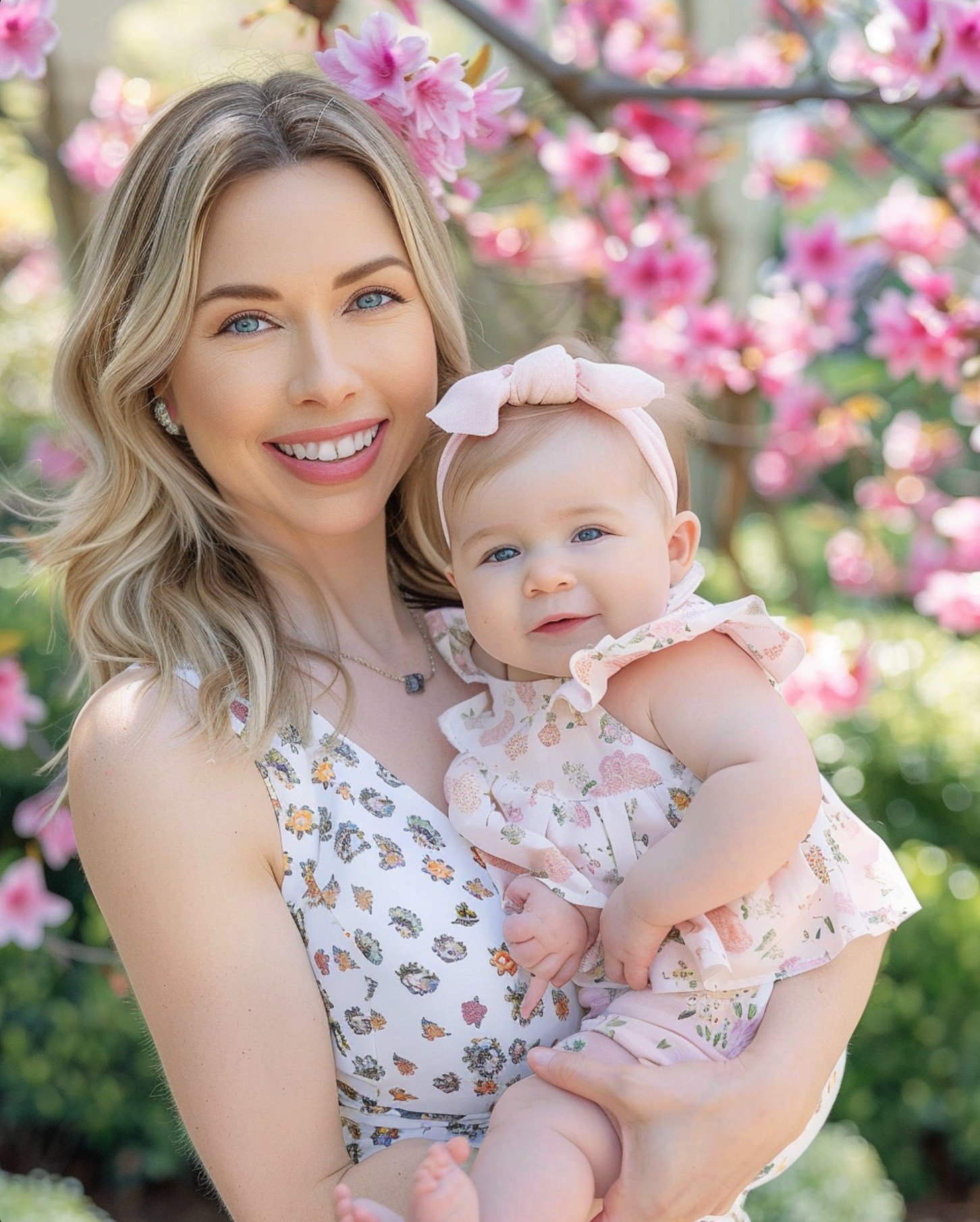
Disney Style Mother Holding Baby
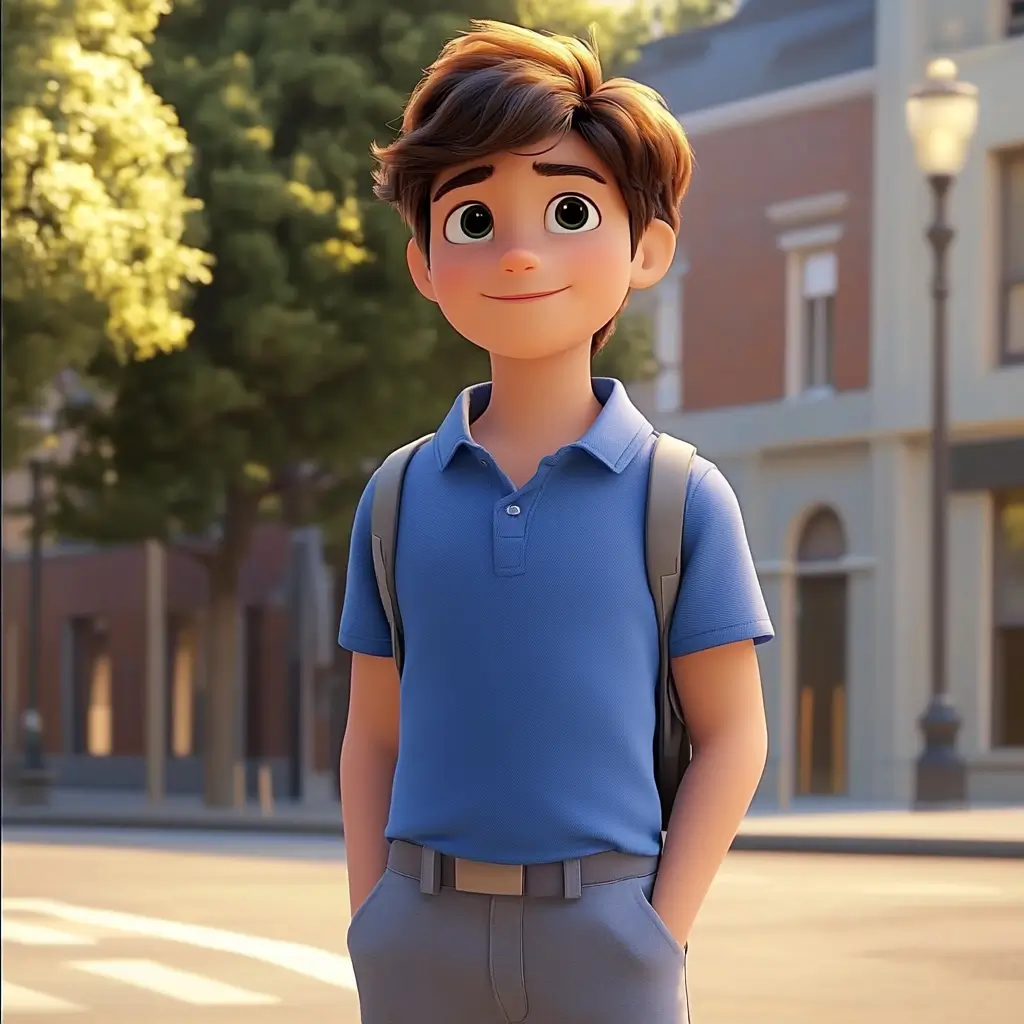
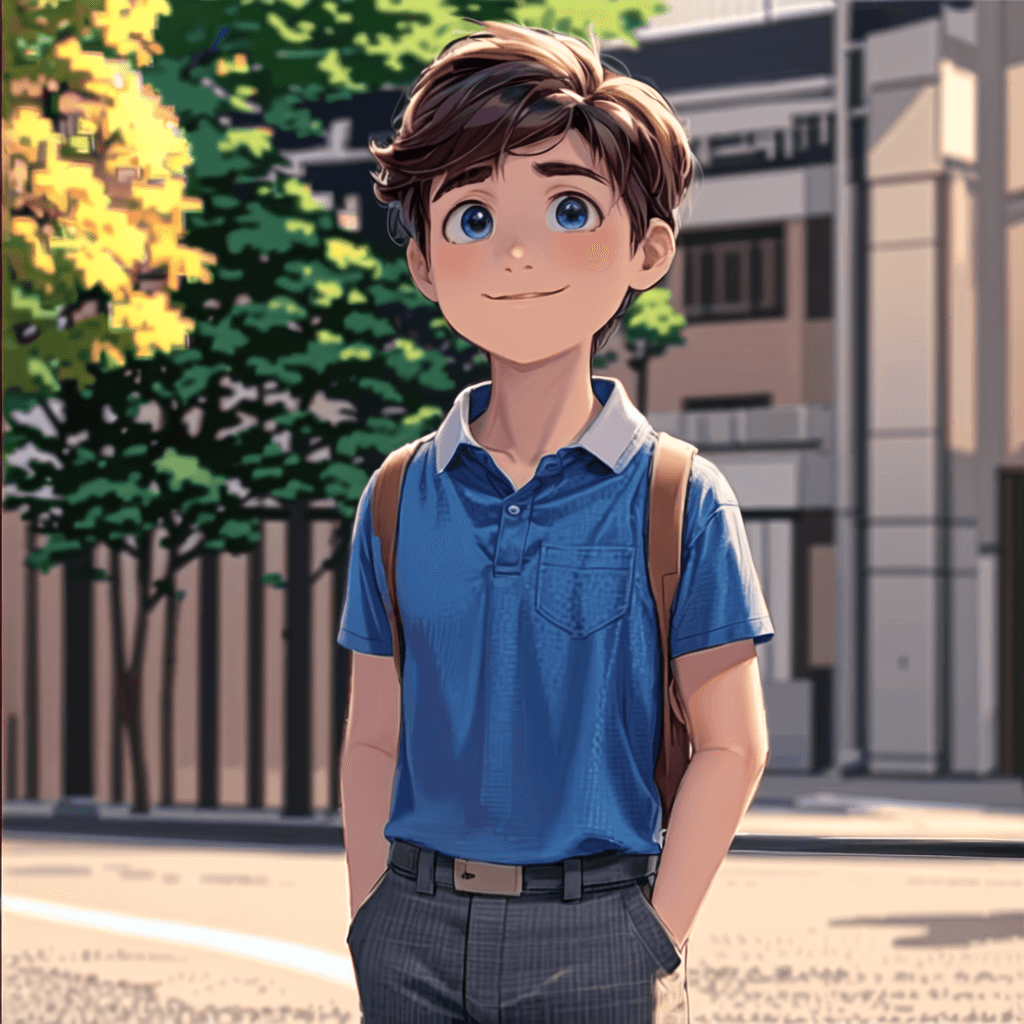
Cute Cartoon Boy
Cute Cartoon Boy
Cute Cartoon Boy
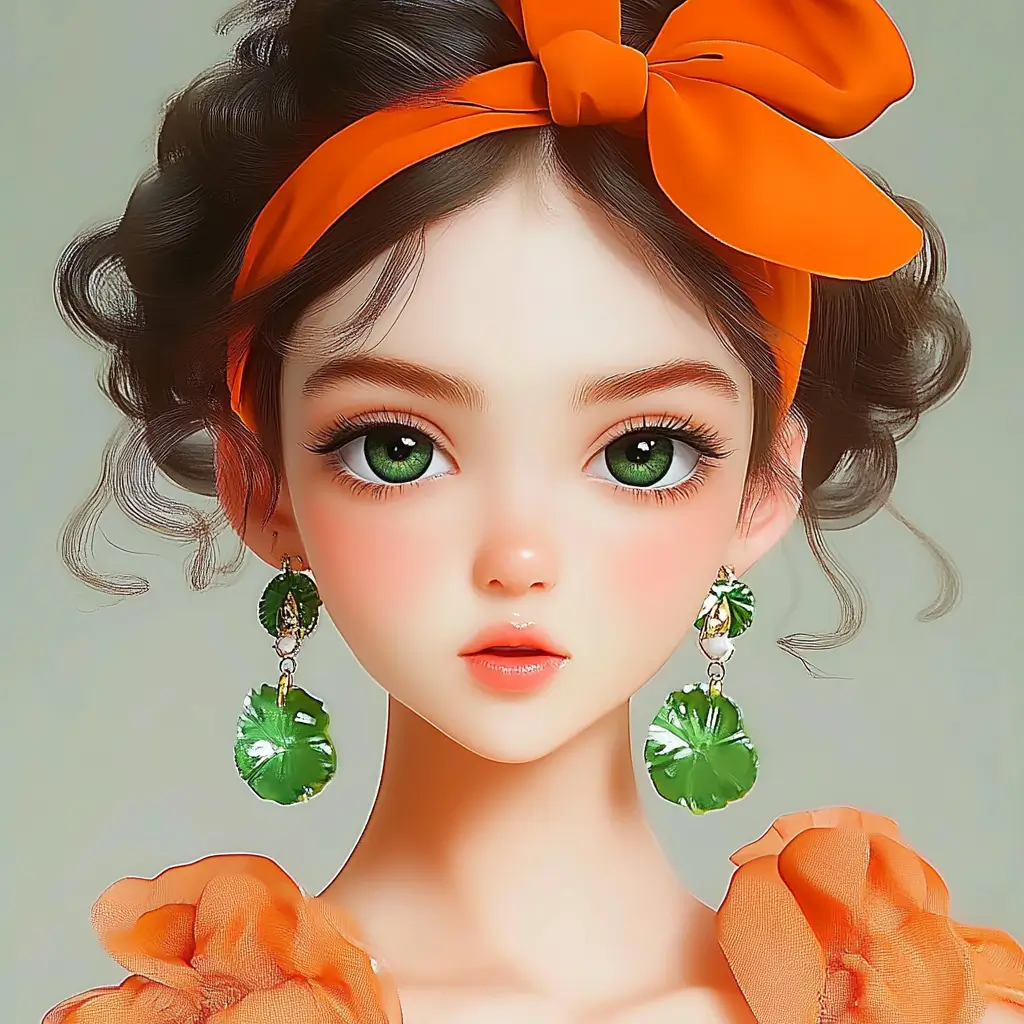
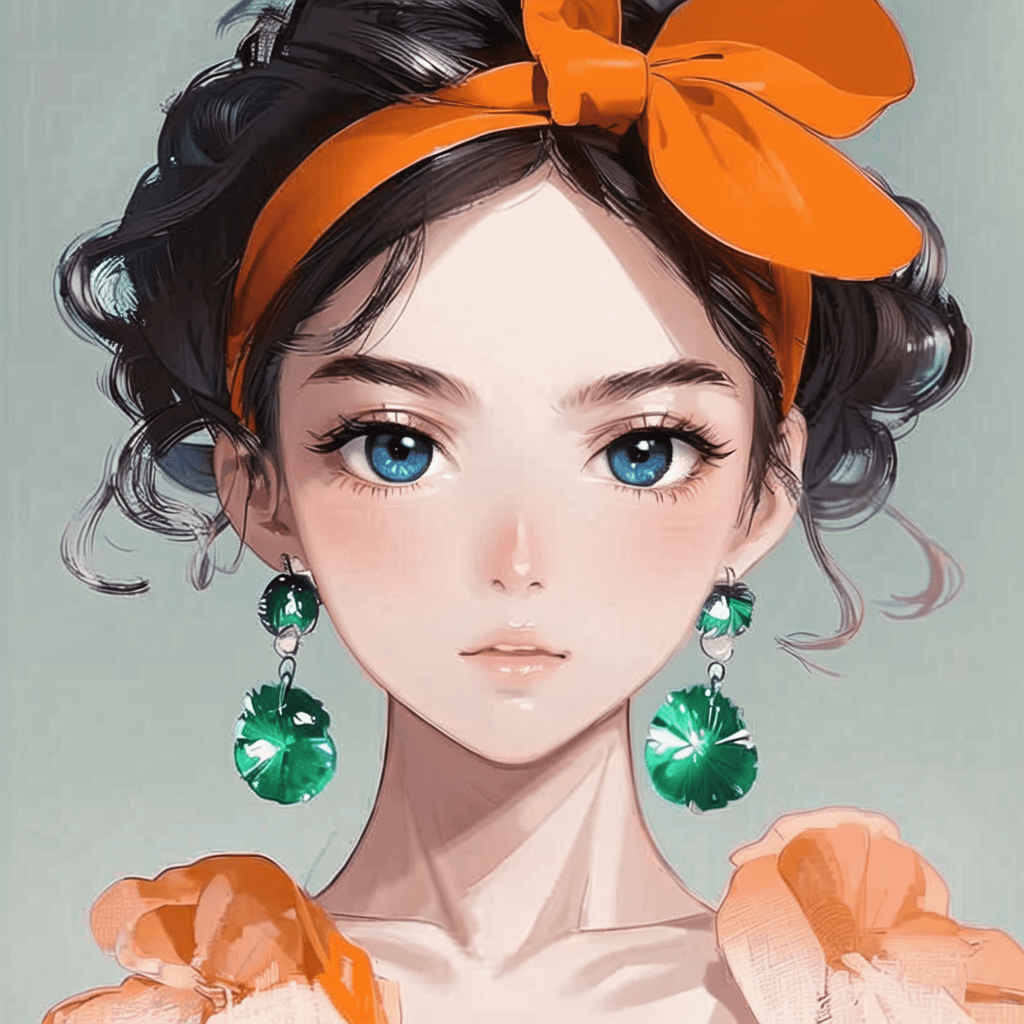
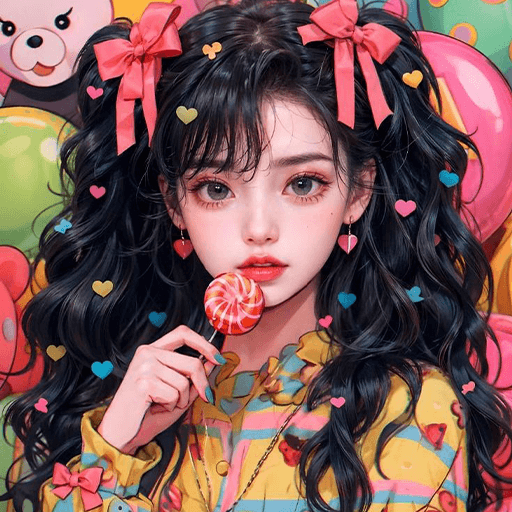
Attractive Anime Girl Filter
A girl in a blue shirt and black jacket sitting at a table with coffee and drinks, A steampunk-style background featuring intricate gears, brass pipes and glowing lights illuminating the scene. A desk with mechanical tools is in sharp focus while surrounding walls display vintage timepieces and cogs.
depicting futuristic cities with towering skyscrapers made from metallic gold and green hues. Include flying cars and high-tech elements to create a sense of wonder in space and cyberpunk aesthetics.
Beautiful Anime Girl
A cute cartoon black cat is lying in the box, yellow eyes, pink ears
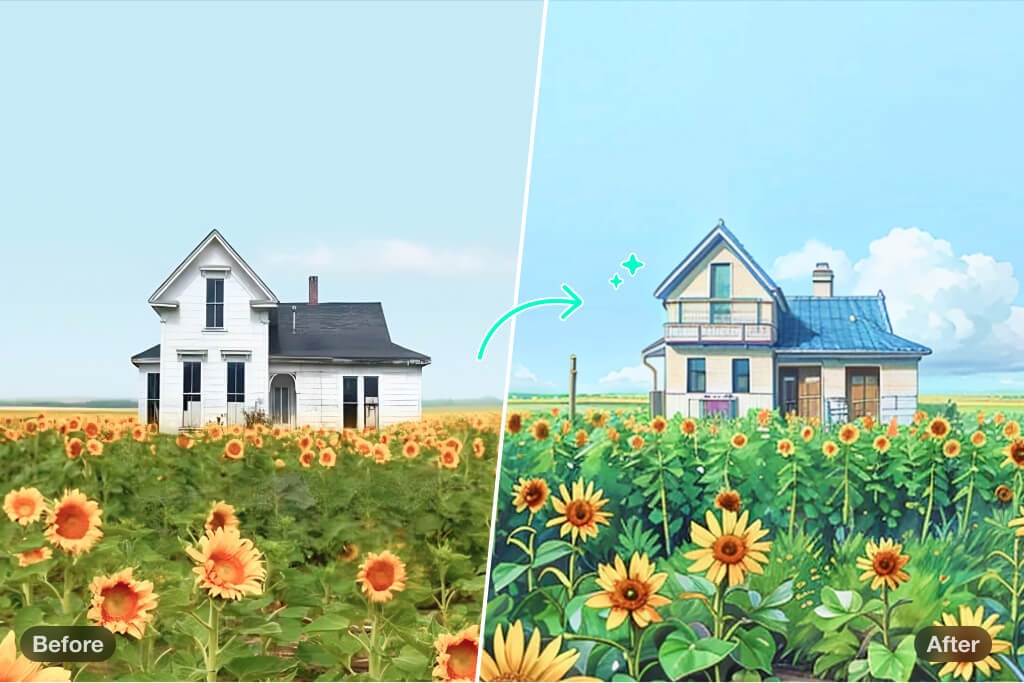
Transformez vos photos de paysage en art de style Studio Ghibli

Transformez vos photos de paysage en art de style Studio Ghibli

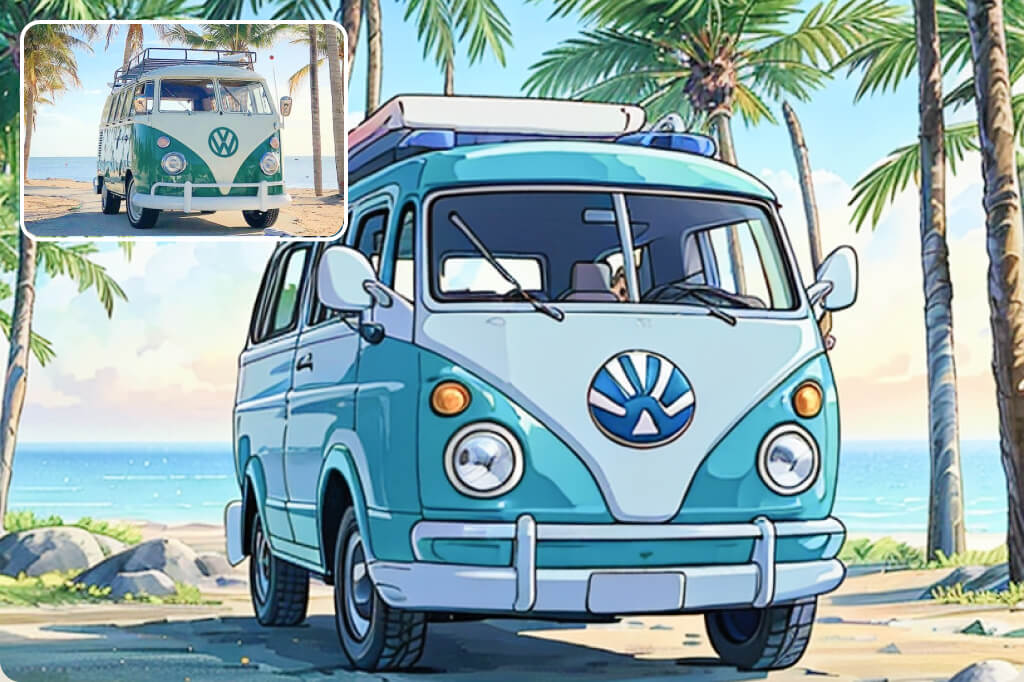
Donnez une atmosphère féerique à vos photos d'extérieur grâce au filtre Studio Ghibli. Que ce soit des collines ondulantes, des lacs scintillants, des plages au coucher du soleil ou des rues urbaines animées, ce filtre sublime chaque détail et les transforme en illustrations dignes d'un conte de fées.

Avec ses couleurs riches, ses textures douces et son esthétique unique, vos photos paraîtront tout droit sorties d'un anime. Idéal pour sublimer vos clichés de voyage, créer des décorations murales saisissantes, ou explorer votre créativité. Téléchargez votre photo, sélectionnez le filtre Studio Ghibli, et admirez le résultat sous un nouveau jour.

Convertir Photo en Art Ghibli
Transformez vos portraits avec le style Ghibli

Transformez vos portraits avec le style Ghibli

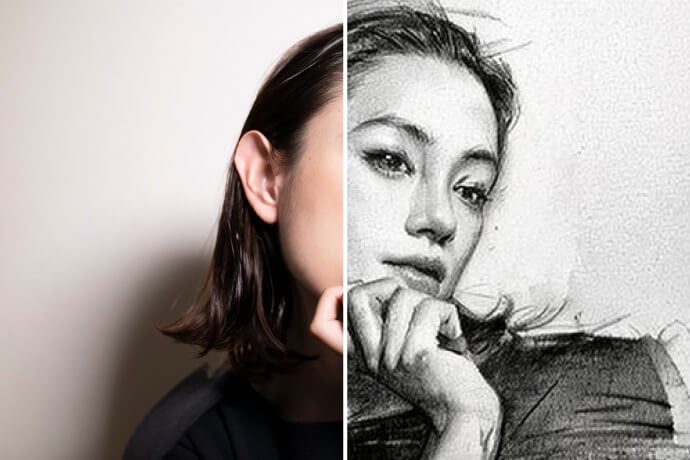
Ajoutez une touche de magie Ghibli à vos portraits. Qu'il s'agisse de selfies, de photos de famille ou de souvenirs entre proches, notre filtre transforme vos images en œuvres captivantes. Il met en valeur les traits du visage, adoucit les teintes et insuffle une dose de nostalgie et de rêve.

Vous adorerez le rendu final, inspiré du style Studio Ghibli, avec une qualité de dessin à la main. C'est parfait pour créer une photo de profil originale, un cadeau personnalisé ou simplement pour laisser libre cours à votre imagination. Essayez dès aujourd'hui et transformez vos portraits en art Studio Ghibli !
Convertir Photo en Art Ghibli
Créez des illustrations époustouflantes inspirées de Ghibli

Créez des illustrations époustouflantes inspirées de Ghibli

Vous travaillez sur un projet créatif ? Vous explorez de nouveaux styles artistiques ? Le filtre Studio Ghibli vous offre un équilibre parfait entre fantaisie et précision. Conçu pour les artistes, les amateurs et les fans, il permet de générer un art Studio Ghibli onirique accessible à tous.

Il est idéal pour créer des illustrations personnalisées, des storyboards ou des designs numériques. Notre intelligence artificielle conserve chaque détail tout en ajoutant des textures douces et des teintes subtiles, fidèles à l'univers visuel de Ghibli. Rapide, intuitif, et infiniment inspirant !
Convertir Photo en Art Ghibli
Éblouissez vos abonnés avec des photos en style Ghibli sur les réseaux sociaux

Éblouissez vos abonnés avec des photos en style Ghibli sur les réseaux sociaux

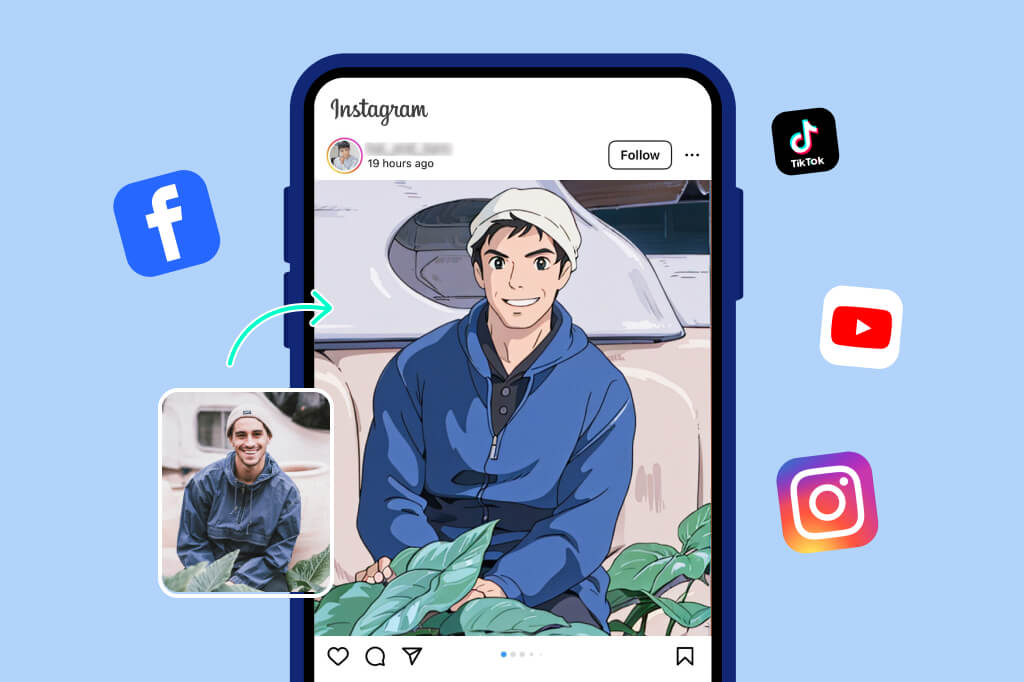
Envie de vous démarquer sur Instagram, Facebook ou TikTok ? Publiez des créations dans le style Studio Ghibli ! Paysages féeriques, portraits rêveurs ou illustrations artistiques — l'esthétique du filtre attirera tous les regards et suscitera de belles interactions.

Il suffit de télécharger votre image, d'appliquer le filtre Studio Ghibli, et insMind s'occupe du reste en quelques secondes. Que ce soit pour le plaisir personnel ou pour renforcer votre image de marque, les photos en style Ghibli laisseront une impression durable. Faites de chaque post une œuvre d'art !
Convertir Photo en Art Ghibli
Créez de l'art Ghibli partout, à tout moment

Créez de l'art Ghibli partout, à tout moment

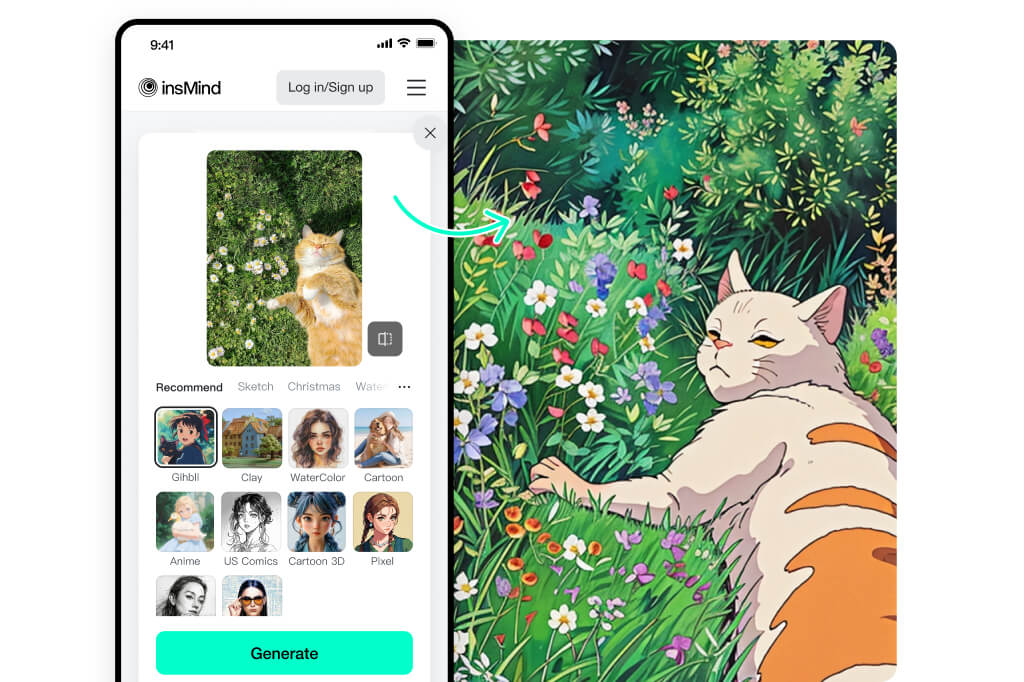
En file d'attente, en voyage ou pendant une pause café ? Emportez la magie de Ghibli partout avec vous ! Que vous soyez sur smartphone, tablette ou ordinateur, notre plateforme intuitive vous permet de créer de magnifiques images en seulement quelques clics.

Téléchargez une photo, appliquez le filtre Studio Ghibli, et regardez-la se transformer en un clin d'œil. C'est aussi simple que cela. Où que vous soyez, laissez votre créativité vous suivre.

Convertir Photo en Art Ghibli

Explorez Plus de Filtres et Styles de Photos AI

Comment transformer votre photo en art Studio Ghibli ?
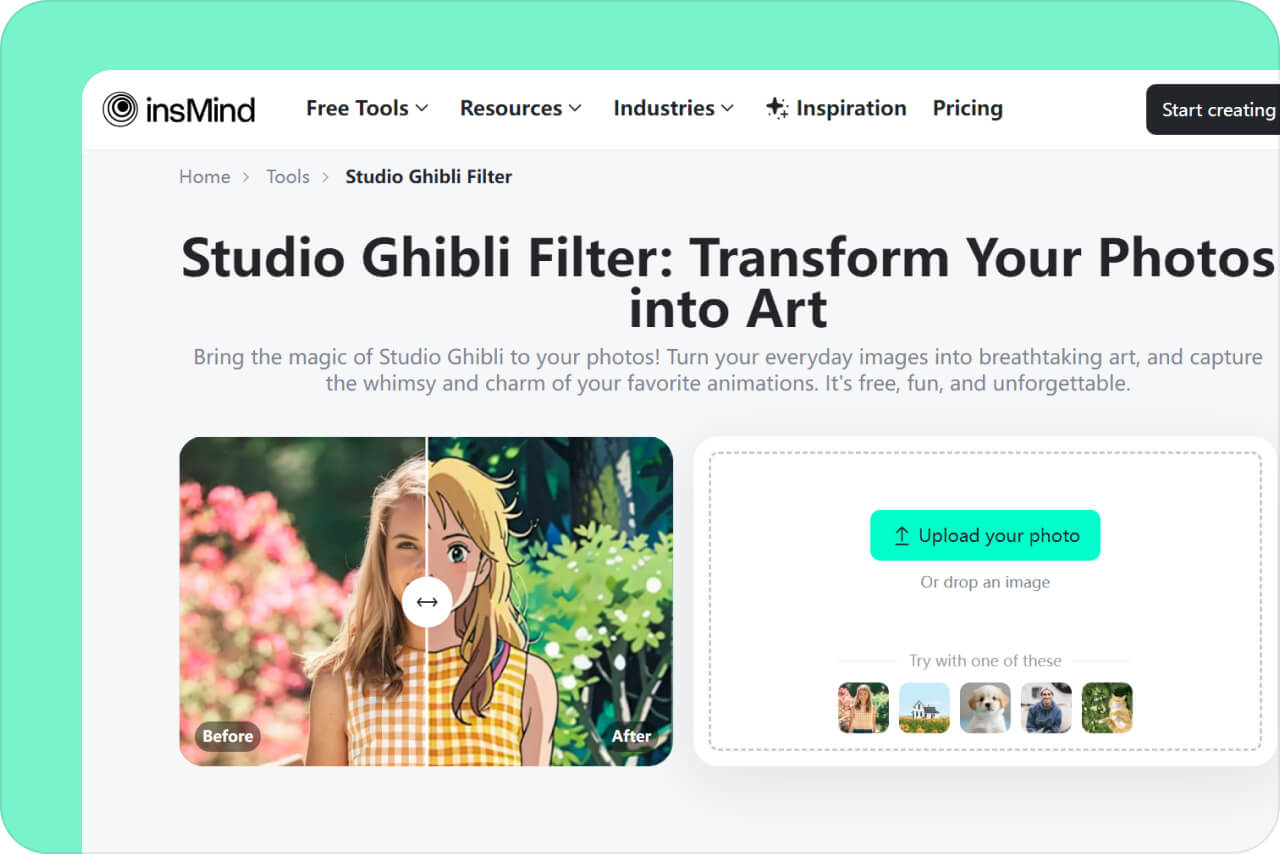
Téléchargez votre image
1

1 Téléchargez votre image

Cliquez sur « Télécharger une photo » et sélectionnez une image depuis votre appareil ou votre galerie. Cela peut être un paysage, un portrait, une illustration, ou même un simple gribouillage. Notre outil prend en charge plusieurs formats et types d'images.
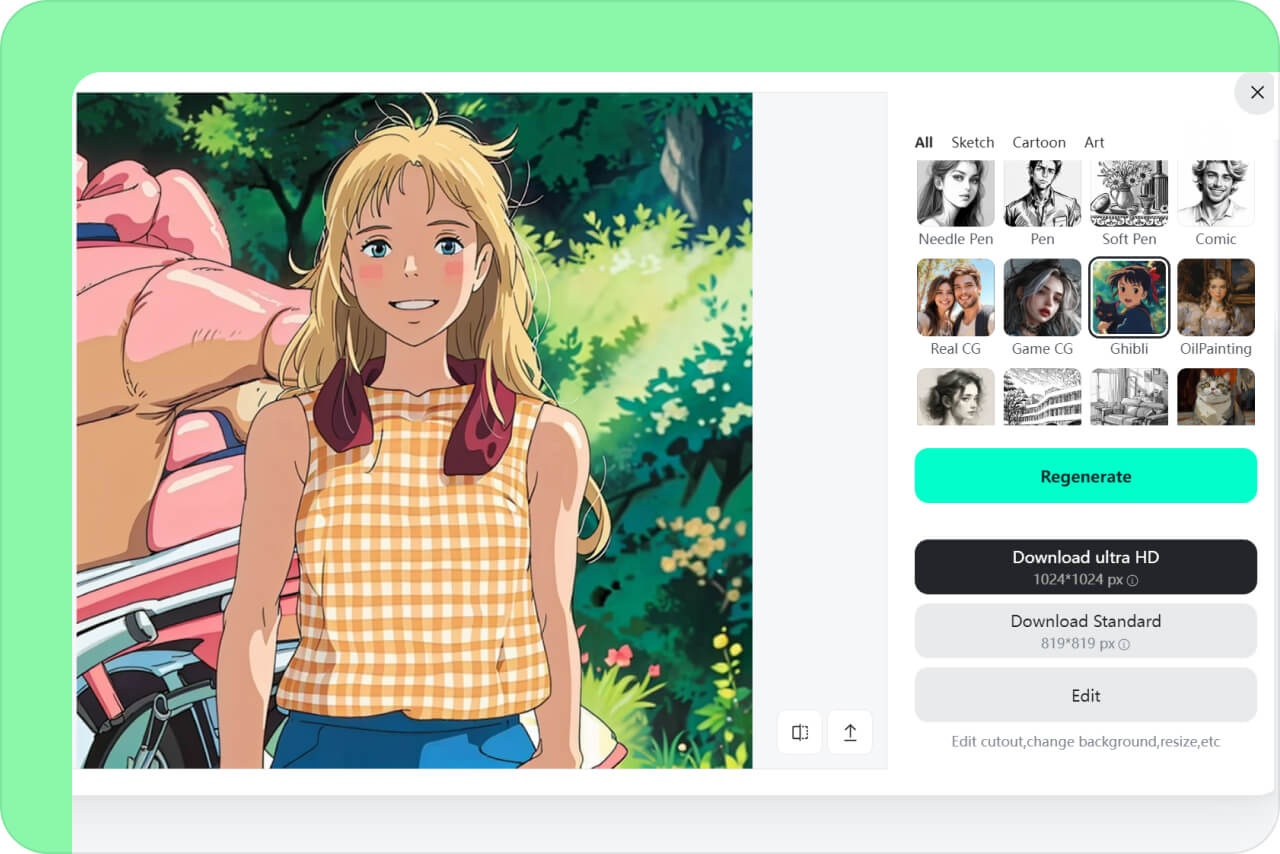
Ajoutez l'effet Ghibli
2

2 Ajoutez l'effet Ghibli

Après avoir importé votre image, explorez notre galerie de filtres et sélectionnez le filtre Studio Ghibli. Cliquez sur « Générer » et laissez notre IA capter l'essence magique d'un conte illustré pour transformer votre photo.
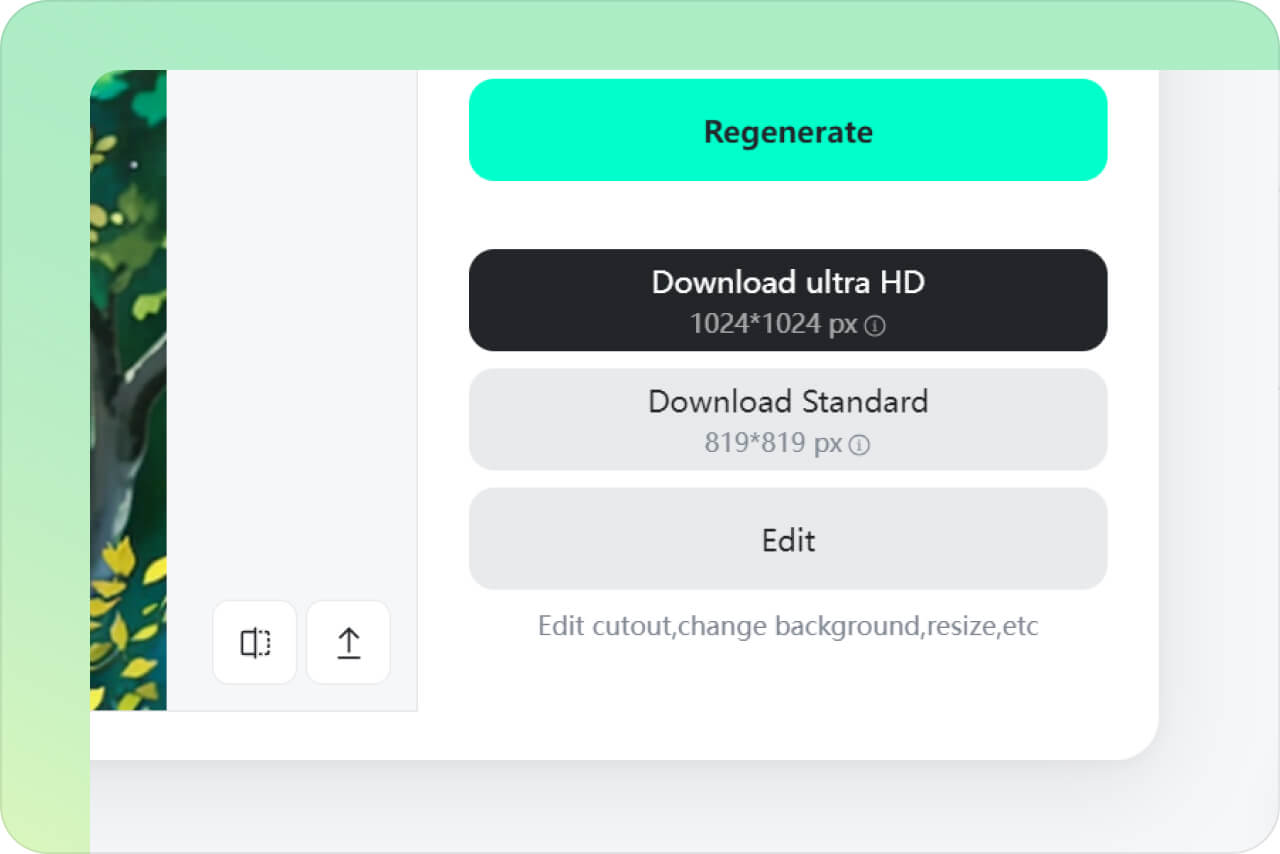
Téléchargez votre image artistique
3

3 Téléchargez votre image artistique

Une fois satisfait du résultat, vous pouvez télécharger l'image sur votre appareil en un clic. Partagez-la sur les réseaux sociaux, imprimez-la comme souvenir ou utilisez-la comme bon vous semble !

Filtre Studio Ghibli d'insMind AI – La meilleure solution créative pour tous

En panne d'inspiration sur un projet créatif ? Essayez le filtre Studio Ghibli d'insMind. Transformez vos projets dans tous les domaines en visuels captivants et inspirants, avec un rendu de qualité professionnelle.
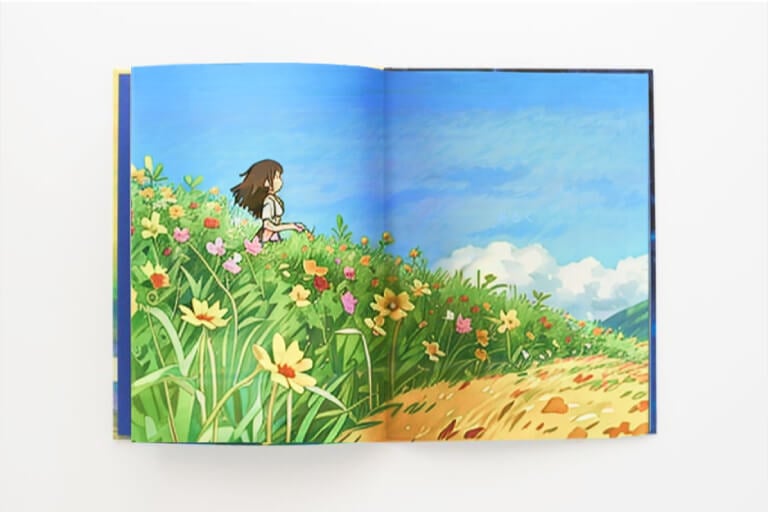
Illustrations de contes pour enfants

Illustrations de contes pour enfants

Si vous êtes illustrateur·rice, le filtre Studio Ghibli peut transformer vos croquis en images dignes d'un studio d'animation. Vos personnages et décors prennent vie avec une touche douce et onirique qui parlera aux lecteurs de tous âges.
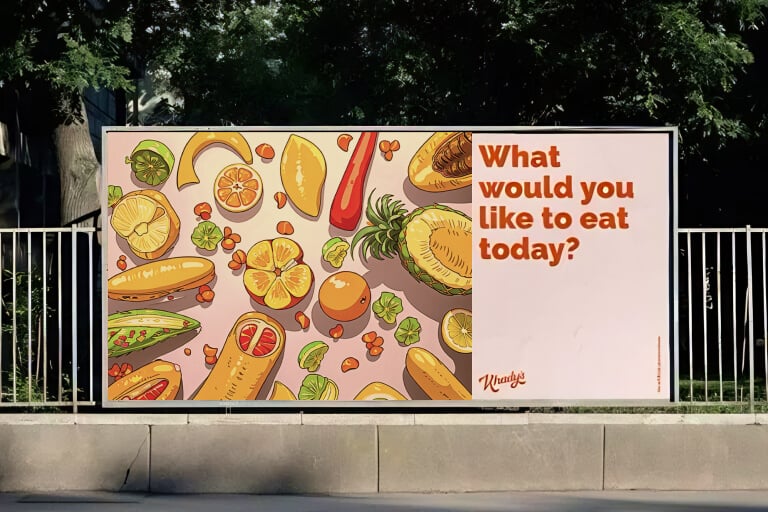
Campagnes marketing

Campagnes marketing

Ajoutez une touche de magie à vos supports promotionnels en transformant bannières, logos et visuels en art Studio Ghibli. Les illustrations générées évoquent l'émotion et la nostalgie, ce qui aide votre marque à se démarquer et à capter l'attention.
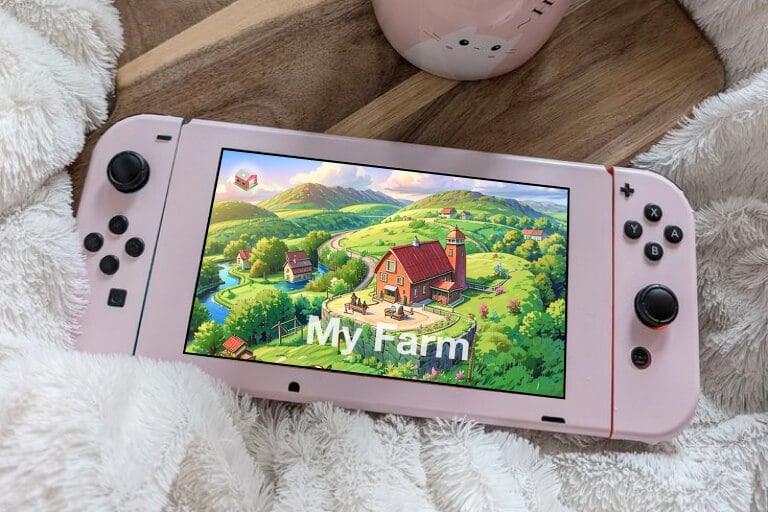
Graphismes pour jeux vidéo

Graphismes pour jeux vidéo

Améliorez vos éléments de design de jeu — arrière-plans, portraits de personnages, décors — grâce au filtre Studio Ghibli. L'esthétique riche, artistique et féerique transporte les joueurs dans un monde imaginaire enchanteur.

Pourquoi choisir le filtre Studio Ghibli AI d'insMind ?

Génération d'image en un clic

Génération d'image en un clic

Créez une œuvre inspirée du style Studio Ghibli en quelques secondes. Aucune compétence en retouche requise, il vous suffit de quelques clics pour obtenir un visuel féerique.

Créativité boostée par l'IA

Créativité boostée par l'IA

Notre technologie d'intelligence artificielle reproduit fidèlement le style Studio Ghibli, avec des transformations détaillées et respectueuses de l'univers de l'animation.
De nombreux filtres créatifs

De nombreux filtres créatifs

En plus du filtre Studio Ghibli, insMind propose d'autres filtres IA tels que aquarelle, croquis, vintage, cartoon ou argile. Testez-les et trouvez le style qui vous correspond le mieux.

FAQ : Tout savoir sur le filtre Studio Ghibli pour vos photos

Qu'est-ce que le filtre Ghibli IA ?

insmind expand icon
Il s'agit d'un outil qui transforme vos photos en art Studio Ghibli en s'inspirant du style visuel emblématique de ses films d'animation. Grâce à une IA avancée, il recrée la douceur, la magie et le rêve propres à cet univers. Le rendu final est enchanteur et unique.

À qui s'adresse ce filtre ?

insmind expand icon
À tout le monde ! Les graphistes peuvent créer des illustrations ou des visuels de concepts, les marketeurs peuvent intégrer le style Studio Ghibli dans leurs campagnes, les développeurs de jeux peuvent concevoir des assets originaux, les créateurs de contenus peuvent capter l'attention sur les réseaux, et les passionnés peuvent transformer leurs photos du quotidien en souvenirs artistiques.

Où trouver cet outil ?

insmind expand icon
insMind est la meilleure plateforme pour appliquer le filtre Studio Ghibli à vos photos en quelques secondes. L'outil fonctionne en ligne, sur tout appareil, sans installation. Accédez-y instantanément avec tous nos outils créatifs.

Le filtre est-il gratuit ?

insmind expand icon
Oui, vous pouvez l'utiliser gratuitement pour télécharger des images en basse résolution. Pour obtenir des images HD sans filigrane, il suffit de passer à la version Pro, à petit prix, avec des fonctionnalités supplémentaires incluses.

Vous pourriez être intéressé par
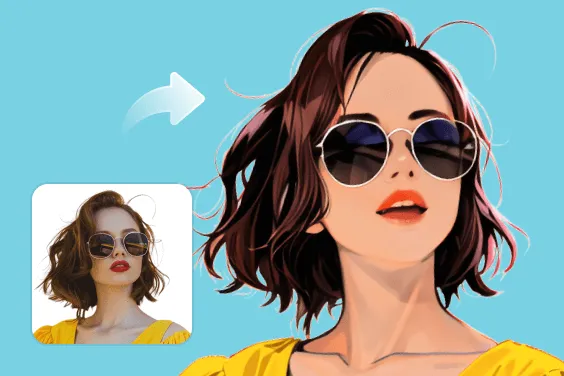
Donnez de la couleur à vos photos grâce à des fonctionnalités totalement gratuites.