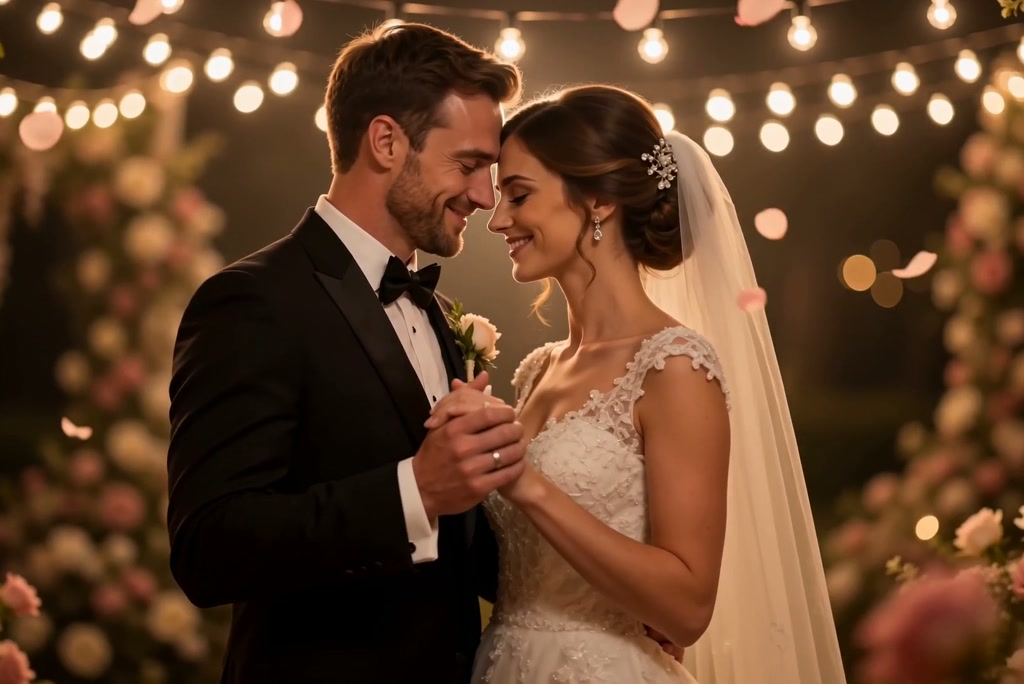
Anniversary memories often start as still images spread across phones, albums, and family chats. insMind turns couple photos, wedding portraits, and meaningful memory images into warm celebration videos for partners, parents, or friends. The result feels like a personal keepsake instead of a plain photo slideshow.

00:00
00:00
Turn Your Photo into Anniversary Video
00:00
00:00
Personalize Your Anniversary Video with Simple Prompts
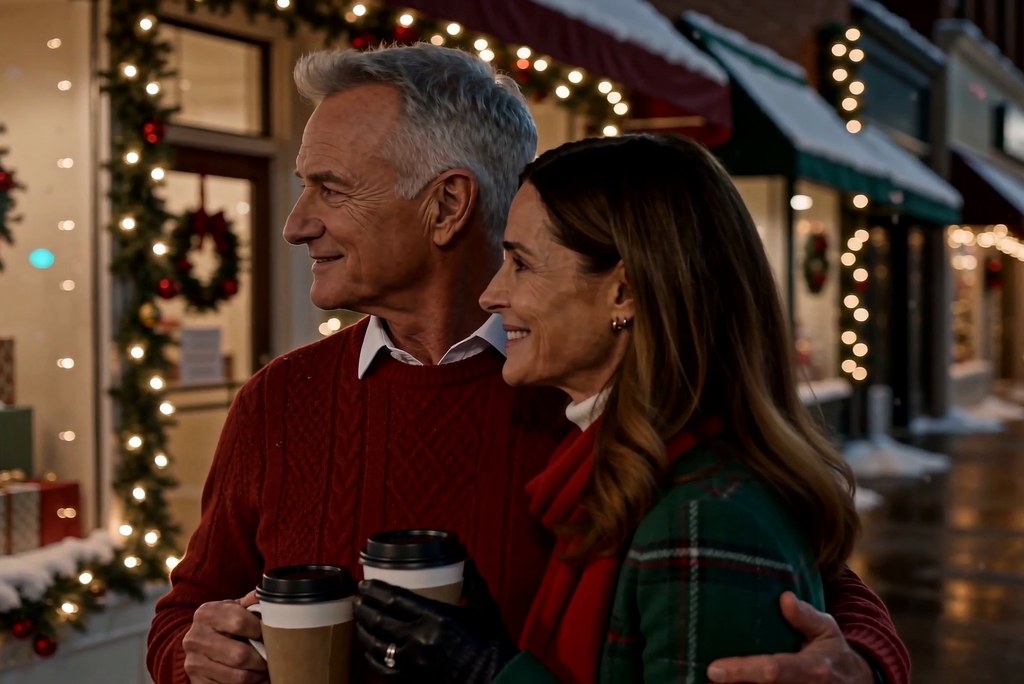
A meaningful anniversary video needs names, dates, and the right message. Write prompts for scenes, greeting text, tone, and details such as “Happy 15th Anniversary, Mom and Dad.” The AI follows your direction so the finished clip matches the occasion.
00:00
00:00
Make Anniversary Video in Minutes and Share Instantly
Use this anniversary video maker online when you need a finished celebration without desktop software. Create the video in the browser, review the result, and keep it ready for the moment. Send it to a partner, family group, coworkers, or social followers.
How to Make an Anniversary Video Online in 4 Steps
Step 1. Upload Anniversary Photos
Upload JPG, PNG, or WEBP images from your anniversary collection. You can add couple photos, wedding pictures, memory images, or a small photo set that represents the people and moment you want to celebrate.
Step 2. Describe the Anniversary Scene
Enter a celebration prompt that describes the scene, then choose the mode, video length, animation strength, and style. These settings shape whether the anniversary moment feels subtle, romantic, formal, nostalgic, or playful.
Step 3. Generate the Celebration Video
Send your prompt once the photos and settings are ready. insMind uses the uploaded anniversary images to generate motion, transitions, and visual effects that turn the still memories into a celebration video.
Step 4. Download the MP4
Preview the generated result and check the greeting, motion, and overall feeling. When it looks right, download the MP4 and send it as an anniversary greeting, keepsake, or social post.
Why Choose insMind's Anniversary Video Maker

No Editing Timeline
Create a heartfelt anniversary video without trimming clips, arranging a timeline, or learning traditional editing software first.

Anniversary Mood Control
Set the emotional feel for the occasion, from romantic and nostalgic to grateful, formal, or playful.

Personal Milestone Ready
Match the video to a personal milestone, from elder tributes and parent celebrations to dating memories or office appreciation.

Song Mood Prompts
Describe the song mood or soundtrack direction you want, without relying on an unconfirmed built-in music catalog.

Recreatable Examples
Start from anniversary-style examples, then recreate the look or adapt the idea for your own message.

Gift and Brand Fit
Use one workflow for emotional gifts and professional anniversary posts, with room for personal greetings or appreciation text.
Who Should Use an AI Anniversary Video Maker?
Couples
A wedding anniversary video should feel personal, not like a stock greeting. Add couple portraits, ceremony moments, and a short message for your spouse. The result becomes a warm keepsake for a private greeting, dinner surprise, or social post.
Family Members
Old family pictures often sit in albums instead of becoming part of the celebration. Build a tribute around wedding memories, family moments, and a greeting written in your own words. It gives parents or grandparents a video that feels thoughtful and specific.
Partners
Dating anniversaries need a lighter, more current style than formal wedding videos. Use selfies, trip photos, captions, and a romantic mood direction to shape the scene. Create a short memory clip that feels personal enough to send or post.
Business Teams
Company milestones need appreciation without a full production process. Add team photos, office moments, and a message that thanks employees, clients, or partners. Create a work anniversary video for internal updates, event screens, or a company post.
Frequently Asked Questions
What is an anniversary video maker?


An anniversary video maker creates celebration videos from photos, prompts, names, dates, and message details. It can be used for personal milestones, family greetings, romantic memories, or professional anniversary moments.
How does the AI anniversary video maker work?
It takes your uploaded visuals, written direction, and selected settings, then generates an anniversary-themed video. You can review the result and save the version that fits your celebration.
Is there an anniversary video maker online free option?
Yes, you can start online; check the current insMind plan for anniversary video maker free access, export limits, and credit requirements.
Can I upload my own anniversary photos?
Yes, you can upload couple photos, wedding pictures, memory images, or a small photo set in JPG, PNG, or WEBP format.
Can I make an anniversary video maker with song?
Yes, you can describe the soundtrack mood or song style in your prompt, such as soft piano, romantic pop, or cinematic strings.
What kinds of anniversaries can I create videos for?
You can create videos for wedding anniversaries, dating milestones, work anniversaries, business anniversaries, and company celebrations.
What format can I download the anniversary video in?
The finished anniversary video can be downloaded as an MP4, a practical format for saving, sending, or posting.
More Anniversary and Celebration Video Tools
00:00
00:00
AI Wedding Video Generator
Turn two photos into a romantic AI wedding video.
00:00
00:00
AI Couple Video Generator
Turn photos or prompts into romantic AI couple videos.
00:00
00:00
Birthday Video Maker
Turn any photo into a joyful birthday celebration with music instantly.
00:00
00:00
AI Hugging Video Generator
Turn your photos into realistic and emotional AI hugging videos.

AI Rose Giving Video Generator
Turn couple photos into romantic rose-giving videos in seconds.
00:00
00:00
AI Hand Heart Generator
Create animated finger hearts from any photo effortlessly.
00:00
00:00
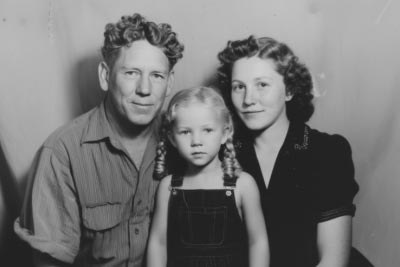
AI Old Photo Animation
Transform old photos into lifelike AI animations with ease.
00:00
00:00
Image to Video
Create custom videos from your photos with AI.
@Priya Nair, Social Creator