
Immagine AI
Video AI
Editor di foto
Risorse
IspirazioniPrezzi

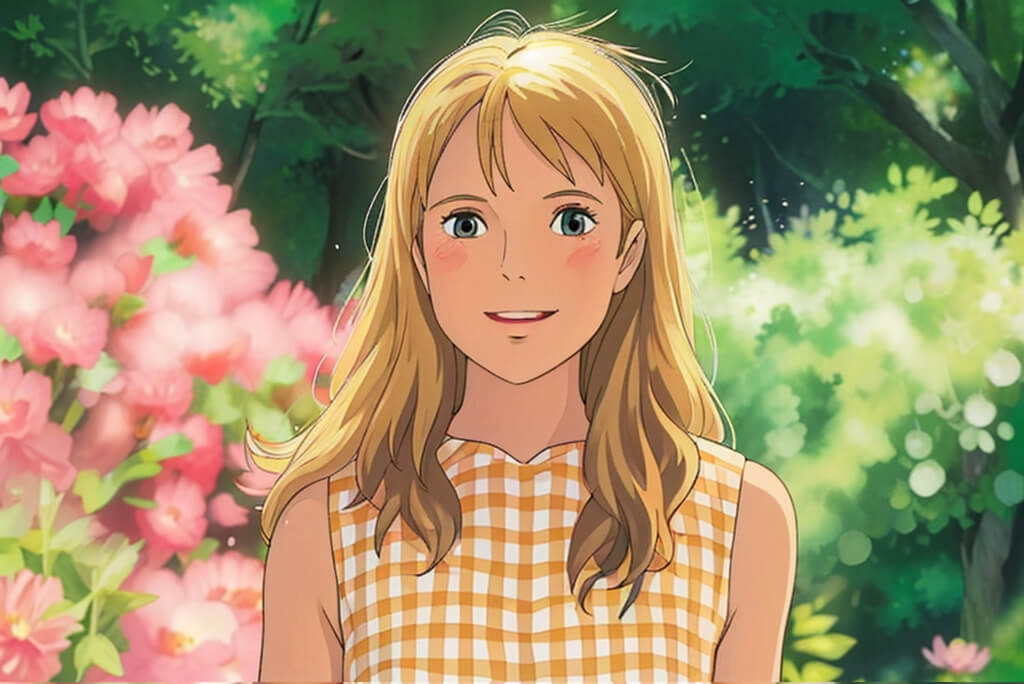
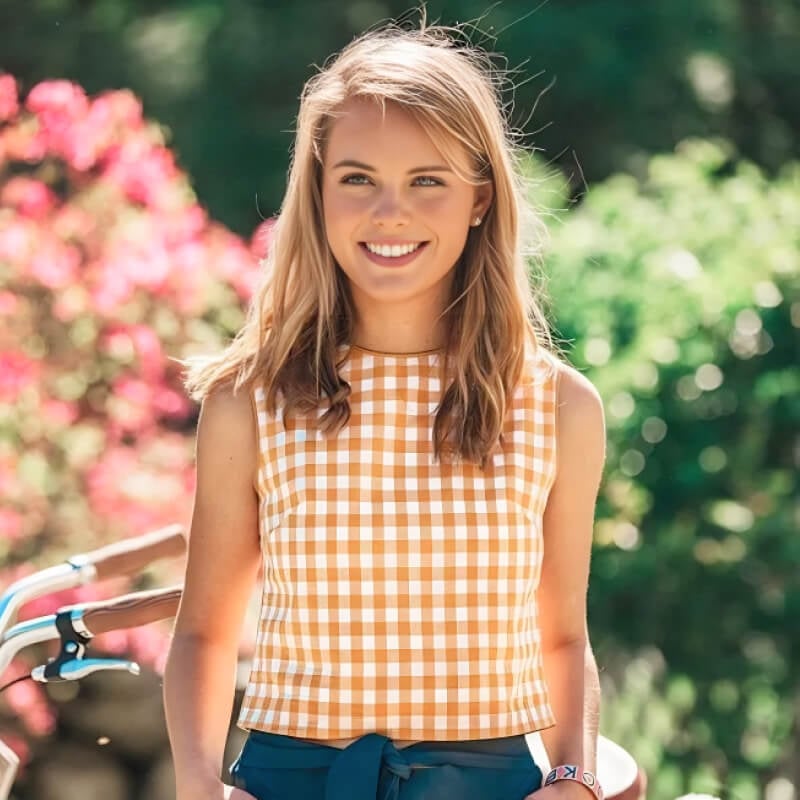
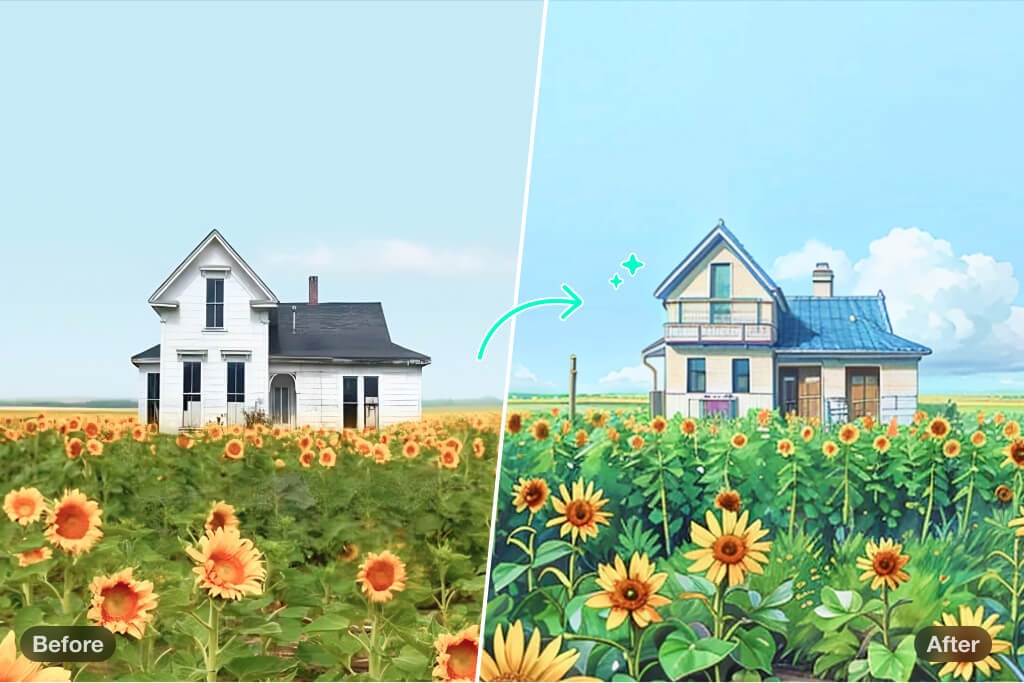
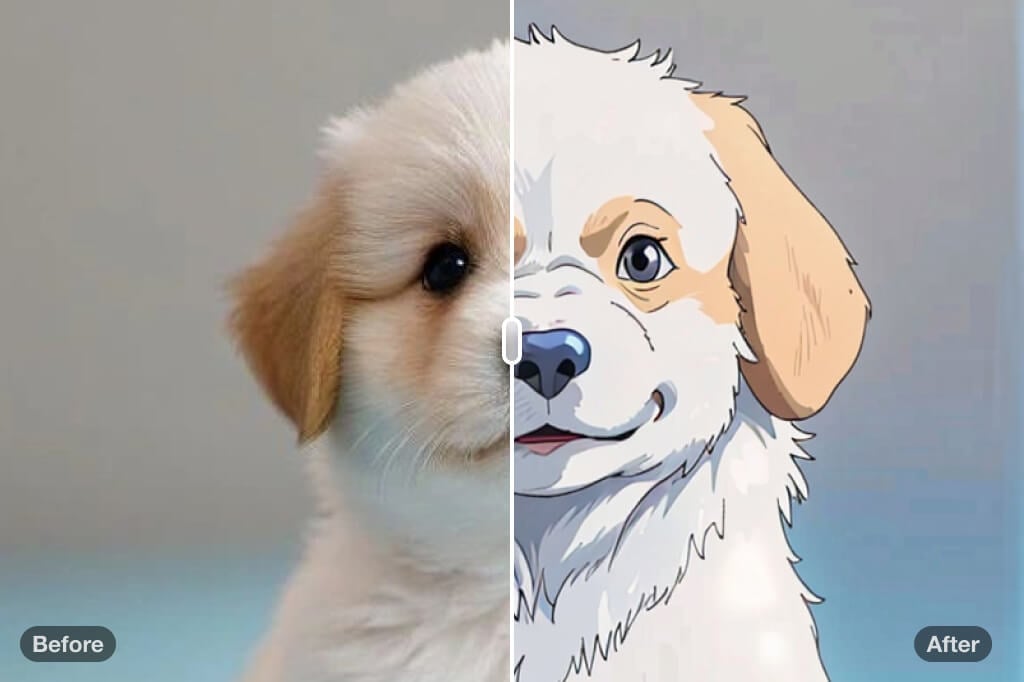
Filtro Studio Ghibli: Trasforma le tue foto in arte stile Ghibli

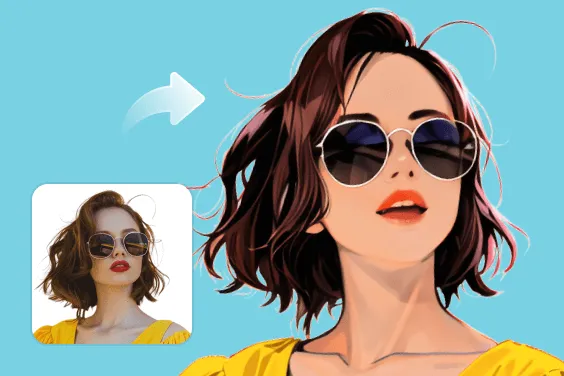
Porta la magia dello Studio Ghibli nelle tue foto! Trasforma le tue immagini quotidiane in un'arte mozzafiato e cattura la stravaganza e il fascino delle tue animazioni preferite. È gratuito, divertente e indimenticabile.

Filtro Studio Ghibli: Trasforma le tue foto in arte stile Ghibli
Dopo
Prima
Oppure trascina l'immagine qui, incolla l'immagine o l'URL
Prova con uno di questi
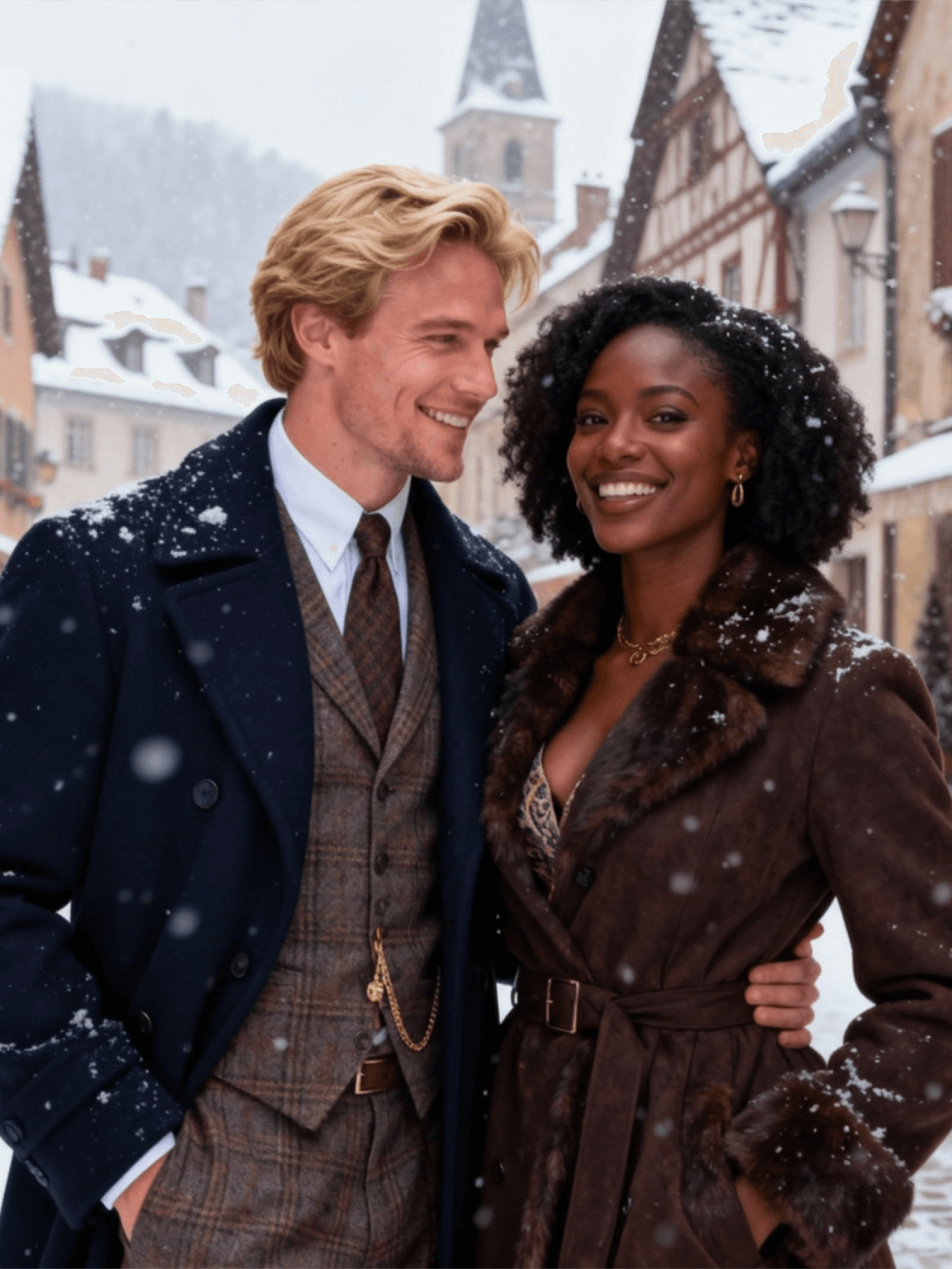
Esempio di filtro per il pianto di insMind AI 1
Esempio di filtro per il pianto di insMind AI 2
Esempio di filtro per il pianto di insMind AI 3
Esempio di filtro per il pianto di insMind AI 4
Esempio di filtro per il pianto di insMind AI 5

Crea Simile

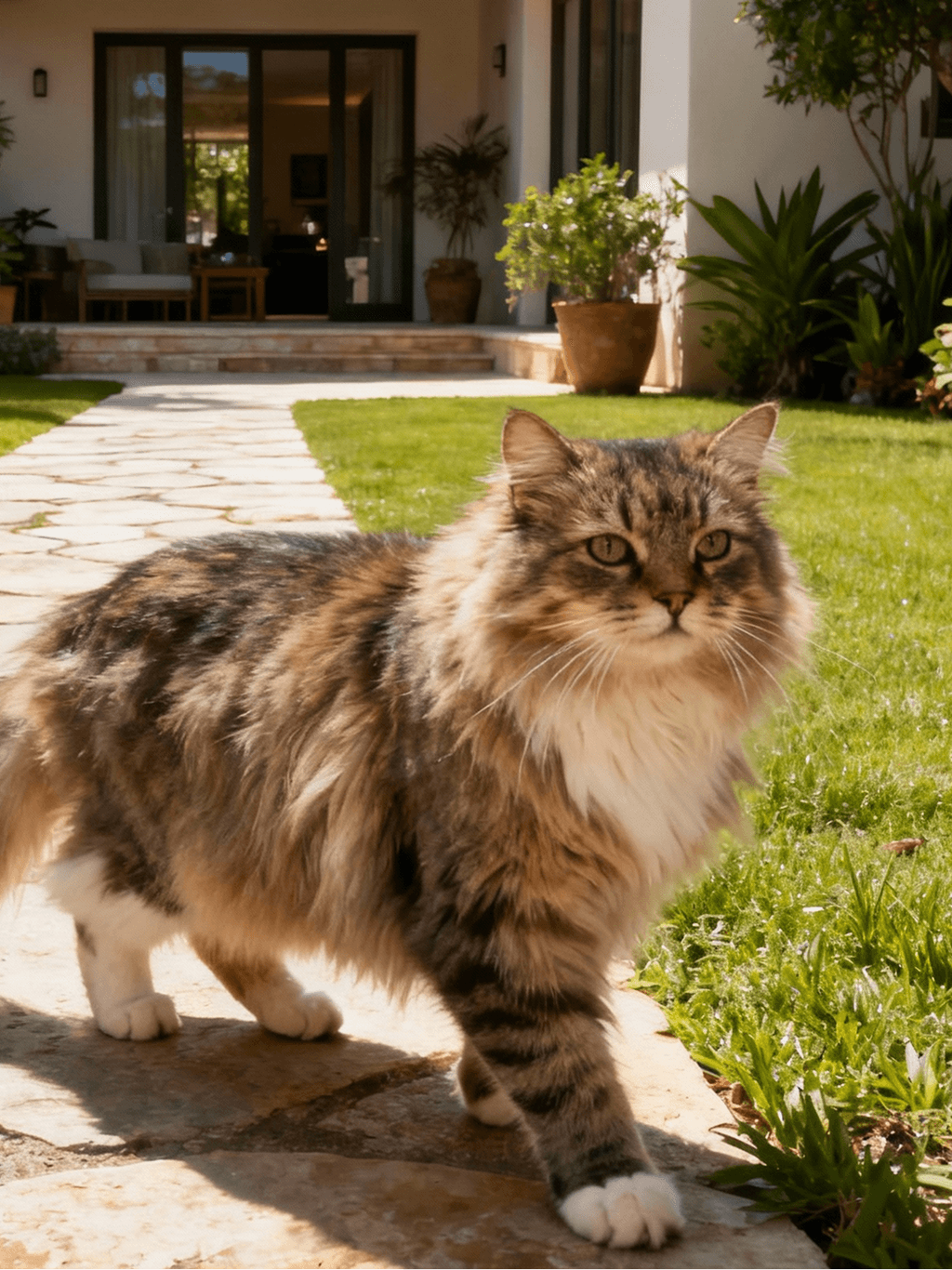
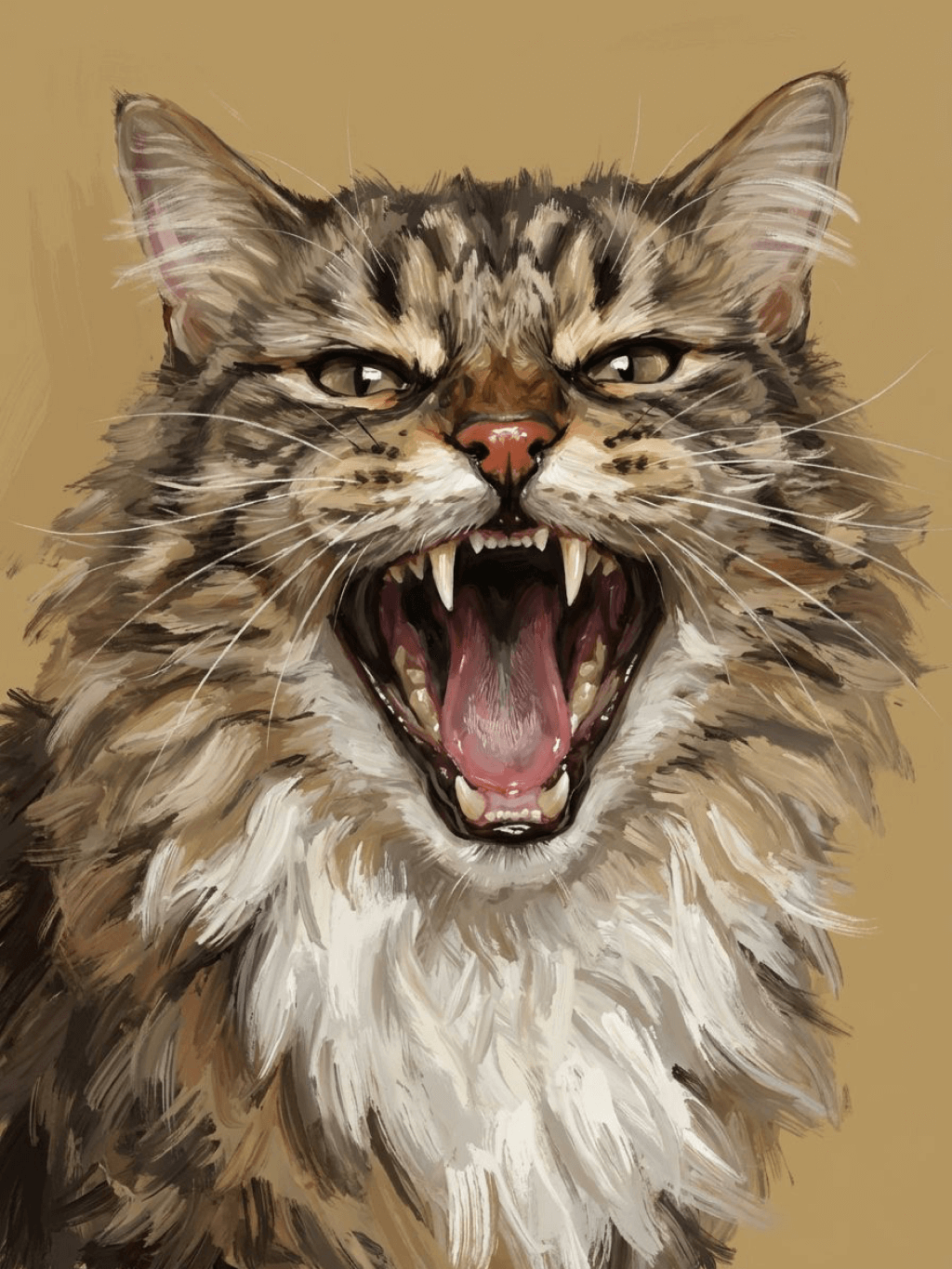
Subject: The main character in the picture. Expression: An anthropomorphic expression, with the mouth wide open, revealing teeth, canine teeth and tongue. The eyes are narrowed, looking disdainfully at the camera. Style: An exaggerated portrait painting in a digital painting style, combining expressionist brushstrokes. Texture: Has distinct brushstroke textures, as if it was quickly applied with rough oil paints or acrylic brushes. Detail depiction: The details are very realistic, such as hair, teeth, a moist nose and the inside of the mouth, but the overall structure and expression are highly exaggerated to achieve a humorous effect. Posture: Frontal shot, profile view Background: Solid color background
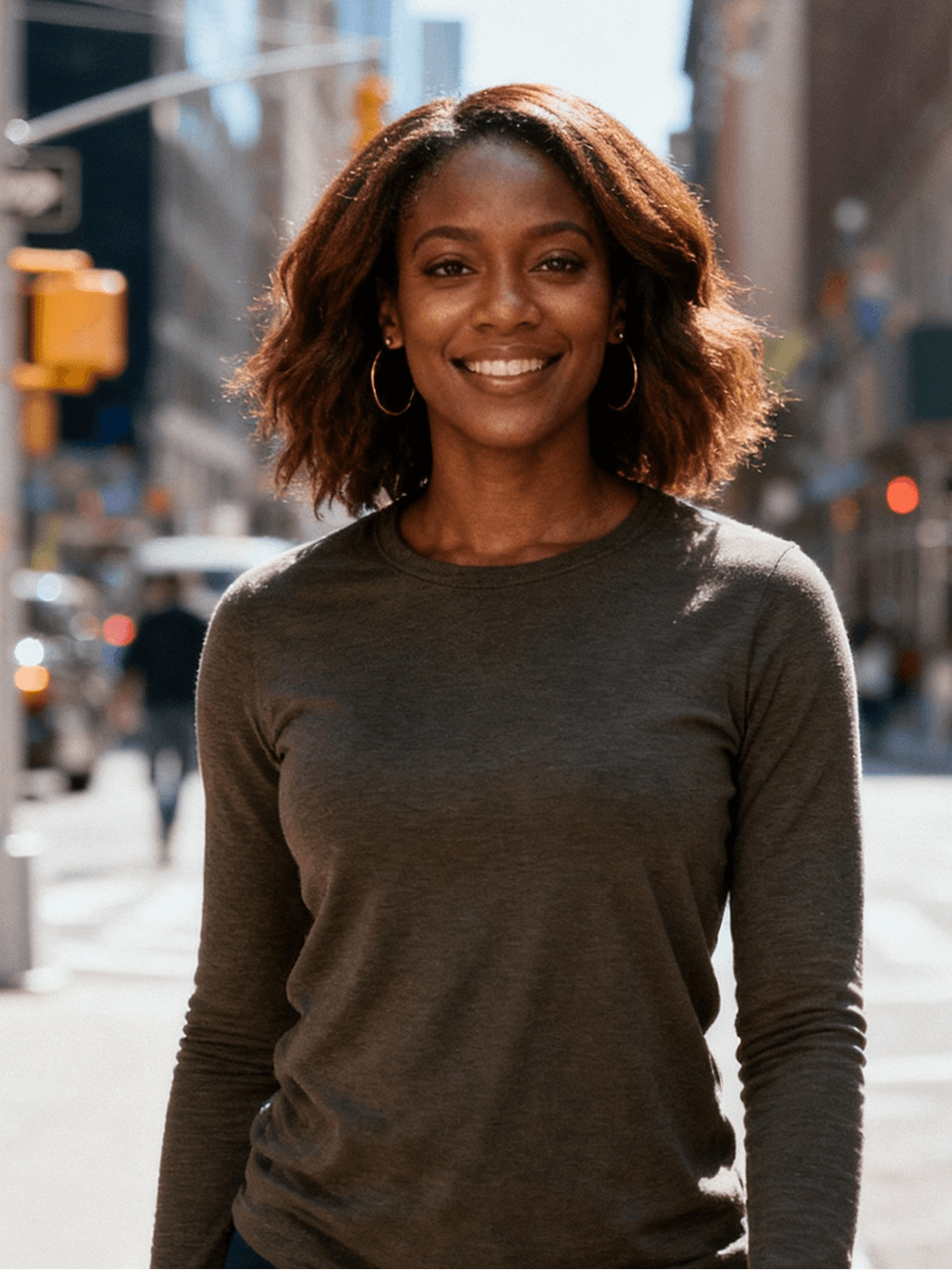
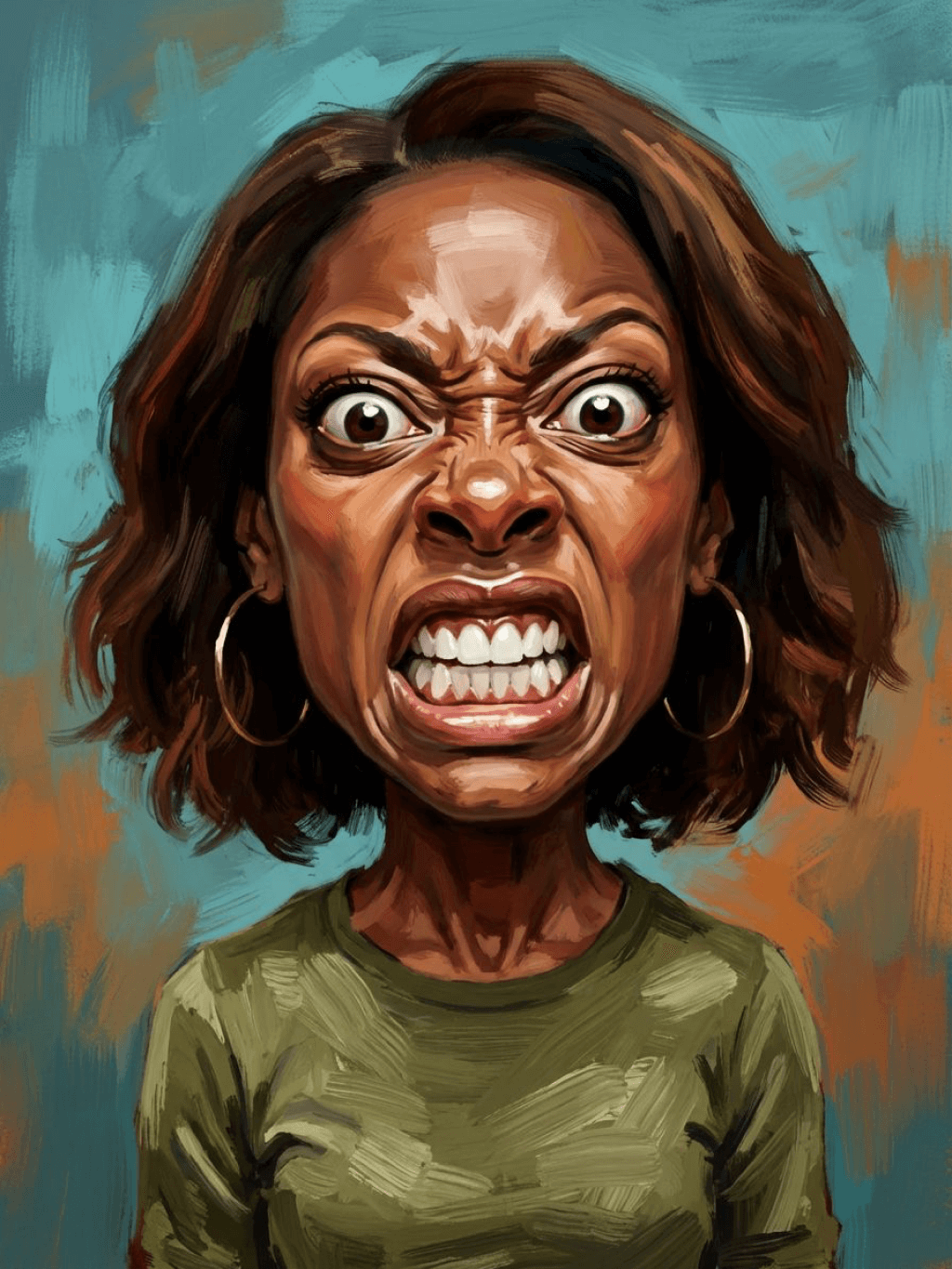
Subject: The main character in the picture. Expression: Extremely angry / Exaggerated anger. Furrowed brows, wrinkled forehead, dilated nostrils, mouth wide open and revealing clenched teeth, facial muscles completely contracted. Looking at the camera. Pose: One-to-one replication of the main character in the picture. Costume: One-to-one replication of the character's costume. Style: Exaggerated portrait painting in a digital painting style, combining expressionist brushstrokes. Texture: Has distinct brushstroke textures, as if it was quickly applied with rough oil painting or acrylic brushes, especially the background and clothing parts. Character style: Satirical caricature style, extremely exaggerated features (big mouth, big teeth, big eyes, big nose), funny expression, proportion: The head is significantly enlarged, the proportion is distorted, while the body is relatively smaller. Facial features: The facial muscles are extremely exaggerated, there are deep expressive lines around the eyes and mouth. Detail depiction: Skin texture, pores, teeth and other details are depicted very realistically, but the overall proportion and expression are exaggerated to a great extent. Lighting: Uses dramatic and intense contrast of light and shadow, highlighting the three-dimensionality of the character's face and the tension of the emotions. Posture: Frontal, portrait Background: Abstract and rough blue-green and orange/brown brushstrokes form the background, without specific environmental depiction, completely focusing on the character.
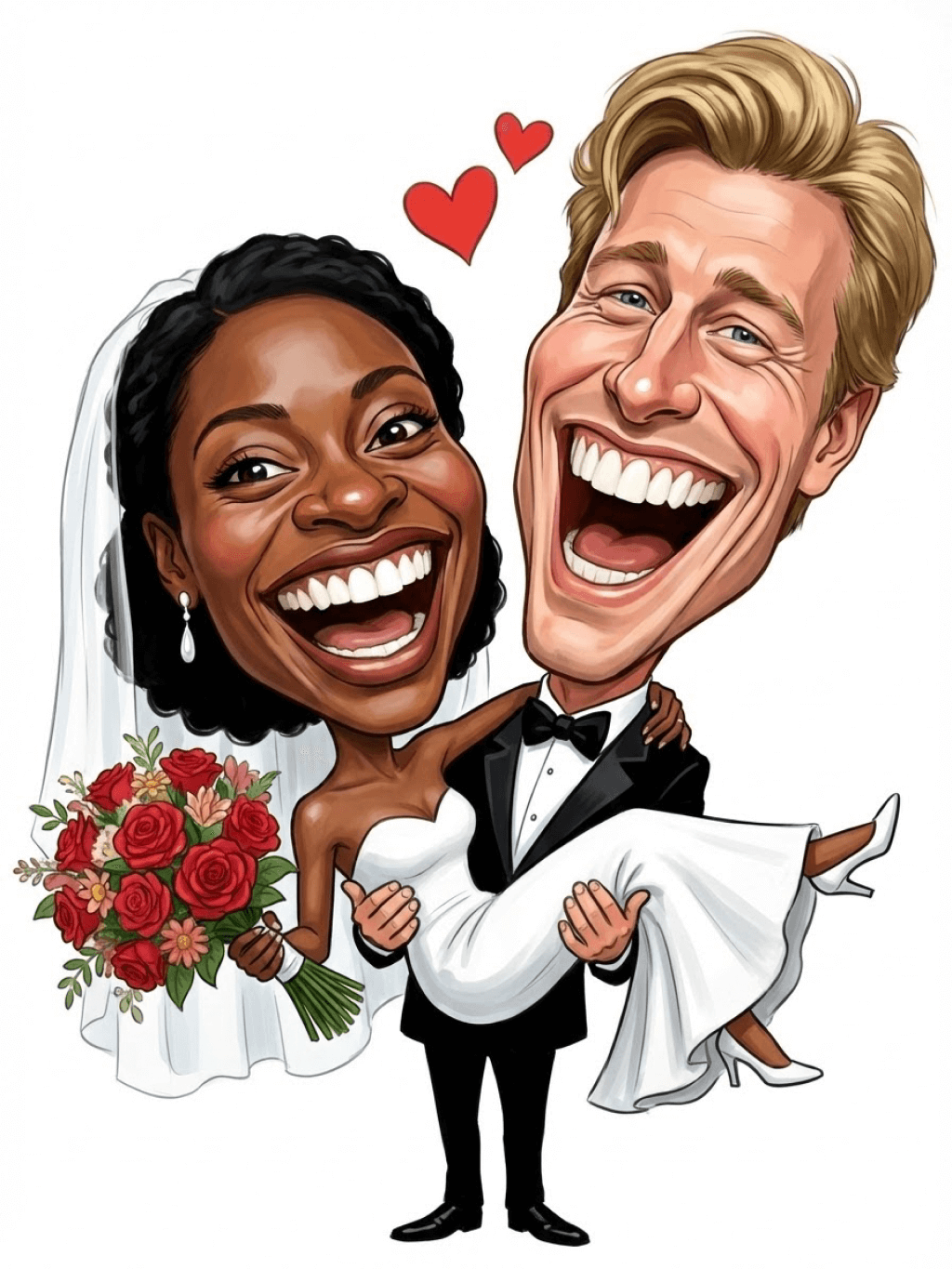
Character: The main figure in the picture. Core: An exaggerated comic with a wedding photo theme. Style: A highly exaggerated cartoon comic style, presented through digital painting. Head: Both of their heads are significantly enlarged, with distorted proportions, while the bodies are relatively smaller. Facial features: The facial muscles are extremely exaggerated, with deep expressive lines around the eyes and mouth, a very large and prominent nose, and very large teeth. Expression: An extremely exaggerated and joyful wide-open mouth laugh, with bulging eyes, fully matching the joyful mood in the reference image. Both are looking directly at the camera. Light and details: Sharp highlights on the forehead, nose, and cheekbones, contrasting with deep, smooth shadows to emphasize the exaggerated contours. Clean, smooth digital brush strokes. Background: A pure white background, with two red hearts decorating the gap between the two heads. Appearance: A one-to-one replica of the main character in the picture. Costume: The bride is wearing a white strapless wedding dress with a veil, and the groom is wearing a black tuxedo with a bow tie. Posture: Full body, both looking at the camera, the groom holding the bride like a princess, and the bride holding a red rose bouquet of flowers.
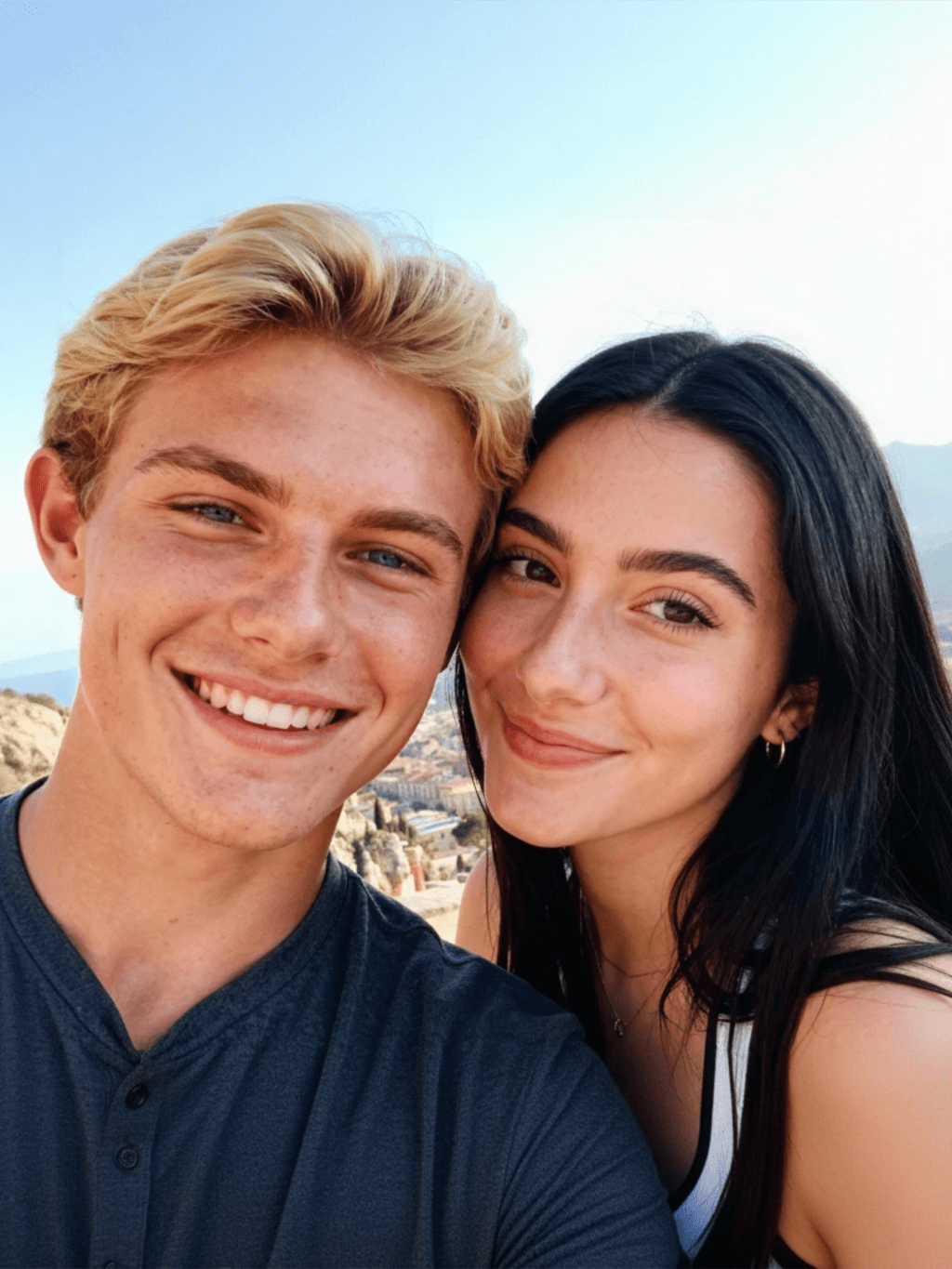
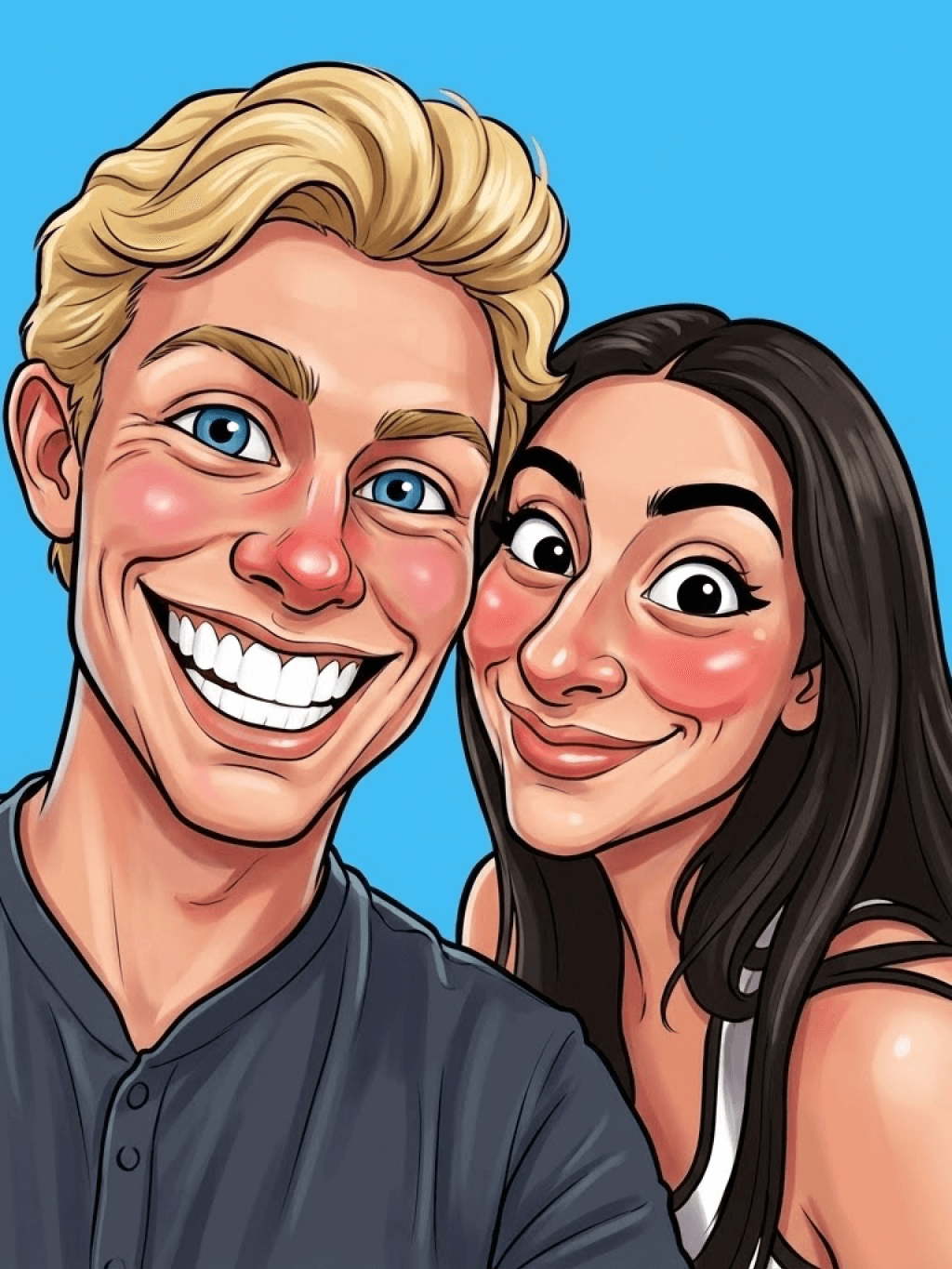
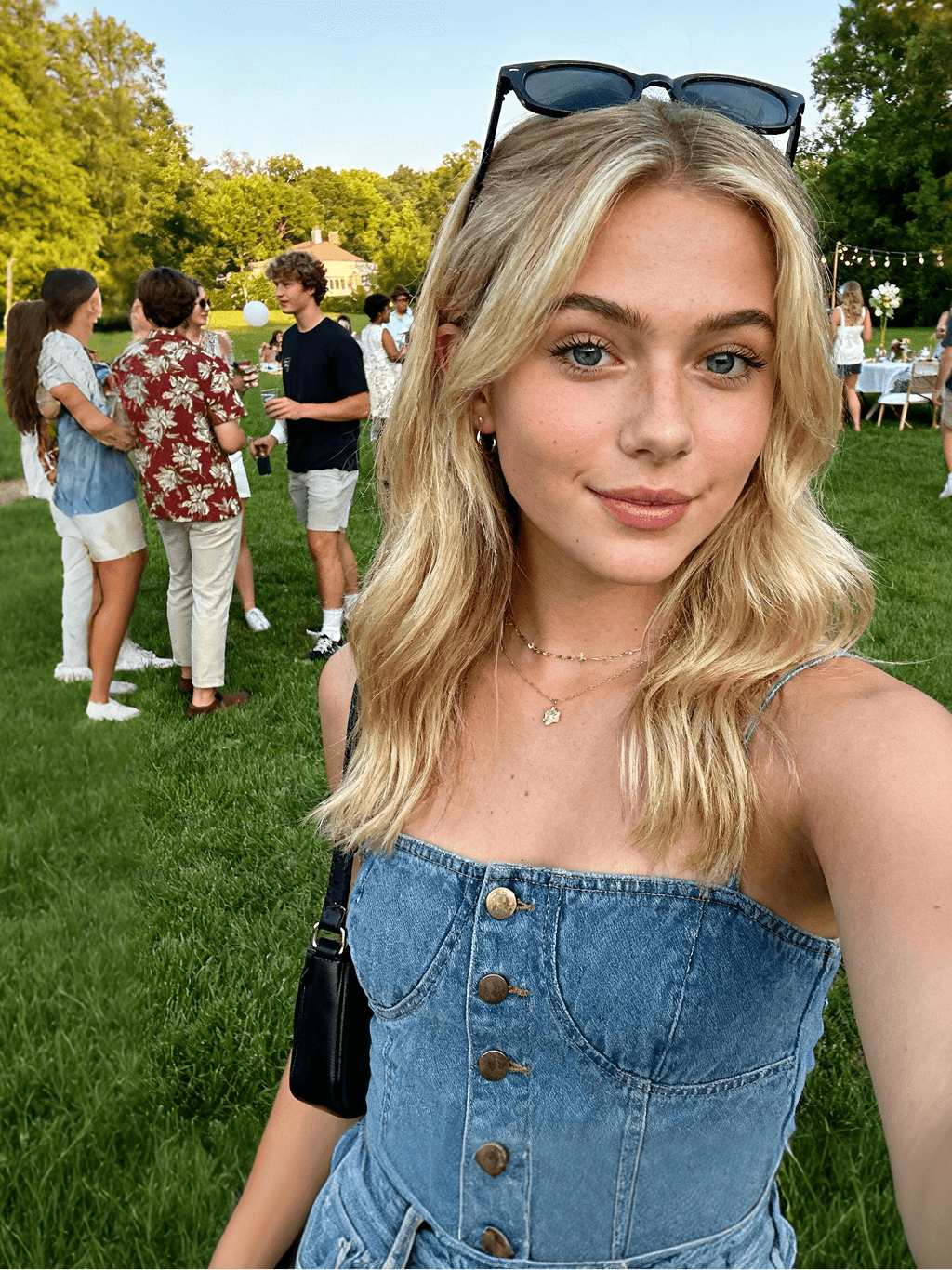
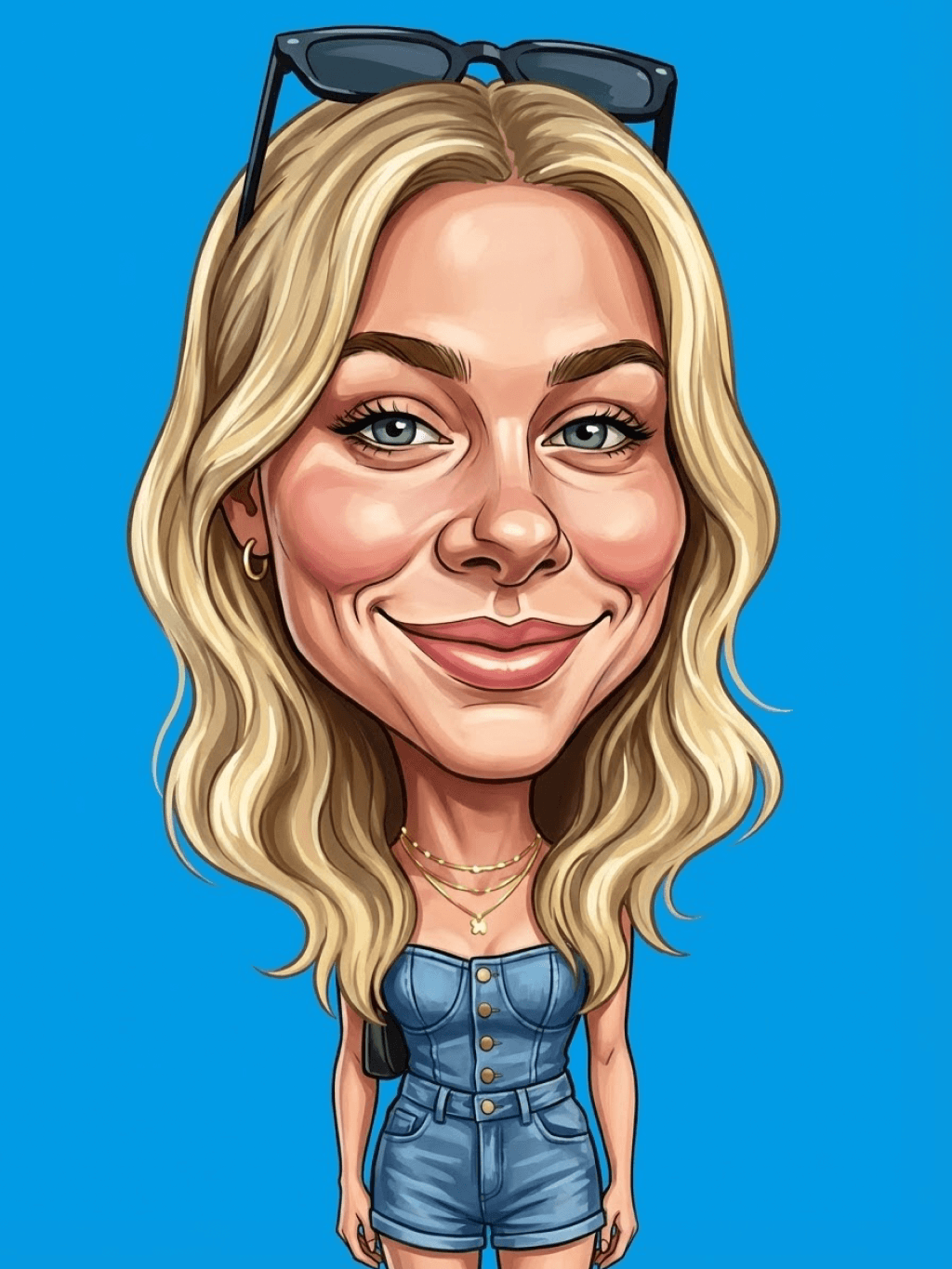
Main character: The person in the picture Art style: Exaggerated cartoon style. Bright colors, bold outlines. Character blush. Proportion: The heads are significantly enlarged and the proportions are distorted. Facial features: Exaggerated processing based on the facial features of the reference figure, exaggerated facial muscles, extremely exaggerated facial features (big mouth, big teeth, big eyes, big nose), funny expressions. Expression: Reproduce the main character's expression in the picture and exaggerate it. Facing the camera. Hair: Reproduce the hairstyle of the main character in the picture. Clothing: Exactly the same as the main character's clothing in the picture. Background: Solid color background. Light and details: Styled highlights and shadows, highlighting the facial contours, with the typical smooth texture of digital painting. Posture: Affectionate action, head touching head, looking at the camera, half-length portrait
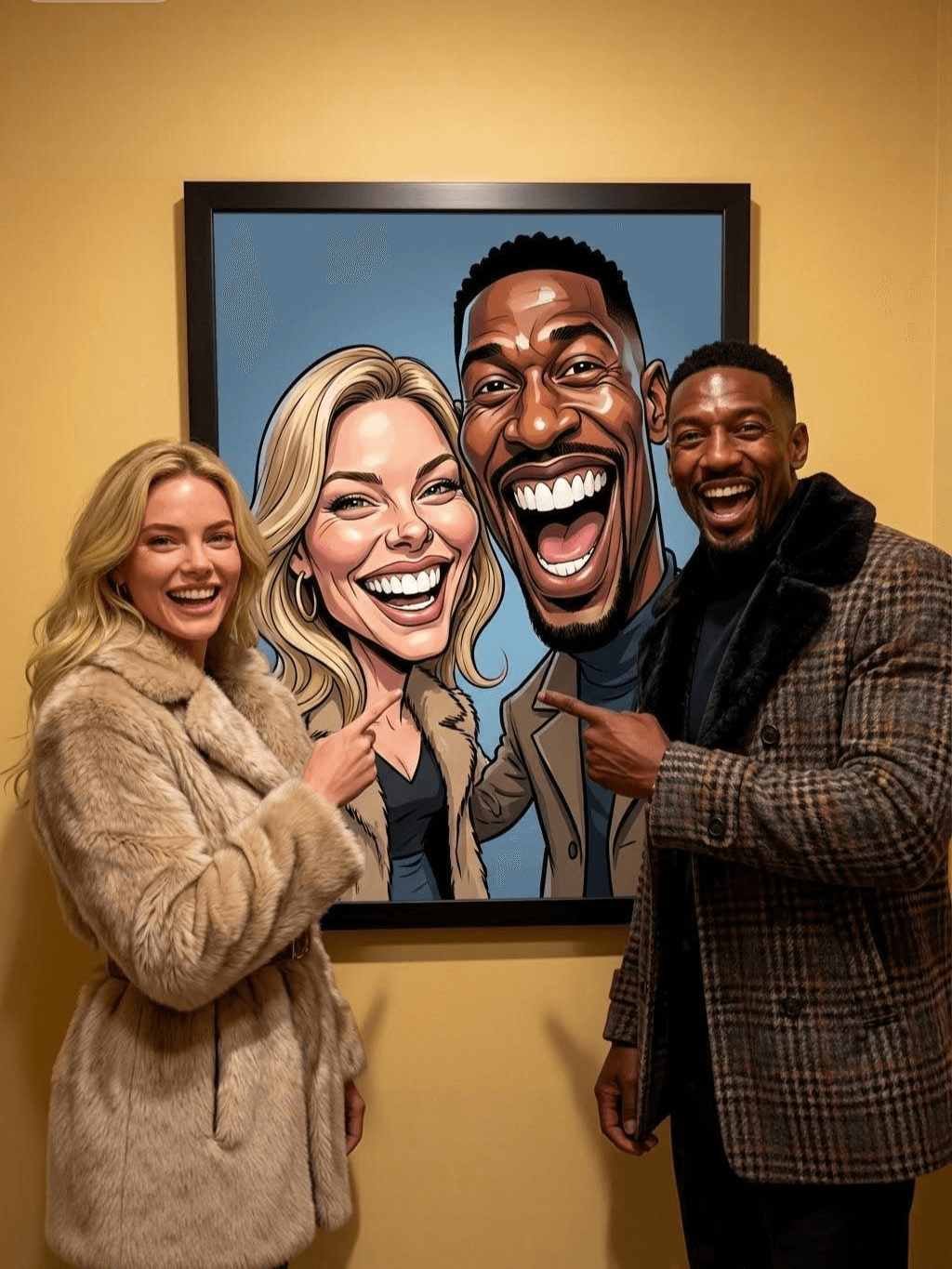
Subject: The main figure in the picture. Core: A high-resolution real photo showing a couple standing beside a framed painting hanging on the wall. The center of the picture features a large black-framed portrait. The content is an exaggerated caricature style of the main character: extremely exaggerated facial features (big mouth, big teeth, big eyes, big nose), with a funny expression. Portrait: Black simple border (no white border), style: highly exaggerated cartoon comic style, presented by digital painting. Head: Both people's heads are significantly enlarged, with distorted proportions, while the body is relatively smaller. Facial features: Facial muscles are extremely exaggerated, there are deep expressive lines around the eyes and mouth, the nose is very large and prominent, and the teeth are also very big. Comic expression: Extremely exaggerated, joyful mouth wide open laughter, eyes bulging, fully matching the joyful mood in the reference image. Both are looking directly at the camera. Light and details: Sharp highlights on the forehead, nose, and cheekbones, contrasting with the deep, smooth shadows to emphasize the exaggerated contours. Clean, smooth digital brushstroke texture. Low saturation blue as the background of the portrait. Style: One-to-one replication of the main figure in the picture Clothing: One-to-one replication of the main character's clothing Photo scene: Indoor, with warm decoration, warm yellow background wall Posture: The main figure stands in front of the portrait, looking at the camera, with one hand raised in front of the chest pointing at the portrait on the wall. Warm lighting, natural integration of light and shadow, clear image quality, 8K
Subject: The main character in the picture. Art style: Exaggerated cartoon style. Head: The head is enlarged while the body is relatively small. Facial features: Exaggerated facial muscles, exaggerated facial lines, and a large nose. Expression: Reproduce the expression of the main character in the picture and exaggerate it. Looking at the camera. Family name: Exactly the same as the appearance of the main character in the picture. Attire: One-to-one reproduction of the main character's outfit in the picture. Background: Solid color background. Lighting and details: Stylized highlights and shadows, highlighting the facial contours, with a smooth feel typical of digital painting. Pose: Frontal half-length portrait
Retain all the details of the image and convert it to color.
Use the character from the uploaded image exactly as it appears — keep all features, colors, proportions, and style unchanged. Create a four-panel comic/storyboard with each panel showing a different scene of the character. Maintain the same cartoon art style as the reference image. Add speech bubbles/dialogues for the character in each panel, appropriate to the story. Ensure visual continuity: same background style, color palette, and lighting consistent across all panels. Focus on clear composition, expressive poses, and readable dialogue. Output: four distinct panels forming a coherent story.
Refer to Figure 2 and convert the style of Figure 1
Generate a set of powerful 3-panel Japanese anime storyboards by referring to the image
Polaroid 2:3 photo: IMG1 person and IMG2 cartoon character hugging like friends, smiling and laughing, heads close together, looking at the camera, hips-up; original clothes; white-curtain background; cartoon character’s arms naturally around person, proportions adjusted for natural interaction; subtle shadowing for depth; strong flash, slight overall blur, soft light vignette, no omissions; no face-swap, no distortion; classic white-border Polaroid, flat on white table, back flush, 90° top-down, zero tilt, no extras.
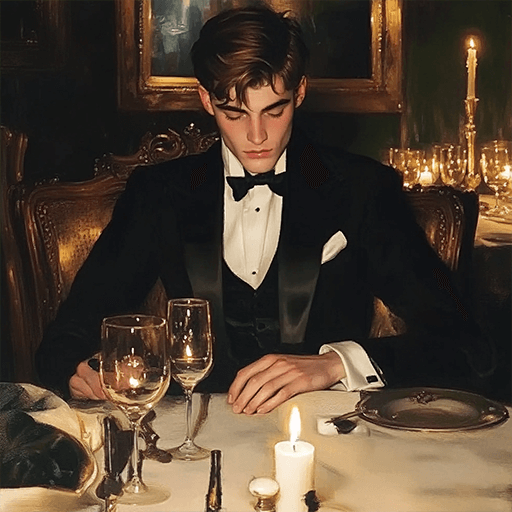
Optimize the line drawing, transform it into a Japanese anime style and color it to add a campus background
Young Millionaire Photo to Anime Cartoon
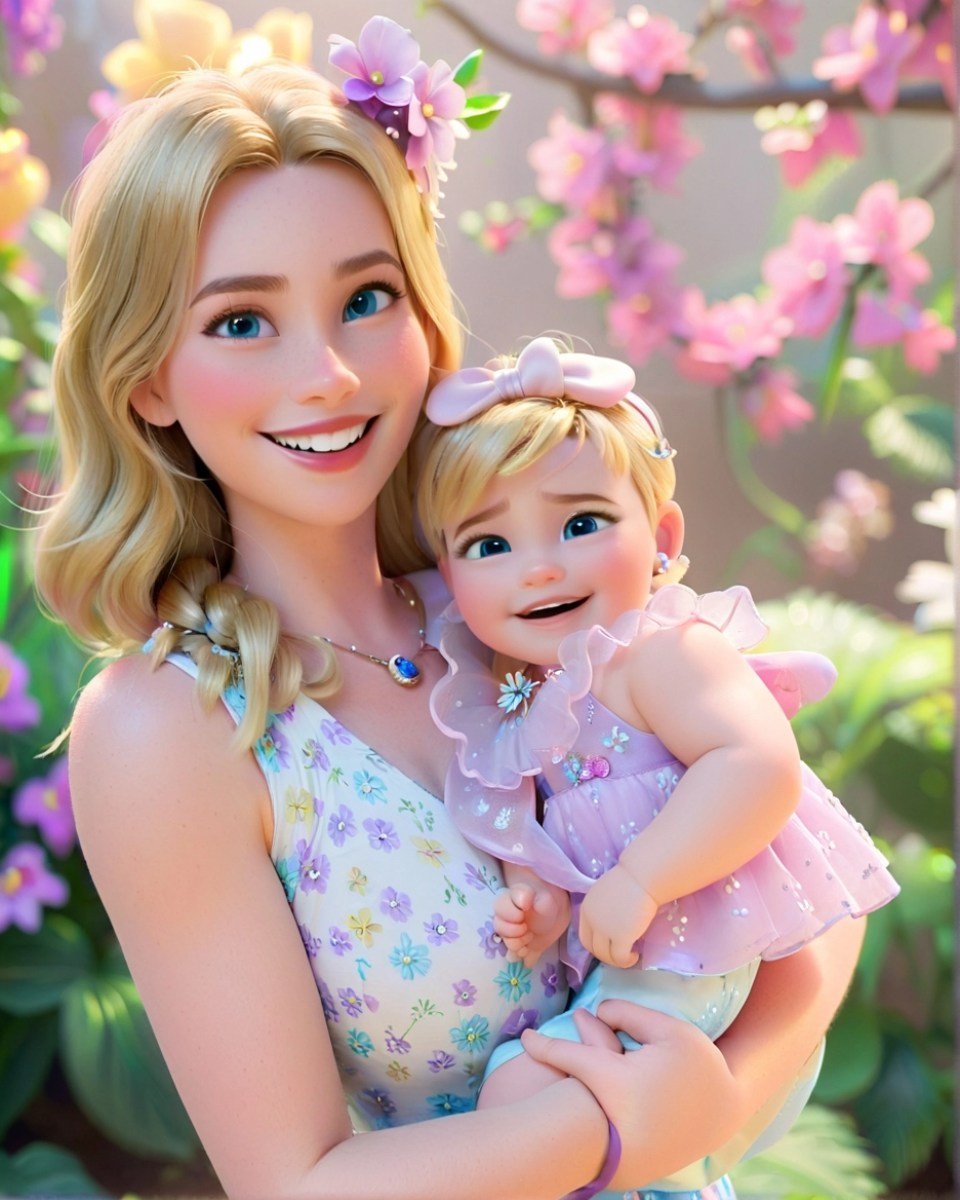
Mother's Day Disney Filter
Disney Style Mother Holding Baby
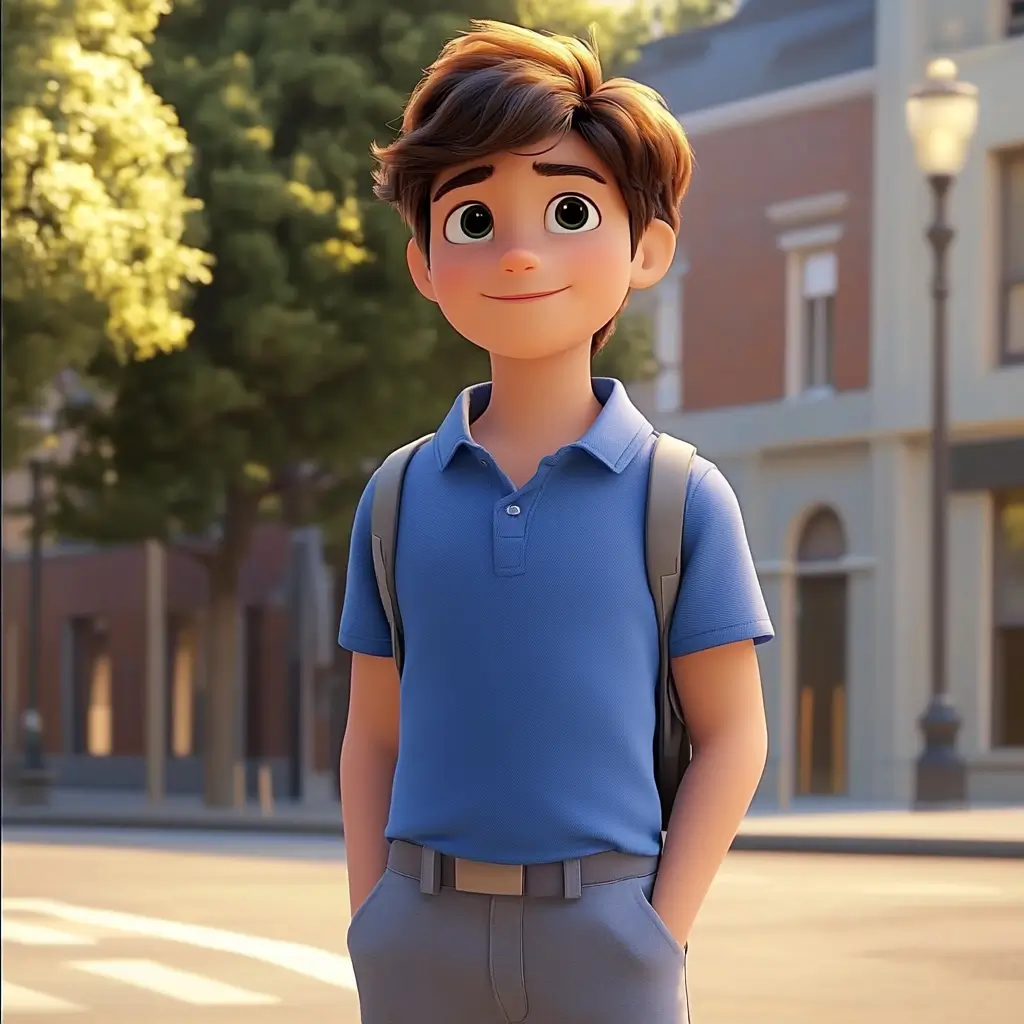
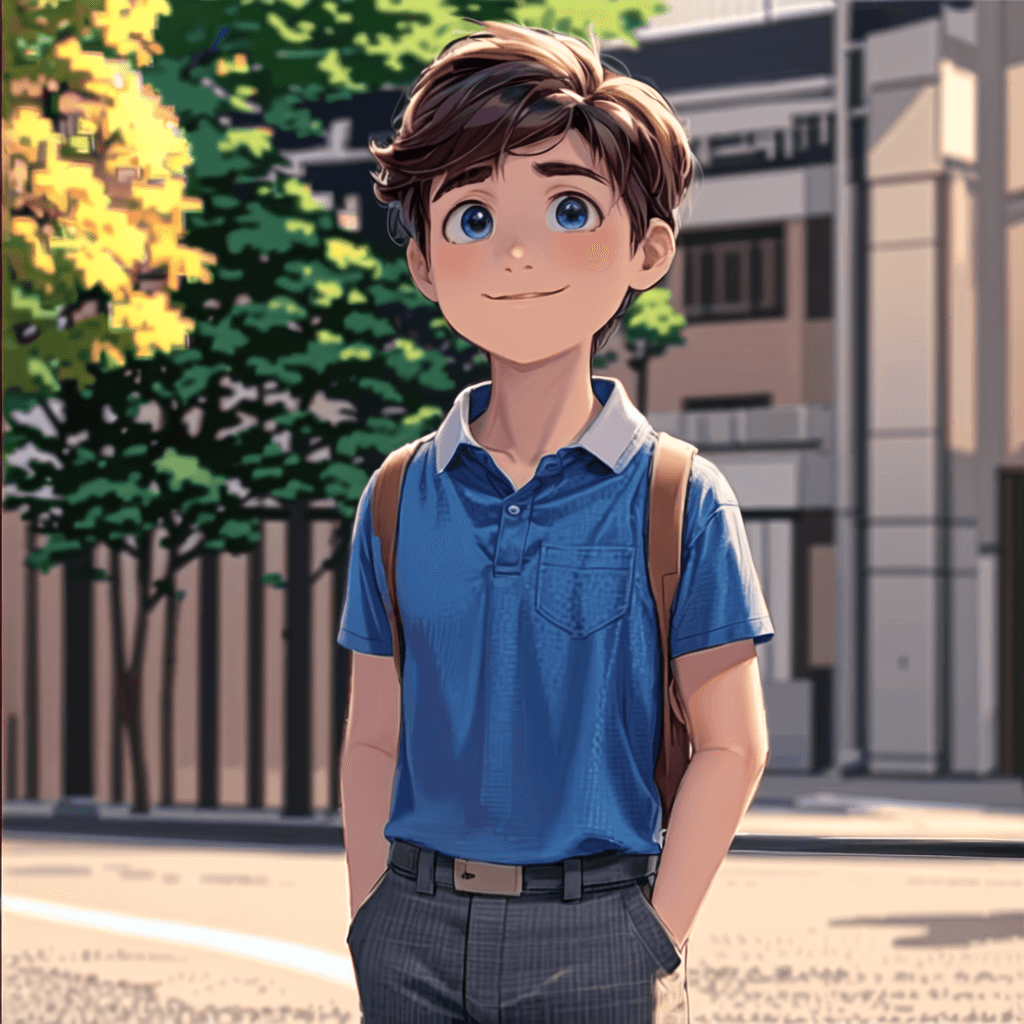
Cute Cartoon Boy
Cute Cartoon Boy
Cute Cartoon Boy
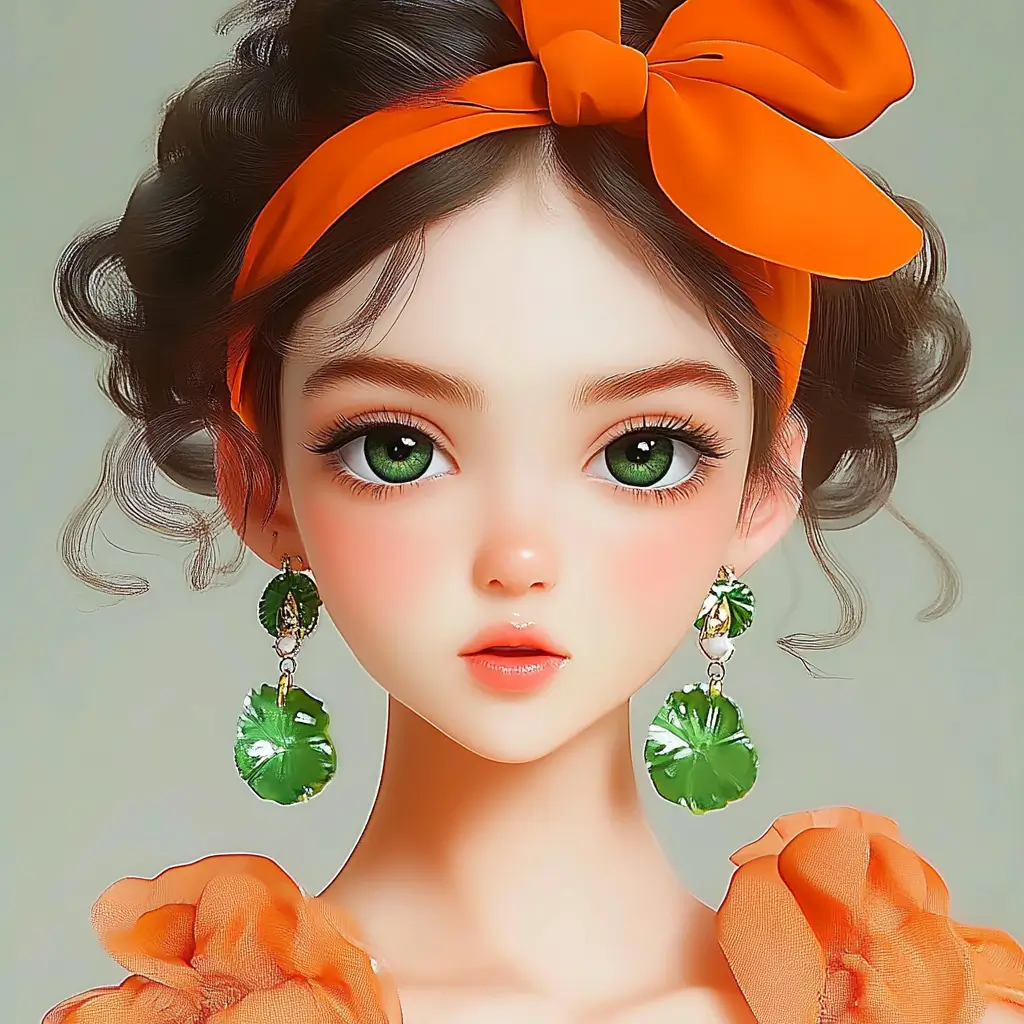
Attractive Anime Girl Filter
A girl in a blue shirt and black jacket sitting at a table with coffee and drinks, A steampunk-style background featuring intricate gears, brass pipes and glowing lights illuminating the scene. A desk with mechanical tools is in sharp focus while surrounding walls display vintage timepieces and cogs.
depicting futuristic cities with towering skyscrapers made from metallic gold and green hues. Include flying cars and high-tech elements to create a sense of wonder in space and cyberpunk aesthetics.
Beautiful Anime Girl
A cute cartoon black cat is lying in the box, yellow eyes, pink ears
Trasforma le tue foto di paesaggi in arte stile Studio Ghibli

Trasforma le tue foto di paesaggi in arte stile Studio Ghibli

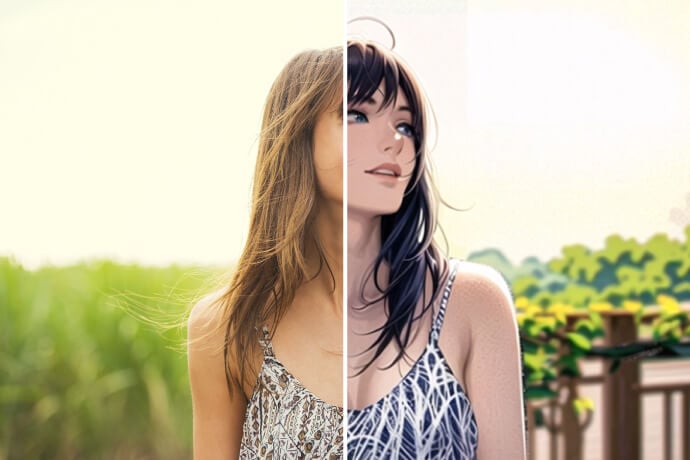
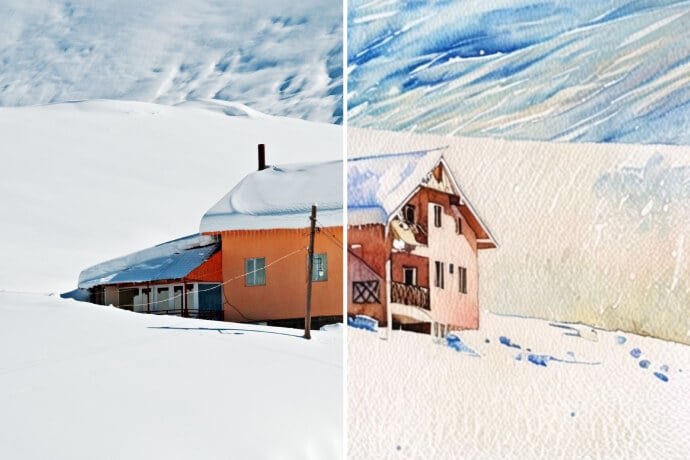
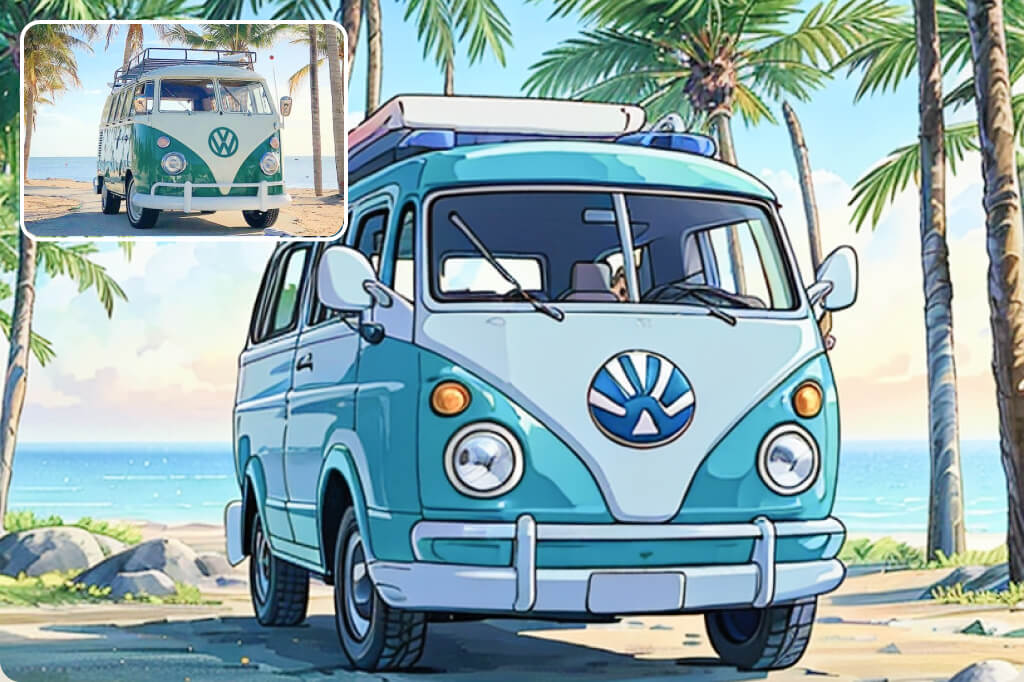
Trasforma le tue foto all'aperto in qualcosa di magico con il nostro filtro Studio Ghibli di insMind. Che si tratti di dolci colline, laghi scintillanti, spiagge al tramonto o vivaci strade cittadine, questo filtro le porta in vita. Cattura ogni dettaglio e trasforma le tue foto in illustrazioni da sogno.

Con colori intensi, texture morbide e quell'inconfondibile fascino Ghibli, le tue foto sembreranno uscite da un anime. Perfette per migliorare gli scatti di viaggio, creare splendide decorazioni murali o semplicemente esplorare la tua creatività. Carica la tua foto, seleziona il filtro Ghibli e vedrai i tuoi paesaggi sotto una luce completamente nuova." Converti la foto in arte Ghibli

Converti la foto in arte Ghibli
Trasforma i tuoi ritratti in arte in stile Ghibli

Trasforma i tuoi ritratti in arte in stile Ghibli

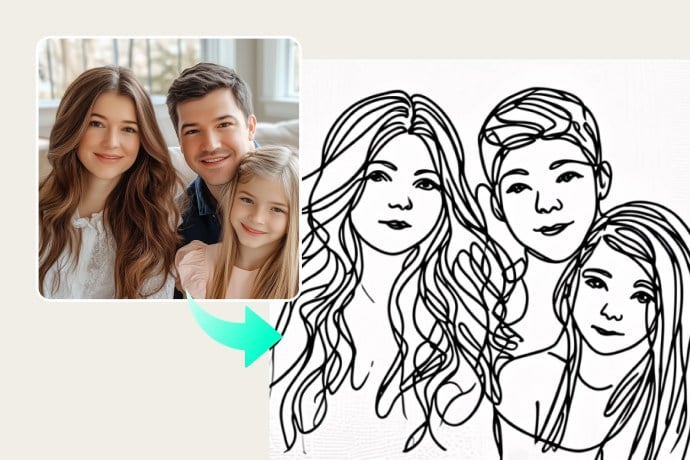
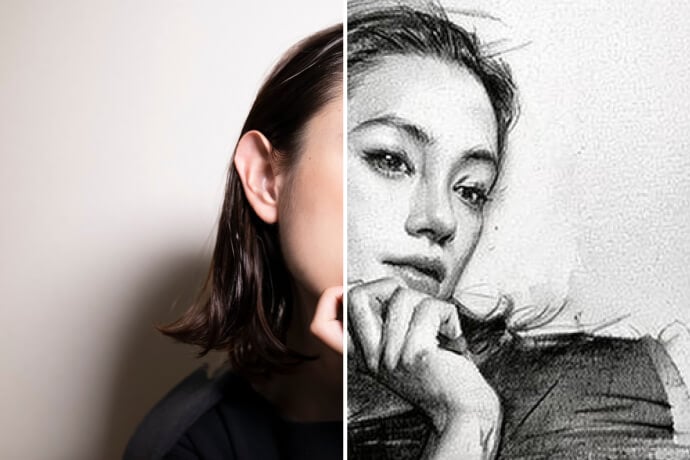
Aggiungi un tocco di magia dello Studio Ghibli ai tuoi ritratti. Puoi trasformare i tuoi selfie, le foto di famiglia e gli scatti dei tuoi cari in accattivanti opere d'arte. Il nostro filtro Ghibli esalta i dettagli del viso, ammorbidisce i toni e infonde alle tue immagini un tocco di stravaganza e nostalgia.

Amerai la qualità disegnata a mano della versione finale ispirata agli iconici personaggi Ghibli. L'effetto è eccellente se vuoi creare immagini del profilo uniche, regali speciali o esplorare il tuo lato creativo. Provalo oggi stesso e guarda i tuoi ritratti reinventati in uno straordinario stile artistico Ghibli!" Trasforma la foto in arte Ghibli
Trasforma la foto in arte Ghibli
Crea splendide illustrazioni ispirate a Ghibli

Crea splendide illustrazioni ispirate a Ghibli

Se stai lavorando a un progetto creativo o stai sperimentando trasformazioni artistiche, il nostro filtro Studio Ghibli offre la combinazione perfetta di stravaganza e precisione. Progettato per artisti, hobbisti e fan, crea un'arte onirica in stile Ghibli per tutti.

È perfetto per generare opere d'arte personalizzate, storyboard o design digitali. Il nostro filtro AI preserva i dettagli aggiungendo texture oniriche e tonalità tenui che evocano le classiche animazioni Ghibli. Inoltre, è veloce, intuitivo e infinitamente creativo!"
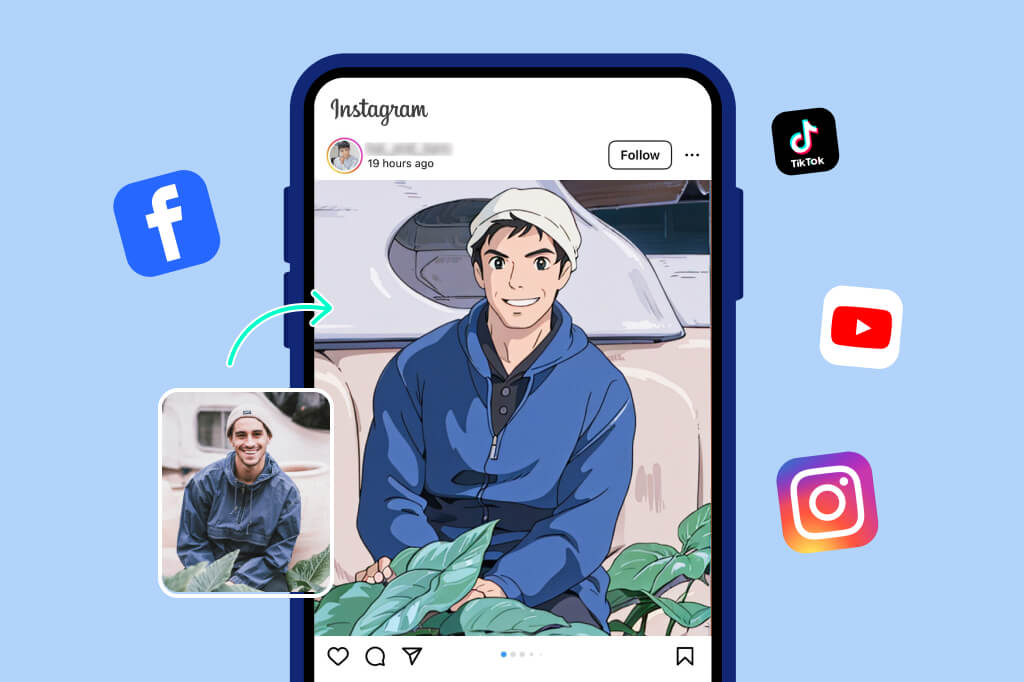
Trasforma la foto in arte Ghibli
Stupisci i tuoi follower condividendo foto in stile Ghibli sui social media

Stupisci i tuoi follower condividendo foto in stile Ghibli sui social media

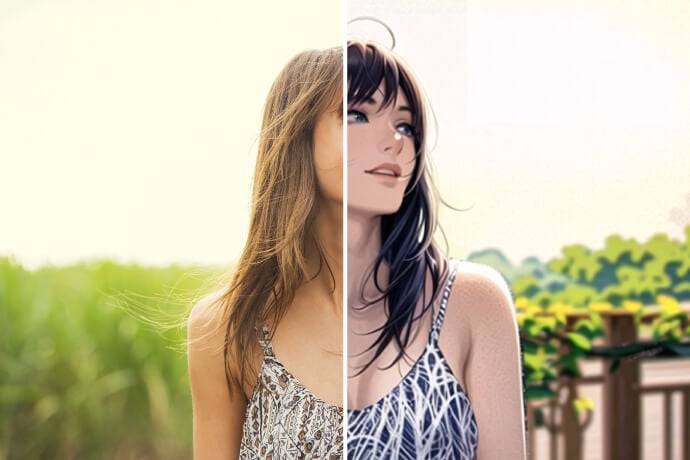
Vuoi stupire i tuoi follower? Condividi creazioni in stile Ghibli su Instagram, Facebook o TikTok. Puoi pubblicare paesaggi da sogno, ritratti stravaganti o illustrazioni artistiche. L'estetica del filtro Ghibli farà risaltare le tue foto, suscitando conversazioni e ammirazione nel tuo pubblico.

Carica semplicemente la tua foto, seleziona il filtro Ghibli e lascia che insMind la trasformi in pochi secondi. Che tu le condivida per divertimento personale o per promuovere il tuo marchio, le affascinanti foto in stile Ghibli lasceranno un'impressione duratura. Rendi ogni post un capolavoro!"
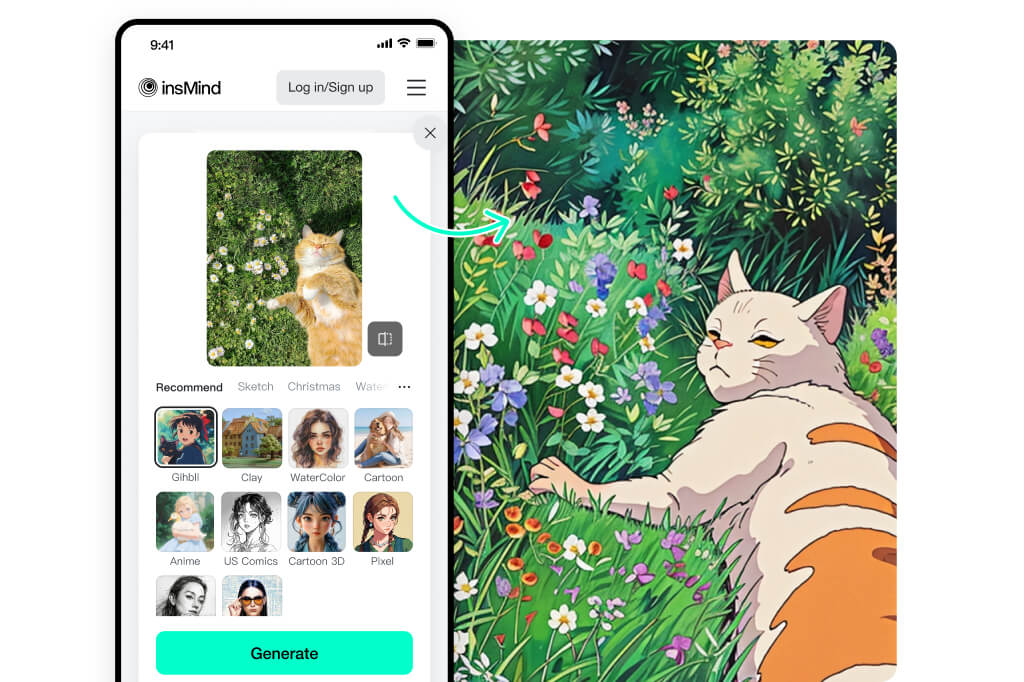
Converti la foto in arte Ghibli
Trasforma le tue foto in arte Ghibli in movimento

Trasforma le tue foto in arte Ghibli in movimento

"Sei bloccato in coda, in viaggio o ti stai godendo una pausa caffè? Porta con te un po' di magia dello Studio Ghibli, ovunque tu sia. Che tu sia sul tuo telefono, tablet o laptop, la nostra piattaforma facile da usare ti consente di creare splendide foto artistiche in pochi tocchi.

Carica semplicemente una foto, applica il filtro Ghibli e la tua immagine si trasformerà in pochi secondi. È così semplice. Ovunque ti porti la vita, lascia che la tua creatività ti segua."

Create Ghibli-Style Photo for Free

Esplora Altri Filtri e Stili Fotografici AI

Come Trasformare una Foto nello Stile Ghibli con AI?
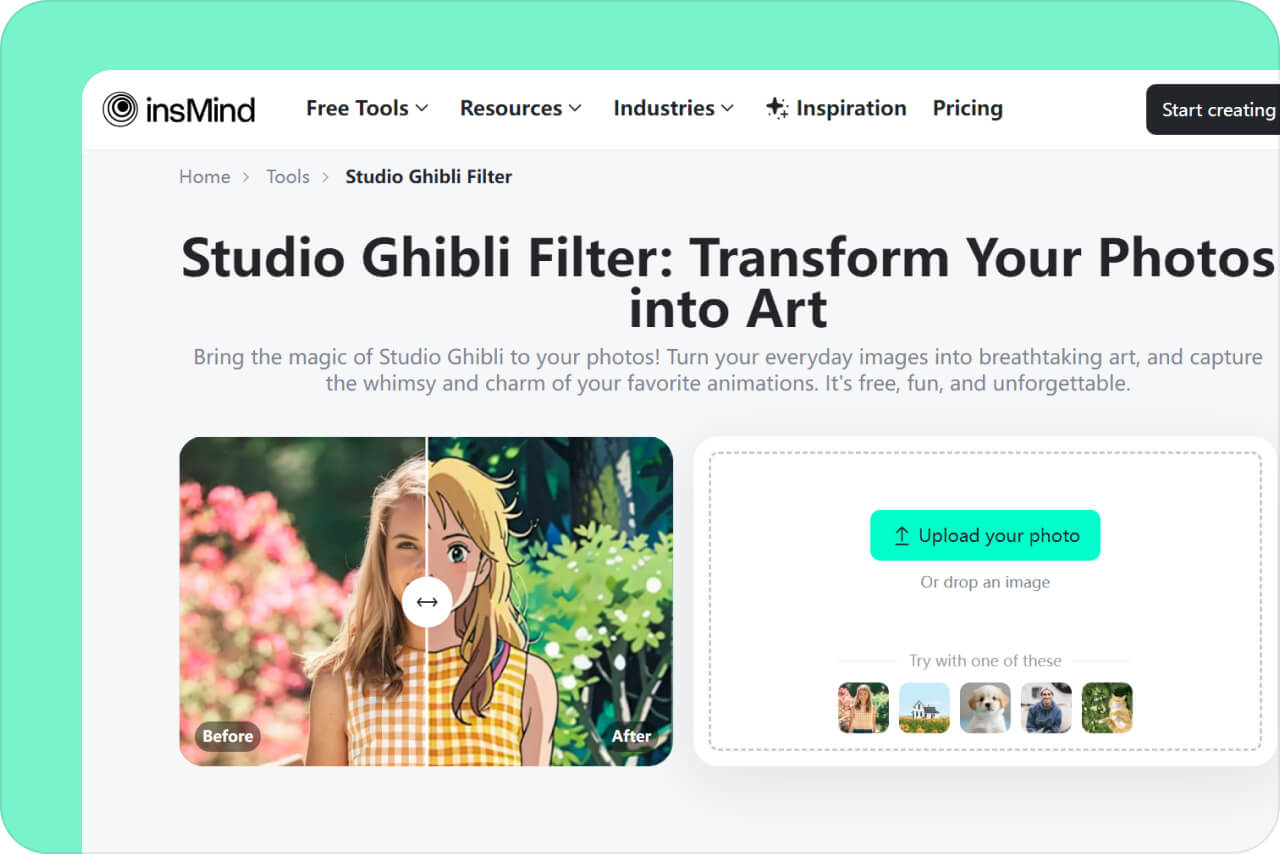
Carica la tua foto
1

1 Carica la tua foto

Clicca su "Carica una foto" e scegli un'immagine dal tuo dispositivo o dalla galleria. Può essere un ritratto, un paesaggio, un'illustrazione o persino uno schizzo! Il nostro strumento supporta diversi formati: libera la tua creatività.
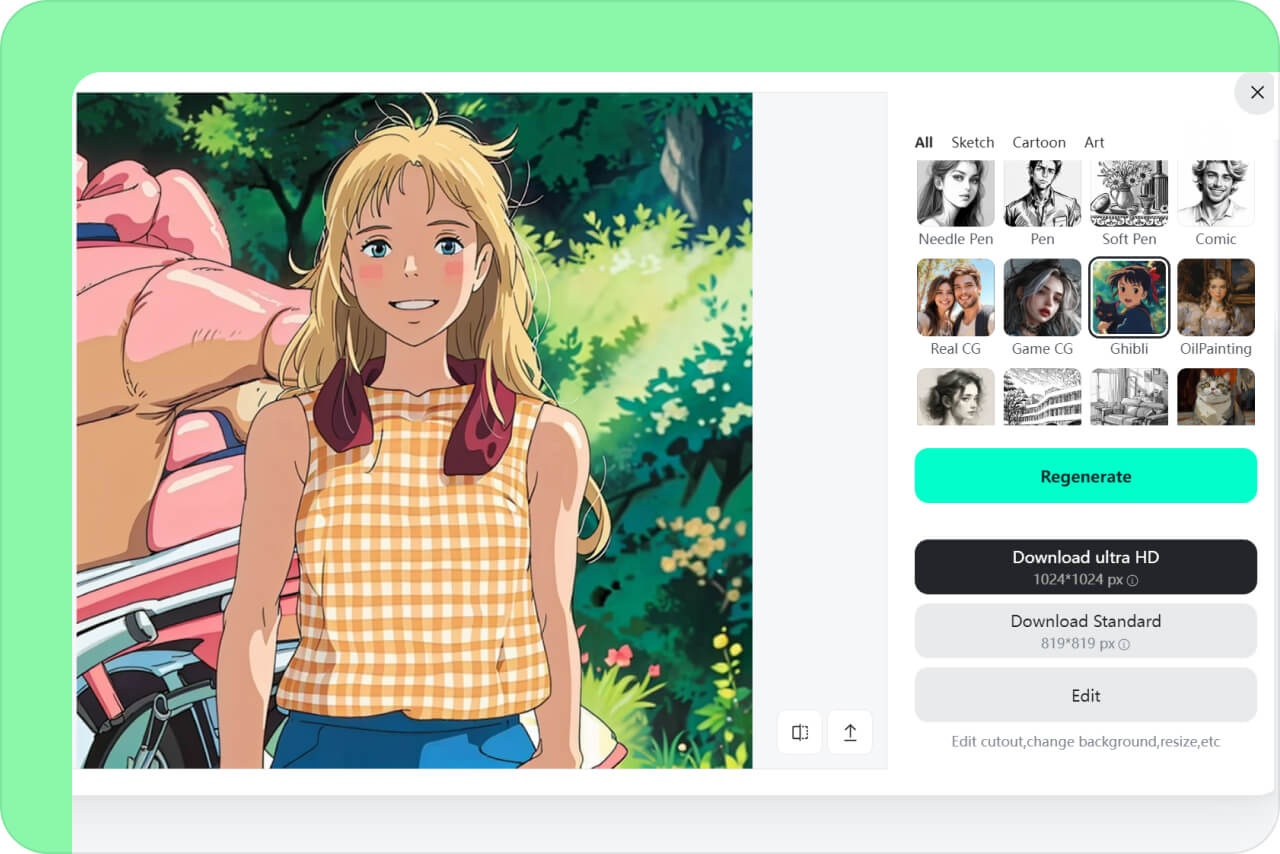
Applica l'effetto Ghibli
2

2 Applica l'effetto Ghibli

Dopo il caricamento, seleziona il filtro “Ghibli” e clicca su "Genera". In pochi secondi, l'intelligenza artificiale darà alla tua immagine un tocco magico e fiabesco, ispirato ai film dello Studio Ghibli. Guarda l'anteprima per assicurarti che sia perfetta.
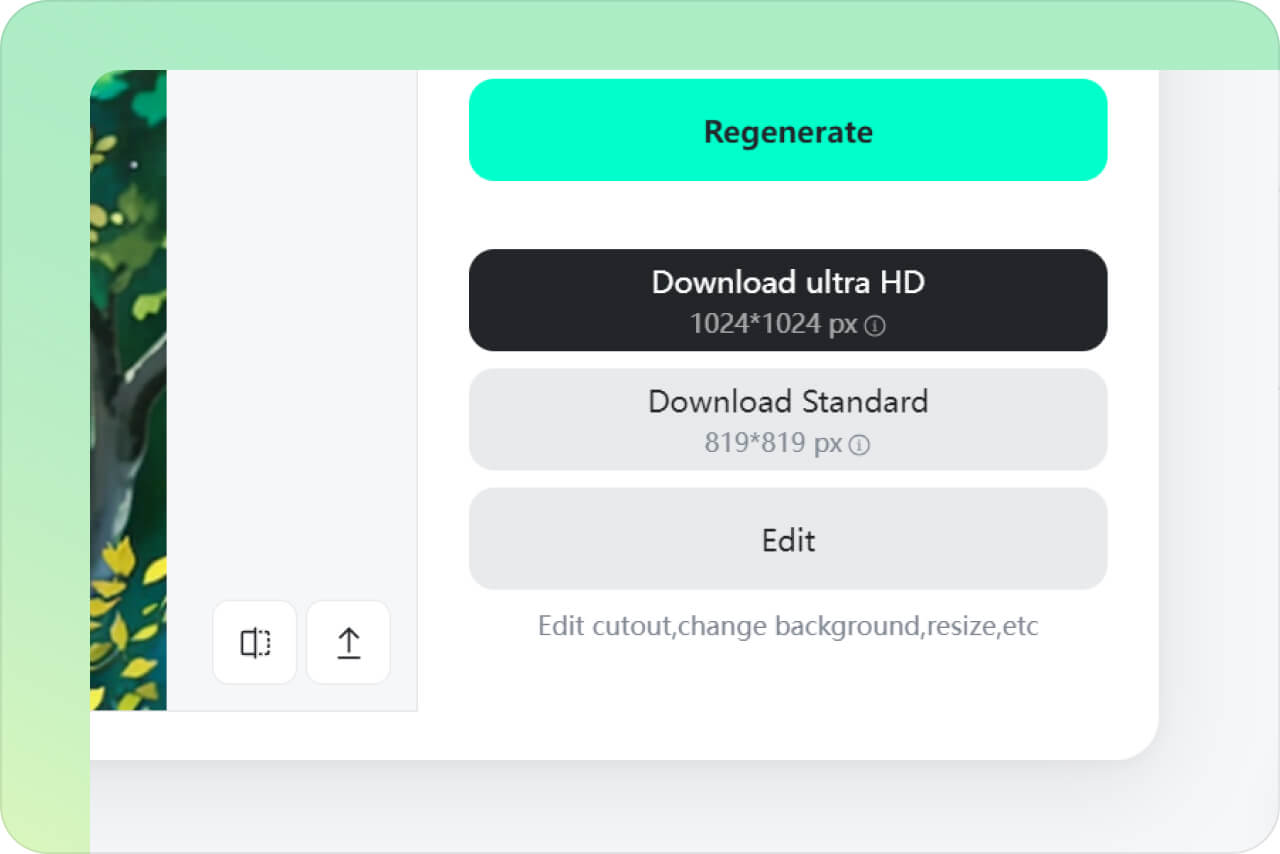
Scarica la tua opera d'arte
3

3 Scarica la tua opera d'arte

Soddisfatto del risultato? Con un clic, puoi scaricare l'immagine sul tuo dispositivo. Condividila sui social, stampala come ricordo o usala nei tuoi progetti creativi!

Filtro Ghibli AI di insMind – La Soluzione Creativa per Tutti

Hai un blocco creativo? Il filtro Ghibli di insMind può trasformare le tue idee in opere visivamente emozionanti.
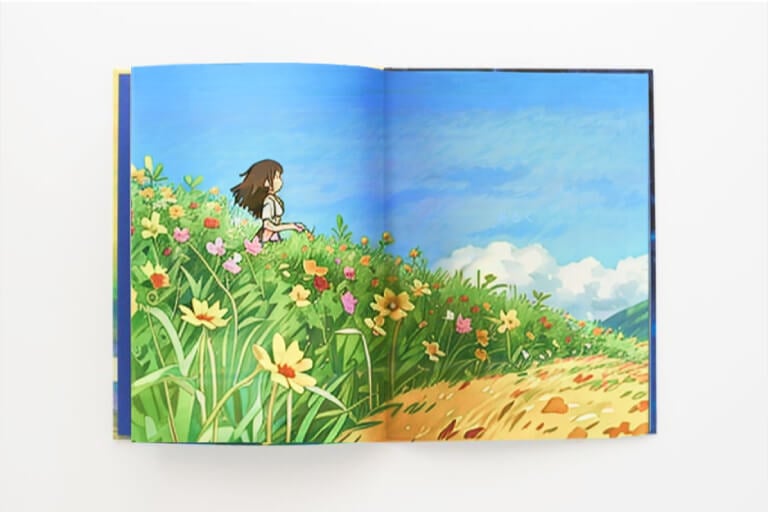
Illustrazioni da libro di fiabe

Illustrazioni da libro di fiabe

Se sei un illustratore, il filtro Ghibli aggiunge un tocco professionale e sognante ai tuoi schizzi. I tuoi personaggi prenderanno vita con uno stile morbido e poetico.
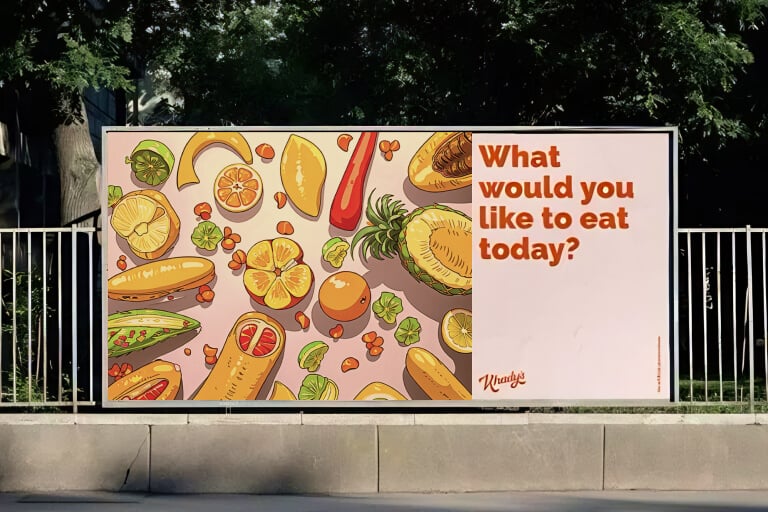
Campagne marketing

Campagne marketing

Dai un tocco magico ai tuoi materiali promozionali: trasforma banner, loghi e grafiche in opere nello stile Ghibli. Emozione e nostalgia per attirare l'attenzione del pubblico.
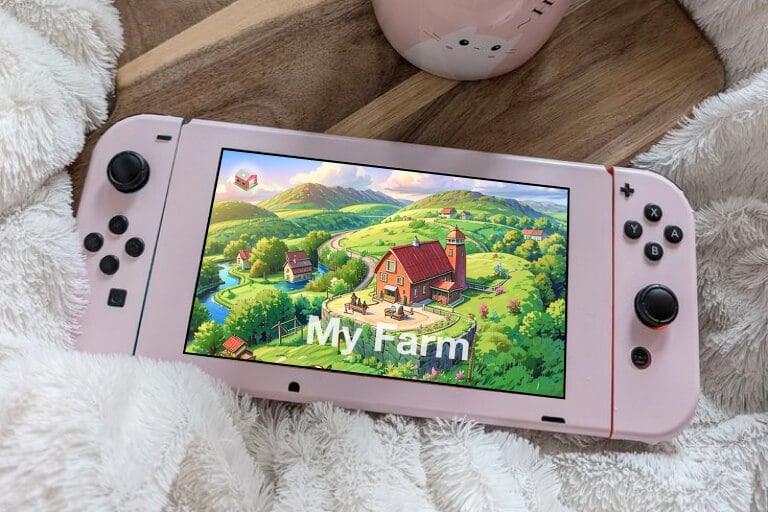
Arte per videogiochi

Arte per videogiochi

Dai nuova vita a fondali, personaggi e risorse grafiche del tuo videogioco. Lo stile Ghibli attirerà i giocatori e li trasporterà in un mondo fantastico.

Perché scegliere il filtro Ghibli AI di insMind?

Generazione con un solo clic

Generazione con un solo clic

Crea arte ispirata a Ghibli in pochi secondi, senza bisogno di competenze di editing.

AI ad alta precisione

AI ad alta precisione

Oltre a Ghibli, prova filtri acquerello, vintage, cartone animato, argilla e molti altri.

Filtri creativi multipli

Filtri creativi multipli

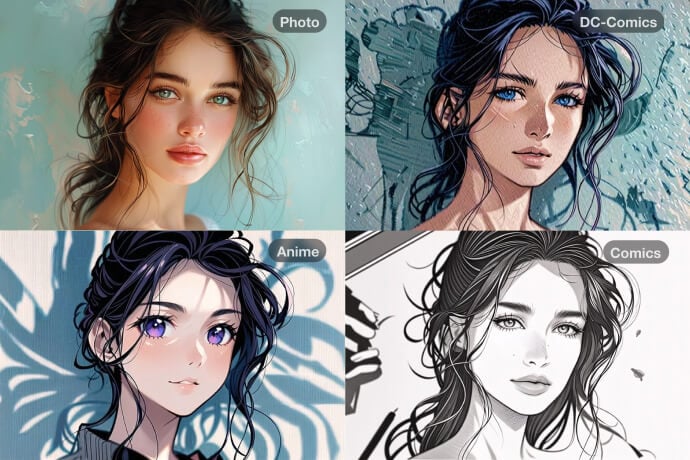
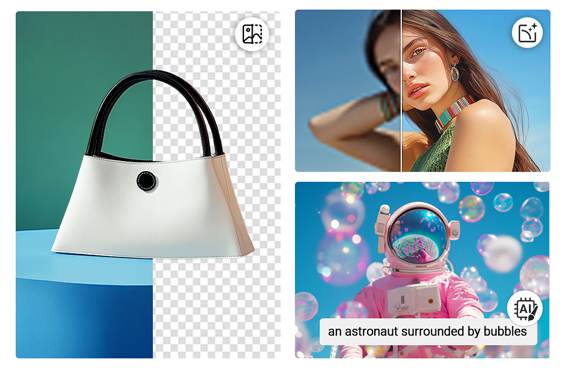
Oltre al filtro Ghibli, insMind offre filtri AI per ogni immaginazione, tra cui acquerello, schizzo, vintage, cartone animato e argilla. Sperimenta per trovare lo stile perfetto e creare immagini uniche.

Domande frequenti sul filtro Studio Ghibli per le foto

Cos'è il filtro AI Ghibli?

insmind expand icon
Il filtro AI Ghibli è uno strumento che trasforma le tue foto in arte ispirata allo stile di animazione dello Studio Ghibli. Utilizza un'intelligenza artificiale avanzata per ricreare la sensazione morbida, stravagante e magica dei film Ghibli. Amerai la qualità onirica delle immagini finali, che hanno un aspetto unico e incantevole.

Chi può trarre vantaggio dall'effetto AI Studio Ghibli?

insmind expand icon
Chiunque può utilizzare il filtro AI Ghibli di insMind per aggiungere un tocco artistico alle proprie foto. Ad esempio, i grafici possono creare facilmente concept art o illustrazioni di libri di fiabe. I professionisti del marketing digitale possono incorporare questo stile nelle campagne per distinguersi e catturare il pubblico. Gli sviluppatori di giochi possono progettare risorse fantasiose in stile Ghibli, come sfondi o personaggi. I creatori di social media possono catturare l'attenzione degli utenti e ottenere Mi piace e condivisioni. Gli hobbisti possono trasformare le foto di tutti i giorni in ricordi artistici o regali.

Dove posso trovare uno strumento Studio Ghibli?

insmind expand icon
insMind è la piattaforma migliore per applicare il filtro Studio Ghibli alle tue foto in pochi secondi. È uno strumento intuitivo e basato sul Web che puoi usare su qualsiasi dispositivo. Puoi accedervi in ​​pochi secondi insieme ai nostri strumenti creativi e migliorare foto illimitate.

Il filtro insMind AI Ghibli è gratuito?

insmind expand icon
Sì, puoi usare lo strumento gratuitamente per scaricare immagini di bassa qualità. Se vuoi immagini ad alta risoluzione HD senza filigrana, passa alla versione Pro a un piccolo costo. È ricco di funzionalità e filtri aggiuntivi per portare le tue creazioni a un livello superiore.

Potresti essere interessato a
Rendi le tue foto più belle con le funzioni completamente gratuite.