Immagine AI
Video AI
Editor di foto
Risorse
IspirazioniPrezzi

Trasforma le tue immagini in arte con i filtri fotografici AI di insMind

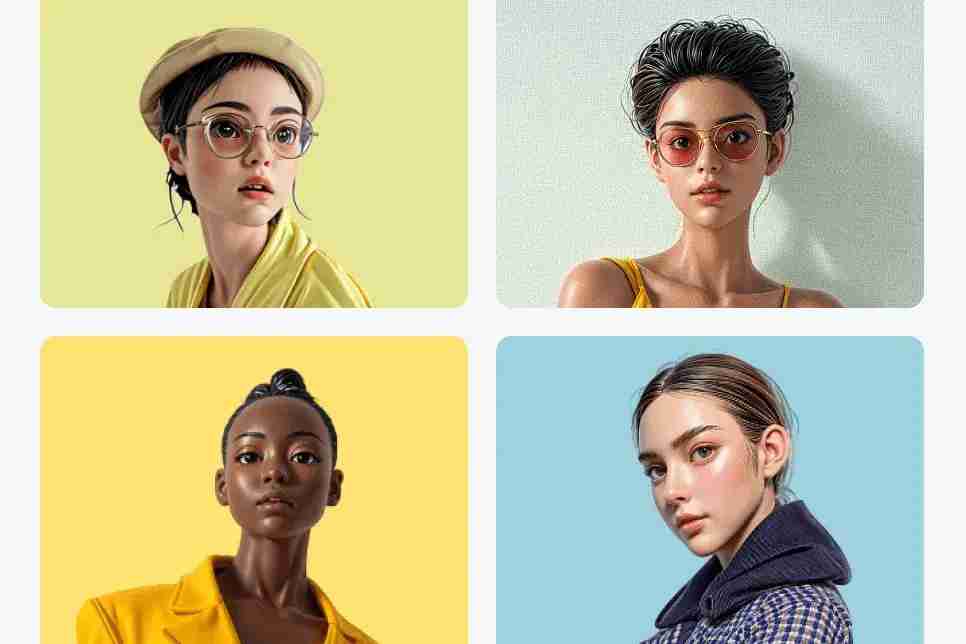
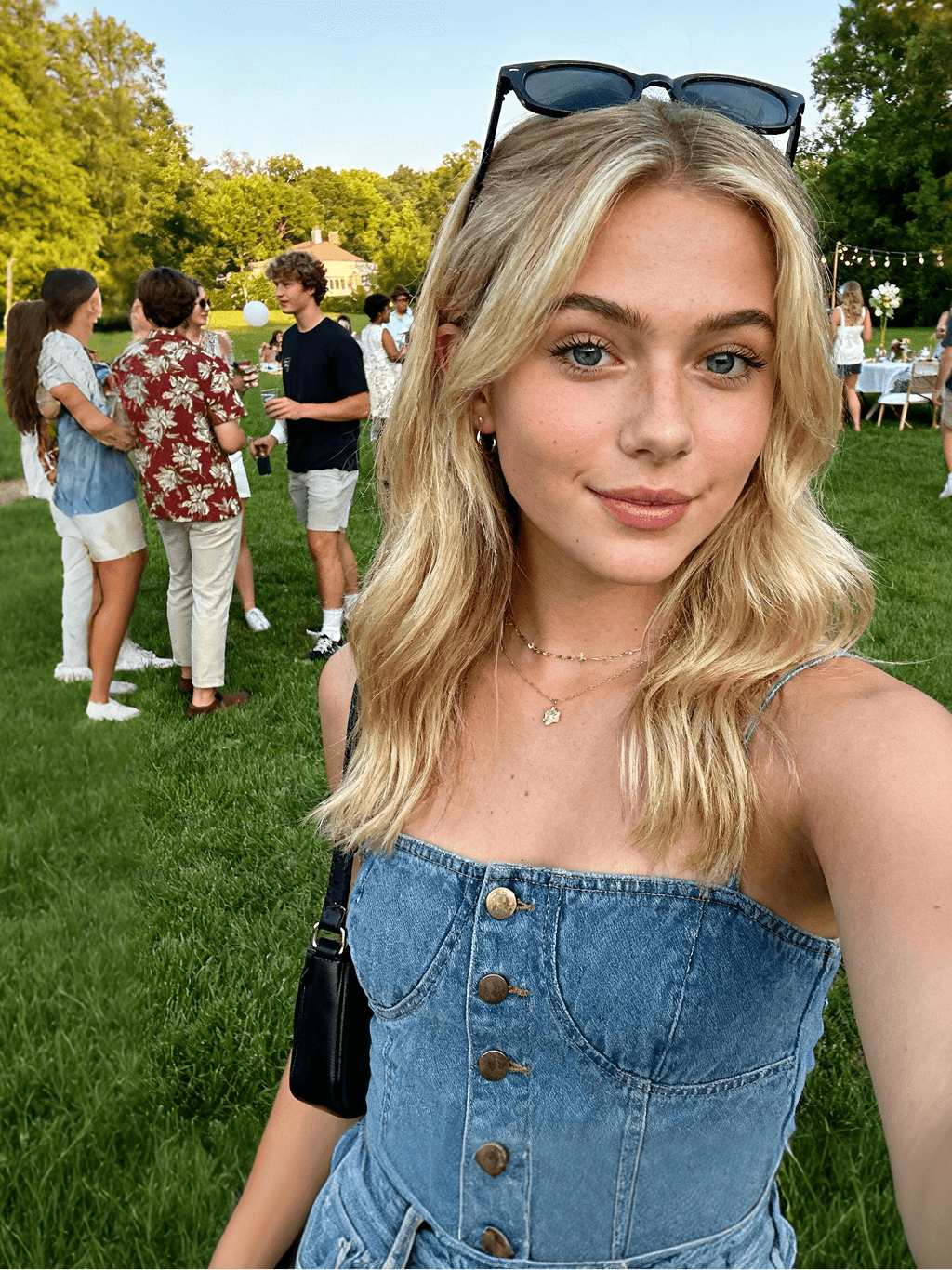
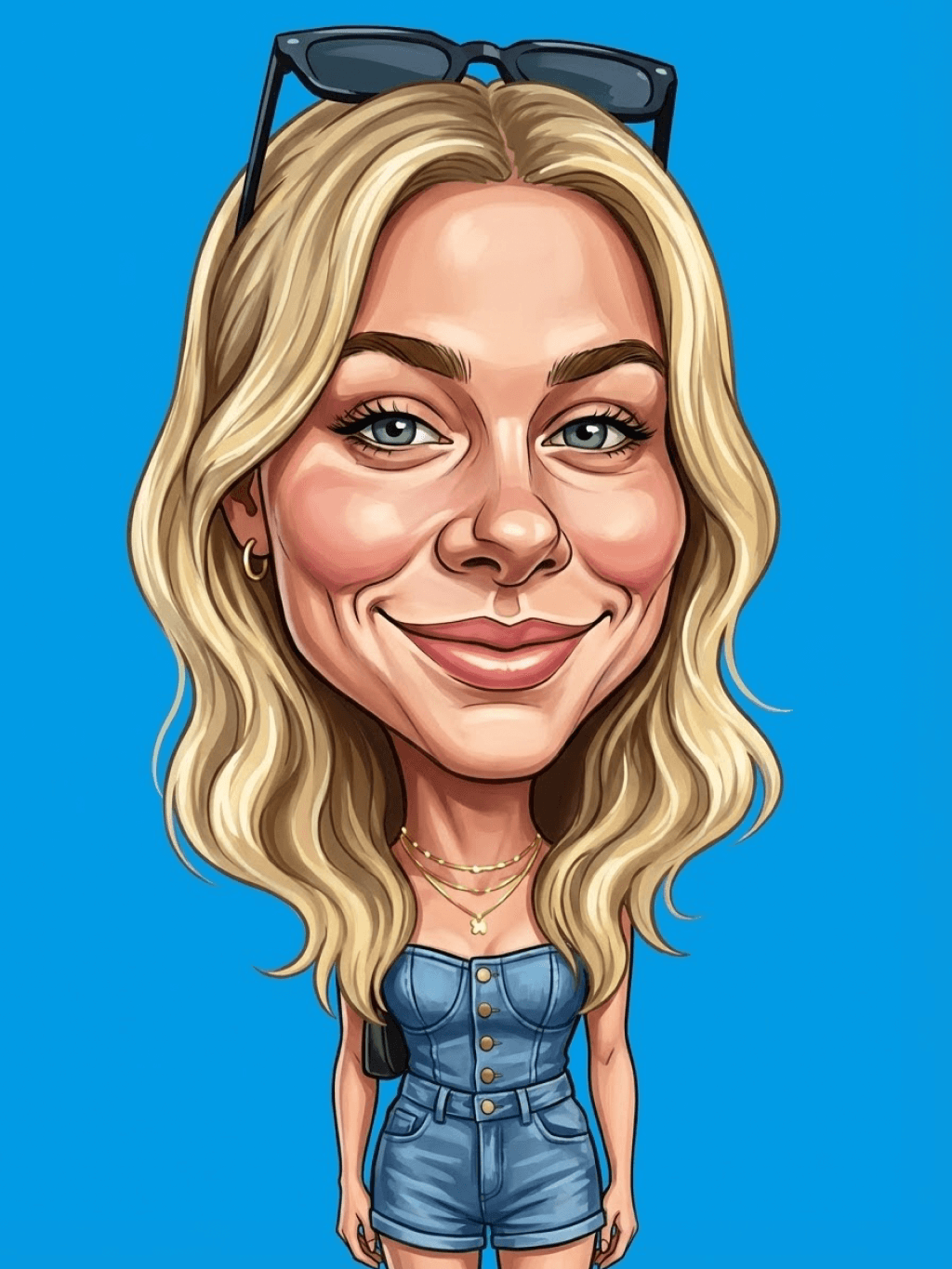
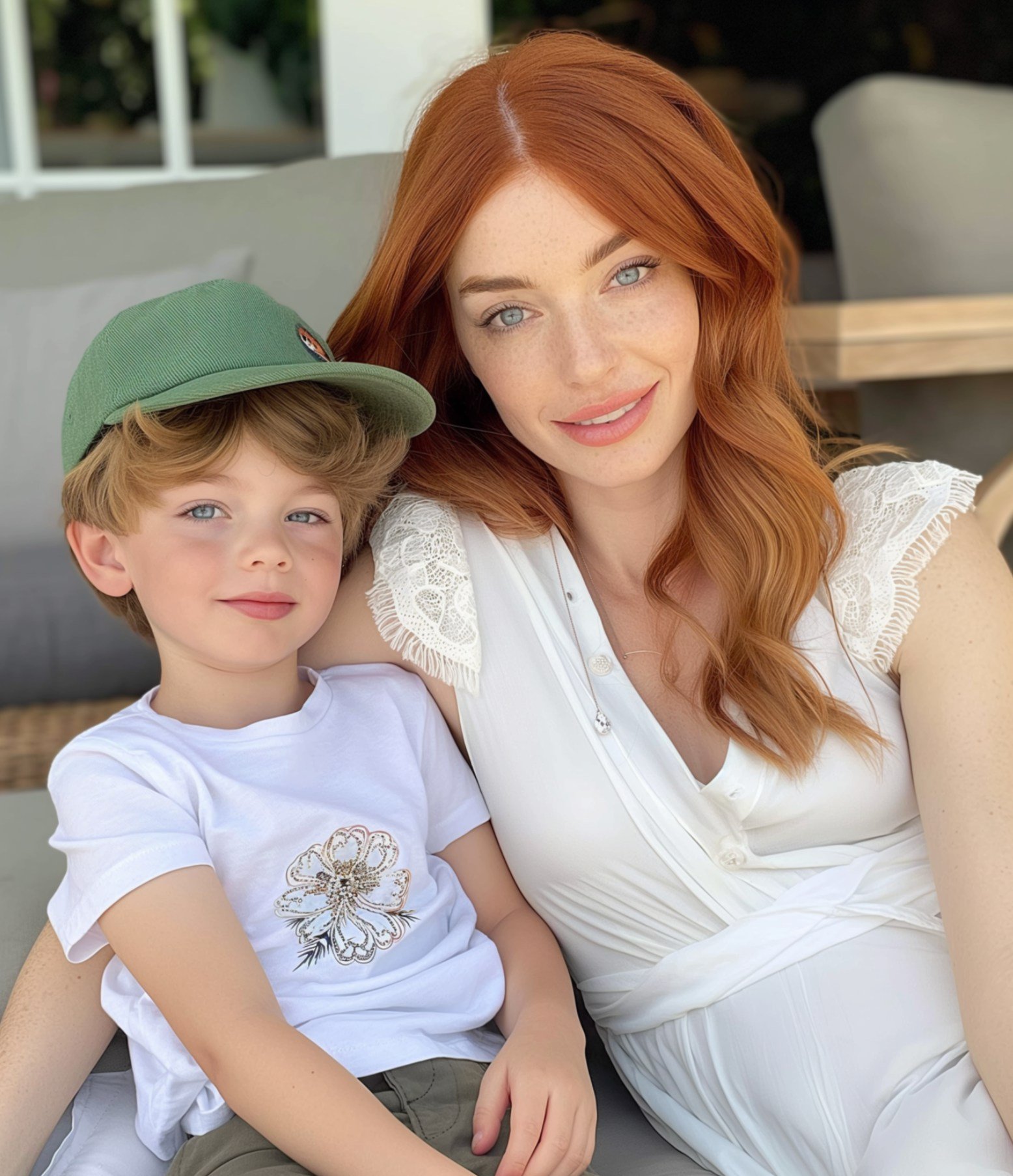
Dai nuova vita alle tue foto trasformandole in schizzi, cartoni animati, acquerelli, dipinti, anime e molto altro grazie ai filtri fotografici AI disponibili online su insMind.

00:00
00:00
Oppure trascina l'immagine qui, incolla l'immagine o l'URL
Prova con uno di questi
Esempio di filtro per il pianto di insMind AI 1
Esempio di filtro per il pianto di insMind AI 2
Esempio di filtro per il pianto di insMind AI 3
Esempio di filtro per il pianto di insMind AI 4
Esempio di filtro per il pianto di insMind AI 5

Crea simile

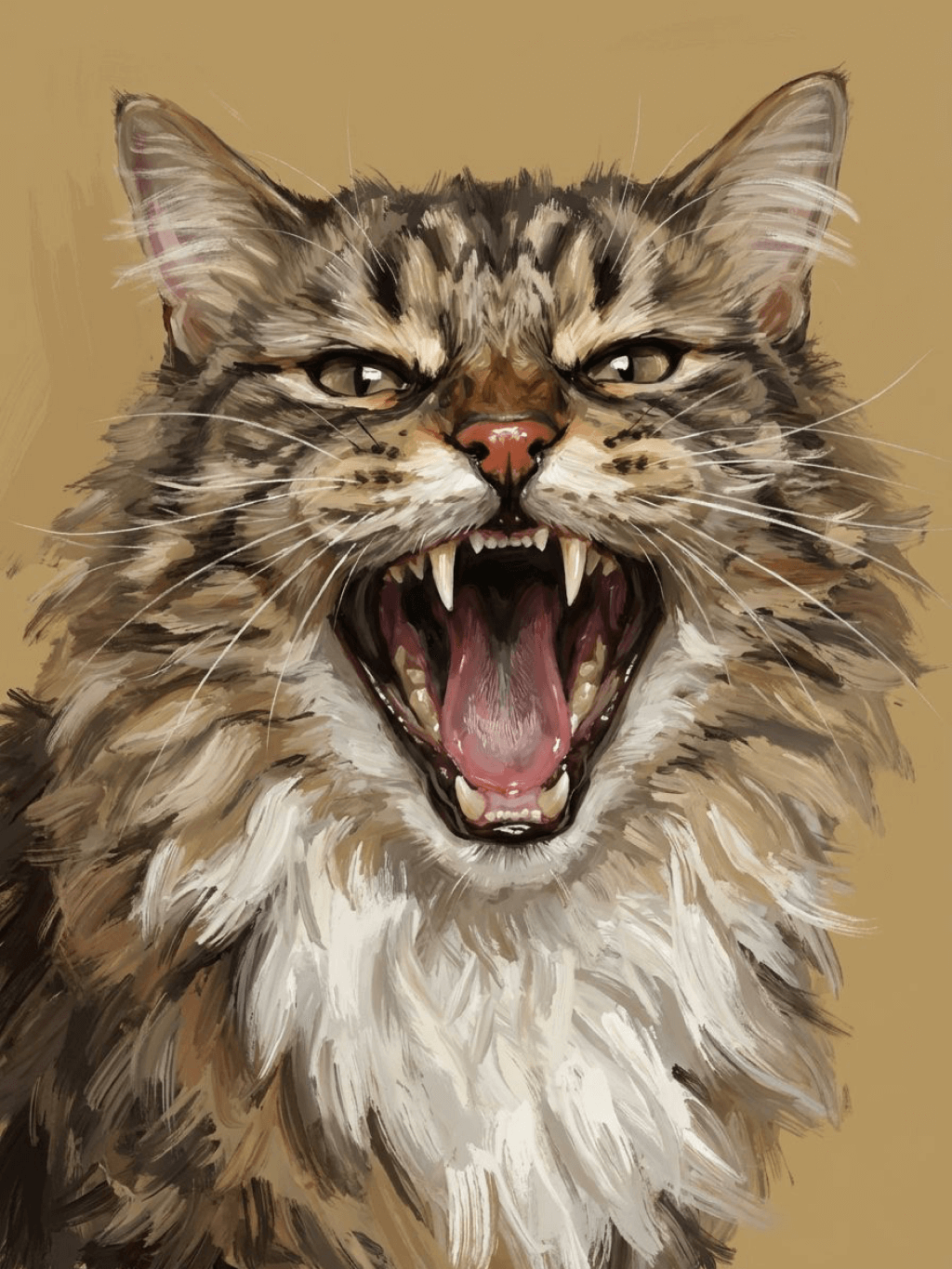
Subject: The main character in the picture. Expression: An anthropomorphic expression, with the mouth wide open, revealing teeth, canine teeth and tongue. The eyes are narrowed, looking disdainfully at the camera. Style: An exaggerated portrait painting in a digital painting style, combining expressionist brushstrokes. Texture: Has distinct brushstroke textures, as if it was quickly applied with rough oil paints or acrylic brushes. Detail depiction: The details are very realistic, such as hair, teeth, a moist nose and the inside of the mouth, but the overall structure and expression are highly exaggerated to achieve a humorous effect. Posture: Frontal shot, profile view Background: Solid color background
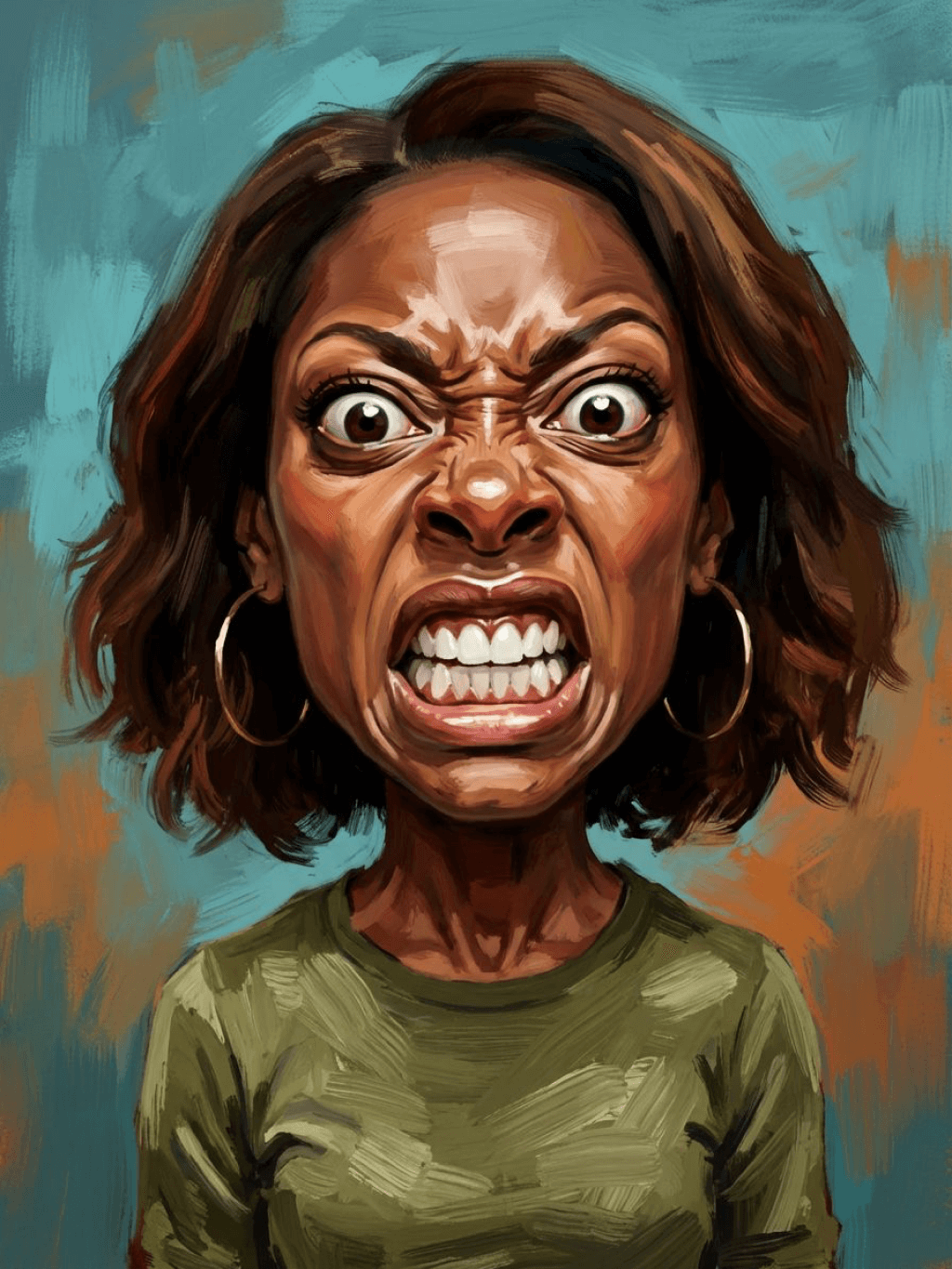
Subject: The main character in the picture. Expression: Extremely angry / Exaggerated anger. Furrowed brows, wrinkled forehead, dilated nostrils, mouth wide open and revealing clenched teeth, facial muscles completely contracted. Looking at the camera. Pose: One-to-one replication of the main character in the picture. Costume: One-to-one replication of the character's costume. Style: Exaggerated portrait painting in a digital painting style, combining expressionist brushstrokes. Texture: Has distinct brushstroke textures, as if it was quickly applied with rough oil painting or acrylic brushes, especially the background and clothing parts. Character style: Satirical caricature style, extremely exaggerated features (big mouth, big teeth, big eyes, big nose), funny expression, proportion: The head is significantly enlarged, the proportion is distorted, while the body is relatively smaller. Facial features: The facial muscles are extremely exaggerated, there are deep expressive lines around the eyes and mouth. Detail depiction: Skin texture, pores, teeth and other details are depicted very realistically, but the overall proportion and expression are exaggerated to a great extent. Lighting: Uses dramatic and intense contrast of light and shadow, highlighting the three-dimensionality of the character's face and the tension of the emotions. Posture: Frontal, portrait Background: Abstract and rough blue-green and orange/brown brushstrokes form the background, without specific environmental depiction, completely focusing on the character.
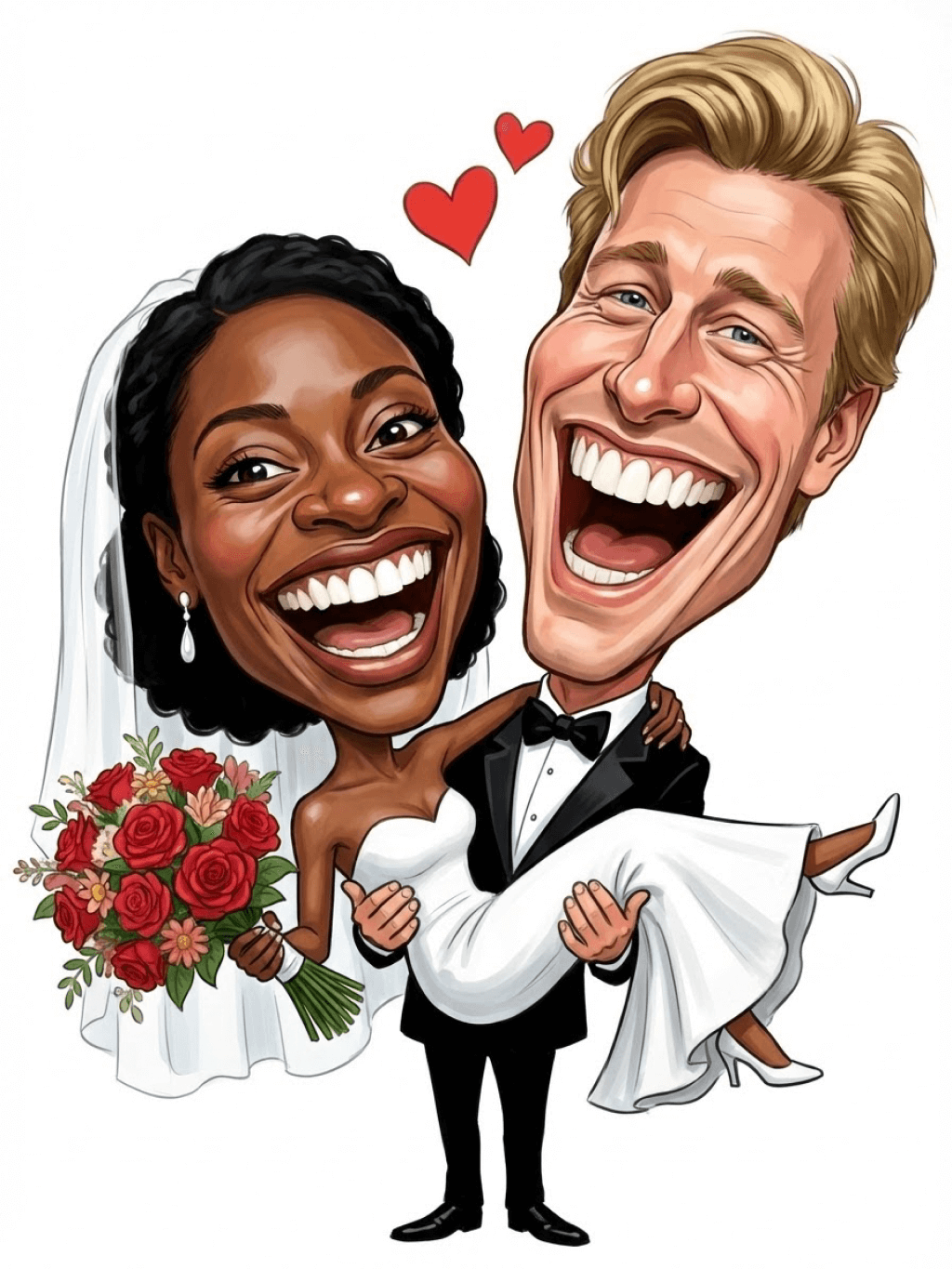
Character: The main figure in the picture. Core: An exaggerated comic with a wedding photo theme. Style: A highly exaggerated cartoon comic style, presented through digital painting. Head: Both of their heads are significantly enlarged, with distorted proportions, while the bodies are relatively smaller. Facial features: The facial muscles are extremely exaggerated, with deep expressive lines around the eyes and mouth, a very large and prominent nose, and very large teeth. Expression: An extremely exaggerated and joyful wide-open mouth laugh, with bulging eyes, fully matching the joyful mood in the reference image. Both are looking directly at the camera. Light and details: Sharp highlights on the forehead, nose, and cheekbones, contrasting with deep, smooth shadows to emphasize the exaggerated contours. Clean, smooth digital brush strokes. Background: A pure white background, with two red hearts decorating the gap between the two heads. Appearance: A one-to-one replica of the main character in the picture. Costume: The bride is wearing a white strapless wedding dress with a veil, and the groom is wearing a black tuxedo with a bow tie. Posture: Full body, both looking at the camera, the groom holding the bride like a princess, and the bride holding a red rose bouquet of flowers.
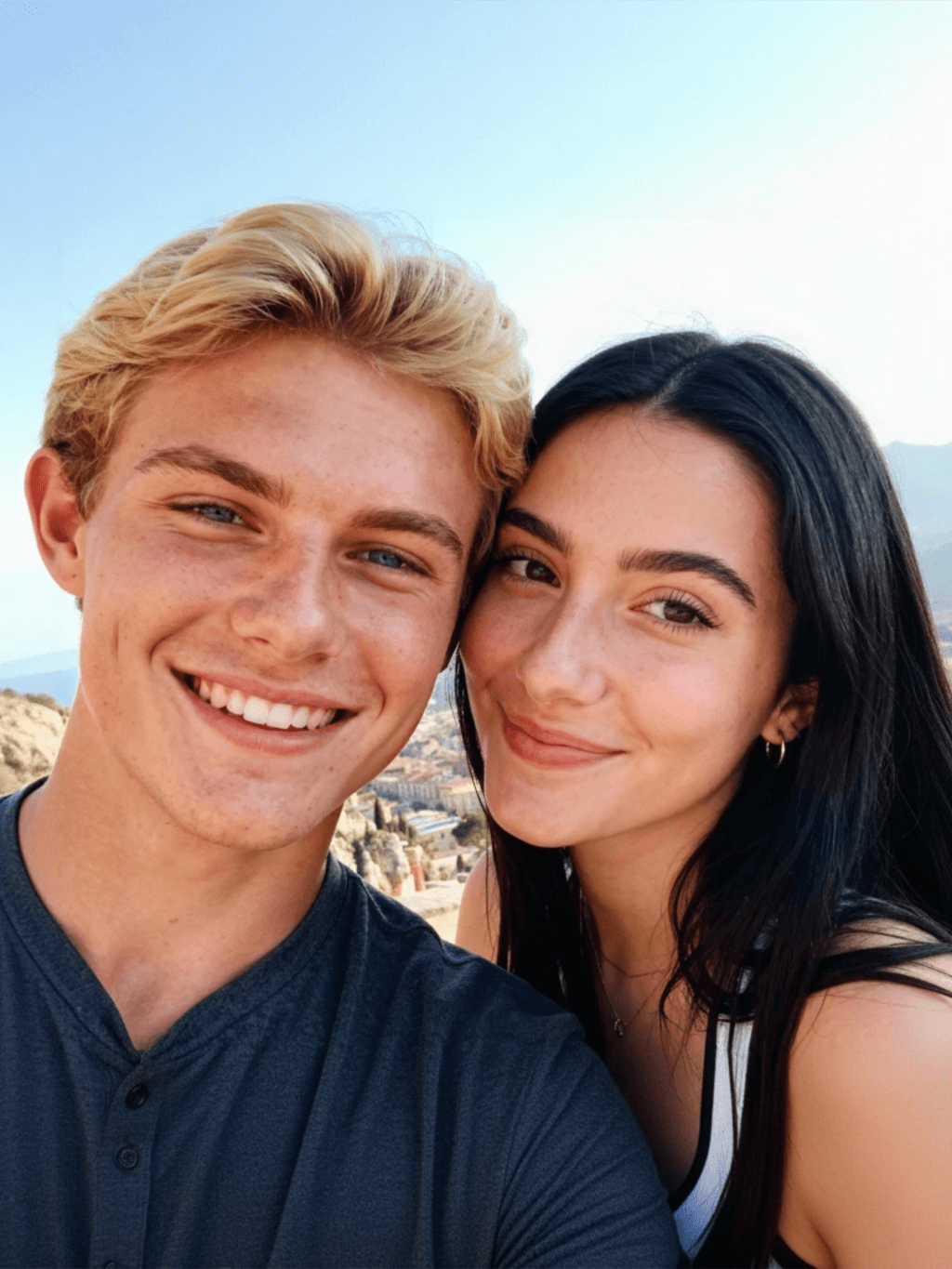
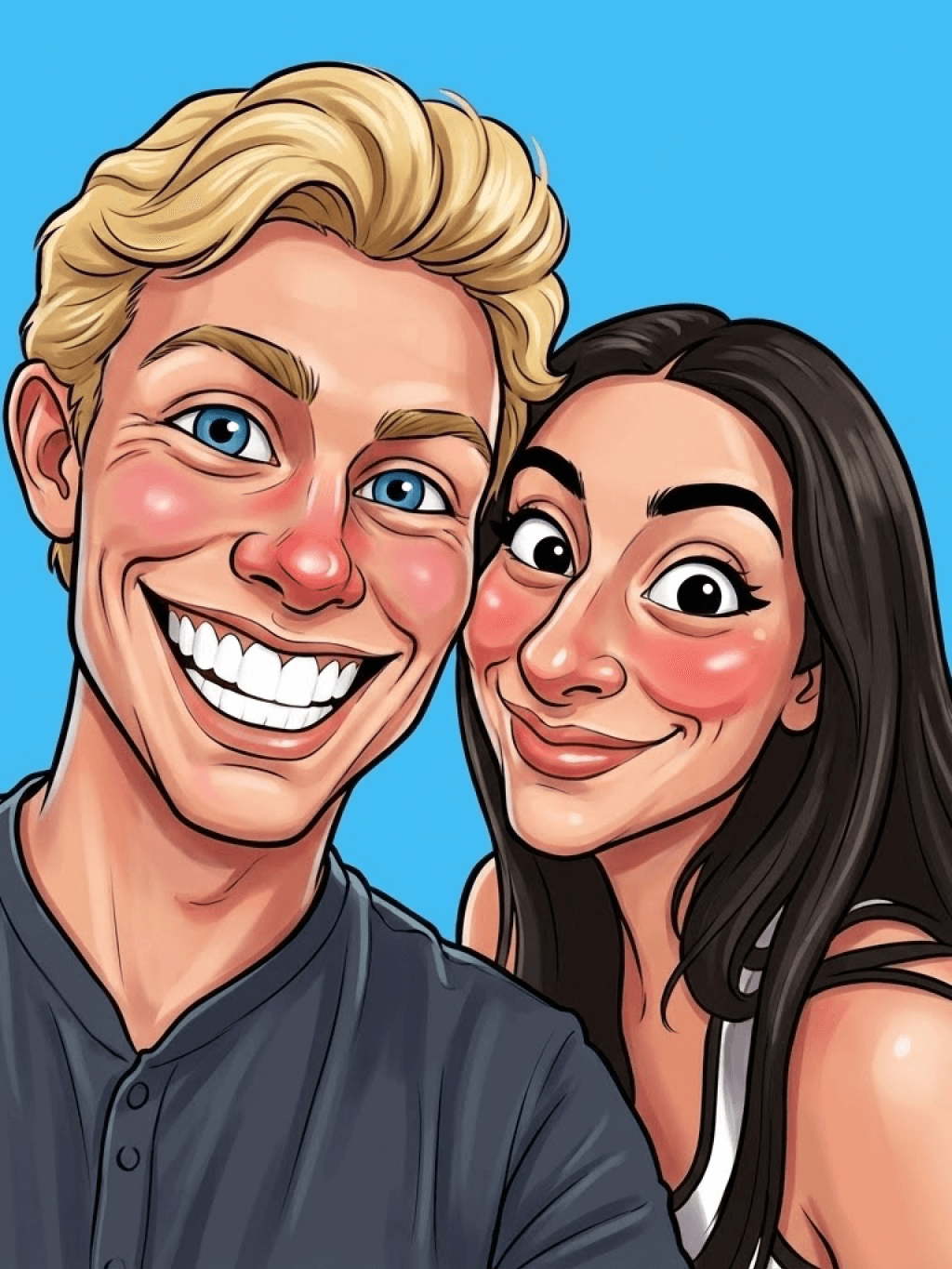
Main character: The person in the picture Art style: Exaggerated cartoon style. Bright colors, bold outlines. Character blush. Proportion: The heads are significantly enlarged and the proportions are distorted. Facial features: Exaggerated processing based on the facial features of the reference figure, exaggerated facial muscles, extremely exaggerated facial features (big mouth, big teeth, big eyes, big nose), funny expressions. Expression: Reproduce the main character's expression in the picture and exaggerate it. Facing the camera. Hair: Reproduce the hairstyle of the main character in the picture. Clothing: Exactly the same as the main character's clothing in the picture. Background: Solid color background. Light and details: Styled highlights and shadows, highlighting the facial contours, with the typical smooth texture of digital painting. Posture: Affectionate action, head touching head, looking at the camera, half-length portrait
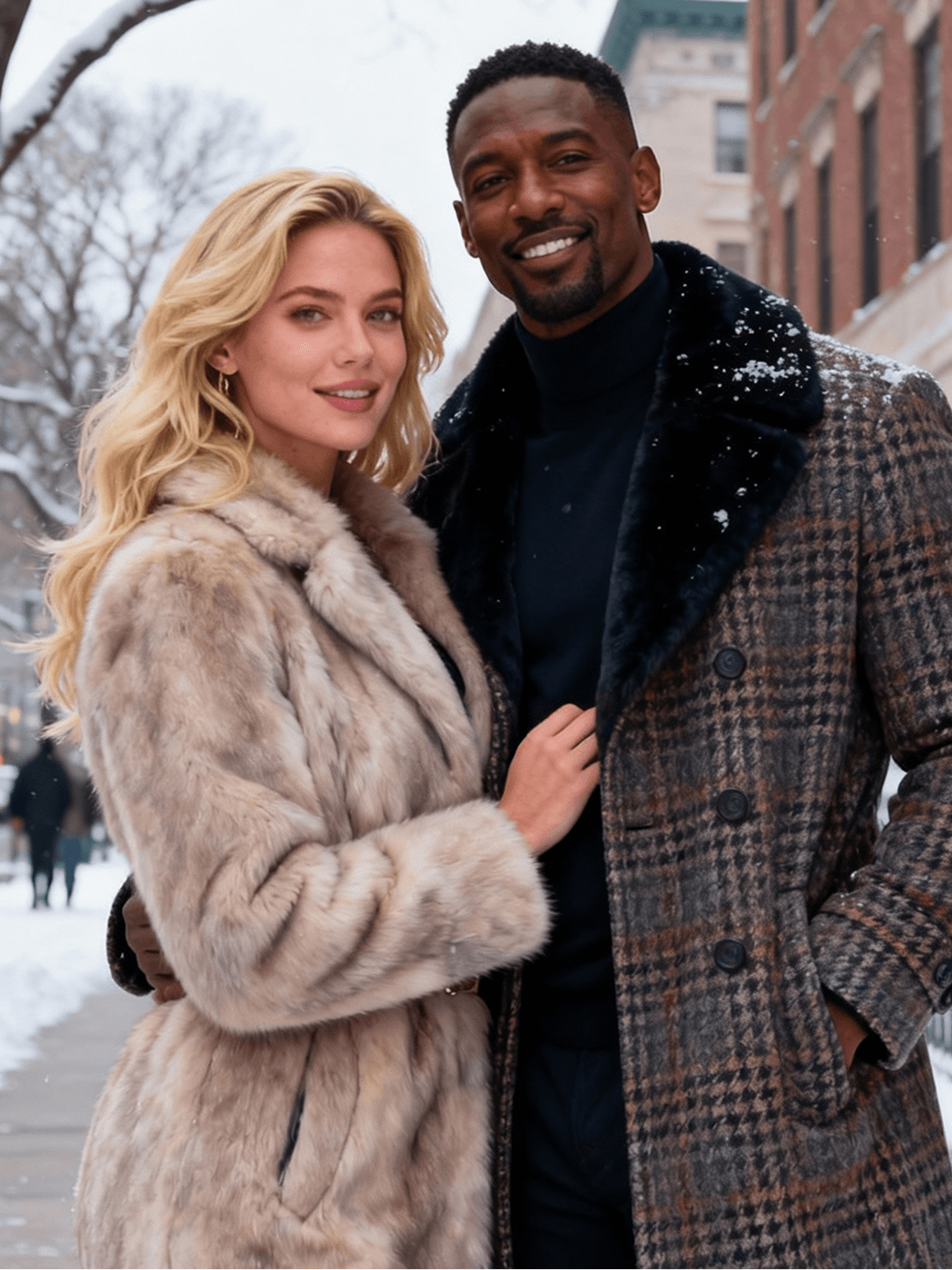
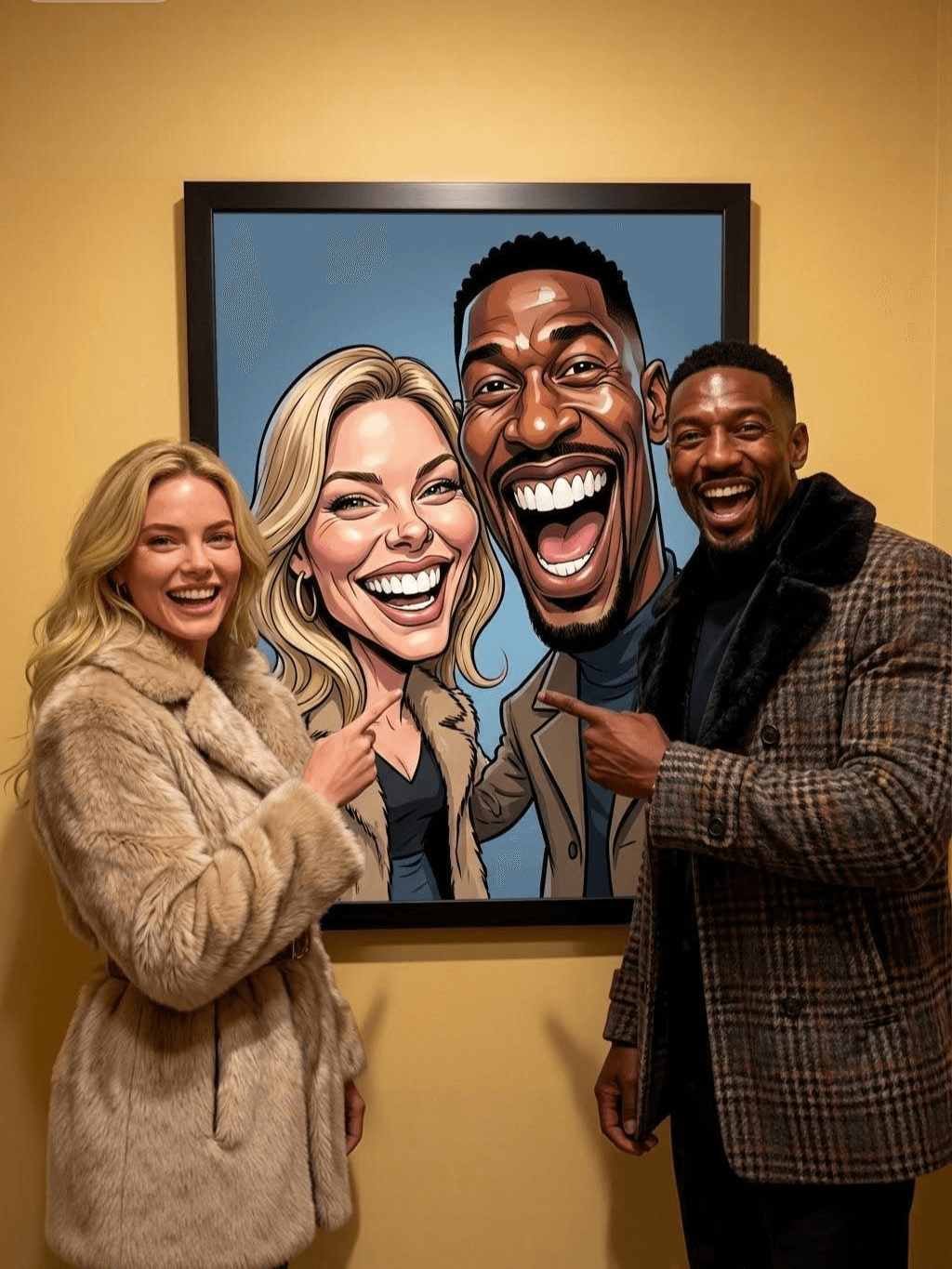
Subject: The main figure in the picture. Core: A high-resolution real photo showing a couple standing beside a framed painting hanging on the wall. The center of the picture features a large black-framed portrait. The content is an exaggerated caricature style of the main character: extremely exaggerated facial features (big mouth, big teeth, big eyes, big nose), with a funny expression. Portrait: Black simple border (no white border), style: highly exaggerated cartoon comic style, presented by digital painting. Head: Both people's heads are significantly enlarged, with distorted proportions, while the body is relatively smaller. Facial features: Facial muscles are extremely exaggerated, there are deep expressive lines around the eyes and mouth, the nose is very large and prominent, and the teeth are also very big. Comic expression: Extremely exaggerated, joyful mouth wide open laughter, eyes bulging, fully matching the joyful mood in the reference image. Both are looking directly at the camera. Light and details: Sharp highlights on the forehead, nose, and cheekbones, contrasting with the deep, smooth shadows to emphasize the exaggerated contours. Clean, smooth digital brushstroke texture. Low saturation blue as the background of the portrait. Style: One-to-one replication of the main figure in the picture Clothing: One-to-one replication of the main character's clothing Photo scene: Indoor, with warm decoration, warm yellow background wall Posture: The main figure stands in front of the portrait, looking at the camera, with one hand raised in front of the chest pointing at the portrait on the wall. Warm lighting, natural integration of light and shadow, clear image quality, 8K
Subject: The main character in the picture. Art style: Exaggerated cartoon style. Head: The head is enlarged while the body is relatively small. Facial features: Exaggerated facial muscles, exaggerated facial lines, and a large nose. Expression: Reproduce the expression of the main character in the picture and exaggerate it. Looking at the camera. Family name: Exactly the same as the appearance of the main character in the picture. Attire: One-to-one reproduction of the main character's outfit in the picture. Background: Solid color background. Lighting and details: Stylized highlights and shadows, highlighting the facial contours, with a smooth feel typical of digital painting. Pose: Frontal half-length portrait
Retain all the details of the image and convert it to color.
Use the character from the uploaded image exactly as it appears — keep all features, colors, proportions, and style unchanged. Create a four-panel comic/storyboard with each panel showing a different scene of the character. Maintain the same cartoon art style as the reference image. Add speech bubbles/dialogues for the character in each panel, appropriate to the story. Ensure visual continuity: same background style, color palette, and lighting consistent across all panels. Focus on clear composition, expressive poses, and readable dialogue. Output: four distinct panels forming a coherent story.
Refer to Figure 2 and convert the style of Figure 1
Generate a set of powerful 3-panel Japanese anime storyboards by referring to the image
Polaroid 2:3 photo: IMG1 person and IMG2 cartoon character hugging like friends, smiling and laughing, heads close together, looking at the camera, hips-up; original clothes; white-curtain background; cartoon character’s arms naturally around person, proportions adjusted for natural interaction; subtle shadowing for depth; strong flash, slight overall blur, soft light vignette, no omissions; no face-swap, no distortion; classic white-border Polaroid, flat on white table, back flush, 90° top-down, zero tilt, no extras.
Optimize the line drawing, transform it into a Japanese anime style and color it to add a campus background
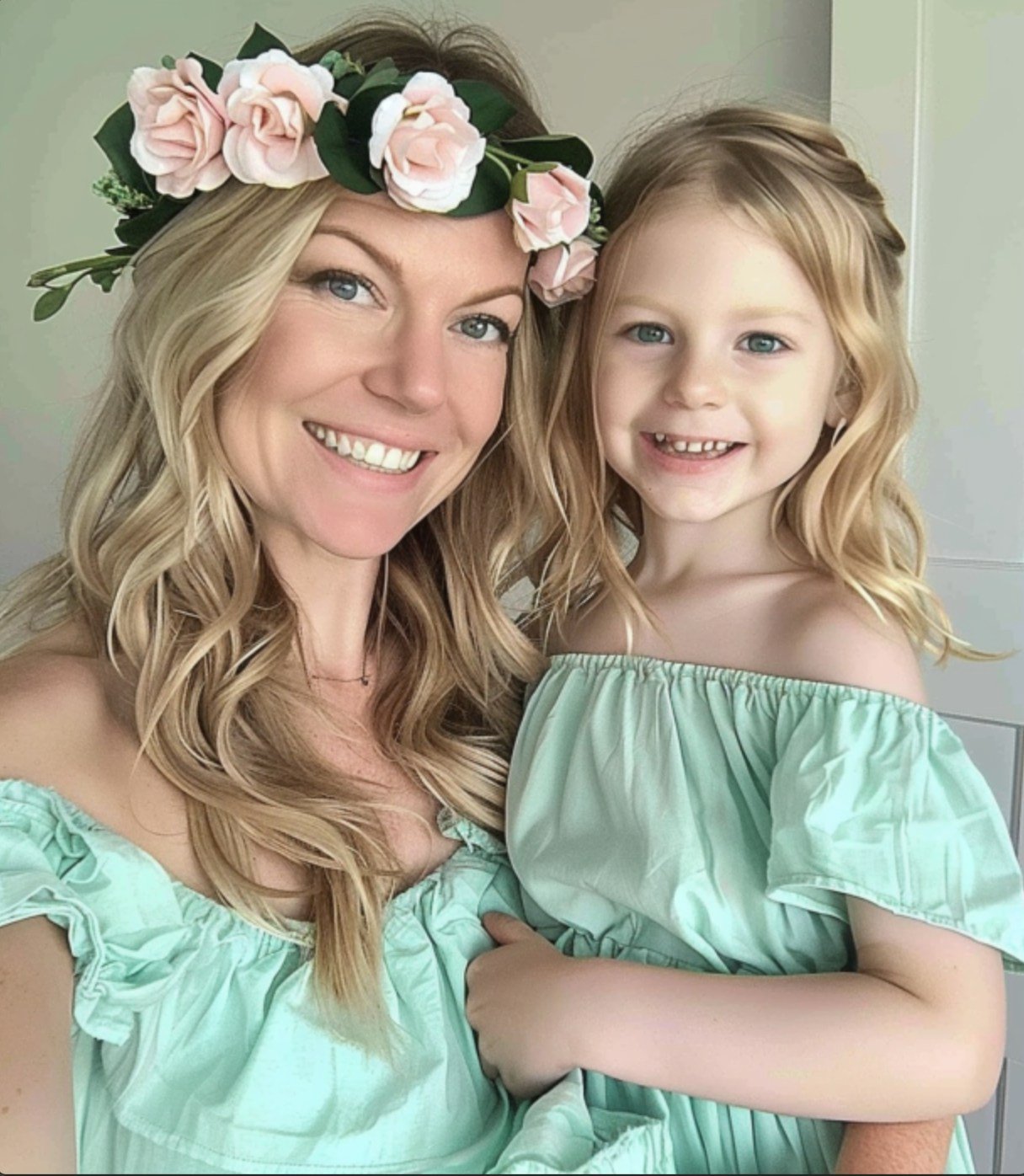
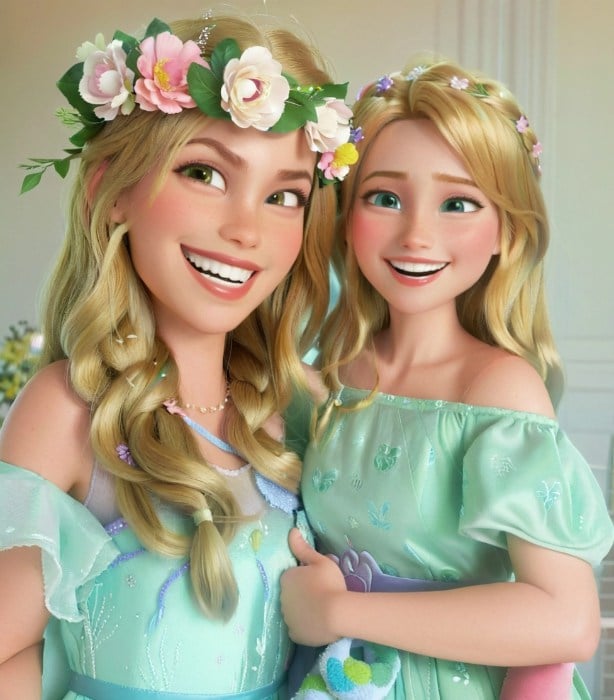
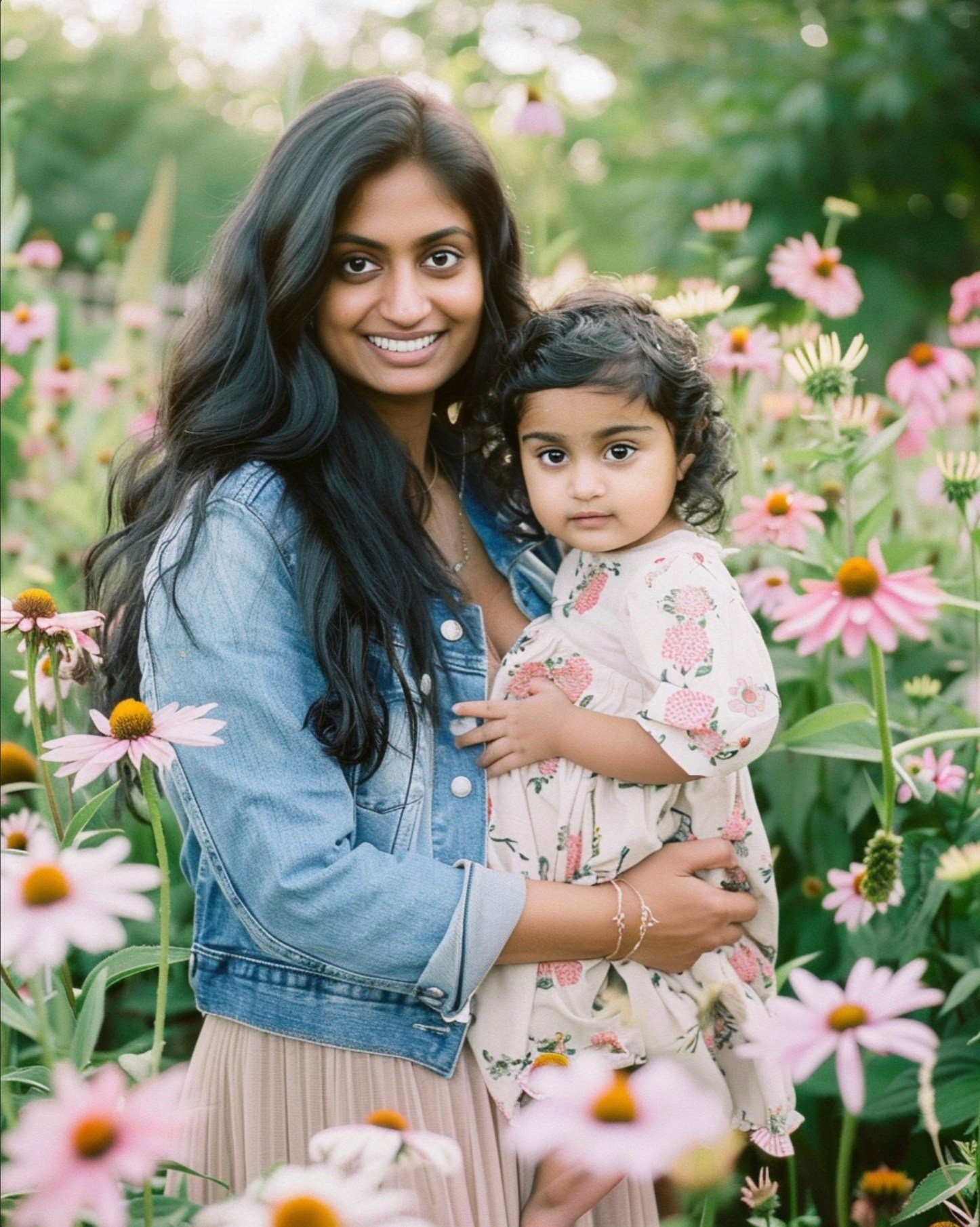
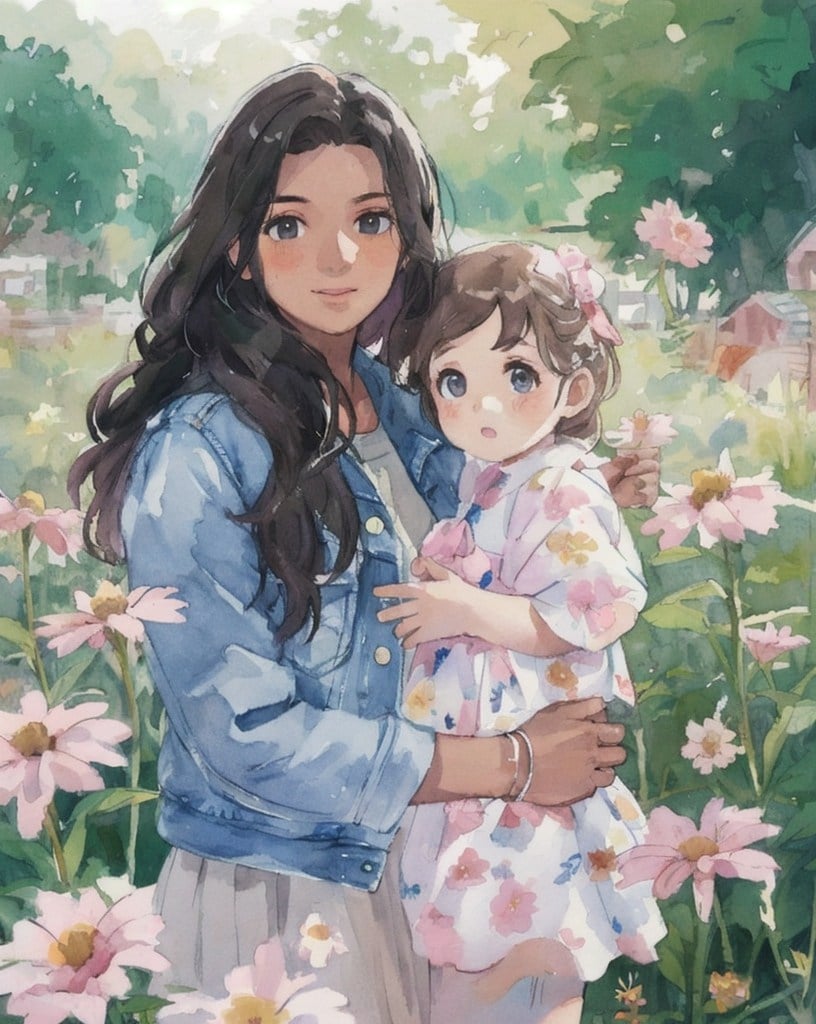
Mother's Day Photo to Watercolor
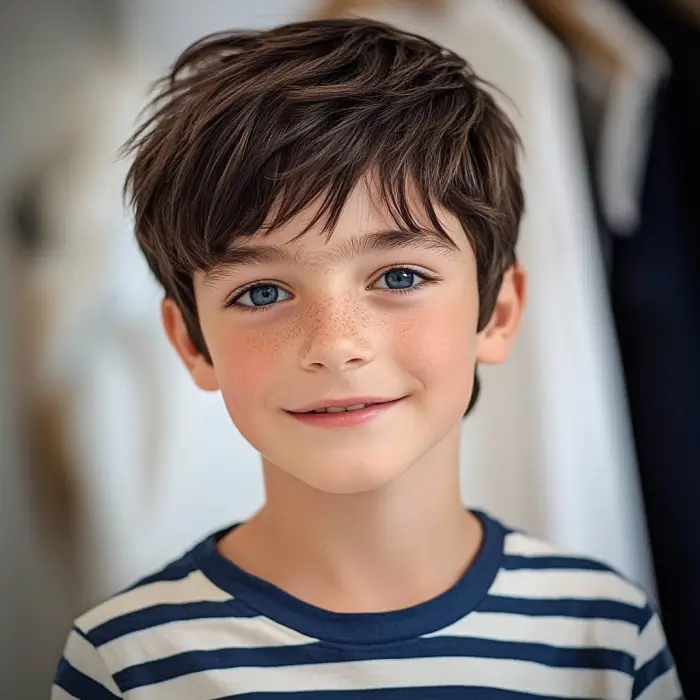
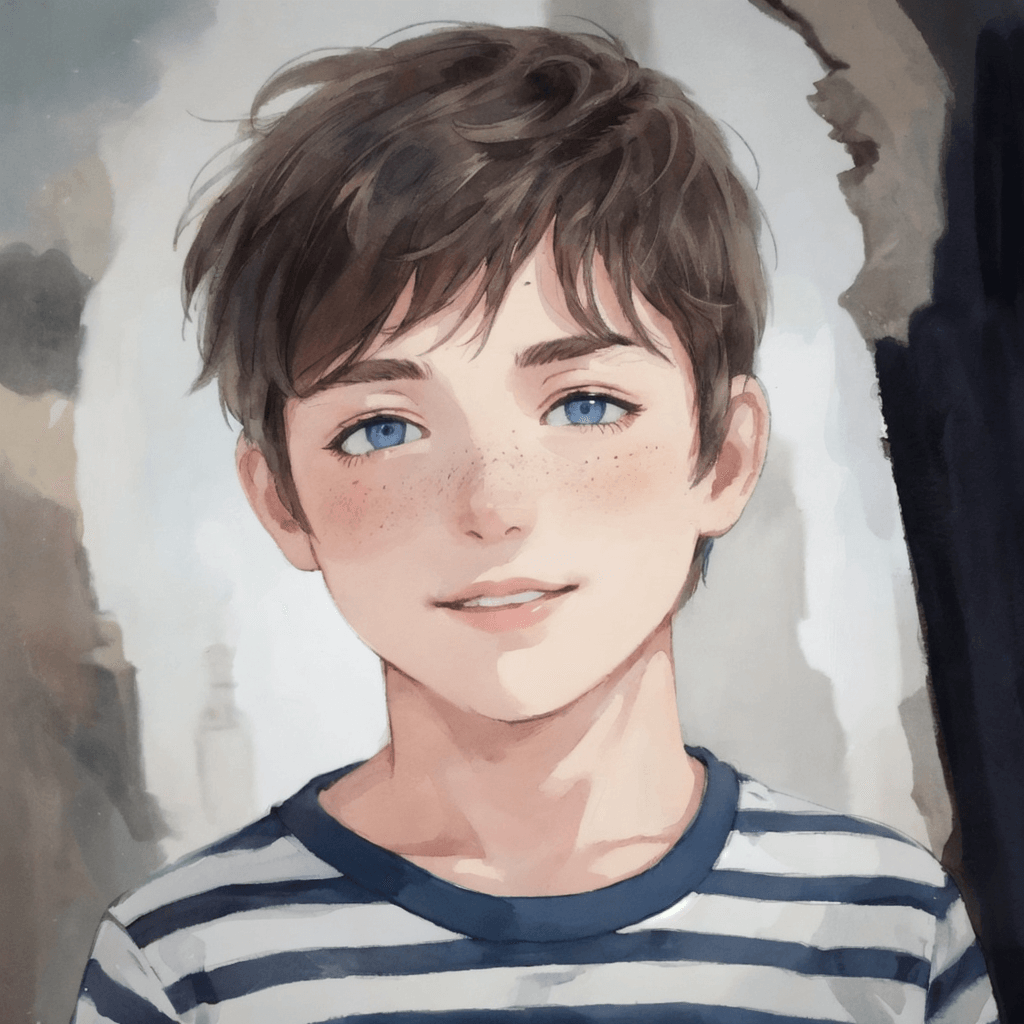
Boy Photo to Watercolor
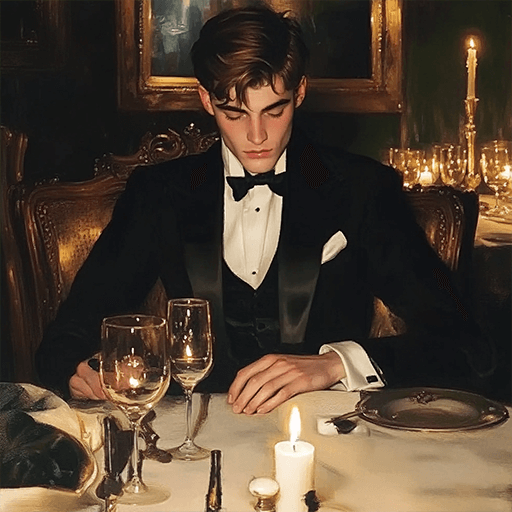
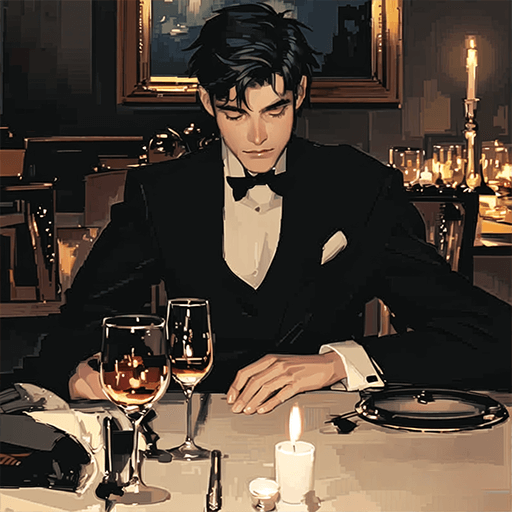
Young Millionaire Photo to Anime Cartoon
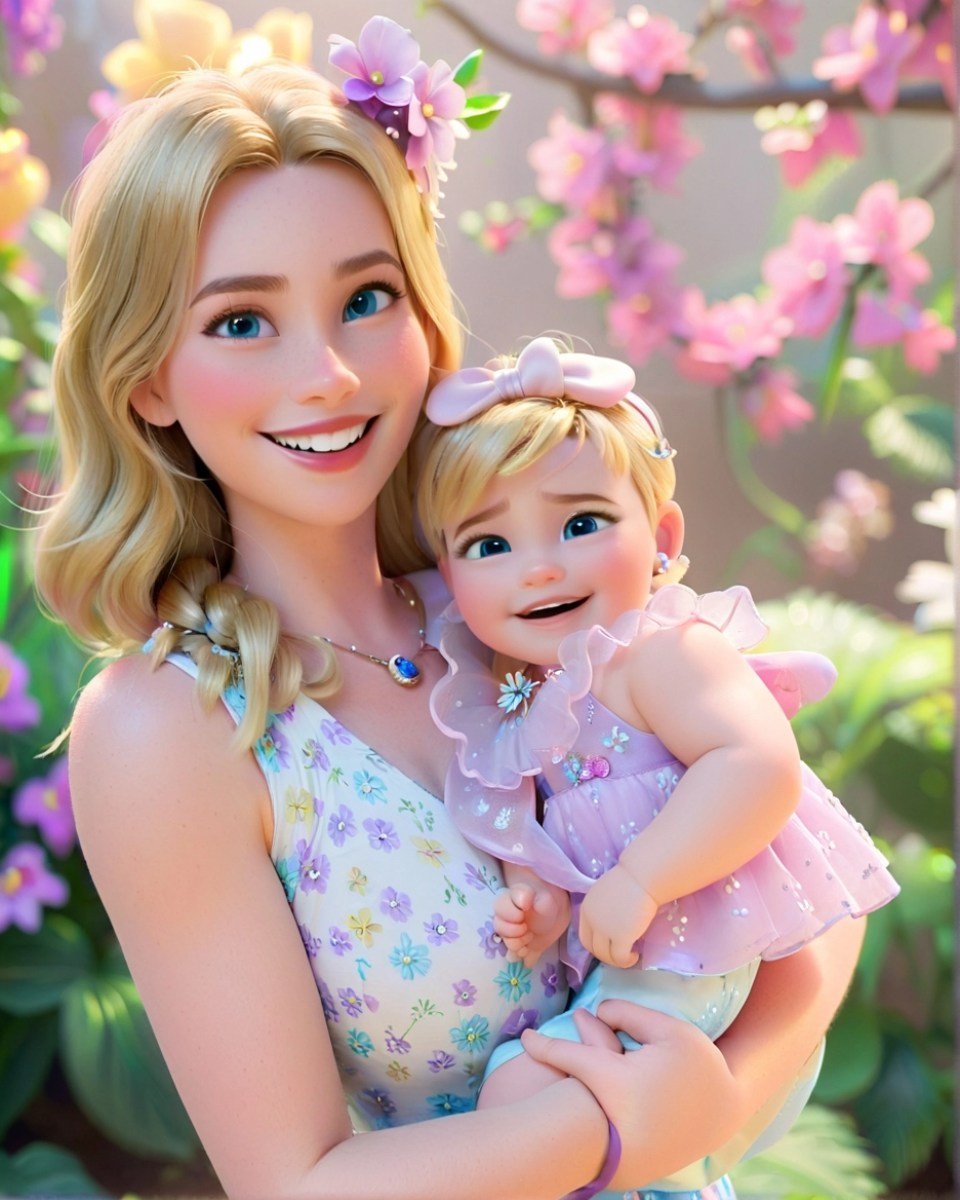
Mother's Day Disney Filter
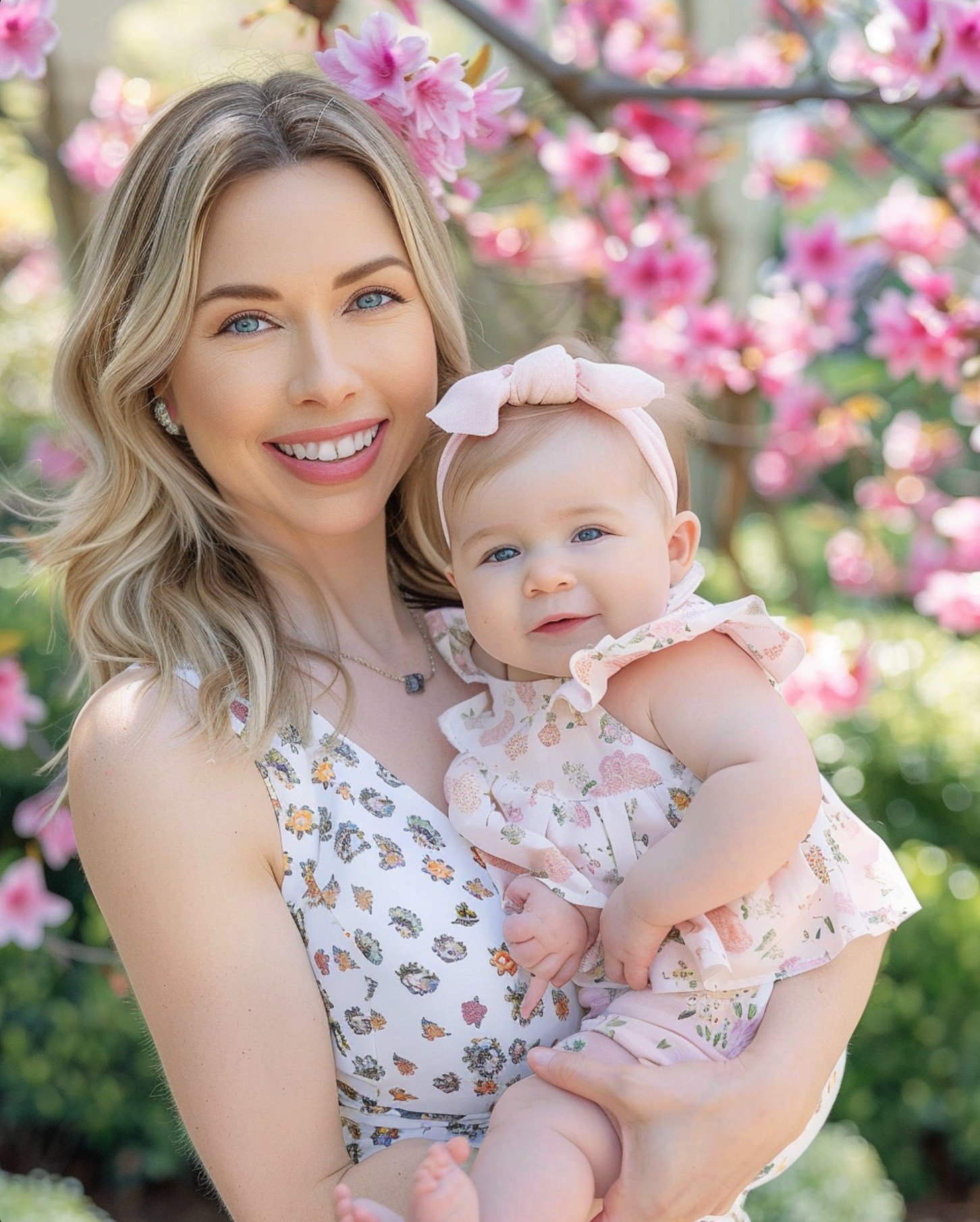
Disney Style Mother Holding Baby
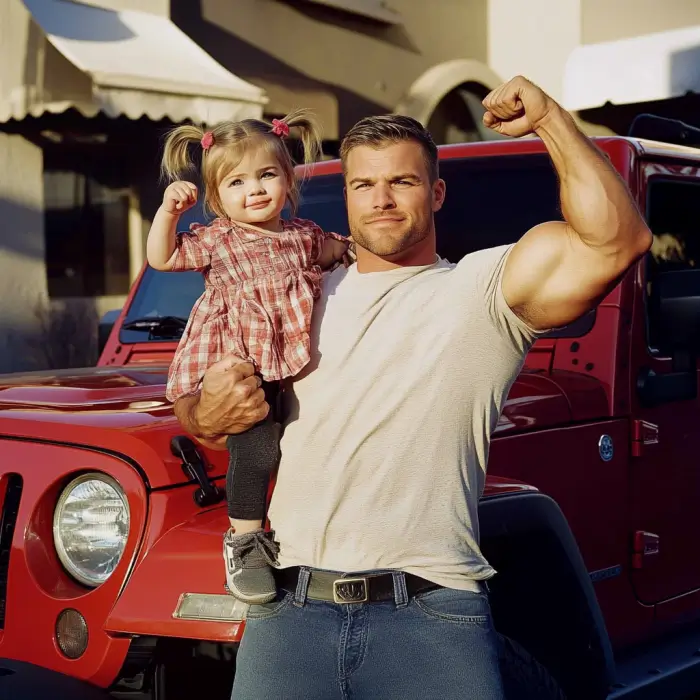
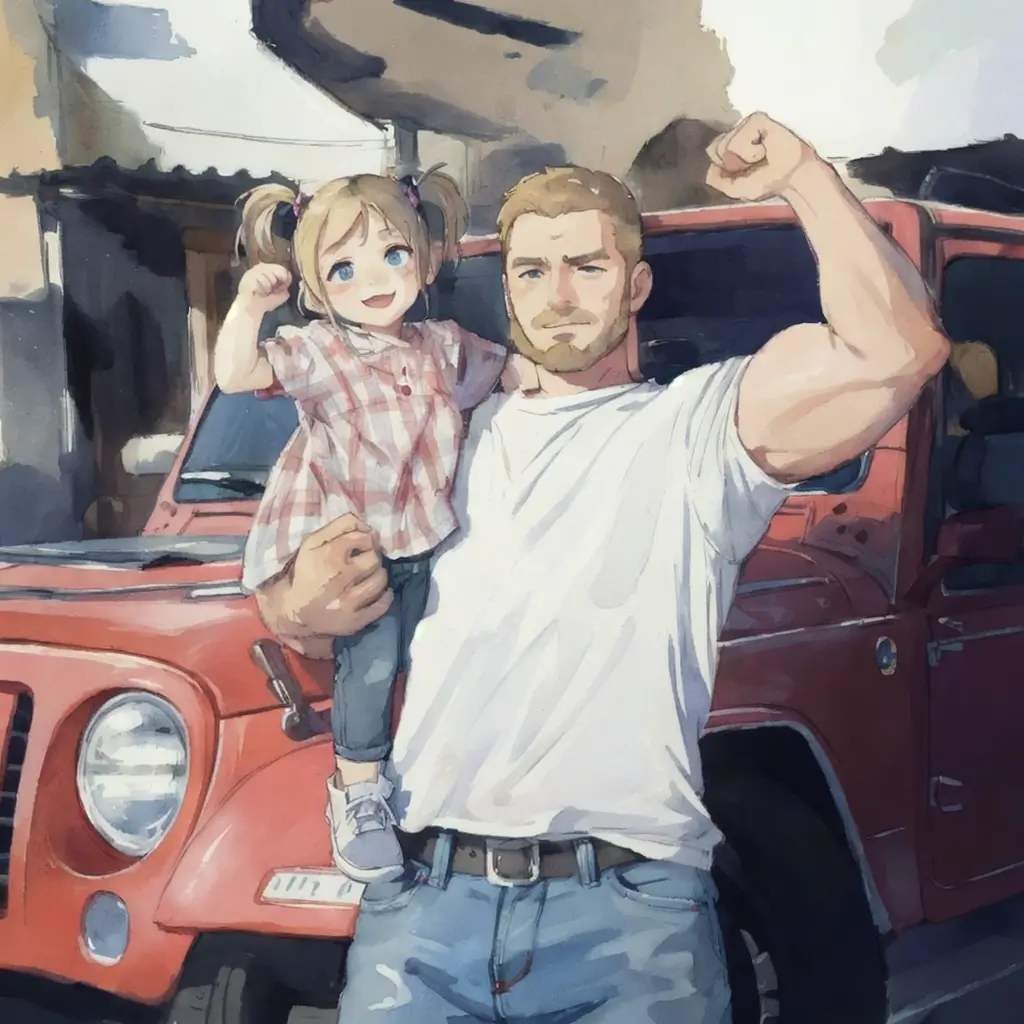
Father and Daughter in Watercolor
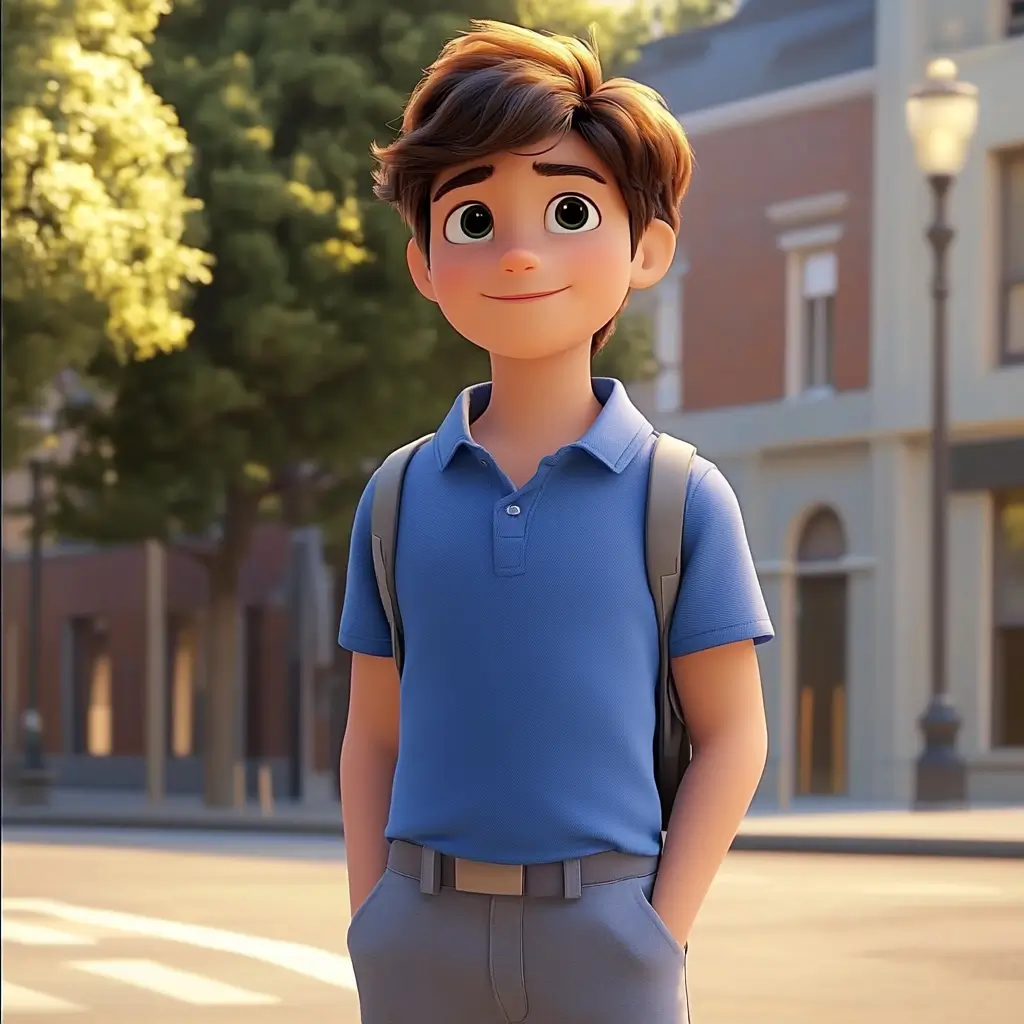
Cute Cartoon Boy
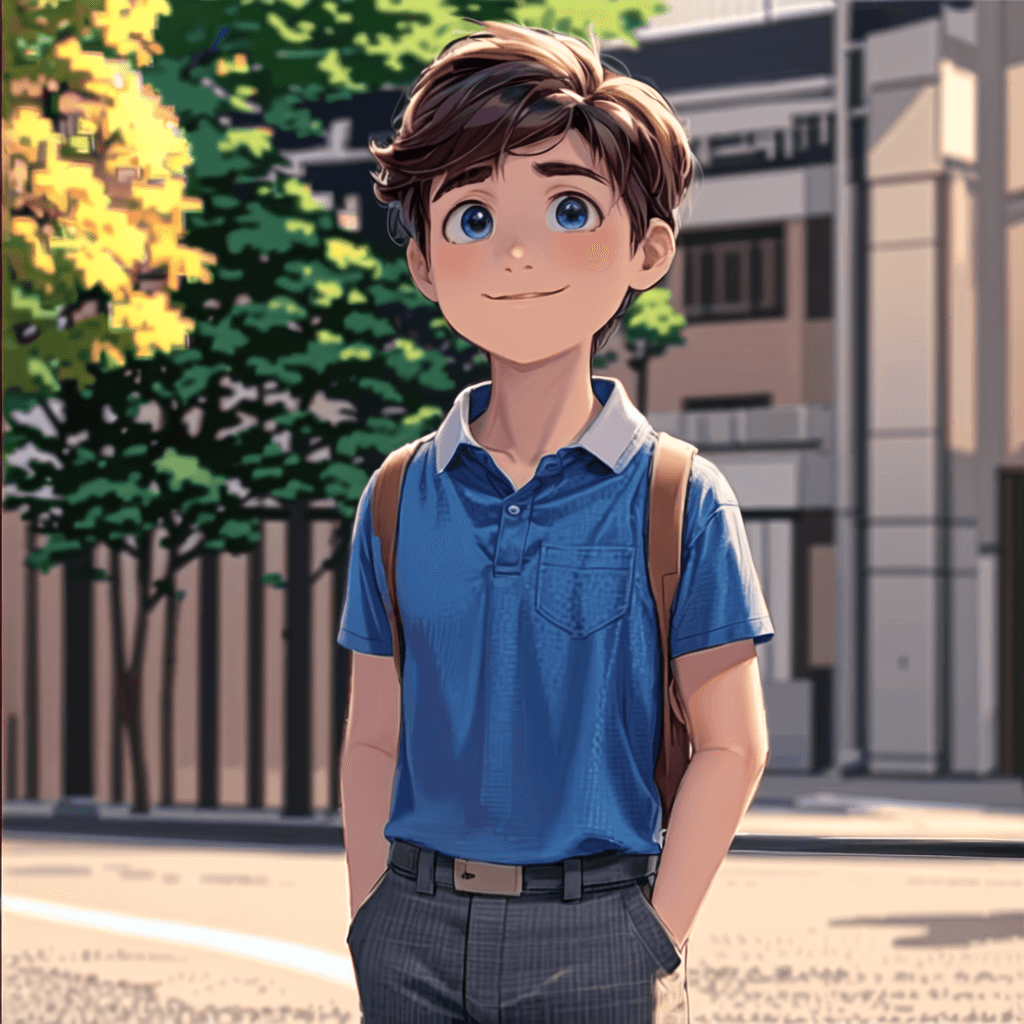
Cute Cartoon Boy
Cute Cartoon Boy
Attractive Anime Girl Filter
A girl in a blue shirt and black jacket sitting at a table with coffee and drinks, A steampunk-style background featuring intricate gears, brass pipes and glowing lights illuminating the scene. A desk with mechanical tools is in sharp focus while surrounding walls display vintage timepieces and cogs.
depicting futuristic cities with towering skyscrapers made from metallic gold and green hues. Include flying cars and high-tech elements to create a sense of wonder in space and cyberpunk aesthetics.
Beautiful Anime Girl
Trasforma le tue immagini in cartoni animati con i filtri AI

Trasforma le tue immagini in cartoni animati con i filtri AI

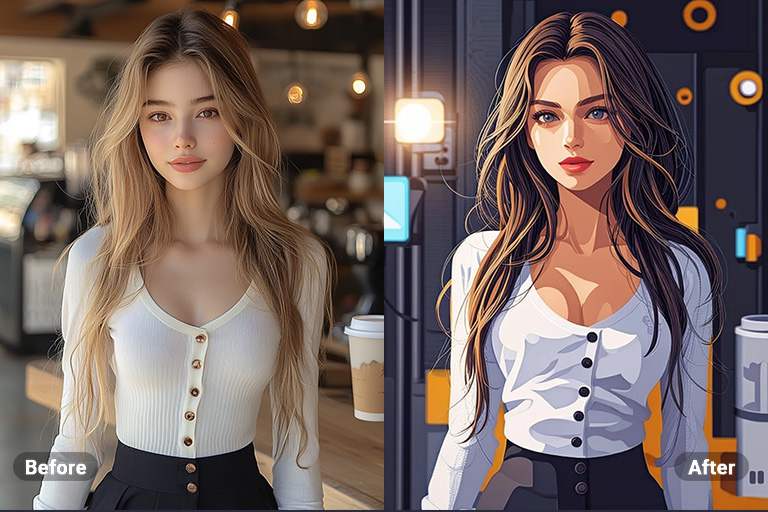
I filtri AI Cartoon ti permettono di trasformare le tue foto in opere divertenti e artistiche con un tocco unico. Grazie a un'elaborazione avanzata, queste funzionalità rinnovano ogni immagine aggiungendo effetti cartoon professionali in un attimo.


Che tu voglia creare progetti originali, migliorare i tuoi post sui social media o aggiungere un pizzico di umorismo alle tue foto, i nostri filtri sono la scelta ideale per ottenere un look unico e accattivante.
Carica la tua immagine
Crea anime o manga con i filtri AI di insMind

Crea anime o manga con i filtri AI di insMind

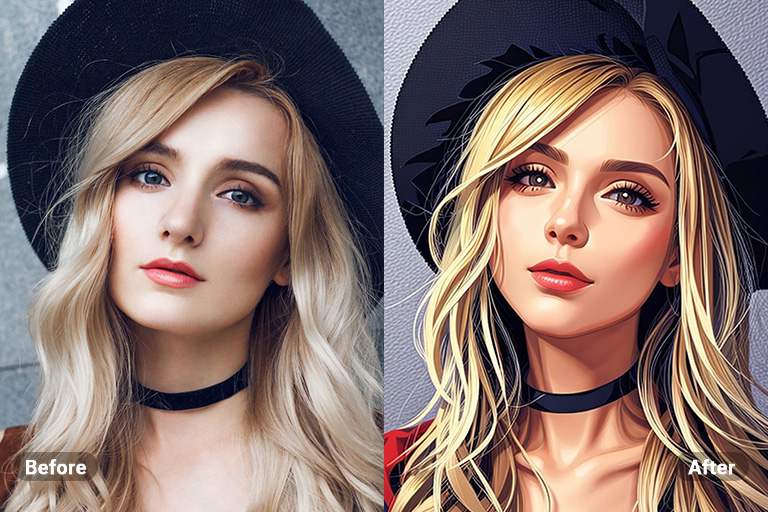
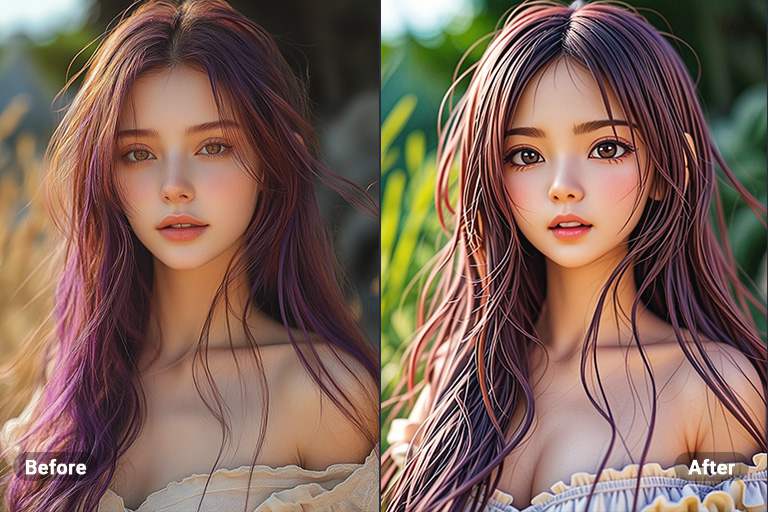
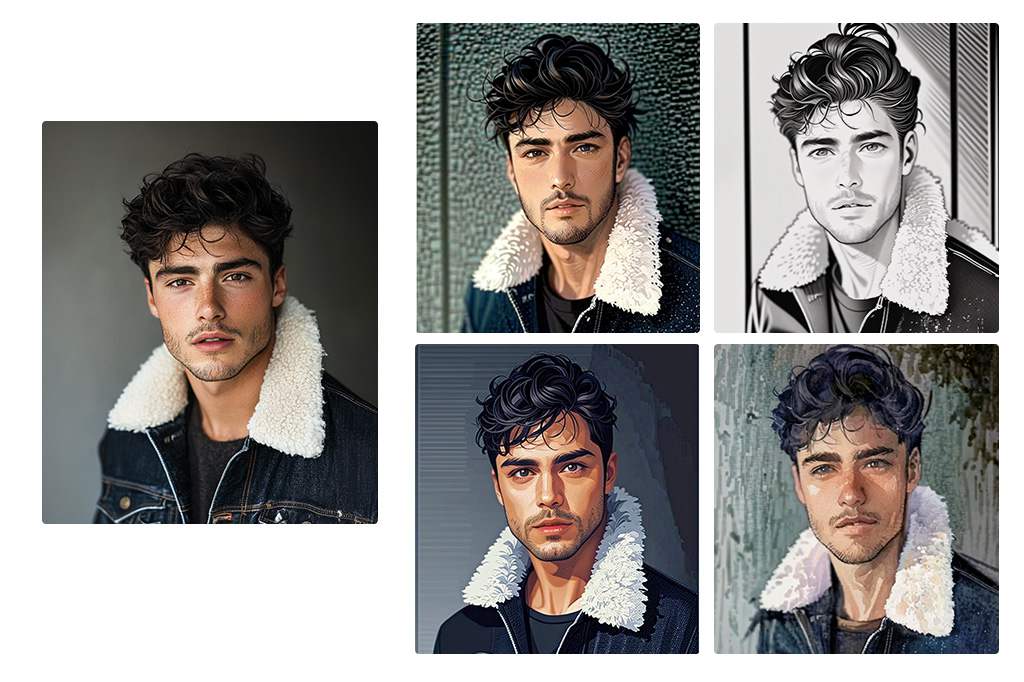
Se ami gli stili artistici giapponesi, i filtri AI Anime e AI Manga sono pensati apposta per te. Con un solo clic, puoi trasformare i tuoi ritratti in immagini anime o in schizzi manga dall'aspetto professionale.


Vuoi divertirti con le tue foto o sei un amante degli anime? Questi filtri AI sono perfetti per dare un tocco speciale ai tuoi selfie e far risaltare il tuo lato creativo.

Carica la tua immagine
Crea schizzi straordinari con i filtri AI di insMind

Crea schizzi straordinari con i filtri AI di insMind

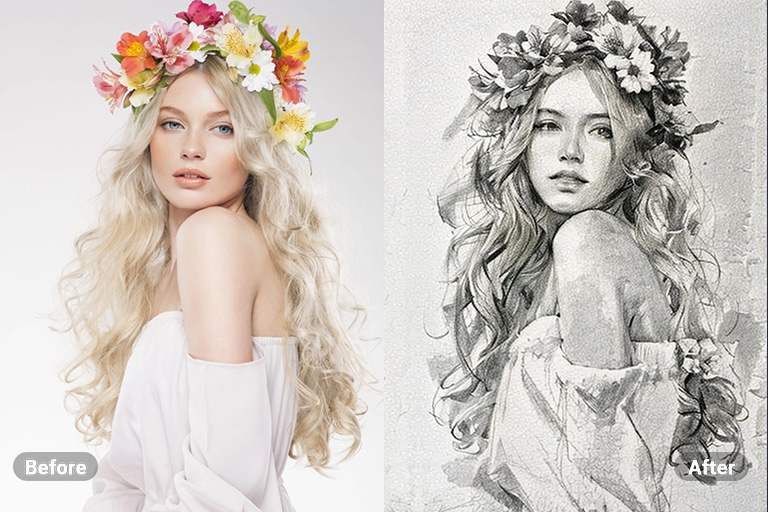
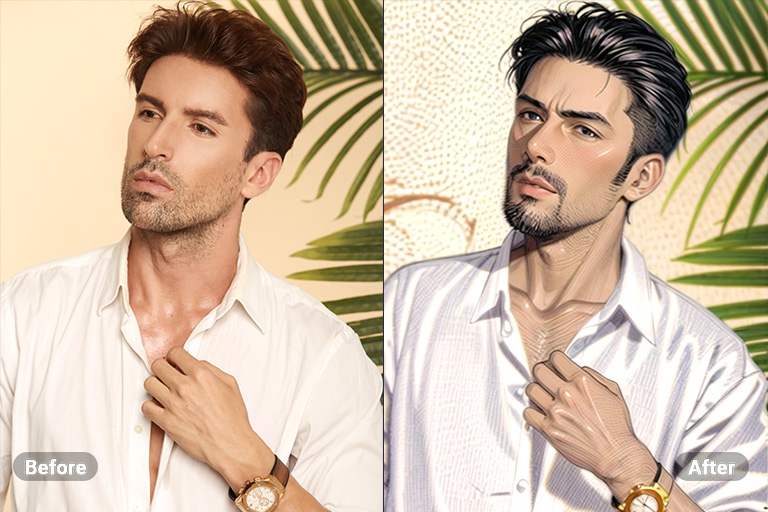
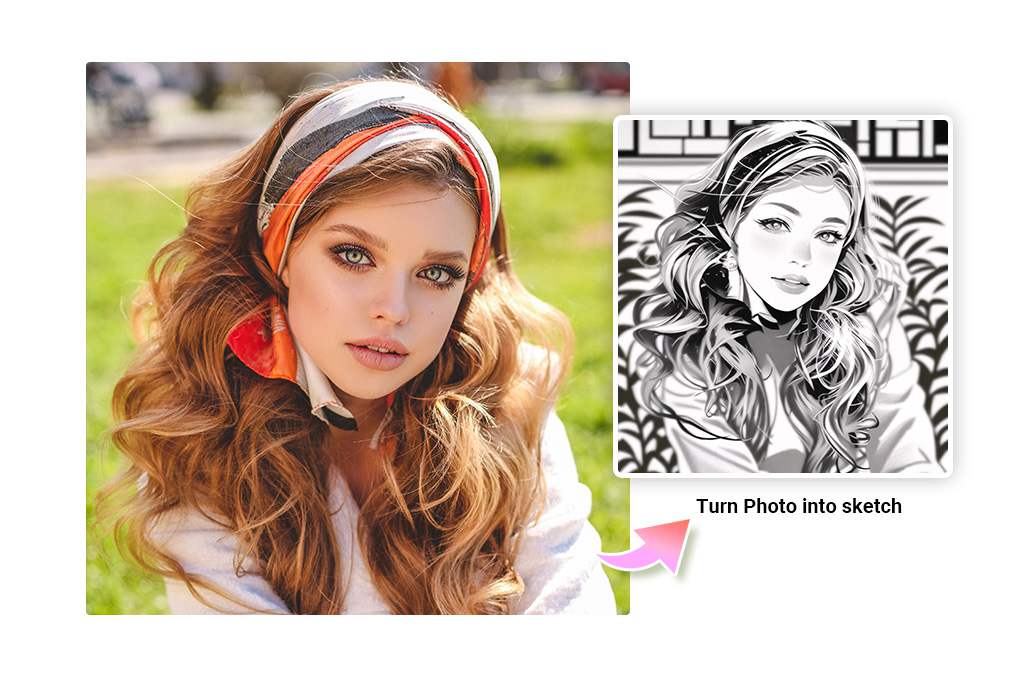
Il filtro AI Sketch è una delle opzioni migliori per trasformare le tue immagini in disegni che sembrano realizzati a mano. Utilizzando tecnologie AI all'avanguardia, questo filtro ricrea con precisione linee e ombreggiature per un effetto altamente artistico.


Se desideri trasformare semplici foto in schizzi con dettagli professionali, il filtro AI Sketch ti garantirà risultati incredibili senza perdere qualità o texture.

Carica la tua immagine
Trasforma le tue foto in dipinti ad acquerello con il filtro AI

Trasforma le tue foto in dipinti ad acquerello con il filtro AI

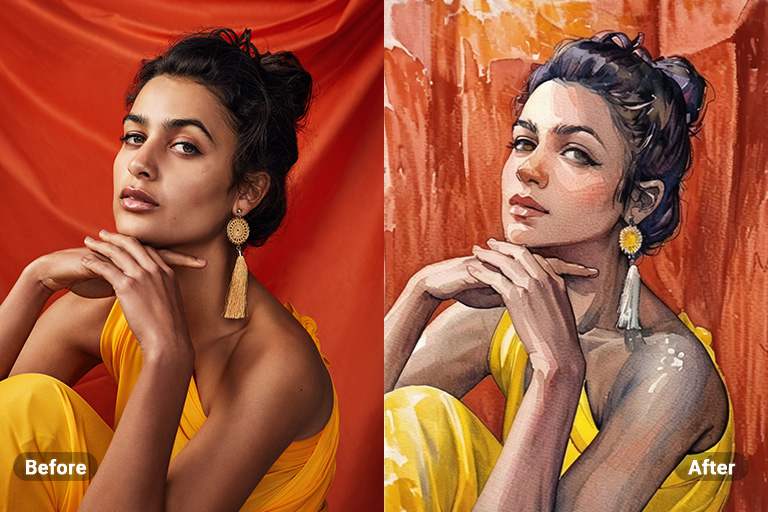
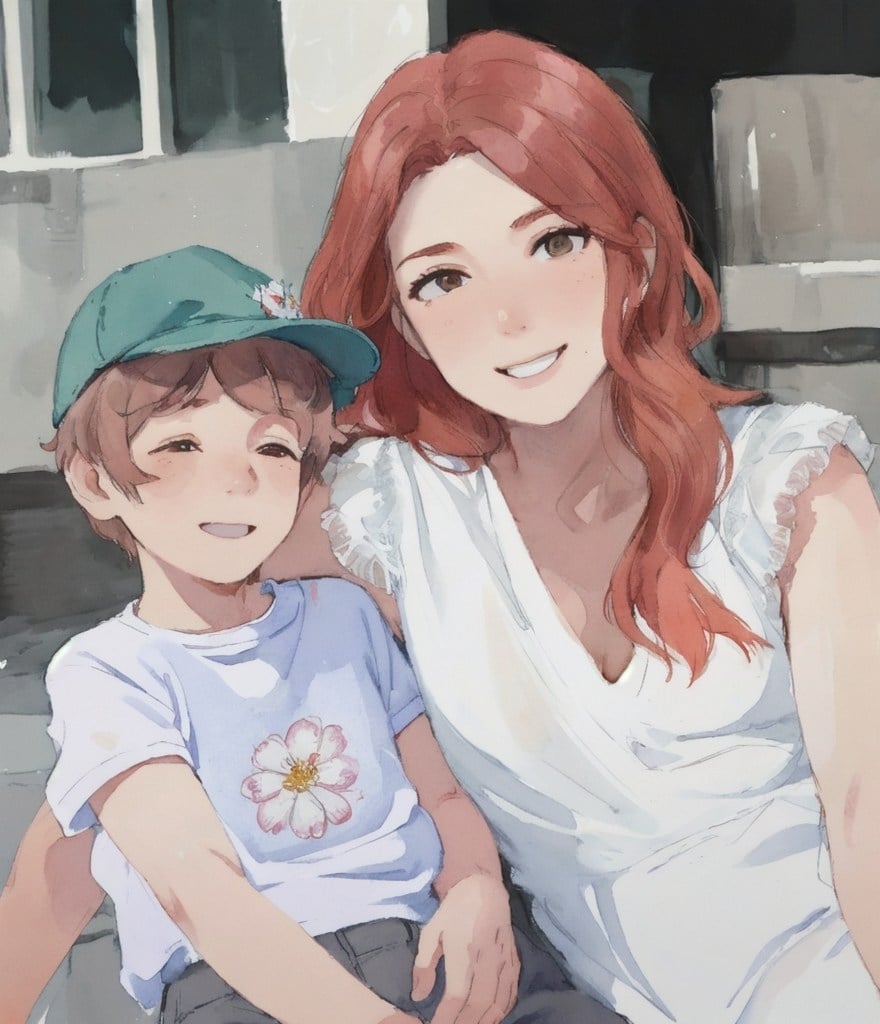
Con il filtro AI Acquerello di insMind, puoi convertire le tue immagini in splendidi dipinti dallo stile delicato e fluido. Carica la tua foto, clicca un pulsante e guarda come l'intelligenza artificiale la trasforma in un'opera d'arte unica.


Questa funzione è perfetta per artisti o appassionati che desiderano aggiungere un tocco creativo senza dover utilizzare strumenti fisici come pennelli e colori.

Carica la tua immagine
Transform Your Photos with CG AI Filters for a Cinematic Vibe

Transform Your Photos with CG AI Filters for a Cinematic Vibe

Vuoi trasformare le tue foto in immagini con un look da film? I filtri AI CG aggiungono profondità, bilanciamento dei colori e un tocco di glamour cinematografico alle tue immagini.


Con il filtro AI CG, le tue foto si arricchiscono di un'eleganza artistica e professionale, perfetta per creare ricordi che non passeranno inosservati.

Carica la tua immagine
Esplora i filtri fotografici AI per trasformare artisticamente le tue immagini

Esplora i filtri fotografici AI per trasformare artisticamente le tue immagini

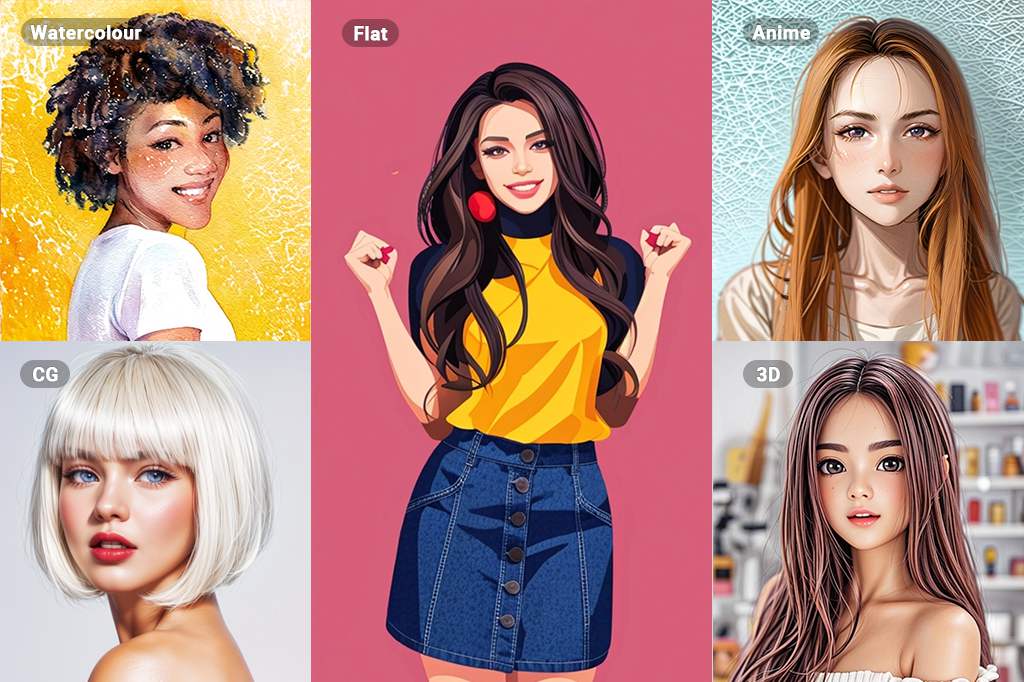
La vasta gamma di filtri fotografici AI su insMind include stili come Acquerello, Disegno al tratto, Pittura e CG. Con questi strumenti, puoi trasformare facilmente le tue immagini in diverse forme d'arte ad alta qualità.


Ogni filtro offre dettagli sorprendenti e risultati professionali, garantendoti un processo rapido e semplice per ottenere immagini straordinarie con il minimo sforzo.

Carica la tua immagine

Come usare il filtro foto AI con insMind

Carica la tua foto
1

1 Carica la tua foto

Vai sul sito web di insMind e seleziona lo strumento Filtro Foto AI. Ora clicca sul pulsante Carica una foto e carica la tua foto dall'archivio offline.
Seleziona un filtro
2

2 Seleziona un filtro

insMind ti fornirà più filtri AI per convertire le foto in acquerelli, illustrazioni, dipinti, cartoni animati, anime e altri stili con anteprime in tempo reale. Fai clic su un filtro per ottenere la sua anteprima.
Applica e scarica
3

3 Applica e scarica

Clicca su Applica per l'immagine che desideri applicare, quindi clicca su Scarica per salvare l'immagine nell'archivio offline.

Filtro AI online per le esigenze di tutti

Il filtro foto AI di insMind è multifunzionale. Offre opportunità come la trasformazione dell'immagine in un cartone animato, uno schizzo, personaggi anime, acquerelli e altro ancora. Questi filtri offrono soluzioni estetiche per creare post sui social media, migliorare opere d'arte sul computer o stilizzare prodotti utili.

Da foto a fumetto

Da foto a fumetto

Mostra la tua creatività con insMind e converti le tue immagini in effetti fumetto. Offre foto personali, animali domestici e altre foto dei social media divertenti e artistiche.

Da foto a schizzo

Da foto a schizzo

Dai un tocco sottile alle tue immagini convertendole in schizzi. Questa conversione offre risultati dettagliati e realistici proprio come uno schizzo disegnato a mano.

Da foto ad acquerello

Da foto ad acquerello

Converti le tue immagini in acquerelli con pennellate naturali. Quindi, nessuno può dire se si tratta di un vero acquerello o creato con l'intelligenza artificiale.

Da foto ad anime

Da foto ad anime

Scatena la tua immaginazione trasformando le tue immagini in un'arte vibrante con il filtro anime Ai. Questa conversione aggiunge un tocco dinamico e stravagante alle tue foto personali, rendendole perfette per la condivisione sui social media.

Da foto a pittura

Da foto a pittura

Trasforma le tue immagini in splendidi dipinti che catturano l'essenza dell'arte tradizionale con il filtro immagine AI. Questa conversione conferisce una consistenza e una profondità uniche alle tue foto, consentendo loro di risplendere come se fossero state dipinte da un artista esperto.

Da foto a 3D

Da foto a 3D

Eleva le tue immagini in un regno 3D, dando loro vita e dimensione. Questo filtro AI online crea un'esperienza visiva sorprendente, facendo risaltare le tue foto con una profondità e una prospettiva accattivanti.

Perché scegliere il filtro foto Ai di insMind

Filtri immagini AI

Filtri immagini AI

Con insMind, tutto è gestito dall'intelligenza artificiale, il che significa che non è richiesta alcuna modifica manuale. Quindi, risparmia tempo ed energia offrendo risultati efficienti.

Utilizza ovunque e in qualsiasi momento

Utilizza ovunque e in qualsiasi momento

Il filtro AI di insMind fa parte di questo strumento online a cui è possibile accedere da qualsiasi dispositivo con un browser.

Modifica senza sforzo per tutti

Modifica senza sforzo per tutti

Senza alcuna modifica manuale, insMind offre l'esperienza più semplice che potresti desiderare. È perfetto per principianti e professionisti.

Domande Frequenti

Cos'è un filtro AI?

insmind expand icon
Un filtro AI è un filtro immagine AI che utilizza algoritmi di intelligenza artificiale per applicare determinati effetti alle immagini.

In che modo il filtro AI online cambia l'aspetto delle mie immagini?

insmind expand icon
Il filtro immagine AI può modificare l'aspetto delle immagini in diversi modi. Serve per cambiare il colore, la consistenza e altri dettagli per creare schizzi, dipinti o immagini anime.

Le immagini con filtro viso AI sono ad alta risoluzione?

insmind expand icon
Sì, con insMind, è possibile mantenere la nitidezza e la qualità dell'immagine dopo averla filtrata utilizzando l'elaborazione AI.

Che tipo di filtro foto AI ha insMind?

insmind expand icon
insMind ha una varietà di filtri immagine tra cui schizzi, dipinti, cartoni animati, anime, acquerelli, ecc.

Il filtro AI di insMind può essere utilizzato per creare immagini in stile anime?

insmind expand icon
Sì, puoi utilizzare il filtro anime AI di insMind per convertire qualsiasi immagine in un'immagine in stile anime.

Il filtro immagine AI su insMind è gratuito?

insmind expand icon
Il filtro immagine AI di insMind è gratuito e non richiede acquisti a meno che tu non abbia bisogno di funzionalità pro.

Potresti essere interessato a

Fai risaltare le tue foto con funzionalità completamente gratuite