


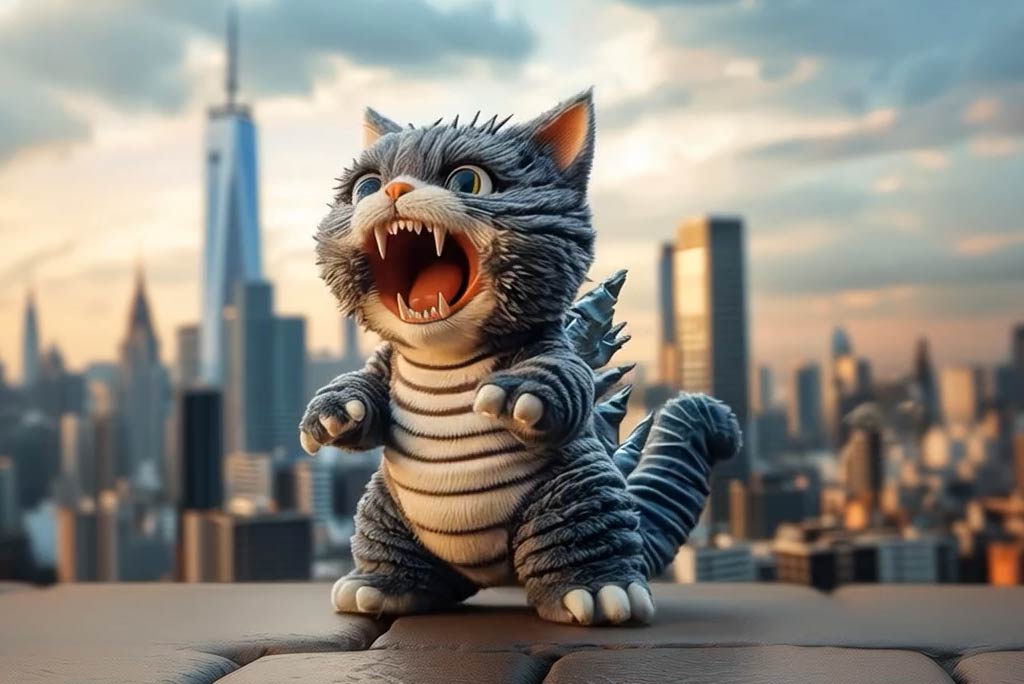

Eye Zoom Effect: Turn Photos into Dramatic Eye Zoom In Videos

Create a cinematic eye zoom in video from your photo in seconds. Use our ai eye zoom tool to generate intense close-up visuals, follow the eye zoom in trend, and turn still portraits into emotional, scroll-stopping clips with a smooth AI eye zoom effect.

00:00
00:00

How to Create an Eye Zoom In Video with AI

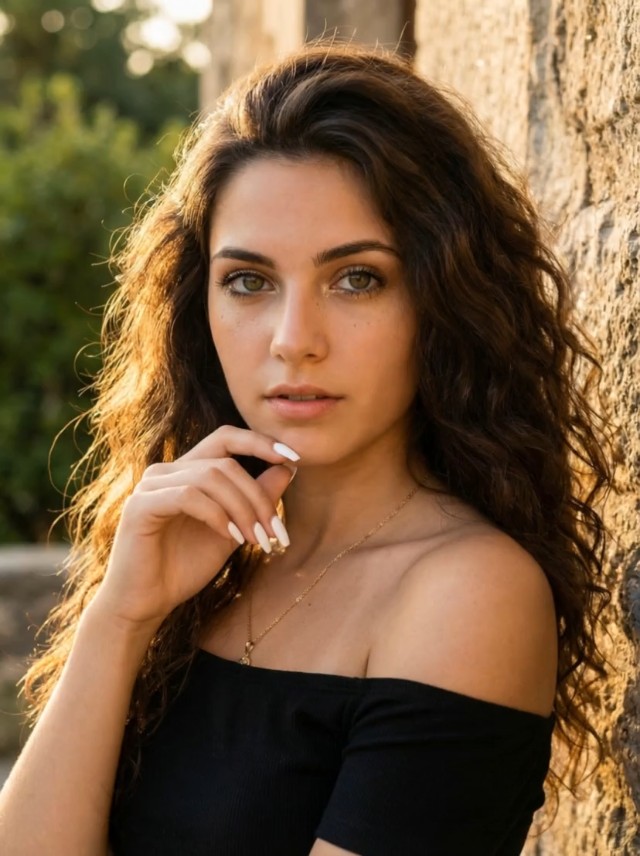
Step 1. Upload Your Photo

Upload a clear portrait photo with visible facial details and sharp eyes. Well-lit images with a strong subject focus work best for creating a smooth zoom into eye video AI effect.

Step 2. Choose the Eye Zoom Effect

From the available video effects, select the AI Eye Zoom Effect. The tool automatically frames the eyes and prepares a dramatic eye close up filter animation with a cinematic zoom-in feel.

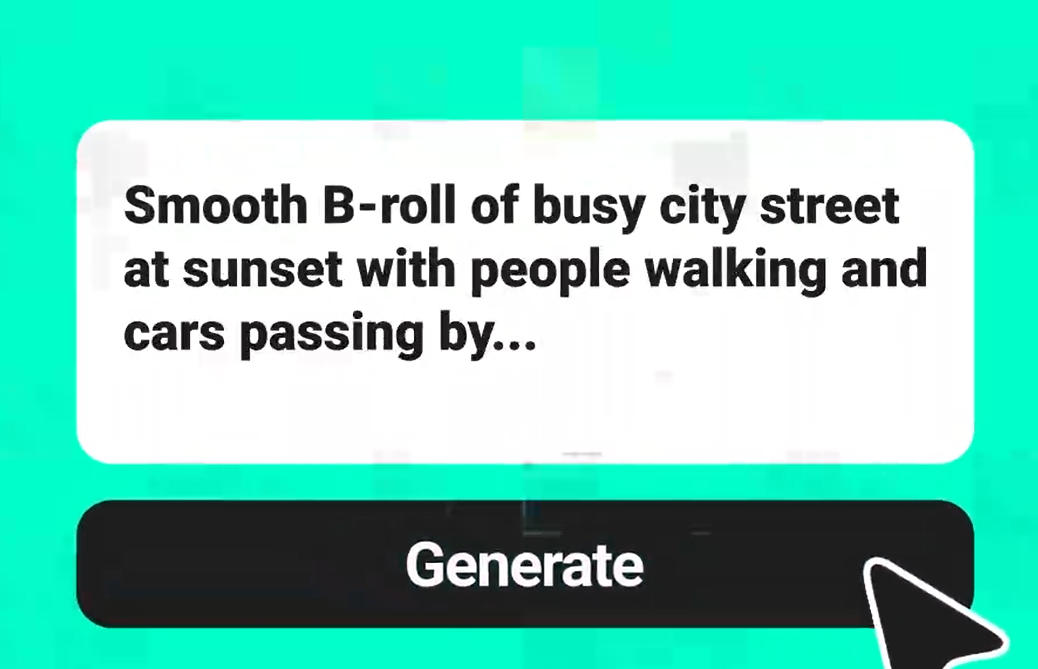
Step 3. Click Generate

Click "Generate" and let the AI process your image. In seconds, it transforms your portrait into an eye transition video AI clip with a focused, emotional camera move.

Step 4. Download and Share

When the video is complete, preview the result and download it in high resolution. Your eye zoom clip is built for smooth sharing across short-form video platforms.

Why Use an AI Eye Zoom Effect?

Create an Intense Close-Up Moment

The AI eye zoom effect pulls attention straight to the eyes, turning a normal portrait into a more dramatic and emotionally charged visual. It is a simple way to make content feel more cinematic.

Follow the Eye Zoom In Trend

The eye zoom in trend has become popular because it creates instant focus and tension in just a few seconds. With ai eye zoom, you can recreate that same visual style from a single image.

Turn Portraits into Story-Driven Clips

A strong eye close-up can suggest emotion, suspense, confidence, or mystery. This makes the effect useful for creator edits, mood videos, character reveals, and stylized social content.

Make Static Photos Feel More Powerful

Instead of posting a still image, you can transform it into a moving close-up with stronger impact. The eyes zooming in effect helps portraits feel more alive, expressive, and memorable.

Why Use insMind's AI Eye Close Up Filter?

Precise Eye-Focused Motion

Precise Eye-Focused Motion

The insMind creates a smooth and controlled zoom into the eyes, helping your video feel polished, immersive, and visually intentional rather than random or exaggerated.

Instant Cinematic Portrait Upgrade

Instant Cinematic Portrait Upgrade

A simple portrait can become a dramatic close-up video in seconds. This effect adds tension, focus, and emotional depth without requiring advanced editing skills.

Built on a Powerful AI Video Generator

Built on a Powerful AI Video Generator

Based on insMind AI Video Generator, this effect makes it easy to turn still portraits into high-impact short videos for social media, creative edits, and visual storytelling.

FAQs about AI Eye Zoom Effect

What is an AI eye zoom effect?

insmind expand icon
An AI eye zoom effect is a video effect that pushes the camera closer to the subject's eyes, creating a dramatic and emotional close-up from a still image.

How does eye zoom AI work?

insmind expand icon
The AI analyzes your uploaded portrait, detects the eye area, and generates a smooth zoom-in animation that creates a cinematic close-up effect automatically.

What kind of photo works best for this effect?

insmind expand icon
Clear portrait photos with visible eyes, good lighting, and a strong subject focus usually work best. Sharp facial details help the AI produce a cleaner result.

Can I use this to follow the eye zoom in trend?

insmind expand icon
Yes. This tool is designed to help you create eye zoom in videos that match the popular eye zoom in trend seen on short-form video platforms.

Is this effect good for social media videos?

insmind expand icon
Yes. The AI eye zoom effect is ideal for TikTok, Instagram Reels, and YouTube Shorts because it creates quick, high-impact visual movement that grabs attention fast.

What makes this different from a normal zoom?

insmind expand icon
A normal zoom simply enlarges the whole frame. An AI eye zoom focuses on the eyes as the emotional center of the shot, making the result feel more intentional and cinematic.

Can I use this effect for character or mood edits?

insmind expand icon
Yes. This effect works well for dramatic edits, emotional content, character reveals, beauty clips, and stylized portrait videos.

Do I need editing skills to make an eye transition video AI clip?

insmind expand icon
No. Just upload your photo, choose the effect, and let the AI generate the video for you automatically.