Imagem de IA
Vídeo de IA
Editor de fotos
Recursos
InspiraçõesPreços

Transforme Suas Fotos em Arte com os Filtros de Foto com IA da insMind

Converta suas fotos em esboço, desenho animado, aquarela, estilo Ghibli, Disney, pixel art, quadrinhos, anime e muito mais com os filtros de foto com IA online da insMind. Envie uma selfie, foto de pet ou paisagem, escolha um estilo e gere em segundos.

00:00
00:00
Ou solte a imagem aqui, cole a imagem ou URL
Tente com um destes
Amostra de filtro de choro da IA ​​insMind 1
Amostra de filtro de choro da IA ​​insMind 2
Amostra de filtro de choro da IA ​​insMind 3
Amostra de filtro de choro da IA ​​insMind 4
Amostra de filtro de choro da IA ​​insMind 5

Criar Similar

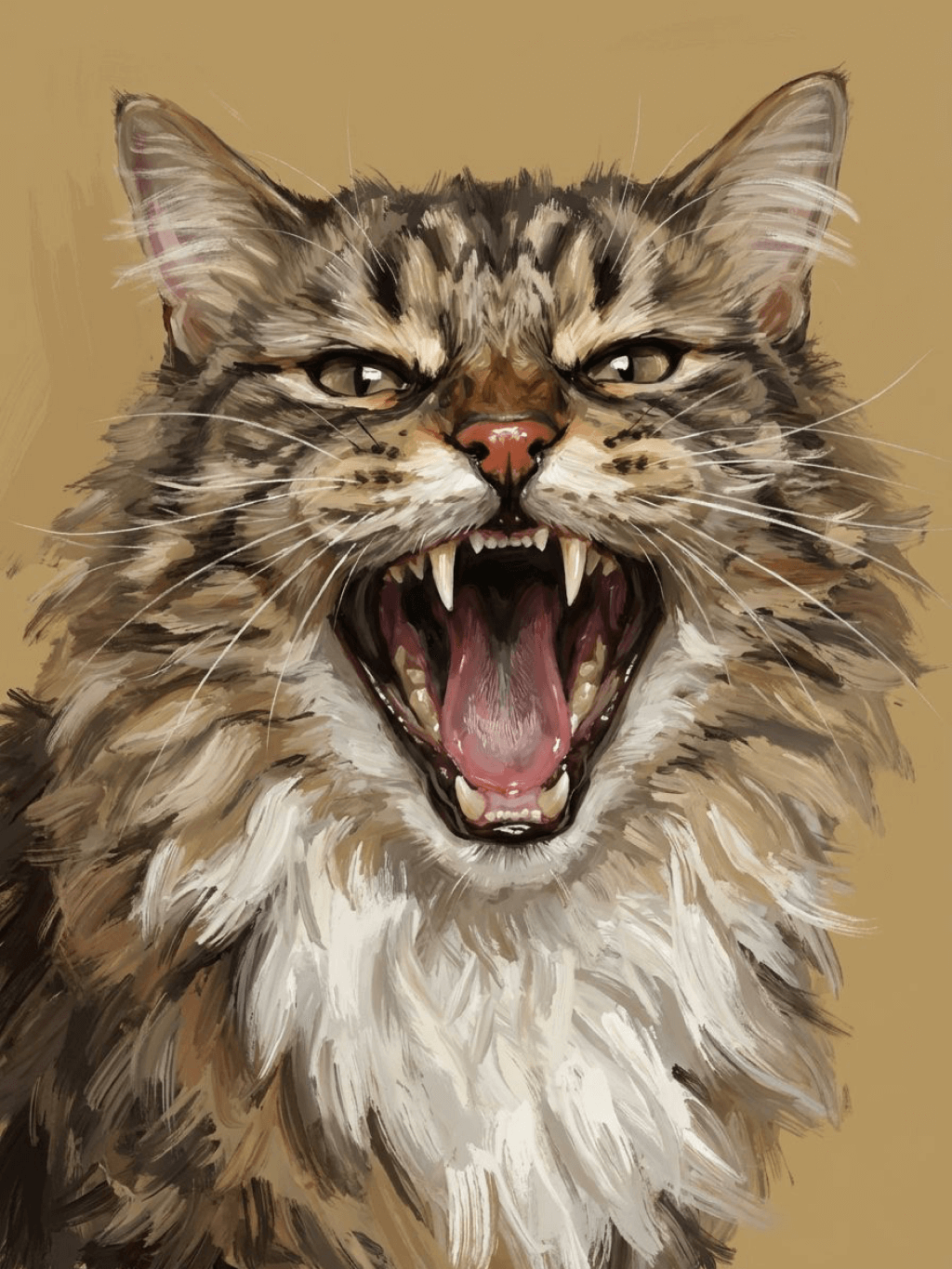
Subject: The main character in the picture. Expression: An anthropomorphic expression, with the mouth wide open, revealing teeth, canine teeth and tongue. The eyes are narrowed, looking disdainfully at the camera. Style: An exaggerated portrait painting in a digital painting style, combining expressionist brushstrokes. Texture: Has distinct brushstroke textures, as if it was quickly applied with rough oil paints or acrylic brushes. Detail depiction: The details are very realistic, such as hair, teeth, a moist nose and the inside of the mouth, but the overall structure and expression are highly exaggerated to achieve a humorous effect. Posture: Frontal shot, profile view Background: Solid color background
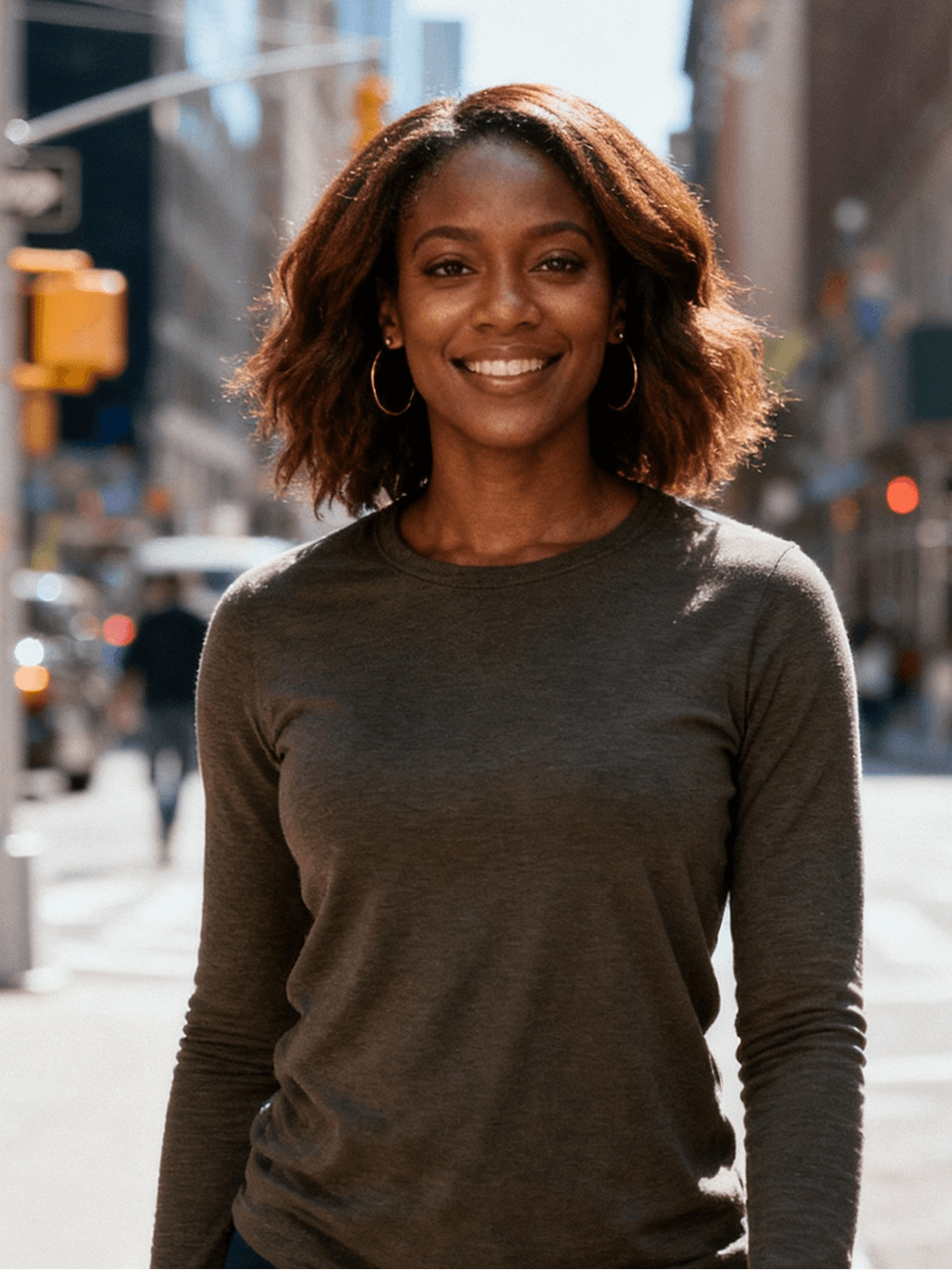
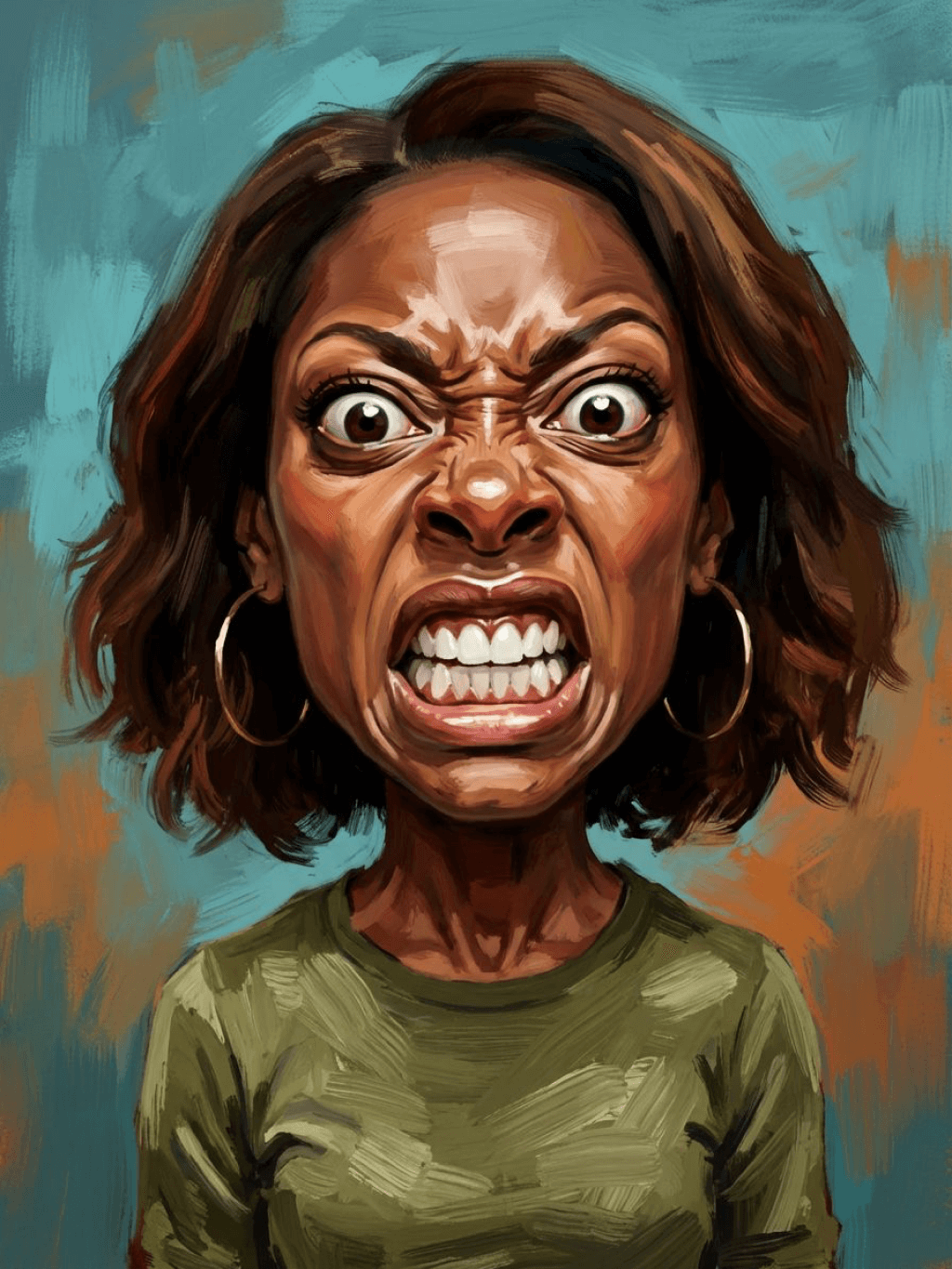
Subject: The main character in the picture. Expression: Extremely angry / Exaggerated anger. Furrowed brows, wrinkled forehead, dilated nostrils, mouth wide open and revealing clenched teeth, facial muscles completely contracted. Looking at the camera. Pose: One-to-one replication of the main character in the picture. Costume: One-to-one replication of the character's costume. Style: Exaggerated portrait painting in a digital painting style, combining expressionist brushstrokes. Texture: Has distinct brushstroke textures, as if it was quickly applied with rough oil painting or acrylic brushes, especially the background and clothing parts. Character style: Satirical caricature style, extremely exaggerated features (big mouth, big teeth, big eyes, big nose), funny expression, proportion: The head is significantly enlarged, the proportion is distorted, while the body is relatively smaller. Facial features: The facial muscles are extremely exaggerated, there are deep expressive lines around the eyes and mouth. Detail depiction: Skin texture, pores, teeth and other details are depicted very realistically, but the overall proportion and expression are exaggerated to a great extent. Lighting: Uses dramatic and intense contrast of light and shadow, highlighting the three-dimensionality of the character's face and the tension of the emotions. Posture: Frontal, portrait Background: Abstract and rough blue-green and orange/brown brushstrokes form the background, without specific environmental depiction, completely focusing on the character.
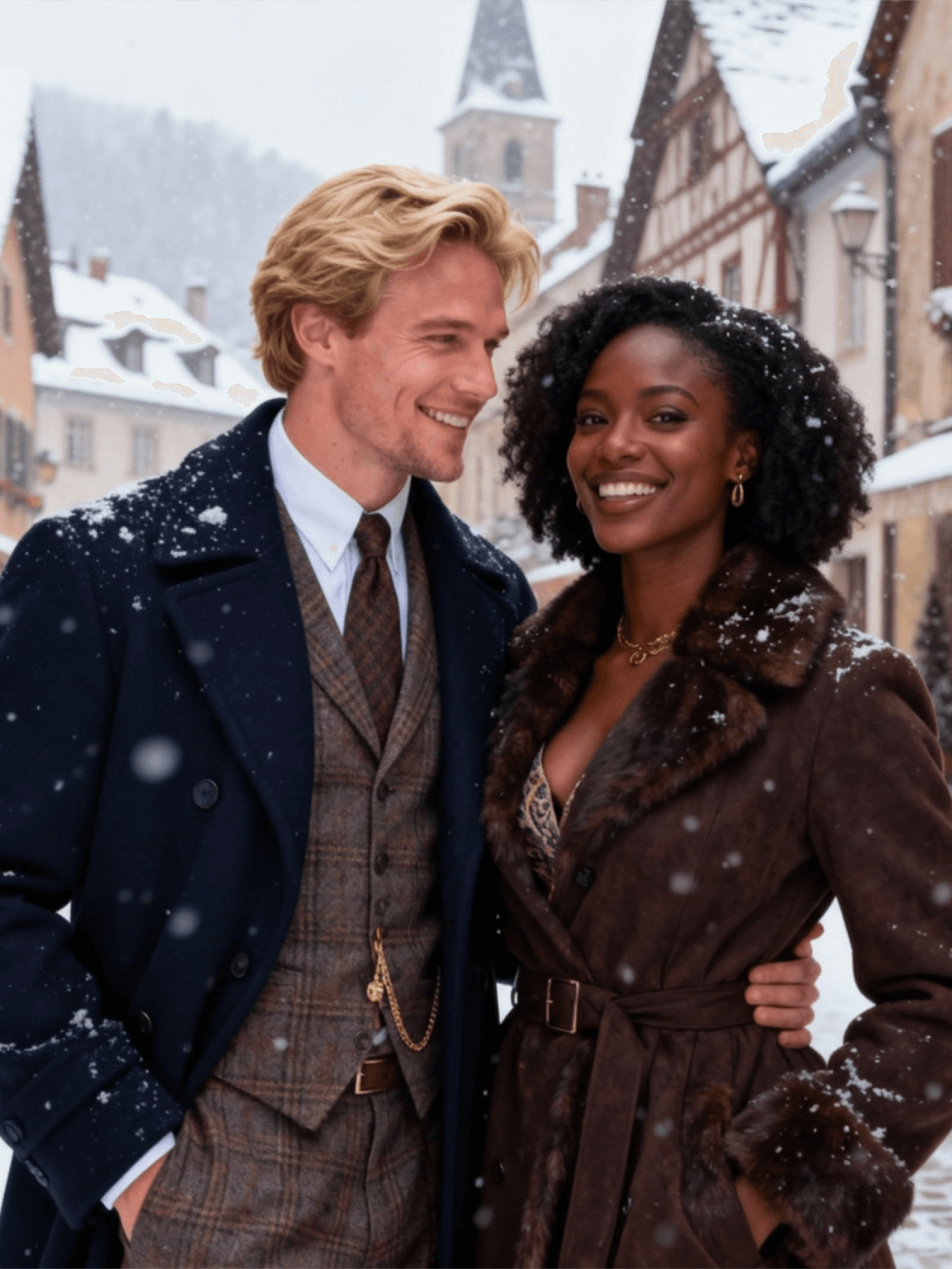
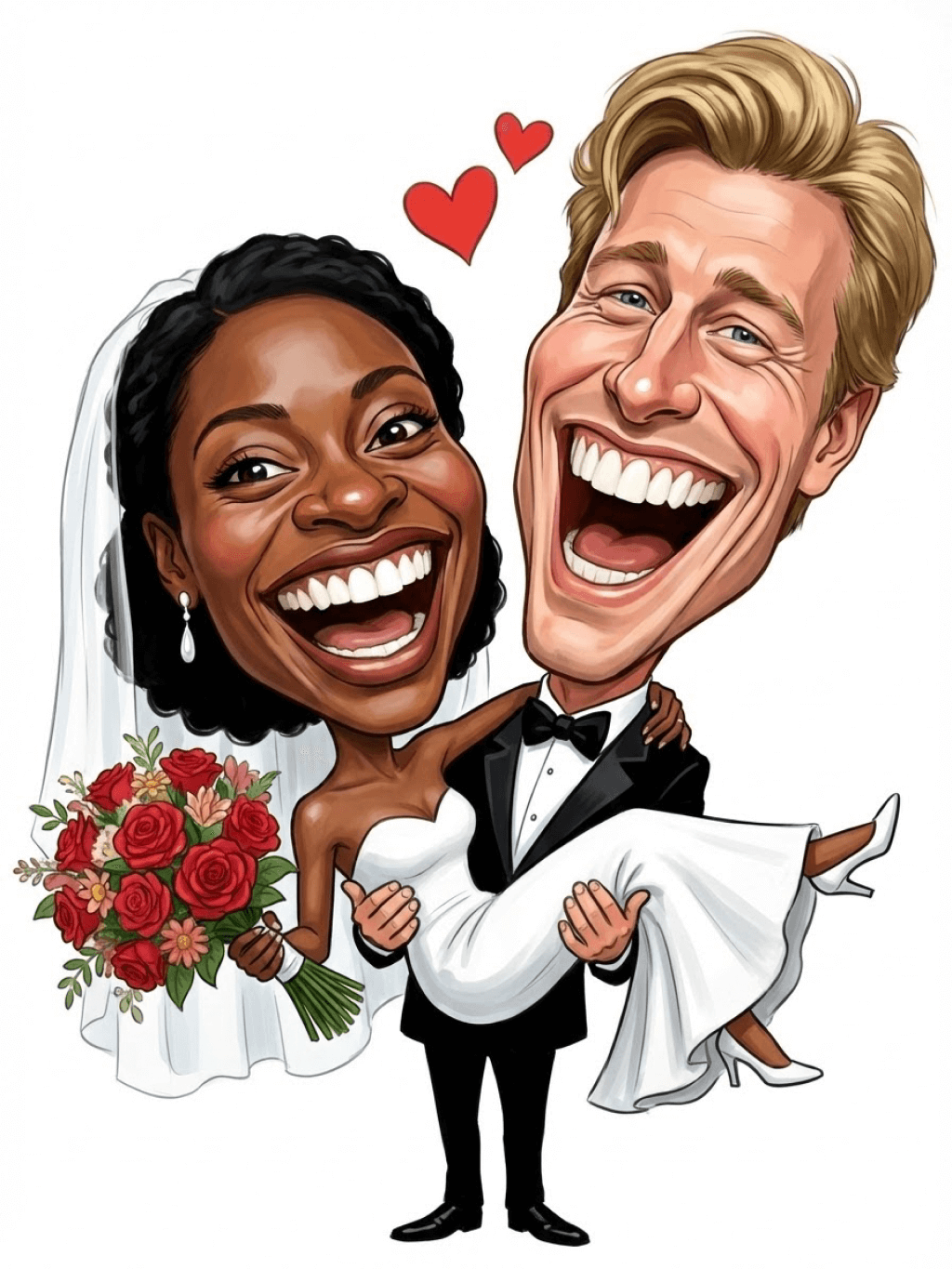
Character: The main figure in the picture. Core: An exaggerated comic with a wedding photo theme. Style: A highly exaggerated cartoon comic style, presented through digital painting. Head: Both of their heads are significantly enlarged, with distorted proportions, while the bodies are relatively smaller. Facial features: The facial muscles are extremely exaggerated, with deep expressive lines around the eyes and mouth, a very large and prominent nose, and very large teeth. Expression: An extremely exaggerated and joyful wide-open mouth laugh, with bulging eyes, fully matching the joyful mood in the reference image. Both are looking directly at the camera. Light and details: Sharp highlights on the forehead, nose, and cheekbones, contrasting with deep, smooth shadows to emphasize the exaggerated contours. Clean, smooth digital brush strokes. Background: A pure white background, with two red hearts decorating the gap between the two heads. Appearance: A one-to-one replica of the main character in the picture. Costume: The bride is wearing a white strapless wedding dress with a veil, and the groom is wearing a black tuxedo with a bow tie. Posture: Full body, both looking at the camera, the groom holding the bride like a princess, and the bride holding a red rose bouquet of flowers.
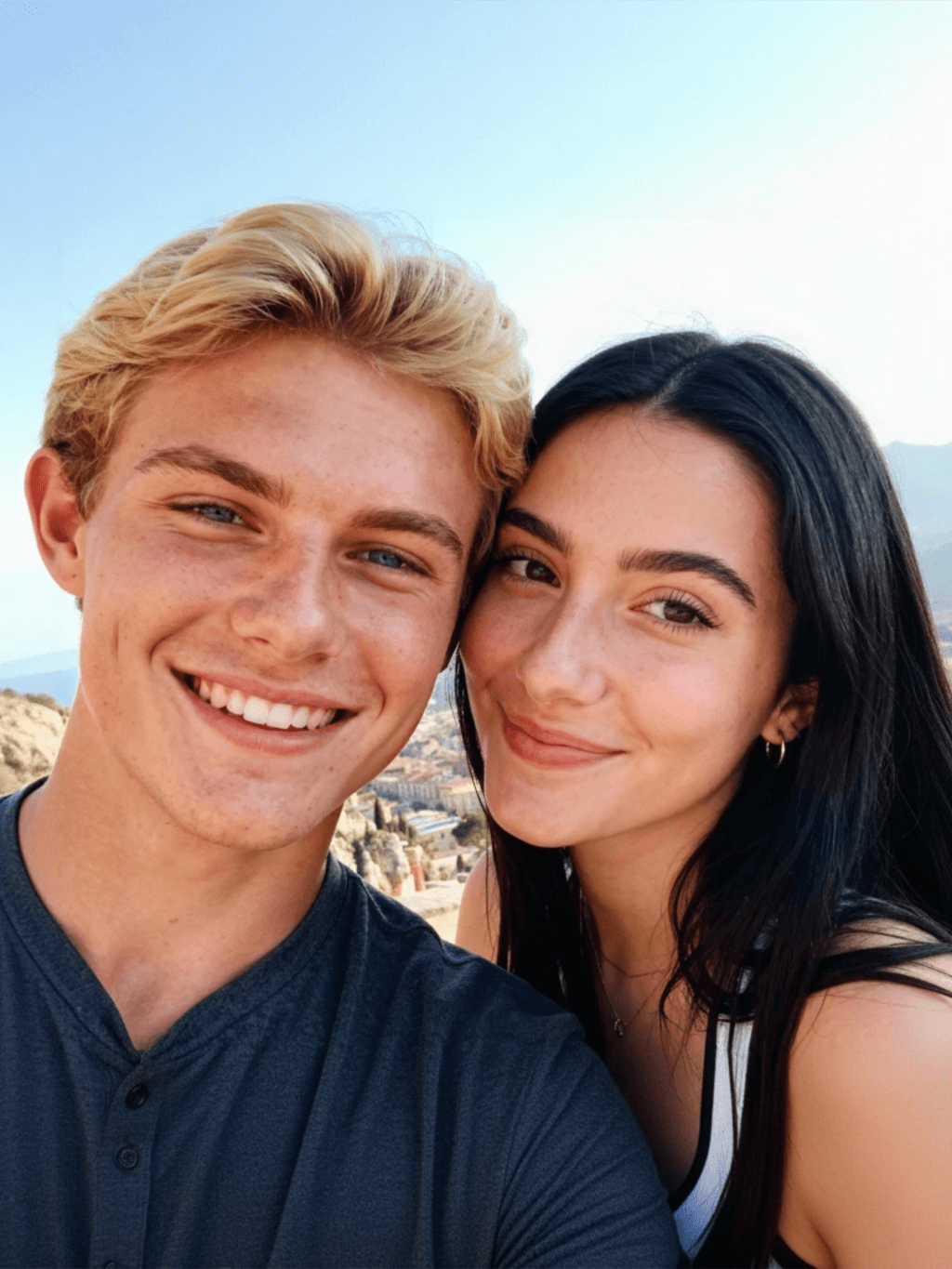
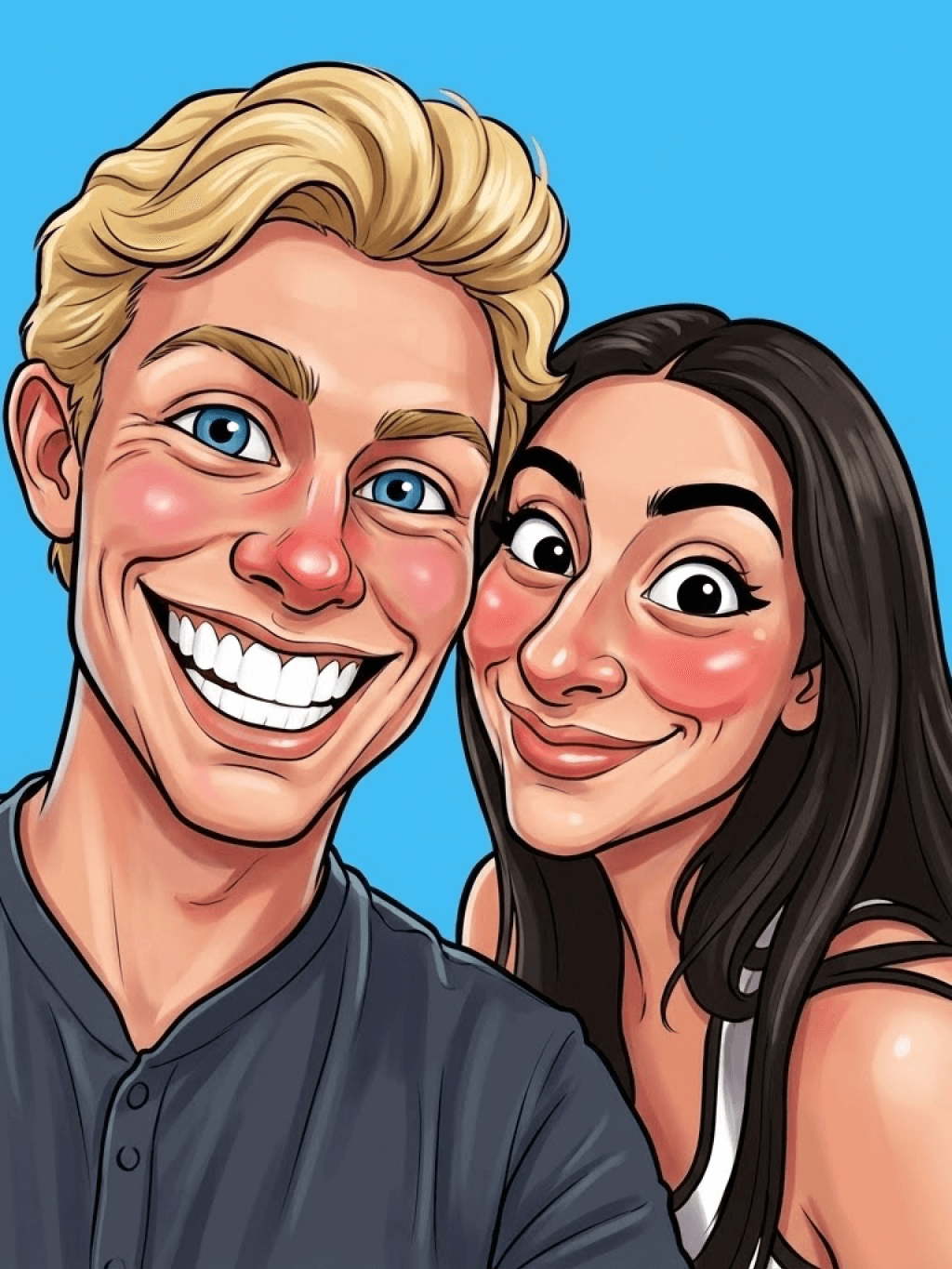
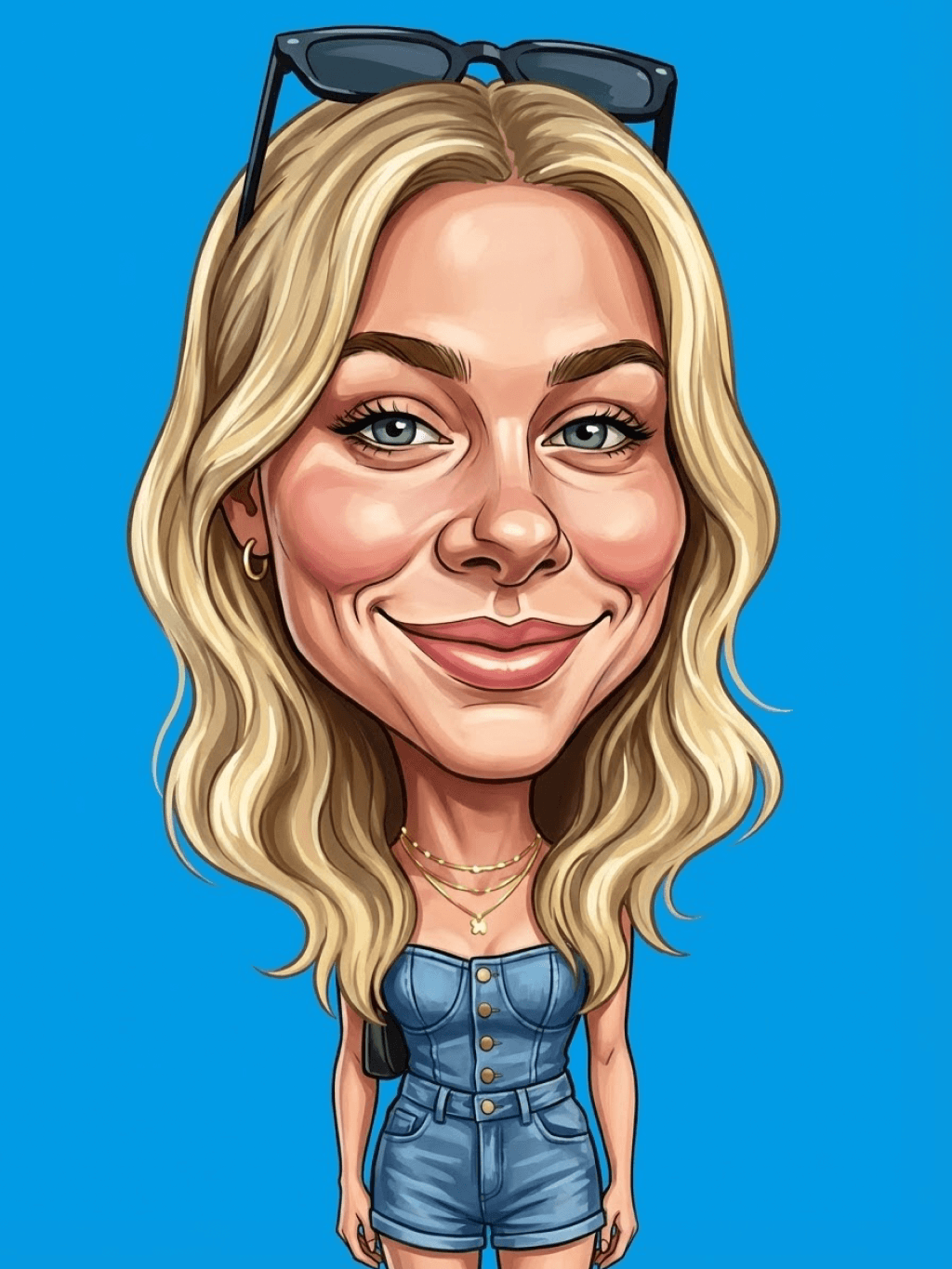
Main character: The person in the picture Art style: Exaggerated cartoon style. Bright colors, bold outlines. Character blush. Proportion: The heads are significantly enlarged and the proportions are distorted. Facial features: Exaggerated processing based on the facial features of the reference figure, exaggerated facial muscles, extremely exaggerated facial features (big mouth, big teeth, big eyes, big nose), funny expressions. Expression: Reproduce the main character's expression in the picture and exaggerate it. Facing the camera. Hair: Reproduce the hairstyle of the main character in the picture. Clothing: Exactly the same as the main character's clothing in the picture. Background: Solid color background. Light and details: Styled highlights and shadows, highlighting the facial contours, with the typical smooth texture of digital painting. Posture: Affectionate action, head touching head, looking at the camera, half-length portrait
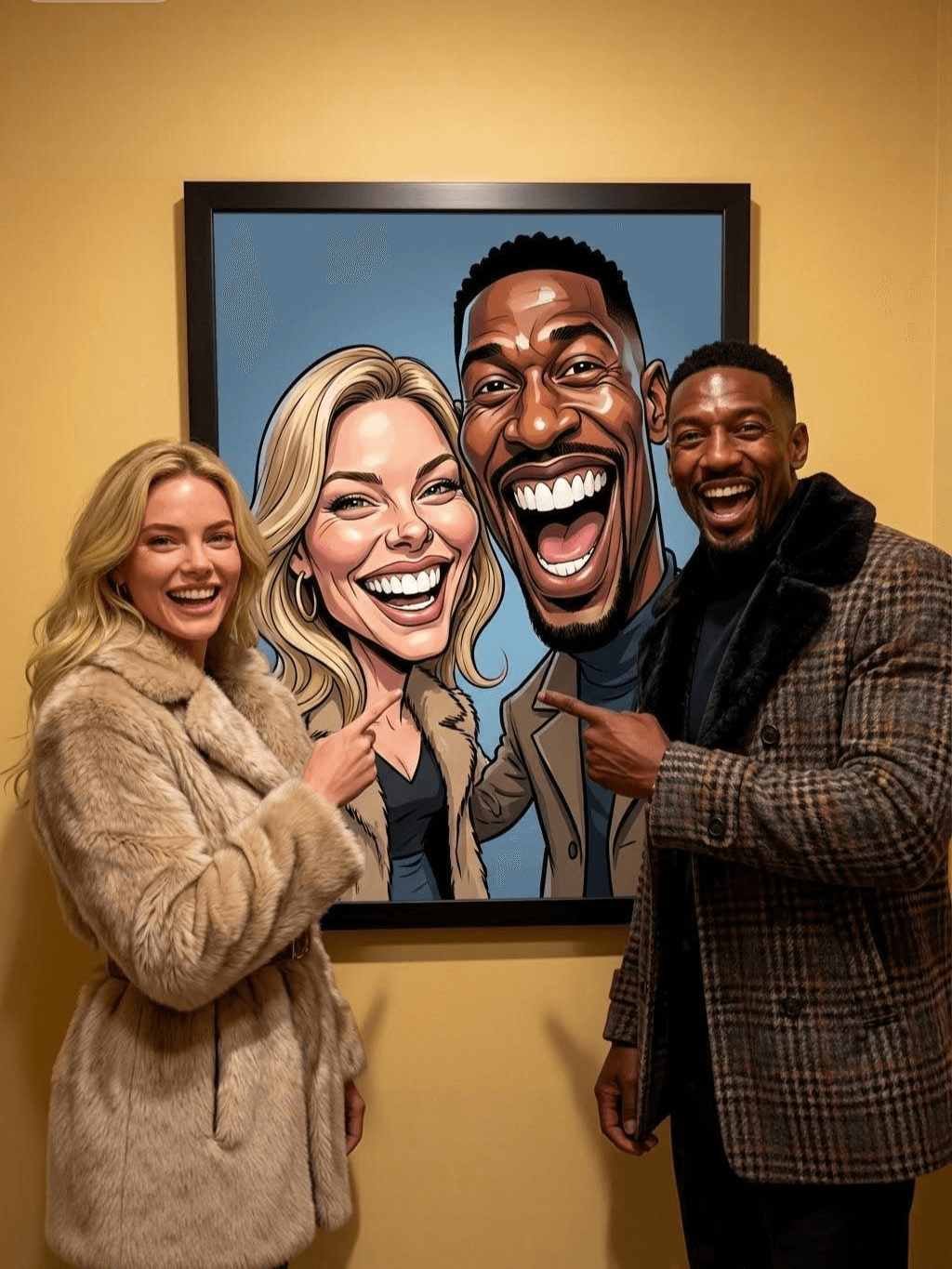
Subject: The main figure in the picture. Core: A high-resolution real photo showing a couple standing beside a framed painting hanging on the wall. The center of the picture features a large black-framed portrait. The content is an exaggerated caricature style of the main character: extremely exaggerated facial features (big mouth, big teeth, big eyes, big nose), with a funny expression. Portrait: Black simple border (no white border), style: highly exaggerated cartoon comic style, presented by digital painting. Head: Both people's heads are significantly enlarged, with distorted proportions, while the body is relatively smaller. Facial features: Facial muscles are extremely exaggerated, there are deep expressive lines around the eyes and mouth, the nose is very large and prominent, and the teeth are also very big. Comic expression: Extremely exaggerated, joyful mouth wide open laughter, eyes bulging, fully matching the joyful mood in the reference image. Both are looking directly at the camera. Light and details: Sharp highlights on the forehead, nose, and cheekbones, contrasting with the deep, smooth shadows to emphasize the exaggerated contours. Clean, smooth digital brushstroke texture. Low saturation blue as the background of the portrait. Style: One-to-one replication of the main figure in the picture Clothing: One-to-one replication of the main character's clothing Photo scene: Indoor, with warm decoration, warm yellow background wall Posture: The main figure stands in front of the portrait, looking at the camera, with one hand raised in front of the chest pointing at the portrait on the wall. Warm lighting, natural integration of light and shadow, clear image quality, 8K
Subject: The main character in the picture. Art style: Exaggerated cartoon style. Head: The head is enlarged while the body is relatively small. Facial features: Exaggerated facial muscles, exaggerated facial lines, and a large nose. Expression: Reproduce the expression of the main character in the picture and exaggerate it. Looking at the camera. Family name: Exactly the same as the appearance of the main character in the picture. Attire: One-to-one reproduction of the main character's outfit in the picture. Background: Solid color background. Lighting and details: Stylized highlights and shadows, highlighting the facial contours, with a smooth feel typical of digital painting. Pose: Frontal half-length portrait
Retain all the details of the image and convert it to color.
Use the character from the uploaded image exactly as it appears — keep all features, colors, proportions, and style unchanged. Create a four-panel comic/storyboard with each panel showing a different scene of the character. Maintain the same cartoon art style as the reference image. Add speech bubbles/dialogues for the character in each panel, appropriate to the story. Ensure visual continuity: same background style, color palette, and lighting consistent across all panels. Focus on clear composition, expressive poses, and readable dialogue. Output: four distinct panels forming a coherent story.
Refer to Figure 2 and convert the style of Figure 1
Generate a set of powerful 3-panel Japanese anime storyboards by referring to the image
Polaroid 2:3 photo: IMG1 person and IMG2 cartoon character hugging like friends, smiling and laughing, heads close together, looking at the camera, hips-up; original clothes; white-curtain background; cartoon character’s arms naturally around person, proportions adjusted for natural interaction; subtle shadowing for depth; strong flash, slight overall blur, soft light vignette, no omissions; no face-swap, no distortion; classic white-border Polaroid, flat on white table, back flush, 90° top-down, zero tilt, no extras.
Optimize the line drawing, transform it into a Japanese anime style and color it to add a campus background
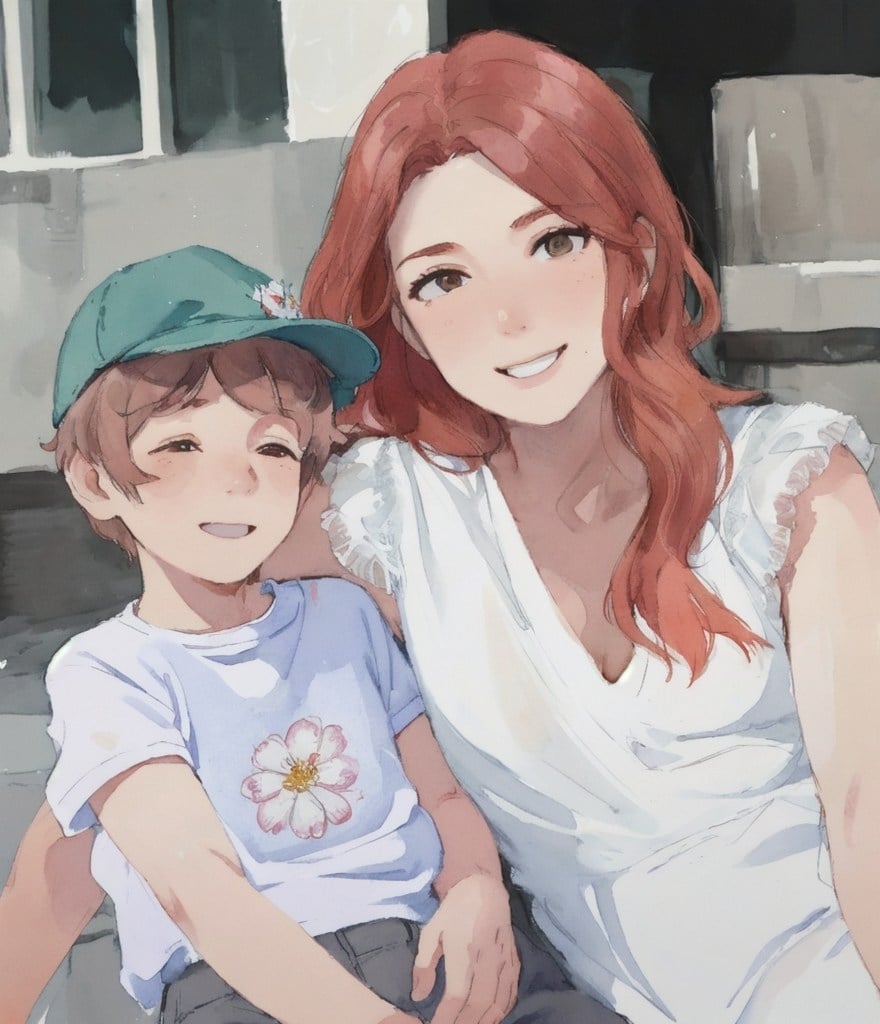
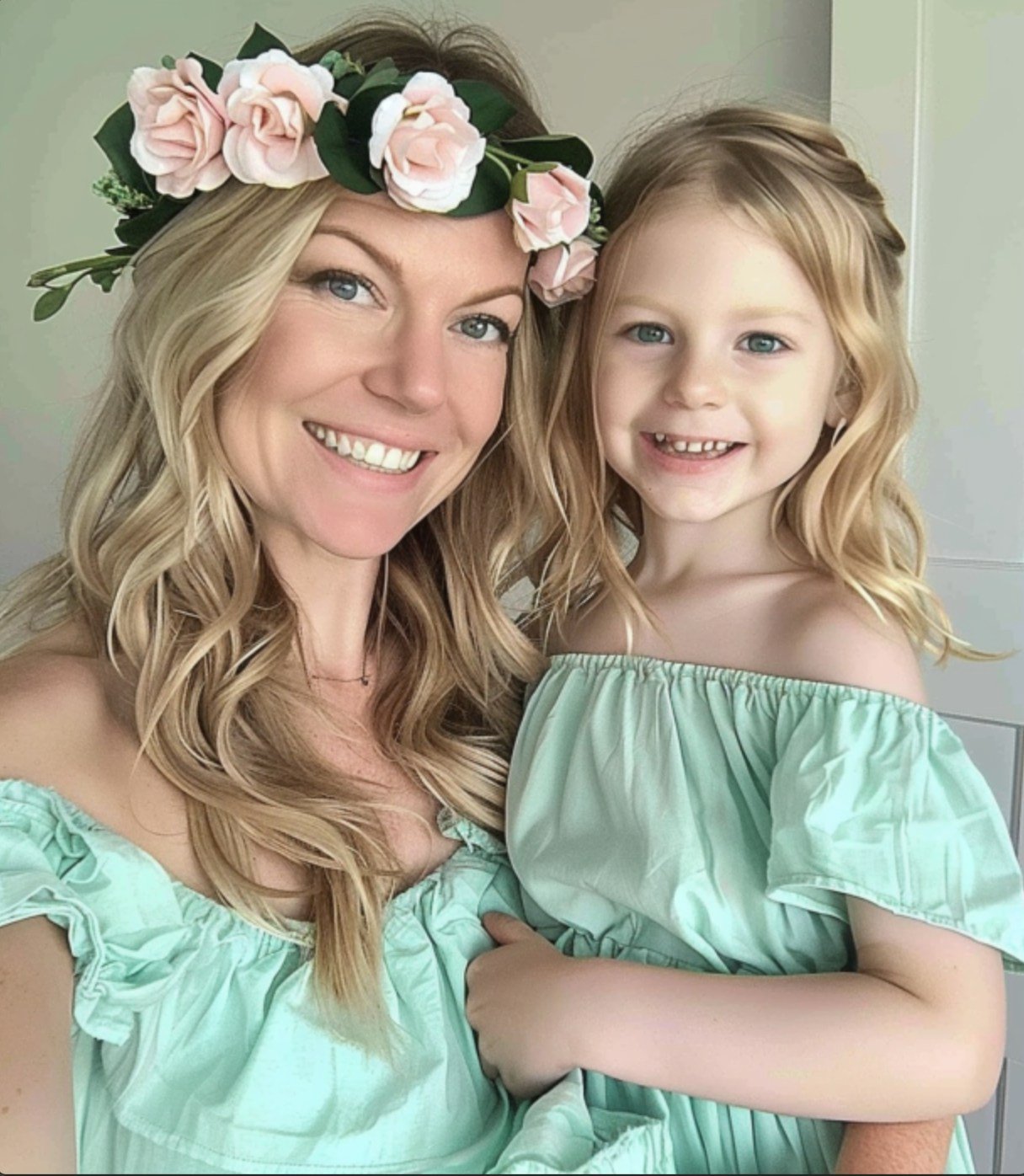
Mother's Day Photo to Watercolor
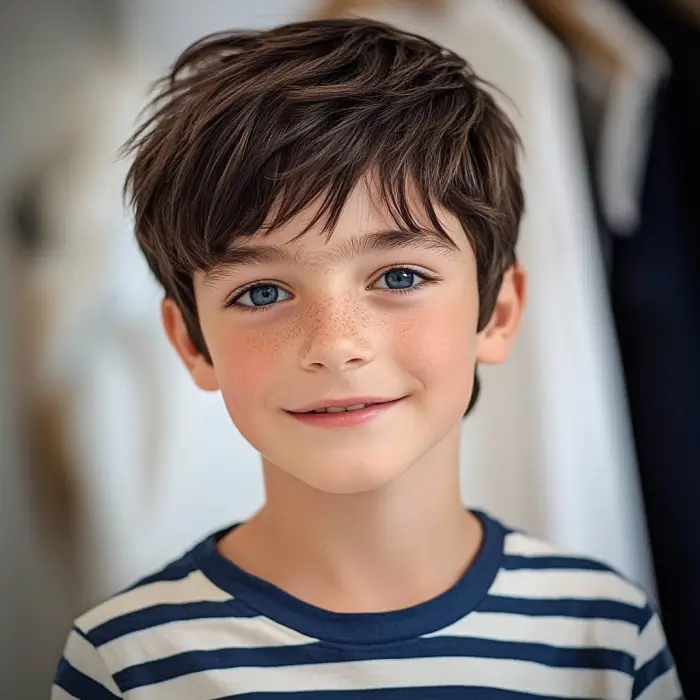
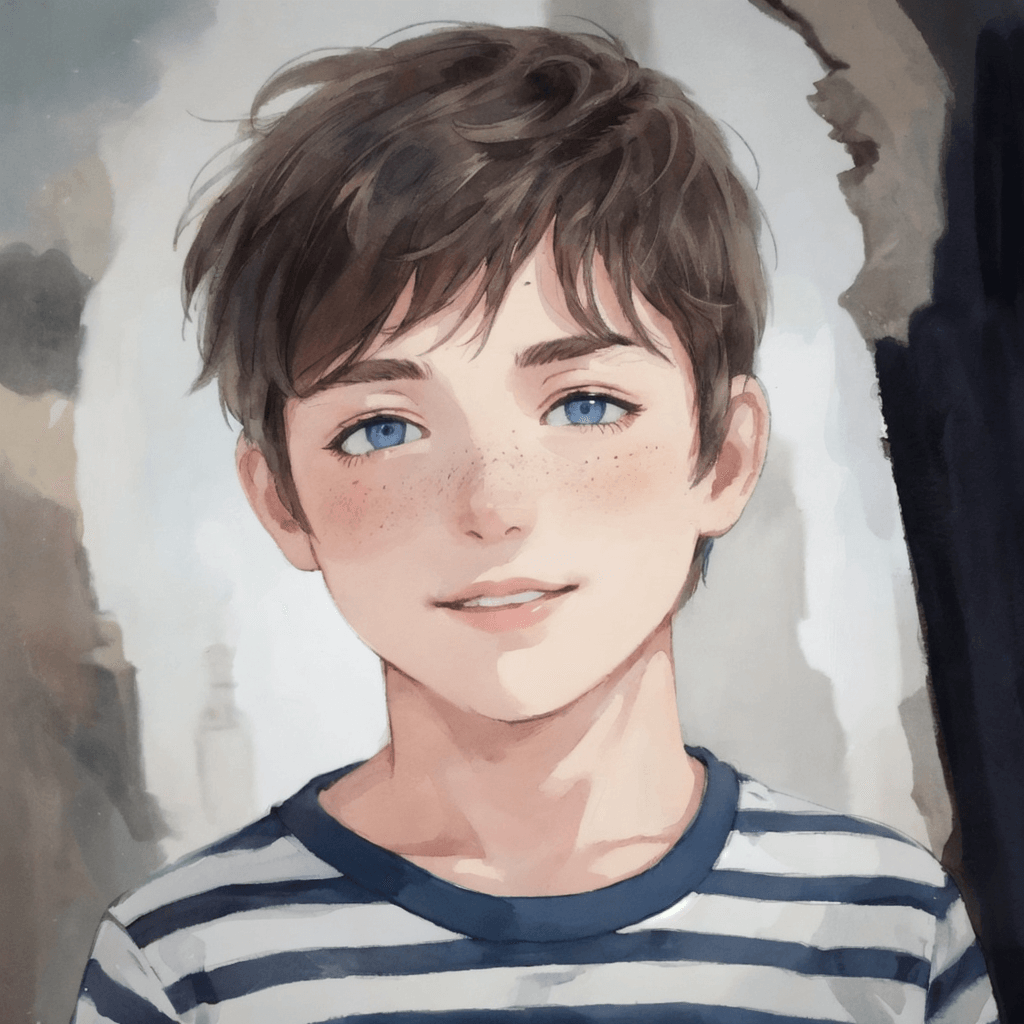
Boy Photo to Watercolor
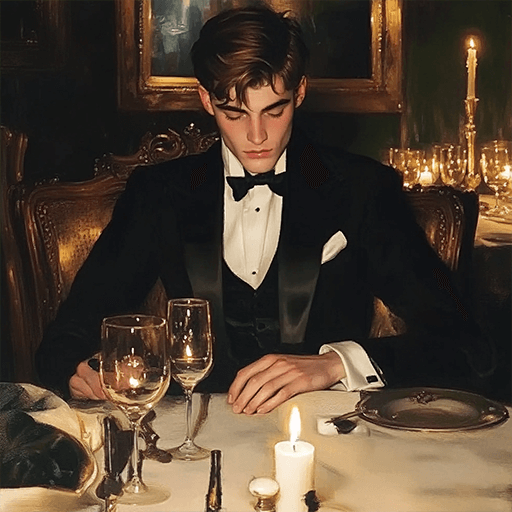
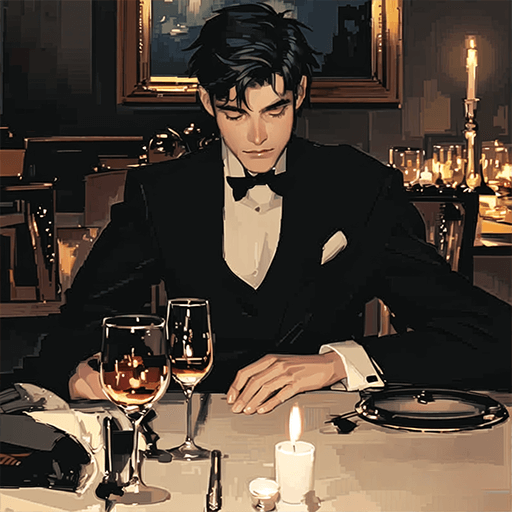
Young Millionaire Photo to Anime Cartoon
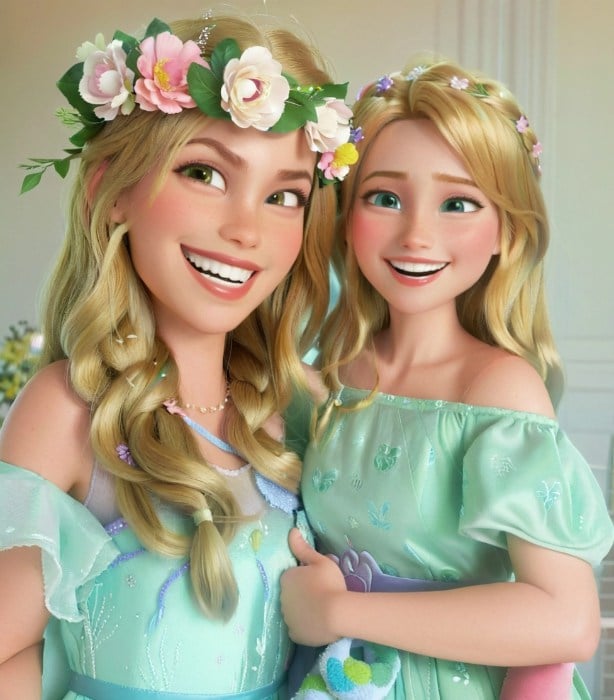
Mother's Day Disney Filter
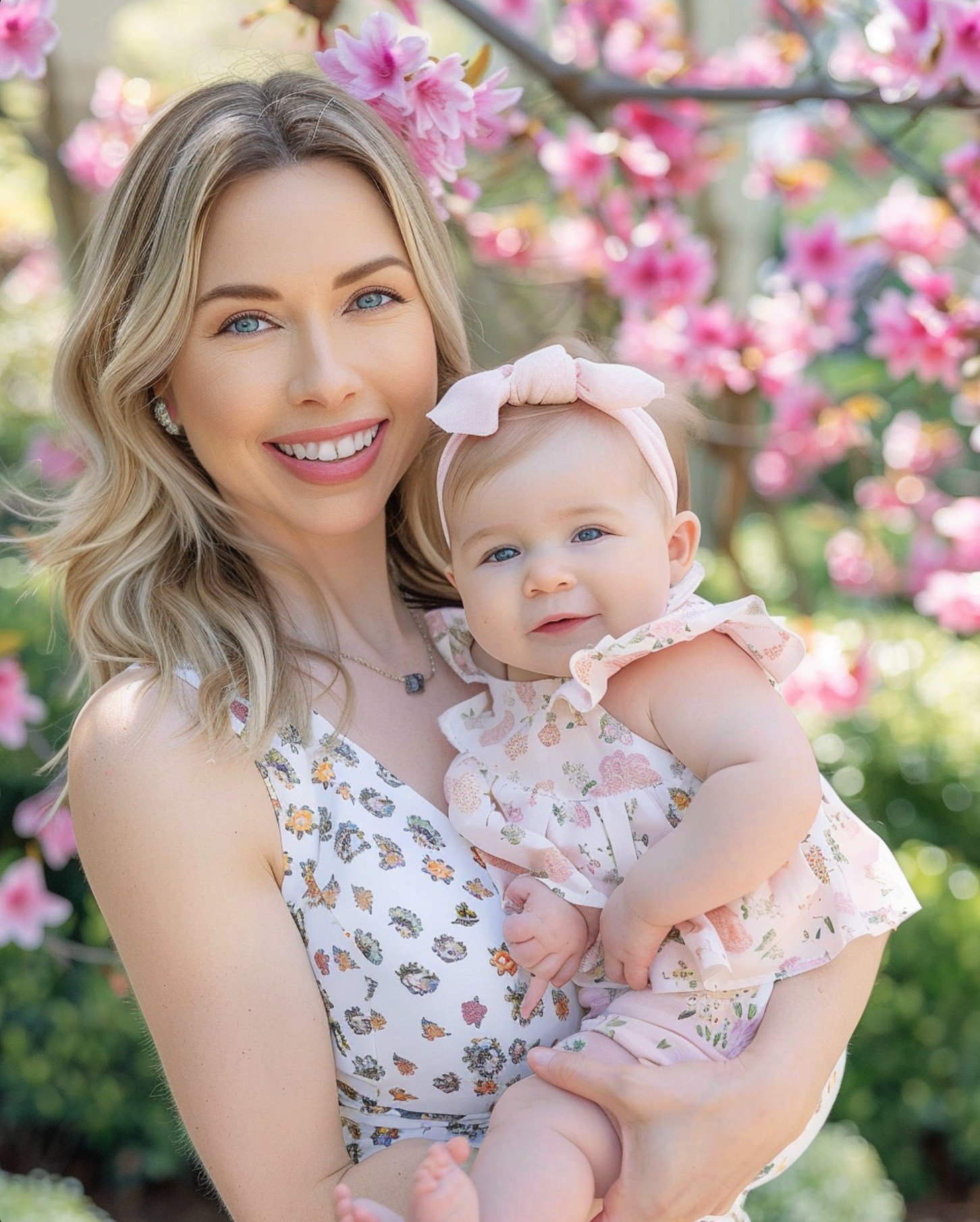
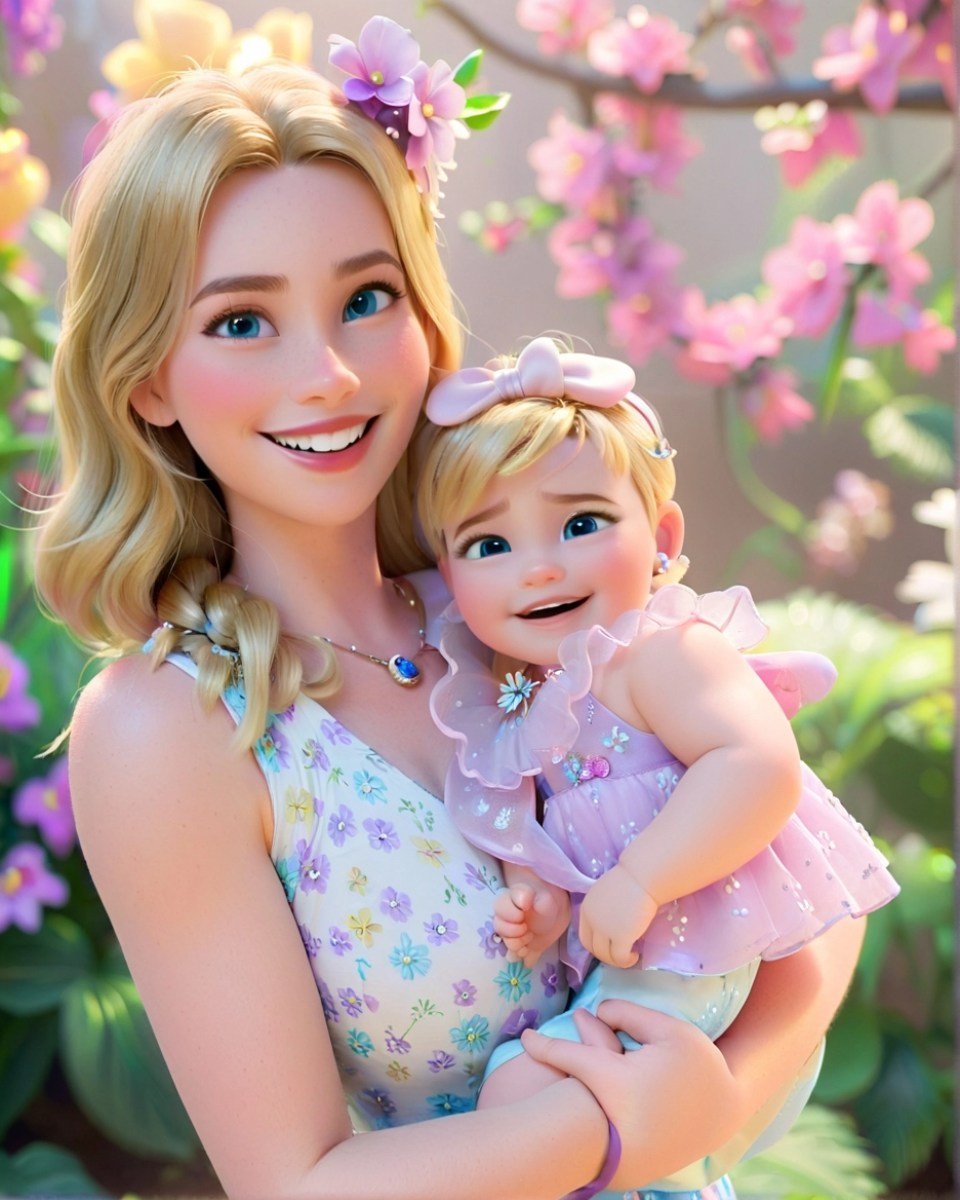
Disney Style Mother Holding Baby
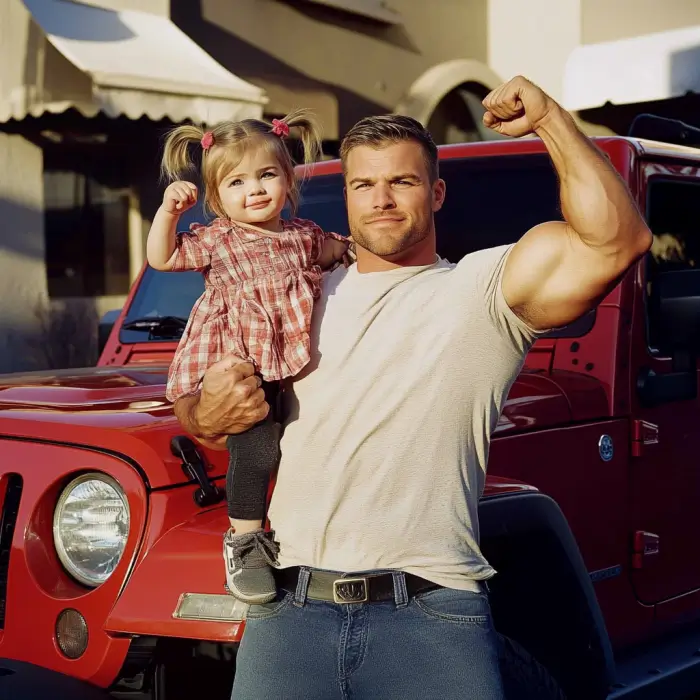
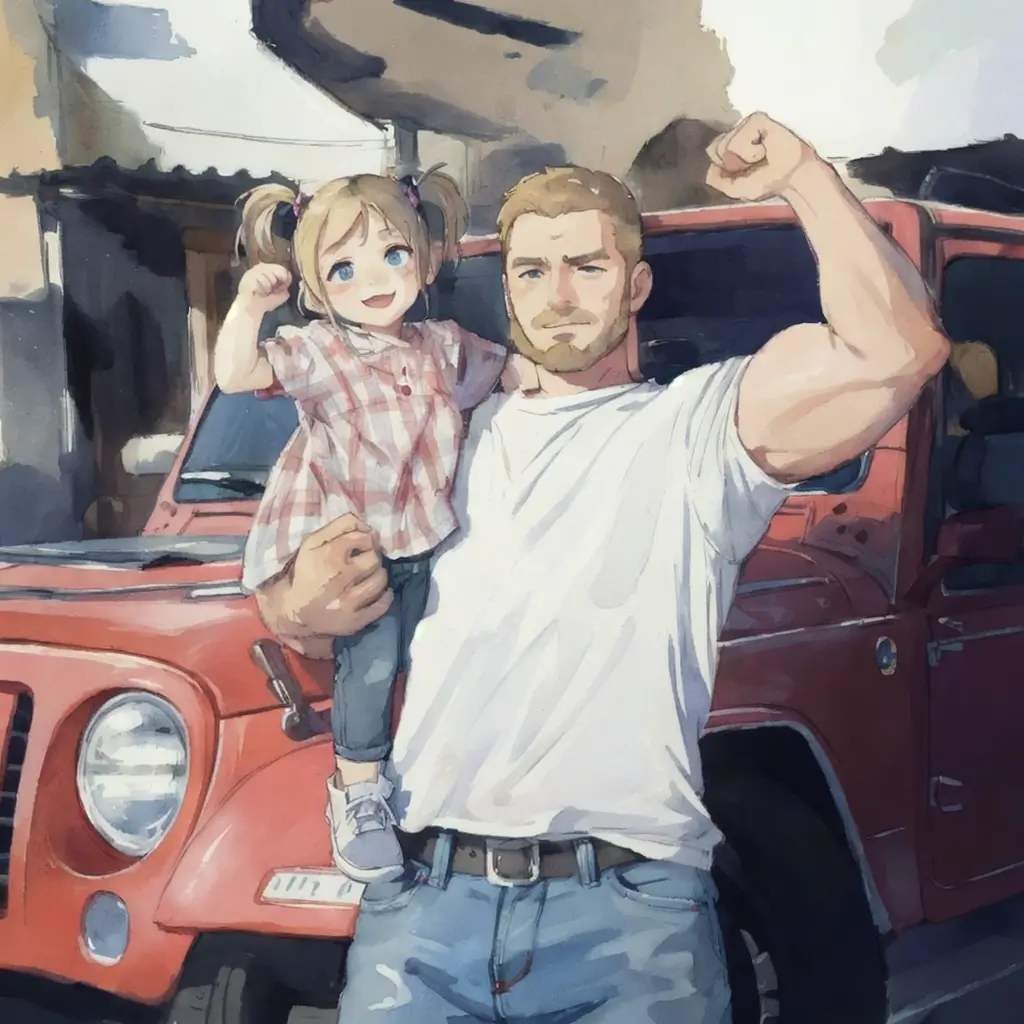
Father and Daughter in Watercolor
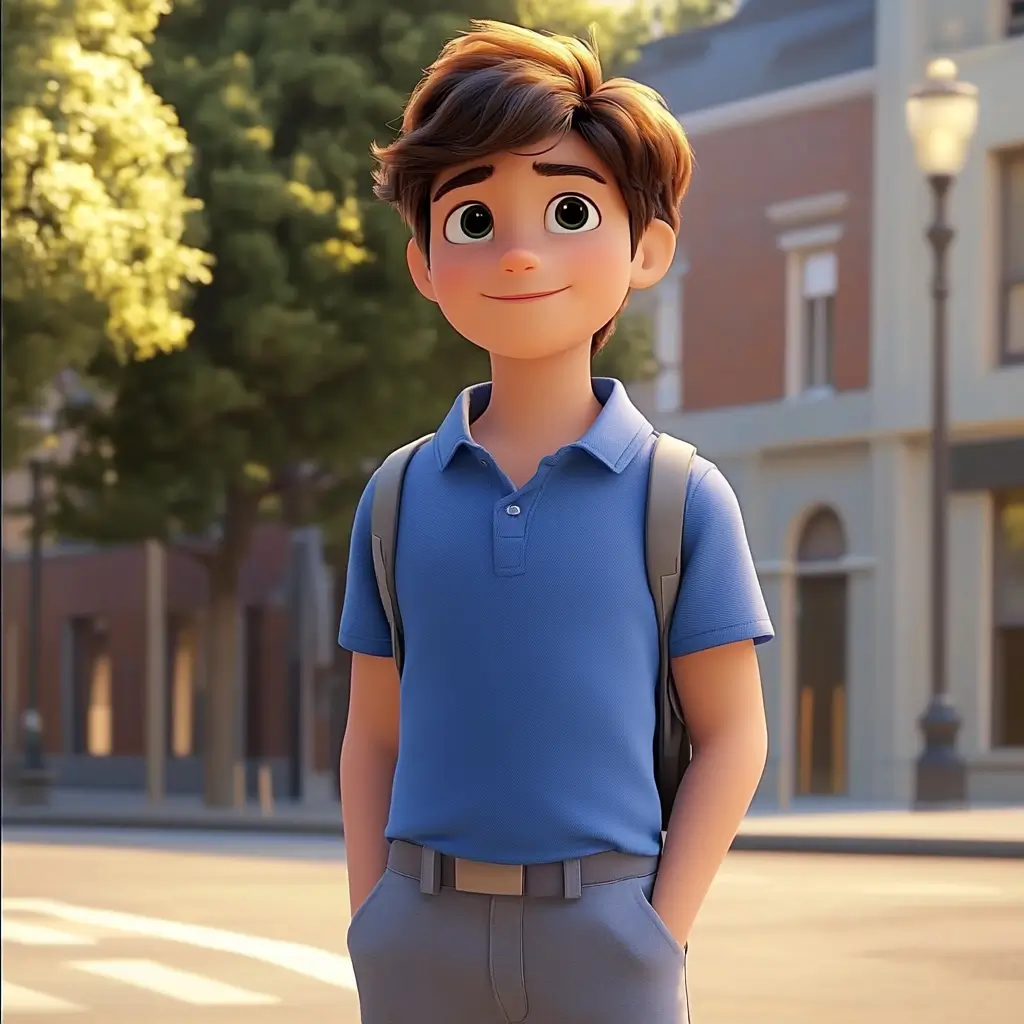
Cute Cartoon Boy
Cute Cartoon Boy
Cute Cartoon Boy
Attractive Anime Girl Filter
A girl in a blue shirt and black jacket sitting at a table with coffee and drinks, A steampunk-style background featuring intricate gears, brass pipes and glowing lights illuminating the scene. A desk with mechanical tools is in sharp focus while surrounding walls display vintage timepieces and cogs.
depicting futuristic cities with towering skyscrapers made from metallic gold and green hues. Include flying cars and high-tech elements to create a sense of wonder in space and cyberpunk aesthetics.
Beautiful Anime Girl
Transforme Suas Fotos em Desenhos Animados com o Filtro de Desenho Animado com IA

Transforme Suas Fotos em Desenhos Animados com o Filtro de Desenho Animado com IA

O filtro de desenho animado com IA ajuda a transformar suas fotos em obras artísticas divertidas e criativas. Esse filtro profissional aprimora qualquer foto e aplica efeitos de desenho animado instantaneamente. É extremamente versátil para criar projetos únicos ou melhorar postagens nas redes sociais. Também pode adicionar um toque de humor às fotos usando o filtro de desenho animado com IA.

Seja para entretenimento, redes sociais ou uso pessoal, nossos filtros facilitam a obtenção de um visual diferenciado e estilizado que se destaca.

Transformar Foto em Desenho Animado
Crie Anime ou Mangá com o Filtro de Anime com IA da insMind

Crie Anime ou Mangá com o Filtro de Anime com IA da insMind

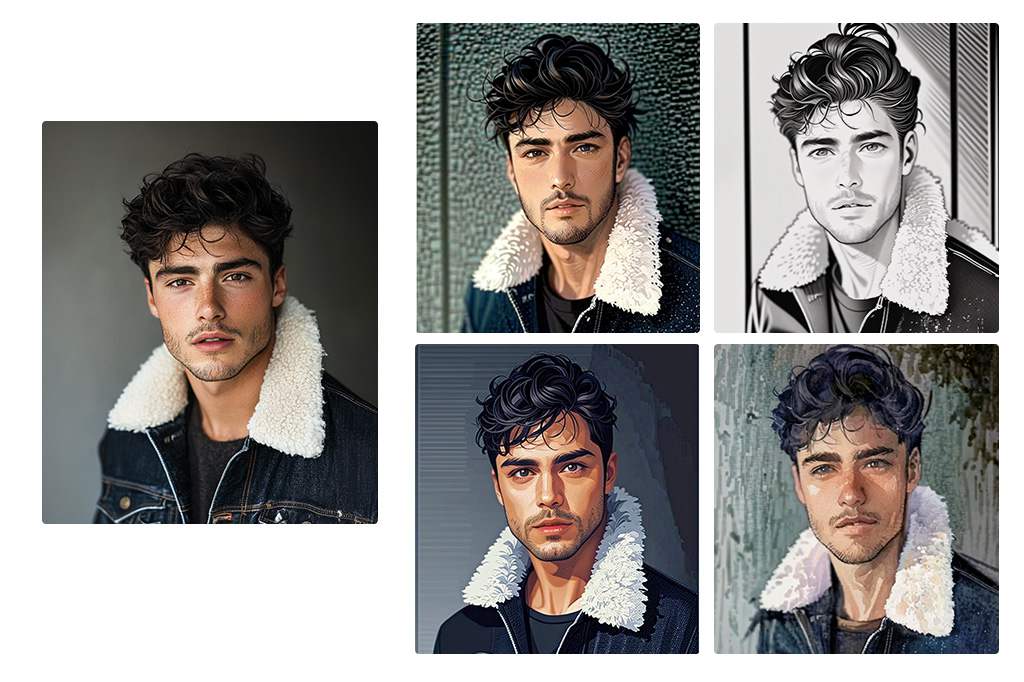
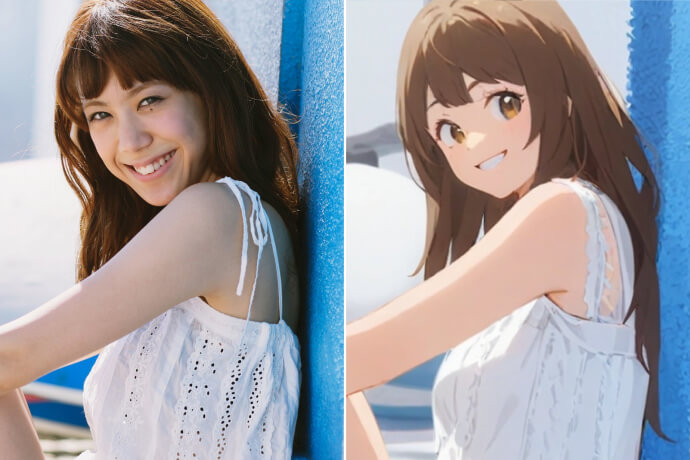
Para os fãs de estilos artísticos japoneses, os filtros de anime com IA e de mangá com IA são extremamente úteis. Eles permitem converter retratos em estilo anime ou até mesmo em desenhos de mangá com apenas um clique. Quer adicionar um toque divertido às suas fotos ou é apaixonado por anime? Esses filtros de foto com IA são ideais para valorizar suas selfies.
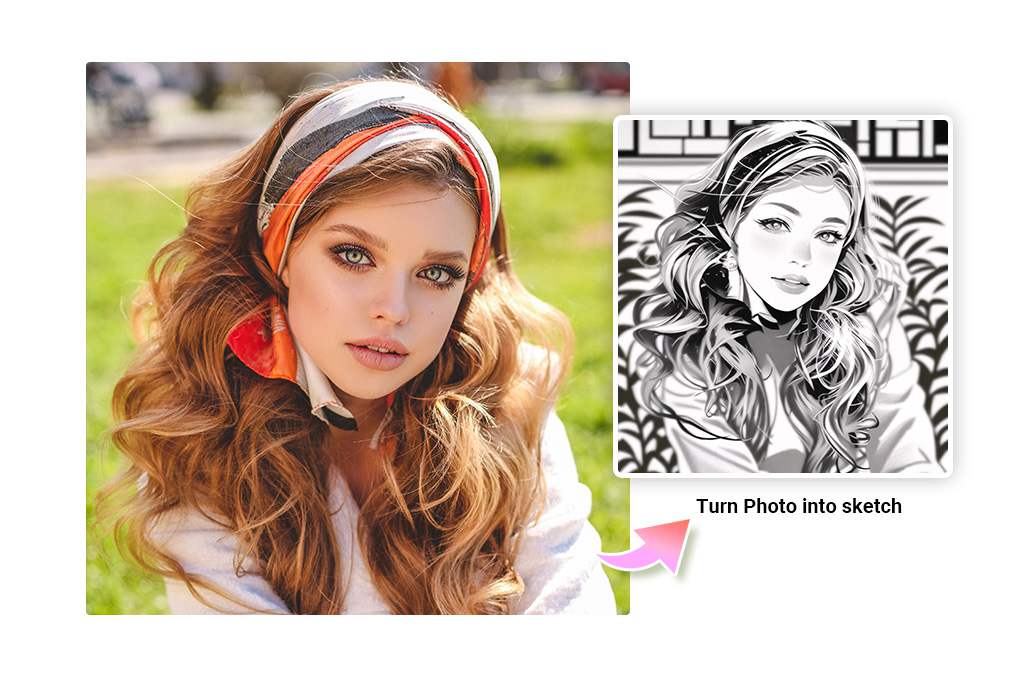
Transformar Foto em Anime
Converta Fotos em Esboços, Desenhos de Linha ou Contornos

Converta Fotos em Esboços, Desenhos de Linha ou Contornos

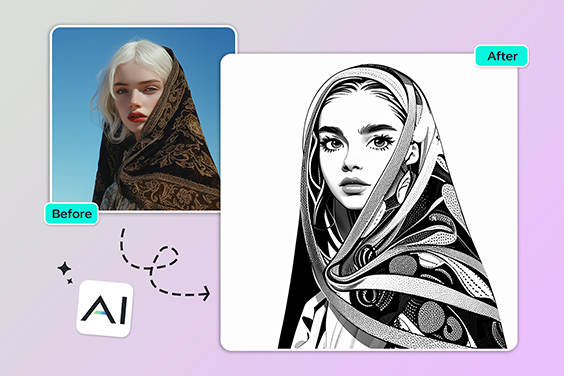
Quer um visual feito à mão? Esses filtros incluem esboço, lápis, arte em linha e contorno, adicionando um toque ilustrado às suas fotos. Nosso gerador de esboço com IA usa detecção avançada de bordas para transformar fotos em desenhos a lápis com diversos estilos.

Além disso, o filtro de foto com IA pode simplificar sua foto em linhas de contorno para tatuagens, aplicar efeitos artísticos e criar ilustrações conceituais. Seja para preparar um layout de design ou explorar a criatividade, nossos filtros de foto com IA tornam o processo mais fácil.

Testar Filtros de Esboço
Converta Foto em Aquarela Online com Filtro de Aquarela com IA

Converta Foto em Aquarela Online com Filtro de Aquarela com IA

Transforme suas fotos em belas pinturas em aquarela com nosso filtro de aquarela com IA. Basta enviar sua foto, clicar uma vez e ver a IA transformá-la em uma obra de arte suave e fluida. Essa função é perfeita para artistas e entusiastas que desejam adicionar um toque artístico sem precisar de materiais físicos de aquarela.
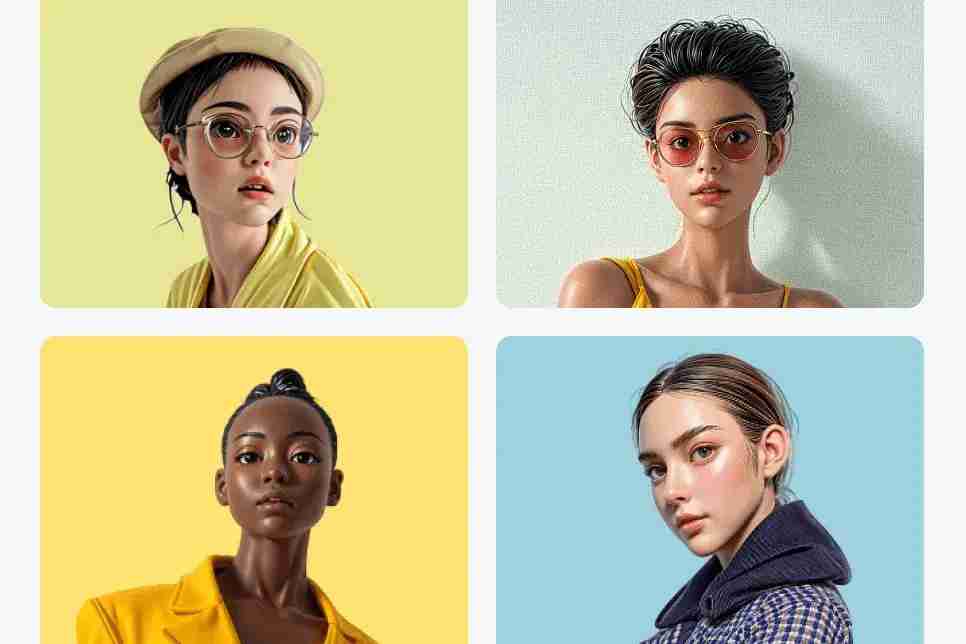
Transformar Foto em Aquarela
Transforme Suas Fotos com Filtros CG com IA para um Clima Cinematográfico

Transforme Suas Fotos com Filtros CG com IA para um Clima Cinematográfico

Transforme suas fotos em cenas cinematográficas ou elementos digitais com poderosos filtros finalizados por IA. Esses filtros realçam suas imagens com profundidade, equilíbrio de cores e o realismo de um filme.

Com o filtro CG com IA, você consegue melhorar suas fotos com um toque artístico profissional, criando imagens memoráveis.
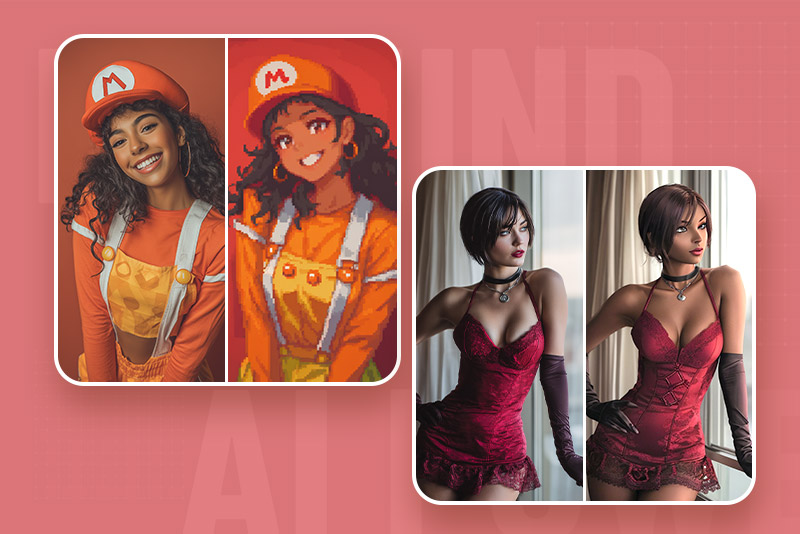
Transformar Foto em CG
Filtros de Pixel Art e Personagem PS2 — Nostalgia dos Jogos Retrô
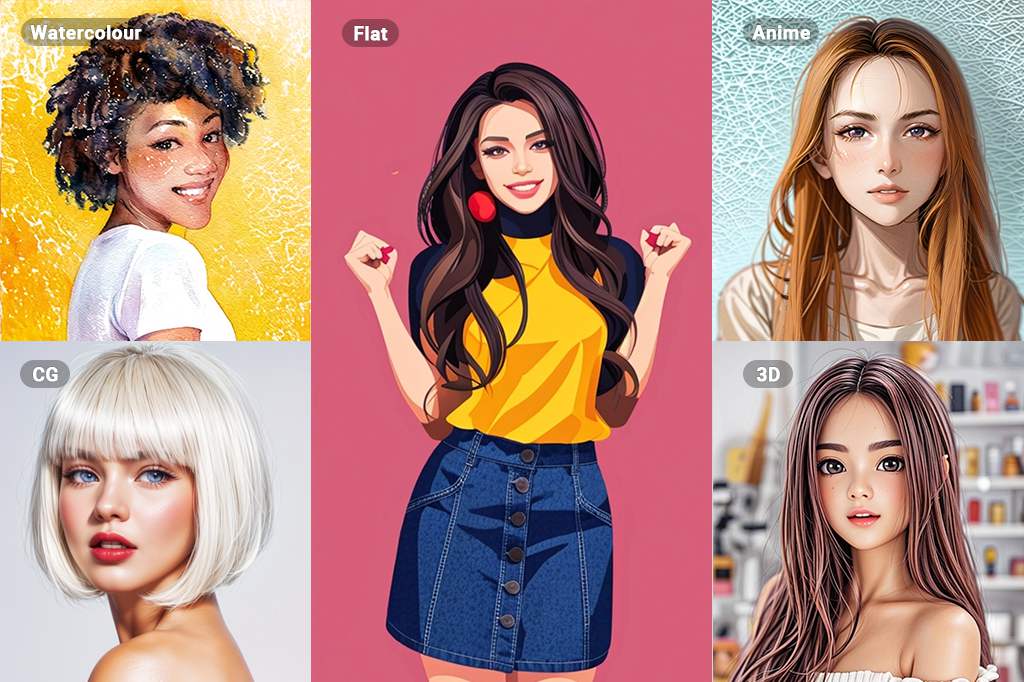
Filtros de Pixel Art e Personagem PS2 — Nostalgia dos Jogos Retrô

Liberte seu lado gamer com filtros de estilo retrô. Nosso filtro de pixel art e filtro de personagem PS2 transformam fotos modernas em visuais nostálgicos. Esses efeitos de foto com IA simulam o charme pixelado dos consoles clássicos e o design low-poly de personagens antigos. Perfeito para fan arts, avatares ou conteúdos temáticos, o filtro de foto com IA oferece resultados consistentes no estilo retrô, sem precisar de edição manual. Transforme fotos simples em representações divertidas no estilo dos games com apenas um clique.
Testar Filtros Retrô Agora
Descubra Vários Filtros de Fotos com IA para Transformar Suas Imagens

Descubra Vários Filtros de Fotos com IA para Transformar Suas Imagens

A ampla coleção de filtros de foto com IA da insMind inclui Ghibli, Esboço, PS2, Disney, 3D, Aquarela, Pintura a Óleo, CG e muito mais. Essa variedade permite que você transforme suas fotos em diferentes estilos artísticos. Cada filtro adiciona efeitos detalhados e de alta qualidade às suas fotos, garantindo resultados incríveis em pouco tempo e com mínimo esforço.
Aplicar Filtros Agora

Explore Mais Recursos dos Filtros de Foto com IA

Como Usar Filtros de Foto com IA no insMind?
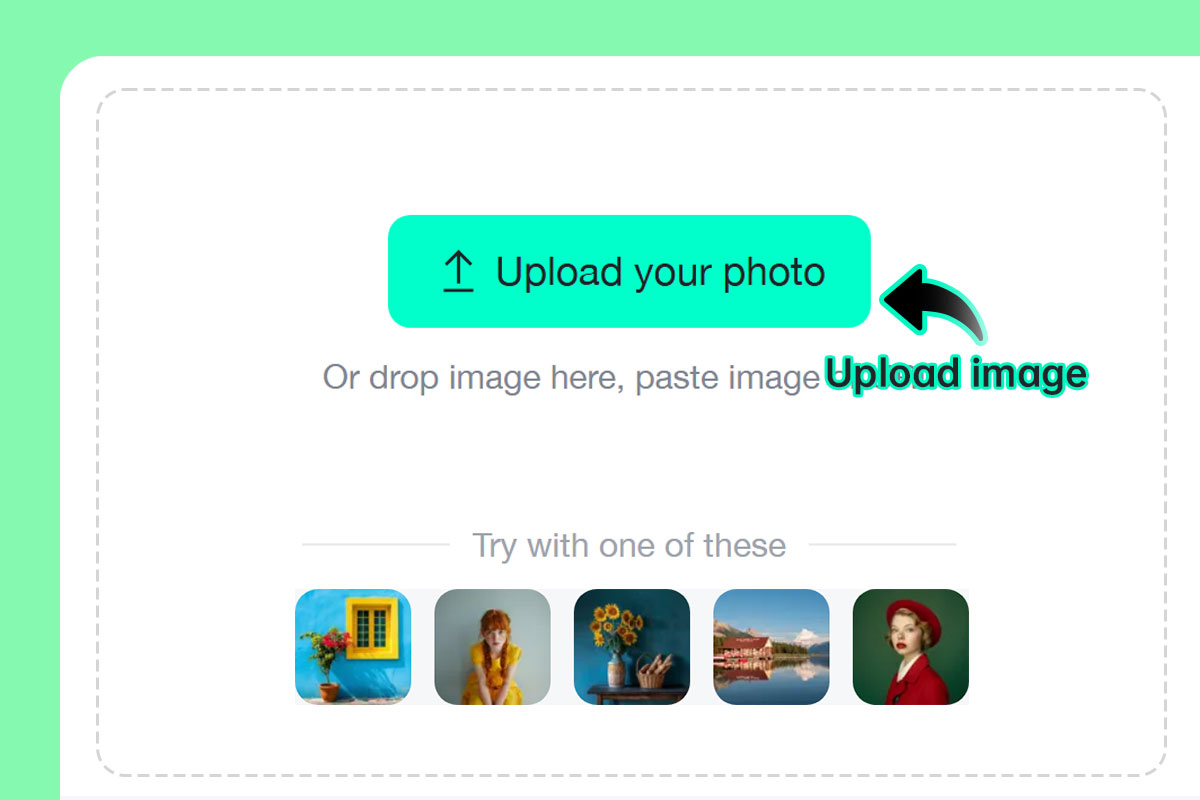
Passo 1: Envie sua foto
1

1 Passo 1: Envie sua foto

Selecione qualquer retrato, paisagem ou foto de objeto. Nosso sistema com IA é compatível com uma ampla variedade de fotos.
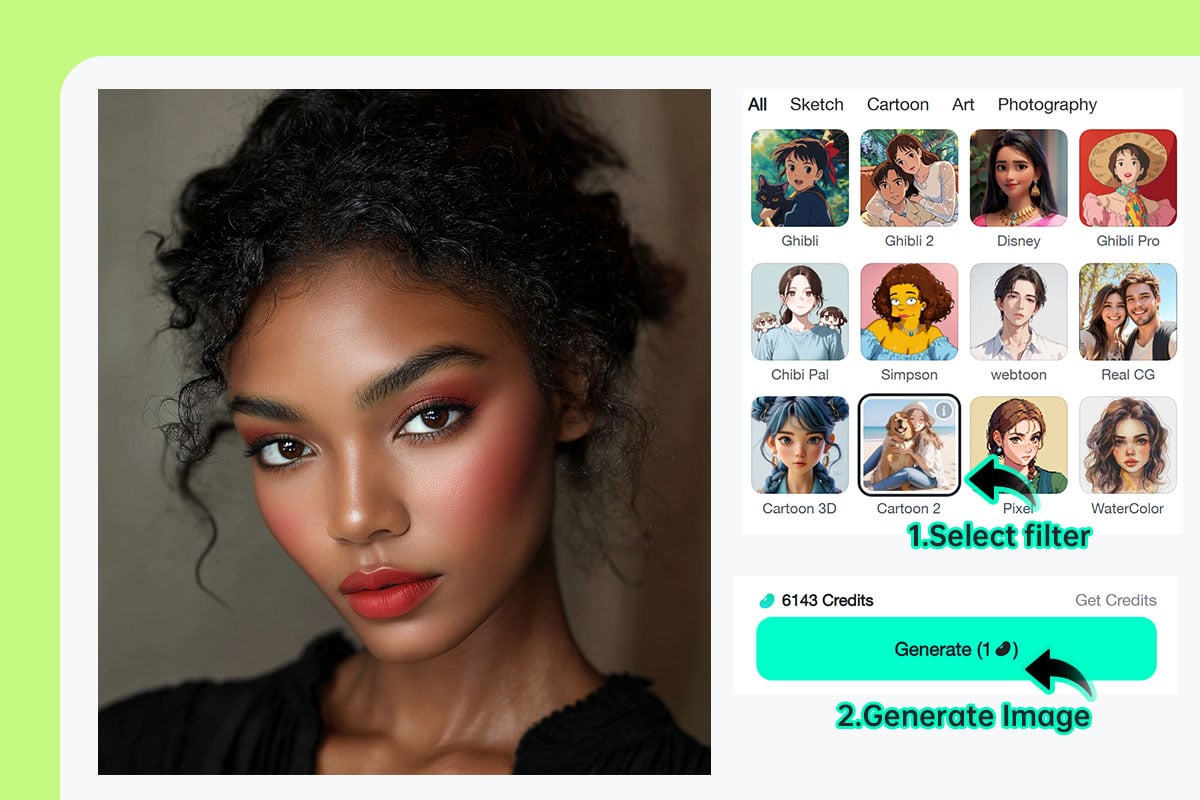
Passo 2: Escolha seu filtro de IA favorito e clique em "Gerar"
2

2 Passo 2: Escolha seu filtro de IA favorito e clique em "Gerar"

Escolha entre as opções de filtro de desenho animado, line art, esboço, aquarela ou filtro de anime com IA e clique em "Gerar" para iniciar a conversão.
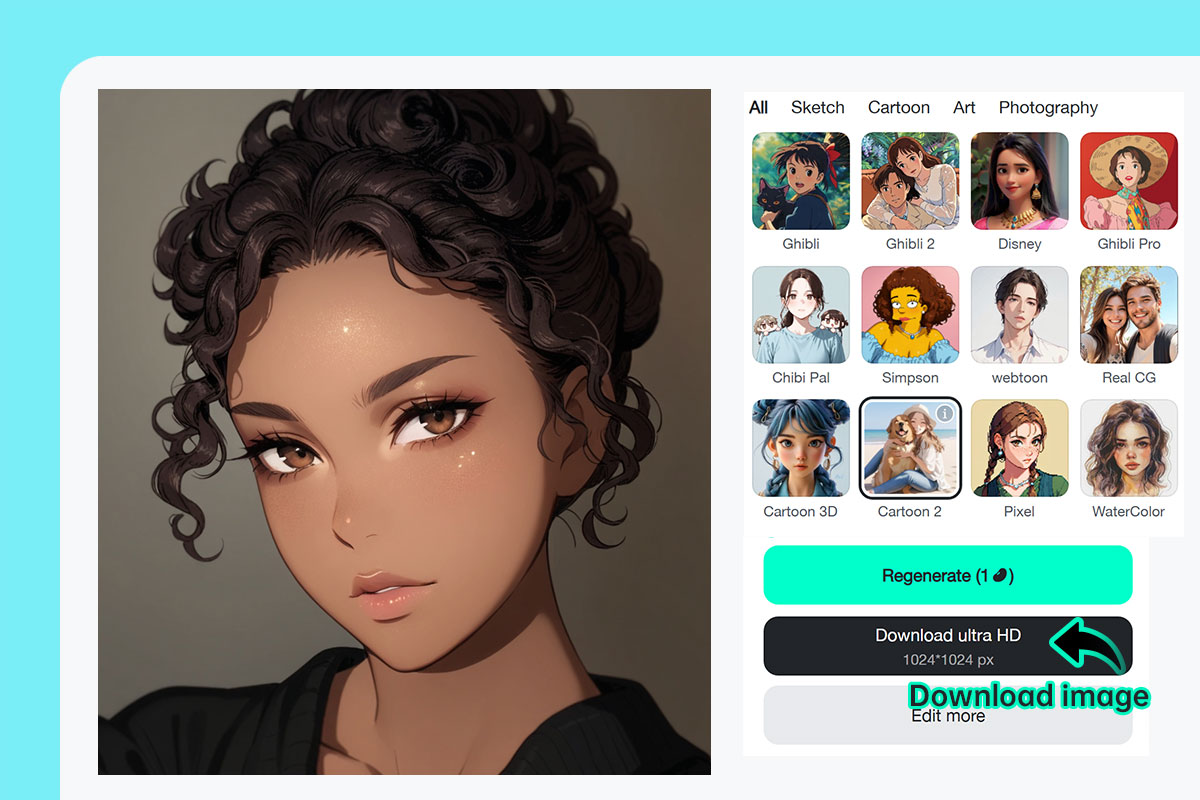
Passo 3: Baixe ou compartilhe sua imagem filtrada instantaneamente
3

3 Passo 3: Baixe ou compartilhe sua imagem filtrada instantaneamente

Clique em "Baixar" para salvar a foto convertida no seu dispositivo. Você pode compartilhar sua nova criação nas redes sociais, imprimi-la ou usá-la em projetos digitais.

Filtros de Foto com IA Online Grátis para Todos

O insMind oferece todos os filtros de foto com IA que você precisa — desde projetos pessoais até perfis em redes sociais e até mesmo para uso profissional.
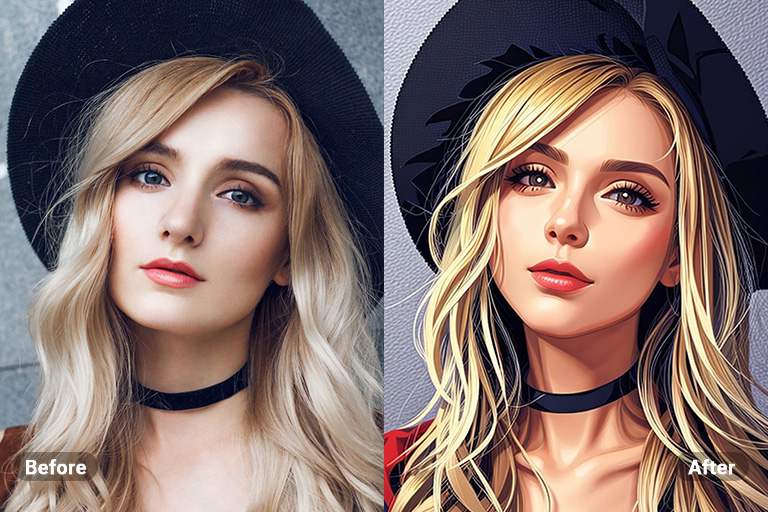
Transformar Foto em Desenho Animado

Transformar Foto em Desenho Animado

Mostre sua criatividade com o insMind e converta suas fotos em efeitos de desenho animado. Ele proporciona fotos pessoais, de pets e de redes sociais com um toque divertido e artístico.
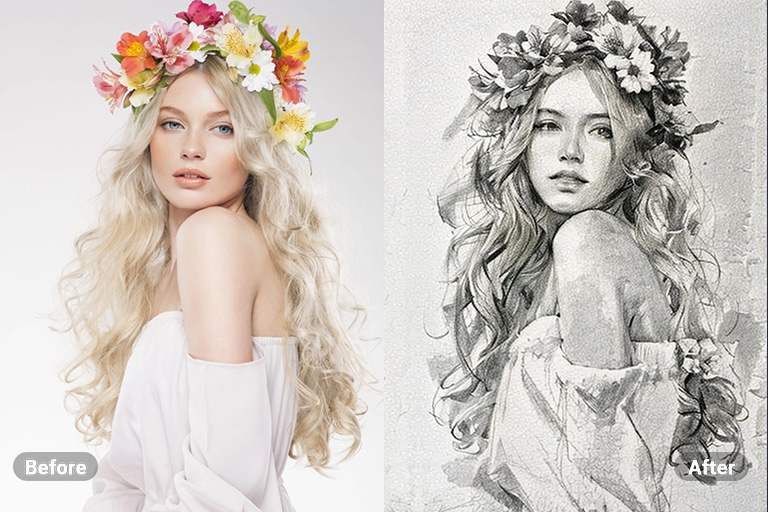
Transformar Foto em Esboço

Transformar Foto em Esboço

Dê um toque sutil às suas fotos convertendo-as em esboços. Essa conversão gera resultados detalhados e realistas, como um desenho feito à mão.
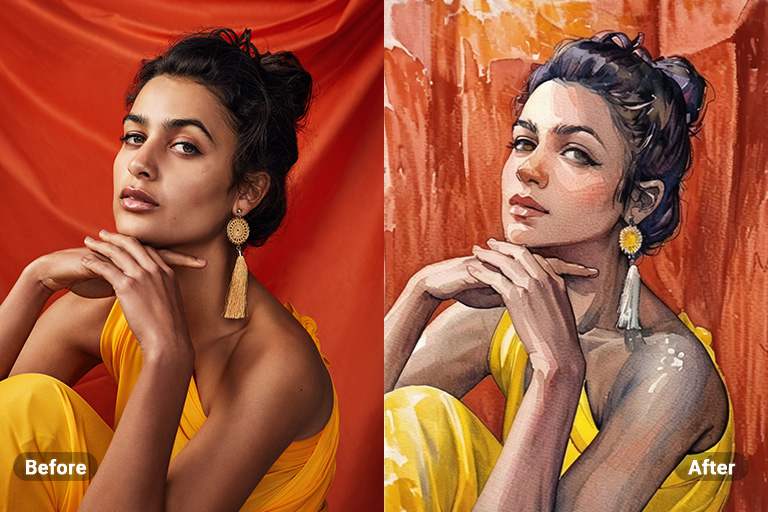
Transformar Foto em Aquarela

Transformar Foto em Aquarela

Converta suas fotos em pinturas em aquarela com pinceladas naturais. Assim, ninguém saberá se é uma pintura real em aquarela ou criada com IA.
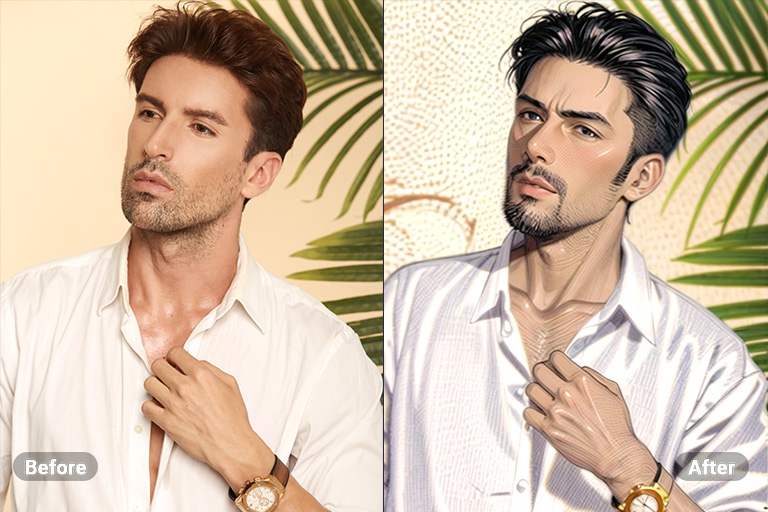
Transformar Foto em Anime

Transformar Foto em Anime

Liberte sua imaginação transformando suas fotos em vibrantes artes no estilo anime. Essa conversão adiciona um toque dinâmico e lúdico às suas fotos, tornando-as perfeitas para compartilhar nas redes sociais.
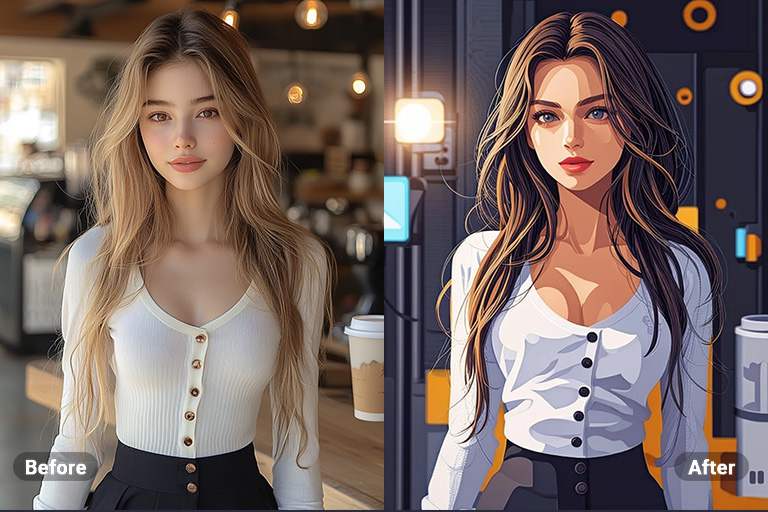
Transformar Foto em Pintura a Óleo

Transformar Foto em Pintura a Óleo

Transforme suas fotos em pinturas a óleo que capturam a essência da arte tradicional. Essa conversão adiciona textura e profundidade únicas às fotos, como se tivessem sido pintadas por um artista experiente.
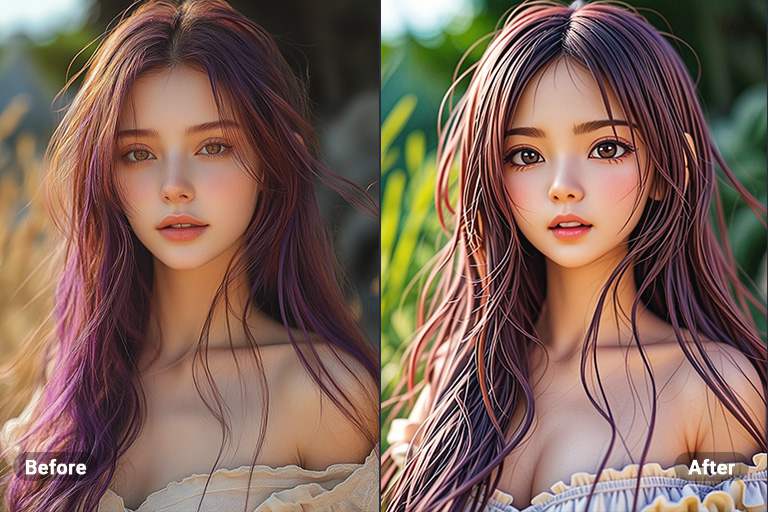
Transformar Foto em 3D

Transformar Foto em 3D

Transforme suas fotos em desenho animado 3D, dando vida e dimensão a elas. Essa conversão cria uma experiência visual marcante, com profundidade e perspectiva envolventes.
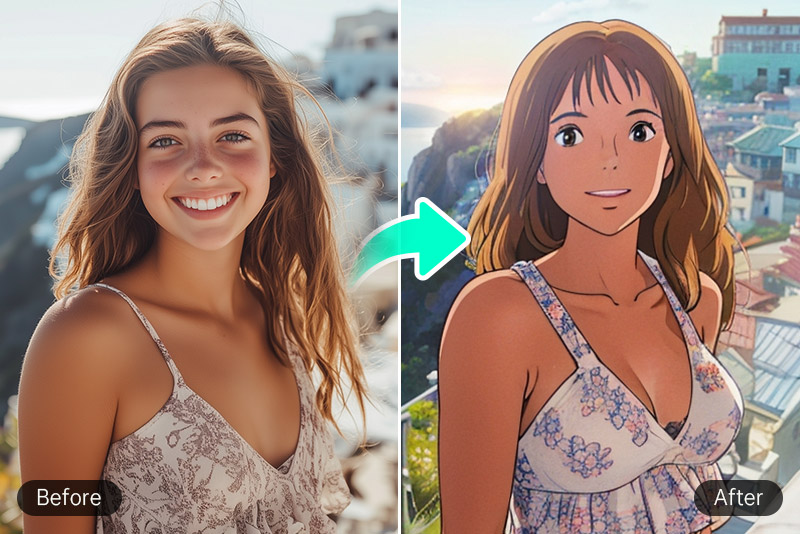
Filtro Studio Ghibli

Filtro Studio Ghibli

O insMind cria visuais de sonho com texturas suaves em aquarela, semelhantes às produções do Studio Ghibli.
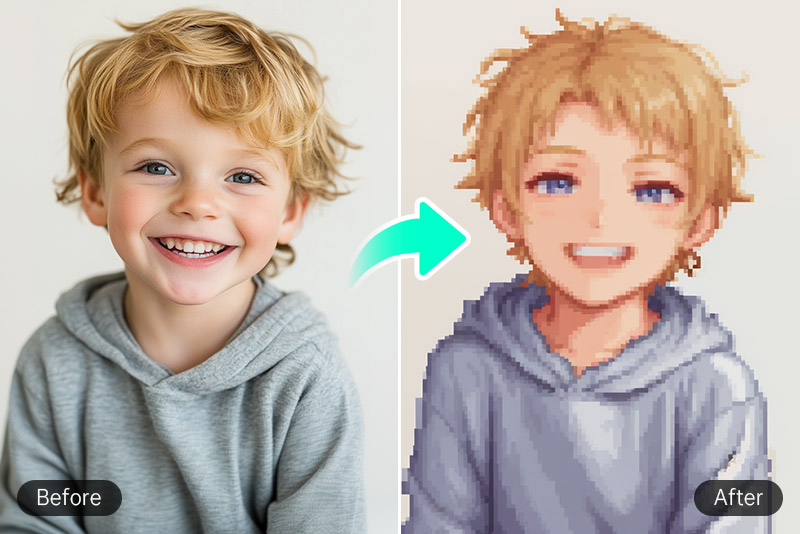
Filtro Pixel Art

Filtro Pixel Art

Adiciona o estilo retrô em grade 2D à sua imagem para trazer nostalgia dos jogos antigos.
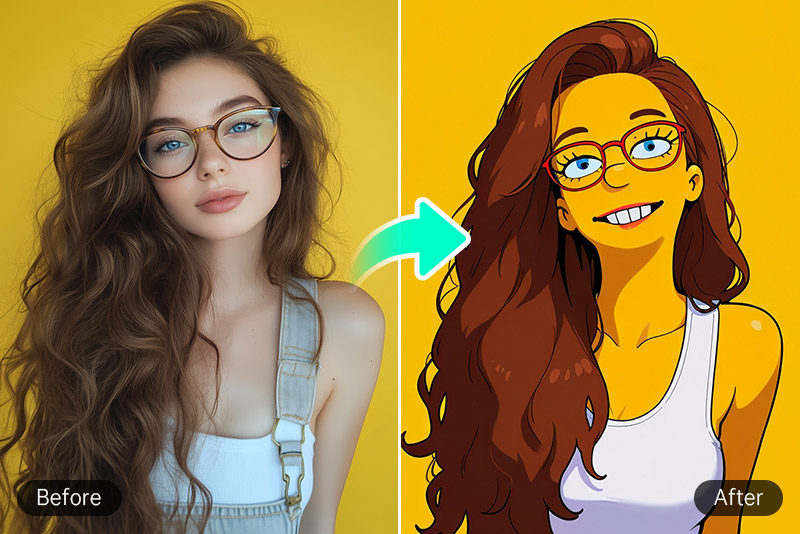
Filtro Simpsons

Filtro Simpsons

Usa cores vibrantes e traços marcantes para criar um efeito divertido e caricatural. O filtro Simpsons do insMind leva você de volta ao universo da famosa série.

Por que Escolher os Filtros de Foto com IA do insMind

Filtros de Foto com IA

Filtros de Foto com IA

Com o insMind, tudo é feito pela inteligência artificial, o que significa que você não precisa editar manualmente. Assim, economiza tempo e energia e obtém resultados rápidos e de alta qualidade.

Use em Qualquer Lugar e a Qualquer Momento

Use em Qualquer Lugar e a Qualquer Momento

Os filtros de foto com IA do insMind fazem parte de uma ferramenta online que pode ser acessada em qualquer dispositivo com navegador.

Edição sem Esforço para Todos

Edição sem Esforço para Todos

Sem necessidade de edição manual, o insMind oferece a experiência mais simples que você pode ter. Perfeito tanto para iniciantes quanto para profissionais.

Perguntas Frequentes sobre os Filtros de Foto com IA

O que é um filtro de IA?

insmind expand icon
Um filtro de IA é um filtro de foto que usa algoritmos de inteligência artificial para aplicar efeitos específicos às fotos.

Como os filtros de IA mudam a aparência das minhas imagens?

insmind expand icon
Os filtros de foto com IA podem alterar o visual das fotos de várias formas. Eles podem mudar cores, texturas e outros detalhes para criar esboços, pinturas ou fotos no estilo anime.

As imagens filtradas com IA são de alta resolução?

insmind expand icon
Sim. Com o insMind, é possível manter a nitidez e a qualidade da foto após aplicar o filtro com tecnologia de IA.

Quais estilos de desenho animado posso escolher?

insmind expand icon
Oferecemos estilos Ghibli, Anime, Disney, Chibi, 3D, Clay, Simpsons e muito mais com o nosso filtro de fotos com IA, com resultados personalizáveis.

O Filtro com IA do insMind pode ser usado para criar foto no estilo anime?

insmind expand icon
Sim. Você pode usar o filtro de anime do insMind para converter qualquer foto em um desenho no estilo anime.

Os Filtros de foto com IA do insMind são gratuitos?

insmind expand icon
Os filtros de foto com IA do insMind são gratuitos e não exigem compra, a menos que você precise de recursos profissionais.

Funciona em celulares?

insmind expand icon
Sim. A ferramenta de filtro de IA online grátis é otimizada para navegadores de desktop e mobile.

Posso usar os filtros em desenhos ou ilustrações?

insmind expand icon
Com certeza! O recurso de filtro de IA para desenhos suporta tanto artes feitas à mão quanto digitais, para um aprimoramento estilizado.

Você pode se interessar por
Faça suas fotos se destacarem com recursos completamente gratuitos.

Transformar Foto em Esboço

Transformar Foto em Esboço

Transforme facilmente suas fotos em esboços com nosso simples conversor de foto para esboço e obtenha resultados incríveis.
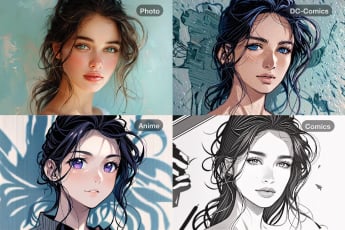
Transformar Foto em Desenho Animado

Transformar Foto em Desenho Animado

Transforme suas fotos em divertidos desenhos animados com nosso gerador de foto para desenho animado.
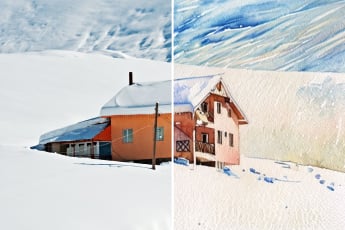
Transformar Foto em Aquarela

Transformar Foto em Aquarela

Converta suas fotos em belas pinturas em aquarela com a ferramenta de foto para aquarela.
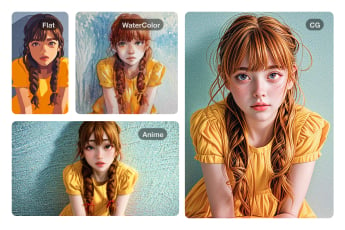
Transformar Foto em Pintura

Transformar Foto em Pintura

Transforme suas fotos em pinturas deslumbrantes com o conversor de foto para pintura e adicione um toque artístico único.
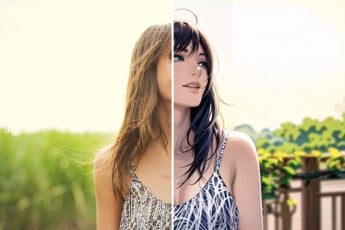
Transformar Foto em Anime

Transformar Foto em Anime

Converta facilmente sua foto em anime para um visual divertido.
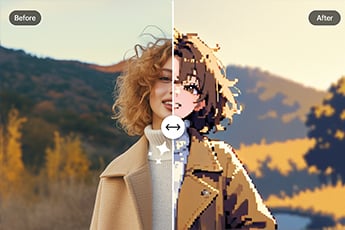
Transformar Foto em Pixel Art Online

Transformar Foto em Pixel Art Online

Converta sua foto em pixel art online com nosso conversor de pixel art fácil de usar.
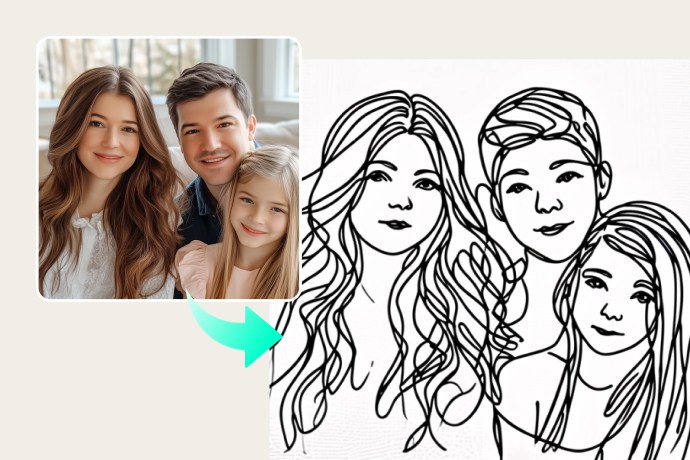
Transformar Foto em Line Art

Transformar Foto em Line Art

Transforme facilmente fotos em desenhos minimalistas de linha para uso criativo ou profissional.
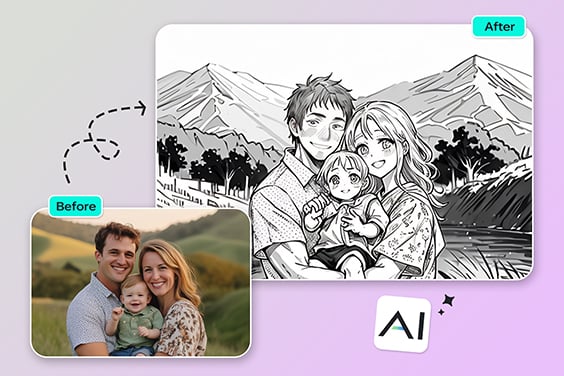
Transformar Foto em Contorno

Transformar Foto em Contorno

Converta fotos em contornos limpos sem esforço. Ideal para esboços, projetos de arte ou designs criativos.
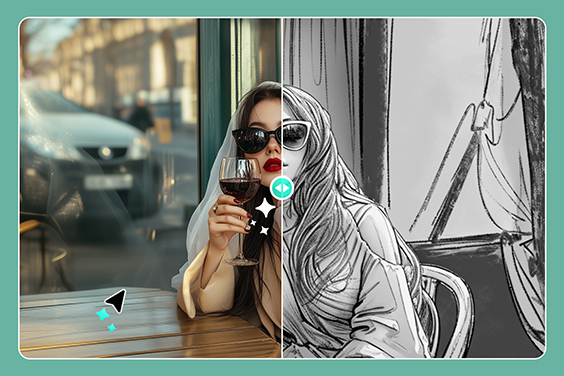
Transformar Foto em Desenho a Lápis

Transformar Foto em Desenho a Lápis

Transforme fotos em desenhos realistas a lápis com sombreamento detalhado para um toque artístico.
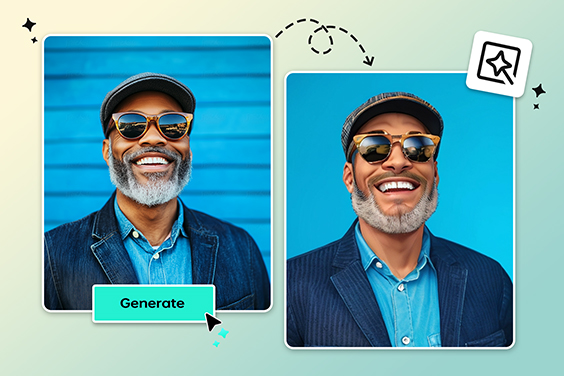
Filtro de Personagem PS2 com IA

Filtro de Personagem PS2 com IA

Recrie a estética nostálgica do PS2 nas suas fotos com filtros potenciados por IA.
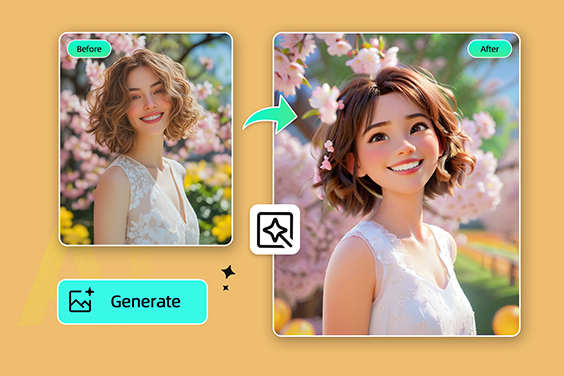
Filtro Disney

Filtro Disney

Transforme suas fotos em personagens mágicos no estilo Disney com nosso filtro Disney com IA.
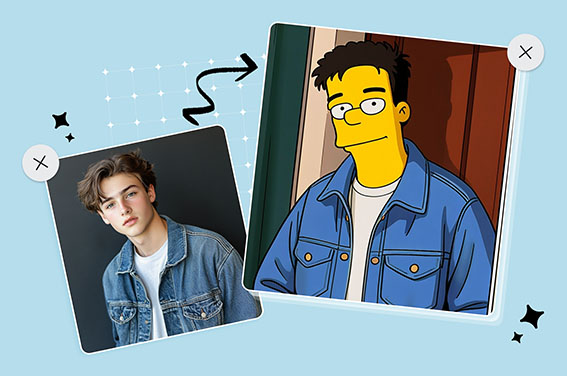
Filtro Simpsons

Filtro Simpsons

Transforme-se instantaneamente em um personagem ou avatar dos Simpsons gratuitamente.
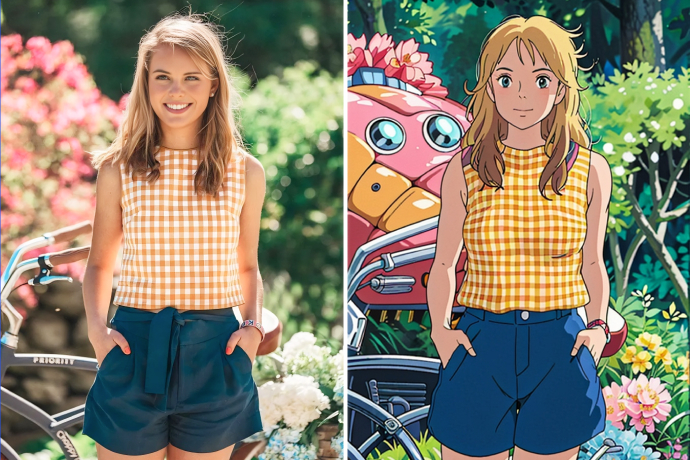
Filtro Studio Ghibli

Filtro Studio Ghibli

Transforme sua foto em arte no estilo Studio Ghibli com apenas um clique.
Filtro de Mangá com IA

Filtro de Mangá com IA

Transforme sua foto em mangá com IA online, gratuitamente.
Filtro de Quadrinhos

Filtro de Quadrinhos

Aplique efeitos no estilo de histórias em quadrinhos às suas fotos para uma transformação divertida, marcante e artística.