KI-Bild
KI-Video
Fotoeditor
Ressourcen
InspirationenPreise

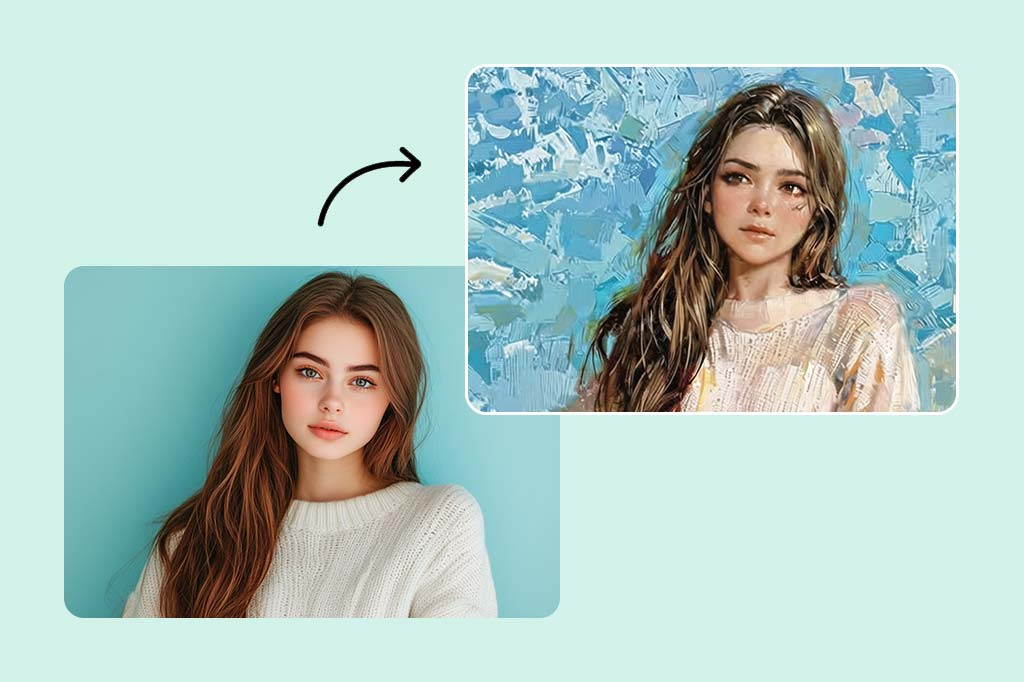
Wandeln Sie kostenlos online Foto in Anime-Kunst um

Sie können Ihre Fotos mit unserem kostenlosen Anime-Foto-Converter in atemberaubende Anime umwandeln. Wenden Sie Anime-Filter und -Effekte für eine einzigartige und künstlerische Note an.

Wandeln Sie kostenlos online Foto in Anime-Kunst um
Nach
Vor
Oder Bild hier ablegen, Bild oder URL einfügen
Versuchen Sie es mit einem dieser
Beispiel für einen insMind AI-Weinfilter 1
Beispiel für einen insMind AI-Weinfilter 2
Beispiel für einen insMind AI-Weinfilter 3
Beispiel für einen insMind AI-Weinfilter 4

Ähnliches erstellen

Subject: The main character in the picture. Expression: An anthropomorphic expression, with the mouth wide open, revealing teeth, canine teeth and tongue. The eyes are narrowed, looking disdainfully at the camera. Style: An exaggerated portrait painting in a digital painting style, combining expressionist brushstrokes. Texture: Has distinct brushstroke textures, as if it was quickly applied with rough oil paints or acrylic brushes. Detail depiction: The details are very realistic, such as hair, teeth, a moist nose and the inside of the mouth, but the overall structure and expression are highly exaggerated to achieve a humorous effect. Posture: Frontal shot, profile view Background: Solid color background
Subject: The main character in the picture. Expression: Extremely angry / Exaggerated anger. Furrowed brows, wrinkled forehead, dilated nostrils, mouth wide open and revealing clenched teeth, facial muscles completely contracted. Looking at the camera. Pose: One-to-one replication of the main character in the picture. Costume: One-to-one replication of the character's costume. Style: Exaggerated portrait painting in a digital painting style, combining expressionist brushstrokes. Texture: Has distinct brushstroke textures, as if it was quickly applied with rough oil painting or acrylic brushes, especially the background and clothing parts. Character style: Satirical caricature style, extremely exaggerated features (big mouth, big teeth, big eyes, big nose), funny expression, proportion: The head is significantly enlarged, the proportion is distorted, while the body is relatively smaller. Facial features: The facial muscles are extremely exaggerated, there are deep expressive lines around the eyes and mouth. Detail depiction: Skin texture, pores, teeth and other details are depicted very realistically, but the overall proportion and expression are exaggerated to a great extent. Lighting: Uses dramatic and intense contrast of light and shadow, highlighting the three-dimensionality of the character's face and the tension of the emotions. Posture: Frontal, portrait Background: Abstract and rough blue-green and orange/brown brushstrokes form the background, without specific environmental depiction, completely focusing on the character.
Character: The main figure in the picture. Core: An exaggerated comic with a wedding photo theme. Style: A highly exaggerated cartoon comic style, presented through digital painting. Head: Both of their heads are significantly enlarged, with distorted proportions, while the bodies are relatively smaller. Facial features: The facial muscles are extremely exaggerated, with deep expressive lines around the eyes and mouth, a very large and prominent nose, and very large teeth. Expression: An extremely exaggerated and joyful wide-open mouth laugh, with bulging eyes, fully matching the joyful mood in the reference image. Both are looking directly at the camera. Light and details: Sharp highlights on the forehead, nose, and cheekbones, contrasting with deep, smooth shadows to emphasize the exaggerated contours. Clean, smooth digital brush strokes. Background: A pure white background, with two red hearts decorating the gap between the two heads. Appearance: A one-to-one replica of the main character in the picture. Costume: The bride is wearing a white strapless wedding dress with a veil, and the groom is wearing a black tuxedo with a bow tie. Posture: Full body, both looking at the camera, the groom holding the bride like a princess, and the bride holding a red rose bouquet of flowers.
Main character: The person in the picture Art style: Exaggerated cartoon style. Bright colors, bold outlines. Character blush. Proportion: The heads are significantly enlarged and the proportions are distorted. Facial features: Exaggerated processing based on the facial features of the reference figure, exaggerated facial muscles, extremely exaggerated facial features (big mouth, big teeth, big eyes, big nose), funny expressions. Expression: Reproduce the main character's expression in the picture and exaggerate it. Facing the camera. Hair: Reproduce the hairstyle of the main character in the picture. Clothing: Exactly the same as the main character's clothing in the picture. Background: Solid color background. Light and details: Styled highlights and shadows, highlighting the facial contours, with the typical smooth texture of digital painting. Posture: Affectionate action, head touching head, looking at the camera, half-length portrait
Subject: The main figure in the picture. Core: A high-resolution real photo showing a couple standing beside a framed painting hanging on the wall. The center of the picture features a large black-framed portrait. The content is an exaggerated caricature style of the main character: extremely exaggerated facial features (big mouth, big teeth, big eyes, big nose), with a funny expression. Portrait: Black simple border (no white border), style: highly exaggerated cartoon comic style, presented by digital painting. Head: Both people's heads are significantly enlarged, with distorted proportions, while the body is relatively smaller. Facial features: Facial muscles are extremely exaggerated, there are deep expressive lines around the eyes and mouth, the nose is very large and prominent, and the teeth are also very big. Comic expression: Extremely exaggerated, joyful mouth wide open laughter, eyes bulging, fully matching the joyful mood in the reference image. Both are looking directly at the camera. Light and details: Sharp highlights on the forehead, nose, and cheekbones, contrasting with the deep, smooth shadows to emphasize the exaggerated contours. Clean, smooth digital brushstroke texture. Low saturation blue as the background of the portrait. Style: One-to-one replication of the main figure in the picture Clothing: One-to-one replication of the main character's clothing Photo scene: Indoor, with warm decoration, warm yellow background wall Posture: The main figure stands in front of the portrait, looking at the camera, with one hand raised in front of the chest pointing at the portrait on the wall. Warm lighting, natural integration of light and shadow, clear image quality, 8K
Subject: The main character in the picture. Art style: Exaggerated cartoon style. Head: The head is enlarged while the body is relatively small. Facial features: Exaggerated facial muscles, exaggerated facial lines, and a large nose. Expression: Reproduce the expression of the main character in the picture and exaggerate it. Looking at the camera. Family name: Exactly the same as the appearance of the main character in the picture. Attire: One-to-one reproduction of the main character's outfit in the picture. Background: Solid color background. Lighting and details: Stylized highlights and shadows, highlighting the facial contours, with a smooth feel typical of digital painting. Pose: Frontal half-length portrait
Retain all the details of the image and convert it to color.
Use the character from the uploaded image exactly as it appears — keep all features, colors, proportions, and style unchanged. Create a four-panel comic/storyboard with each panel showing a different scene of the character. Maintain the same cartoon art style as the reference image. Add speech bubbles/dialogues for the character in each panel, appropriate to the story. Ensure visual continuity: same background style, color palette, and lighting consistent across all panels. Focus on clear composition, expressive poses, and readable dialogue. Output: four distinct panels forming a coherent story.
Refer to Figure 2 and convert the style of Figure 1
Generate a set of powerful 3-panel Japanese anime storyboards by referring to the image
Polaroid 2:3 photo: IMG1 person and IMG2 cartoon character hugging like friends, smiling and laughing, heads close together, looking at the camera, hips-up; original clothes; white-curtain background; cartoon character’s arms naturally around person, proportions adjusted for natural interaction; subtle shadowing for depth; strong flash, slight overall blur, soft light vignette, no omissions; no face-swap, no distortion; classic white-border Polaroid, flat on white table, back flush, 90° top-down, zero tilt, no extras.
Optimize the line drawing, transform it into a Japanese anime style and color it to add a campus background
Young Millionaire Photo to Anime Cartoon
Mother's Day Disney Filter
Disney Style Mother Holding Baby
Cute Cartoon Boy
Cute Cartoon Boy
Cute Cartoon Boy
Attractive Anime Girl Filter
A girl in a blue shirt and black jacket sitting at a table with coffee and drinks, A steampunk-style background featuring intricate gears, brass pipes and glowing lights illuminating the scene. A desk with mechanical tools is in sharp focus while surrounding walls display vintage timepieces and cogs.
depicting futuristic cities with towering skyscrapers made from metallic gold and green hues. Include flying cars and high-tech elements to create a sense of wonder in space and cyberpunk aesthetics.
Beautiful Anime Girl
A cute cartoon black cat is lying in the box, yellow eyes, pink ears
Machen Sie Ihr Selfie und Porträt-Foto zu Anime

Machen Sie Ihr Selfie und Porträt-Foto zu Anime

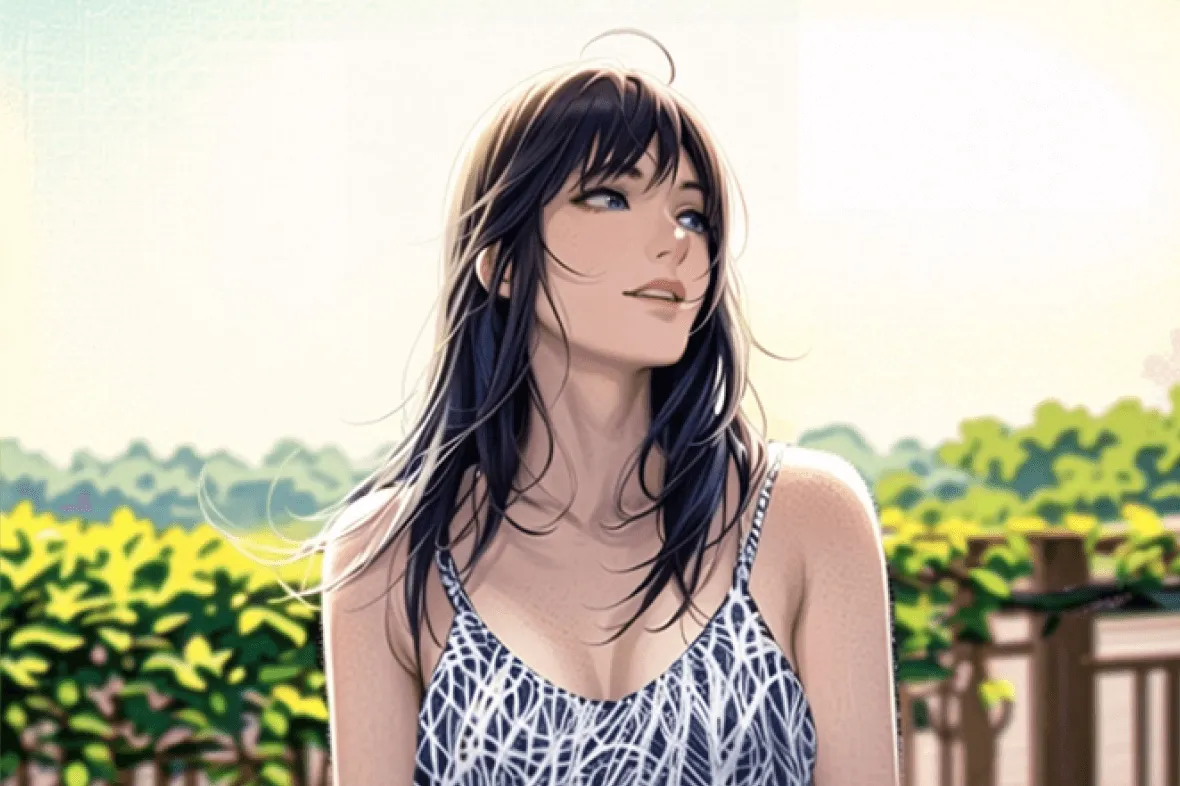
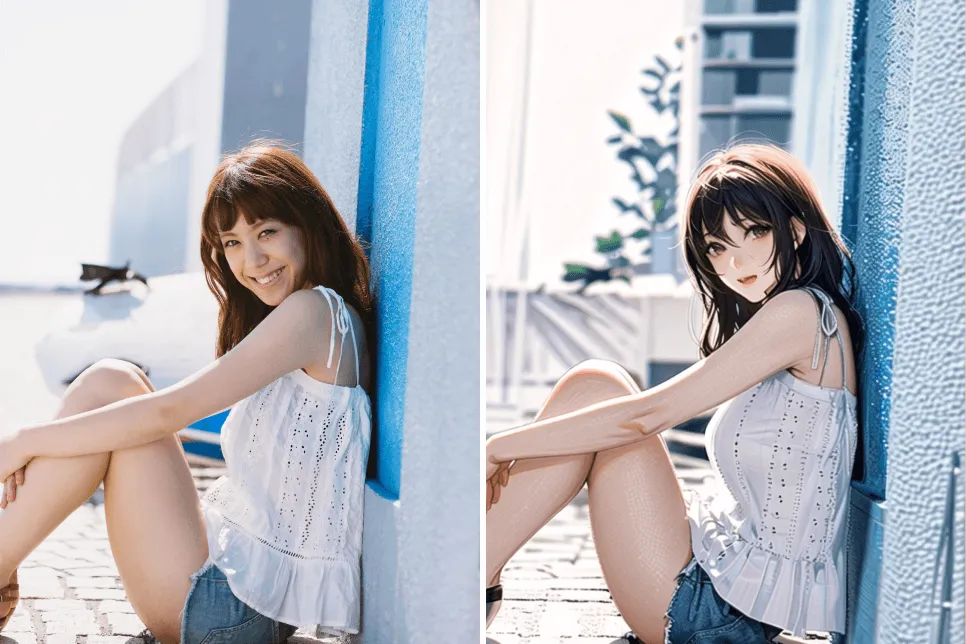
Verwandeln Sie Ihre Selfies und Porträts in bezaubernde Anime-Figuren. Das intelligente kostenlose Anime-Foto-Tool wandelt Fotos kostenlos in Anime um. Unser Tool scannt Ihr Gesicht und verwendet verschiedene Anime-Stile, um Ihre Fotos unterhaltsam zu gestalten.


Egal, ob Sie eine lustige Anime-Version von sich selbst oder Ihren Freunden erstellen möchten, unser Anime-Foto-Converter bietet schnell und einfach atemberaubende, qualitativ hochwertige Ergebnisse. Probieren Sie es jetzt aus.

Laden Sie Ihr Bild hoch
Wandeln Sie Ihr Landschafts-Foto in Sekundenschnelle online in Anime um

Wandeln Sie Ihr Landschafts-Foto in Sekundenschnelle online in Anime um

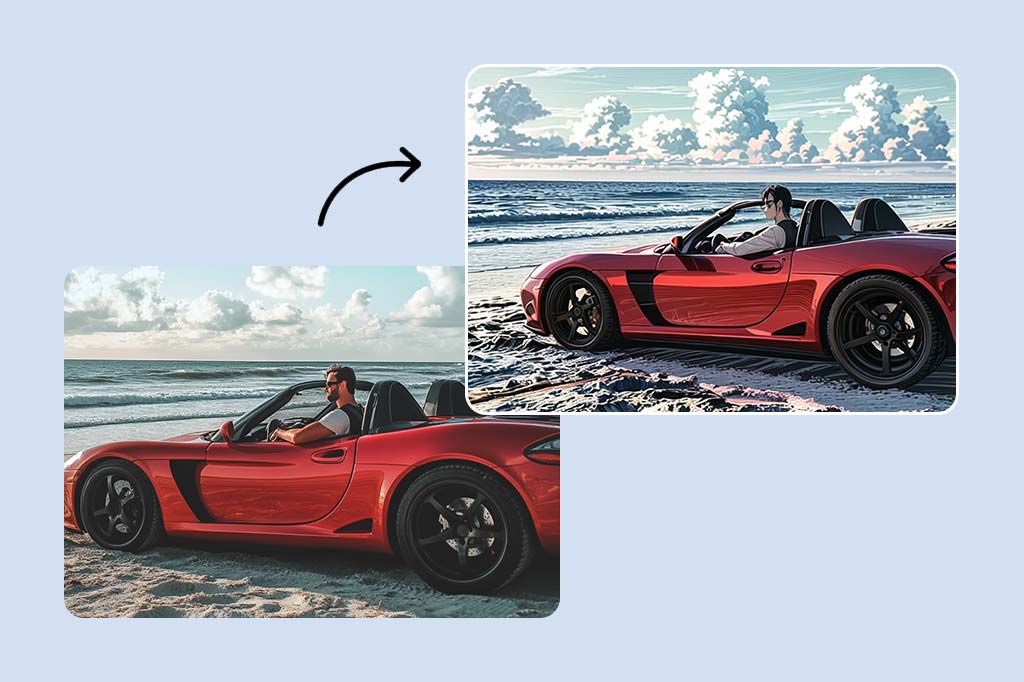
Erstellen Sie atemberaubende Anime-Landschaftsfotos mit dem Anime-Foto-Converter. Sie können Ihr Landschafts-Foto in Anime umwandeln und das online in Sekundenschnelle. Lassen Sie Ihre Lieblingslandschaften aussehen, als wären sie in einem Anime-Video oder -Cartoon.


Ob Sie friedliche Wälder oder überfüllte Städte bearbeiten möchten, unsere Anime-Filter können aus jedem alltäglichen Foto einzigartige Kreationen machen. Unser hervorragendes kostenloses Anime-Foto-Tool kann Ihre Fotos in Anime-Szenen mit lebendigen Farben, Details und humorvollen Texturen verwandeln.

Laden Sie Ihr Bild hoch
Wenden Sie auch bei Ihren pelzigen Freunde Anime-Filter an

Wenden Sie auch bei Ihren pelzigen Freunde Anime-Filter an

Dem Spaß ist keine Grenze gesetzt, da Sie auch Ihre Liebe zu Ihren Haustieren mit unseren Anime-Filtern ausdrücken können! Unsere Filter lassen Ihre Haustierbilder aussehen, als kämen sie direkt aus einem Cartoon. Dadurch wird ihr verspieltes und süßes Wesen perfekt widergespiegelt. Diese Filter lassen Ihre Haustiere einzigartig erscheinen und sorgen für unvergessliche Erlebnisse. Unser Ziel ist es, Ihre Haustiere wie sie selbst aussehen zu lassen, mit einem Hauch von Anime-Flair, damit sie unverkennbar sie selbst sind, aber noch cooler!


Entdecken Sie verschiedene Haustier-Anime-Filter, um den perfekten Look für Ihre pelzigen Freunde zu finden. Mit insMind können Sie Spaß und Kreativität ausleben, indem Sie Ihr Haustier-Foto in Anime umwandeln und ein entzückendes Anime-Kunstwerk erhalten. Teilen Sie diese Freude mit Ihren Freunden und Followern.

Laden Sie Ihr Bild hoch
Erstellen Sie Anime-Kunst mit unserem KI Anime-Foto-Converter

Erstellen Sie Anime-Kunst mit unserem KI Anime-Foto-Converter

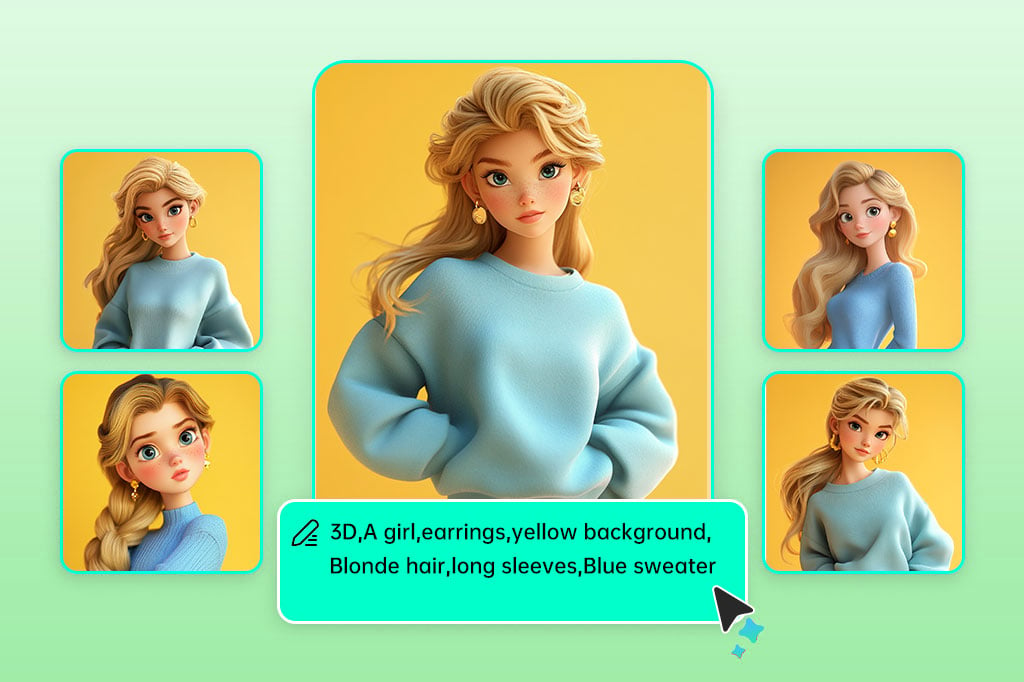
Erwecken Sie Ihre Anime-Träume mit dem KI-Converter zum Leben. Beschreiben Sie beispielsweise einfach die gewünschte Anime-Szene oder Figur und unsere einzigartige KI erstellt aus Ihrer Idee meisterhafte Anime-Kunst. Erleben Sie, wie ein Foto zu Anime wird und lassen Sie Ihrer Kreativität freien Lauf.

Laden Sie Ihr Bild hoch
Entdecken Sie noch mehr mit Dutzenden von KI-Filtern

Entdecken Sie noch mehr mit Dutzenden von KI-Filtern

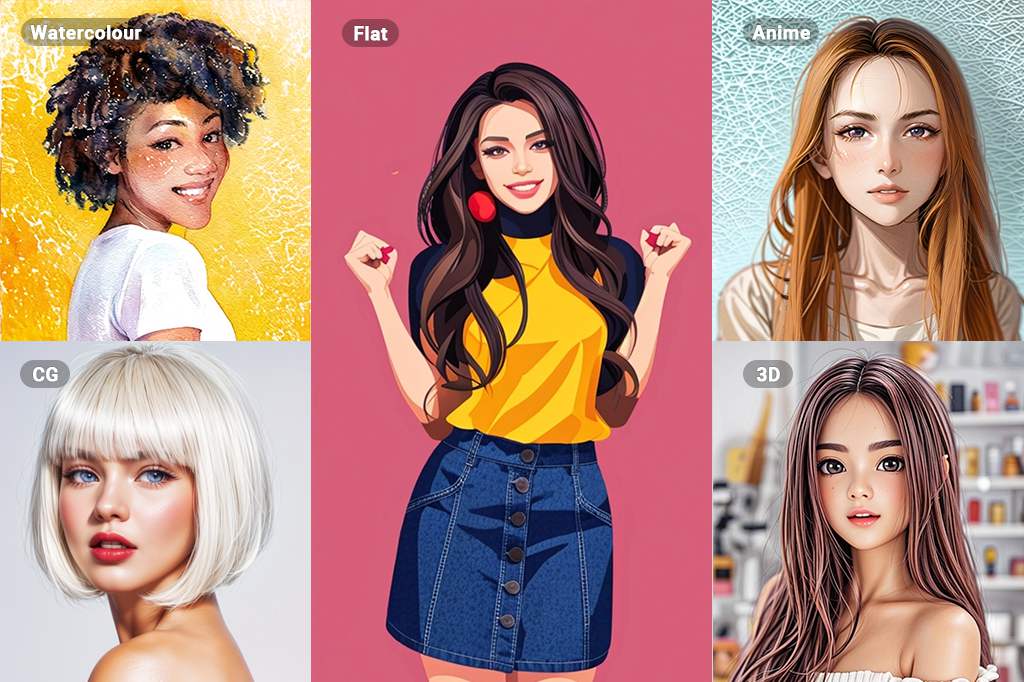
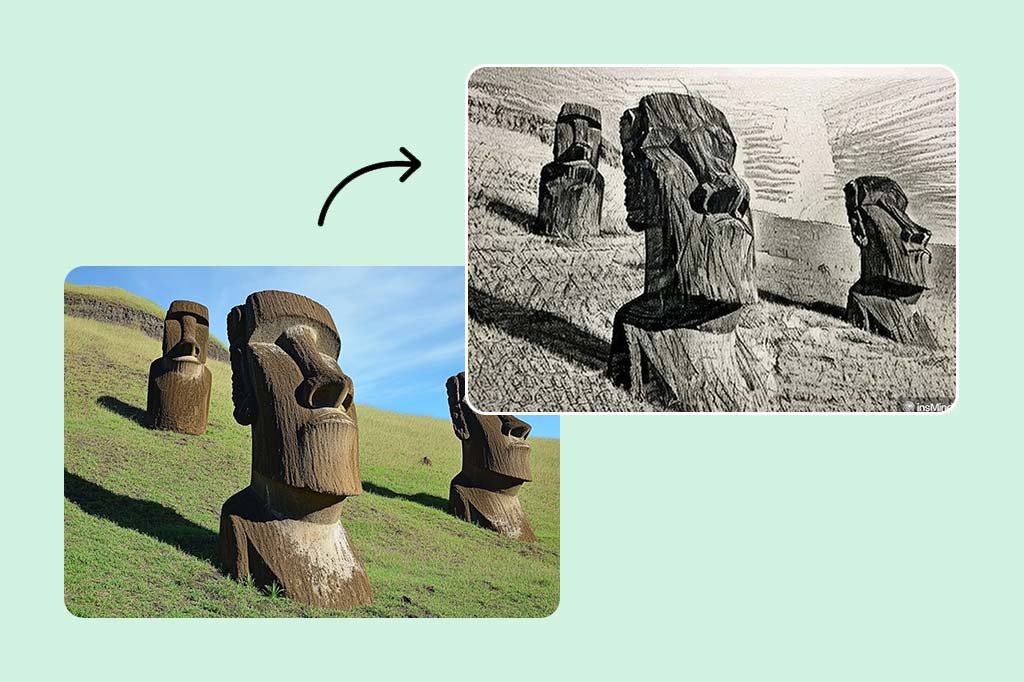
Entdecken Sie neue innovative Methoden mit unzähligen unterschiedlichen KI-Filtern. Um beim Künstlerischen zu bleiben: Unsere Filter umfassen altmodische Skizzen und Zeichnungen sowie moderne Aquarell-, Ölgemälde-, 3D- und Anime-Filter und mehr. Verwandeln Sie Fotos und Bilder mit einem Mausklick in Gemälde und Kunstwerke.

Laden Sie Ihr Bild hoch

Wie kann ich mit insMind ein Foto in Anime umwandeln?

Öffnen Sie den KI Anime-Foto-Converter
1

1 Öffnen Sie den KI Anime-Foto-Converter

Gehen Sie auf die insMind-Webseite und suchen Sie den kostenlosen Anime-Foto-Tool. Mit dieser coolen Funktion können Sie Ihre normalen Fotos in wunderschöne Bilder im Anime-Stil umwandeln.
Laden Sie Ihr Foto hoch
2

2 Laden Sie Ihr Foto hoch

Wählen Sie das Foto aus, das Sie in Anime umwandeln möchten, und laden Sie es hoch.
Wählen Sie den Anime-Filter
3

3 Wählen Sie den Anime-Filter

Wählen Sie den Anime-Filter aus den verfügbaren Optionen aus, um Ihr Foto in Anime umwandeln zu können.
Herunterladen und teilen
4

4 Herunterladen und teilen

Laden Sie nach Abschluss der Bearbeitung Ihr neu erstelltes Bild im Anime-Stil herunter. Sie können es jetzt teilen oder nach Bedarf weiterverwenden.

Entdecken Sie verschiedene Möglichkeiten zur Verwendung der Anime-Filter

Insbesondere die Anime-Kunst ermöglicht es Menschen jeden Alters, sich auf kreative Weise auszudrücken. Sie ermöglicht es, unsere abenteuerliche Vorstellungskraft auszuleben, fantasievoll zu spielen und unsere Kreativität zum Ausdruck zu bringen.

Soziale Medien

Soziale Medien

Anime-Kunst ist auch eine tolle Möglichkeit, sich in verschiedenen sozialen Netzwerken auszudrücken. Teilen Sie Ihre coole Anime-Kunst mit Ihren Freunden und Followern, erstellen Sie eine neue Gruppe oder diskutieren Sie mit anderen Gleichgesinnten.

Fotografie

Fotografie

Bringen Sie Anime-Aspekte in Ihre Fotos mit ein. Haben Sie Spaß, indem Sie Neues ausprobieren, attraktiv aussehen und Ihre Persönlichkeit durch Anime-Filter und -Effekte auf Ihren Fotos ausdrücken. Experimentieren Sie mit verschiedenen Stilen und Ansätzen, um Ihre Kreativität und Ihr Talent zu zeigen.

Drücken Sie sich selbst aus

Drücken Sie sich selbst aus

Anime-Kunst kann eine hervorragende Möglichkeit sein, sich selbst auszudrücken. Wenn Sie ein Künstler sind, zeichnen Sie Ihre Ideen auf Papier, oder wenn Sie es noch nicht versucht haben, versuchen Sie, Anime-Kunst zu schaffen. Es ist eine aufregende Möglichkeit, Geschichten zu erzählen und Gefühle auszudrücken.

Warum sollten Sie sich für den insMind Anime-Foto-Converter entscheiden?

Schnelle und einfache Anime-Effekte

Schnelle und einfache Anime-Effekte

Mit unserem intelligenten Anime-Foto-Converter können Sie Ihre Fotos jetzt sofort und ohne großen Aufwand in Anime-Kunst verwandeln. Mehrere Optionen ermöglichen es den Benutzern, schnelle Ergebnisse zu erzielen, ohne Kompromisse bei der Qualität einzugehen.

Hochauflösende Ausgabe

Hochauflösende Ausgabe

Stellen Sie sicher, dass Ihre Bilder nicht verzerrt werden, indem Sie unsere hohe Auflösung nutzen. Wenn Sie unser kostenloses Anime-Foto-Tool verwenden, bleiben die Schärfe und Details Ihrer Anime-Kreationen unabhängig von Vergrößerung oder Druck problemlos erhalten.

Viele verschiedene Anime-Stile

Viele verschiedene Anime-Stile

Wählen Sie aus einer großen Anzahl von Stilen und Filtern in unserem Katalog einen Anime-Look für Ihre Fotos aus. Ganz egal, ob Sie einen traditionellen oder modernen Stil suchen, es gibt viele Möglichkeiten, fantasievoll und einzigartig zu sein.

Häufig gestellte Fragen

Was ist ein Anime-Foto-Converter?

insmind expand icon
Ein Anime-Foto-Converter ist ein Tool, das intelligente Technologie verwendet, um Ihre normalen Bilder in wunderschöne Bilder im Anime-Stil umzuwandeln.

Wie wandelt man mit dem Anime-Foto-Converter von insMind ein Foto in Anime um?

insmind expand icon
Wenn Sie mit insMind Ihr Foto in Anime umwandeln möchten, laden Sie einfach Ihr Foto auf der Webseite hoch, wählen Sie den gewünschten Anime-Stil und lassen Sie die KI ihre Arbeit machen. Sie können die Ergebnisse auch an Ihren ganz eigenen Stil anpassen.

Ist der insMind Anime-Foto-Converter kostenlos?

insmind expand icon
insMind bietet eine kostenlose Version des Anime-Foto-Converters mit grundlegenden Funktionen an. Um mehr Funktionen und Änderungsmöglichkeiten zu erhalten, müssen Sie möglicherweise für eine bessere Version bezahlen.

Wie lange dauert es, ein Foto in Anime umwandeln zu können?

insmind expand icon
Wie lange es dauert, ein Foto in Anime umwandeln zu können, hängt davon ab, wie kompliziert Ihr Foto ist und wie ausgelastet die Webseite ist. Aber die KI von insMind ist auf Schnelligkeit ausgelegt.

Welche Arten von Fotos kann ich in Anime-Kunst umwandeln?

insmind expand icon
Sie können viele Arten von Fotos in Anime-Kunst umwandeln, z.B. Bilder von Menschen, Landschaften und sogar Haustieren. Die KI kann mit verschiedenen Arten und Stilen von Fotos umgehen.

Das könnte Sie interessieren

Lassen Sie Ihre Bilder mit völlig kostenlosen Funktionen hervorstechen