
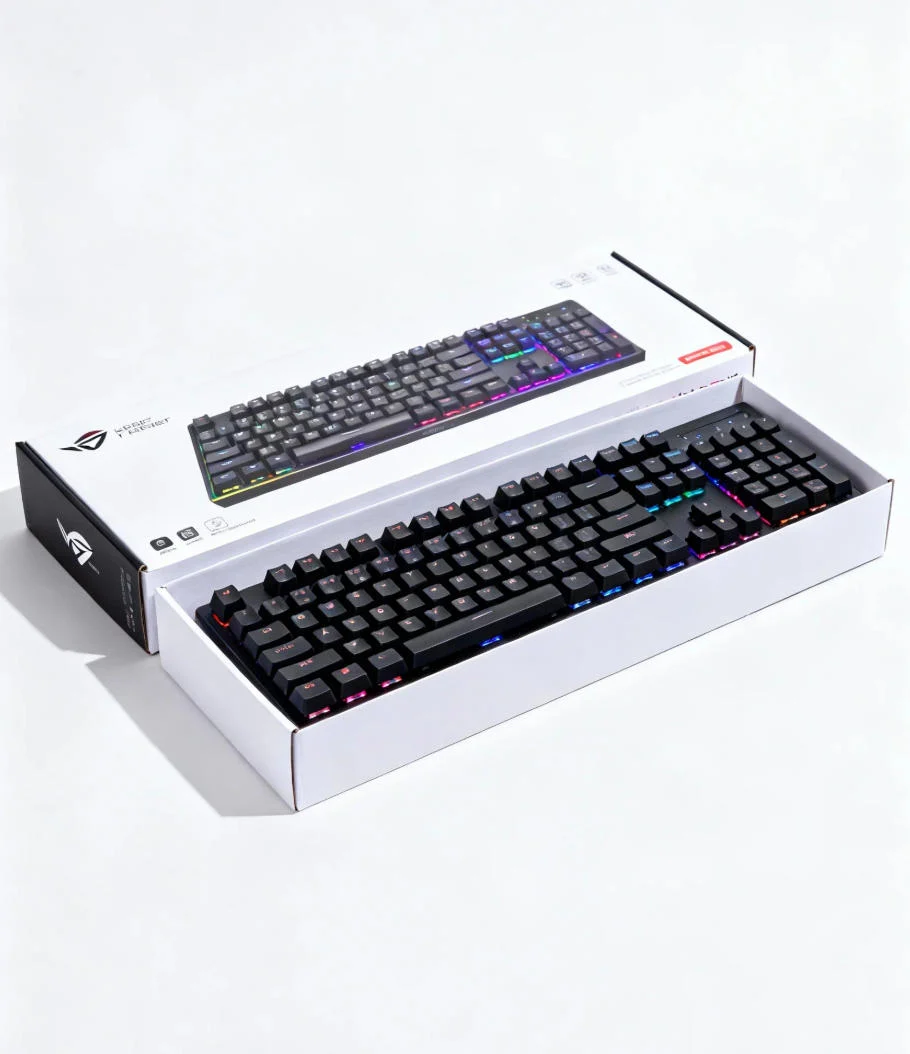

Keyboard Unboxing
prompt
- Mẫu đề xuất
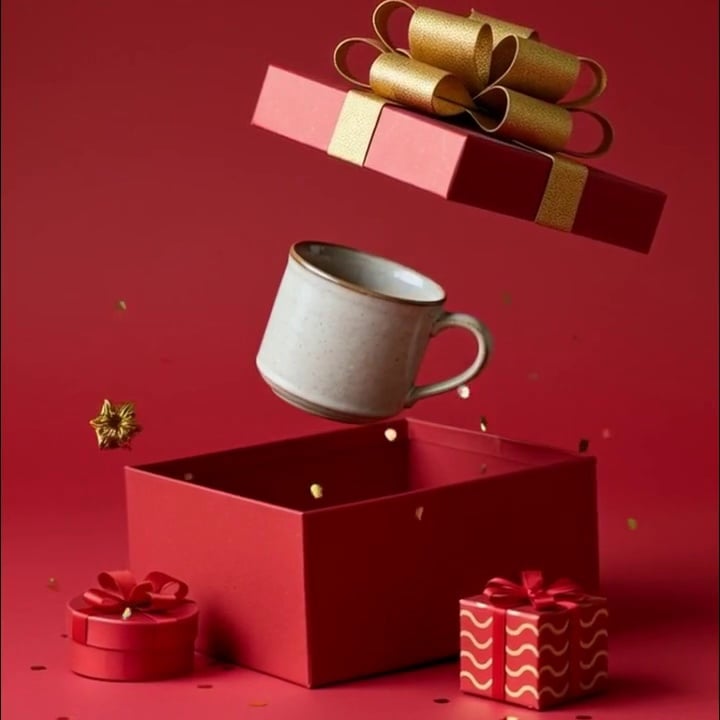


The main subject of the picture remains stationary, the sequins remain stationary and suspended, all the gift boxes remain stationary, and the camera revolves around the main subject throughout the shot, presenting a smooth camera movement effect while keeping the main subject and the background unchanged. The camera's movement Angle does not exceed 180 degrees, which is known as the "Bolt camera effect".
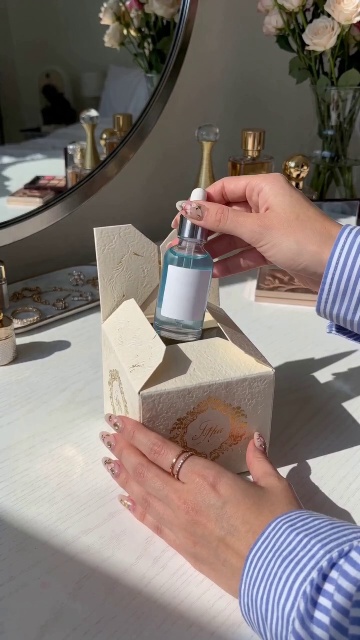

Warm indoor natural light and shadow.
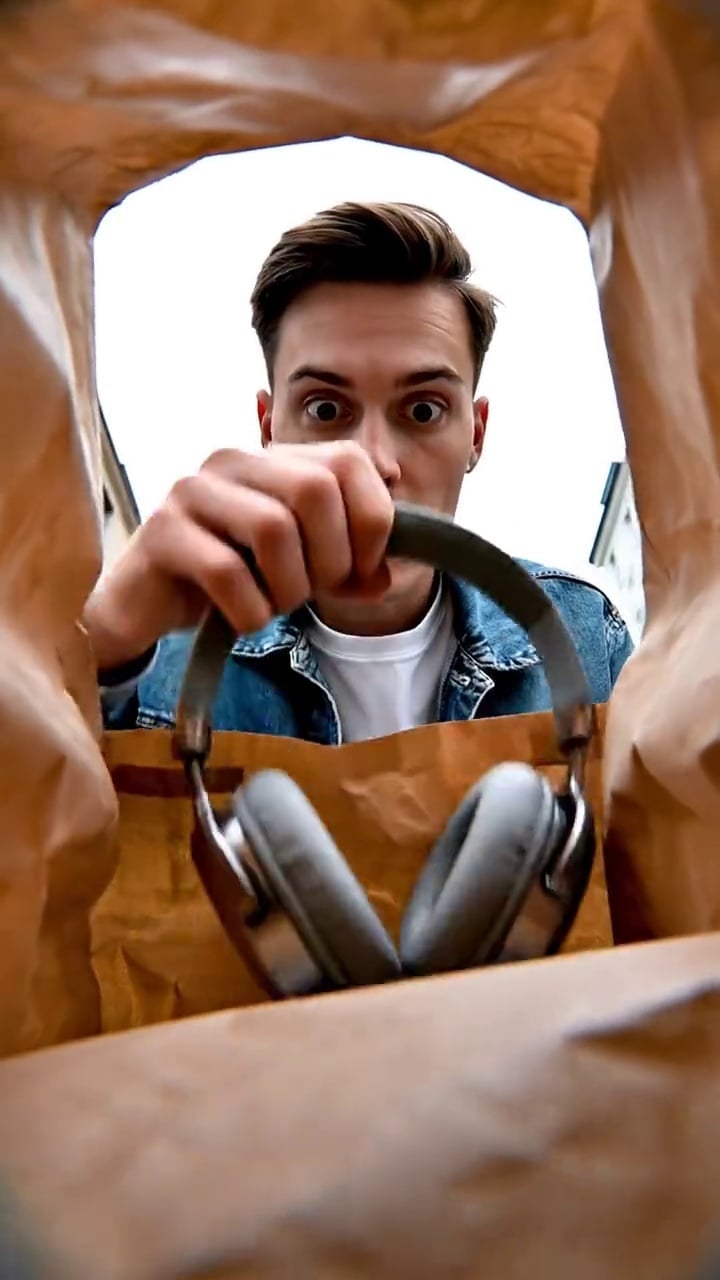
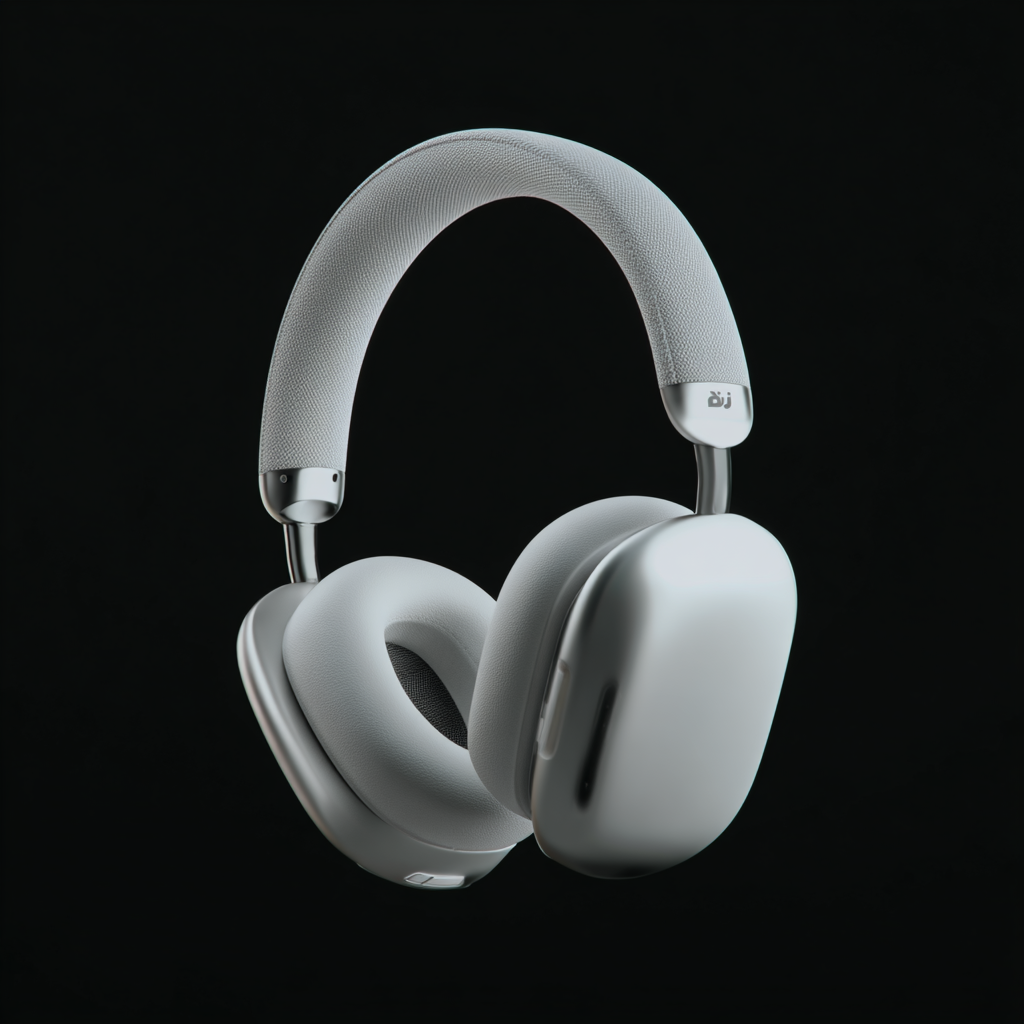
Street unboxing POV video using the uploaded product. 1. High-angle POV: person walks on rough asphalt in gray sneakers and dark gray pants, holding a camera that follows their steps. Natural daylight, overcast, soft shadows. 2. Eye-level mid shot: a bulging brown paper delivery bag **already resting on the street**, lying alone in the middle of a zebra crossing. **Do not show anyone holding or throwing the bag. The bag is static and was already there when discovered.** 3. Close-up: the bulging bag on the street, camera slowly and dramatically zooms in. 4. Extreme low-angle POV from inside the bag: young handsome Caucasian man looks down into the bag, surprised, mouth open, leaning toward the camera. 5. Extreme low-angle POV from inside the bag: hand enters the bag from **inside the top opening**, grabs the product **from within the bag**, lifts it up, and presents it **coming directly out of the bag** in front of the camera. **Do not take the product from outside the bag.** Ensure smooth motion, realistic lighting, immersive POV, and dramatic focus on the bag and product. Only ambient street sounds, no voiceover or music.
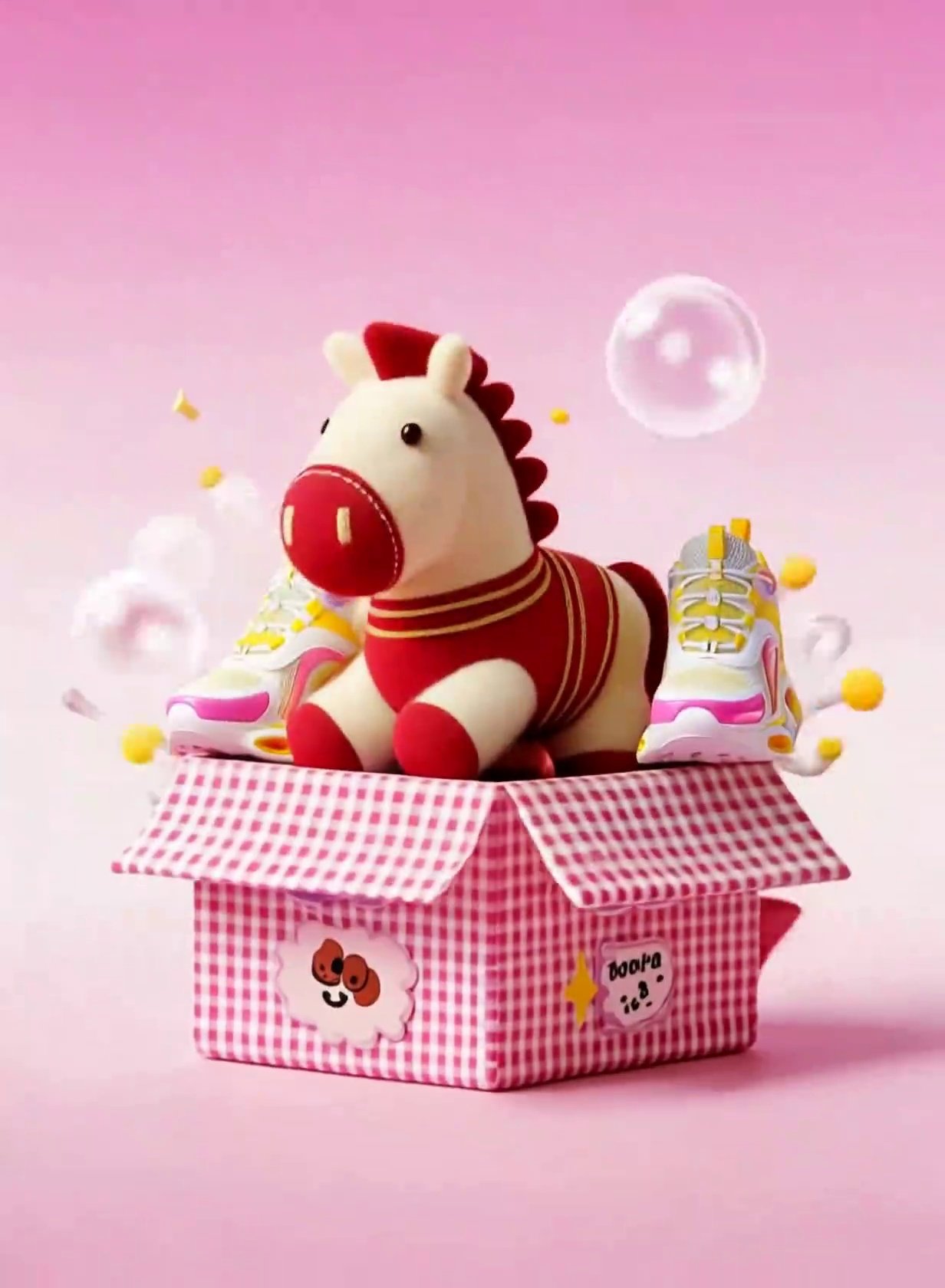
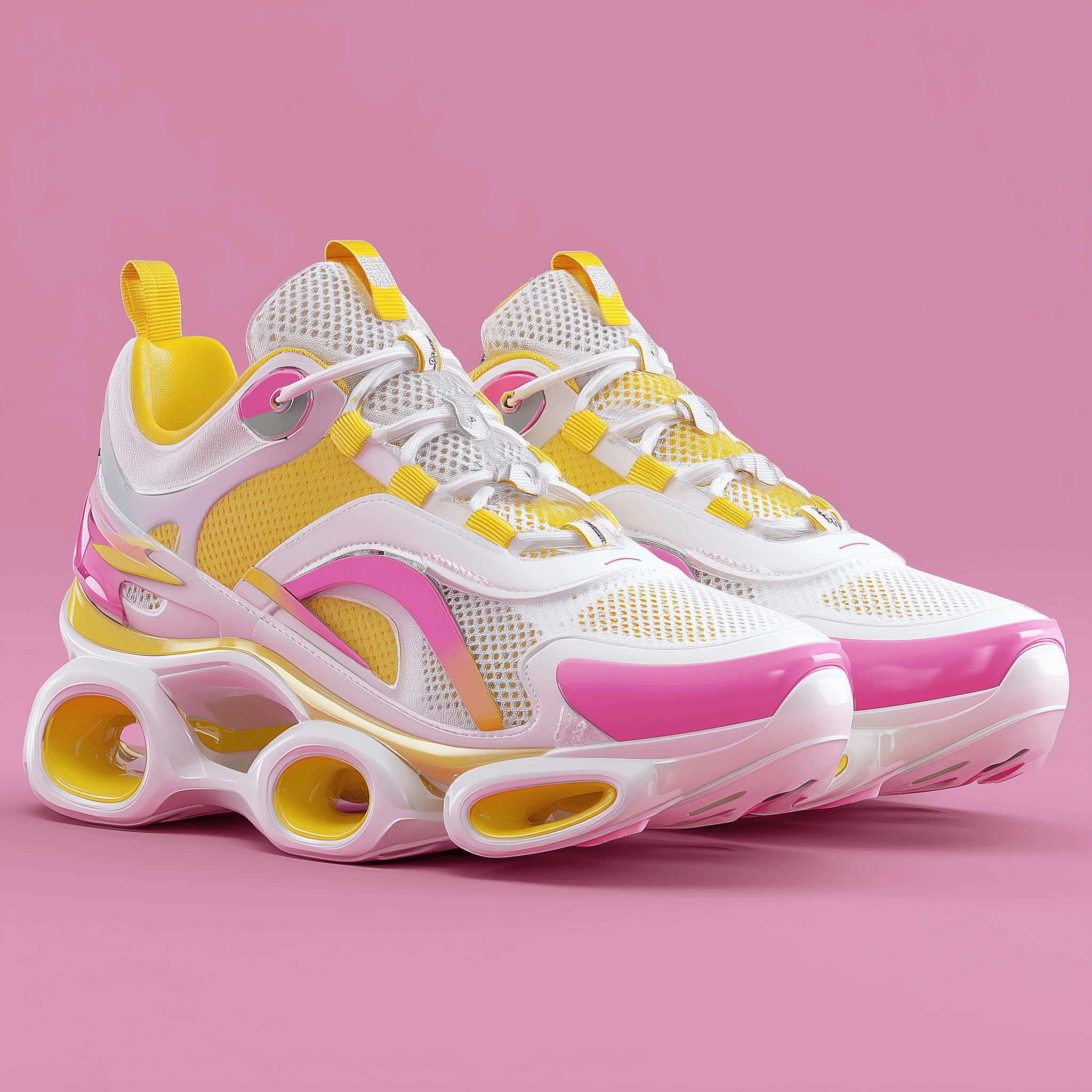
Use the reference video as the base for motion, timing, and composition. At the beginning of the video, only a picnic box covered with a checkered tablecloth is visible in the scene. No toys or products are visible before the box opens.
When the picnic box opens, replace the anthropomorphized food elements in the reference video with the products from image_2, making the products the main visual focus. Replace the plush pony in the reference video with the toy pony from image_1, positioning the toy pony as a secondary accessory placed beside the products.
Maintain the original dynamics exactly: the products and the toy pony bounce out of the picnic box together, follow the same motion trajectory and timing as the reference video, and finally land on top of the picnic box. The products should remain visually dominant in size, framing, and attention, while the toy pony stays adjacent as a companion prop.
At the final moment, when all floating objects land on the picnic box, preserve the original visual effect from the reference video: transparent bubbles of varying sizes and yellow colorful balls burst outward from behind the picnic box. This bursting effect must remain unchanged in timing, scale, direction, and intensity.
Keep all other elements unchanged, including background, lighting, camera movement, animation rhythm, and environment. Ensure the colors, materials, textures, and proportions of the toy pony and products strictly match the uploaded images. Do not introduce any new elements or alter the original animation sequence.
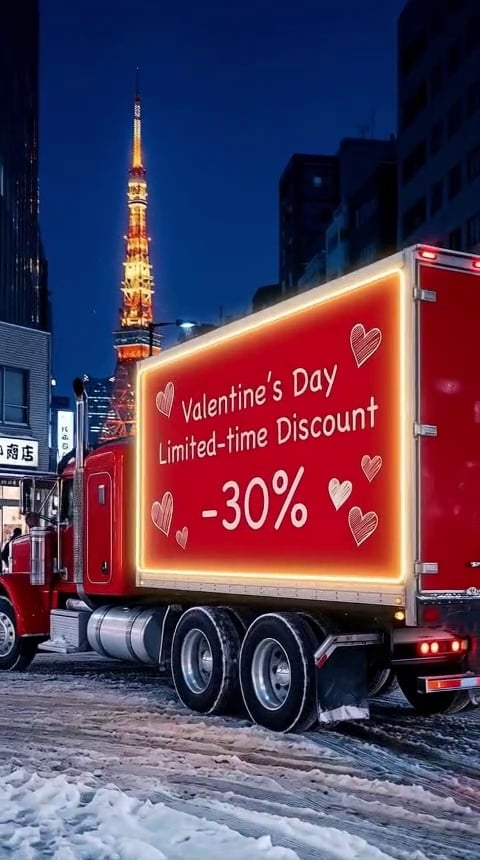
n the center of the picture is a large red truck (with a rugged, classic American truck design) entering from the side. The side of the truck is printed with white text (Valentine's Day Limited-time Discount, -30%). The layout is in two rows, with the text in a handwritten serif font. A white hand-drawn heart pattern is placed beside the text. The edge of the truck is surrounded by a warm yellow neon light strip, which is on and gives off a soft glow. The wheels are pressed on the snow. The composition is centered on the right side of the frame, with the truck occupying about two-thirds of the right side of the picture, and the visual focus is on the body of the truck. The left side of the picture shows part of the street, pedestrians, and buildings. The background is the Tokyo City Market scene at night - the iconic Tokyo Tower is fully illuminated, with clear details of the tower and the dark-toned urban building outlines around it; the sky is a deep indigo blue, and the overall atmosphere is that of a bustling city at night in winter.
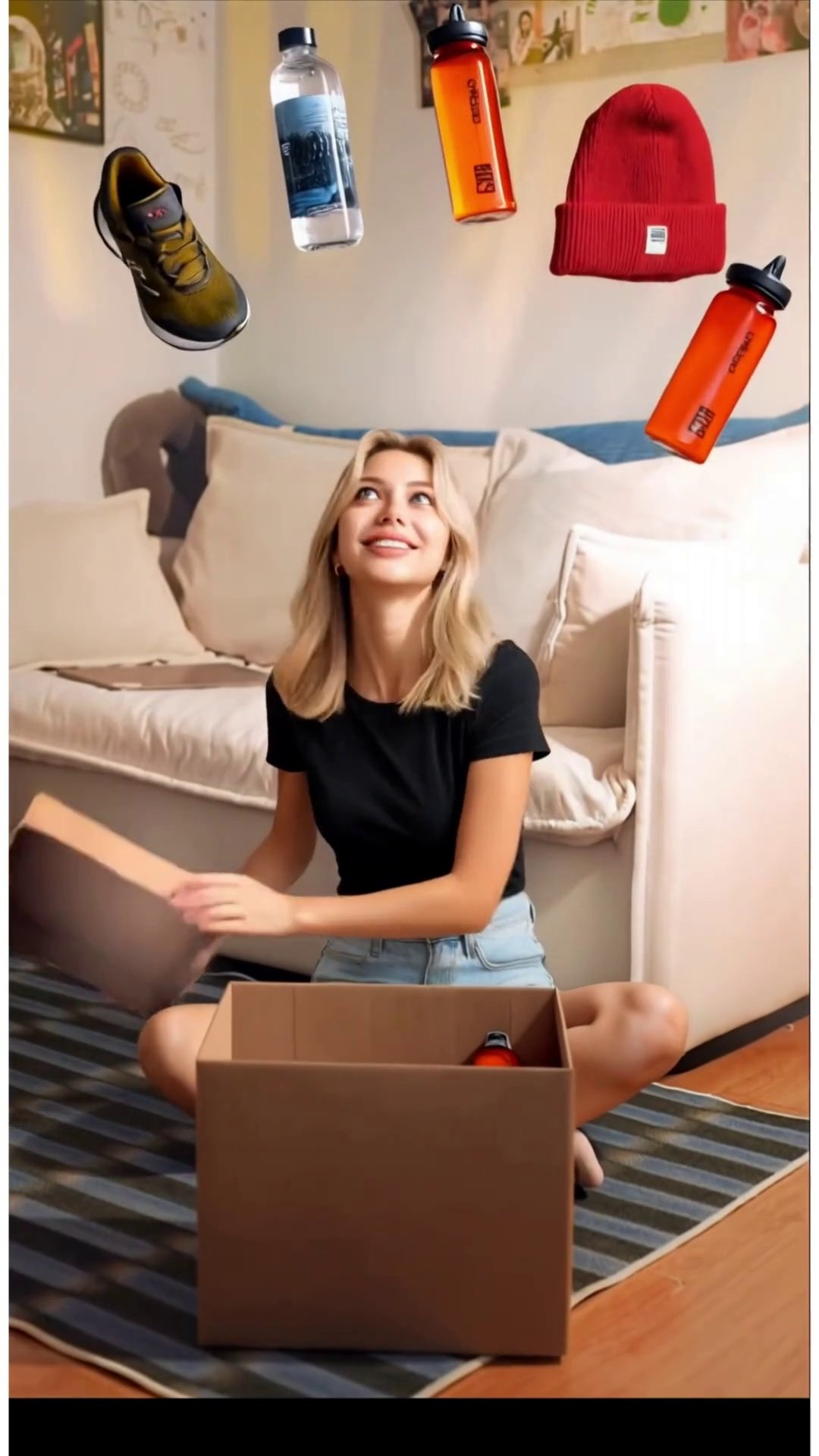
Use Kling O1 to replace the character in the reference video with image_1, preserving all original movements, expressions, and camera motion.
Animated Floating Objects:
Completely remove all floating objects above the box (Groot, perfume, woven fan, plush toy, bowl).
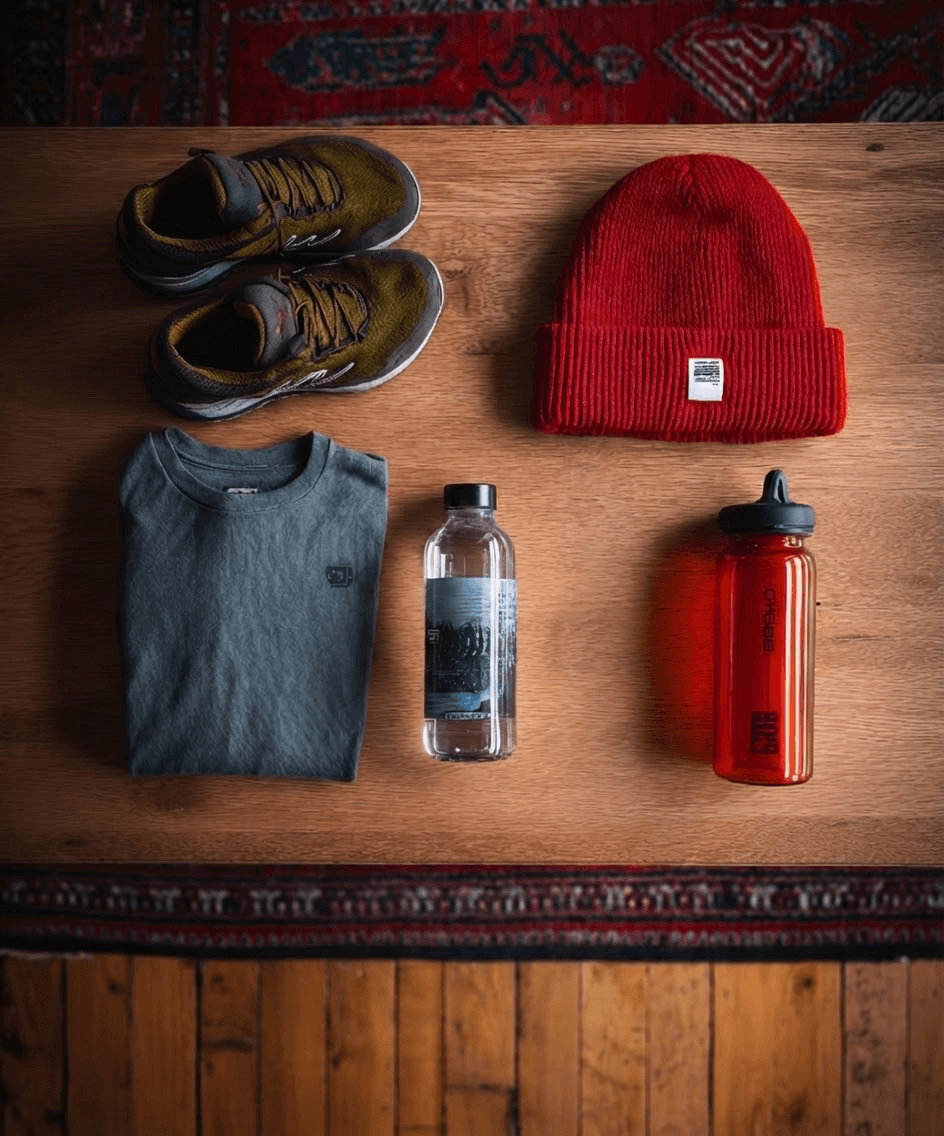
Replace them with all six products from image_2: green sneakers, gray clothing, water bottle, electronic watch, red hat, red sports cup.
Products must fly out of the box following the original motion paths.
Final layout: fan-shaped arc above the character’s head, matching the reference video’s floating object positions.
Do not place products inside the box or follow their original image_2 positions.
Box Glow Effects:
Keep the box opening glow effect intact.
Preserve the internal box glow that appears after the box is opened.
Do not alter the intensity, timing, or duration of these light effects.
Keep unchanged: video duration, background, camera movement, motion rhythm, other visual effects.
No extra objects, no original floating objects, no text or watermarks.
All original floating objects must be fully deleted. All six products from image_2 must appear in mid-air, landing in a fan-shaped arc above the character’s head, following original motion trajectories. Keep all box glow effects, both on opening and inside the box. No missing or residual objects.
Không còn nội dung nữa