
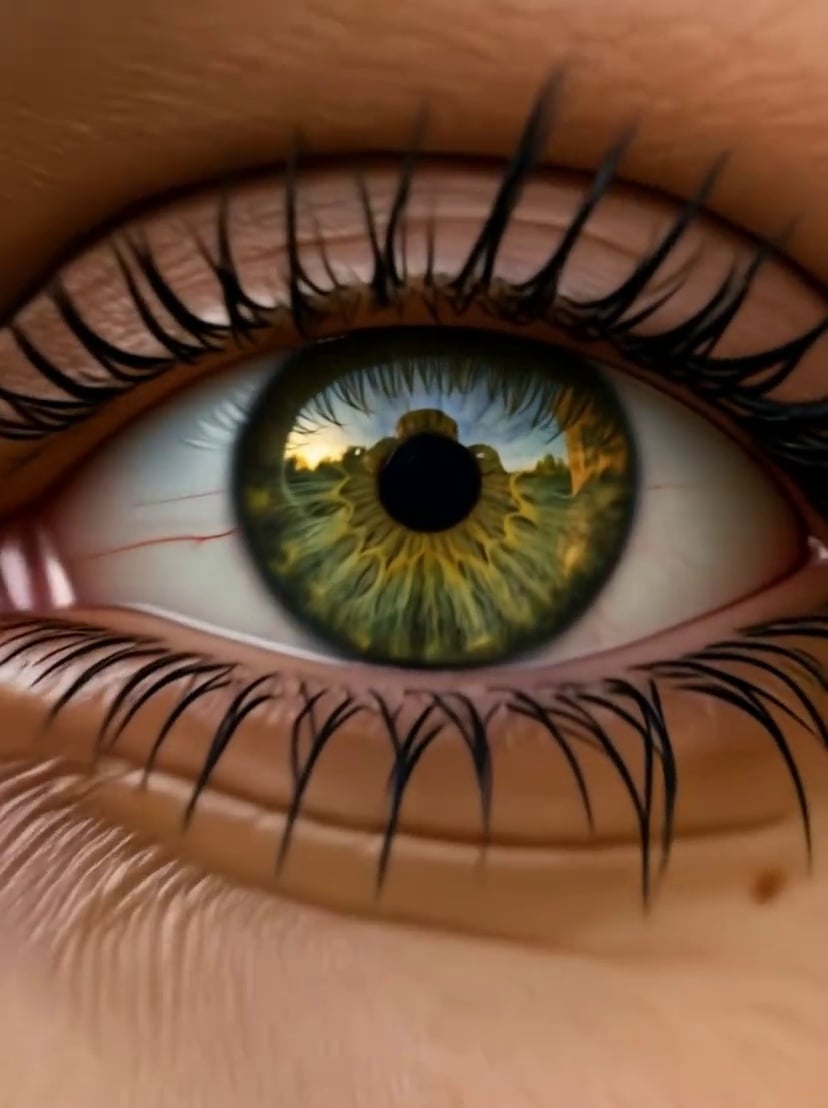
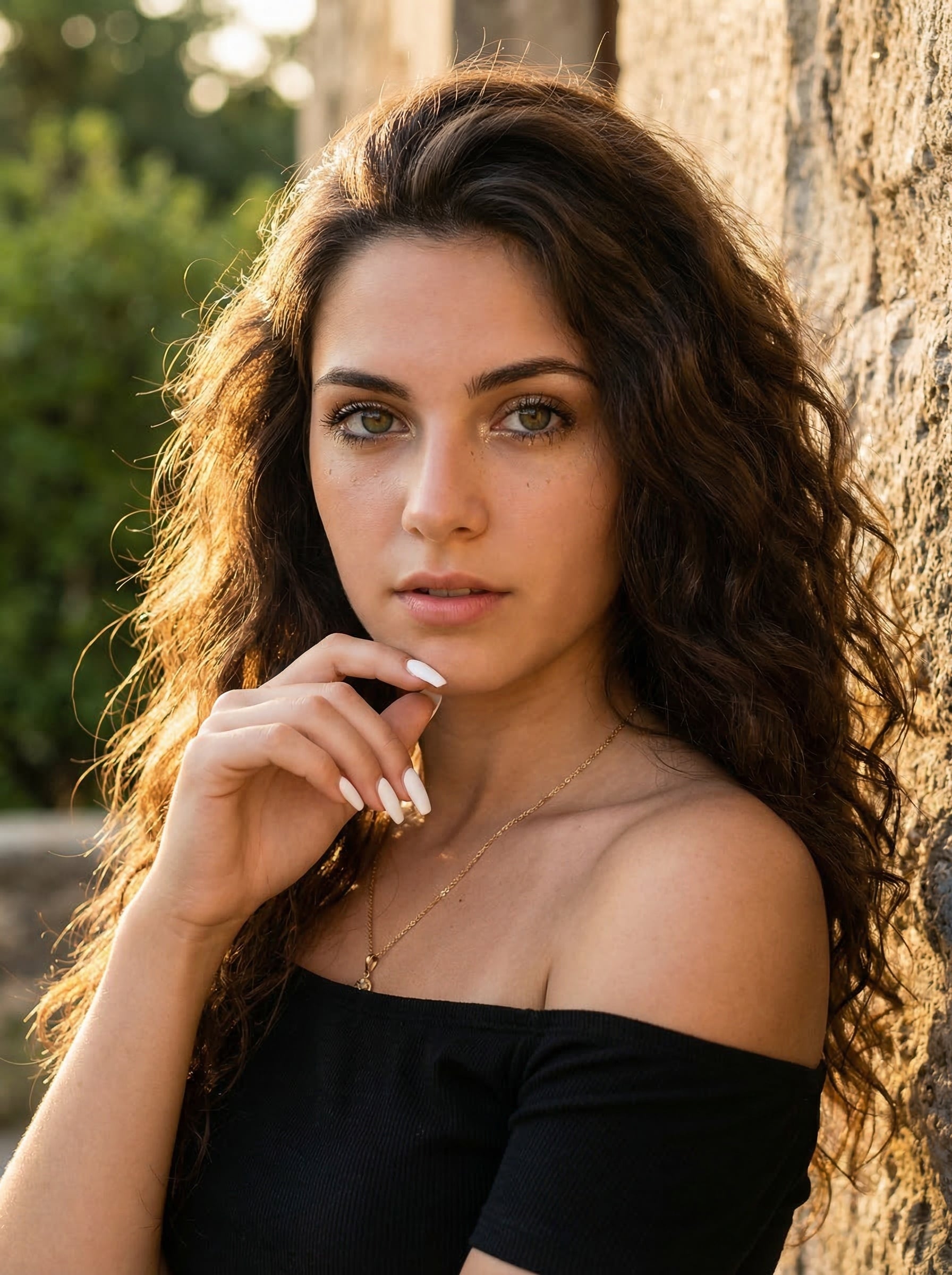

Eye Zoom Effect/Eyes In
Fill in the prompt words
- Polecane szablony
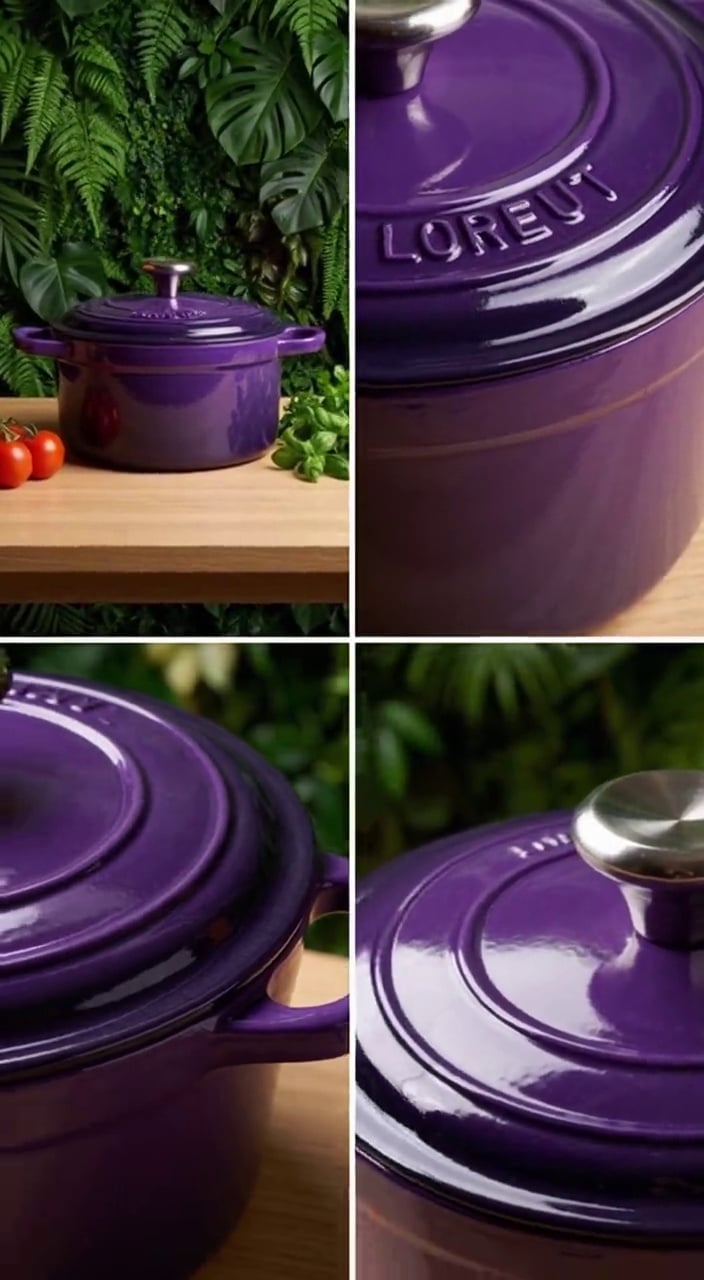
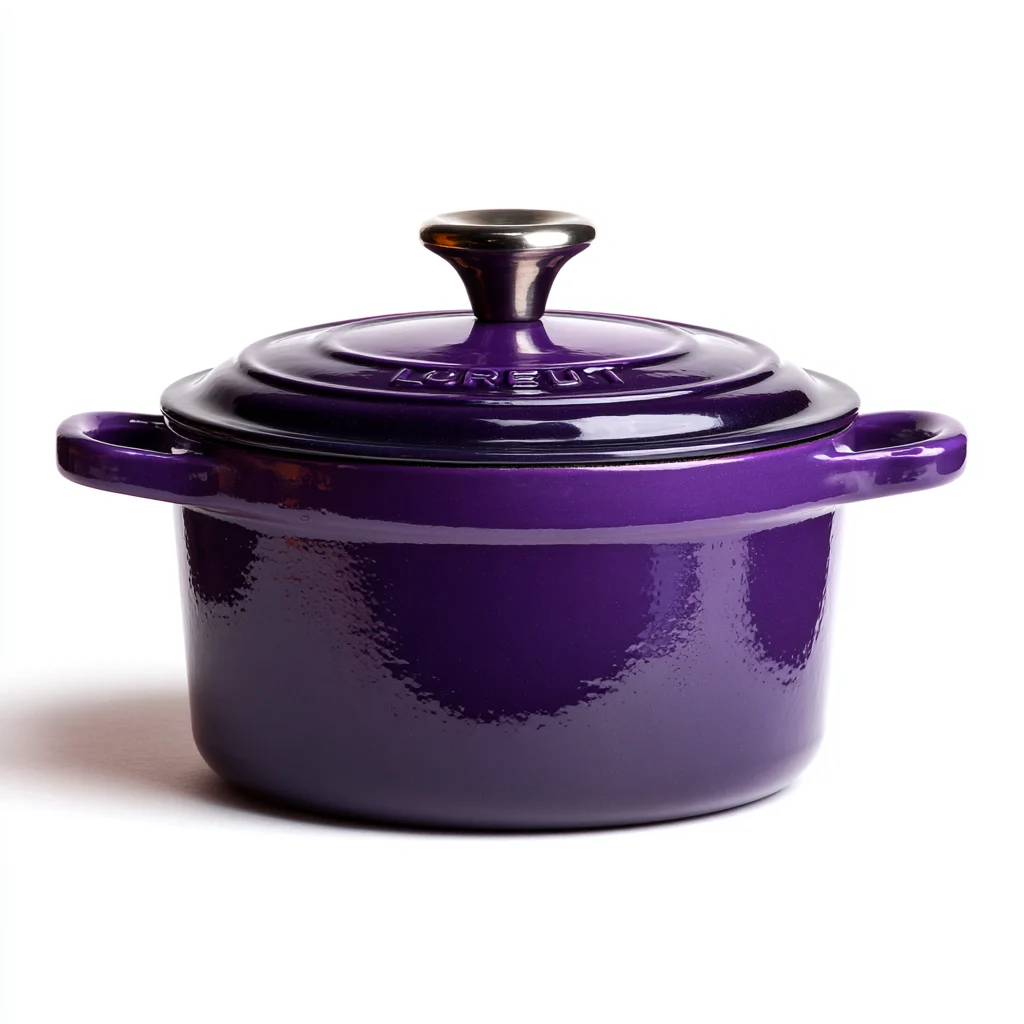

using the user-uploaded cookware as the only subject,The user-uploaded cookware is centered upright on a light wooden table
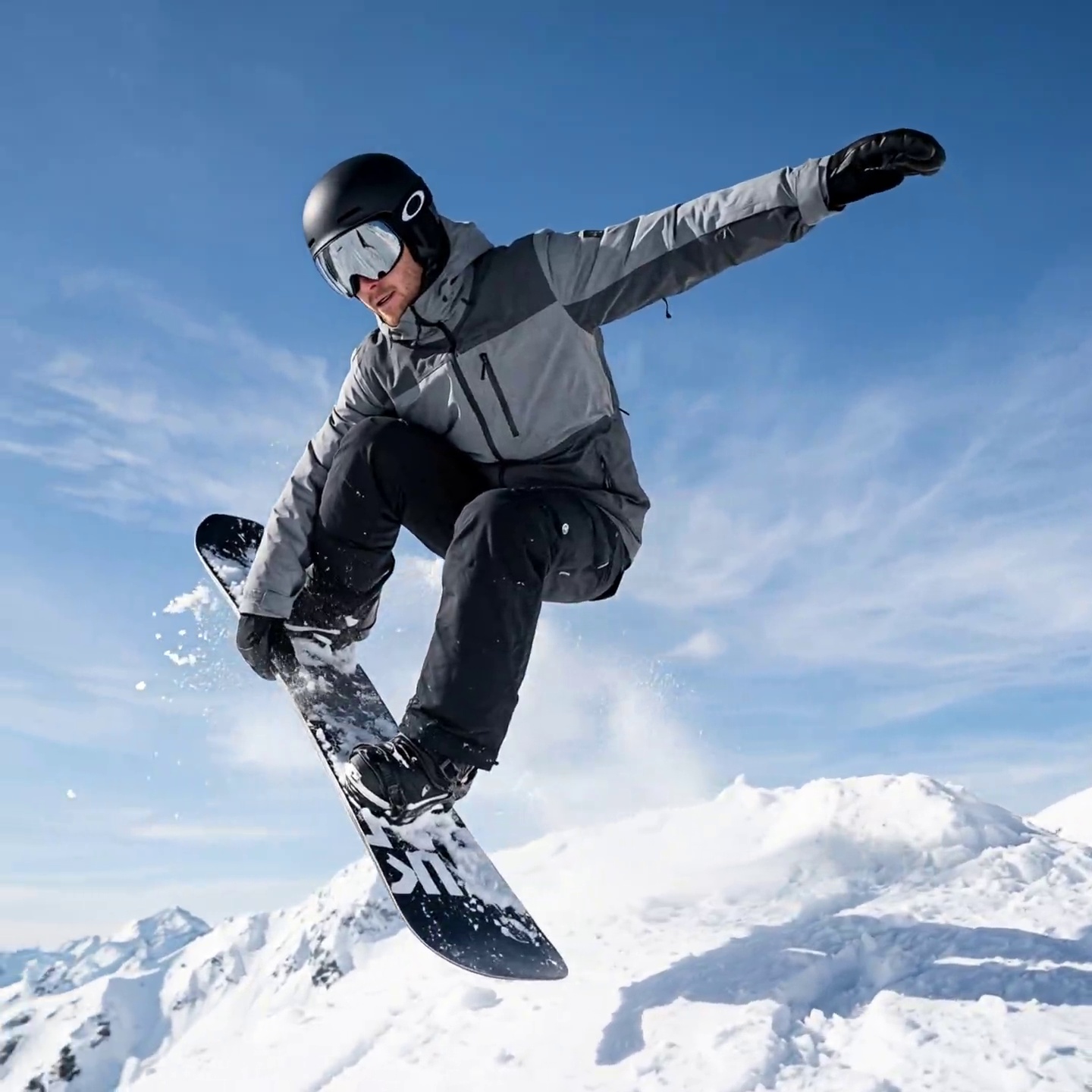
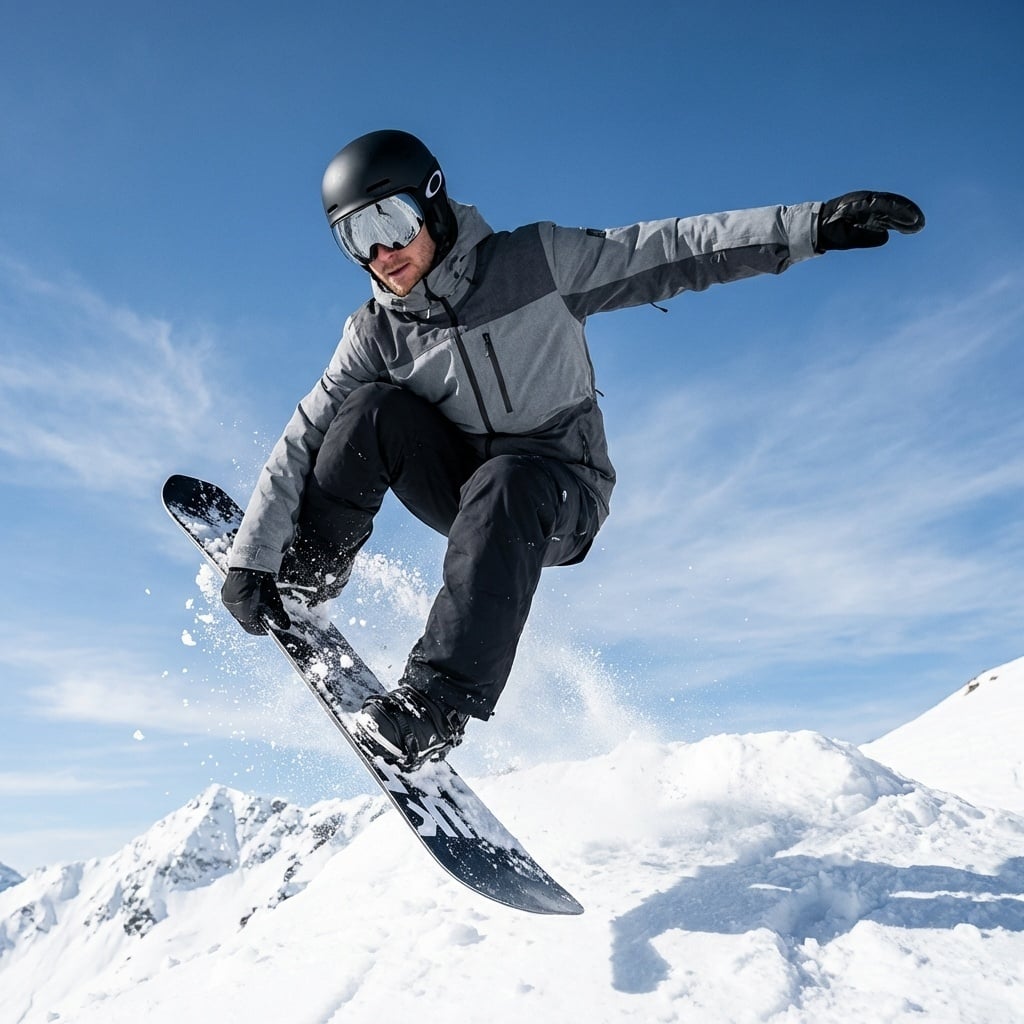
Mechanical arm lens movement, with extreme speed and stability. The track camera lens rapidly circles around the subject from right to left along a natural and smooth 180-degree arc. From the first frame to the last, it progresses in a pattern that surrounds the main character. The lens must capture the front, side, and back of the character. The character's animal remains consistent, the overall time is frozen, the character is static/slow-motion, all elements in the air are absolutely still and motionless, and the only dynamic element comes from the movement of the camera. The lens is shot at a constant speed, and the entire process maintains a static time state. Dramatic film effect, standard action movie shooting lens,No element changes, the atmosphere is sharp and tense



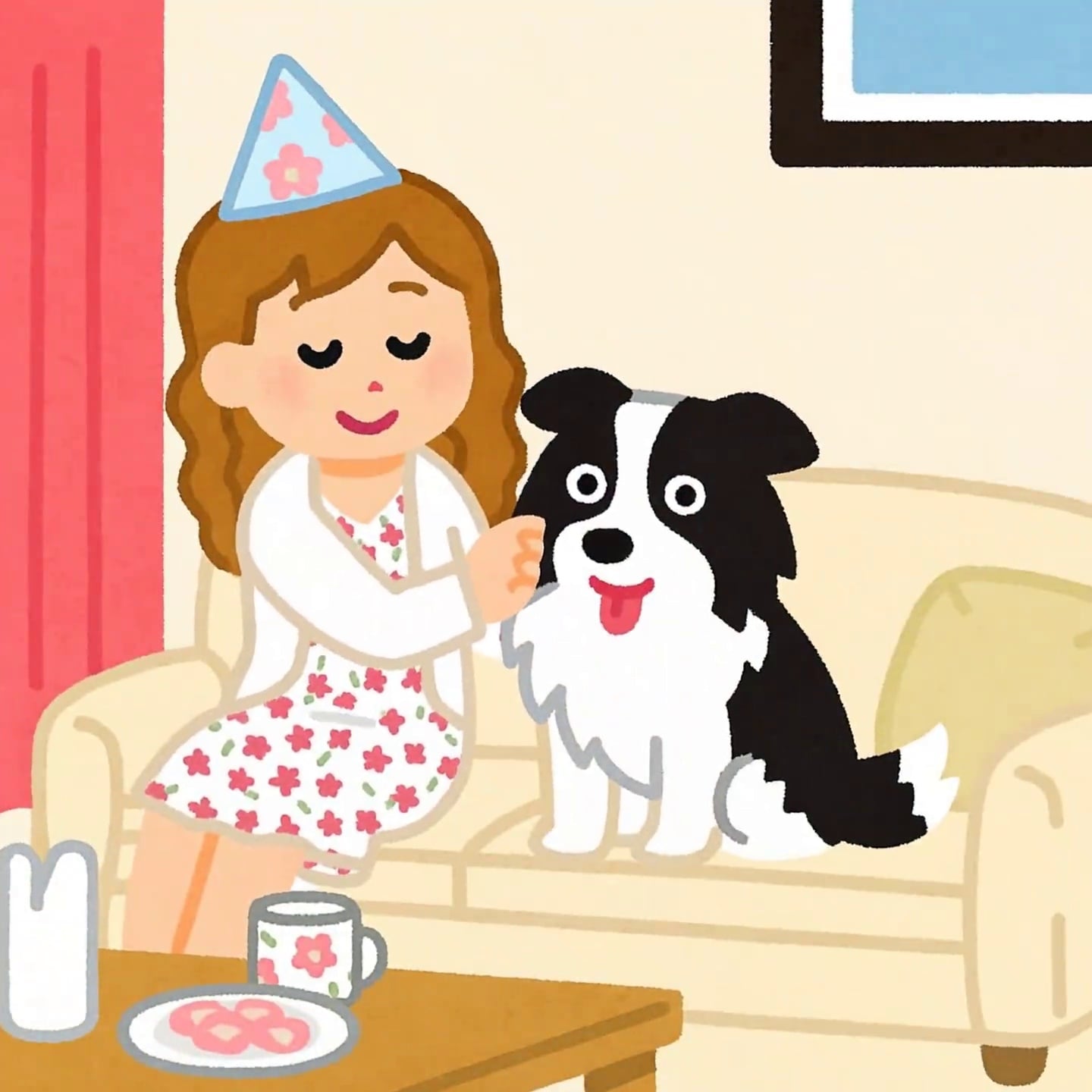
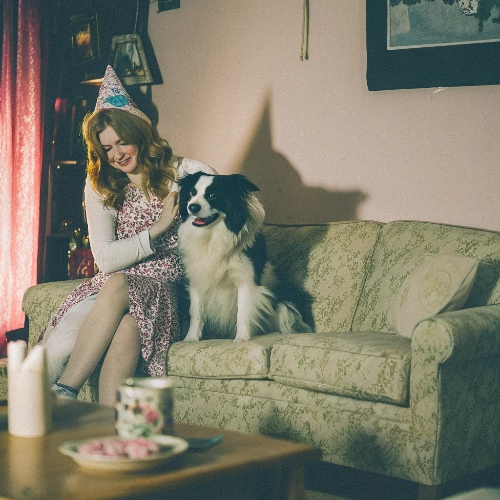
The camera moves forward, gradually transitioning from one photo to another. The photos slowly transform into cartoon images, with dynamic blurring and delayed photography, creating a smooth transition.
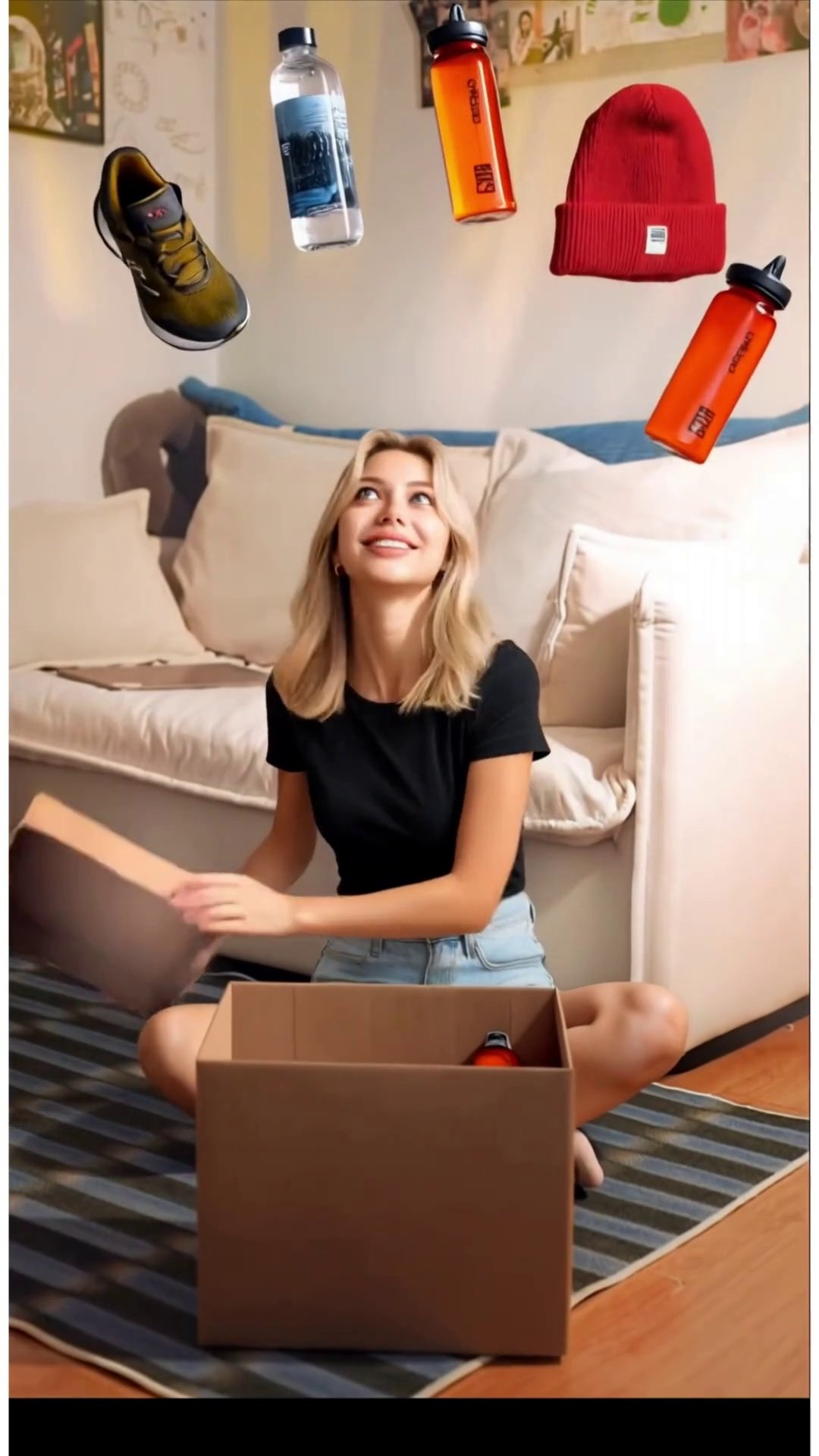
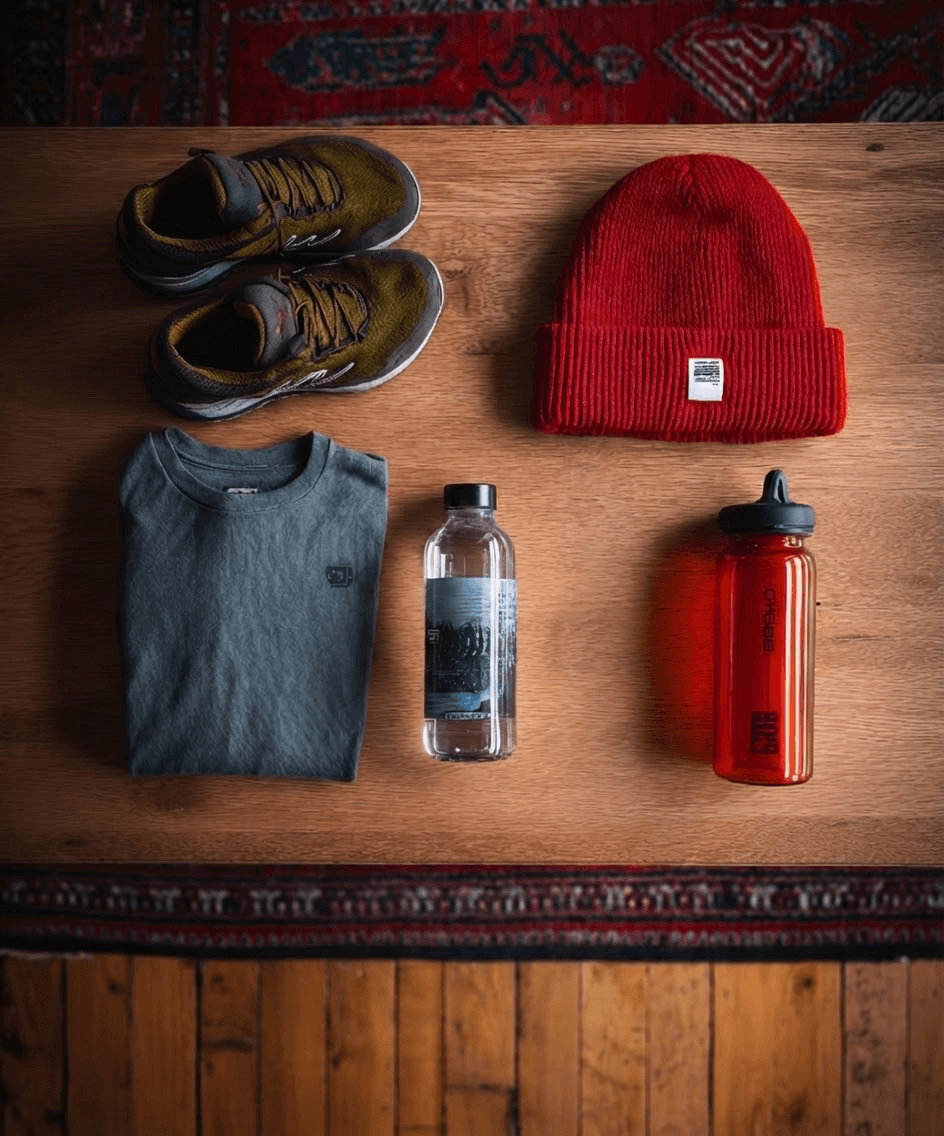
Use Kling O1 to replace the character in the reference video with image_1, preserving all original movements, expressions, and camera motion.
Animated Floating Objects:
Completely remove all floating objects above the box (Groot, perfume, woven fan, plush toy, bowl).
Replace them with all six products from image_2: green sneakers, gray clothing, water bottle, electronic watch, red hat, red sports cup.
Products must fly out of the box following the original motion paths.
Final layout: fan-shaped arc above the character’s head, matching the reference video’s floating object positions.
Do not place products inside the box or follow their original image_2 positions.
Box Glow Effects:
Keep the box opening glow effect intact.
Preserve the internal box glow that appears after the box is opened.
Do not alter the intensity, timing, or duration of these light effects.
Keep unchanged: video duration, background, camera movement, motion rhythm, other visual effects.
No extra objects, no original floating objects, no text or watermarks.
All original floating objects must be fully deleted. All six products from image_2 must appear in mid-air, landing in a fan-shaped arc above the character’s head, following original motion trajectories. Keep all box glow effects, both on opening and inside the box. No missing or residual objects.
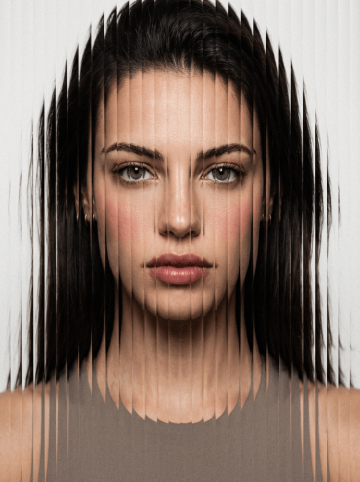
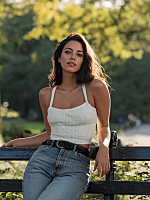
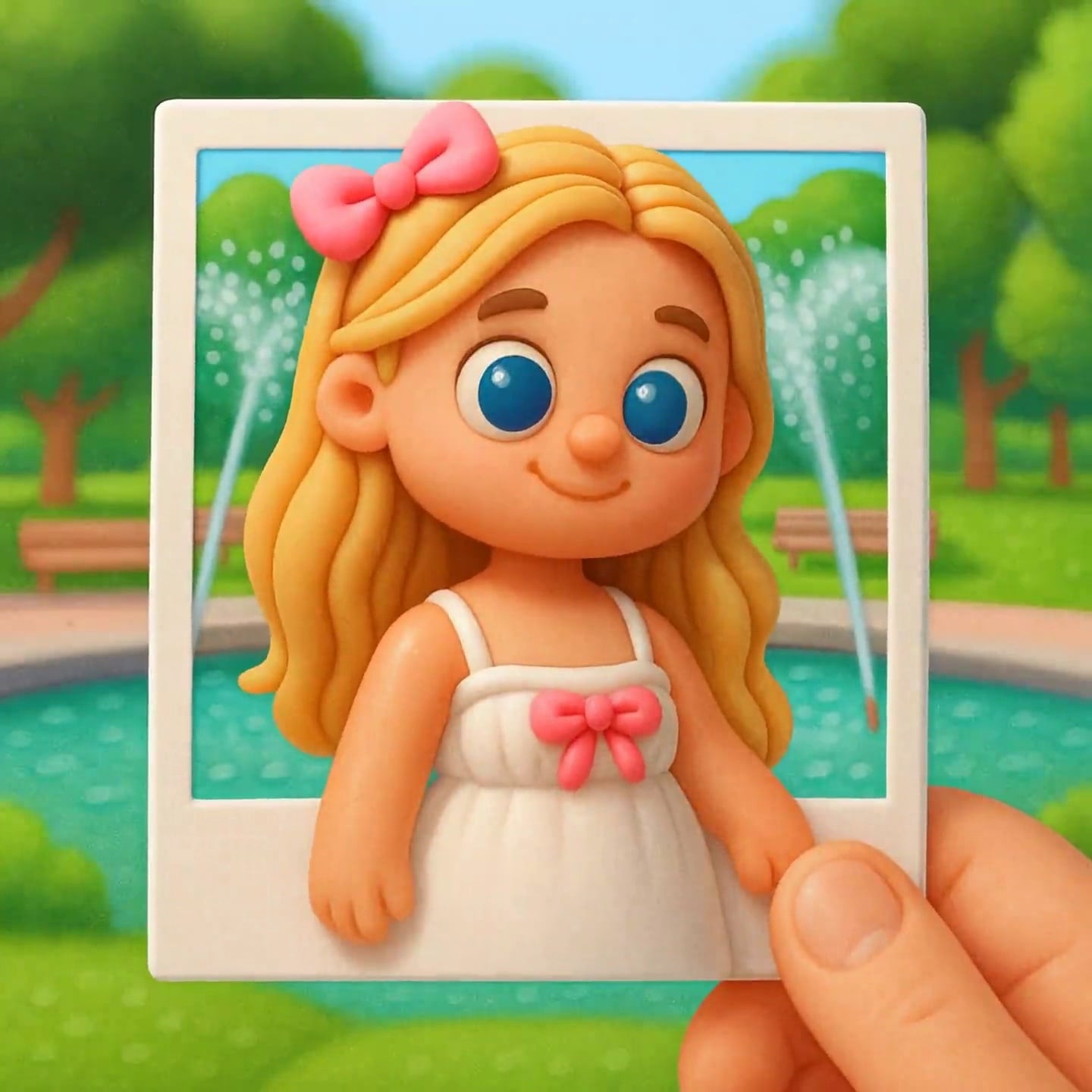
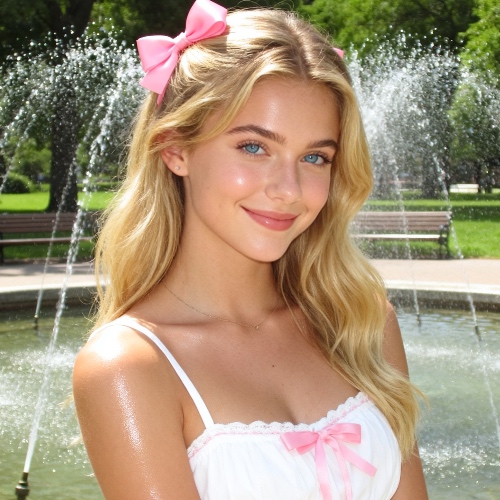
Fixed shot, a gradual transition from real images to cartoon images, dynamic blurring, delayed photography, the main subject of the cartoon image makes cute movements, the movements are smooth and the transition is natural.
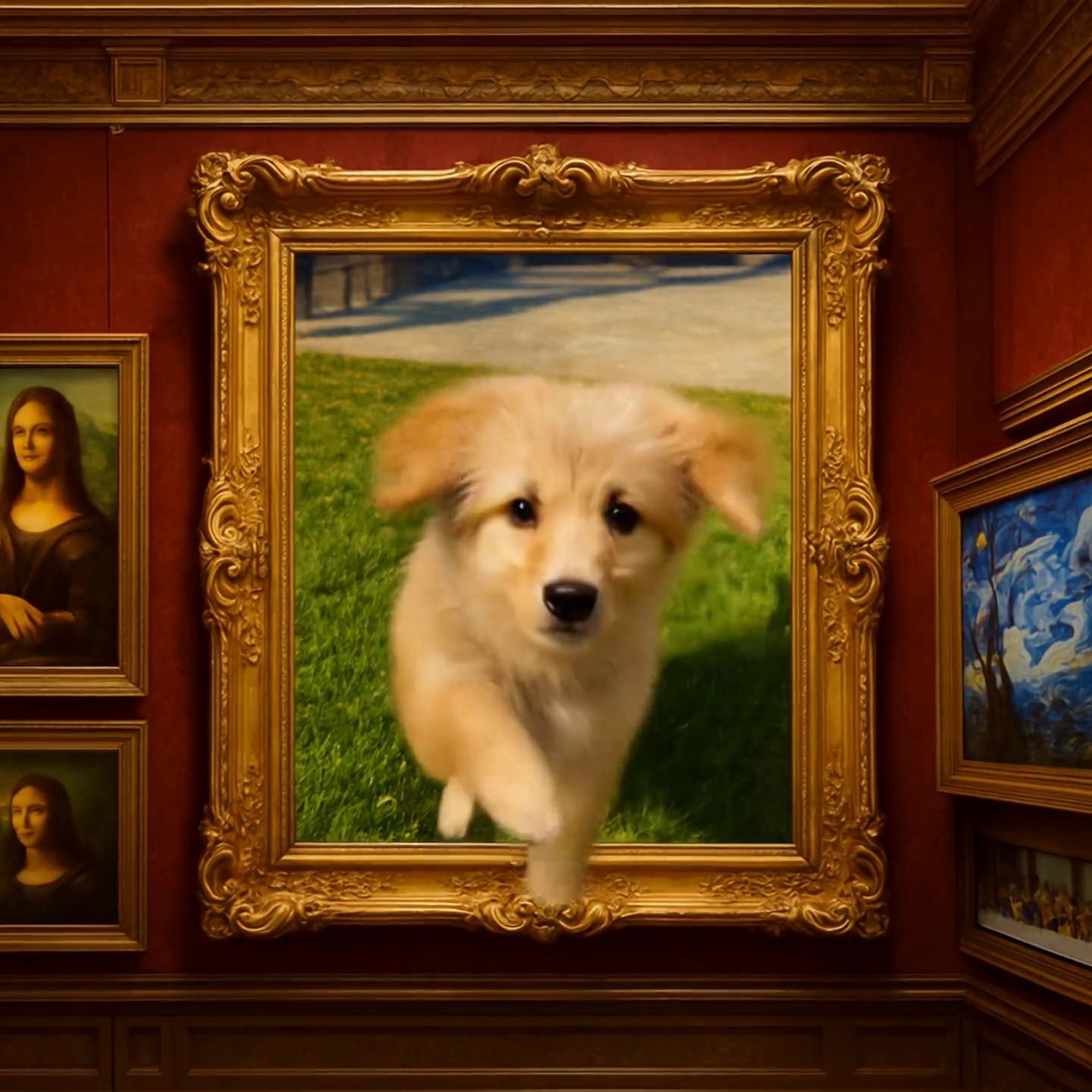
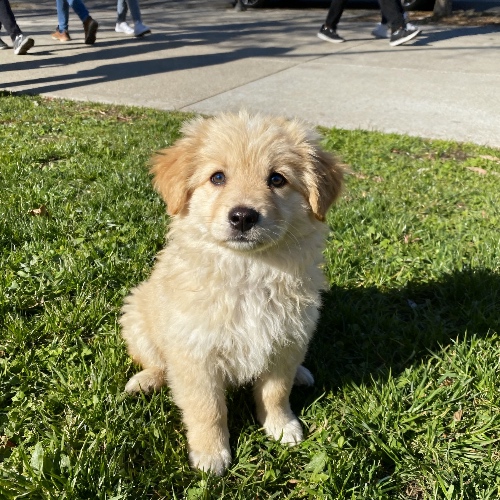
Fixed shot. The main character in the visual center of the picture quickly jumps out of the frame, the process is rapid and does not affect the background, runs to the real world, runs towards the camera, looks at the camera, runs up to the camera and stops, maintaining the consistency of the main subject, the background remains unchanged, and the scene within the frame remains unchanged.
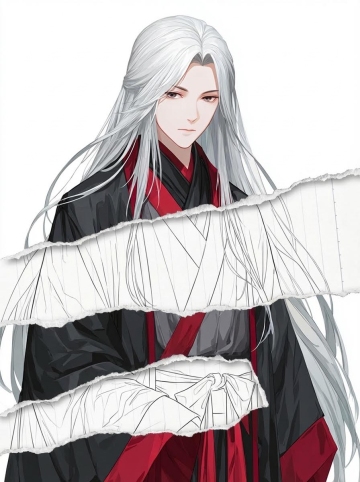

task: "edit-image: add widened torn-paper layered effect"
base_image:
use_reference_image: true
preserve_everything:
- character identity
- facial features and expression
- hairstyle and anatomy
- outfit design and colors
- background, lighting, composition
- overall art style
rules:
- Only modify the torn-paper interior areas.
- Do not change pose, anatomy, proportions, clothing details, shading, or scene elements.
effects:
- effect: "torn-paper-reveal"
placement: "across chest height"
description:
- Add a wide, natural horizontal tear across the chest area.
- The torn interior uses the style defined in `interior_style`.
- effect: "torn-paper-reveal"
placement: "lower abdomen height"
description:
- Add a wide horizontal tear across the lower abdomen.
- The torn interior uses the style defined in `interior_style`.
interior_style:
mode: "line-art"
style_settings:
line-art:
palette: "monochrome"
line_quality: "clean, crisp"
paper: "notebook paper with subtle ruled lines"
sumi-e:
palette: "black ink tones"
brush_texture: "soft bleeding edges"
paper: "plain textured paper"
figure-render:
material: "PVC-like"
shading: "semi-realistic highlights"
paper: "plain smooth surface"
colored-pencil:
stroke_texture: "visible pencil grain"
palette: "soft layered hues"
paper: "rough sketchbook paper"
watercolor:
palette: "soft transparent pigments"
blending: "smooth bleeding"
edges: "soft contours"
paper: "watercolor paper texture"
pencil-drawing:
graphite_texture: "visible pencil grain"
shading: "smooth gradients"
line_quality: "mixed sharp and soft"
tone: "gray-scale"
paper: "notebook paper with faint ruled lines"
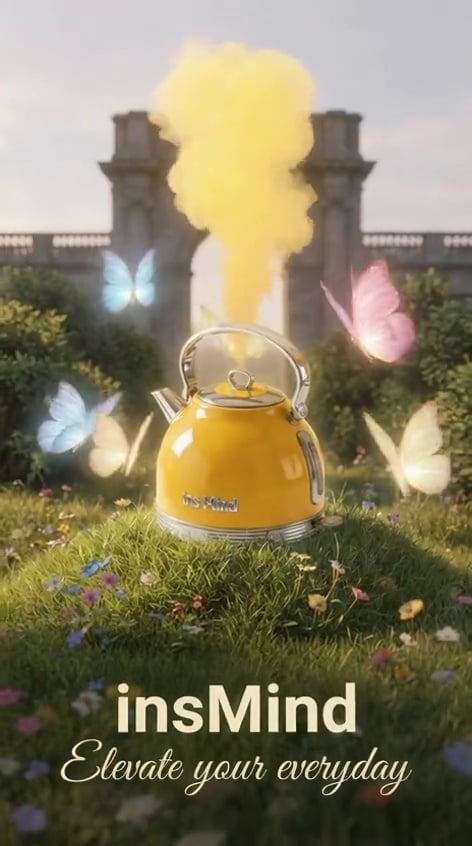
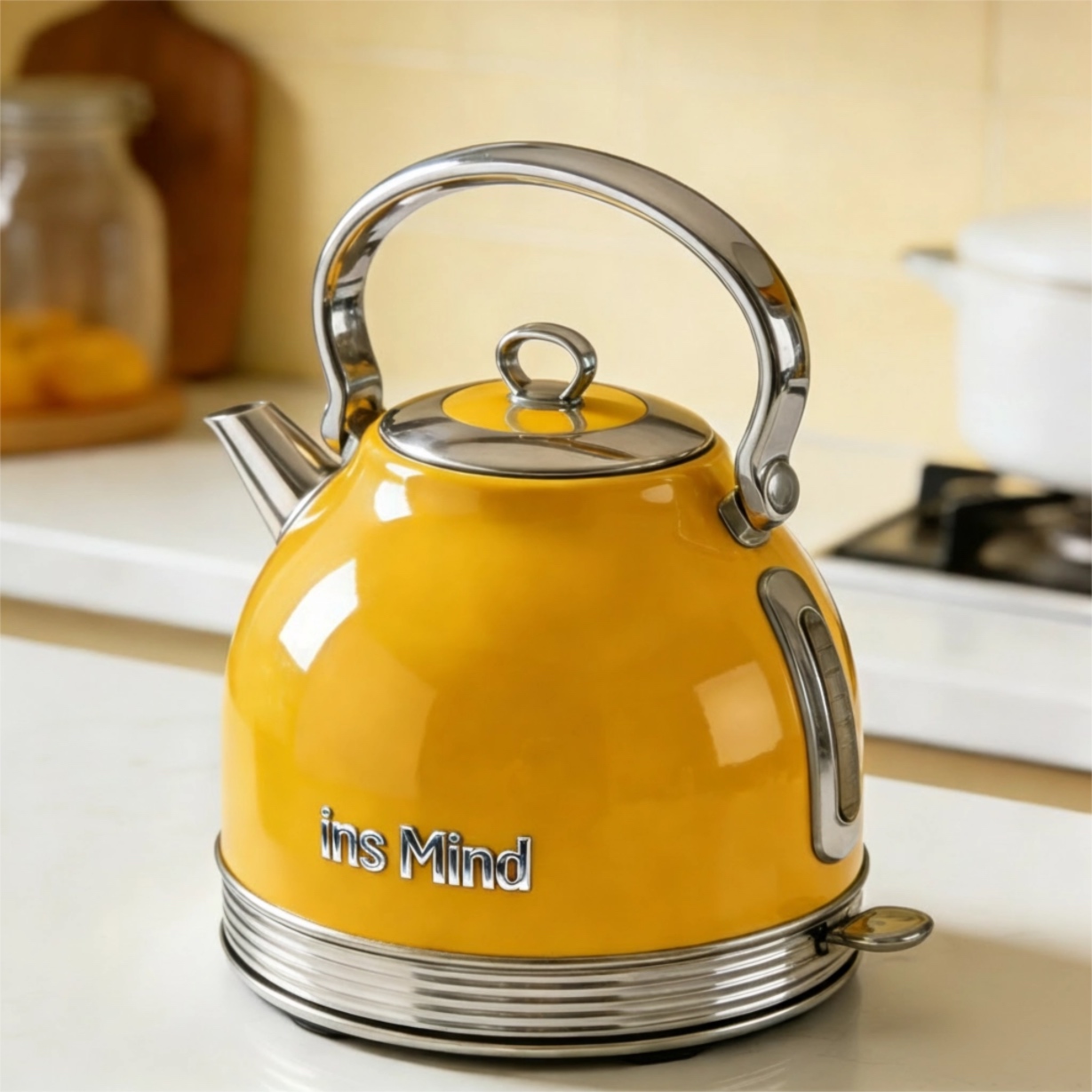
In the picture, the butterfly is slowly and powerfully flapping its wings and flying around the center of the teapot (in slow motion). The teapot is emitting yellow steam, maintaining the consistency of the main subject. The text in the foreground remains still. 8K resolution, smooth picture quality, the camera slowly pulls away.
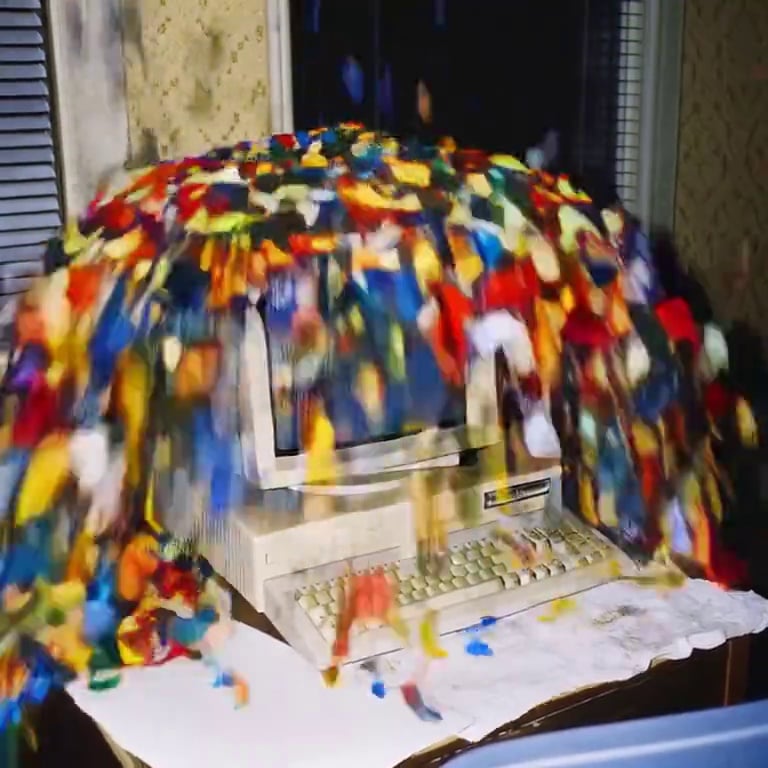
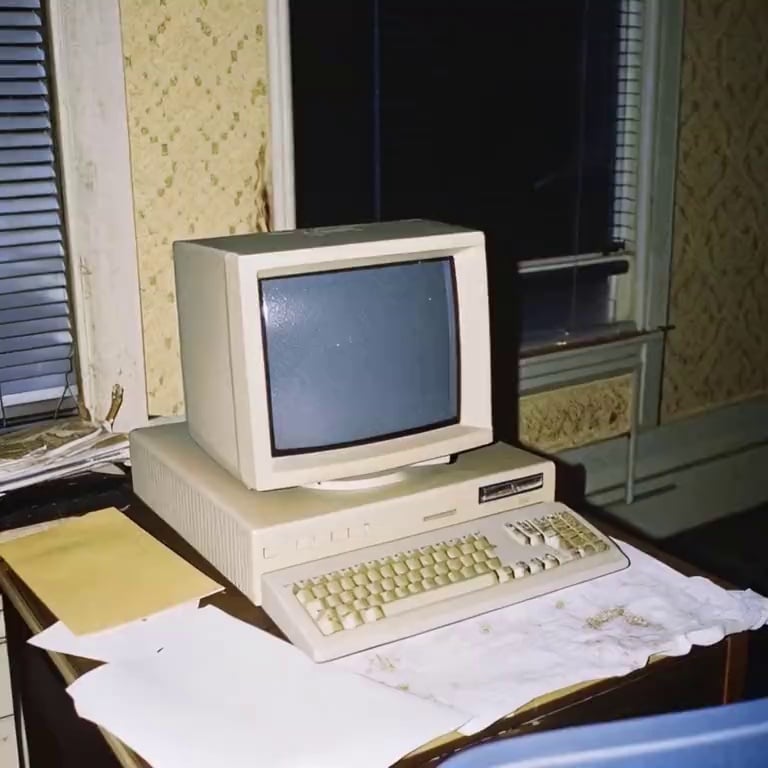
Fixed shot. Different colored Lego blocks fall irregularly from the center of the subject and scatter all over, completely covering the subject (the subject disappears); then, as the Lego blocks fall rapidly to the ground, the subject disappears from the frame, the disappearance is natural without any transition, and the overall dynamic effect is a rapid explosion rhythm.


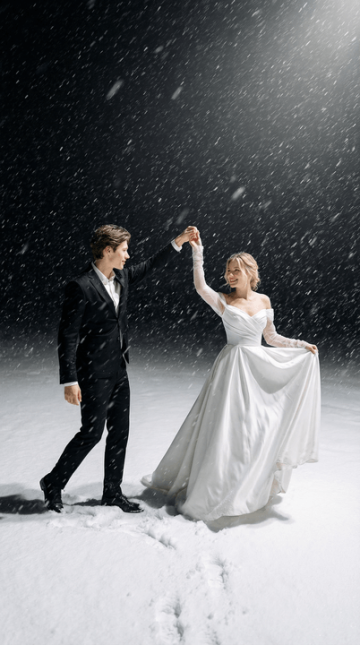
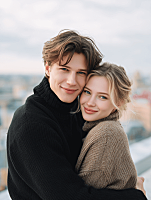
{"scene_description":"A wide-angle cinematic shot of a young couple dancing in a heavy snowstorm at night. The woman is positioned on the left of the frame, the man on the right, on a thick, textured blanket of white snow.","subjects":{"woman":{"action":"Twirling gracefully, holding the hem of her dress with one hand and the man's hand with the other.","attire":"Elegant off-the-shoulder white wedding gown with a full, flowing silk skirt and long sheer sleeves.","appearance":"Use uploaded female character, lock face + hair color, do not lock hairstyle/makeup/expression, smiling joyfully."},"man":{"action":"Leading the dance, holding the woman's hand while stepping forward slightly.","attire":"Tailored classic black suit with a white dress shirt.","appearance":"Use uploaded male character, lock face + hair color, do not lock hairstyle/makeup/expression."}},"environment":{"ground":"Deep, powdery snow with visible footprints and soft undulations.","atmosphere":"A heavy blizzard with thick, elongated white snowflakes falling diagonally across the frame.","background":"A dark, void-like night sky that creates a sharp contrast with the brightly lit foreground."},"lighting_and_color":{"lighting_style":"High-key spotlighting from above, creating a glow on the subjects and the snow while leaving the background in deep shadow.","color_palette":"Monochromatic contrast of stark whites, deep blacks, and neutral grays.","mood":"Romantic, ethereal, and dramatic."},"technical_specs":{"aspect_ratio":"2:3 (vertical)","camera_angle":"Eye-level, medium-wide shot.","focal_details":"Soft focus on the falling snow to create a sense of motion blur, while the subjects remain the primary focal point."}}
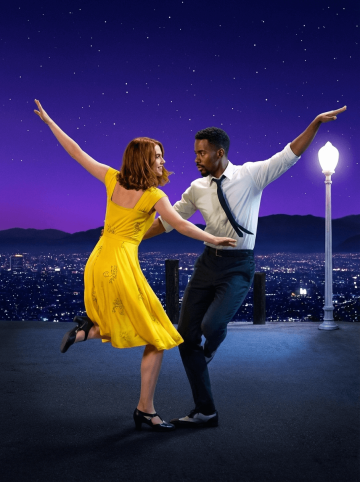

Please handle the uploaded photos strictly according to the original appearance of the people in the pictures - maintaining their facial features, hairstyles, race, posture, and proportions. Use a slightly downward shooting angle, a fixed focal length of 50mm, aperture f/2.8, shutter speed 1/180 second, and a medium close-up lens. Cut the scene below the character's feet.
Character clothing: The female: wearing a bright yellow vintage dress and black Mary Jane dance shoes. The male: wearing a white shirt, a dark tie and slacks.
Actions: The female: the center of gravity is on the right leg, the left leg is lifted and bent, the toes are straightened, the upper body is slightly twisted and reclined to the left, the right arm is raised to the left upper corner, the left arm is extended and lightly touches the male.
The head turns to the right, looking at the male, with a smile on the face. The male: the center of gravity is on the left leg, the right leg is bent and drawn inward, the toes touch the ground. The upper body is slightly twisted and leans to the right, the left arm is raised to the upper right corner, the right arm is bent and gently supports the female, the head turns to the left, looking at the female, with a focused expression.
Two-person interaction: eye contact, arms touching each other, corresponding movements, forming a dual dance interaction posture.
Scene: Dark gray hard viewing platform ground, on the right side, a tall vintage white street lamp. The night view of Los Angeles, the city lights blend into one, the building outlines are faintly visible in the night. The dark silhouette of distant mountains is cut in the middle between the city and the stars, dividing the picture layers. The deep gradient purple-blue starry sky, dotted with dense white star points, creating a dreamy visual effect.
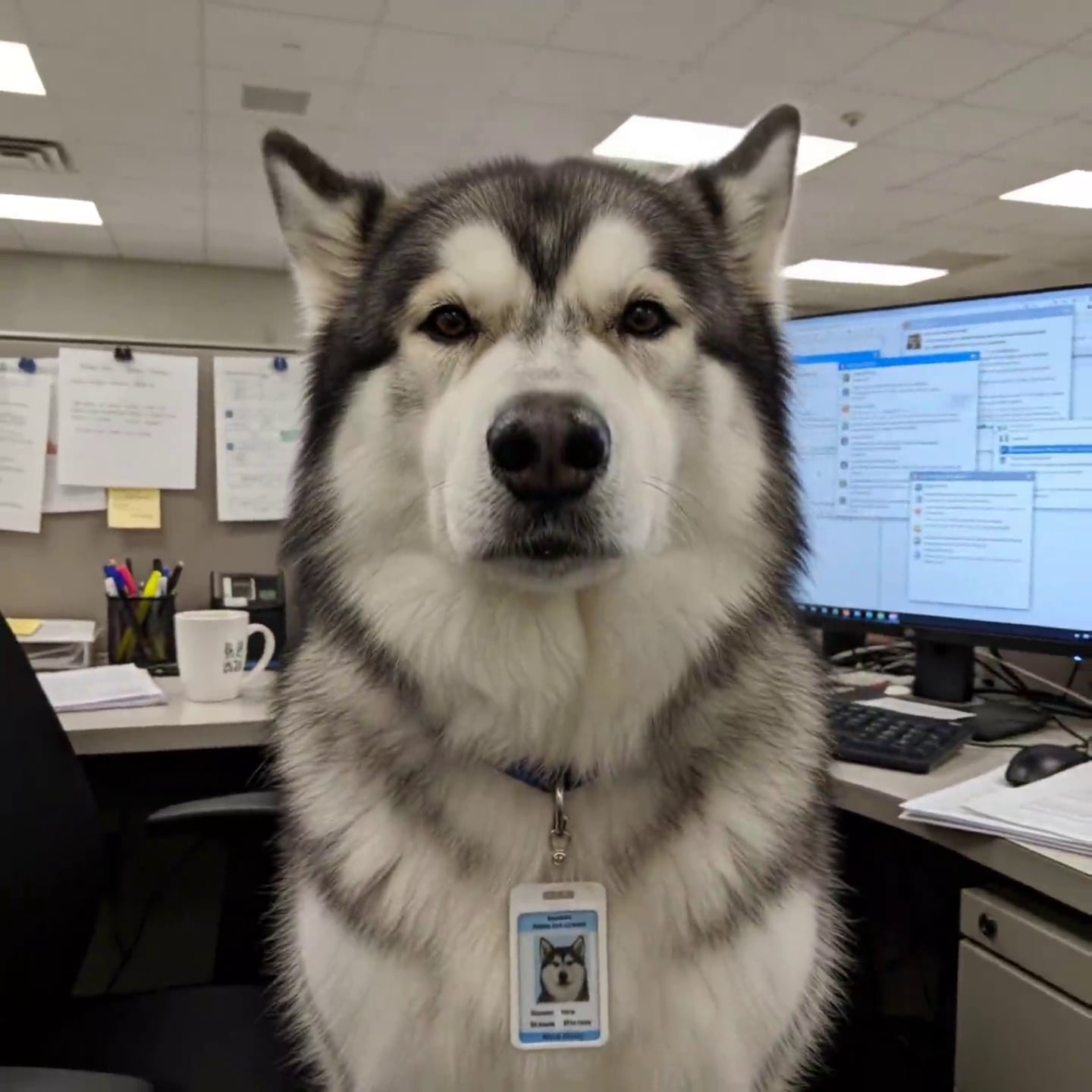
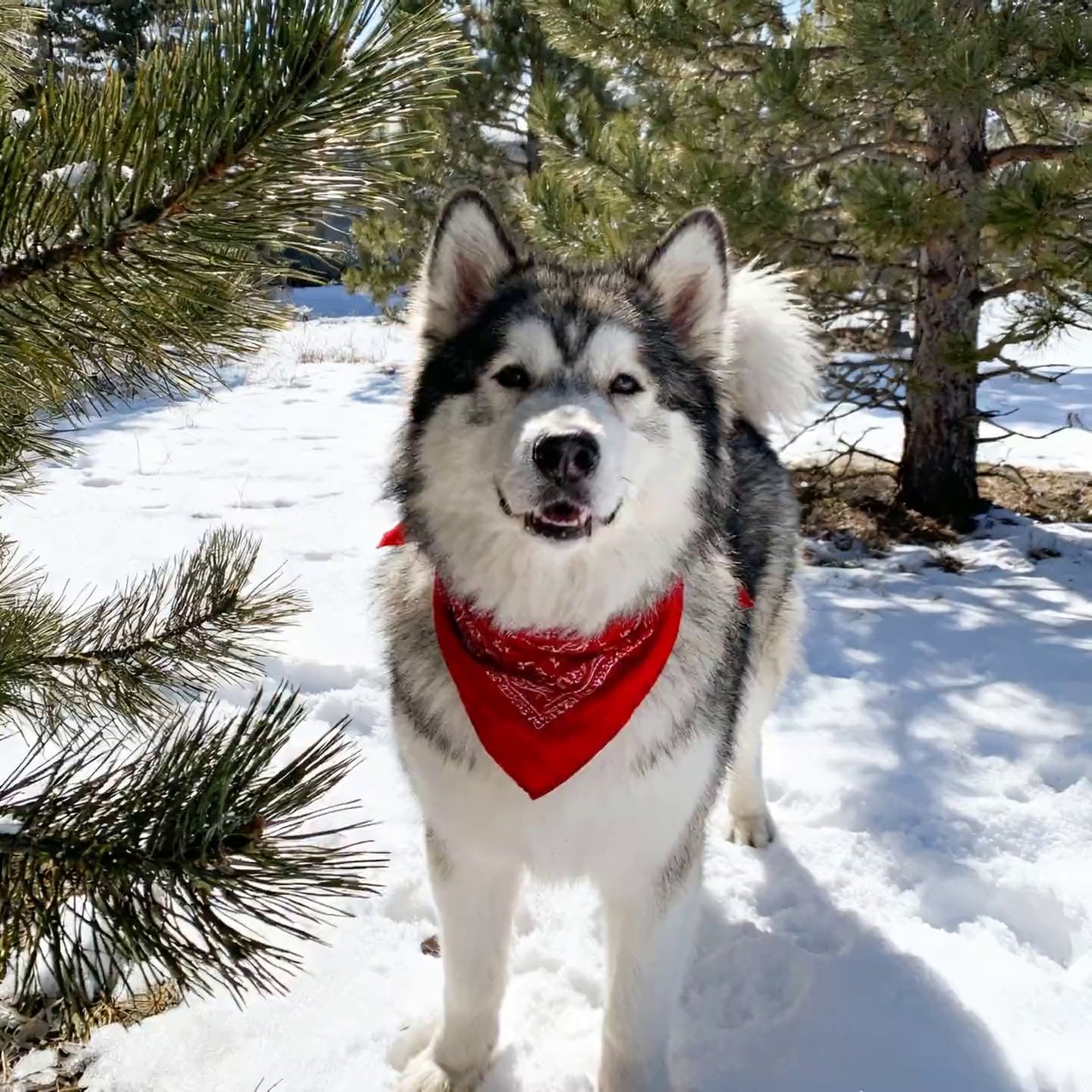
The scene starts to move. With a fixed camera, the process of the main character happily running towards the camera becomes the second picture. Meanwhile, error messages keep popping up on the computer screen.


Place the elements in Figures 1 and 2 reasonably in the scene of Figure 3 and present them together with the items in Figure 3
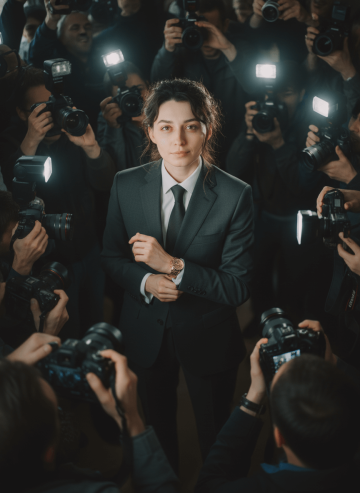
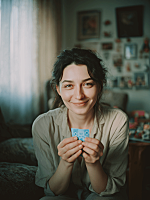
Apply a CRITICAL IDENTITY LOCK to preserve the exact facial features, hairstyle, skin tone, body proportions, age, and expression of the person in the uploaded photo.
High-angle cinematic shot of the person standing calmly in the middle of a chaotic crowd of paparazzi and fans.
The person wears a sharp dark suit, radiating poise and confidence.
They slightly raise their wrist to show a gold Rolex Day-Date, but their gaze looks directly into the camera with a cool and commanding presence.
One hand adjusts the sleeve near the watch; the other hand rests casually in a pocket.
The surrounding crowd is chaotic, holding cameras and reaching toward the person; camera flashes create strong highlights and deep shadows.
Crowd faces are softened and slightly blurred to keep full focus on the person.
Overall mood: cinematic, slightly dark, emphasizing dominance, control, and unshakable presence amid the chaos.
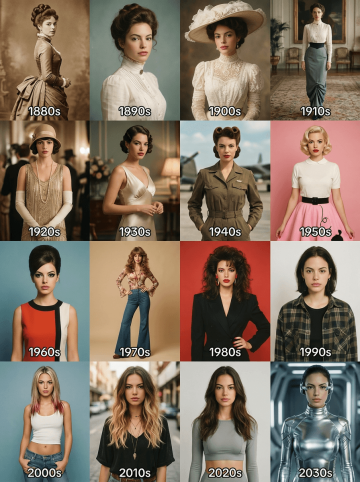

Make a 4×4 grid starting with the 1880s. In each section, I should appear styled according to that decade (clothing, hairstyle, facial hair, accessories). Use colors, background, & film style accordingly.he aspect ratio of the picture is 3:4
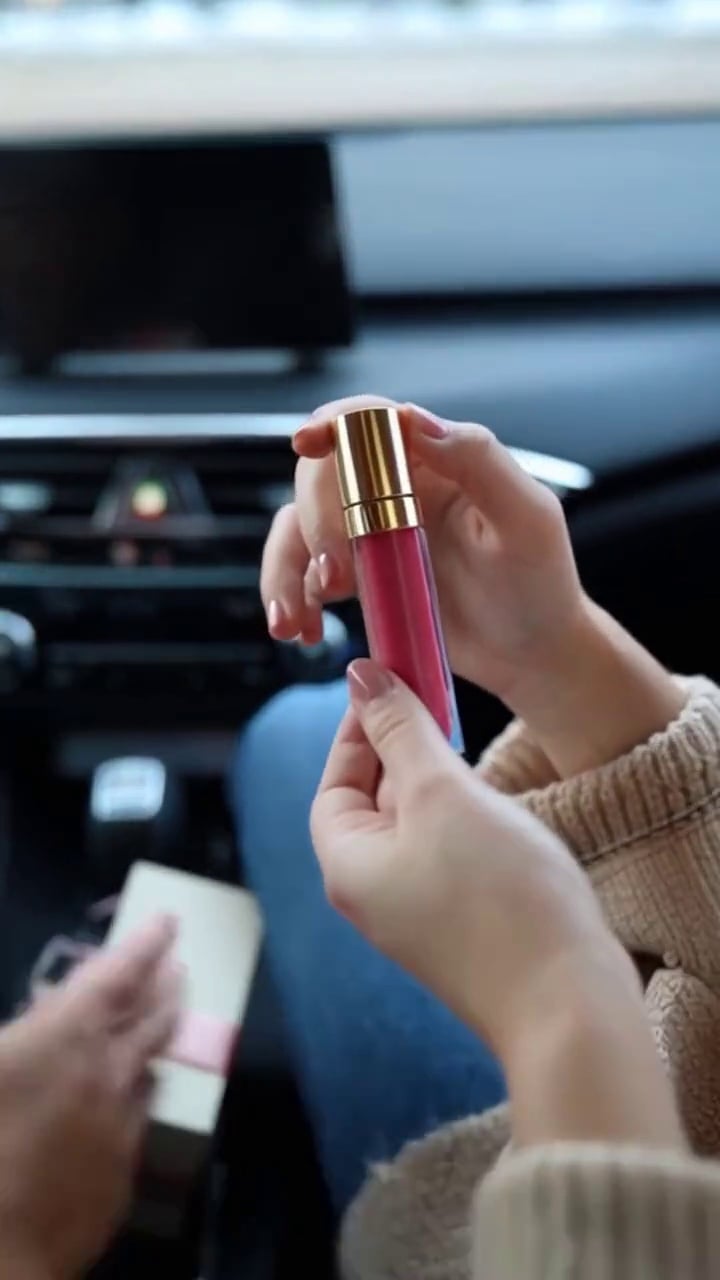
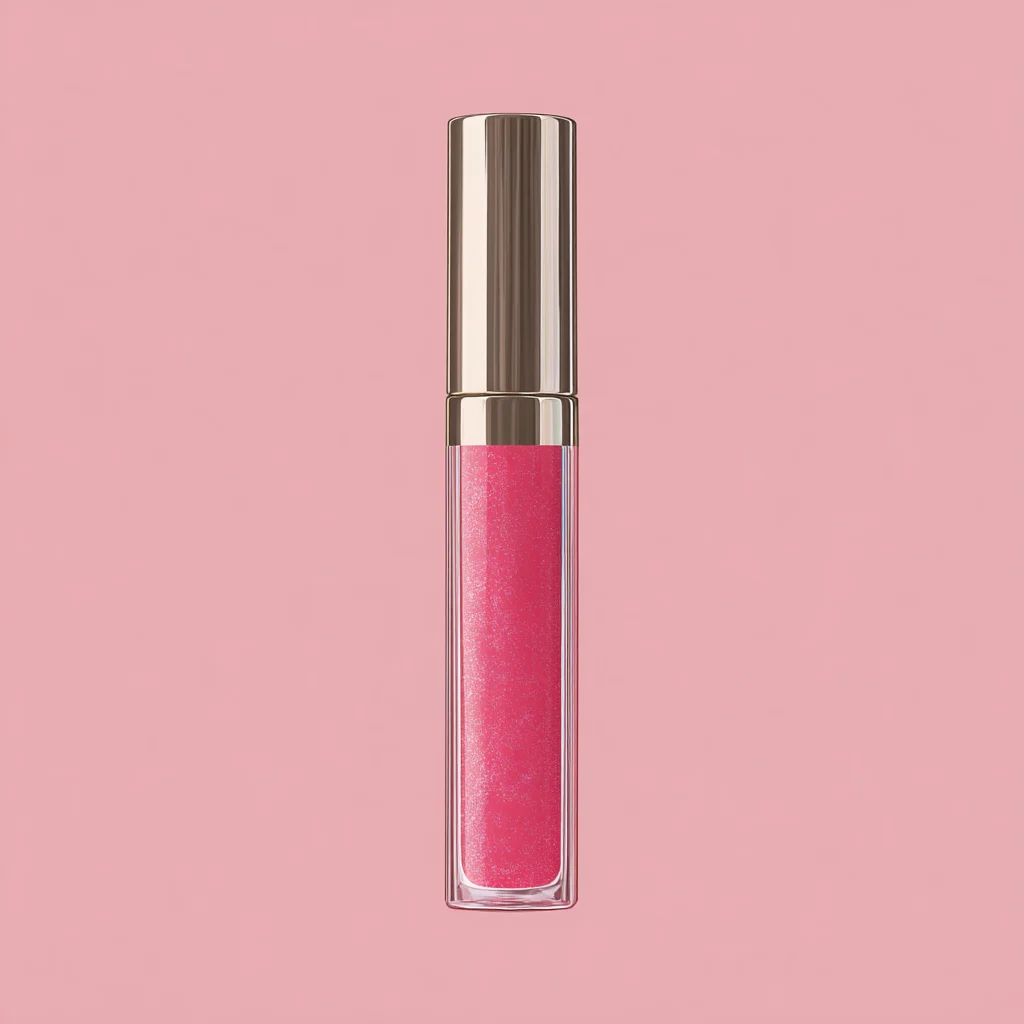
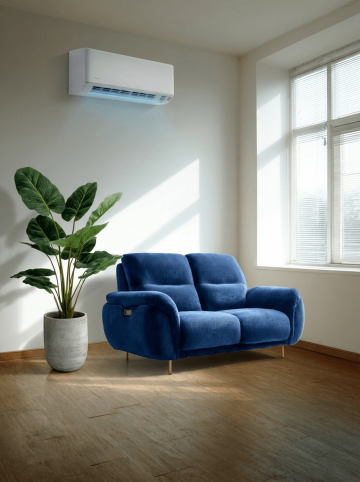
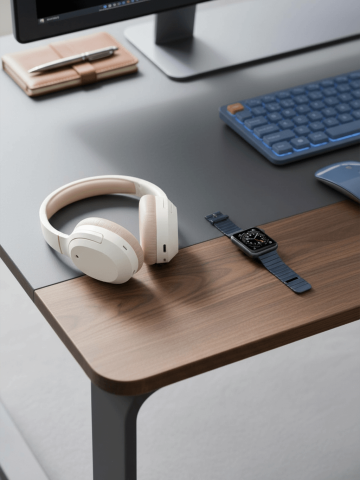
Integrate the furniture in Figures 2, 3 and 4 into the scene diagram in Figure 1
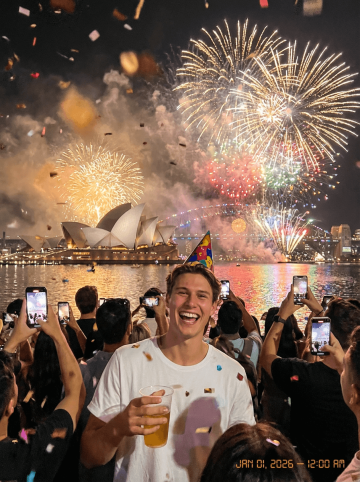

Create a photorealistic New Year’s Eve celebration photo featuring a man (use the uploaded face for 100% accurate facial reference) standing in a large crowd near Sydney Harbour. He is laughing brightly, holding a drink in one hand, wearing a colorful party hat, with confetti falling around him. His expression should be joyful and full of excitement.
Behind him, show the Sydney Opera House, the Harbour Bridge, and a massive firework display lighting up the sky with gold, white, red, and multicolor bursts. The water should reflect the firework glow and city lights. Surround him with a dense crowd of people holding phones, capturing the moment. Add a warm, cinematic night-time atmosphere with bokeh lights and soft smoke from the fireworks.
Include a small digital timestamp in the corner reading: “JAN 01, 2026 — 12:00 AM” to mimic a candid party-camera photo. The overall vibe should feel energetic, celebratory, and real — a perfect New Year’s countdown moment in Sydney.
Brak dalszej treści